






Mouse Click Speed Test
Test your finger speed and reaction time. Designed for gamers who demand precision.
Click Here to Start
Smash your mouse buttons
How to use the CPS Test?
Step 1: Select Time Mode
Click the buttons above to choose your challenge duration (1s burst, 5s standard, 10s endurance, etc.).
Different durations test different muscle burst and stamina.
Step 2: Start Clicking
Move your cursor into the dashed rectangular area in the center. Take a deep breath. The timer starts
immediately upon your first click.
Step 3: Check Your Rank
When the countdown ends, the system automatically stops recording and displays your results. You will see your
Clicks Per Second (CPS), total clicks, and your gaming rank.
Pro Clicking Tips
Jitter Clicking
Uses rapid vibration of arm muscles to generate extremely fast click speeds. Requires practice to aim steadily. Common in Minecraft PvP.
Butterfly Clicking
Uses index and middle fingers to click alternately on the left mouse button. If your mouse supports Double Click, you can easily reach 15-20 CPS.
Drag Clicking
Uses friction between your finger and the mouse button surface to generate multiple micro-clicks while dragging. Usually requires specific mouse textures (like matte) to work.
Frequently Asked Questions
추천 모음


블로그 글
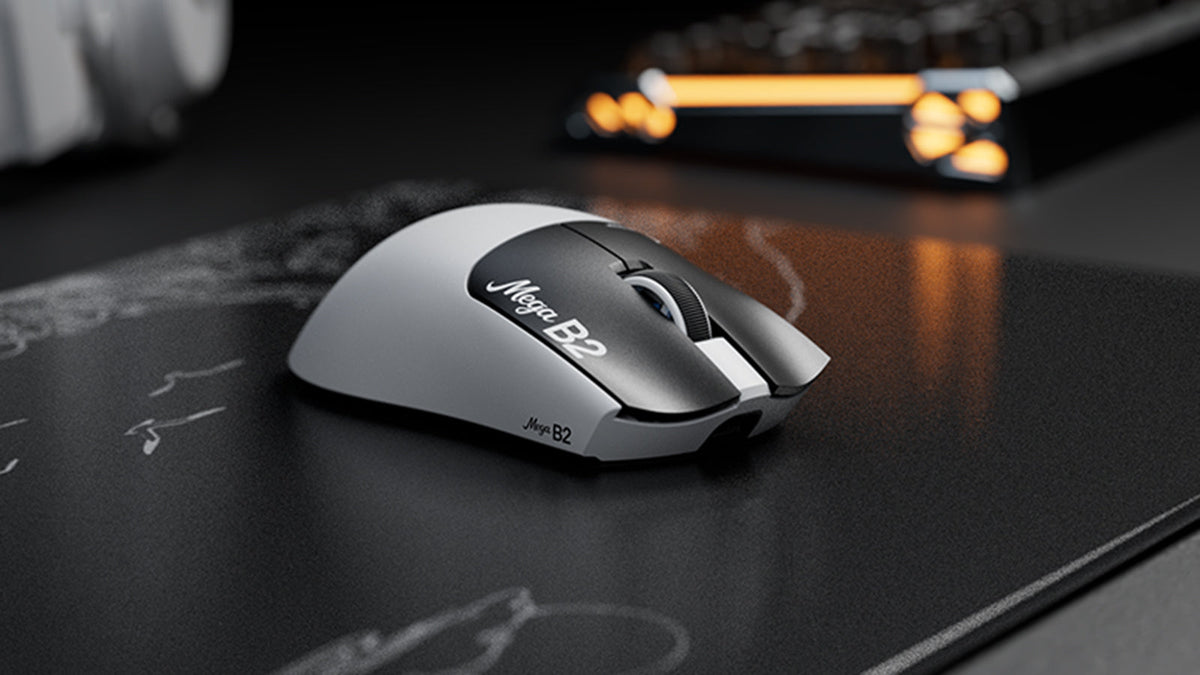
래피드 트리거 마우스란 무엇인가요? TMR 자기 감지가 마우스 클릭을 바꾸는 방식
래피드 트리거는 마우스 버튼이 위로 아주 조금만 이동해도 리셋되며, TMR 자기 감지 방식은 고정 접점 없이 작동 지점을 조절할 수 있게 합니다.

ATTACK SHARK, Cloud9 키아 리그 오브 레전드 팀과 전략적 파트너십 발표
이 Cloud9 리그 오브 레전드 파트너십이 e스포츠 팬, 프로 수준의 장비, 누구나 사용할 수 있는 게이밍 주변기기에 중요한 이유를 알아보세요.
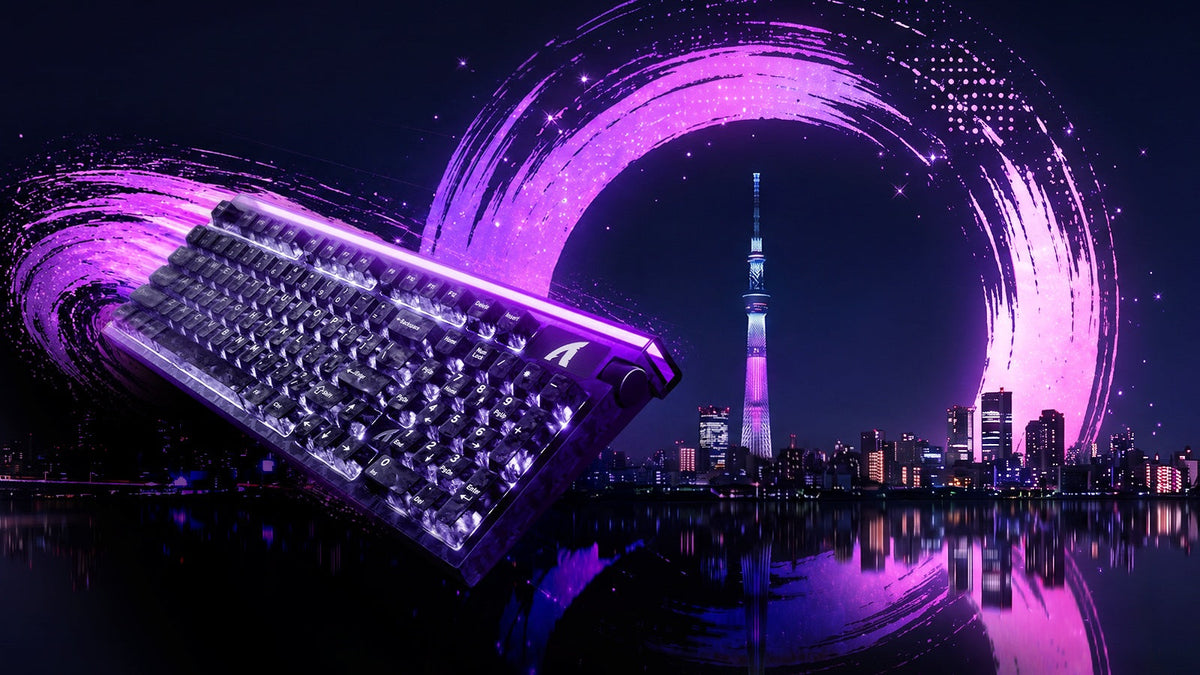
TOKYO 키보드 EXPO 2026에서 ATTACK SHARK를 만나보세요
ATTACK SHARK가 2026년 9월 23일 도쿄 유통 센터로 향해 B21-B23 부스에서 홀 이펙트 키보드와 게이밍 마우스를 직접 체험해 볼 수 있는 기회를 제공합니다.