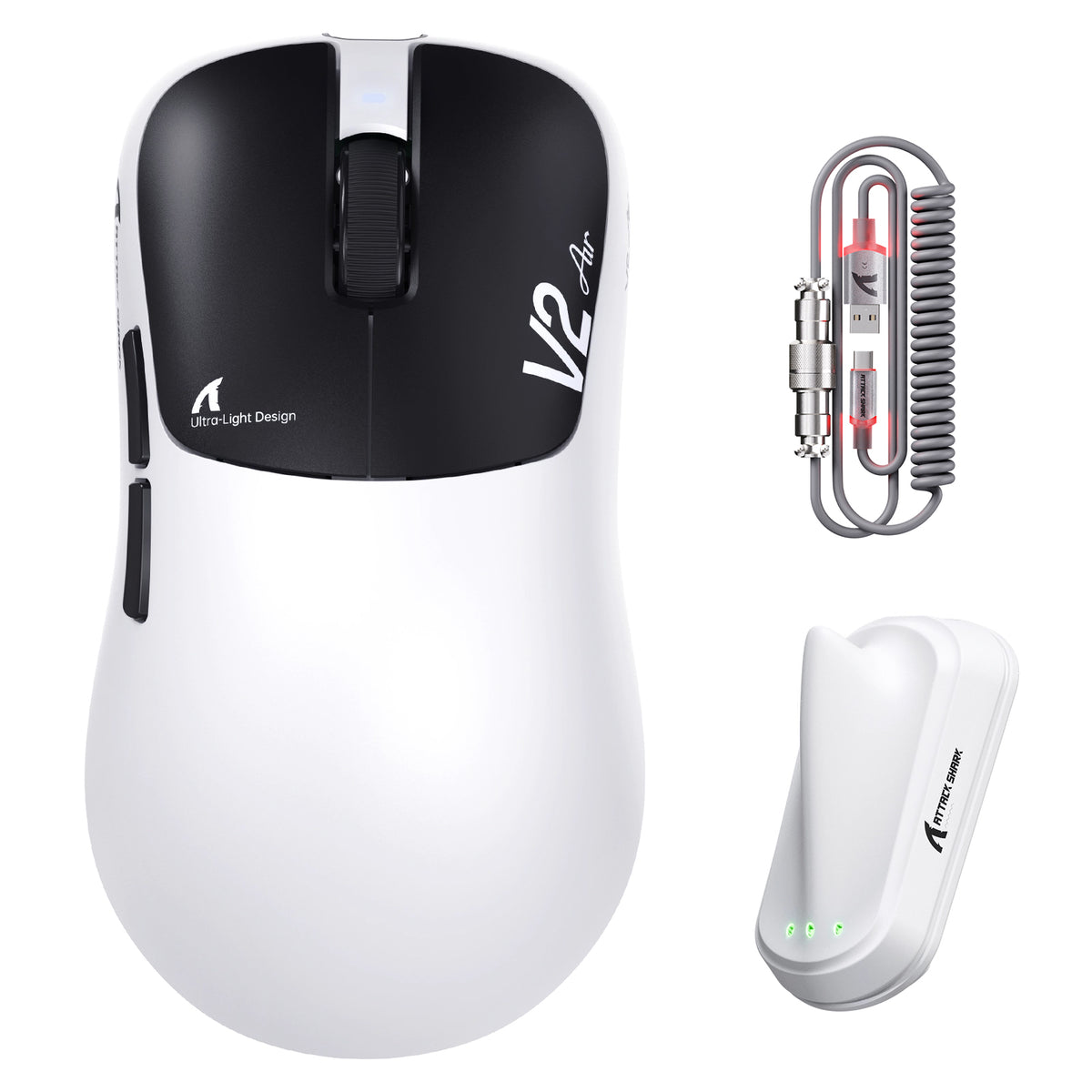
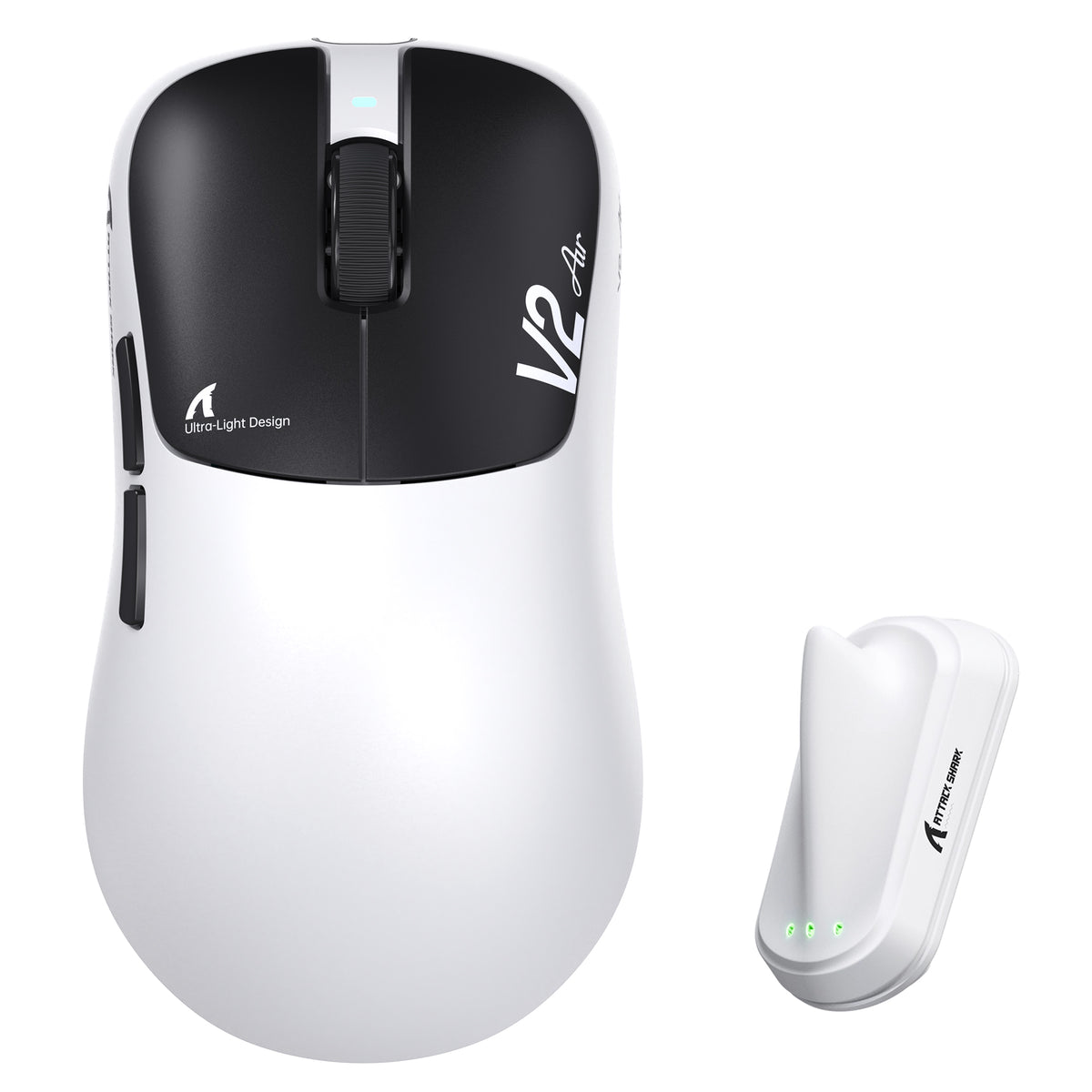
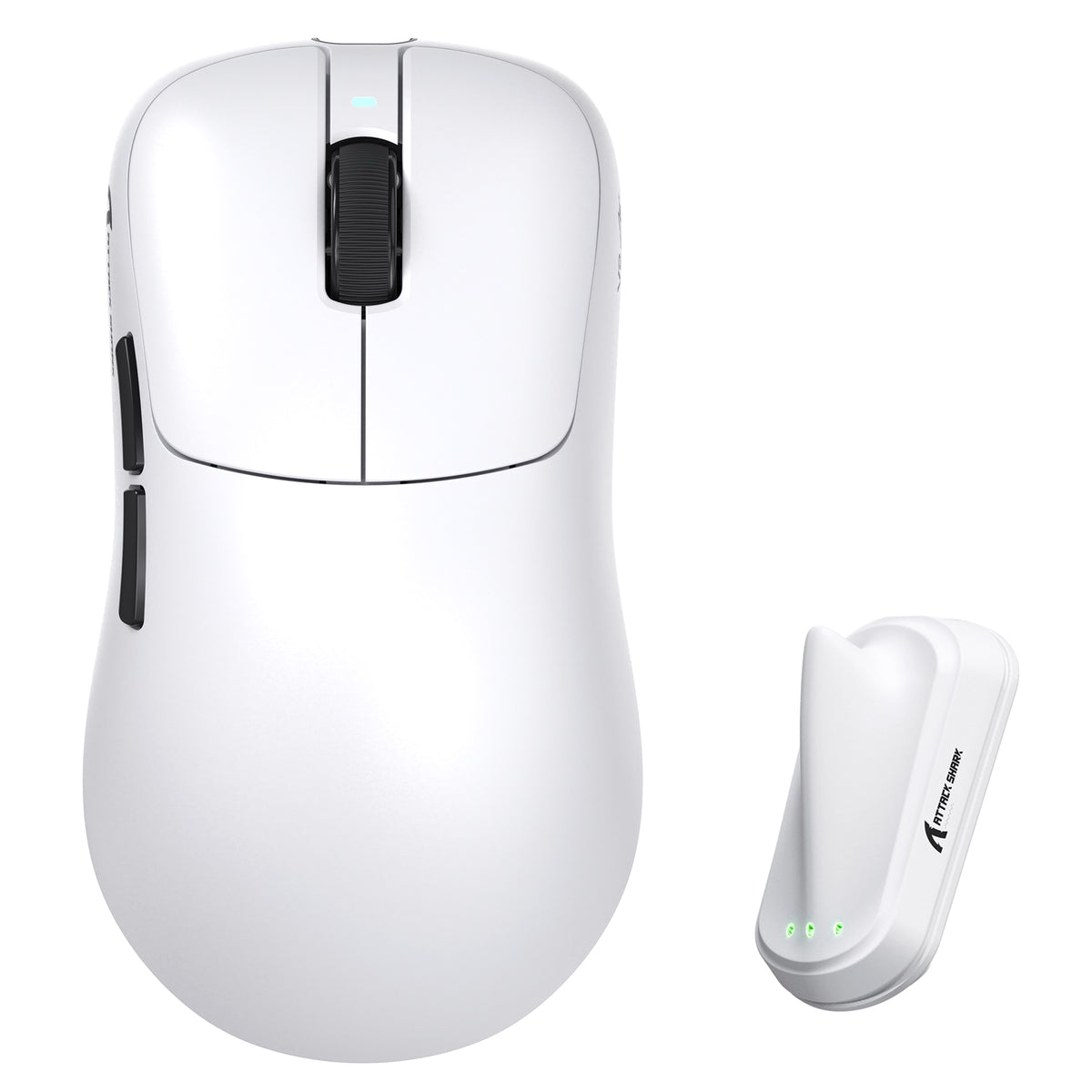
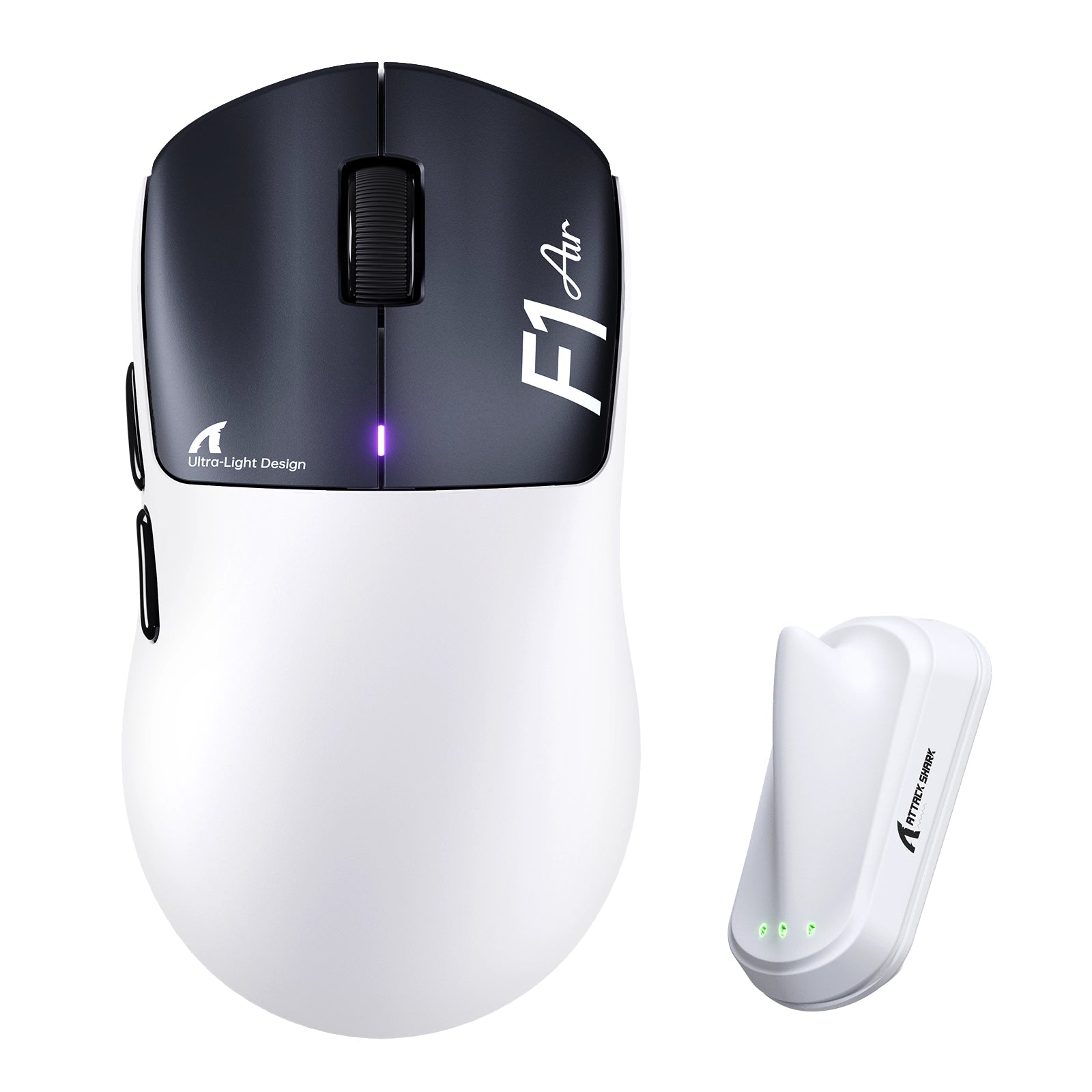
Attack Shark Mouse Polling Test

Current Rate 0Hz
Max Peak 0Hz
Average 0Hz
Median 0Hz
Minimum 0Hz
Polling Rate Stability
CLICK START BUTTON Move your mouse anywhere on the screen

How To Use

1. Start Testing

Click the START button to begin. This will activate the full-screen tracking mode. The button will become disabled while the test is running.

2. Move Your Mouse

Move your mouse continuously in circles or side-to-side. The faster and more consistent your movement, the more accurate the polling rate reading will be.

3. Analyze Graph

The blue line represents your real-time polling rate (Hz). A flat, stable line indicates a consistent sensor performance. Drops indicate instability.

4. Scale & Controls

Use the dropdown to set the Max Hz (e.g., 1000Hz or 4000Hz). Use PAUSE to freeze the data or RESET to clear all history.

FAQ & Knowledge

Mouse polling rate, measured in Hertz (Hz), indicates how often your mouse reports its position to the computer. A polling rate of 1000Hz means the mouse sends data 1000 times per second, resulting in a 1 millisecond (ms) delay between reports.
Yes, theoretically. 1000Hz has 1ms latency, while 8000Hz drops it to 0.125ms. This results in smoother cursor movement and faster reaction times. However, the difference is subtle and mostly noticeable on high refresh rate monitors (240Hz, 360Hz, or 540Hz).
It is normal for the polling rate to fluctuate. Mice optimize data transmission to save power. If you move the mouse slowly, it sends fewer updates. To test the maximum polling rate, you must move the mouse quickly and continuously.
Yes, it can. Higher polling rates (4K/8K Hz) require more frequent CPU interrupts to process mouse data. On older or weaker CPUs, this can lead to high CPU usage and frame rate drops in CPU-intensive games.
A stable graph shows a flat line near your target Hz (e.g., consistent 1000Hz) when moving quickly. Frequent deep drops (stuttering) or massive spikes indicate sensor instability, wireless interference, or USB port issues.
In the past, wired was faster. However, modern 2.4GHz wireless technologies (like Razer HyperSpeed or Logitech Lightspeed) perform almost identically to wired connections. Many premium wireless mice now also support stable 4000Hz polling.

블로그 게시물

모두 보기
ATTACK SHARK 2nd Anniversary Event: Up to 60% Off & Giveaways

ATTACK SHARK 2주년 기념 이벤트: 최대 60% 할인 및 증정 행사

끊김 현상이 심한 마우스와 지연이 심한 입력에 지친 게이머들은 ATTACK SHARK의 최대 60% 할인된 기념일 특가로 DPI 및 폴링 속도 문제를 해결할 수 있습니다. 지금 번들을 구매하세요.

Row of mechanical keyboards featuring bright, multi-colored LED light bars and neon accents.

콘솔에서 PC로 전환: 필수 주변기기 체크리스트

콘솔에서 전환하시나요? 스펙보다는 마우스 모양, 키보드 레이아웃, 천 패드, 헤드셋이 더 중요합니다. 자연스럽고 일관성 있는 설정을 구축하세요.

Budget vs. High-End: Where Should You Actually Spend Your Gaming Money?

예산형 vs. 고가형: 게임 예산을 어디에 써야 할까?

마우스와 마우스 패드에 먼저 투자하세요. 무선 마우스, 핫스왑 키보드, 80달러 미만 스테레오 헤드셋은 비싼 "게이밍" 장치들보다 훨씬 좋습니다.