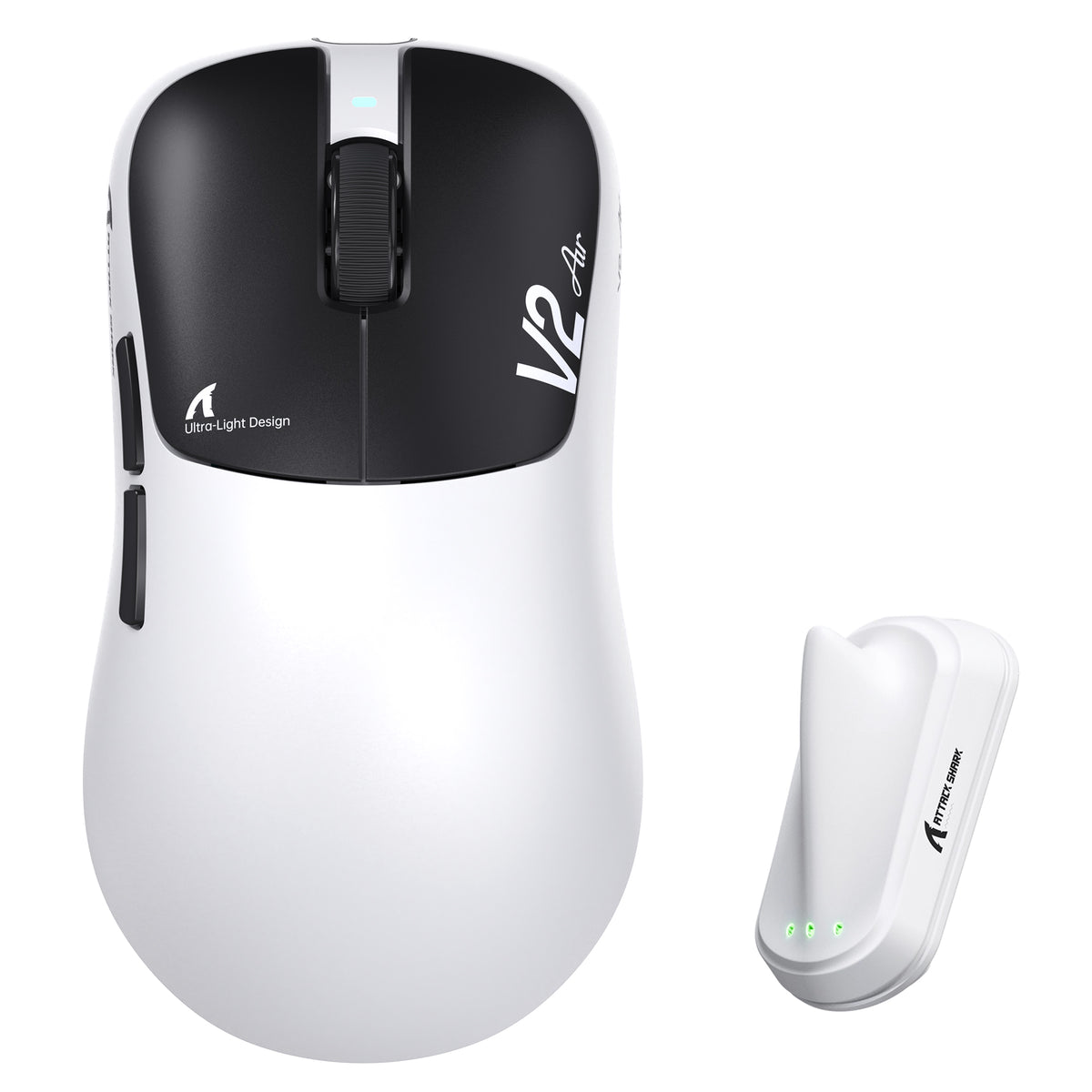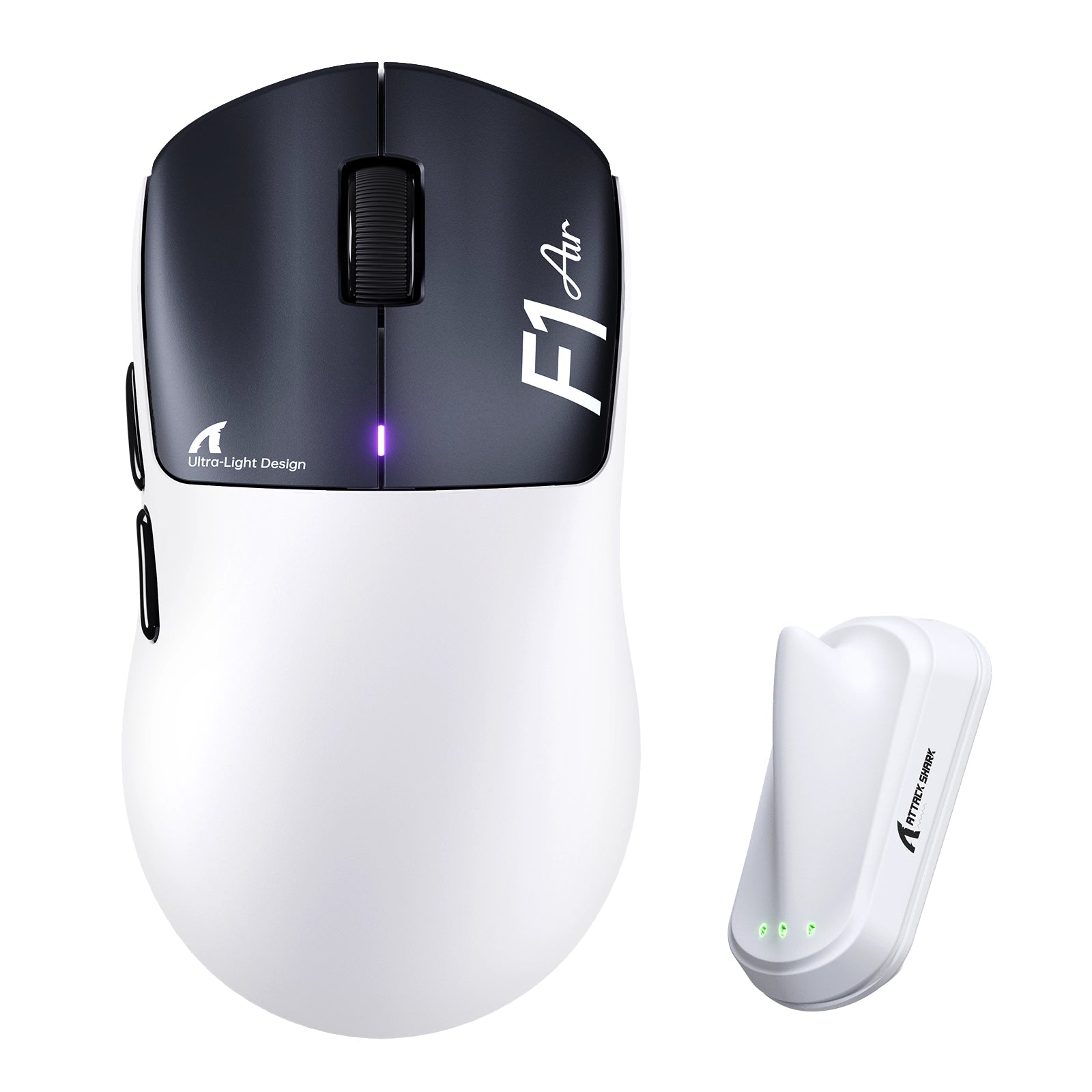
ATTACK SHARK mouse button test

Total Clicks
0
Session Accumulation
Latency / Interval
0 ms
Event Log
Waiting for input...
ATTACK SHARK
Sensor Check: Active
Left Click
0
Right Click
0
Middle Click
0
Side Button 4 (Back)
0
Side Button 5 (Fwd)
0
Scroll Up
0
Scroll Down
0
PRO TIP

Lower click latency (interval) indicates faster switch rebound performance. Mechanical switches typically range from 30-70ms rapid clicking.

Quick Start Guide

1
Click Testing Press Left, Middle, and Right mouse buttons to verify switch actuation and responsiveness.
2
Scroll Test Rotate wheel up/down. Blue arrows will appear to confirm encoder step registration.
3
Latency Check "Interval" shows ms delay between clicks. Lower is better (30-70ms is typical for rapid fire).
4
Reset Data Use the RESET button in the Event Log section to clear the current session history.

Frequently Asked Questions

What is the Attack Shark Mouse Tester used for?
This tool is designed to test the functionality of your gaming mouse, including left/right/middle buttons, scroll wheel encoder steps, and click latency consistency. It helps gamers identify double-clicking issues or switch failures.
How do I check for double-clicking issues?
Click the mouse button once firmly. If the "Total Clicks" counter increases by more than 1, or if you see multiple entries in the Event Log with extremely low intervals (e.g., < 20ms) for a single physical press, your switch may be faulty.
What is a good click latency interval?
For rapid clicking in gaming, intervals typically range from 40ms to 90ms. An interval lower than 10ms usually indicates a mechanical switch bounce error (double click), unless you are using specialized techniques like drag clicking.
Does this tool support 4KHz or 8KHz polling rate mice?
Yes, the tool captures browser-level events. However, browser limitations (typically locked to monitor refresh rate or OS interrupt handling) may smooth out extremely high polling rate data. It is perfect for checking functional integrity.
Can I test side buttons?
Yes! We have updated the tool to support Side Button 4 (Browser Back) and Side Button 5 (Browser Forward). This is essential for e-sports mice. The tool will prevent the browser from navigating away during the test.
Does browser performance affect the test results?
Yes. Since this is a web-based tool, high CPU usage from other tabs or extensions can impact the recorded latency intervals. For the most accurate consistency check, we recommend closing other active windows.

블로그 게시물

모두 보기
ATTACK SHARK 2nd Anniversary Event: Up to 60% Off & Giveaways

ATTACK SHARK 2주년 기념 이벤트: 최대 60% 할인 및 증정 행사

끊김 현상이 심한 마우스와 지연이 심한 입력에 지친 게이머들은 ATTACK SHARK의 최대 60% 할인된 기념일 특가로 DPI 및 폴링 속도 문제를 해결할 수 있습니다. 지금 번들을 구매하세요.

Row of mechanical keyboards featuring bright, multi-colored LED light bars and neon accents.

콘솔에서 PC로 전환: 필수 주변기기 체크리스트

콘솔에서 전환하시나요? 스펙보다는 마우스 모양, 키보드 레이아웃, 천 패드, 헤드셋이 더 중요합니다. 자연스럽고 일관성 있는 설정을 구축하세요.

Budget vs. High-End: Where Should You Actually Spend Your Gaming Money?

예산형 vs. 고가형: 게임 예산을 어디에 써야 할까?

마우스와 마우스 패드에 먼저 투자하세요. 무선 마우스, 핫스왑 키보드, 80달러 미만 스테레오 헤드셋은 비싼 "게이밍" 장치들보다 훨씬 좋습니다.