






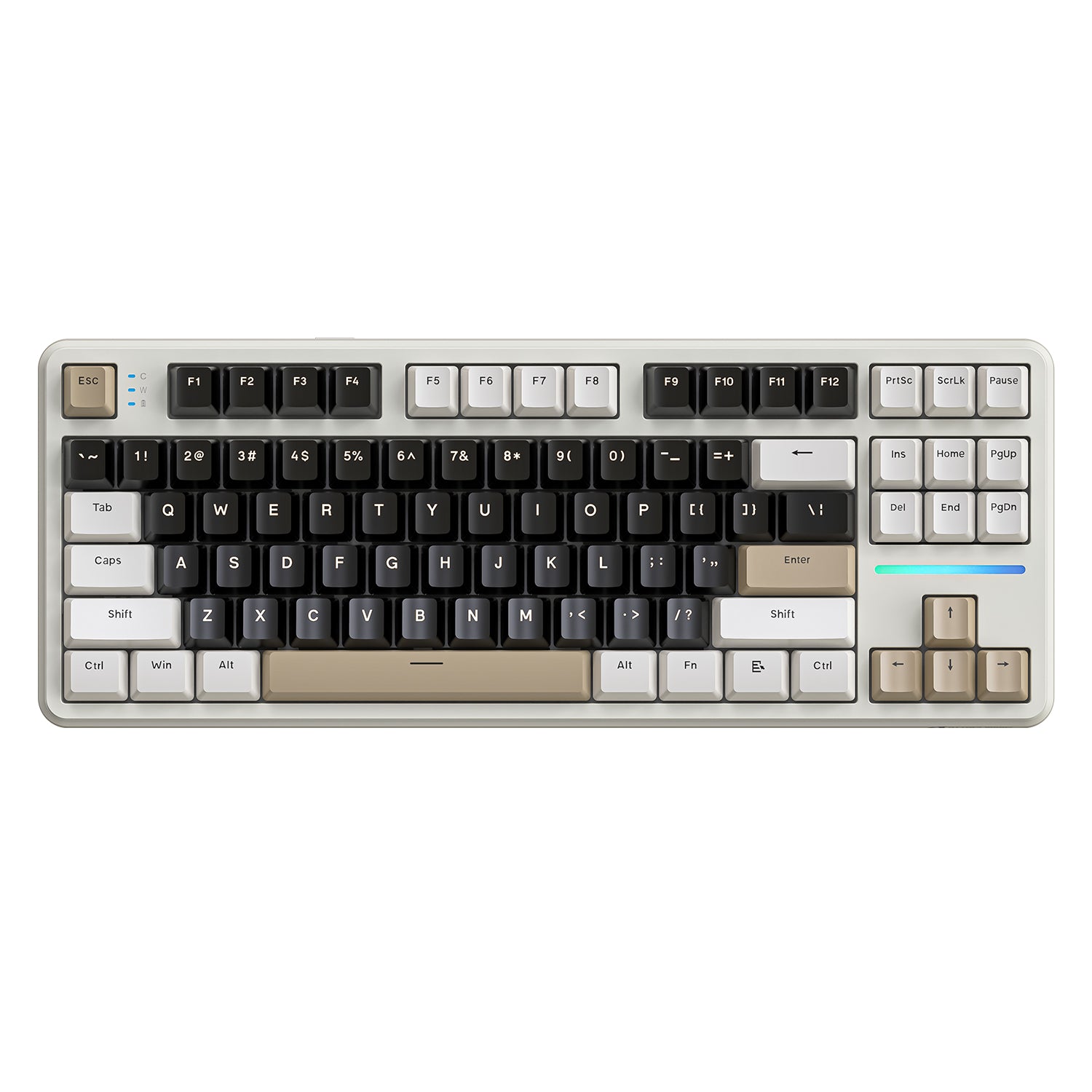
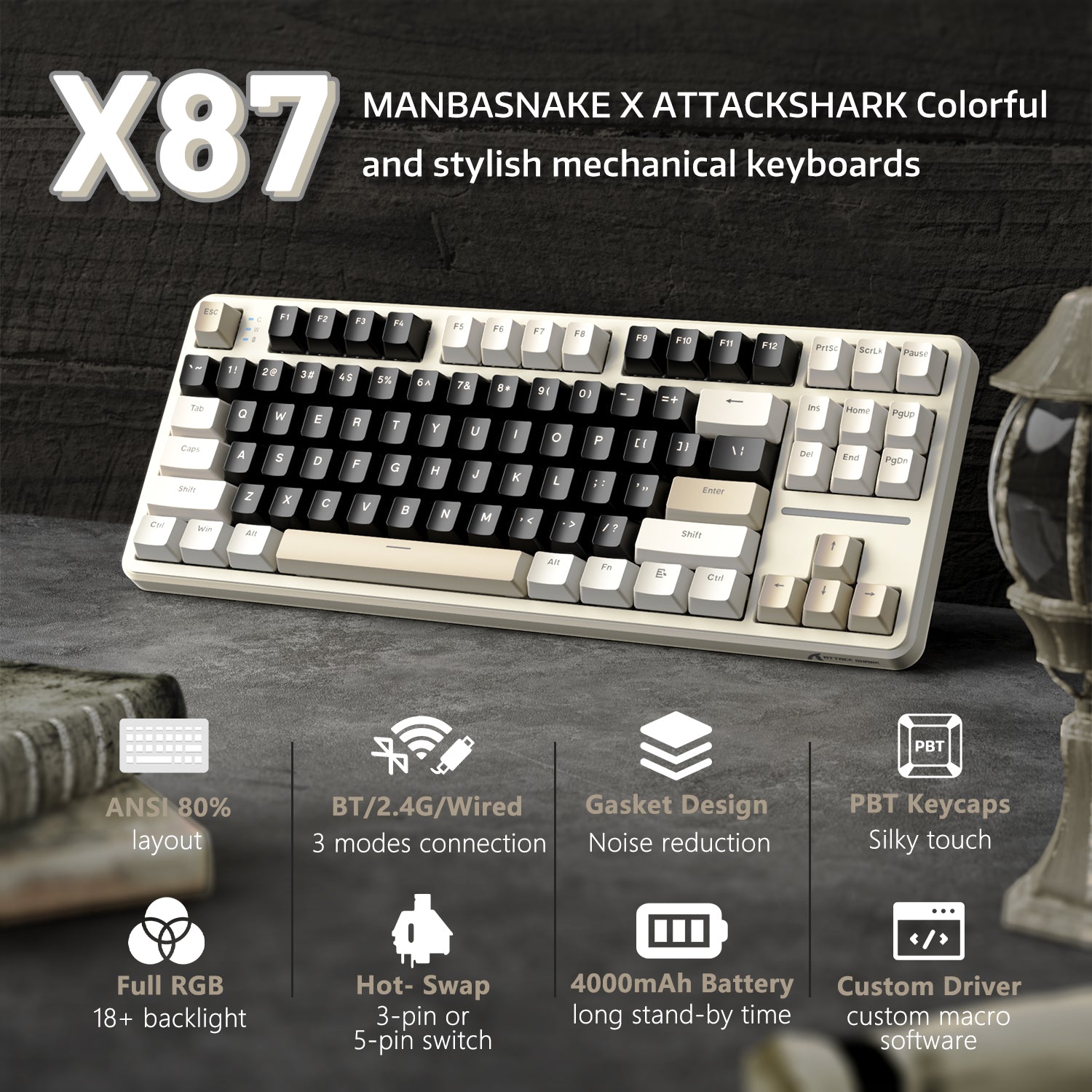
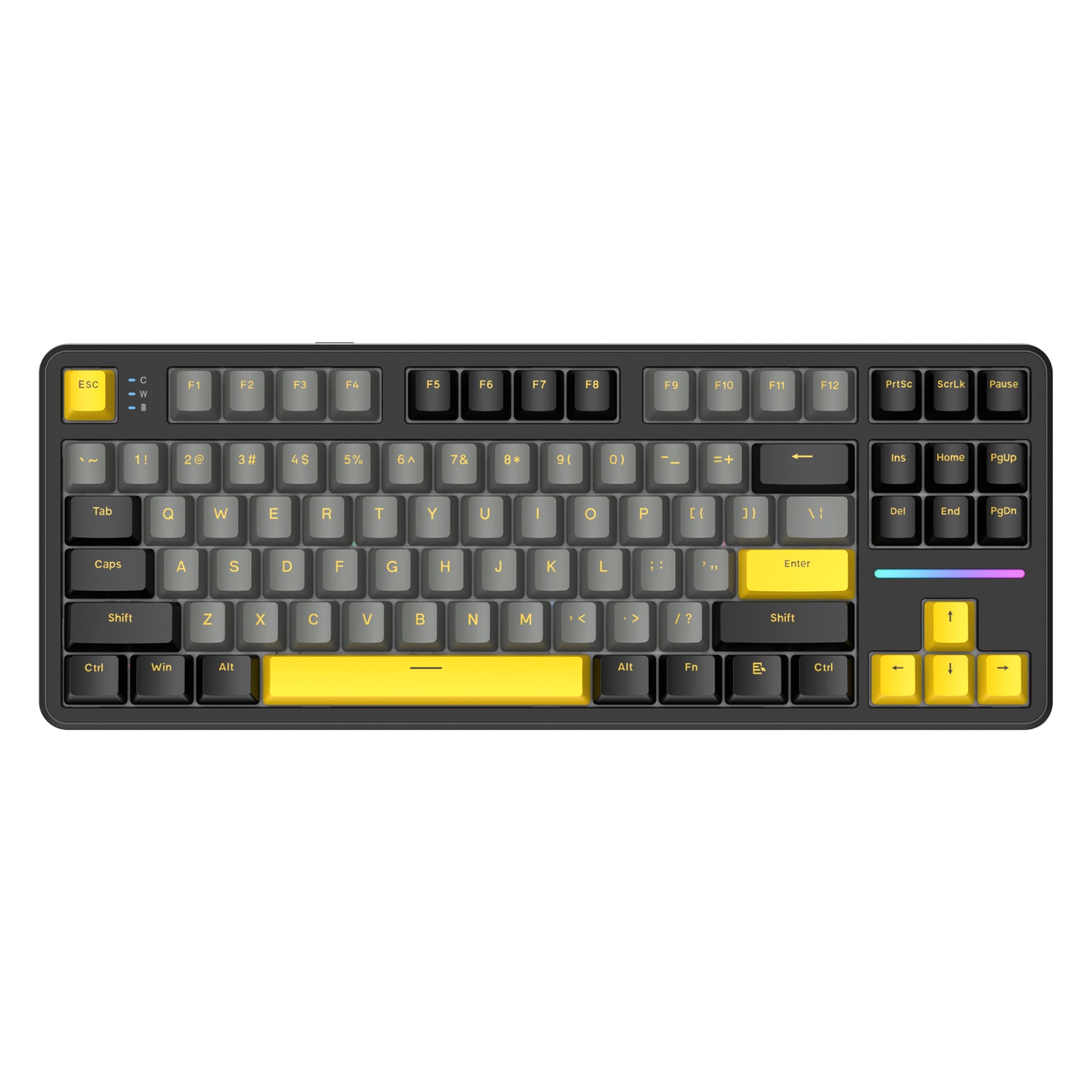
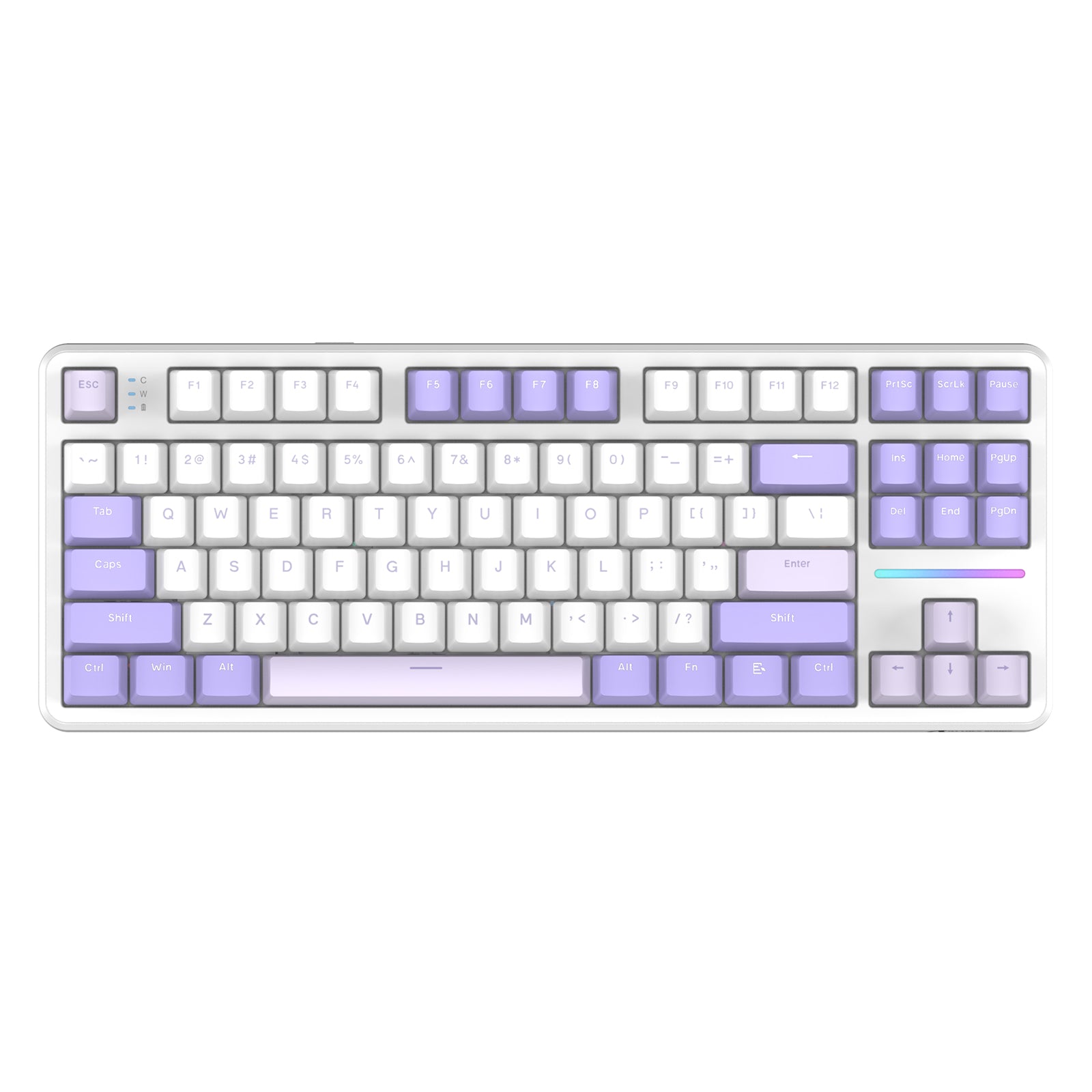
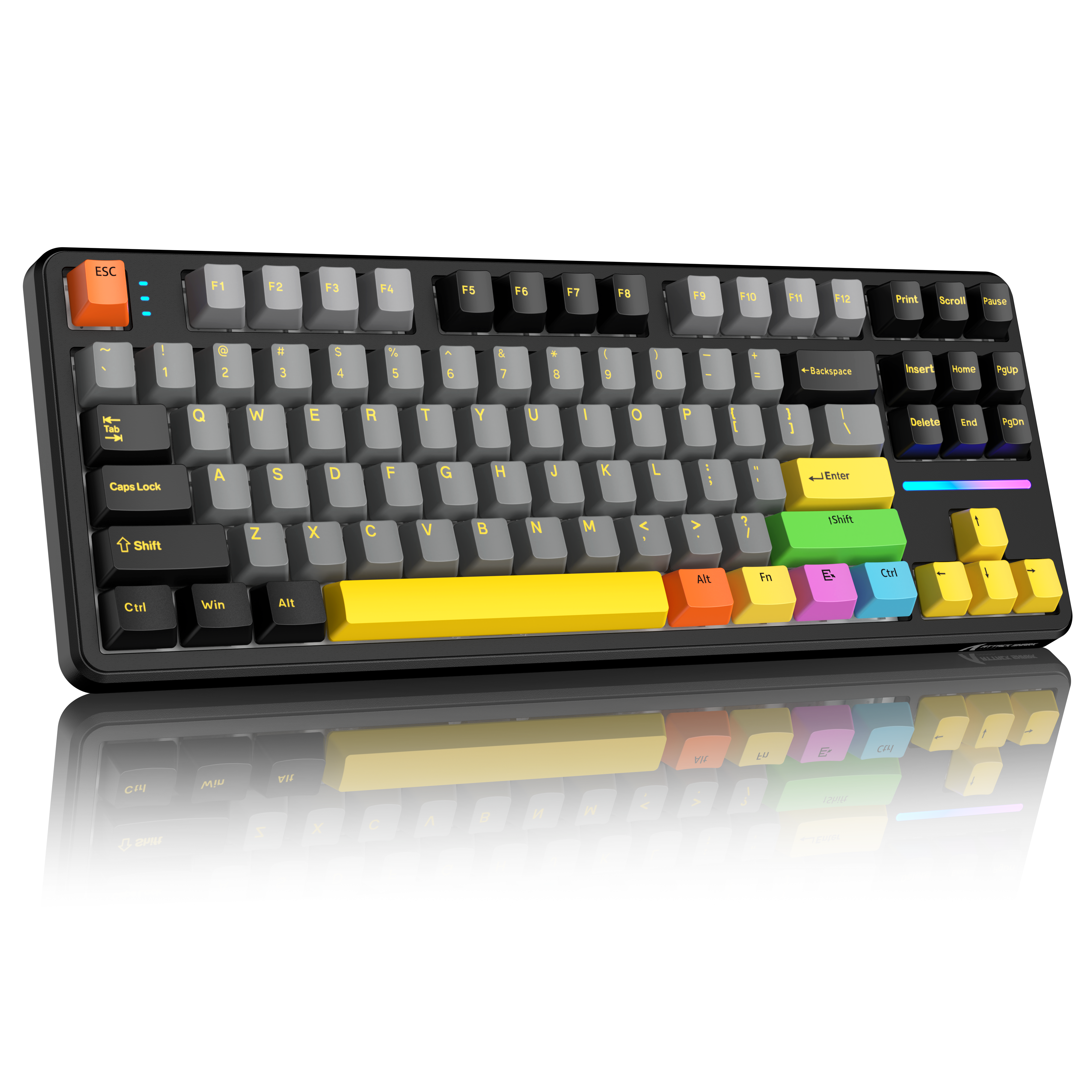


ATTACK SHARK X87 트라이모드 개스킷 기계식 키보드
- Share:
-

-

-

-


- In Stock
- In Stock
Technical Specifications
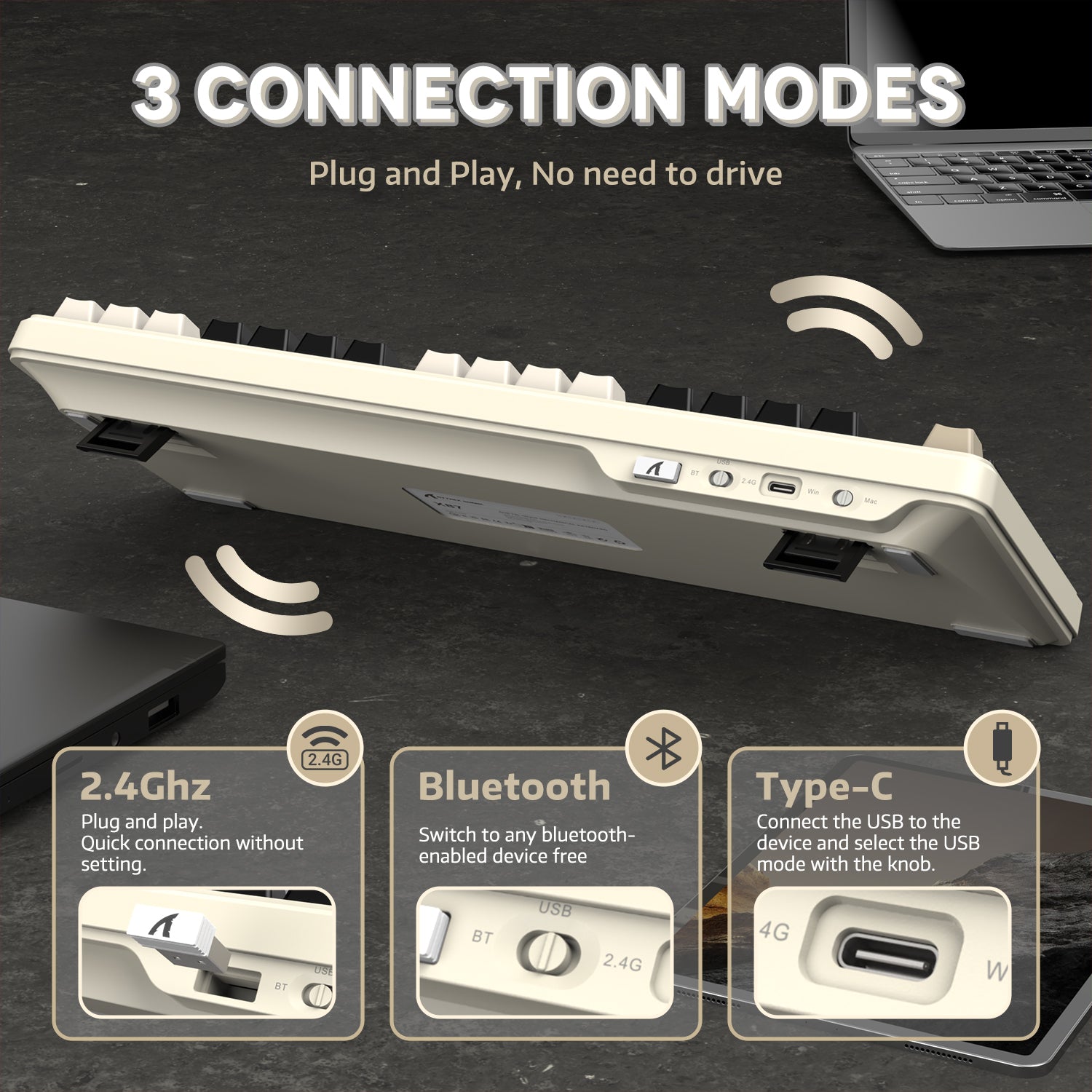
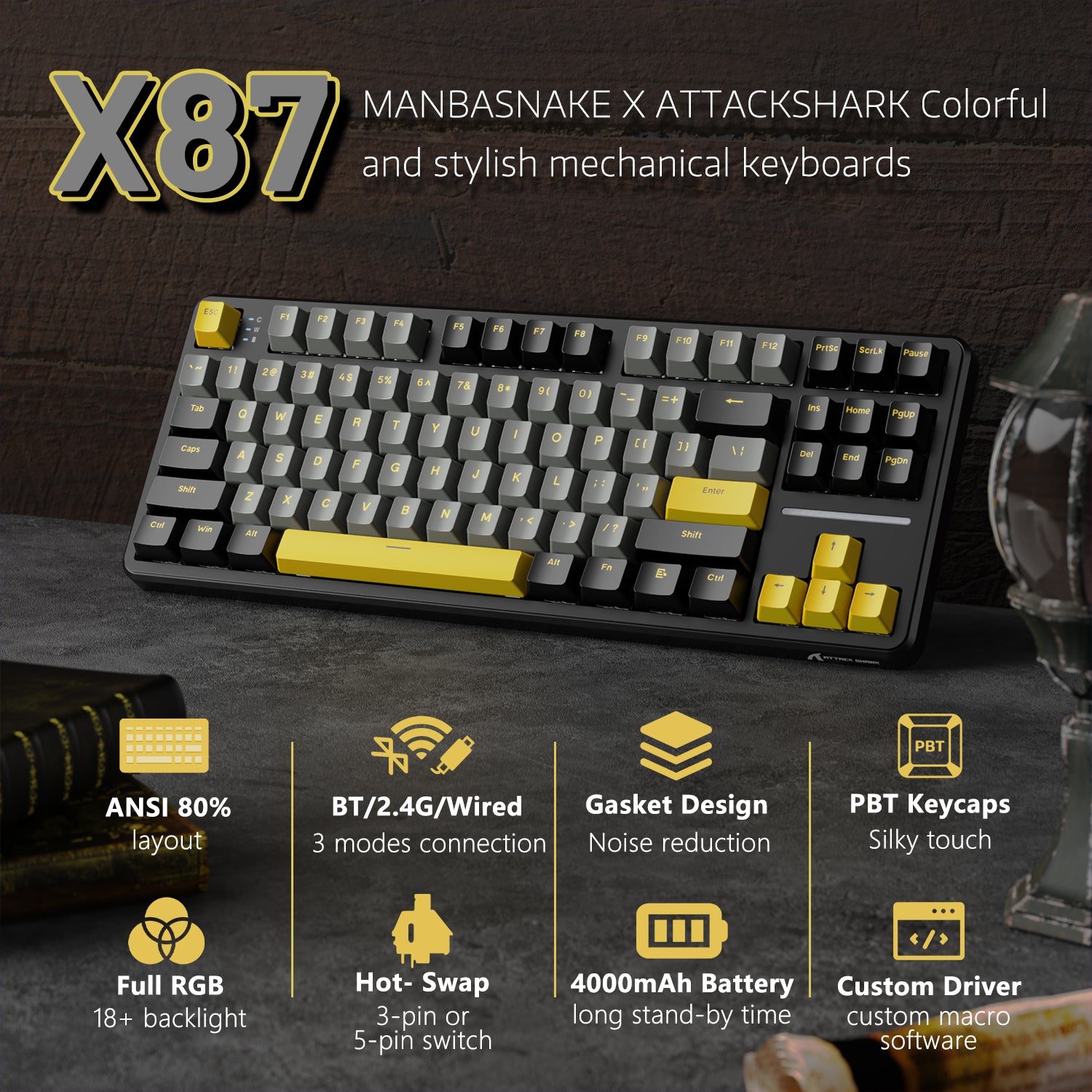
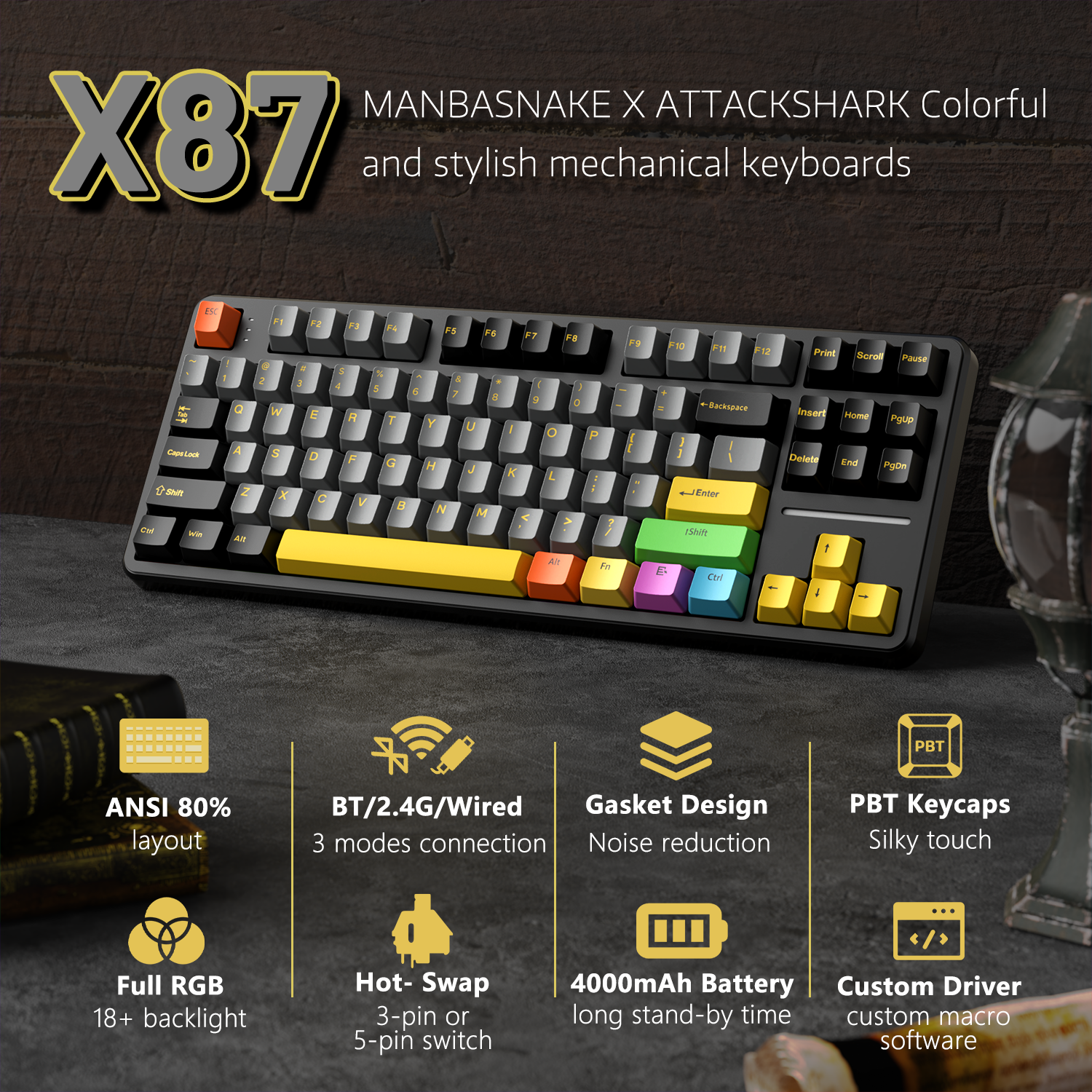
트라이모드 무선 연결 & 다중 기기 호환성
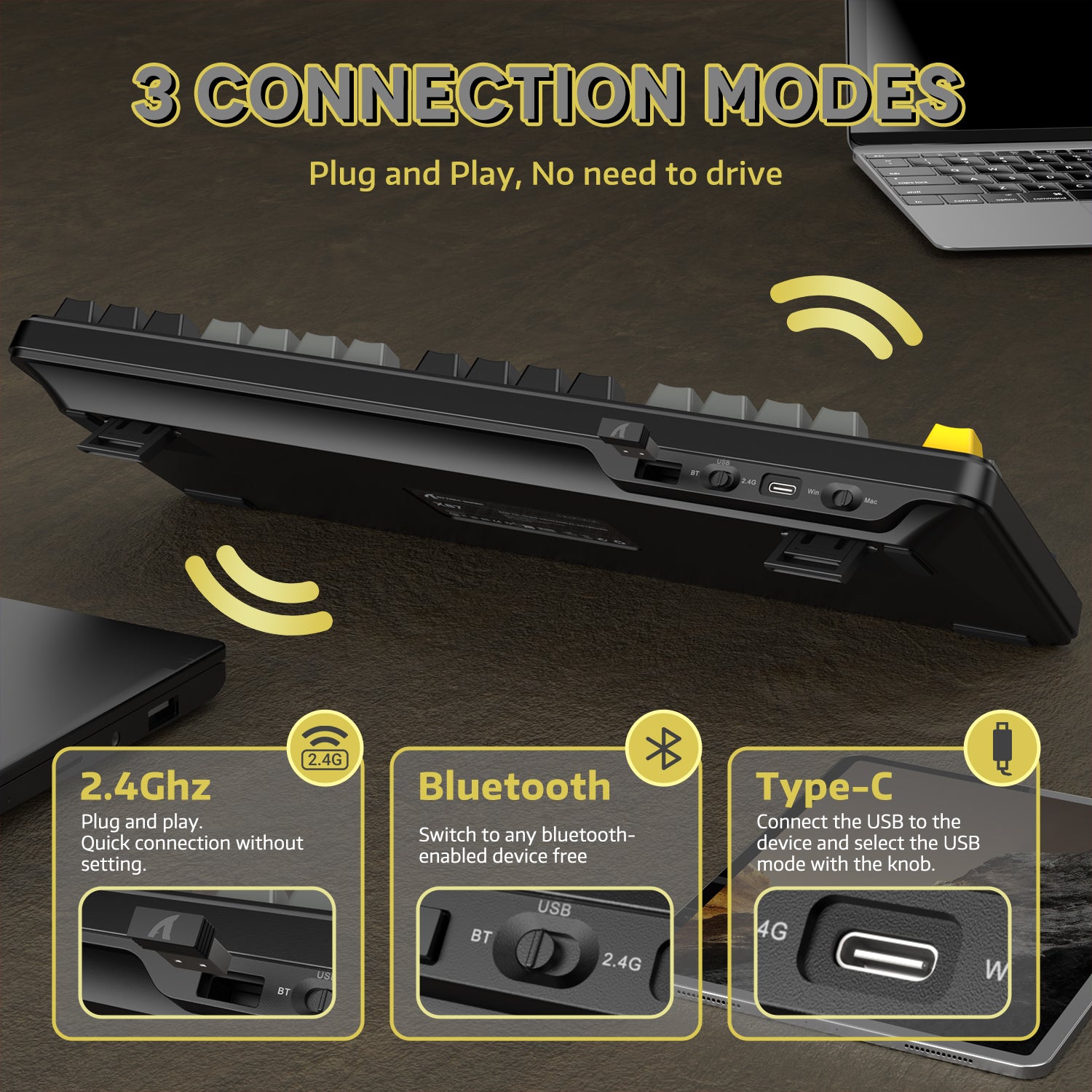
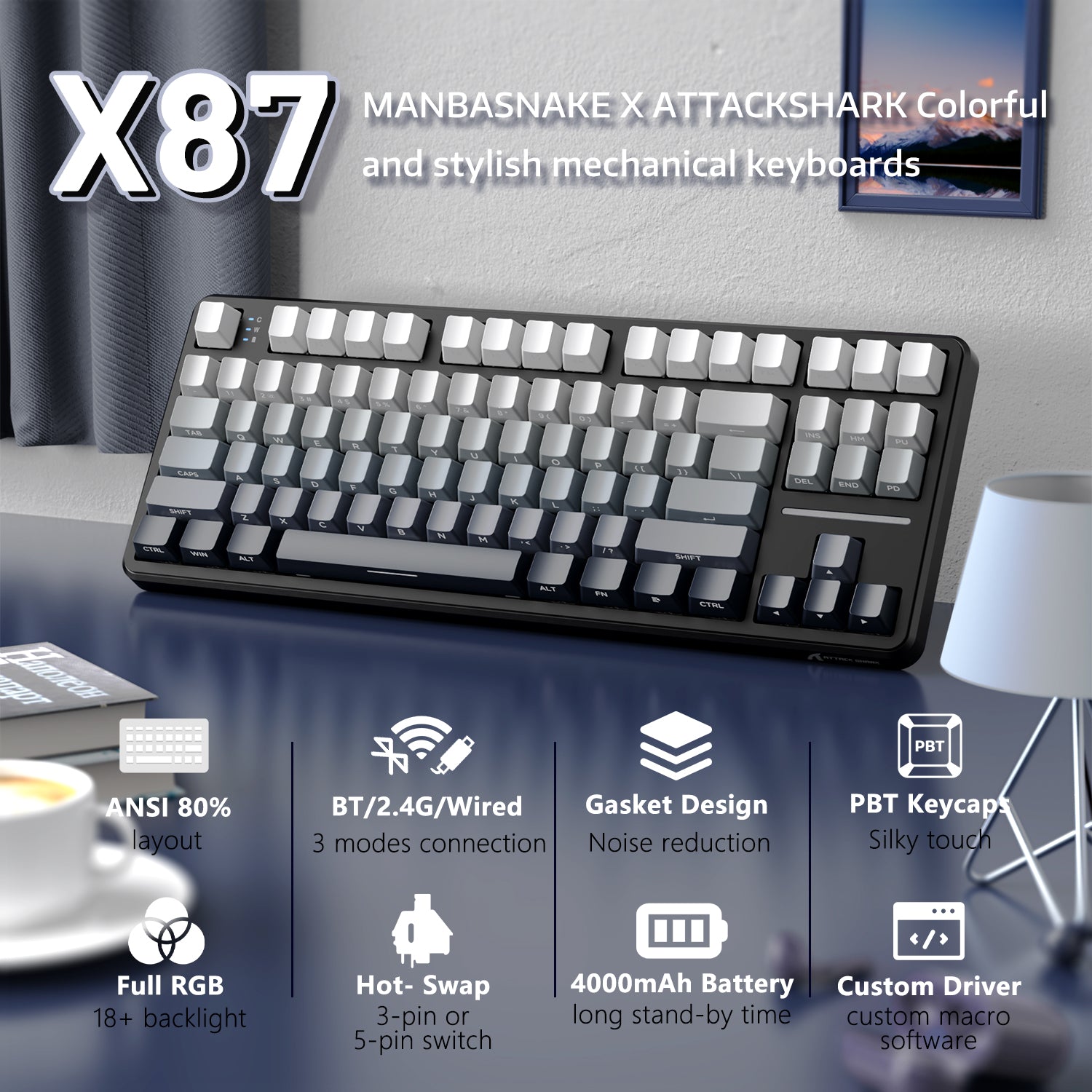
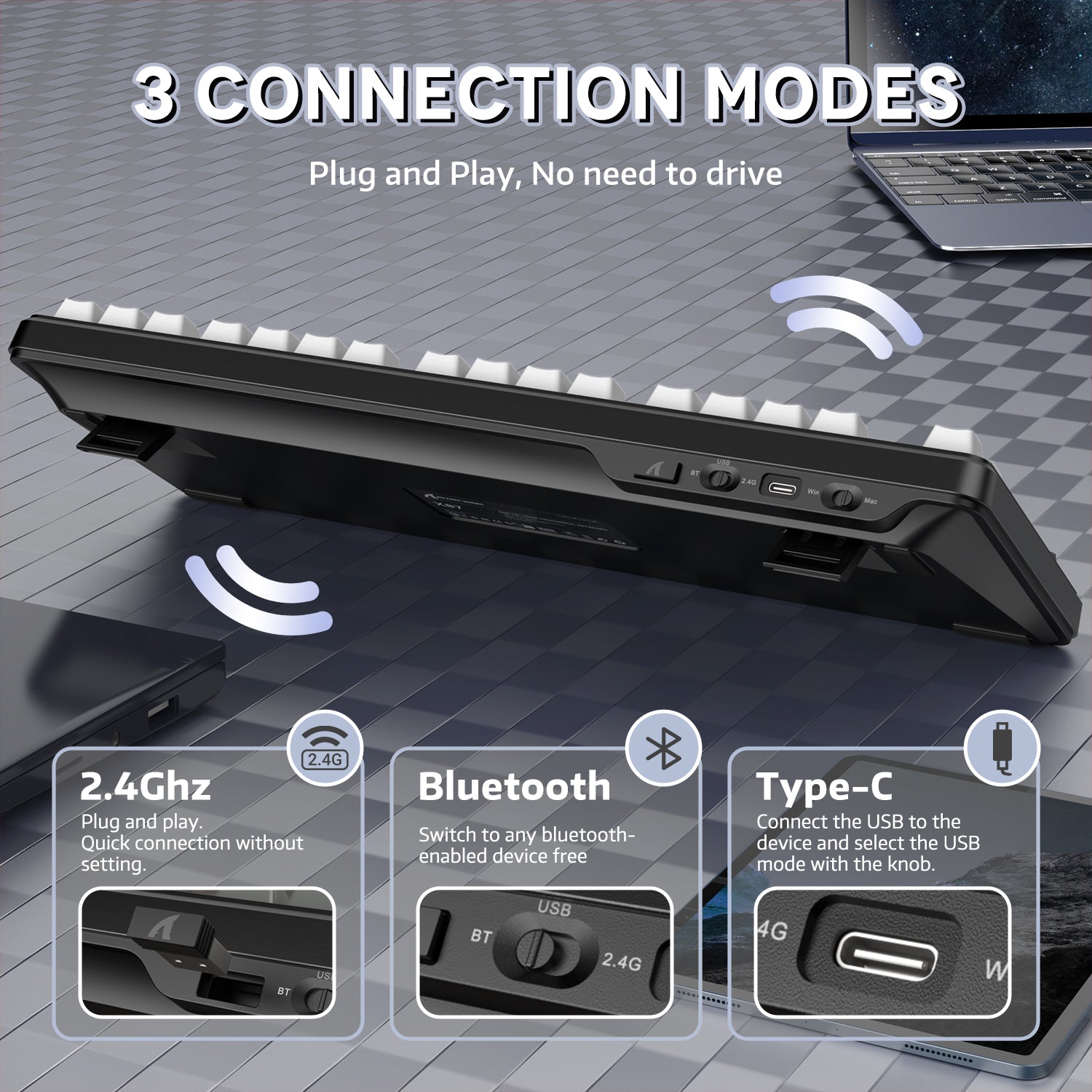
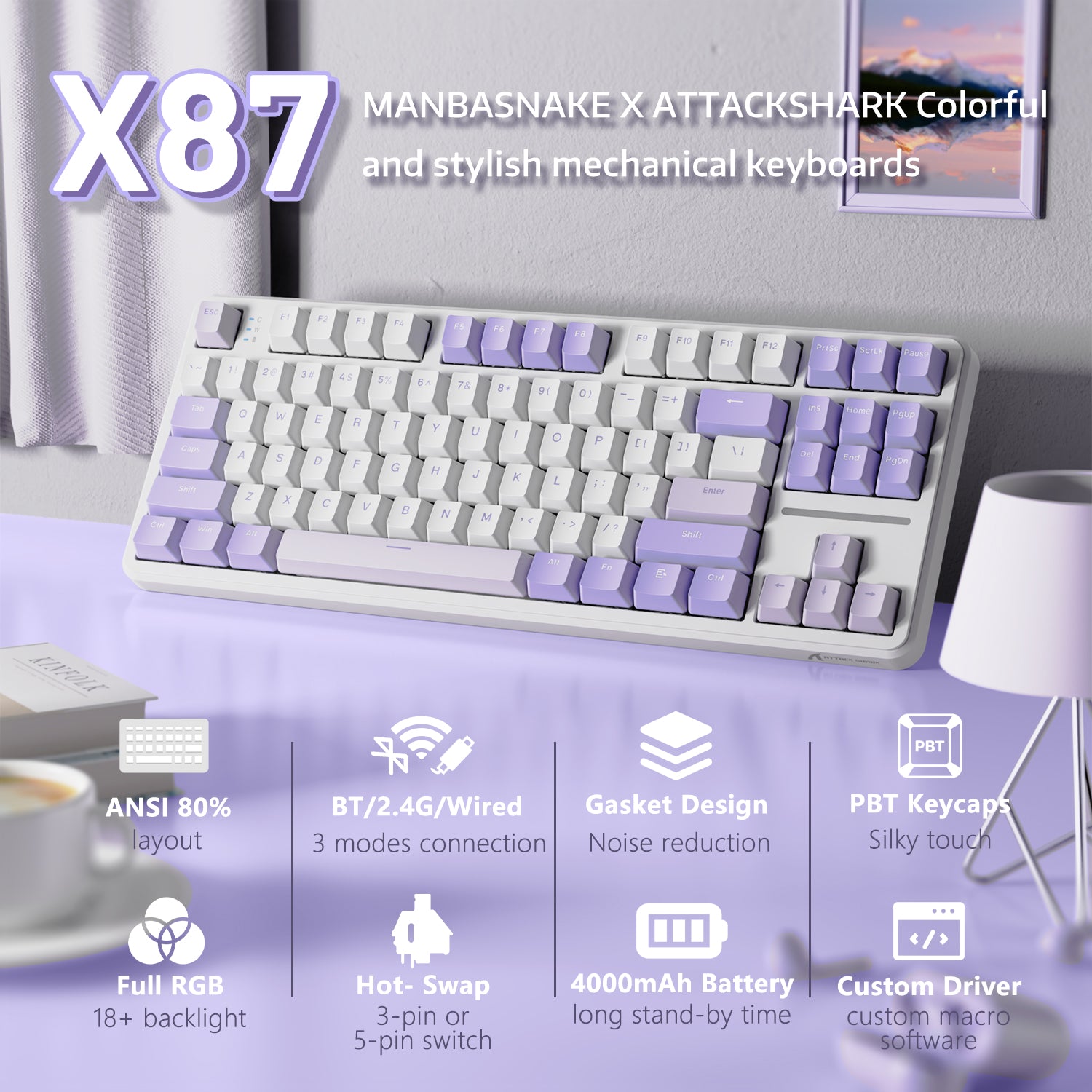
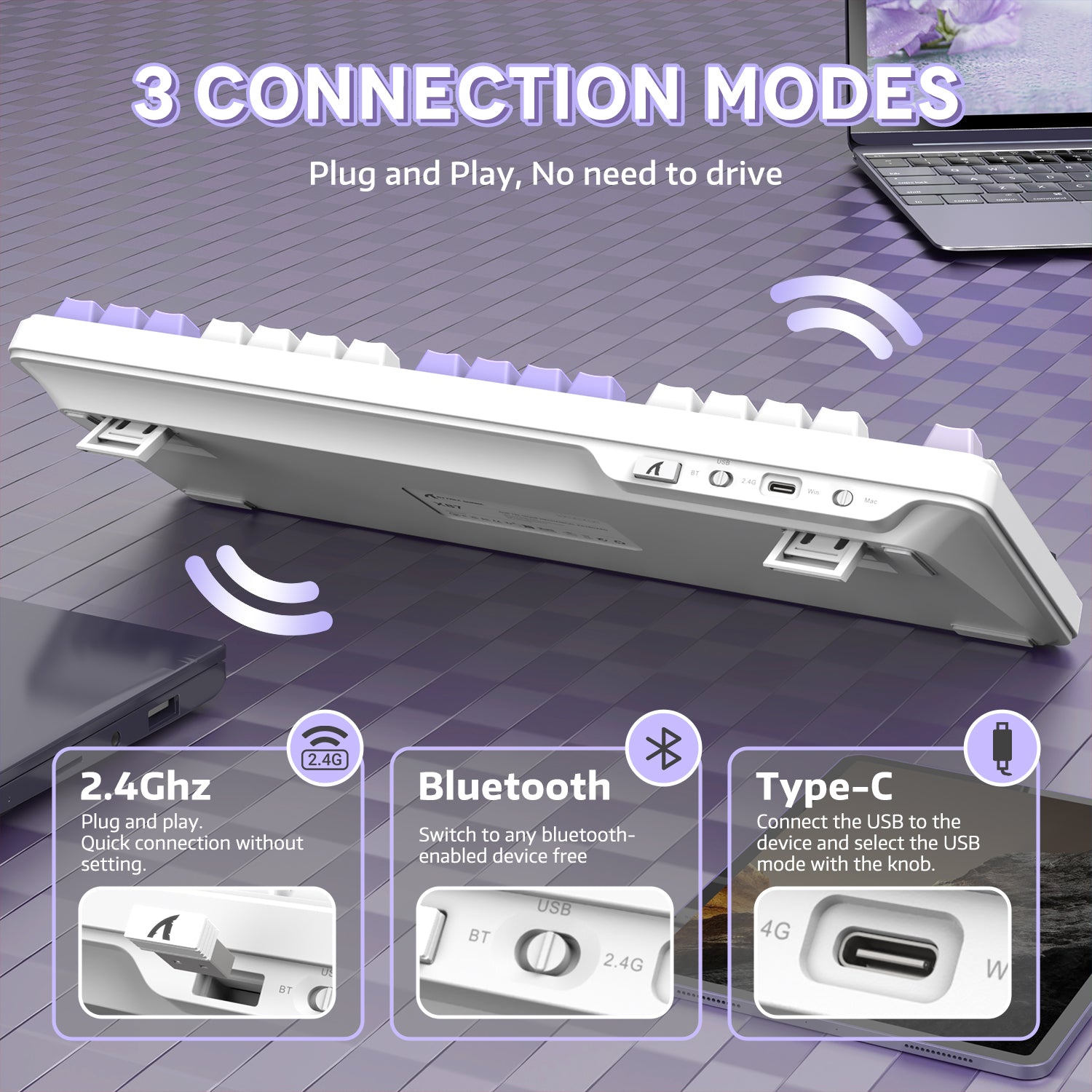
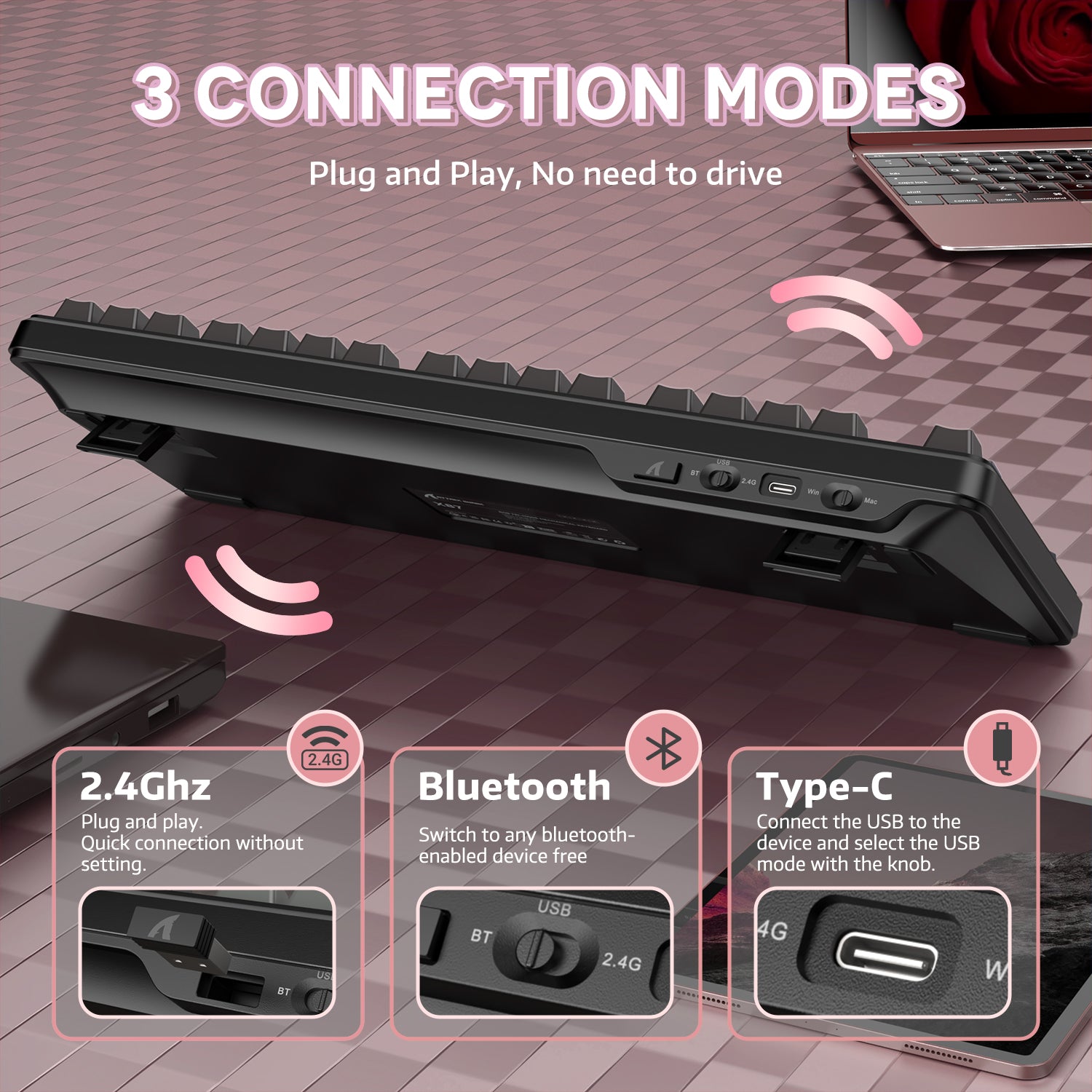
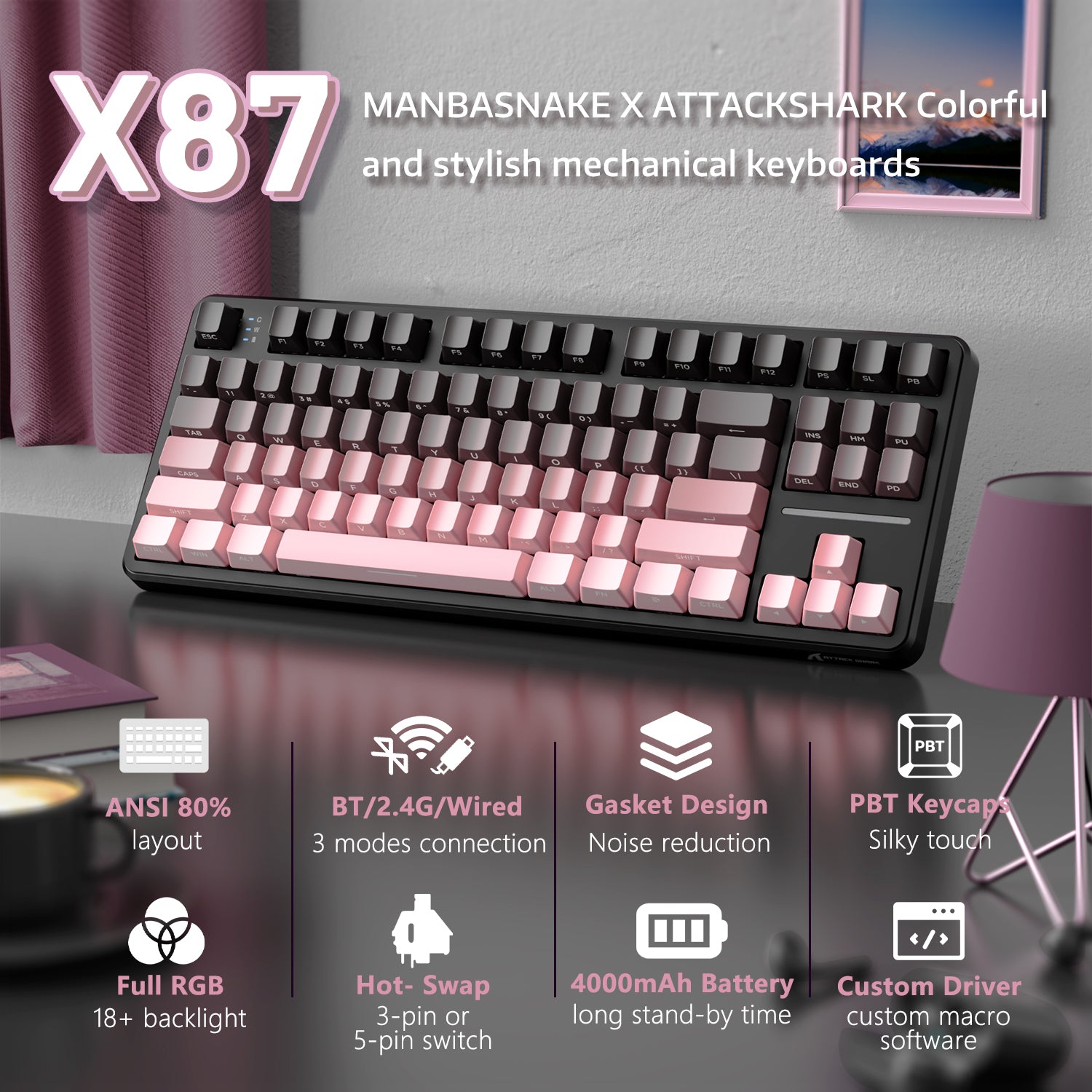
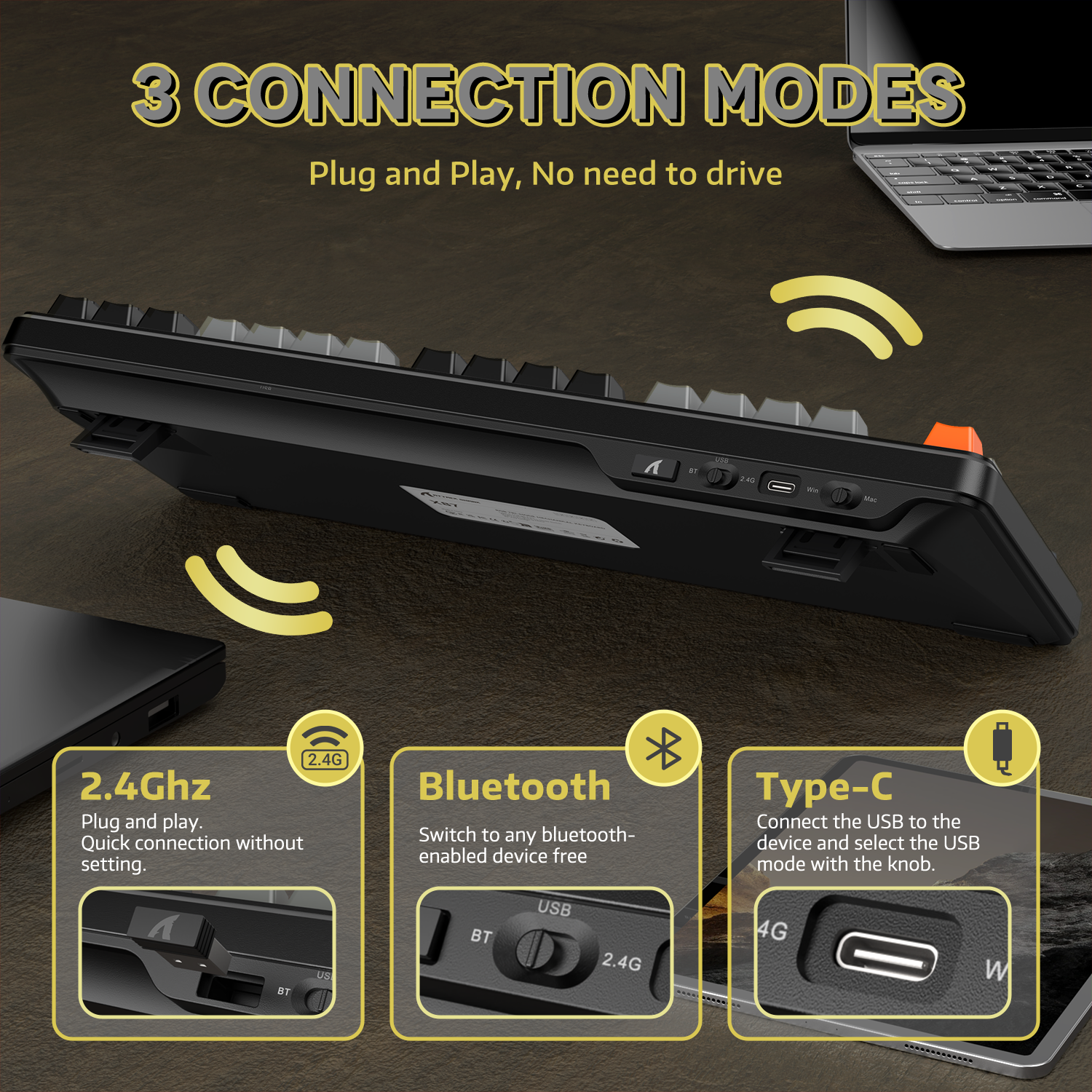
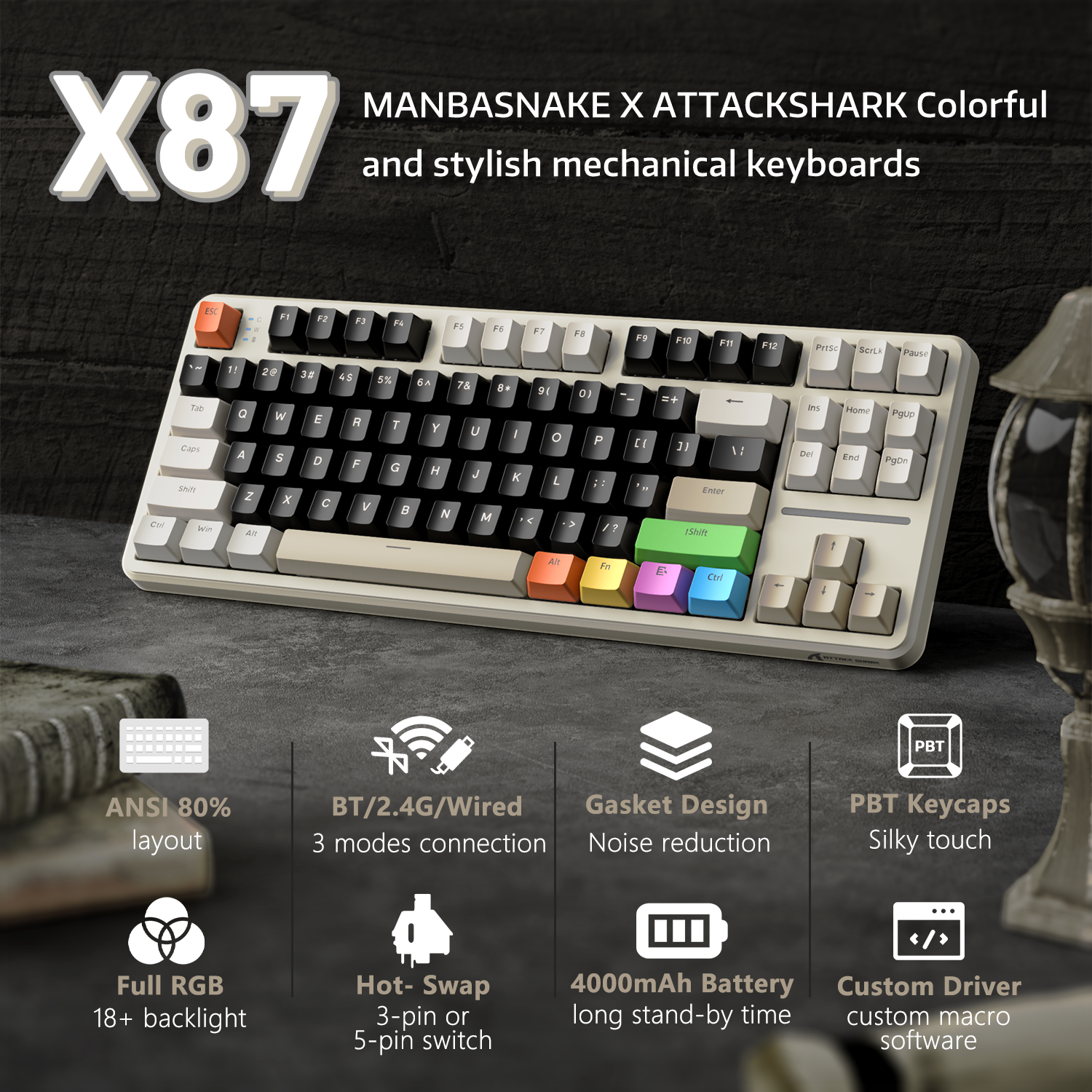
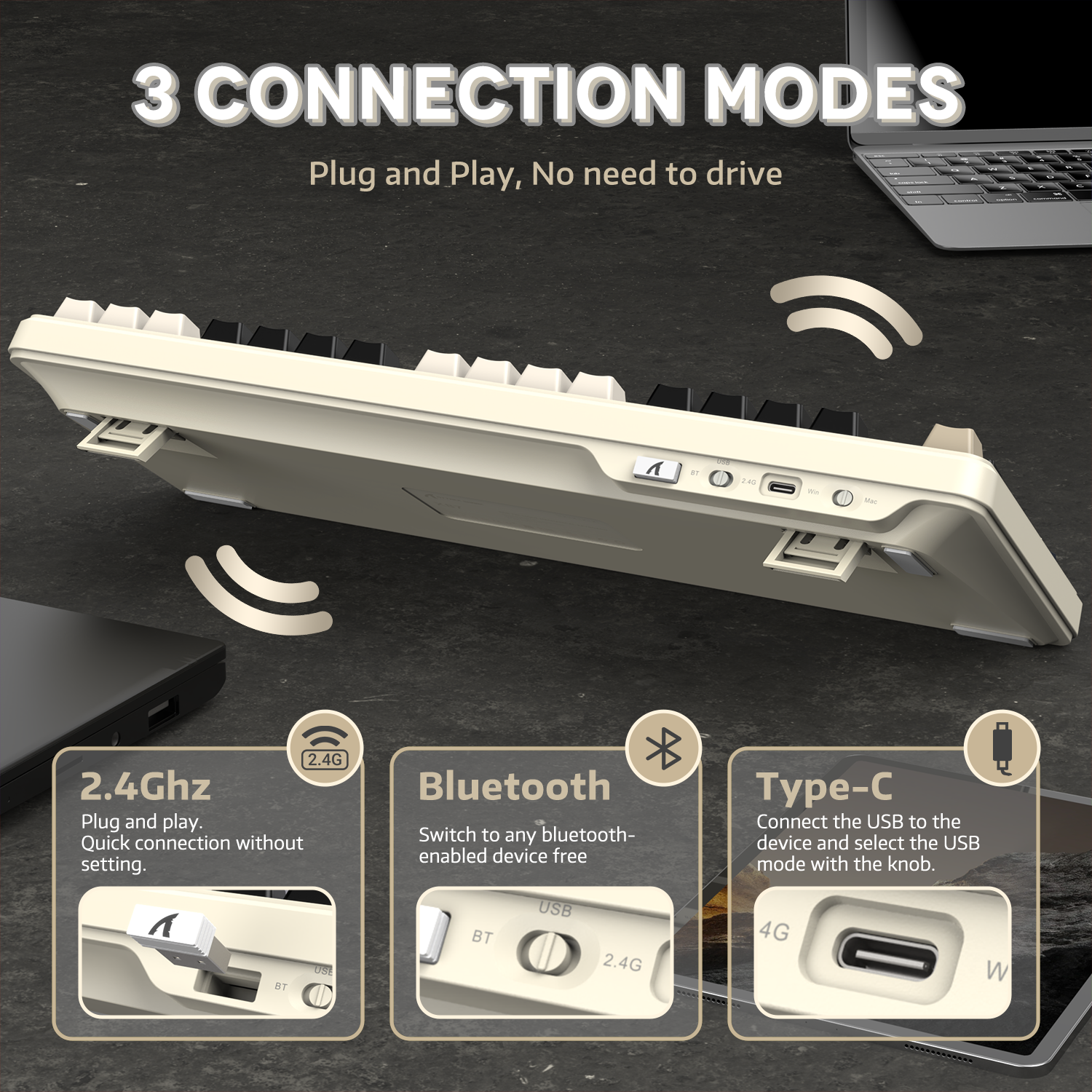
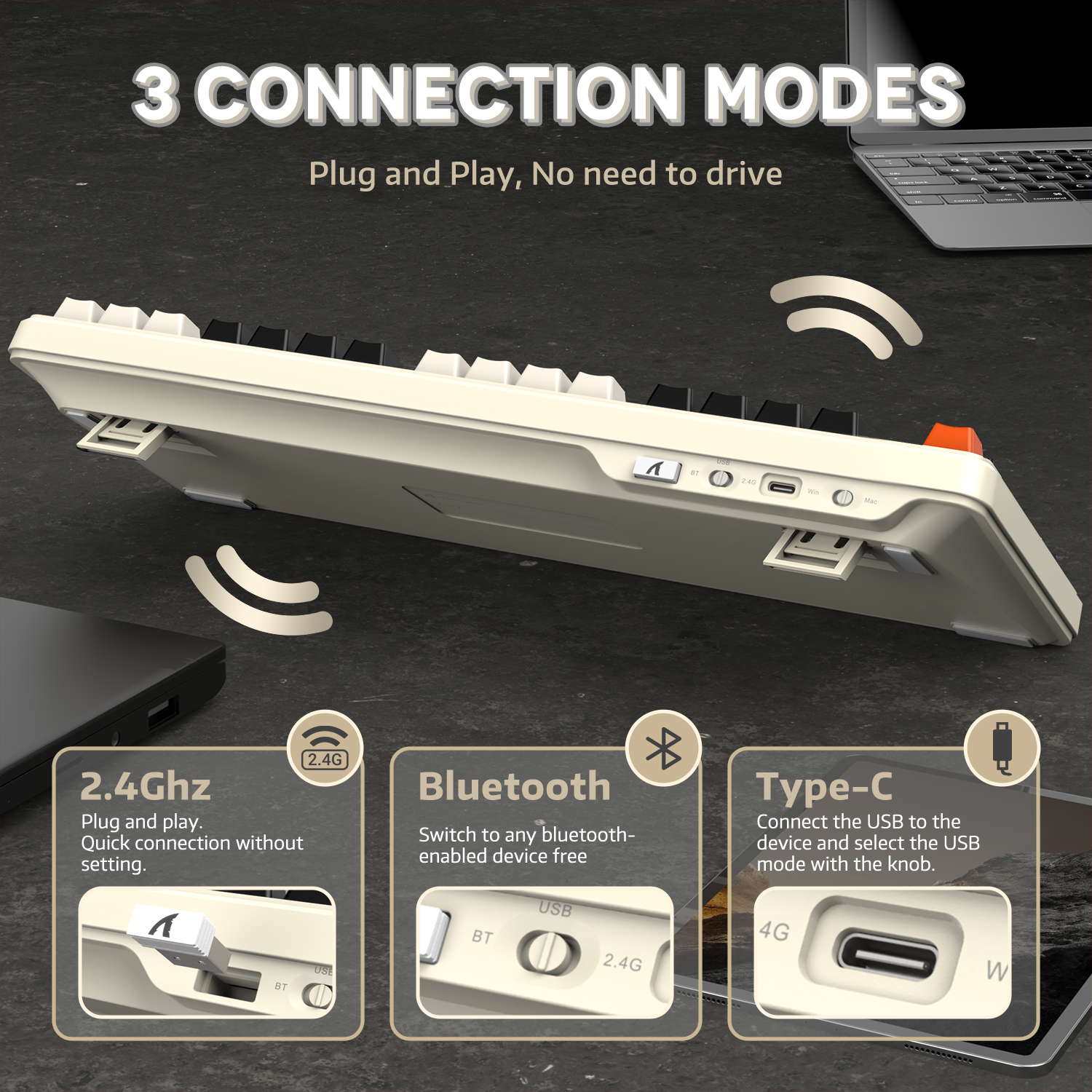
Mac과 Windows 모두 호환되며, 블루투스, 2.4G 무선, 유선 연결을 지원합니다. FN +1/2/3/4 키 또는 측면 버튼 토글로 빠르게 전환할 수 있습니다. X87 게이밍 키보드는 태블릿, 노트북, PC, 스마트폰과 페어링되어 기기 간 원활한 연결을 제공합니다.

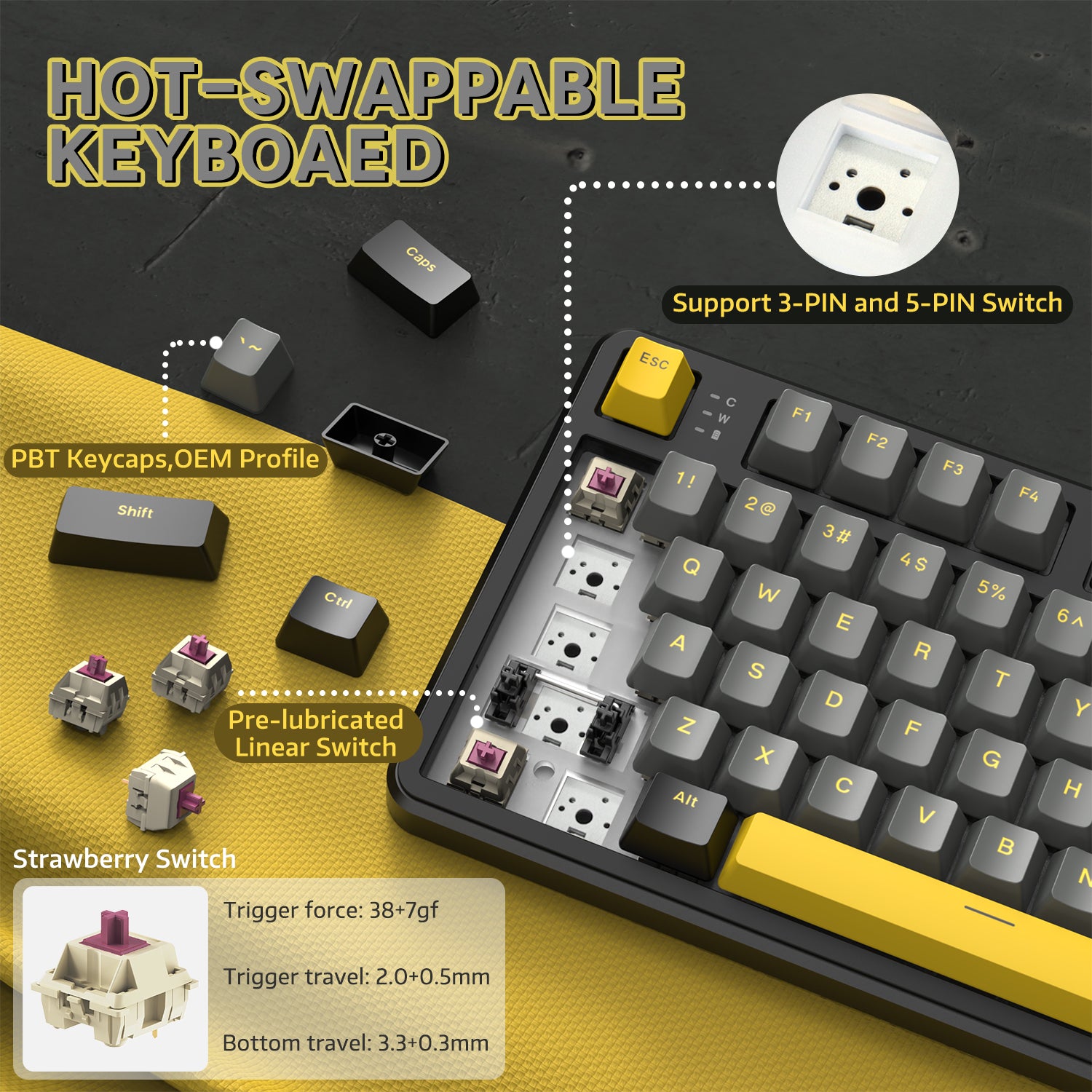
PBT 키캡 & 전 키 RGB 백라이트
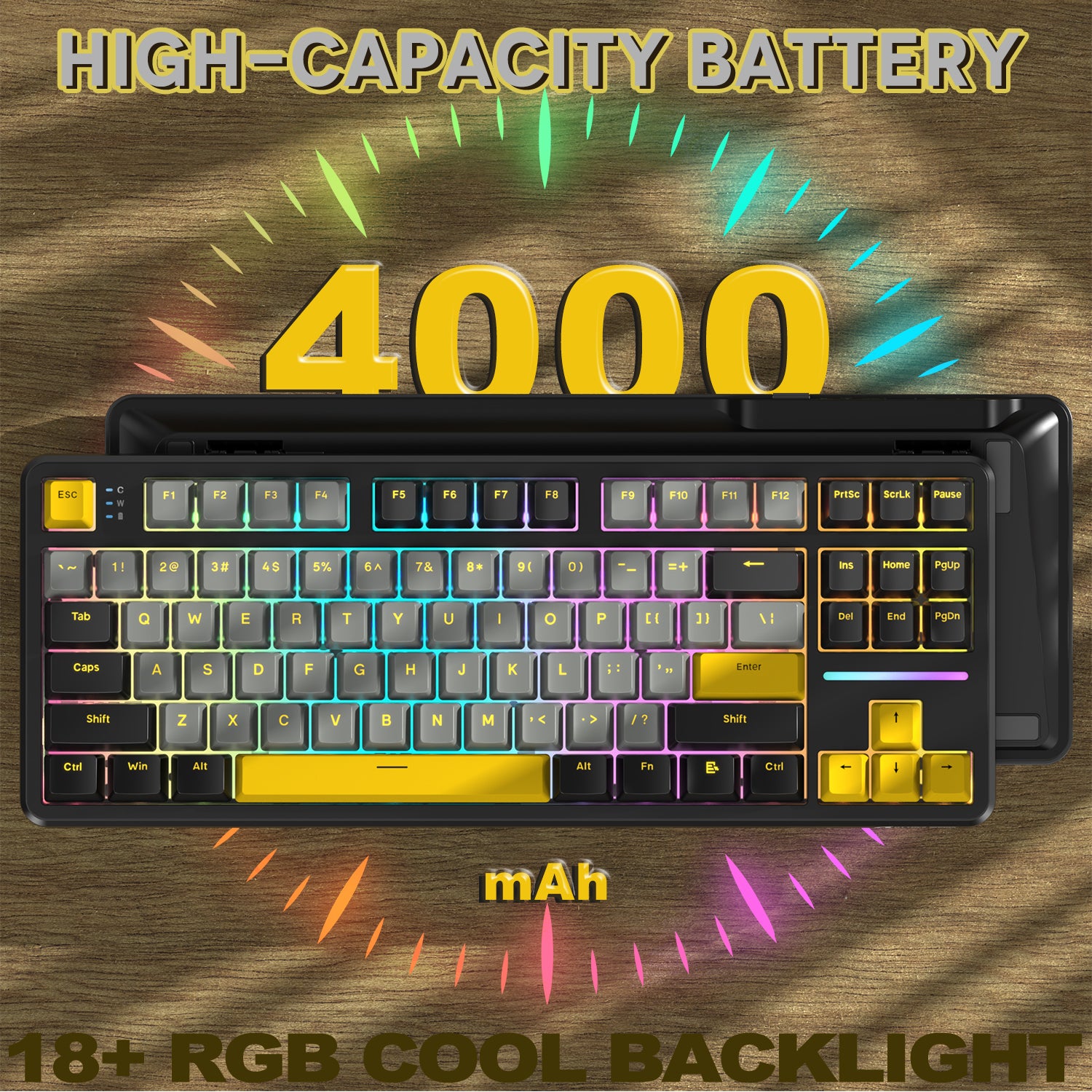
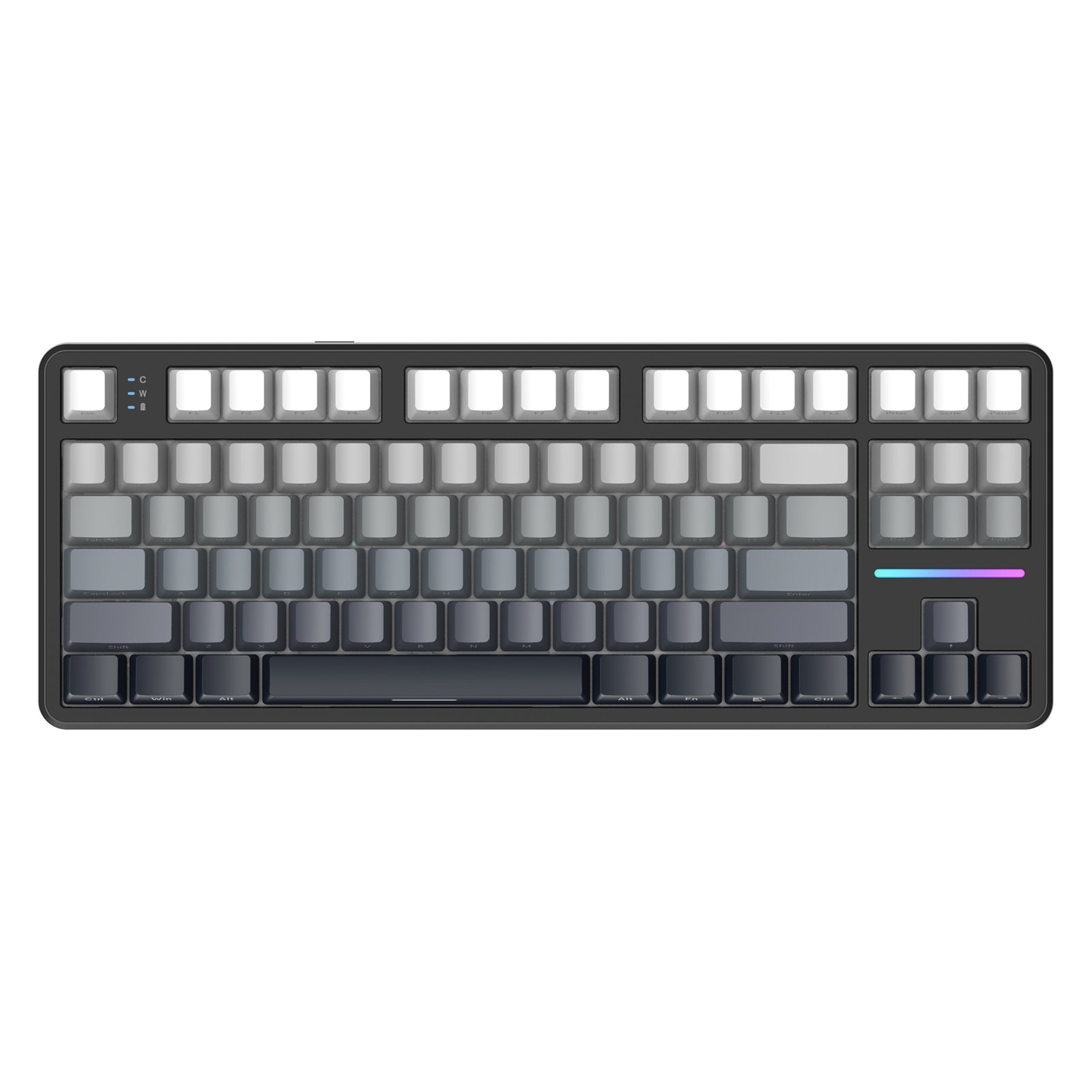
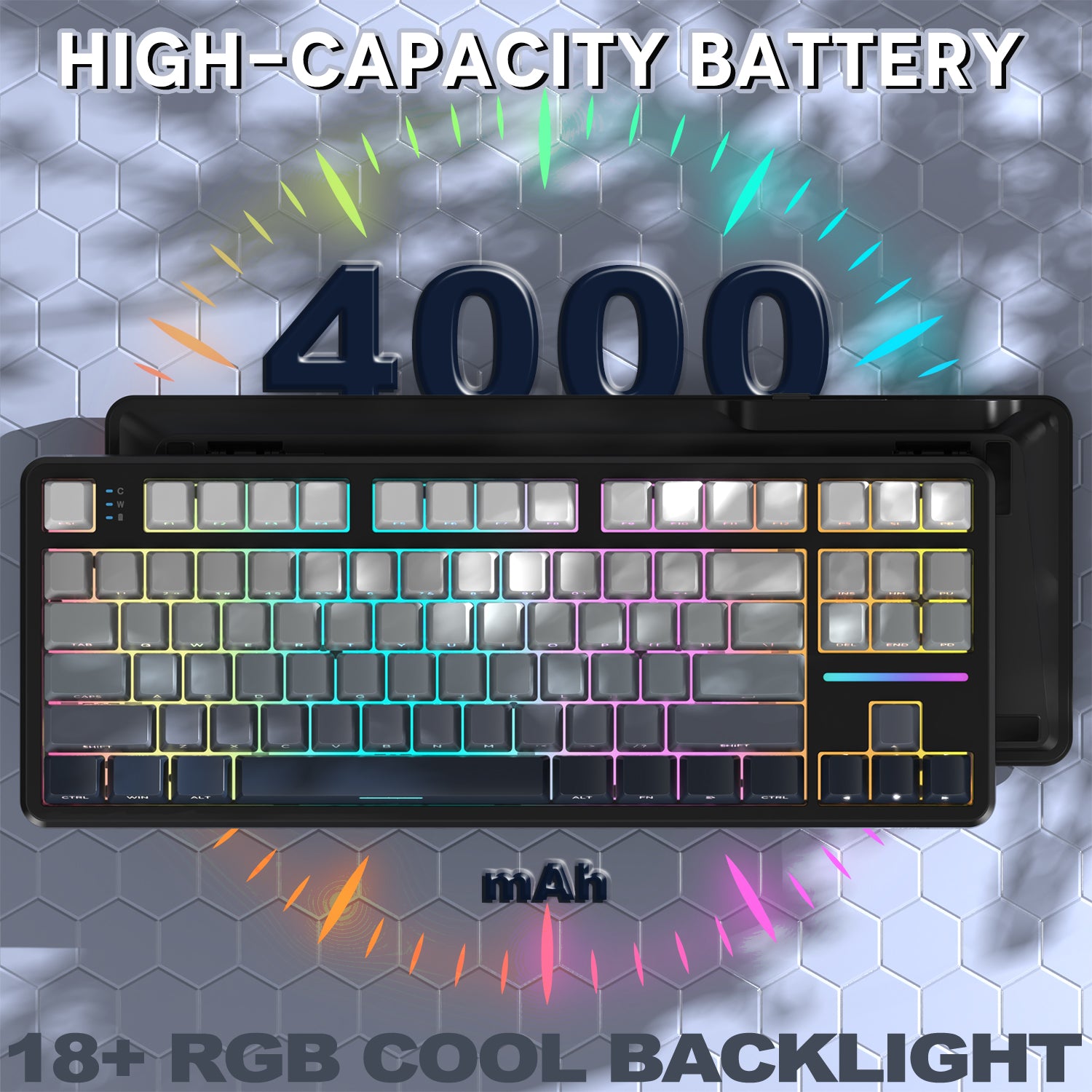
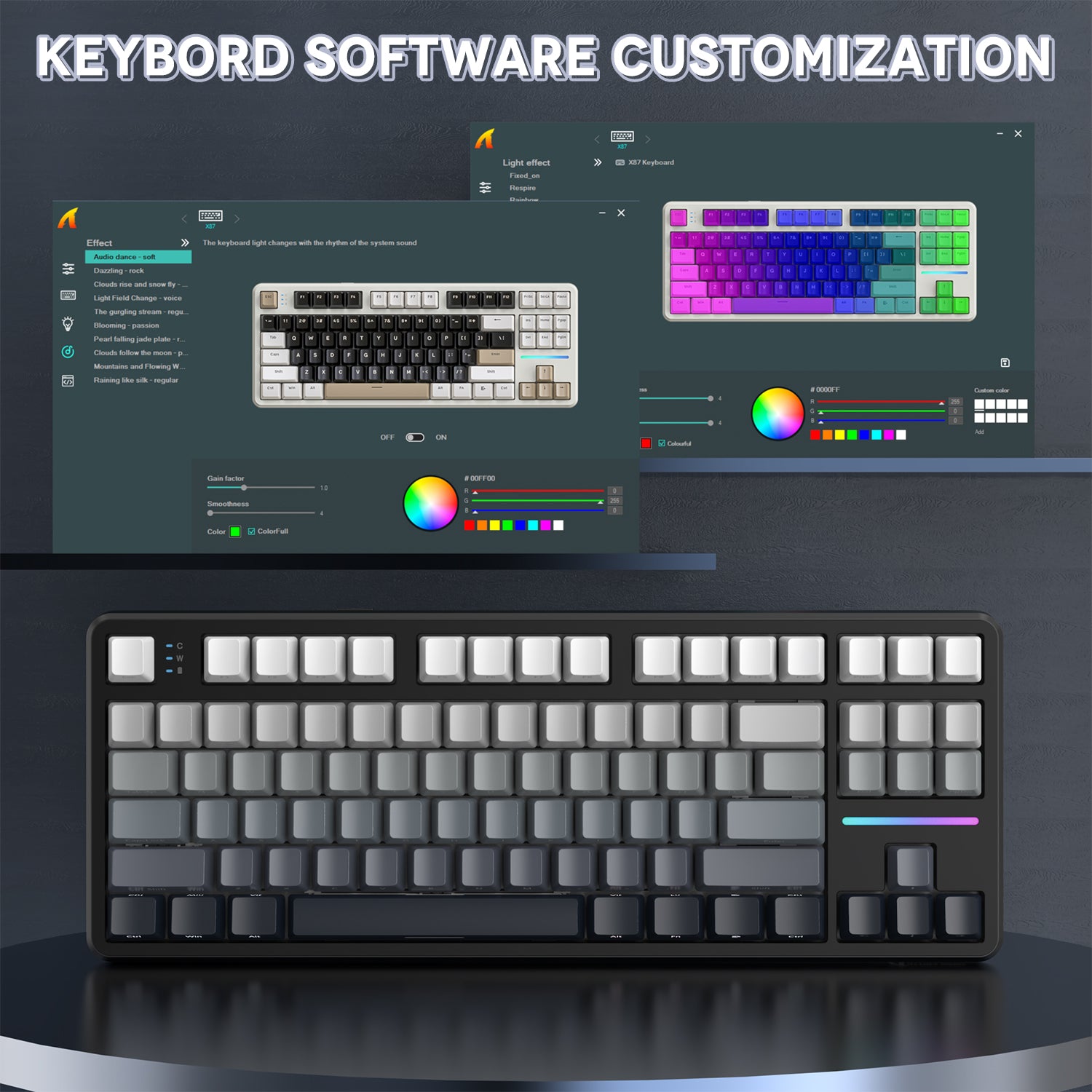
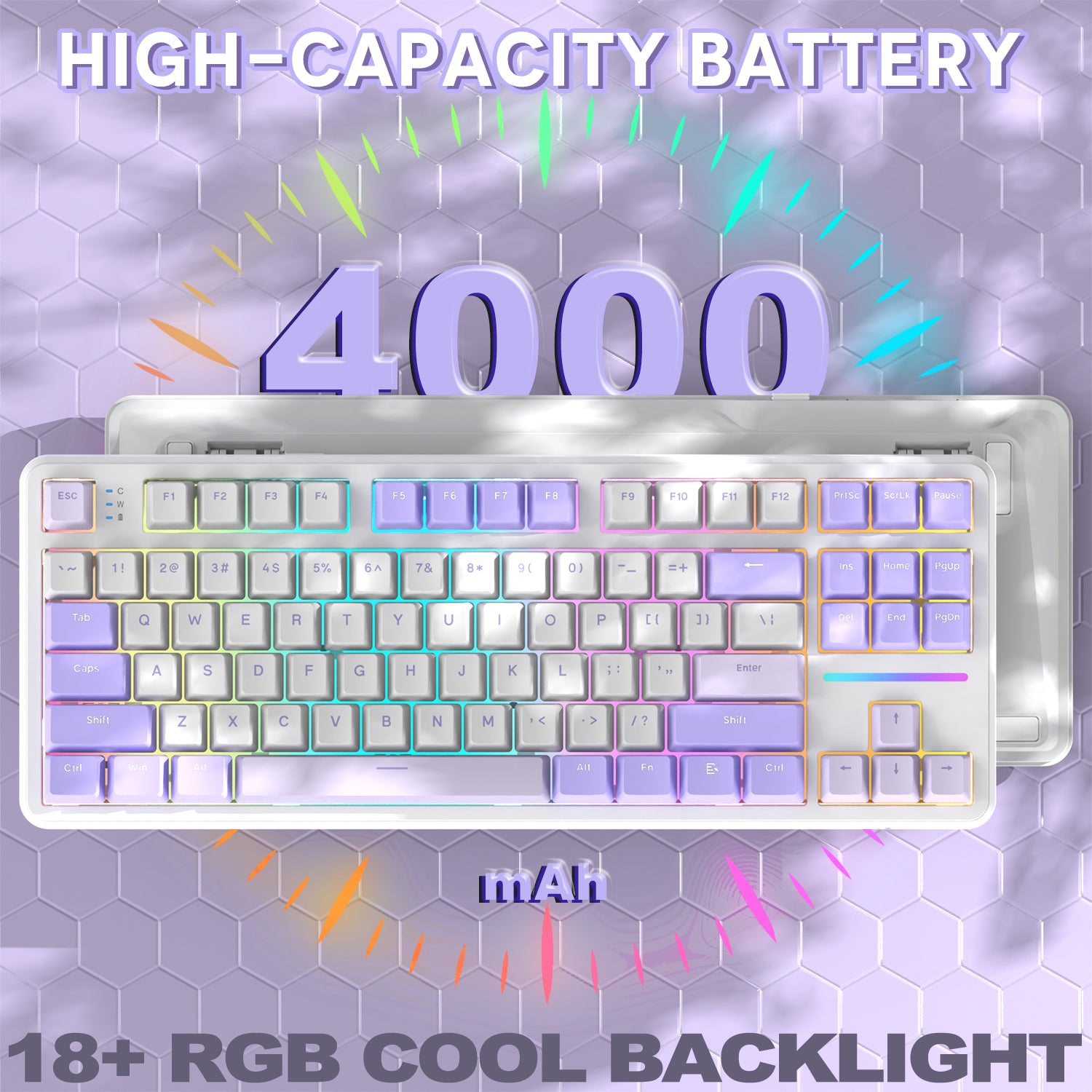
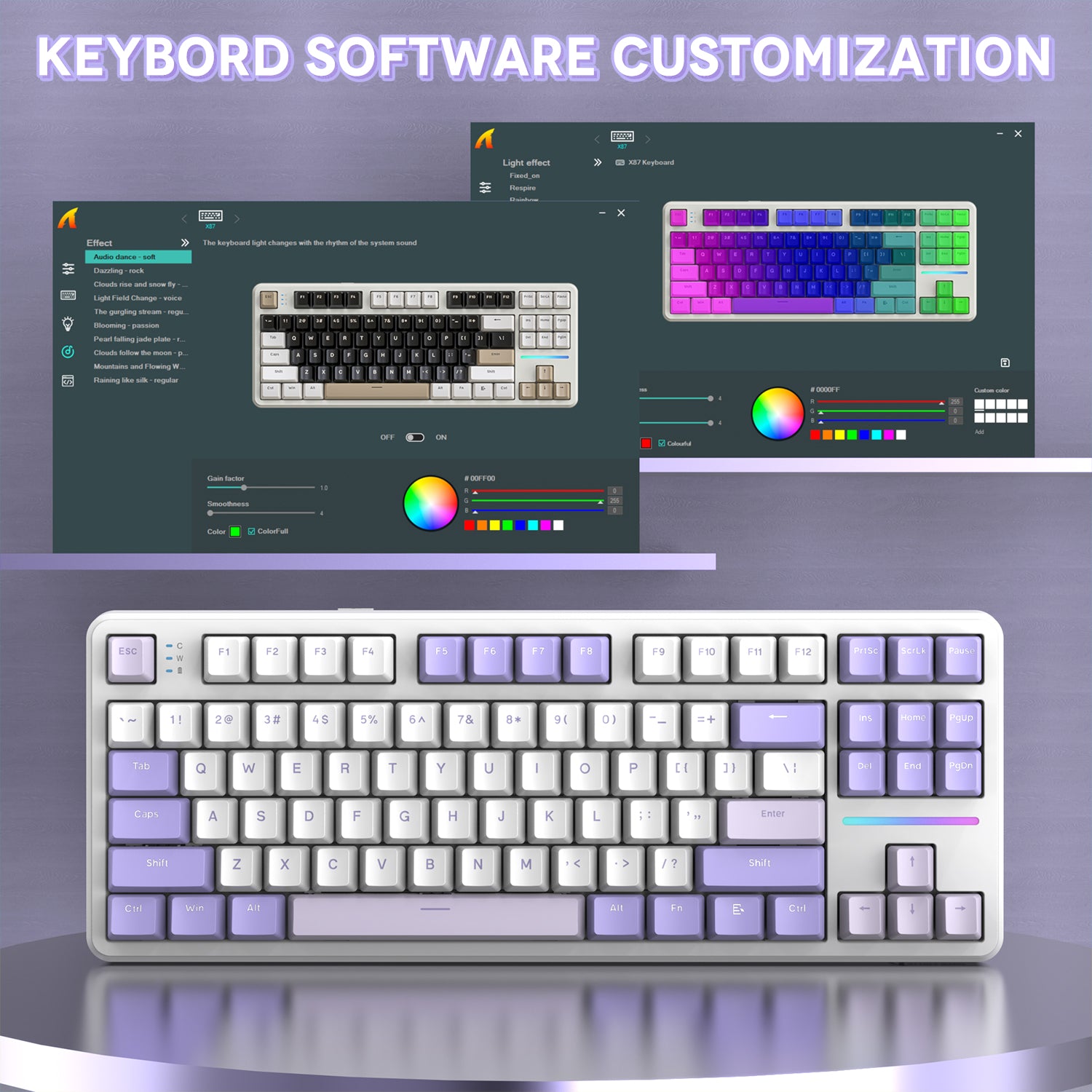
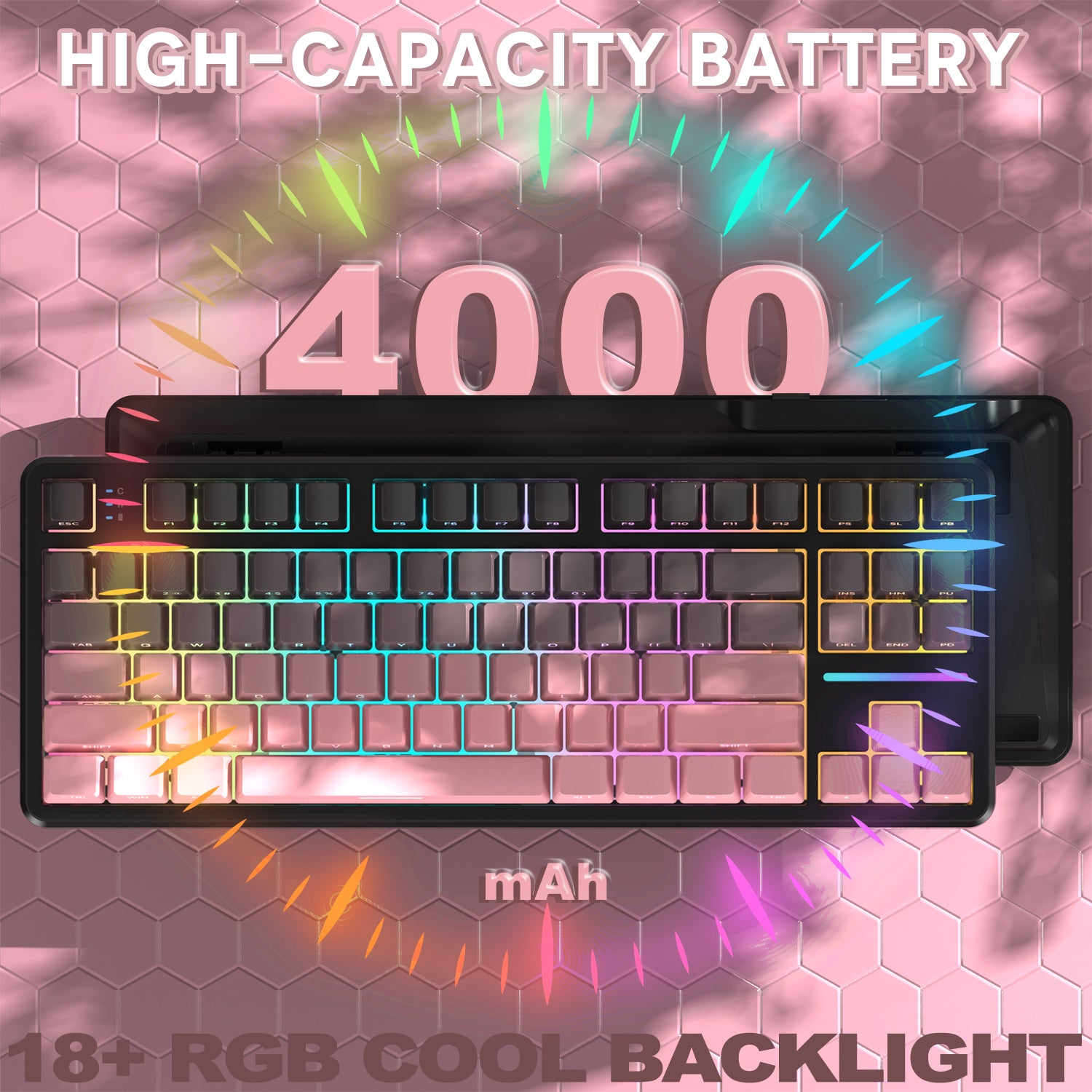
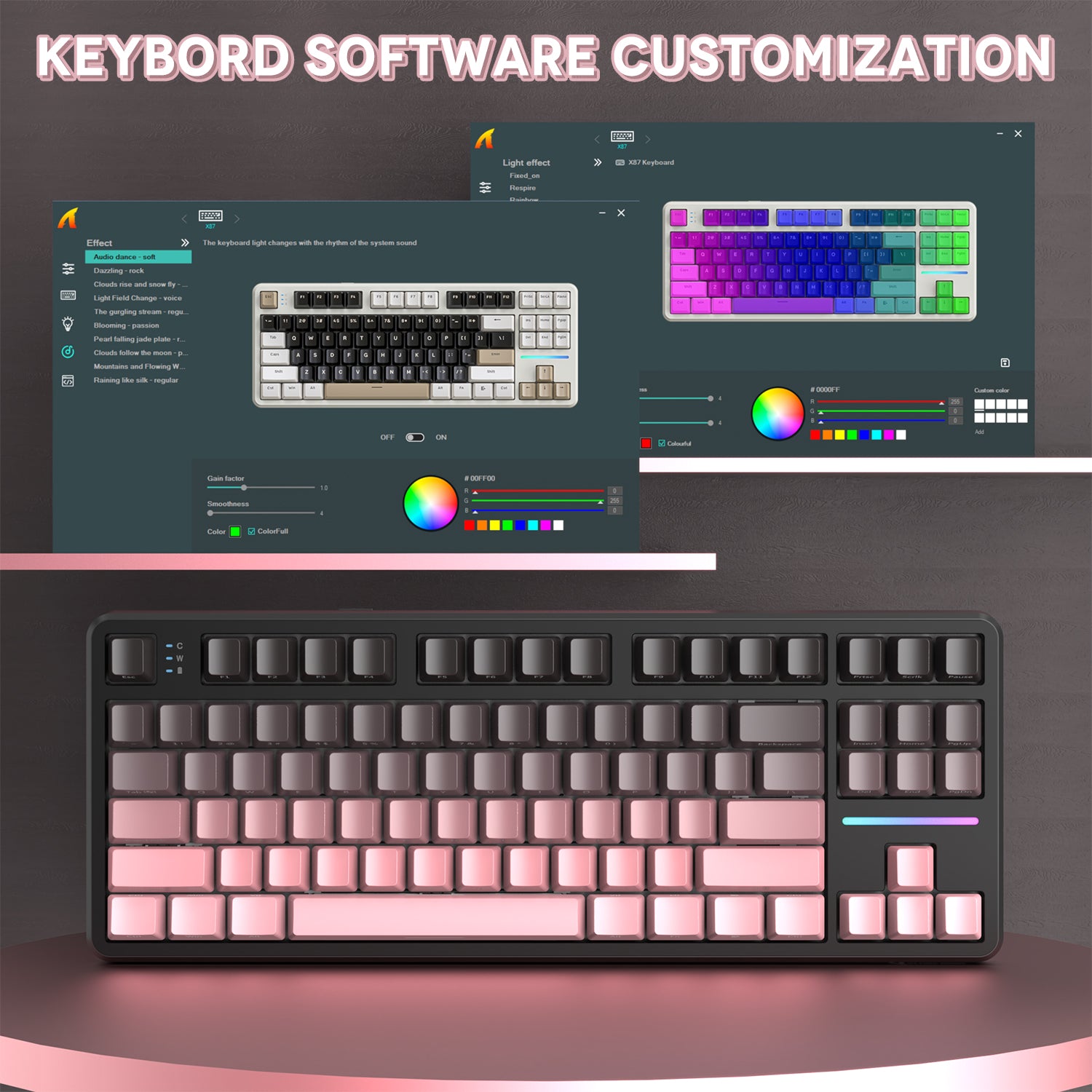
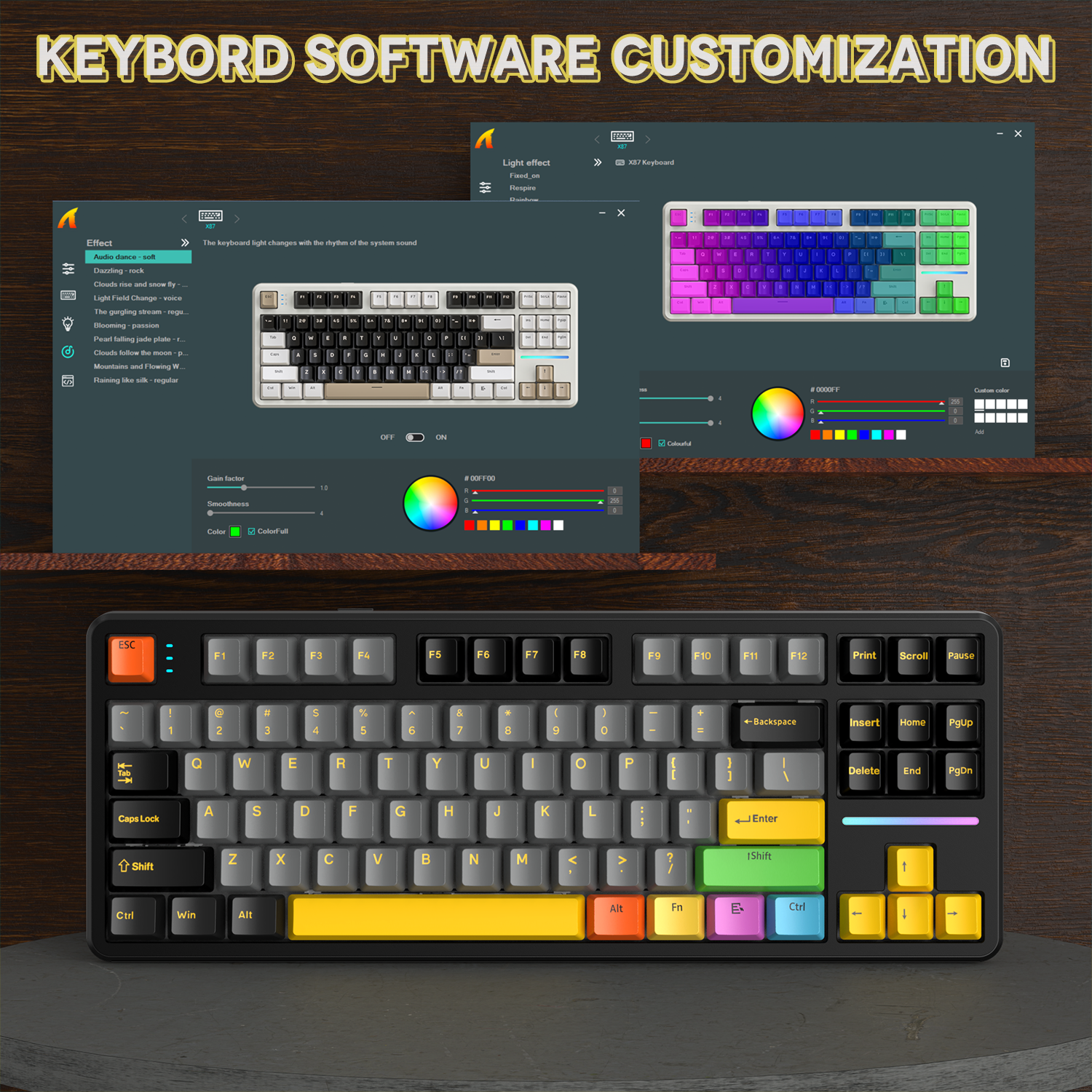
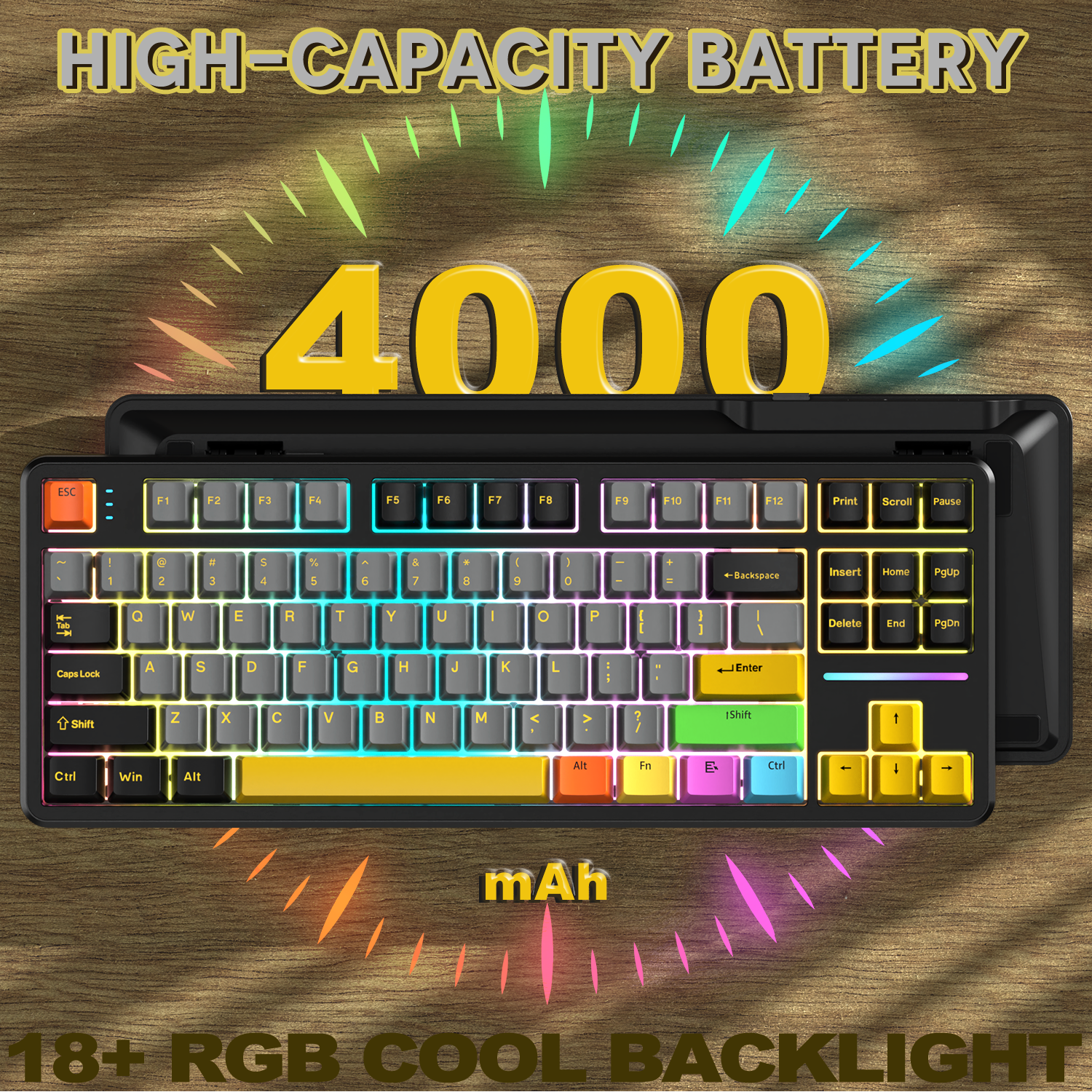
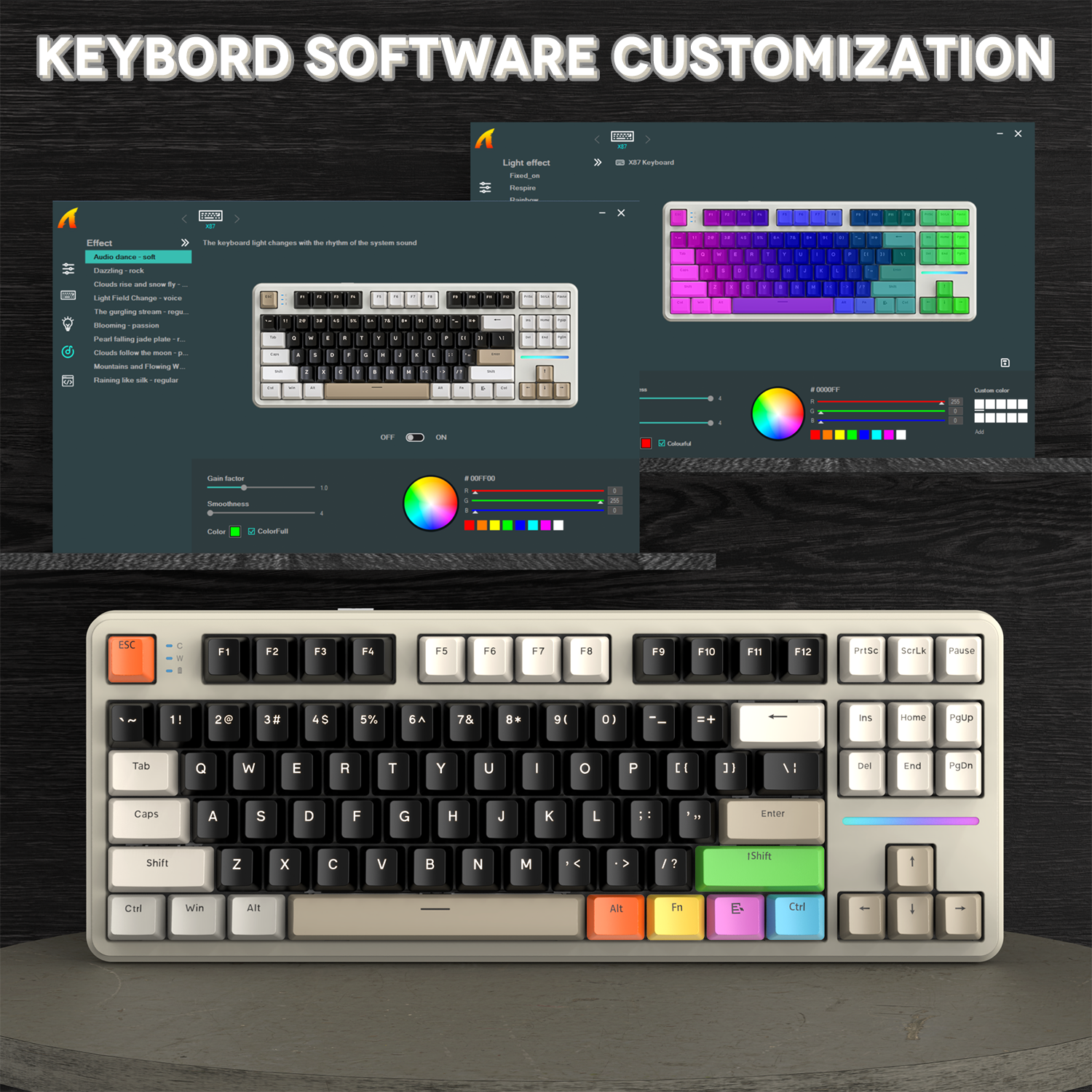
PBT 키캡은 뛰어난 촉감과 매우 긴 내구성을 제공합니다. X87 키보드는 개별 조명 RGB 키를 갖추고 있으며, 18가지 기본 백라이트 효과 중에서 선택할 수 있습니다. 또한 소프트웨어를 통해 더 많은 효과를 커스터마이징할 수 있습니다. 오른쪽의 독립 호흡등 디자인은 키보드 상태를 표시할 뿐만 아니라 더 많은 조명 옵션을 제공합니다.

측면 인쇄 키캡 & 사우스 페이싱 RGB 디자인
PBT 측면 발광 키캡과 특별히 맞춤 제작된 사우스 페이싱 RGB 백라이트가 결합되어, 더 편안한 자세로 타이핑하면서도 키보드의 전면을 탁월하게 감상할 수 있습니다. 측면 인쇄 키캡 디자인은 문자 마모를 방지하여 수명을 연장합니다. X87 키보드는 개별 조명 RGB 키를 갖추고 있으며, 18가지 기본 백라이트 효과 중에서 선택할 수 있습니다.

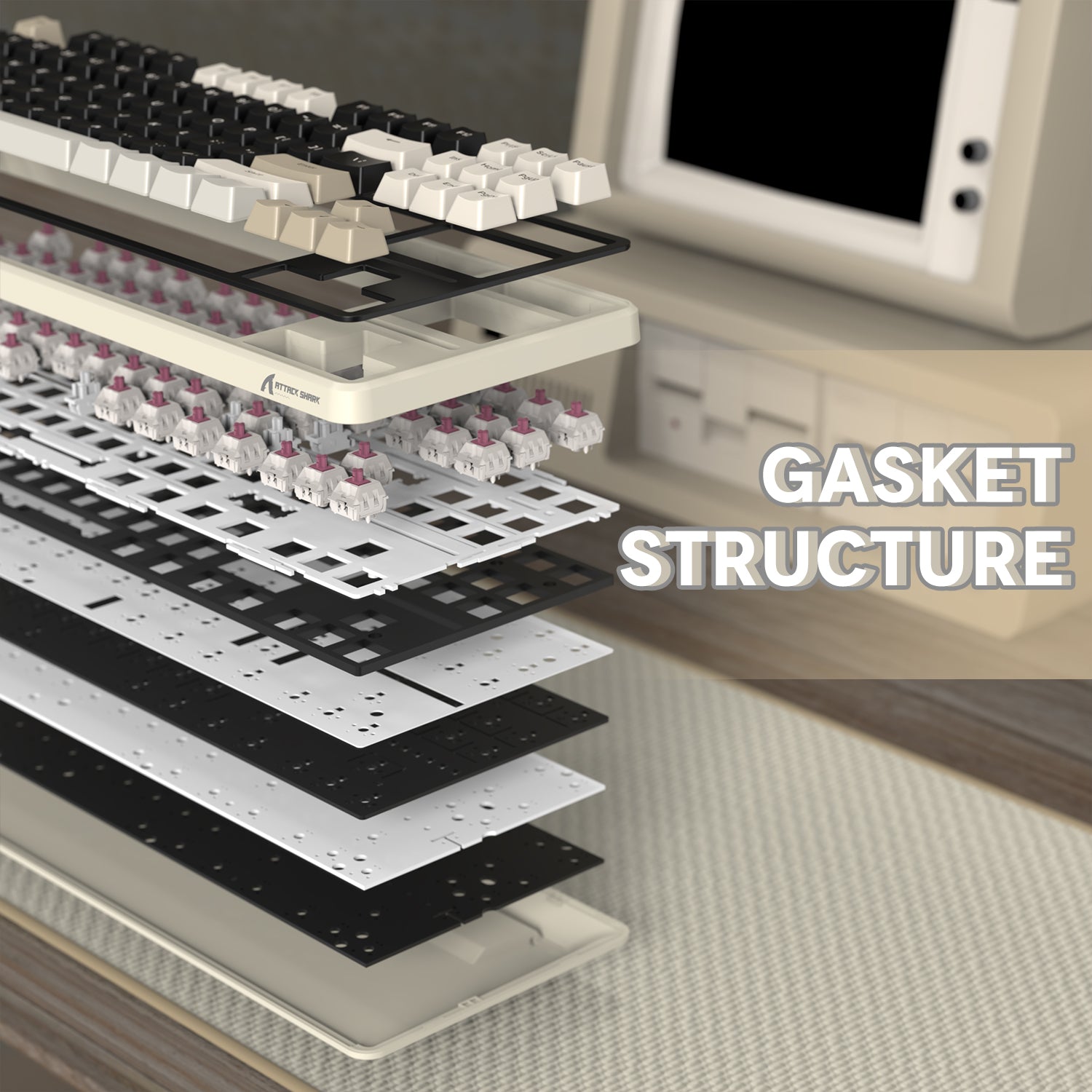
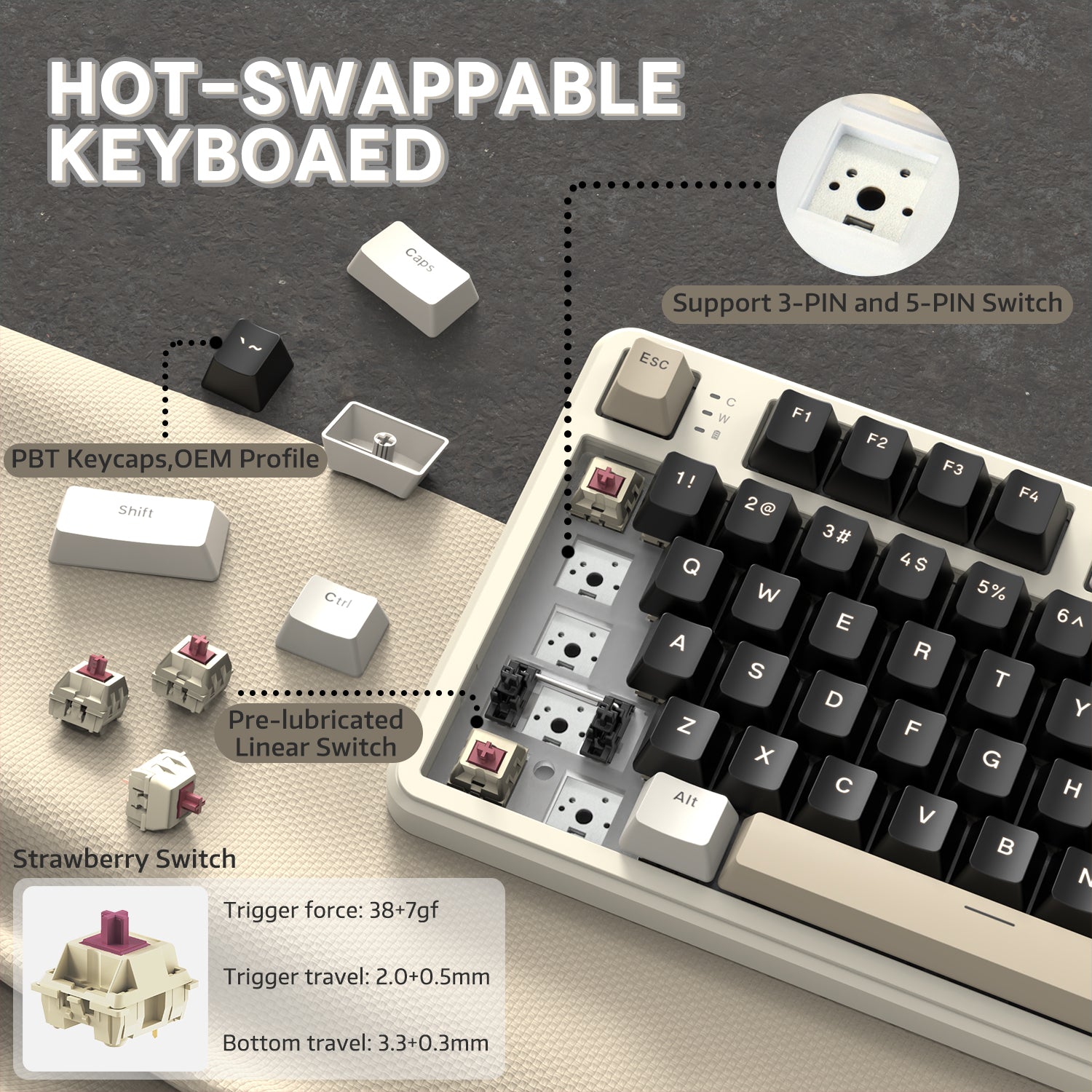
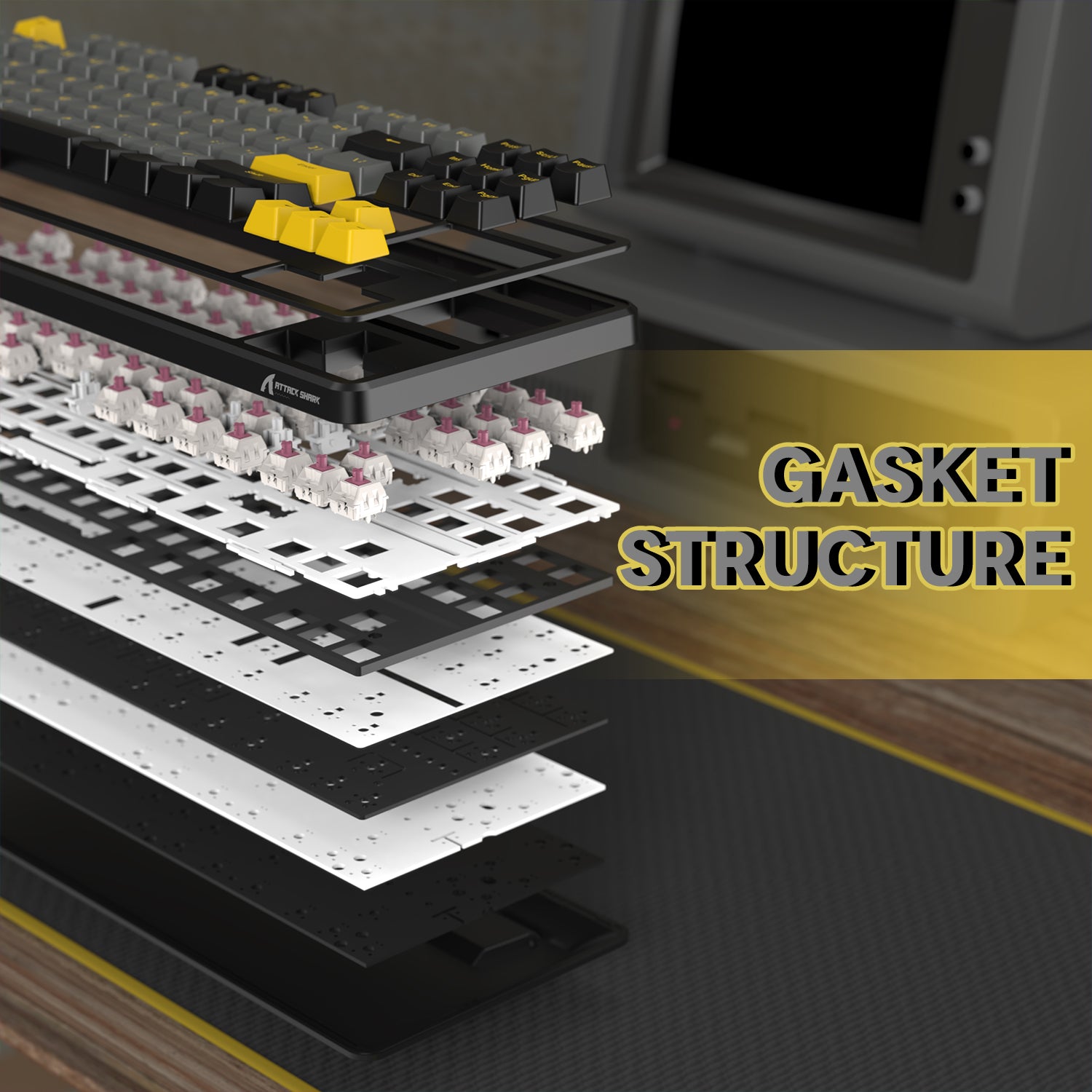
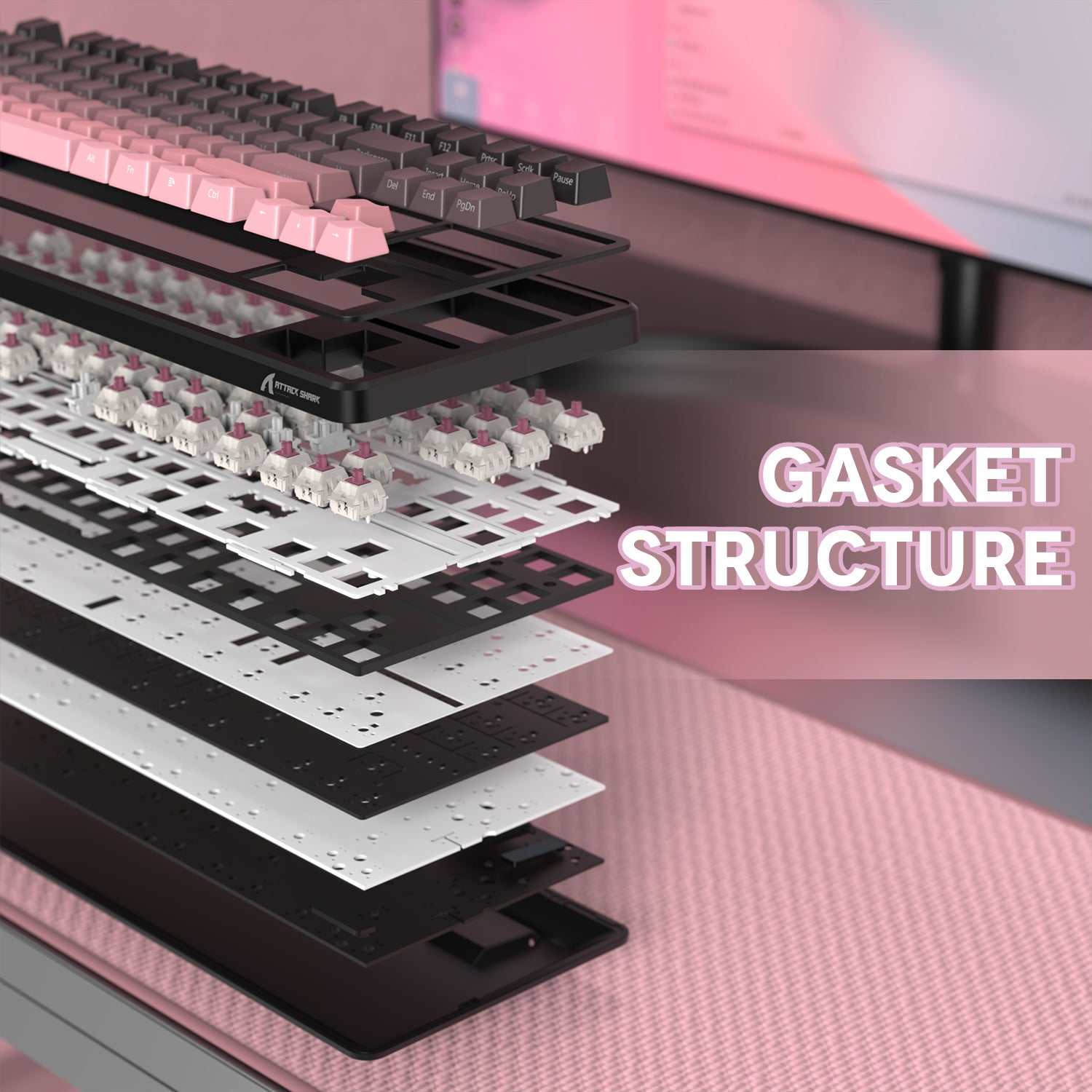
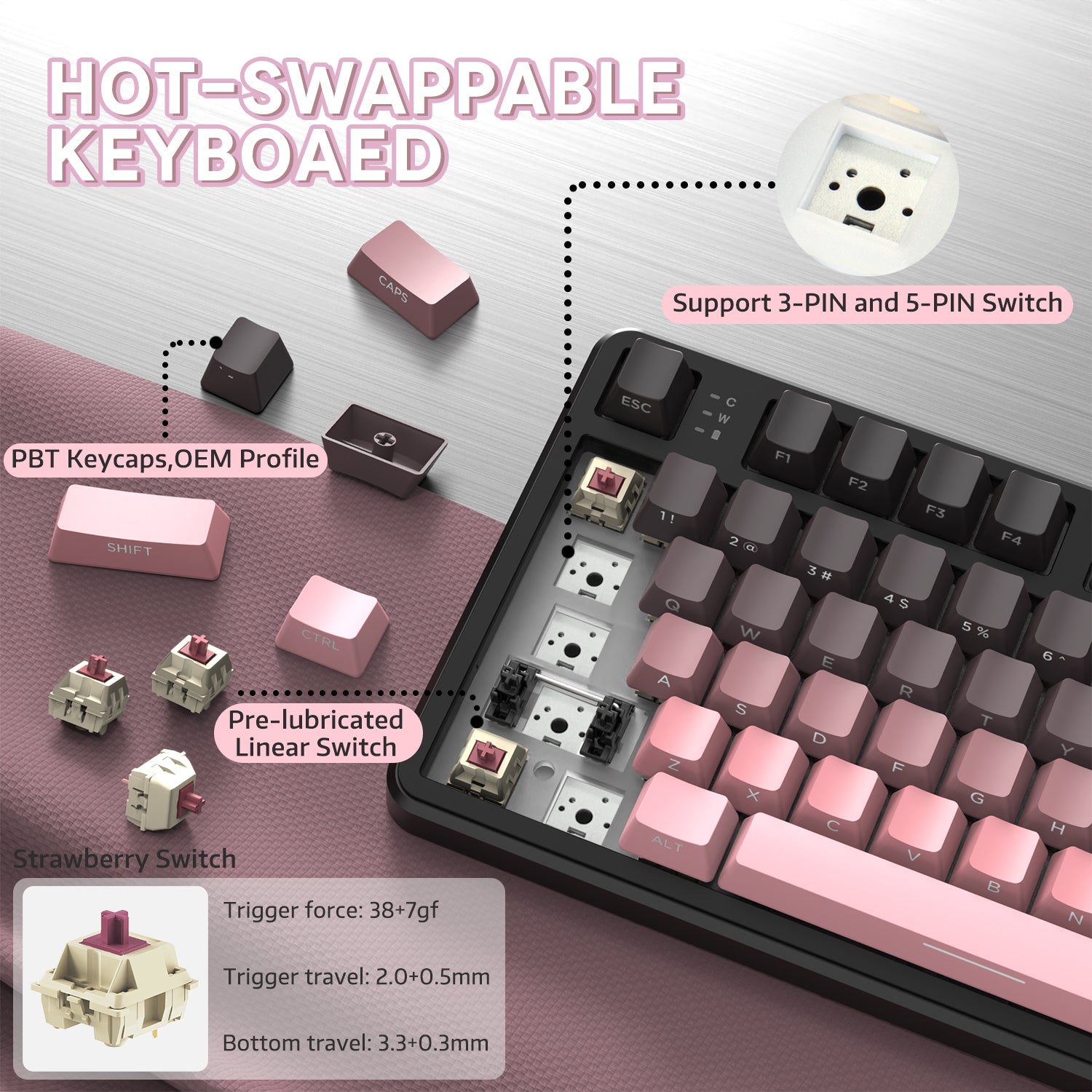
핫스왑 & 개스킷 구조
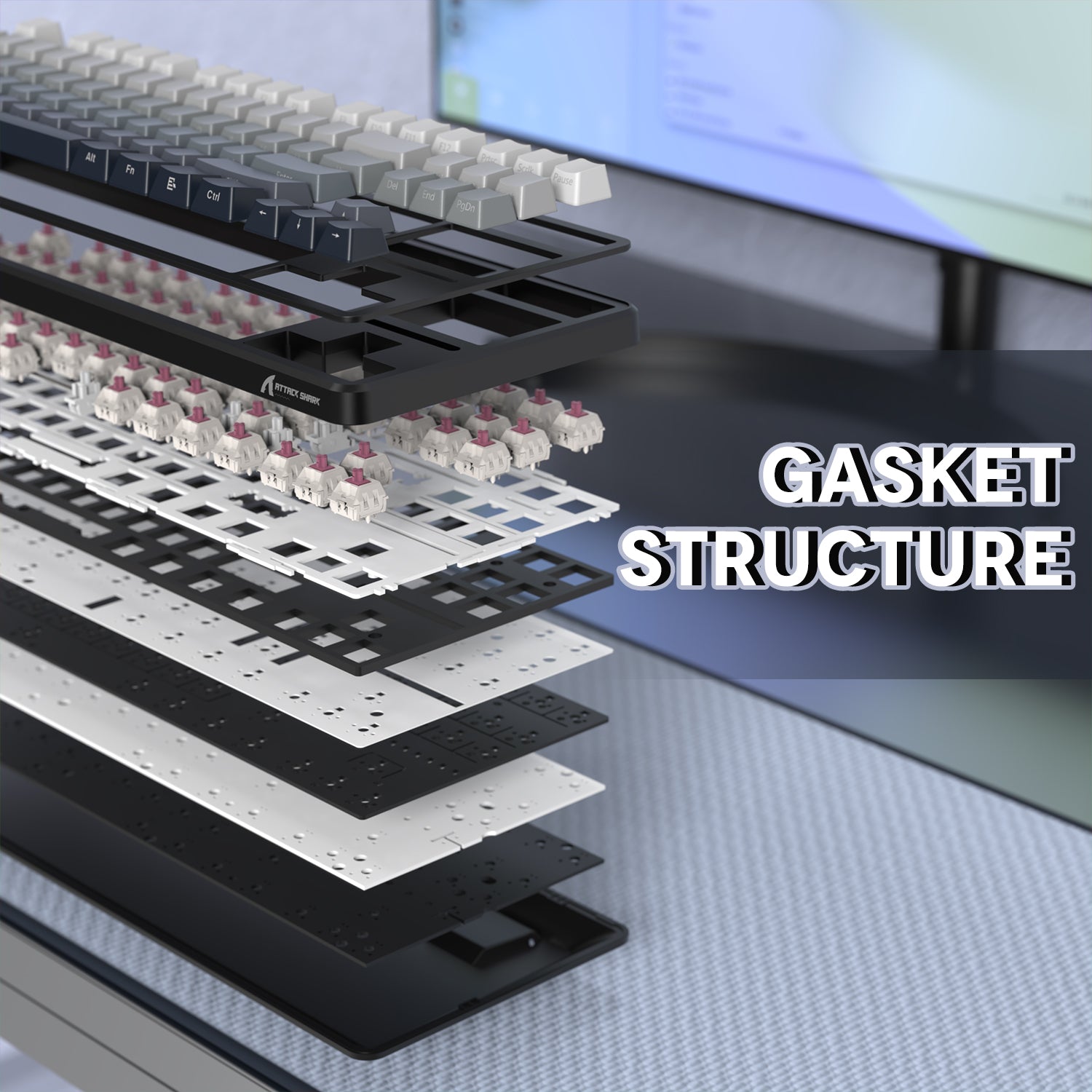
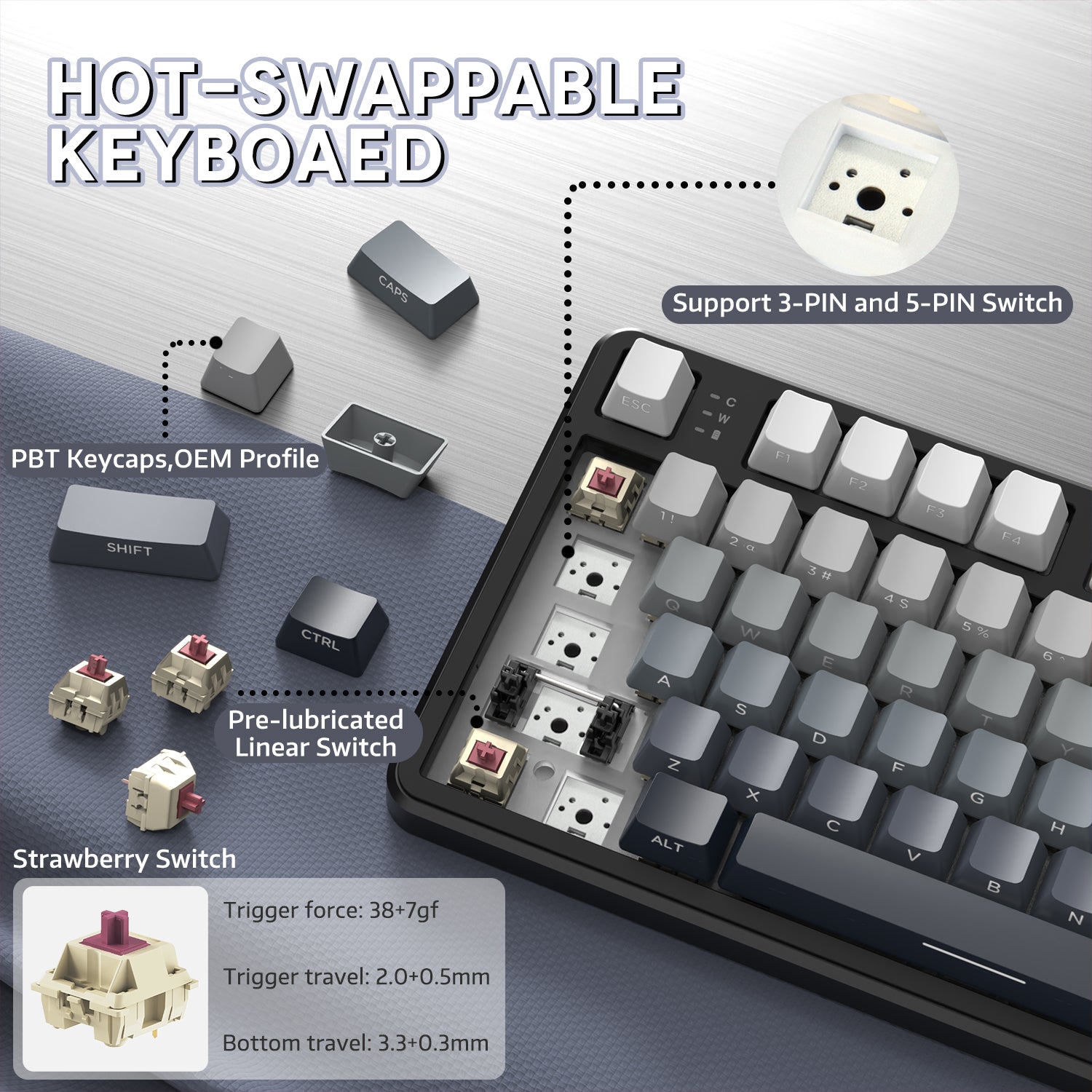
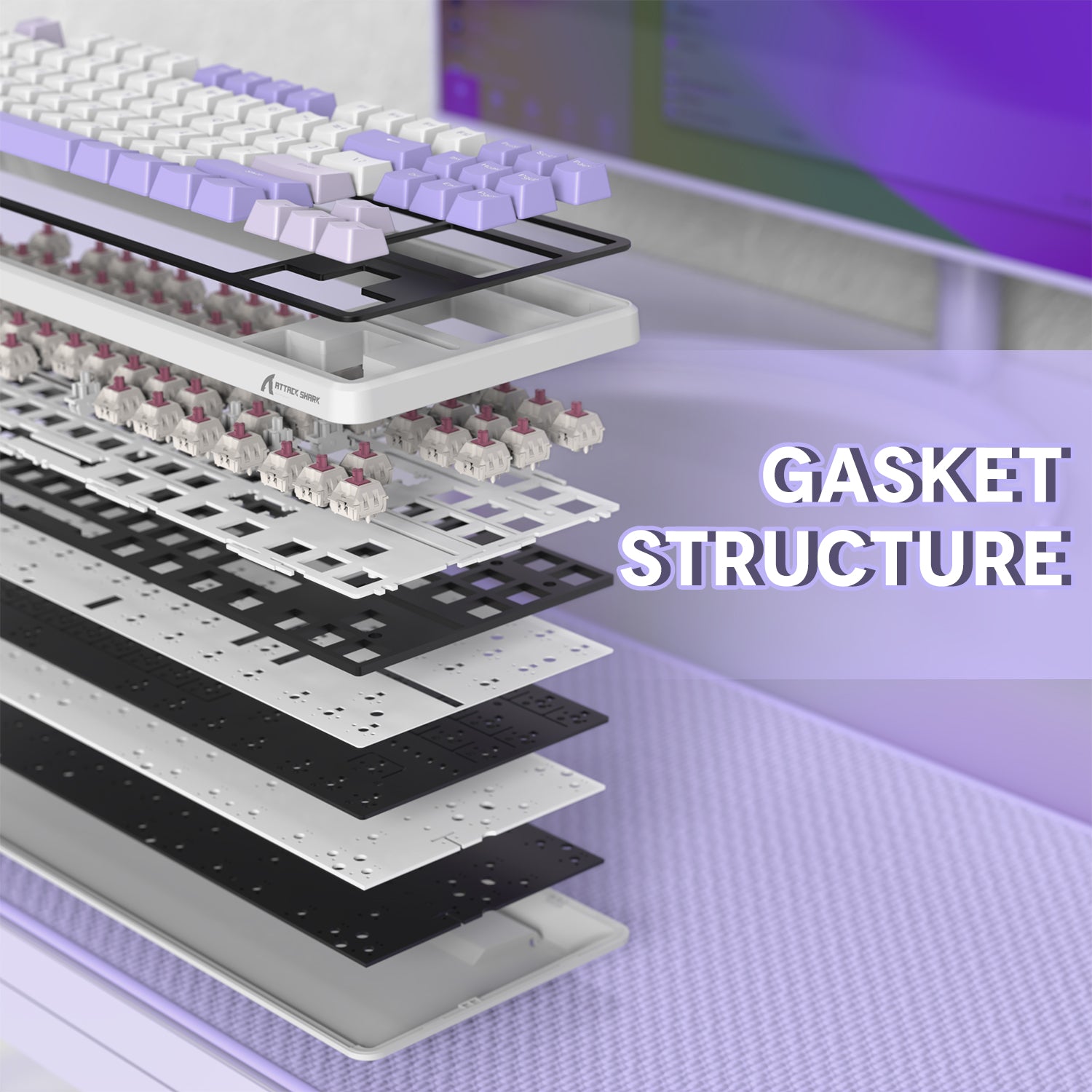
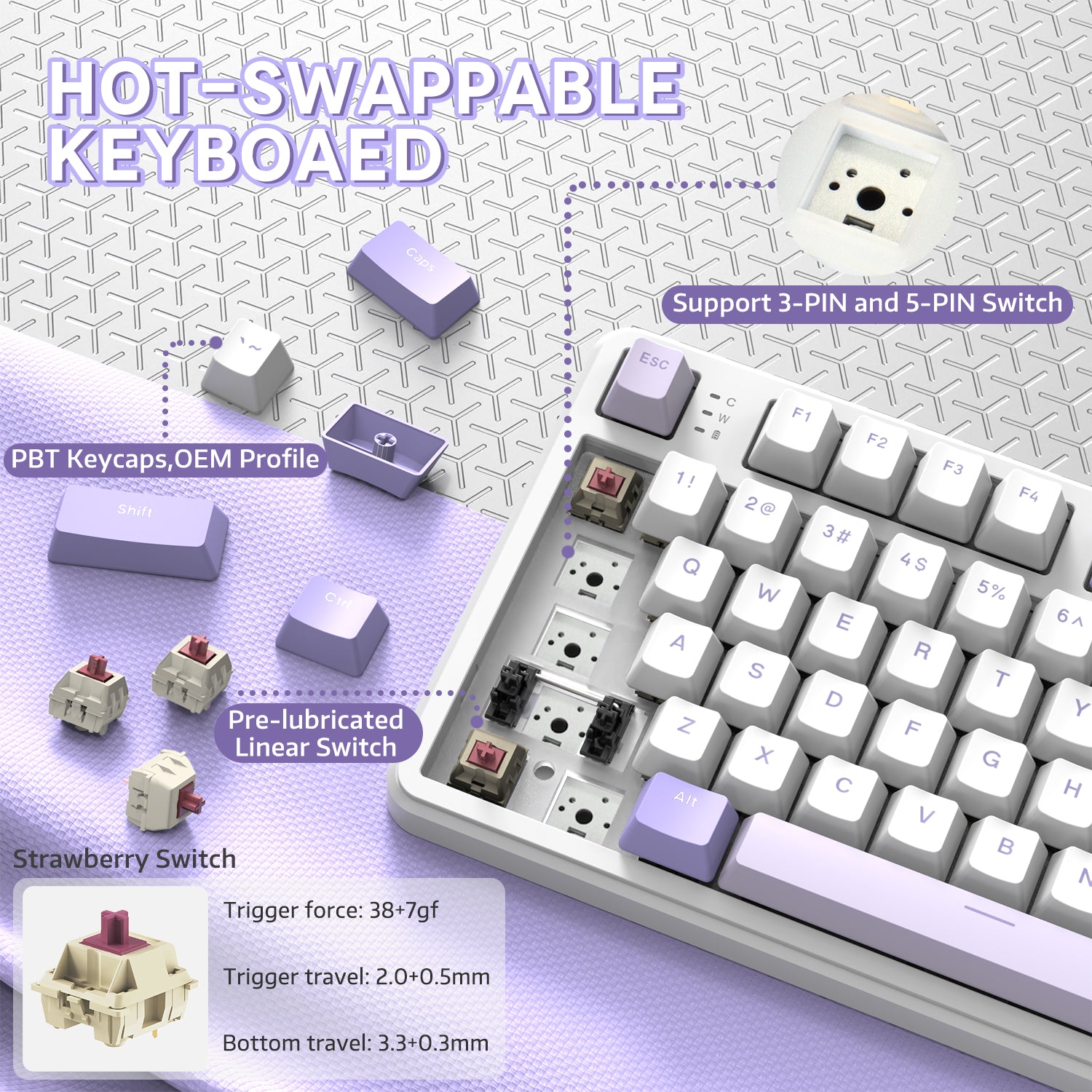
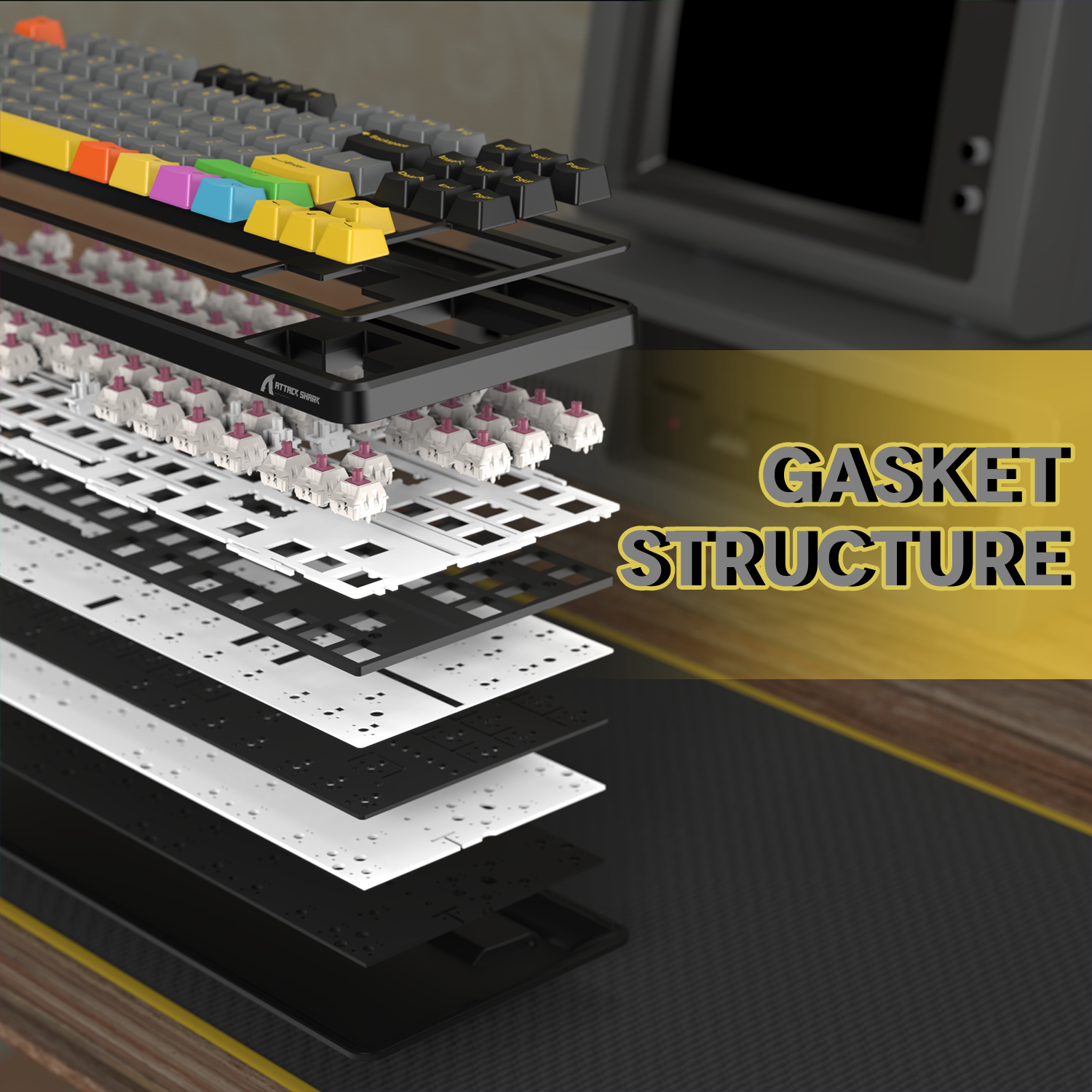
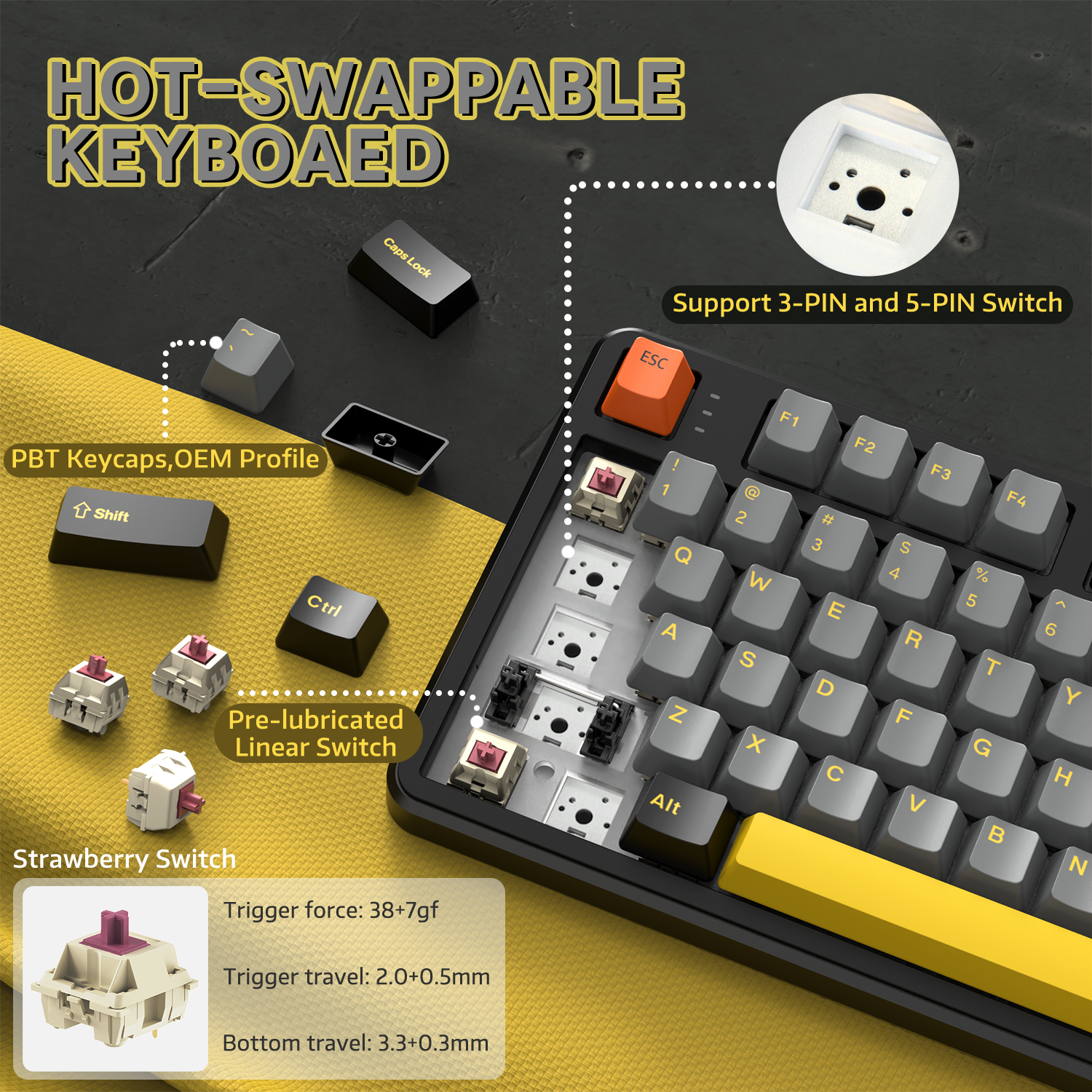
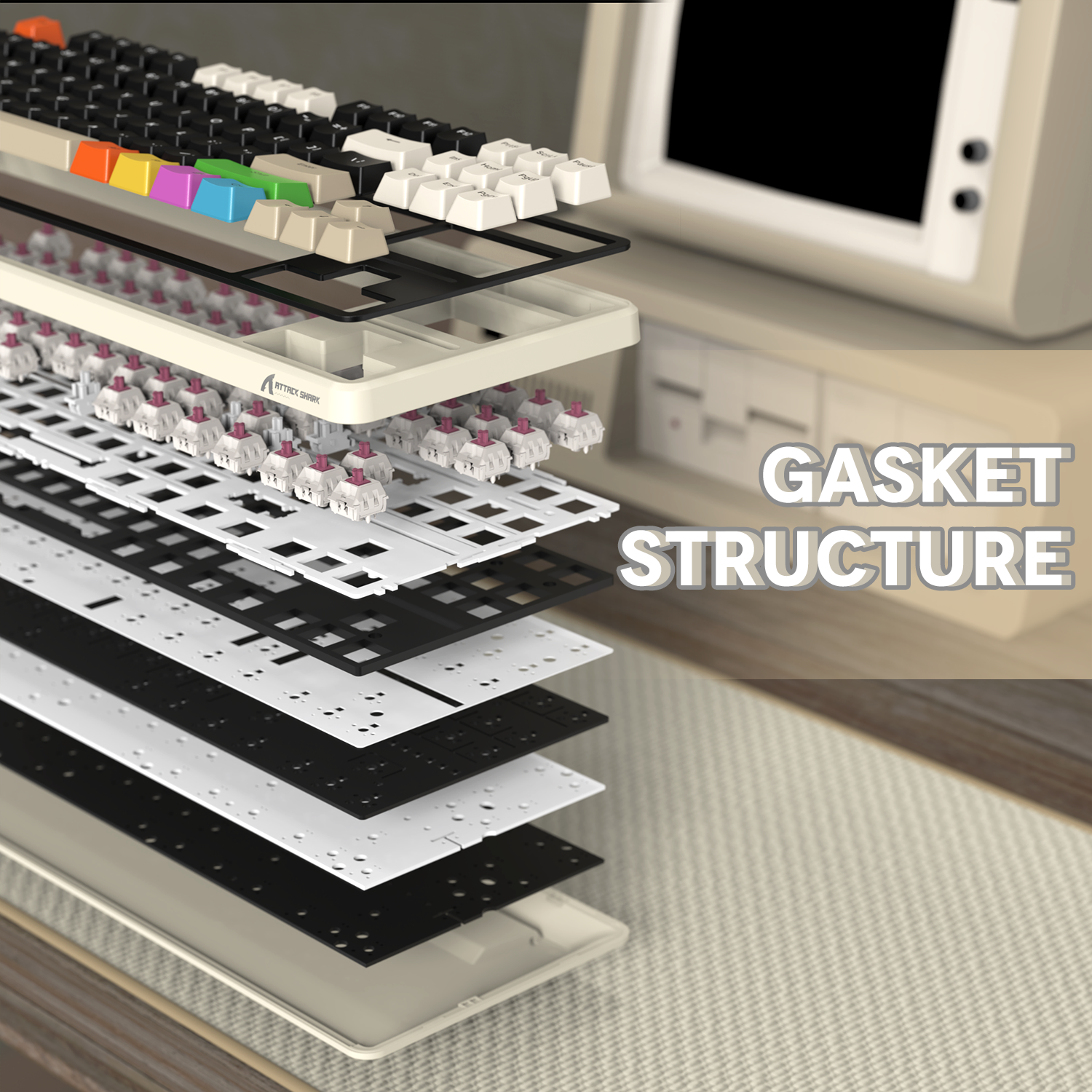
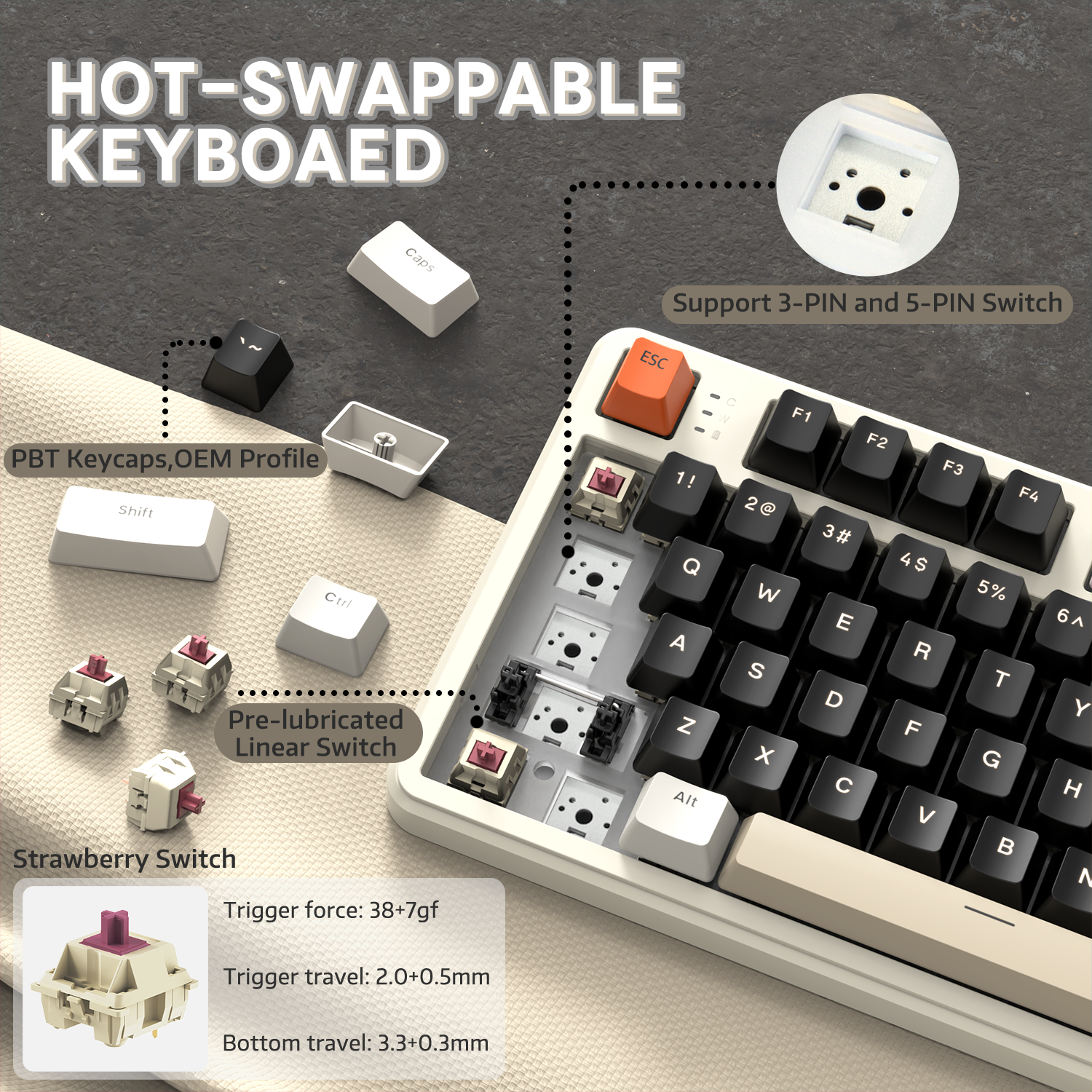
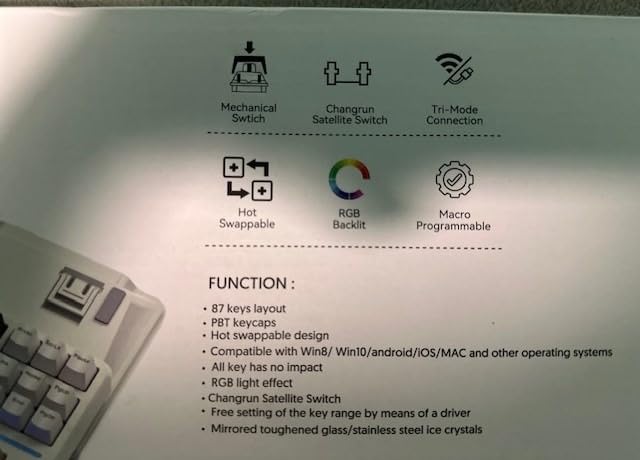
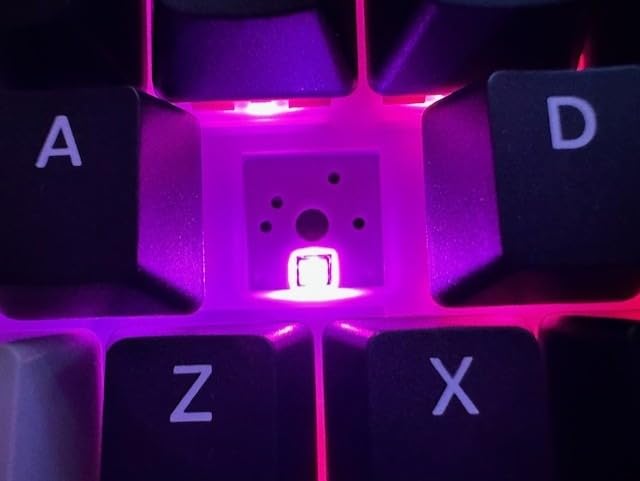
X87 키보드는 3핀 및 5핀 기계식 스위치를 지원하며, 선명하고 섬세한 소리를 내는 자체 개발된 선형 사전 윤활 딸기 스위치를 탑재했습니다. 단일 키 슬롯 PCB 설계를 채택하여 키 안정성과 입력 경험을 향상시키고, 정확한 위치 지정과 키 입력을 보장하며, 키 바운싱과 오입력을 방지하여 키보드 감도와 반응 속도를 크게 개선합니다. 5중 음향 흡수 코튼이 포함된 개스킷 구조는 풍부한 청각 및 촉각 피드백을 제공합니다.

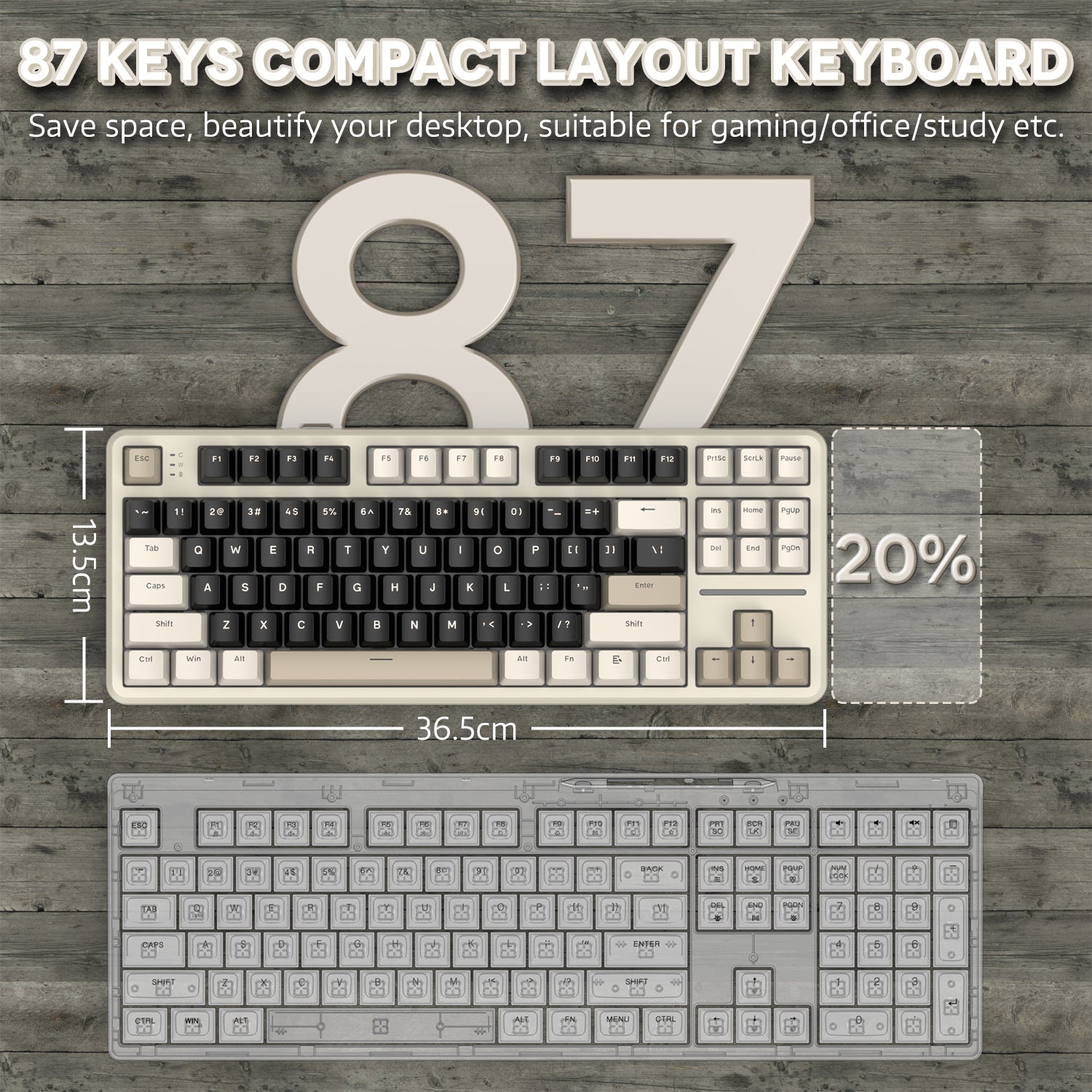
80% TKL 컴팩트 키보드 및 맞춤형 드라이버 소프트웨어
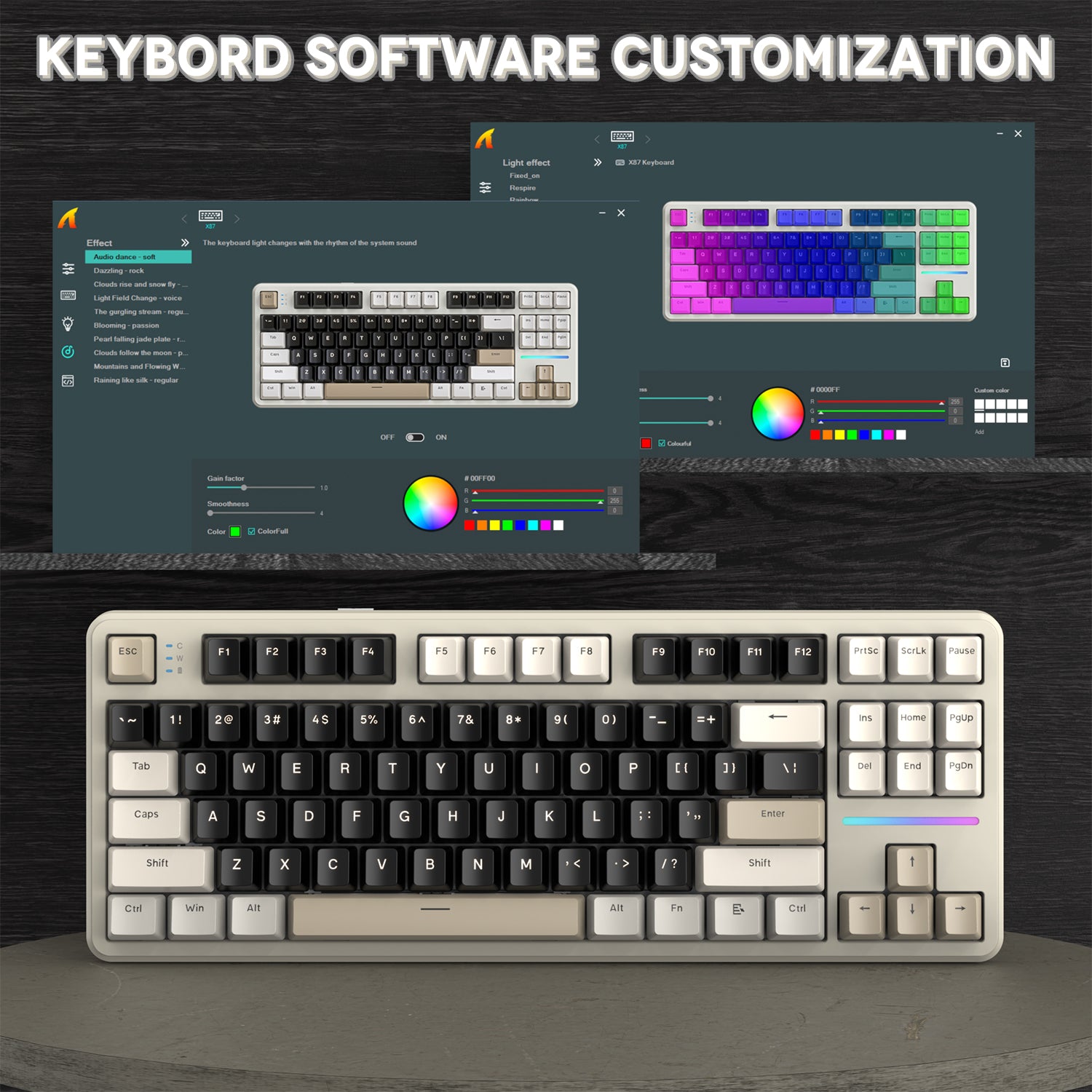
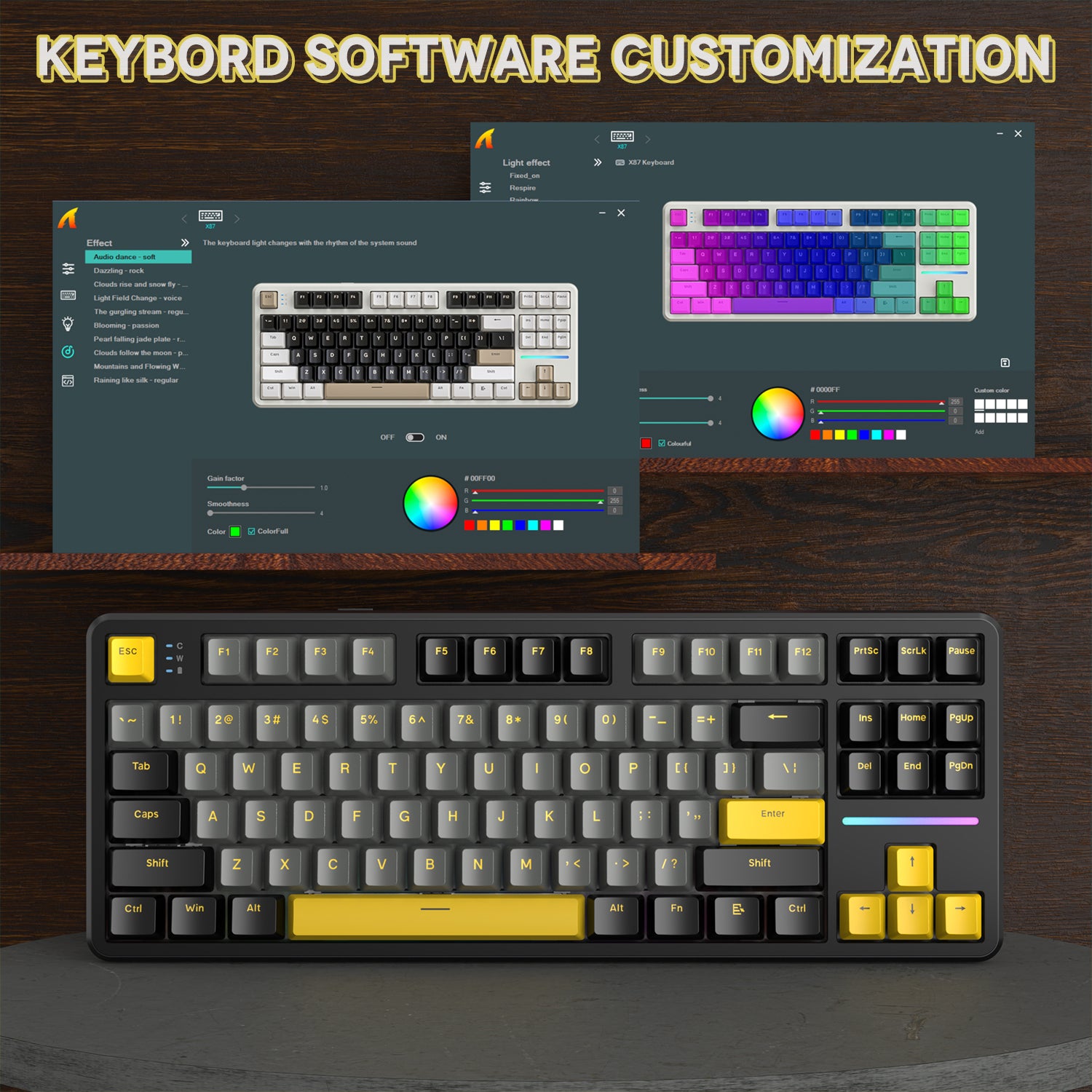
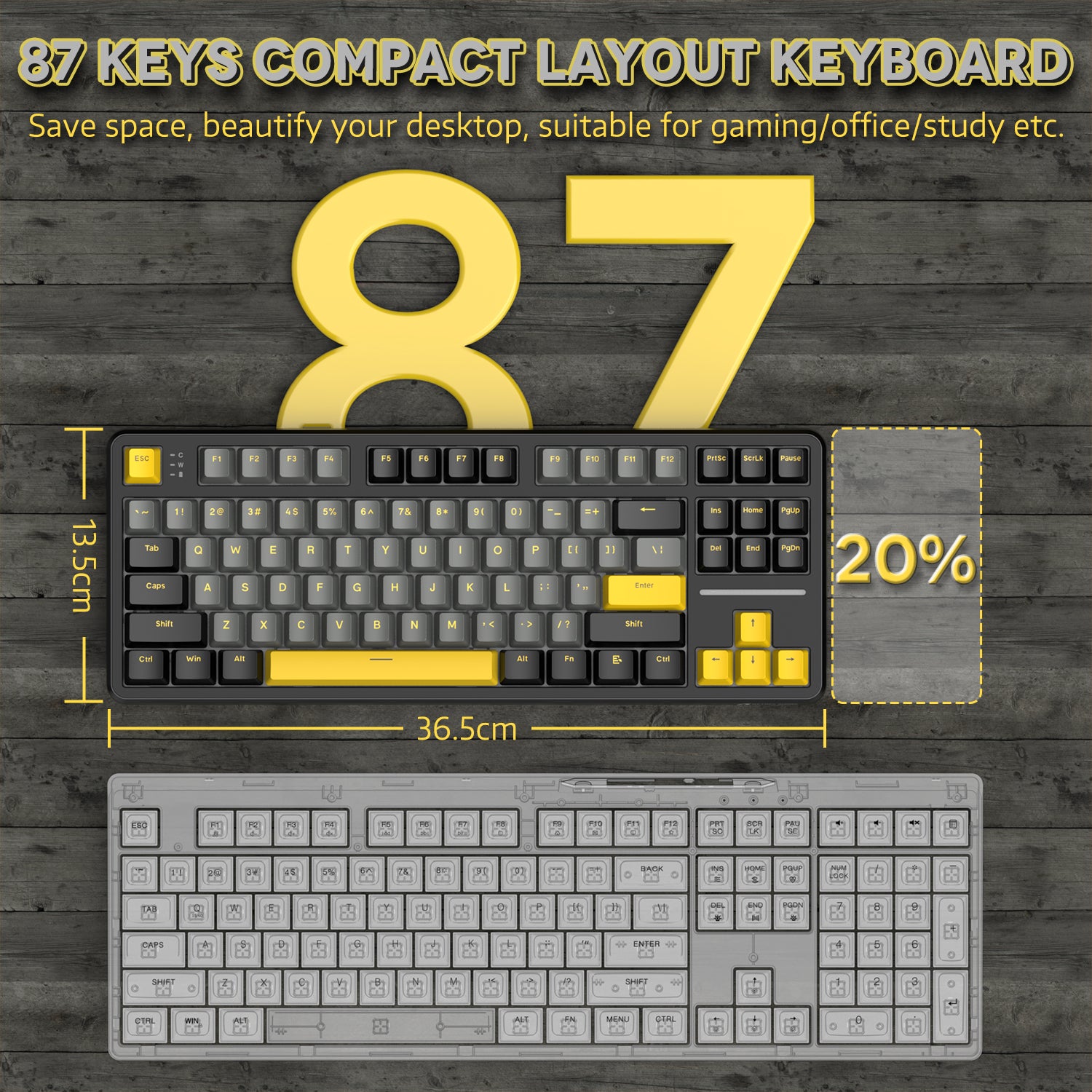
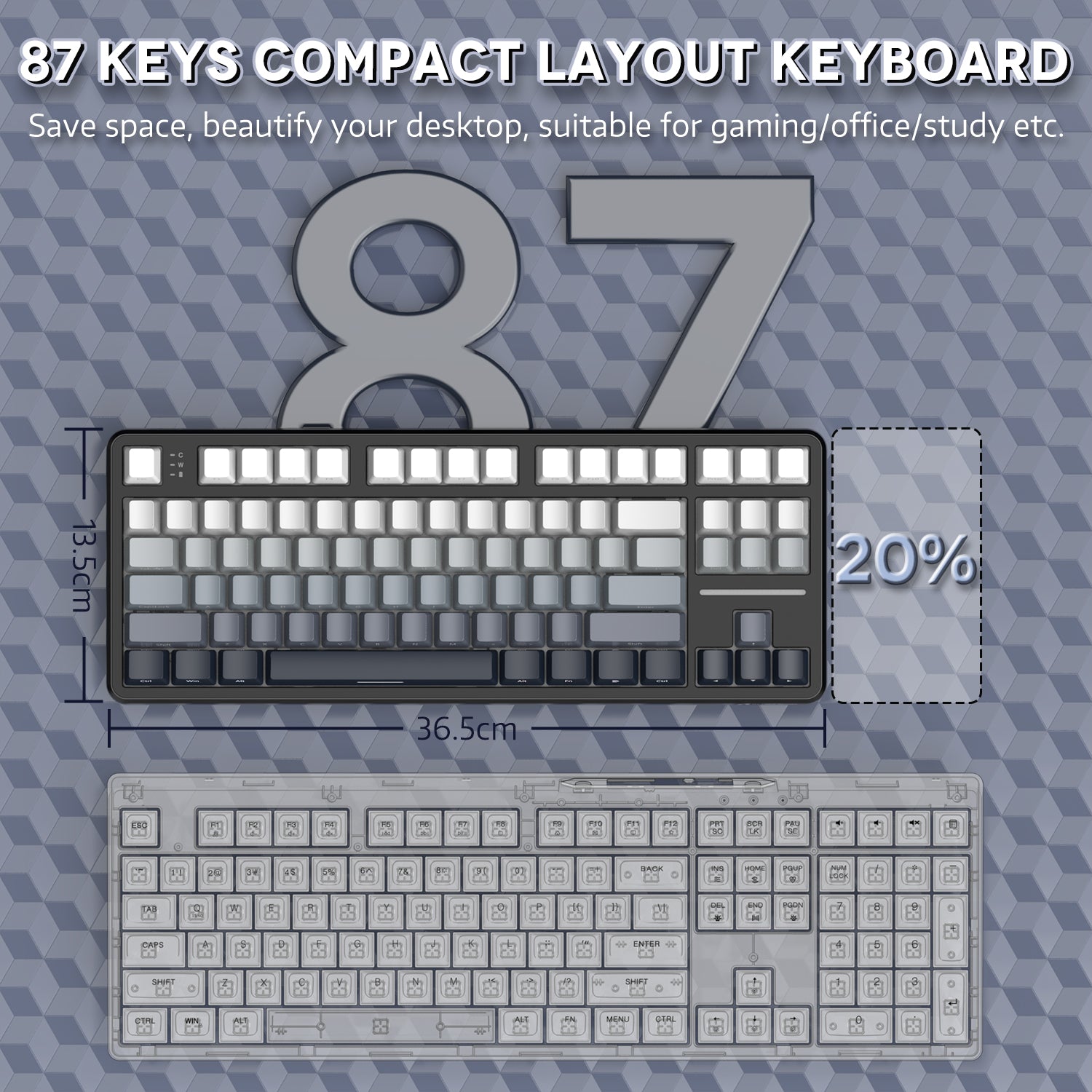
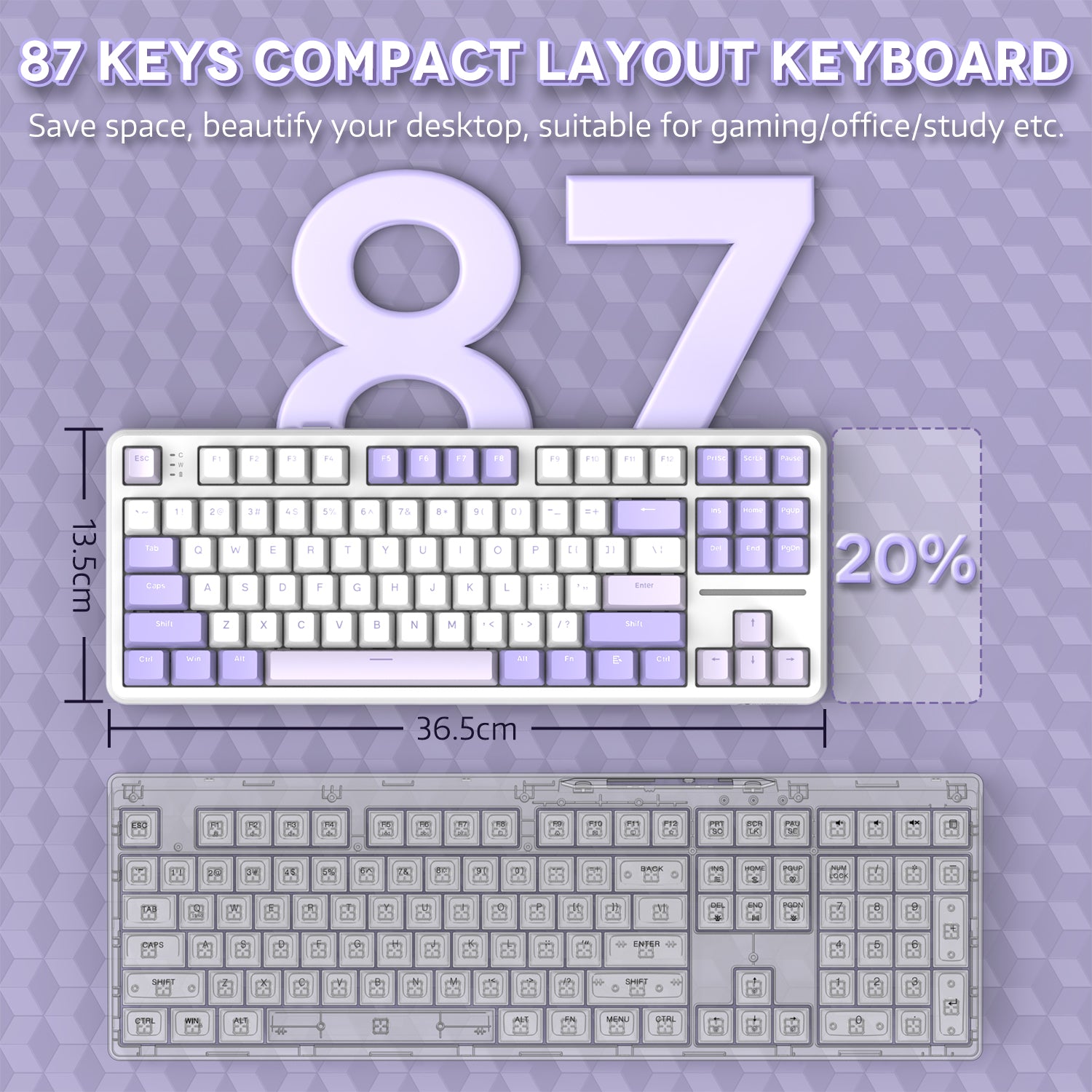
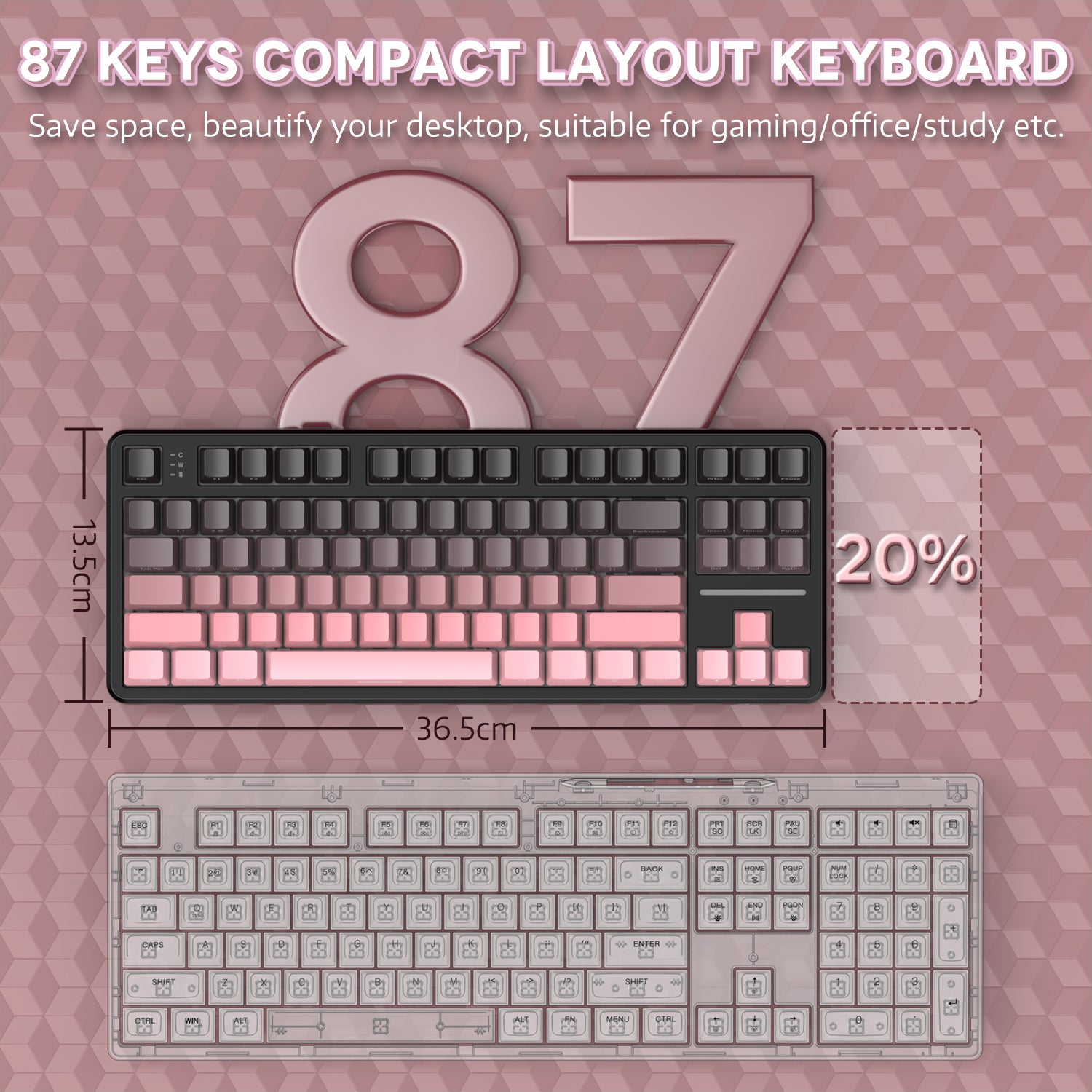
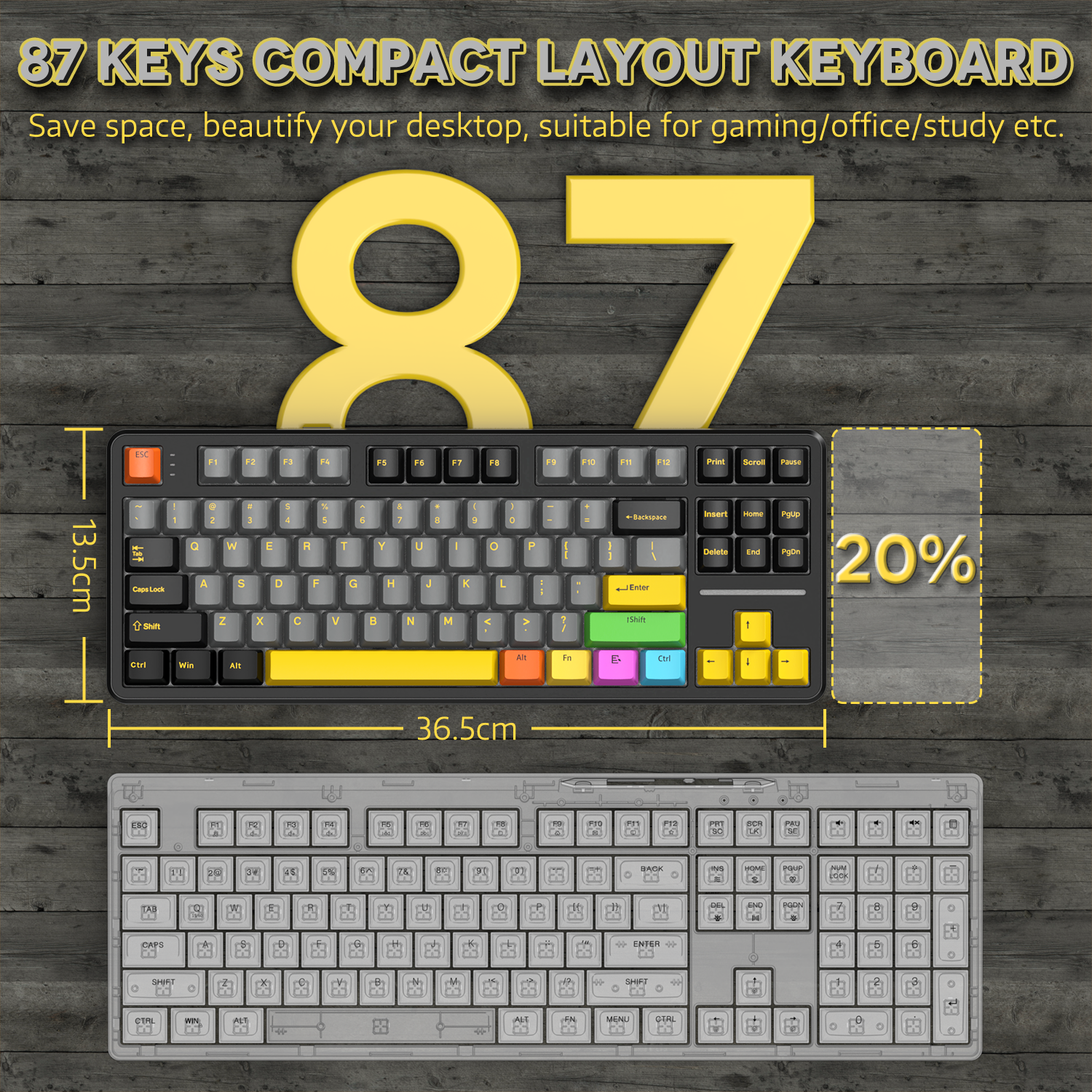
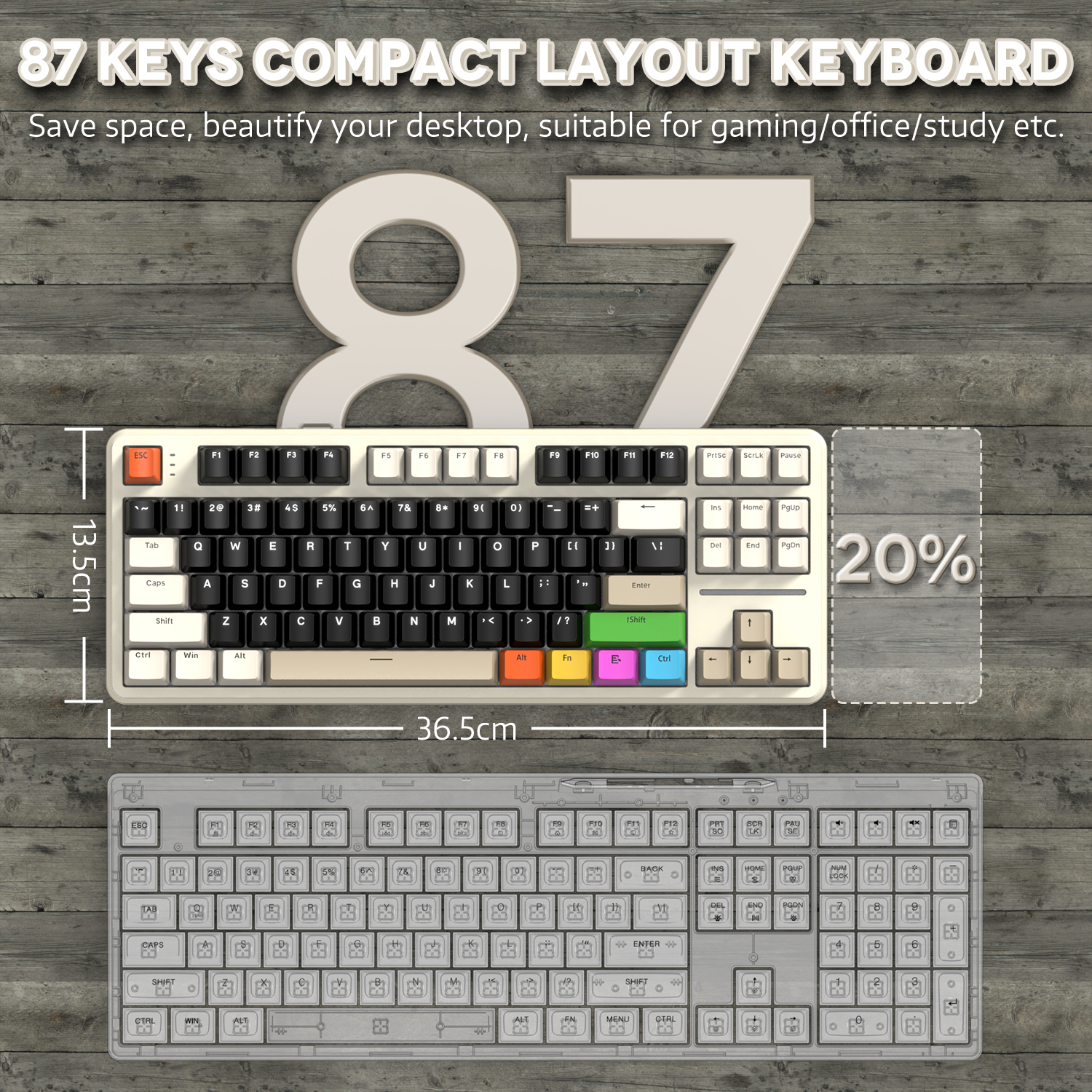
80% TKL 배열은 데스크탑 공간을 20% 절약합니다. 기능키와 방향키가 87키 내에 모두 포함되어 사무 작업을 더 효율적으로 하고 게임을 더 부드럽게 만듭니다. X87 키보드는 맞춤형 드라이버 소프트웨어가 제공되어 키 기능을 개인화하고 키 프로그램을 설정하여 기능성을 향상시킬 수 있습니다.

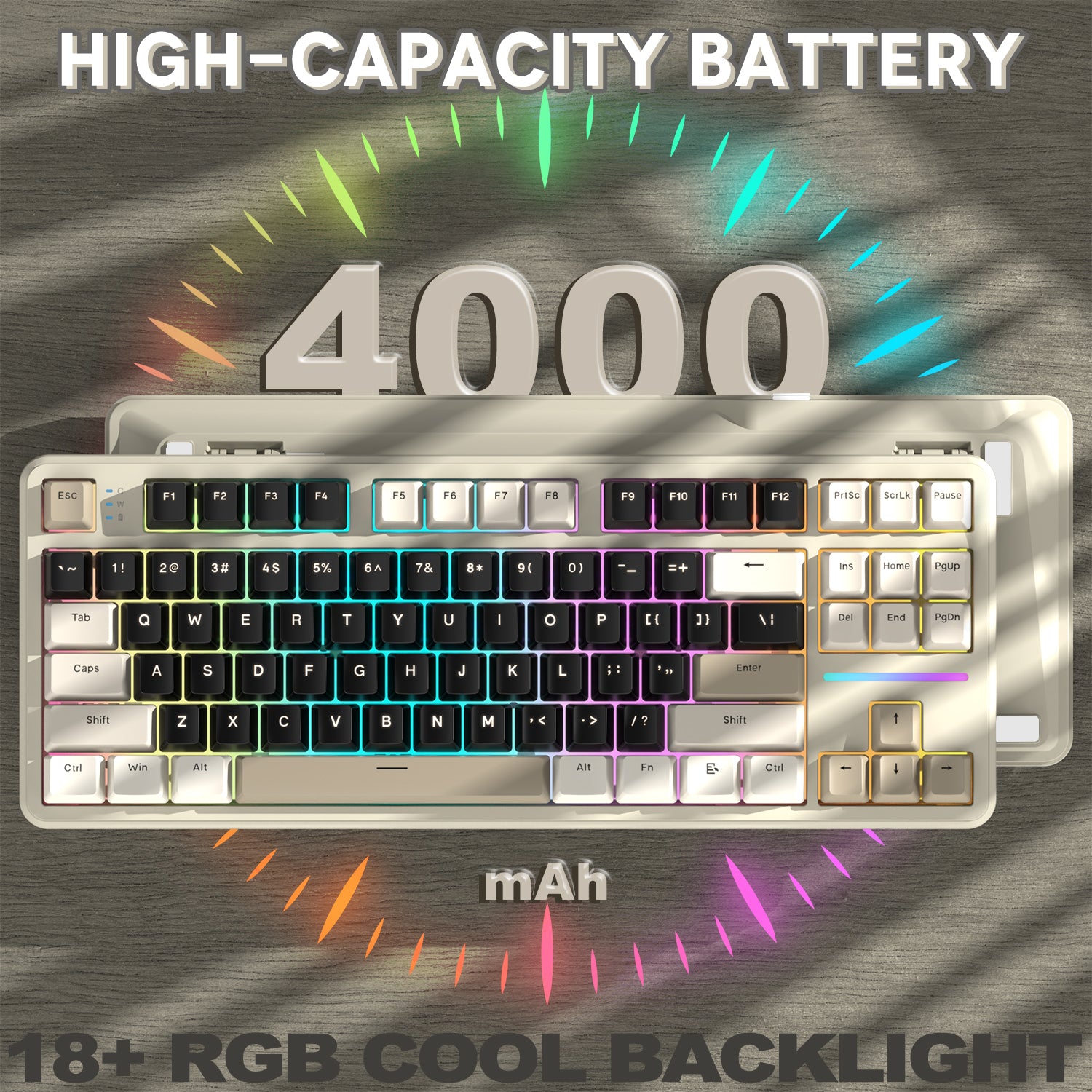
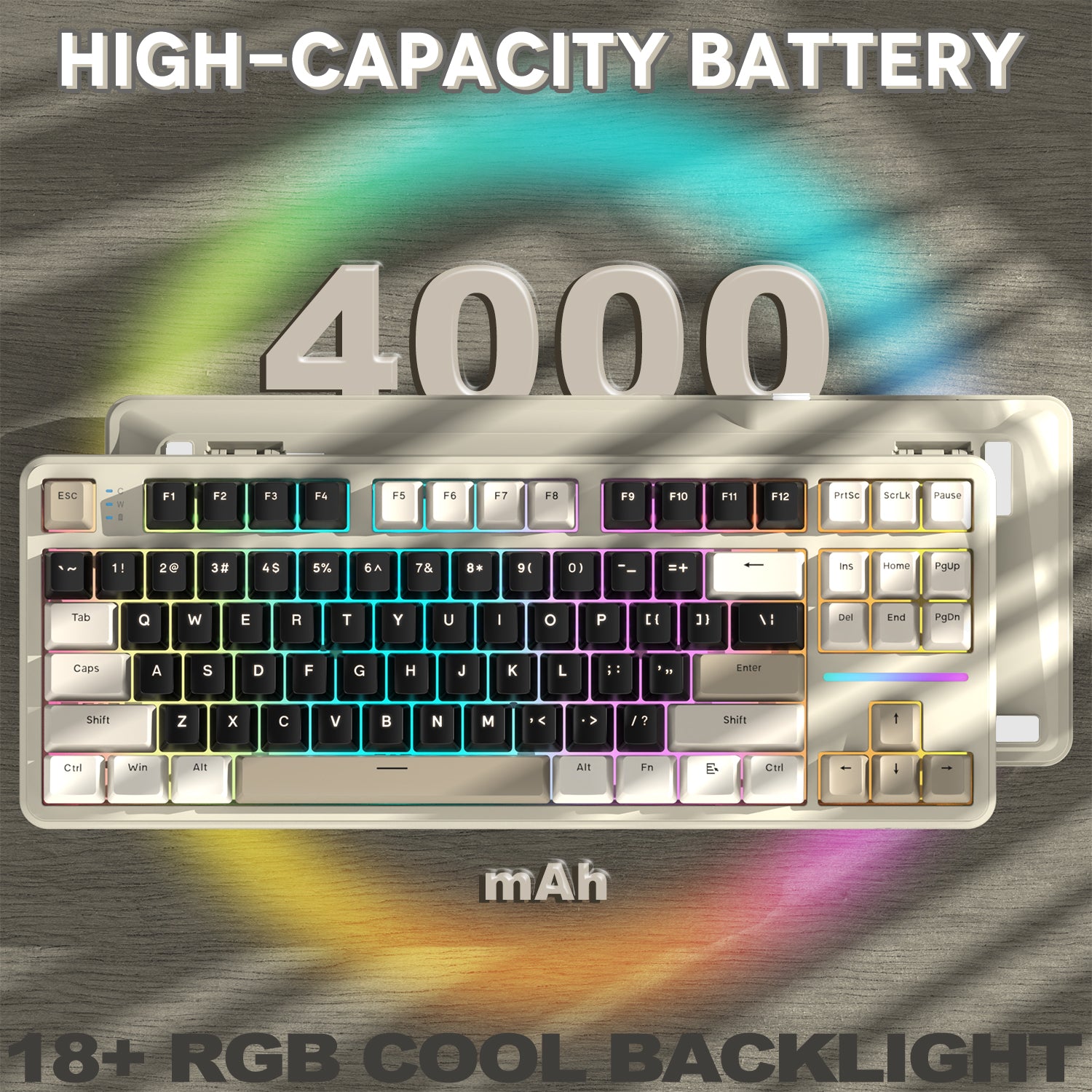
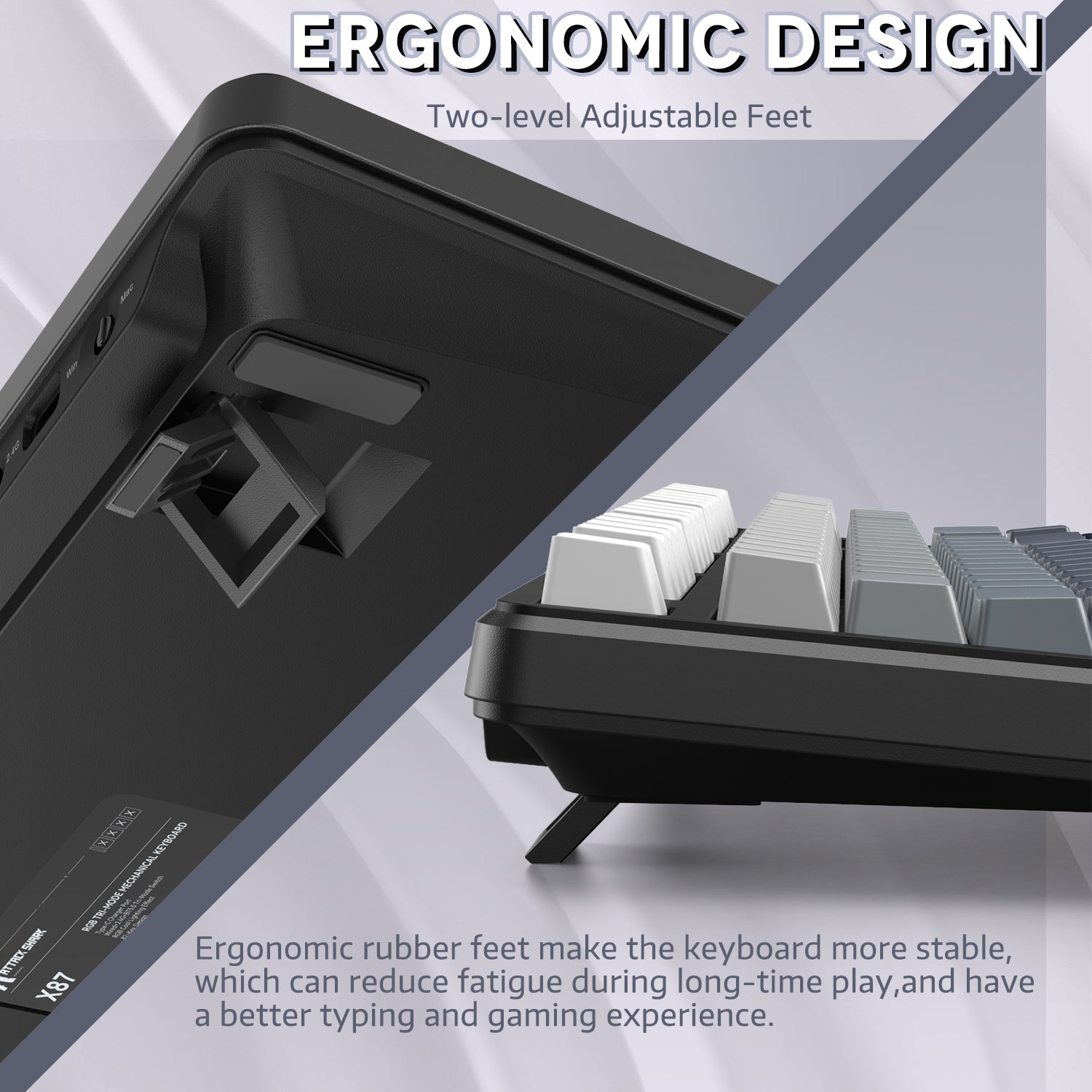
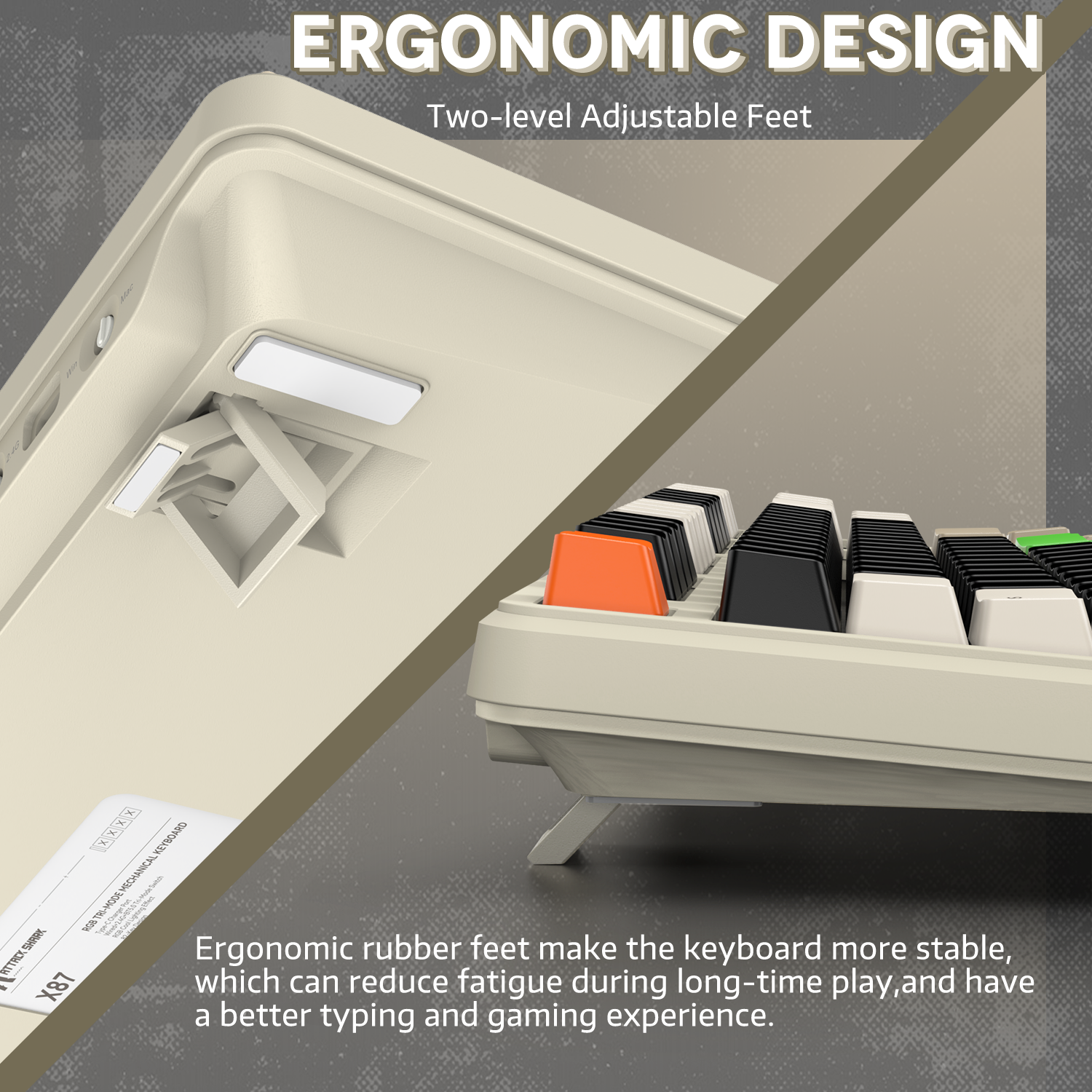
4000mAh 배터리 및 인체공학적 디자인
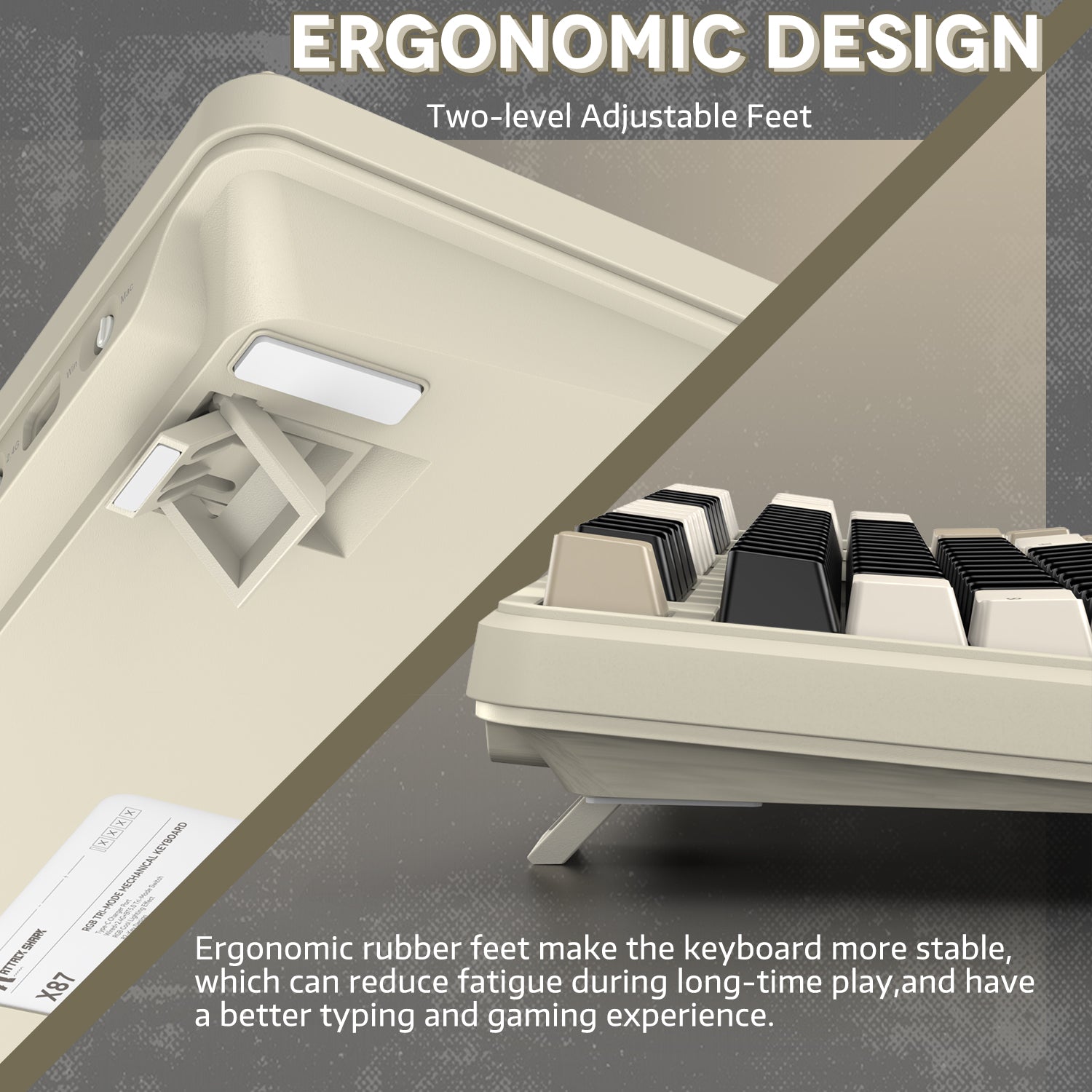
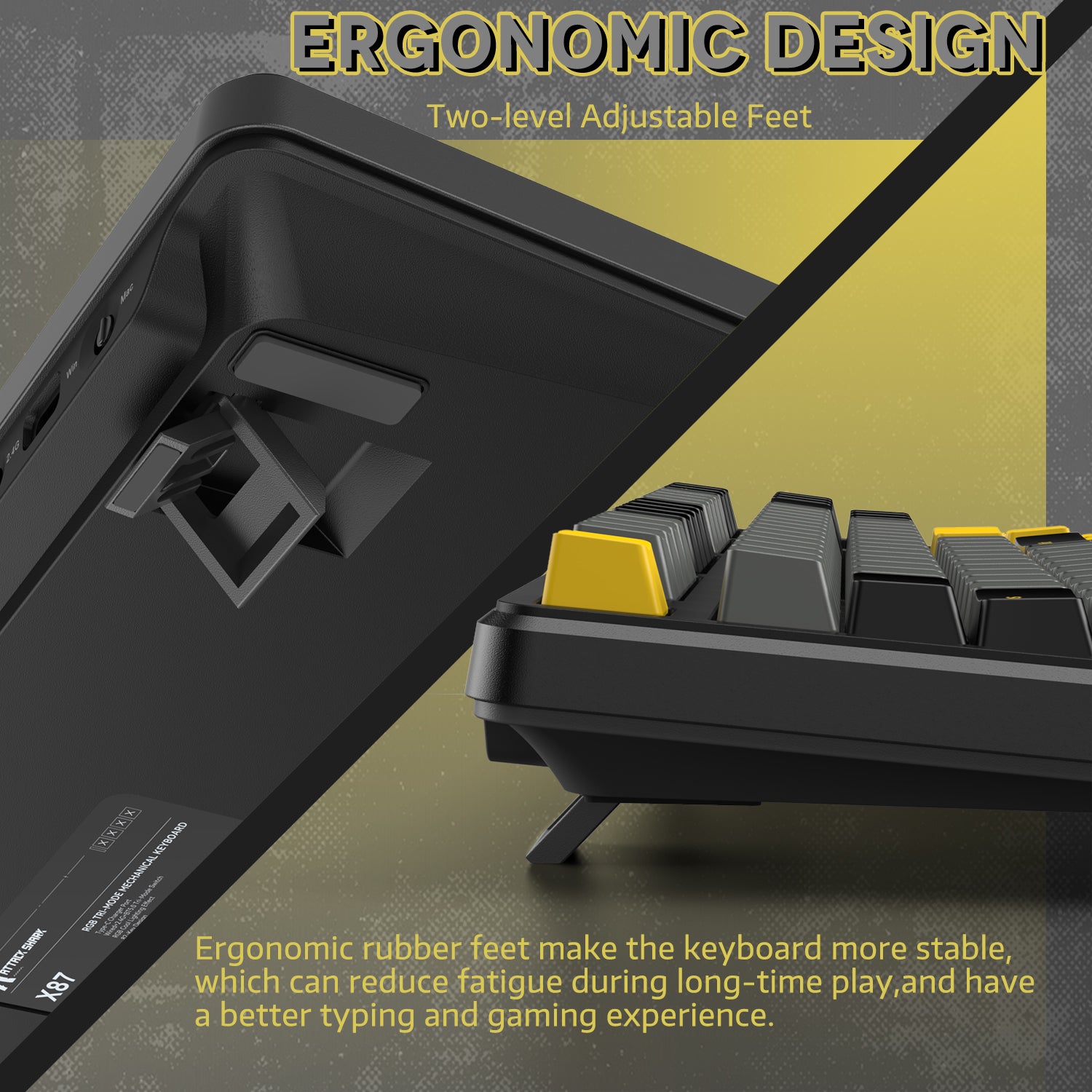
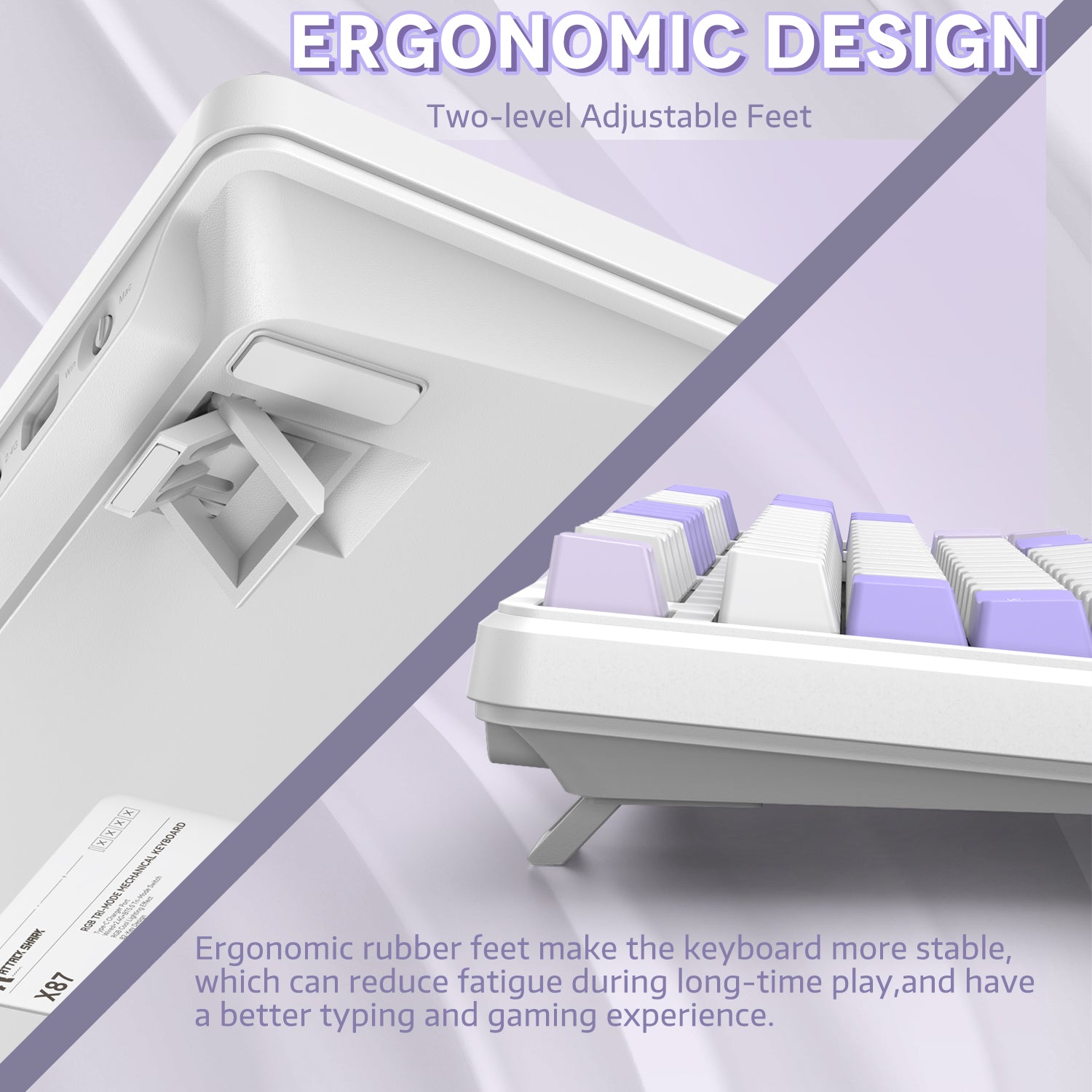
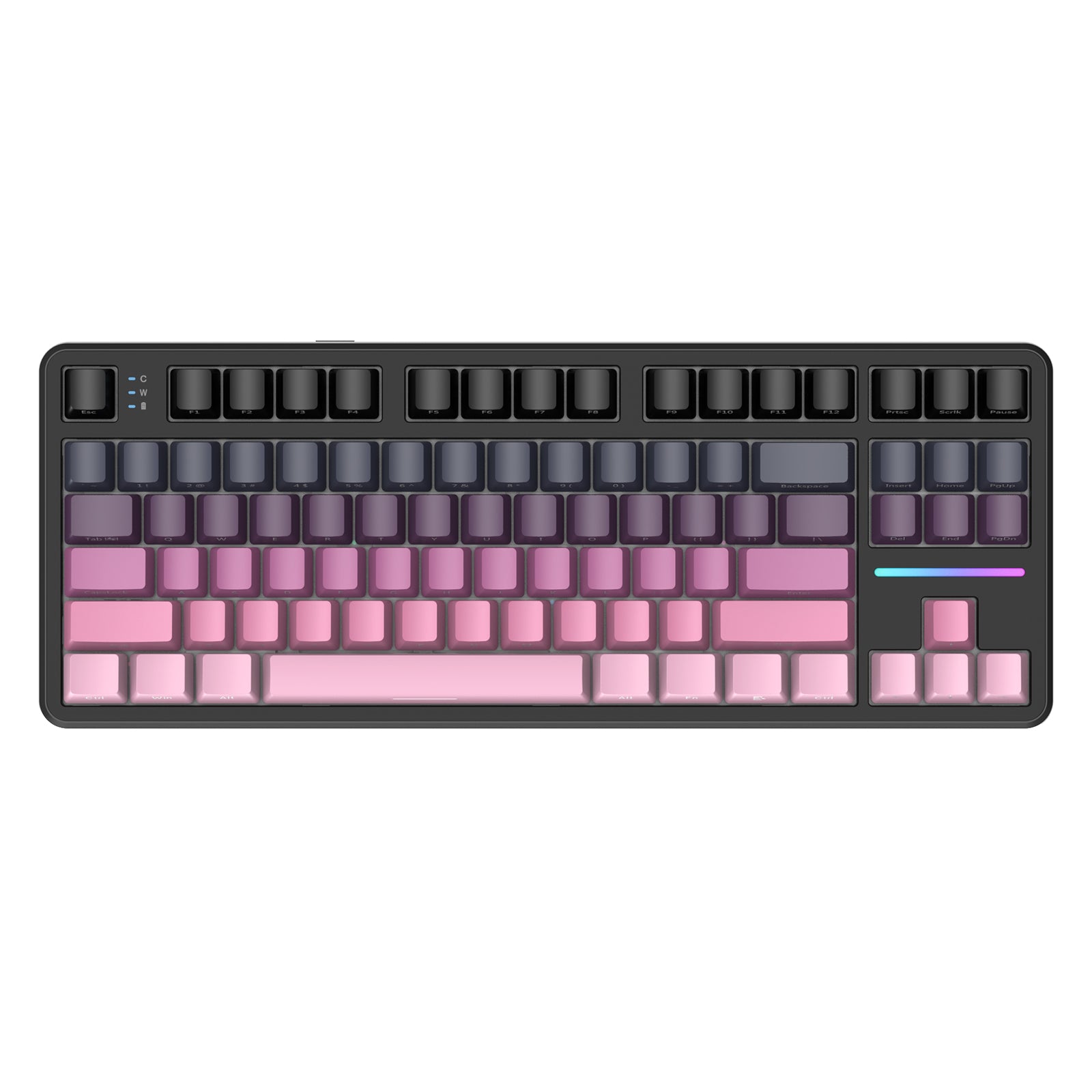
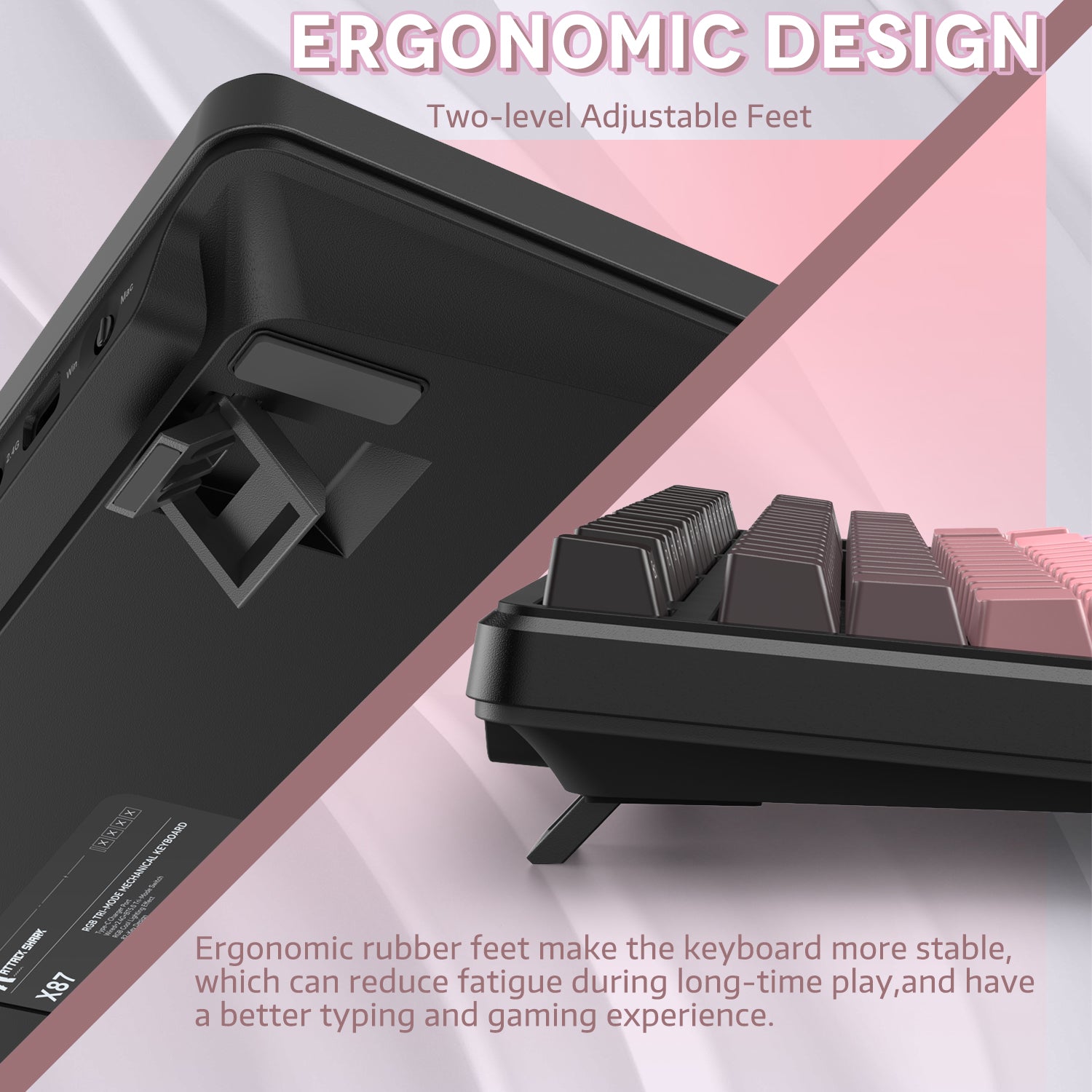
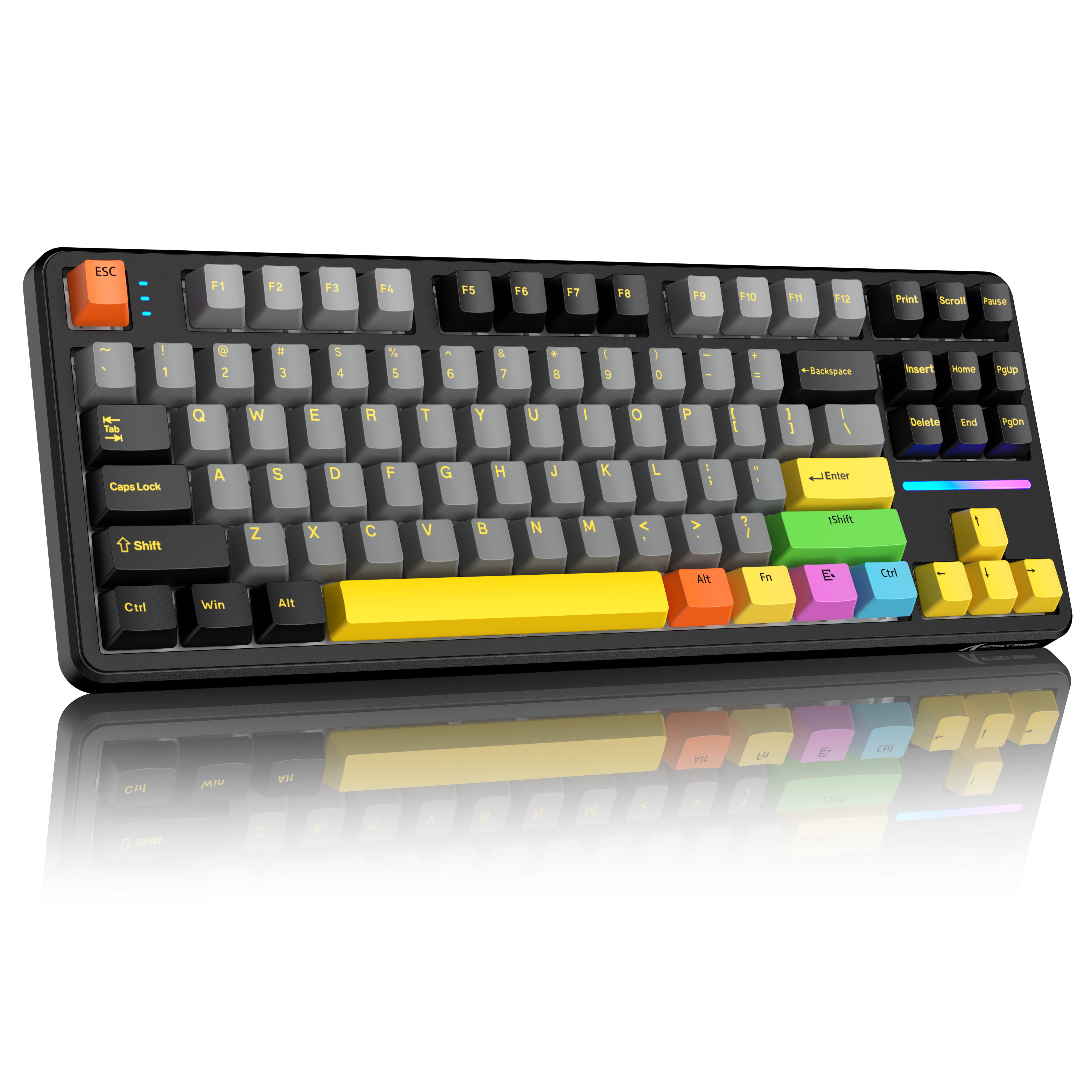
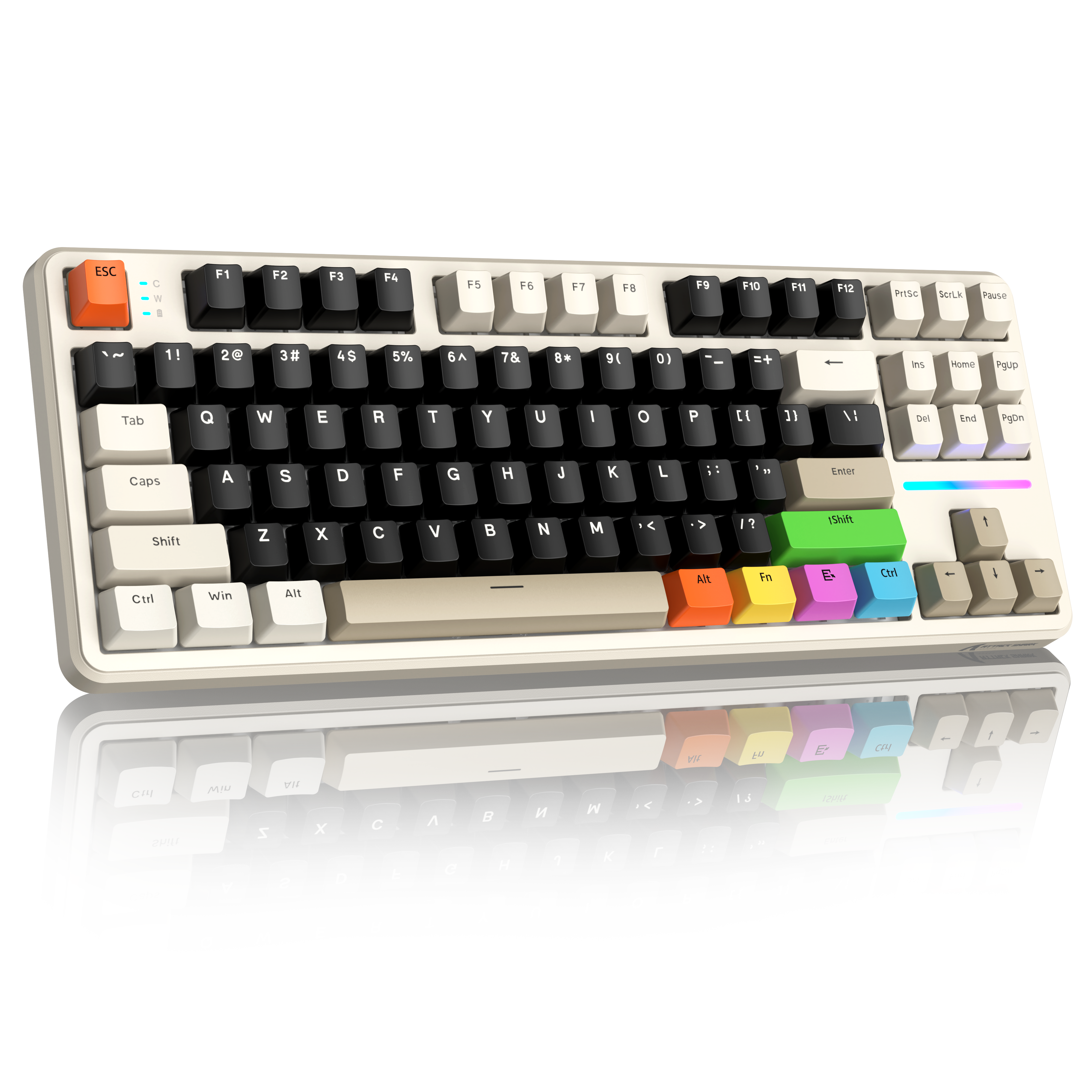
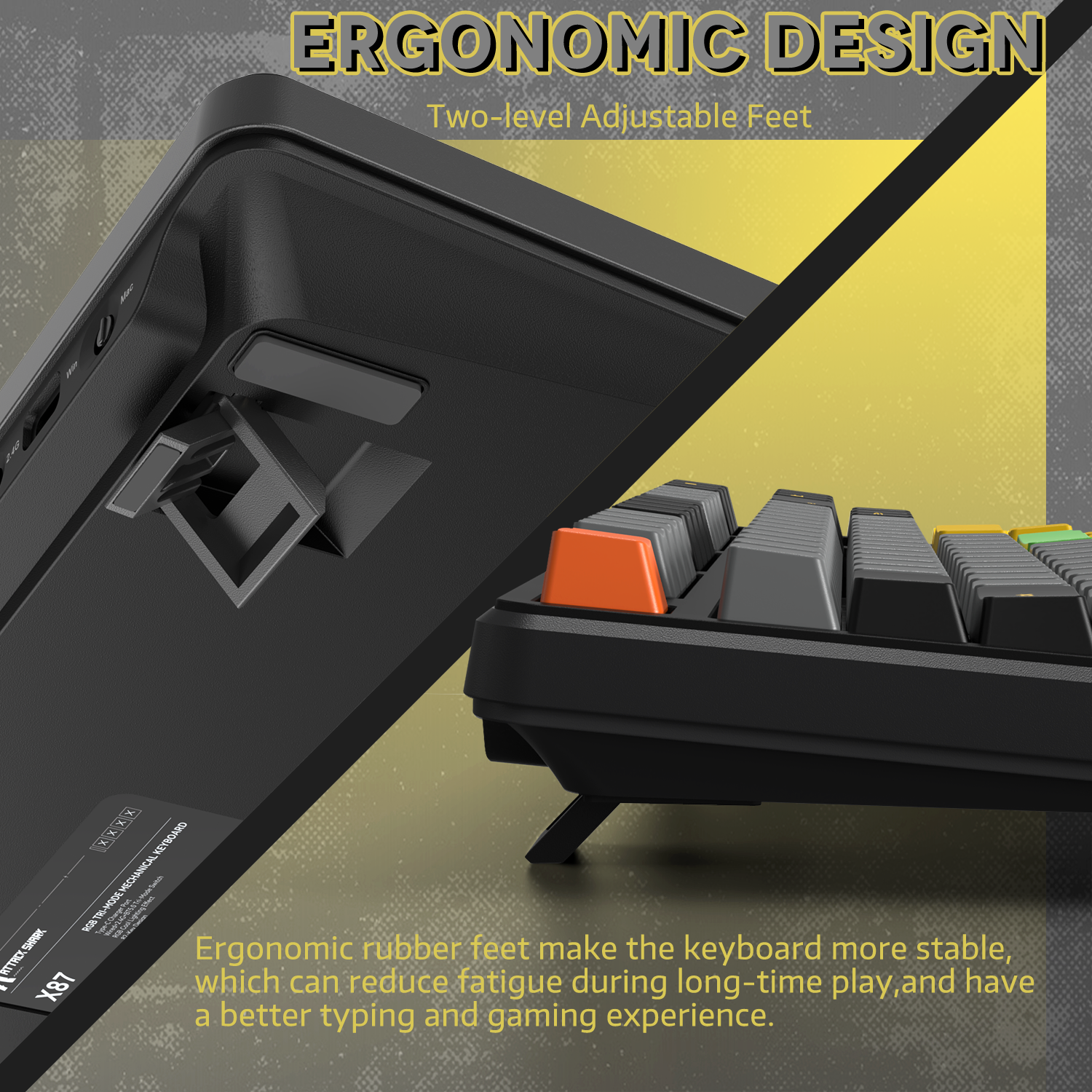
X87 무선 기계식 키보드는 내장 스마트 절전 기능이 탑재된 4000mAh 배터리를 특징으로 하여 오랜 사용 시간을 보장합니다. OEM 프로파일 키캡과 후면 스탠드는 인체공학적으로 설계되어 피로 없이 편안하게 장시간 사용할 수 있습니다. X87 키보드는 세 가지 클래식하고 세련된 색상 옵션과 두 가지 독점적인 멋진 측면 인쇄 디자인을 제공합니다. 게임용이든 사무용이든, 필요에 맞는 완벽한 스타일을 찾을 수 있습니다.

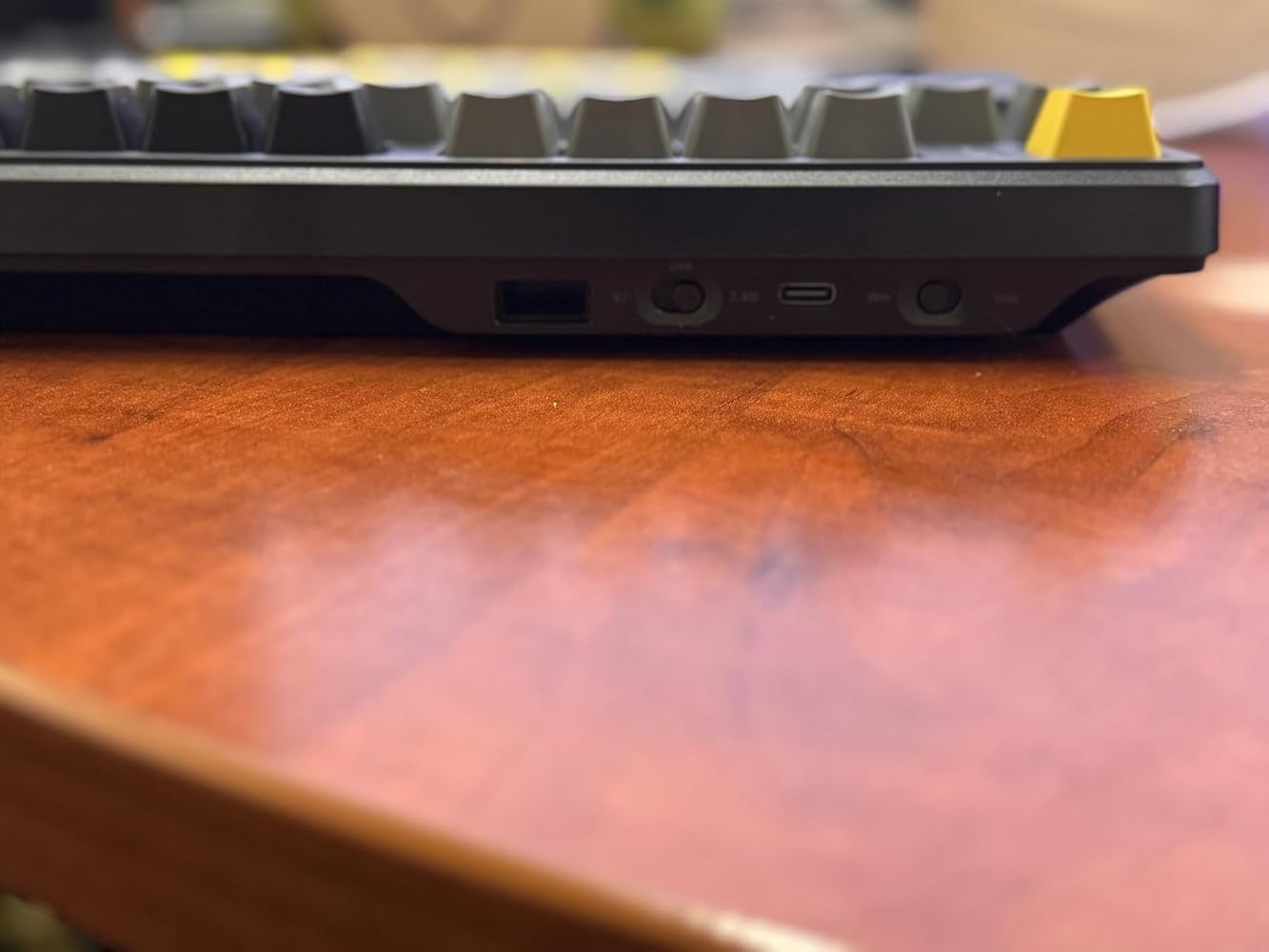
The Attack Shark keyboard has interesting features that aid in keystroking. But it will not appeal to everyone due to strange and weak features. It is not a sleek keyboard as it contains mechanical keys that have significant travel. The preciseness of these keys gives the user very positive feedback. The keys are backlit and snap to life from sleep mode with one touch of the keys. The light show is orchestrated by multi colored LEDs. The lightshow can be configured. For me, one light show is enough.The attached movie shows the Attack in action. You can hear in the click clack of the keys. The Mac Air screen shows the touch-typed input. The sounds and tactile feedback from the keys leads are strong and leads to precise and confident typing. The Attack Shark uses hard keys to configure the keyboard. Mac/Win chooser on one switch. BT/USB/2.4 Gig communications on another switch. The 2.4 Gig USB plug is tucked away in the back of the keyboard. The lettering on the keyboards is Windows only. One can figure out that the “Alt” key is the Mac “Command” key. The lettering is in yellow, which is difficult to see when inputting numbers.I like to us Bluetooth to connect to my computer. For other keyboards, this connection takes time during the search. It’s like a dog finding a place to pee. They sniff here; sniff there, and finally finds the place. The Attack Shark’s BT connection is instantaneous. In my movie, upon touching the keyboard, the lights come on and BT is established quickly. It’s like saying, “Treat” to a dog: Instant attention.The biggest drawback of the Attack Shark is the lack of a numeric section. When entering numbers, I slow down a lot, as I need to hunt for the numbers. The keyboard comes with an adjustable tilt – this helps but not enough.All Mac owners that use BT keyboards keep a hidden secret. We keep corded keyboards and mice just to use if we need to access system commands during startup. My corded devices are from 2008. But the Attack Shark has a USB cord and can be configured to communicate over USB. Will this work for system access at start up? No it does not work! My 2008 devices will be retained.I give the Attack Shark a B+. For me it is a good secondary keyboard.


The Attack Shark X87 triple mode, hotswap PCB is a really good 75% TKL keyboard. I found it to be very nice to type on and the 5 layers of gasket material does its job for feel and sound profile. The switches are very well lubed and feel creamy with added pop. I used all 3 connection modes and everything worked just as it should with the 2.4Ghz/Bluetooth and I had no issues with wired of course. Attack Shark claims up to 5 devices can be simultaneously connected so I tested that and with using the FN combos with wired/2.4Ghz and Bluetooth, I indeed did manage to connect 5 separate devices and switch between them and I like that option. I will not normally use that many devices but it's nice to know it does work if ever I need to do this.The keycaps are not super thick but they do sound pretty good to me and they are PBT and OEM version which is similar to cherry profile. The stabilizers are all decently lubed and rattle free except for the spacebar which was a little on the clacky side. I removed it, cleaned it and used permatex and some krytox 205g0 and it fixed that little annoyance.For new users to smaller form keyboards this is probably the best transition size with 87 keys, why they refer to it as TKL = ten keyless. Which just means there is no numpad but if you don't need it and want to save some desk real estate it is a good option. As you may also notice there is not a dedicated media knob but the preprogrammed media keys are accessible using the combo of FN + F7 thru F12 keys. Those are the media combos for Windows btw and Mac is programmed a bit differently but all of this is in the manual and online at manufacturer's site along with driver software. You can adjust RGB, keymapping and record macros if you desire.I love that the PCB is compatible with 3 and 5 pin switches and mine came with Strawberry linear 3 pin switches installed and south facing RGB LEDs. For 3 pin they are stable in the socket and I'm having no issues at all but I do prefer 5 pin because they are more abundant on the market and easy to find my preferred switch.I like that the X87 has flip out feet so I can adjust it to the angle I like best and the pads on the bottom keep it from sliding around, it is stable and stays where it is placed. At this time I have found nothing negative about the X87 and I gamed on it for a few hours today. I think it is a good board at a great price that is loaded with many useful features and it is customizable. What would I like to see added? Simple answer is let's make it QMK/VIA compatible, give it a CNC aluminum shell for durability, a bit larger battery than 4000mAh and then it's certainly deserving of 5 stars. But...don't change anything else Attack Shark because the rest is A-OK.


The clicks sound great the response time is great and the customisability is great, for $90 prob the best u can get

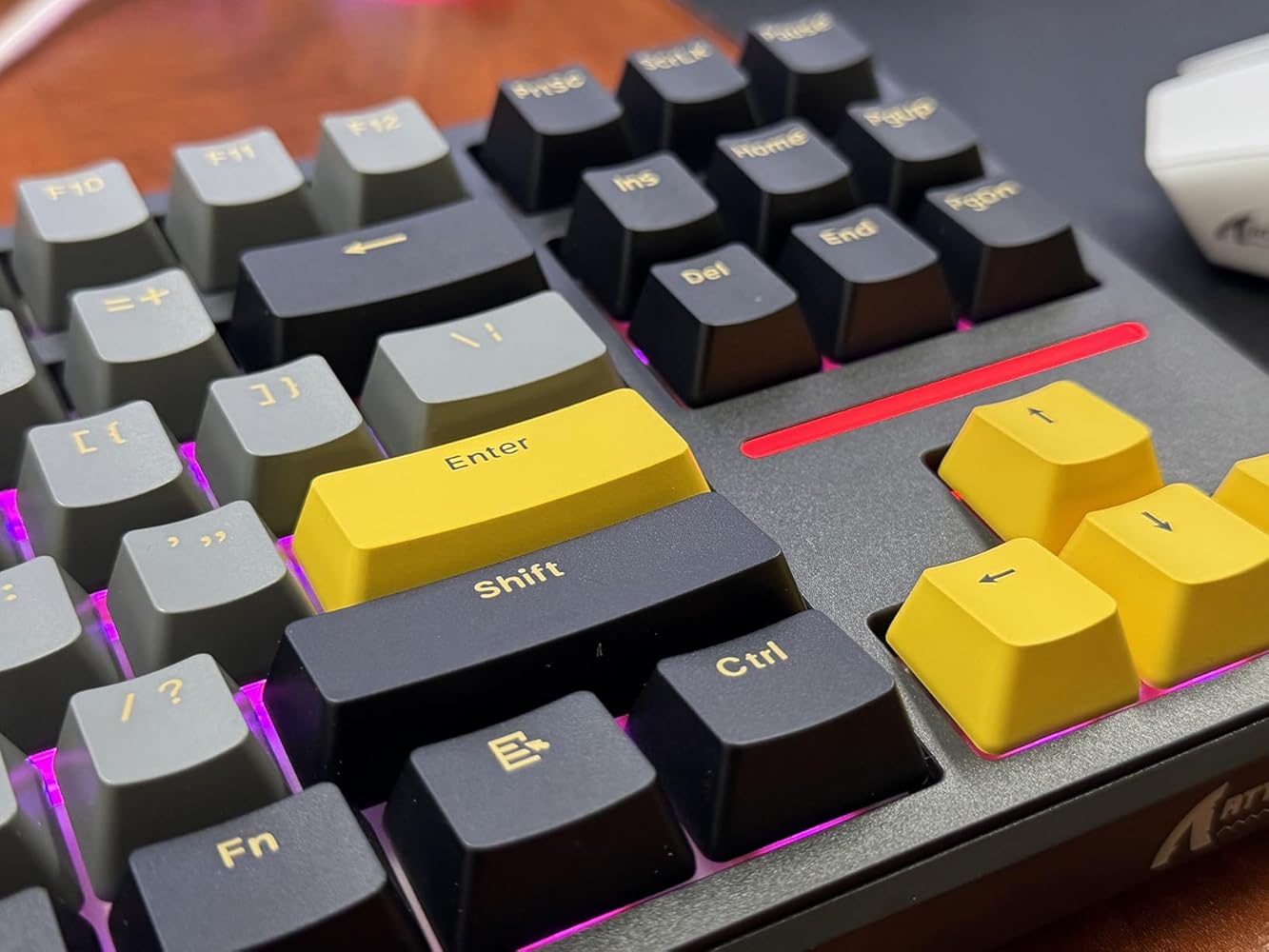
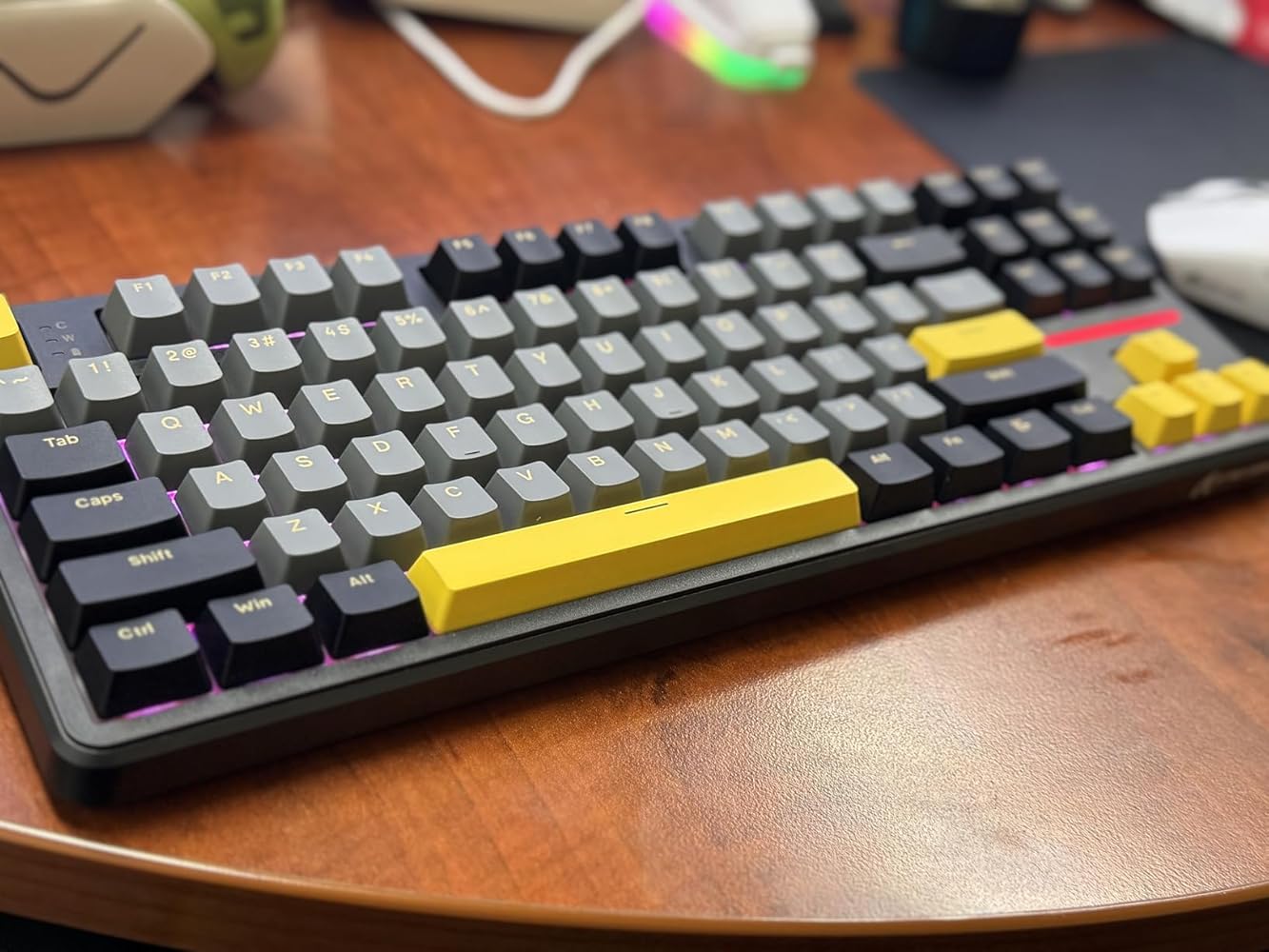
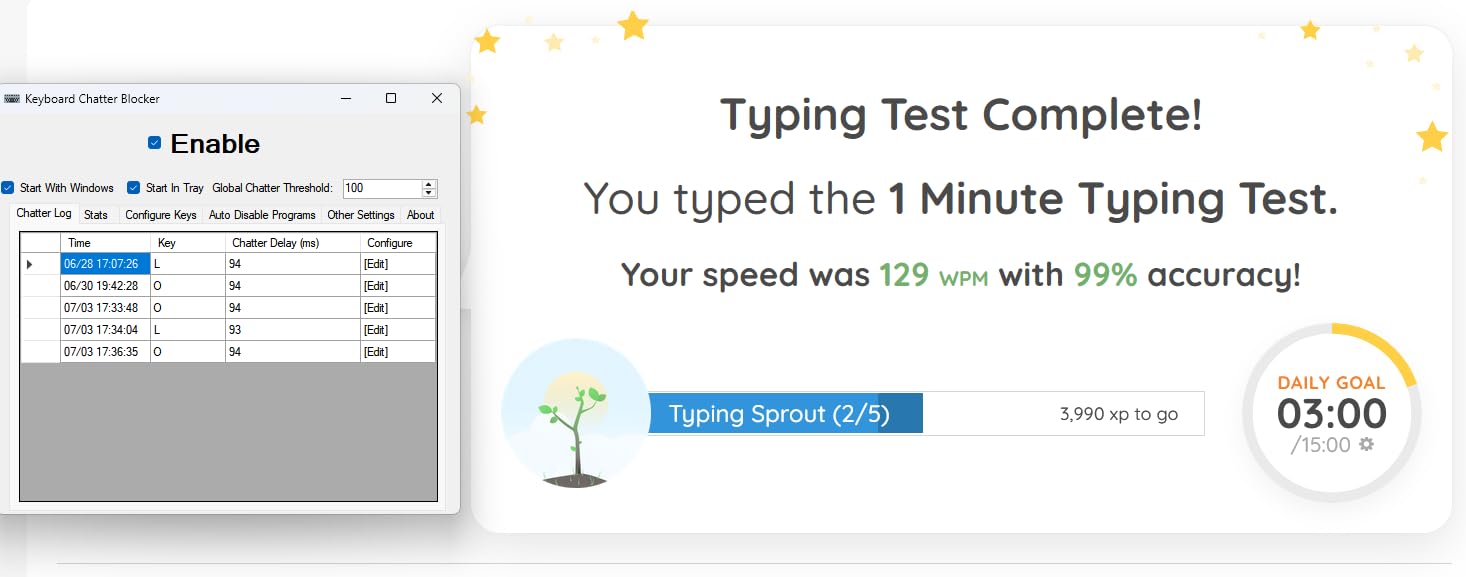
Important to note: The 5/5 is based on what you get for the price. Not that this is a perfect keyboard.I've been using this keyboard for about 2 weeks now to get a feel for it. Here's a quick breakdown.THE GOOD:- Bluetooth- RF2.4 Dongle with storage compartment in the keyboard- USB C- Windows & Mac support- RGB backlight with controls- PBT keycaps- Wireless with long battery life. I took it out of the box and started using it without charging it. Full RGB brightness and everything. Still going strong.- Mechanical keyboard- Function key for media controls/volume/etcTHE BAD:- I really don't like the feel of the key press. This is the 5th Linear keyboard I've tested this month and the typing feel is my least favorite of the bunch. That's not to say that the keyboard is bad or prone to error. It's not. My typing speed test is just as fast with this keyboard as others I've tested. I'm having trouble explaining it but the presses aren't confidence inspiring. It works. And I'd say it's probably as good as any other keyboard in this price range. But I have to point this out as being an undesirable factor for me, despite the "overall" 5/5 rating I gave it. The typing feel/experience for me would be a 3.5/5 if I'm being completely honest.- My own fault but the different color keyboards have different keycaps. And only some of the colors have shine-through keyboards. This specific color that I myself chose only has printed keycaps. No points will be deducted because other colors at the same~ price were available with the shine through option which I find to be very helpful in the dark.- While the keyboard has a ton of alternate/function key controls, none of them are marked. Many keyboards are the same and don't mark the additional controls that are available. But I view this as a negative as you have to go looking through a manual and trying to memorize the placement of all those keys.- Very minor keyboard chatter observed during fast typing tests. Nothing major though so no point loss. It happens to the majority of mechanical keyboards.CONCLUSION:This keyboard has an "ok" typing experience. But you still get mechanical switches. PBT keycaps. Wireless bluetooth and 2.4GHz as well as wired. RGB backlight. And all for a ridiculously great price. At the time of this review, a coupon is available bringing the price down to just $50. That is honestly a fantastic price. And for that price, and only due to that price, the overall package here gets a 5/5 rating. But if the price were higher, for example $80, then it'd only get a 4/5.BOTTOM LINE:If you're looking for a mechanical wireless keyboard in the $50-$60 price range, this is one of the best options out there. But if you're looking the best typing experience and are willing to spend more, I'd pass on this. You'll find better options in the $80-$100 range. Including from Attack Shark themselves.
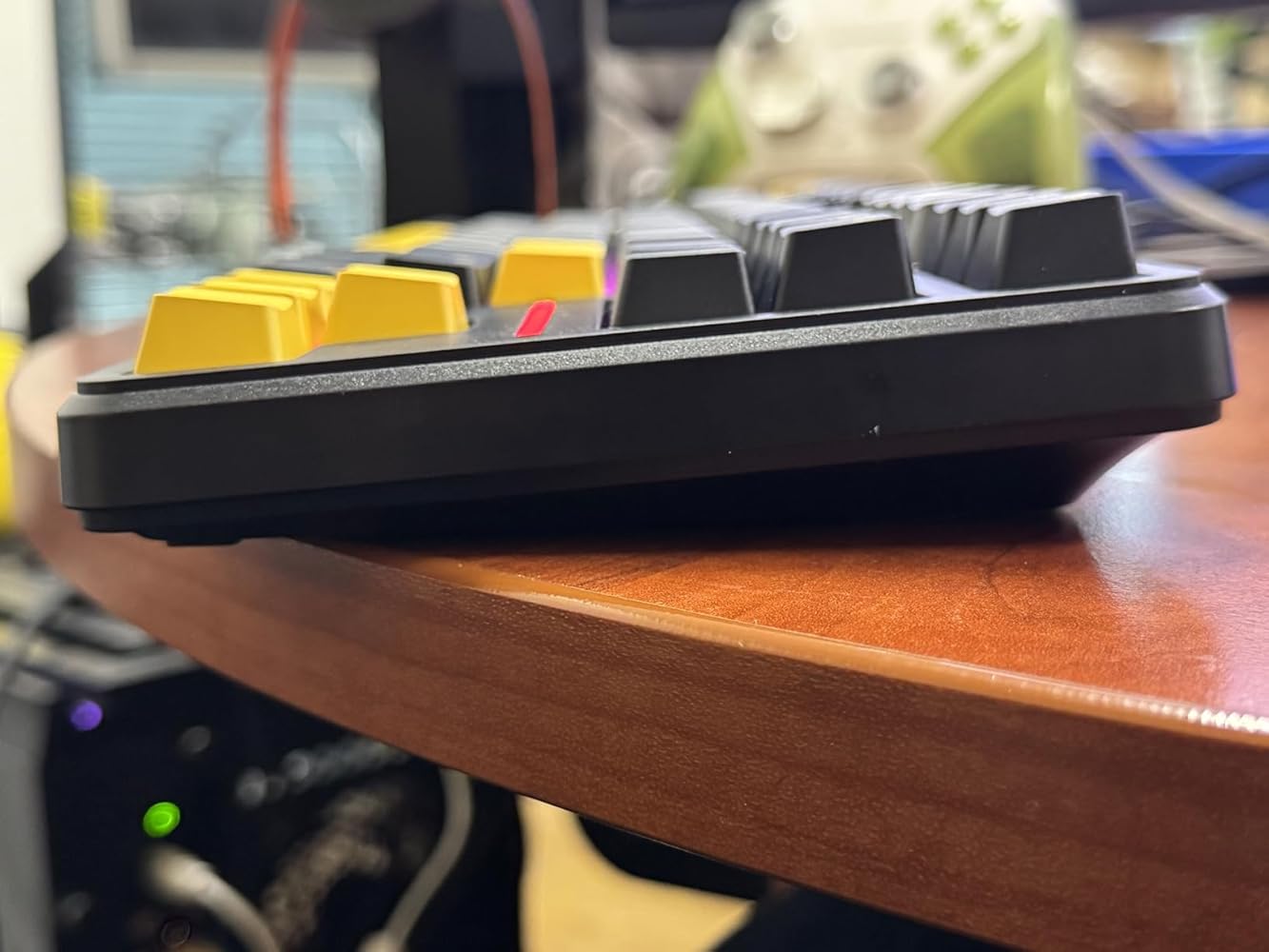
Important to note: The 5/5 is based on what you get for the price. Not that this is a perfect keyboard.I've been using this keyboard for about 2 weeks now to get a feel for it. Here's a quick breakdown.THE GOOD:- Bluetooth- RF2.4 Dongle with storage compartment in the keyboard- USB C- Windows & Mac support- RGB backlight with controls- PBT keycaps- Wireless with long battery life. I took it out of the box and started using it without charging it. Full RGB brightness and everything. Still going strong.- Mechanical keyboard- Function key for media controls/volume/etcTHE BAD:- I really don't like the feel of the key press. This is the 5th Linear keyboard I've tested this month and the typing feel is my least favorite of the bunch. That's not to say that the keyboard is bad or prone to error. It's not. My typing speed test is just as fast with this keyboard as others I've tested. I'm having trouble explaining it but the presses aren't confidence inspiring. It works. And I'd say it's probably as good as any other keyboard in this price range. But I have to point this out as being an undesirable factor for me, despite the "overall" 5/5 rating I gave it. The typing feel/experience for me would be a 3.5/5 if I'm being completely honest.- My own fault but the different color keyboards have different keycaps. And only some of the colors have shine-through keyboards. This specific color that I myself chose only has printed keycaps. No points will be deducted because other colors at the same~ price were available with the shine through option which I find to be very helpful in the dark.- While the keyboard has a ton of alternate/function key controls, none of them are marked. Many keyboards are the same and don't mark the additional controls that are available. But I view this as a negative as you have to go looking through a manual and trying to memorize the placement of all those keys.- Very minor keyboard chatter observed during fast typing tests. Nothing major though so no point loss. It happens to the majority of mechanical keyboards.CONCLUSION:This keyboard has an "ok" typing experience. But you still get mechanical switches. PBT keycaps. Wireless bluetooth and 2.4GHz as well as wired. RGB backlight. And all for a ridiculously great price. At the time of this review, a coupon is available bringing the price down to just $50. That is honestly a fantastic price. And for that price, and only due to that price, the overall package here gets a 5/5 rating. But if the price were higher, for example $80, then it'd only get a 4/5.BOTTOM LINE:If you're looking for a mechanical wireless keyboard in the $50-$60 price range, this is one of the best options out there. But if you're looking the best typing experience and are willing to spend more, I'd pass on this. You'll find better options in the $80-$100 range. Including from Attack Shark themselves.
Important to note: The 5/5 is based on what you get for the price. Not that this is a perfect keyboard.I've been using this keyboard for about 2 weeks now to get a feel for it. Here's a quick breakdown.THE GOOD:- Bluetooth- RF2.4 Dongle with storage compartment in the keyboard- USB C- Windows & Mac support- RGB backlight with controls- PBT keycaps- Wireless with long battery life. I took it out of the box and started using it without charging it. Full RGB brightness and everything. Still going strong.- Mechanical keyboard- Function key for media controls/volume/etcTHE BAD:- I really don't like the feel of the key press. This is the 5th Linear keyboard I've tested this month and the typing feel is my least favorite of the bunch. That's not to say that the keyboard is bad or prone to error. It's not. My typing speed test is just as fast with this keyboard as others I've tested. I'm having trouble explaining it but the presses aren't confidence inspiring. It works. And I'd say it's probably as good as any other keyboard in this price range. But I have to point this out as being an undesirable factor for me, despite the "overall" 5/5 rating I gave it. The typing feel/experience for me would be a 3.5/5 if I'm being completely honest.- My own fault but the different color keyboards have different keycaps. And only some of the colors have shine-through keyboards. This specific color that I myself chose only has printed keycaps. No points will be deducted because other colors at the same~ price were available with the shine through option which I find to be very helpful in the dark.- While the keyboard has a ton of alternate/function key controls, none of them are marked. Many keyboards are the same and don't mark the additional controls that are available. But I view this as a negative as you have to go looking through a manual and trying to memorize the placement of all those keys.- Very minor keyboard chatter observed during fast typing tests. Nothing major though so no point loss. It happens to the majority of mechanical keyboards.CONCLUSION:This keyboard has an "ok" typing experience. But you still get mechanical switches. PBT keycaps. Wireless bluetooth and 2.4GHz as well as wired. RGB backlight. And all for a ridiculously great price. At the time of this review, a coupon is available bringing the price down to just $50. That is honestly a fantastic price. And for that price, and only due to that price, the overall package here gets a 5/5 rating. But if the price were higher, for example $80, then it'd only get a 4/5.BOTTOM LINE:If you're looking for a mechanical wireless keyboard in the $50-$60 price range, this is one of the best options out there. But if you're looking the best typing experience and are willing to spend more, I'd pass on this. You'll find better options in the $80-$100 range. Including from Attack Shark themselves.
The clicks sound great the response time is great and the customisability is great, for $90 prob the best u can get
the keyboard is excellent, it's beautiful, it has a perfect sound and a nice light, I recommend everyone to buy it😄
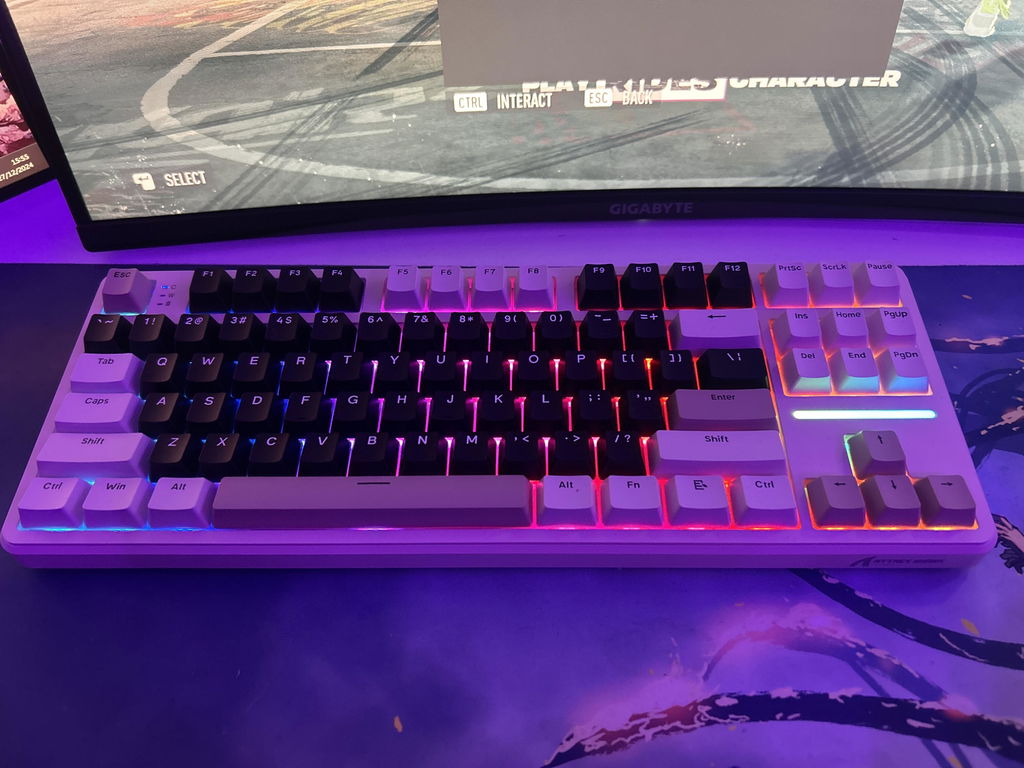
The keyboard can connect to any Bluetooth device, it comes with a USB-A dongle and directly plugged in via USB-C. It comes with RGB and red switches so is comfy to type on but has nice travel on the keys. It is also a nice colour and has a retro feel. The dongle goes into a slot on the back and is held with a magnet.

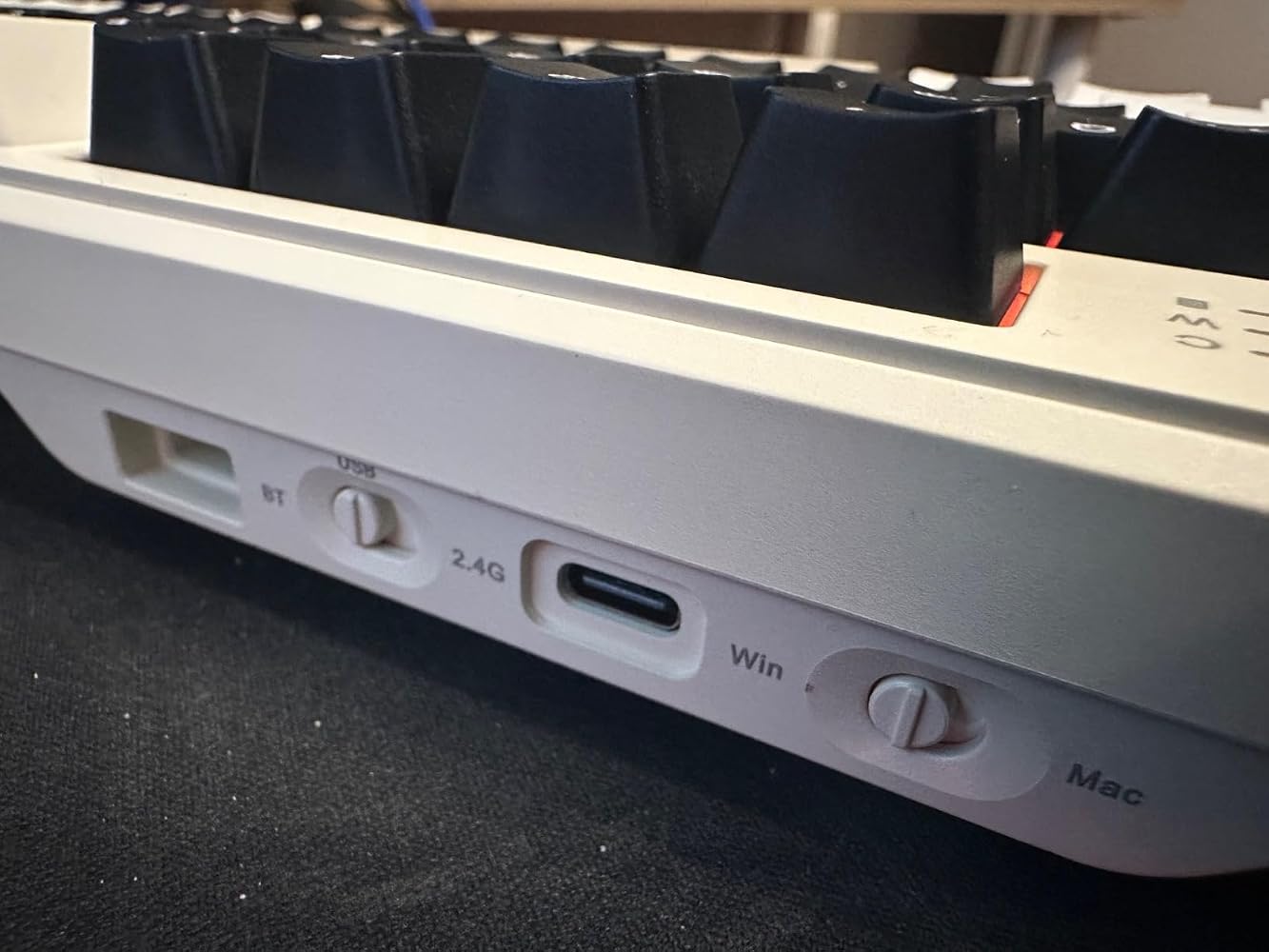
Great keyboard for the price. Easy to build thanks to it's hotswappable pcb, and has a great gasket set. Everything on this board is great for getting into keyboard building. The out of box experience is pretty good for being about $60 (current coupon drops it to about $50). Plug and play whether you use it wired or wirelessly. Switches feel and sound very good, not my personal favorite, but I definitely enjoyed this keyboard more than I thought I would. Color scheme looks really nice and the RGB is very rgb'y. I also like the usb dongle placement as well as the offset type-c port.


Hard to open for modding.
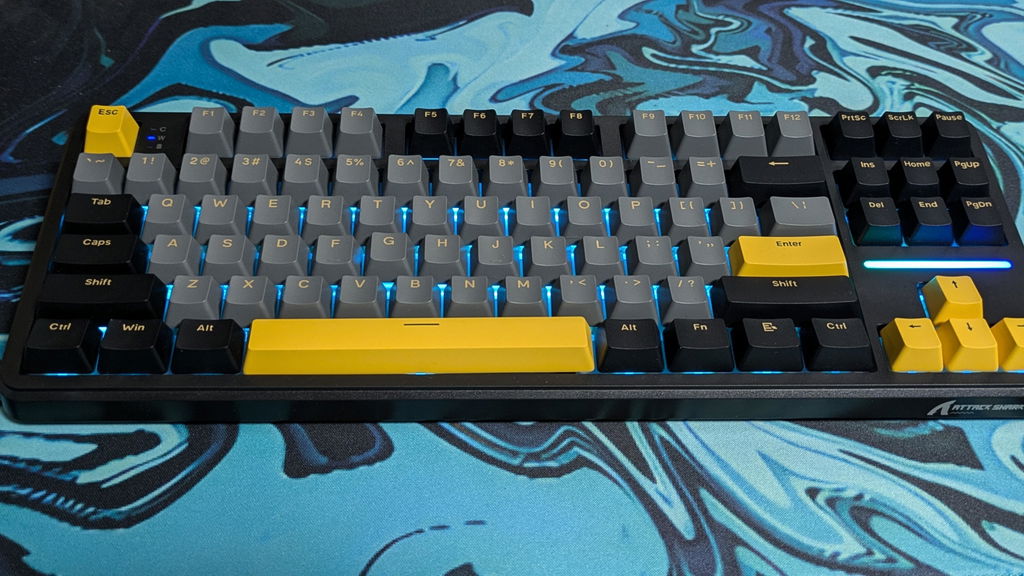
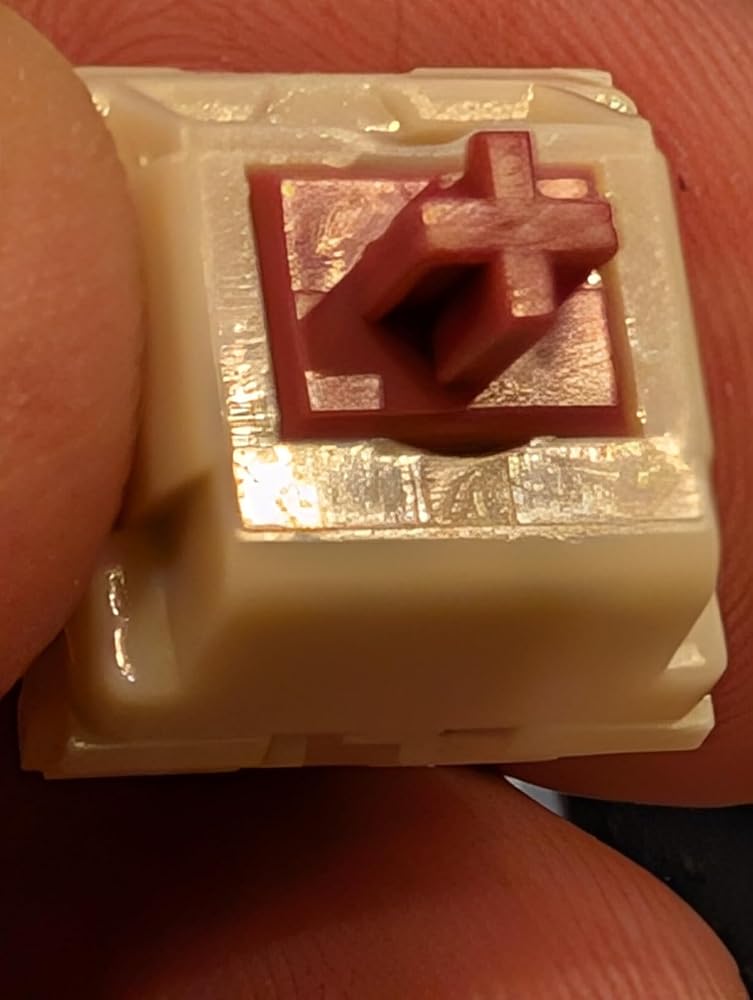
Having a keyboard hobby is akin to being a car enthusiast and this is a great platform to start modifying.ProsFeels solidExtremely customizable RGBGood accessoriesWorks with Linux2.4g dongle held in place with a magnetConsNo function legends on keycapsCan't find the brand on the keyswitchPCB has a little bit of flexThe first thing I noticed when I opened the box was the colorway really pops. The keyboard is "plug and play" and was recognized instantly when I plugged it in to my PC. The RGB is prominent in this keyboard and like all RGB keyboards it starts with an assault on your eyes with an animated rainbow. I went to change the rainbow and noticed the keys were not labeled with the "functions" so I had to break out the instructions and WOW there's a lot of options for tweaking the RGB! The color choices are robust and the lights shine in a bright room and can be dimmed for dark caves as well.The keyboard feels solid and I did not note any "creaking" while handling as you do with some cheaper boards. The keycaps feel/sound like PBT and have a little thocc to them but they could always have more and the stabilizers have a little play to them. The keyswitches appear to be unbranded and the keyboard came with two spares. The included keycap/switch puller is the style I prefer over those cheap plastic rings/tweezers that you find in the budget models. The 2.4g dongle worked great with my Linux system and I was able to pair the keyboard in BT mode with my android phone. I liked that the dongle sockets solidly into the keyboard with a magnet when not in use.Honestly at first I was dismayed at the lack of function legends on the keycaps but as I thought about it most enthusiasts like myself swap out the keycaps anyway so you lose the legends anyway so it's really no big deal. If you or someone you know is just getting into mech keyboards this is a great intro that won't break the bank. Is there room for improvement, absolutely but as is there's nothing that NEEDS to be replaced so much as there's things you can replace. Oh before I forget DO NOT throw away the clear plastic cover that comes with the keyboard it's a perfectly sized dustcover that new owners might not realize its use.I prefer lower profile keycaps so I opted to swap out the keycaps with some XVX ones I had, while doing so I noted that the PCB for the board had a little more flex than I like to see in my keyboards. It's not a dealbreaker but it's something to be aware of, swapping out keycaps with the included puller was a breeze through there was a case of either the sockets that hold the keyswitches aren't tight enough or the included keycaps are too tight but I found that I had an inordinate number of switches come out with the keycaps. Not a big deal, but you have to be careful when reinserting switches to not bend the pins!Bottom line: This is a greater "starter keyboard" for people who want to try tenkeyless and/or get into the hobby of modding keyboards



The media could not be loaded.
I love a mechanical keyboard and these cheaper ones are just getting better and better. Backlit with RGB, multiple modes so can be paired to a number of different devices. THe switches are really easy to swap, but not really sure why you would at this price. The lettering on the keycaps are good and looks like it should last. One thing to note is that this is a US layout so may take a bit of getting used to for us in the UK. The only thing that would make this better is if I could get a qmk or via firmware for it.


