













Enjoy free shipping to most countries*! For countries with local stock, delivery usually takes 3-5 days. Holiday seasons may affect shipping times. See estimated delivery times for details.
15-day no-reason return and exchange policy, you have ample time to try out your new product and decide if it's right for you.

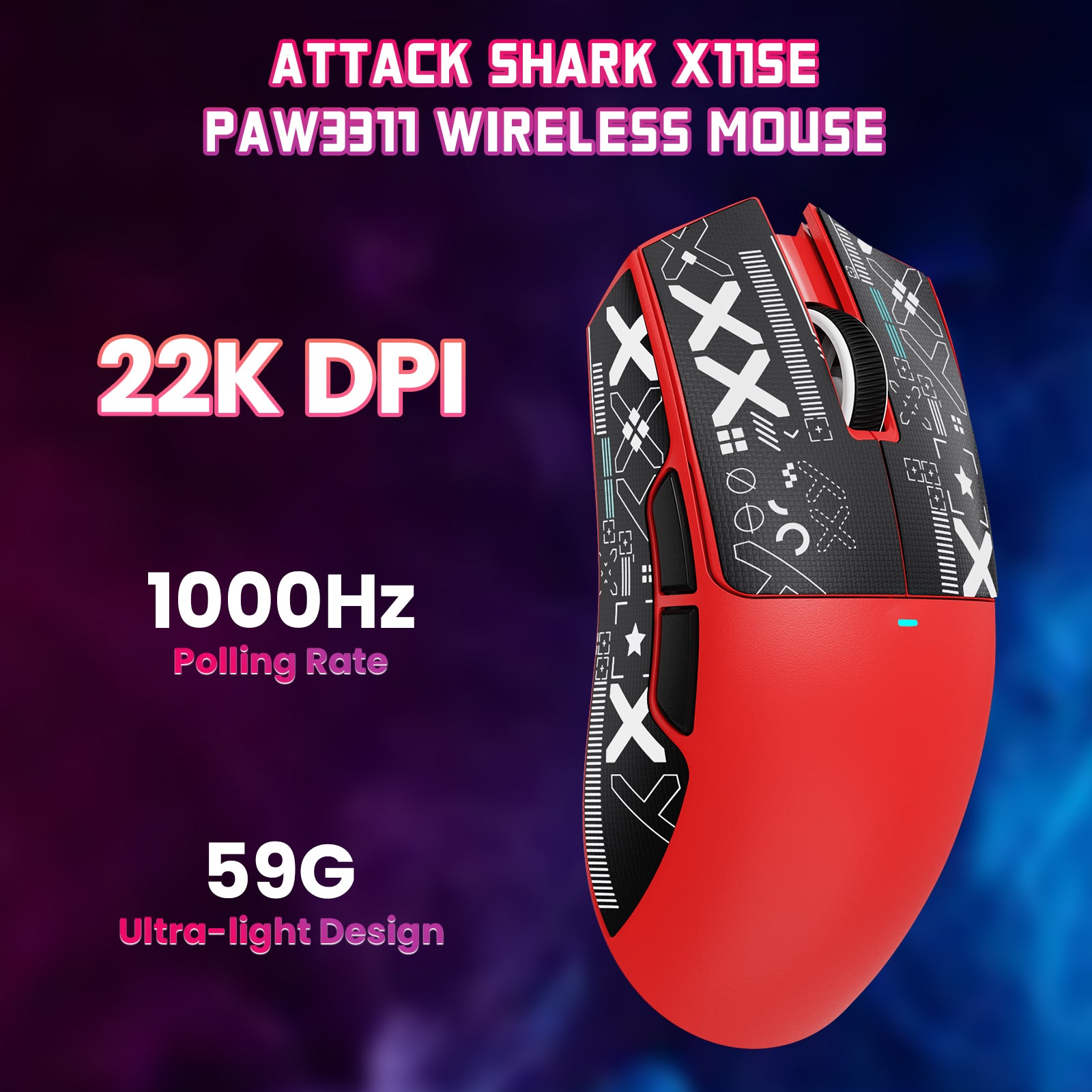
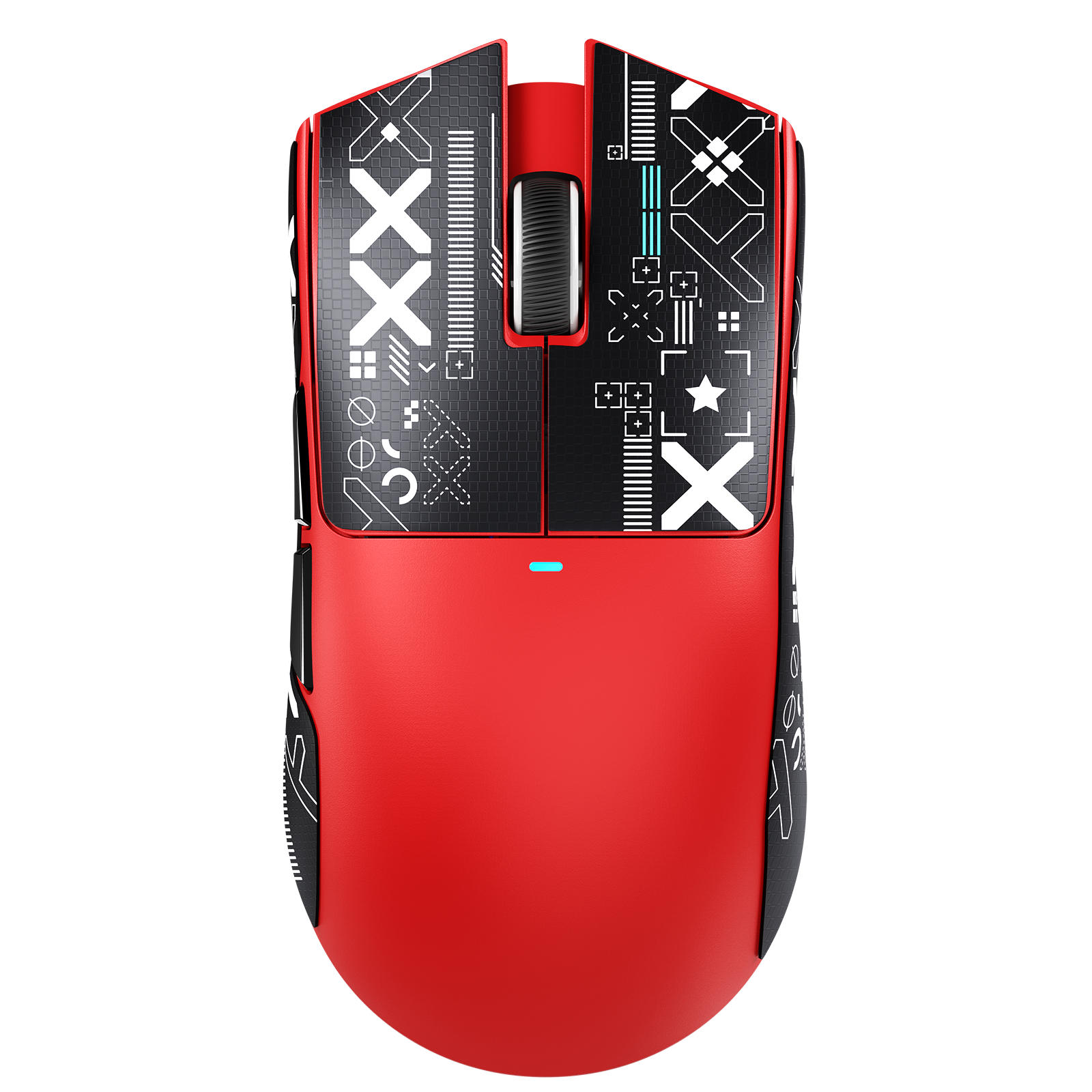
ATTACK SHARK X11SE 무선 게이밍 마우스

ATTACK SHARK X11SE 게이밍 마우스, PixArt PAW3311 게이밍 센서, BT/2.4G 무선/유선

• PAW3311 게이밍 센서
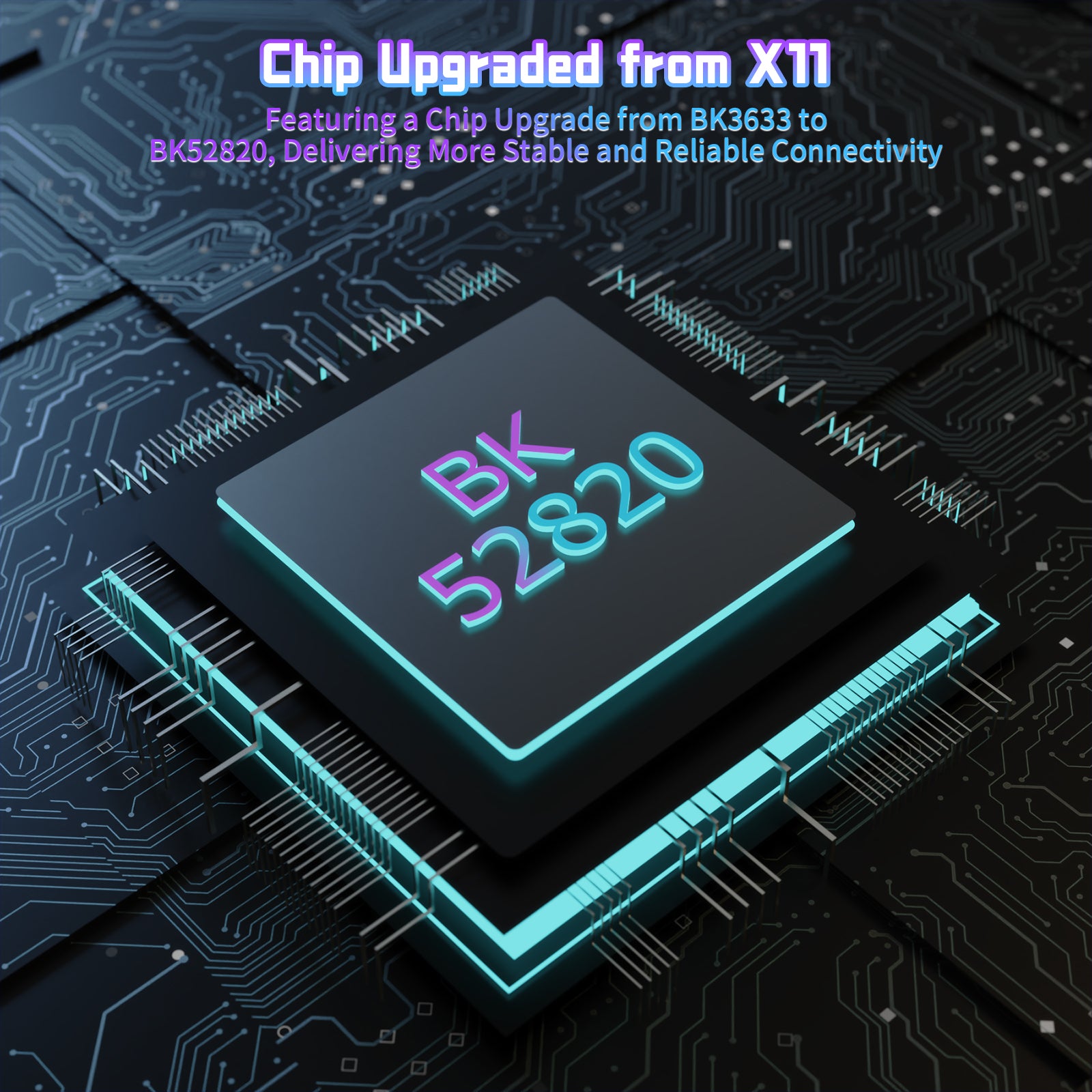
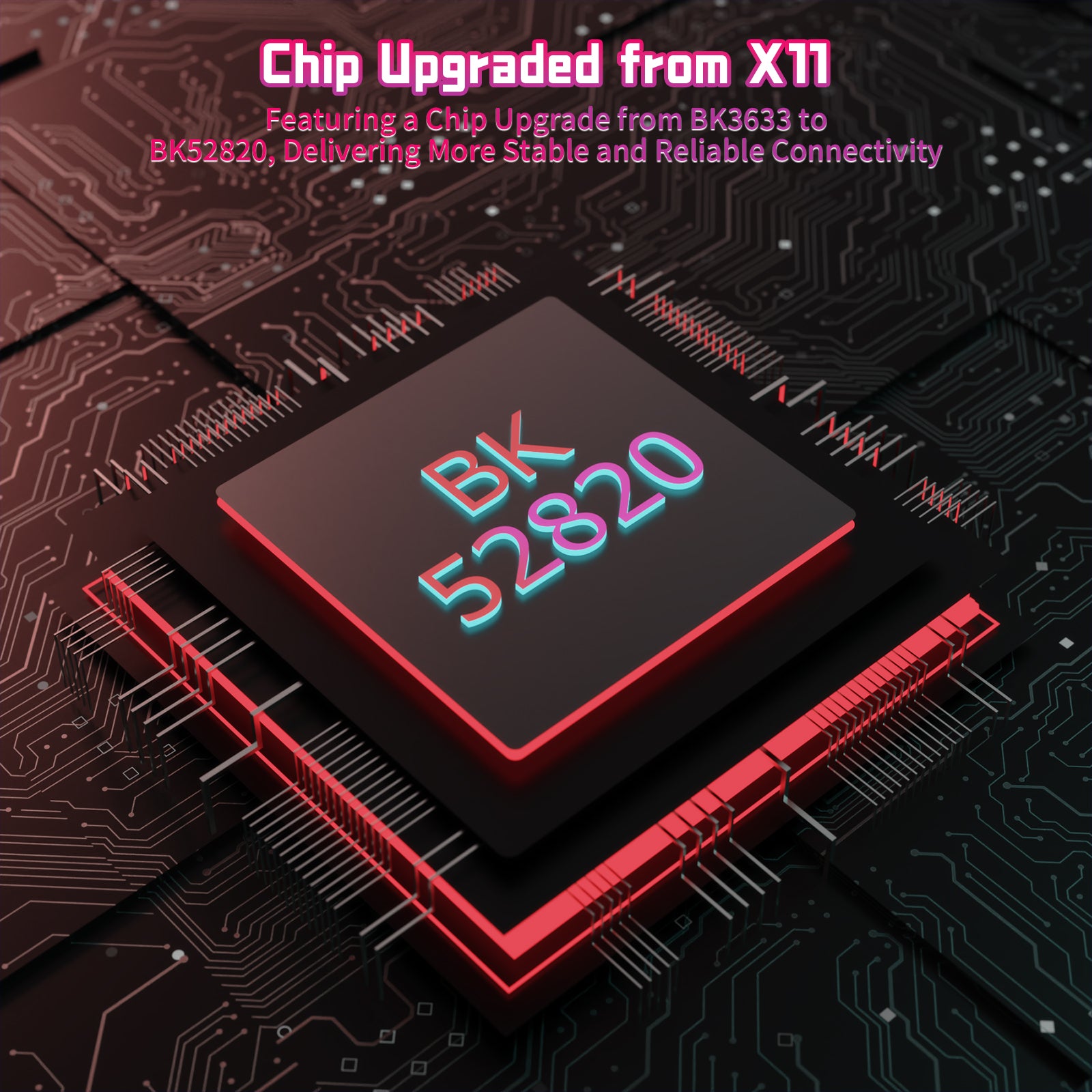
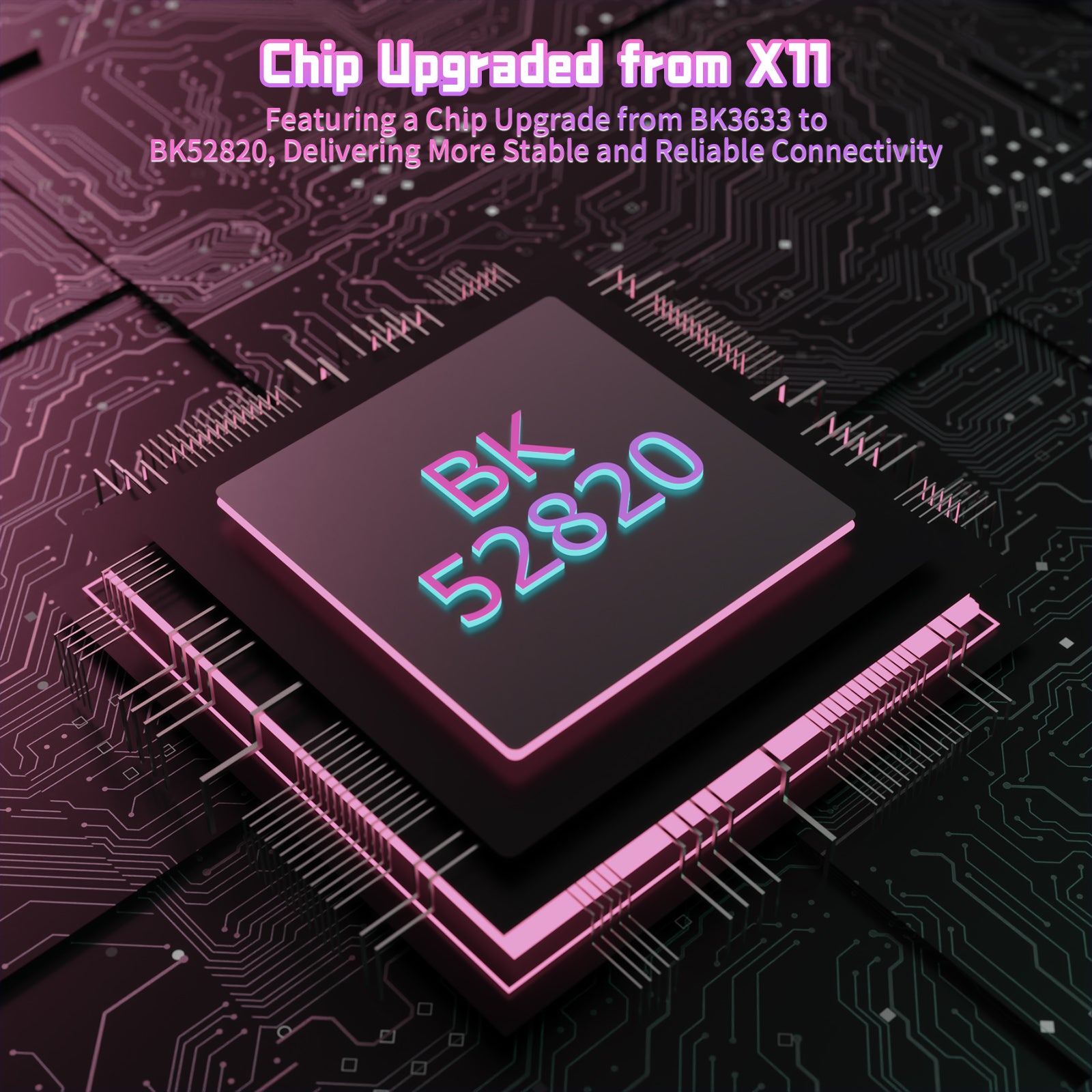
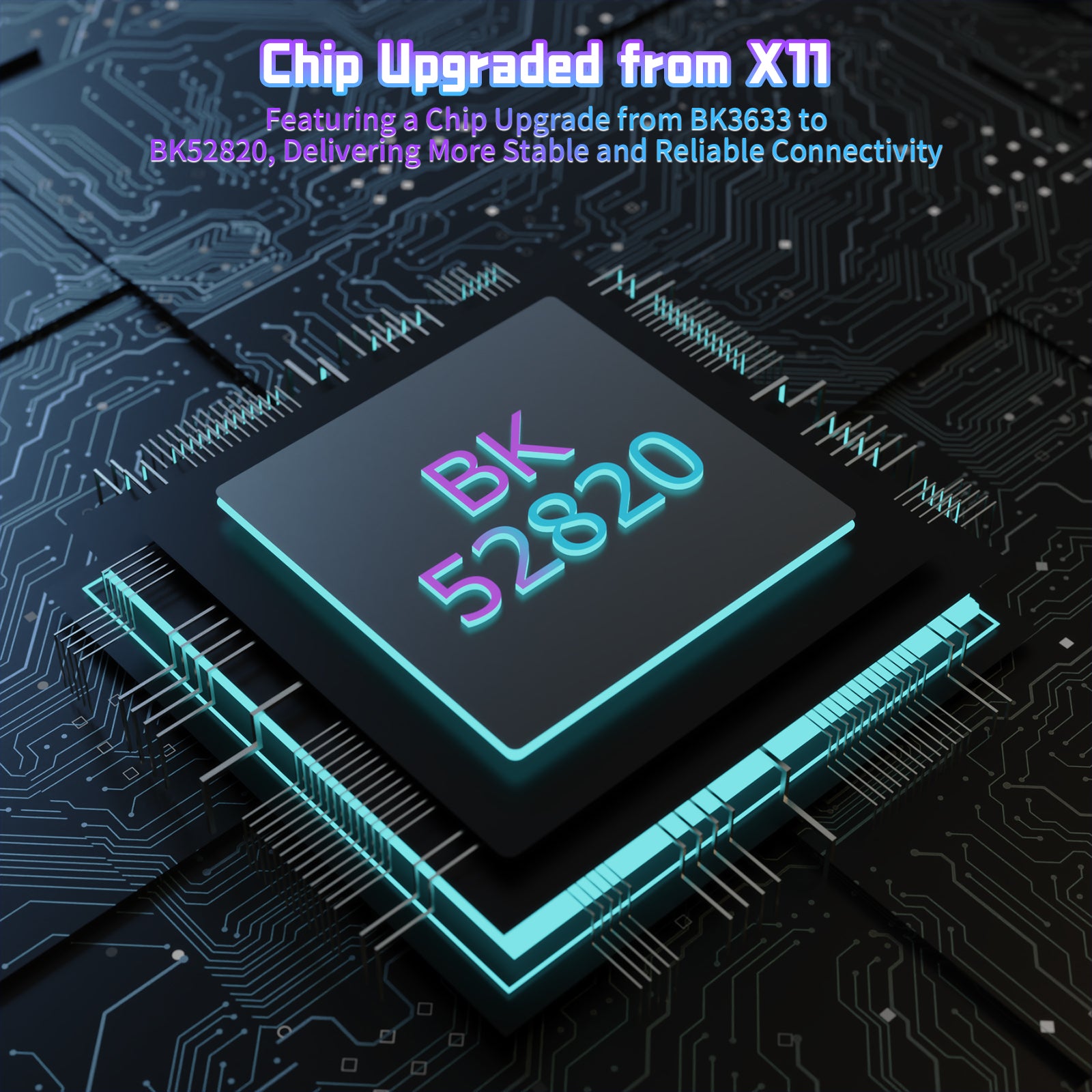
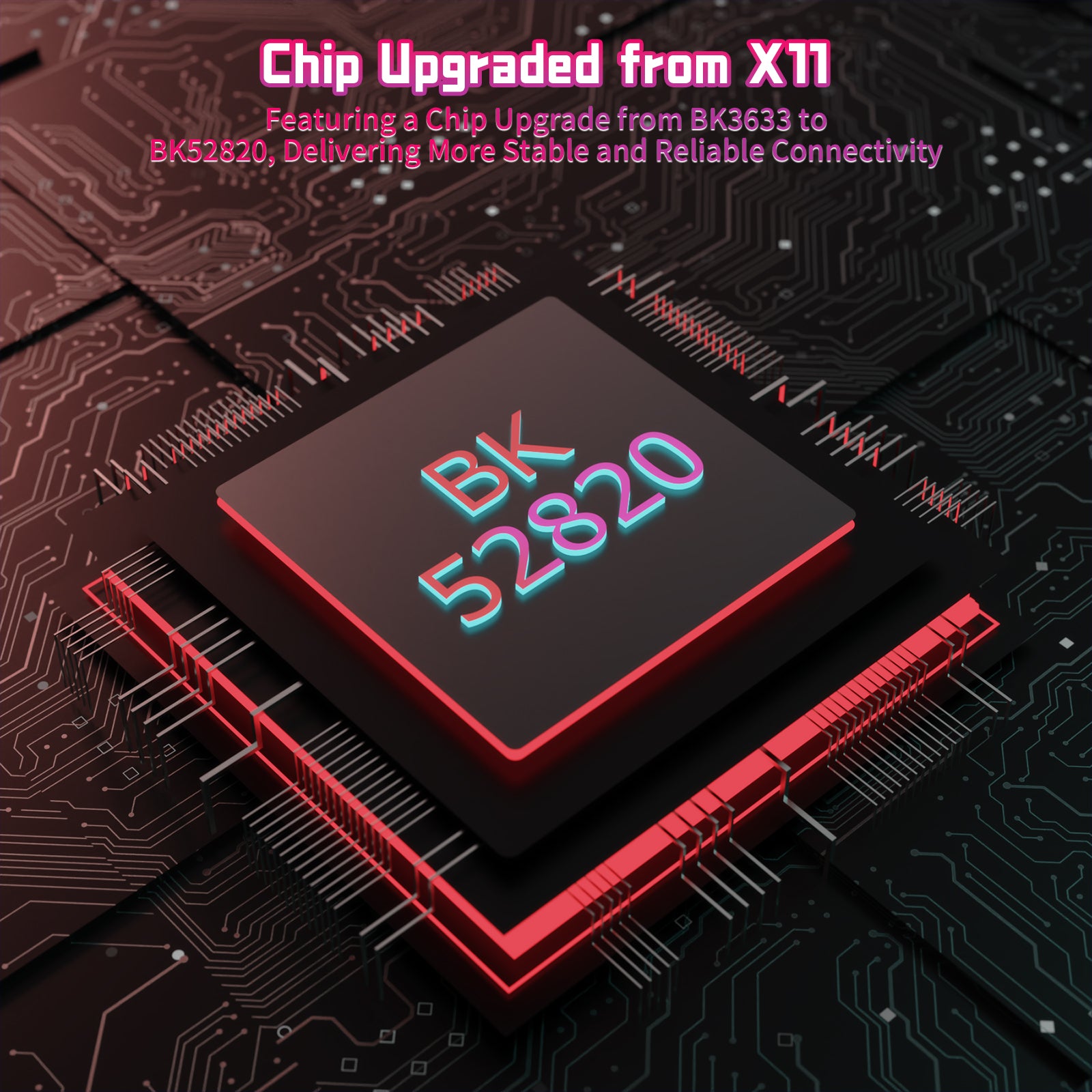
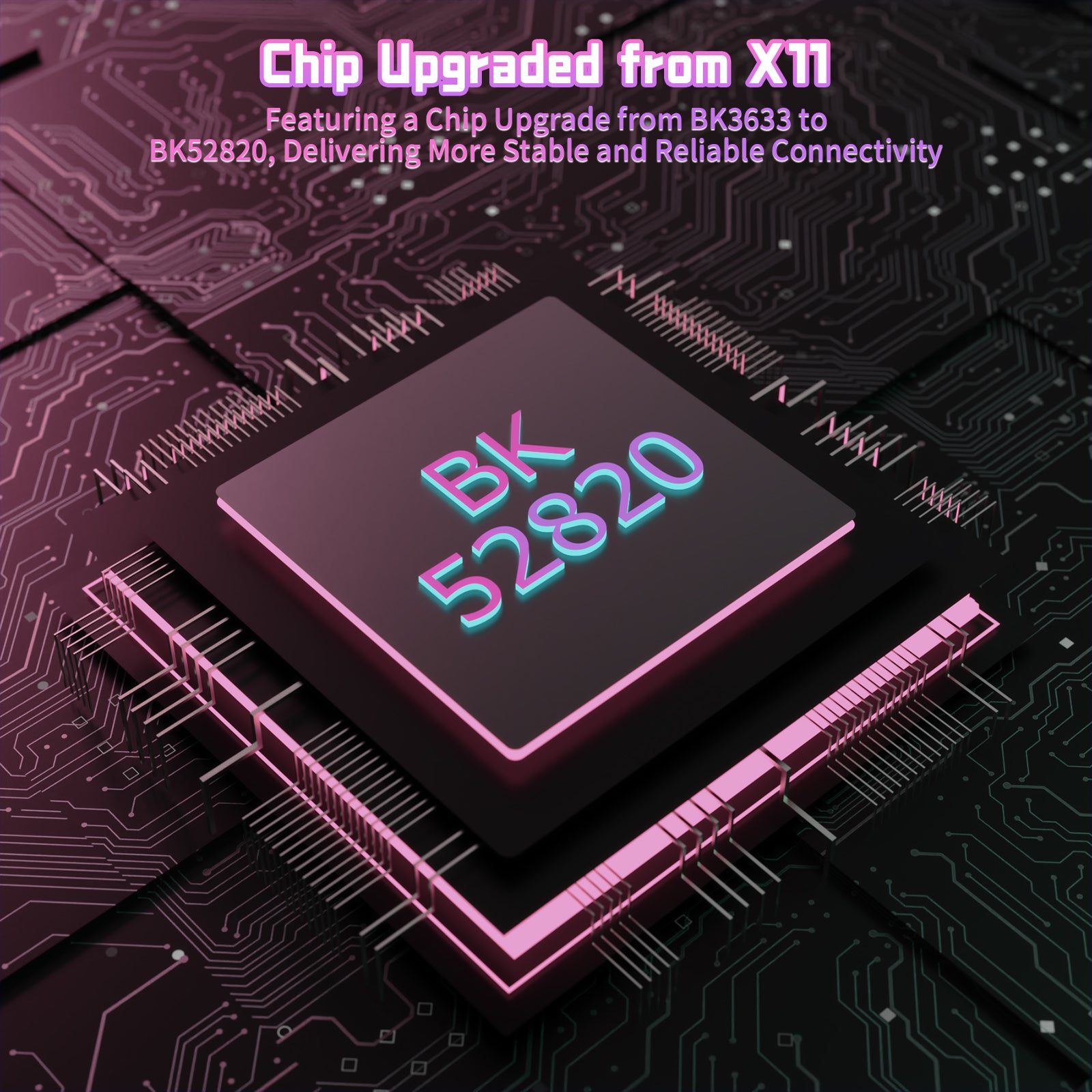
• 업그레이드 BK52820 칩
• 2.4G/블루투스/유선
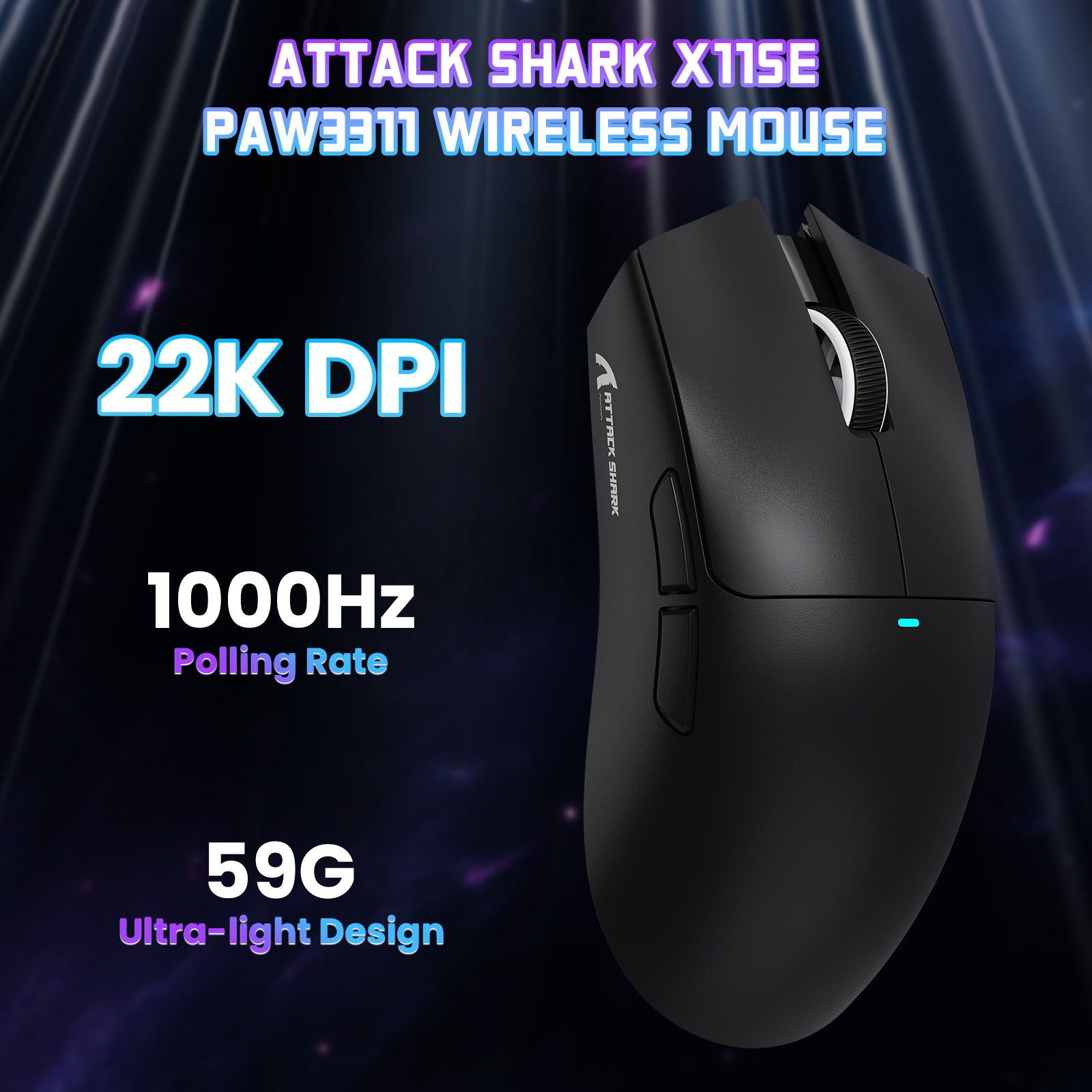
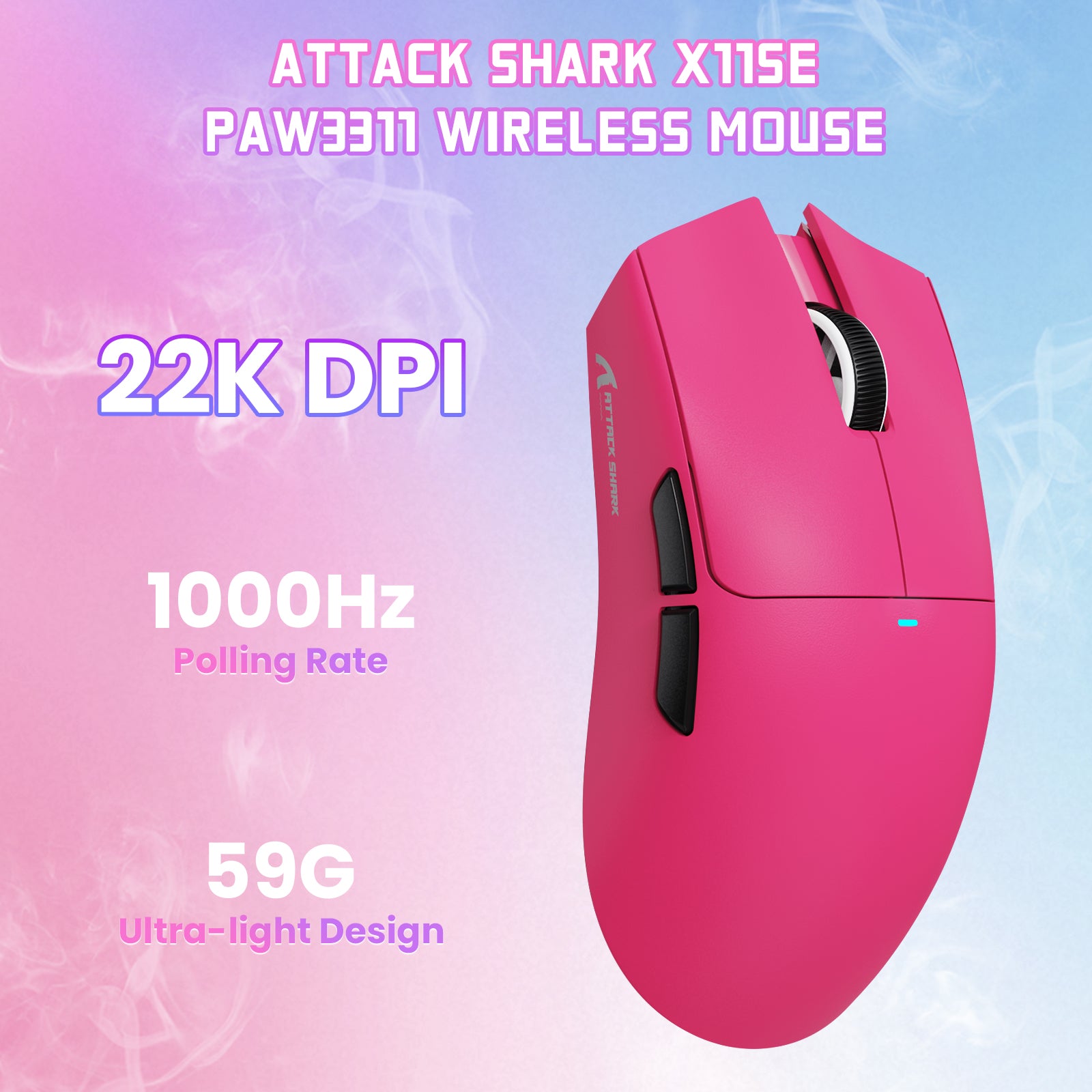
• 59g Ultra-라이트
• 2천만 클릭
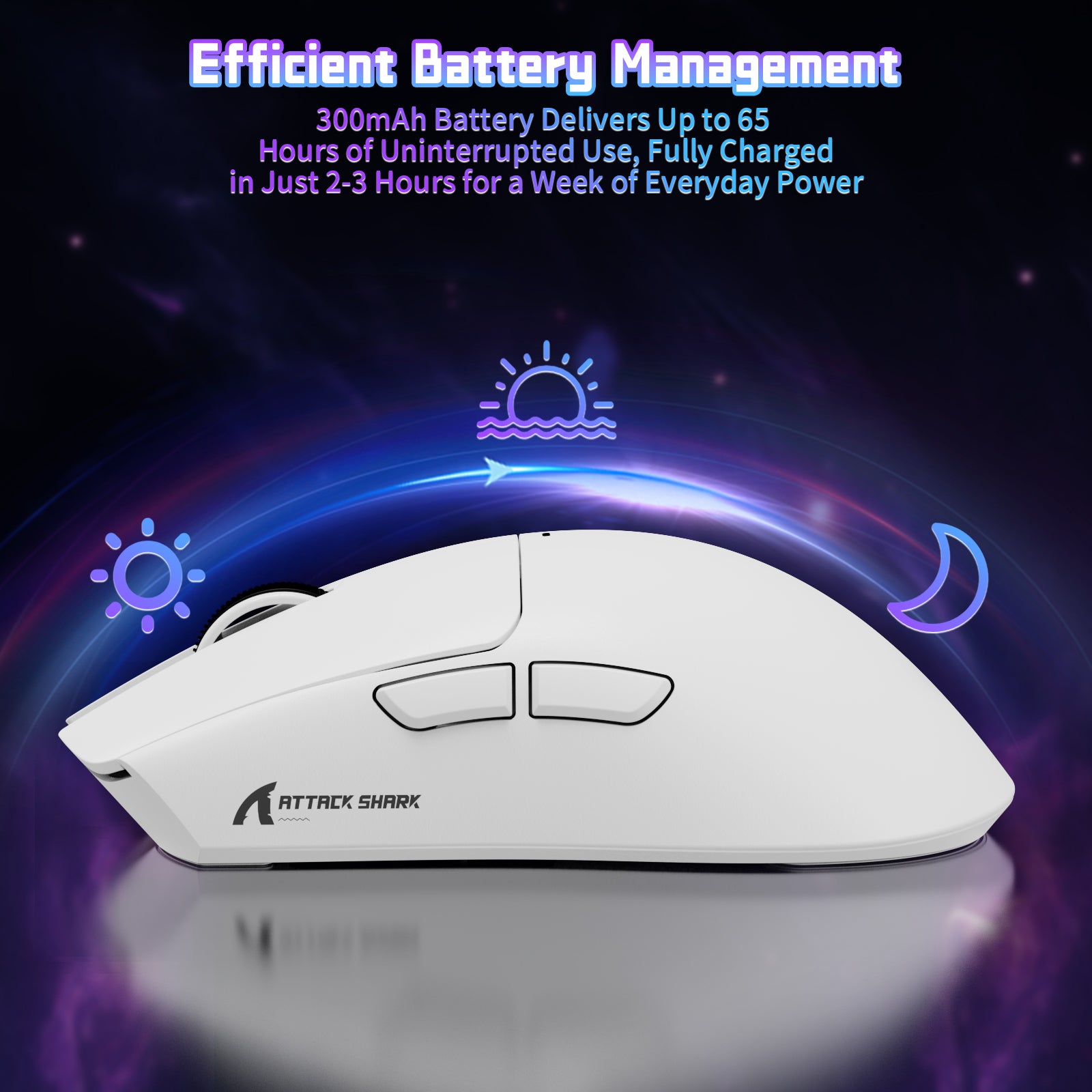
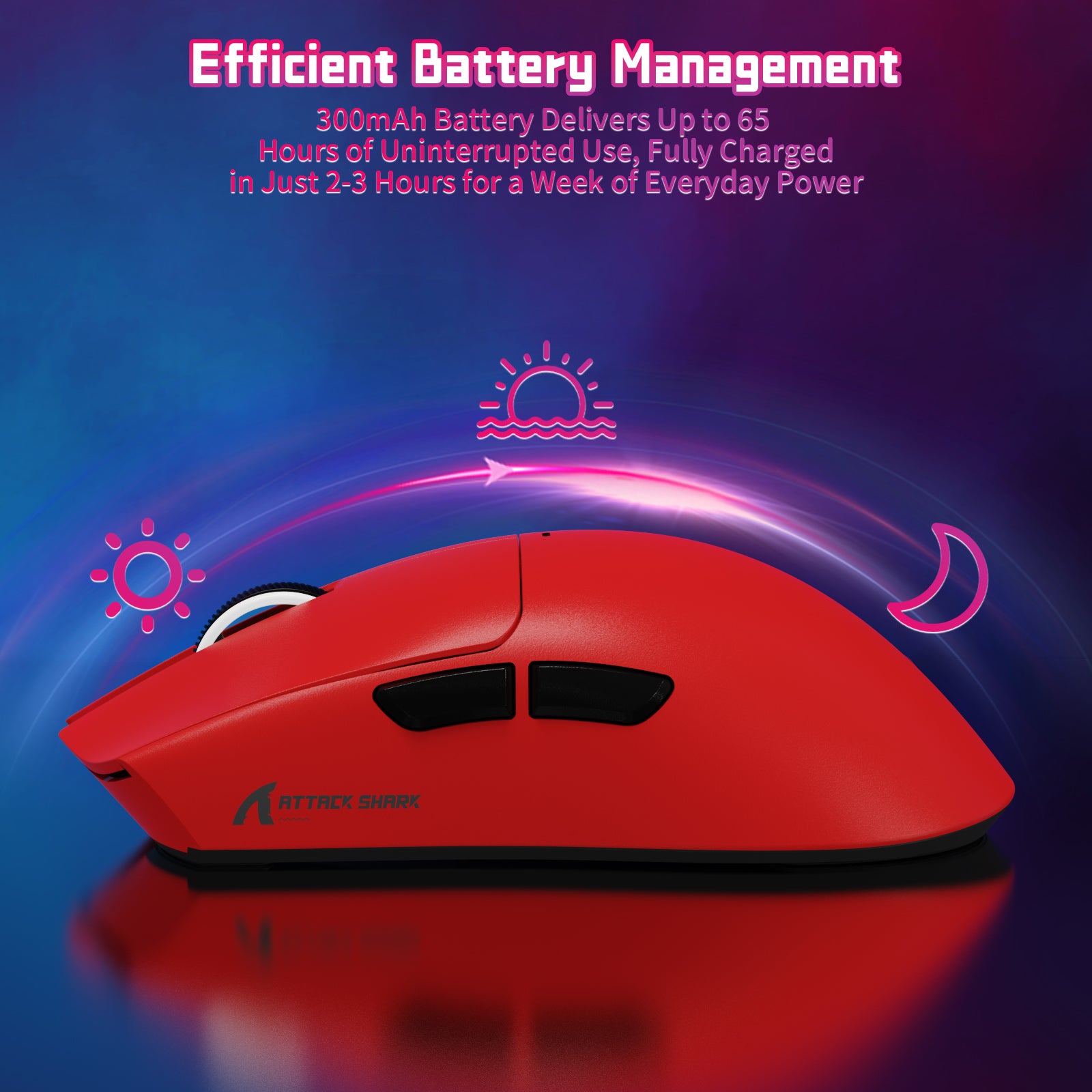
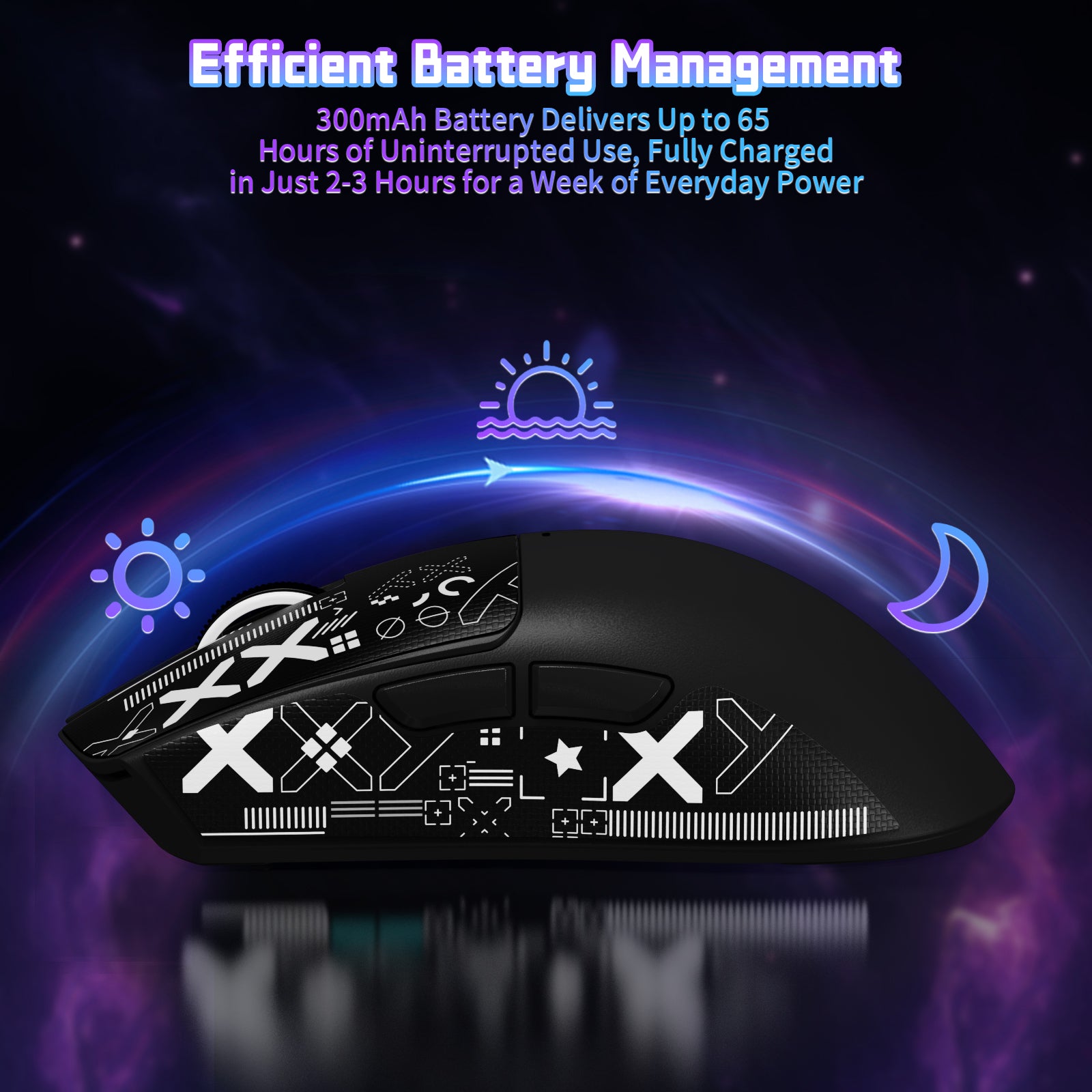
• 65시간 배터리
• TTC 인코더
• 드라이버 소프트웨어
• 인체공학적 디자인
• 넓은 적용 범위

SALE PRICE$25.49 MSRP$29.99 절약 15%

색상: 하얀색

Technical Specifications

모델
X11SE
연결
유선/2.4G/BT5.2
크기
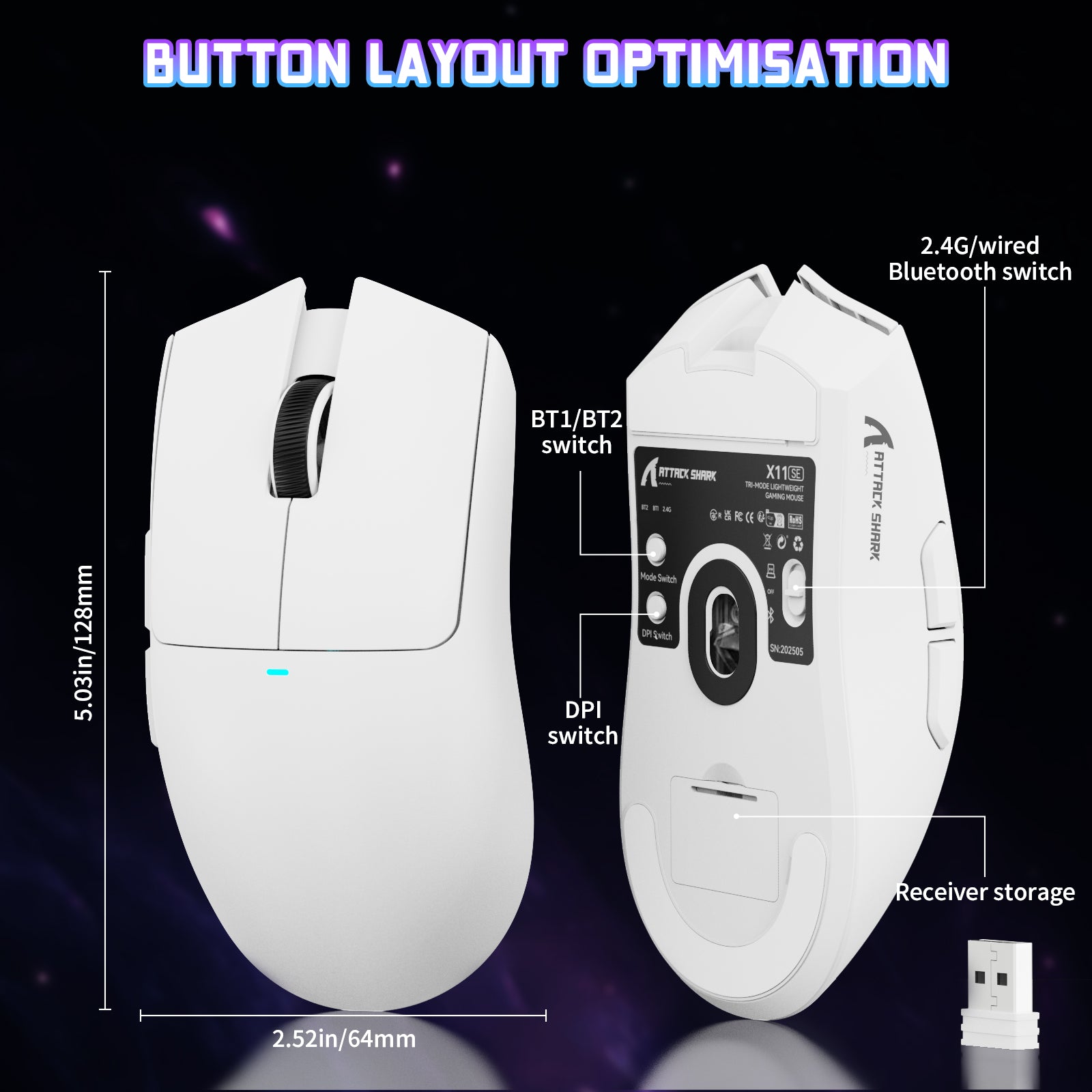
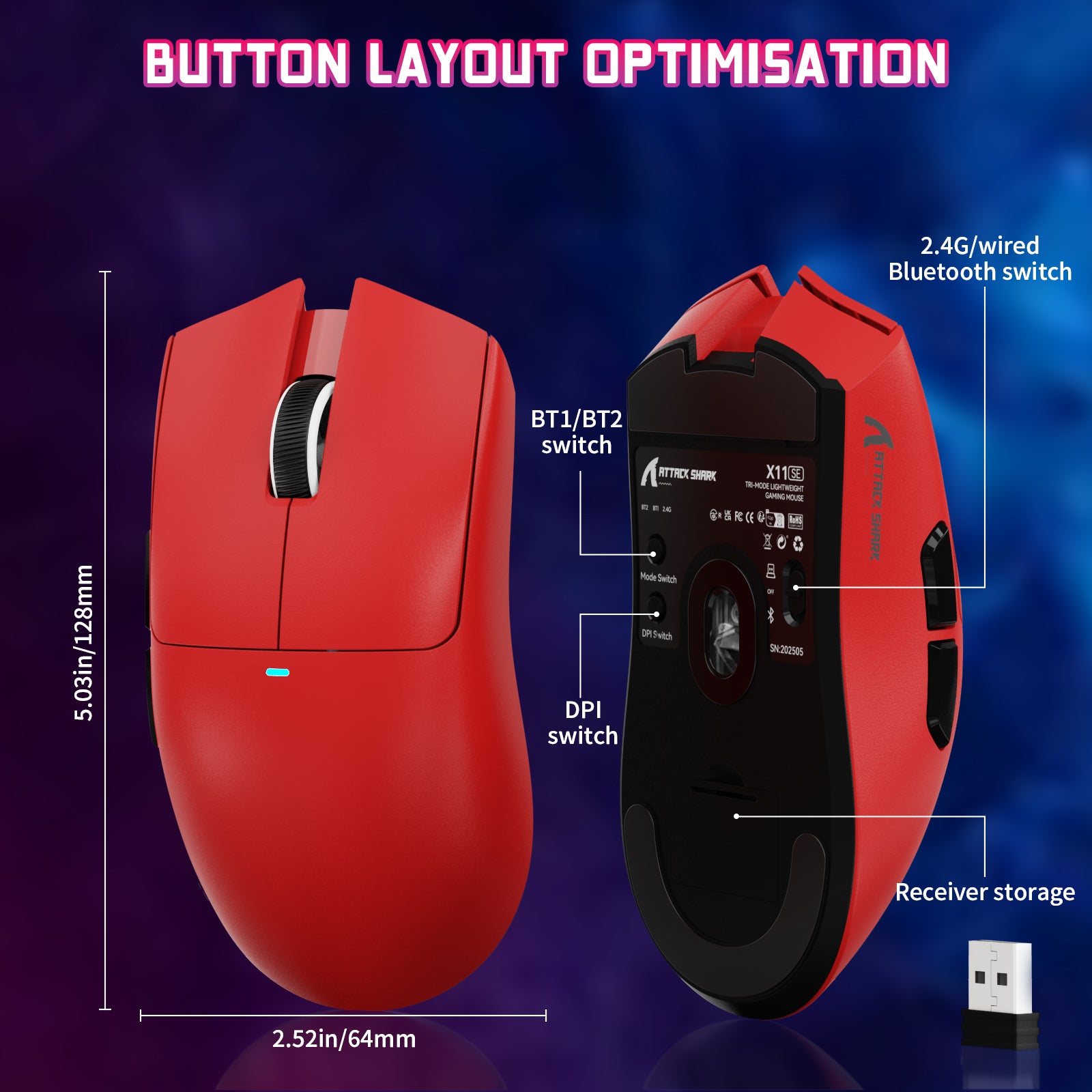
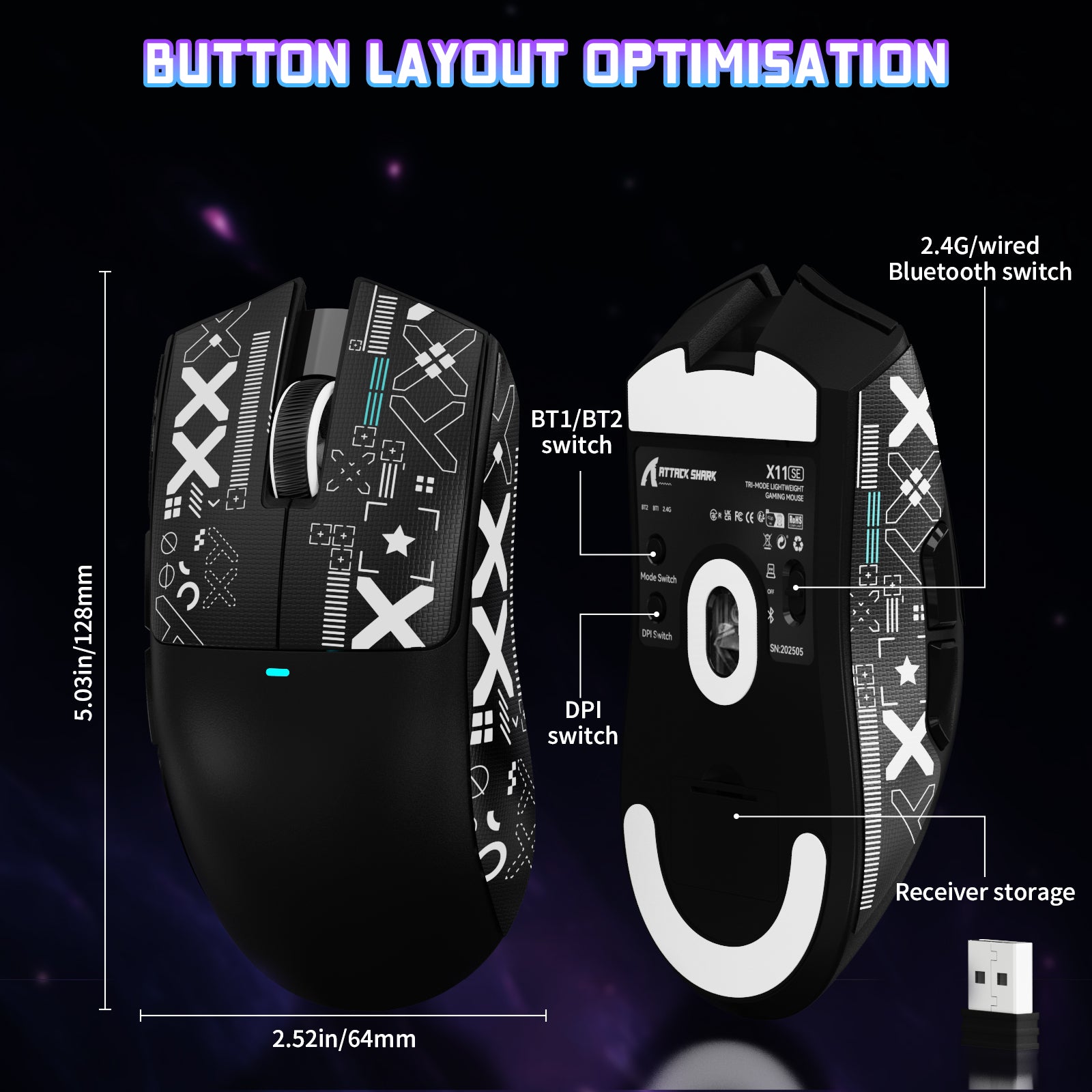
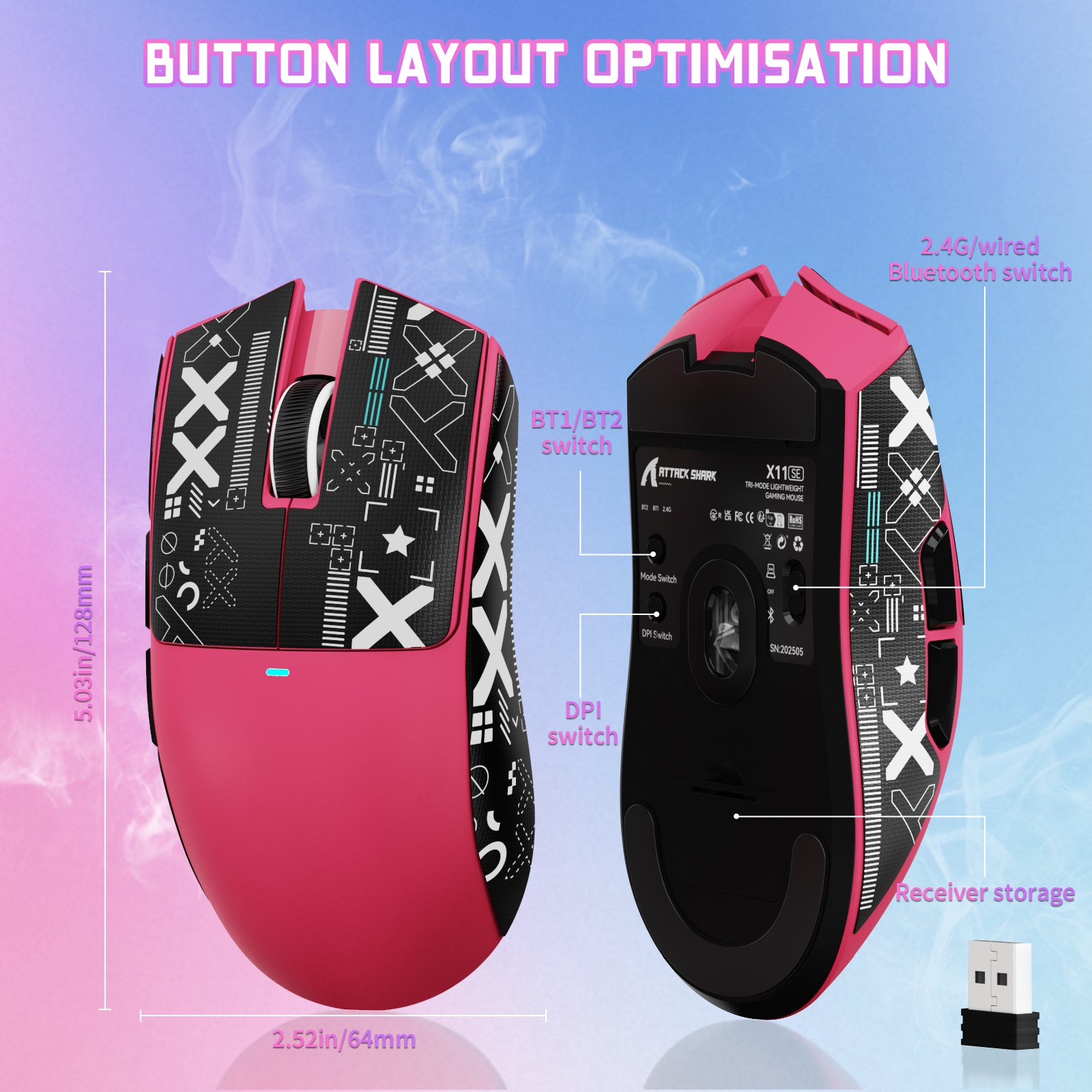
128*64*40mm
DPI
800-22000
무게
59g±1g
반응 속도
125-1000Hz
센서
PixArt PAW3311
HUANO 스위치
화이트 스팟 2천만 회
작동 수명
300mAh
가속 속도
35G
이동 속도
400IPS
색상
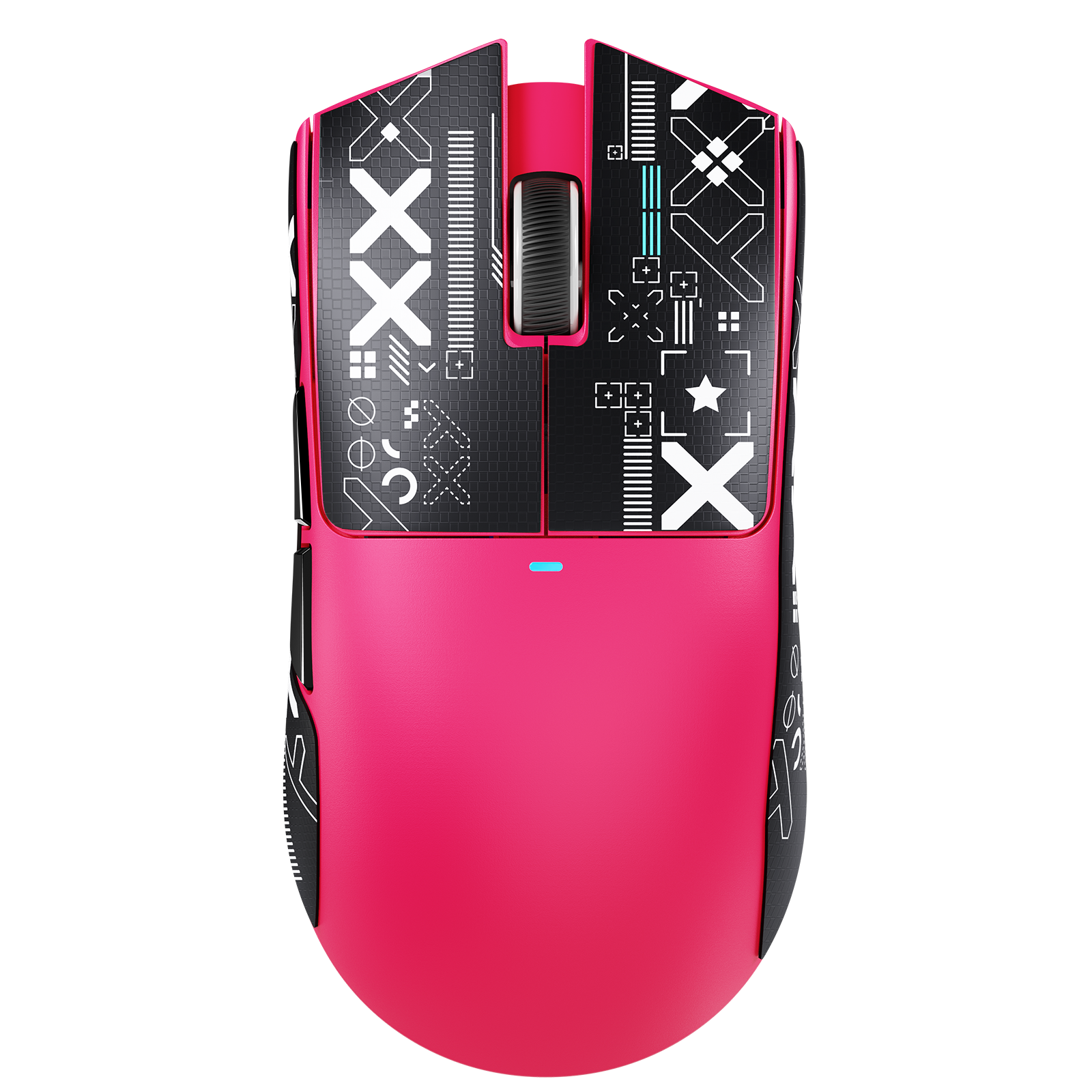
블랙/화이트/레드/베리 레드

제품 비교

모델 X11 확인하기 X11SE
센서 PAW3311
MCU BK52820 MCU
마이크로 스위치 HUANO 마이크로 스위치: 2,000만 회 클릭 HUANO 마이크로 스위치: 2,000만 회 클릭
스크롤 휠 TTC 스크롤 휠: 3만 회 스크롤 F-SWITCH 스크롤 휠: 3만 회 스크롤
폴링 레이트 1000 Hz
DPI 22000
최대 가속도 40G
최대 추적 속도 400 IPS
충전 도크 RGB 마그네틱 충전 도크 아니요
소프트웨어 지원 웹 기반 구성 도구 및 PC 소프트웨어
리시버 나노 리시버
연결 방식 Bluetooth / 2.4GHz 무선 / 유선
배터리 300 mAh
마우스 피트 PTFE 스케이트
크기 128 x 64 x 40 mm

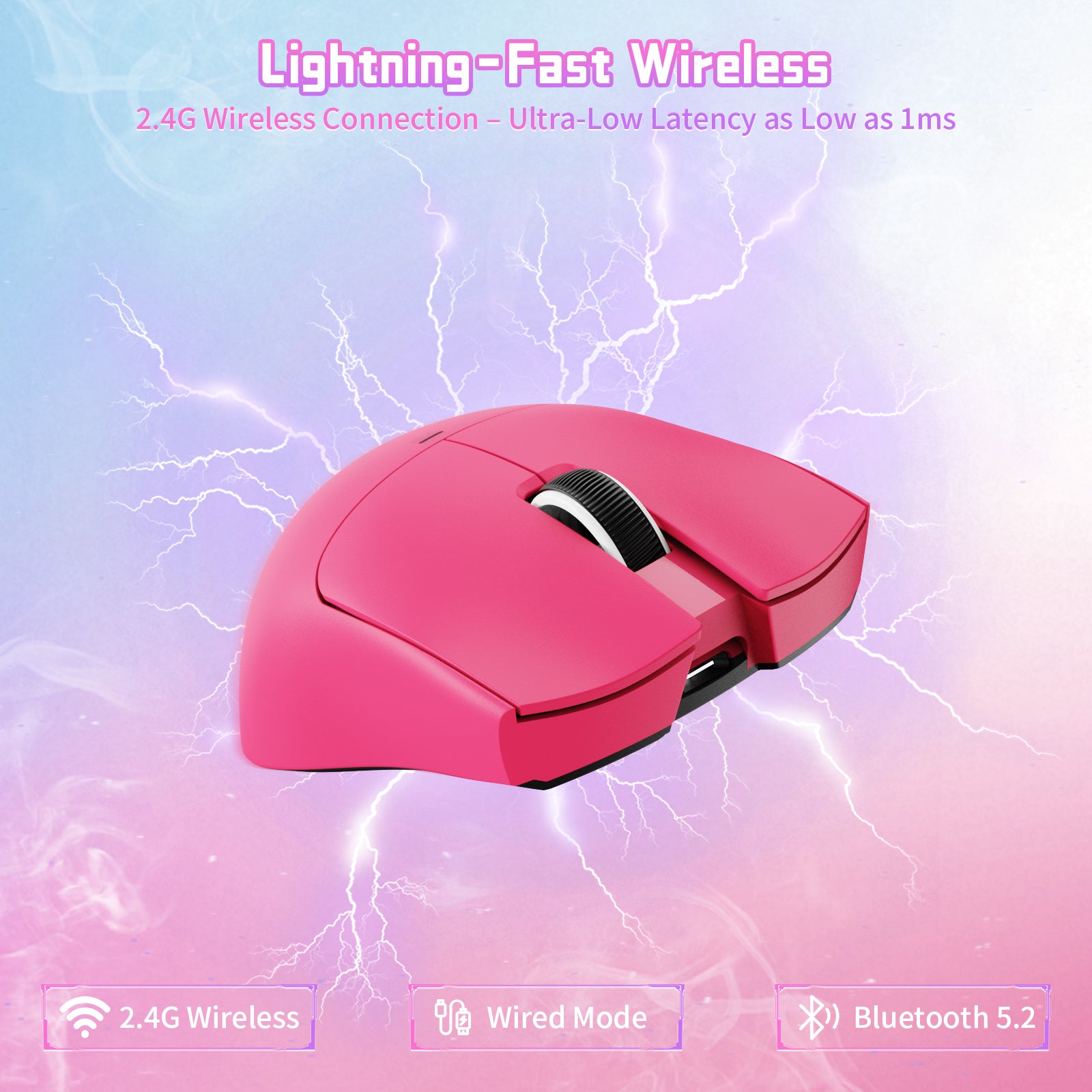
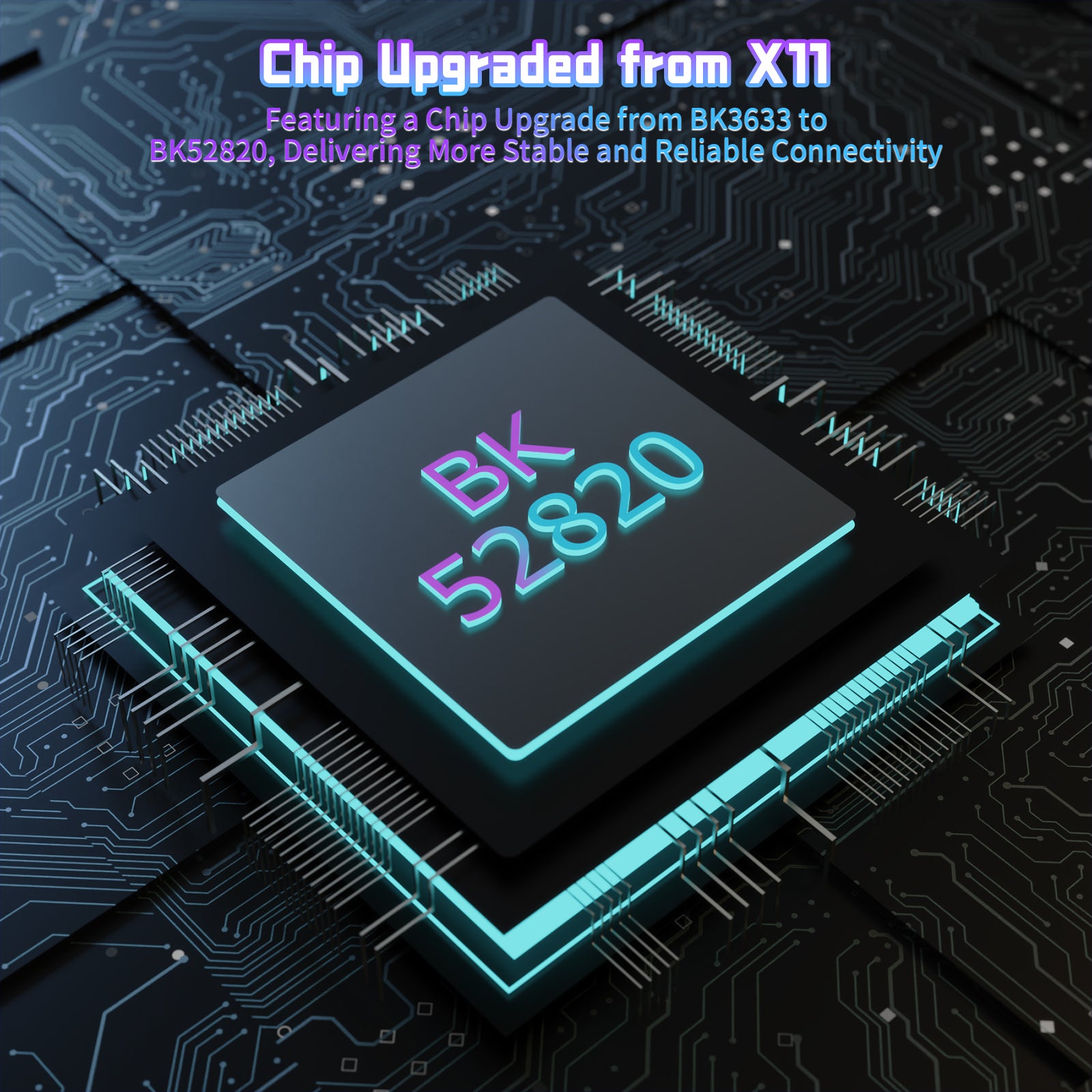
BK52820 3가지 모드

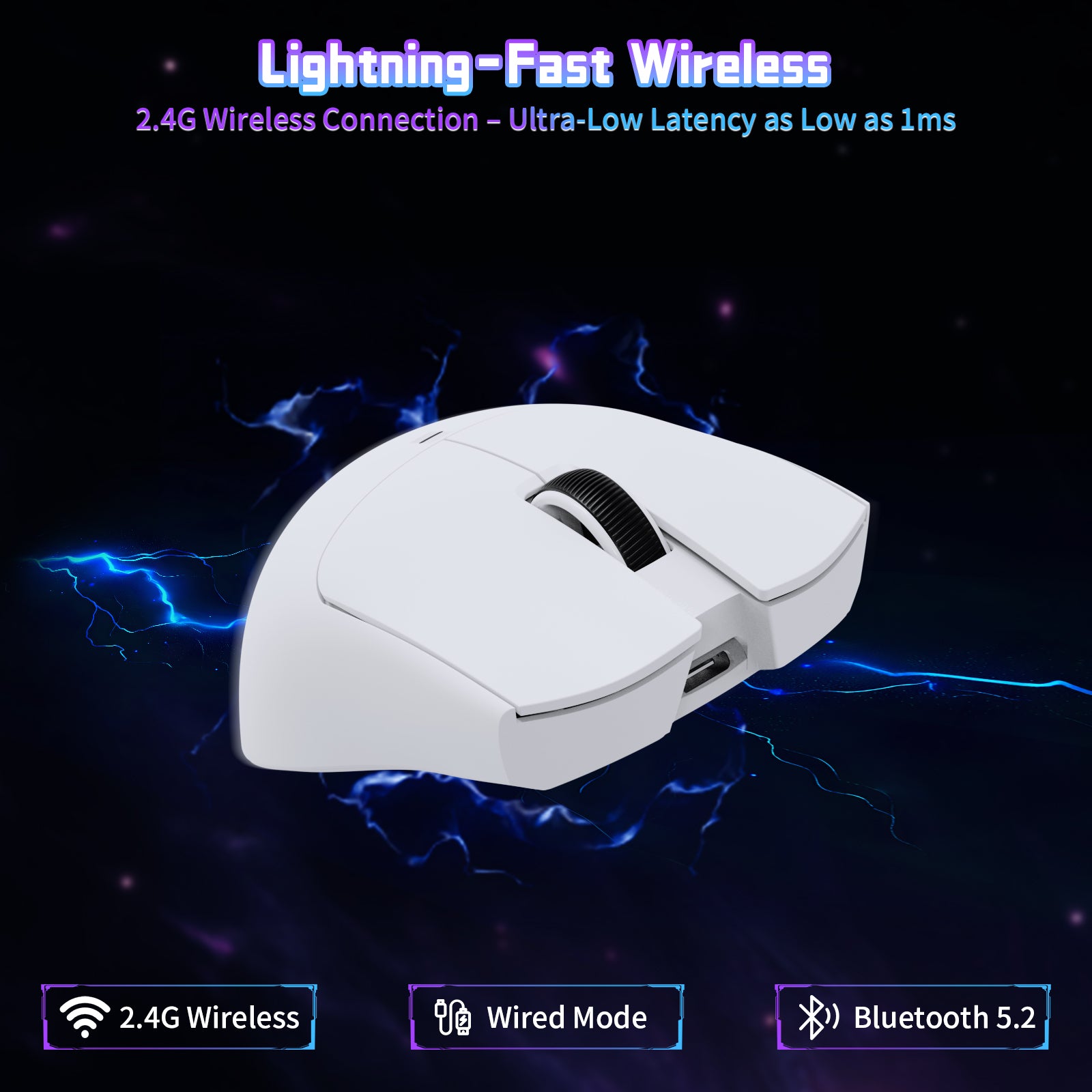
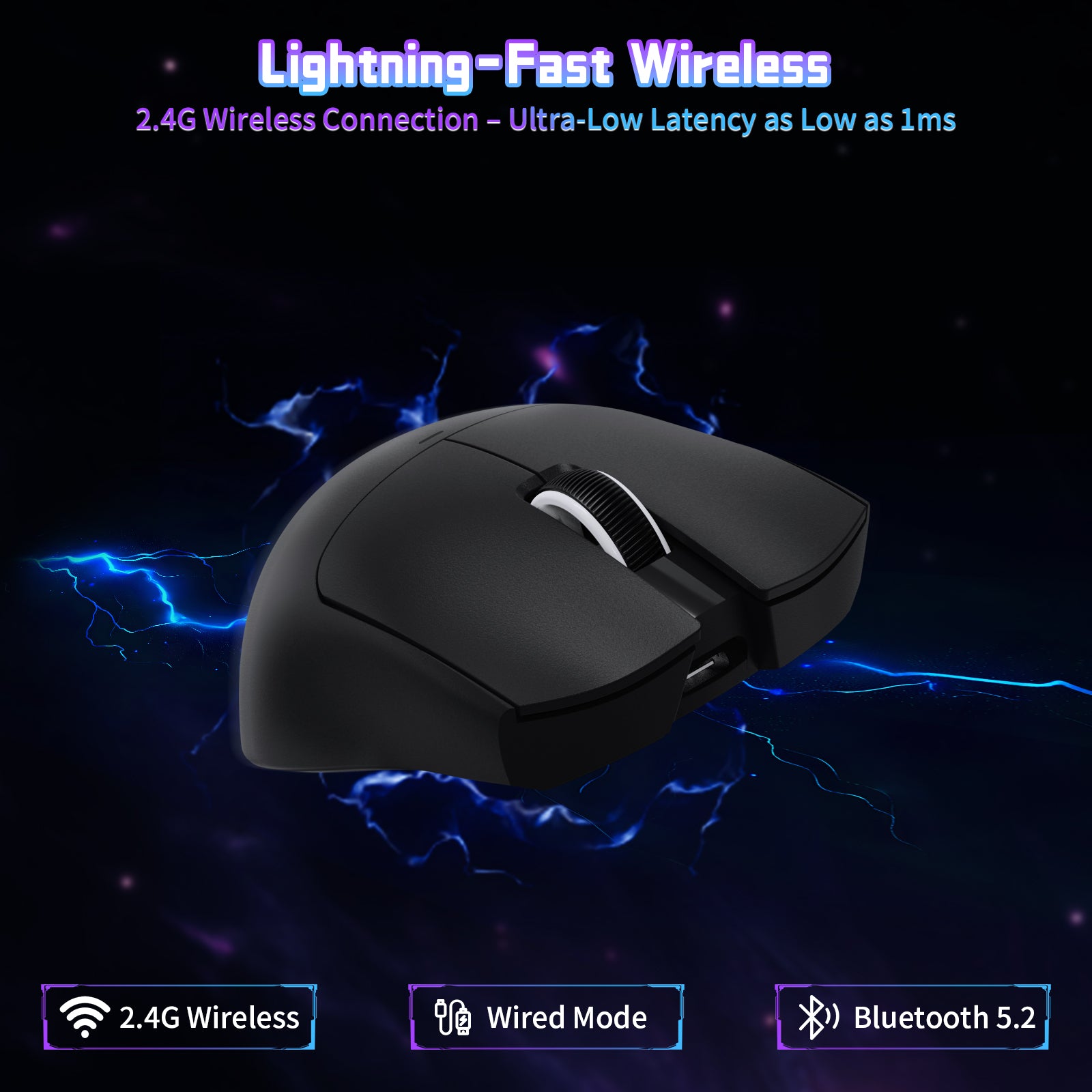
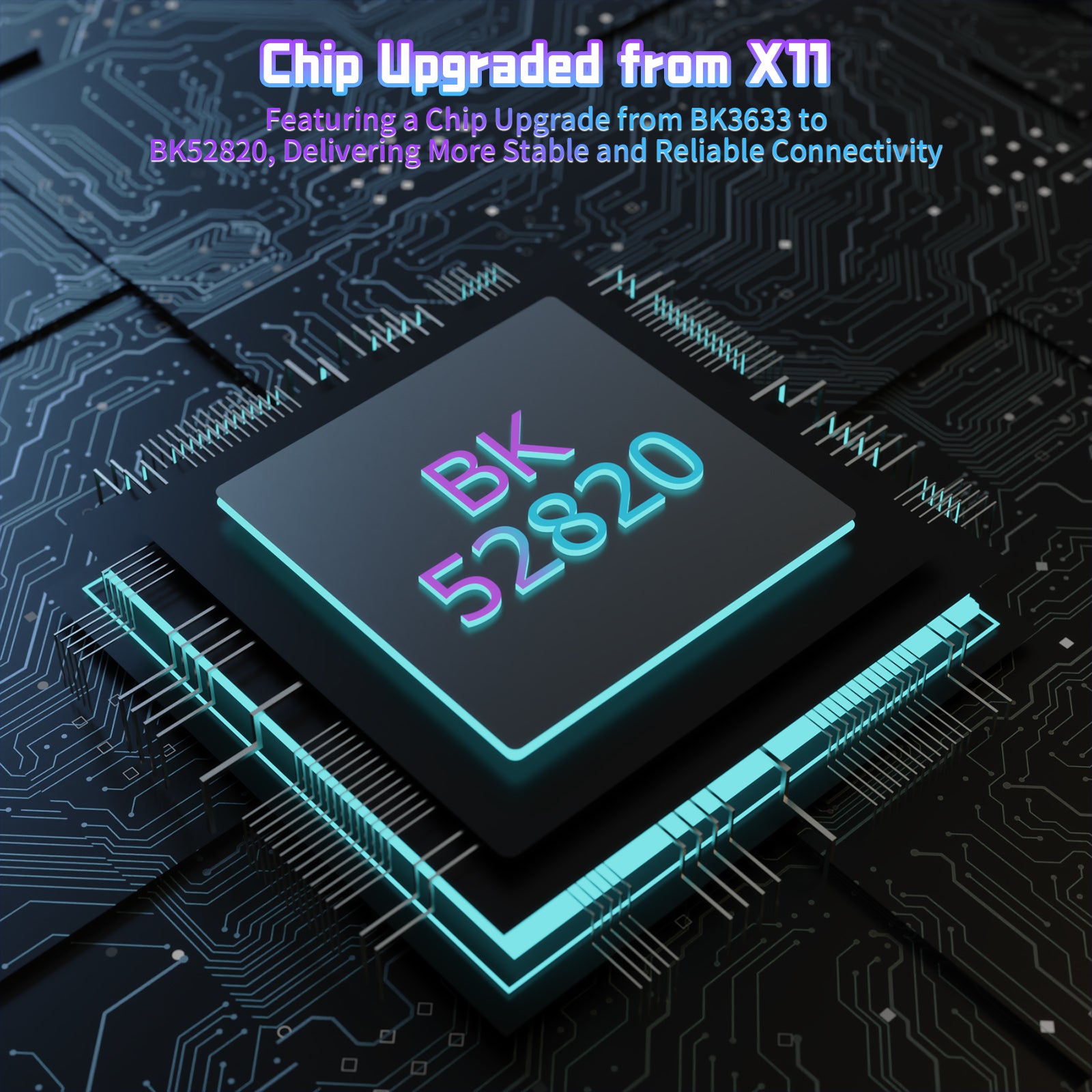
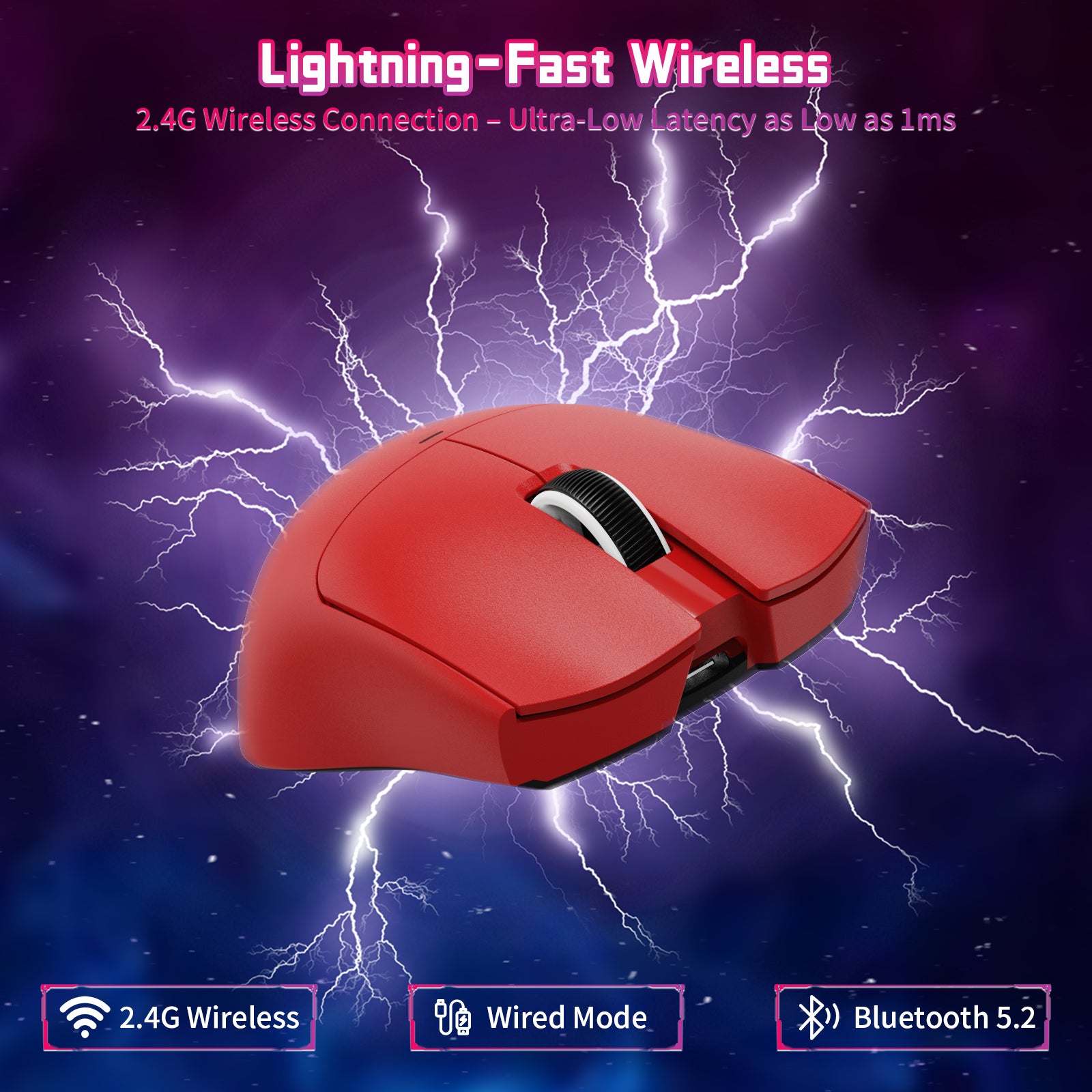
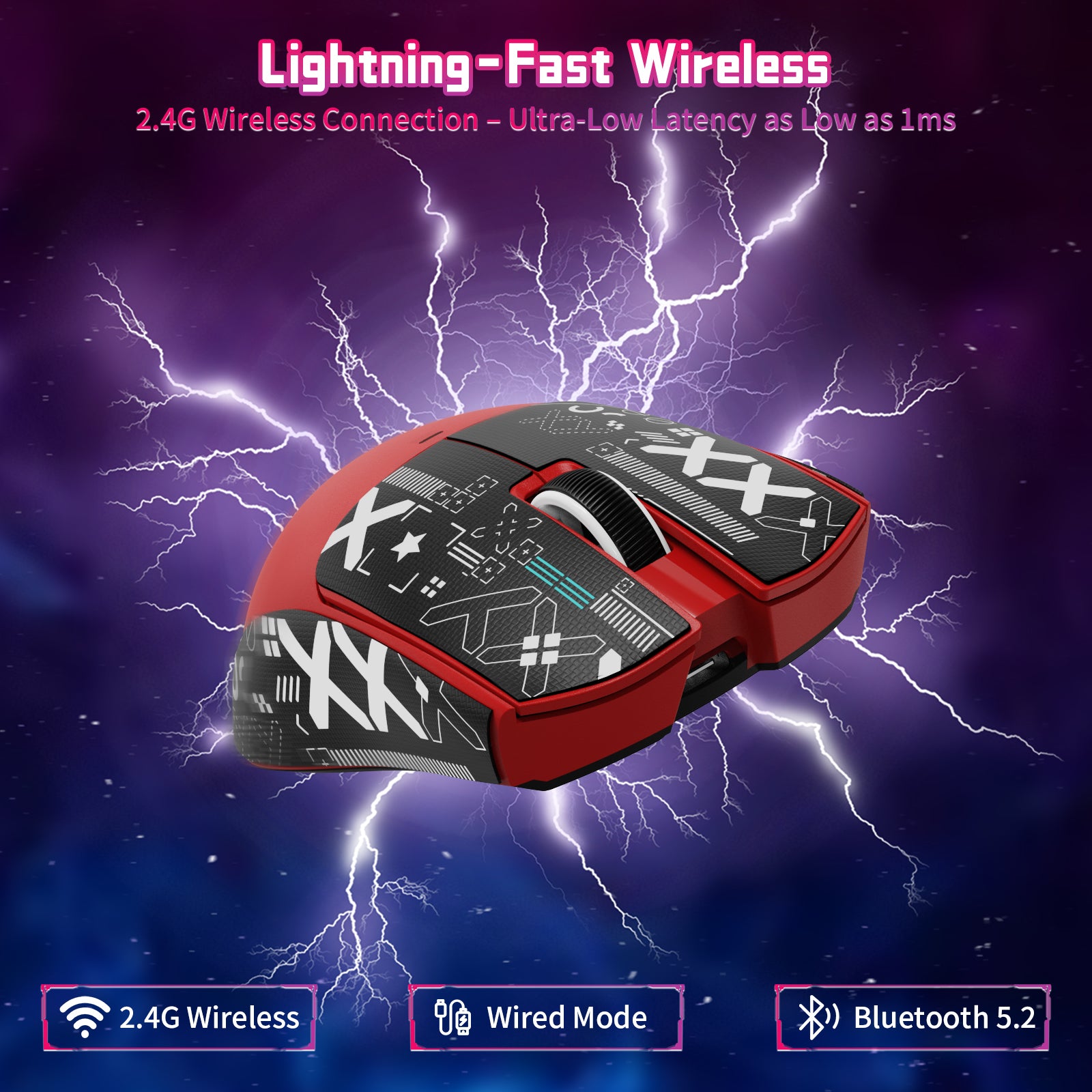
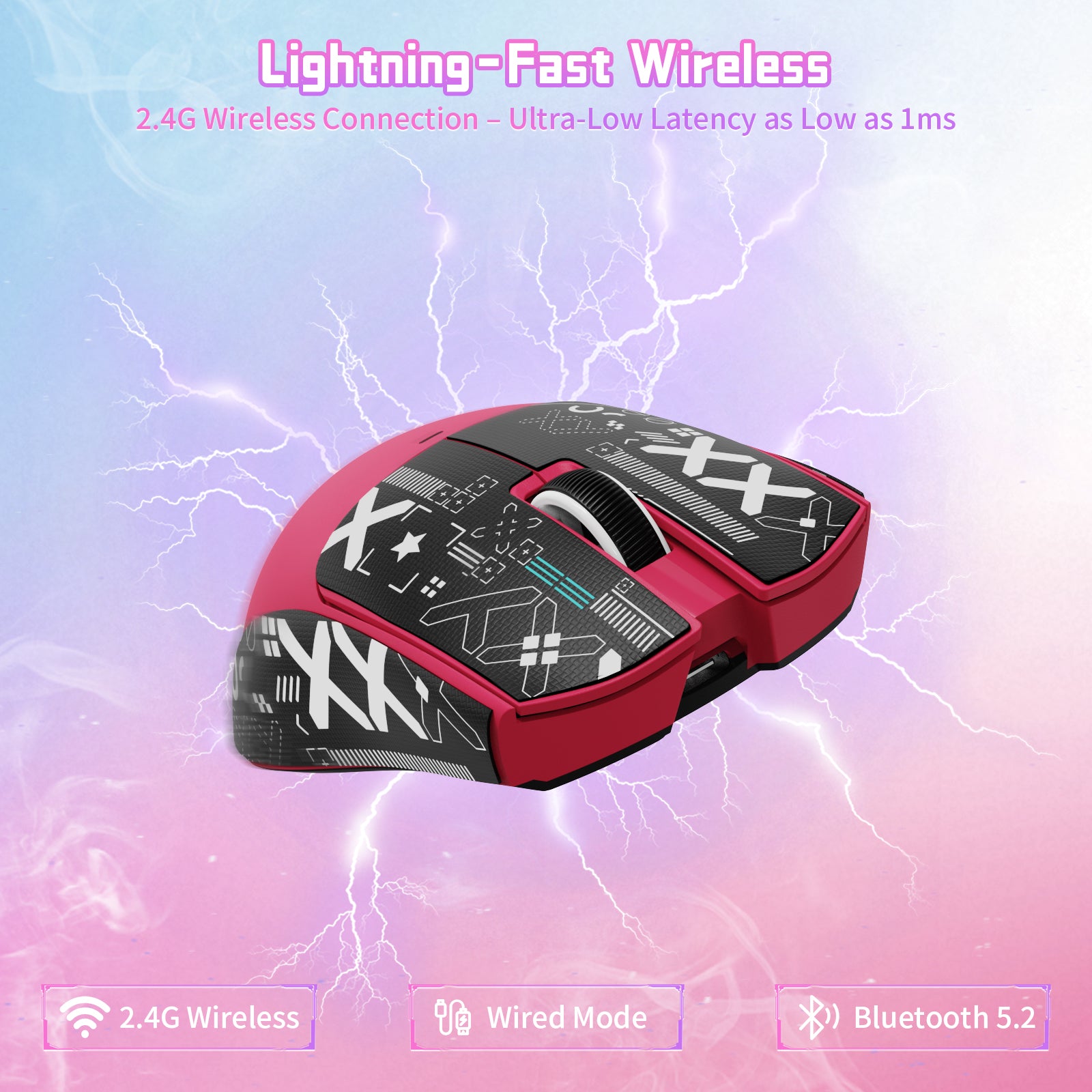
X11SE 마우스는 다양한 사용 환경에 대응하도록 BK52820 칩으로 업그레이드되었으며, 유선 USB-C, 2.4GHz 무선, Bluetooth의 세 가지 연결 모드를 제공합니다. 마우스 뒷면의 버튼으로 모드를 간편하게 전환할 수 있습니다. 유선 및 2.4GHz 모드에서 최저 1ms의 초저지연을 지원하여 끊김 없이 빠르고 즉각적인 사용 경험을 제공합니다. 집이나 사무실 어디서든 컴퓨터, 노트북 또는 태블릿 PC에 쉽게 연결하여 효율적이고 편리한 업무 및 게이밍 환경을 누릴 수 있습니다.

ATTACK SHARK X11SE 게이밍 마우스 - BK52820 칩, Broadcom 메인 컨트롤 칩, 더 빠르고 뛰어난 전력 효율

성능 PAW3311 센서

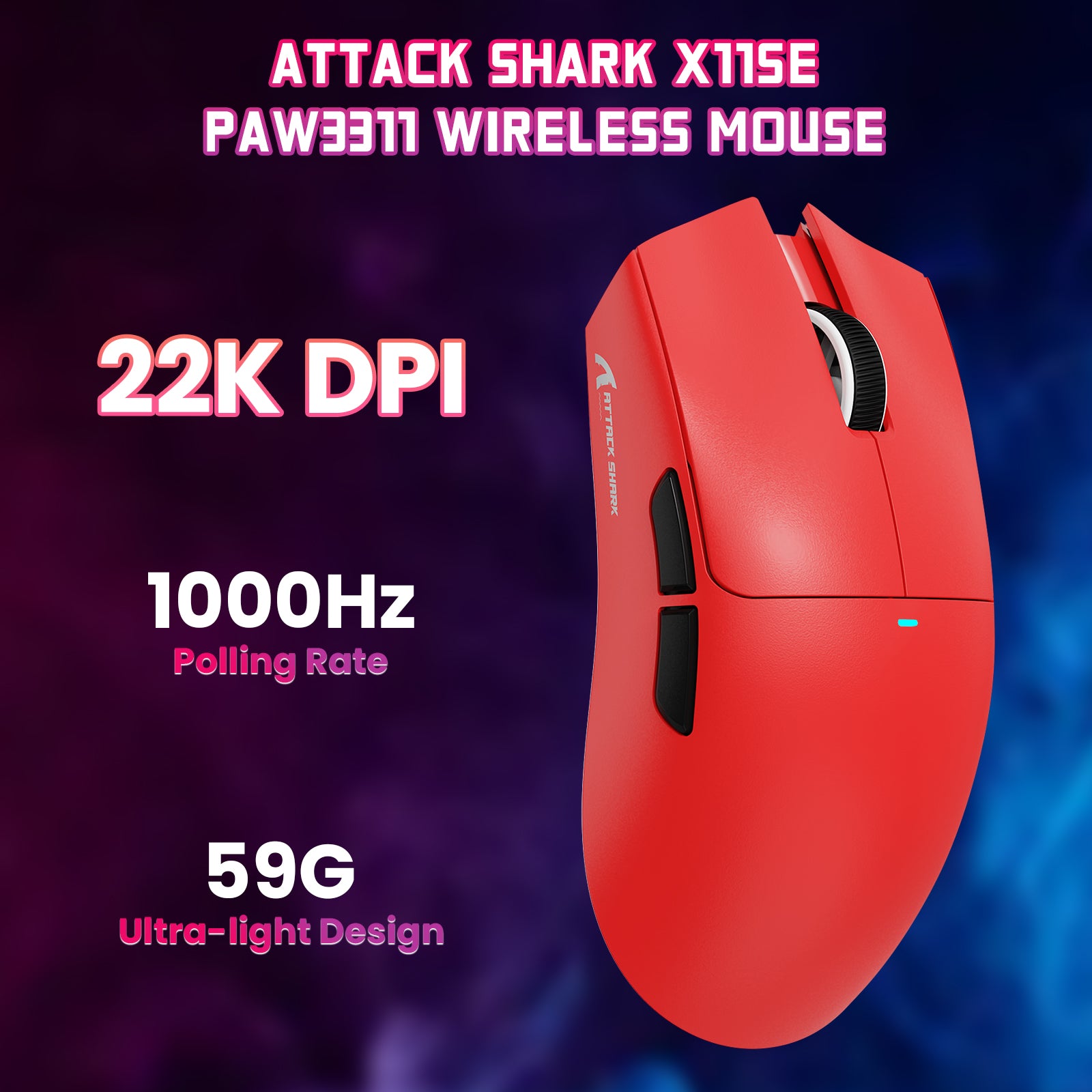
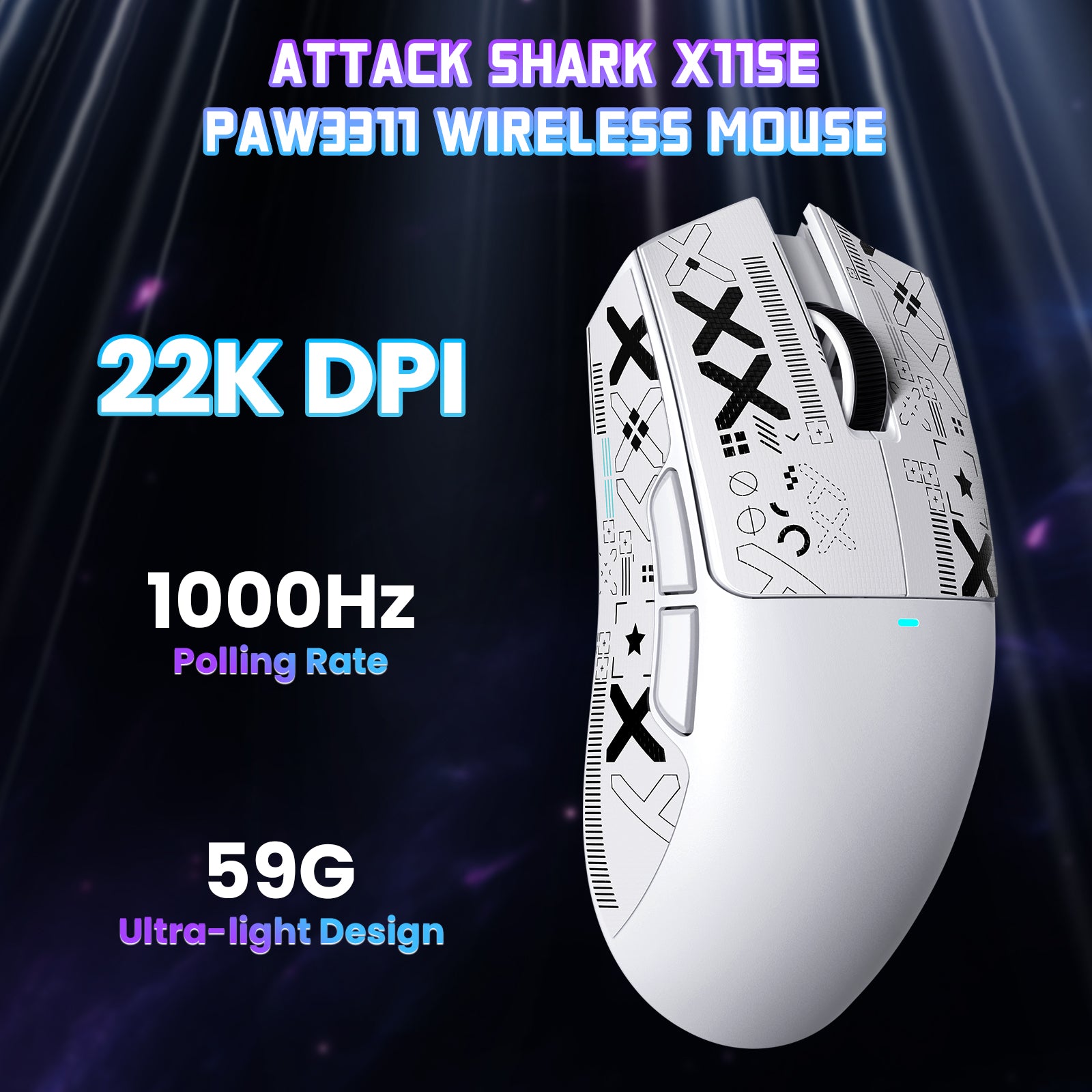
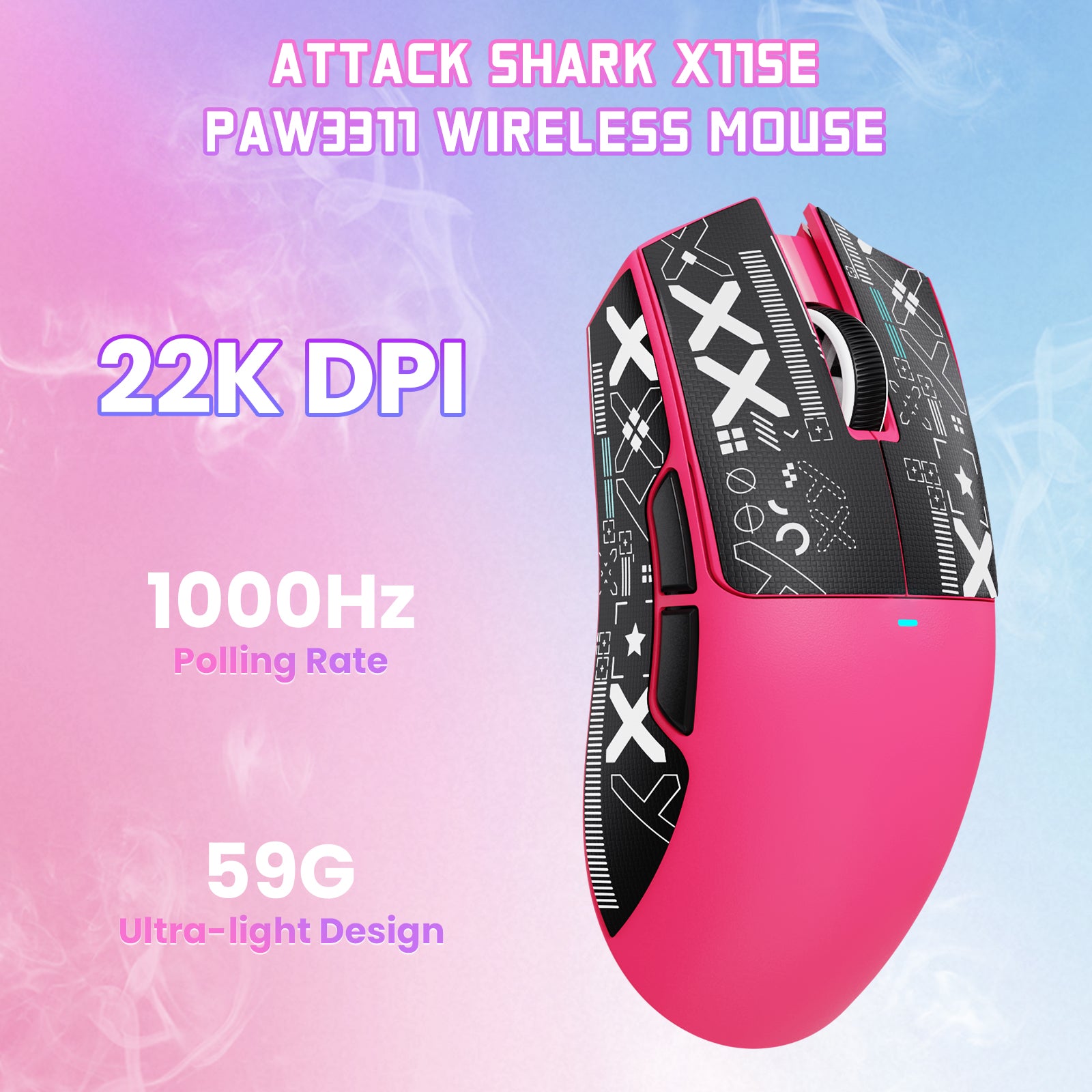
ATTACK SHARK X11SE 무선 게이밍 마우스는 6단계 조절 가능한 DPI(800-1600-2400-3200-5000-22000), 300 IPS 추적 속도 및 1000Hz 응답 속도를 지원하는 PAW3311 광학 센서를 탑재했습니다. DPI 값에 따라 마우스 내부의 조명 색상이 다르게 표시됩니다. 클릭이 잦은 사무직 사용자부터 정밀한 조작을 원하는 게이머까지 다양한 요구를 충족하여 뛰어난 사용 경험을 제공합니다.

ATTACK SHARK X11SE 게이밍 마우스 분해도: PAW3311 센서, 경량 케이스 및 배터리

59g 초경량 및 인체공학적 디자인

ATTACK SHARK X11SE의 무게는 단 59g입니다. 초경량 디자인으로 휴대가 간편해 어디서든 게이밍 환경을 즐길 수 있습니다. 인체공학적 곡선은 편안함을 위해 설계되어 손에 자연스럽게 밀착되며, 장시간 게임 중 손의 피로를 줄여 줍니다. 불편함은 이제 그만, 더 오래 게임을 즐겨 보세요.

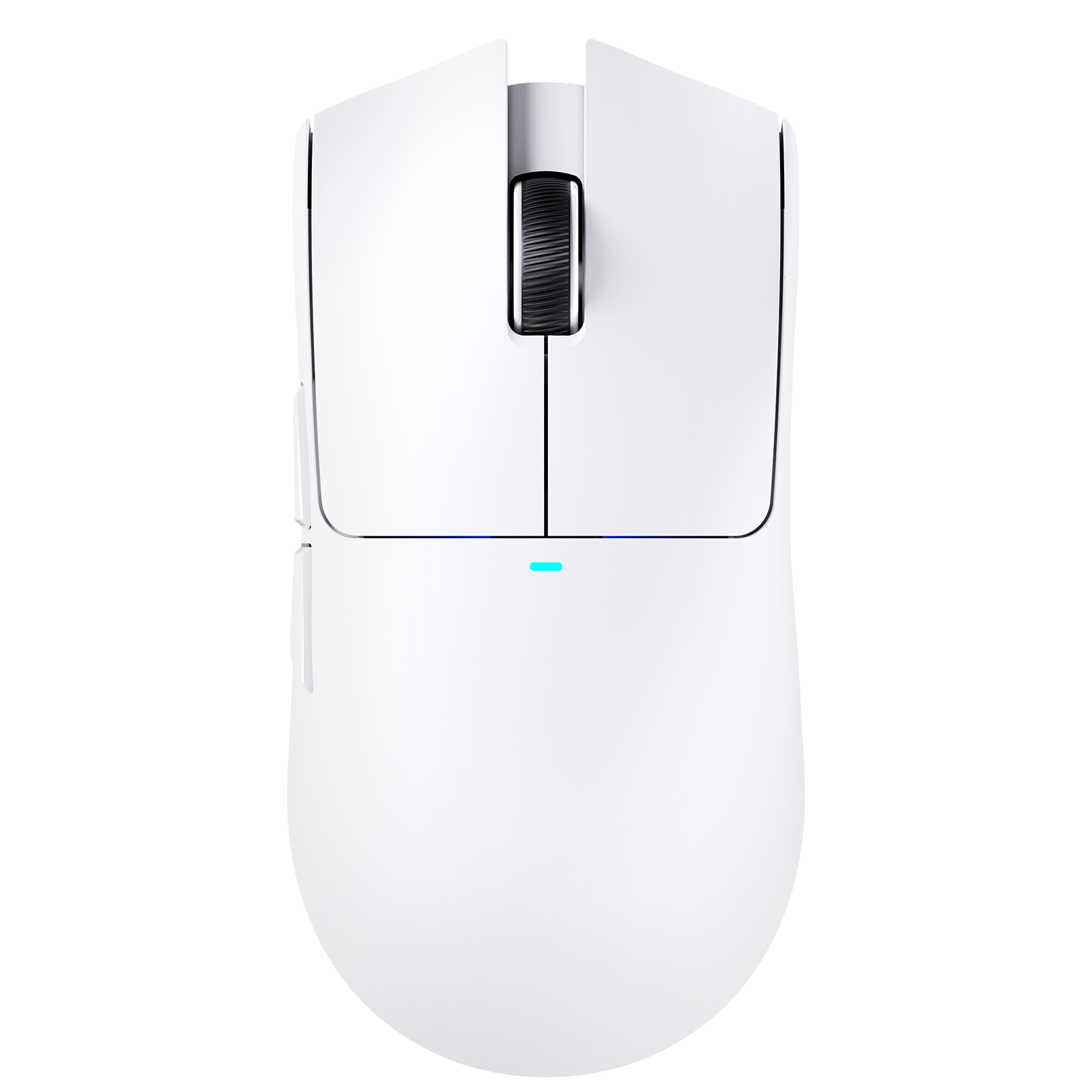
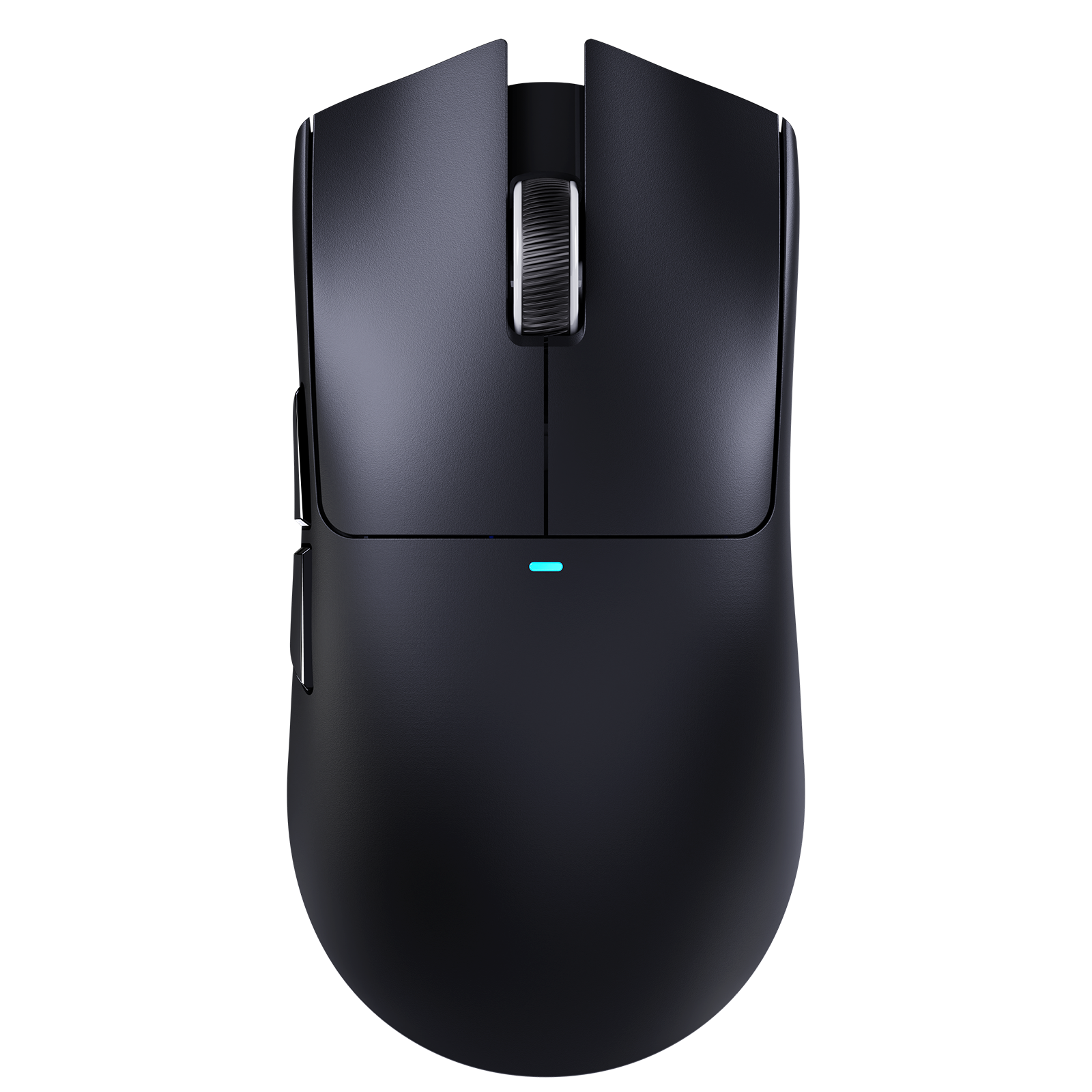
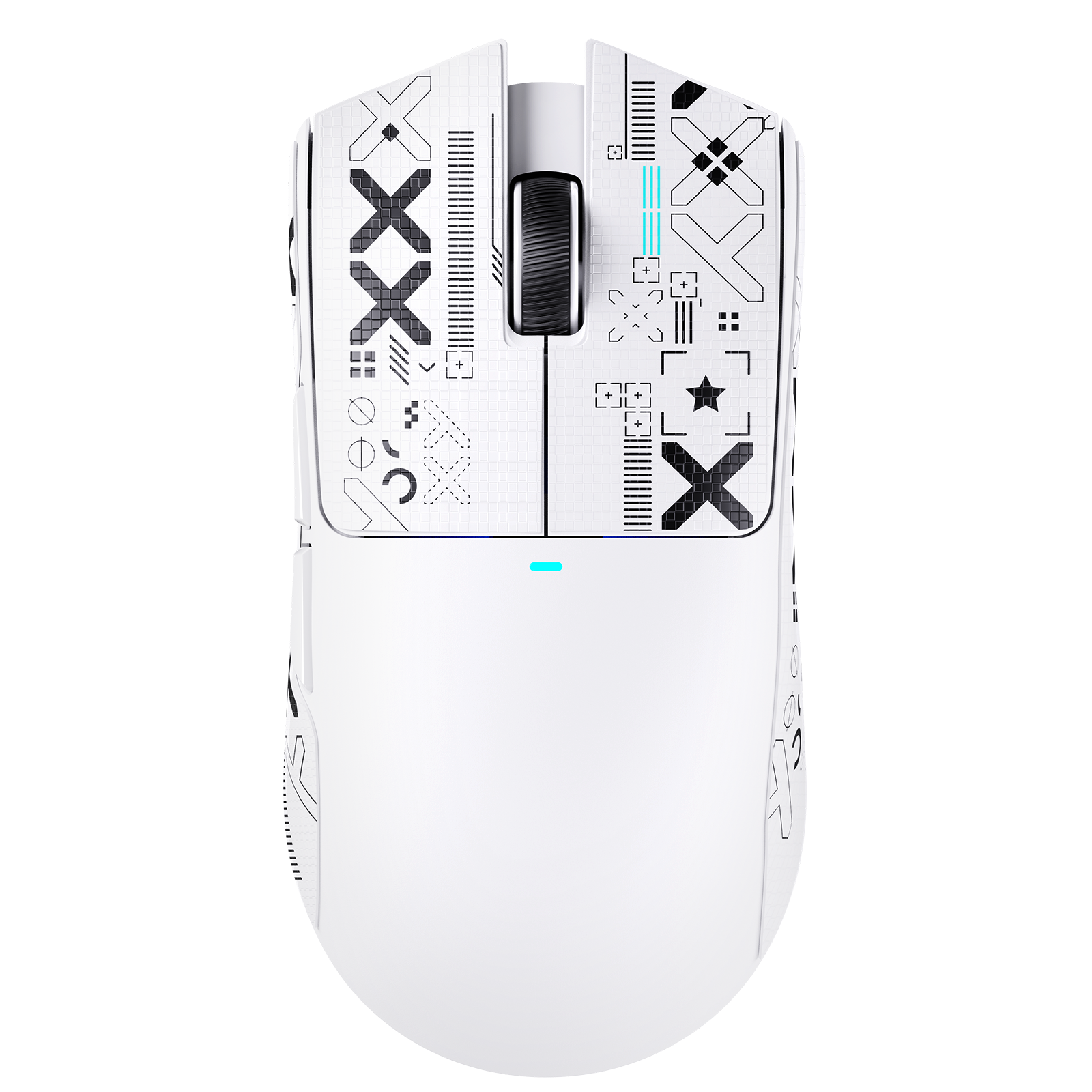
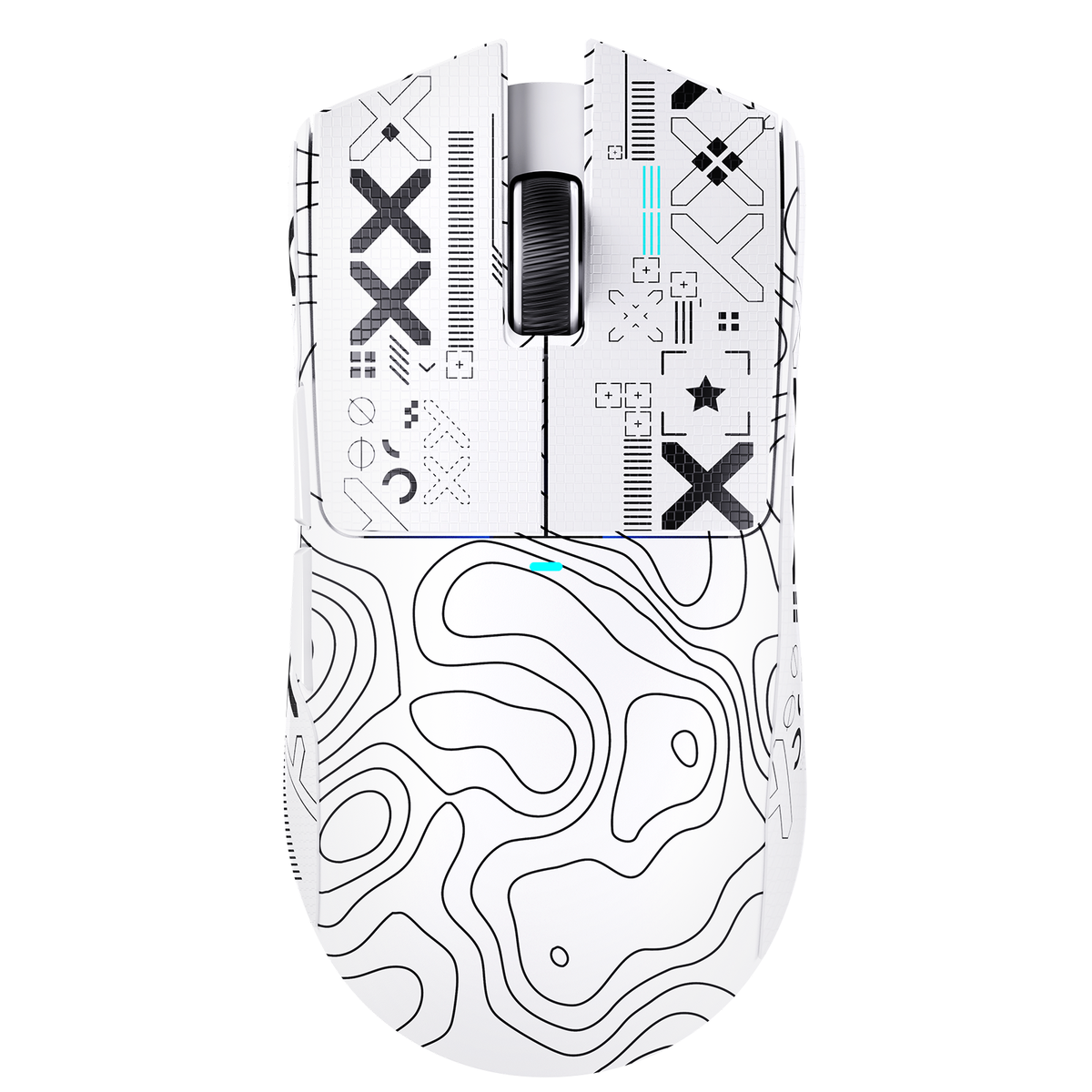
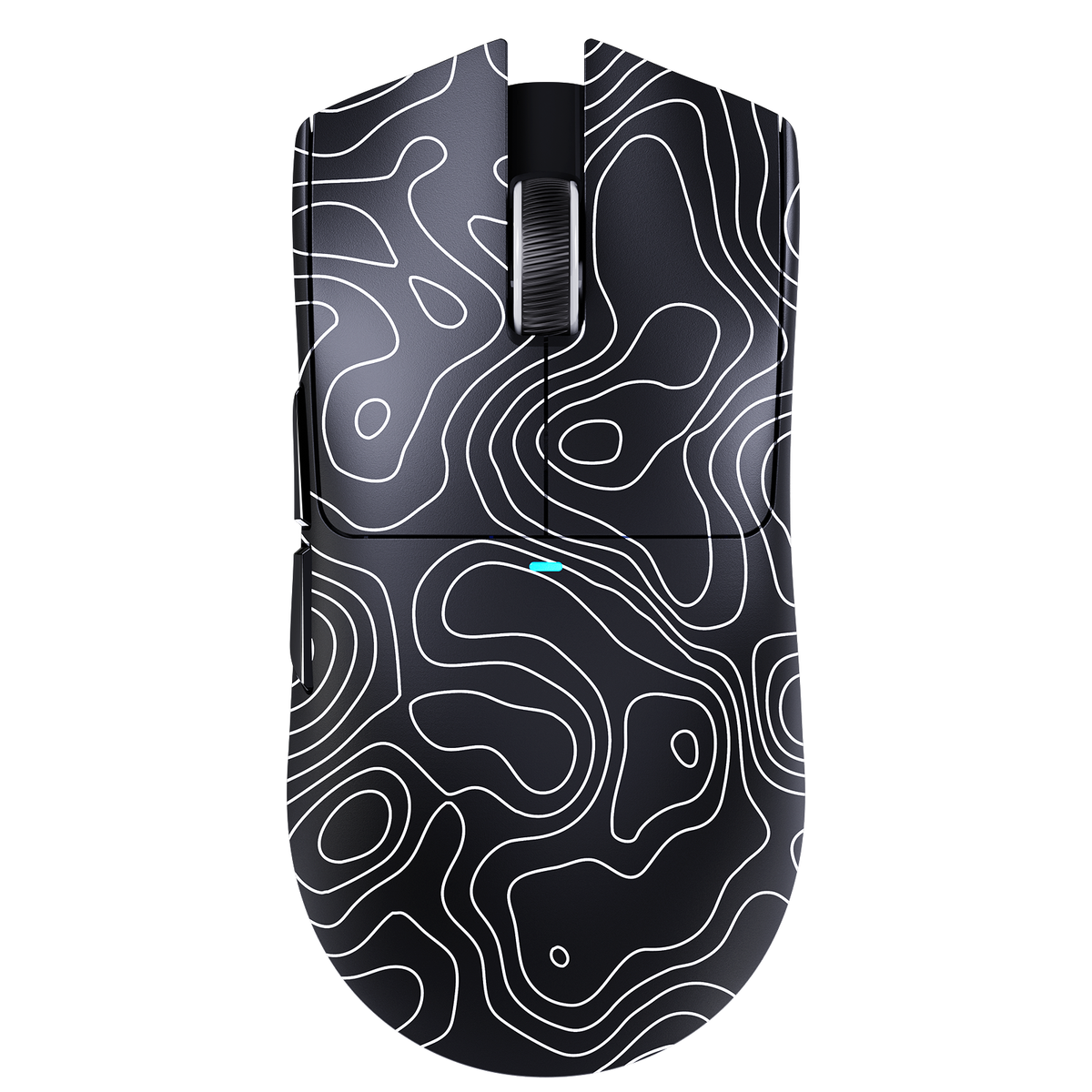
ATTACK SHARK X11SE 무선 게이밍 마우스 - 화이트, 인체공학적 디자인, 경량

HUYU 스위치 & 긴 수명의 클릭

이 X11SE 마우스는 HUYU 스위치 기술과 TTC 인코더를 사용하며, 작은 크기와 가벼운 무게, 높은 신뢰성 및 민감한 작동이 특징입니다. 2,000만 회 클릭 수명을 제공하여 모든 마우스 클릭이 정확하게 입력되므로, 게임과 사무 작업 모두에 적합한 내구성과 신뢰성을 갖춘 도구입니다.

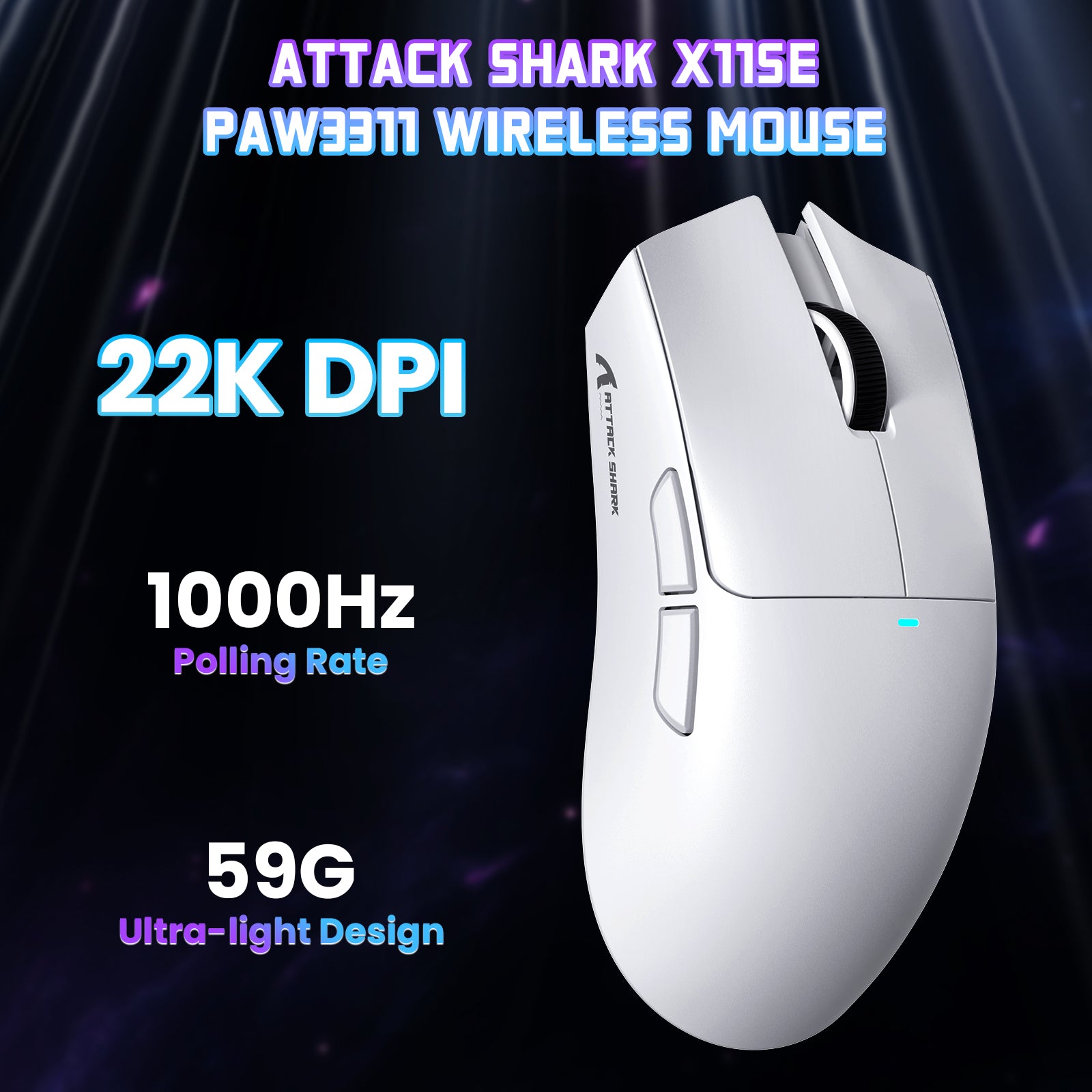
ATTACK SHARK X11SE 무선 게이밍 마우스: PAW3311 센서, 22000 DPI, 트라이 모드, 경량 디자인 및 65시간 배터리 수명.

5개의 프로그래밍 가능한 버튼 & 폭넓은 호환성

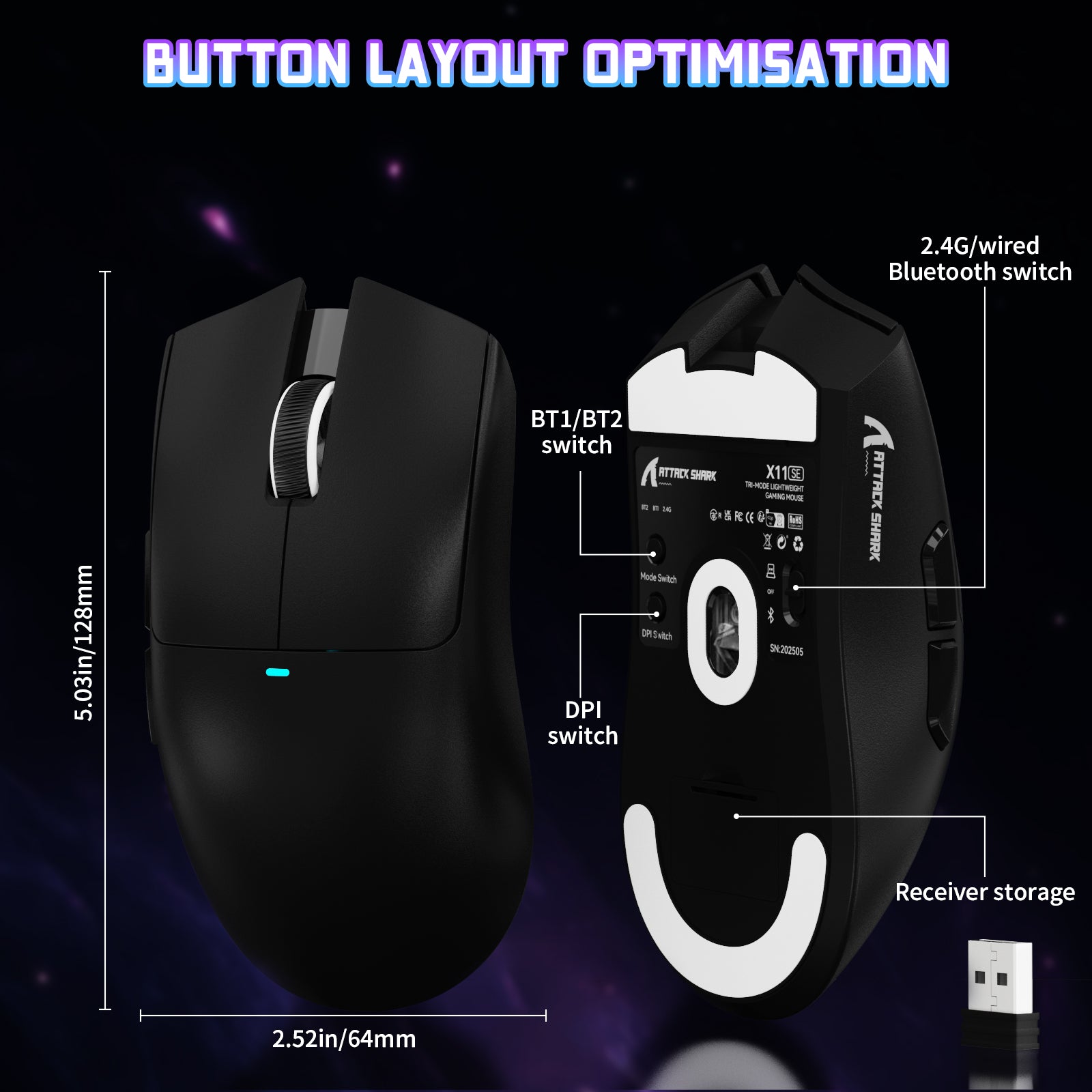
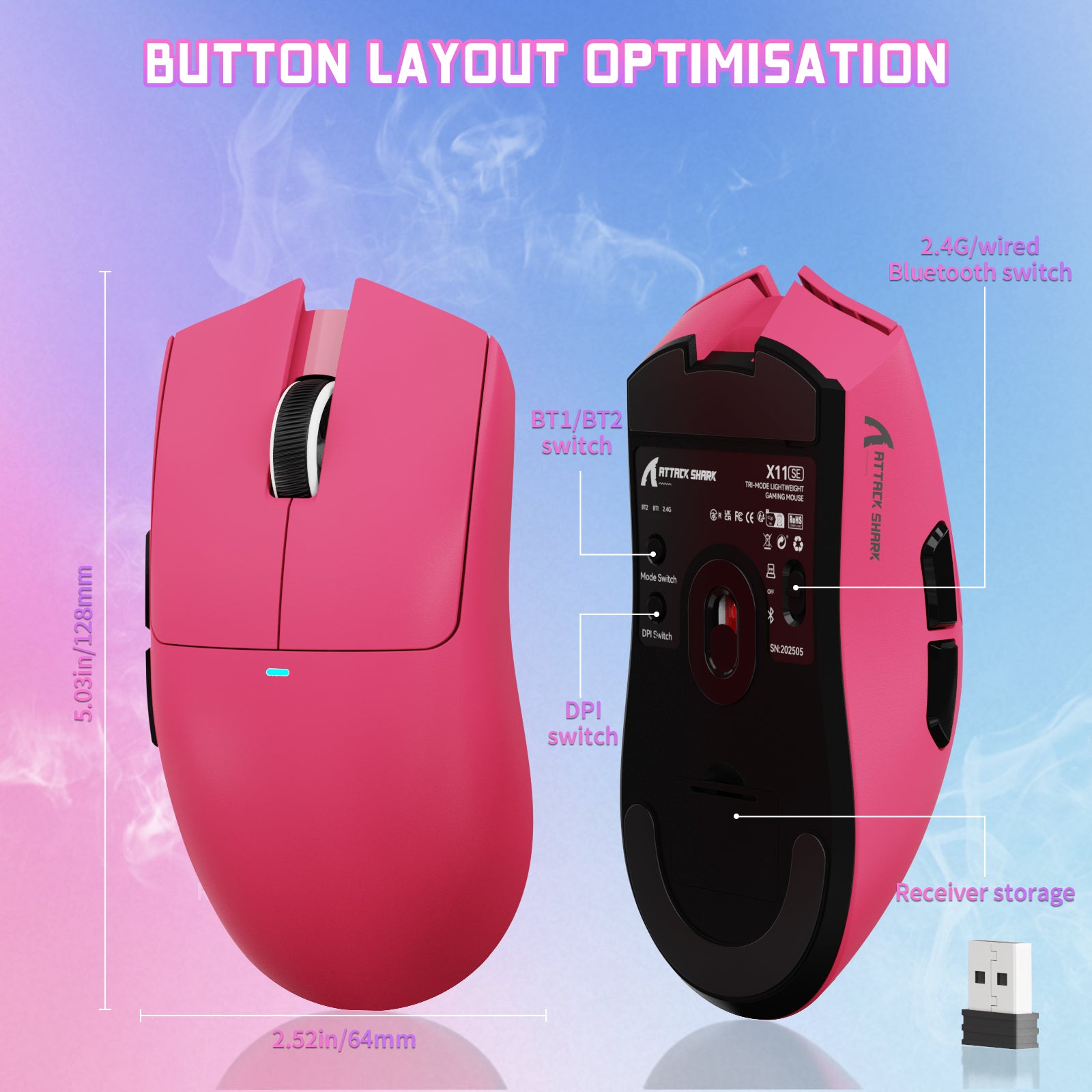
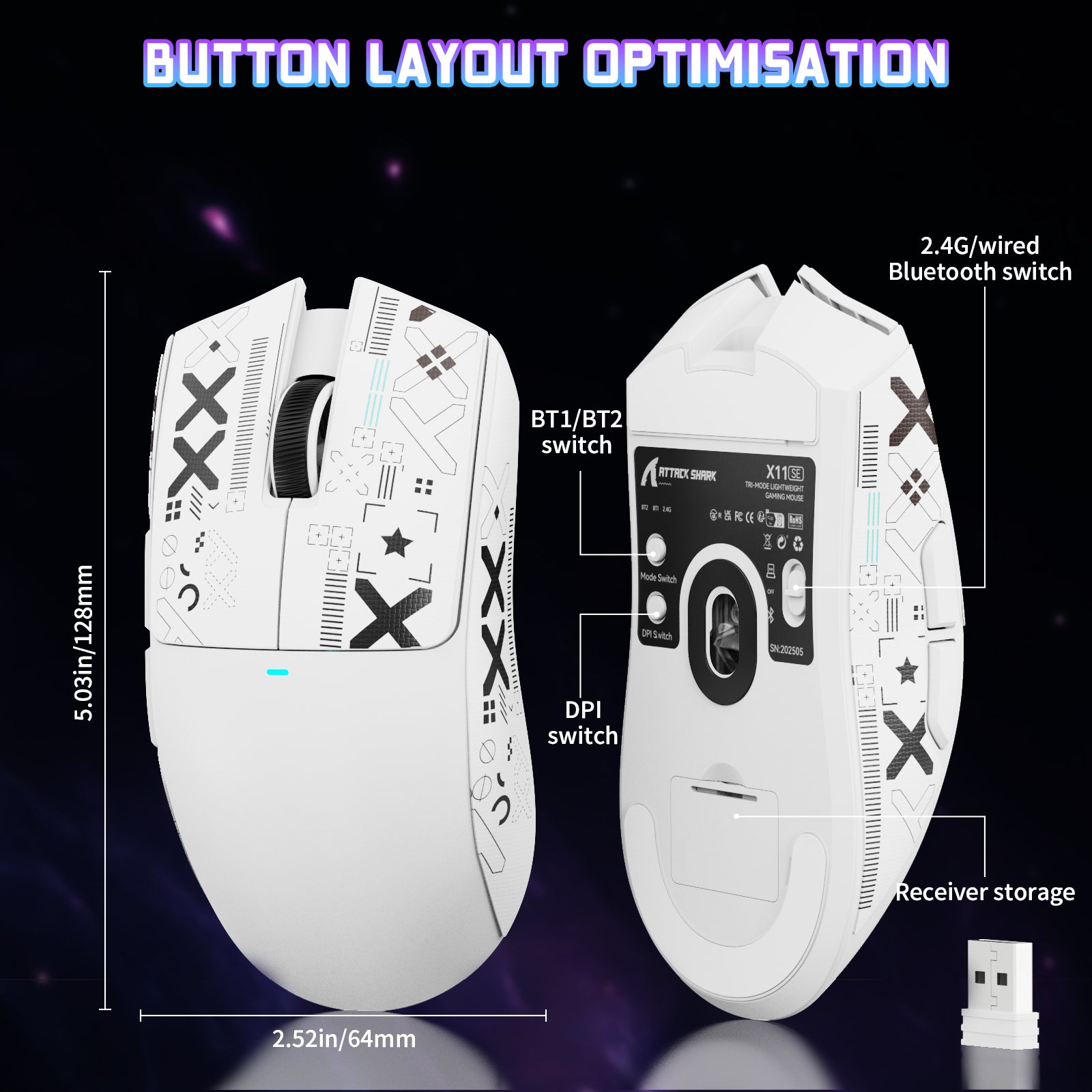
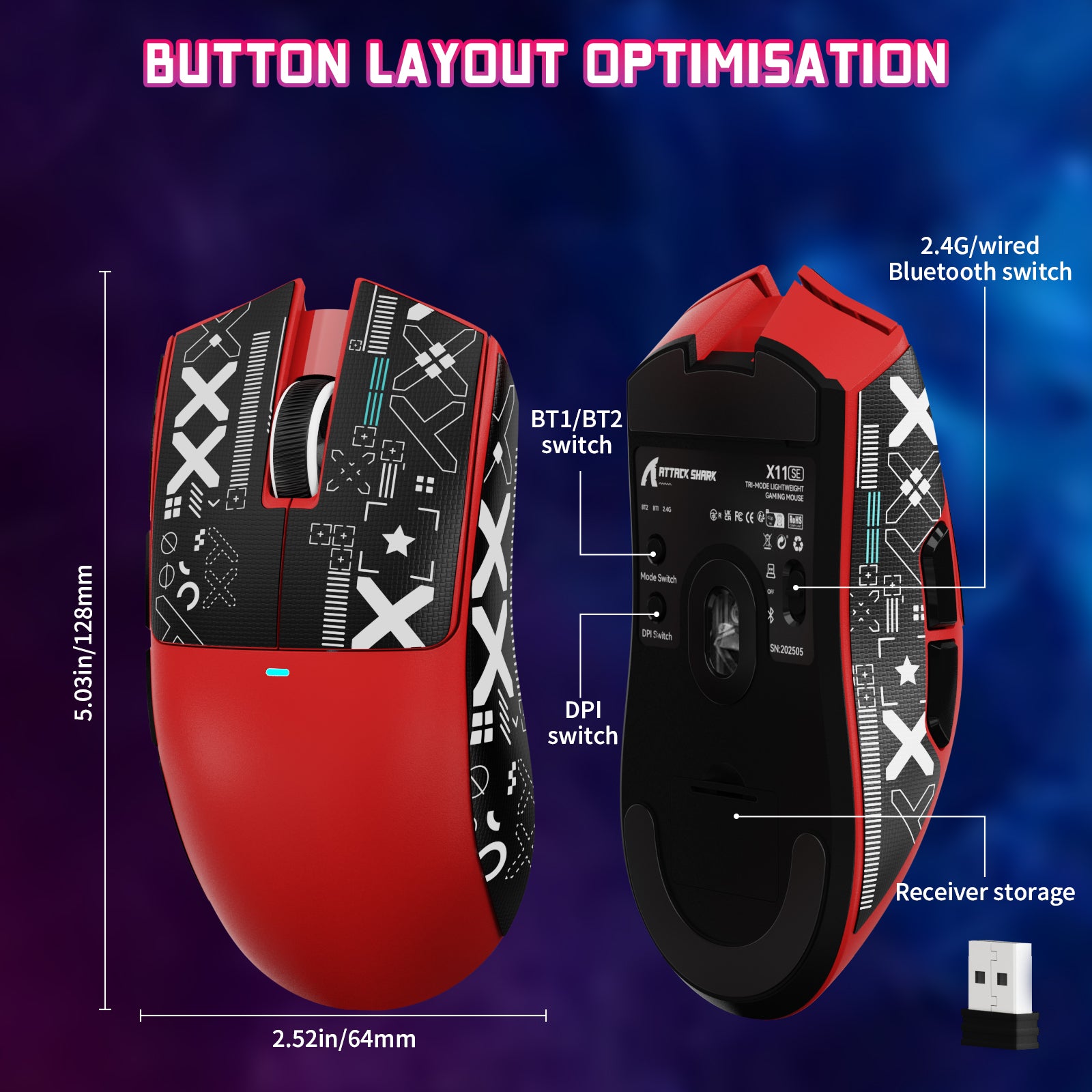
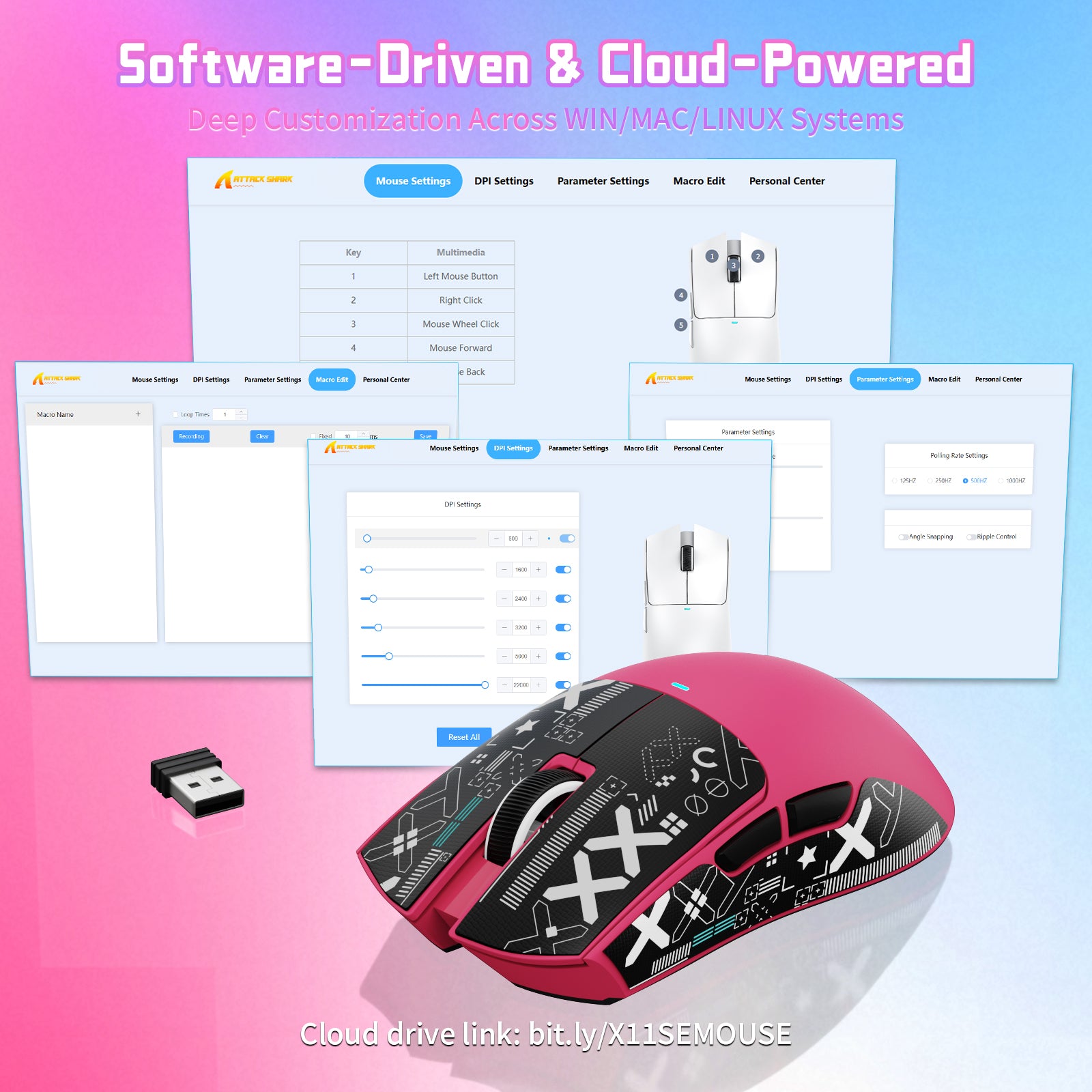
5개의 프로그래밍 가능한 버튼으로 나만의 환경을 설정하세요. 드라이버를 통해 마우스 DPI, 폴링 레이트, 단축키 및 매크로를 설정할 수 있습니다. 연결 모드 전환 스위치와 무선 수신기는 하단에 편리하게 배치되어 있습니다. 플러그 앤 플레이 방식의 유선 및 무선 모드를 통해 연결 간 전환을 간편하게 할 수 있습니다. ATTACK SHARK X11SE 마우스는 Windows XP/VISTA/7/8/10/MAC를 비롯한 여러 시스템과 호환됩니다.

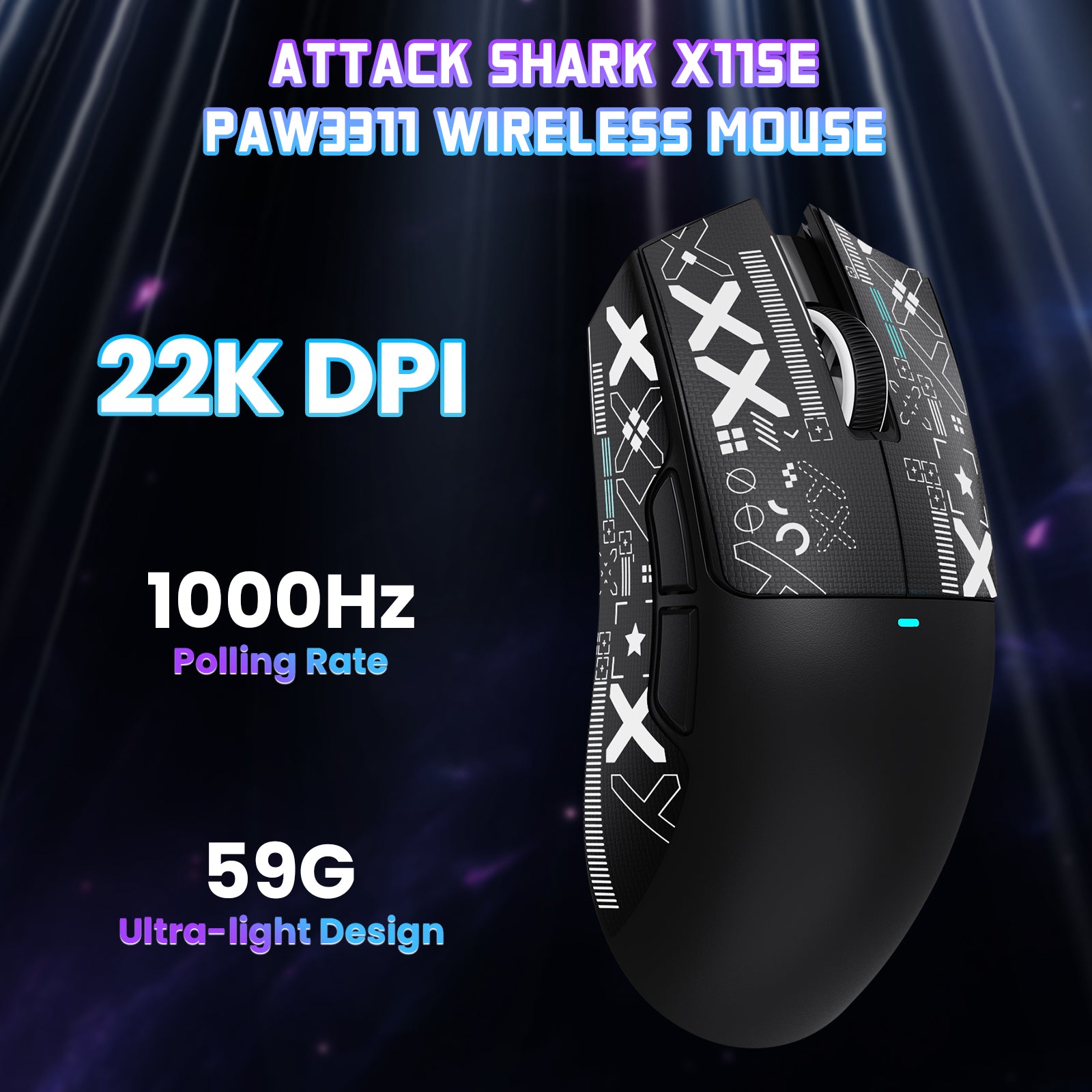
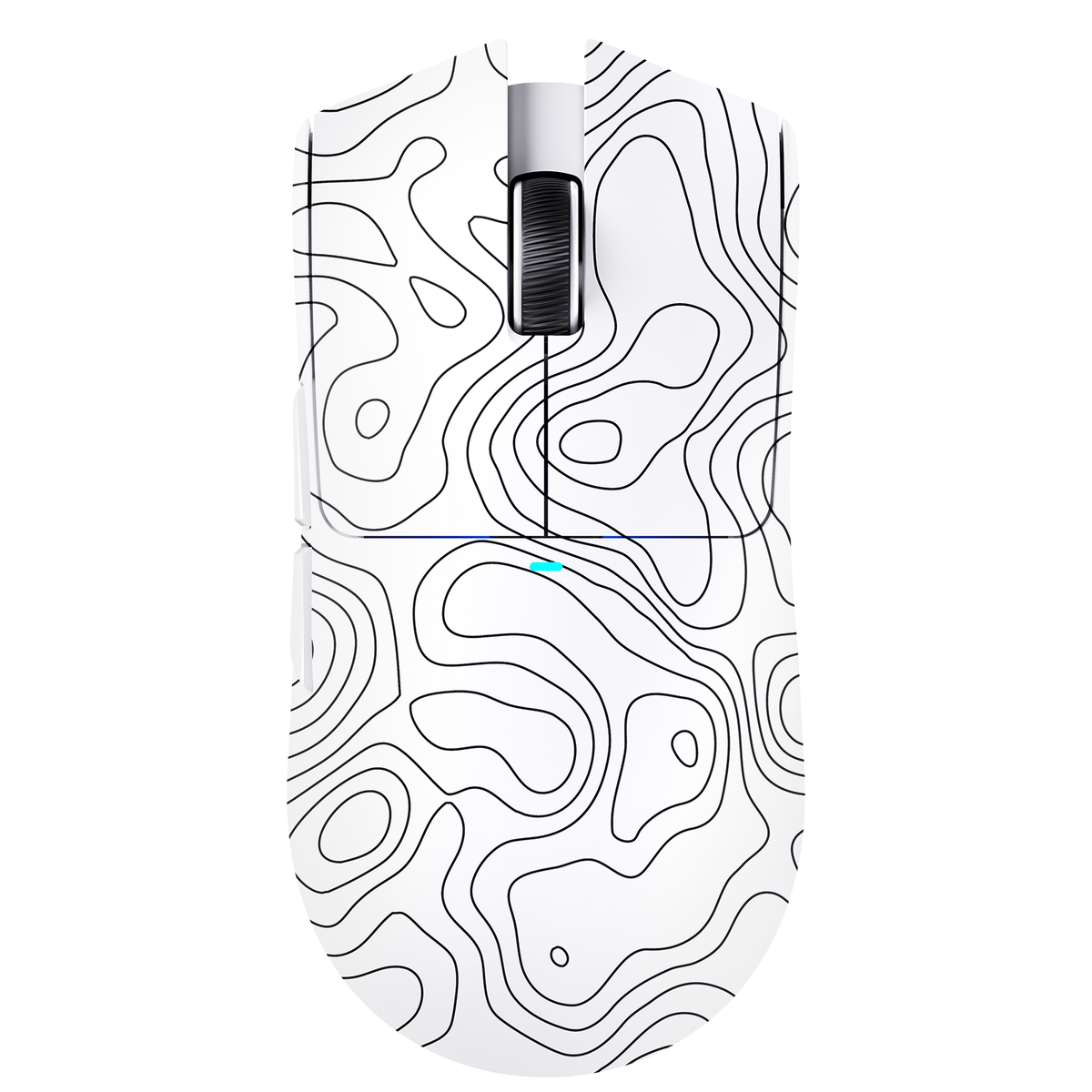
ATTACK SHARK X11SE 트라이 모드 마우스, 화이트 및 블랙, 22000 DPI, PAW3311 센서 및 1000Hz 폴링 레이트

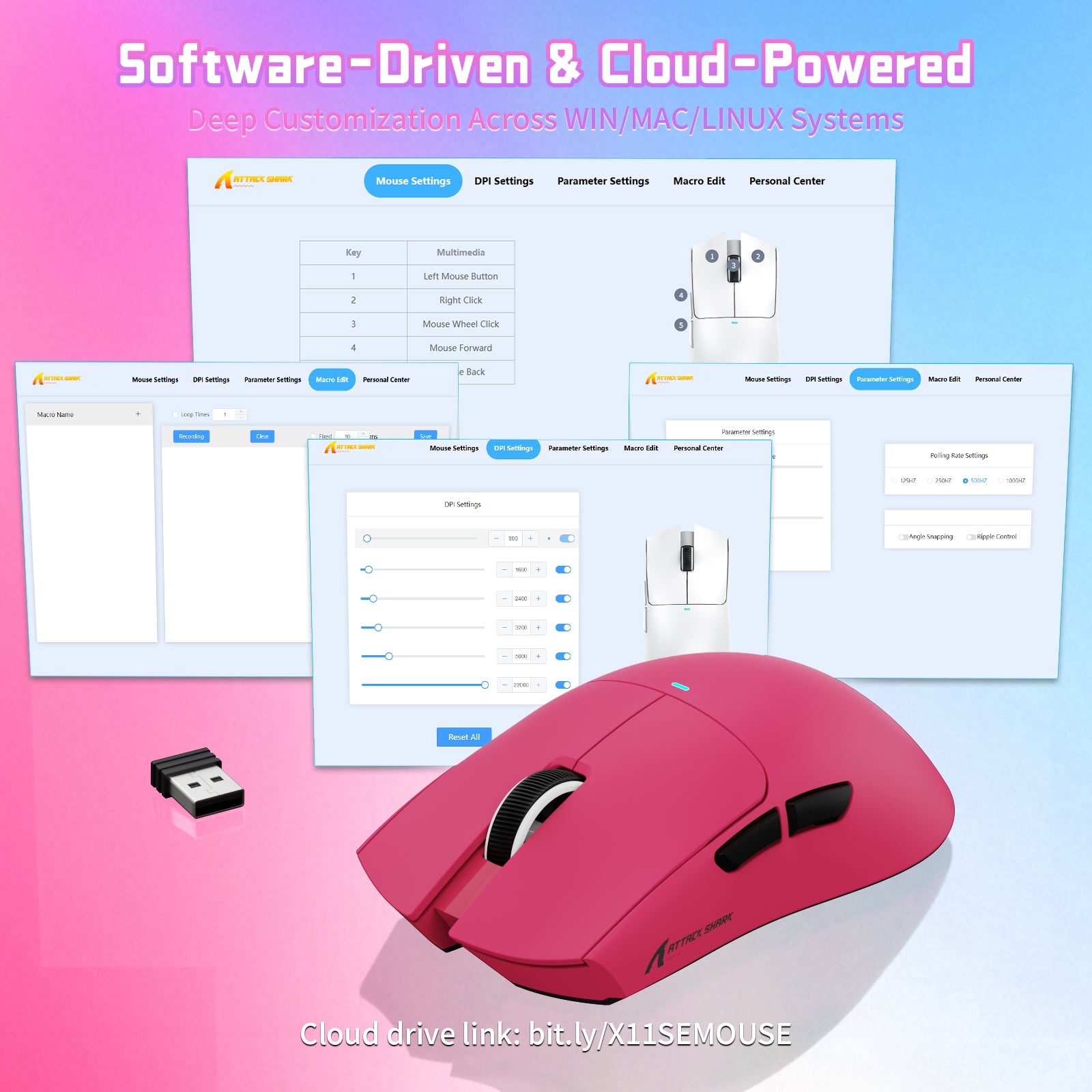
드라이버 소프트웨어 및 클라우드 파워

X11SE 프로 게이밍 마우스는 전용 소프트웨어를 제공하여 DPI, 폴링 레이트를 조정하고 사용자 지정 매크로 키를 설정할 수 있습니다. 한 번의 클릭으로 콤보 스킬을 실행하고 즉시 레벨을 올려 보세요. 웹 기반 소프트웨어 버전도 제공되어 Linux 및 macOS 시스템에서 사용자 지정이 가능합니다.

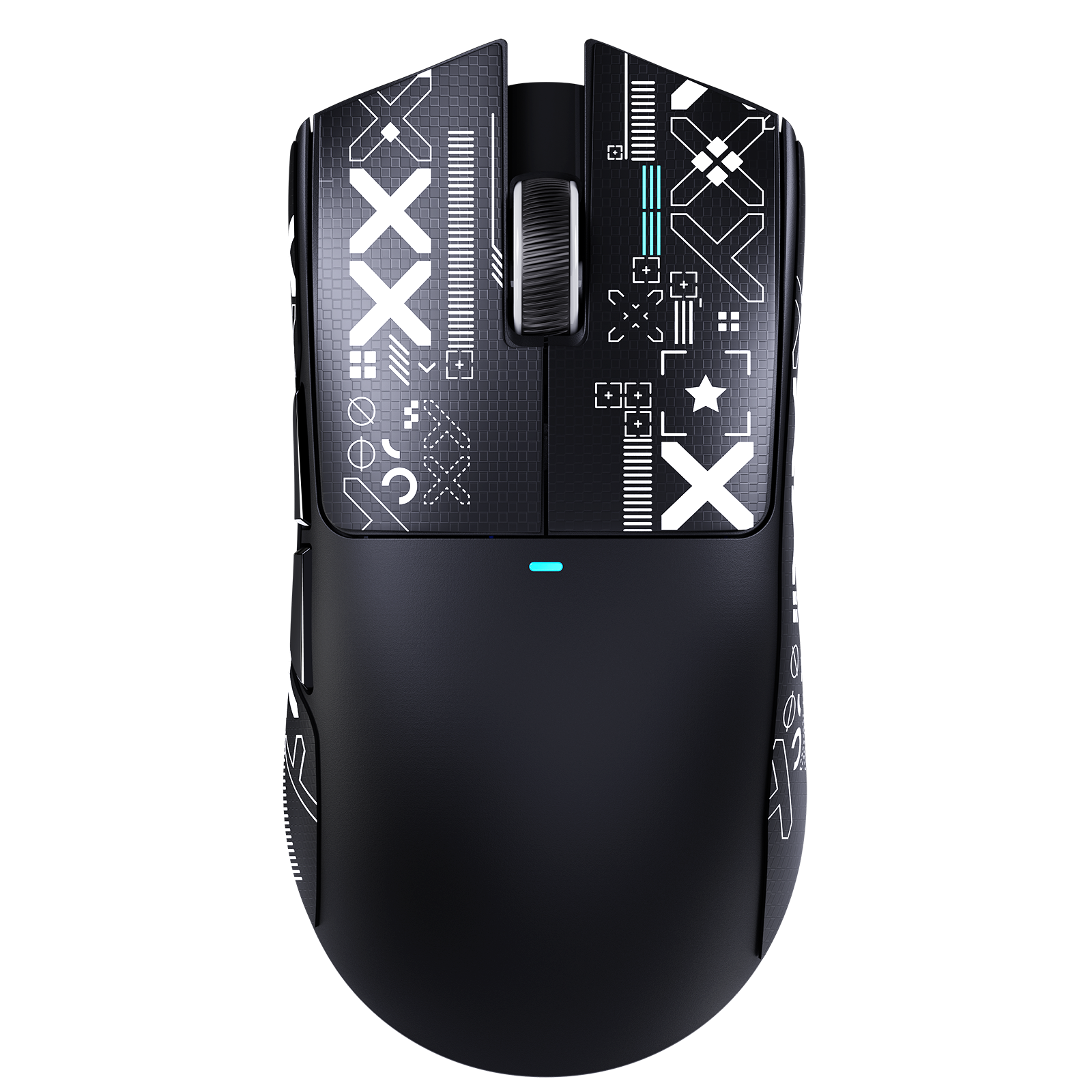
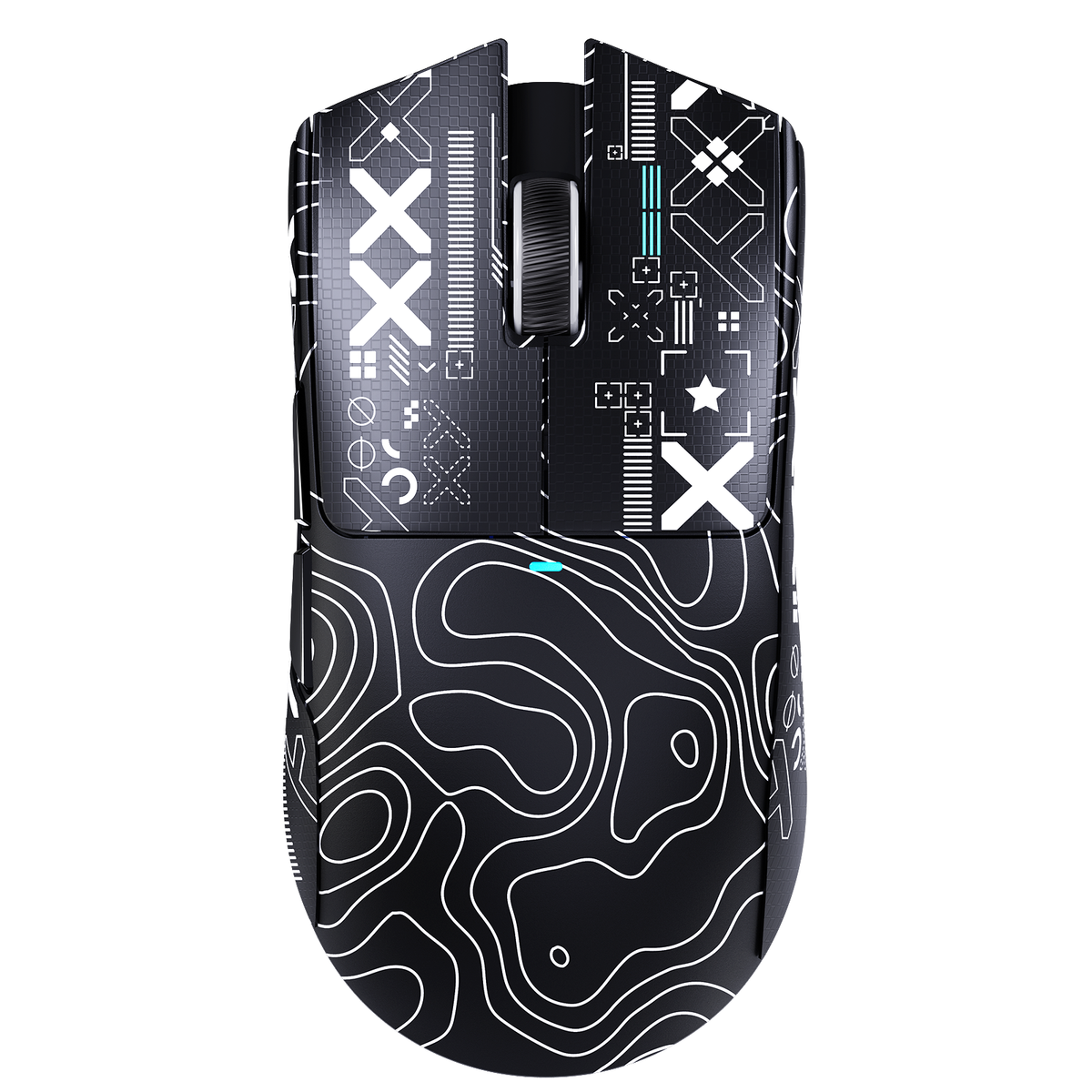
ATTACK SHARK X11SE 무선 게이밍 마우스, 블랙, 인체공학적이고 가벼운 디자인, 브랜드 로고 적용

65시간 배터리 및 전문 지원

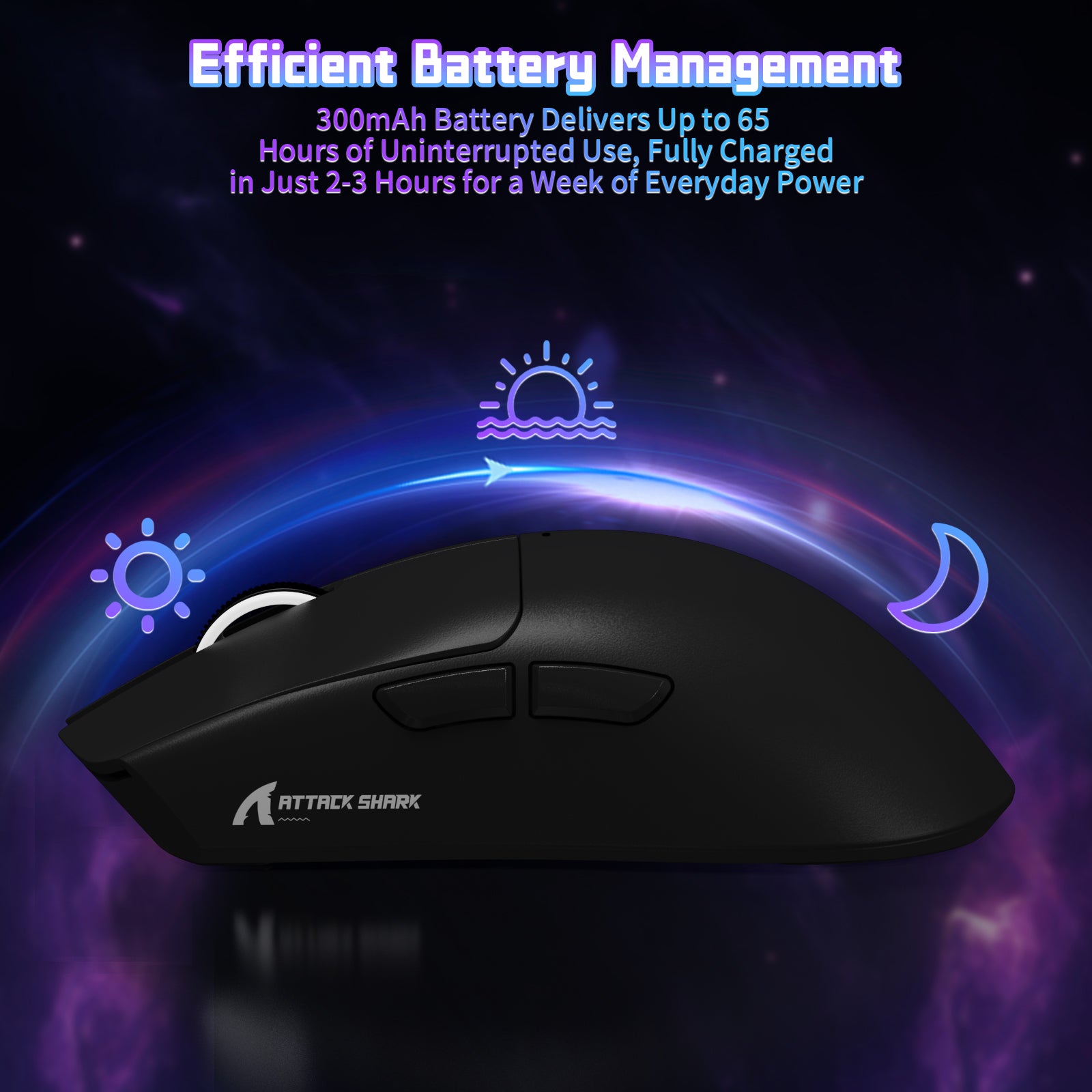
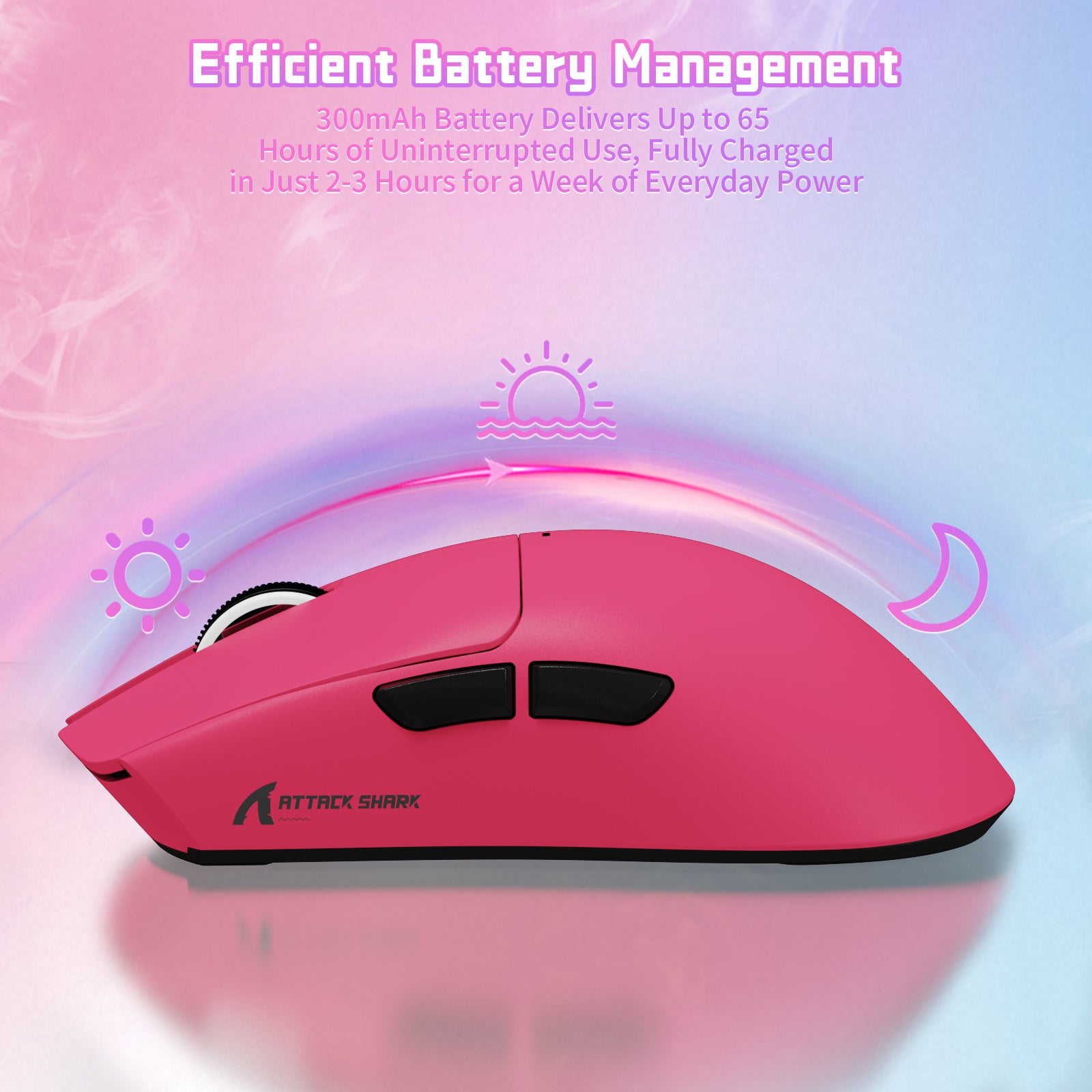
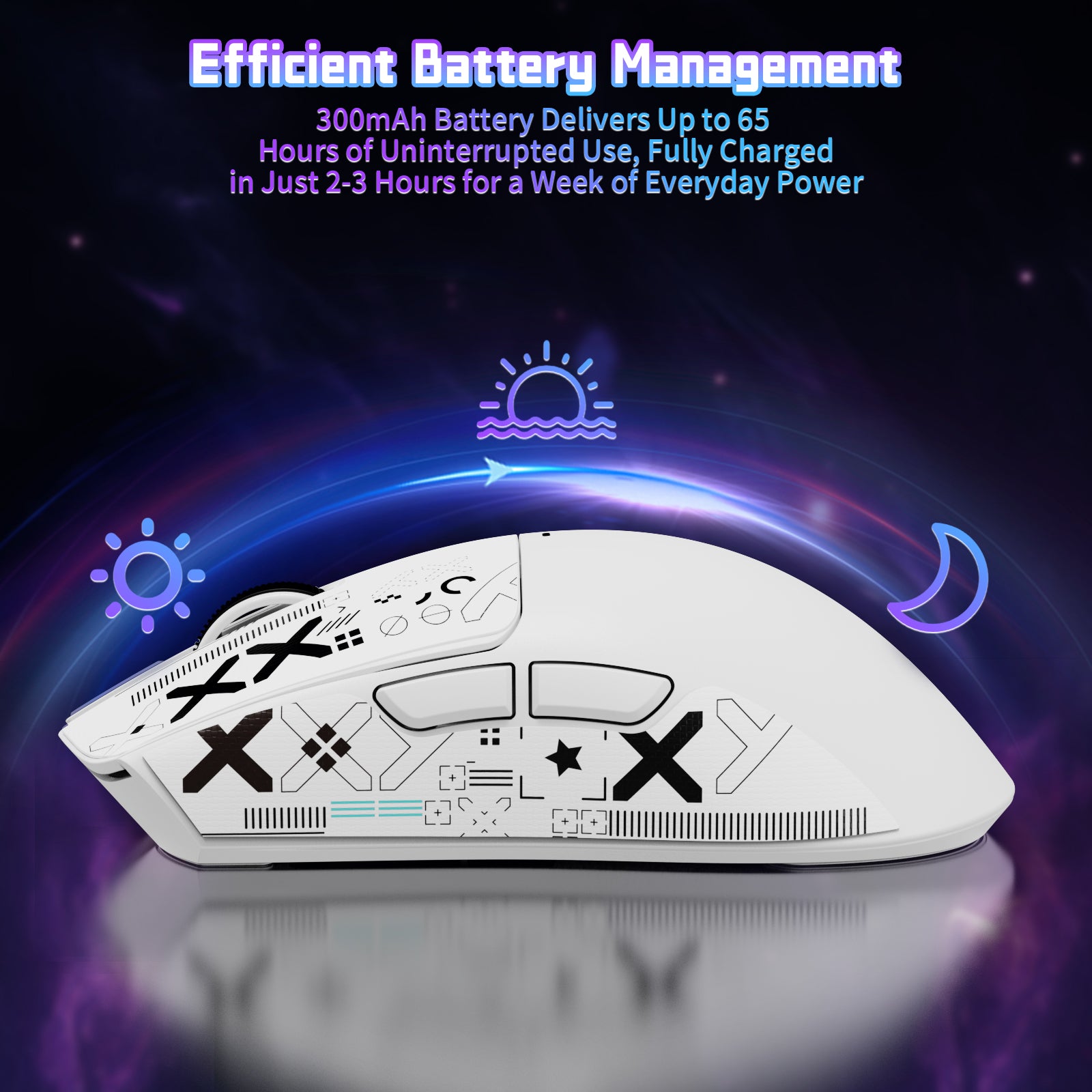
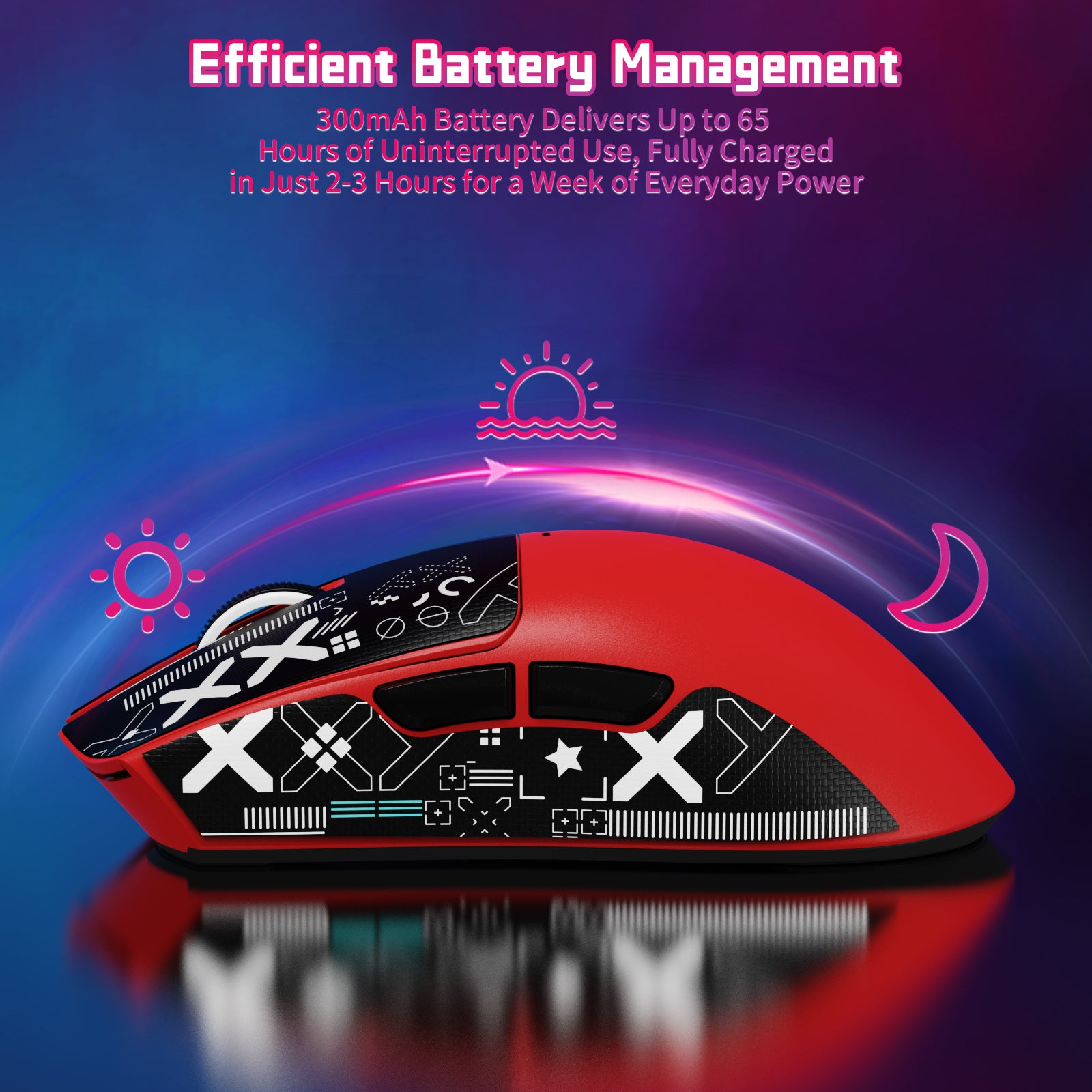
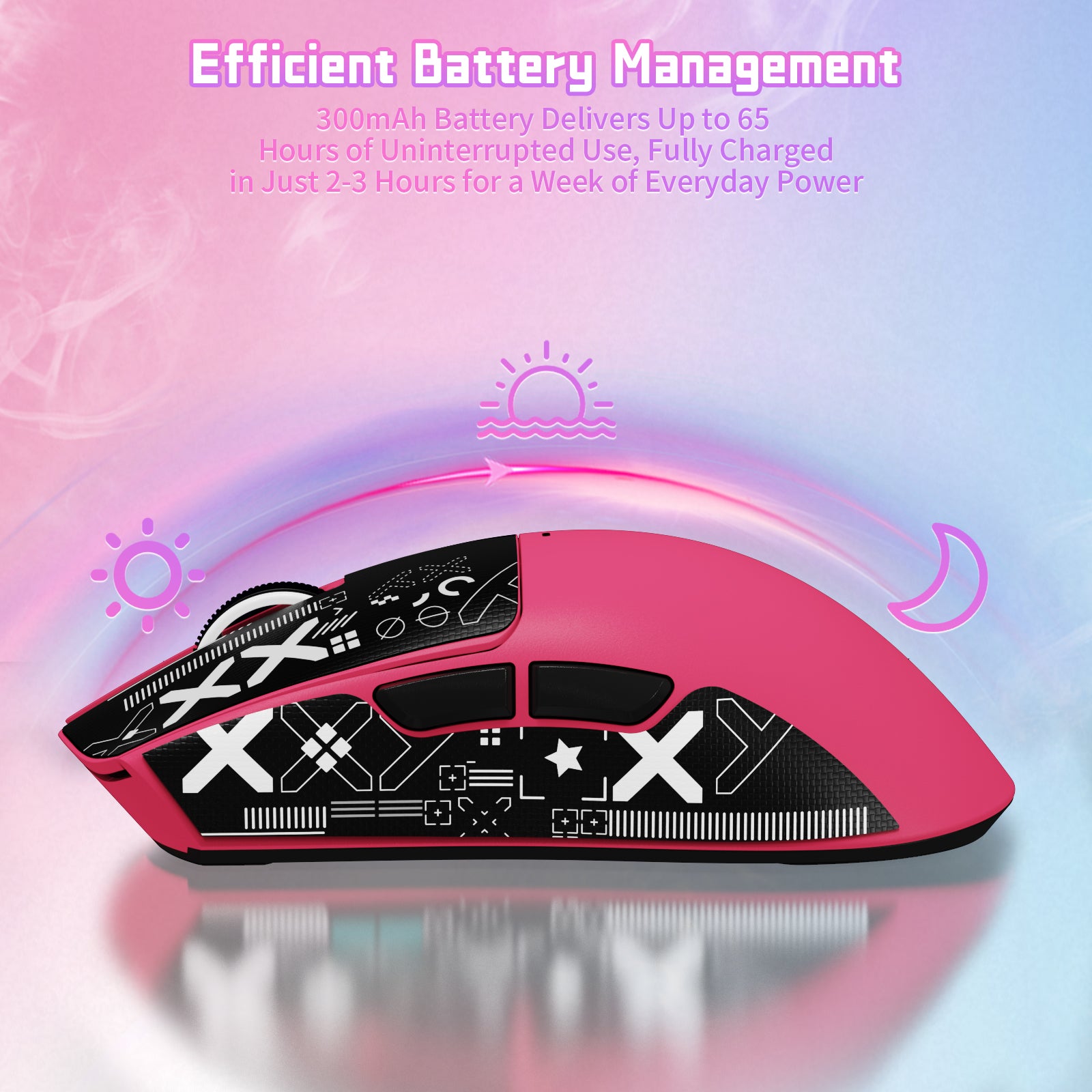
X11SE 충전식 마우스는 초장시간 배터리 수명을 제공하며, 한 번 충전으로 최대 65시간 사용할 수 있습니다. 완전히 충전하는 데 약 2~3시간이 걸리므로 다양한 게임을 장시간 즐길 수 있습니다. 문제가 발생하면 언제든지 당사 직원에게 문의해 주세요. 영업일 기준 1일 이내에 문제를 해결해 드리겠습니다.

배터리 수명은 사용 습관과 작동 환경에 따라 달라질 수 있습니다.

ATTACK SHARK X11SE 무선 게이밍 마우스, 화이트, 65시간 배터리 수명 및 2~3시간의 빠른 충전.
  • 5 stars: 102 (76%)
  • 4 stars: 33 (24%)
  • 3 stars: 0 (0%)
  • 2 stars: 0 (0%)
  • 1 star: 0 (0%)
D
D. Lee

The ATTACK SHARK X11SE in black is a very nice, if a tad understated, computer mouse. Offering DPI adjustment and handy side buttons, I don't think you will be disappointed with this mouse. Ergonomically, it is easy to hold and maneuver and very conveniently sized. The addition of a rechargeable battery is also a nice touch. This mouse comes in many colors, but I am always a fan of plain black as I don't really enjoy over the top RGB lights or anything like that. I think most users would really like this mouse overall and would recommend it if you're in the market. Pick whatever color you like the most and go for it!

R
Ricardo Jackson

This mouse is nice and light. The amount of connectivity options is fantastic. It can connect to multiple devices and seamlessly switch between them by using the button on the bottom of the mouse. It can connect to 2 different Bluetooth devices as well as the 2.4Ghz USB-A dongle. This mouse weighs almost nothing which is great for some people. I like a little weight to a mouse as it makes the mouse feel a little cheaply made but so far I haven't had any issues with it at all. The left and right buttons are very clicky and satisfying to use. There is also a DPI button on the bottom which allows a wide range of different DPIs. It goes super high to the point if you barely touch the mouse it will go from one side of the screen to the other in a flash making it great for 360 no-scopes for those gamers out there.There is 2 extra thumb buttons which can be assigned different actions.These one comes with adhesive grips with a pretty cool design. The grips grip well but the issue I am having is the grips starting to come off. If I go a day without using the mouse I will have to resecure the grips back to the mouse. My reasons for -1 star.Overall the value and price of this mouse is great and it's not by any means bad. Attack shark makes some fantastic keyboards and finally after trying one of their mice I was happily surprised.Overall a good value and pickup!

F
Fallen Saint Al

This mouse is an absolute win. First off, it’s super lightweight, like blink and you’ll forget you’re holding it kind of light , and the size is perfect if you’ve got larger hands like I do. No more awkward clawing or finger cramps mid-game.I wasn’t sure about those little grip stickers at first (I mean, stickers?), but I gave them a shot and wow total game changer. The material adds a surprising level of comfort and grip. It’s like the mouse just wants to stay in your hand now.Tried it in wireless and wired mode, and it’s been smooth and responsive across the board. Whether I’m gaming or just working on stuff, this thing performs. Bonus points for the 3-mode connectivity love the flexibility, and it even plays nice with my Mac.Oh, and the red? 🔥 Clean, bold, and stands out without being too loud. Honestly, this mouse punches way above its price. 100% recommend!

n
nadir
une trés bonne souris gaming

Je viens tout juste de découvrir la marque avec la X11se, et honnêtement, j’ai été très agréablement surpris. La souris fait tout de suite une bonne impression : elle est très réactive, précise, et agréable à utiliser, que ce soit pour le jeu ou une utilisation quotidienne. Le design est soigné, la prise en main est confortable, et on sent que le produit est pensé pour la performance. Pour une première découverte de la marque, c’est clairement incroyable.

Cela dit, la X11se n’est pas parfaite. Le logiciel peut parfois manquer de clarté et n’est pas toujours très intuitif pour les réglages. Les boutons latéraux, bien que pratiques, peuvent sembler un peu trop sensibles au début. De plus, selon la taille de la main, la souris peut paraître légèrement légère ou moins adaptée aux longues sessions.

Malgré ces défauts, la X11se reste une excellente surprise et offre un très bon rapport qualité-prix. C’est une souris performante qui donne clairement envie de s’intéresser davantage à la marque.

N
Nad
une bonne souris performance/prix

la souris ATTACK SHARK X11se

points positif:de bonne performance pr le prix
un bon polling rate (taux de rafraichissement) de 1000hz
une bonne forme

un point négatif le son est un peux trop fort et fait cheap
et la souris a des bouton en plastique

S
Seyy
Bonne surprise pour son prix, clairement inspirée de la Viper V3 Pro

Je ne connaissais pas vraiment la marque Attack Shark avant de tester cette X11 SE, mais j’étais curieux de voir ce qu’elle valait vu son design et ses caractéristiques sur le papier.Première impression plutôt positive, la souris est assez légère (autour de 60 g) et bien équilibrée. En main, elle rappelle fortement la shape de la Viper V3 Pro, pour les avoir comparées il s'agit même d'une copie presque parfaite. Elle sera donc plus orientée pour une utilisation en claw ou palm grip mais reste également utilisable en fingertip pour les grandes mains.Le revêtement est doux, légèrement texturé, et offre une bonne accroche. Des grips sont fournis si besoin, mais personnellement je n’ai jamais aimé la sensation sur mes souris, donc je ne les ai pas installés.Les clics sont réactifs, pas trop durs, et sans trop de pre/post travel. La molette est fluide et silencieuse et les boutons latéraux sont corrects également.Le capteur fait bien le job, la précision est bonne et aucun décrochage à signaler. On est évidemment loin d’un 3395 ou d’un 3950, mais honnêtement la différence ne se ressentira pas à l'œil nu. L’autonomie annoncée de 65 heures me semble réaliste, après plusieurs jours d’utilisation, je n’ai pas encore eu besoin de la recharger.En résumé, je dirais que c’est une bonne surprise pour son prix.

T
Tommy McCall
Good price, Semi cheap feel, Great user experience.

This mouse feels a little cheap at first but that is what you can expect with most mice at such a low weight and at this price point, it's cheap feel isn't terrible though and it comes with some nice grips to help that out while also being good for gaming!The clicks of the buttons are a little loud but i dig it, however some people may not like that and should watch out as this mouse is quite clicky and loud.The mouse tracks very well and the skates included with the mouse feel really good, the mouse has a 1k hz polling rate which is absolutely more than enough for gaming, anything more than that is just marketing garbage.this is a really well priced mouse with a good software for macros etc. i overall highly recommend this mouse.

T
Tolga Allar

Pros: • The mouse is extremely lightweight and very comfortable to use. • Suitable for all kinds of grip styles and usage. • The button clicks feel satisfying and responsive.Important Note: • The mouse does not have its own dedicated software. • The software made for the X11 model does not recognize the X11 SE. • You’ll need to download the separate “Attack Shark Mouse Software” (the one for R1/X11SE/X6 series) from Attack Shark’s official website to make it work properly.Overall:At this price, the quality and performance are absolutely worth it.The color looks great, and the hardware performance is more than enough for everyday or gaming use.Also, the DPI button being placed underneath the mouse is a great idea — it prevents accidental clicks during gameplay.Battery life is surprisingly long; it will definitely not let you down.

T
Tolga Allar

Pros: • The mouse is extremely lightweight and very comfortable to use. • Suitable for all kinds of grip styles and usage. • The button clicks feel satisfying and responsive.Important Note: • The mouse does not have its own dedicated software. • The software made for the X11 model does not recognize the X11 SE. • You’ll need to download the separate “Attack Shark Mouse Software” (the one for R1/X11SE/X6 series) from Attack Shark’s official website to make it work properly.Overall:At this price, the quality and performance are absolutely worth it.The color looks great, and the hardware performance is more than enough for everyday or gaming use.Also, the DPI button being placed underneath the mouse is a great idea — it prevents accidental clicks during gameplay.Battery life is surprisingly long; it will definitely not let you down.

A
Anonymous
Best mouse

Best mouse, really light, easy to move, but get the skates makes it so so much smoother

U
User 24167842
I am just loving this mouse!

I saw a couple of reviews saying it only works on Xbox wired but I’m using wireless it’s great good budget mouse and it’s not delayed at all wireless on Xbox it’s really light it’s not to big fits perfect in my hand! It’s quite pink for berry red but it’s perfect and the battery life is good not that bad and for a cheap mouse it’s so good and the coloured cable it came with is good just so surprised for its price!

D
Dylan Torres

Very similar to my Viper v3 pro in terms of shape and feel. I don’t feel any lag or awkward input delay in my inputs which is good because it’s advertised for gaming. It works very well and the battery life is solid even on higher settings. All while maintaining consistent connectivity throughout my sessions.

D
Dylan Torres
Viper v3 pro on a budget, very well done

Very similar to my Viper v3 pro in terms of shape and feel. I don’t feel any lag or awkward input delay in my inputs which is good because it’s advertised for gaming. It works very well and the battery life is solid even on higher settings. All while maintaining consistent connectivity throughout my sessions.

E
Edward Phipps
Versatile, configurable, comfortable mouse but has a bug in Dual Screen support in Windows 10

The media could not be loaded.


This is a large wired/wireless mouse, that can connect via USB, Bluetooth, or an RF Dongle. It can be used with all sorts of devices that support mice, although the supplier is promoting it as a wireless Gaming Mouse.GAMING MOUSE?If you're playing fast combat games online or offline, you want a mouse that reacts fast too, apparently. I've never found mouse speed an issue, more of an excuse; network speed and latency have until recently always been a much bigger problem. Anyway, this is sold as a Gaming Mouse, emphasizing:* High speed data (1000Hz polling) so reacts fast to your movements* Switchable resolution (up to 2200 DPI) making it very sensitive to even small movements* Three different connection options, supported by Windows PCs, X-Box, PlayStation and Macs* Light weight (you can move it fast, with litle effort)* Big and comfortable for long play sessions* Extra buttons for direct access to useful functionsIn truth I'm not playing many games on my PCs at the moment (six months ago I did little else!), so most of this review will be about using the mouse on a Windows PC in a home office role.IN THE BOXIn a tidy retail box, I got:* A large white mouse* A USB-A to USB-C cable (for charging and connecting)* An RF dongle (behind a hatch on the mouse)* A large multi-lingual Instruction Sheet folded many timesThe Instruction Sheet has four little (A7 ?) pages in each language. It's quite good, hurrah!SETTING UPNot much to do:1: Remove the blue plastic film from the skids2: Plug it into a USB socket to charge itUSING ITI've mostly use the Attack Shark mouse with my Windows 10 "office" PC, with side-by-side 1920 x 1080 monitors.USING USB (Windows PC)I started off by plugging the USB lead into the front of the mouse and a USB hub on my PC. After a few seconds, it sprang into light and worked just fine. Initial impressions were that it's big and comfortable, the USB cable is very flexible, and the default settings are fine.Mouse Button 1 (MB1) and Mouse Button 2 (MB2) are large plastic "flaps", very comfortable. Mouse Button 3 (the mouse wheel, MB3) looks and feels a bit more awkward, but works OK. Mouse buttons 4 and 5 are on the left-hand side and a bit harder to find, but that's OK - intrigued to see what they can do for me.USING RF (Windows PC)I removed the USB lead after a few minutes, removed the RF Dongle from its home underneath the mouse, and plugged that in. Then I changed the POWER switch from OFF to the RF DONGLE image. Windows took around 30 seconds to set this up, then the mouse was back - and working just the same. I carried on using the mouse via RF and all seems well and then tried Bluetooth.USING BLUETOOTH (Android Phone)Not at all sure what I'd get, I enabled Bluetooth on my phone and switched the POWER switch to BT. My phone listed X11SEmouse1 as a new device, so I paired with it and now I have a mouse pointer on my phone! I shouldn't be surprised, but I am.I played around for a bit and everything worked as expected; the pointer moves, MB1 launches apps and clicks other buttons such as HOME and BACK.I turned off BT on my phone, held down the MODE button to enter pairing mode for the second BT channel. Turned BT on again on my phone and successfully paired with X11SEmouse2.Having two BT channels is a minor convenience feature. If you need to switch back and forth between your PC and your phone (say), you can pair a different channel with each. I don't think there's any reason to send the same mouse data to two different devices at the same time - unlike (say) streaming audio data to two different smart speakers.BUGSI noticed an odd limitation using Windows. I have a dual screen setup (two 1920 x 1080 pixel LCDs) to give me a 3840 x 1080 virtual desktop. With my usual mice (various brands) this works seamlessly. With the Attack Shark mouse, if I drag a window from the left-hand screen to the righthand screen, as soon as the mouse pointer enters the righthand screen, it stops moving; the window is stuck (and tries to maximise). This is a major annoyance for me, I move windows around a lot!I can move the mouse pointer into the right-hand screen if I'm not dragging a window and it works normally - until I try to drag a window into the left-hand screen, when it gets stuck in the same way.Darn.MOUSE BUTTON 4 & 5By default, these perform a "go forward/go backward" function which depends on the application you're using. For example:* In Windows File Explorer, they move to the previous/next folder if you've been moving around* In Google Chrome they move to the previous/next window on that tab if you've been moving aroundHandy.OTHER BUTTONSThe POWER button is a slide switch with three positions:* OFF means it's turned off UNLESS it's connected to your computer via USB, when it's in USB mode and powered by your USB socket (and charging)* The DONGLE ICON means it...

K
Kiraly
This mouse so good for Cheap mouse Hungary

This mouse so good for Cheap mouse Hungary people my oder is so fast deliverd