






필터
32 제품
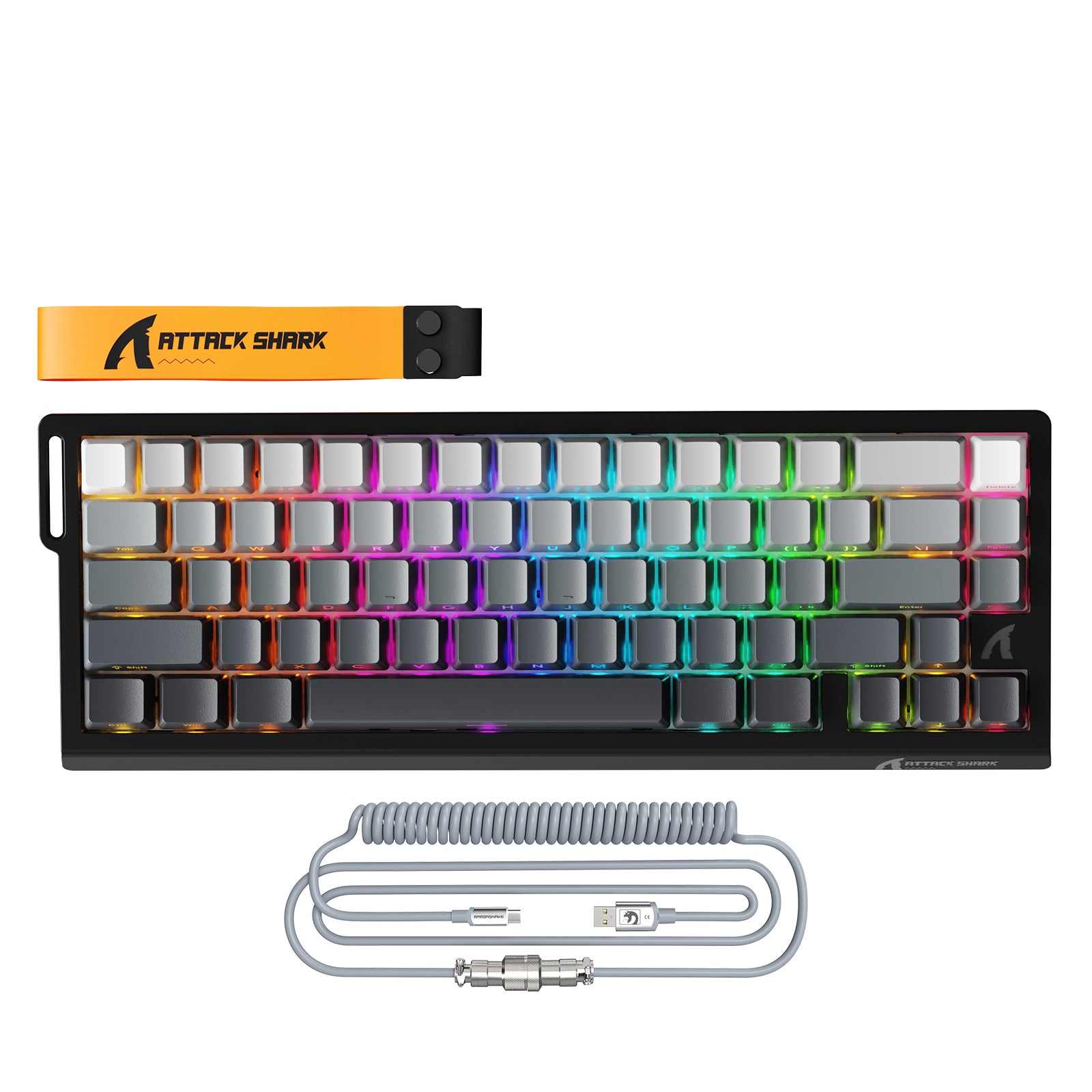
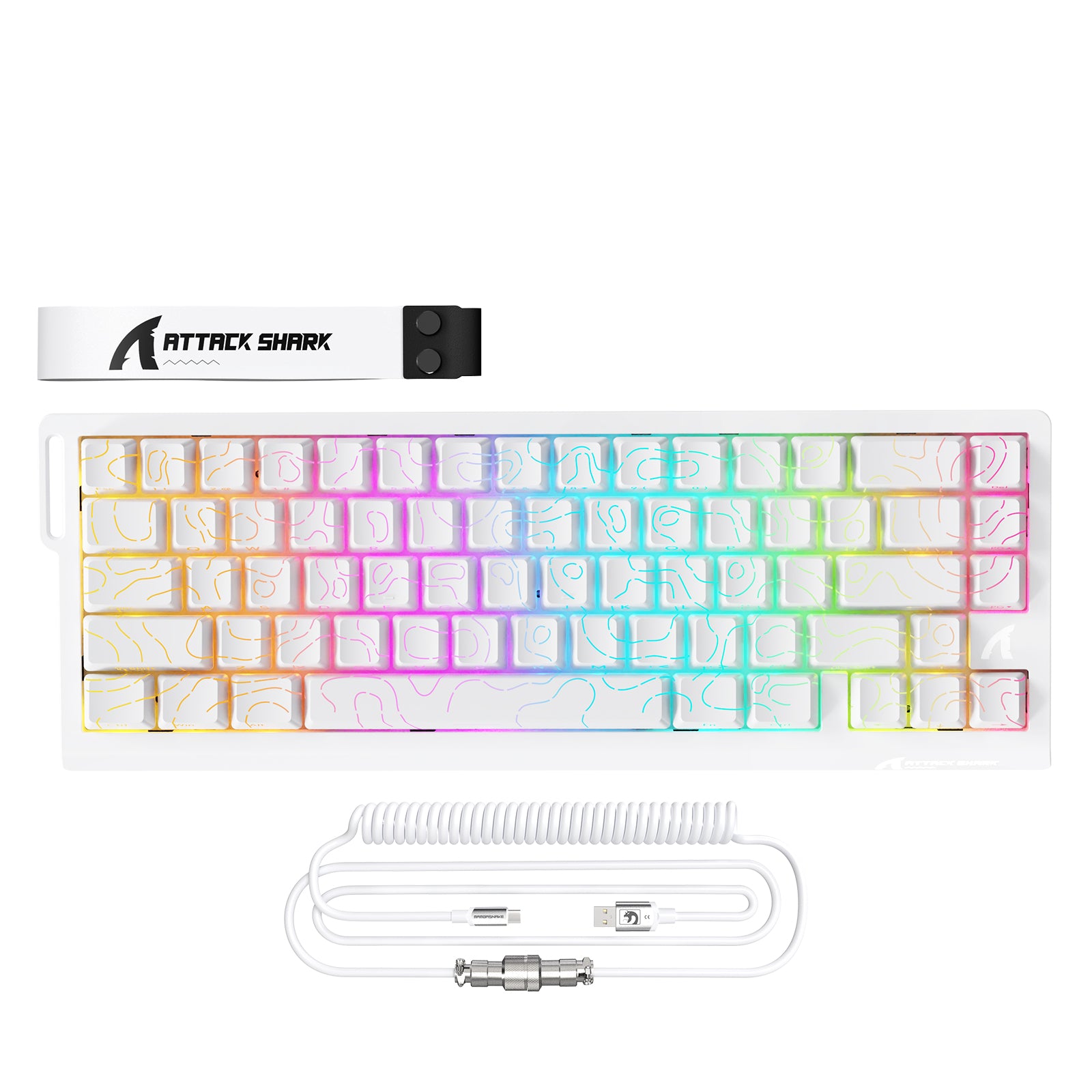
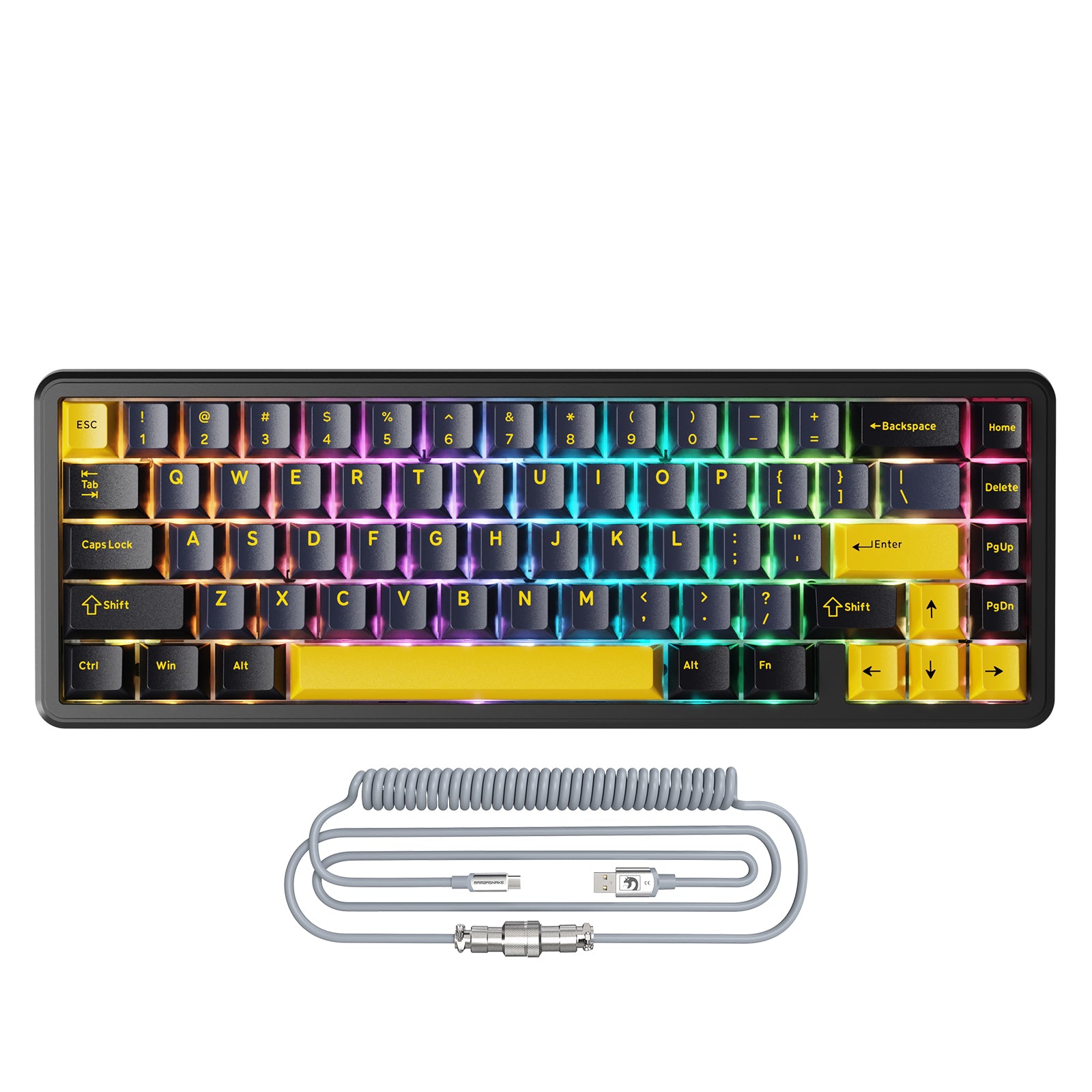

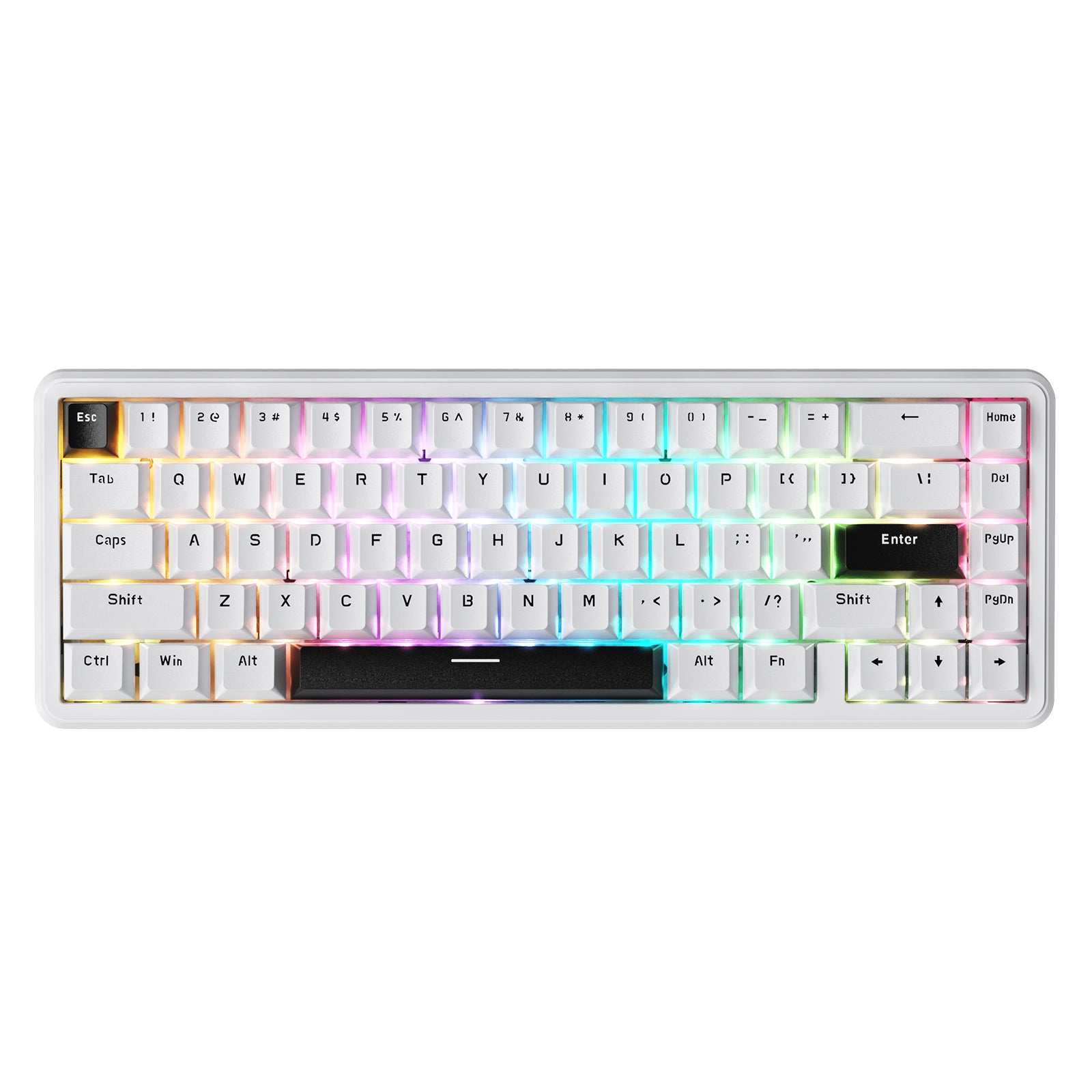
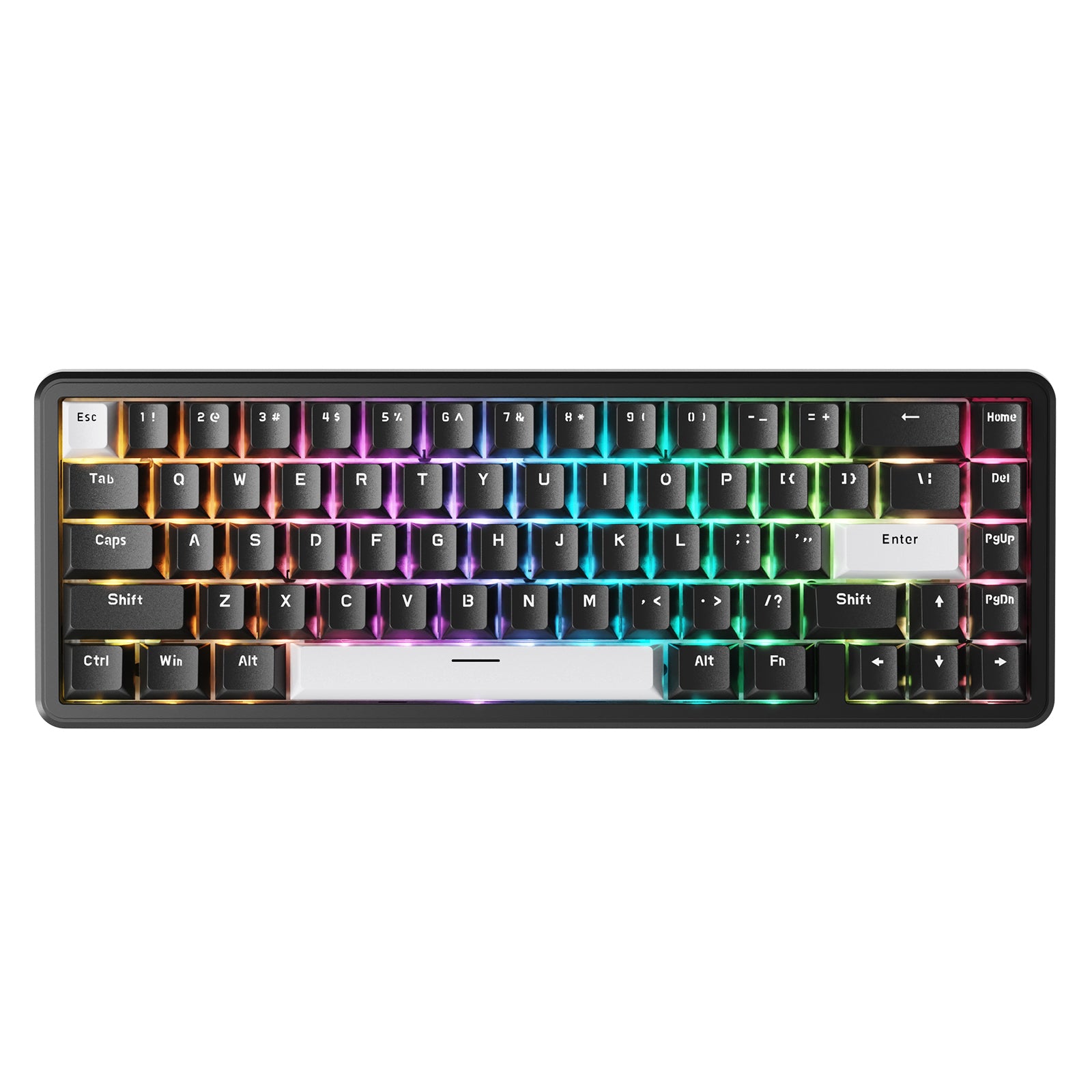
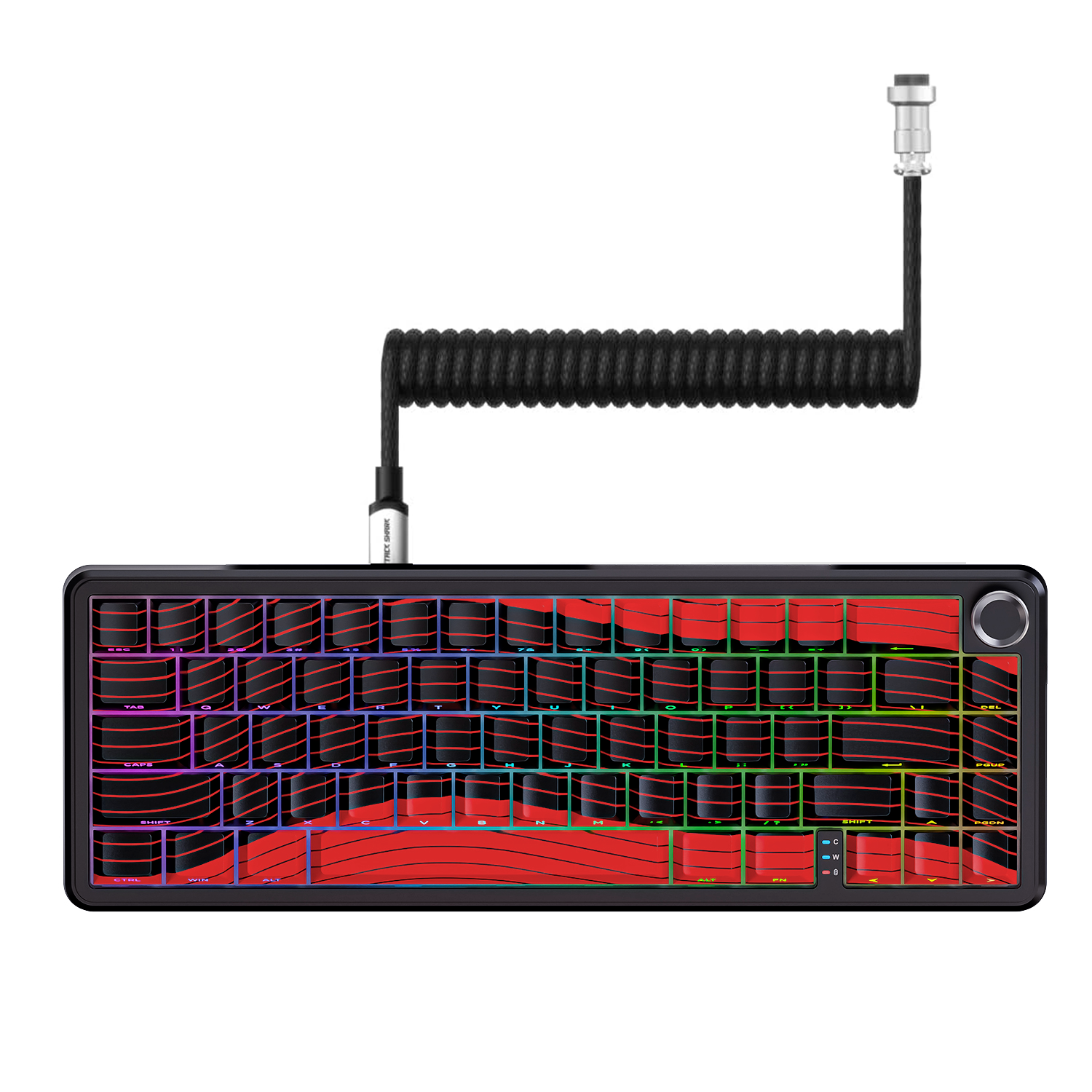
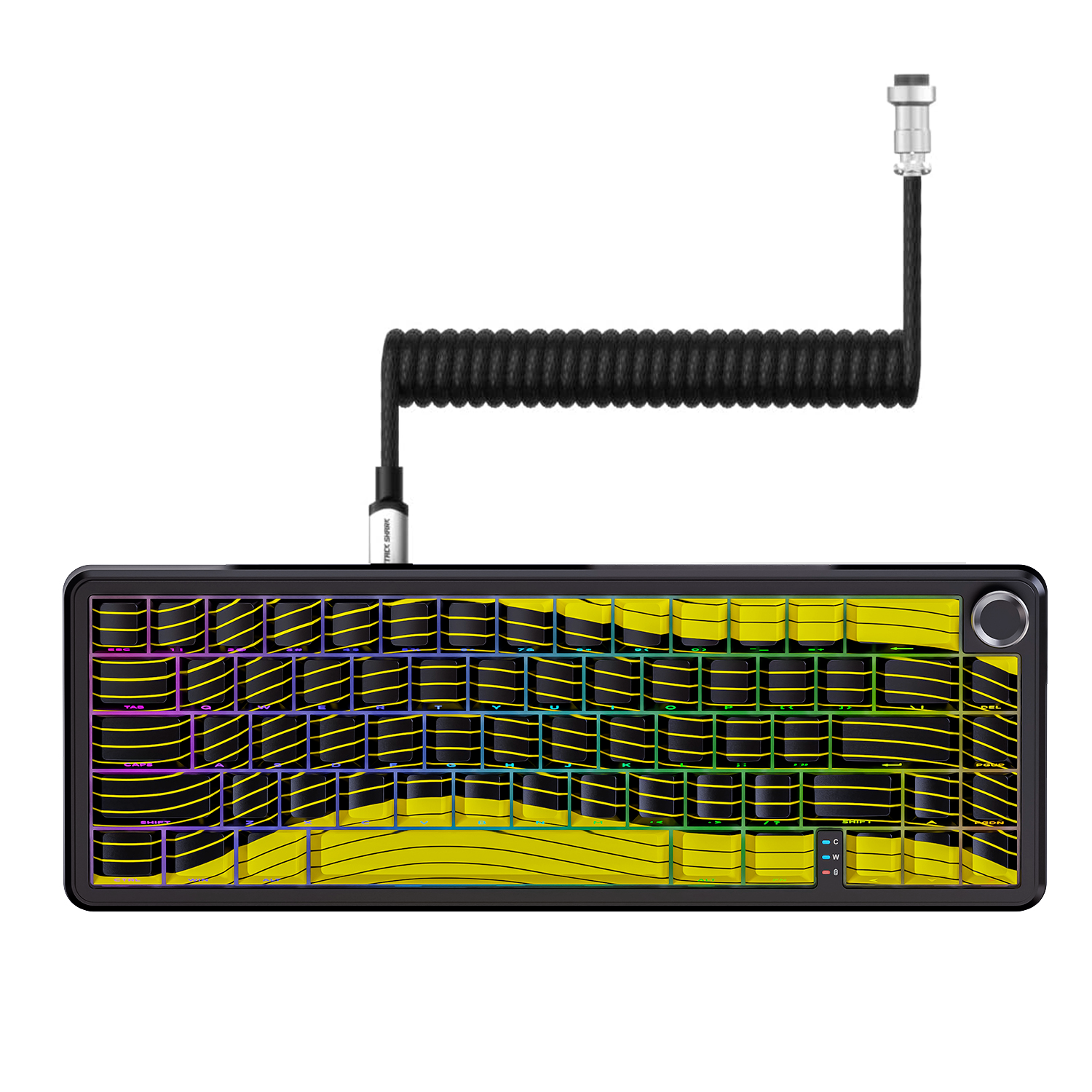
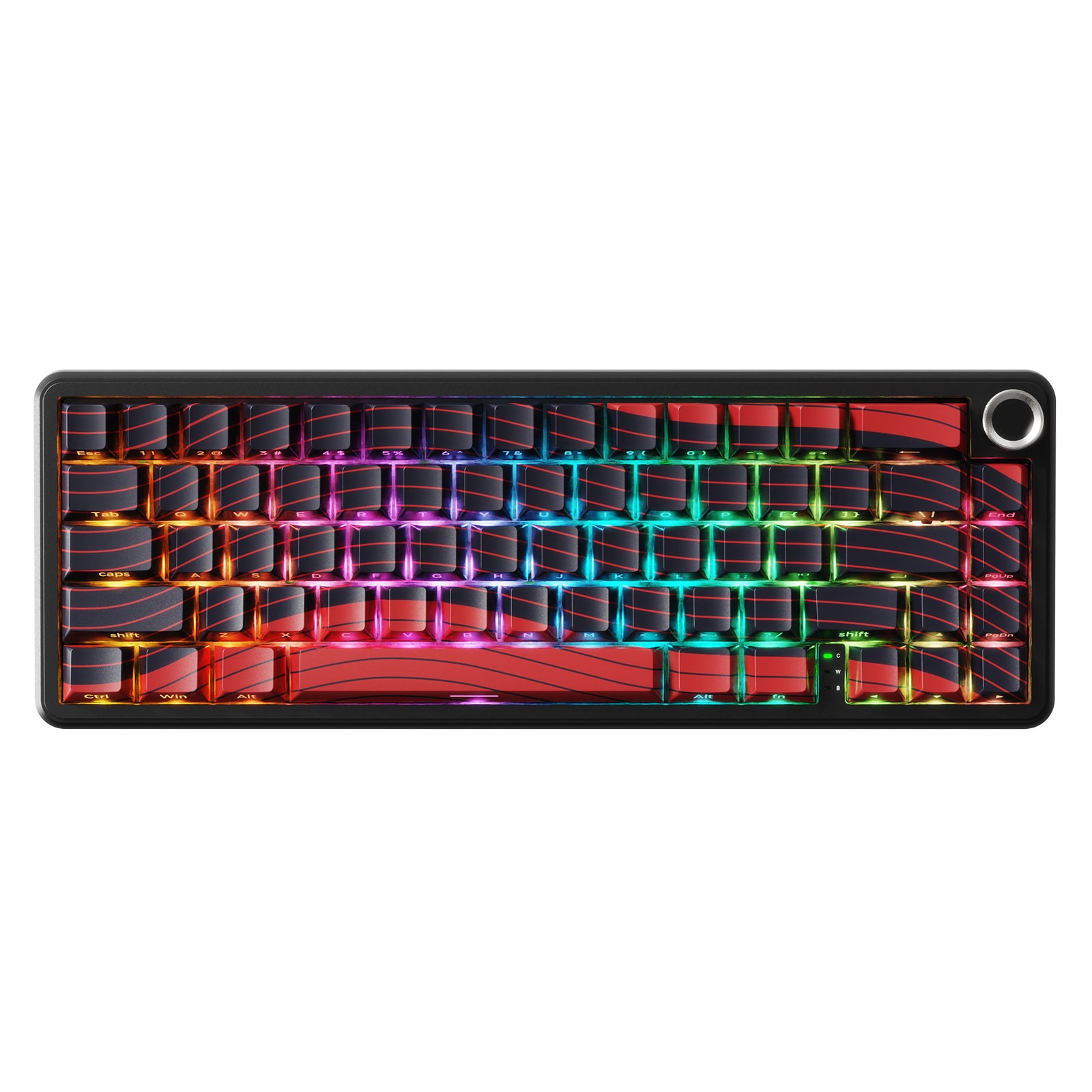

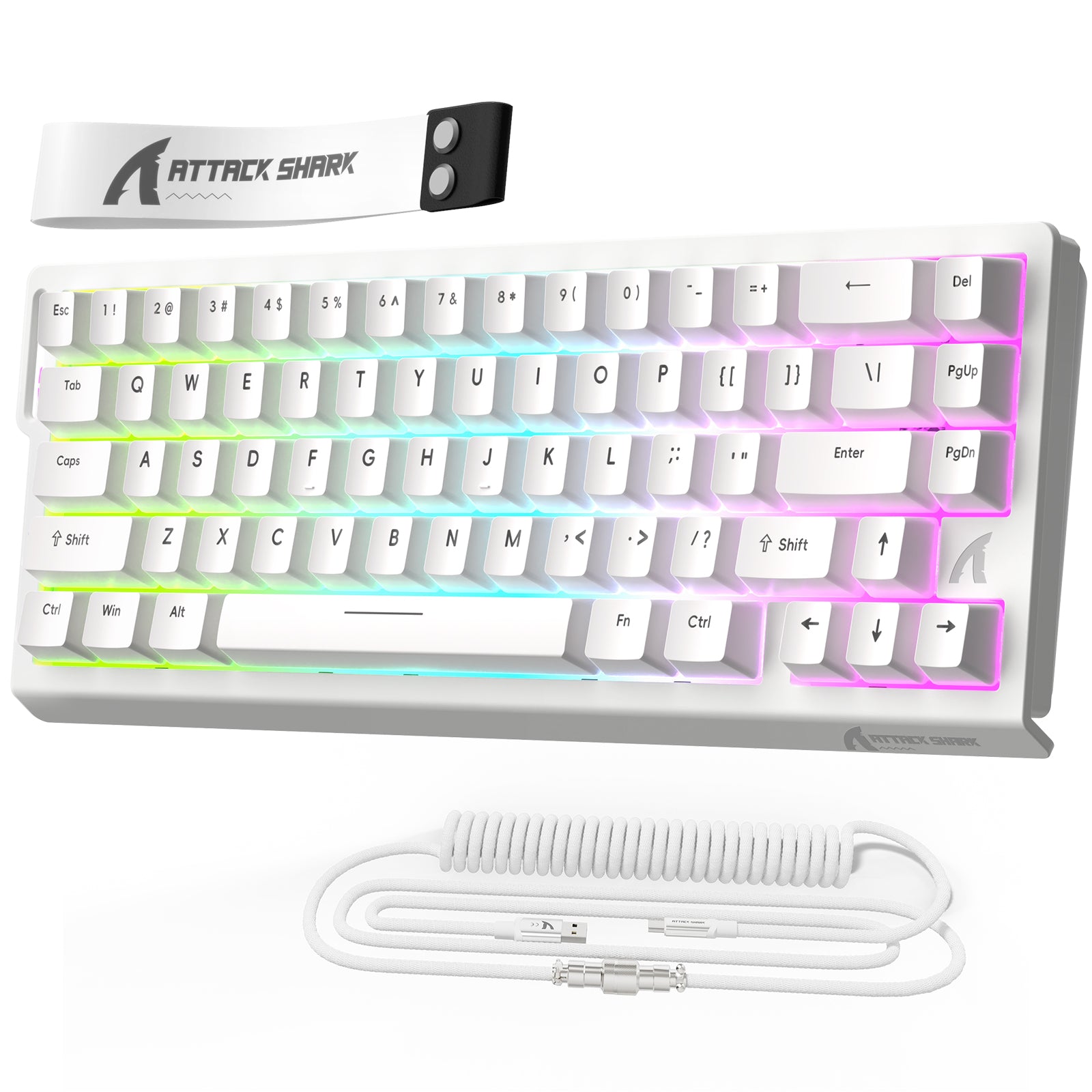
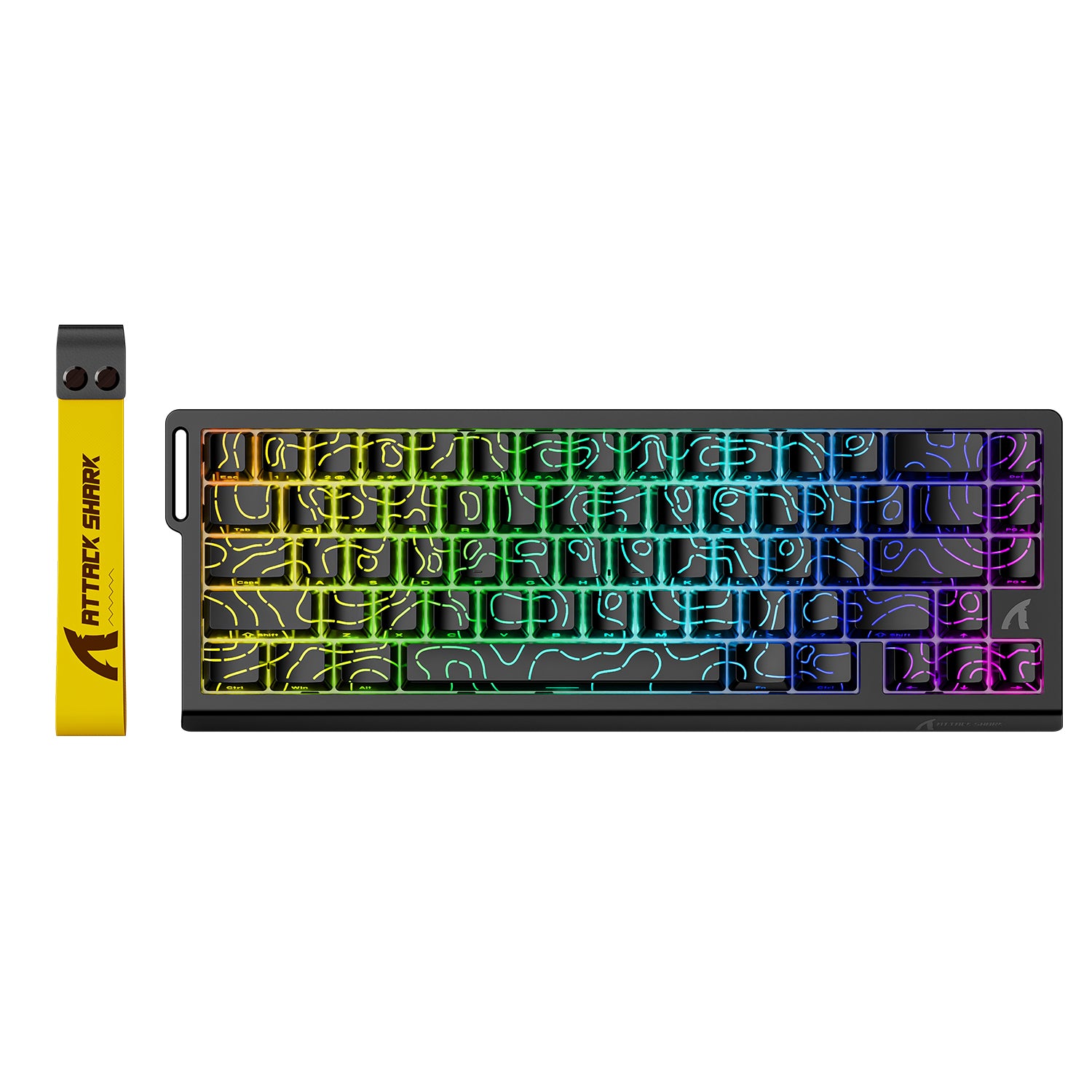

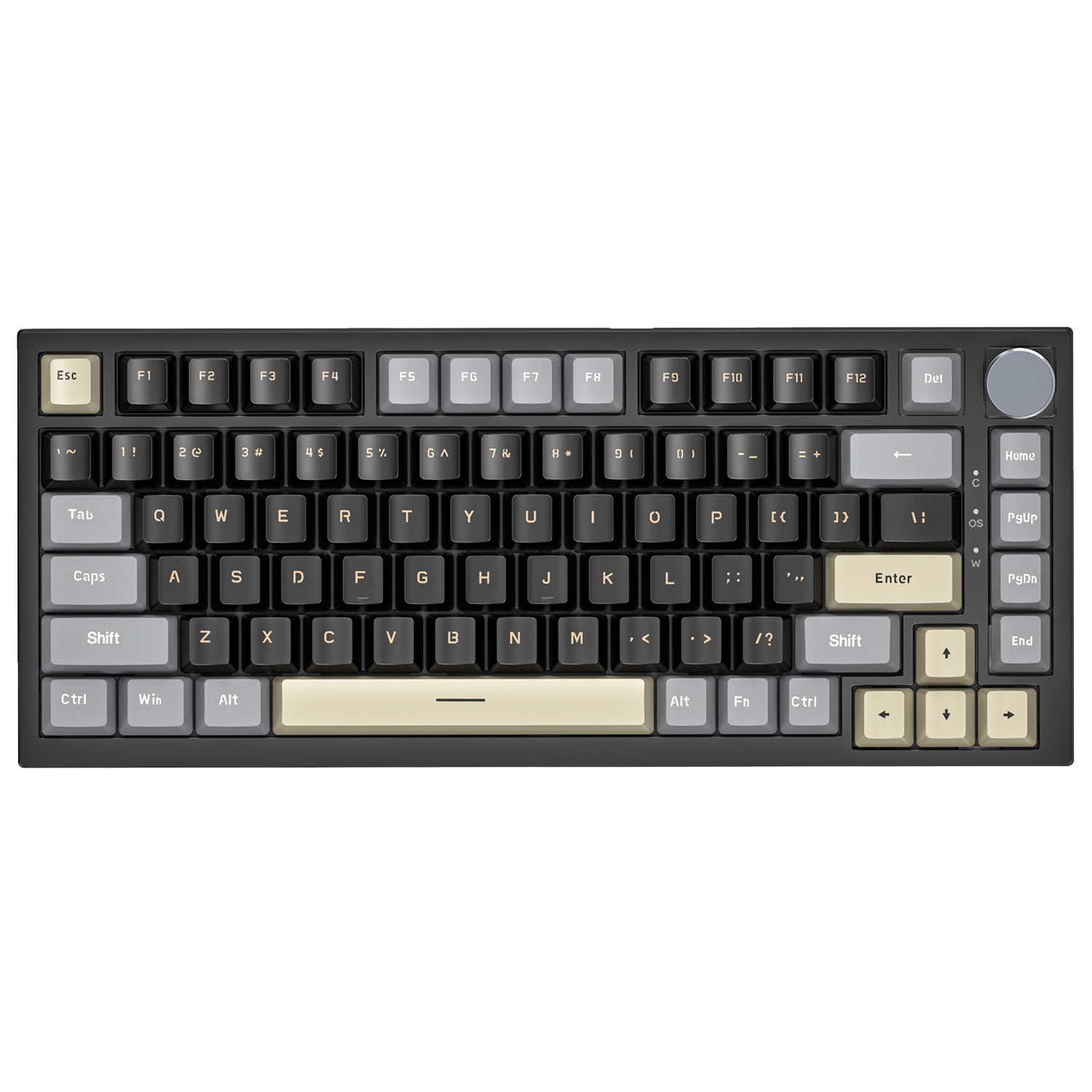
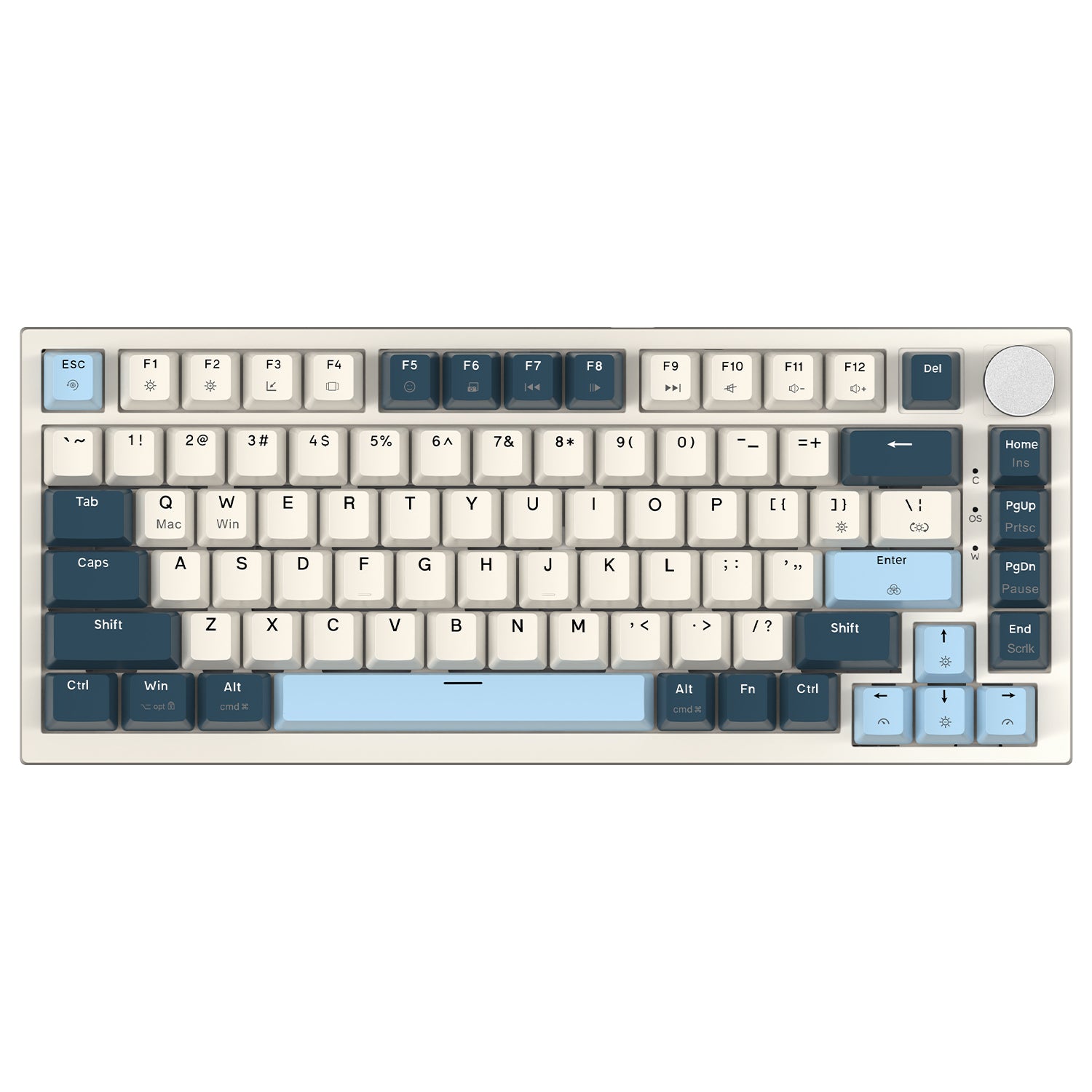
Every keyboard in this collection is built around Hall Effect (HE) magnetic switch technology — a contactless switch design that enables Rapid Trigger (RT), adjustable actuation, and zero dead zone performance that traditional mechanical switches cannot match. Whether you're looking for a compact 60% wired board, a wireless 75% layout, a premium carbon fiber build, or a one-handed FPS controller, Attack Shark's all HE keyboard lineup covers every use case from entry-level competitive to full esports-grade setups.
What Makes an HE Keyboard Different?
Hall Effect magnetic switches use magnets and sensors instead of physical contact points to detect keypresses. This means every key's actuation point is fully adjustable, and Rapid Trigger becomes possible — keys reset the instant they begin moving upward, not at a fixed reset point.
Here's what that means in practice:
- Rapid Trigger (RT): Keys activate and deactivate based on movement direction, not a fixed threshold. This enables faster emergency stops and consecutive inputs in FPS games.
- Adjustable actuation: Set each key's actuation point anywhere within the supported range — lighter for speed, deeper for accuracy.
- Snap Tap: Automatically prioritizes the most recently pressed directional key, eliminating stuck-input conflicts.
- Dynamic Keystrokes (DKS): Assign multiple actions to a single key press or release event.
- 8000Hz polling rate: The keyboard reports its state to your PC up to 8,000 times per second, delivering response times as low as 0.08ms on supported models — compared to 1ms at the standard 1000Hz.
Choose an HE keyboard if you play competitively in FPS, MOBA, or rhythm games where input timing directly affects outcomes.
How to Choose the Right Attack Shark HE Keyboard
The collection spans several distinct product families. Here's how to navigate them by your priorities.
By Layout and Key Count
Layout | Models | Best For |
40% One-Handed | M36 HE, AK029 | FPS players wanting maximum mouse space; LAN portability |
60% / 65% | X68 HE, X68PRO HE, X68MAX HE, X65 HE, X65PRO HE | Compact desk setups; competitive gaming; travel |
75% | R82 HE, R85 HE, X82PRO HE, K85 | F-row + navigation keys; balanced work and gaming use |
60% Carbon Fiber | R68 HE | Premium build; tournament or desk showcase |
Choose a 60% layout if you want maximum mouse movement room and a minimal footprint. Choose a 75% layout if you need the function row and navigation keys without going full-size.
By Connection Mode
- Wired only: X68 HE, X68MAX HE, R68 HE, R82 HE, R85 HE, X65 HE, K85, M36 HE, AK029 — designed for the lowest possible latency at 8000Hz.
- Tri-mode wireless (USB-C / 2.4GHz / Bluetooth): X68PRO HE, X65PRO HE, X82PRO HE — wired mode delivers 8000Hz; wireless mode operates at 1000Hz. Choose this if you need flexibility across multiple devices or a cleaner desk.
Look for wired-only if maximum polling rate and zero wireless overhead matter most. Look for tri-mode if you switch between PC, Mac, and mobile or prefer a cable-free setup.
By Build Material
- ABS / PBT plastic top case: X68 HE, X65 HE, R82 HE, R85 HE, X82PRO HE — lighter, more accessible price points.
- CNC aluminum chassis: X68MAX HE — full CNC-machined aluminum body with electrophoretic coating for rigidity and thermal performance.
- Carbon fiber composite + CNC aluminum accents: R68 HE — forged carbon fiber top case with exclusive forged carbon fiber keycap options (Ink Shade, Ice Ninja, Lake Green editions) or dual-mode PBT keycaps (Black edition).
Choose the R68 HE or X68MAX HE if build quality and desk aesthetics are part of your decision. Choose the X68 HE or X65 HE if you want competitive performance at a more accessible entry point.
By RT Precision Tier
Attack Shark's HE keyboards fall into two RT accuracy tiers:
- 0.01mm RT accuracy: X68 HE, X68PRO HE, X65 HE, X65PRO HE, X82PRO HE, M36 HE, AK029 — suited for competitive play at an excellent precision level.
- 0.005mm RT accuracy: X68MAX HE, R68 HE, R82 HE, R85 HE — finer resolution for players who want the highest available actuation sensitivity.
Featured Models at a Glance
Compact 60% Wired — X68 HE Series
The ATTACK SHARK X68 HE is the core 60% wired HE keyboard: 66 keys, 8000Hz polling, 0.01mm RT, hot-swappable magnetic switches, PBT double-shot keycaps, and web driver support via qmk.top. Available standalone or bundled with the C01PRO coiled cable.
The X68MAX HE upgrades to a full CNC aluminum chassis, 0.005mm RT precision, 256K scan rate, and 0.08ms latency — the same 60% footprint in a substantially more rigid build. Available with or without the C01Ultra RGB coiled cable.
The X68PRO HE adds tri-mode wireless connectivity and a 5000mAh battery to the 60% form factor, with 8000Hz in wired mode and 1000Hz wireless. Choose this if you want the X68 experience without a cable.
65% Layout — X65 HE Series
The ATTACK SHARK X65 HE is a 67-key wired board with 8000Hz polling, 0.01mm RT, and PBT keycaps — a slightly wider layout than the X68 that adds a dedicated column of keys on the right side. The X65PRO HE adds tri-mode wireless, a 3000mAh battery, a CNC metal multimedia knob, and five-sided dye-sublimation PBT keycaps.
75% Layout — R82 HE, R85 HE, X82PRO HE
The R82 HE and R85 HE restore the function row and navigation cluster in a compact 75% layout. Both deliver 8000Hz polling, 0.005mm RT, 0.08ms latency, and 256K scan rate. The R85 HE adds a distinctive customizable RGB lightbox with five preset effects and a multimedia knob. The X82PRO HE brings tri-mode wireless to the 75% form factor with a 5000mAh battery and 0.01mm RT.
Carbon Fiber Premium — R68 HE
The ATTACK SHARK R68 HE is the flagship wired 60% board: carbon fiber composite top case, CNC aluminum side accents, 0.005mm RT, 8000Hz polling, 0.08ms latency, 256K scan rate, six-layer sound dampening, FR4 positioning plate, and hot-swap support. Available in Ink Shade, Ice Ninja, Lake Green (with forged carbon fiber keycaps), and Black (PBT keycaps).
One-Handed Controllers — M36 HE, AK029
The M36 HE is a 40% one-handed keyboard built for FPS players who want maximum right-hand mouse space. It features Gateron magnetic switches, 8000Hz polling, 0.01mm RT, 128K scan rate, and a five-layer acoustic dampening stack. The ATTACK SHARK × AJAZZ AK029 is a 29-key one-handed board with a focused WASD-cluster ergonomic layout, 8000Hz polling, and 0.01mm RT — designed specifically for FPS and MOBA players.
Bundle Options
Several keyboards are available as bundles pairing the keyboard with a matching gaming mouse and/or coiled cable. The X68HE + R1 Mouse, X68HE + X3 Mouse, and R68 HE + R11/X11/R5 ULTRA Carbon Fiber bundles let you build a matched setup in a single purchase. The R68 HE carbon fiber bundles include the C01 Ultra 8KHz RGB coiled cable and pair with ultralight tri-mode mice featuring the PAW3950MAX sensor.
Understanding Polling Rate: 1K vs. 8K
USB polling rate is how often your keyboard sends its state to your PC. At 1000Hz (1K), that's once every 1ms. At 8000Hz (8K), it's once every 0.125ms — eight times more frequent.
For most typing and casual gaming, 1000Hz is more than sufficient. For competitive FPS play where input timing is measured in fractions of a millisecond, 8000Hz polling can reduce the gap between your physical action and the registered input. All wired Attack Shark HE keyboards in this collection support 8000Hz polling. Wireless models in this lineup operate at 1000Hz in wireless mode and step up to 8000Hz when connected via USB-C.
The polling rate can be adjusted through the web driver or companion software on supported models.
Driver and Customization
All Attack Shark HE keyboards support web-based driver configuration via qmk.top — no software installation required. From the browser interface you can:
- Set per-key actuation points and RT sensitivity
- Configure Rapid Trigger, Snap Tap, DKS, Mod-Tap (MT), and Toggle Key (TGL)
- Customize RGB lighting effects and macros
- Save profiles to onboard memory
Select models also support a downloadable PC software driver for offline customization. Onboard memory means your settings travel with the keyboard.