Dominio de Overwatch 2: adaptando tu agarre para diferentes roles de héroes
Todos hemos estado ahí. Comienzas una partida en Circuit Royal como Widowmaker, acertando cabezas con precisión clínica. Tu agarre es firme, tus dedos arqueados en una garra clásica, y tus microflicks son perfectos al píxel. Luego, el enemigo cambia a Sombra y Winston. De repente, estás de vuelta en el spawn, cambiando a Tracer o Brig para estabilizar la retaguardia.
Pero aquí está el problema: el "agarre de muerte" que funcionaba para francotirador se siente lento cuando necesitas seguir a una Tracer que parpadea o hacer un giro de 180 grados para un golpe de escudo a un buceador. Si no ajustas tu conexión física con el ratón tan a menudo como cambias de héroe, estás dejando SR sobre la mesa.
En nuestra experiencia manejando miles de consultas de rendimiento y analizando comentarios de la comunidad en plataformas como r/MouseReview, hemos identificado un patrón: los jugadores más versátiles no solo cambian su sensibilidad; cambian su biomecánica. Dominar Overwatch 2 requiere una estrategia de "agarre multirol": una forma de transicionar entre las demandas de seguimiento intensivo de hitscan y los requisitos caóticos y de alta movilidad de tanques y flanqueadores.
La biomecánica del rol: por qué un solo agarre no sirve para todos
En Overwatch 2, la "puntería" no es una habilidad única. Es un espectro. En un extremo, tienes la puntería con flick (Widowmaker, Cassidy, Hanzo). En el otro, tienes el seguimiento (Soldier: 76, Tracer, Zarya). En el medio, tienes la gestión espacial (Winston, Reinhardt, Genji).
1. La garra de precisión: DPS con flicks intensos
Para héroes como Widowmaker, el objetivo es la estabilidad seguida de un microajuste explosivo. Según los patrones de datos observados en juego de alto nivel, estos roles favorecen un eDPI más bajo (típicamente 3200–4800) para maximizar la precisión.
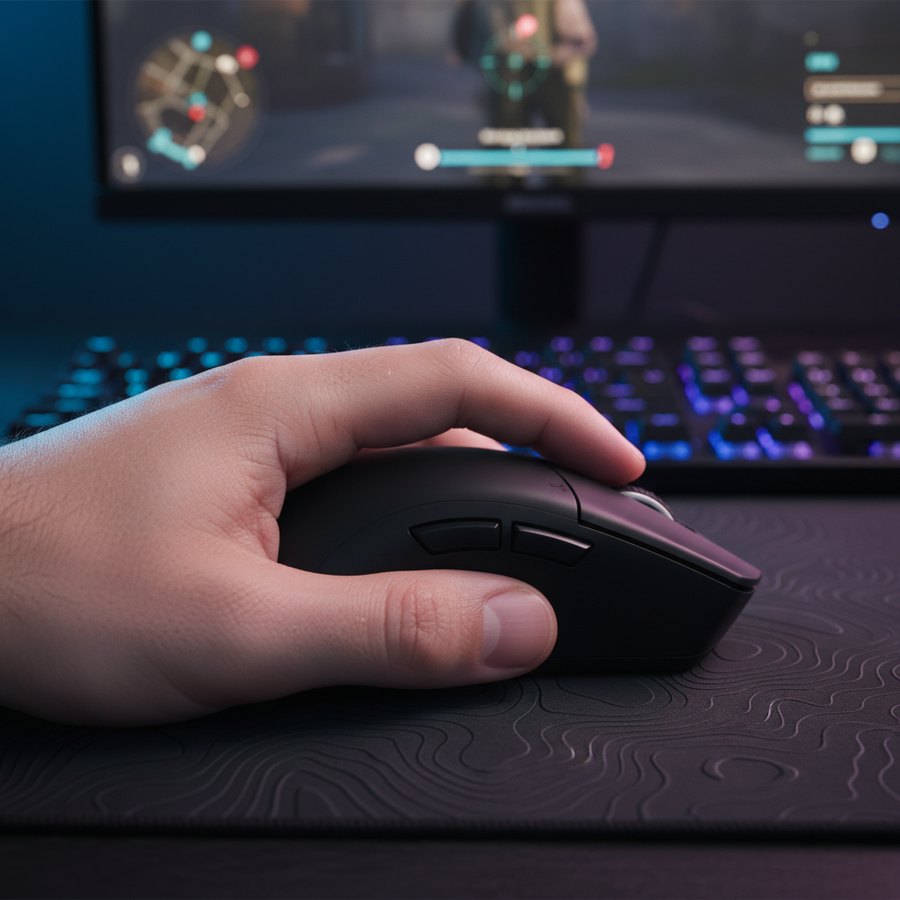
Para lograr esto, recomendamos un agarre de garra. Al arquear los dedos, creas más "espacio de recorrido" debajo de la palma. Esto permite que tus dedos manejen microajustes verticales mientras tu muñeca actúa como pivote para flicks horizontales.
Resumen lógico: Nuestro análisis de la biomecánica del DPS asume que un eDPI más bajo requiere una mayor velocidad de movimiento físico. El agarre de garra facilita esto al activar los músculos intrínsecos de la mano para un control fino durante la fase de "parada" de un flick.
2. El seguimiento con la punta de los dedos: flanqueadores de alta movilidad
Cuando juegas con Tracer o Sojourn, el enemigo rara vez está quieto. Estás constantemente "pintando" el objetivo con tu retícula. Un agarre de palma pesado a menudo crea demasiada fricción contra la alfombrilla, causando un seguimiento "tembloroso".
Pasar a un Agarre con la punta de los dedos—donde solo tus dedos tocan el ratón—minimiza el área de contacto. Esto reduce la fuerza necesaria para cambiar de dirección instantáneamente. Como se señala en la Guía de Precisión con la Punta de los Dedos, un ratón con peso en el punto medio es esencial aquí para evitar que el sensor "se incline" durante movimientos rápidos laterales.
3. La palma estable: gestión de tanque y proyectiles
Jugar como tanque principal se trata de tener conciencia de 180 grados. No solo apuntas; estás "limpiando espacio". Los datos de jugadores profesionales revelan que los tanques suelen usar un eDPI más alto (4000–6000+) para facilitar giros rápidos.
En este escenario, un Agarre de Palma proporciona la mayor estabilidad. Al apoyar toda la mano sobre el ratón, utilizas los grupos musculares más grandes del antebrazo y el hombro. Esto previene la "fatiga de muñeca" durante una larga sesión girando para encontrar a un Reaper flanqueando.

La palanca de hardware: DPI, sondeo y saturación IPS
Tu agarre es tan efectivo como los datos que tu sensor envía al PC. Aquí es donde entran en juego las "trampas" técnicas del gaming de alto rendimiento. Si usas un ratón de alta especificación como el ATTACK SHARK G3PRO Tri-mode Wireless Gaming Mouse with Charge Dock 25000 DPI Ultra Lightweight, necesitas entender cómo saturar su ancho de banda.
La comprobación de realidad 8000Hz (8K)
Los sensores modernos de gama alta soportan tasas de sondeo de 8000Hz. Mientras que 1000Hz tiene un intervalo de reporte de 1.0ms, 8000Hz lo reduce a 0.125ms. Para una Widowmaker que depende mucho de flicks, esto significa que el retraso de "sincronización de movimiento" se reduce a un insignificante ~0.0625ms, haciendo que el cursor se sienta como una extensión de tu sistema nervioso.
Sin embargo, hay una trampa: Saturación del Sensor. Para llenar realmente ese ancho de banda 8K con datos, tienes que mover el ratón.
- A 800 DPI, necesitas moverte al menos 10 IPS (pulgadas por segundo) para saturar el enlace.
- A 1600 DPI, solo necesitas 5 IPS.
Consejo de experto: Si usas un agarre de garra de baja sensibilidad para francotirador, te sugerimos aumentar tu DPI base a 1600 en el software y bajar la sensibilidad dentro del juego para compensar. Esto asegura que incluso tus microajustes más pequeños se reporten a la frecuencia completa de 8000Hz.
Nota de metodología (suposiciones del modelo):
Parámetro Valor/Rango Justificación Intervalo de sondeo 0.125ms Matemáticas estándar a 8000Hz Carga de CPU Alto (IRQ) 8K estresa las interrupciones de núcleo único Conexión E/S trasera directa Evita pérdida de paquetes inducida por el concentrador Impacto en la batería -75% Consumo de energía de 8K vs estándar de 1K Superficie Duro/Fibra de carbono Reduce la fricción estática para micro-movimientos rápidos
La forma de ratón "multi-rol": encontrando el terreno neutral
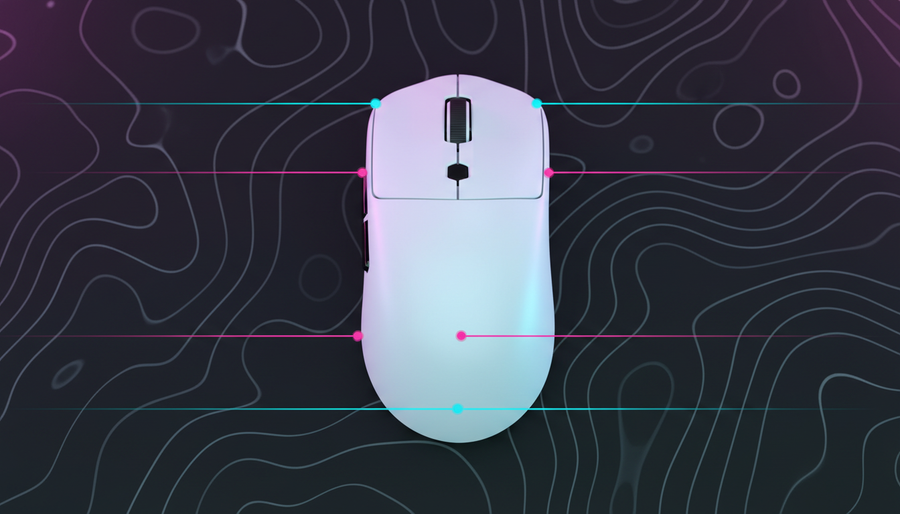
Si quieres un ratón que maneje la transición de tanque a DPS, no deberías buscar la forma más "ergonómica". Los ratones puramente ergonómicos (inclinados para uso diestro) a menudo te obligan a usar un agarre de palma, lo que dificulta cambiar a un estilo de punta de dedos para el seguimiento.
En cambio, busca una Forma Ambidiestra Neutral con un peso inferior a 70g. Los jugadores de alto nivel suelen usar la regla de que un peso menor facilita transiciones de agarre más fáciles durante la sesión. Un ratón como el ATTACK SHARK G3PRO alcanza ese punto ideal de 62g, permitiéndote "aligerar" tu toque para disparos rápidos sin que el ratón se sienta como un ladrillo.
La superficie importa: fricción vs. poder de detención
Tu agarre es la mitad de la batalla; la otra mitad es la superficie. Para roles que requieren mucho seguimiento, quieres baja fricción estática. Para roles que requieren muchos movimientos rápidos, necesitas poder de detención.
A menudo vemos a jugadores que tienen problemas porque su alfombrilla para ratón está "embarrada" (alta fricción). La ATTACK SHARK CM04 Genuine Carbon Fiber eSport Gaming Mousepad es una herramienta especializada para esto. Debido a que es de fibra de carbono genuina, ofrece un seguimiento casi perfecto y uniforme a lo largo de los ejes X y Y. Esto es crucial para Overwatch 2, que tiene más verticalidad (Pharah, Echo, Genji) que casi cualquier otro shooter.
Estrategia Técnica: Uso de la Memoria Interna para "Perfiles de Agarre"
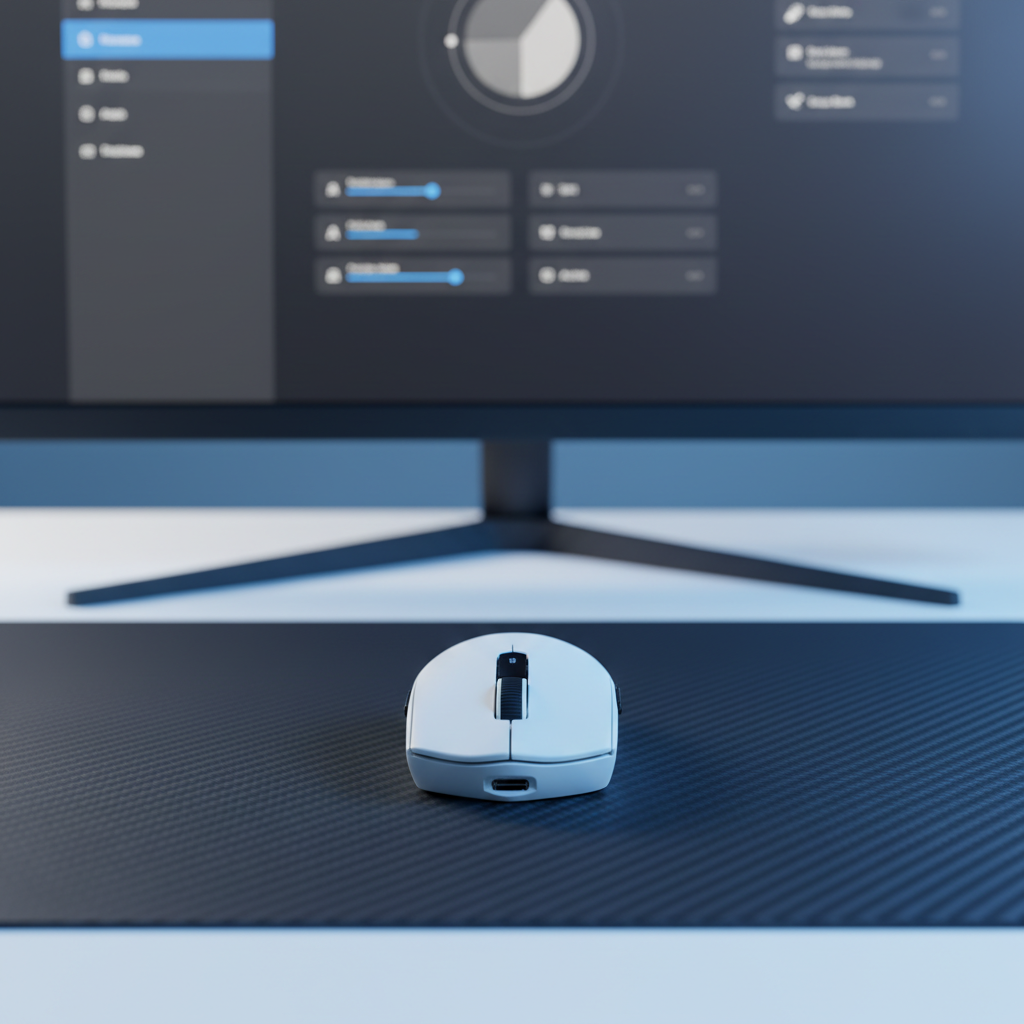
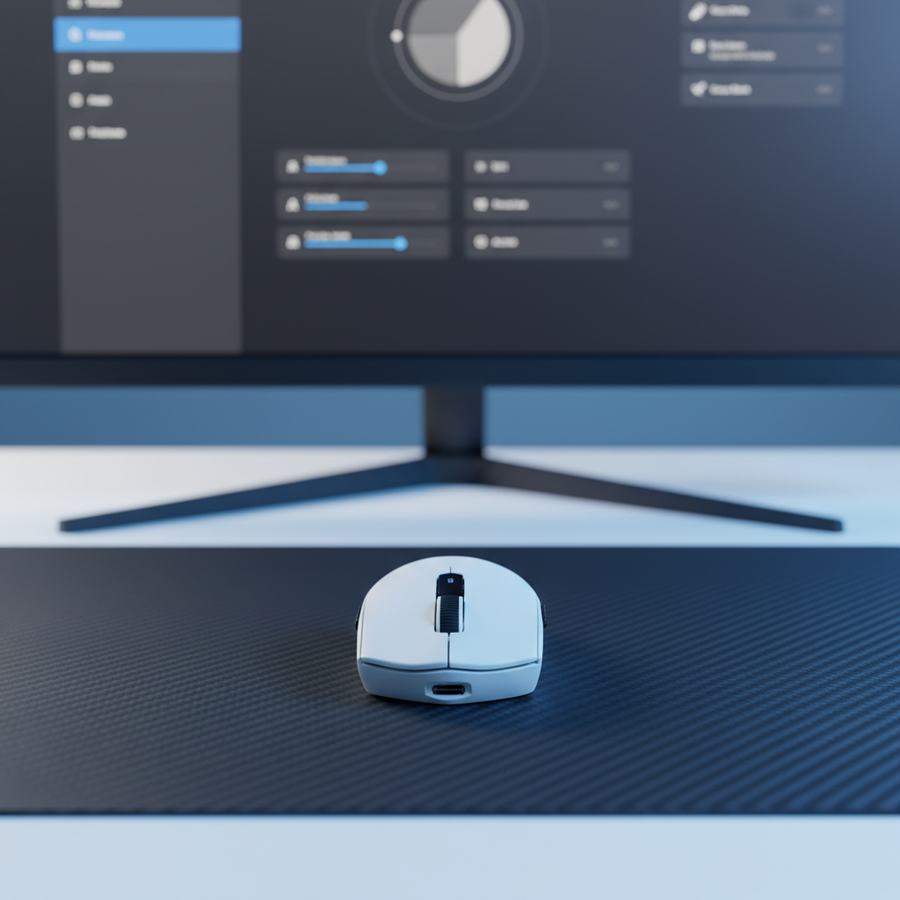
No dependas de cambiar la configuración de Windows o los menús dentro del juego entre rondas. Usa la memoria interna de tu ratón para crear "Perfiles de Agarre."
- El Perfil Tanque: DPI alto (por ejemplo, 1600), 1000Hz de Polling. Esto ahorra batería y proporciona la estabilidad necesaria para movimientos amplios y barridos.
- El Perfil Hitscan: 1600 DPI, 8000Hz de Polling. Esto maximiza la tasa de refresco del sensor para esos disparos a la cabeza perfectos por cuadro.
- El Perfil de Proyectiles: DPI medio, 2000Hz de Polling. Un equilibrio para héroes como Hanzo o Kiriko, donde "adelantar" al objetivo es más importante que la velocidad bruta del flick.
Al almacenar estos en el ratón, aseguras que tus configuraciones sean consistentes incluso si juegas en un torneo local o en casa de un amigo. Esta es una recomendación clave en el Libro Blanco de la Industria Global de Periféricos para Juegos (2026), que enfatiza la consistencia a nivel de hardware para la integridad competitiva.
Consejos Profesionales para la Comodidad en Múltiples Roles
Incluso con el mejor ratón, Overwatch 2 es físicamente exigente. Las sesiones largas con agarre tipo garra pueden causar fatiga en el dedo índice.
- Aligera el Toque: Un error común es usar un agarre de palma para el seguimiento pero no "aligerar" el toque para los disparos rápidos. Si te mantienes demasiado tenso, sobrepasarás tu objetivo. Piensa en tu mano como un sistema de suspensión: firme para el "impulso" (movimiento), suave para el "golpe" (el flick).
- Soporte para la Muñeca: Si prefieres un teclado del 60% o 65% para tener más espacio para el ratón, el ángulo de tu muñeca podría volverse incómodo. Un Reposamuñecas Acrílico ATTACK SHARK con Patrón puede ayudar a mantener una posición natural y ergonómica, evitando que el "punto de pivote" de tu muñeca se clave en el escritorio.
- La "Regla del 60%" para el Ajuste: Como una heurística general para jugadores conscientes del valor, el ancho de tu ratón debería ser aproximadamente el 60% del ancho de tu mano para un agarre tipo garra cómodo. Si el ratón es demasiado ancho, te verás obligado a usar un agarre de palma, limitando tu versatilidad de roles.
Confianza y Seguridad: Una Nota sobre Hardware de Alto Rendimiento
Al llevar su equipo al límite (especialmente con sondeos de 8K y baterías de ion de litio), la seguridad y el cumplimiento son importantes. Siempre asegúrese de que sus periféricos cumplan con los estándares internacionales para evitar interferencias o fallos de hardware.
- Cumplimiento RF: Busque dispositivos con certificaciones FCC y ISED Canadá para garantizar un rendimiento inalámbrico estable a 2.4GHz sin interferencias de su router.
- Seguridad de la Batería: Los ratones inalámbricos de alto rendimiento usan baterías de litio. Asegúrese de que su dispositivo esté probado según UN 38.3 para un transporte y uso seguros.
- Integridad del Firmware: Descargue controladores solo de fuentes oficiales como la Página de Controladores de Attack Shark. El firmware no firmado o de terceros no solo puede inutilizar su dispositivo, sino que también puede activar alertas anti-trampas en juegos como Overwatch 2.
Lista de Verificación Resumen para el Dominio del Héroe
| Rol del Héroe | Agarre Recomendado | Palanca Técnica | Elección de Superficie |
|---|---|---|---|
| DPS Hitscan | Garra | 8000Hz / 1600 DPI | CM04 Fibra de Carbono |
| Flanqueador/Seguimiento | Punta de los Dedos | 2000Hz / 1600 DPI | CM02 Alta Densidad |
| Tanque Principal | Palma | 1000Hz / 800 DPI | CM02 Alta Densidad |
Dominar Overwatch 2 no se trata solo de lo que sucede en la pantalla, sino del puente físico entre tu intención y la ejecución del juego. Al elegir un ratón versátil y ligero como el ATTACK SHARK G3PRO y aprender a cambiar tu agarre tan dinámicamente como cambias de héroe, descubrirás que los disparos "imposibles" se vuelven algo natural.
Aviso legal: Este artículo es solo para fines informativos. La configuración de periféricos y los ajustes ergonómicos son muy individuales; si experimenta dolor persistente en la muñeca o la mano, consulte a un profesional médico calificado.
Fuentes: