






Attack Shark
The test will run for 10 seconds.
* Ensure you press keys quickly. Holding a key down does not trigger polling detection.
How to Use
Click START TEST to initialize the 10-second timer and polling detector.
Immediately begin pressing two keys (e.g., A and S) as rapidly and alternatingly as possible.
Maintain the rhythm until the timer hits zero. Do not hold keys down, as this stops polling events.
Understanding the Results
- Max Rate: The highest report frequency detected. 1000Hz = 1ms delay.
- Stability: Indicates how consistent the data transmission is. "Good" is ideal for gaming.
- 125Hz vs 1000Hz: Standard office keyboards are locked at 125Hz. Gaming keyboards range from 1000Hz to 8000Hz.
- Browser Limits: Some browsers may cap rates. If you see consistent ~1000Hz, your device is performing well.
Frequently Asked Questions
Keyboard polling rate results are estimates
This web tool can only estimate polling rate from browser keyboard events. Browser limits, system scheduling, page focus, keyboard firmware, and input repeat behavior may affect the displayed result.
Use the result as a reference only.
Colección destacada


Entradas del blog
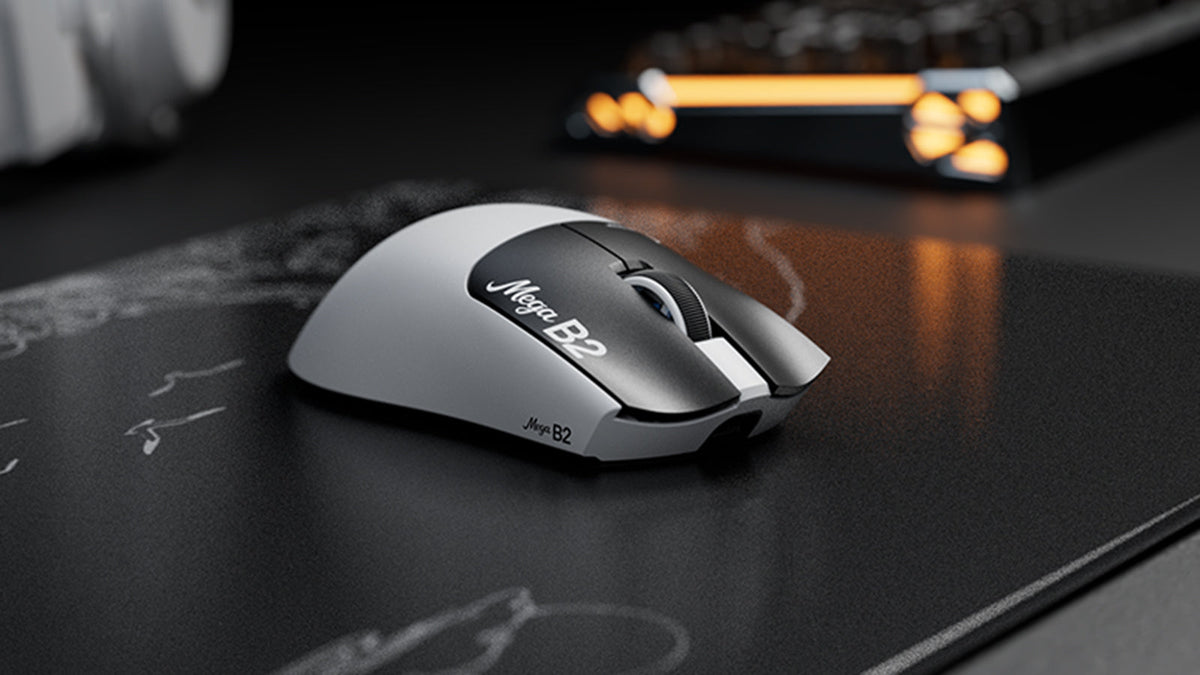
¿Qué es un ratón con activación rápida? Cómo la detección magnética TMR cambia los clics del ratón
Rapid Trigger restablece un botón del ratón tras un recorrido ascendente mínimo, mientras que la detección magnética TMR permite ajustar el punto de actuación sin contactos fijos.

ATTACK SHARK anuncia una alianza estratégica con el equipo de League of Legends de Cloud9 Kia
Descubre por qué esta colaboración entre Cloud9 y League of Legends es importante para los aficionados a los esports, el equipo de nivel profesional y los periféricos gaming accesibles.

Conoce ATTACK SHARK en la EXPO DE TECLADOS DE TOKIO 2026
ATTACK SHARK se dirige al Tokyo Ryutsu Center el 23 de septiembre de 2026 para realizar pruebas prácticas de teclados con efecto Hall y ratones gaming en los stands B21-B23.