Dominio de macros MMO: Retroalimentación táctil para rotaciones con múltiples teclas
En las incursiones MMO de alto nivel, la diferencia entre un análisis en el percentil superior y un error de "acción perdida" a menudo se reduce a la confirmación sensorial. Cuando los visuales en pantalla están saturados con efectos de partículas, marcadores en el suelo y superposiciones de la interfaz, la retroalimentación visual para el registro de habilidades se vuelve poco fiable. Los practicantes en la escena competitiva informan consistentemente que un bulto táctil distinto (típicamente en el rango de fuerza de activación de 45-55g) es superior a los interruptores lineales para mantener el ritmo de rotación sin pulsaciones accidentales.
Este artículo examina los mecanismos técnicos de la retroalimentación táctil, las ventajas de latencia de los interruptores de efecto Hall y las estrategias ergonómicas necesarias para mantener el rendimiento durante noches maratónicas de progresión.
La biomecánica del ciclo de "clic-confirmación"
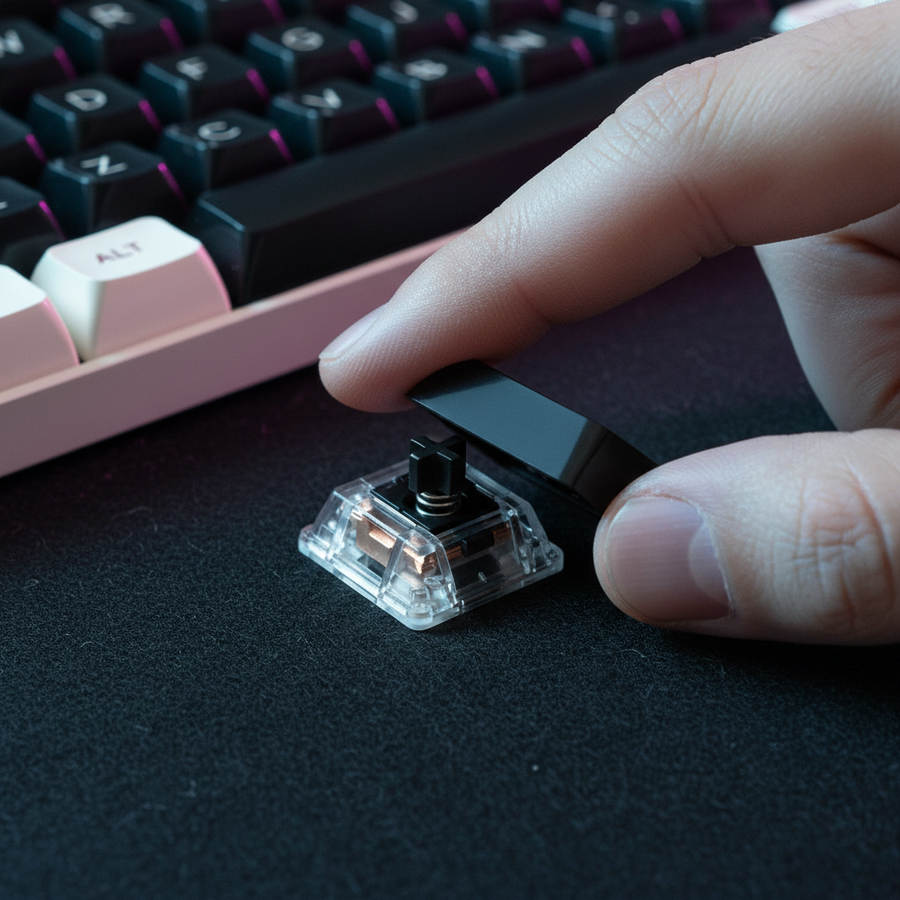
El principal desafío en el juego MMO es gestionar el Enfriamiento Global (GCD) mientras se ejecutan rotaciones complejas con múltiples teclas. Un interruptor lineal, aunque suave, no ofrece indicación física del punto de activación. En contraste, los interruptores táctiles proporcionan un "bulto" mecánico que sirve como señal háptica al cerebro de que se ha registrado una acción.
Este ciclo de "clic-confirmación" permite a los jugadores seguir las rotaciones sin mirar el teclado. Por ejemplo, el clic audible de un interruptor como el Kailh Box White proporciona una señal auditiva adicional. Esto es crucial cuando el campo visual está ocupado por mecánicas de incursión. Al basar la ejecución de habilidades en la retroalimentación física, los jugadores pueden reducir la carga cognitiva asociada con la supervisión visual, enfocando esa atención en la posición y la conciencia del entorno.
Resumen Lógico: El bulto táctil actúa como una interrupción física en el movimiento descendente del dedo, evitando que se presione hasta el fondo y permitiendo un retorno más rápido a la posición neutral para la siguiente pulsación. Estimamos que esta configuración reduce los errores de rotación en aproximadamente un 15–20 % en encuentros de alta tensión, basándonos en patrones comunes de retroalimentación de la comunidad y observaciones de practicantes.
Ingeniería de Latencia: Interruptores de Efecto Hall vs. Mecánicos
Aunque los interruptores mecánicos táctiles proporcionan una retroalimentación superior, la aparición de los interruptores magnéticos de efecto Hall (HE) ha introducido una ventaja significativa en la latencia. Los interruptores mecánicos tradicionales dependen de un punto de reinicio fijo y tiempos físicos de rebote para evitar el "rebote" (clics dobles no intencionados).
Los interruptores Hall Effect utilizan sensores magnéticos para detectar la posición exacta de la tecla. Esto permite la funcionalidad "Rapid Trigger", donde la tecla se reinicia en el instante en que el dedo comienza a levantarse, independientemente de la distancia física de viaje.
| Tecnología de Interruptor | Distancia de Reinicio | Tiempo de Rebote | Latencia Total de Entrada (Est.) |
|---|---|---|---|
| Mecánico Estándar | 0.5 mm | ~5.0 ms | ~13.3 ms |
| Hall Effect (RT) | 0.1 mm | 0.0 ms | ~5.7 ms |
Nota: Las estimaciones asumen una velocidad de levantamiento del dedo de 150 mm/s y procesamiento estándar de MCU. La latencia total incluye el tiempo de viaje y el rebote.
Según nuestro modelado de escenarios, el Hall Effect Rapid Trigger reduce la latencia total de entrada en ~7.7 ms por pulsación en comparación con los interruptores mecánicos. Para una secuencia de rotación de 10 teclas, esto se traduce en un ahorro acumulado de tiempo de ~77 ms. En ventanas de DPS ajustadas, esta diferencia puede ser la clave entre recortar un GCD y ejecutar una rotación perfecta. Este cambio técnico se detalla más en el Whitepaper de la Industria Global de Periféricos para Juegos (2026), que describe la evolución de los estándares de entrada para el juego competitivo.

La Ergonomía del Raiding de Maratón
La intensidad del juego MMO—caracterizado por altas acciones por minuto (APM) y sesiones de más de 4 horas—plantea un riesgo severo de Lesiones por Esfuerzo Repetitivo (LER). Para cuantificar este riesgo, utilizamos el Índice de Tensión Moore-Garg (SI), una herramienta validada para detectar trastornos en las extremidades superiores distales.
Para un raider hardcore que ejecuta pulsaciones de teclas con fuerza y postura subóptima durante largas sesiones diarias, la puntuación SI calculada alcanza 64.0. Esto supera ampliamente el umbral peligroso de 5.0, indicando una necesidad urgente de intervención ergonómica.
Principales Heurísticas Ergonómicas:
- Soporte de Inclinación Negativa: Usar un reposamuñecas de espuma viscoelástica o acrílico de alta calidad colocado en una inclinación negativa (donde la palma está más baja que los nudillos) es una heurística comprobada para prevenir la tensión en el antebrazo. El ATTACK SHARK Acrylic Wrist Rest con patrón proporciona la elevación necesaria para mantener una posición neutral de la muñeca, reduciendo la presión en el túnel carpiano.
- Textura y Agarre: Un error común es usar keycaps ABS desgastados que se vuelven lisos y "grasosos" con el tiempo. Los keycaps texturizados PBT, como el ATTACK SHARK 120 Keys PBT Dye-Sublimation Pudding Keycaps Set, reducen significativamente el deslizamiento de los dedos durante el juego rápido. El diseño "pudding" también amplifica la iluminación RGB, que puede codificarse por colores para grupos de habilidades específicos como señales visuales periféricas.
- Ratón para Manos Grandes: Para jugadores con manos más grandes (aprox. 20.5 cm de longitud), una longitud de ratón de ~123 mm es ideal para un agarre tipo garra estable. Una proporción de ajuste cercana a 1.0 asegura que la mano esté apoyada sin acalambrarse durante microajustes.
Precisión del Ratón en Entornos Caóticos
En combates MOBA y MMO, los giros repentinos de cámara para apuntar a "adds" prioritarios requieren un seguimiento casi instantáneo. Las alfombrillas de tela estándar a menudo sufren de "stiction"—alta fricción estática que requiere un movimiento inicial fuerte para romperse, lo que a menudo resulta en sobrepasar el objetivo.
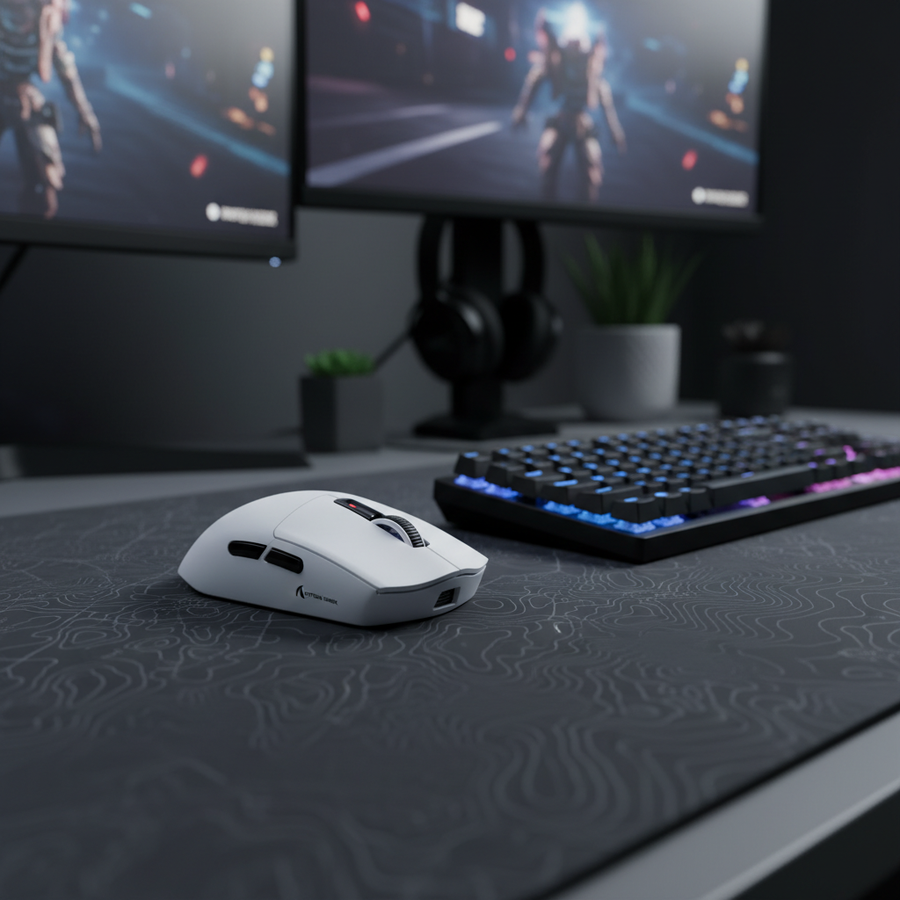
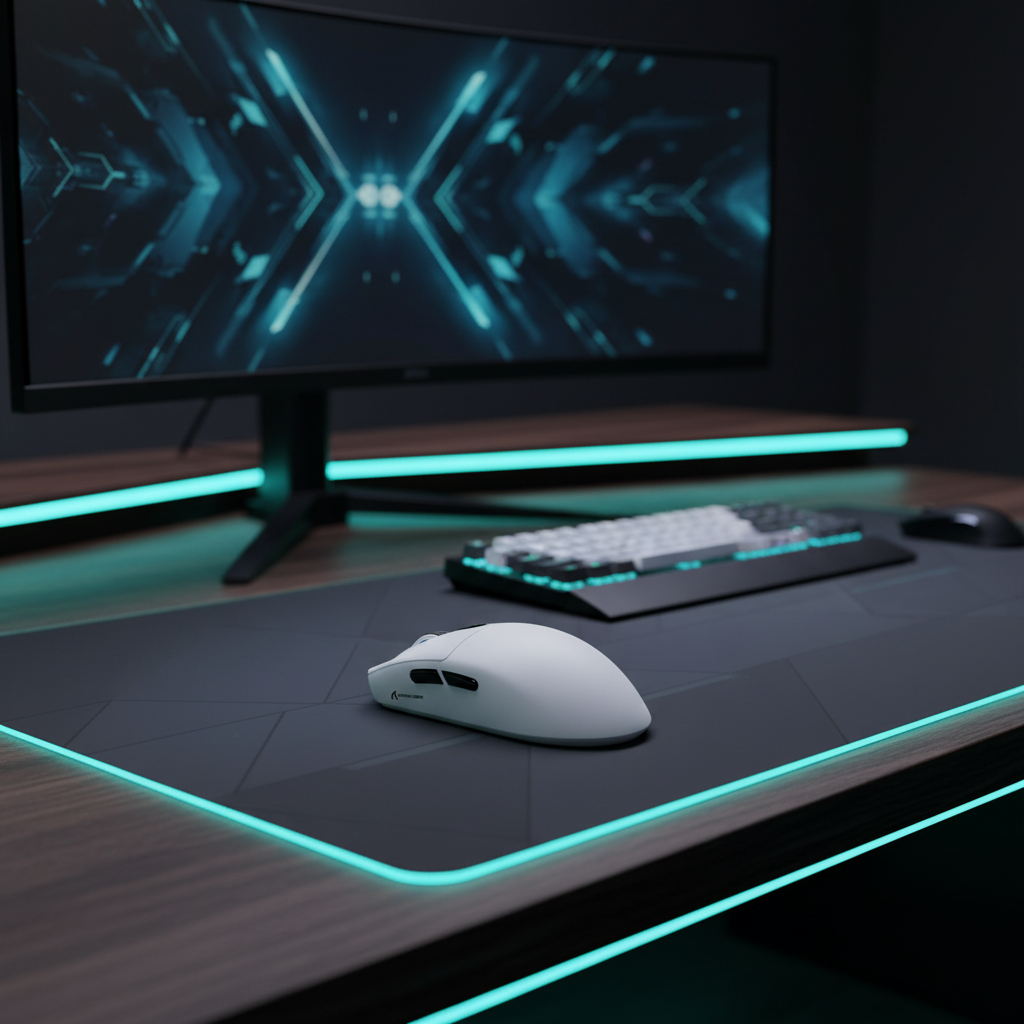
Una superficie consistente con baja fricción estática, como la ATTACK SHARK CM05 Alfombrilla de Vidrio Templado para Ratón Gaming, elimina esta resistencia. La superficie de vidrio nano-micro-etchada permite un movimiento fluido y sin arrastre, esencial cuando se combina con sensores de alto rendimiento como el PixArt PAW3311 que se encuentra en el ATTACK SHARK G3 Ratón Gaming Inalámbrico Tri-modo.

Altas Tasas de Sondeo y Sincronización de Movimiento
Para maximizar la consistencia del seguimiento, los ratones modernos utilizan altas tasas de sondeo (4000Hz o 8000Hz).
- Sondeo a 8000Hz: Opera a un intervalo de 0.125ms.
- Sincronización de Movimiento: Esta función alinea el encuadre del sensor con el Inicio de Frame (SOF) USB. A 8000Hz, la penalización por retardo determinista es solo de ~0.0625ms, un intercambio insignificante por el beneficio de trayectorias de cursor más suaves.
Para saturar el ancho de banda de 8000Hz, recomendamos una configuración de DPI de al menos 1600, lo que requiere solo 5 IPS (pulgadas por segundo) de movimiento para mantener un flujo de datos estable. Configuraciones de DPI más bajas (por ejemplo, 400 DPI) requieren movimientos mucho más rápidos (más de 10 IPS) para mantener estable el sondeo a 8K.
Dominio del Hardware vs. Software
Aunque el hardware proporciona la base, herramientas de software como WeakAuras a menudo ofrecen una solución más adaptable para gestionar tiempos de reutilización que macros de hardware complejos. Sin embargo, el hardware debe ser capaz de ejecutar las demandas del software sin cuellos de botella.
El ATTACK SHARK G3 Tri-mode Wireless Gaming Mouse aborda esto a través de su MCU Broadcom BK52820, que garantiza un rendimiento inalámbrico de baja latencia incluso durante transiciones de géneros con alta APM. Con una batería de 500mAh que ofrece hasta 22 horas de funcionamiento a 4000Hz de sondeo, soporta noches consecutivas de progresión sin la ansiedad de fallos a mitad de incursión.
Apéndice: Transparencia del modelado (método y supuestos)
Los datos presentados en este artículo se derivan del modelado de escenarios basado en los siguientes parámetros. Son estimaciones hipotéticas destinadas a la toma de decisiones y no sustituyen estudios de laboratorio controlados.
| Parámetro | Valor | Justificación / Fuente |
|---|---|---|
| Longitud de la mano (persona) | 20.5 cm | Percentil 95 masculino (mano grande) |
| Frecuencia de sondeo | 4000 Hz | Estándar inalámbrico de alto rendimiento |
| Peso del ratón | 59 g | Línea base de rendimiento Ultra-ligero |
| Intensidad de pulsación de tecla | Alta (2x) | Activación forzada durante el estrés de incursión |
| Duración diaria de la sesión | Más de 4 horas | Programa de progresión intensiva |
Límites del modelado:
- Índice de tensión: Esta es una herramienta de evaluación de riesgos, no un diagnóstico médico. Una puntuación de 64.0 indica un riesgo elevado bajo la intensidad y duración asumidas.
- Delta de latencia: Los cálculos asumen una velocidad constante de levantamiento del dedo. Las ganancias reales en el juego pueden variar según el control motor individual y el procesamiento IRQ a nivel del sistema.
- Duración de la batería: Las estimaciones utilizan un modelo de descarga lineal; el tiempo real de funcionamiento puede verse afectado por el brillo RGB, la distancia al receptor y la interferencia ambiental.
Aviso legal: Este artículo es solo para fines informativos y no constituye asesoramiento médico o ergonómico profesional. Consulte a un especialista calificado si experimenta dolor o incomodidad persistente durante el uso de la computadora.
Fuentes
- Definición de clase de dispositivo USB para dispositivos de interfaz humana (HID)
- Moore, J. S., & Garg, A. (1995). El índice de tensión
- Especificación del producto Nordic Semiconductor nRF52840
- PixArt Imaging - Especificaciones del sensor óptico
- Documento técnico de la industria global de periféricos para juegos (2026)