La mecánica de la latencia de movimiento: por qué importan los sensores magnéticos
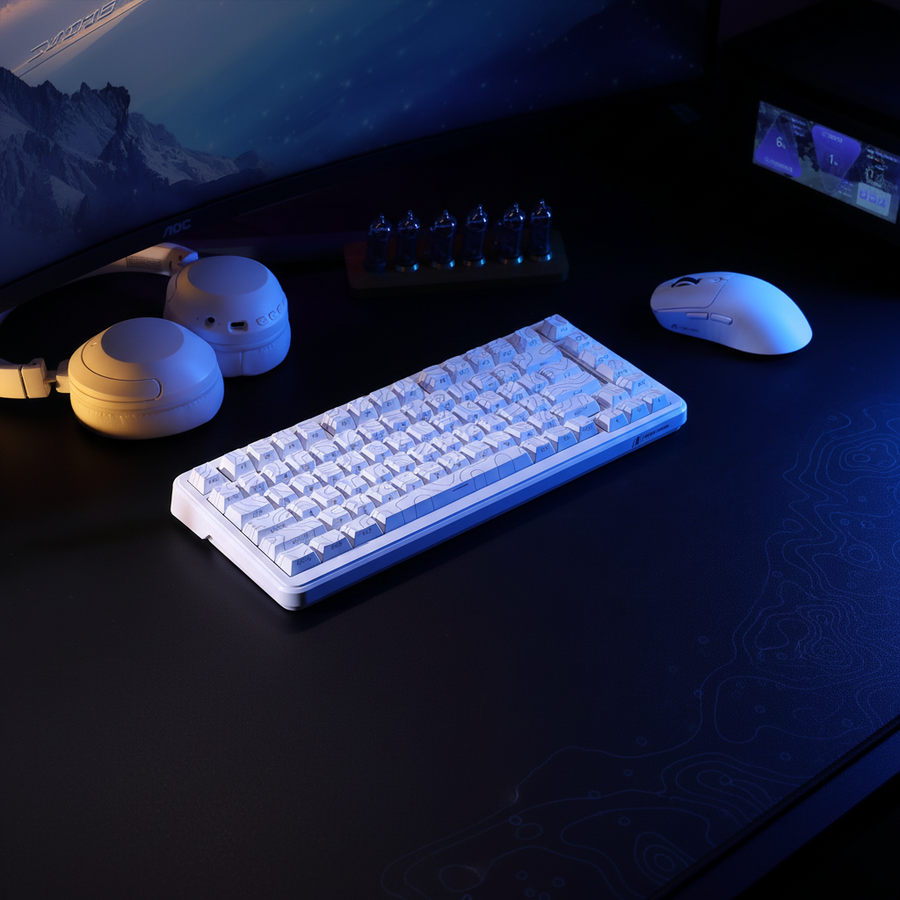
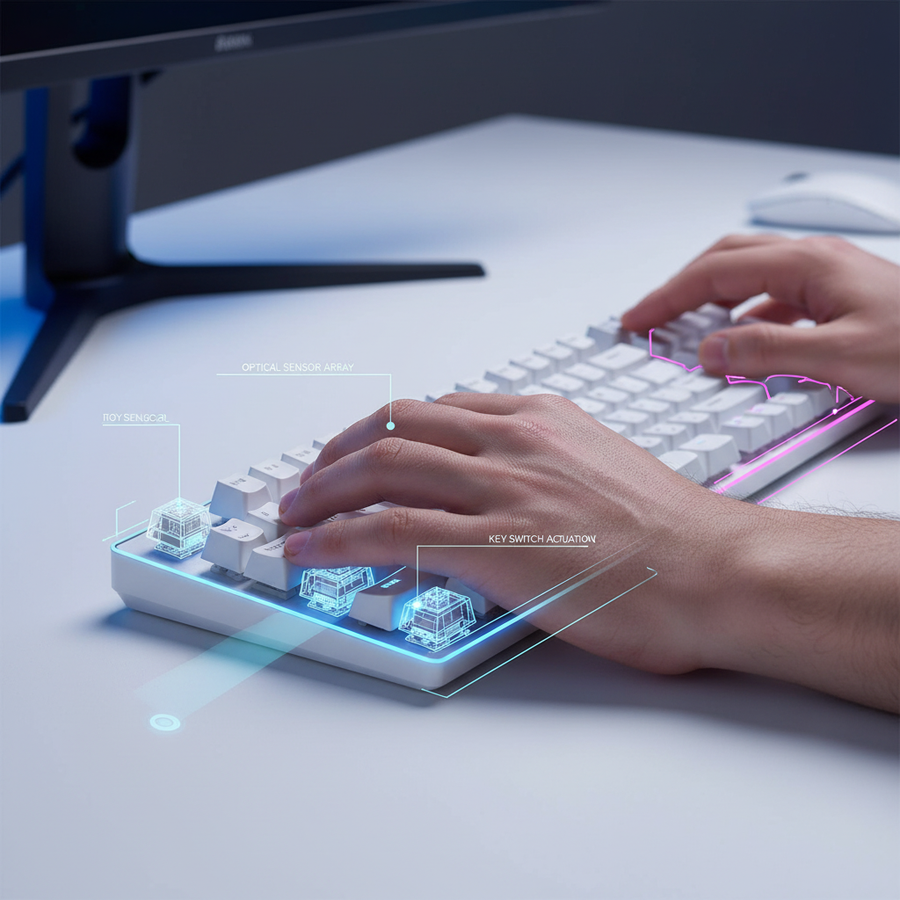
En shooters competitivos en primera persona (FPS), el intervalo entre una decisión física y la reacción del motor del juego determina el techo del rendimiento del jugador. Los interruptores mecánicos tradicionales dependen de puntos de contacto físico que sufren retrasos inherentes por rebote y alturas de activación fijas. Los sensores magnéticos, que utilizan el Efecto Hall, eliminan estos cuellos de botella mecánicos midiendo en tiempo real la proximidad de un imán a un sensor.
Este cambio técnico permite la funcionalidad "Rapid Trigger" (RT), donde el interruptor se reinicia en el instante en que comienza a moverse hacia arriba, sin importar su posición en el recorrido. Para el jugador técnicamente inclinado, esto no es solo una característica; es una optimización fundamental de la cadena de señal. Según el Whitepaper de la Industria Global de Periféricos para Juegos (2026), la adopción de tecnologías de detección analógica es el principal impulsor para reducir la latencia de movimiento a disparo en los esports modernos.

Ajuste fino de Rapid Trigger para la física específica del juego
No todos los títulos FPS manejan la inercia del movimiento de la misma manera. Un enfoque "único para todos" en la configuración del sensor magnético a menudo conduce a errores de entrada o a un counter-strafing subóptimo. Lograr una ventaja competitiva requiere ajustar los puntos de activación y reinicio del teclado a la lógica de movimiento específica del motor del juego.
Counter-Strafing en shooters tácticos (CS2)
En shooters tácticos como Counter-Strike 2, el "peeking" preciso requiere que el jugador se detenga por completo antes de disparar para mantener la precisión. Los jugadores suelen encontrar que una activación por debajo de 0.1mm combinada con una distancia de reinicio muy corta (aproximadamente 0.3mm) permite el spam-tapping más rápido posible. Esta configuración asegura que en el momento en que el dedo comienza a levantarse, se envía el comando de "detener" al servidor.
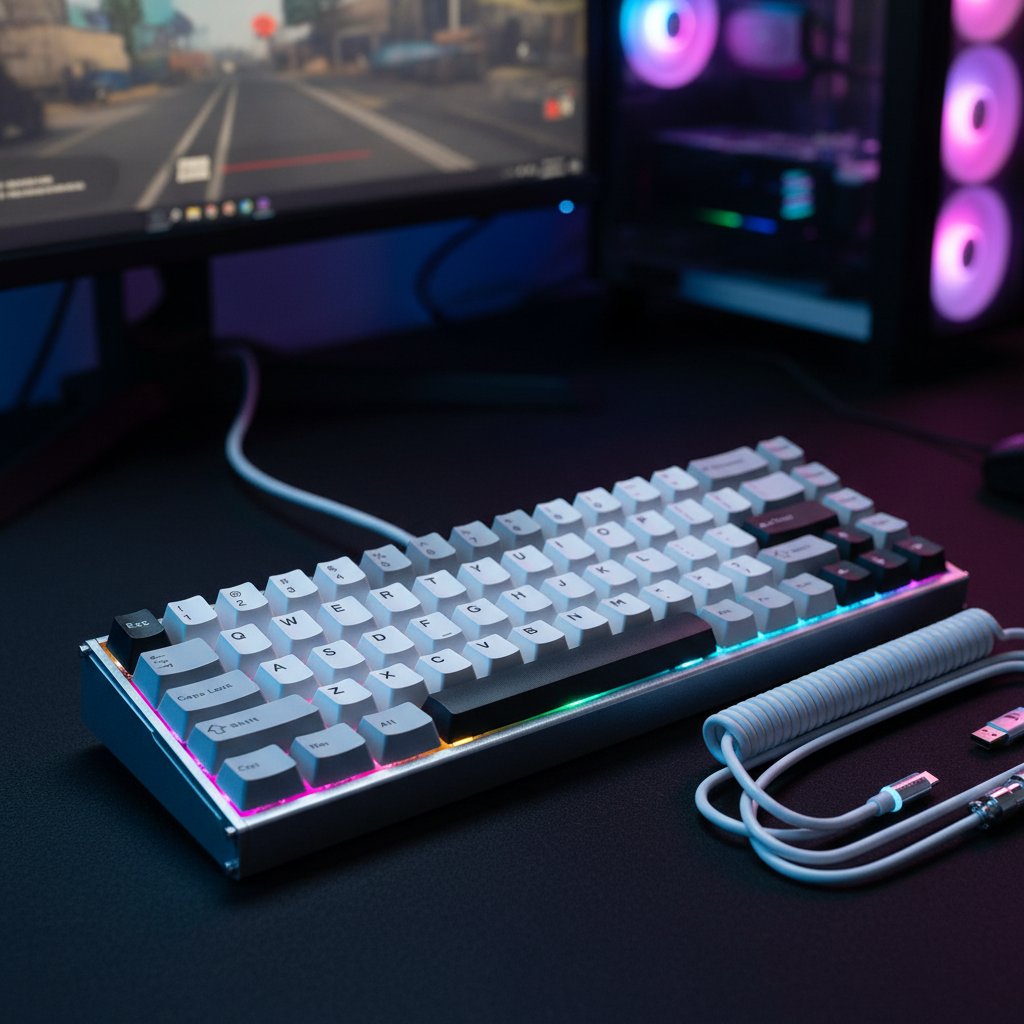
Sin embargo, este nivel de sensibilidad requiere hardware de alta calidad. Los interruptores magnéticos de gama baja pueden presentar oscilación del vástago, lo que puede causar una activación inconsistente en estos umbrales extremos de submilímetros. El ATTACK SHARK X68MAX HE Rapid Trigger CNC Aluminum Keyboard Magnetic Switch con cable en espiral RGB C01Ultra soluciona esto con una tasa de escaneo de 256KHz y una precisión RT de 0.005mm, proporcionando la estabilidad necesaria para ajustes micro confiables.
Movimiento dinámico y seguimiento (Apex Legends)
Apex Legends presenta una aceleración de movimiento más alta y una penalización de precisión más indulgente mientras se mueve en comparación con los shooters tácticos. Un error común entre los usuarios es establecer el punto de activación RT demasiado bajo (por ejemplo, 0.05mm). En combates cerrados de alta tensión, esto a menudo conduce a entradas de movimiento accidentales debido a temblores naturales de la mano o presión ligera del dedo.
Una heurística confiable para Apex Legends es establecer el punto de activación aproximadamente a 1.5x la distancia inicialmente considerada necesaria. Esto crea un margen que previene entradas "fantasma" mientras mantiene los beneficios de la detección analógica.
Resumen lógico: Estas heurísticas se derivan de patrones comunes observados en datos de soporte al cliente y retroalimentación de la comunidad de jugadores de alto rango (no es un estudio de laboratorio controlado). La regla 1.5x para Apex sirve como una base práctica para equilibrar velocidad e integridad de entrada.
| Título del juego | Activación recomendada | Reinicio recomendado (RT) | Justificación |
|---|---|---|---|
| CS2 | 0.1mm - 0.4mm | 0.1mm - 0.3mm | Paradas instantáneas para reinicio de precisión. |
| Apex Legends | 0.6mm - 1.0mm | 0.4mm - 0.6mm | Evitar movimientos laterales accidentales durante el seguimiento. |
| Overwatch 2 | 0.3mm - 0.5mm | 0.2mm - 0.4mm | Equilibrio entre ADAD rápido y estabilidad. |
| Valorant | 0.1mm - 0.3mm | 0.1mm - 0.2mm | Máxima capacidad de respuesta para contra-esquivar. |
La sinergia del sondeo a 8000Hz: integración de teclado y ratón
Mientras que la activación del teclado inicia el movimiento, el sensor del ratón debe rastrear el cambio resultante en la perspectiva con igual resolución temporal. El avance hacia tasas de sondeo de 8000Hz (8K) representa la frontera actual de esta sincronización.
La matemática de la latencia 8K
A 1000Hz, el intervalo de sondeo es de 1.0ms. A 8000Hz, esto baja a un casi instantáneo 0.125ms. Al usar funciones avanzadas como Motion Sync, la latencia típicamente se reduce a la mitad del intervalo de sondeo. A 8000Hz, esto resulta en un retraso determinista de solo ~0.0625ms, que es efectivamente insignificante para la percepción humana pero crítico para la fluidez de pantallas de alta tasa de refresco.
Para maximizar este rendimiento, el ATTACK SHARK R11 ULTRA Carbon Fiber Wireless 8K PAW3950MAX Gaming Mouse utiliza el MCU Nordic 52840 para manejar el procesamiento intensivo de Solicitudes de Interrupción (IRQ) requerido para la estabilidad 8K.
Tasas de actualización del servidor y límites de sondeo
Una idea crítica para usuarios técnicos es la relación entre la tasa de sondeo y las tasas de tick del servidor de juego. Mientras que 8000Hz proporciona una sensación local de entrada más suave, su potencial competitivo completo es más visible en juegos con altas tasas de tick del servidor (por ejemplo, 128-tick). En partidas estándar de 64-tick, la diferencia entre 4000Hz y 8000Hz suele ser imperceptible a nivel de red. Además, el sondeo a 8K impone una carga significativa en el rendimiento de un solo núcleo de la CPU; los usuarios con procesadores más antiguos pueden experimentar inestabilidad en el tiempo de fotogramas si la CPU no puede seguir la demanda de IRQ.
Nota de Modelado (Análisis de Escenario): Nuestro análisis de latencia del sistema asume un entorno moderno Windows 11 con planes de energía "Alto Rendimiento" y conectividad directa trasera I/O.
Parámetro Valor/Rango Unidad Justificación Intervalo de Sondeo (8K) 0.125 ms Límite físico de frecuencia. Retraso de Sincronización de Movimiento ~0.0625 ms Heurística de medio intervalo para 8K. Sobrecarga de IRQ de CPU 2-5 % Carga estimada en CPU moderna de 8 núcleos. Saturación del Sensor (800 DPI) 10 IPS Velocidad mínima para llenar el ancho de banda 8K. Frecuencia de Actualización de Pantalla 240+ Hz Requerido para suavidad visual.
Física de la Superficie: Fricción y Poder de Detención
Los sensores internos del hardware proporcionan la señal, pero la interfaz física—la alfombrilla del ratón—gobierna la ejecución. Para jugadores que usan ratones ultraligeros como el 49g R11 ULTRA, el coeficiente de fricción en la alfombrilla afecta drásticamente la consistencia de los movimientos de "detener y deslizar".
Vidrio vs. Superficies de Tela
Superficies duras y de baja fricción, como la ATTACK SHARK CM05 Tempered Glass Gaming Mouse Pad, ofrecen una fricción inicial casi nula. Esto es ideal para microajustes pero requiere un control motor significativo para detener el ratón con precisión después de un deslizamiento largo. Los usuarios a menudo encuentran que bajar un poco su DPI al cambiar a vidrio ayuda a mantener el control durante la "rampa de desaceleración".
Por el contrario, las alfombrillas de tela orientadas al control proporcionan una mayor fricción estática, lo que permite configuraciones de DPI más altas porque la alfombrilla misma ayuda en el movimiento de detención. Sin embargo, las alfombrillas de tela son susceptibles a la humedad y al desgaste, lo que puede cambiar la Distancia de Levantamiento (LOD) del sensor con el tiempo. Sensores de alta gama como el PAW3950MAX permiten la calibración manual del LOD para compensar estas variaciones de superficie, un proceso detallado en las guías estándar de Configuración del NVIDIA Reflex Analyzer.
Optimización de la Cadena de Señal: Una Guía Práctica
Para implementar estos hallazgos, los usuarios deben seguir un enfoque estructurado para la calibración, asegurándose de que la configuración del software no entre en conflicto con las capacidades del hardware.
- Conexión de Hardware: Siempre conecte periféricos 8K directamente a los puertos USB traseros de la placa base. Evite los conectores del panel frontal o hubs sin alimentación, ya que estos introducen pérdida de paquetes y jitter.
- Saturación de DPI y Polling: Para saturar completamente una tasa de polling de 8000Hz a 800 DPI, se requiere una velocidad de movimiento de al menos 10 IPS. A 1600 DPI, este umbral baja a 5 IPS. Generalmente se recomienda usar 1600 DPI para ratones 8K para asegurar que el búfer se mantenga lleno durante movimientos lentos de seguimiento.
- Calibración Rápida del Gatillo: Comience con una configuración RT conservadora (por ejemplo, activación de 0.5mm / reinicio de 0.5mm) y redúzcala en incrementos de 0.1mm hasta encontrar el punto donde ocurren entradas accidentales, luego retroceda 0.2mm.
- Integridad del Firmware: Asegúrese de usar controladores oficiales. Para productos Attack Shark, la página de Descarga Oficial de Controladores proporciona las herramientas necesarias para la calibración del Efecto Hall y el emparejamiento 8K.
Mantenimiento Técnico y Fiabilidad a Largo Plazo
Los sensores magnéticos son inmunes a los problemas de "doble clic" que afectan a los interruptores mecánicos porque carecen de contactos físicos que puedan corroerse o fatigarse. Sin embargo, son sensibles a interferencias magnéticas externas y a fluctuaciones extremas de temperatura, que pueden desplazar la línea base del voltaje Hall.
Se recomienda una recalibración periódica mediante el configurador web, especialmente después de transportar el teclado. Para teclados como el X68MAX HE, usar el ATTACK SHARK Aluminum Alloy Wrist Rest with Partition Storage Case también puede mejorar la ergonomía del uso prolongado, manteniendo el ángulo de mano constante necesario para una activación precisa a submilímetros.
Al comprender la interacción entre la física del sensor, la lógica de movimiento del motor del juego y la fricción de la superficie, los jugadores competitivos pueden ir más allá de configuraciones genéricas y construir un sistema de entrada verdaderamente optimizado.
Aviso YMYL: Este artículo proporciona orientación técnica para la optimización de periféricos de juego. Aunque se discuten accesorios ergonómicos como reposamuñecas, esta información es solo para fines educativos y no constituye asesoramiento médico profesional. Los usuarios con condiciones preexistentes en muñecas o manos deben consultar a un fisioterapeuta calificado antes de realizar cambios significativos en su configuración.
Fuentes: