






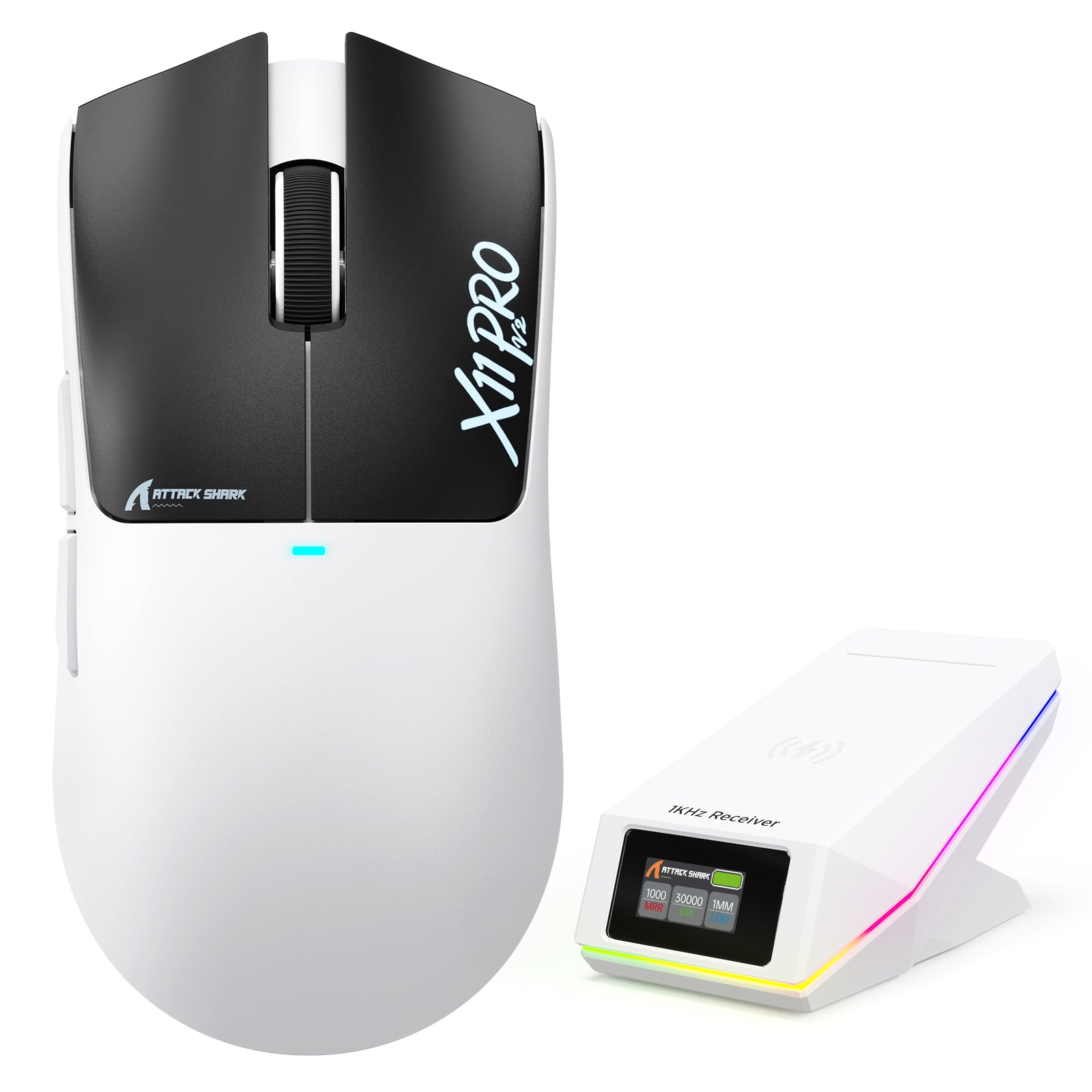
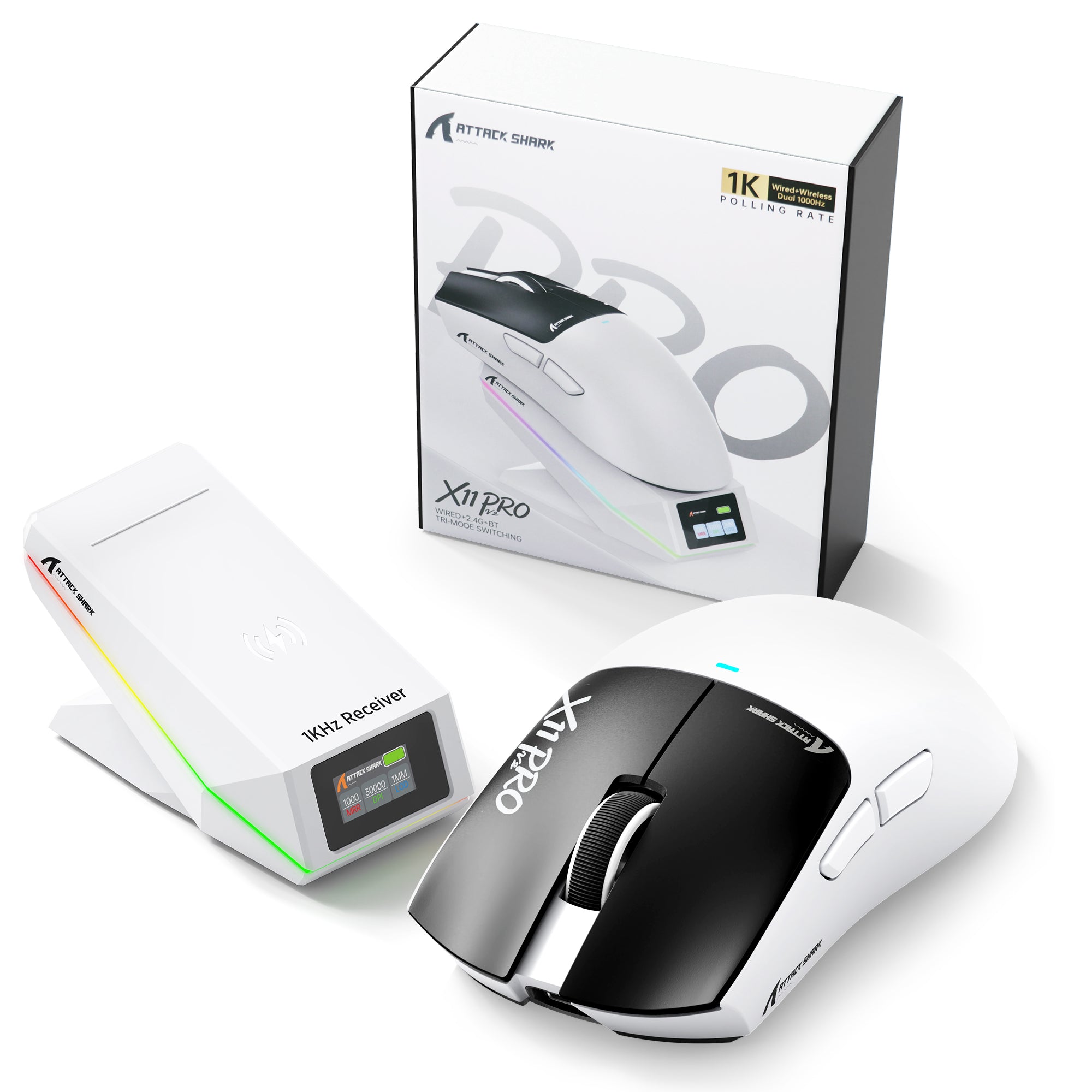

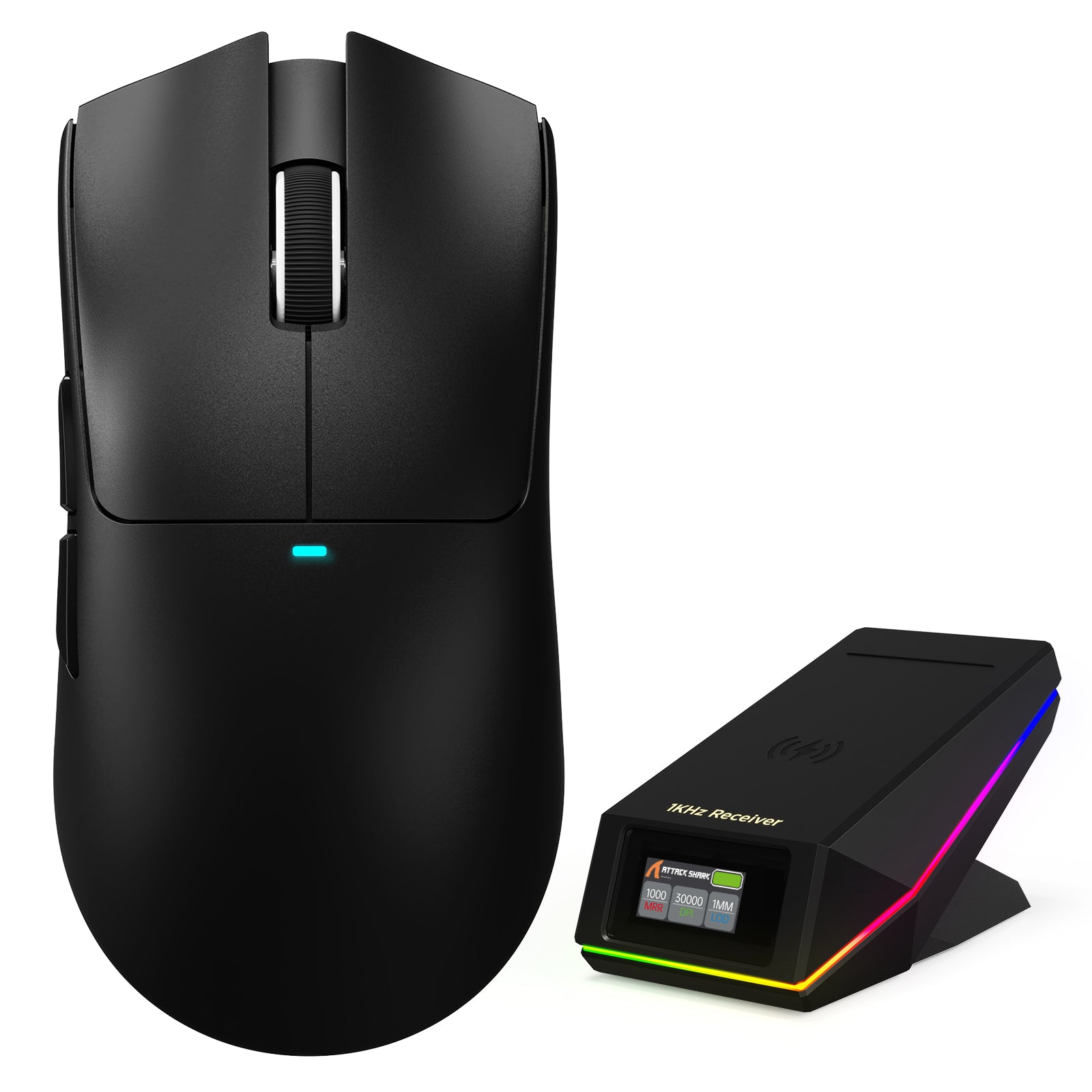
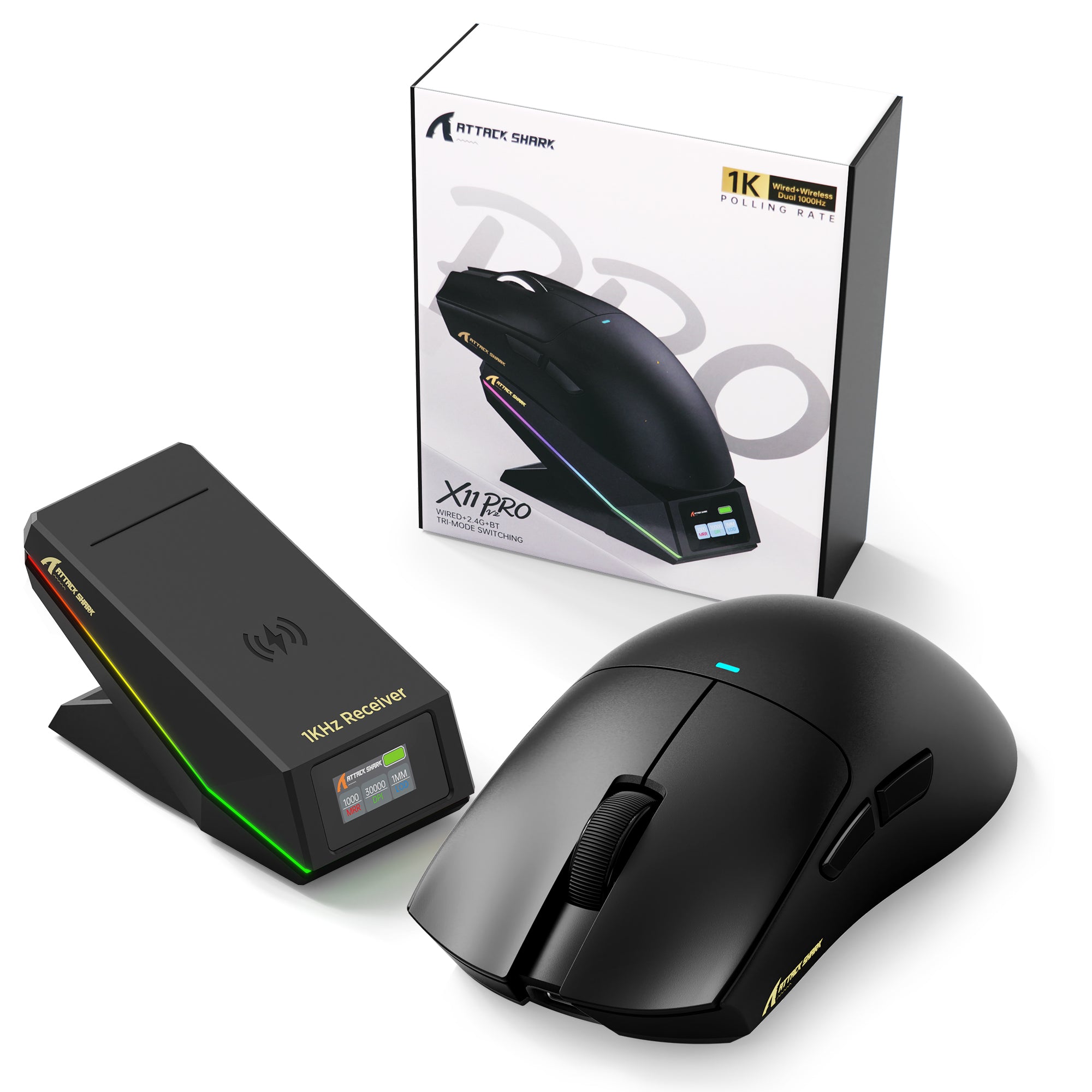
ATTACK SHARK X11 PRO V2 ワイヤレスゲーミングマウス TFTディスプレイ付き充電ドック
- Share:
-

-

-

-


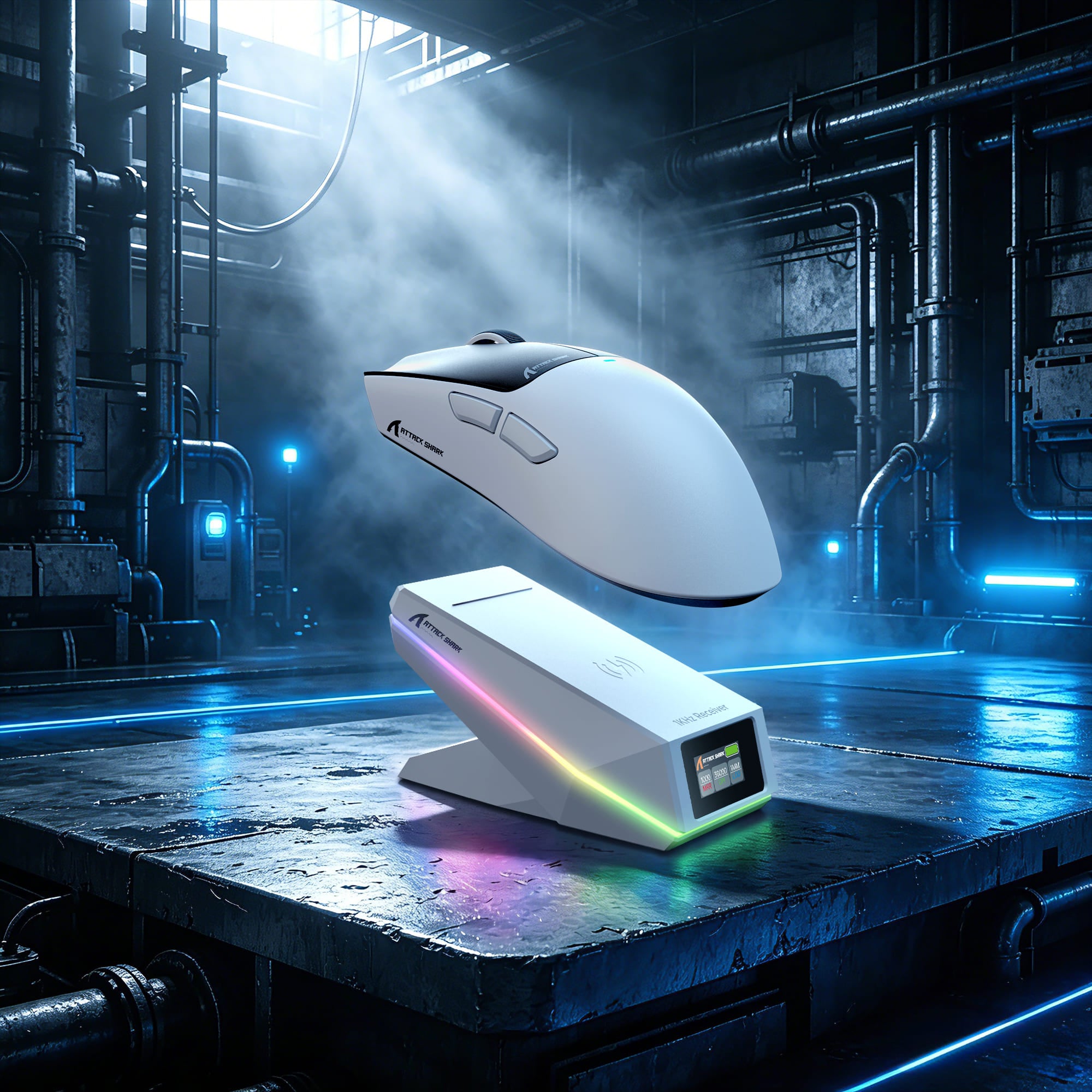
スナップオン。パワーアップ。ゲームを続けよう。
手間いらずの磁気ワイヤレス充電
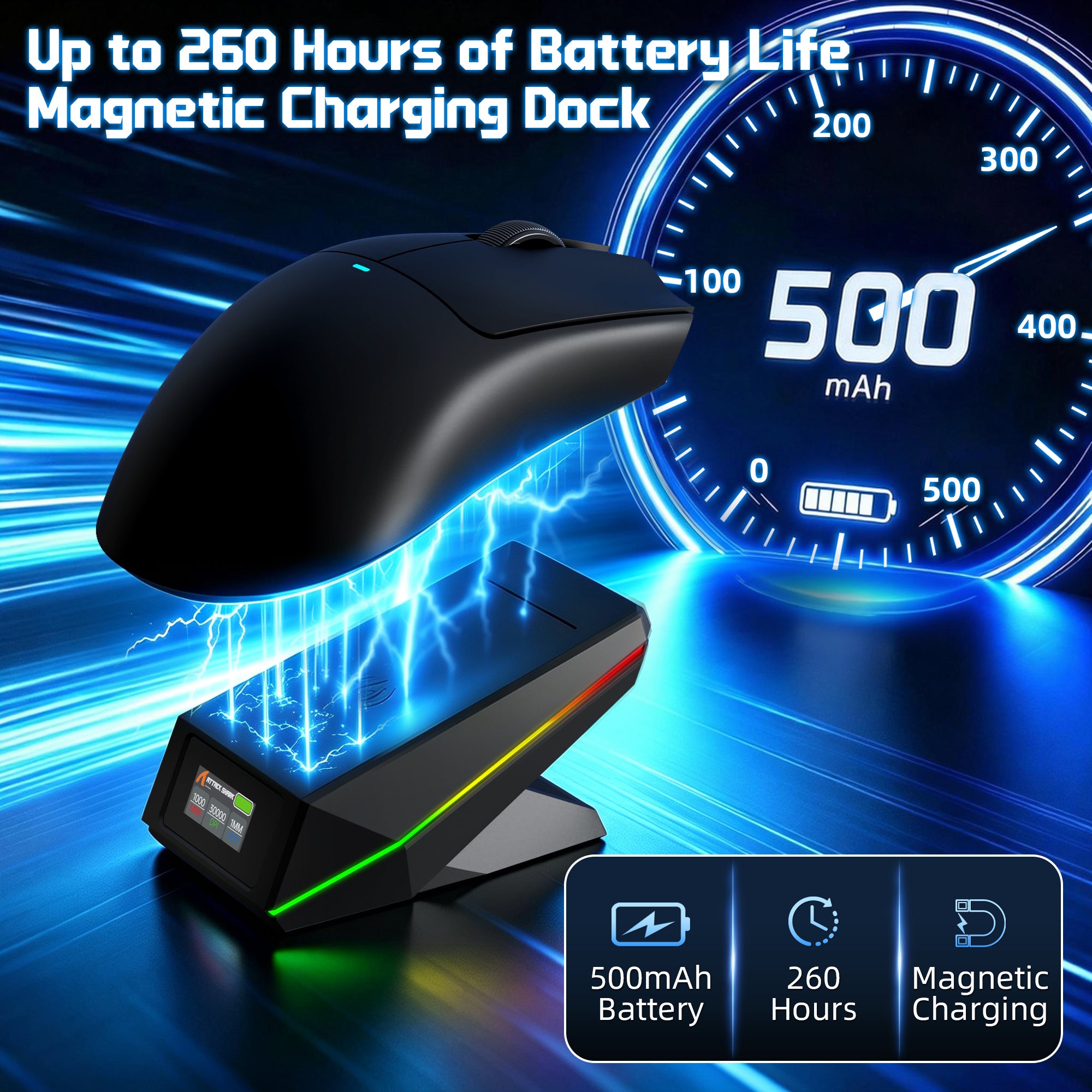
Qi磁気アライメント技術でシームレスな充電体験を実現。マウスをドックに置くだけで即座に充電が始まり、セットアップをすっきり保ちながら、マウスを常に使える状態に保ちます。

追加のドングルは不要です
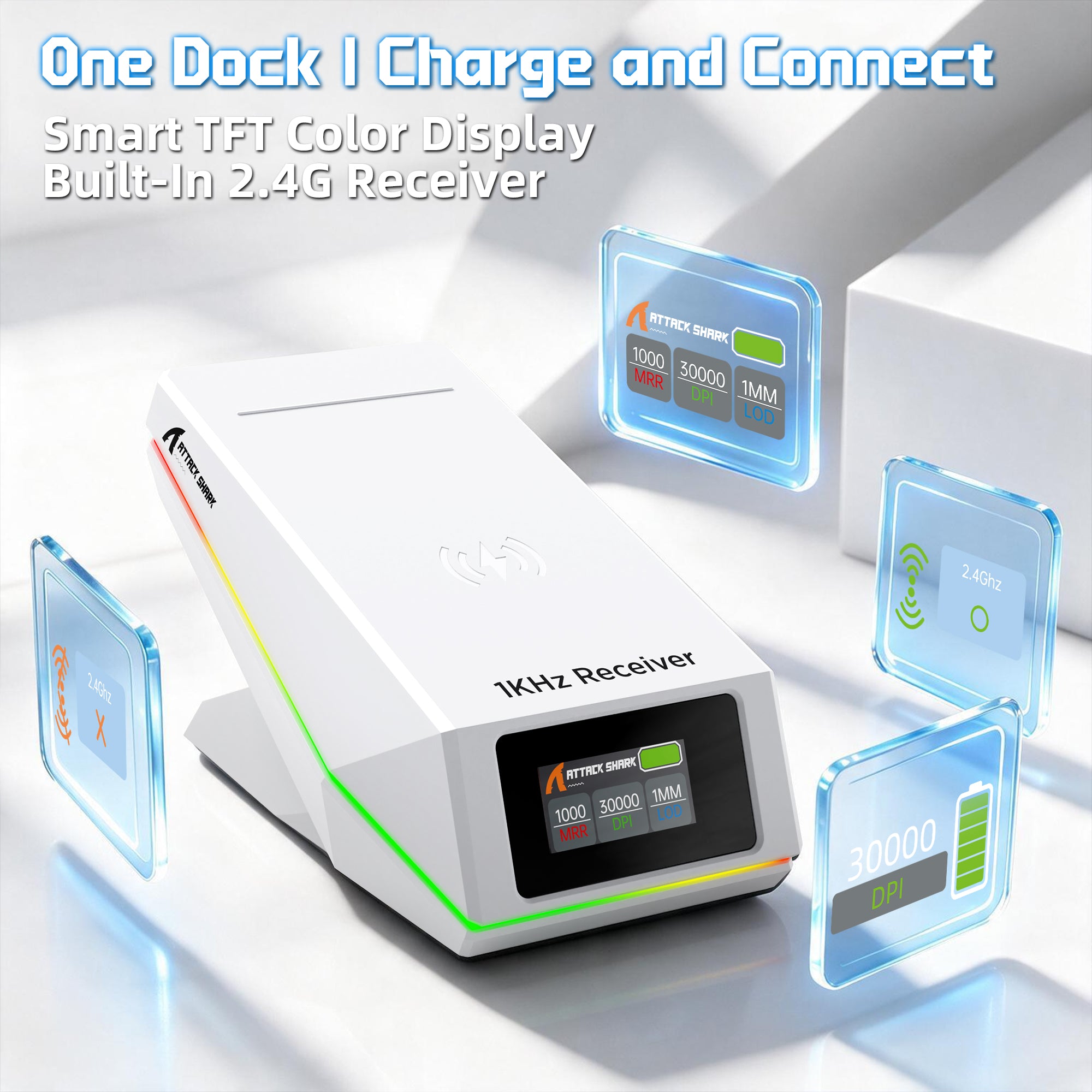
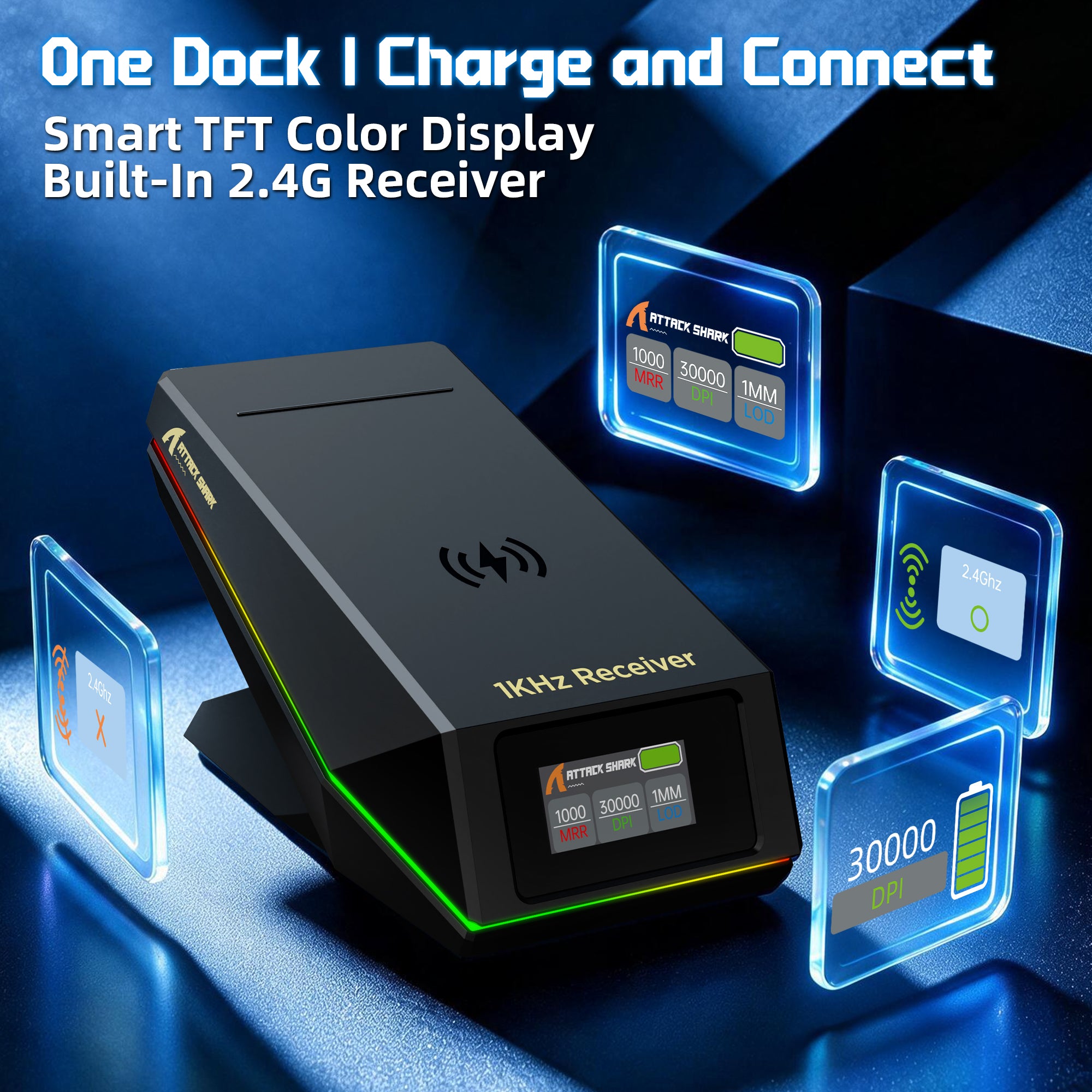
充電ドックに内蔵された2.4G受信機
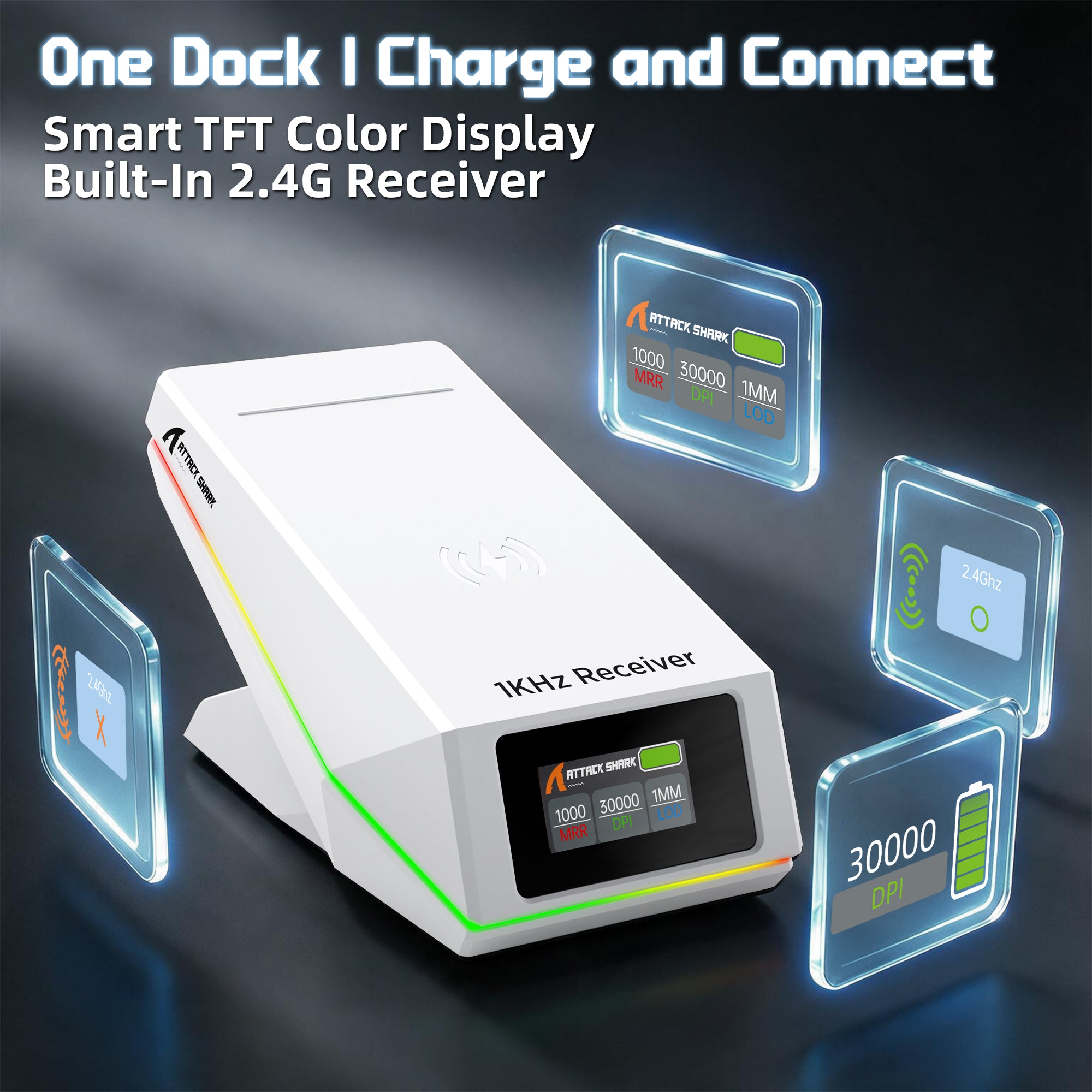
レシーバーは充電ドックに直接内蔵されており、セットアップをすっきりと整理できます。ドックを接続するだけで、別のレシーバーを探したり管理したりすることなく、便利な2.4Gワイヤレスゲーミングをお楽しみいただけます。
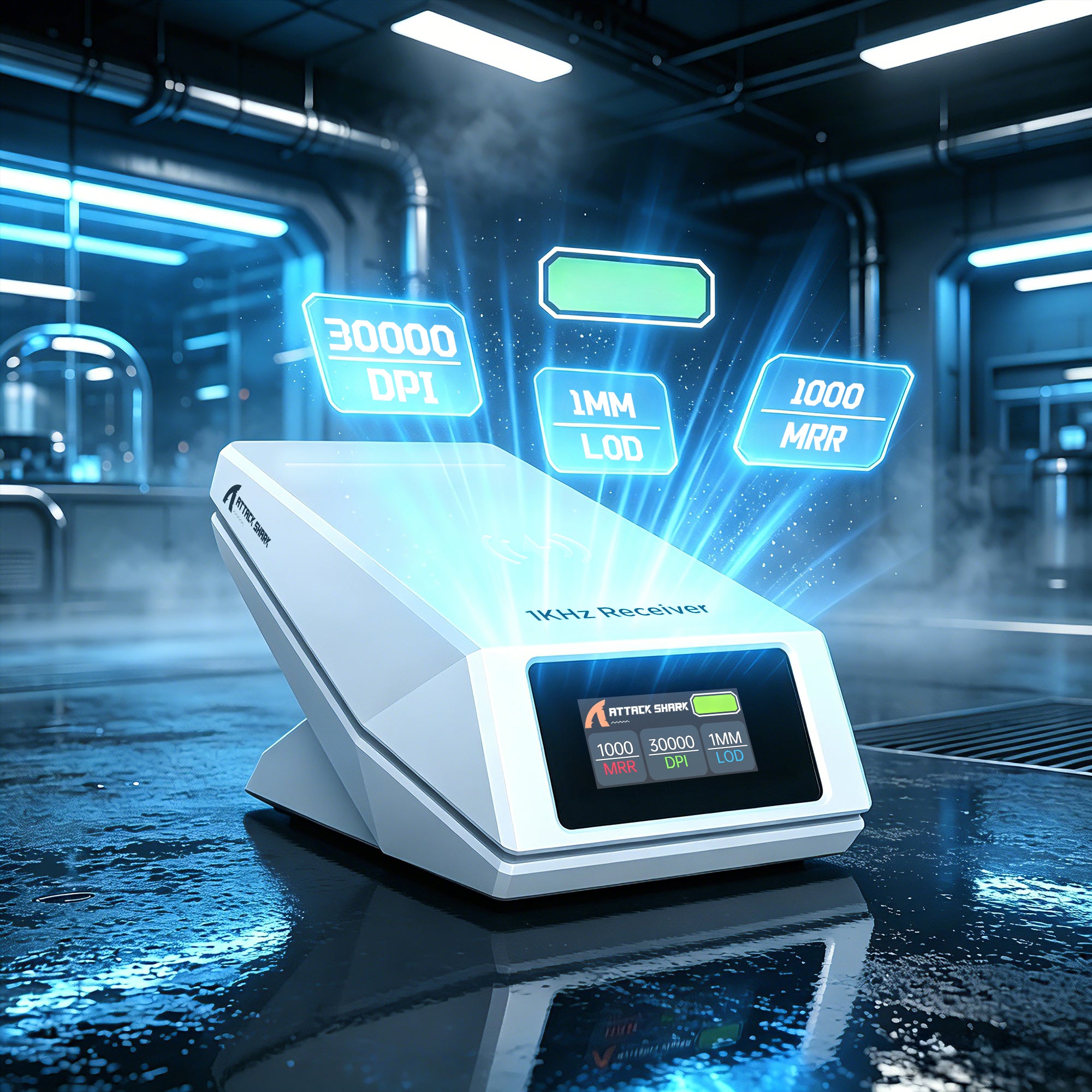
充電、モニタリング、ワイヤレス接続がすべて一つに
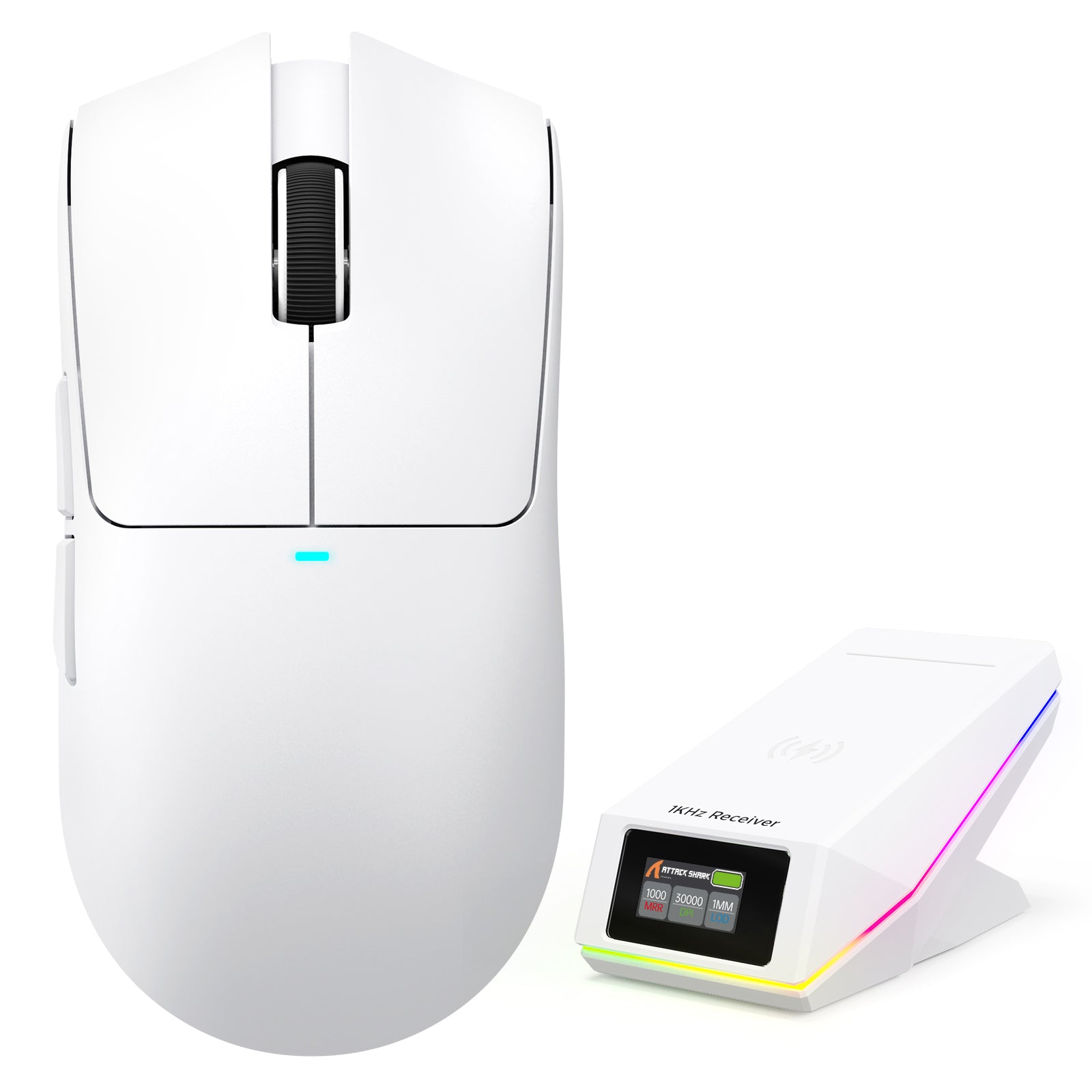
スマートTFTディスプレイ充電ドック
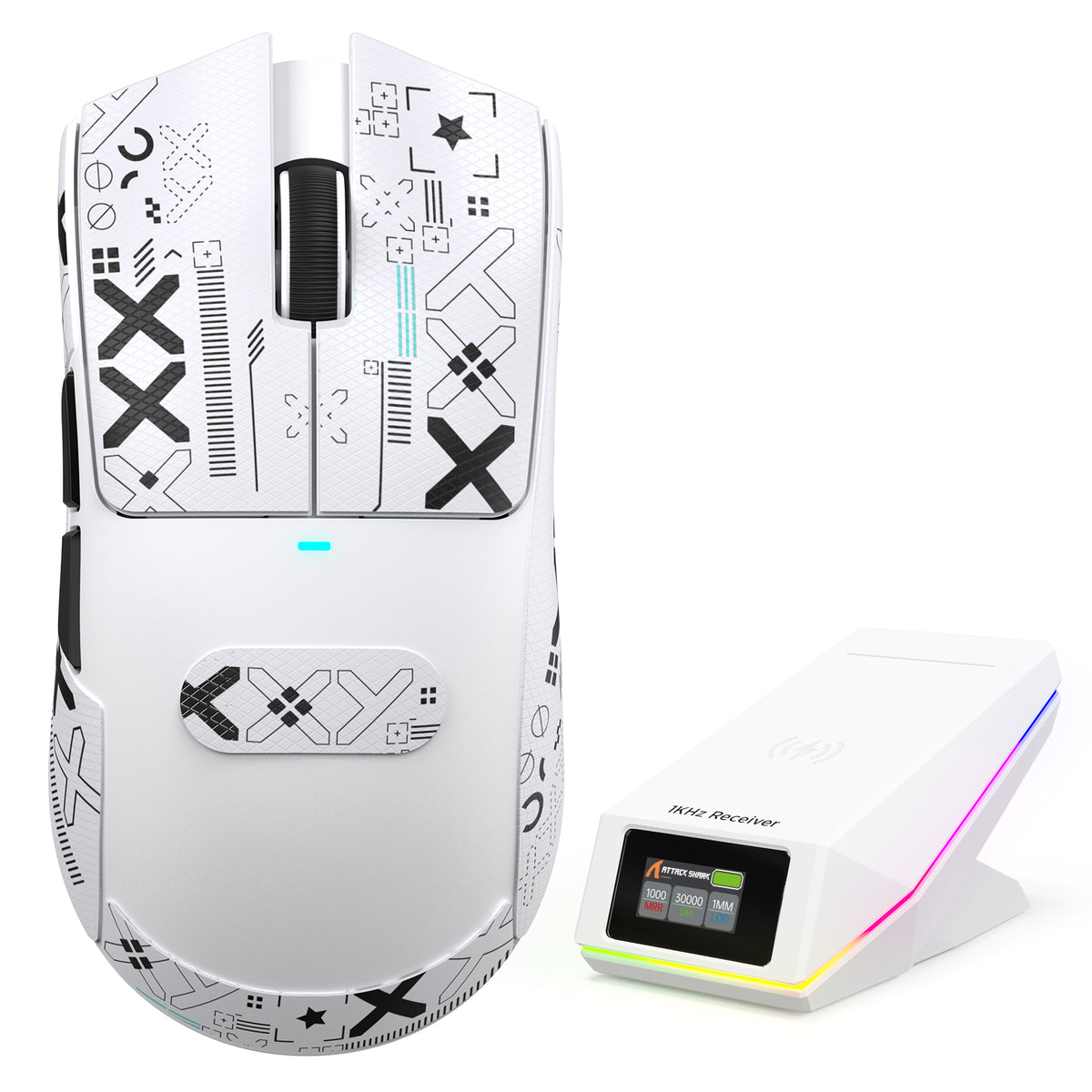
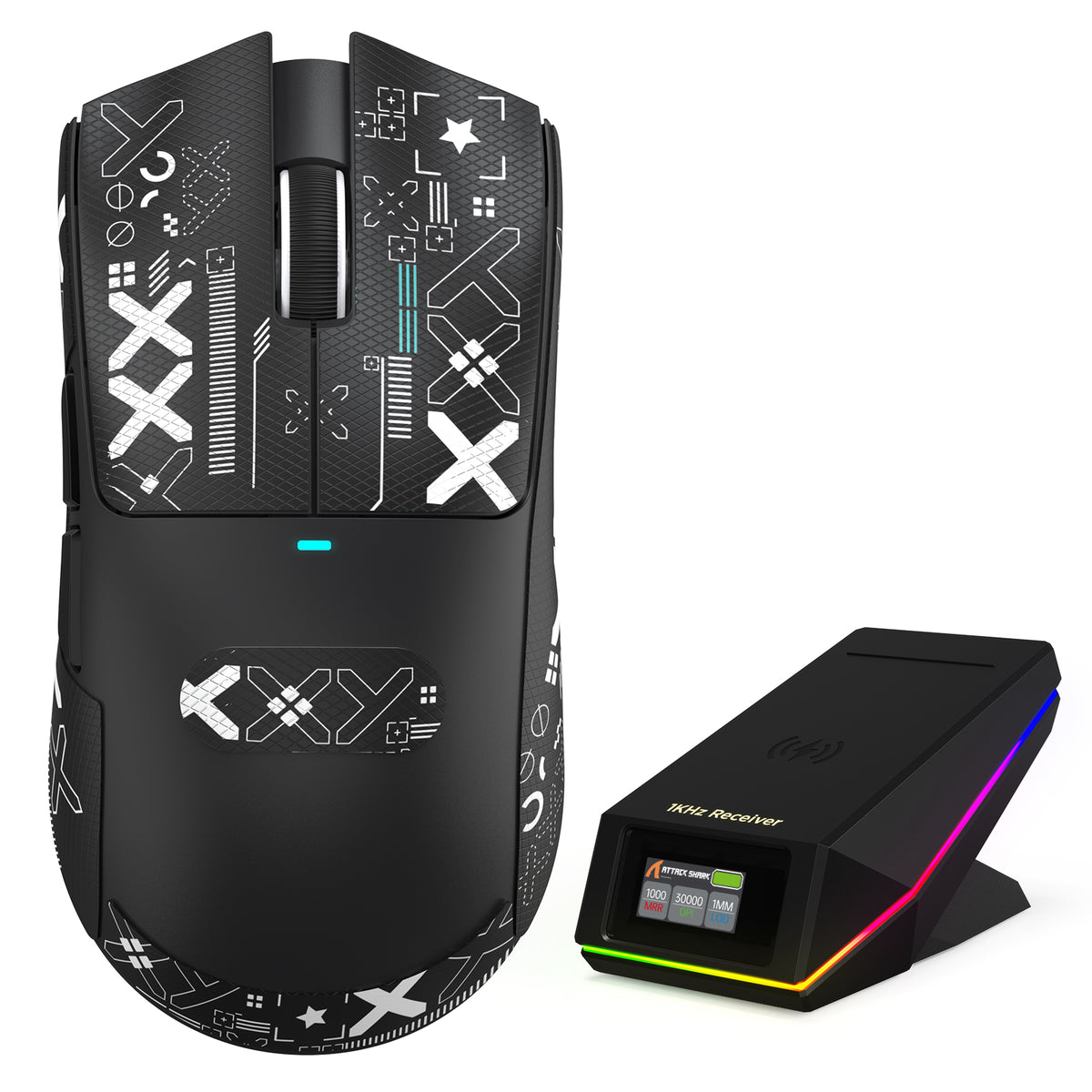
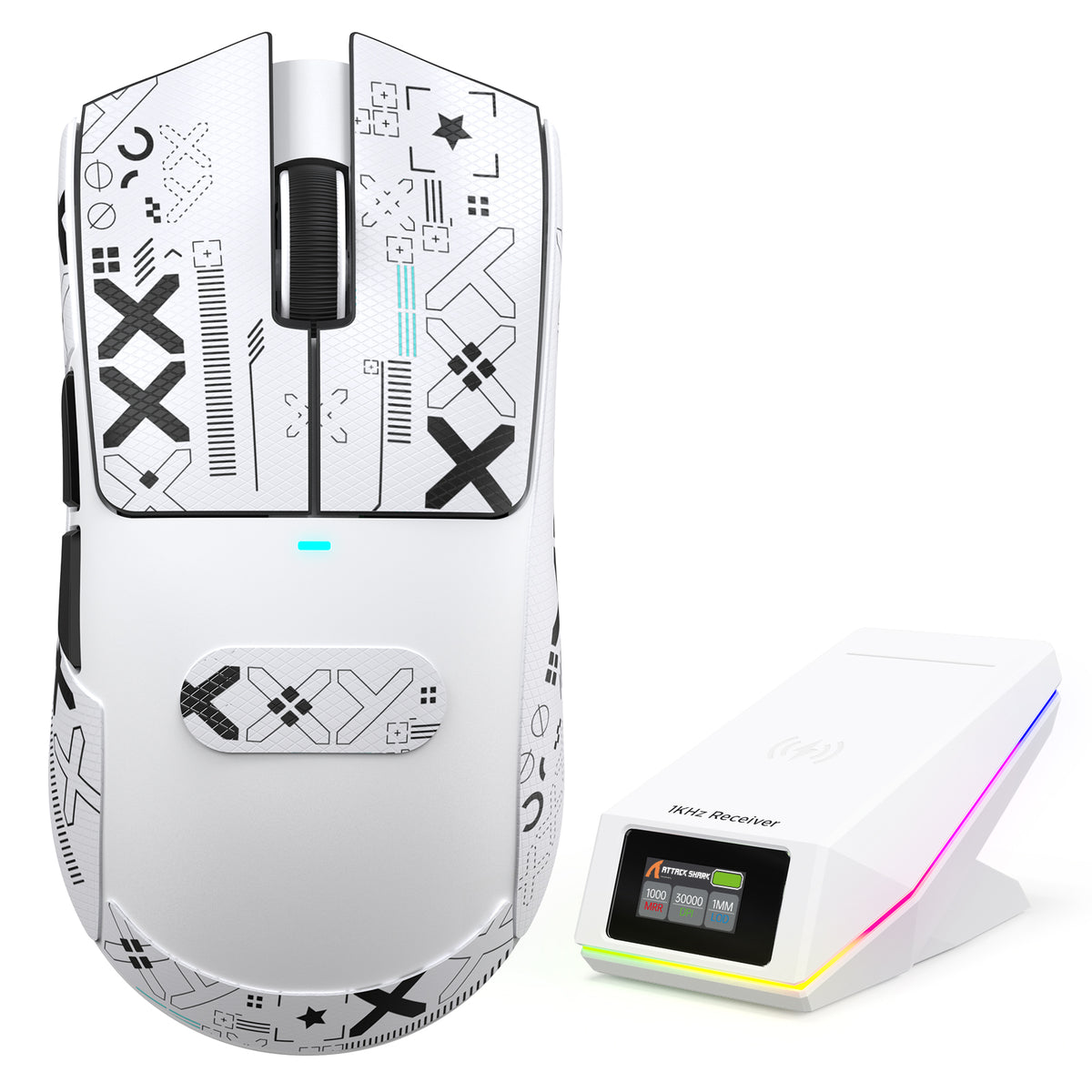
アップグレードされた充電ドックには、DPI、ポーリングレート、バッテリー残量などのリアルタイム情報を表示するTFTカラーディスプレイが搭載されています。ドックに内蔵された2.4Gレシーバーにより、ドックを接続するだけで、別途ドングルを使わず、よりすっきりしたワイヤレスゲーミング環境を楽しめます。
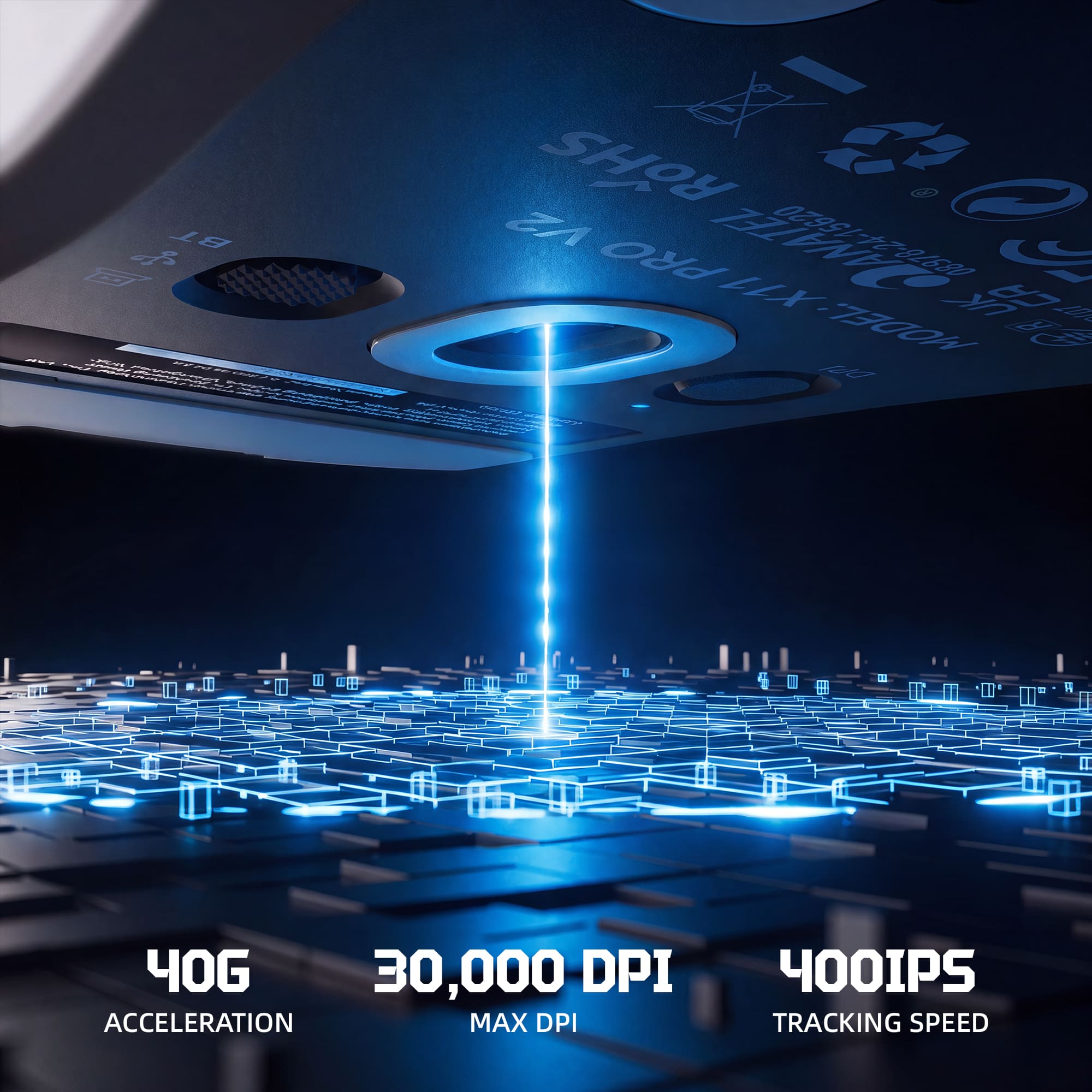
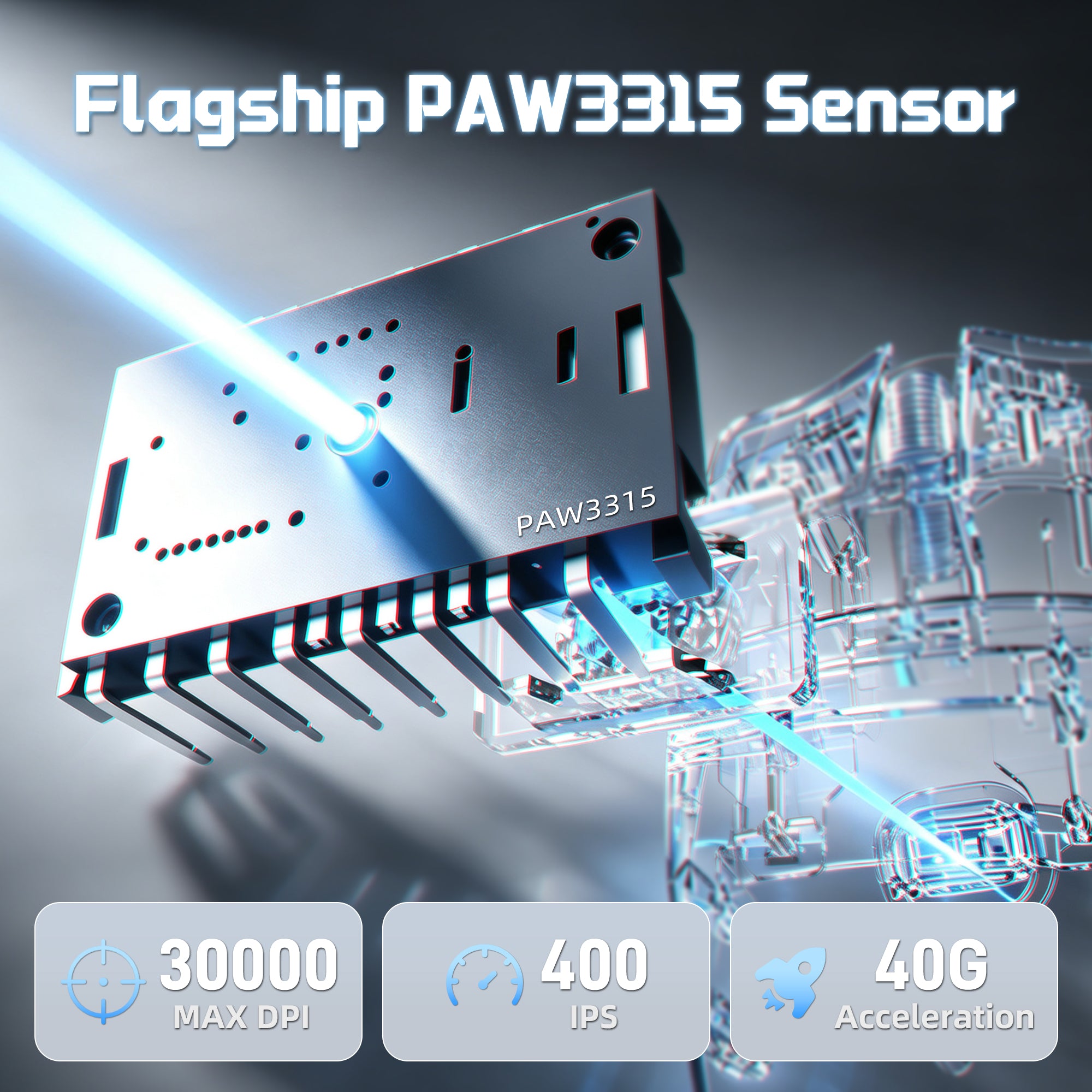
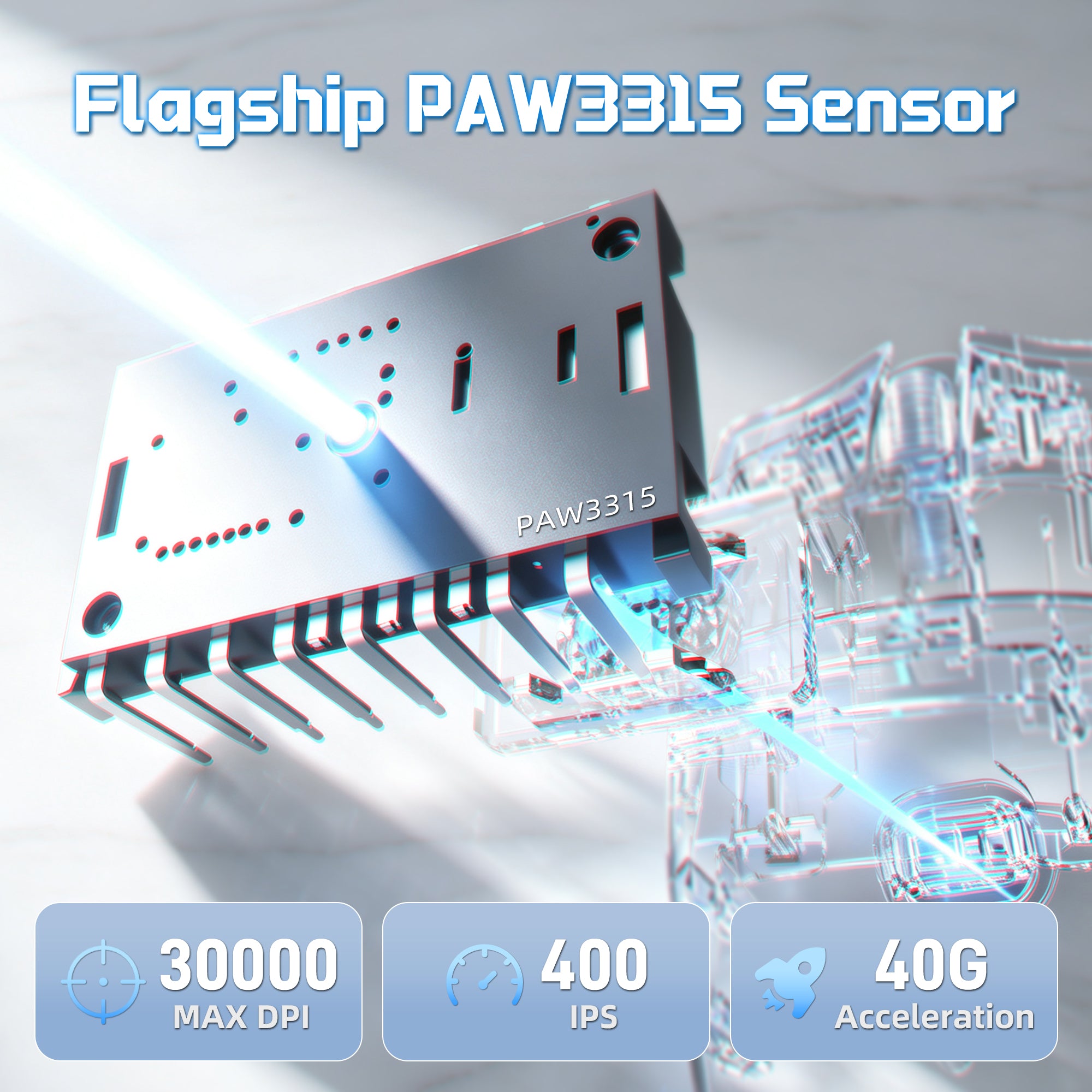
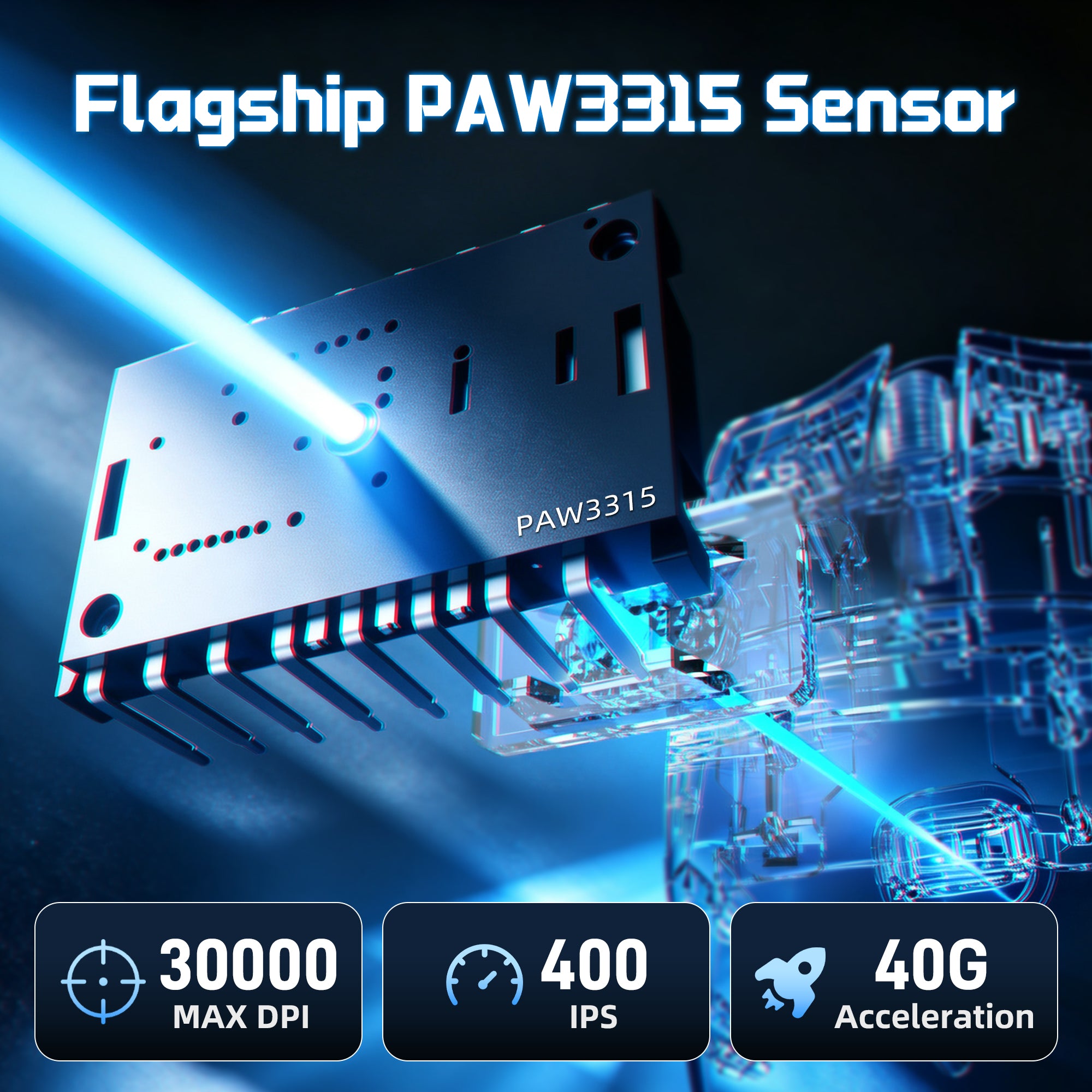
30,000 DPI | 400 IPS | 40G 加速度
PAW3315センサー搭載の高精度パワー
アップグレードされたPixArt PAW3315センサーを搭載したX11 PRO V2は、正確なトラッキングと反応の良い操作を実現します。素早いフリックショットから精密な動きまで、競技ゲームのシーンで信頼できるパフォーマンスをお楽しみください。

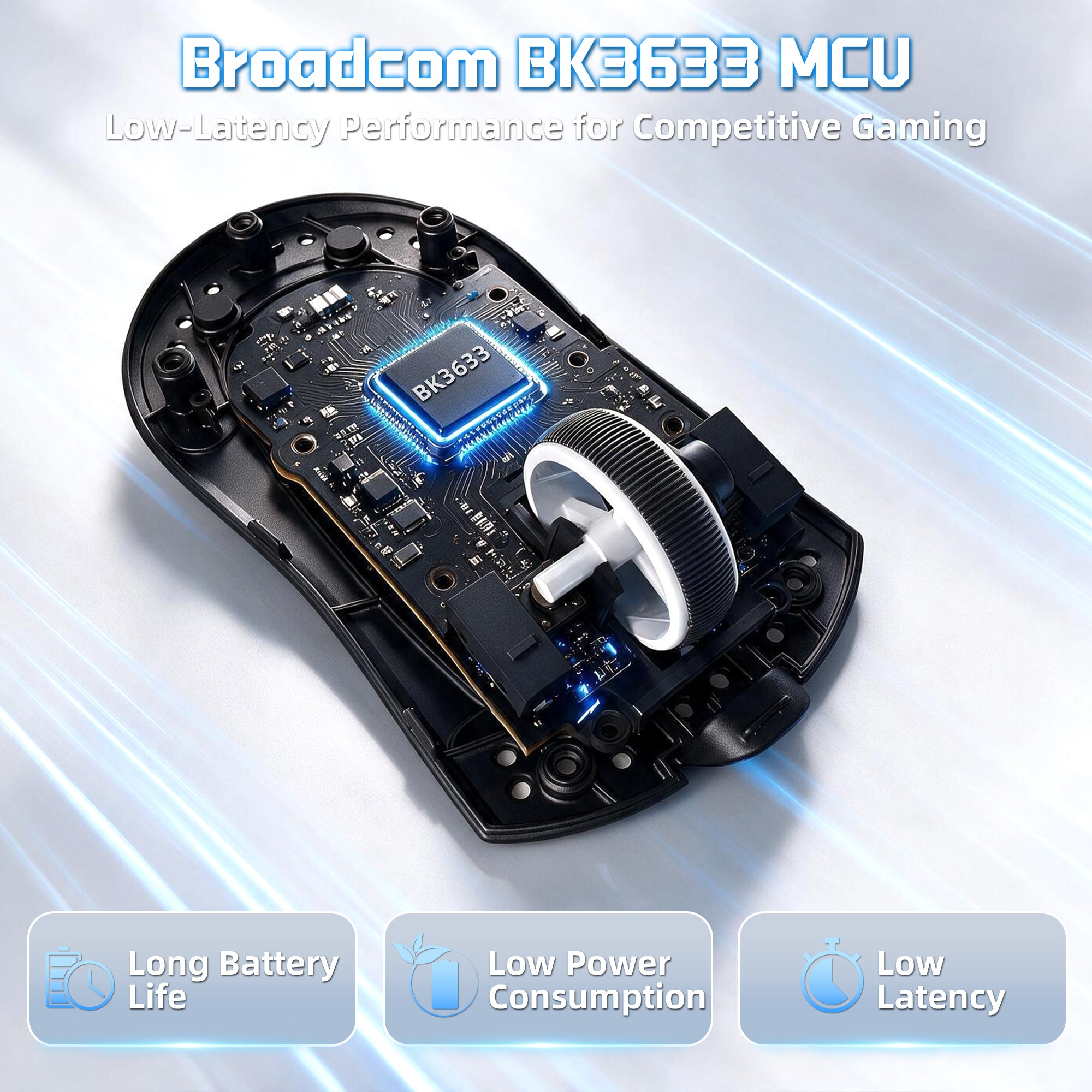
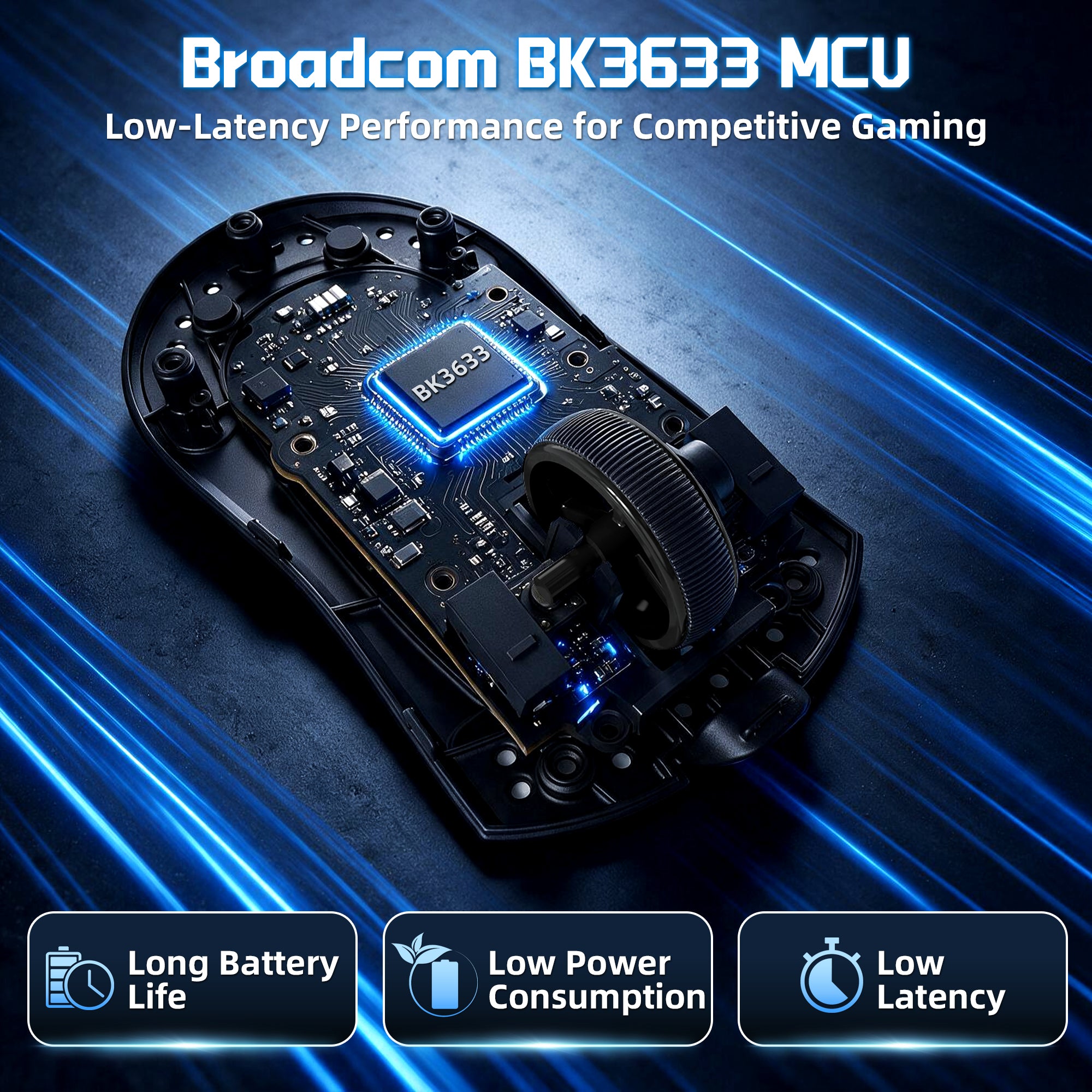
より速く、より安定した応答の核となるもの
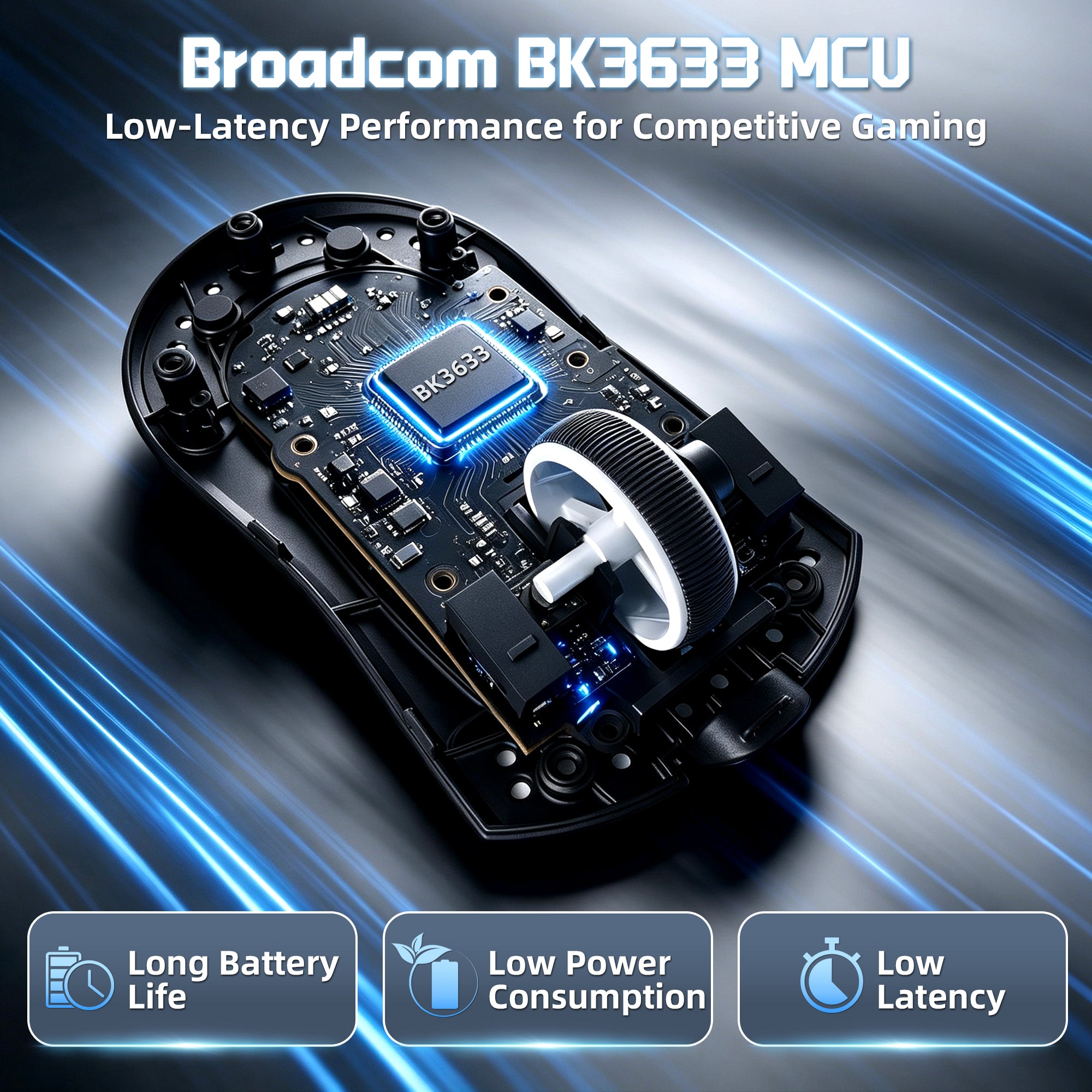
高性能BK3633マイクロコントローラー(MCU)
X11 PRO V2の中心にはBK3633メインコントロールチップが搭載されており、高速なデータ処理、安定したワイヤレス通信、一貫したパフォーマンスを実現します。激しいゲームプレイ中でも遅延を抑えた信頼性の高い1000Hzポーリングレートの性能を体験してください。
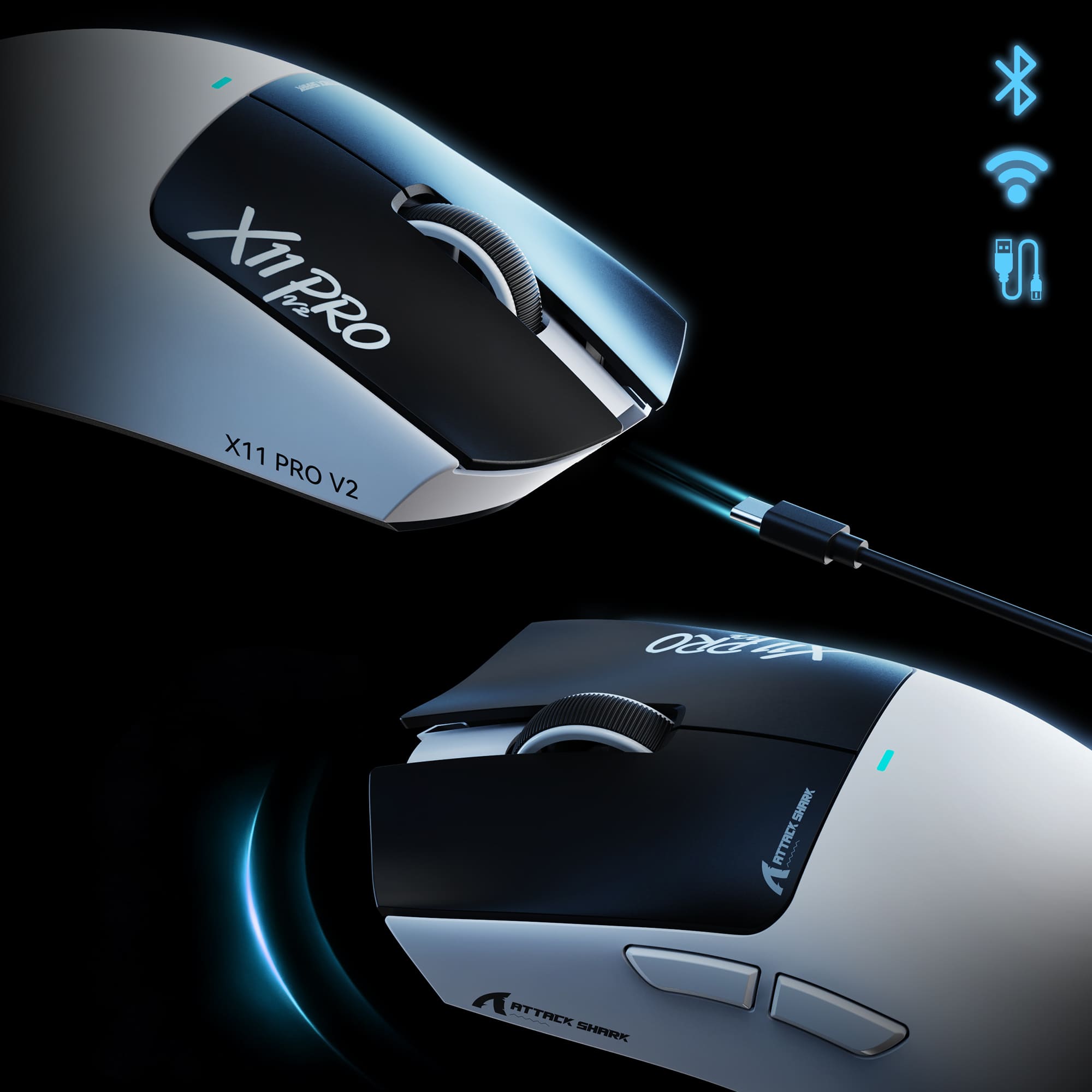
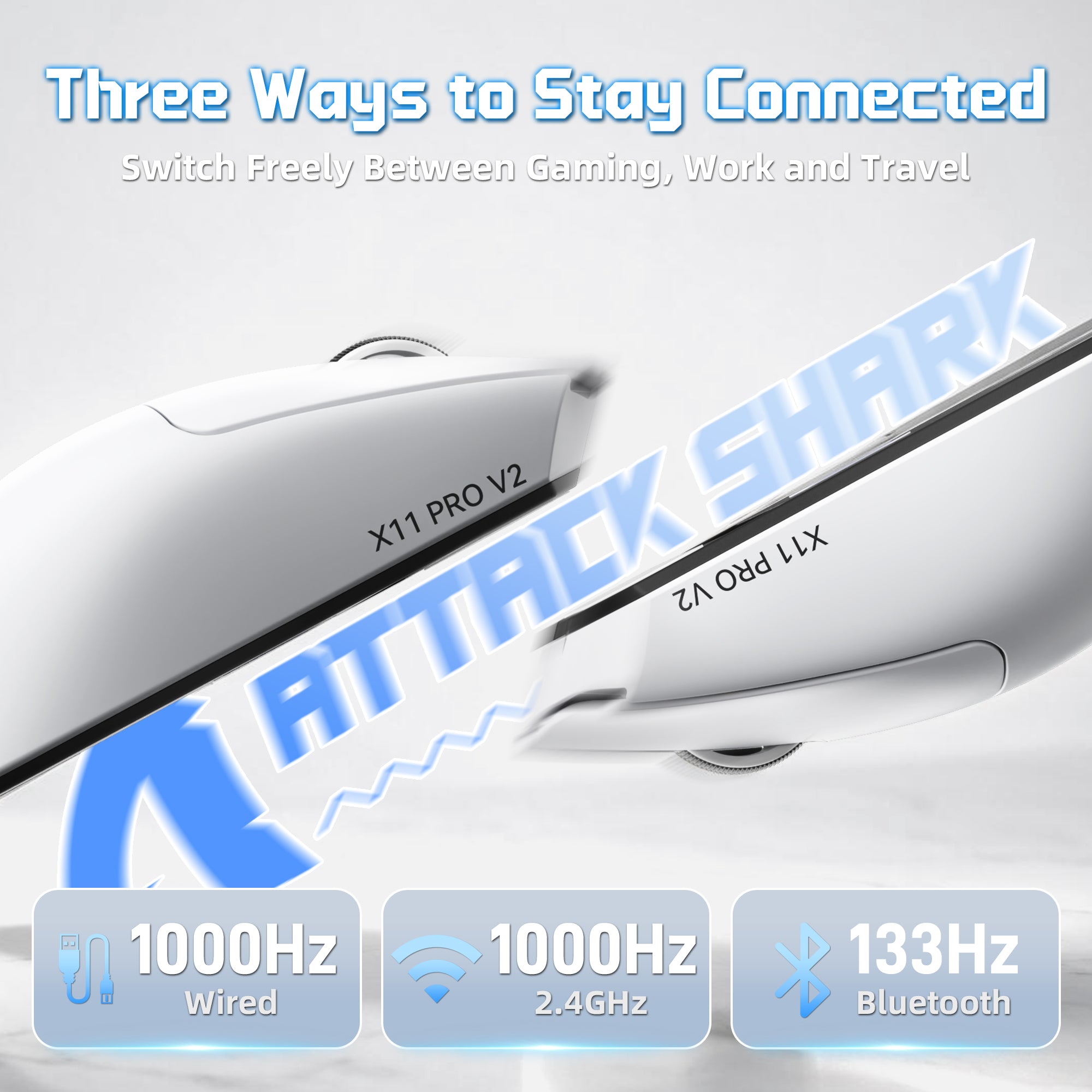
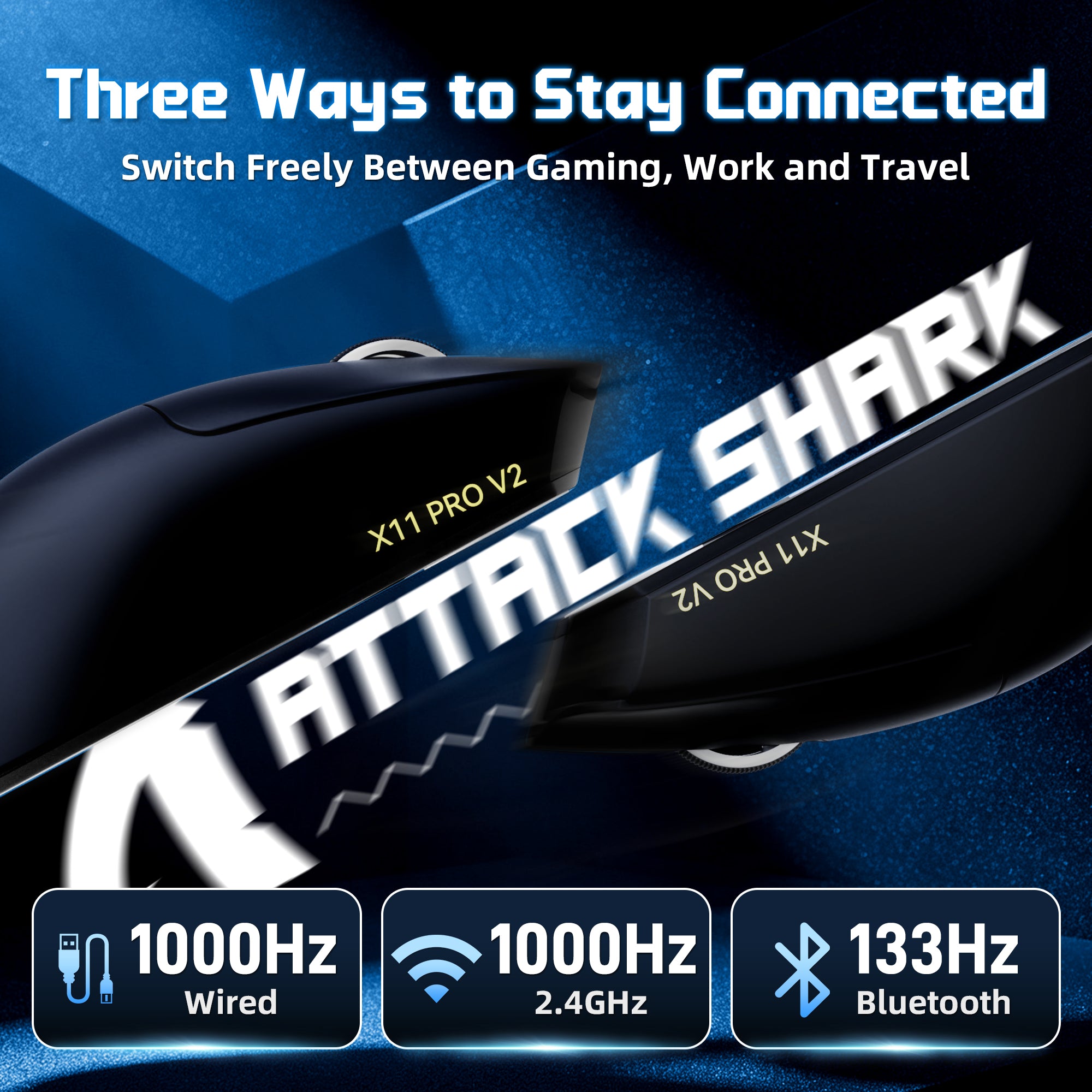
つながりを保つ3つの方法
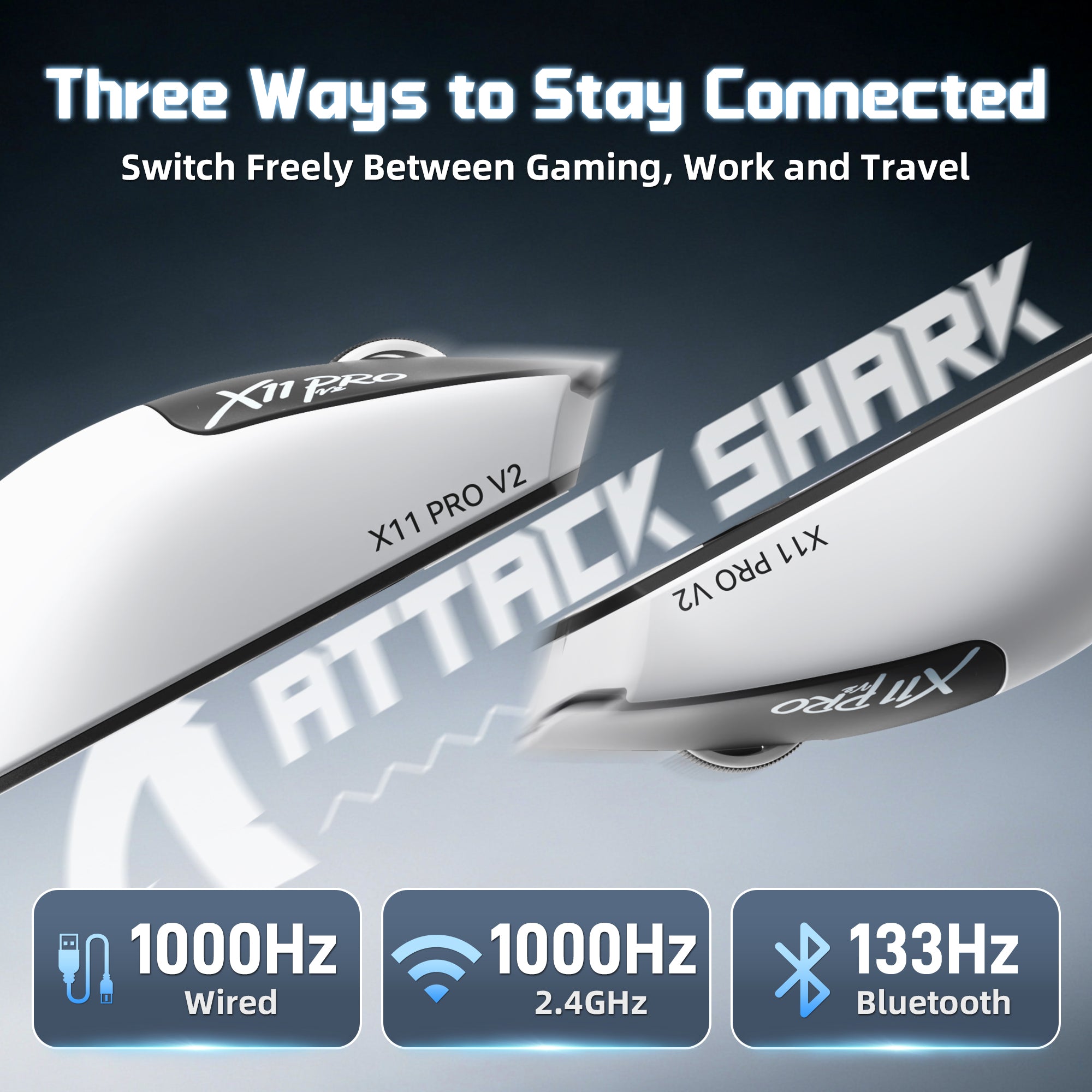
2.4Gワイヤレス | Bluetooth | 有線
3つの接続モードを自由に切り替えて、さまざまなシーンに対応します。デスクでのゲームプレイ、ノートパソコンでの作業、旅行中でも、X11 PRO V2は柔軟で信頼性の高い接続を提供します。

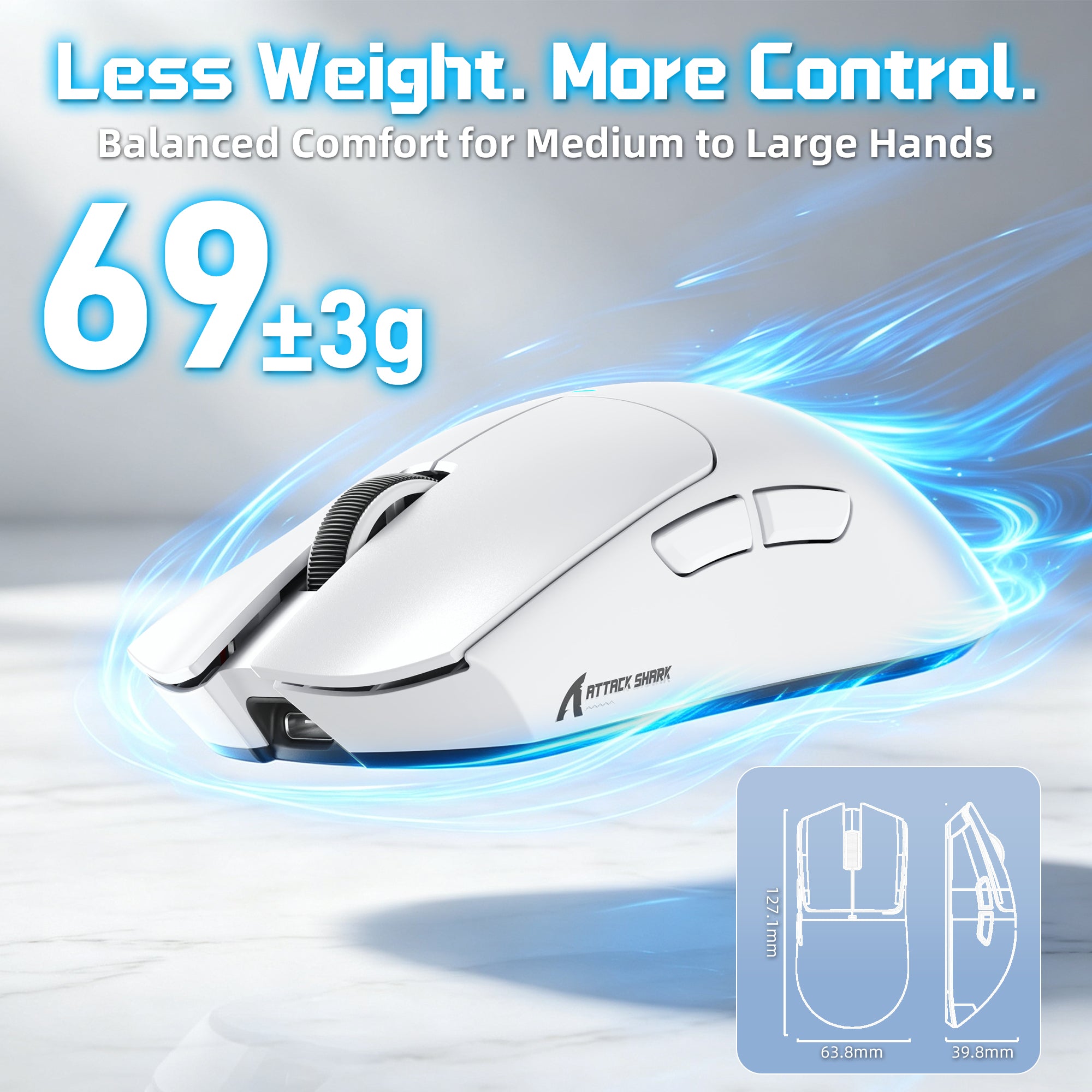
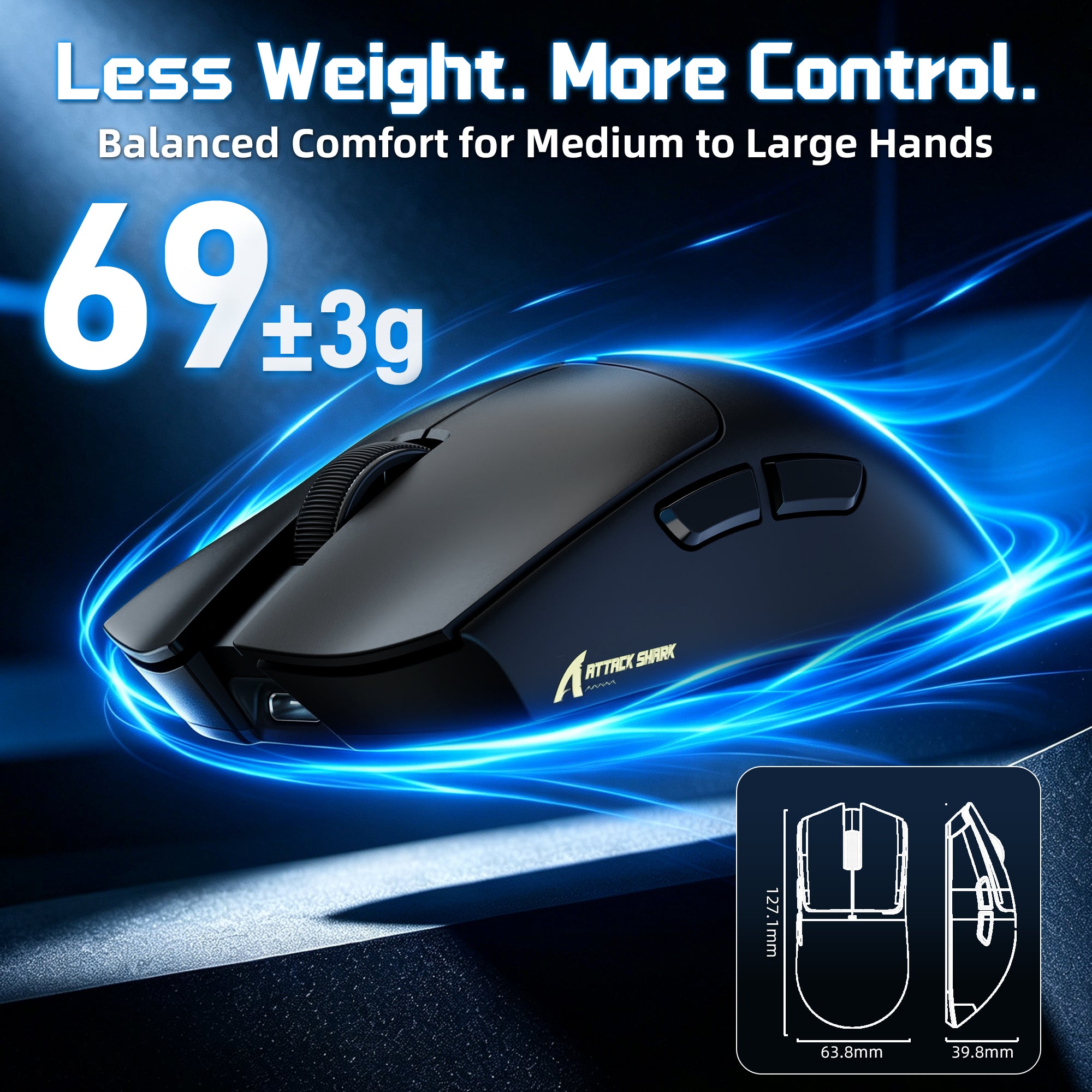
66±3g エルゴノミックゲーミングデザイン
中〜大サイズの手にフィットする快適さ
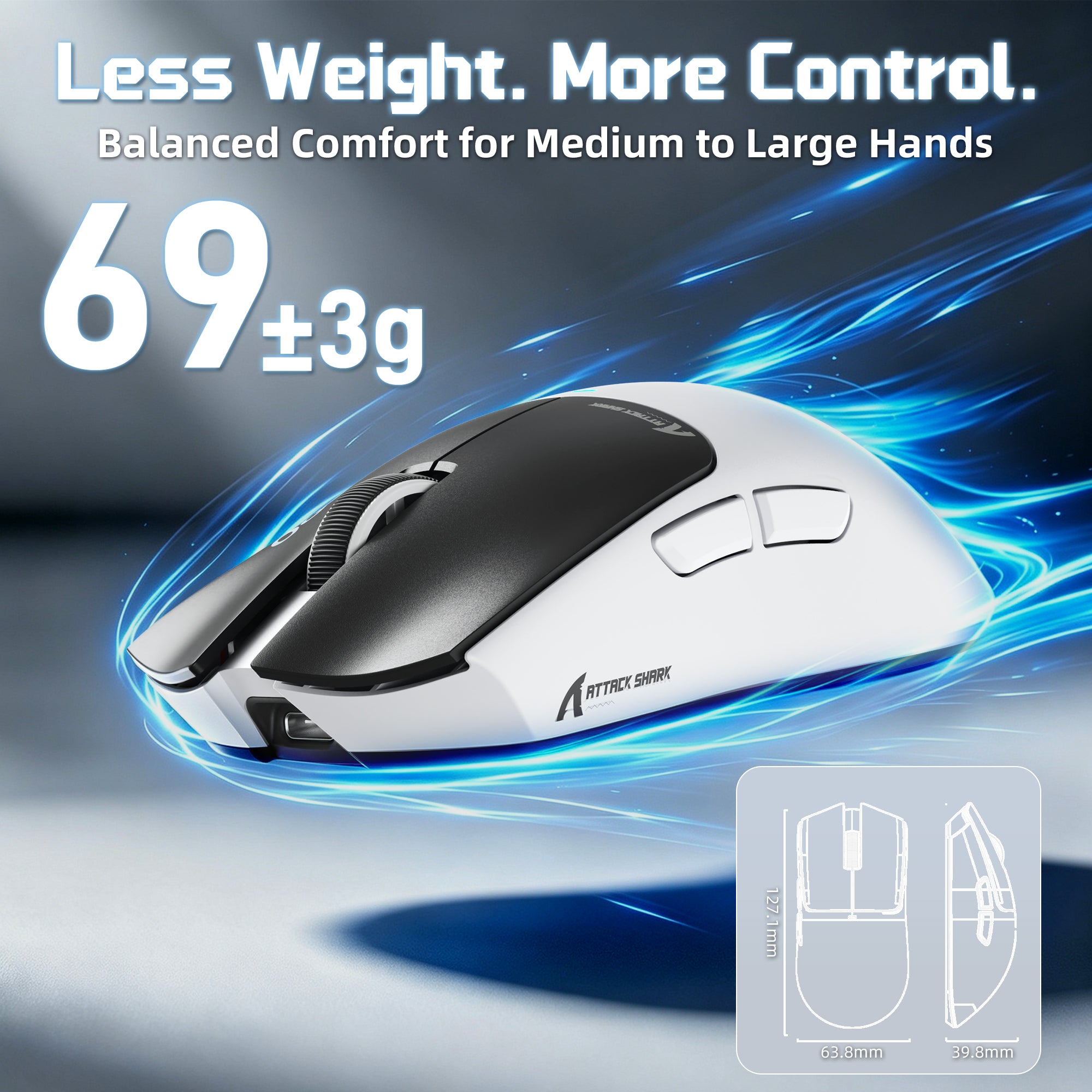
人間工学に基づいた形状で設計されたX11 PRO V2は、中型から大型の手に快適なサポートを提供します。軽量の66±3gの本体は、手のひら、爪先、指先のグリップスタイルでも楽に操作できます。

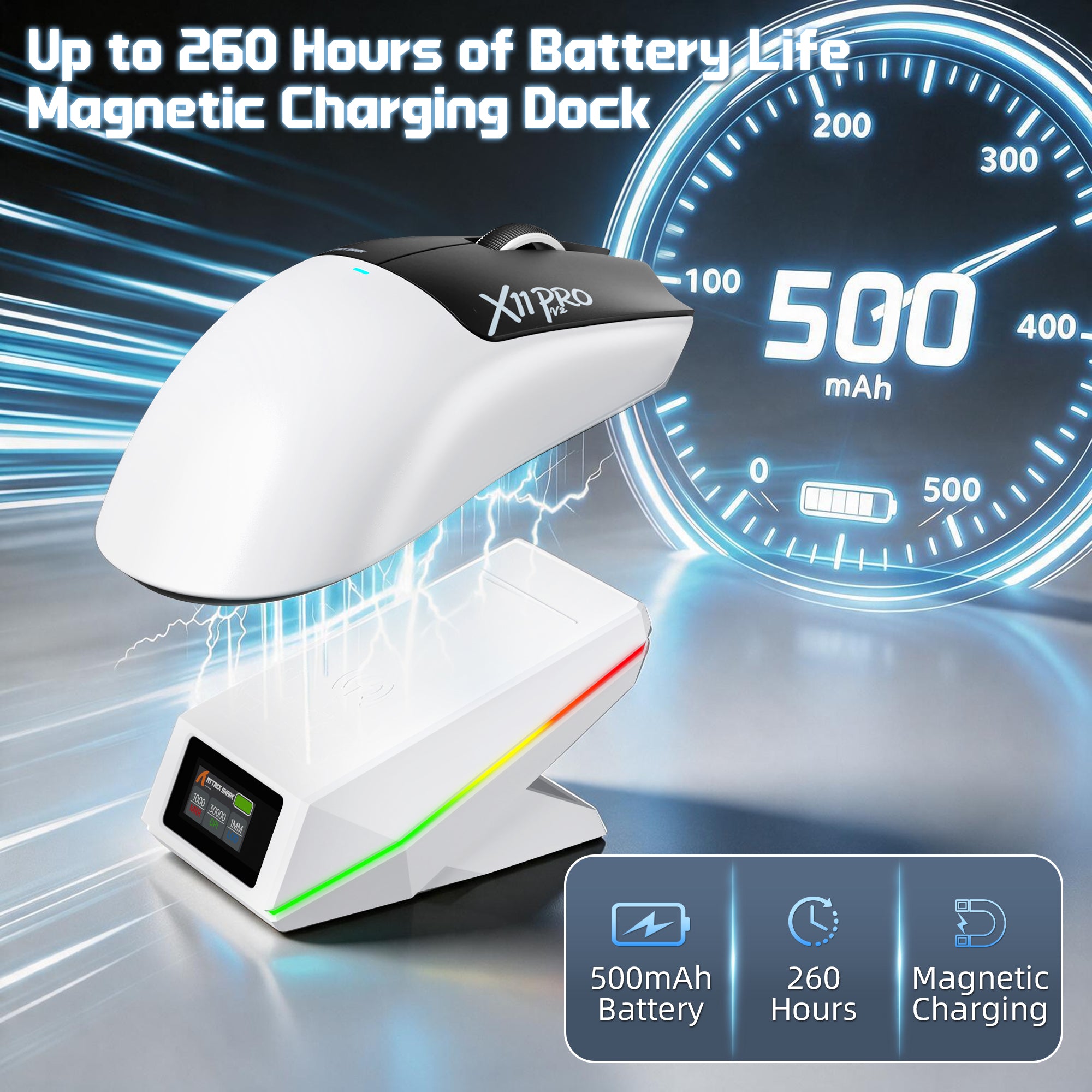
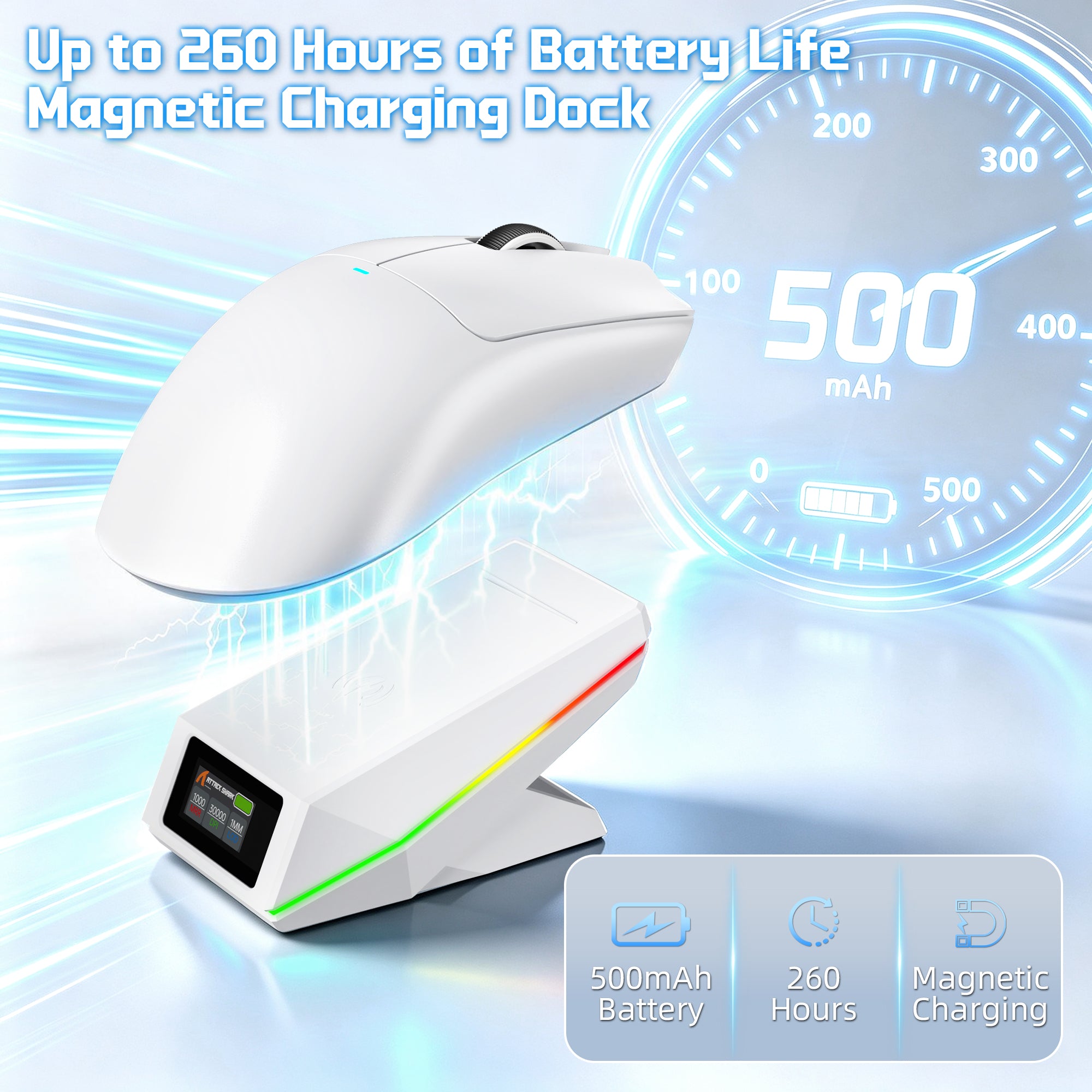
最大260時間のワイヤレス自由時間
アップグレードされた500mAh高密度バッテリー
高密度の500mAhバッテリーを搭載したX11 PRO V2は、長時間のゲームセッションでもバッテリー寿命を延ばします。充電の手間を減らし、ゲームに集中し続けましょう。

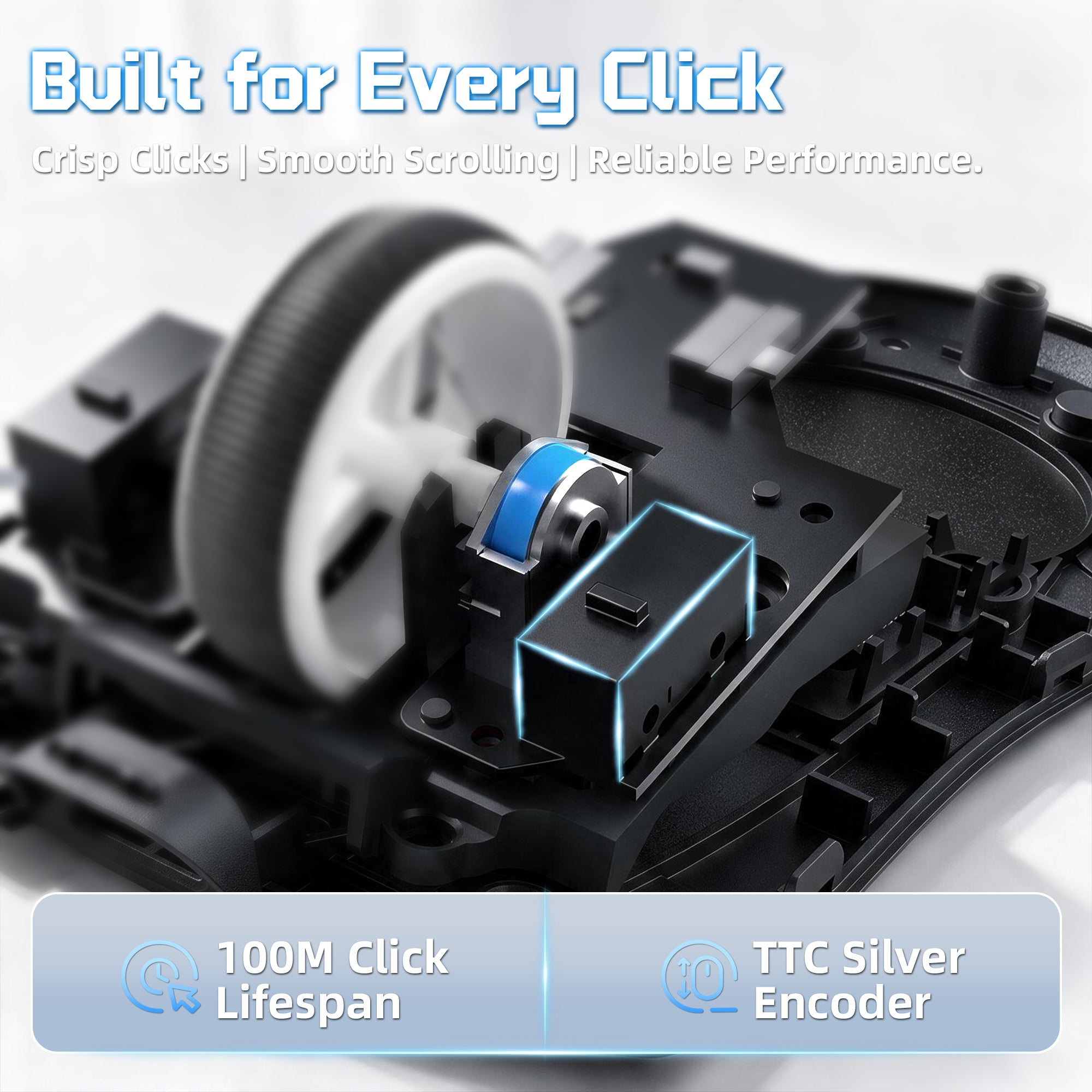
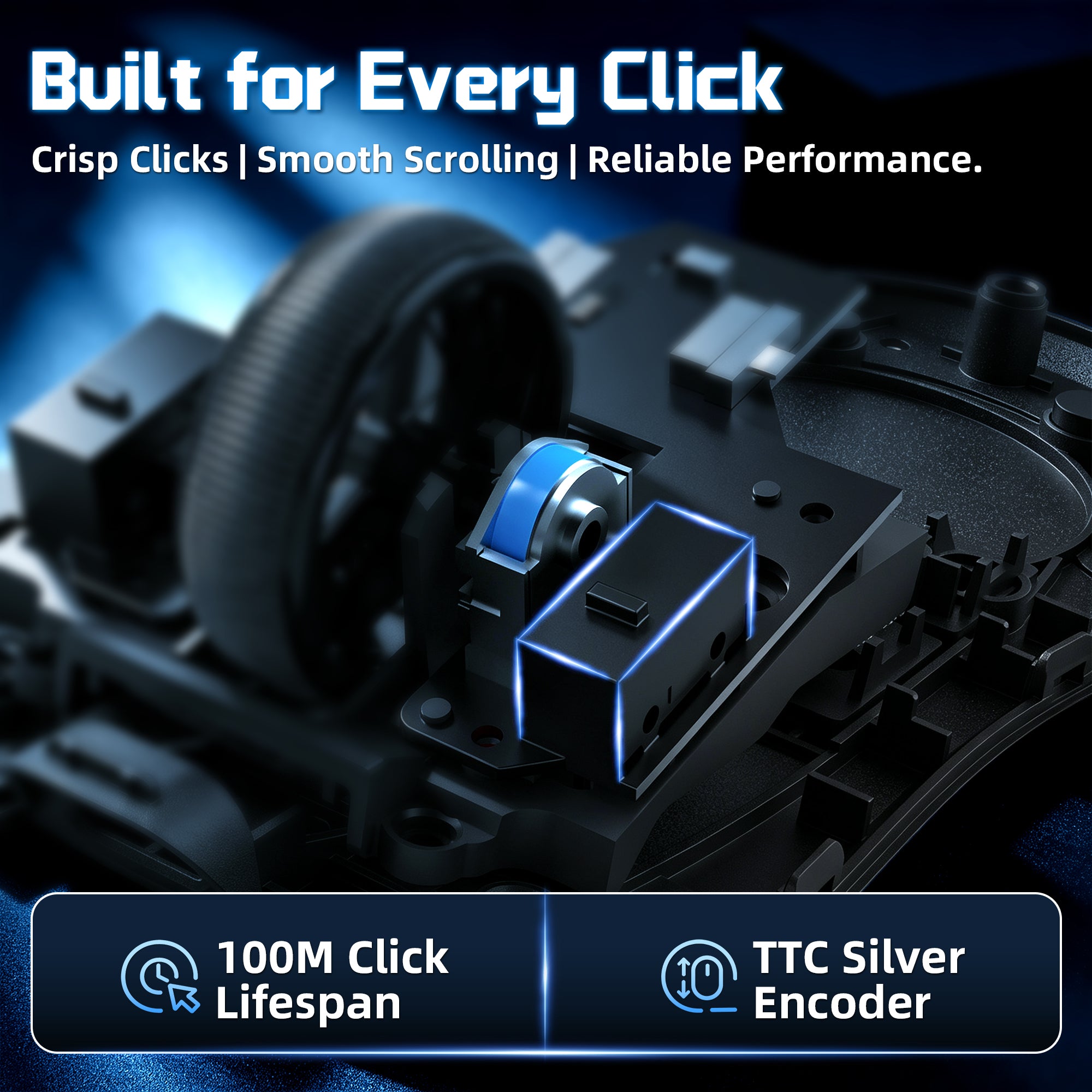
プレミアムスイッチを使用して作られています
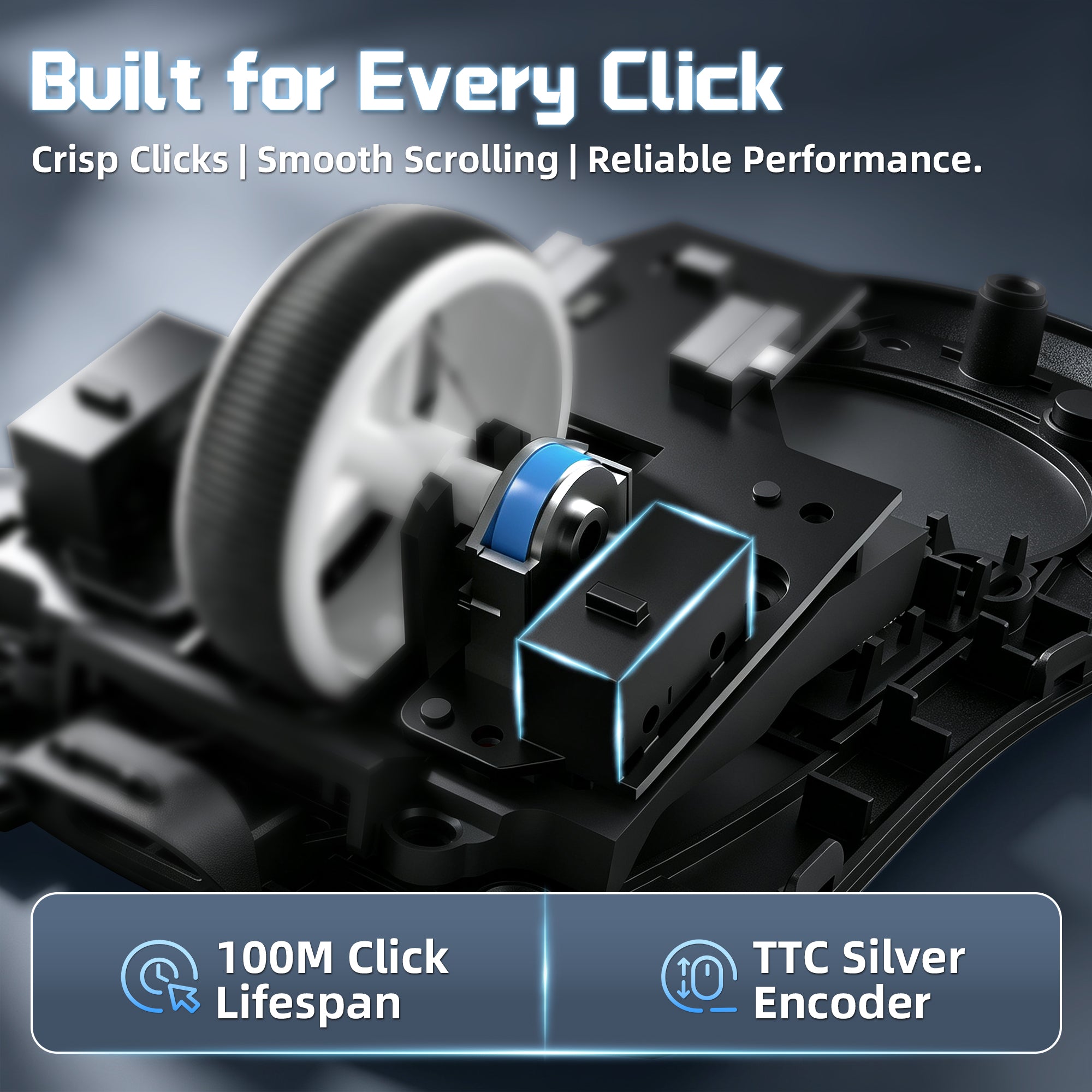
オムロン 100万回クリック + TTC シルバーエンコーダー
耐久性の高いオムロン製メカニカルスイッチとTTCシルバーウィールエンコーダーを搭載したX11 PRO V2は、鮮明なクリック感、滑らかなスクロール、そして長期のゲーム使用に適した信頼性の高いパフォーマンスを提供します。
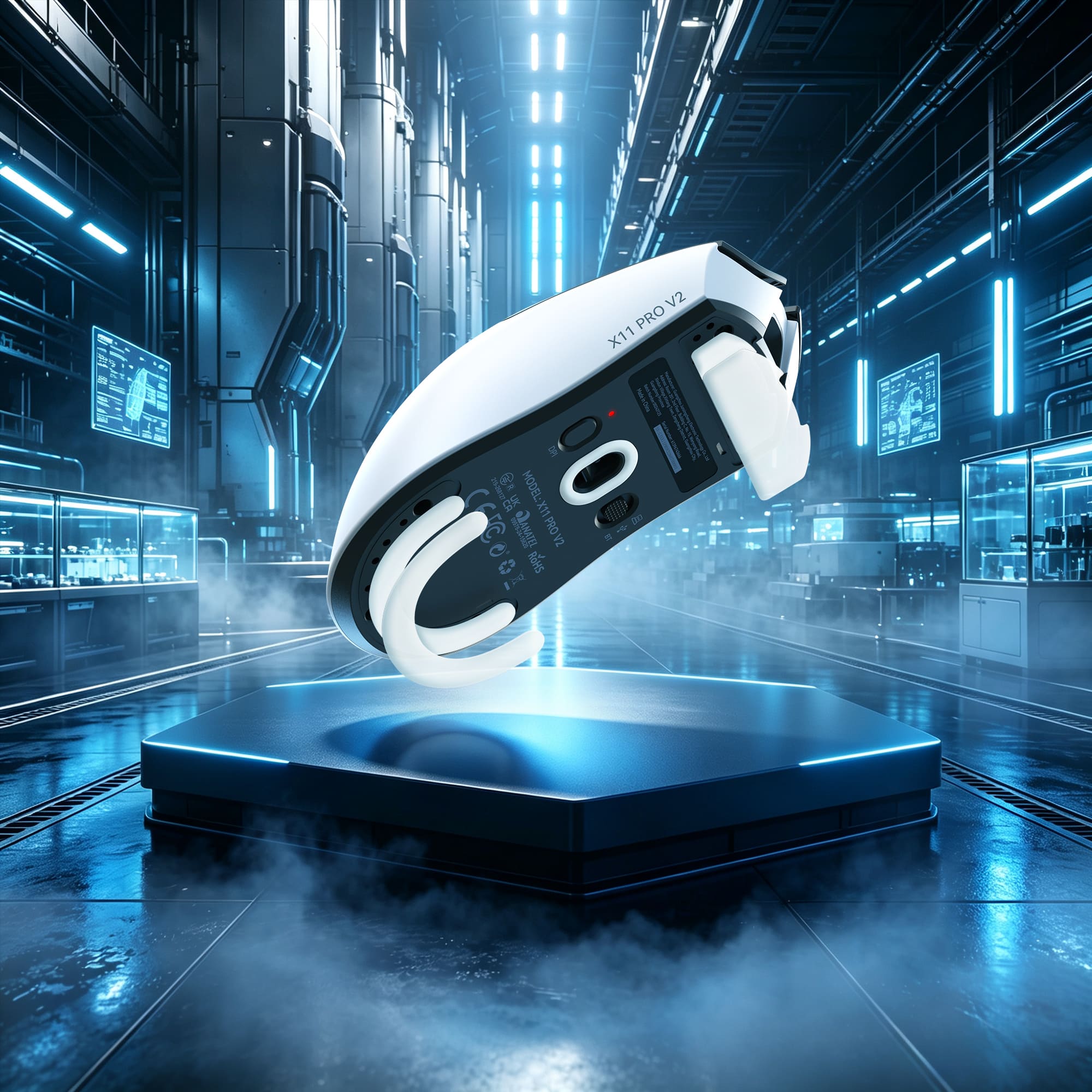
正確なコントロールでの高速移動
Ultraスムーズな二重層PTFEスケート
高品質な二重層PTFEスケートを採用したX11 PRO V2は、さまざまなマウスパッド上でより速く、滑らかな滑りを実現します。最適化された厚さにより、安定性とコントロール性が向上し、激しいゲームプレイ中でも正確なトラッキングを保証します。
Technical Specifications
WEB DRIVER
-
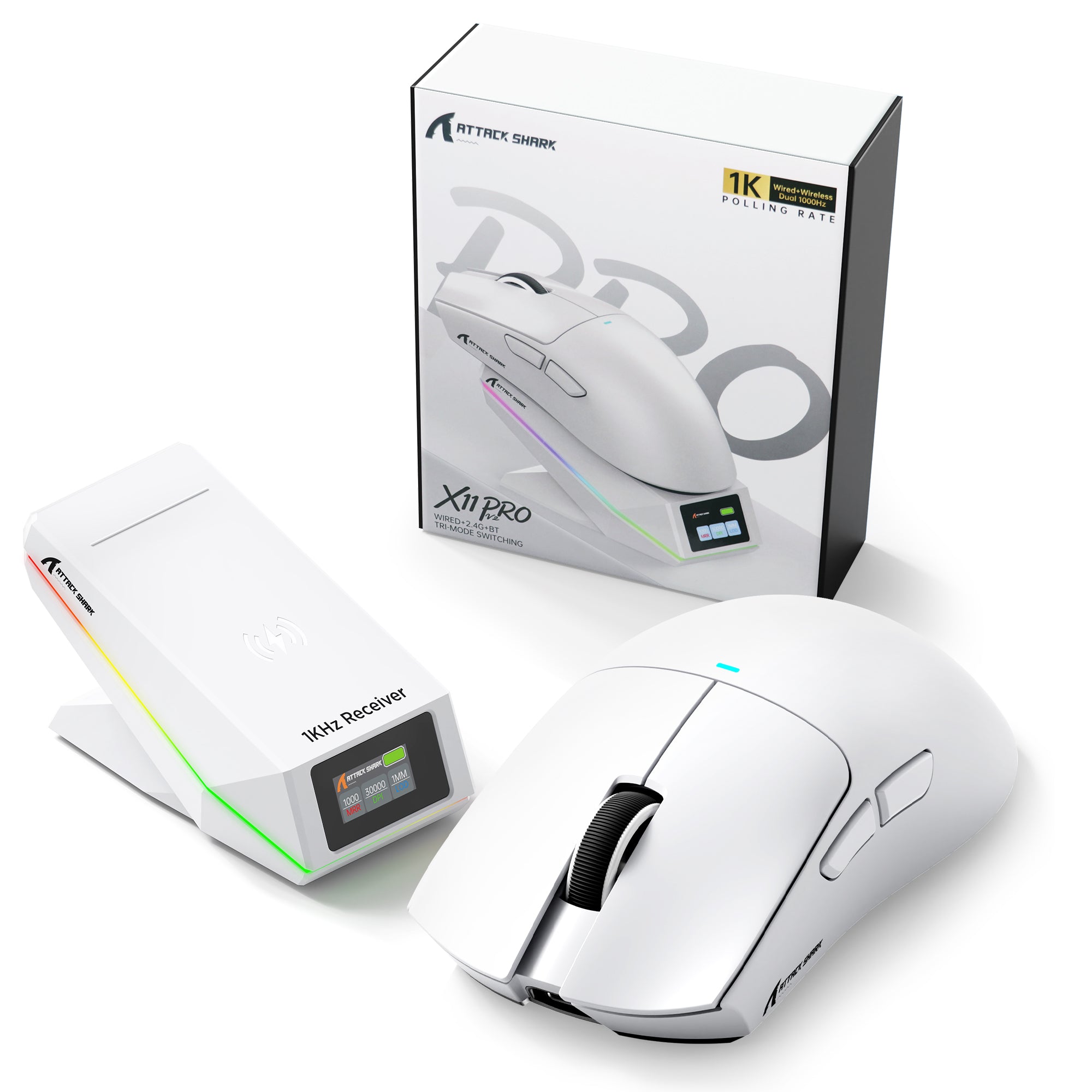
アップグレードされたTFTディスプレイ搭載充電ドックと内蔵2.4Gレシーバー
- X11 PRO V2の強化された充電ドックでゲーミング環境をアップグレードしましょう。TFTカラーディスプレイにDPI、ポーリングレート、バッテリー残量がリアルタイムで表示されます。内蔵2.4Gレシーバーにより、別途ドングルを用意する必要はありません。ドックを接続するだけで、すぐにワイヤレスゲーミングを楽しめます。Qi対応のマグネット式充電設計により、所定の位置に置くだけで簡単に充電できます。
-
PixArt PAW3315センサー - 30,000 DPIの高精度
- アップグレードされたPixArt PAW3315センサーを搭載したX11 PRO V2は、最大30,000 DPI、トラッキング速度400 IPS、加速度40Gを実現し、正確で応答性に優れた操作を提供します。スムーズなトラッキング、正確な動き、そしてスピード感のある対戦ゲームでも安定したパフォーマンスを体験できます。
-
1000Hzワイヤレス性能と3種類の接続モード
- BK3633メイン制御チップを搭載したX11 PRO V2は、2.4Gワイヤレスモードと有線モードの両方で安定した1000Hzポーリングレート性能を提供します。2.4Gワイヤレス、Bluetooth、USB有線接続に対応し、ゲーム、仕事、日常の用途に合わせて柔軟に切り替えられます。
-
高品質OmronスイッチとTTCスクロールホイールエンコーダー
- 長期間の使用を想定して設計されたX11 PRO V2は、最大1億回のクリックに耐えるOmronメカニカルスイッチと、スムーズで正確なスクロールを実現するTTC Silver Wheelエンコーダーを搭載しています。すべてのゲーミングセッションで、心地よいクリック感、安定したフィードバック、優れた耐久性を楽しめます。
-
500mAhバッテリー、最大260時間の連続使用
- アップグレードされた500mAh高密度バッテリーにより、最大260時間のバッテリー駆動を実現し、充電による中断を減らして長時間のゲーミングセッションを楽しめます。頻繁に充電することなく、より長く電力を維持してゲームに集中できます。
-
中型から大型の手に適した66gのエルゴノミックデザイン
- 中型から大型の手に合わせて設計されたX11 PRO V2は、軽量な66±3gの本体とエルゴノミック形状を採用しています。快適な右手用デザインがパームグリップ、クローグリップ、フィンガーチップグリップをしっかりサポートし、長時間の使用でも快適さを保ちます。
-
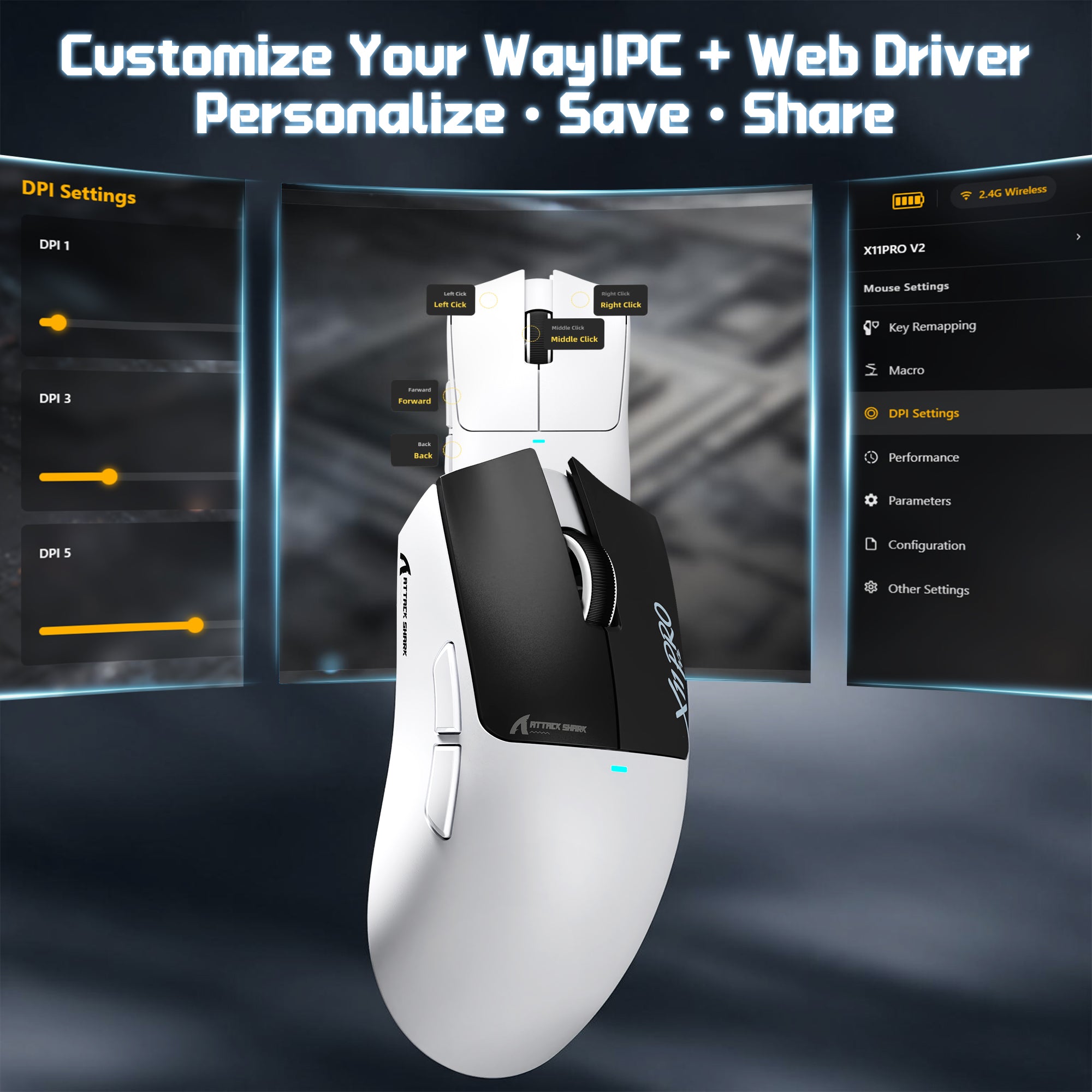
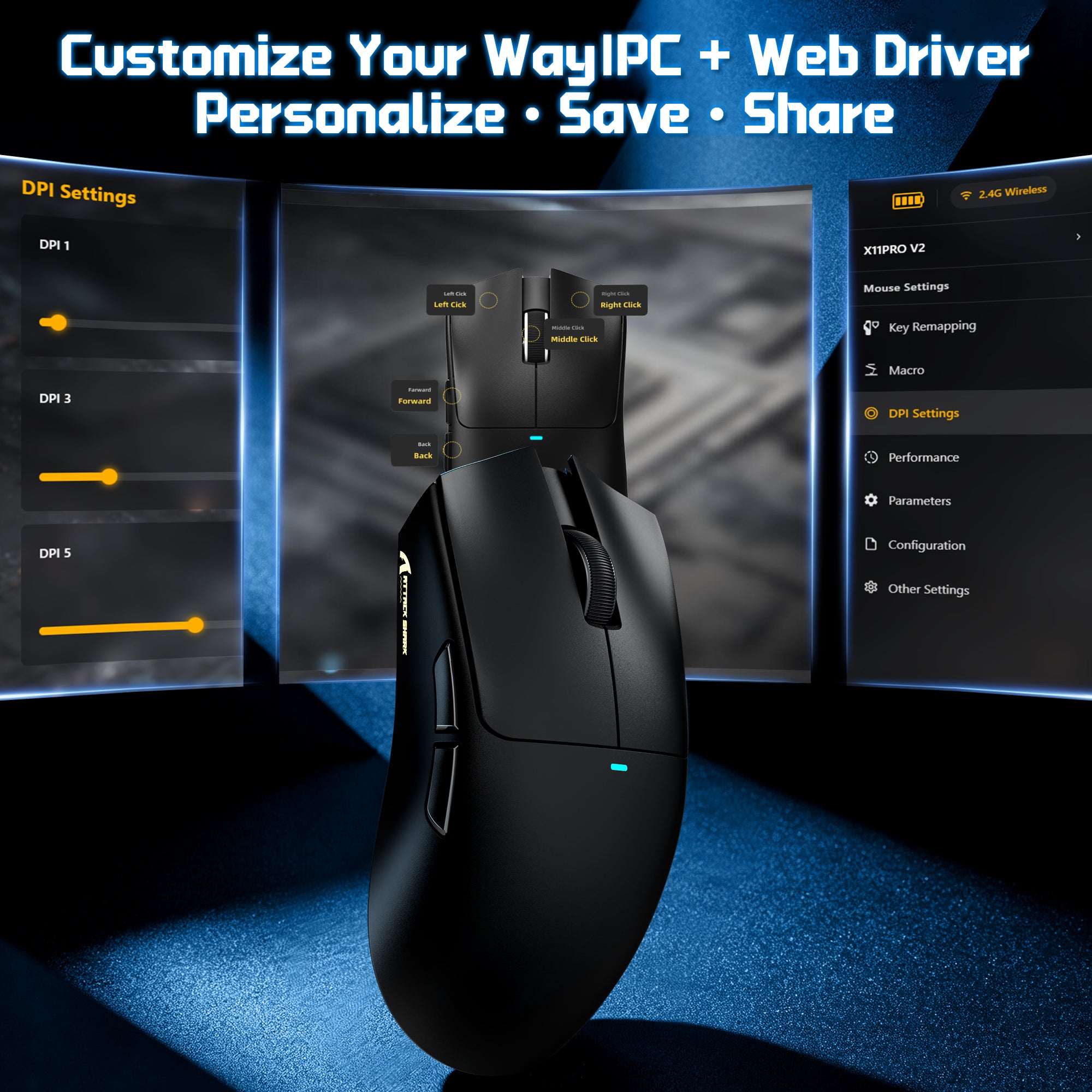
PCソフトウェアとWebドライバーによるカスタマイズ
- 柔軟なドライバーオプションでX11 PRO V2をカスタマイズできます。専用PCソフトウェアまたは便利なWebベースのドライバーを選択して、DPI、ポーリングレート、ライティング効果などの設定を調整できます。どちらのプラットフォームでも、カスタム壁紙、テキスト、カラーテーマを使ってドライバーインターフェース自体を自分好みに設定でき、自分のスタイルに合った操作環境を作れます。
よくある質問
このテキストを使用して、商品や配送ポリシーに関する情報を共有してください。
What is the ATTACK SHARK X11 PRO V2?
What does the TFT display charging dock show?
Does the X11 PRO V2 need a separate wireless dongle?
How does the charging dock work?
How long does the battery last?
What sensor does the X11 PRO V2 use?
Is 30,000 DPI useful for gaming?
What polling rate and MCU does it use?
What connection modes does it support?
Is it good for FPS games like Valorant and CS2?
Is it comfortable for different hand sizes and grip styles?
Is the X11 PRO V2 lightweight?
What switches and scroll wheel encoder does it use?
What do the PTFE skates do?
Can I customize DPI, polling rate and display settings?
X11 PRO V2とF1 AIRのどちらを選ぶべきですか?
手が中〜大きめで、マウスを充電でき、2.4Gレシーバーを収納し、バッテリー残量を表示するドックが欲しい場合は、X11 PRO V2を選んでください。軽さを最優先するならF1 AIRがおすすめです。重量はF1 AIRが39gで、X11 PRO V2は66±3gです。F1 AIRにはPAW3955MAXセンサーが搭載されている一方、X11 PRO V2にはPAW3315が搭載されています。
A good mouse that wont break the bank. The charging base is a nice touch. It adds a convenient way to charge the mouse and acts as a nice display as well. The mouse itself feels built for larger hands. The buttons have extended landing pads on the ends for longer reach. It feels good in the hand and lightweight. It responds quickly during fast paced gaming. Overall a good mouse. You won't be disappointed.


mouse veramente solido e sottovalutato, estremamente fluido e leggero, tasti veramente solidi con un feeling veramente di alta qualità, tasti laterali hanno praticamente 0 gioco e la stazione di ricarica è rigida. Il mouse è anche abbastanza personalizzabile tramite il suo software dedicato, si possono anche aggiungere macro. tuttosommato se cerchi un mouse bluetooth a meno di 50€ questo fa per te. (comunque per utilizzare la banda 2.4ghz lo switch deve puntare per l'opzione più verso l'alto e il mouse deve già essere accopiato al pc)


Nachdem ich die ATTACK SHARK X11 Pro V2 nun einige Zeit auf meinem Schreibtisch im Einsatz habe, bin ich wirklich positiv überrascht. Was mich sofort abgeholt hat, ist das gesamte Paket: Die Maus fühlt sich in meiner Hand sehr wertig an und liegt auch bei längeren Sessions angenehm, da sie ergonomisch gut geformt ist. Mit ihren rund 70 Gramm ist sie für mich ein guter Mittelweg – nicht zu schwer, aber auch nicht so extrem leicht, dass sie sich billig anfühlt.Das absolute Highlight ist für mich die magnetische Ladestation. Es ist unglaublich komfortabel, die Maus nach Feierabend einfach auf das Dock zu stellen, anstatt mit Kabeln zu hantieren. Das integrierte TFT-Display auf der Station ist dabei mehr als nur eine Spielerei; ich behalte so direkt den Überblick über meinen DPI-Wert, die Polling-Rate und den Ladestatus, ohne erst in irgendeine Software schauen zu müssen. Apropos Software: Dass man hier auf einen webbasierten Treiber setzen kann, finde ich klasse. Das spart mir die Installation von unnötigem Ballast auf dem PC.Die Präzision des Sensors ist im Alltag und beim Spielen einwandfrei. Ich hatte bisher keine Aussetzer oder Verzögerungen. Ein kleiner Punkt, der mir aufgefallen ist, betrifft das beiliegende Spiralkabel: Die Optik ist schick, aber die Kabelführung bei der Ladestation wirkt etwas ungewohnt, da die Spirale nicht ganz so fällt, wie ich es erwartet hätte. Das ist aber eher ein optisches Detail und beeinträchtigt die Funktion überhaupt nicht.Insgesamt bin ich sehr zufrieden. Die Maus macht genau das, was sie soll, ist zuverlässig und die Ladestation hebt das Set-up auf meinem Tisch deutlich auf ein neues Level. Wer eine solide, moderne Gaming-Maus sucht, die nicht nur technisch überzeugt, sondern durch das Dock auch den Komfort massiv steigert, wird hier meiner Meinung nach nicht enttäuscht.


As someone who is new to gaming, I wanted a mouse that looked cool and was easy to use, and this one did not disappoint! The black design looks sleek, and the lightweight feel makes it comfortable to use. I really like the charging dock because it looks awesome on my desk and makes charging feel simple. It is magnetic, so you just place the mouse on the charger and you are good to go.The RGB lighting is a fun bonus that adds personality to my setup. I also love that there are different settings to explore as I learn more about gaming. One of my favorite parts is the fun stickers! They are such a stylish extra and make the whole experience feel more personal. I love being able to add a little personality and make things feel more like my own.You get traditional buttons (left and right click), a scroll wheel and right-handed side buttons, all of which are programmable (something I need to explore). You also get different options on how to connect, using it as a wired mouse or via the bluetooth connectivity option.For now the battery life is living up to the hype, so that is great as well, but with the charging stand you have a ready made way to make sure you are not letting your mouse sit, forgetting to plug it in for recharging. That is a great value add.I am also a big fan of instructions, so I appreciate that the provider included a little booklet to help get me going.Overall, I am happy with this mouse as someone just getting into gaming. It looks great, has fun features to explore, and the stickers are an extra touch that made me smile. I think it is a great choice for anyone who wants a gaming mouse that is both functional and fun! You are getting a ton of options for a decent price.

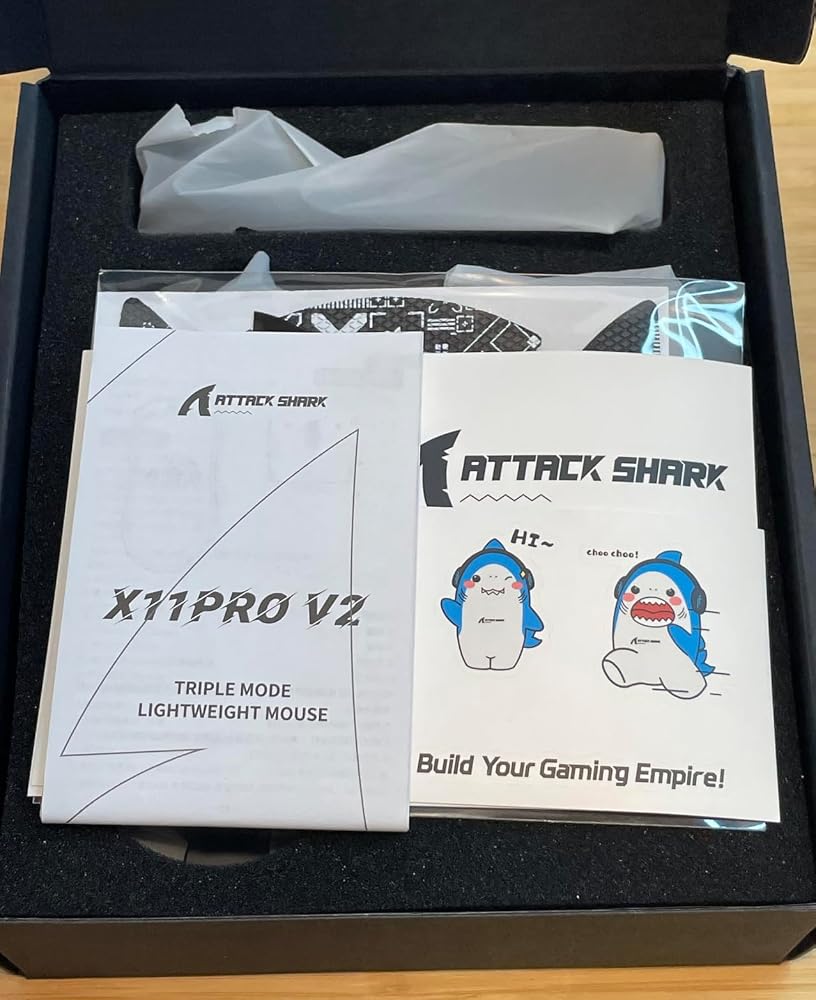
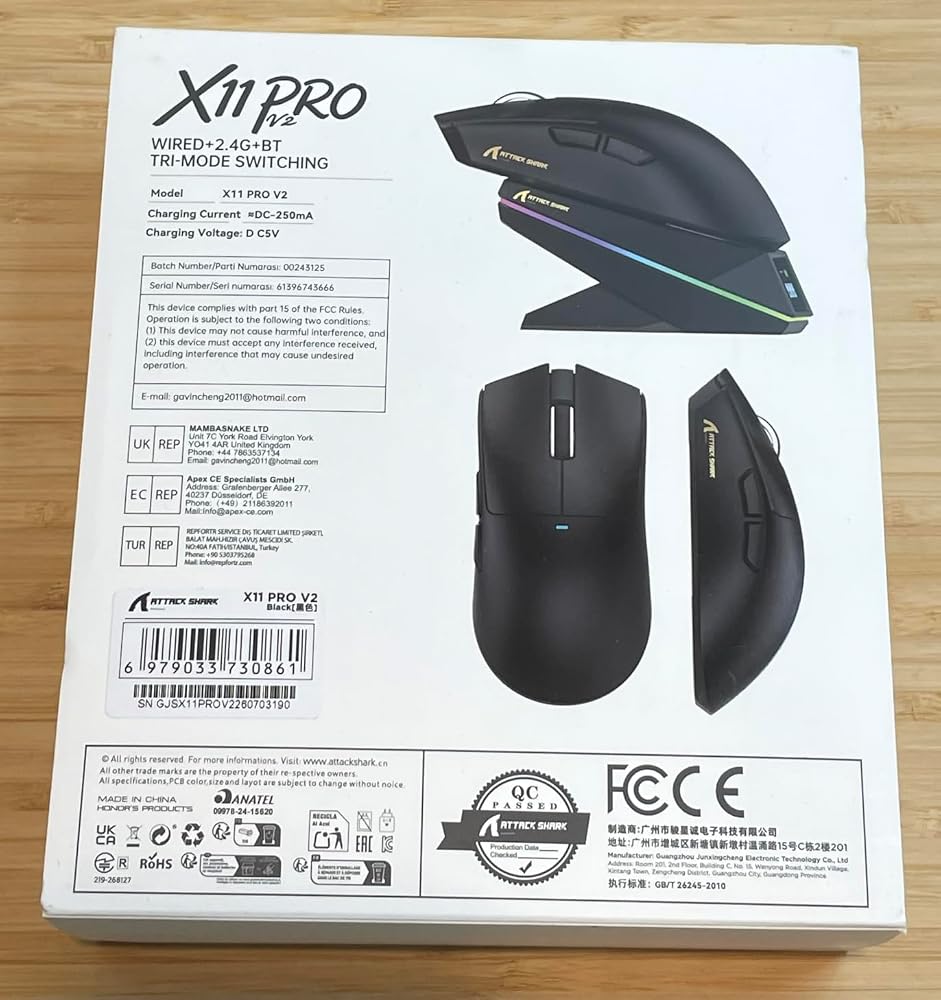


This mouse has a whole lot of mumbo jumbo attached to it. "PixArt PAW3315 sensor", "BK52820 MCU", "6 adjustable DPI levels up to 30,000 DPI, 400 IPS tracking,40G acceleration, and a true 1000Hz polling rate". Great. Is it any good?It's okay.For all the stuff it has going on, it doesn't feel particularly premium. It has a docking station with a little screen to tell you what your settings are (has anyone ever requested this?) in case you really must know what your DPI is at a glance (I guess interpreting the LED on the actual mouse that changes colour based on the DPI setting is not straightforward enough?) and it has wireless charging and 2.4GHz + Bluetooth + wired connectivity, but it doesn't look nor feel like anything special. The shape of the mouse looks like any number of dollar store "gaming mice" I've seen.Functionally, it works fine. It's quite light, so it's not too heavy to move around. Response time is fine, but I cannot fathom requiring 30000 DPI for anything at all. Move your mouse a fraction of a millimetre and the pointer flies to the opposite side of the screen?I get that this is aimed at gamers and e-sports enthusiasts, but this seems like a whole lot of blah blah blah to make you think you're going to be better at games because of it. It's fine, but I feel like you have to be a real mouse snob to enjoy this.


El producto viene en una caja muy bien presentada con imagen a color. Incluye el ratón, base de carga, cable en espiral y cable normal forrado en hilo, almohadillas adhesivas personalizadas y manual de usuario.El ratón tiene un aspecto impecable, tanto en acabados como en calidad de materiales y estética. Diseño estético sencillo pero elegante y sobrio. La base de carga y el resto de accesorios, se ven de calidad igual o similar y no se aprecian defectos, excepto el cable en espiral, que al venir con poco espacio, ha cogido algo de forma "no adecuada". En cualquier caso, no es de gravedad.El ratón se siente muy bien en mano, es bastante ligero, con un pequeño reparto de peso hacia la parte trasera. De mitad para atrás, se nota un poco mas pesado, supongo que a la batería. En general es muy liviano y cómodo de usar. Los botones ofrecen un tacto muy bueno, aunque esto suele ser un tema subjetivo a gusto de cada usuario, me parece que está muy equilibrado. Tanto rueda como botones tienen tacto y clics agradables. El botón para cambiar los DPI se encuentra en la parte inferior del ratón. Habría estado bien que, el botón se encontrara en la parte superior.En cuanto a conectividad, no le falta de nada. Con 3 modos de uso, se presenta como una opción muy versátil, para usar en casi cualquier escenario. En Bluetooth, el emparejamiento es rápido y sencillo y el uso es correcto, aunque lo he usado menos, ya que siempre prefiero la conexión a 2.4Ghz o el cable. Conectado por cable, nada que objetar, funcionamiento perfecto. Ahora queda la mejor parte, conexión a través de su base de carga. Esta es la parte que mas me ha gustado, la base con carga inalámbrica. Independientemente de la pantalla de información que incorpora la base, lo mejor es la carga con soporte magnético e inalámbrica. Me parece muy cómodo y práctico, tener la base sobre el escritorio y cuando necesitas cargar el ratón, lo colocas encima y ya. Por otro lado, la base cuenta con un botón para controlar los efectos de la luz led RGB. Se puede apagar por completo o cambiar modos, desde colores fijos a ciclo de colores y varios efectos multicolor, con efectos varios de movimiento. Cuando se coloca el ratón para cargar, la luz de la base se torna en color rojo con animación de carga. La información de la pantalla, es súper útil para saber en todo momento la carga de la batería o los DPI seleccionados, entre otras cosas.Solo encuentro una parte o accesorio que no me convence. Se trata de uno de los cables incluidos. El cable sencillo, está forrado en hilo trenzado y estaría pensado para uso del ratón con cable, aunque también se puede usar con la base. El problema viene con el cable en espiral. El cable se ve de gran calidad y robusto, supongo que, pensado para usar con la base, que queda inmóvil sobre el escritorio, al igual que el cable en espiral de un teclado. Tal como está diseñado, creo que está al revés de como debe ir. Conectado a la base de carga, queda mucho cable sobrante desde la espiral hasta la base y desde el conector metálico al ordenador, queda muy poco cable. La espiral debería quedar cerca de la parte trasera de la base y el tramo largo de cable desde la espiral al ordenador. No entiendo la combinación de este cable con la base.En general, me parece un producto excelente, gracias a las características de la base. El ratón es muy bueno y me encanta como se ve en color blanco. Dispone de niveles de DPI para todos los gustos/usos, pero lo que me ha atrapado, es la base de carga inalámbrica con soporte magnético. La pantalla también es un plus interesante. Esto muy contento con él y no encuentro puntos negativos, excepto lo descrito con el cable en espiral.Espero que esta valoración te ayude a tomar la mejor decisión, según tus necesidades.


Une excellente souris avec un excellent rapport qualité-prix. La souris est livrée avec un dock qui permet de recharger mais aussi d'assurer la communication entre la souris et l'ordinateur. Le dock est de très bonne qualité, la recharge sans fil est vraiment efficace, la souris se recharge très facilement, ce qui lui permet de tenir très longtemps. Après des centaines d'heures d'utilisation, je n'ai pas eu besoin de recharger la souris ; d'ailleurs, si l'on positionne bien son téléphone sur le dock, j'ai remarqué que ce dernier pouvait être rechargé. C'est vraiment très pratique. Lorsque je suis à mon bureau, il me suffit donc de poser mon téléphone sur le dock pour pouvoir recharger mon téléphone tout en jouant.Niveau performance, la souris est vraiment très performante. Je l'utilise notamment pour jouer à des FPS, que ce soit sur PC Windows, Linux ou même sur Mac. La souris est parfaitement compatible avec tous les appareils. Je précise aussi qu'elle peut très bien être utilisée en sans-fil, tout comme en filaire. Au niveau des DPI, l'écran sur le dock nous permet de voir le profil utilisé et on dispose de plusieurs profils paramétrables directement via le PC.La qualité de fabrication de la souris, que ce soit au niveau des différents boutons, de la molette ou même des patins, est excellente. Les patins ne s'usent que très peu, même après de nombreux frottements sur le tapis de souris. En bref, j'en suis vraiment très satisfait. C'est une souris discrète avec un design élégant qui conviendra à tout type de setup. La recharge sans fil fonctionne vraiment très bien, le dock est de qualité.Si vous cherchez donc un excellent rapport qualité-prix pour une souris gamer, je vous la recommande.

Utilisant un setup PC à double écran dont un 27 pouces pour le travail et la détente, j'ai posé sur mon sous-main cette ATTACK SHARK X11 Pro V2. Connaissant bien la gamme de la marque (notamment après avoir manipulé des versions typées ultra-légères comme la RS3 Ultra), cette déclinaison V2 attire immédiatement l'œil par son équipement complet : capteur optique PAW3315, contrôleur Broadcom, et surtout une station d'accueil magnétique équipée d'un écran TFT couleur. Après plusieurs jours de tests intensifs, le mulot tient toutes ses promesses.✅ Les Points Forts :- Le dock de charge magnétique avec écran TFT : C'est le gros point fort sur un bureau. Plus besoin de chercher un câble au sol quand la batterie faiblit : on pose la souris sur ses deux contacts aimantés le soir, et l'écran couleur intégré au socle affiche l'état de la batterie et les paramètres. On peut même y importer de petites animations via l'interface logicielle.- Capteur PAW3315 ultra-réactif (30 000 DPI) : La précision est redoutable. Le suivi à 400 IPS et le polling rate à 1 000 Hz (en sans-fil 2,4 GHz comme en filaire) assurent une fluidité totale sans aucun décrochage. Sur mon grand écran de 27 pouces, la réactivité est immédiate.- Deux câbles de qualité dans la boîte : Excellente surprise au déballage, le fabricant fournit un câble tressé classique, mais aussi un câble spiralé « coiled » façon setup clavier mécanique custom. C'est superbe sur le bureau et ça évite les câbles qui traînent mollement.- Poids équilibré (environ 70 g) et clics nets : Contrairement aux souris ultra-light percées qui font parfois coquille vide, ses 70 grammes offrent une excellente inertie en main sans fatiguer le poignet. Les interrupteurs Omron (garantis 100 millions de clics) claquent de façon très franche sous l'index, sans aucun jeu parasite.- Tri-mode sans latence : La bascule entre le dongle 2,4 GHz (rangé sous le boîtier), le Bluetooth nomade et le mode filaire se fait d'un simple coup de commutateur sous la base.⚠️ Les Points de Vigilance / Bémols :- Sensibilité extrême à dompter : À 30 000 DPI, la vitesse est tout simplement folle (le moindre millimètre de déplacement projette le curseur à l'autre bout de mon second écran). Pour un usage bureautique ou du travail de précision, il faut impérativement baisser la sensibilité via le bouton inférieur ou le pilote Web autour de 1 200 à 1 600 DPI, sous peine de rendre le curseur incontrôlable.- Prise en main orientée mains moyennes à grandes : Avec son profil ergonomique hérité de la série X11, elle remplit bien la paume. Les utilisateurs adeptes d'une prise en bout de doigts (fingertip grip) avec de très petites mains la trouveront peut-être un peu volumineuse.Verdict :Je valide un 5/5 sans hésiter. Là où la RS3 Ultra chassait le gramme superflu au détriment du confort, cette X11 Pro V2 propose le compromis idéal : une glisse irréprochable, un capteur redoutable et le confort royal du dock aimanté à écran qui habille élégamment le setup. Un rapport équipement/prix impressionnant pour les joueurs comme pour les utilisateurs exigeants en bureautique lourde.


Un mouse da gaming low-cost ma un ottimo punto di partenza per chi vuole spendere poco o vuole una via di mezzo tra qualità e performance- Batteria: ottima. Tante ore di utilizzo prima di fare una carica completa. Avendo la stazione di ricarica (che monitora status della batteria, polling rate e DPI) è molto probabile che in alcune situazioni il mouse lo lascerete sul supporto sia per caricarlo che per semplicemente lasciarlo li. Di conseguenza la batteria non andrà mai in rossoMa in ogni caso, la batteria di suo dura tanto.*Riguardo il polling rate. La frequenza di 1000 significa che il mouse invia al computer i dati di aggiornamento della sua posizione 1000 volte al secondo. Più è alto, maggiore è la fluidità. Si traduce anche in minore latenza ma un consumo di batteria più alto (Non così tanto in questo caso).- Peso: una via di mezzo. Sono abituato a mouse più leggeri ma questo ha un giusto equilibrio che lo rende né troppo leggero né troppo pesante.- Connessione: offre 3 connessioni differenti. Bluetooth, wireless o cavo. Tanta scelta in base alle vostre abitudini- Accessori: oltre la stazione di ricarica che fa da monitor e da antenna, la confezione contiene i classici adesivi della mascotte della marca e gli adesivi da applicare sul mouse che ritengo molto utili per avere la mano più ferma. Adesivi decorati e gommati per un estetica più accattivante e un grip migliore.La qualità generale del mouse è buona in tutto. Mi ci trovo bene su qualsiasi gioco e anche per un utilizzo classico. Gli switch dei tasti non sono tanto rumorosi e con un ottimo input.


Besser als erwartet

This has been such a fun gaming mouse. Looks sharp, comes with awesome stickers. The quality is amazing, great connectivity and responsiveness, at highest setting their is no delay response. Scroll wheel is smooth and effective. You receive everything you need including some fun shark stickers, a great value for money. Makes for a nice upgrade mouse to any gamer.


By far the best gaming mouse for the price.

...für ein Overkill an Namensgebung für eine gute Computermaus: "Mambasnake Attack Shark X11 Pro V2"....Also Mambaschlange Angriffs Hai....klingt irgendwie nach einem B-Movie. Egal. Die Maus kam gut verpackt an. Negatives vorneweg: Umweltfreundlich war das nicht. Umverpackung der Maus und der Basisstation waren aus Plastik...das hätte man aus Papier machen können und die zwei Bögen mit diesen Pinguinhaiaufklebern...nein...sowas braucht man nicht. Meine kleine Tochter hat sie sich geschnappt und hat gleich alles vollgeklebt. Egal...die Basisstation mit dem beigelegten USB-C Kabel an den PC angeschlossen und die Maus an gemacht (Schalter auf der Unterseite) und auf die Basisstation gelegt. Der Magnet in der Basisstation hält die Maus sicher und fest...vielleicht einen ticken zu fest, aber dafür sind wohl die Klebepads auf der Unterseite der Basisstation, welche mit transparenten Folien abgedeckt sind. Nur will nicht jeder sowas permanent an ein und dem selben Platz an seinen Tisch kleben haben. Mit dabei sind Grip-Aufkleber für die Maus...die passen sauber und gut und fühlen sich bei der Benutzung gut an. Wenn man sie nicht anbringt, hat man einfach eine schwarze Maus. Auf der Oberseite ist eine kleine Status-LED, die sich beim Laden lila färbt...wenn sie fertig ist, dann wird sie grün. Auf der Vorderseite der Basisstation ist ein Status-Bildschirm, der über DPI und noch ein paar andere Informationen....informiert. Naja...keine Ahnung ob das wirklich sinnvoll ist...mhhm...naja...eigentlich schon ganz gut. Zudem gibt es an der Basisstation noch ein paar schicke LED-Leiste, die schön leuchtet. All das...nett...aber am Ende zählt nur: Funktioniert es? Ja...tut es. Sogar sehr gut. Die Anmeldung, ob unter Windows, Linux oder Android ist sekundenschnell erfolgt. Die Benutzung funktioniert ohne Aussetzer und ist punktgenau...und sieht, zugegebenermaßen, echt verdammt schick aus. Hier gibt es Licht und Schatten...aber das Licht überwiegt. Ich gebe 4 Sterne.


