






Attack Shark Mouse Polling Test
Mouse polling rate results are estimates
This web tool can only estimate the polling rate from browser events. Browser throttling, event coalescing, system scheduling, page focus, and device drivers can all affect the displayed Hz.
Use the result as a reference only.
How To Use
1. Start Testing
Click the START button to begin. This activates high-frequency tracking inside the page. Keep the pointer in the browser window while the test is running.
2. Move Your Mouse
Move your mouse continuously in circles or side-to-side. The faster and more consistent your movement, the more accurate the polling rate reading will be.
3. Analyze Graph
The blue line represents your real-time polling rate (Hz). A flat, stable line indicates a consistent sensor performance. Drops indicate instability.
4. Scale & Controls
Use the dropdown to set the Max Hz (e.g., 1000Hz or 4000Hz). Use PAUSE to freeze the data or RESET to clear all history.
FAQ & Knowledge
特集コレクション


ブログ記事

TOKYOキーボードEXPO 2026でATTACK SHARKに会おう
ATTACK SHARKは2026年9月23日に東京流通センターへ出展し、ブースB21-B23でホールエフェクトキーボードとゲーミングマウスを実際にお試しいただけます。
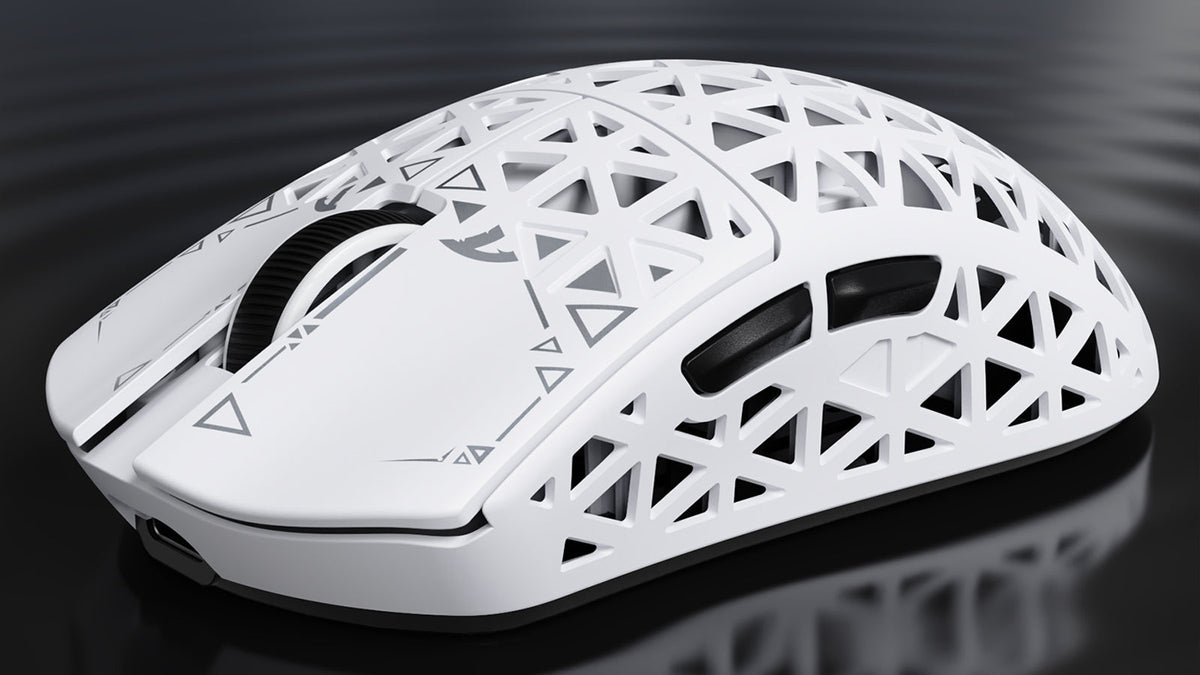
Attack Shark R5 Ultra レビュー:軽くて速いが、完璧ではない
剛性の高いカーボンシェル、8K対応の3モードワイヤレス、そして本当に軽いボディを備えていますが、滑りやすいコーティングと小さめのスケート用カットアウトにより、この超軽量マウスはギアの微調整を好むプレイヤー向けです。
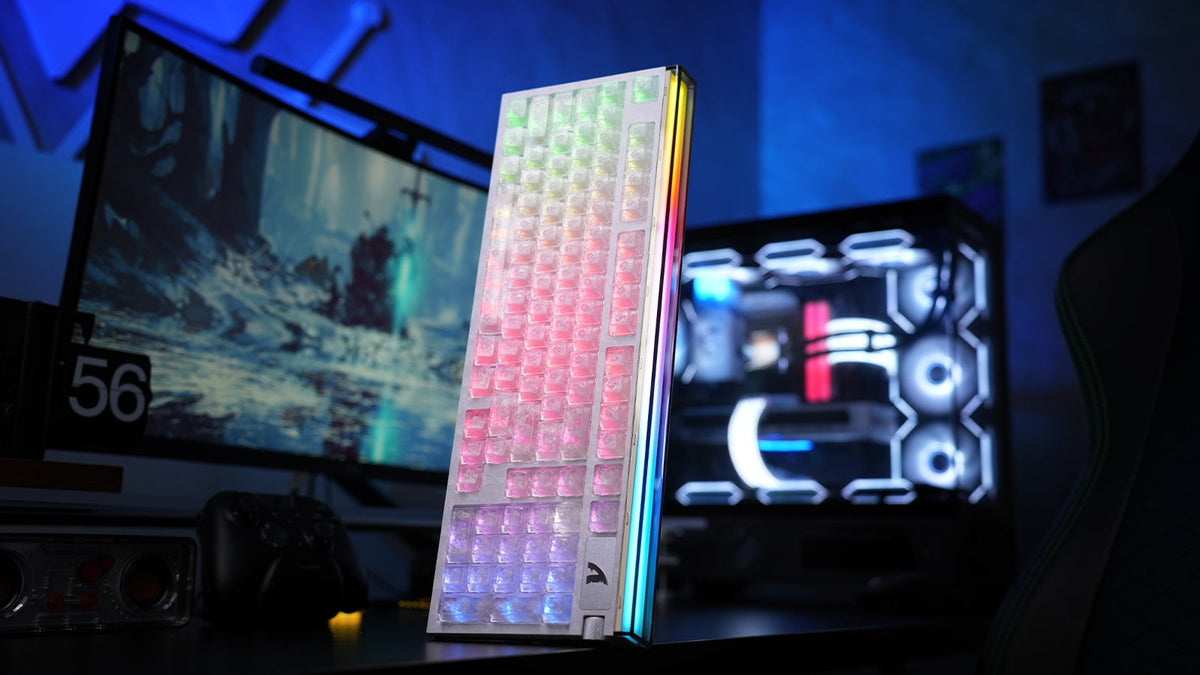
ATTACK SHARK R98 HEレビュー:ラピッドトリガーは速すぎる?
ラピッドトリガーは反応が速く感じられますが、役立つかどうかは設定次第です。R98 HEの98キー・ホールエフェクトレイアウト、ロータリーディスプレイ、ウェブドライバーが実際のデスク上でどのように機能するかをご紹介します。