






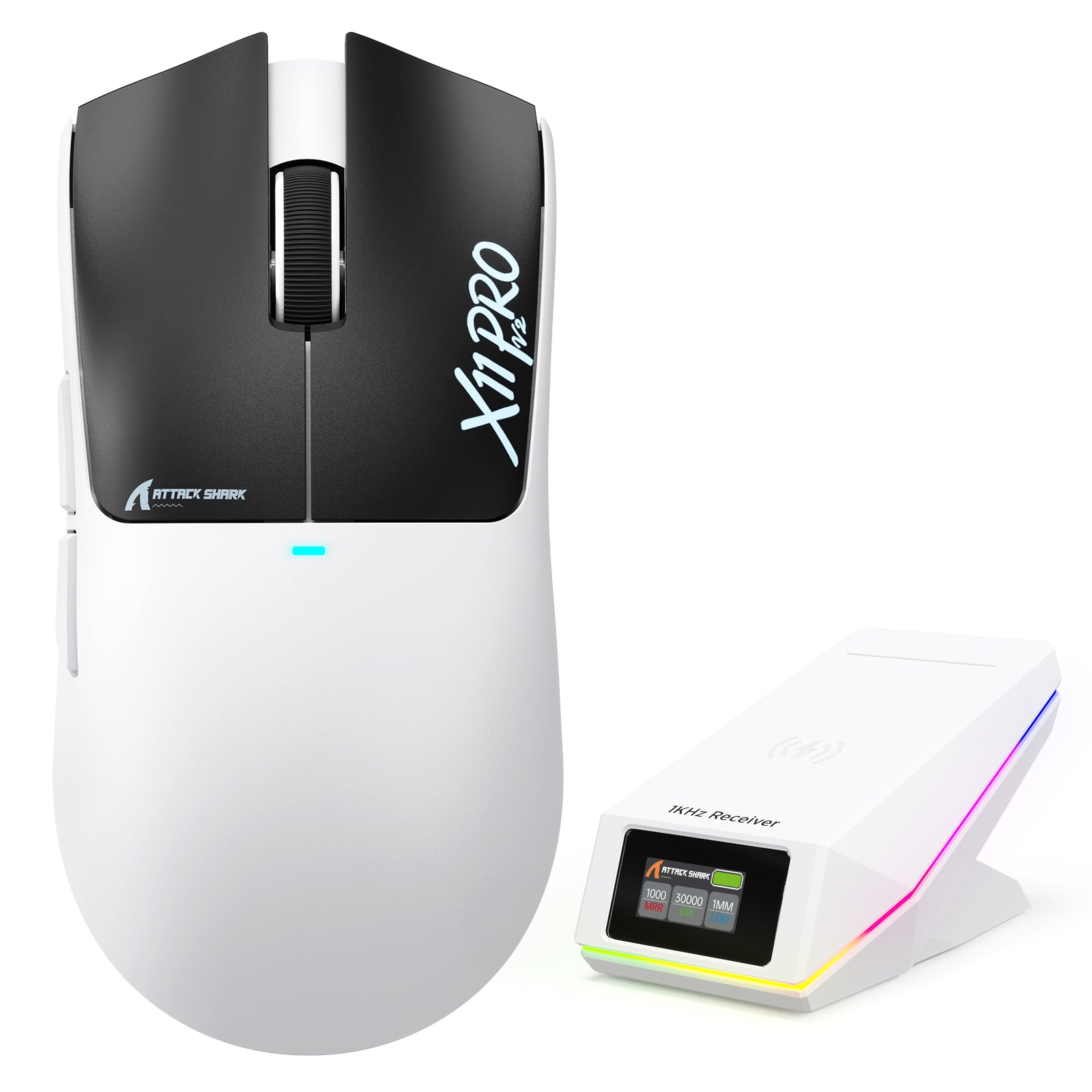
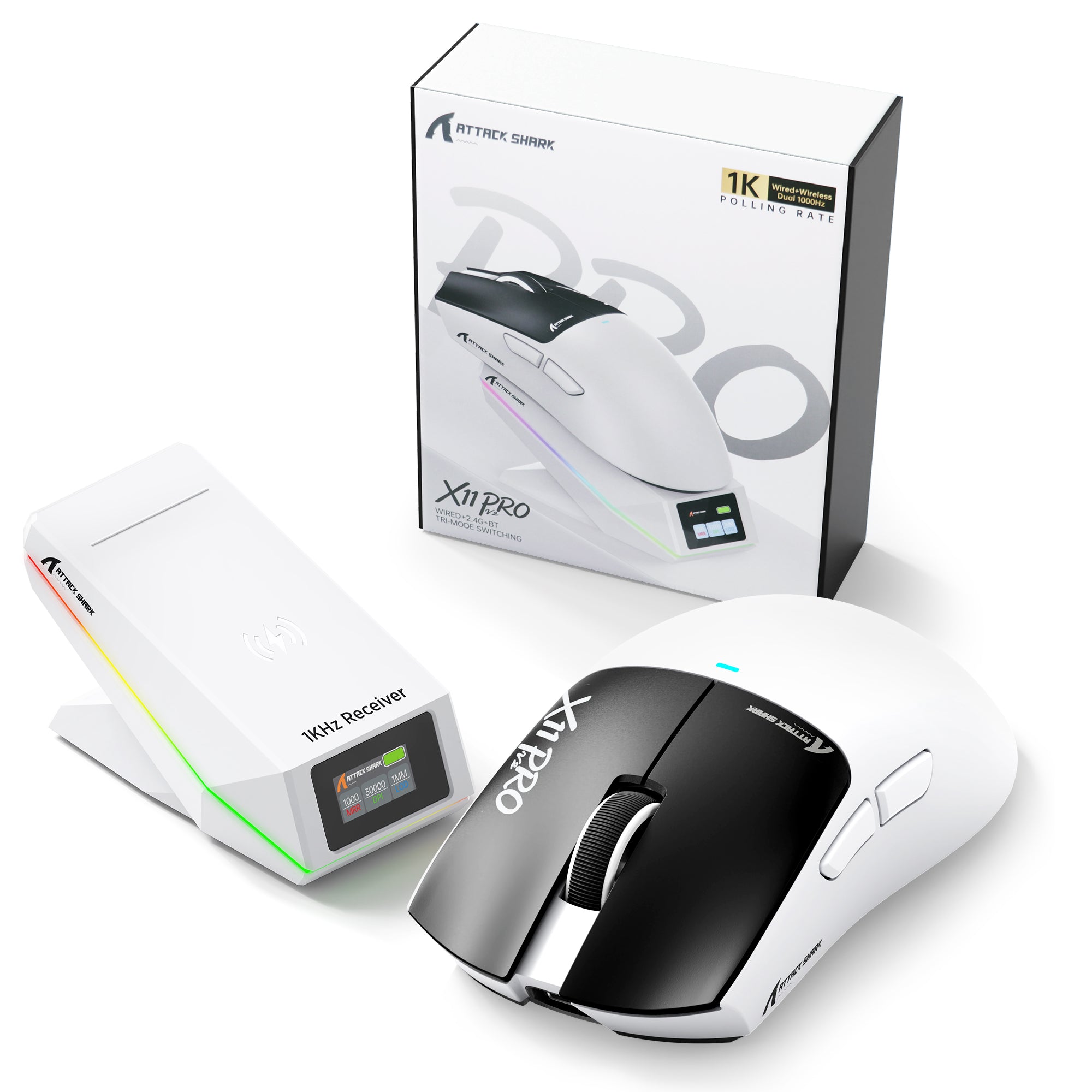
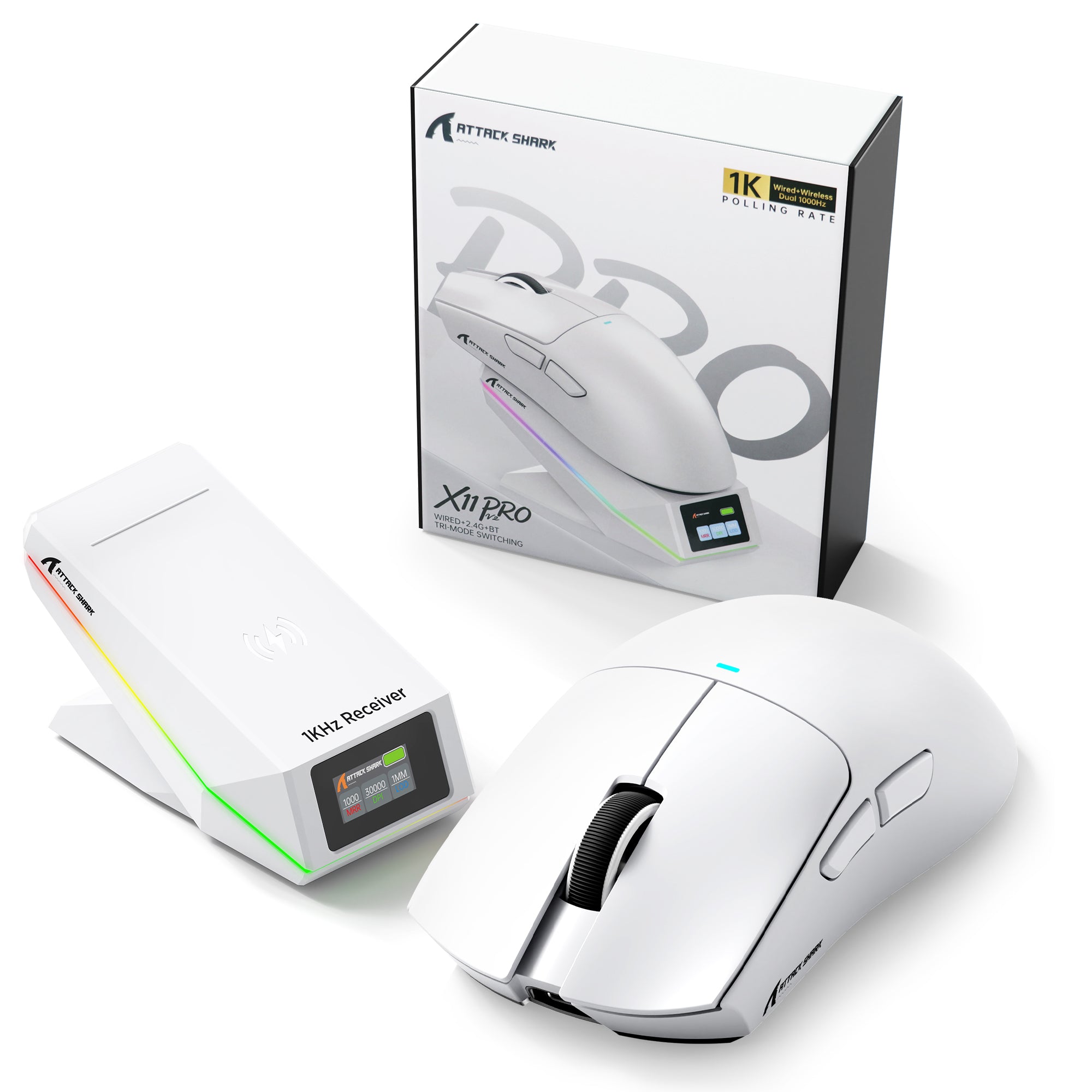


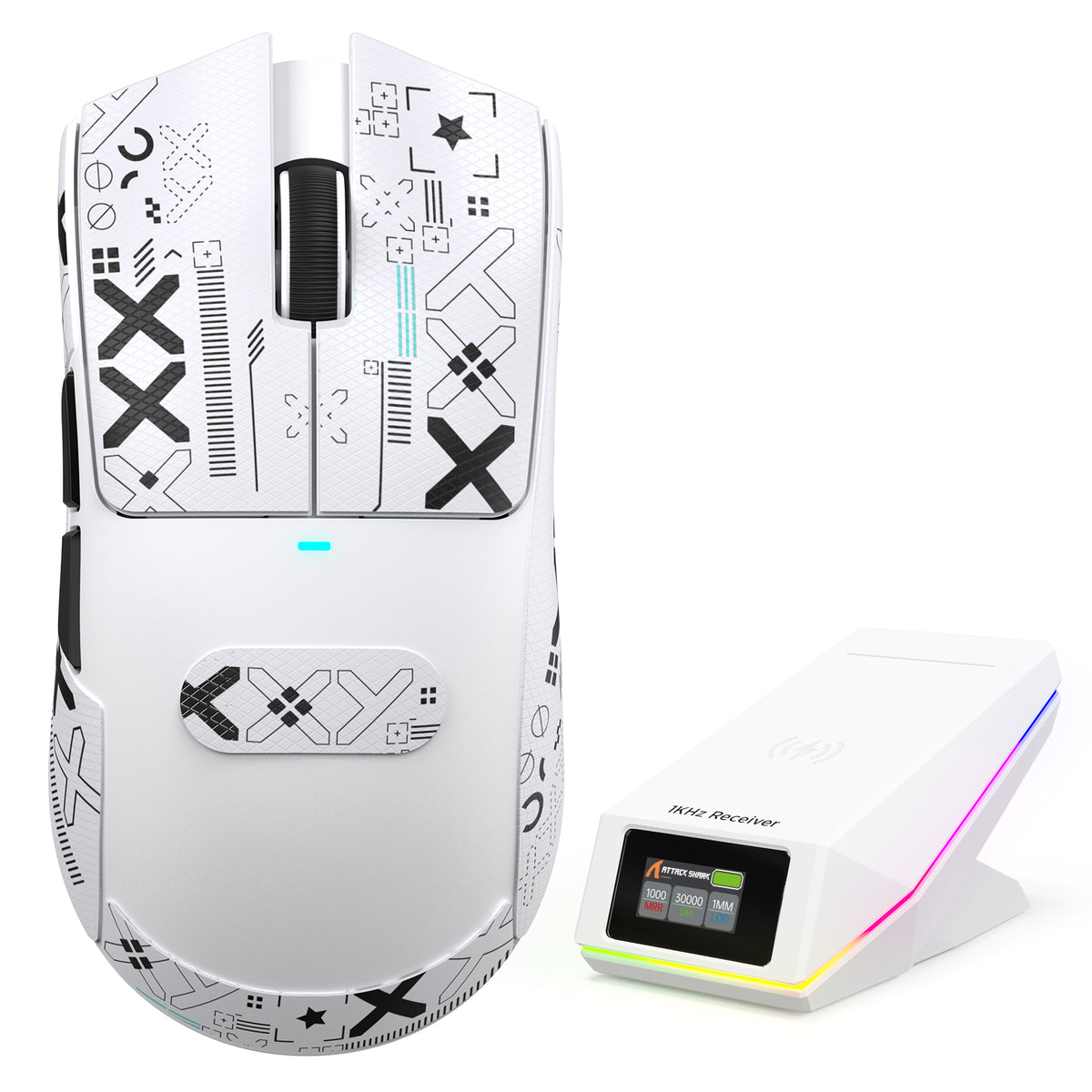
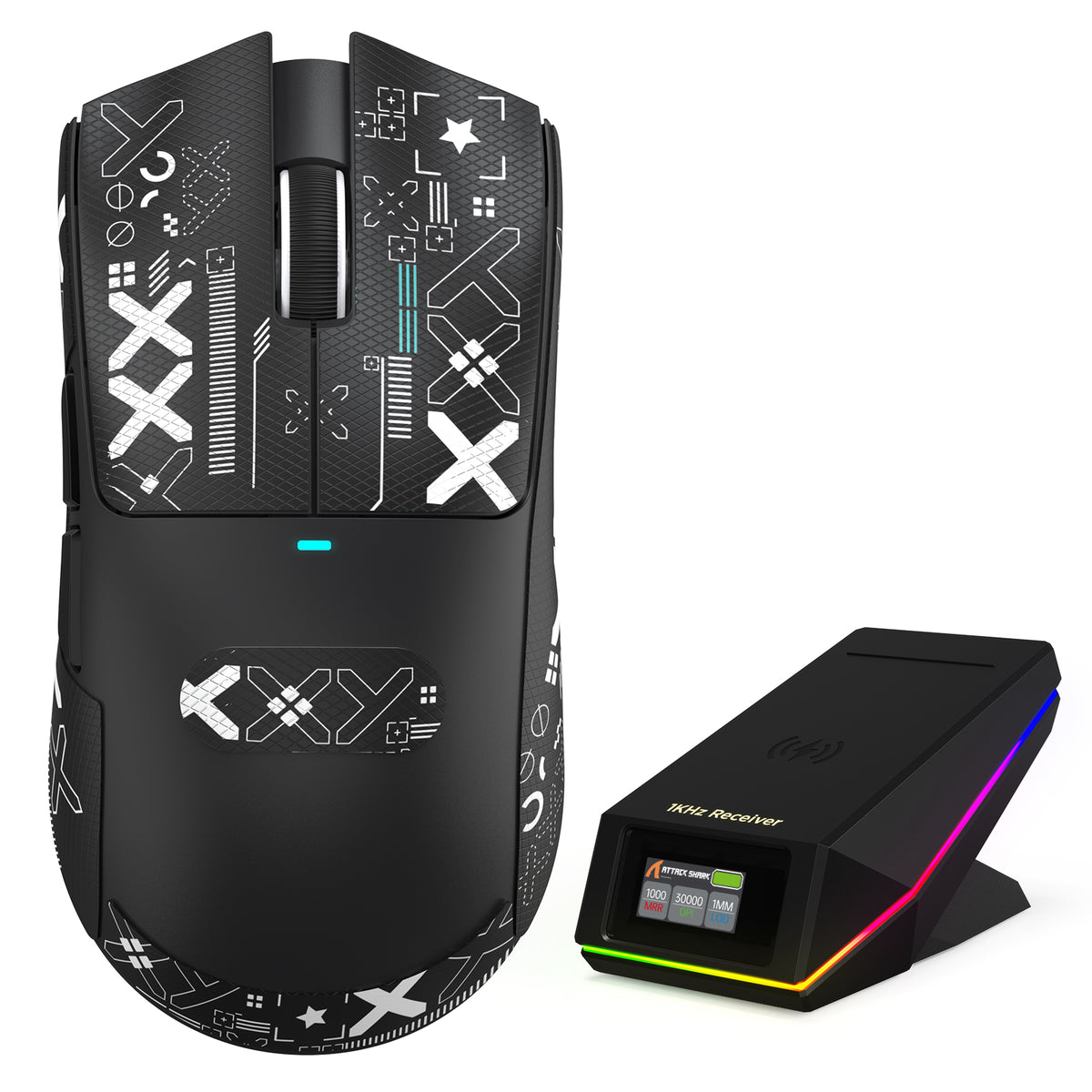
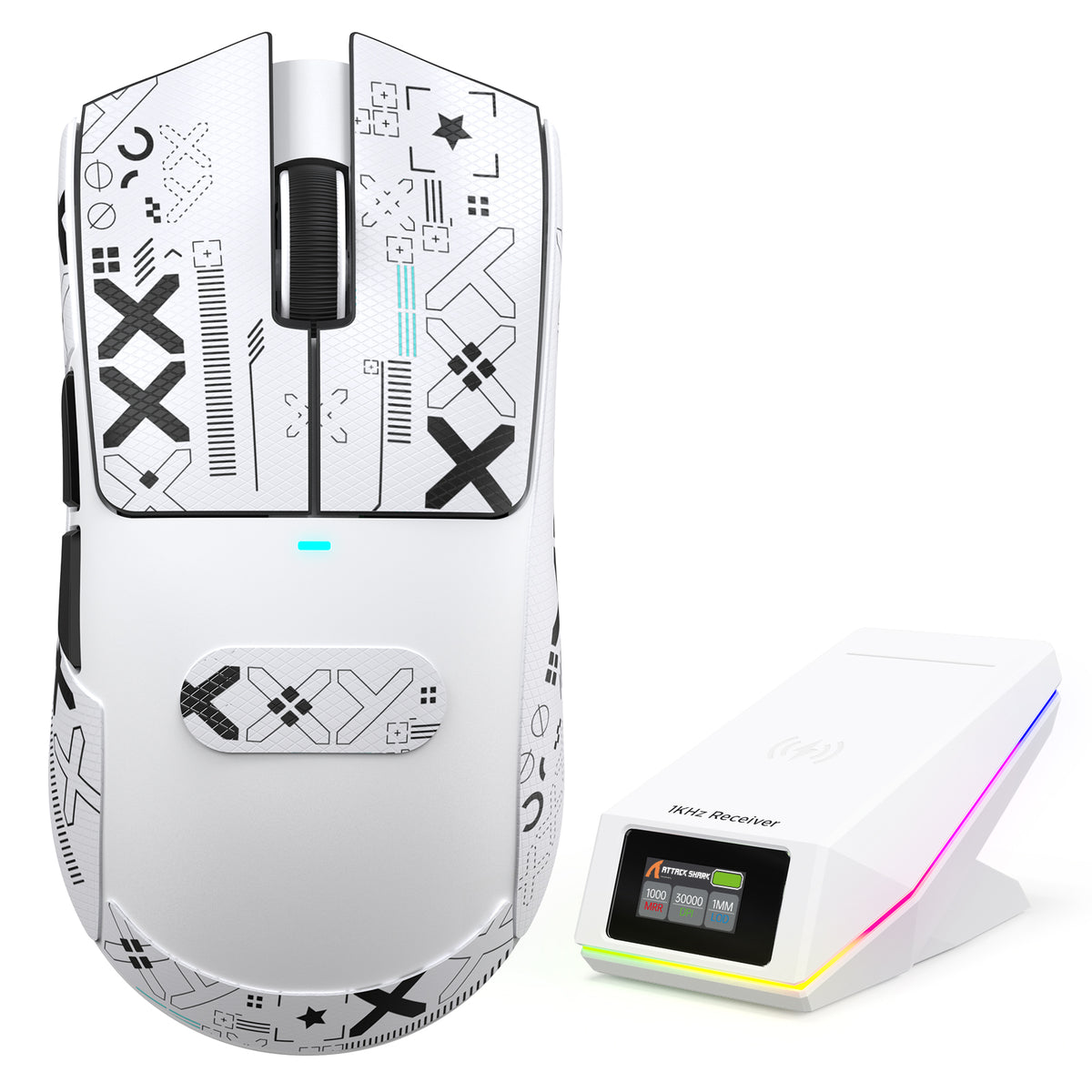
ATTACK SHARK X11 PRO V2 ワイヤレスゲーミングマウス TFTディスプレイ付き充電ドック
- Share:
-

-

-

-


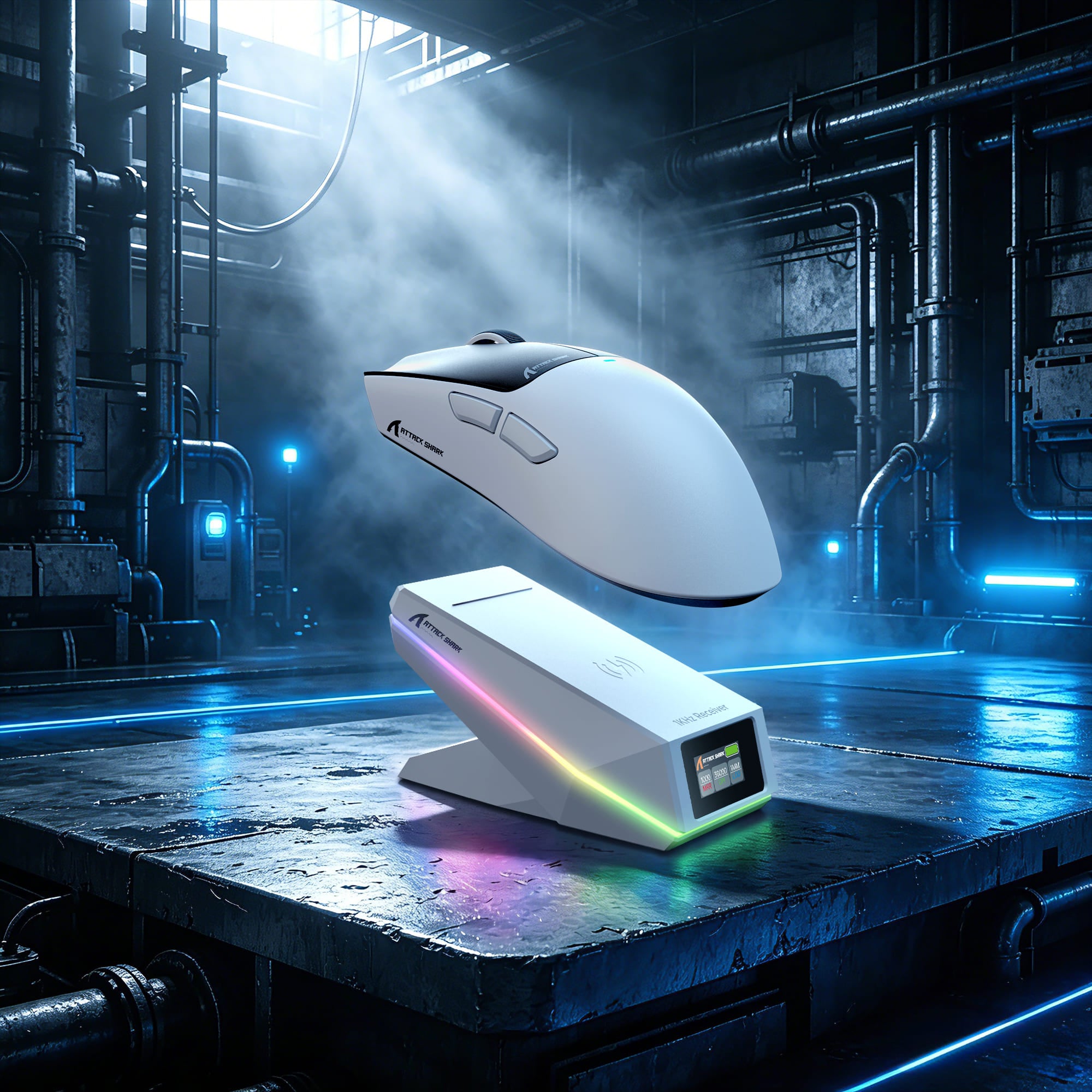
スナップオン。パワーアップ。ゲームを続けよう。
手間いらずの磁気ワイヤレス充電
Qi磁気アライメント技術でシームレスな充電体験を実現。マウスをドックに置くだけで即座に充電が始まり、セットアップをすっきり保ちながら、マウスを常に使える状態に保ちます。

追加のドングルは不要です
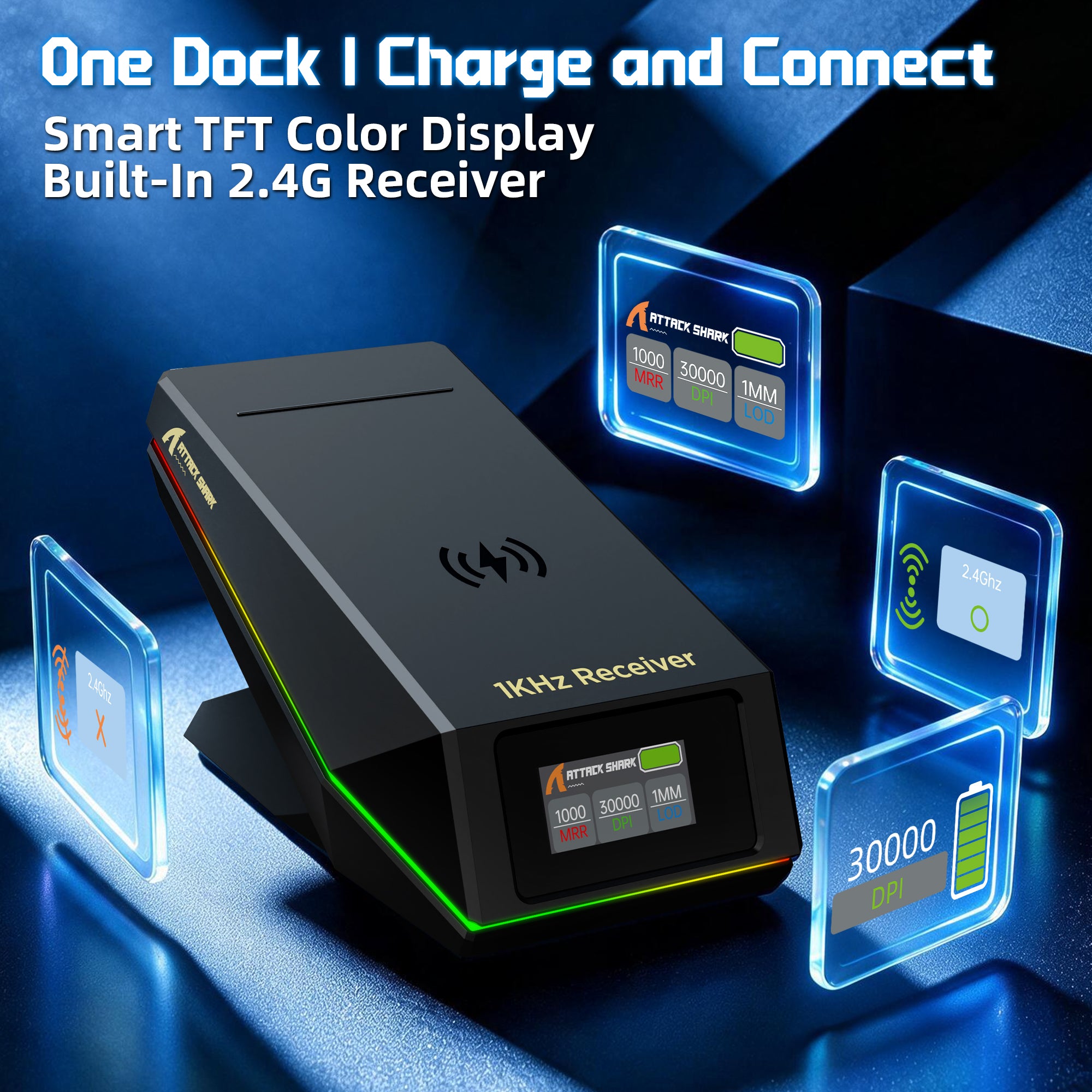
充電ドックに内蔵された2.4G受信機
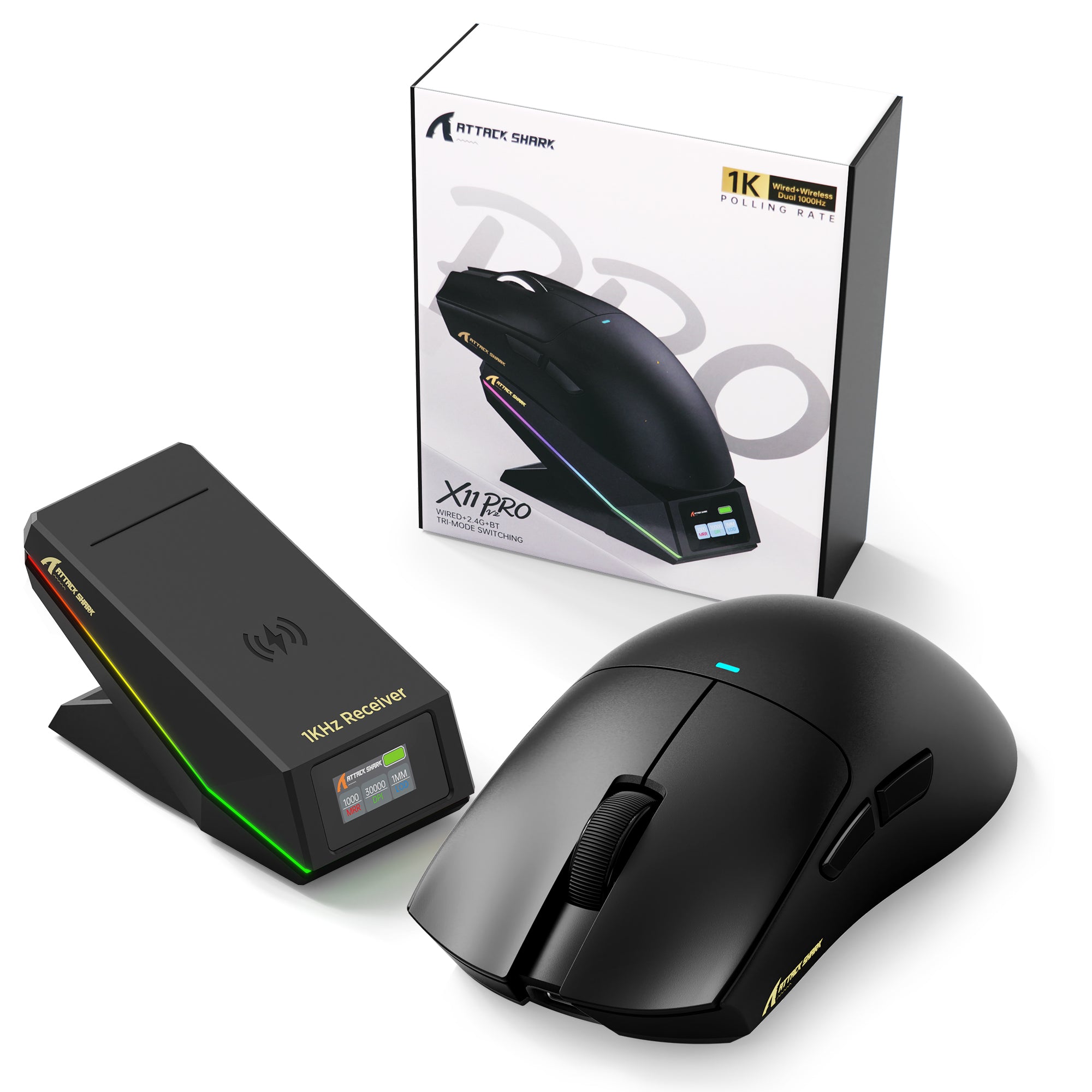
レシーバーは充電ドックに直接内蔵されており、セットアップをすっきりと整理できます。ドックを接続するだけで、別のレシーバーを探したり管理したりすることなく、便利な2.4Gワイヤレスゲーミングをお楽しみいただけます。
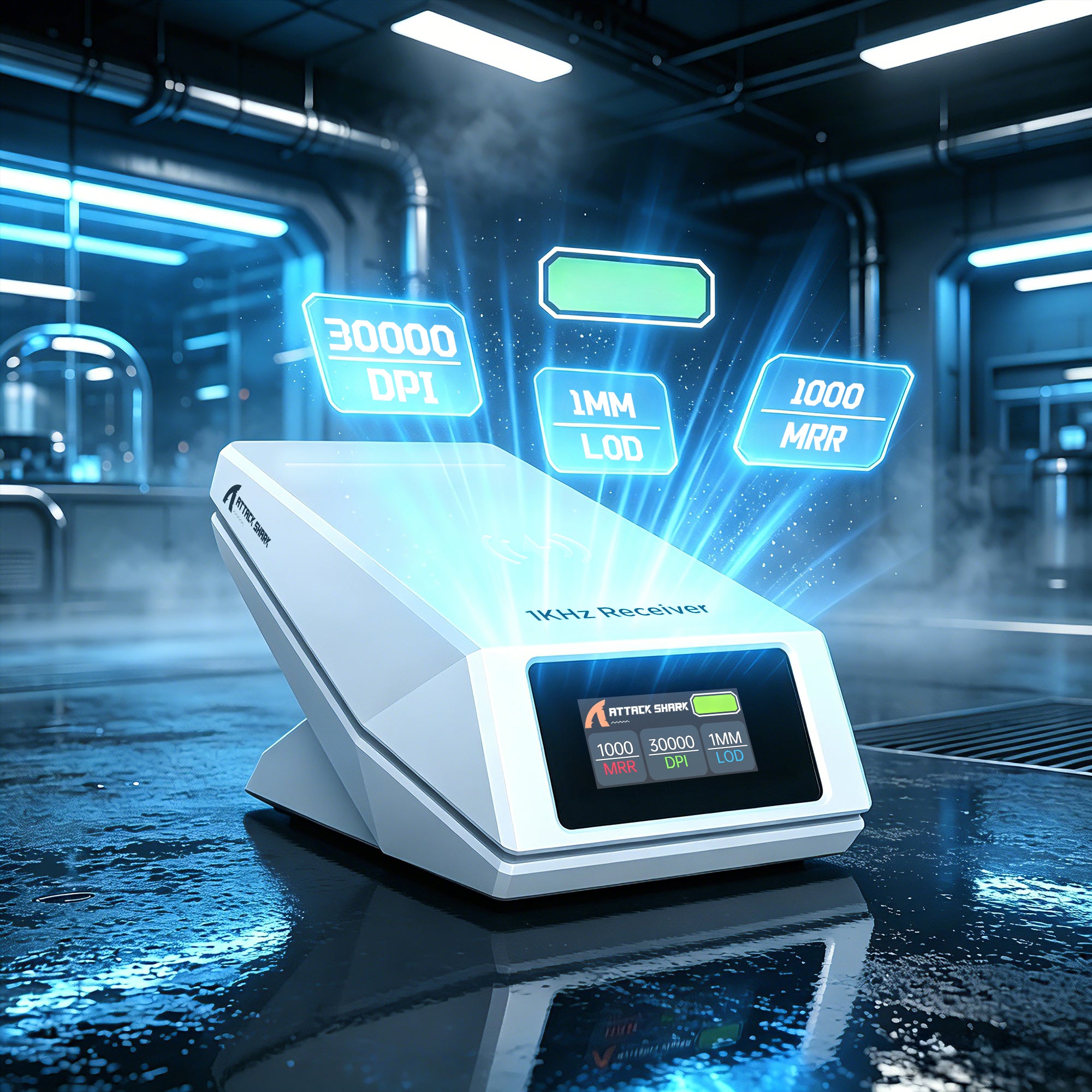
充電、モニタリング、ワイヤレス接続がすべて一つに
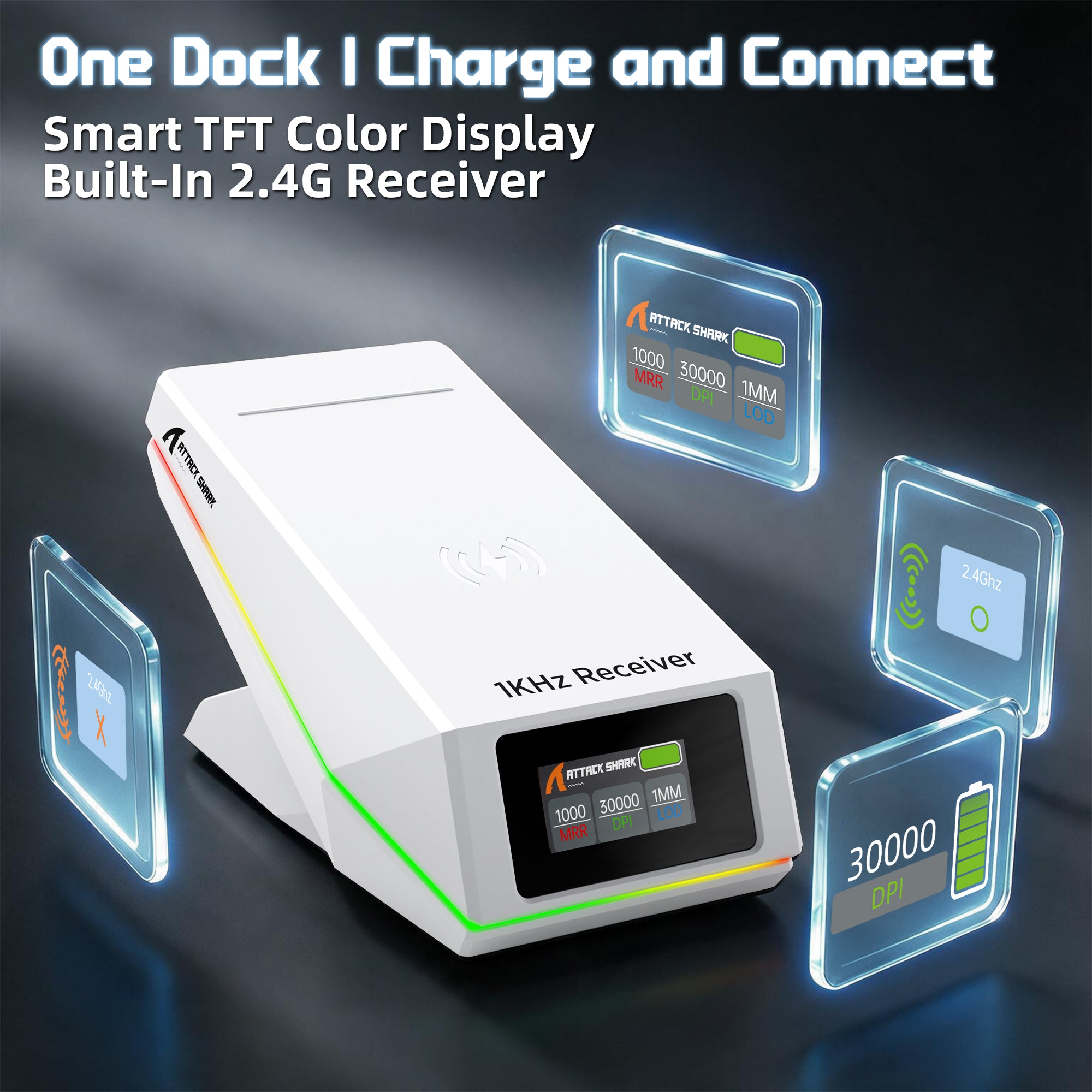
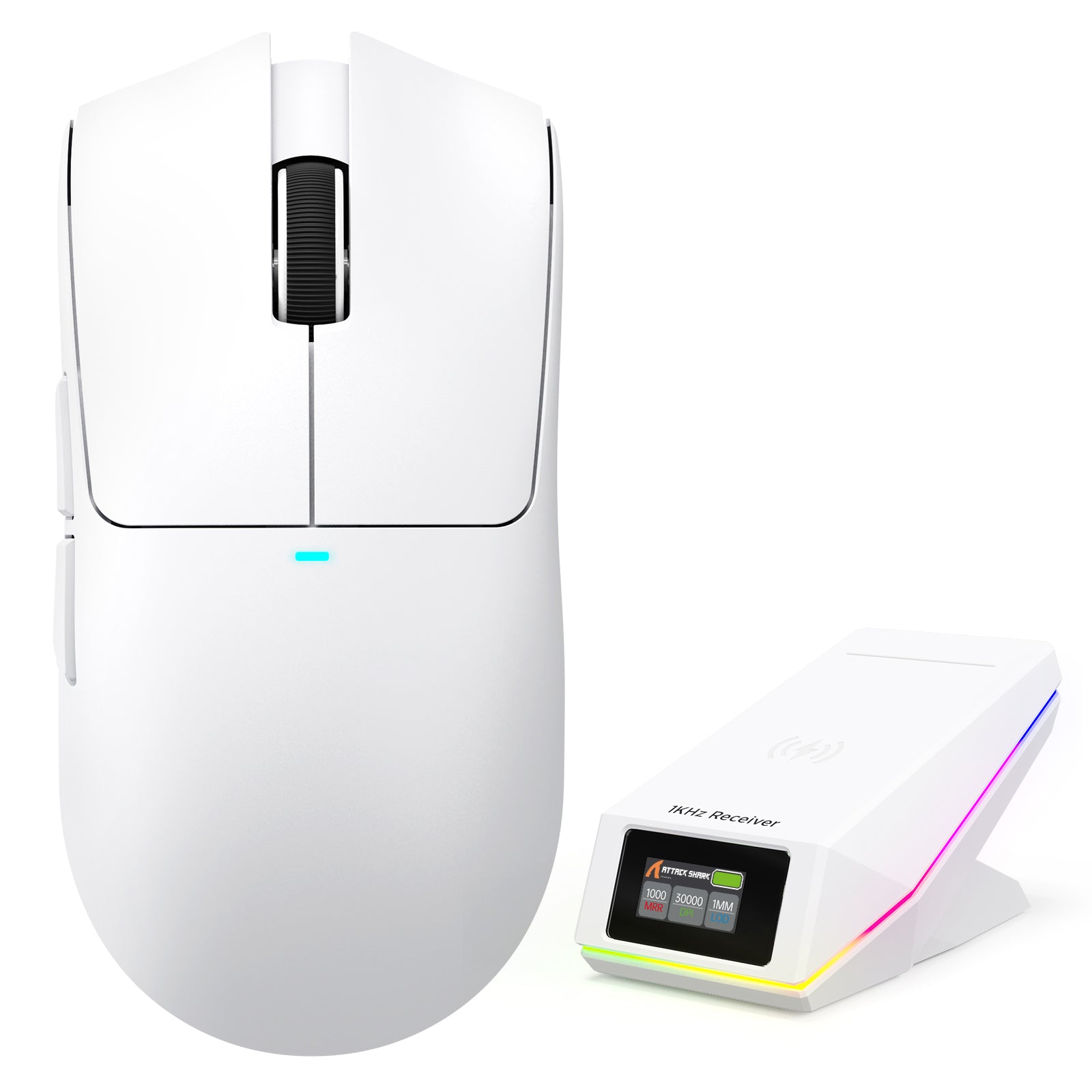
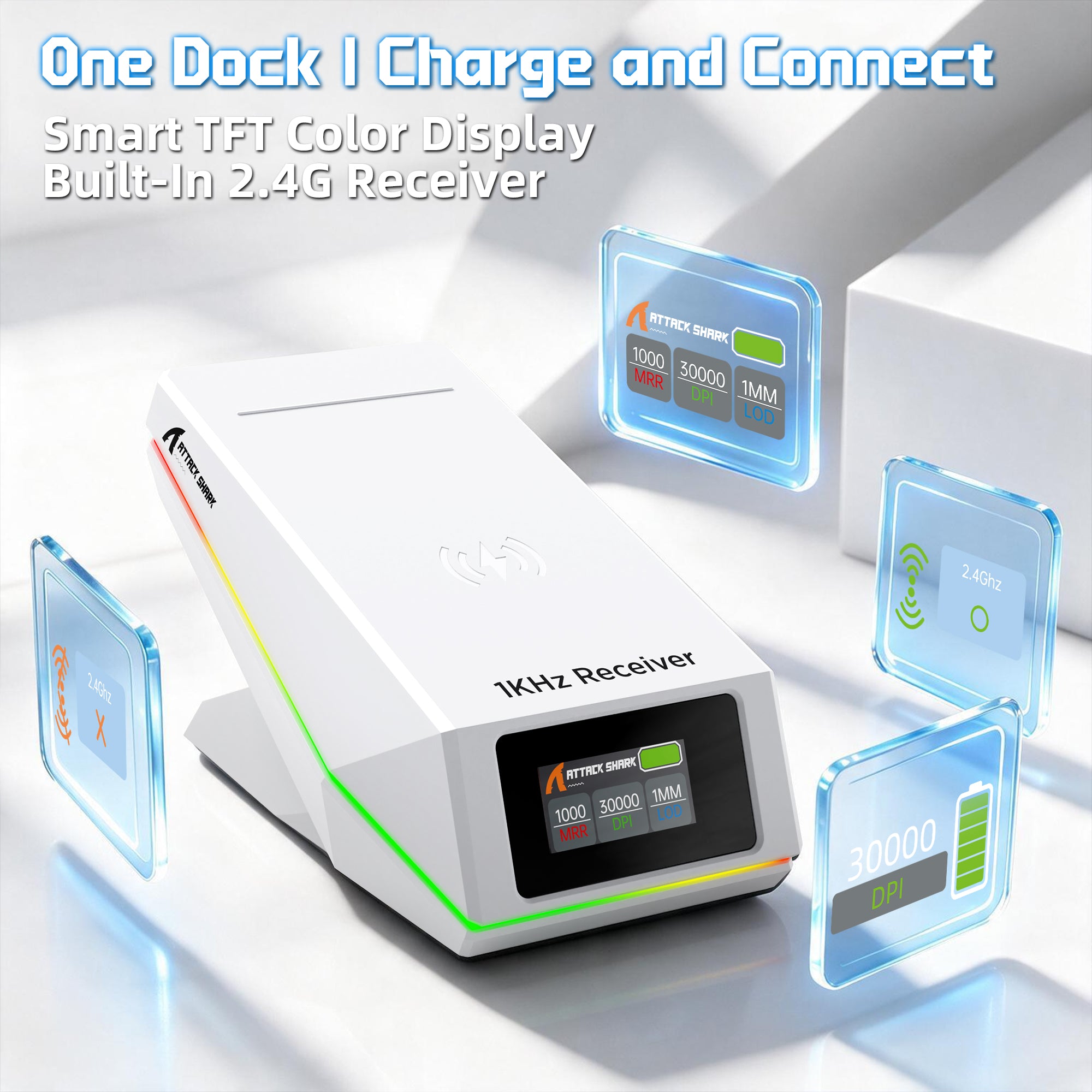
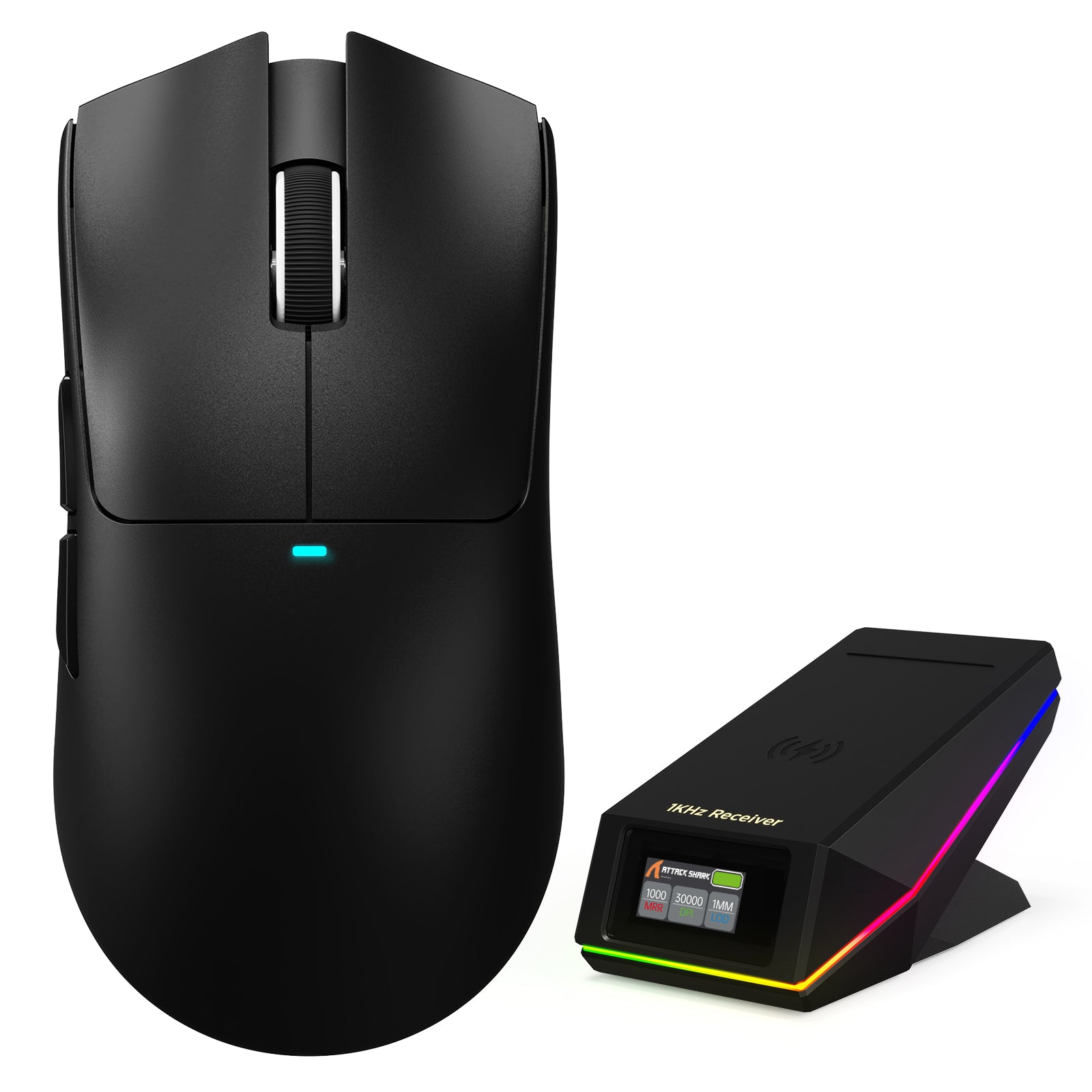
スマートTFTディスプレイ充電ドック
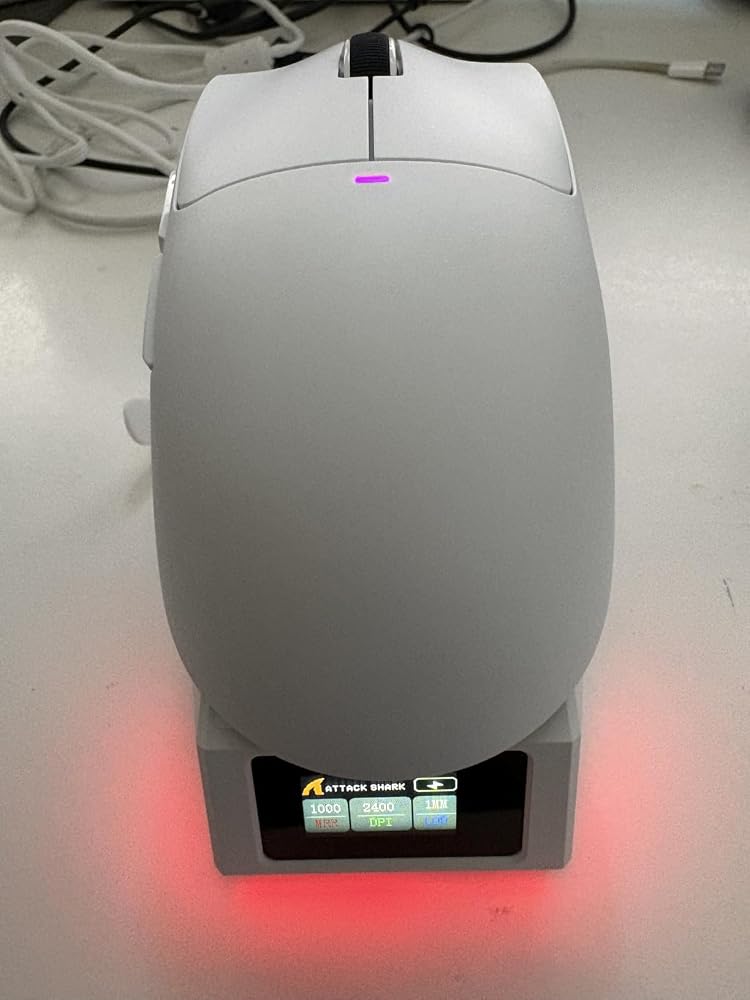
アップグレードされた充電ドックには、DPI、ポーリングレート、バッテリー残量などのリアルタイム情報を表示するTFTカラーディスプレイが搭載されています。ドックに内蔵された2.4Gレシーバーにより、ドックを接続するだけで、別途ドングルを使わず、よりすっきりしたワイヤレスゲーミング環境を楽しめます。
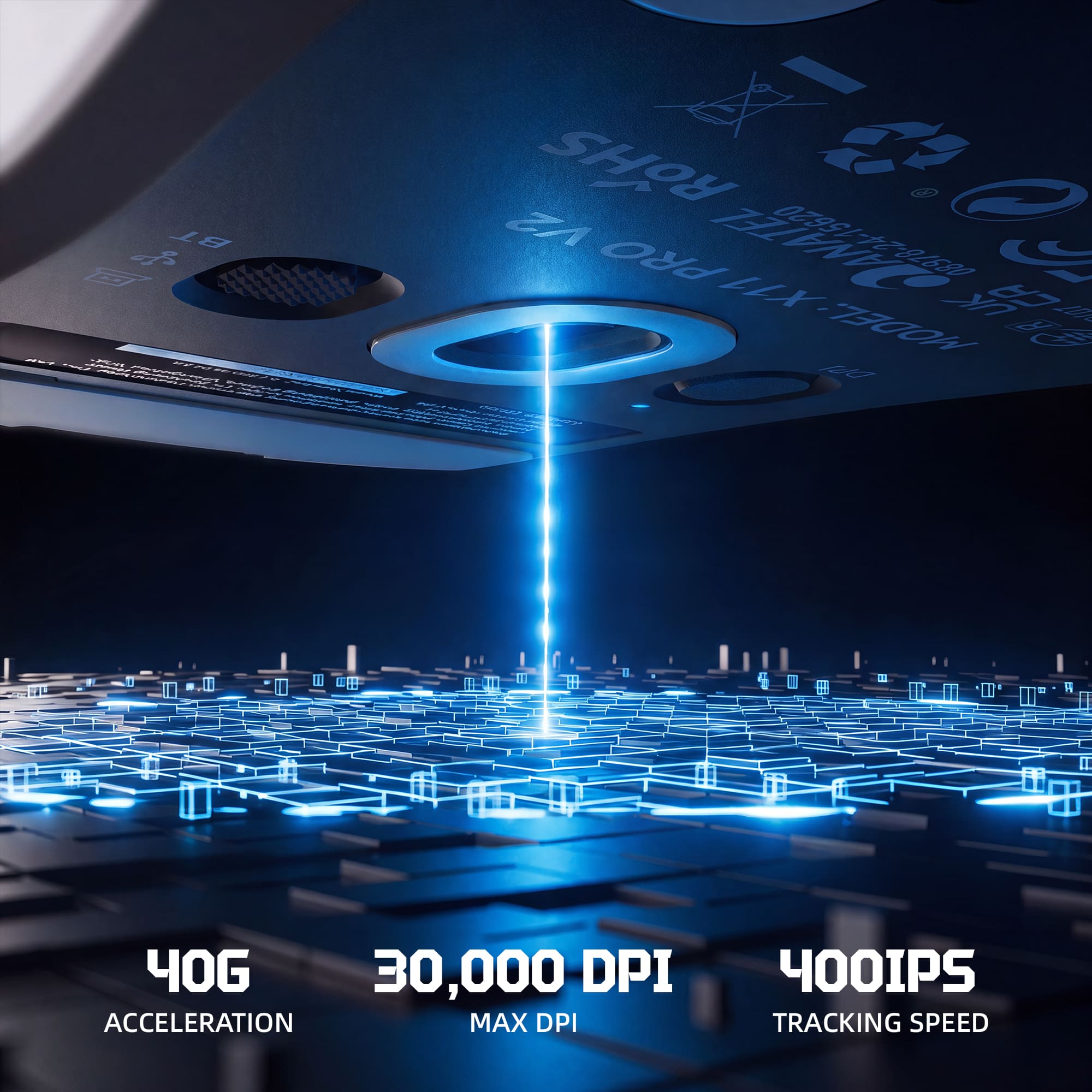
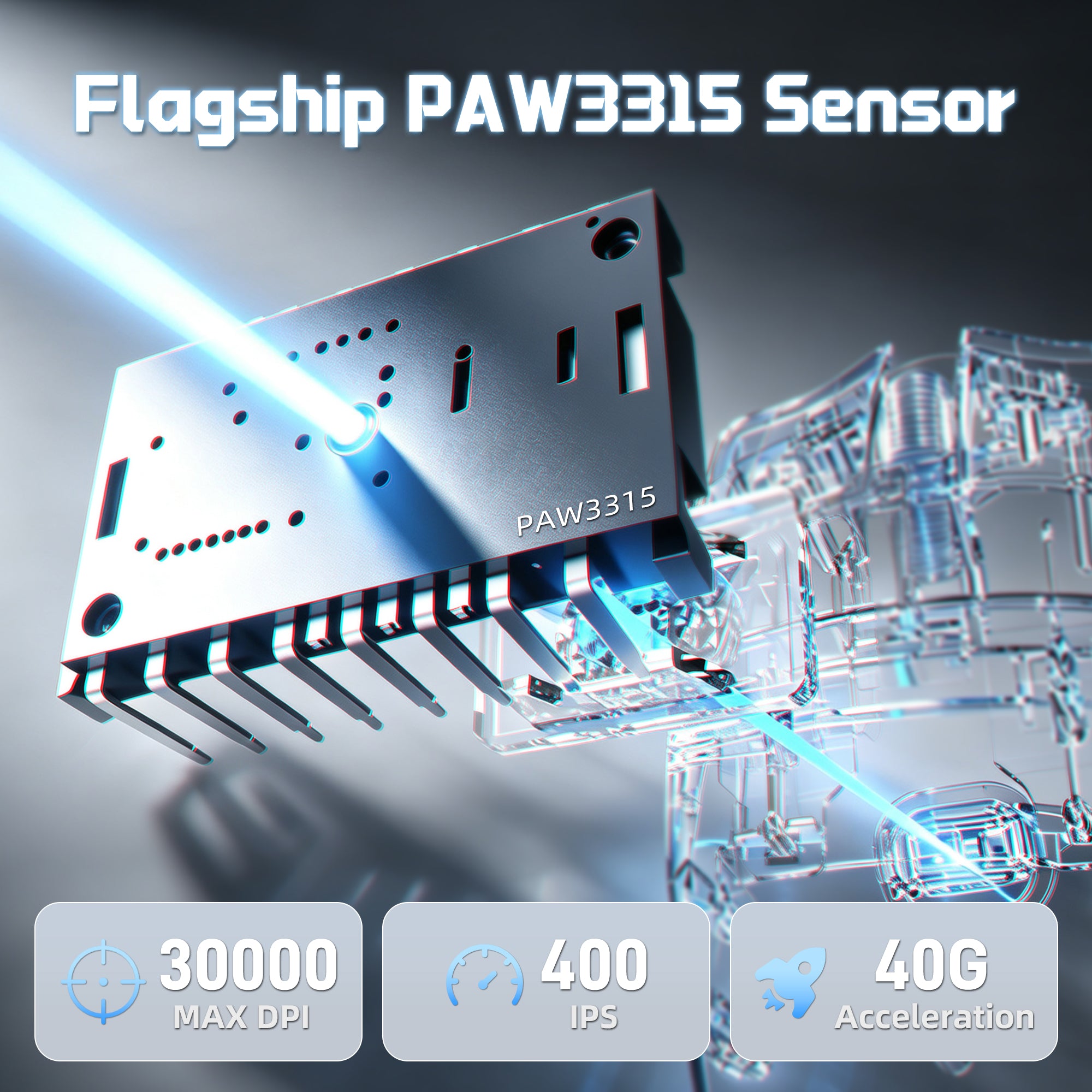
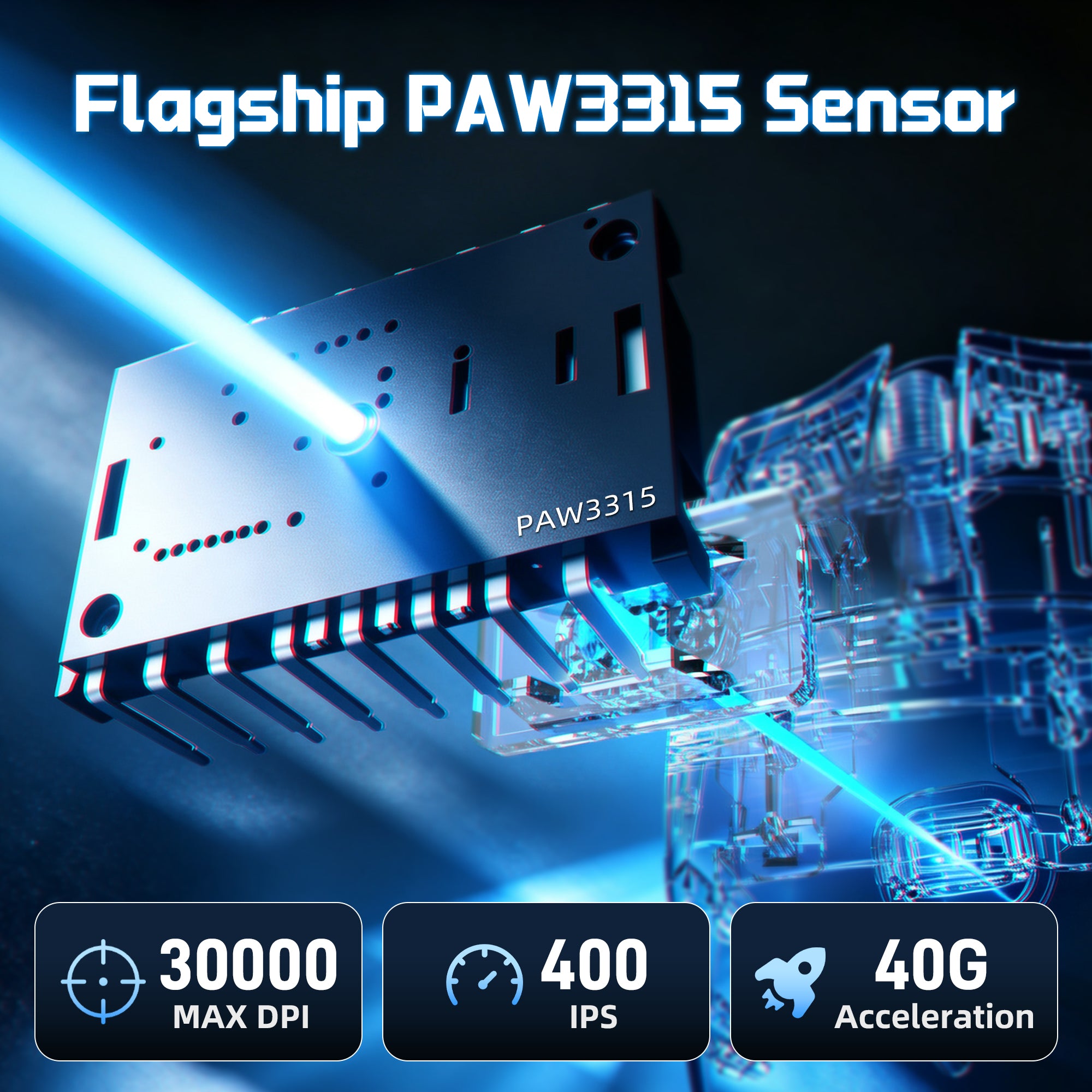
30,000 DPI | 400 IPS | 40G 加速度
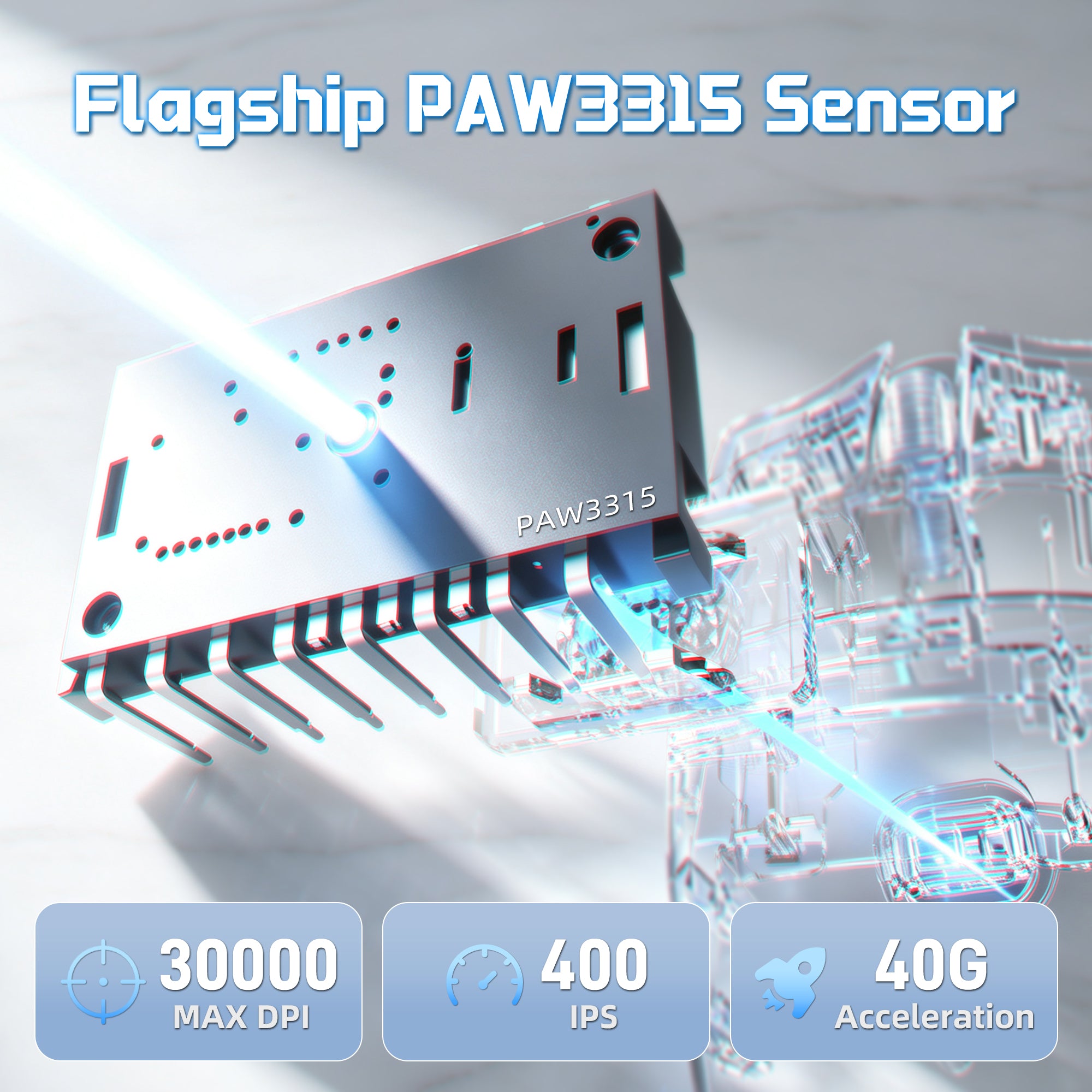
PAW3315センサー搭載の高精度パワー
アップグレードされたPixArt PAW3315センサーを搭載したX11 PRO V2は、正確なトラッキングと反応の良い操作を実現します。素早いフリックショットから精密な動きまで、競技ゲームのシーンで信頼できるパフォーマンスをお楽しみください。

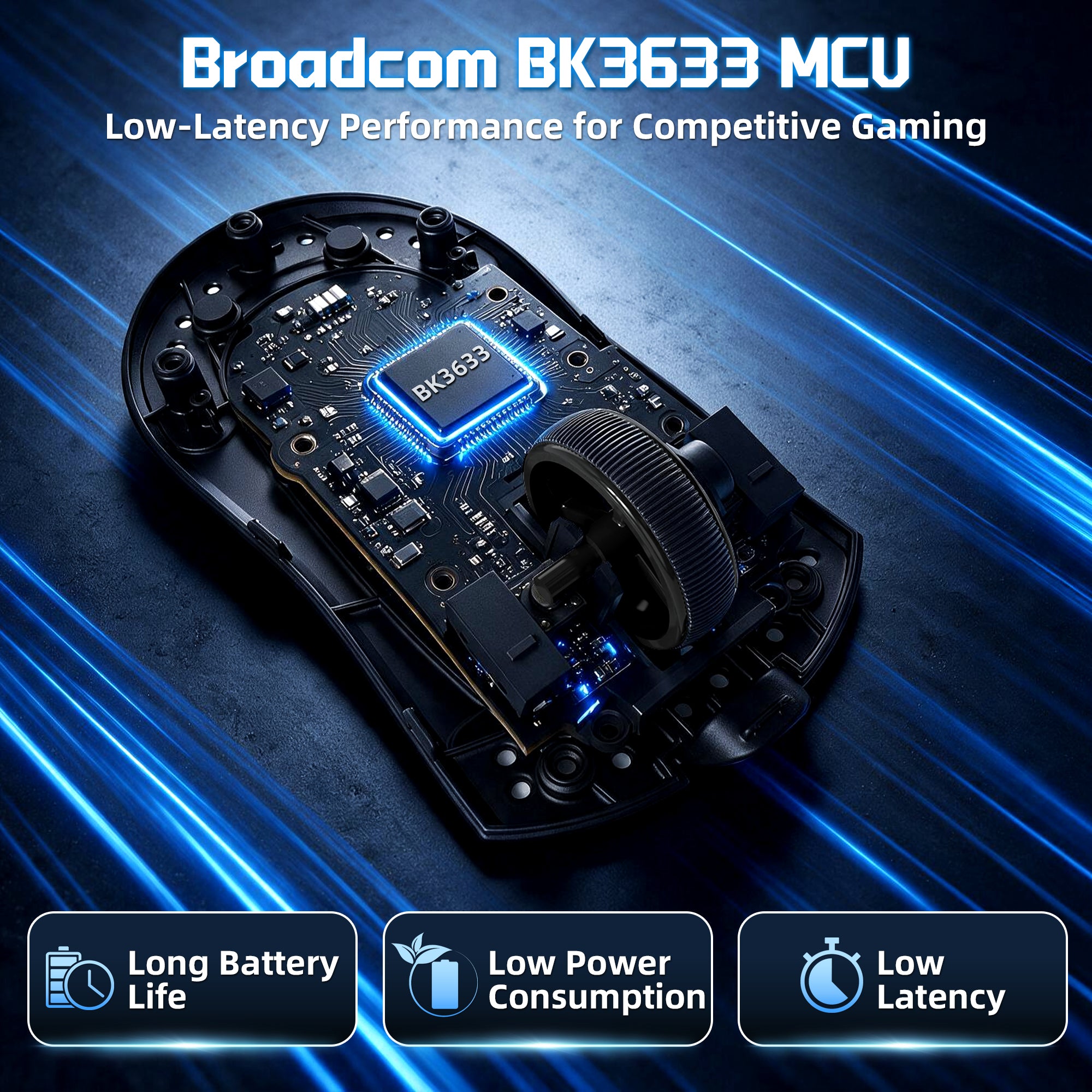
より速く、より安定した応答の核となるもの
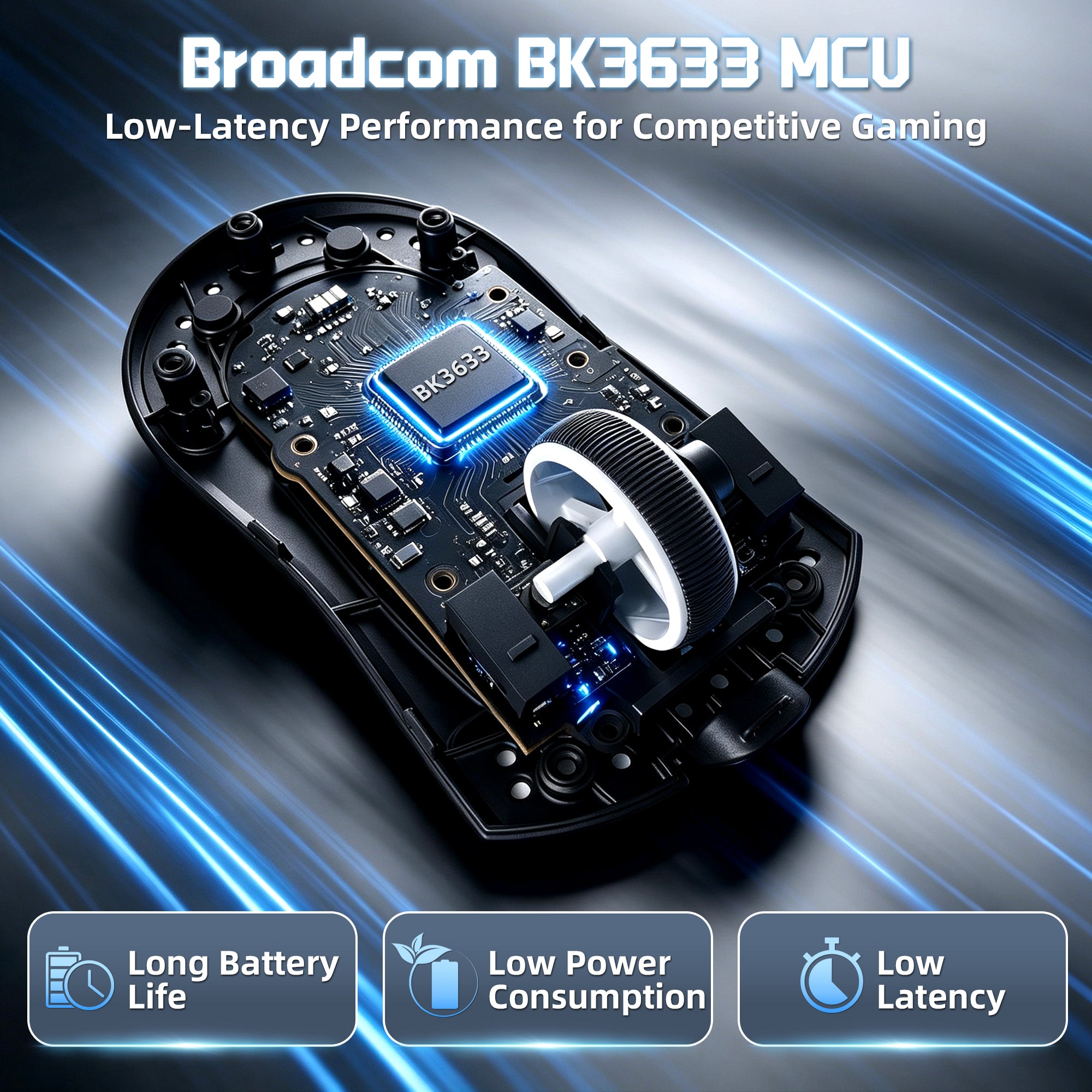
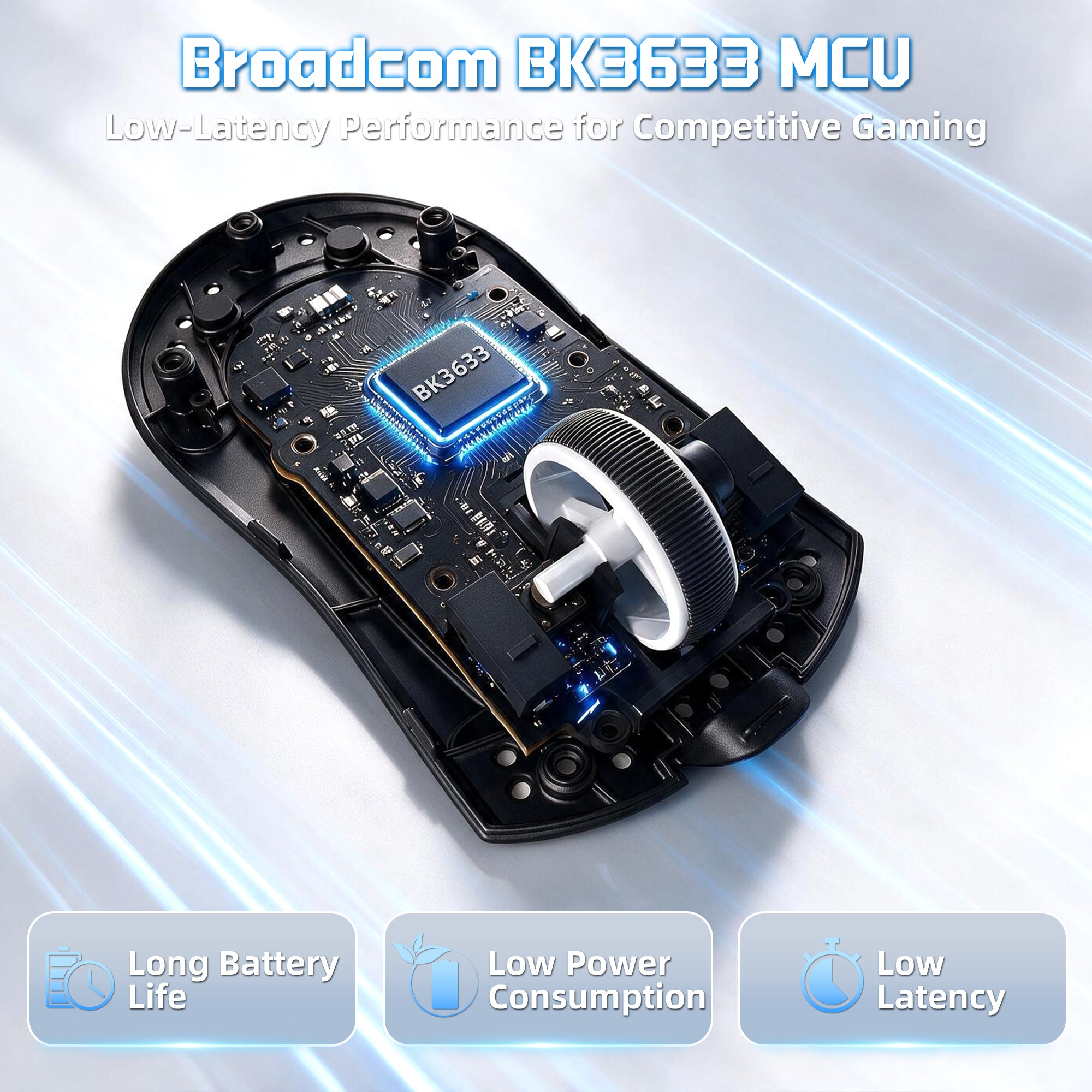
高性能BK3633マイクロコントローラー(MCU)
X11 PRO V2の中心にはBK3633メインコントロールチップが搭載されており、高速なデータ処理、安定したワイヤレス通信、一貫したパフォーマンスを実現します。激しいゲームプレイ中でも遅延を抑えた信頼性の高い1000Hzポーリングレートの性能を体験してください。
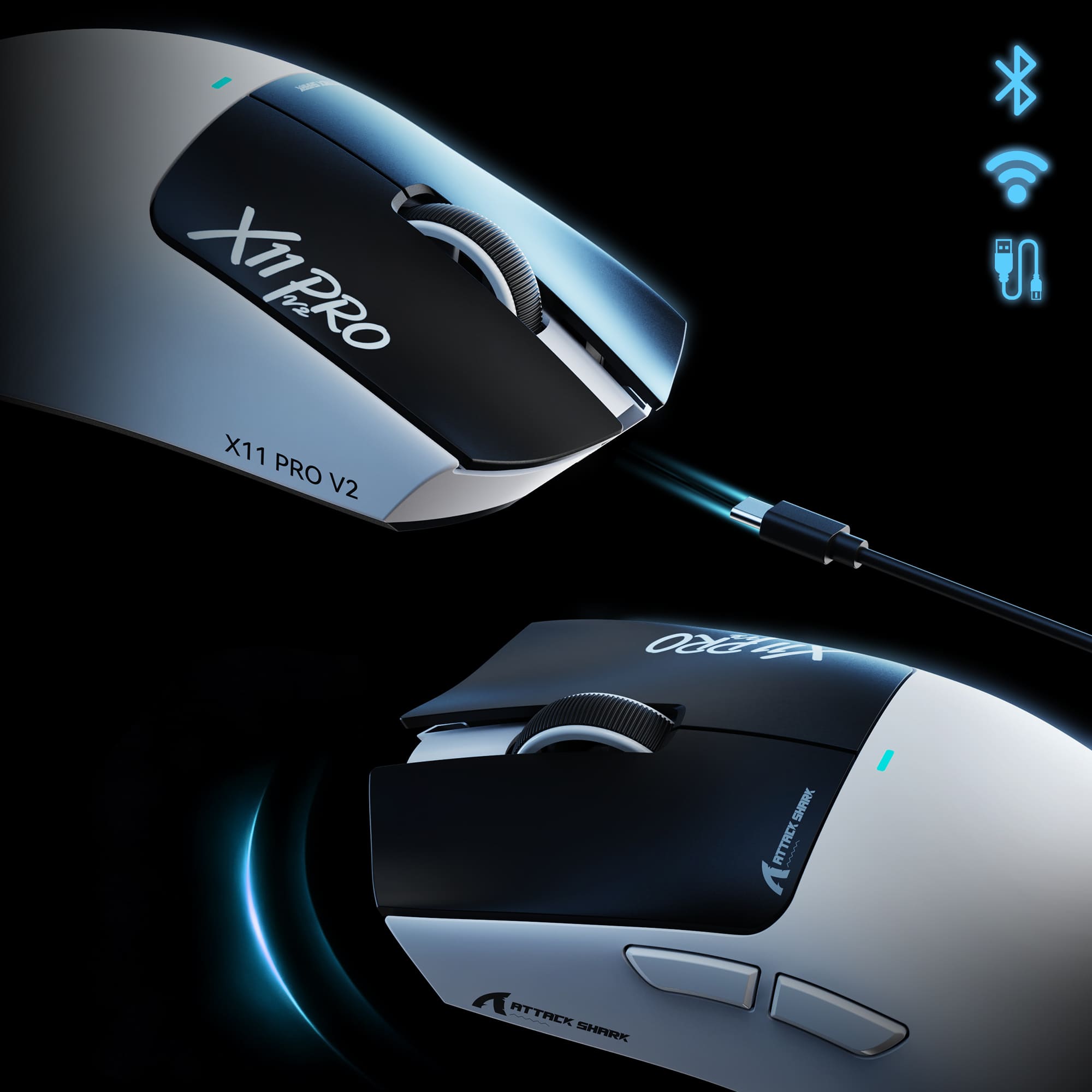
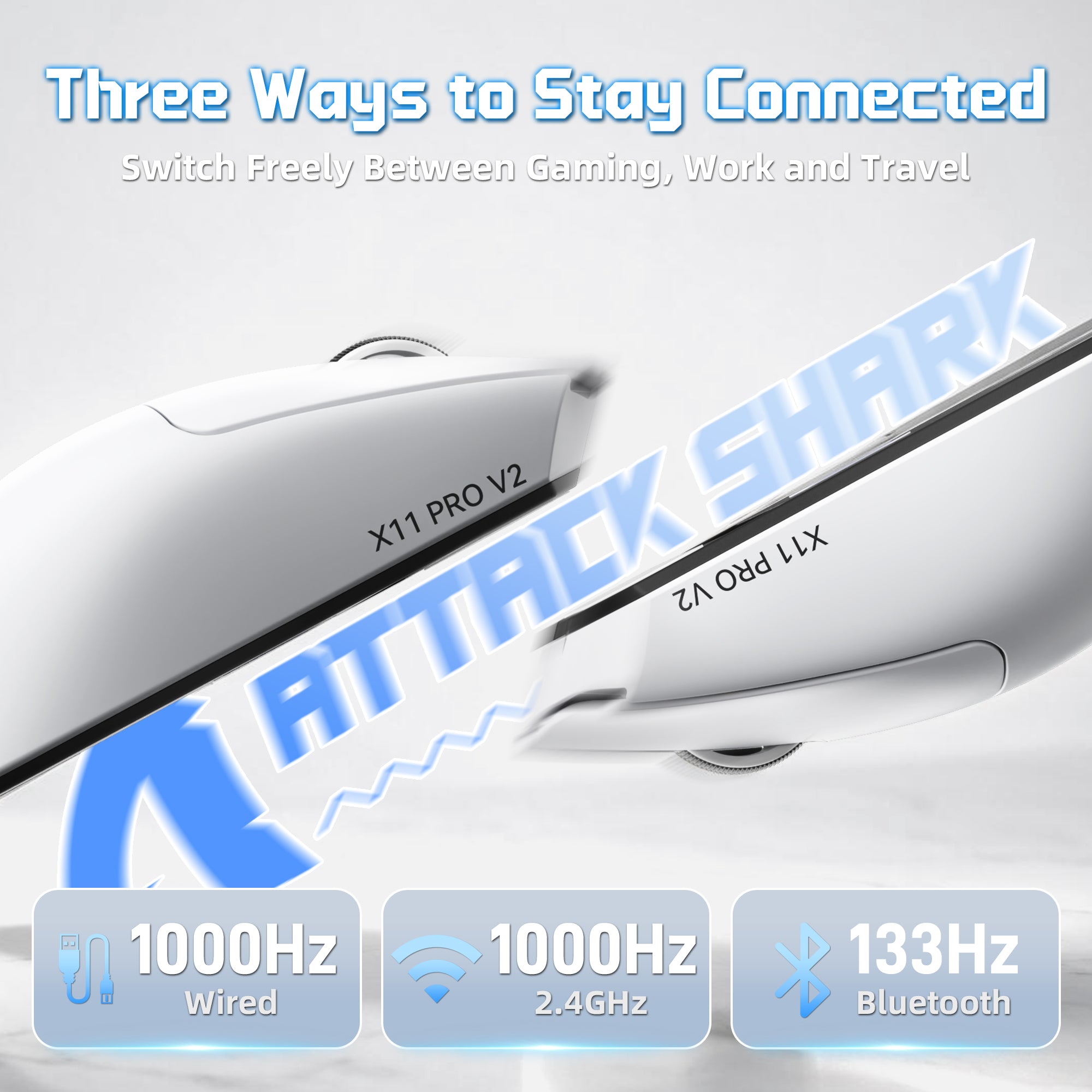
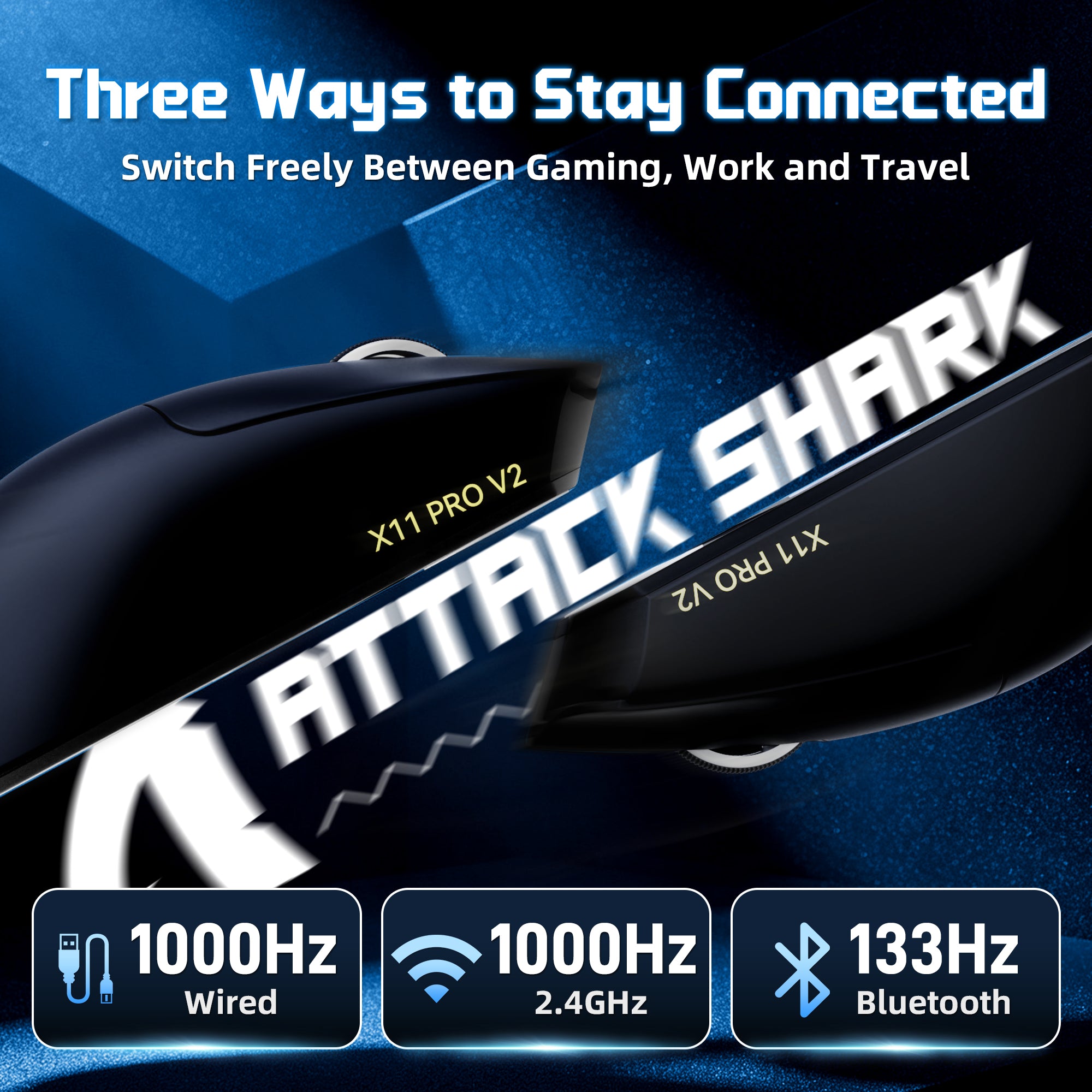
つながりを保つ3つの方法
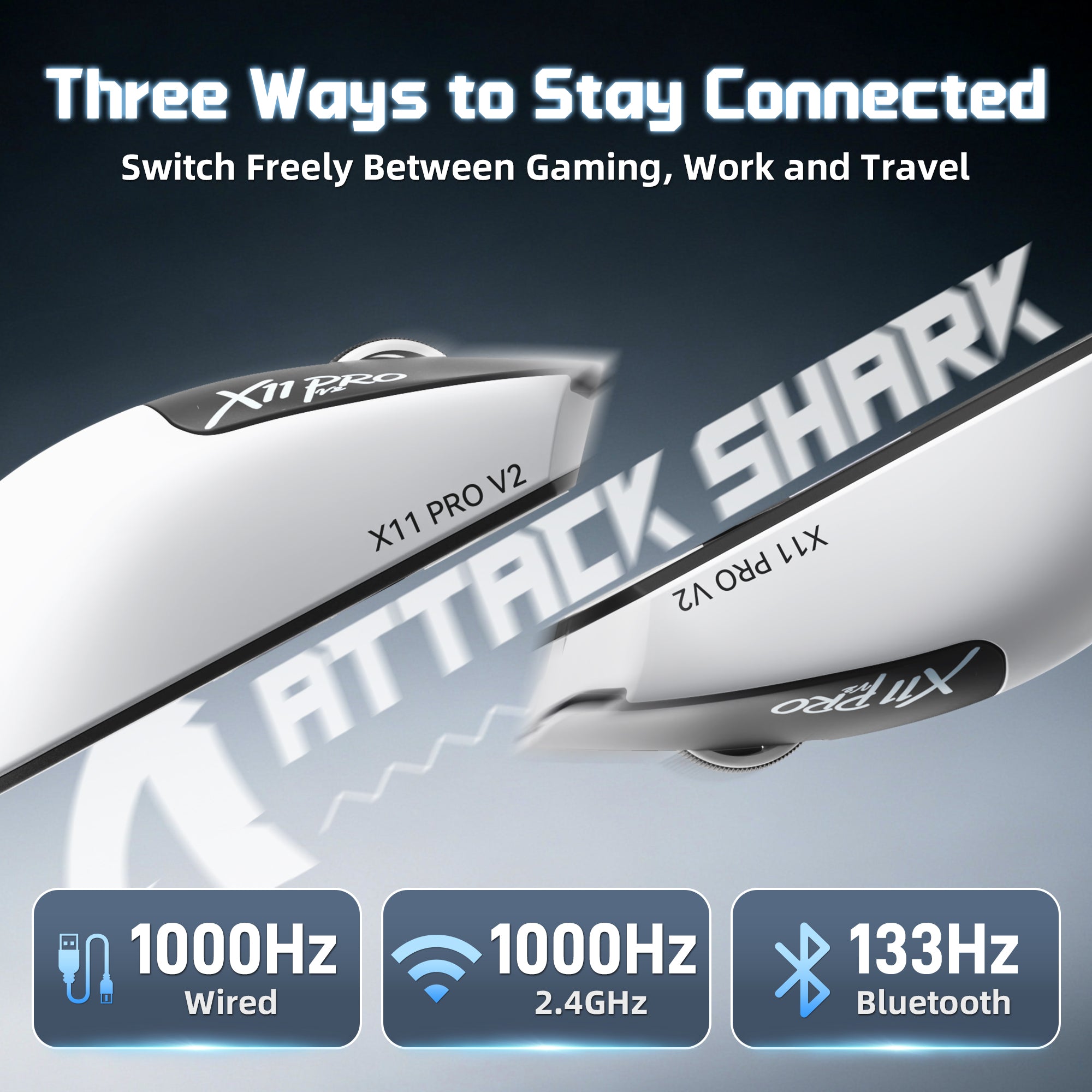
2.4Gワイヤレス | Bluetooth | 有線
3つの接続モードを自由に切り替えて、さまざまなシーンに対応します。デスクでのゲームプレイ、ノートパソコンでの作業、旅行中でも、X11 PRO V2は柔軟で信頼性の高い接続を提供します。

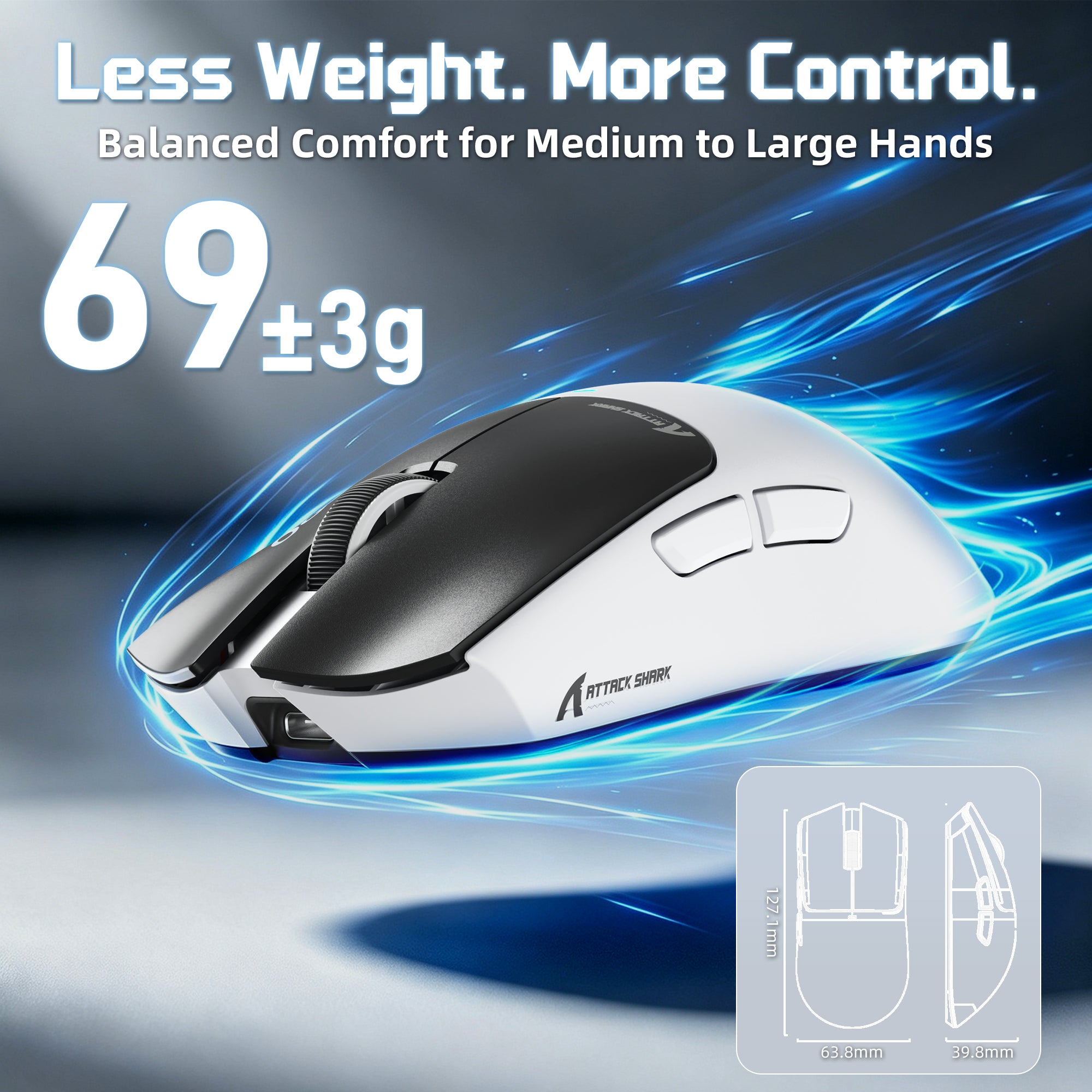
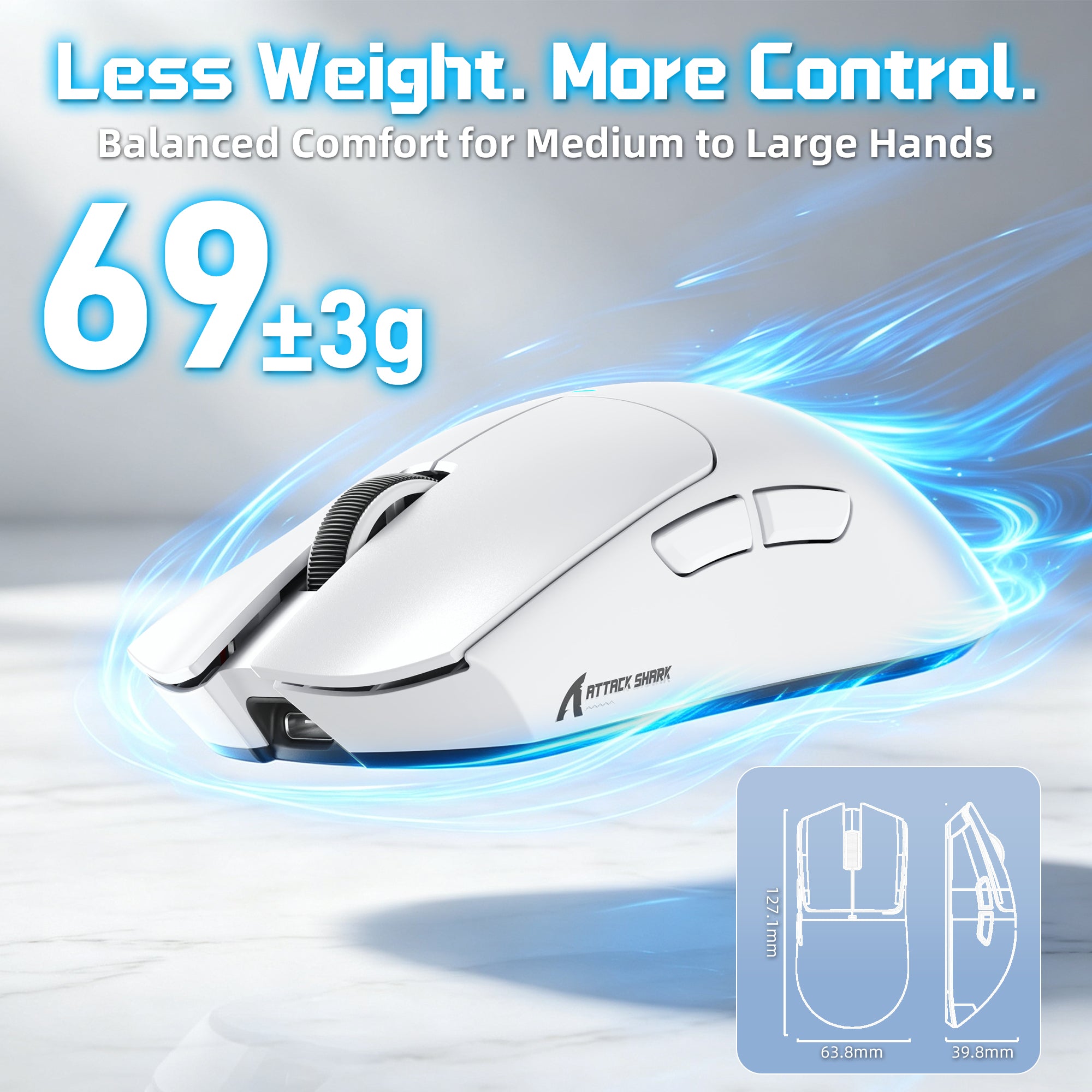
66±3g エルゴノミックゲーミングデザイン
中〜大サイズの手にフィットする快適さ
人間工学に基づいた形状で設計されたX11 PRO V2は、中型から大型の手に快適なサポートを提供します。軽量の66±3gの本体は、手のひら、爪先、指先のグリップスタイルでも楽に操作できます。

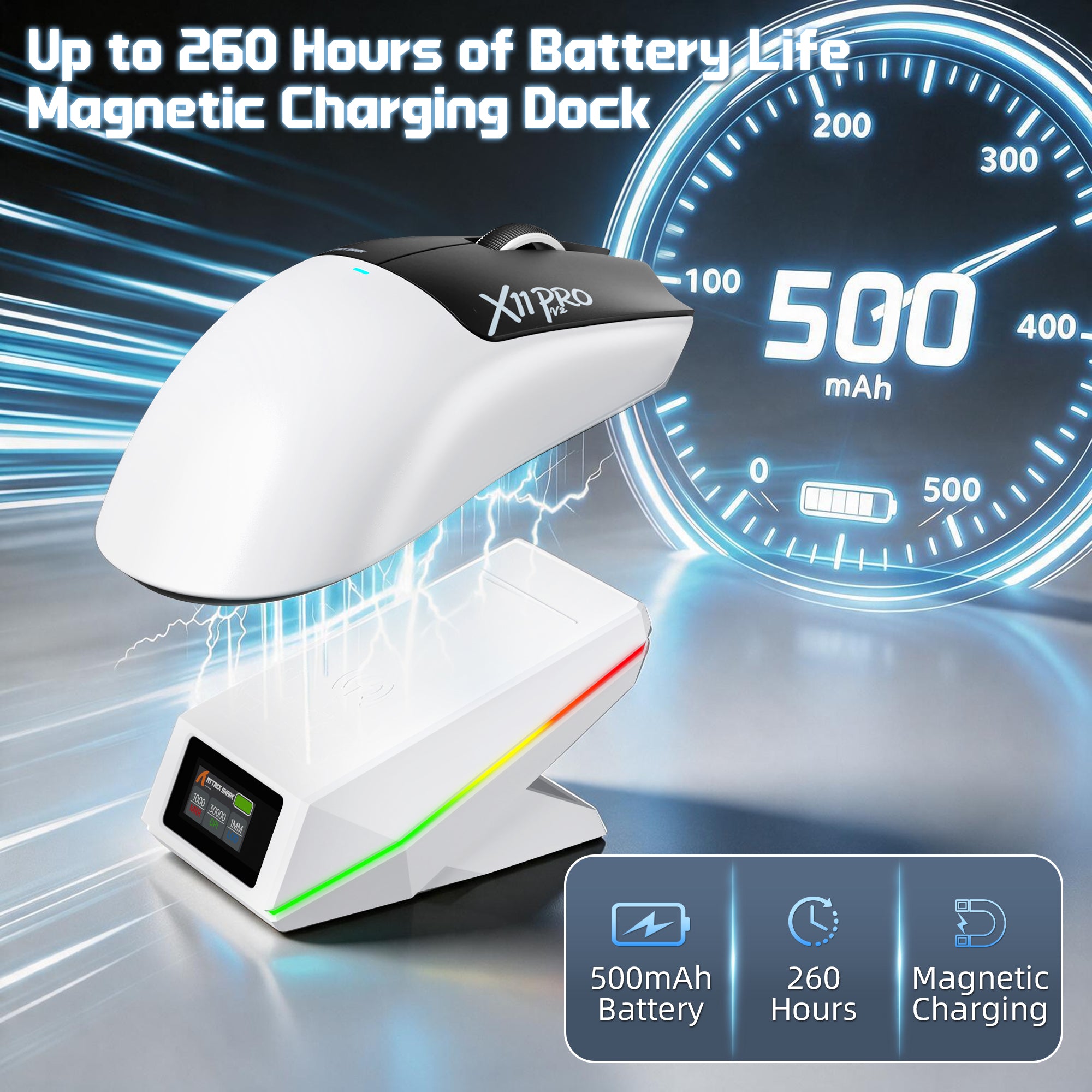
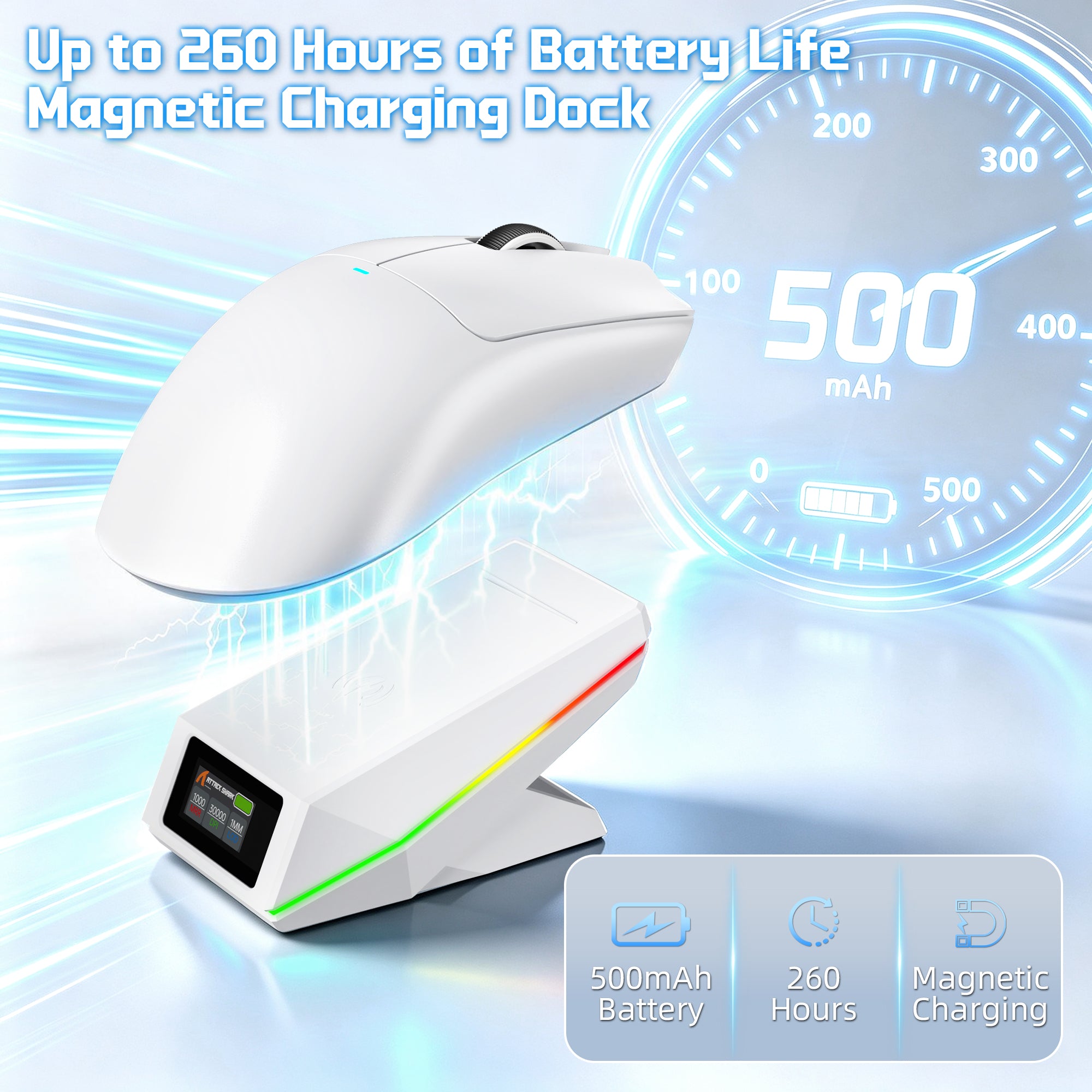
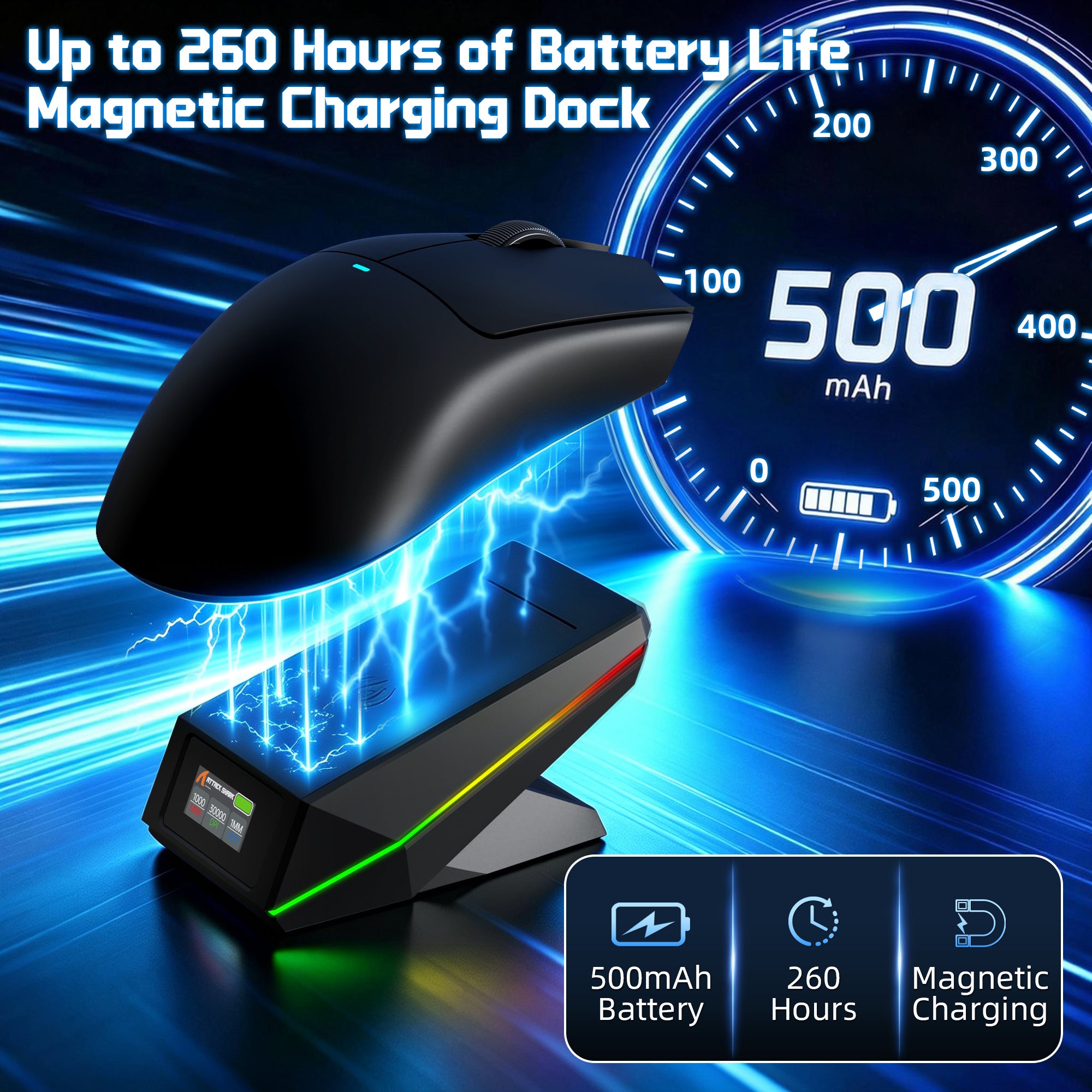
最大260時間のワイヤレス自由時間
アップグレードされた500mAh高密度バッテリー
高密度の500mAhバッテリーを搭載したX11 PRO V2は、長時間のゲームセッションでもバッテリー寿命を延ばします。充電の手間を減らし、ゲームに集中し続けましょう。

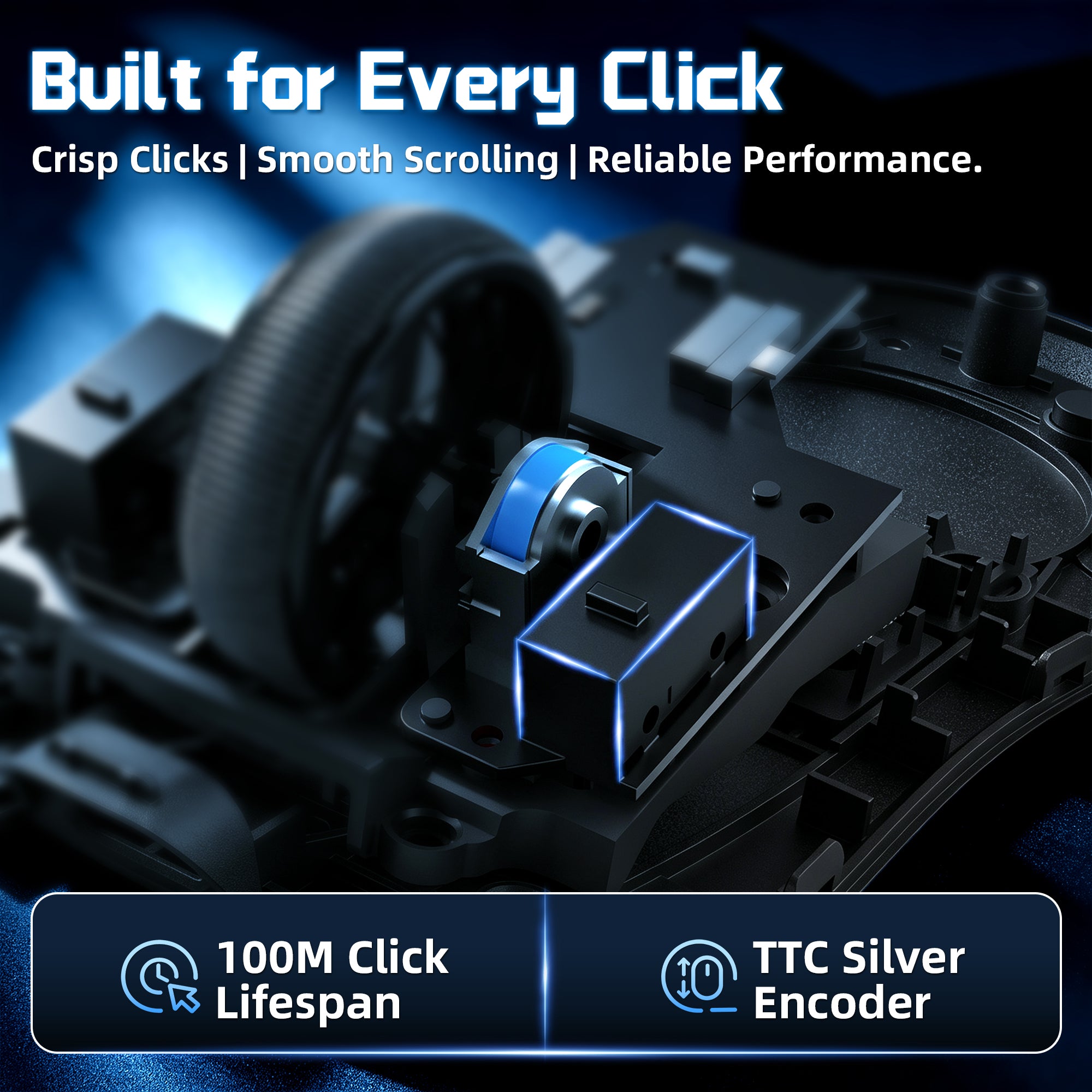
プレミアムスイッチを使用して作られています
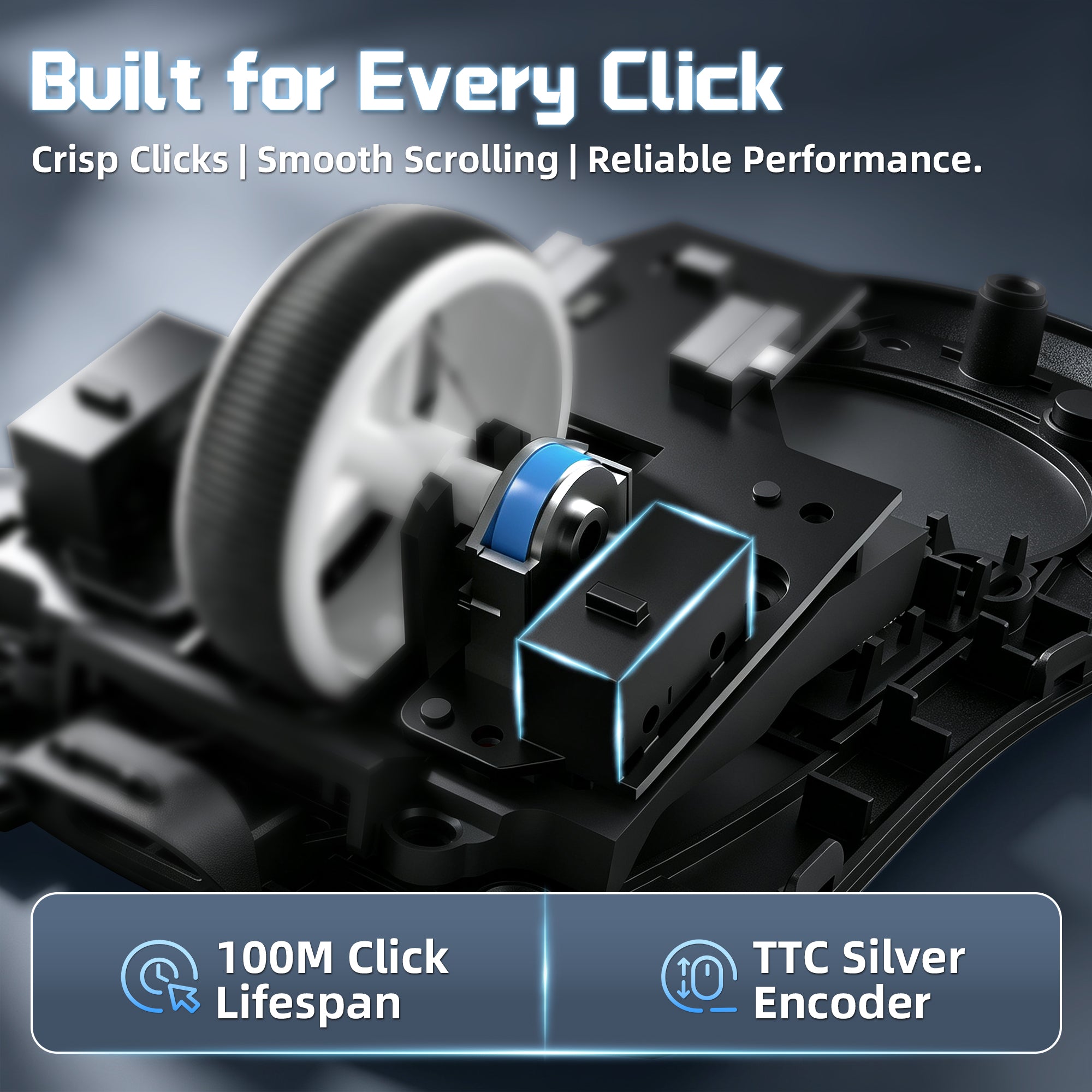
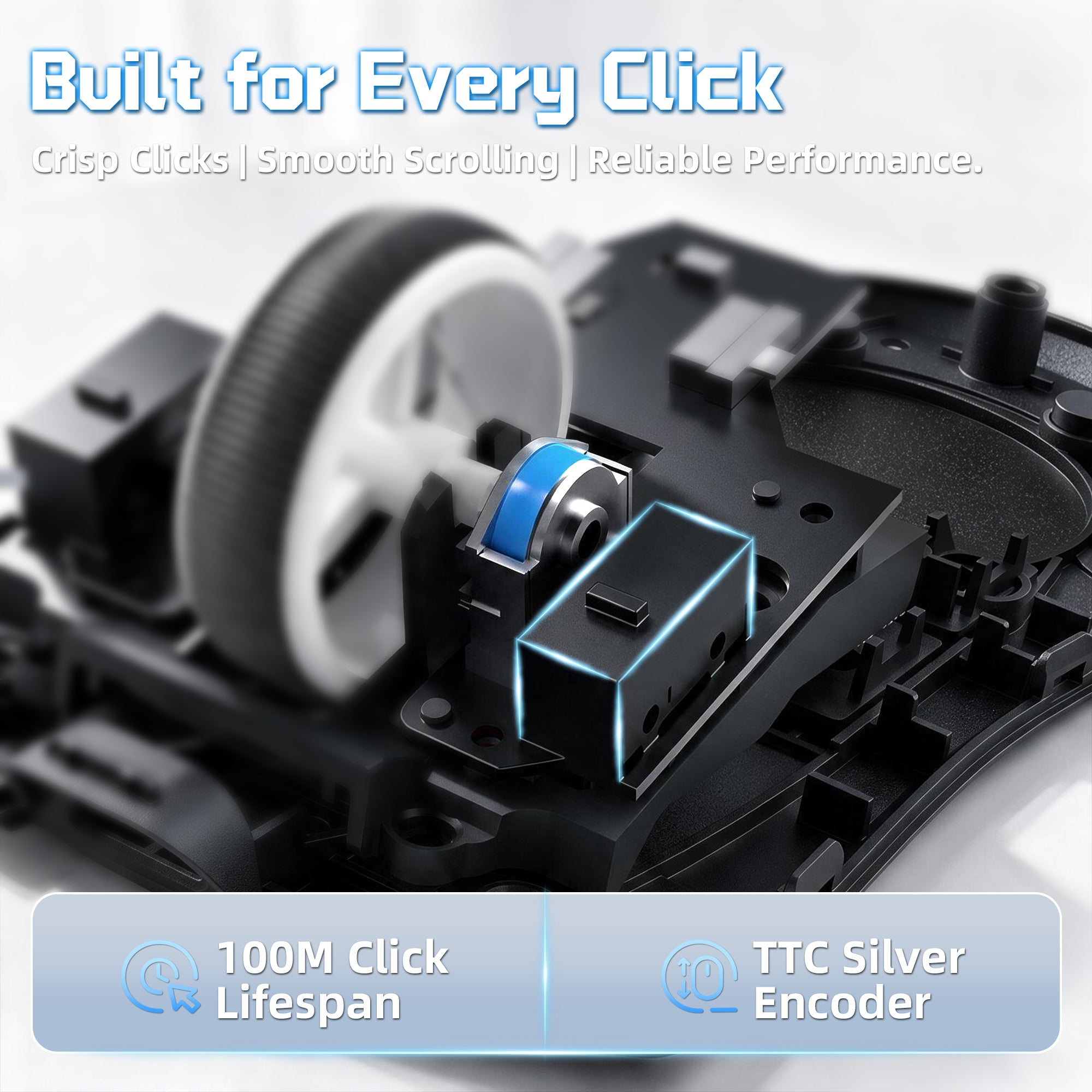
オムロン 100万回クリック + TTC シルバーエンコーダー
耐久性の高いオムロン製メカニカルスイッチとTTCシルバーウィールエンコーダーを搭載したX11 PRO V2は、鮮明なクリック感、滑らかなスクロール、そして長期のゲーム使用に適した信頼性の高いパフォーマンスを提供します。
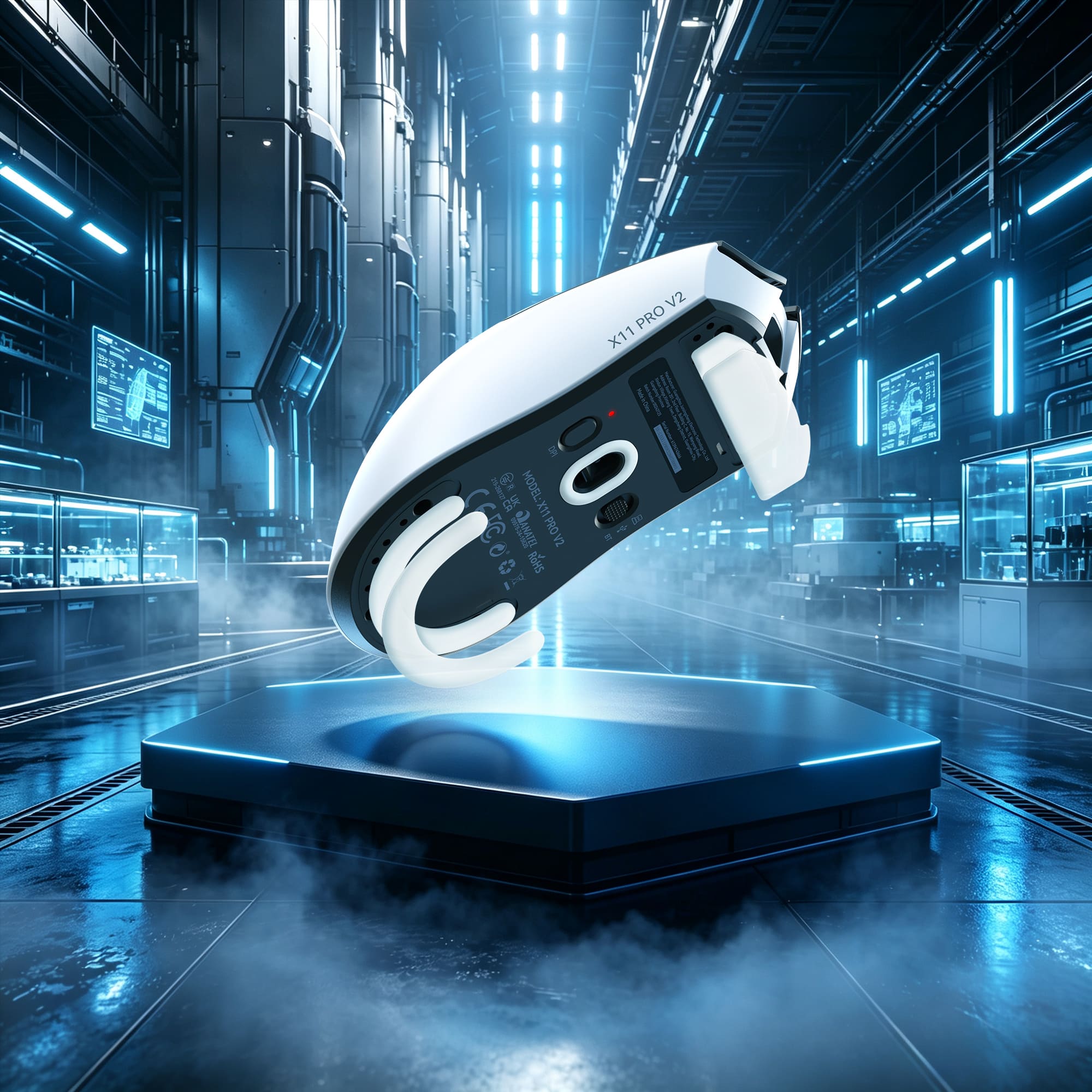
正確なコントロールでの高速移動
Ultraスムーズな二重層PTFEスケート
高品質な二重層PTFEスケートを採用したX11 PRO V2は、さまざまなマウスパッド上でより速く、滑らかな滑りを実現します。最適化された厚さにより、安定性とコントロール性が向上し、激しいゲームプレイ中でも正確なトラッキングを保証します。
Technical Specifications
WEB DRIVER
-
アップグレードされたTFTディスプレイ搭載充電ドックと内蔵2.4Gレシーバー
- X11 PRO V2の強化された充電ドックでゲーミング環境をアップグレードしましょう。TFTカラーディスプレイにDPI、ポーリングレート、バッテリー残量がリアルタイムで表示されます。内蔵2.4Gレシーバーにより、別途ドングルを用意する必要はありません。ドックを接続するだけで、すぐにワイヤレスゲーミングを楽しめます。Qi対応のマグネット式充電設計により、所定の位置に置くだけで簡単に充電できます。
-
PixArt PAW3315センサー - 30,000 DPIの高精度
- アップグレードされたPixArt PAW3315センサーを搭載したX11 PRO V2は、最大30,000 DPI、トラッキング速度400 IPS、加速度40Gを実現し、正確で応答性に優れた操作を提供します。スムーズなトラッキング、正確な動き、そしてスピード感のある対戦ゲームでも安定したパフォーマンスを体験できます。
-
1000Hzワイヤレス性能と3種類の接続モード
- BK3633メイン制御チップを搭載したX11 PRO V2は、2.4Gワイヤレスモードと有線モードの両方で安定した1000Hzポーリングレート性能を提供します。2.4Gワイヤレス、Bluetooth、USB有線接続に対応し、ゲーム、仕事、日常の用途に合わせて柔軟に切り替えられます。
-
高品質OmronスイッチとTTCスクロールホイールエンコーダー
- 長期間の使用を想定して設計されたX11 PRO V2は、最大1億回のクリックに耐えるOmronメカニカルスイッチと、スムーズで正確なスクロールを実現するTTC Silver Wheelエンコーダーを搭載しています。すべてのゲーミングセッションで、心地よいクリック感、安定したフィードバック、優れた耐久性を楽しめます。
-
500mAhバッテリー、最大260時間の連続使用
- アップグレードされた500mAh高密度バッテリーにより、最大260時間のバッテリー駆動を実現し、充電による中断を減らして長時間のゲーミングセッションを楽しめます。頻繁に充電することなく、より長く電力を維持してゲームに集中できます。
-
中型から大型の手に適した66gのエルゴノミックデザイン
- 中型から大型の手に合わせて設計されたX11 PRO V2は、軽量な66±3gの本体とエルゴノミック形状を採用しています。快適な右手用デザインがパームグリップ、クローグリップ、フィンガーチップグリップをしっかりサポートし、長時間の使用でも快適さを保ちます。
-
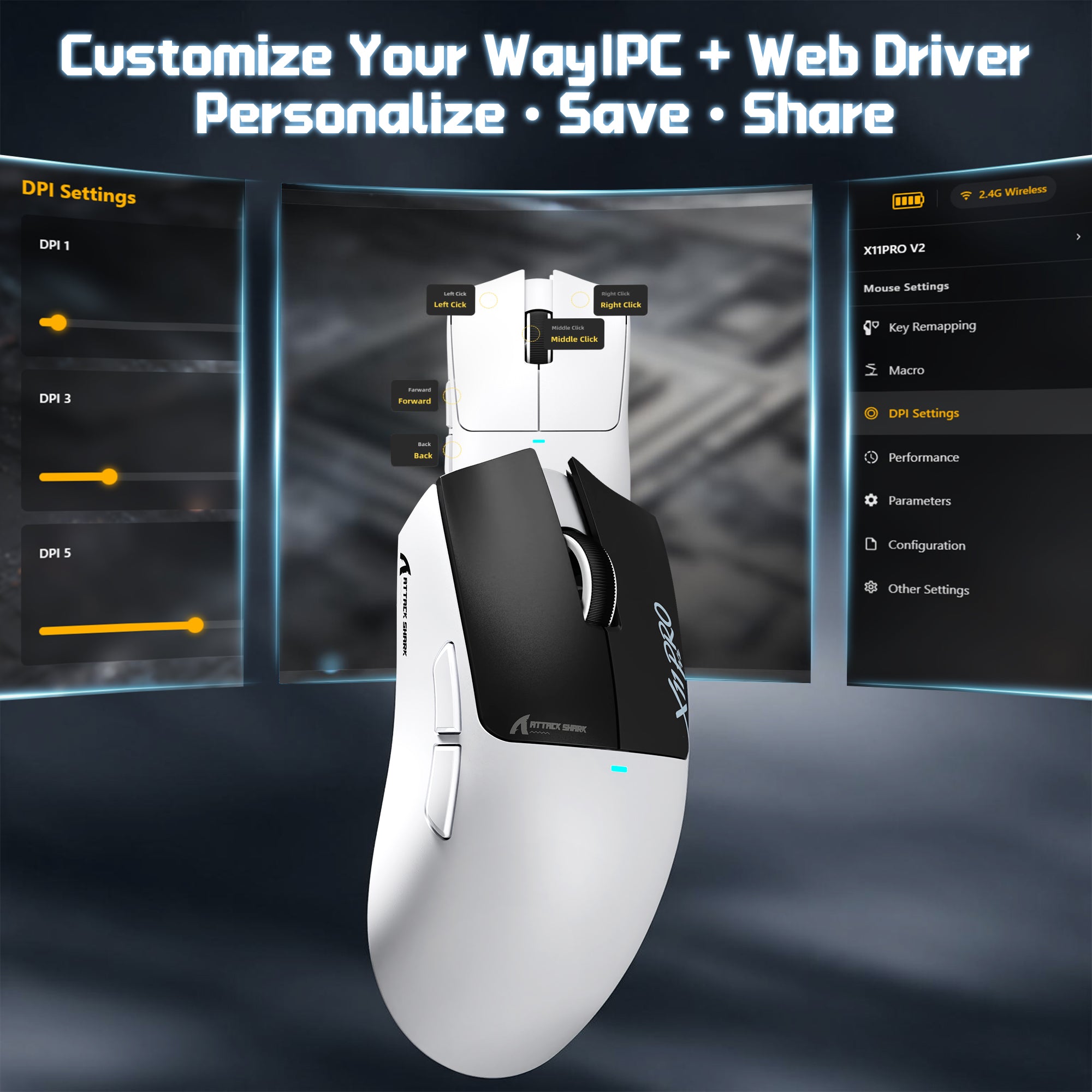
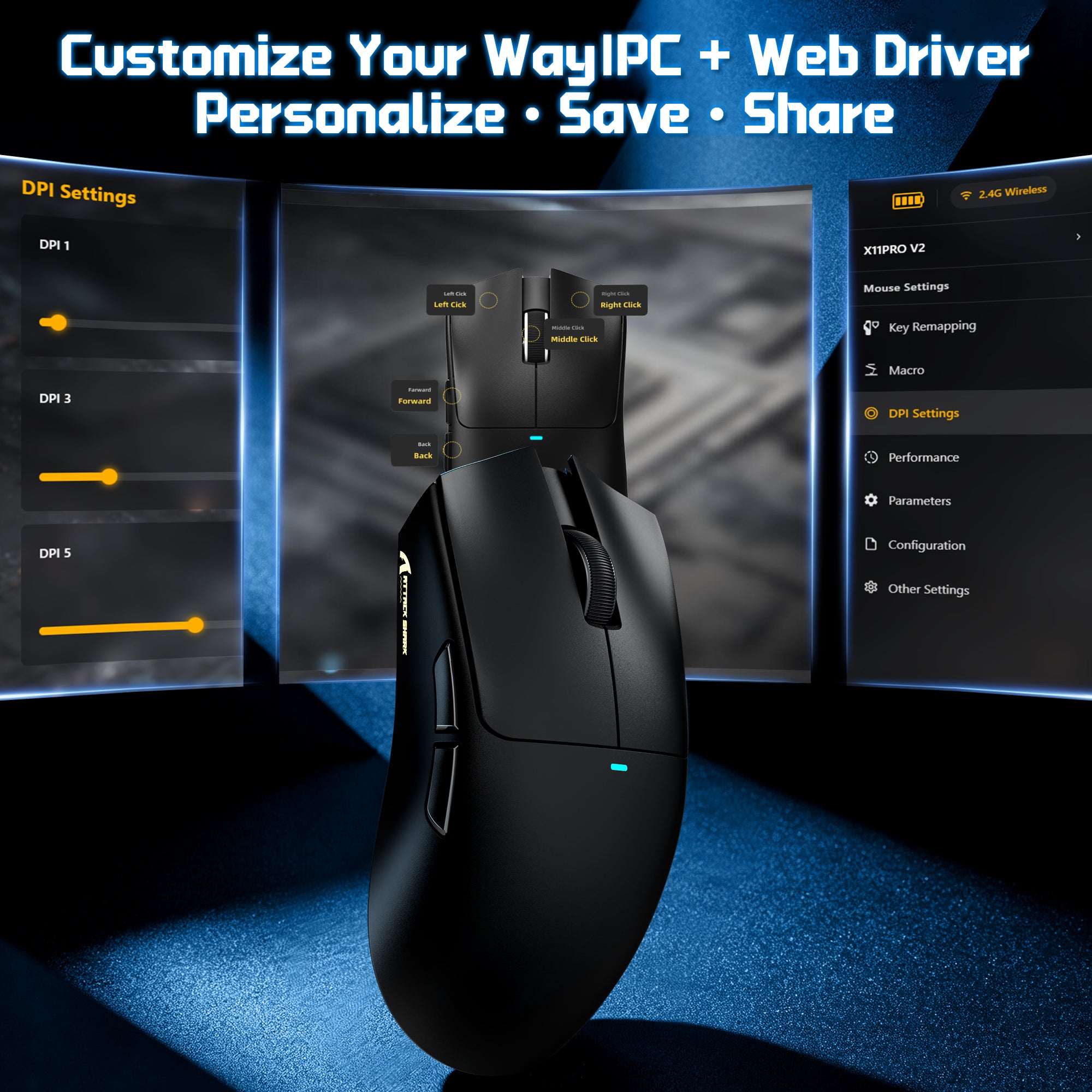
PCソフトウェアとWebドライバーによるカスタマイズ
- 柔軟なドライバーオプションでX11 PRO V2をカスタマイズできます。専用PCソフトウェアまたは便利なWebベースのドライバーを選択して、DPI、ポーリングレート、ライティング効果などの設定を調整できます。どちらのプラットフォームでも、カスタム壁紙、テキスト、カラーテーマを使ってドライバーインターフェース自体を自分好みに設定でき、自分のスタイルに合った操作環境を作れます。
よくある質問
このテキストを使用して、商品や配送ポリシーに関する情報を共有してください。
What is the ATTACK SHARK X11 PRO V2?
What does the TFT display charging dock show?
Does the X11 PRO V2 need a separate wireless dongle?
How does the charging dock work?
How long does the battery last?
What sensor does the X11 PRO V2 use?
Is 30,000 DPI useful for gaming?
What polling rate and MCU does it use?
What connection modes does it support?
Is it good for FPS games like Valorant and CS2?
Is it comfortable for different hand sizes and grip styles?
Is the X11 PRO V2 lightweight?
What switches and scroll wheel encoder does it use?
What do the PTFE skates do?
Can I customize DPI, polling rate and display settings?
X11 PRO V2とF1 AIRのどちらを選ぶべきですか?
手が中〜大きめで、マウスを充電でき、2.4Gレシーバーを収納し、バッテリー残量を表示するドックが欲しい場合は、X11 PRO V2を選んでください。軽さを最優先するならF1 AIRがおすすめです。重量はF1 AIRが39gで、X11 PRO V2は66±3gです。F1 AIRにはPAW3955MAXセンサーが搭載されている一方、X11 PRO V2にはPAW3315が搭載されています。
De los mejores ratones que he probado calidad precio, la bateria dura muchisimo y muy buena calidad de materiales
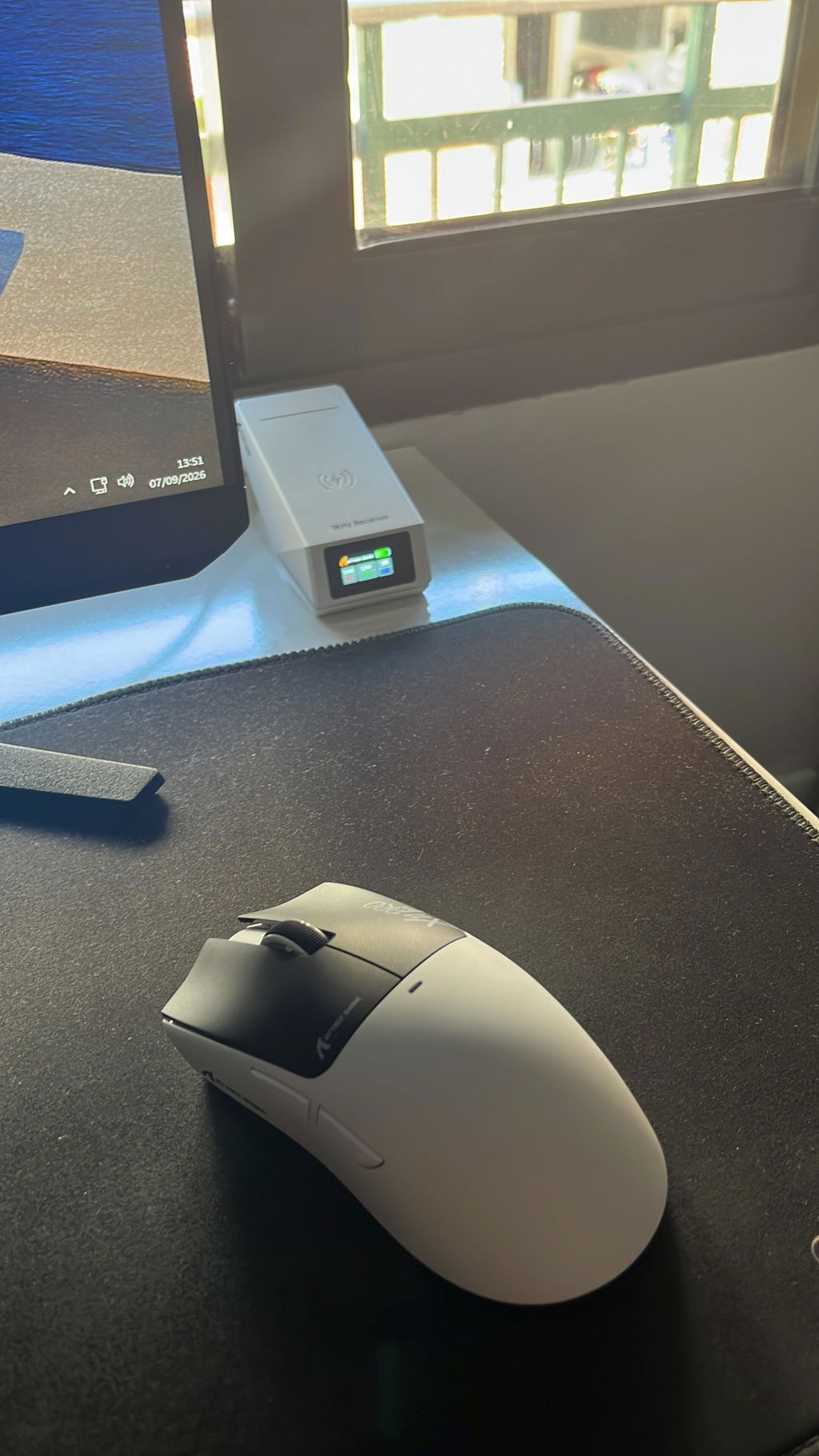
This is one of the best budget mice I have used. There is now a whole class of reasonably priced gaming mice offering hardware that used to be associated with much more expensive models, and this one puts those parts together especially well.Tracking is excellent. I use a large 4K display and eventually settled on 30000 DPI with Windows cursor speed at its lowest setting and Enhanced Pointer Precision disabled. That sounds extreme, but it works very well. Tiny movements remain extremely precise, down to roughly a couple of pixels in practical use, while I can still move rapidly across the entire display without running out of mouse pad. The sensor feels smooth and consistent rather than merely having a large DPI number on the specification sheet.The DPI stages are fully configurable too. The factory presets include a large jump from 8000 to 30000 DPI, but those are only defaults. If you want 20000, or almost any other arrangement, you can redefine the individual stages.There is a downloadable driver, but I have just been using the web configurator. It is easy to access once you know to search for it. Nothing needs to remain installed on the computer. From there I can change DPI stages, polling rate, button assignments, lighting and power management settings. I do not particularly like side buttons, so I simply disabled mine. I did not see a way to change lift-off distance, but 1 mm works fine for me.There are two sleep levels and their timers can be changed, although not completely disabled. Level 1 wakes with ordinary mouse movement and is essentially invisible in use. Level 2 can require a click to wake, so I set that one to 30 minutes.I primarily use the 2.4 GHz connection. Bluetooth and wired USB are also available, but 2.4 GHz gives me the combination I want for normal desktop use: wireless freedom with responsive performance. The charging dock is also the 2.4 GHz receiver, which makes the arrangement much more appealing than having a separate dongle hanging off the computer.The dock is one of the most distinctive parts of the package. Its TFT display shows useful information including DPI, polling rate, lift-off distance and battery status, while the surrounding RGB lighting can be customized. I set mine to a simple solid green ring. The mouse itself does not stay illuminated except briefly when changing DPI, which seems like the sensible place to save battery power.My particular USB port loses power when the computer is shut down, so the dock cannot charge the mouse overnight. That has not mattered much in practice because it needs charging so infrequently.I received the version with grip tape. The mouse does not really need it, but the pieces are easy to align and apply, add some extra traction, and make the black mouse visually more interesting without becoming excessive. The broad skates underneath are exceptionally smooth. Combined with the light 66 g body, the mouse moves with very little effort.The main buttons require light pressure and have short travel. I caused a few accidental clicks at first because I was accustomed to heavier switches, but that disappeared once I adjusted to them. The light action now feels fast and comfortable.I also like that the wired mode gives the mouse some insurance against eventual battery degradation. If the internal battery stops holding much charge years from now, the USB-C cable can simply be connected to the front and the mouse remains usable as a wired device.At around $40, that complete package is what stands out. There are now other affordable enthusiast mice with equally good or even higher-end components, so this is not alone in bringing serious mouse hardware down into the budget range. The X11 Pro V2 does it particularly well, though, and adds a charging receiver with a genuinely useful display, excellent configurability, three connection modes and very good physical execution.For my workstation, it has been substantially better than the cheaper mice I had been using and competitive with much more expensive ones. This is an unusually complete mouse for the asking price.


Really impressed with this wireless gaming mouse. It feels comfortable in the hand and is lightweight enough to use for longer gaming sessions without feeling tiring. The wireless connection is responsive and makes the desk setup much tidier without having to deal with cables. The shark-themed design looks fantastic and gives it a fun gaming aesthetic. The buttons are easy to use and the overall build feels good for the price. A great mouse for gaming and everyday computer use.

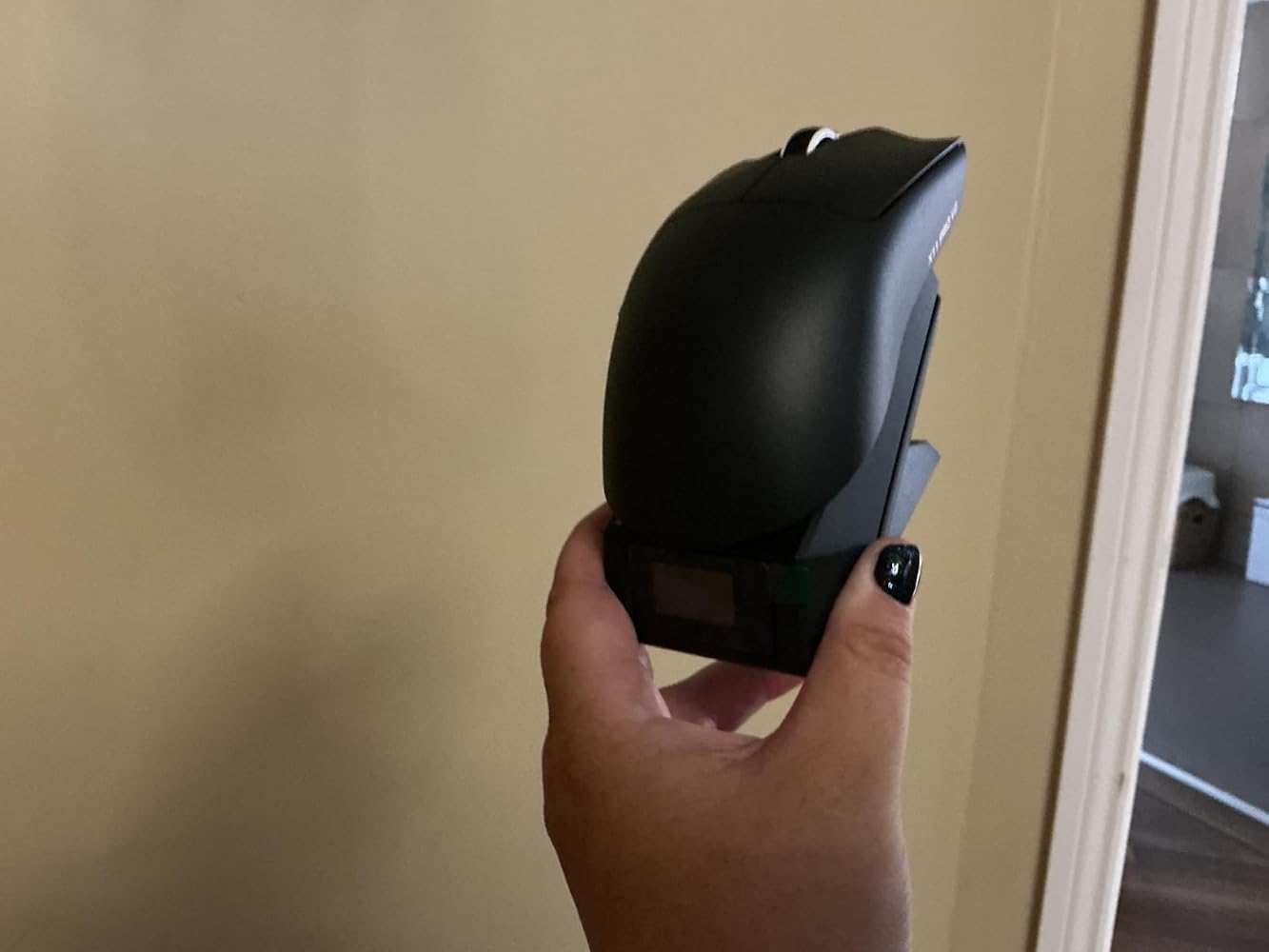
The 'ATTACK SHARK X11 PRO V2 Wireless Gaming Mouse, Magnetic Charging Dock, 66g Superlight, 30,000 DPI, 500mAh Battery, 1000Hz, Black' arrived in a branded box that also contained a USB A to USB C charging cable; stickers and Instructions.For me it was not about the DPI of this mouse, but the fact it used magnetic charging, and that it was so light weight. In addition to this it lacks a thumb support which is something I find gets in the way and makes it harder to control the mouse position.Whilst I was testing the mouse I was pleased to find that it has a reasonable height and that my fingers were not being forced straight; to find a good shape mouse I let my hand relax which tends to curve the fingers towards the palm, and that is the shape I prefer for my mouse; this one is very close to that shape. One thing I did find pleasing was that the default DPI was perfect for my needs; too often I find the default setting way too fast.The provided stickers have a tactile feel to them though for the present I will be using the mouse without them.As with all keyboards and mice; they are a personal thing with everyone having their personal preference; the only aspect I need to get used to with this mouse is the fact it is so light weight; there is virtually no resistance when it is first moved.


This mouse is extremely lightweight (69g). That can be great if you are carrying it around to use with a laptop, but I actually find it too light for effective use. I like to have a bit of weight in my hand, to get more accurate movement and clicking. You can connect to your laptop or PC via its charging dock/receiver, blue tooth, or even with a USB cable. The receiver weighs twice as much as the mouse and needs a USB cord, so compared to a normal USB dongle it’s not so practical for use on the move. The flashing lights on the base soon get a bit annoying. You can turn them off with a button on the underside, but it reverts to the default colour pattern every time you restart. The wireless recharging of the mouse is nice, but obviously only works when your PC/laptop is powered up. I ordered the plain black version, but it came with a bunch of stickers that would produce the same design as the others shown in the listing. Overall, this is a reasonable quality mouse, with gimmicks that appear to be aimed at teenagers who want to impress their friends. I think it is a bit overpriced at £34.99.


Attack Shark has, once again, knocked it out of the park with this one. They are by far my favourite brand, and they always deliver.Presentation-wise, it's fantastic. It is certainly suitable for gifting, and it feels like a premium product. It comes in a nice box with your mouse, dock, stickers, and cables. Everything you'd need plus more.The dock looks great and has a little display on the screen telling you the required information.The mouse feels brilliant in the hand. It's comfortable, smooth, and it's responsive. This is everything you'd want in a mouse. It's only a 1k polling rate, but this is more than fine for the vast majority of people. It's extremely lightweight, but doesn't feel cheap. Connectivity is great, offering wired, wireless, and Bluetooth, giving you plenty of options.At £36.99, I think it offers amazing value for money; it's almost a budget price for a very good mid-range mouse. I'm very happy with this one.


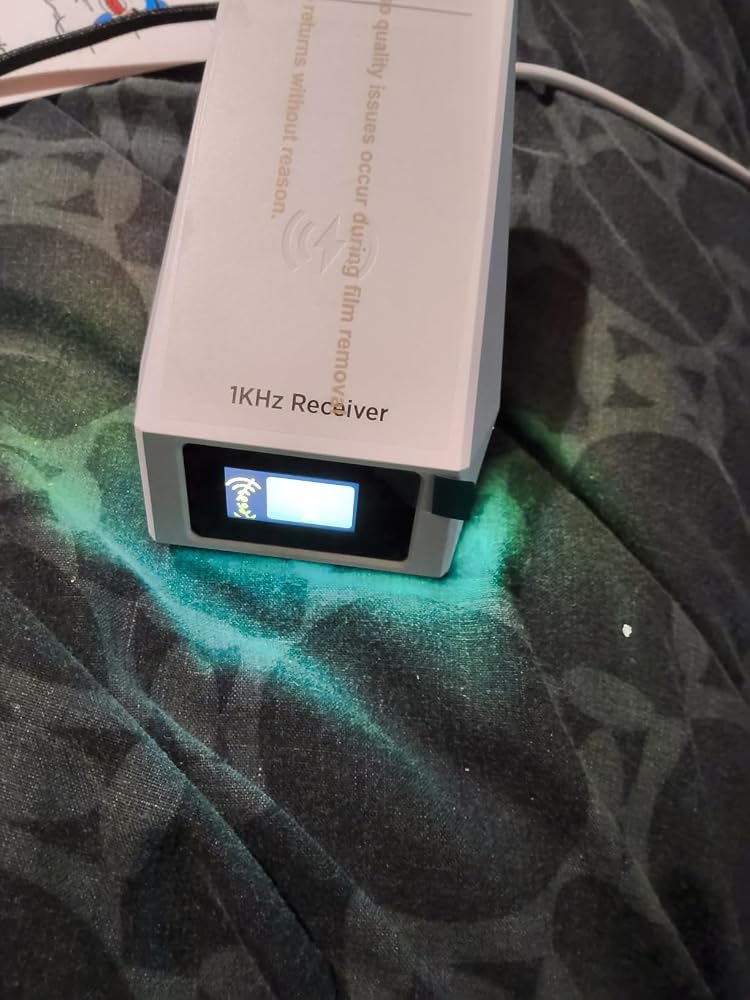
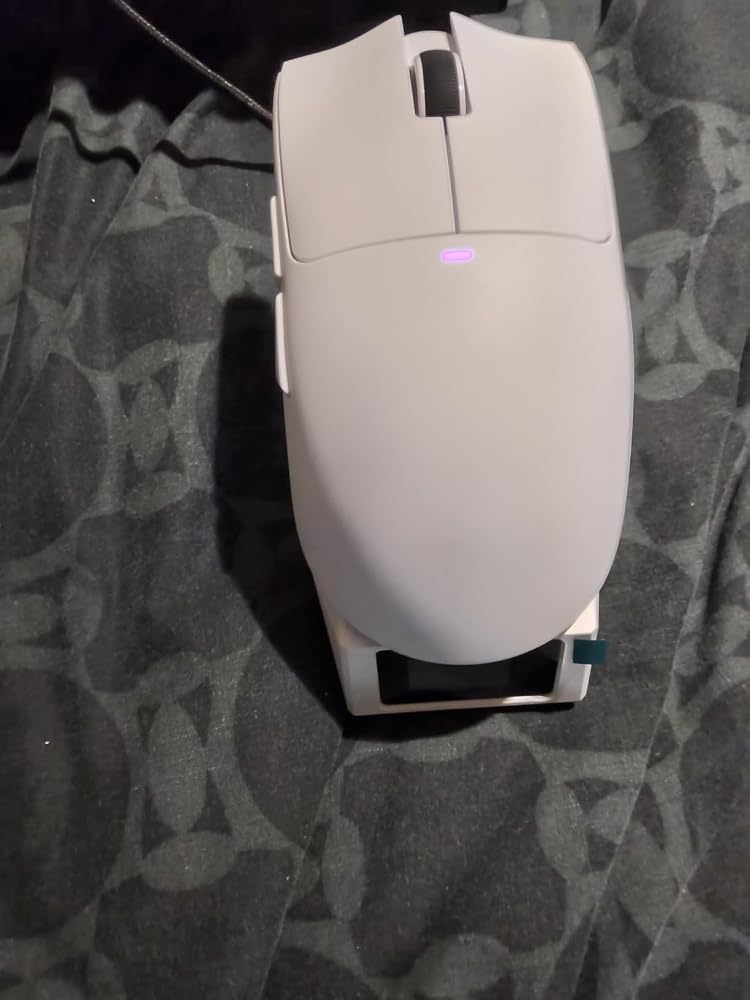
I initially didn’t have high hopes for this mouse to track effectively on a glass mousepad, so when it arrived and I tested it right out of the box, I was pleasantly surprised to see that even with the PixArt PAW3315 sensor, it tracks perfectly fine on my Tekkusai Singularity glass mousepad with no issues whatsoever. Furthermore, I really like that any configuration settings can be mapped via the web driver, which eliminates the need to download and install the actual software driver. Lastly, this. mouse came with a free wireless charging docking station/receiver for 2.4 hz 1k polling rate.The mouse works exceptionally well, is lightweight, and came with grip tape, which is also a plus. This is an excellent gaming mouse for FPS games or even just regular work. Another great product from Attack Shark!
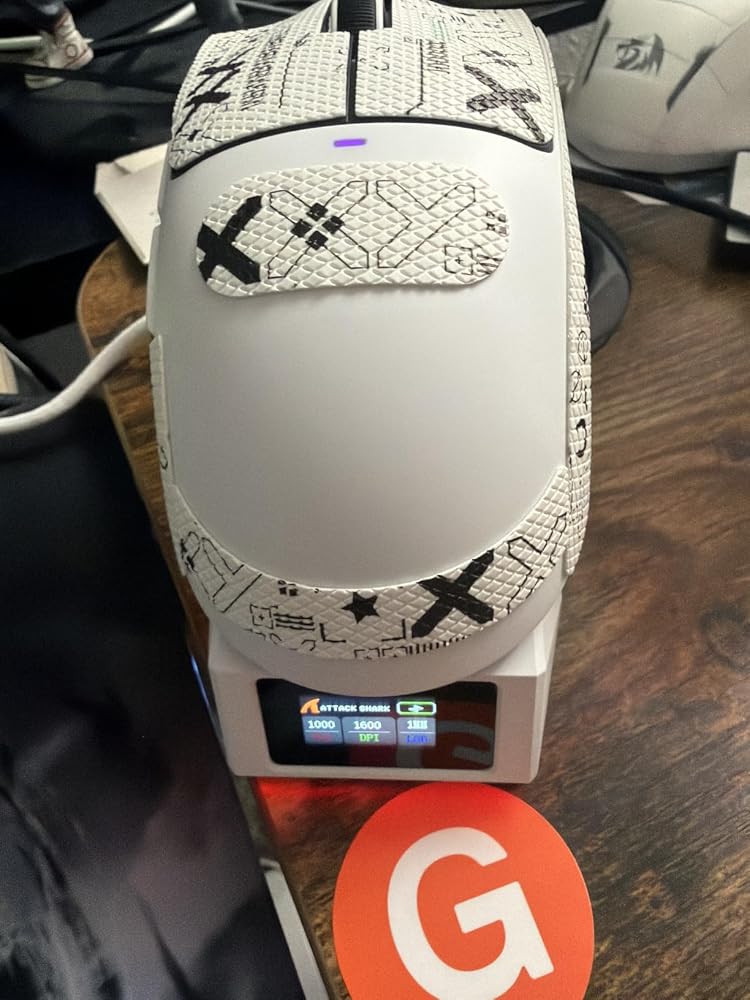
I ordered this for work computer, and it has worked great so far. It was extremely easy to connect to my desktop PC. I just plugged in the charging/2.4GHz dock, and it automatically connected.I really like that the dock shows the DPI and battery level at a quick glance. Charging is also super simple, you just place the mouse on the dock, and the magnet lines it up and starts charging.The mouse itself feels great in the hand and glides smoothly across my mousepad. Overall, this is a great inexpensive mouse, especially considering it comes with a charging dock that also displays the mouse's status. I would definitely recommend it.


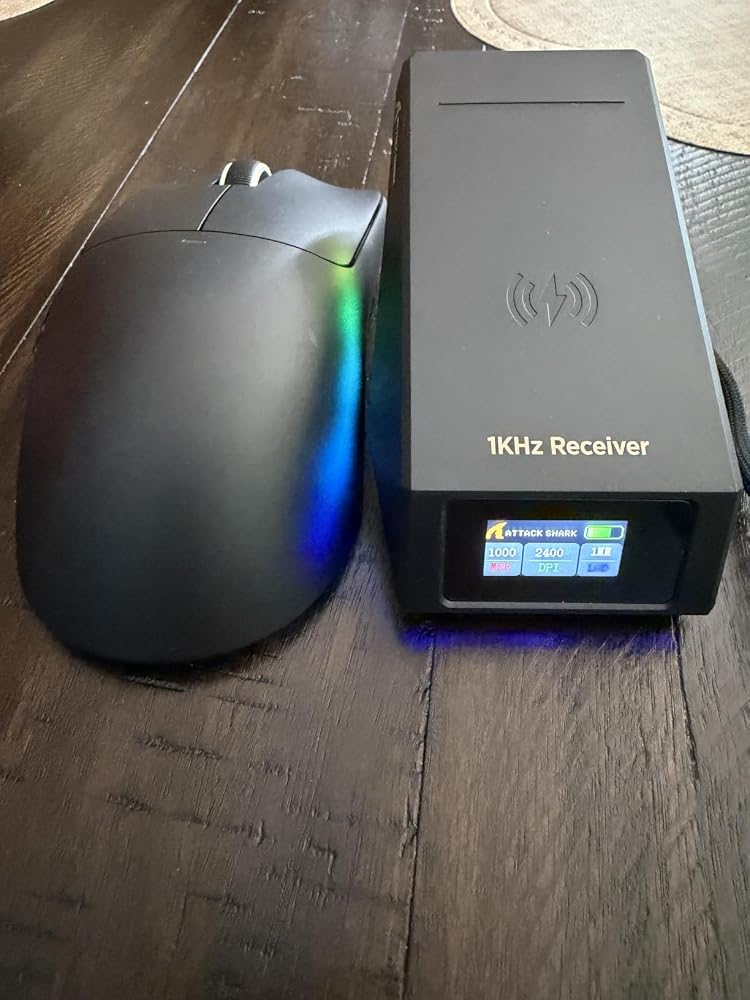
An outstanding wireless gaming mouse that delivers excellent performance at a genuinely competitive price point. Picked up for just £31, it punches well above its weight in almost every department — and the magnetic charging dock alone is a genuine game-changer.Build & Quality:The construction immediately inspires confidence. The mouse buttons offer a satisfying, consistent response with every click, and the overall finish feels premium for the price. At just 69g, it sits comfortably in the hand without feeling flimsy, and the ergonomic shaping suits medium to large hands well. The TTC Silver scroll wheel encoder adds a touch of quality that you wouldn't necessarily expect at this price point.Performance & Practicality:The PAW3315 optical sensor handles tracking with precision and confidence, and the 1000Hz polling rate in both wired and 2.4GHz wireless modes ensures smooth, low-latency cursor response. Tri-mode connectivity means it adapts easily to different setups — gaming rig, office desk, or on the go. The magnetic charging dock houses the 2.4GHz receiver neatly, keeping the desktop tidy and the connection stable.Real-World Impressions:The magnetic dock is arguably the most impactful feature in daily use. Forgetting to charge a wireless mouse is a frustration many will recognise — fumbling for cables or backup mice mid-session is genuinely annoying. Simply dropping the mouse onto the dock as part of a natural end-of-session routine keeps it topped up and ready. It gives the mouse a dedicated home, which sounds small but makes a real difference. The TFT display showing battery, DPI, and connection status is a handy touch too.Verdict:For £31, this is remarkable value. Thoughtful design, reliable performance, and a magnetic charging dock that solves a real everyday problem — this is an easy recommendation for anyone after a capable wireless gaming mouse without spending a fortune.

The Attack Shark X11 Pro V2 had no issues connecting to my laptop. It does not require a USB wireless dongle to plug into your laptop or PC. The mouse is comfortable in my hand and moves easily. It is lightweight and the buttons are placed ergonomically correct.This mouse would be more entry level gaming. I suspect much more expensive ones exist that have a higher DPI. However, this mouse is perfect for the limited gaming I do as well as general work on my laptop. I like that the stand and how it magnetically adheres to it.The display shows you the charge left as well as some other settings you may wish to set and see. The only problem I had was it lost connectivity after I let the laptop sit and the mouse sit for about 10 minutes without any interaction. I am unsure if it was the laptop of the mouse. I moved the mouse around for about 30 seconds and finally the laptop "saw" it.Overall, I'm happy with the mouse. The response is great and I like that I can charge it instead of using batteries. Solid find and solid price. 4 stars.


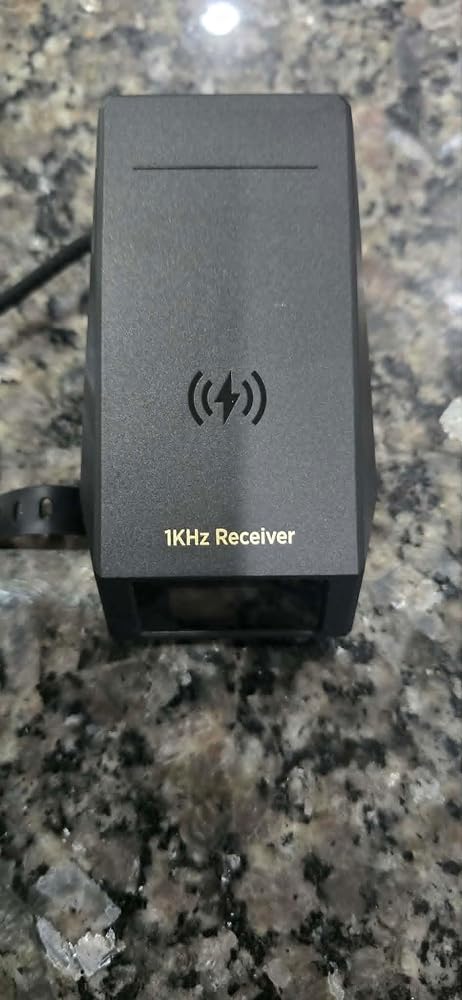

I am terrible at remembering to charge my rechargeable mouse.This amazing idea from Attack Shark of a charger/receiver in one is just brilliant, whilst it does take up a bit of desk space, you can move it far back from your keyboard, the supplied USB a to USB c cable is a good length.The actual mouse is a nice design, fits perfectly in my hand, has two top buttons, a scroll wheel/button and two buttons on the left hand side. Underneath the mouse are a dpi button and a input slider (bt/usb/2.4).On the charging base is a oled display, it shows the power level, MRR, DPI and LOD. Around the edges of the base unit is a rgb led, you can change modes for this using the RGB switch on the base of the charging base.I downloaded the software from the Attack Shark website, it works exactly the same as the app, so its worth just using that but that's your own decision.Being able to alter the DPI, LOD and MRR is great so you easily use this mouse for home/office work or gaming. If you register you can save your own set defaults for your mouse on both the app and software.You can also set up your own defaults for the buttons using the app/software.Ive become accustomed to a great product from Attack Shark and this one doesn't fail to shine.The main benefit from this is its great value for everything it can do.

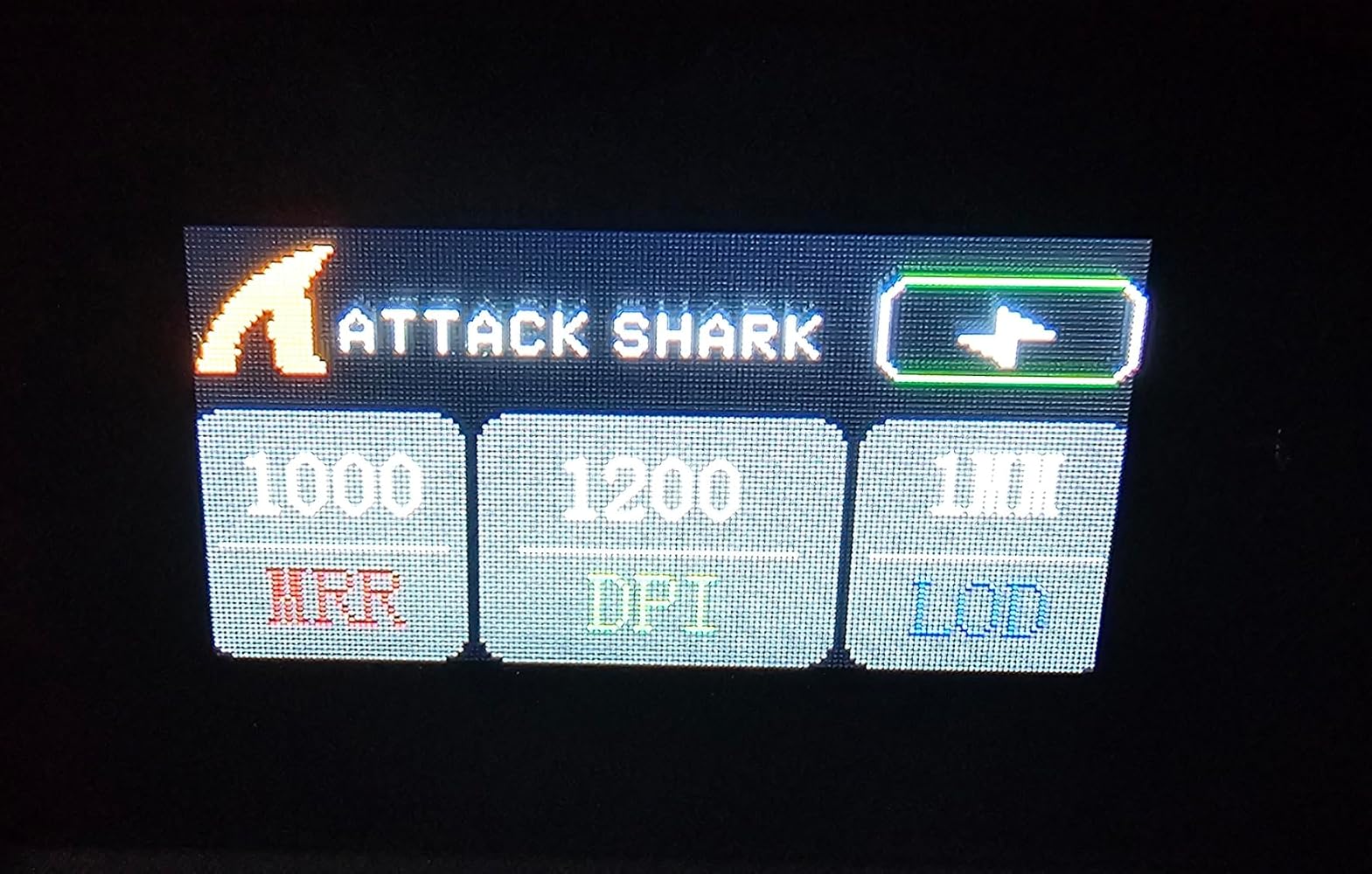


I really like products from Attack Shark. I got one of their mice around a year ago, and to be honest, it's spoiled all other mice for me. I find my Apple mouse to be totally unusable in comparison! So I’ve been wanting another Attack Shark mouse for one of my other computers, and this is the one I got.This mouse comes with its own charging dock that connects to your computer via a USB-C port. Mine's plugged into a Mac mini. The dock has RGB lights that both create one of 10 breathing-type patterns and can also indicate things like charging status. There’s an RGB button under the charging platform to change the display.The dock also has a small TFT colour screen that shows the charging state, connection mode, polling rate & DPI. The mouse clings to the top of the sloping platform with the aid of magnetism, which works quite well.The mouse itself is very lightweight and comfortable. It can connect via Bluetooth, 2.4GHz and USB, all selectable via a switch underneath the mouse. The DPI is selectable up to a crazy 30,000 DPI with 6 different levels available. Other models go even higher, but I find that just 3600 DPI works well for me in most cases.The buttons all work well, and everything is comfortable, precise and fast.There’s a set of optional sticky grips that you can add, included.The problem with my previous model was that although I loved using it, I felt like the battery needed charging quite often. With this model, the problem is solved because the charge level is instantly visible on the TFT screen and you can pop it on the dock for extra charging as needed.



Es ist sehr gut
The display dock makes checking battery levels seamless, the mouse is incredibly light and comfortable.
It is great
Đc