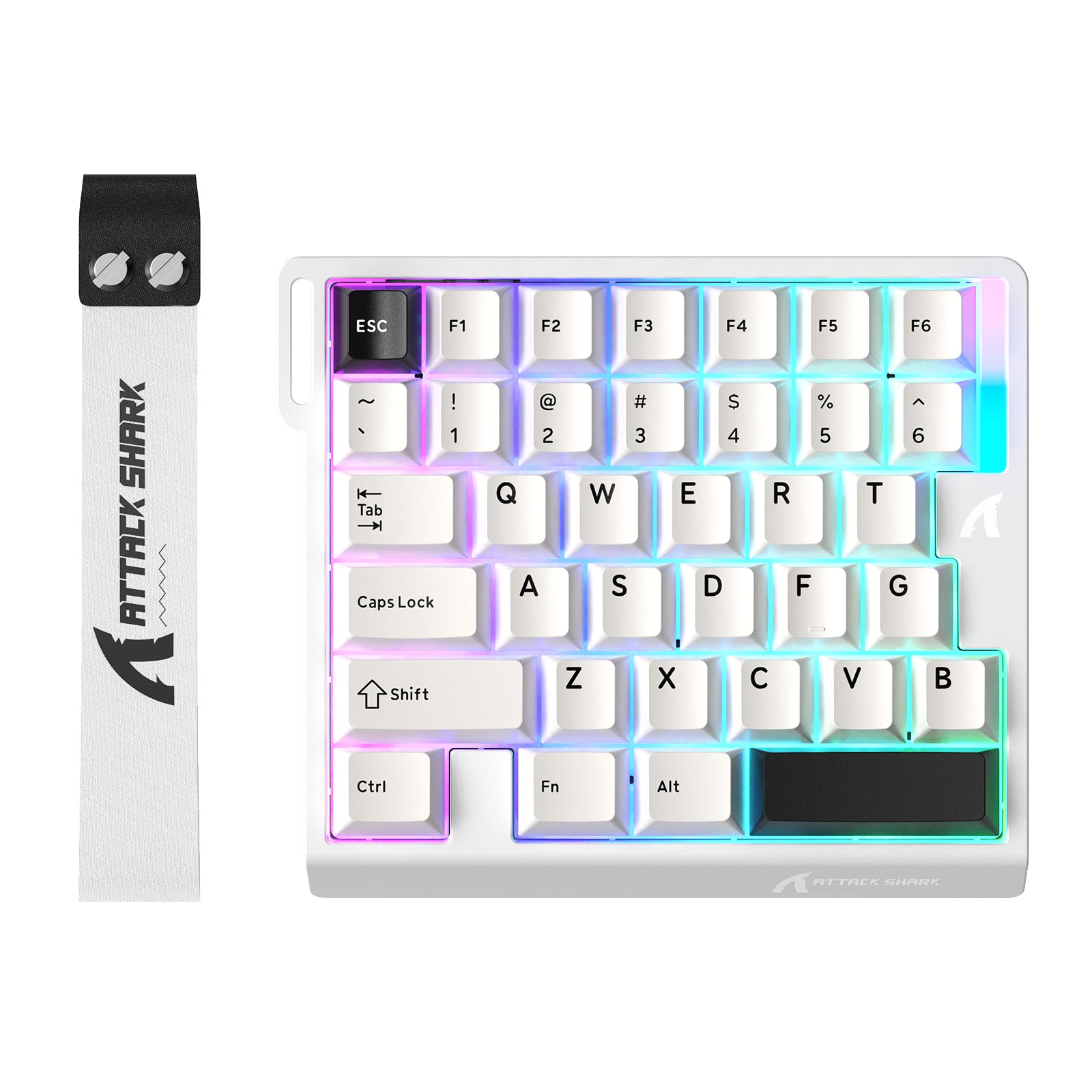
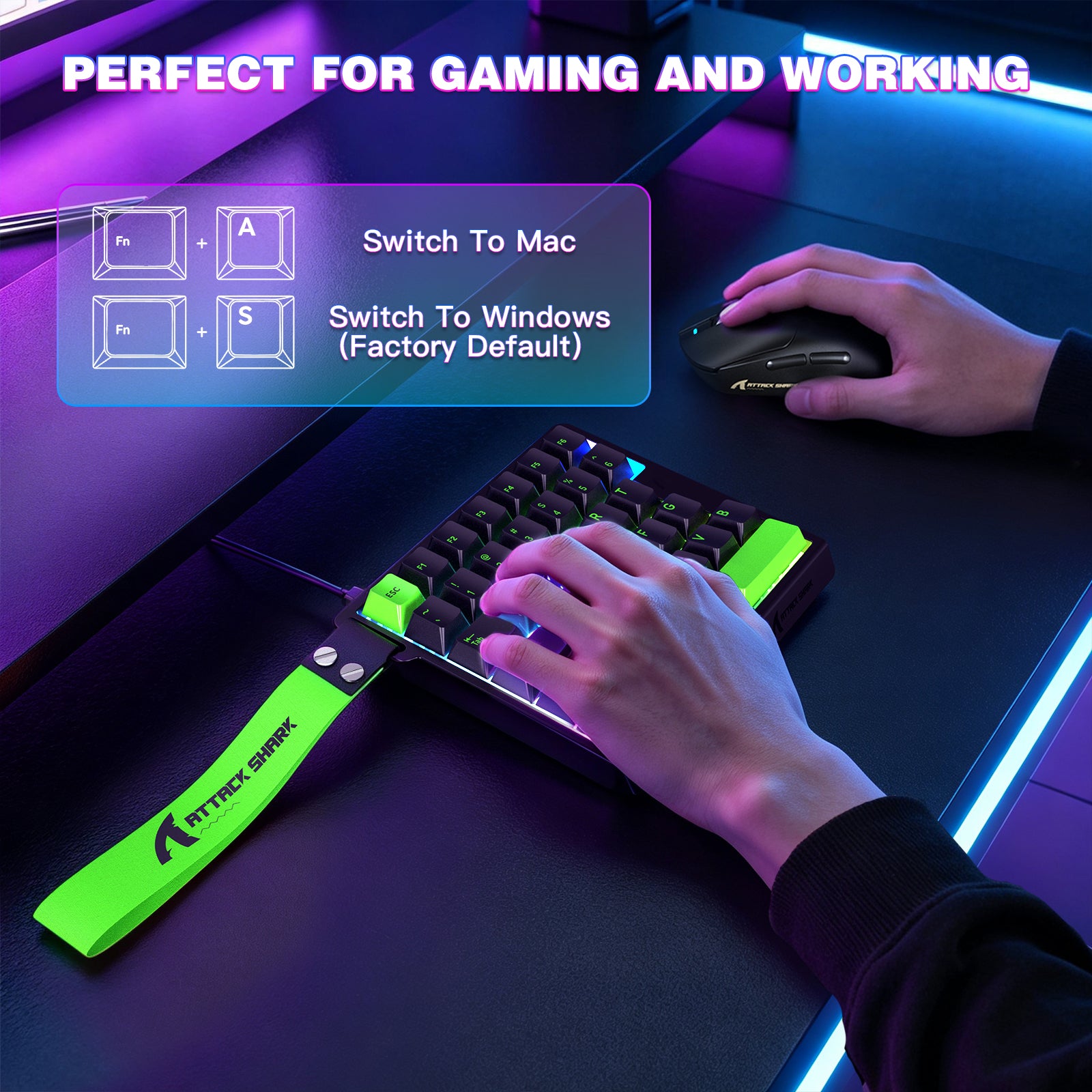
ATTACK SHARK M36 HE 片手用マグネティックスイッチキーボード
- Share:
-

-

-

-


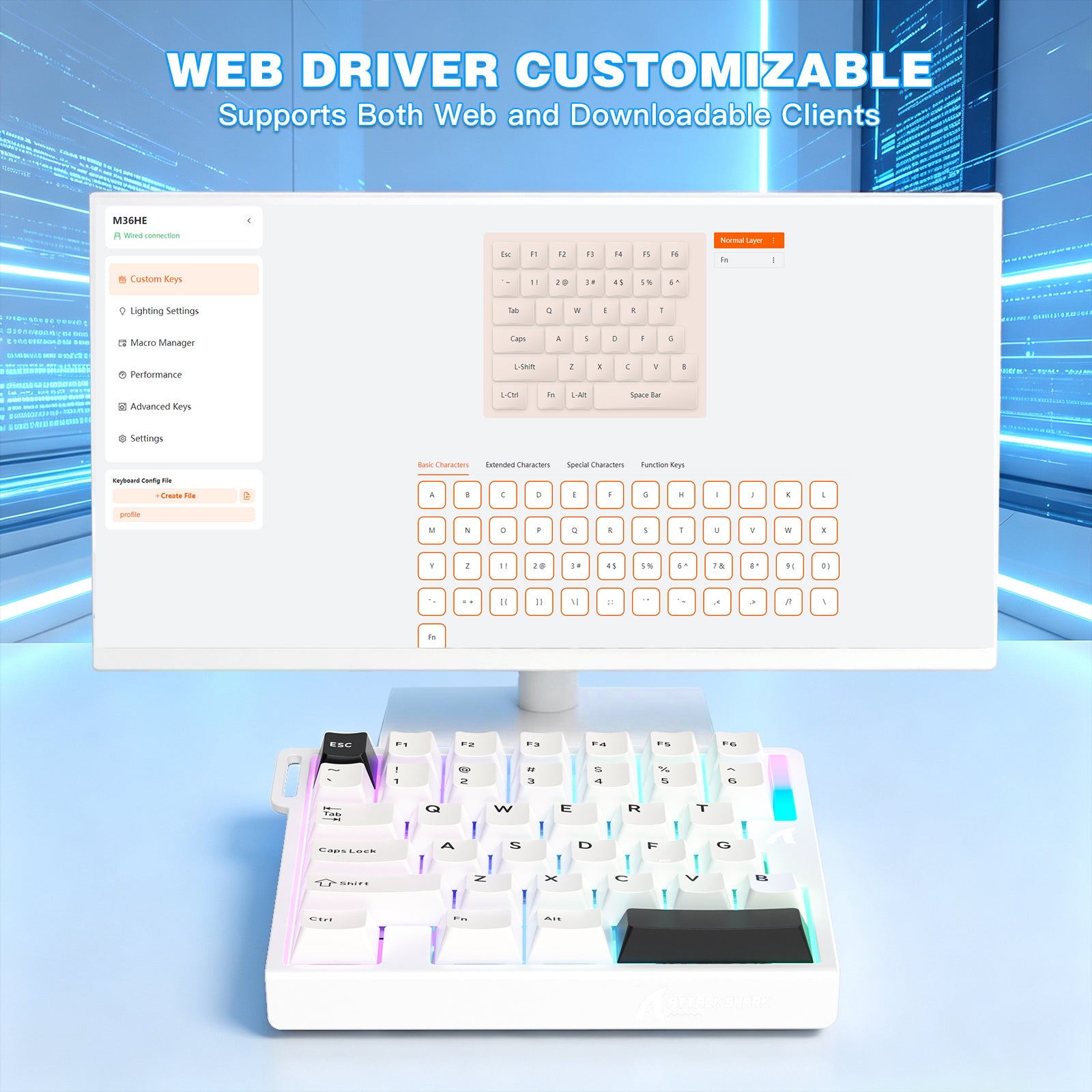
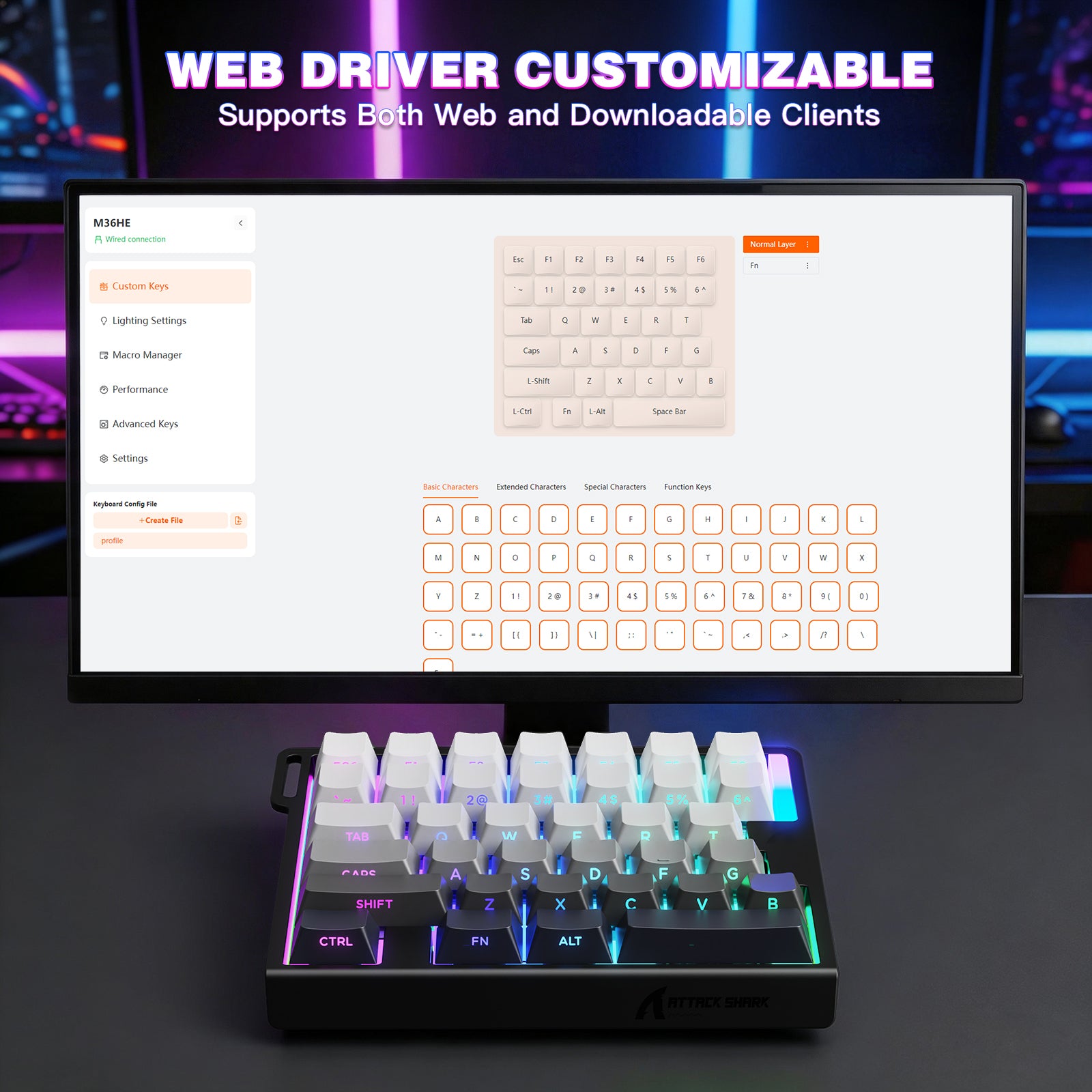
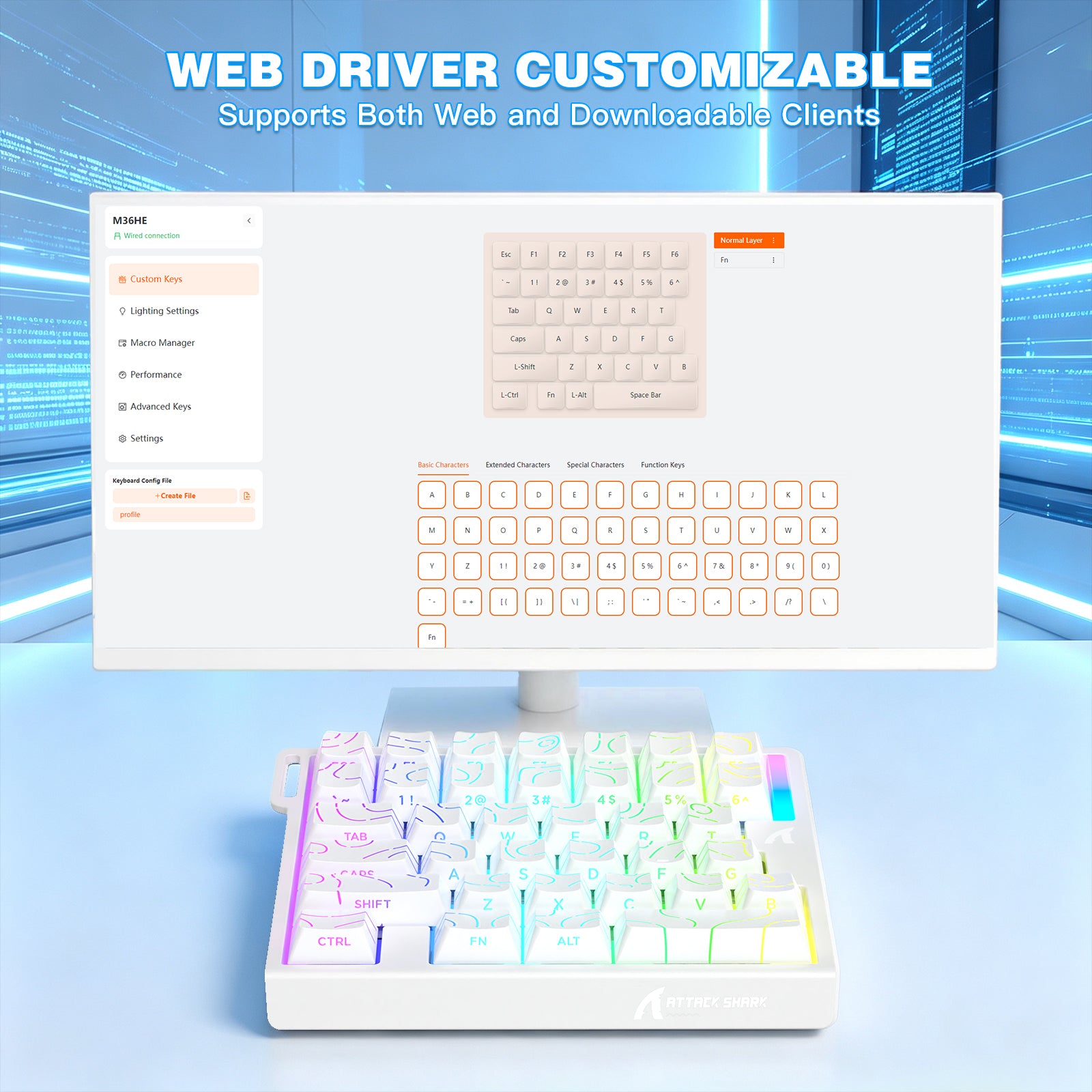
WEB DRIVER
-
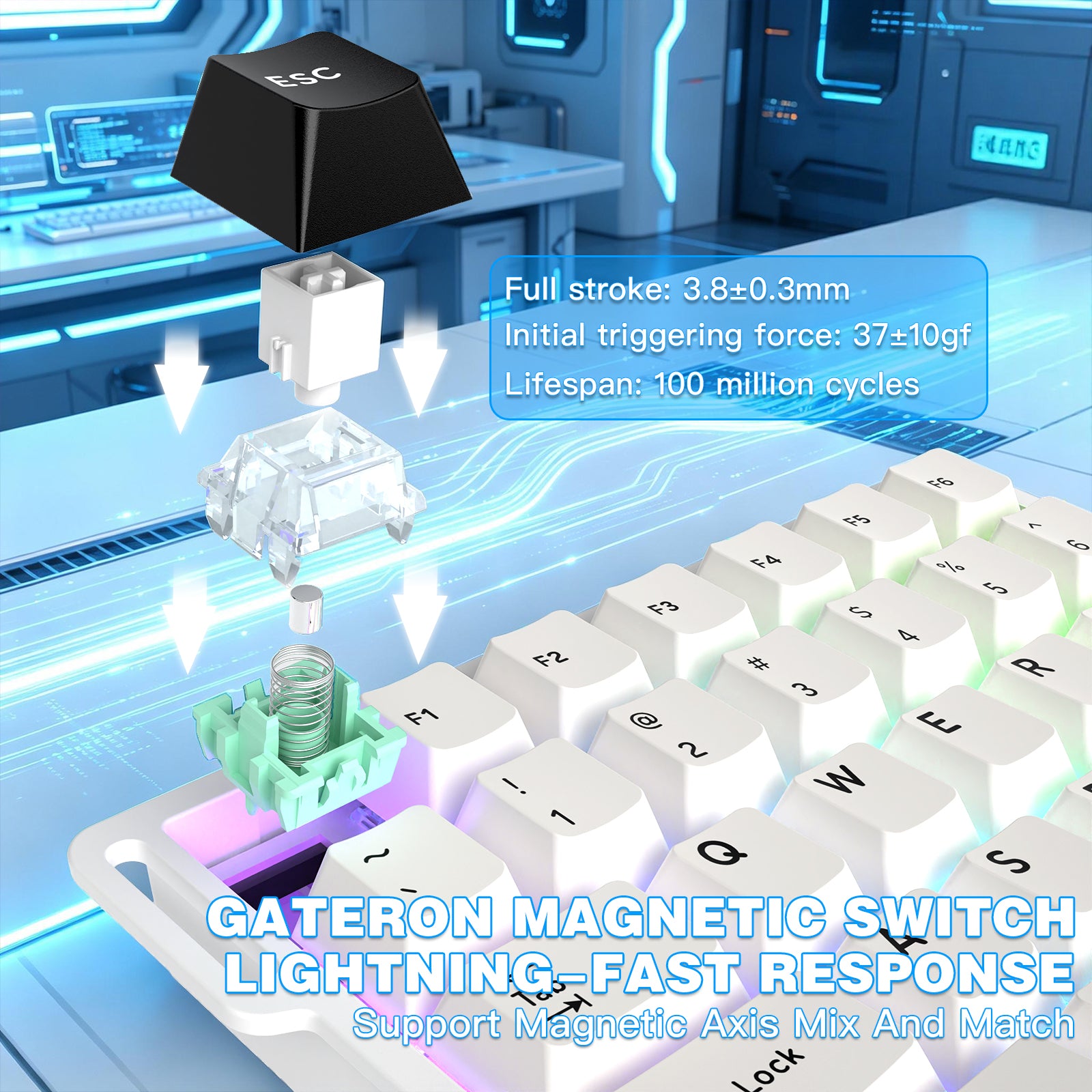
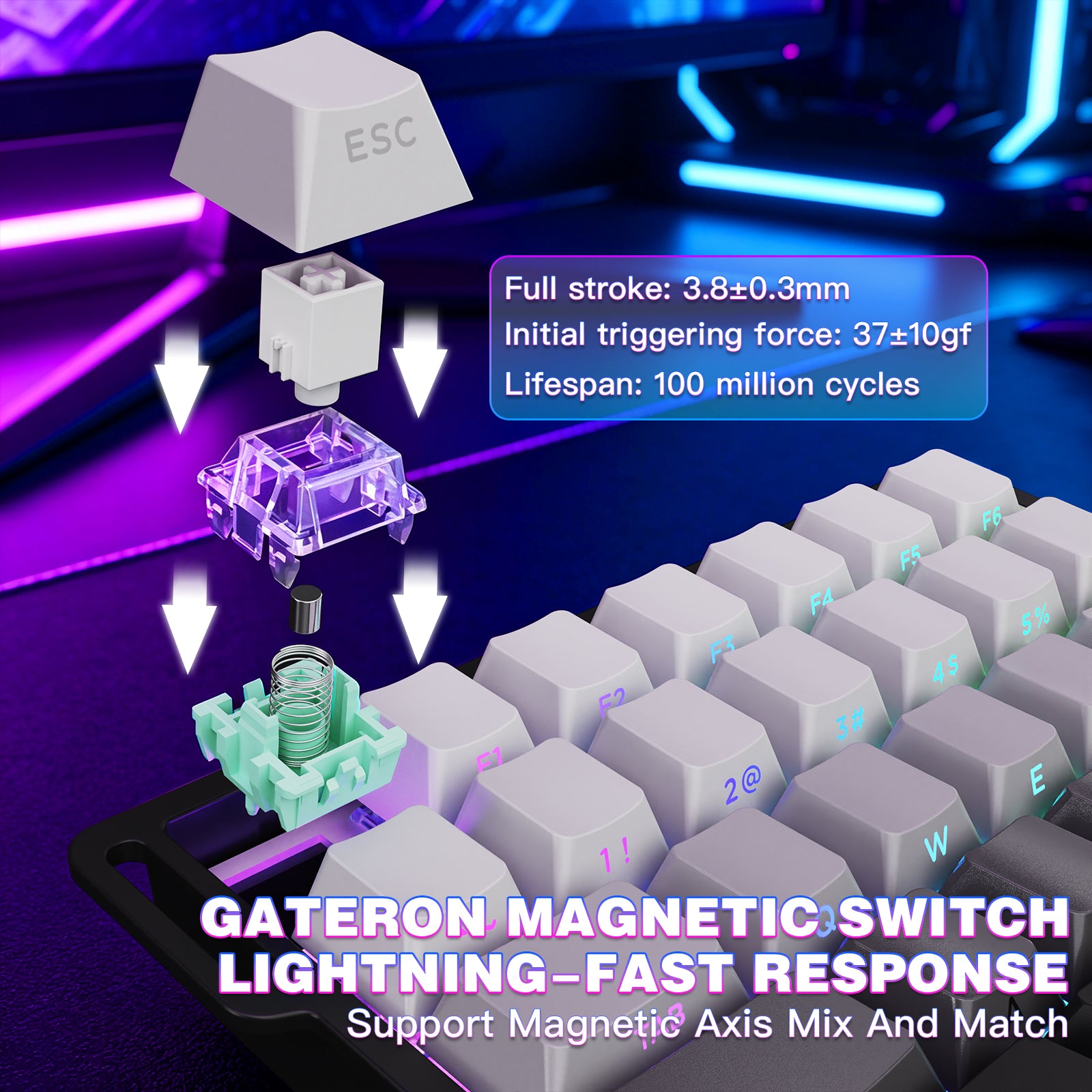
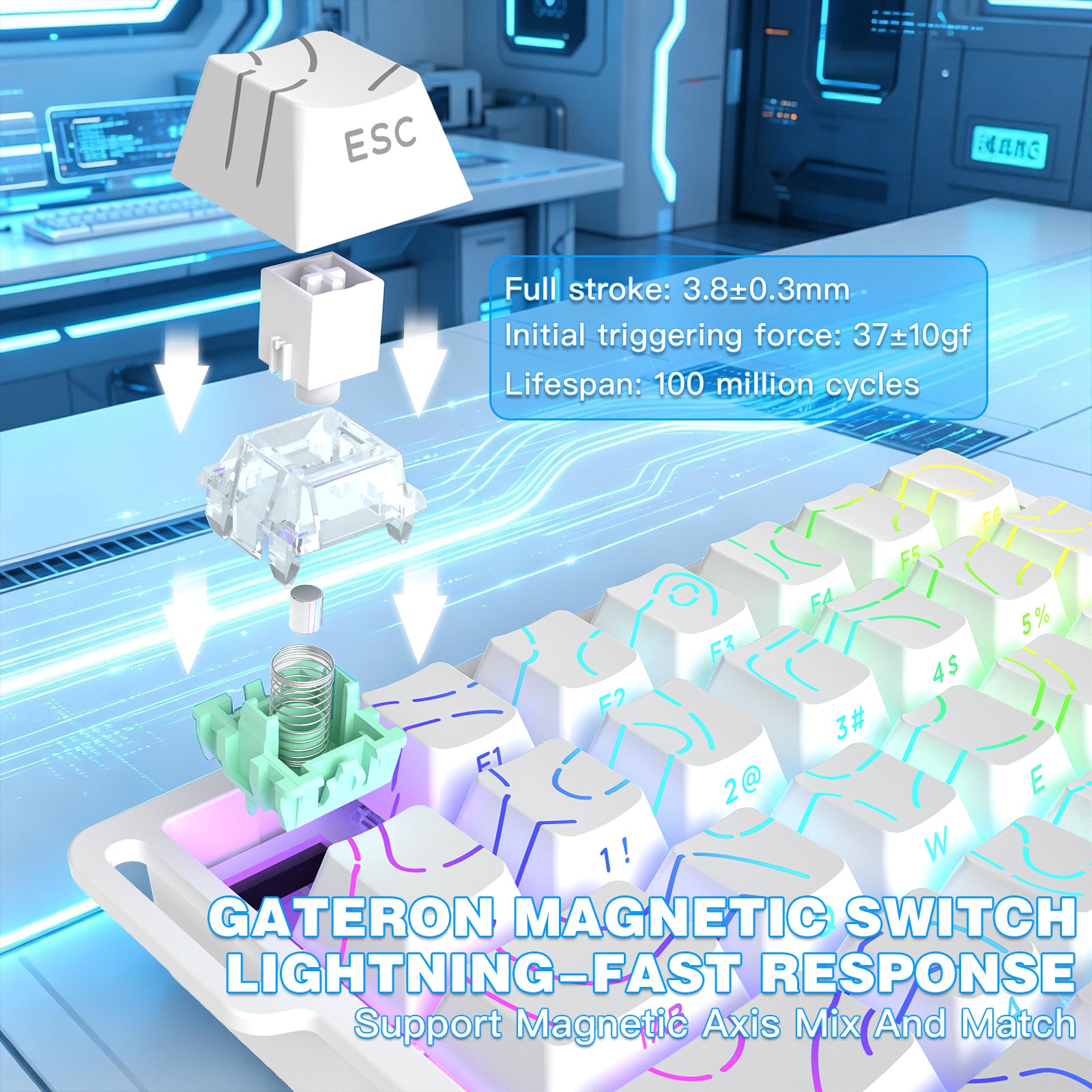
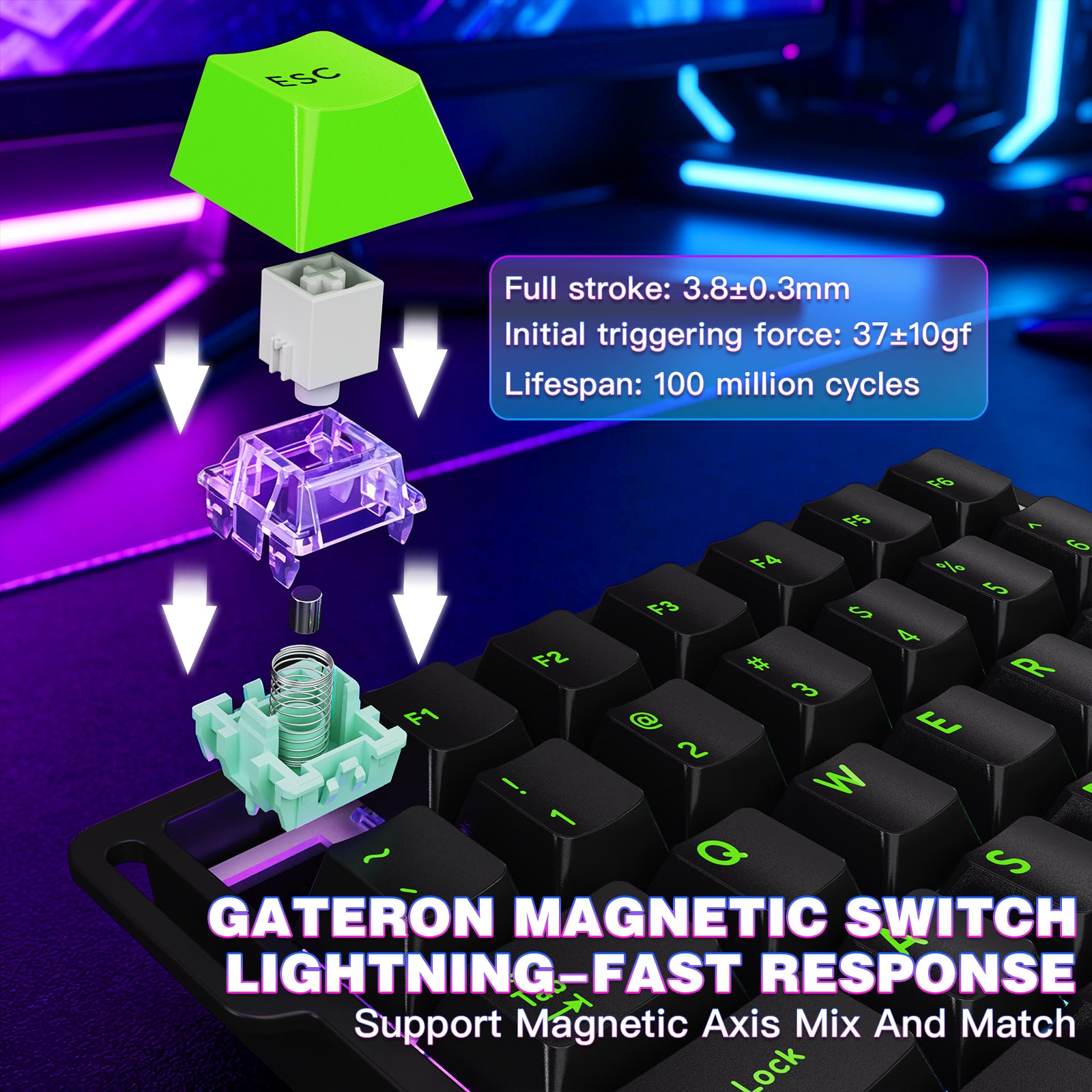
ホール効果磁気スイッチ
- 高度なホール効果磁気スイッチを搭載し、トーナメントレベルの感触とより純粋な底打ちHIFIサウンドを実現。さまざまな高性能eスポーツ磁気軸に対応し、軸の混合マッチングをサポート。各軸のカーブは独立して調整され、ABA軸の組み合わせの精度を最大化します。
-
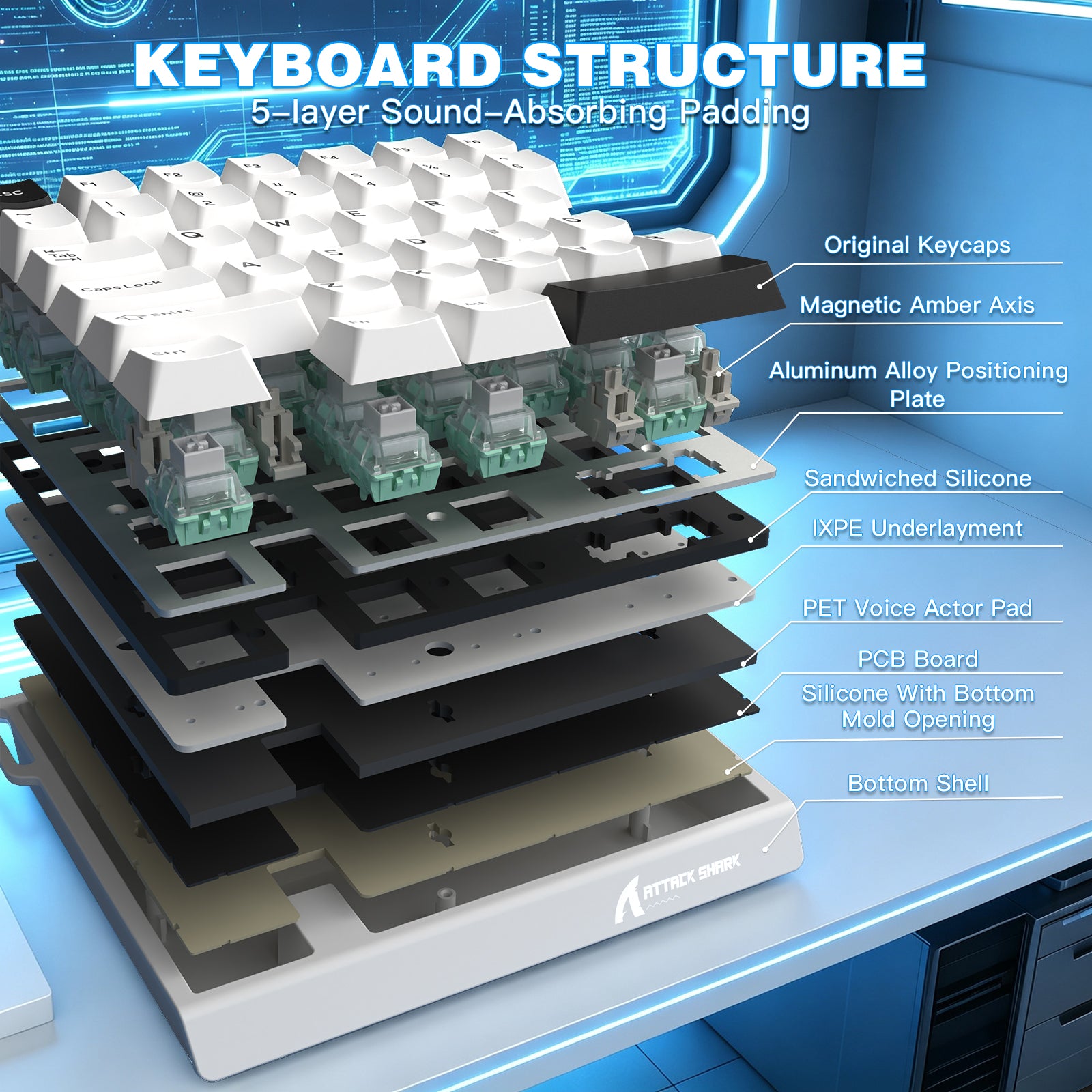
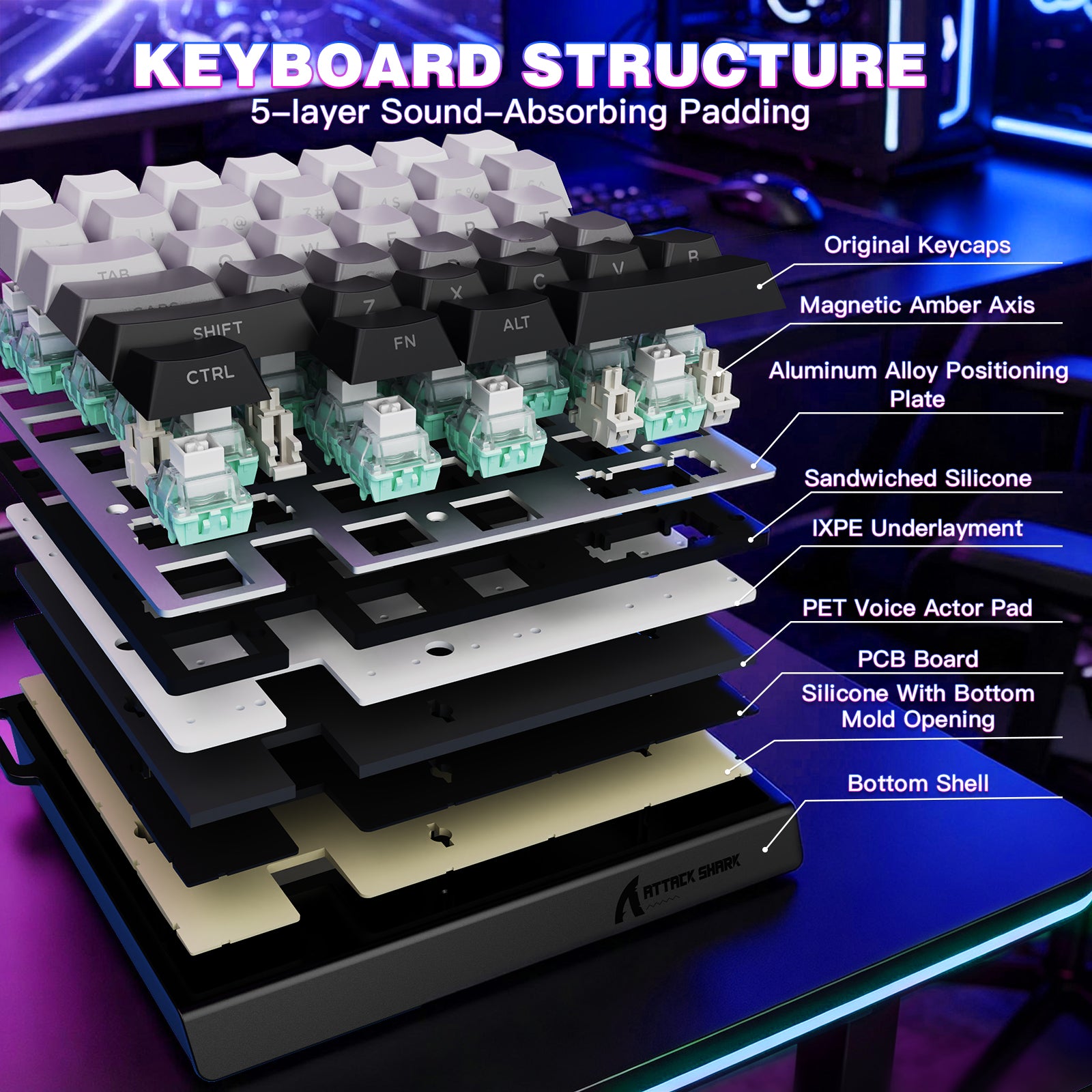
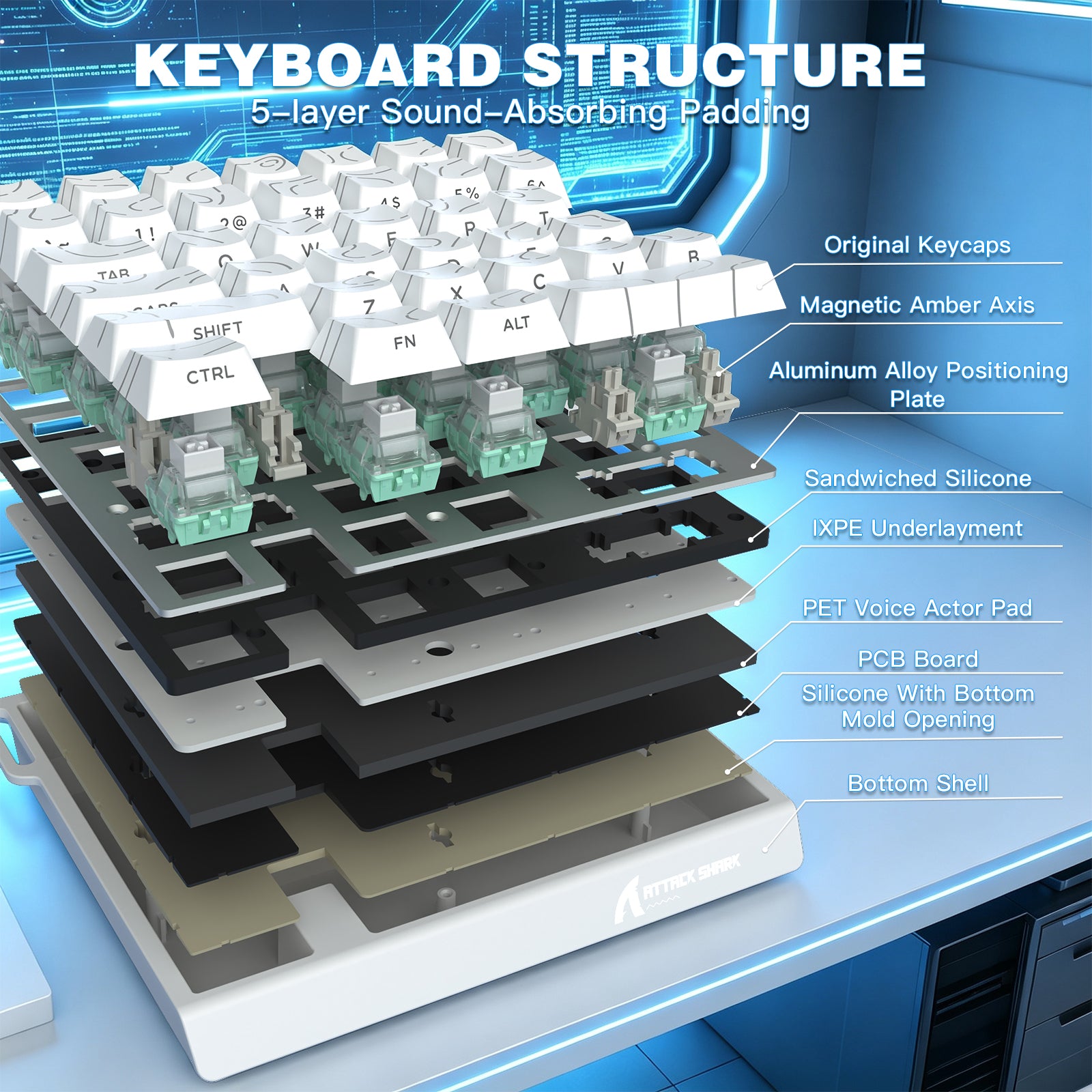
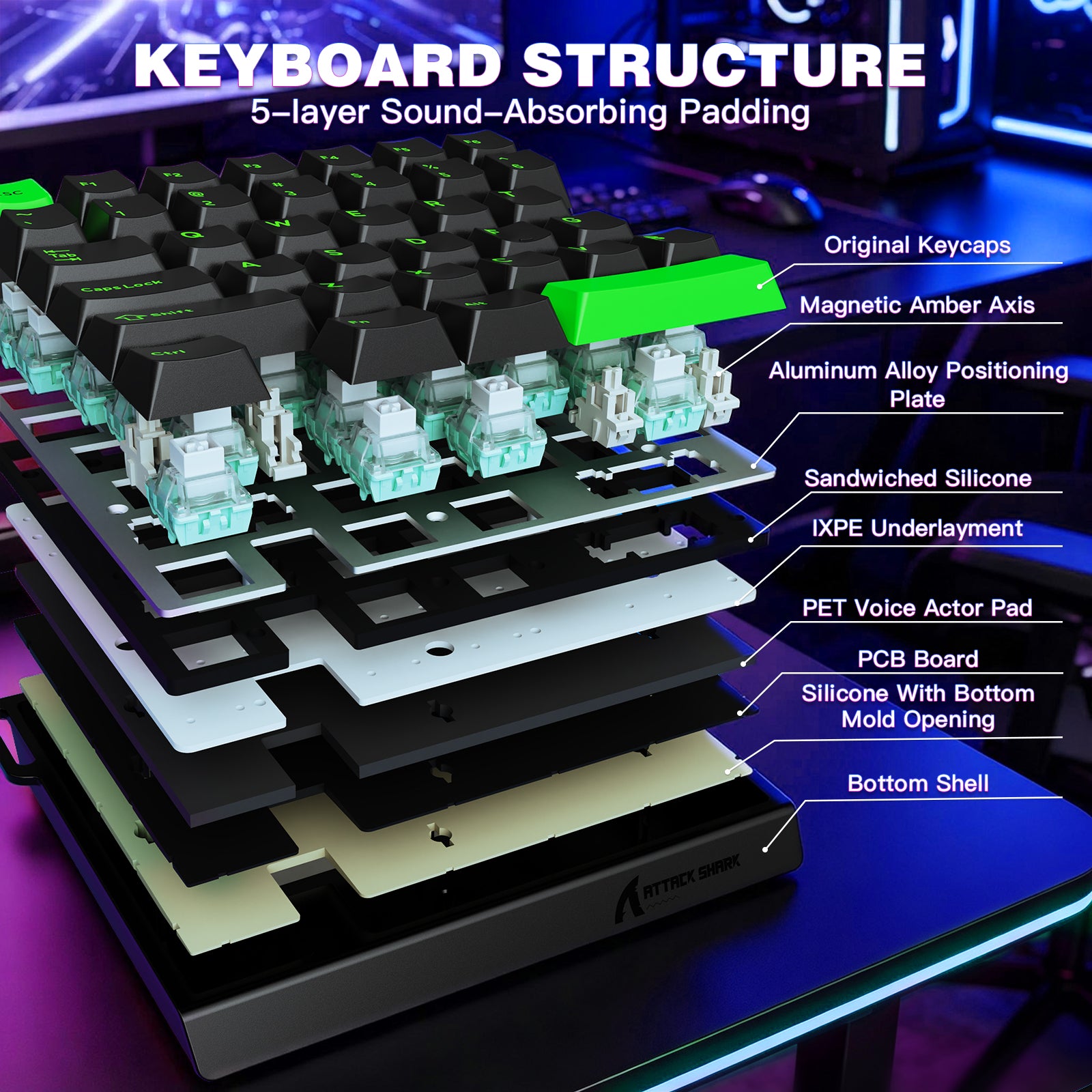
5層の防音構造
- 5層のプロフェッショナルな防音素材(PE綿、IXPE軸下パッド、PETサウンドパッド、軸座防音フォーム、PET絶縁パッド)と底部のカスタム成形シリコンを装備。磁気軸がクリアで純粋なHIFIサウンドを生み出し、磁気軸は音質が劣るという固定観念を打ち破ります。
-
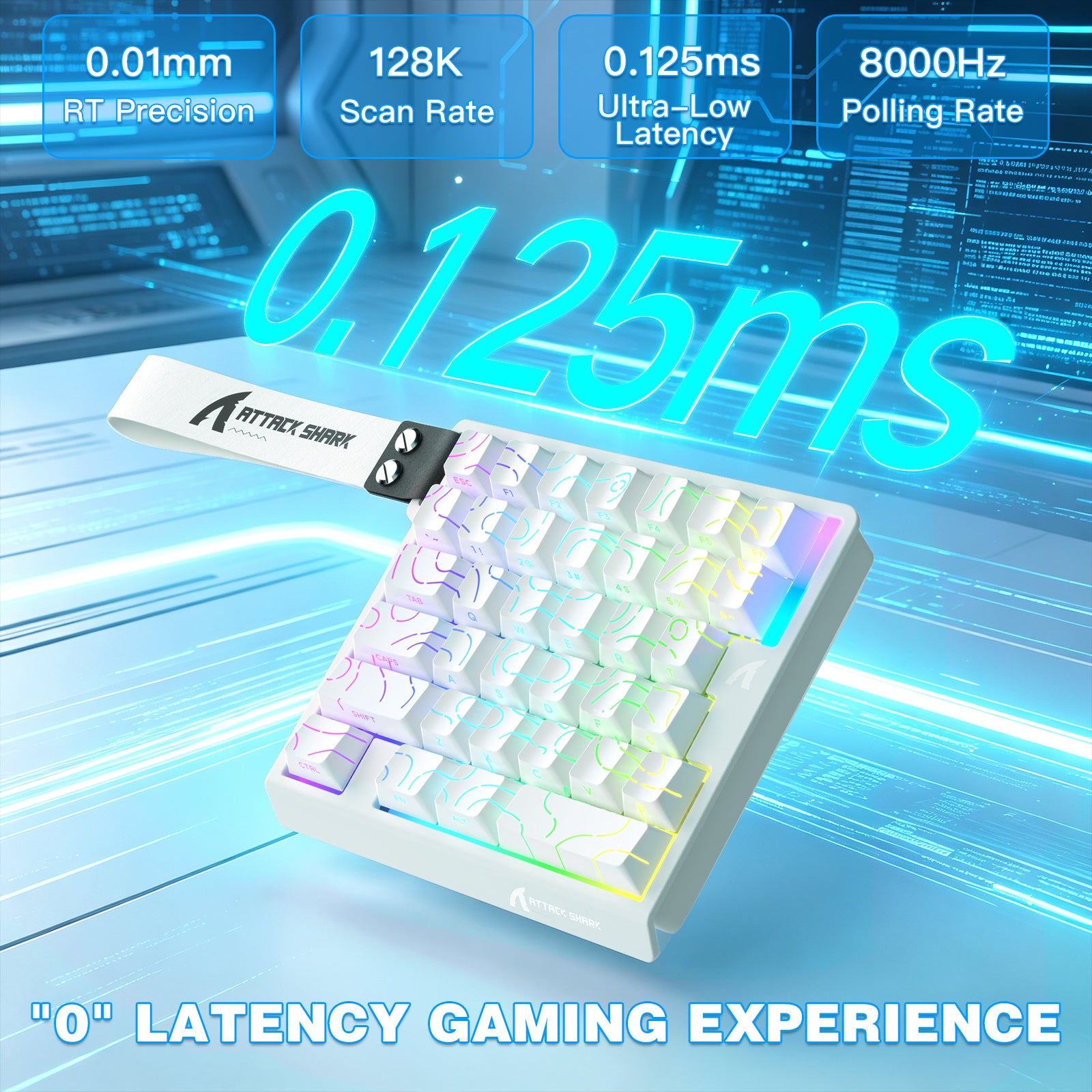
Ultra高精度&高速応答
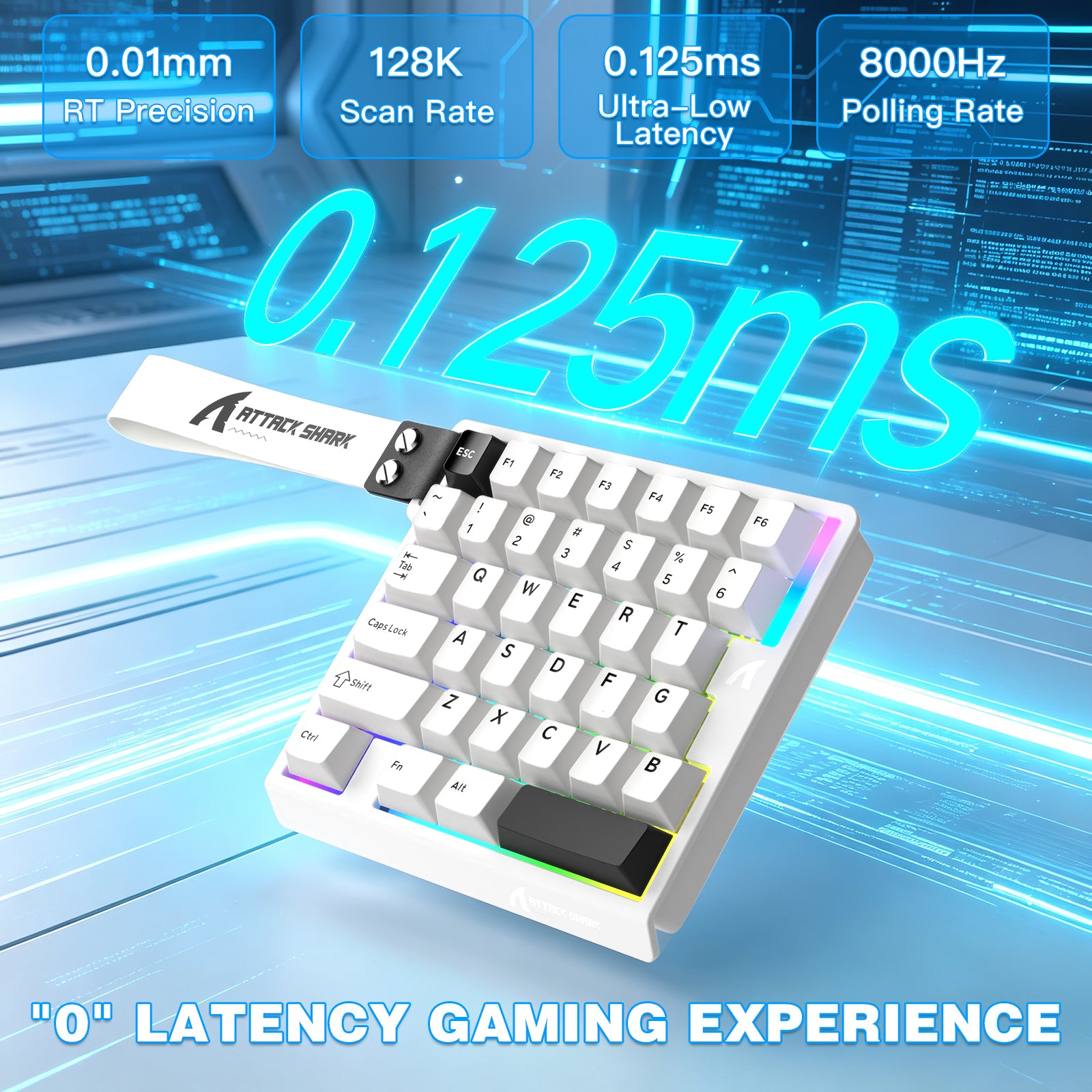
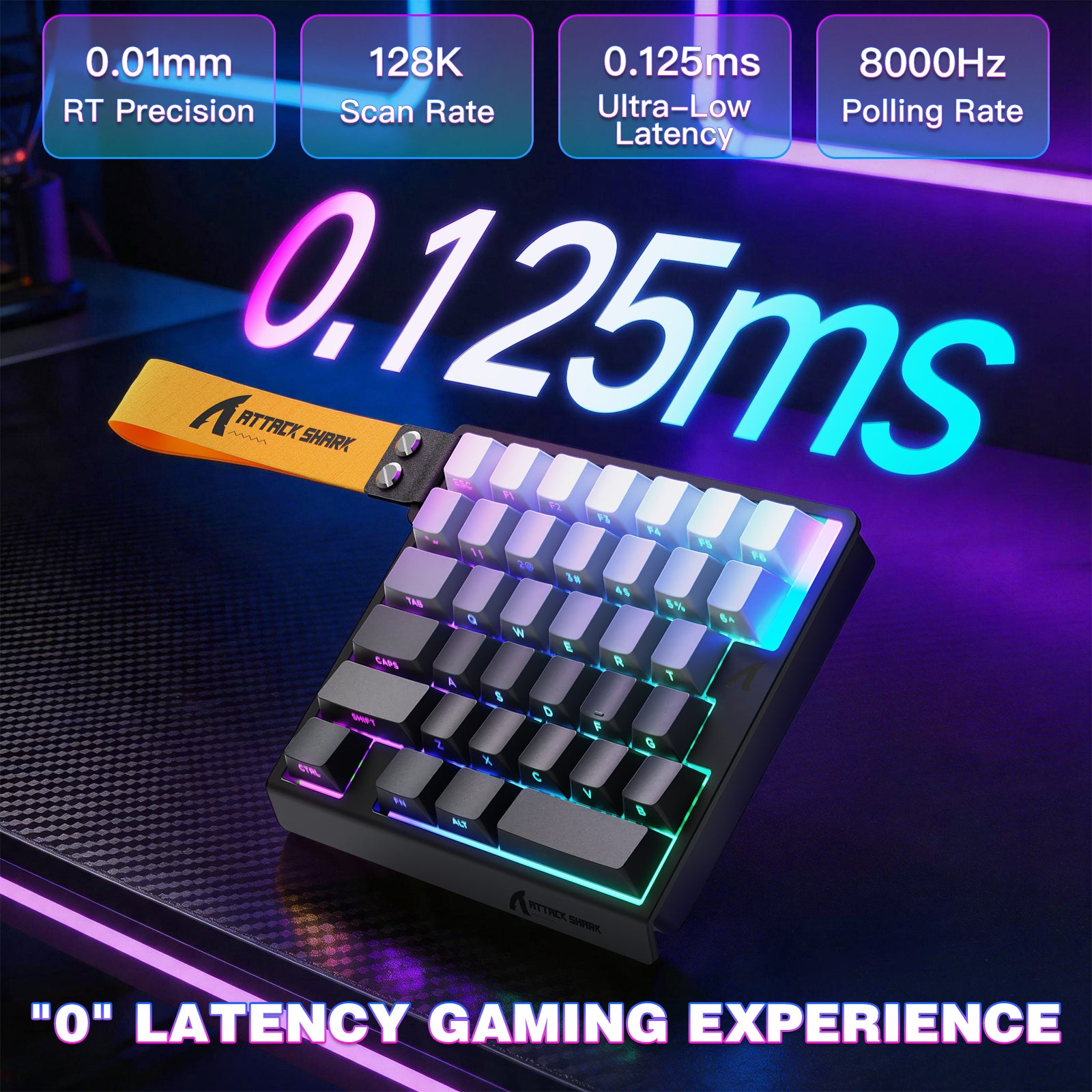
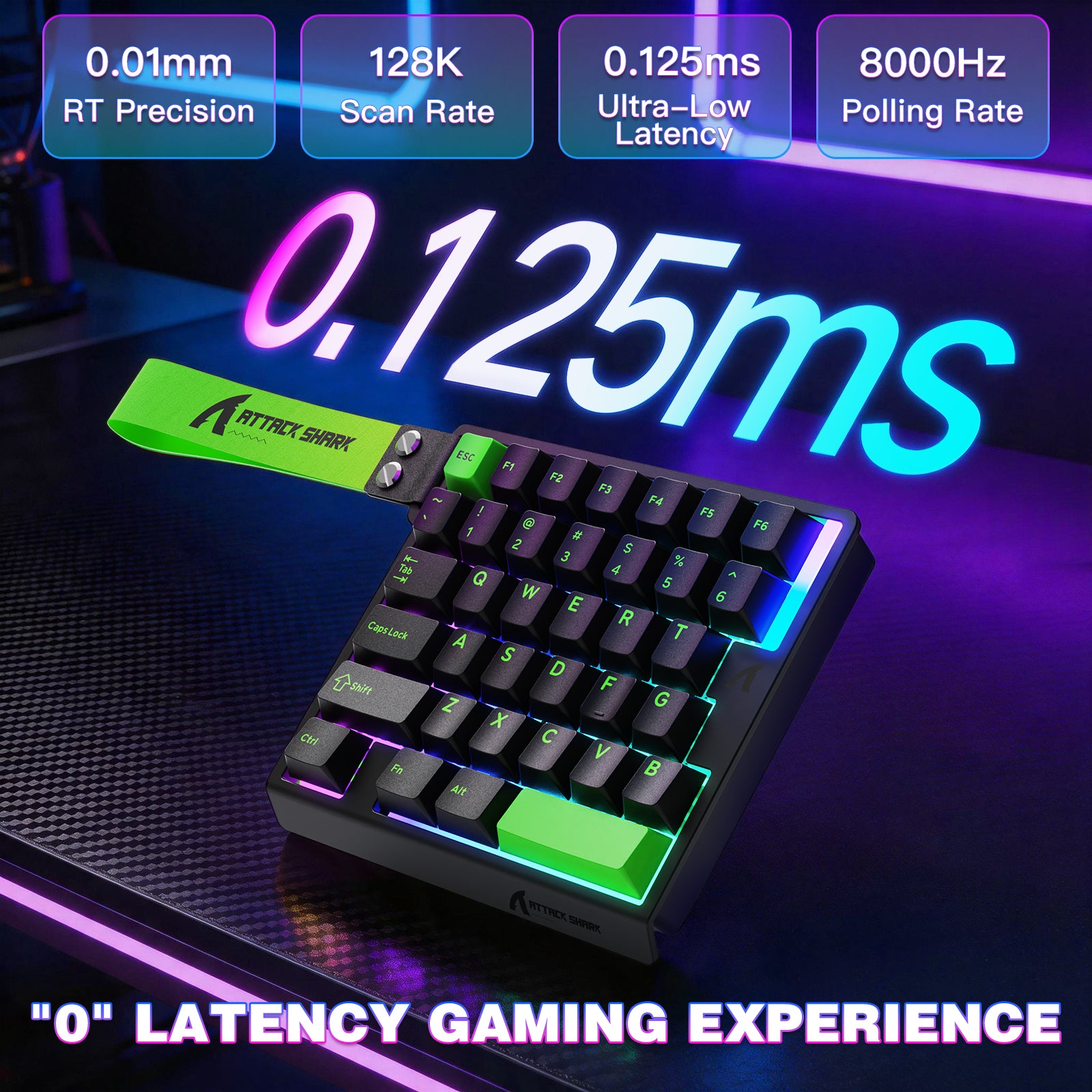
- 0.01mmのRT精度とゼロデッドゾーンを誇り、より正確な緊急停止と高速連続クリックを実現。カスタム高周波eスポーツチップと組み合わせ、128Kスキャンサンプリングレート、0.125MSのUltra低遅延トーナメントレベル、8000Hzのポーリングレートをサポートし、競技ゲームに即時応答を提供します。
-
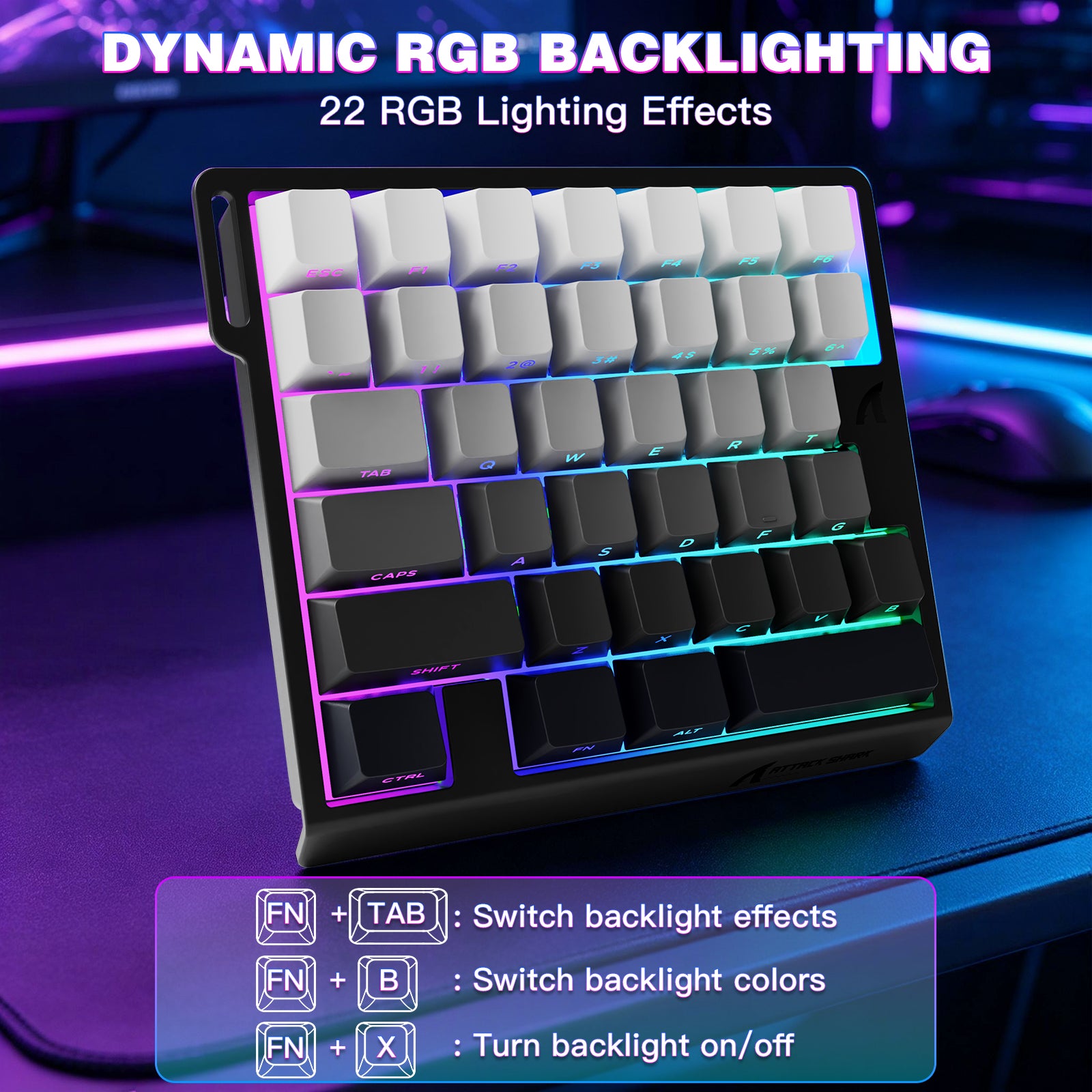
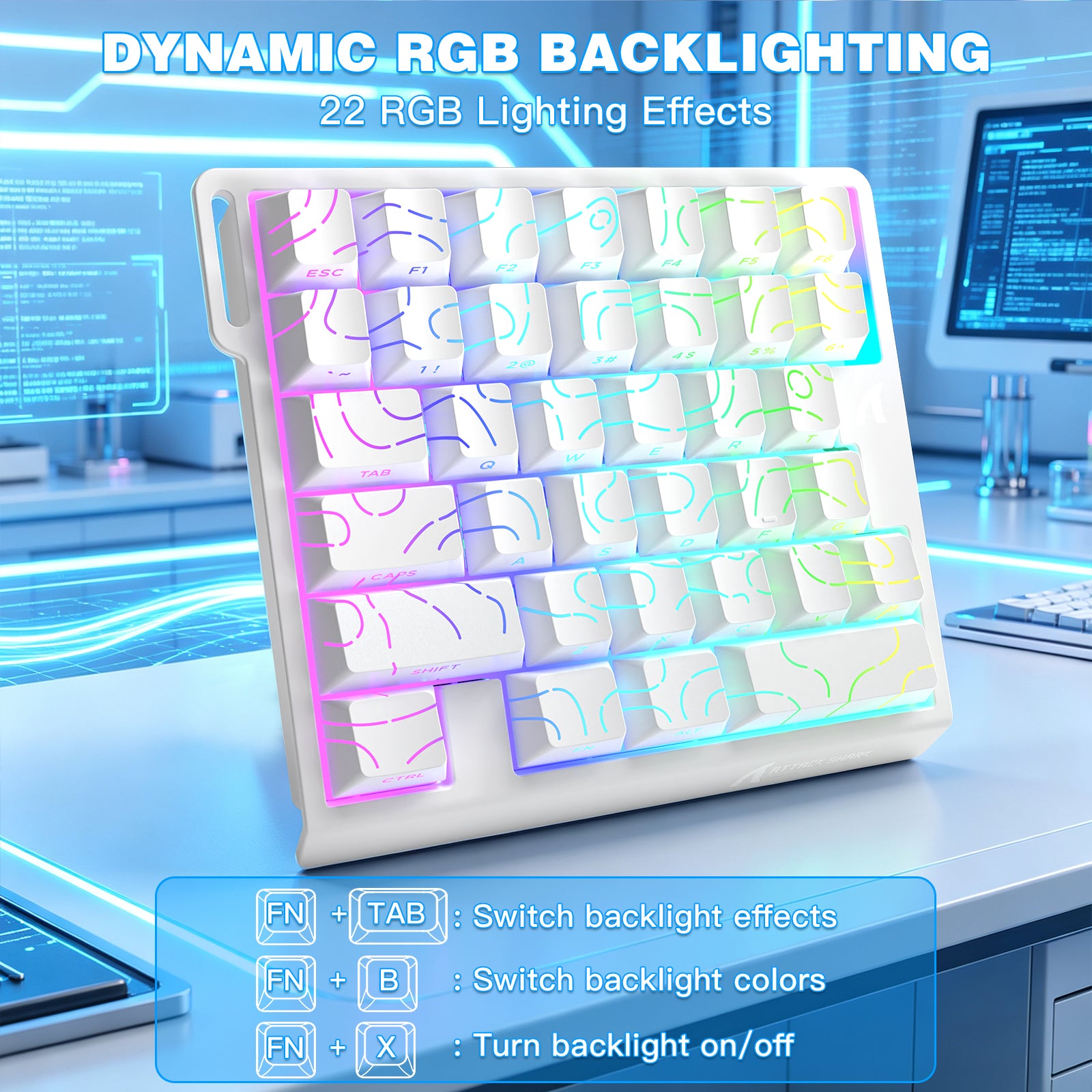
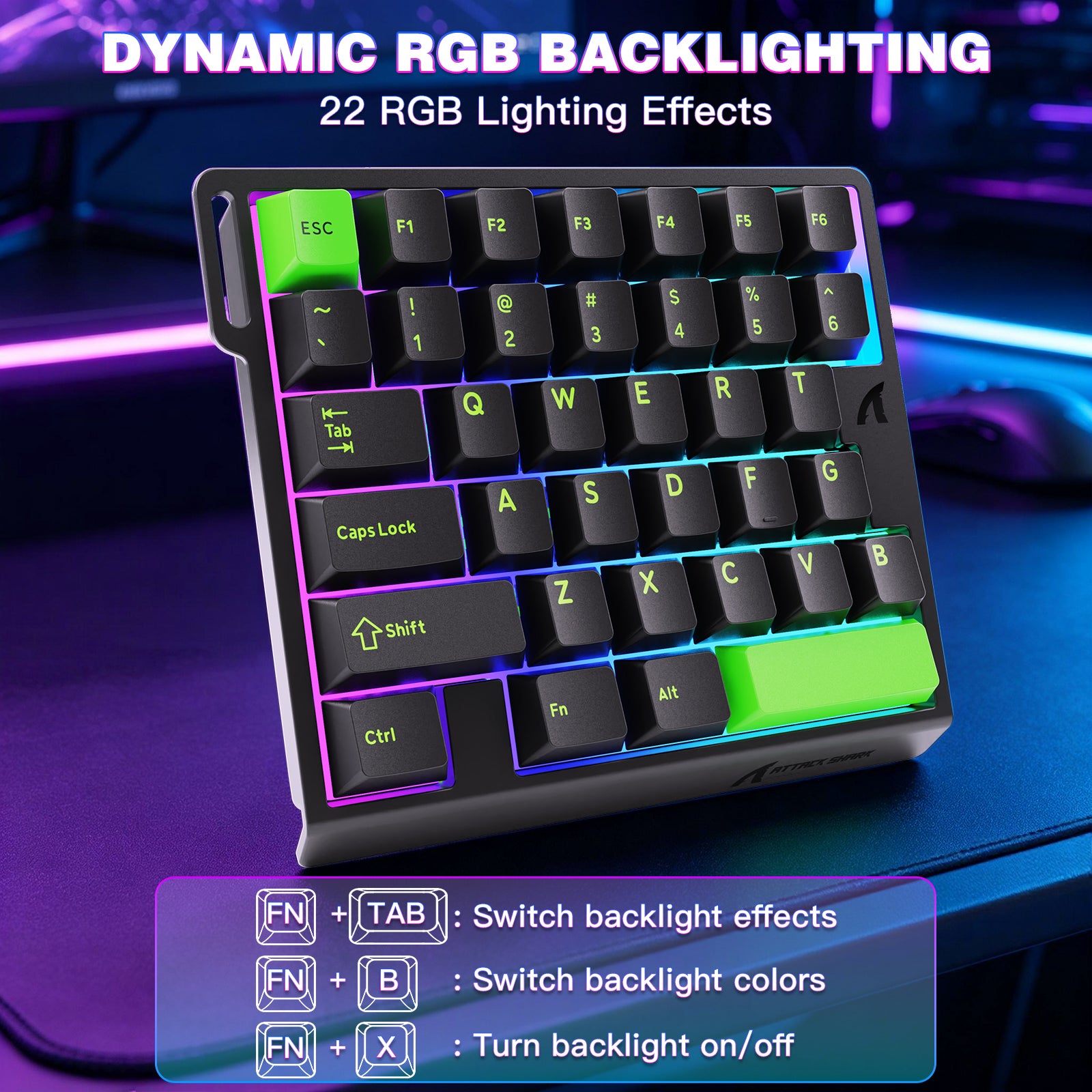
ダイナミックRGBバックライト
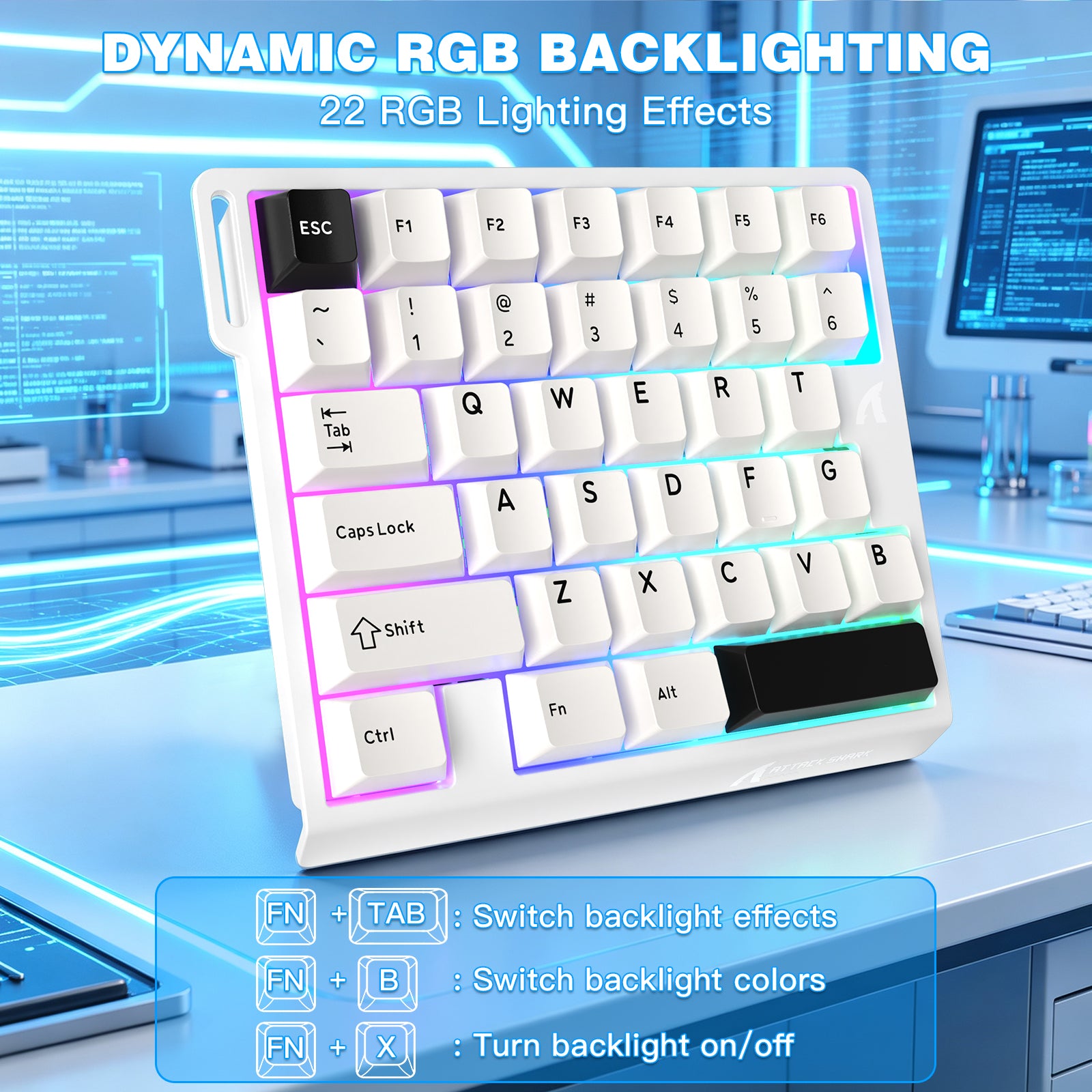
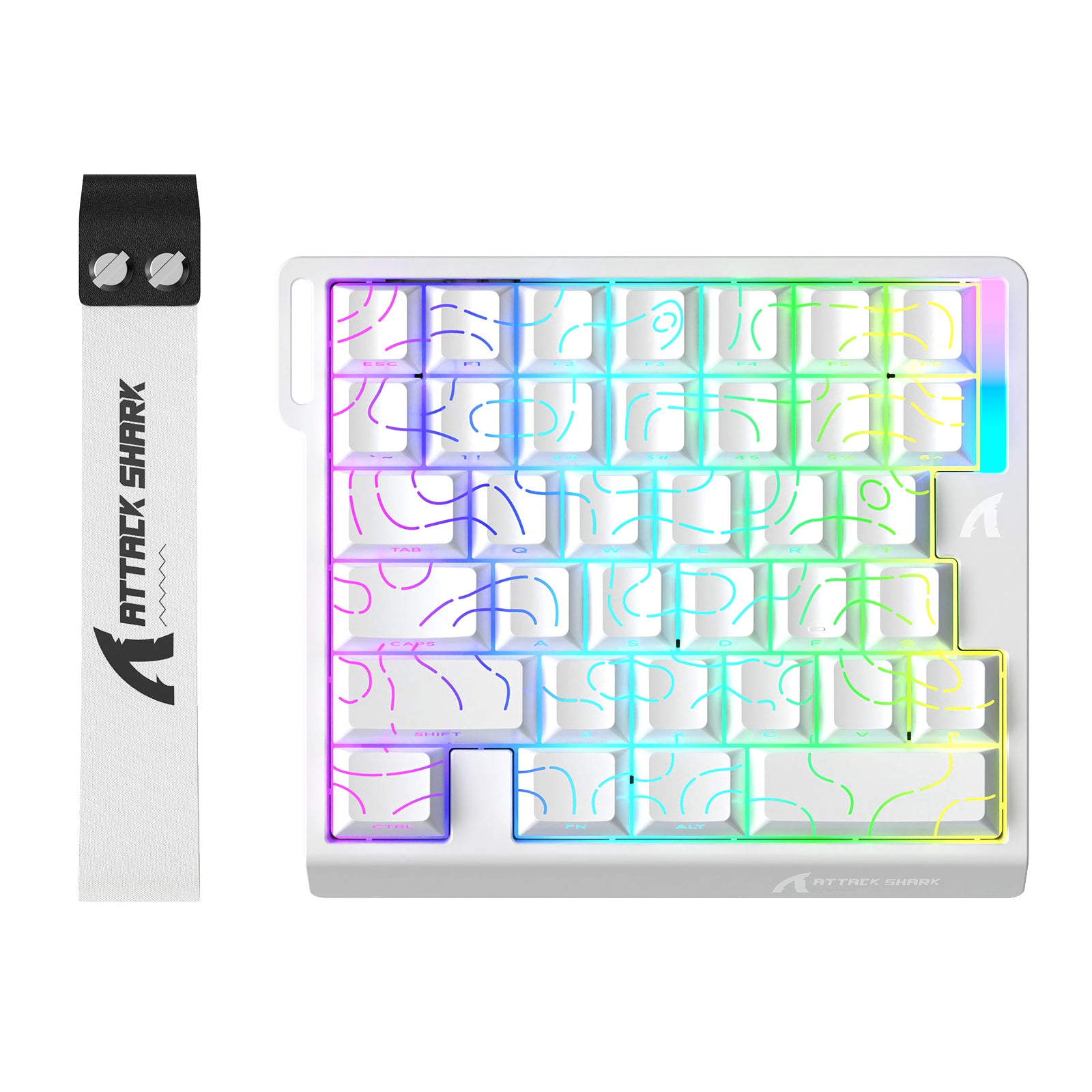
- 16万色のダイナミックRGBカラーを底部ライト位置に搭載し、22種類のカスタマイズ可能なRGBライトエフェクトを備えています。鮮やかなゲーム雰囲気を演出し、没入感を高め、あらゆるゲームの瞬間をより楽しくします。
-
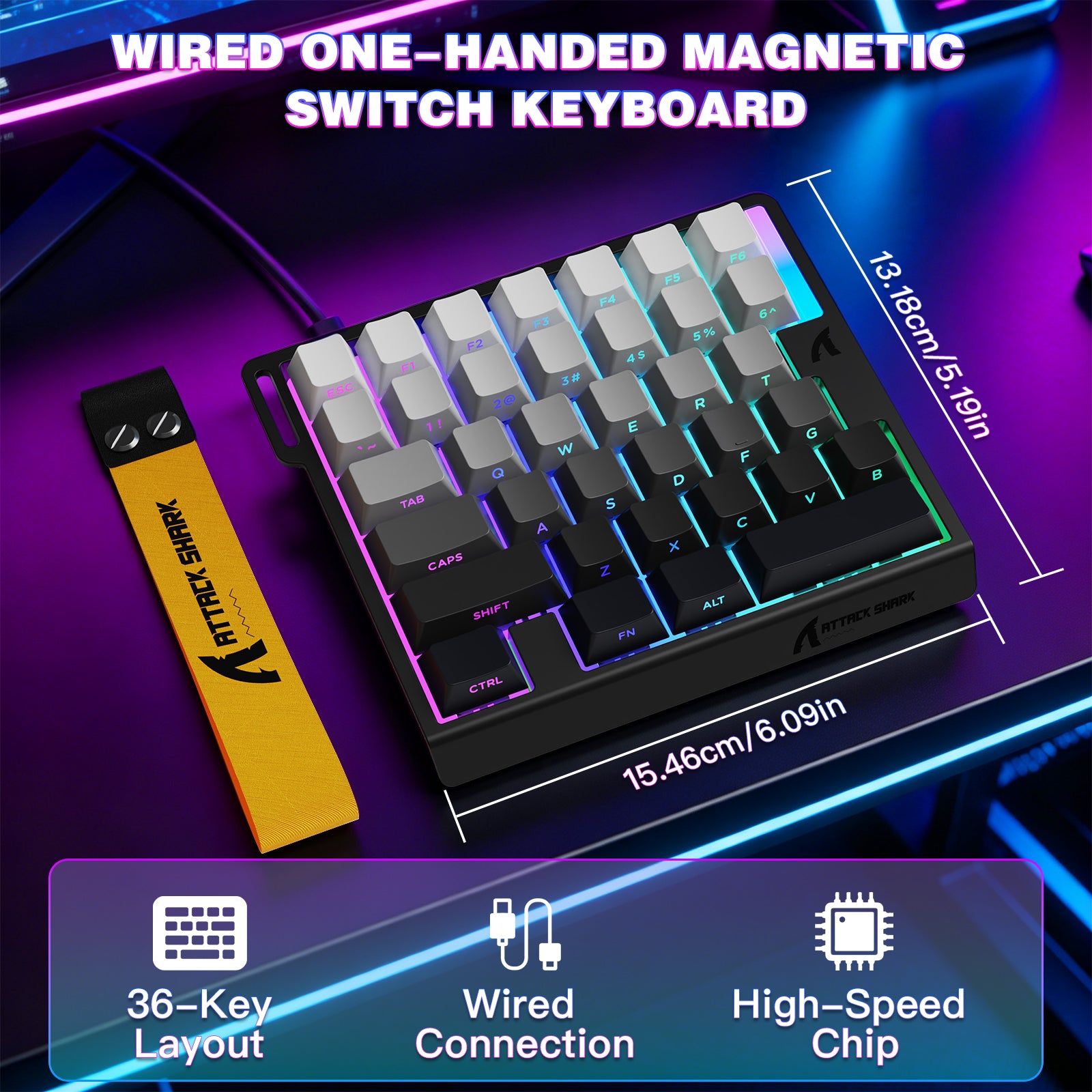
携帯性&耐久性
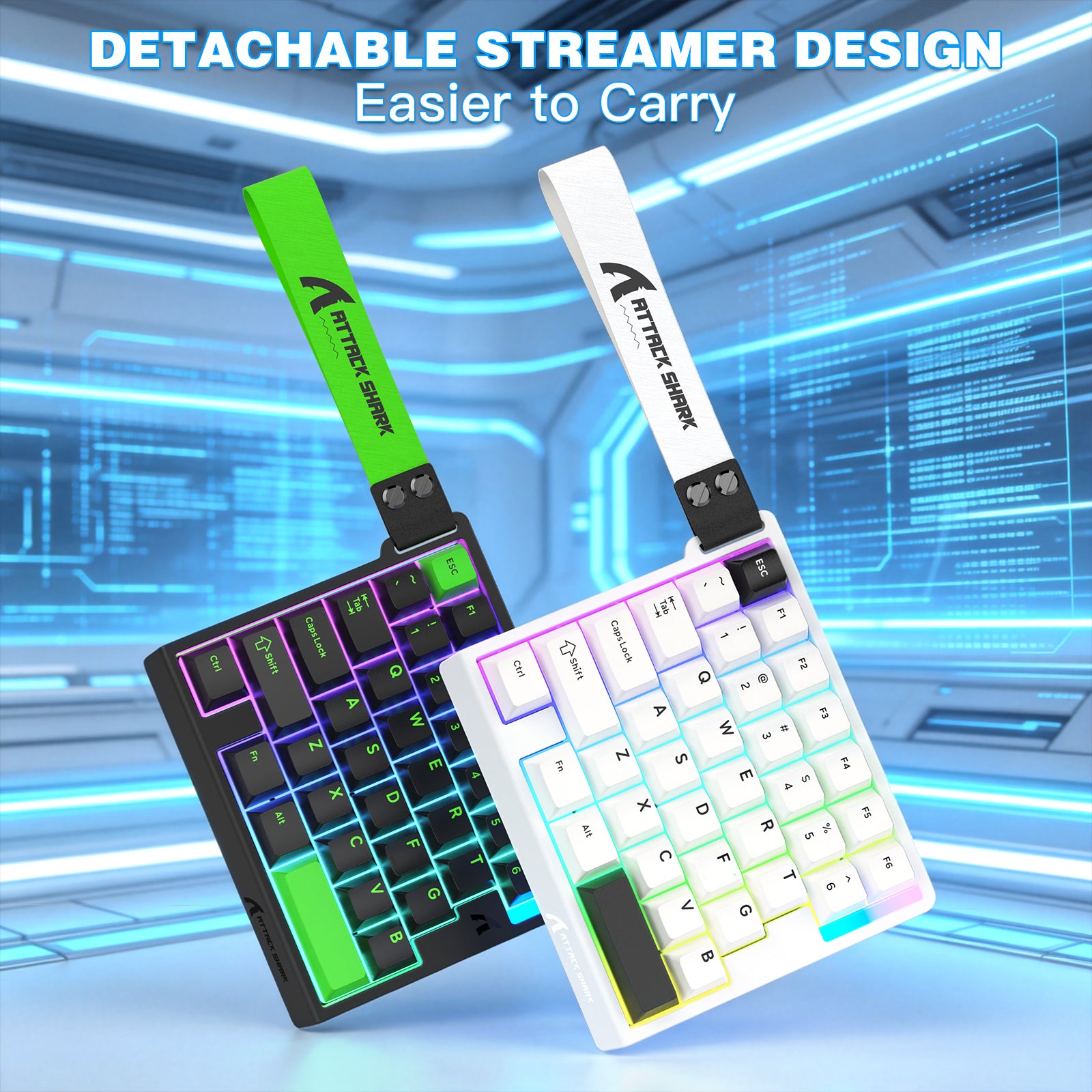
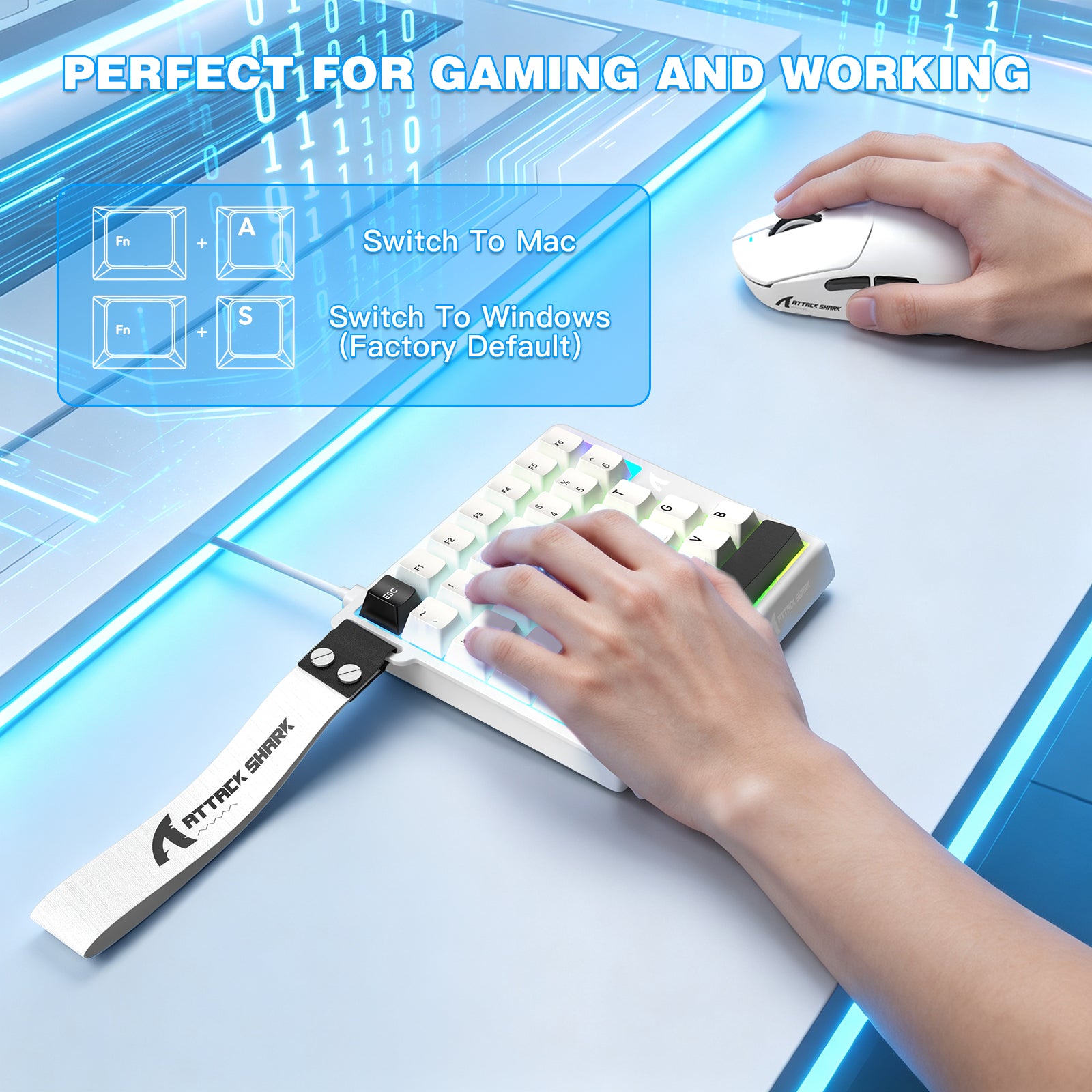
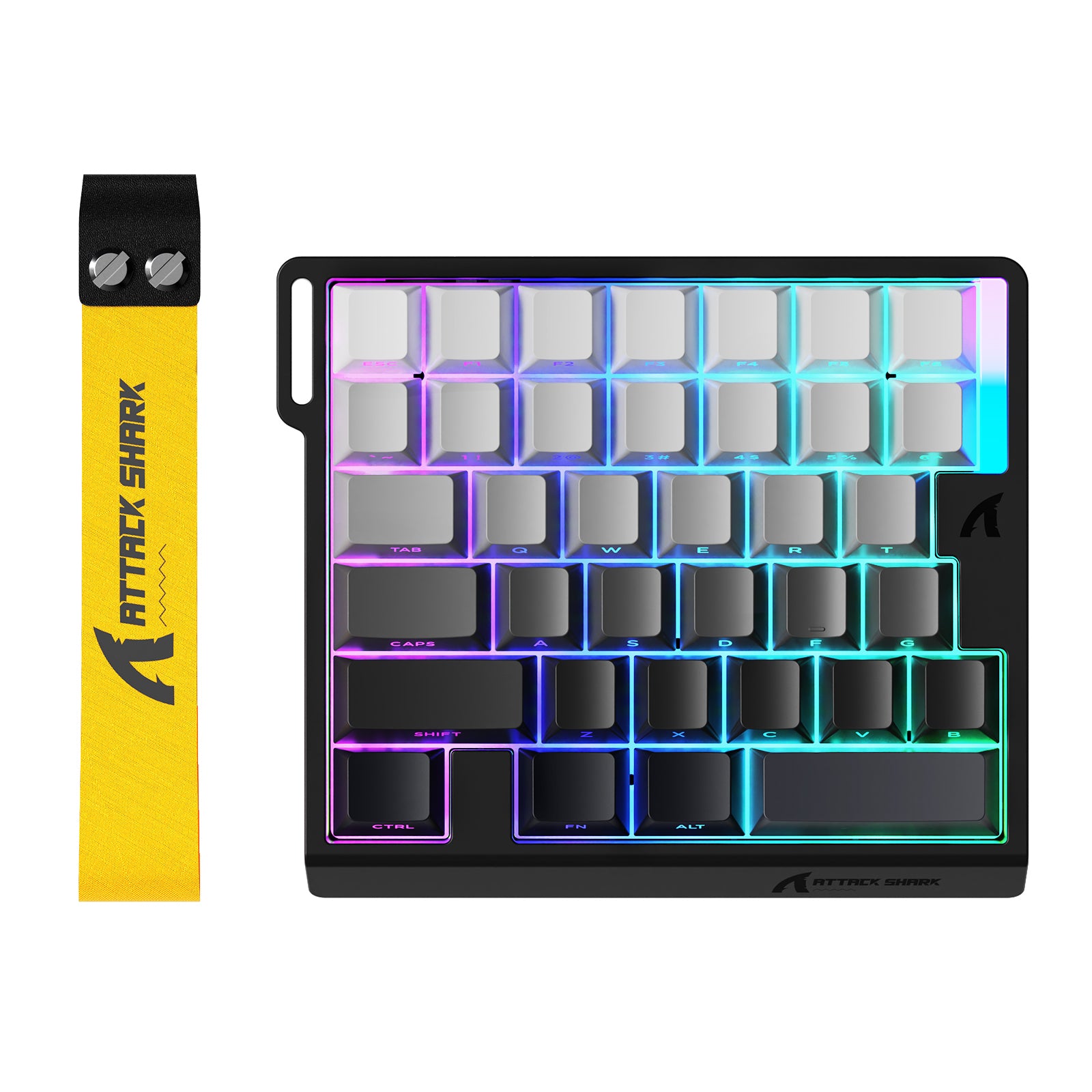
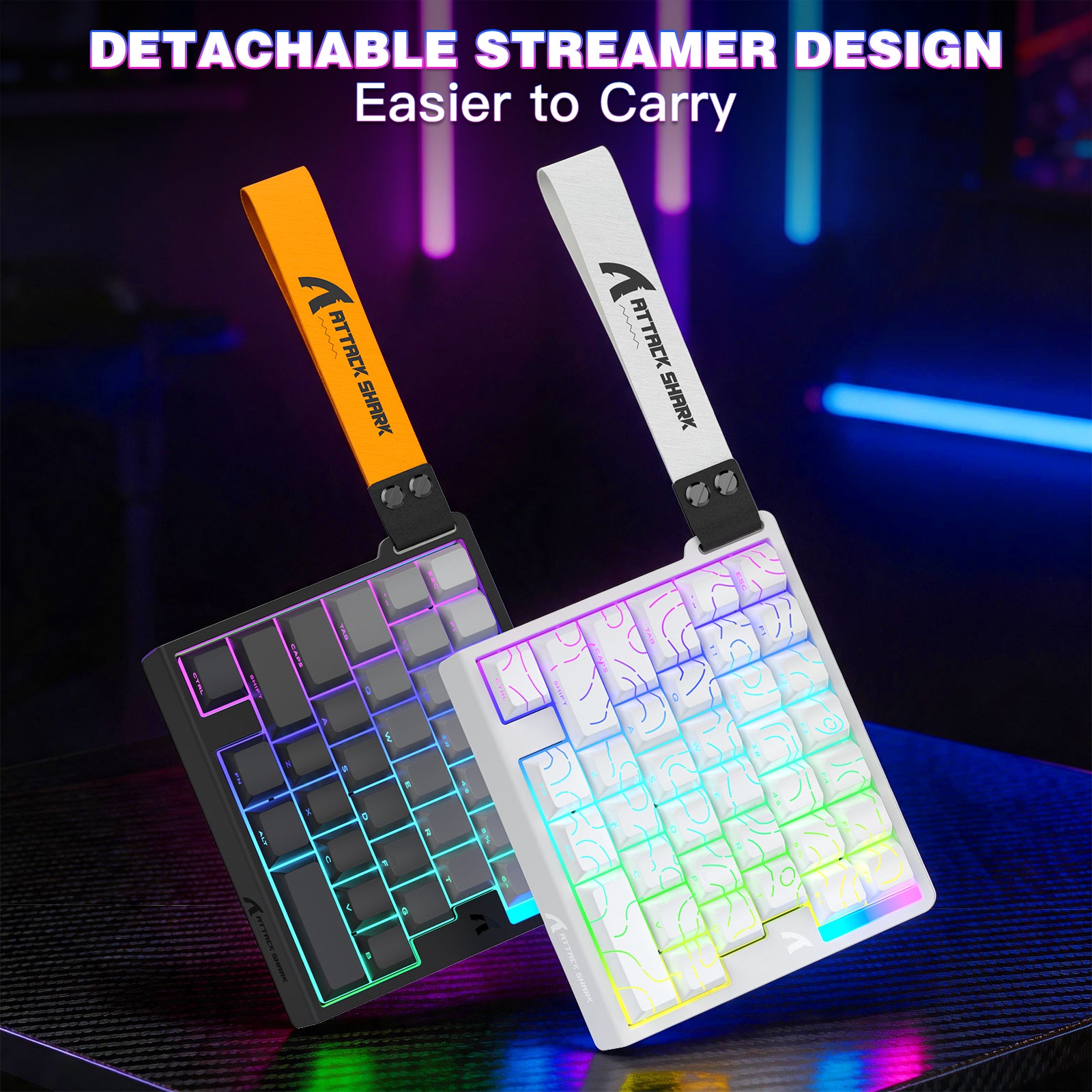
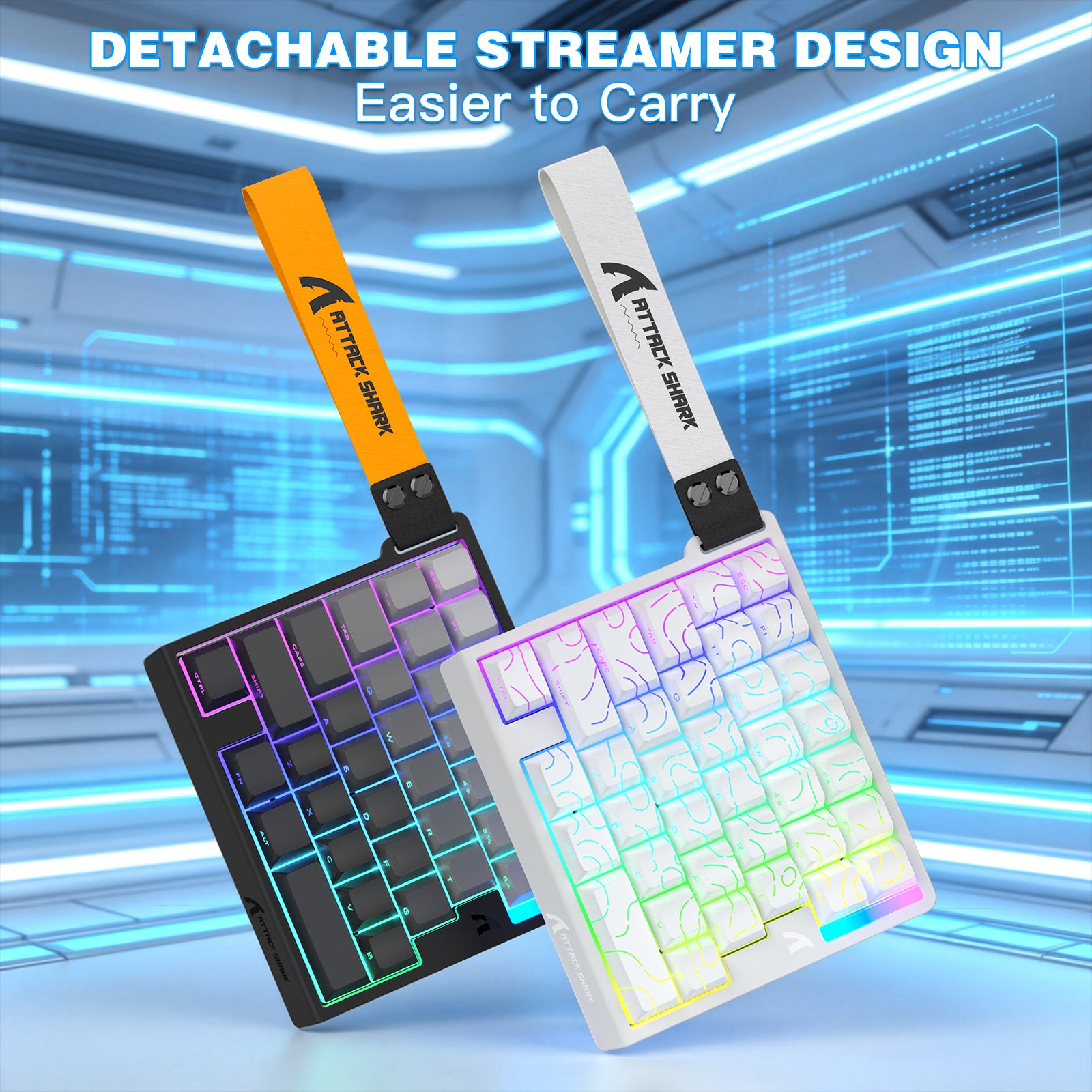
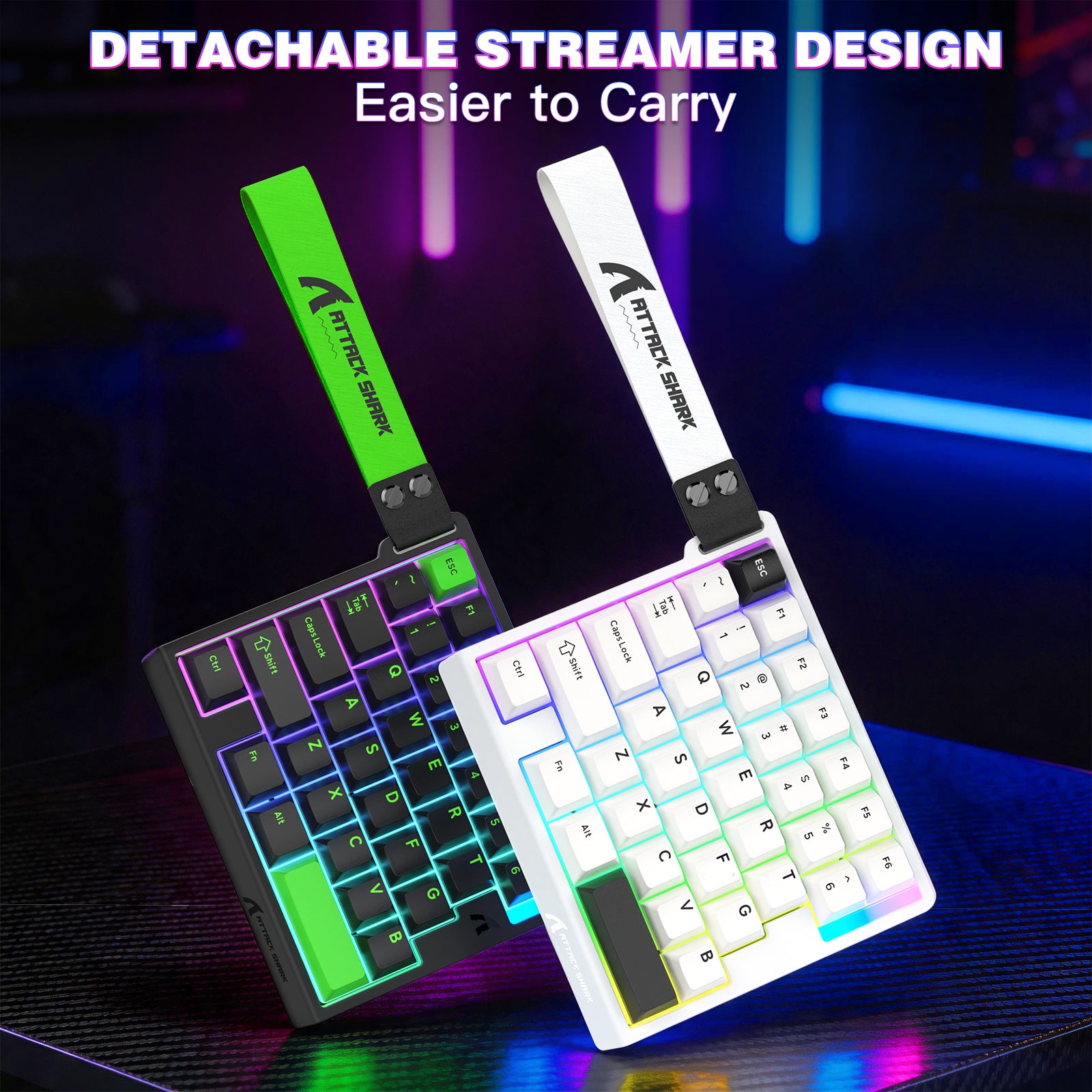
- スタイリッシュなウェビングデザインを採用し、持ち運びに便利で外出先や旅行に最適。耐摩耗性と快適な触感を備えたオリジナルの高さPBTキーキャップを装備しています。
This is a well-built one-handed USB keyboard that delivers both style and performance. I opted for the white version, and it truly stands out with its clean, modern aesthetic.The keys are responsive and provide a satisfying clicky feel, making typing and gaming enjoyable. Customization is another strong point; you can easily adjust the keys and RGB lighting using the web-based Attack Shark application or by installing the software on your computer.The RGB lighting adds a striking visual element, offering a wide range of colors and brightness levels to match your setup. A unique touch is that both ends of the USB cable are also RGB-lit, extending the lighting effect beyond just the keyboard.The USB cable itself feels high quality, featuring a partially coiled design with a straight section for flexibility. Its compact size makes it highly portable and easy to carry around. Additionally, the package includes a couple of spare switches and a key puller tool, which is a thoughtful bonus.Overall, this is a solidly built, visually appealing half keyboard offered at a reasonable price.


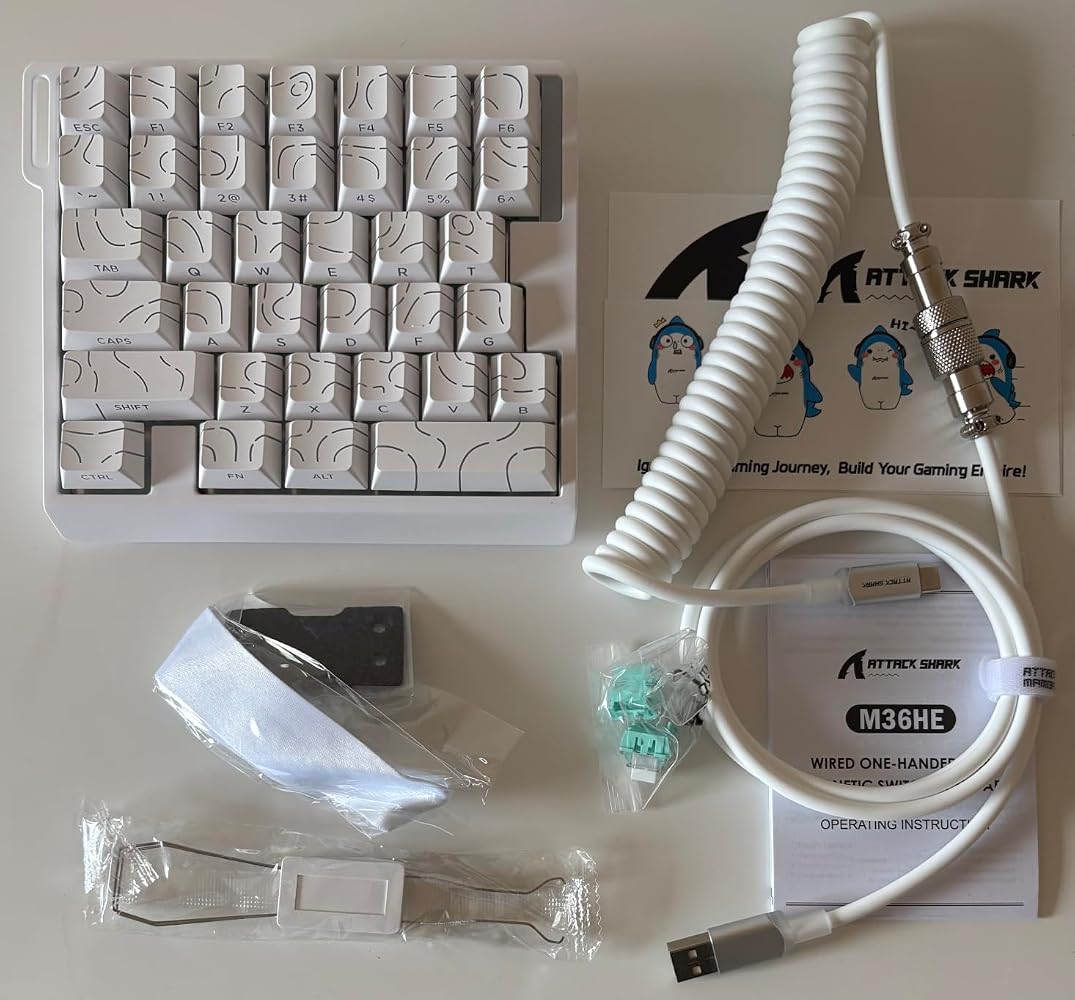

This is a well-built one-handed USB keyboard that delivers both style and performance. I opted for the white version, and it truly stands out with its clean, modern aesthetic.The keys are responsive and provide a satisfying clicky feel, making typing and gaming enjoyable. Customization is another strong point; you can easily adjust the keys and RGB lighting using the web-based Attack Shark application or by installing the software on your computer.The RGB lighting adds a striking visual element, offering a wide range of colors and brightness levels to match your setup. A unique touch is that both ends of the USB cable are also RGB-lit, extending the lighting effect beyond just the keyboard.The USB cable itself feels high quality, featuring a partially coiled design with a straight section for flexibility. Its compact size makes it highly portable and easy to carry around. Additionally, the package includes a couple of spare switches and a key puller tool, which is a thoughtful bonus.Overall, this is a solidly built, visually appealing half keyboard offered at a reasonable price.
The media could not be loaded.
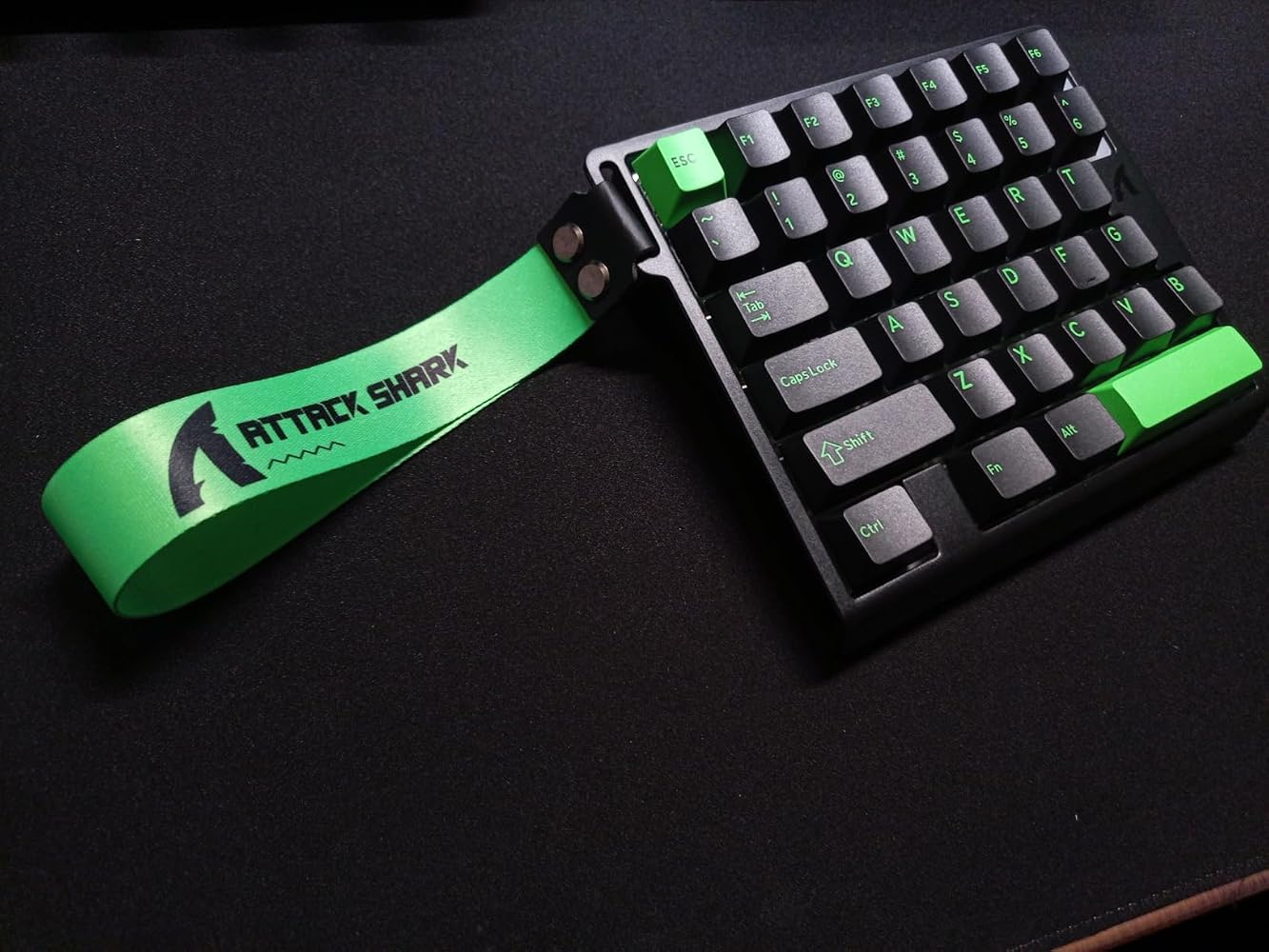
If 60% keyboards aren't small enough, here's a 36 key version that's literally designed for your typical WASD FPS shooter or some RPG if the amount of keys are sufficient for it. The quality is quite good despite a mainly plastic exterior. As the keyboard is tiny, it doesn't weigh a whole lot but it's very thick and has zero flex.The design is beautiful with the black and neon green pattern + RGB backlight. I'm also loving the crazy looking cord that also has its own RGB lighting on BOTH ends! Its keys are linear and makes a pretty loud "thock" sound when you press them. So definitely not suitable for gaming next to your sleeping spouse.The only downsides I see here is that unlike a proper keyboard, you won't even be able to type a proper message in-game. Also, it lacks feet to customize angle so it might not be as ergonomic.


The media could not be loaded.
If 60% keyboards aren't small enough, here's a 36 key version that's literally designed for your typical WASD FPS shooter or some RPG if the amount of keys are sufficient for it. The quality is quite good despite a mainly plastic exterior. As the keyboard is tiny, it doesn't weigh a whole lot but it's very thick and has zero flex.The design is beautiful with the black and neon green pattern + RGB backlight. I'm also loving the crazy looking cord that also has its own RGB lighting on BOTH ends! Its keys are linear and makes a pretty loud "thock" sound when you press them. So definitely not suitable for gaming next to your sleeping spouse.The only downsides I see here is that unlike a proper keyboard, you won't even be able to type a proper message in-game. Also, it lacks feet to customize angle so it might not be as ergonomic.
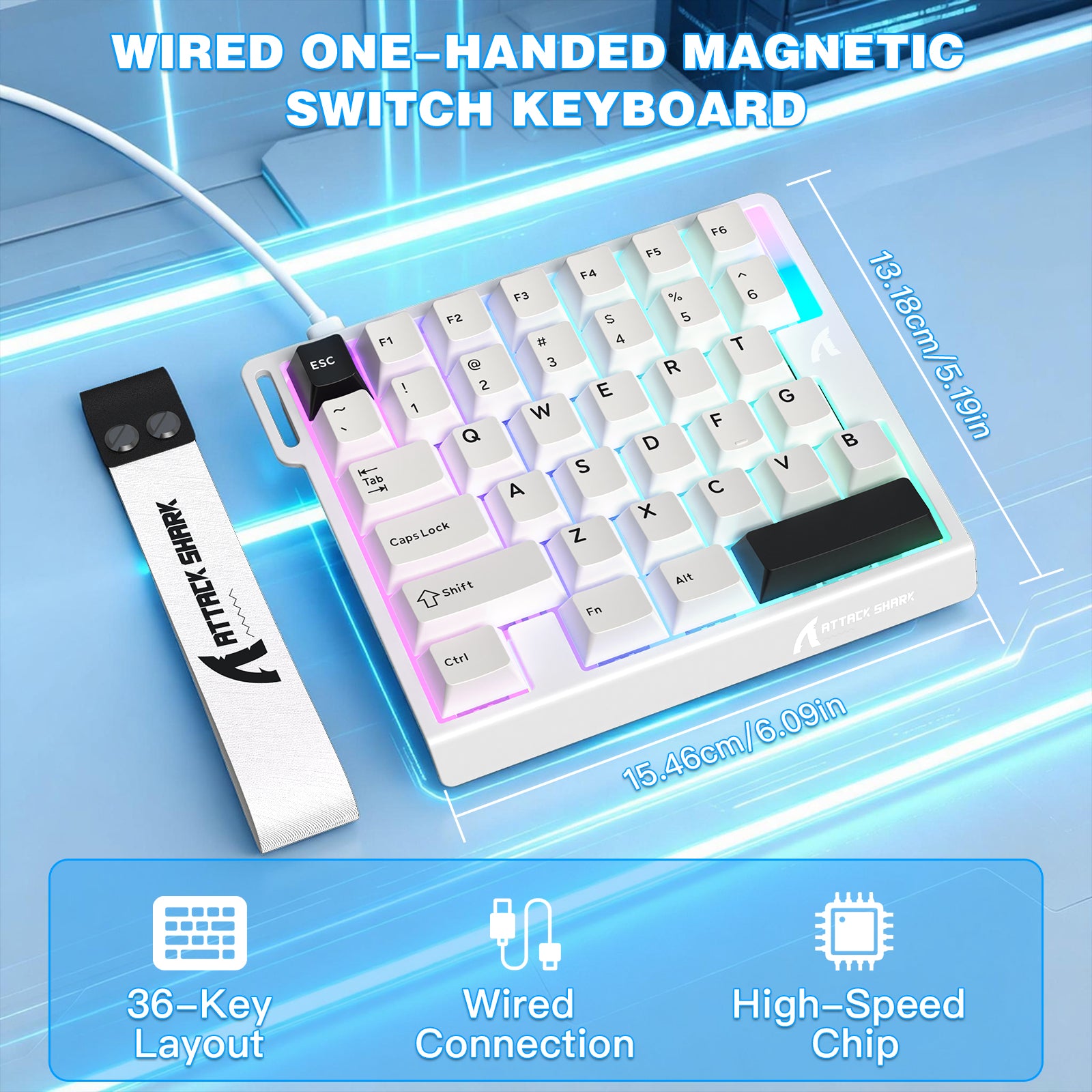
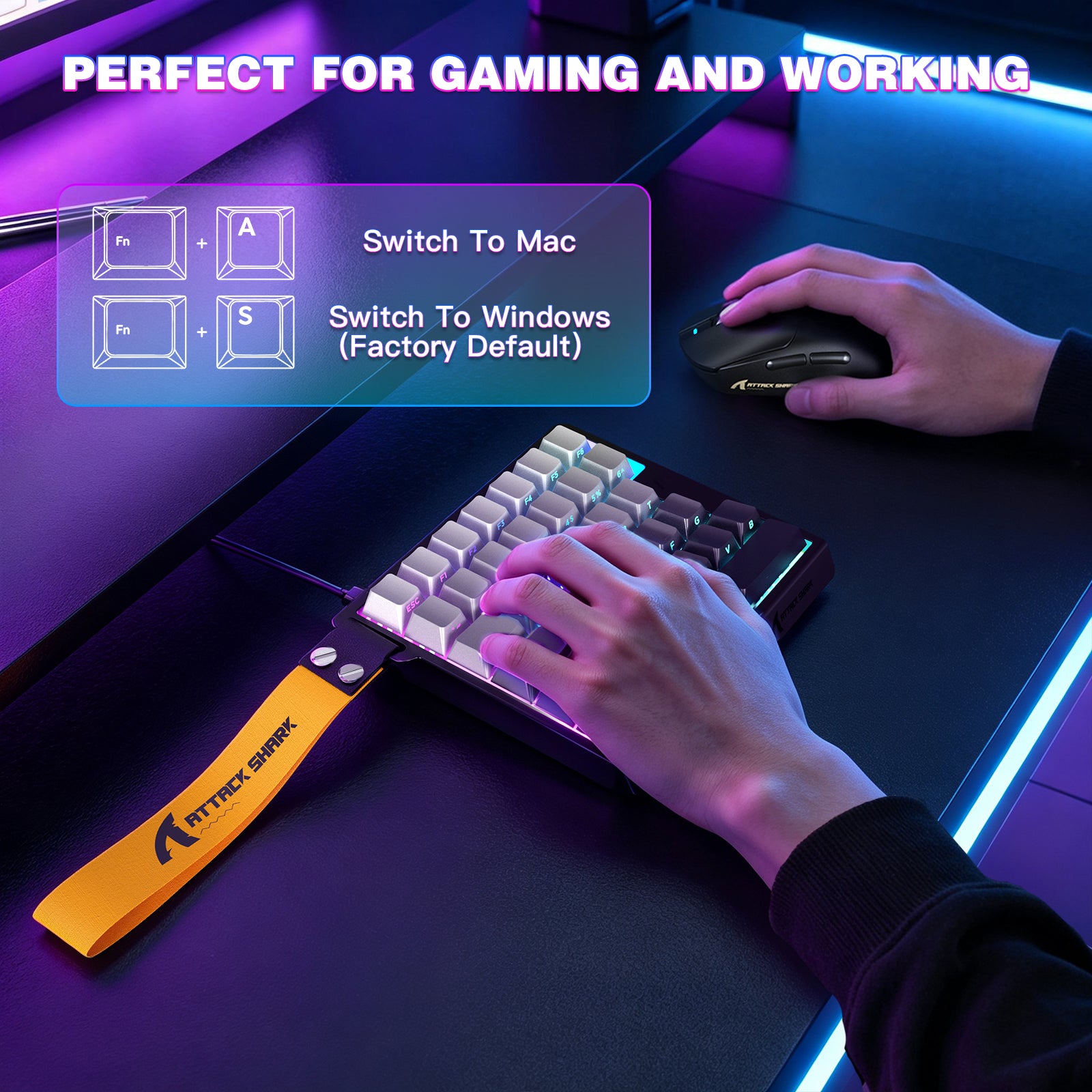
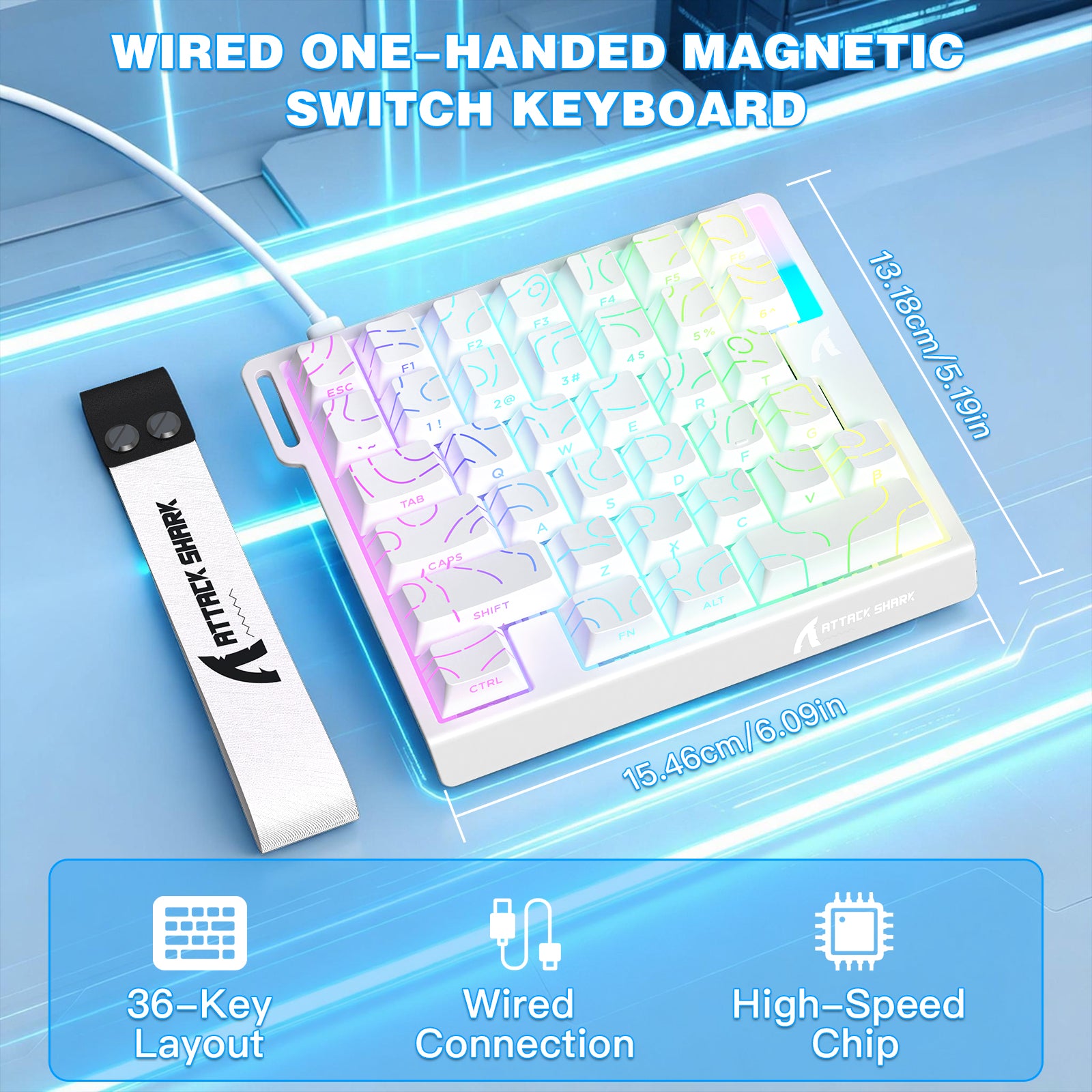
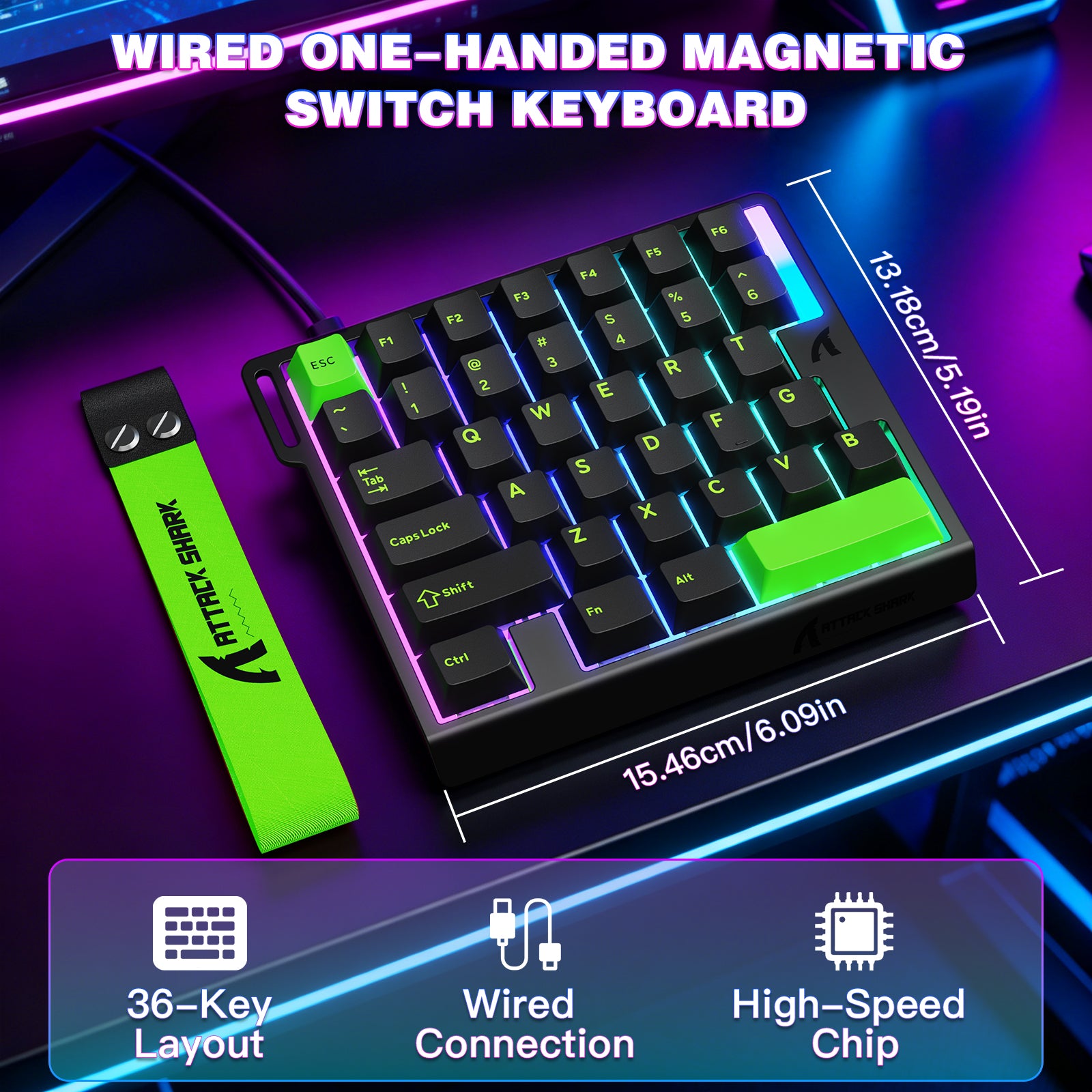
The Attack Shark M36HE is an ultra compact keyboard that is specifically designed for competitive gaming! One-handed keyboards are a bit of a niche market because it's costly for manufacturers to dedicate an entire product line specifically for right-handed gamers. When manufacturers do commit to this compact keyboard format, they tend to design it in such a unique way that it's near impossible to go back to a normal keyboard or to switch to another manufacturer's product. Attack Shark does this product category right by making it feel exactly like what you would expect from a full-size gaming keyboard! You might be wondering why anyone would want a keyboard with only 36 keys in the first place? The simple answer to that question boils down to what and where you're playing. Some games are just better suited for controllers, like "Forza". The most popular games today are multiplayer FPS games that demand fast and precise mouse control with keypress sequences that controllers could never match. Space and ergonomics are exactly what the Attack Shark M36HE addresses all at once with its compact format! Competitive gamers swing their mouse over a large area of desk space because they rely on muscle memory to make consistent and accurate shots. Using a conventional 101/102-key full-size keyboard makes it very difficult for the mouse to have enough room to build useful muscle memory without it crashing into the side of the keyboard! Some players make the compromise of angling the keyboard sharply toward them that it's literally hitting them in the chest! The footprint of the M36HE is small enough to have it placed normally, like when you're just typing away on a full-size keyboard! If you're playing on a laptop, then the M36HE makes it possible to place it right in front of the laptop without the concern of the laptop getting in the way, as would happen with a larger keyboard. Since the M36HE has a length-by-width footprint that is similar to a standard Xbox controller (see photo), it's the most travel-friendly gaming keyboard you could possibly add to your laptop bag to take with you on a trip! Since the keys feel like a normal gaming keyboard, there's no compromise in performance whether you're at home or away! The M36HE is equipped with magnetic switches, which are at the top-end of technologically-advanced switches currently available for gaming keyboards! These switches, along with Attack Shark's configuration software, make it possible to adjust the point at which a keypress is registered! Typical blue or "clicky" switches have to be pressed at least halfway through their full travel range before a keypress is registered. On the other hand, the magnetic switches on the M36HE can be reprogrammed to have different triggering points to fit your game and playstyle! Also, the blue switches are called, "clicky" because they are the loudest switch you can possibly get! It's not that that's bad, it's just some typists prefer to have audible feedback when they're typing. The magnetic switch is the exact opposite of that, being one of the quietest of the switch types! Along with that quiet is a keypress that is smooth and linear all the way to hitting bottom. It's a keypress that is glass-like in smoothness, unlike the blue "clicky" switch, which has some resistance on the way to hearing the "click". So magnetic switches aren't for everyone, but most gamers choose it for its speed and quietness when live streaming games! I normally play on magnetic switches, so going between this keyboard and my full-QWERTY gaming keyboard is exactly 1:1 to me! The keypress is glass-smooth and the key return is snappy fast! This one-handed keyboard feels very stable under aggressive key handling! Its rubber feet do a great job at resisting any lateral force applied to it from your hand! The molded plastic shell feels very sturdy and is similar to the build of other quality gaming keyboards! Fairly unique to compact gaming keyboards, the M36HE has an additional row of keys to accommodate 6 Function keys. The obvious downside to a compact keyboard is that you're sacrificing a full set of QWERTY keys for space. For most FPS games this shouldn't be a problem. However, with the furthest keys to the right ending in: 6; T; G; and B, you may be in a situation where you might need to remap a key or two to something else, like the Function keys. (If the keys aren't critically important to gameplay, then you could always access those missing keys from your laptop or gaming PC's QWERTY keyboard instead.) The only exception might be with an Xbox console where you should probably remap some keys if you don't have a full-size keyboard connected nearby. This keyboard also lacks a dedicated Windows key, which can be a pro or a con because it can sometimes be pressed by accident and interfere with (or even crash) your game. I prefer not to have the Windows key and disable it in advance on all of my gaming keyboards that have it. If you need the Win...



The Attack Shark M36HE is an ultra compact keyboard that is specifically designed for competitive gaming! One-handed keyboards are a bit of a niche market because it's costly for manufacturers to dedicate an entire product line specifically for right-handed gamers. When manufacturers do commit to this compact keyboard format, they tend to design it in such a unique way that it's near impossible to go back to a normal keyboard or to switch to another manufacturer's product. Attack Shark does this product category right by making it feel exactly like what you would expect from a full-size gaming keyboard! You might be wondering why anyone would want a keyboard with only 36 keys in the first place? The simple answer to that question boils down to what and where you're playing. Some games are just better suited for controllers, like "Forza". The most popular games today are multiplayer FPS games that demand fast and precise mouse control with keypress sequences that controllers could never match. Space and ergonomics are exactly what the Attack Shark M36HE addresses all at once with its compact format! Competitive gamers swing their mouse over a large area of desk space because they rely on muscle memory to make consistent and accurate shots. Using a conventional 101/102-key full-size keyboard makes it very difficult for the mouse to have enough room to build useful muscle memory without it crashing into the side of the keyboard! Some players make the compromise of angling the keyboard sharply toward them that it's literally hitting them in the chest! The footprint of the M36HE is small enough to have it placed normally, like when you're just typing away on a full-size keyboard! If you're playing on a laptop, then the M36HE makes it possible to place it right in front of the laptop without the concern of the laptop getting in the way, as would happen with a larger keyboard. Since the M36HE has a length-by-width footprint that is similar to a standard Xbox controller (see photo), it's the most travel-friendly gaming keyboard you could possibly add to your laptop bag to take with you on a trip! Since the keys feel like a normal gaming keyboard, there's no compromise in performance whether you're at home or away! The M36HE is equipped with magnetic switches, which are at the top-end of technologically-advanced switches currently available for gaming keyboards! These switches, along with Attack Shark's configuration software, make it possible to adjust the point at which a keypress is registered! Typical blue or "clicky" switches have to be pressed at least halfway through their full travel range before a keypress is registered. On the other hand, the magnetic switches on the M36HE can be reprogrammed to have different triggering points to fit your game and playstyle! Also, the blue switches are called, "clicky" because they are the loudest switch you can possibly get! It's not that that's bad, it's just some typists prefer to have audible feedback when they're typing. The magnetic switch is the exact opposite of that, being one of the quietest of the switch types! Along with that quiet is a keypress that is smooth and linear all the way to hitting bottom. It's a keypress that is glass-like in smoothness, unlike the blue "clicky" switch, which has some resistance on the way to hearing the "click". So magnetic switches aren't for everyone, but most gamers choose it for its speed and quietness when live streaming games! I normally play on magnetic switches, so going between this keyboard and my full-QWERTY gaming keyboard is exactly 1:1 to me! The keypress is glass-smooth and the key return is snappy fast! This one-handed keyboard feels very stable under aggressive key handling! Its rubber feet do a great job at resisting any lateral force applied to it from your hand! The molded plastic shell feels very sturdy and is similar to the build of other quality gaming keyboards! Fairly unique to compact gaming keyboards, the M36HE has an additional row of keys to accommodate 6 Function keys. The obvious downside to a compact keyboard is that you're sacrificing a full set of QWERTY keys for space. For most FPS games this shouldn't be a problem. However, with the furthest keys to the right ending in: 6; T; G; and B, you may be in a situation where you might need to remap a key or two to something else, like the Function keys. (If the keys aren't critically important to gameplay, then you could always access those missing keys from your laptop or gaming PC's QWERTY keyboard instead.) The only exception might be with an Xbox console where you should probably remap some keys if you don't have a full-size keyboard connected nearby. This keyboard also lacks a dedicated Windows key, which can be a pro or a con because it can sometimes be pressed by accident and interfere with (or even crash) your game. I prefer not to have the Windows key and disable it in advance on all of my gaming keyboards that have it. If you need the Win...
This one handed magnetic switch keyboard is a little beast that needs to be used the right way to get 100% of itFirst of all the design is really nice and compactIt's size let you bring this unit everywhere you want to !The keys are nice and half-clicky , they feel good and they are not too noisy with the 5 layers of absorptionI love the fact that they put the character in front of the keys so over time they don't get sanded down by your fingersThe keyboard comes with 2 extra keys and a tool to help you remove themIt also comes with an aviator style cable which looks nice ,2 set of Attack Shark stickersAnd A lanyard to attach on your keyboardThe keys are really responsive and the keyboard is stable despite it's small sizeThe RBG customization is really cool and it gives the vibe that you want for your keyboardOverall if you are looking for a half keyboard at a decent price that delivers some high end's capacity , this is the type of keyboard that you need at a decent price !

The media could not be loaded.
It’s a weird design for a half keyboard. They split it down the middle. It definitely takes some patience to set up initially. You will need to go to the Attack Shark website to get the application and drivers needed to customize everything on here. I do like the ability to customize nearly every parameter of Attack Shark gear through web portal or desktop app. While their download portal gave my antivirus a hard time, I had to whitelist the page address, it was the music application to sync the LED’s that triggered my windows security app due to the access the application wanted. So be aware of how much you want to trust an application you’ve not heard of.But you can create your own programs for the keyboard to run so it will assign keys and there are so many different functions. The written guide that comes with the keyboard is pretty much QuickStart garbage. It offers nothing further than what the box itself or the Amazon listing says. You will need to just go to the attack Shark website. You’re welcome.I am running this on my MacBook Pro (Intel i9) as well as a RoG Ally Xbox z2. I created a way to work it like a full keyboard by painstakingly going through all the letter keys and creating the other half of the keyboard as a new layer under the physical keys. You can set LED light patterns, colors, and you can create macros or reassign keys or have up to 4 actions per key under certain parameters. If you told me 5 years ago I’d care for a fancy schmancy keyboard as I never understood why people carried them around in their own cases. The attack Shark gear and some others I’ve tried have me hooked on customized keyboards.The keyboard cable is usb-A to usb-c and in this day and age I feel like there should be a c-to-c option for those of us who only have usb c ports on our devicesIt also comes with a key puller and it says there are two addition switches but I never found them. The wrist strap is a DIY process if you want to attach it, you will need tools to make sure you tightened the strap down fully.I’m shocked it doesn’t come with a carrying bag. It is a wired keyboard so there isn’t a Bluetooth option even though somewhere in the documentation it mentions Bluetooth, there isn’t any. So I also got an attack Shark dual connect split cable since usb-c ports are always in short supply.

This one handed magnetic switch keyboard is a little beast that needs to be used the right way to get 100% of itFirst of all the design is really nice and compactIt's size let you bring this unit everywhere you want to !The keys are nice and half-clicky , they feel good and they are not too noisy with the 5 layers of absorptionI love the fact that they put the character in front of the keys so over time they don't get sanded down by your fingersThe keyboard comes with 2 extra keys and a tool to help you remove themIt also comes with an aviator style cable which looks nice ,2 set of Attack Shark stickersAnd A lanyard to attach on your keyboardThe keys are really responsive and the keyboard is stable despite it's small sizeThe RBG customization is really cool and it gives the vibe that you want for your keyboardOverall if you are looking for a half keyboard at a decent price that delivers some high end's capacity , this is the type of keyboard that you need at a decent price !
The media could not be loaded.
It’s a weird design for a half keyboard. They split it down the middle. It definitely takes some patience to set up initially. You will need to go to the Attack Shark website to get the application and drivers needed to customize everything on here. I do like the ability to customize nearly every parameter of Attack Shark gear through web portal or desktop app. While their download portal gave my antivirus a hard time, I had to whitelist the page address, it was the music application to sync the LED’s that triggered my windows security app due to the access the application wanted. So be aware of how much you want to trust an application you’ve not heard of.But you can create your own programs for the keyboard to run so it will assign keys and there are so many different functions. The written guide that comes with the keyboard is pretty much QuickStart garbage. It offers nothing further than what the box itself or the Amazon listing says. You will need to just go to the attack Shark website. You’re welcome.I am running this on my MacBook Pro (Intel i9) as well as a RoG Ally Xbox z2. I created a way to work it like a full keyboard by painstakingly going through all the letter keys and creating the other half of the keyboard as a new layer under the physical keys. You can set LED light patterns, colors, and you can create macros or reassign keys or have up to 4 actions per key under certain parameters. If you told me 5 years ago I’d care for a fancy schmancy keyboard as I never understood why people carried them around in their own cases. The attack Shark gear and some others I’ve tried have me hooked on customized keyboards.The keyboard cable is usb-A to usb-c and in this day and age I feel like there should be a c-to-c option for those of us who only have usb c ports on our devicesIt also comes with a key puller and it says there are two addition switches but I never found them. The wrist strap is a DIY process if you want to attach it, you will need tools to make sure you tightened the strap down fully.I’m shocked it doesn’t come with a carrying bag. It is a wired keyboard so there isn’t a Bluetooth option even though somewhere in the documentation it mentions Bluetooth, there isn’t any. So I also got an attack Shark dual connect split cable since usb-c ports are always in short supply.
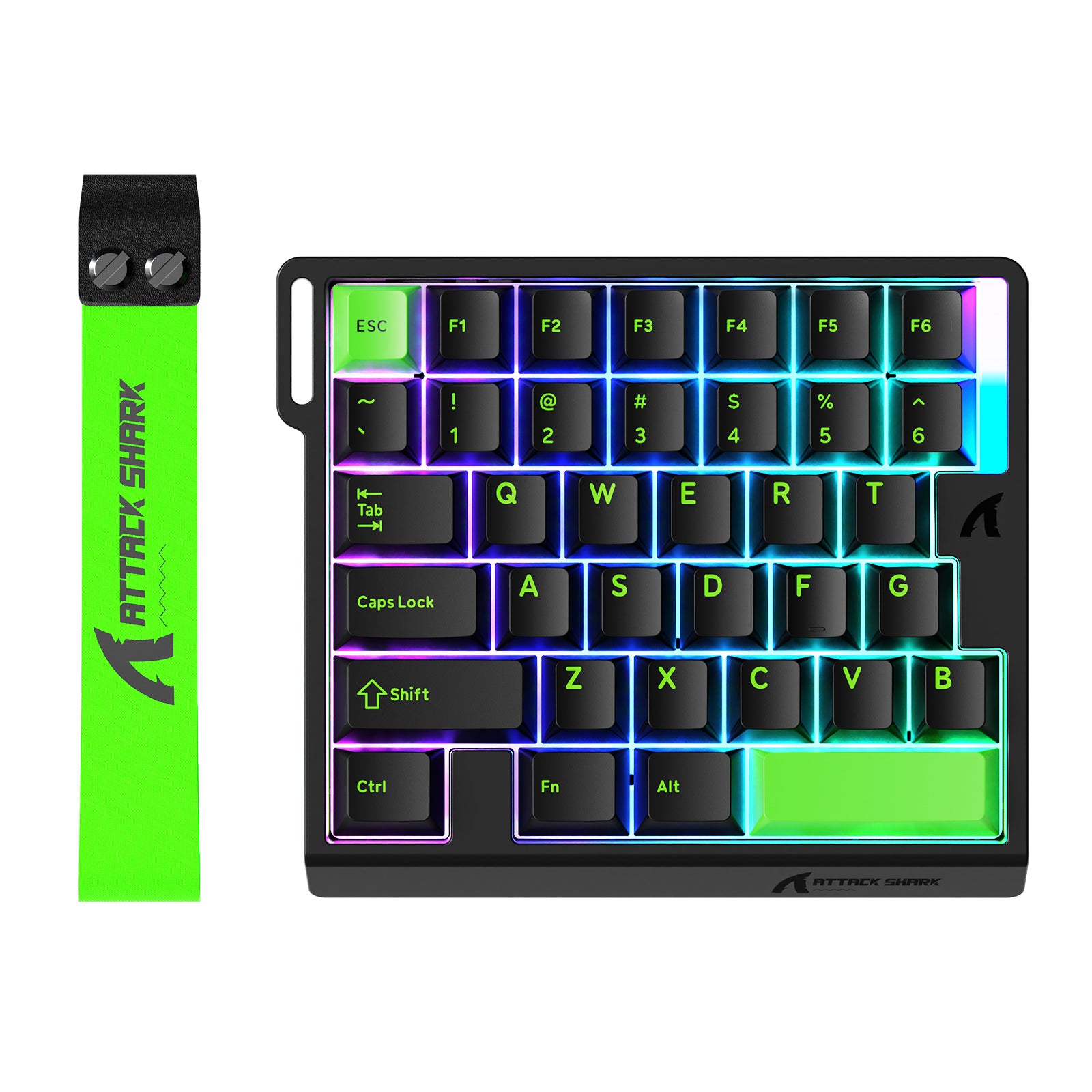
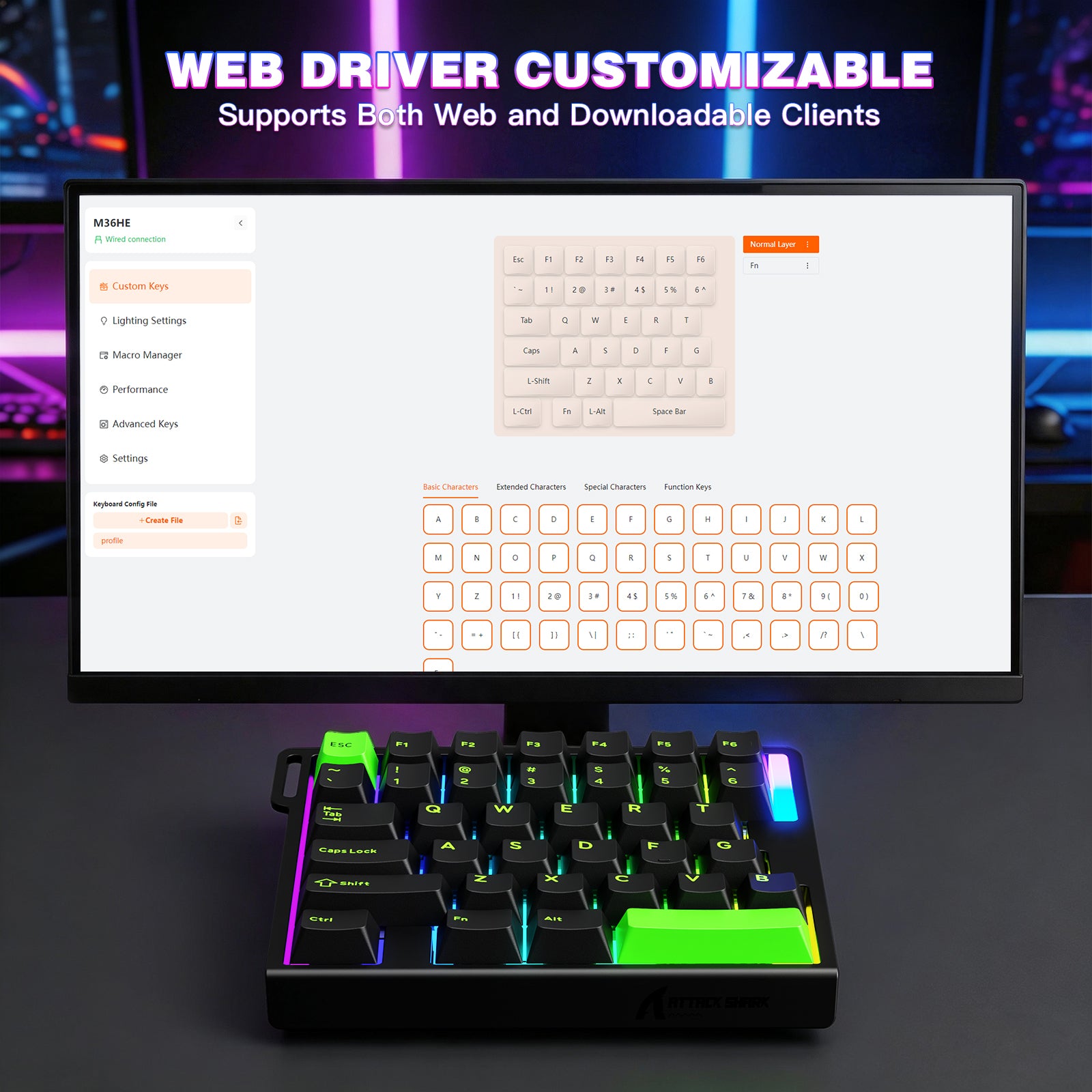
Pros:Compact sizeSmooth HE keysDampened buildGood web driver with lots of typical HE featuresCons:No wirelessNo ergo tiltBarely any price difference vs a 60% HE board of similar quality.The M36 keypad is that of a almost forgotten subclass of keyboards, just having the left hand side available maximizes desk space for mouse use but comes at the cost of fewer buttons. So how does this one do?First it is Hall Effect which is ideal for gaming as you have full adjustability of the sensitivity of each key along with some more advanced input methods in the driver not capable on traditional keyboard builds. This is actually ideal for my use case though as I do not like typing on a Hall Effect board so this can be kept separately for when it is time to game rather than work and it does not take up much space.It is an all plastic build with some dampening layers. Its not a silent board mind you as the bottom out is still sharp, but the sound is tamed down vs a hollow shell and less harsh. Underneath are some plain rubberized feet and I really would have liked to see a tilt mount designed in the base for ergonomics. Overall it is simple but solid. It cuts off at the T G B keys and though that is typically where left hand use ends some games still use just a few extra keys such as H, so keep that in mind. This also does not have a Windows key which also means there is none to be accidently pressed, however one can be mapped in if wanted.These magnetic switches are smooth and overall feel about the same as others I have tried from Attack Shark and the like which is to say decent for the price. I do like how the short spacebar seems to have just a little bit extra dampening in it as well as it is actually quieter than the other keys when it is usually the opposite. The keys are fairly run of the mill and solid green on black in this version while the RGB lighting underneath is plenty bright with a decent amount of customization available in the driver. The left hand side has an optional ribbon that can be attached for some flair, though since the whole thing is relatively light I feel like it could also be used to hand the pad up when not in use.This is a wired only board advertised at 8K hz and this polling rate can not be adjusted from what I have seen in the web driver. It doesn't seem that it can hold a stable 8000hz input based on some quick tests in Keyboard Inspector however at the same time that isn't really all too important for Keyboards in the first place. Performance feels fine and on par with other budget hall effects I have tried which is definitely good enough for the majority of people while not being super expensive though Wireless would have been a welcome feature for the portability.The software in the form of the online driver is fairly decent as well, much tidier with less translation woes that usually come with budget keyboards. The deadzones and trigger sensitivity can be adjusted per key as well as full remapping, macros and a single Fn layer. Unfortunately there are not onboard profiles however presets can be saved to file and swapped out.Some of the more advanced HE features available here include a Fast Trigger mode for adjusting the key reset distance without a full release and even has a dynamic mode as well, though its difficult to tell how exactly this determines to auto-adjust. This can be set per key so only WSAD can have it enabled, for example. Otherwise it also features a suite of other typical input adjustments including: Rappy Snappy (monitors 2 keys and activates the one pressed more,) SOCD (monitors 2 keys and activates based on other parameters,) DKS (inputs multiple functions per key depending on how far it is pressed,) Dual Effect Click (2 functions per key, one for press one for hold) and Toggle Switches for holding on/off. This allows for an extreme amount of adjustability and the driver interface seems to run quite well without issues.