






Mouse Click Speed Test
Test your finger speed and reaction time. Designed for gamers who demand precision.
Click Here to Start
Smash your mouse buttons
How to use the CPS Test?
Step 1: Select Time Mode
Click the buttons above to choose your challenge duration (1s burst, 5s standard, 10s endurance, etc.).
Different durations test different muscle burst and stamina.
Step 2: Start Clicking
Move your cursor into the dashed rectangular area in the center. Take a deep breath. The timer starts
immediately upon your first click.
Step 3: Check Your Rank
When the countdown ends, the system automatically stops recording and displays your results. You will see your
Clicks Per Second (CPS), total clicks, and your gaming rank.
Pro Clicking Tips
Jitter Clicking
Uses rapid vibration of arm muscles to generate extremely fast click speeds. Requires practice to aim steadily. Common in Minecraft PvP.
Butterfly Clicking
Uses index and middle fingers to click alternately on the left mouse button. If your mouse supports Double Click, you can easily reach 15-20 CPS.
Drag Clicking
Uses friction between your finger and the mouse button surface to generate multiple micro-clicks while dragging. Usually requires specific mouse textures (like matte) to work.
Frequently Asked Questions
特集コレクション


ブログ記事
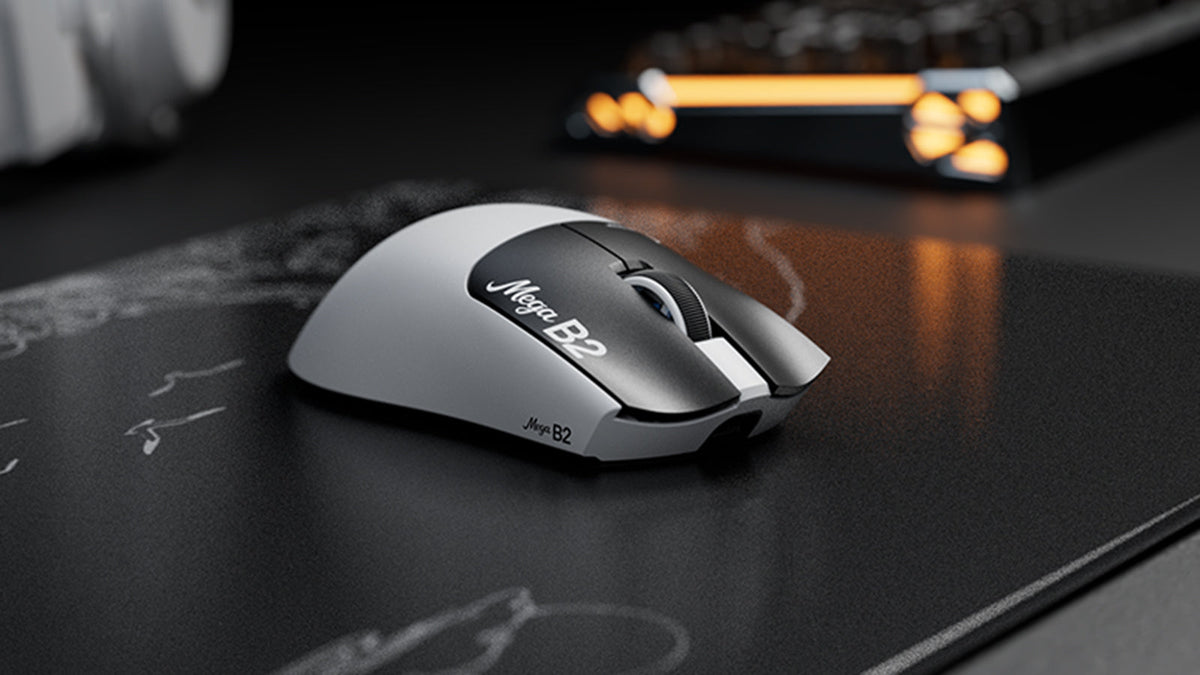
ラピッドトリガーマウスとは? TMR磁気センシングがマウスクリックを変える仕組み
Rapid Triggerはマウスボタンをわずかに上方向へ移動させるだけでリセットし、TMR磁気センシングにより固定接点なしで作動点を調整できます。

ATTACK SHARK、Cloud9のリーグ・オブ・レジェンドチームとの戦略的パートナーシップを発表
このCloud9とLeague of Legendsのパートナーシップが、eスポーツファン、プロレベルのギア、誰もが利用しやすいゲーミング周辺機器にとってなぜ重要なのかをご紹介します。
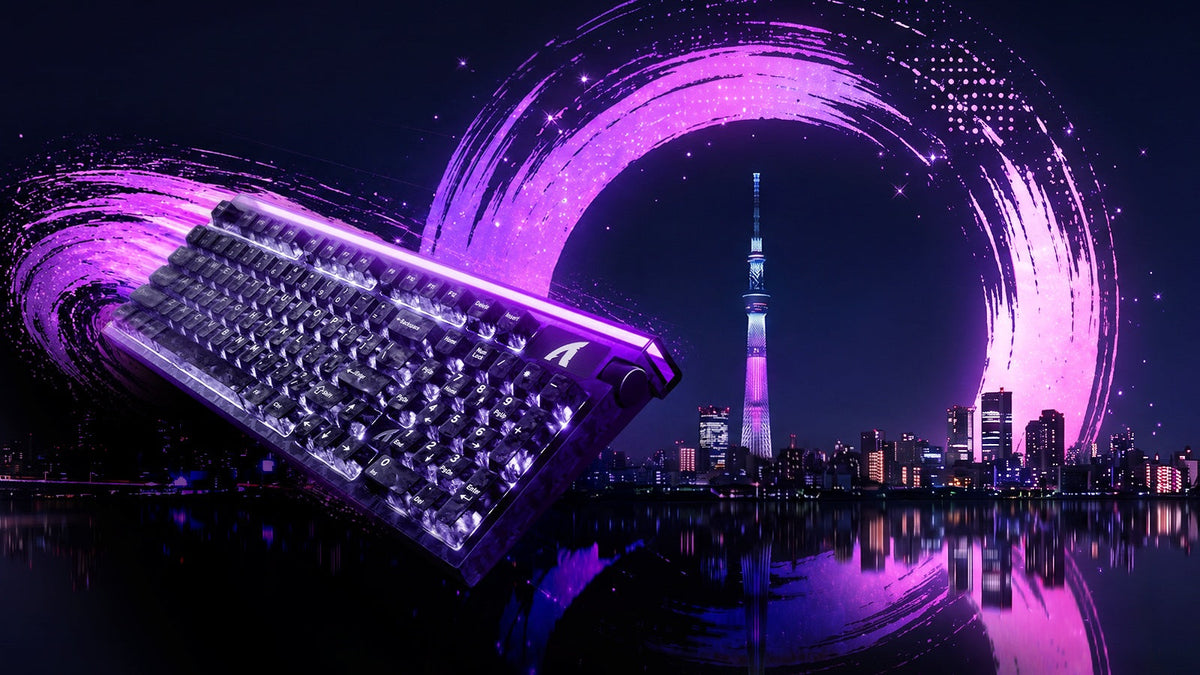
TOKYOキーボードEXPO 2026でATTACK SHARKに会おう
ATTACK SHARKは2026年9月23日に東京流通センターへ出展し、ブースB21-B23でホールエフェクトキーボードとゲーミングマウスを実際にお試しいただけます。