Mechanical Keyboard

Does RGB Kill Your Wireless Keyboard Battery?

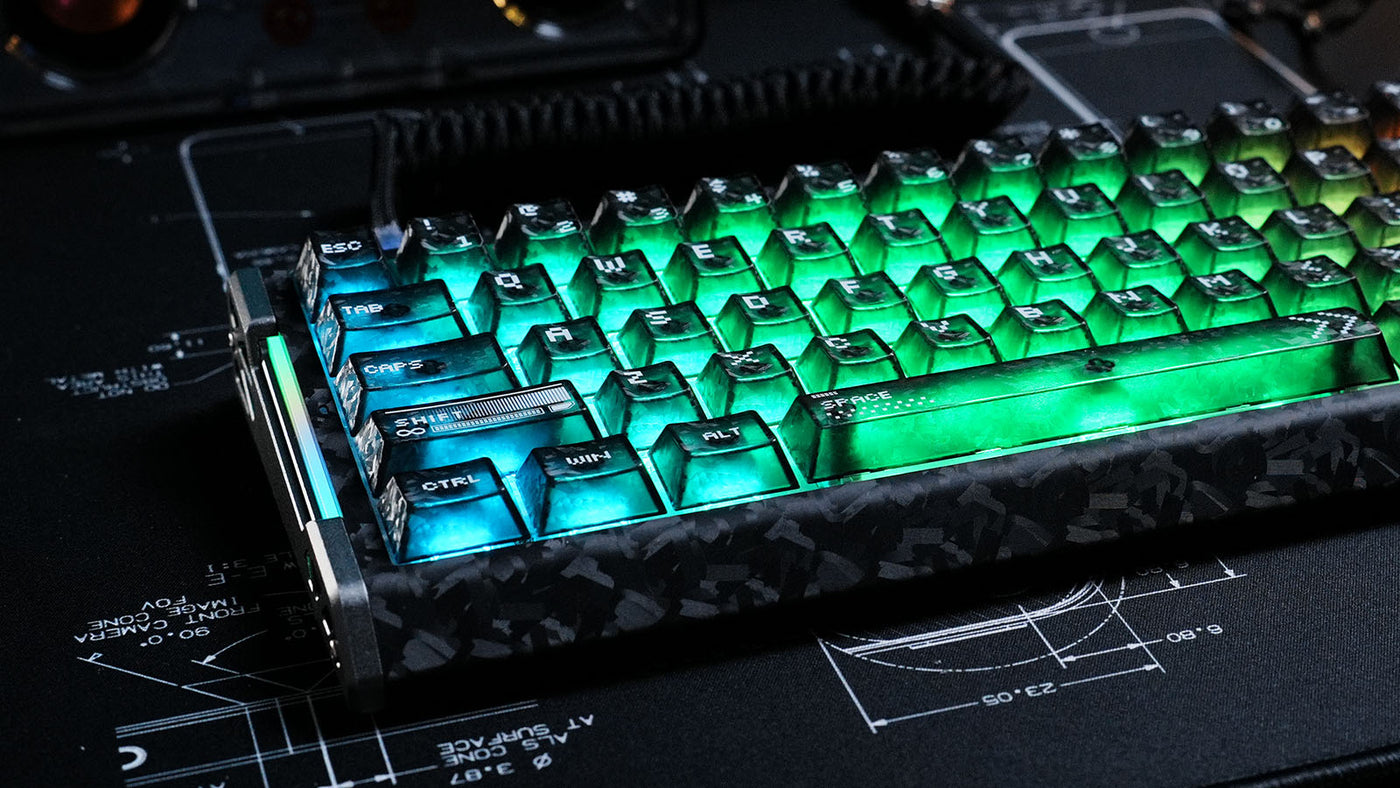
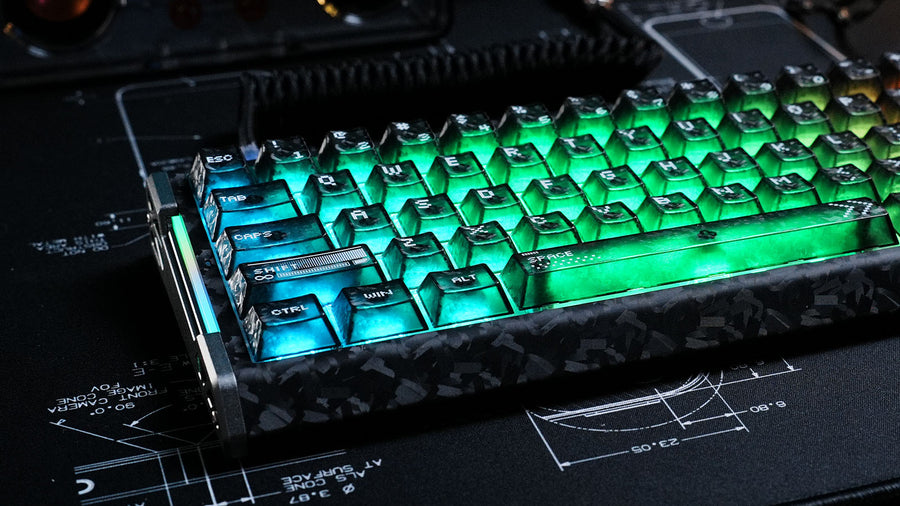
Mechanical keyboard with forged carbon fiber case and glowing green translucent keycaps.

Wireless peripherals have revolutionized desk setups, offering a clean, cable-free aesthetic. However, many users face a frustrating trade-off: stunning lighting effects versus battery longevity. We all love the vibrant glow of a wireless gaming keyboard, but the fear of the device dying mid-game is real.

Does turning on those rainbow waves really drain the power that fast? This guide explores the impact of RGB lighting on battery life, the science behind power consumption, and how to optimize your settings without sacrificing style.

How Much Power Does RGB Consume?

The short answer is: a lot. In a wireless mechanical keyboard, the LEDs are often the single biggest power draw, consuming significantly more energy than the Bluetooth or 2.4GHz radio transmission.

Every individual key switch has its own LED diode. If you have a full-sized keyboard with 104 keys, that is 104 tiny lights drawing current simultaneously. When set to maximum brightness and displaying complex animations (like a reactive ripple effect), the power consumption skyrockets.

Without RGB, a high-quality keyboard might last for months on a single charge. With RGB at 100% brightness, that same battery might drain in less than 24 hours. The difference is not just marginal; it is exponential. Understanding this power dynamic is the first step in managing your device's endurance.

ATTACK SHARK R68 HE カーボンファイバー ラピッドトリガーキーボード マグネティックスイッチ

Price: $87.99
鍛造カーボンファイバーとCNCアルミニウム製 高級鍛造カーボンファイバー複合材トップケースと、精密 CNC 加工されたアルミニウムのアクセントを組み合わせました。この高度な構造は、洗練された未来的な美しさと優れた耐久性を実現し、ゲーミングキーボードをどんなデスクでも最高級のテクノロジー製品のような外観と感触を実現します。 8000Hzポーリングと0.08msのレイテンシー トーナメントグレードの応答性で、競争を制覇しましょう。高周波数チップセットを搭載し、驚異的な8000Hzのポーリングレートと0.08msという超高速応答時間を実現。この有線ゲーミングキーボードは、すべてのキー入力をほぼゼロ遅延で記録し、ハイステークスのeスポーツで真の競争力を提供します。 0.005mm RT、スナップタップ、調整可能なアクチュエーション ホール効果センサーを搭載したこのマグネティックキーボードは、業界最高レベルの0.005mmの精度を実現します。調整可能なアクチュエーション、ラピッドトリガー、スナップタップテクノロジーでパフォーマンスを自在にカスタマイズ。FPSや対戦ゲームに不可欠な、ほぼ瞬時のリセットとピクセル単位の完璧なコントロールを実現します。 没入感あふれるRGBバックライトとデュアルゾーンサイドストリップ キーごとにフルカスタマイズ可能なRGBライトで、魅惑的なゲーミング環境を演出します。独自のデュアルゾーンサイドストリップが、デスクに反射する上質なアンダーグローを実現し、PCゲーミングセットアップの美しさと没入感にさらなる深みを与えます。 専用の矢印キーを備えたコンパクトな 60% レイアウト 機能性を犠牲にすることなく、デスクスペースを最大限に活用できます。US QWERTY 配列を採用したこの60%キーボードは、低 DPIスワイプでもマウス操作が可能な広いスペースを確保しながら、専用の矢印キーをインテリジェントに維持するように設計されています。プロゲーマーのパフォーマンスと日常の生産性の完璧なバランスを実現します。 シグネチャー「Thocky」サウンドと6 層アコースティックスタック...

Does the Lighting Mode Affect Battery Drain?

The type of pattern you choose in your keyboard rgb software plays a crucial role in how fast the battery depletes.

Static vs. Dynamic Lighting

Static lighting (one solid color) is more efficient than dynamic lighting (moving waves or breathing effects). Dynamic effects require the keyboard's internal processor (MCU) to constantly calculate color shifts and send new instructions to the LEDs. This processing power adds to the total energy consumption.

Reactive Typing

Reactive modes, where keys only light up when pressed, are excellent for saving power. Since the majority of the LEDs are off most of the time, the average power draw is significantly lower than a constant "Rainbow Wave." If you want the cool factor without the constant drain, switching to a reactive profile is a smart compromise.

How Brightness Levels Impact Longevity

Brightness is the most critical variable. The relationship between brightness and power draw is linear. Running your backlight wireless keyboard at 50% brightness can often double your battery life compared to 100% brightness.

Many users keep their brightness maxed out unnecessarily. In a dimly lit room, 30-40% brightness is usually sufficient for visibility and aesthetics. If you own a white mechanical keyboard, you have an advantage. The white plate reflects light better than a black one, making the RGB appear brighter and more vibrant even at lower power settings. Lowering the intensity is the easiest way to extend your playtime between charges.

Wireless Protocol Efficiency: Bluetooth vs. 2.4GHz

Your connection method also interacts with battery life, although less directly than the LEDs themselves.

Bluetooth Low Energy (BLE)

Bluetooth is designed for efficiency. It "sleeps" aggressively to save power. Using Bluetooth without RGB offers the maximum possible battery life, sometimes lasting weeks.

2.4GHz Wireless

The 2.4GHz dongle connection offers lower latency, which is essential for a wireless gaming keyboard, but it consumes more power than Bluetooth. When you combine the high power draw of 2.4GHz transmission with full RGB lighting, you create the "worst-case scenario" for your battery. If you are just typing or working, switching to Bluetooth mode can help mitigate the drain caused by the lighting.

Battery Capacity (mAh)

When shopping for a keyboard, look at the battery specifications. The capacity is measured in milliamp-hours (mAh).

A keyboard with a 4000mAh battery will handle RGB much better than one with a 1000mAh battery. However, manufacturers often advertise battery life based on "lights off" usage. You might see a claim of "up to 200 hours," but in fine print, it says "with backlight off." With the backlight on, that might drop to 10-20 hours. Always check reviews for "RGB on" battery tests to get a realistic expectation of daily performance.

How to Optimize Settings in Keyboard RGB Software

Most premium keyboards come with dedicated software that allows for granular power management. Using this keyboard rgb software is essential for balancing aesthetics and function.

The most important setting is the "sleep timer" or "idle timeout." Set your keyboard to turn off the LEDs after 1 or 2 minutes of inactivity. There is no reason for your desk to glow when you are away grabbing a coffee. This simple setting prevents the battery from draining while the keyboard is idle.

Advanced software allows you to light up only specific zones. For gaming, you might only need WASD and the number row illuminated. Turning off the rest of the keys reduces the power load by 60-80% while still providing the visual cues you need for gameplay.

Is White Backlight More Efficient Than RGB?

There is a misconception that setting your LEDs to white saves power. In reality, with RGB LEDs, "white" is created by turning on the Red, Green, and Blue channels simultaneously at full intensity.

This means that a static white background on a backlight wireless keyboard is actually one of the most power-hungry colors you can choose. It draws roughly three times the current of a pure red, green, or blue static light. If you want to save battery but keep the light on, choose a single primary color like Red (which typically has the lowest forward voltage) instead of White.

ATTACK SHARK R85 HE ラピッドトリガーキーボード マグネティックスイッチ(カスタムライトボックス付き)

Price: $67.99
コンパクトな75%レイアウト、ファンクション列と調節可能な脚付き この75%レイアウトのキーボードは、コンパクトなサイズにファンクションキーとナビゲーションキーを内蔵し、携帯性とパフォーマンスのバランスを実現しています。2 段階調整可能な脚により、エルゴノミクスに基づいた3つの角度で快適に長時間のキーボード操作が可能です。 プロゲーマーのためのスナップタップとラピッドトリガー R85 HEは、素早い方向転換を可能にするスナップタップと、滑らかな動き、素早い停止、そして正確なコントロールを可能にするラピッドトリガーに対応しています。一瞬のタイミングが重要なFPSやリズムゲームに最適です。 見事なRGBライトボックスとキーごとのRGBバックライト ATTACK SHARK R85 HE 有線ゲーミングキーボードは、5つのプリセットエフェクトとキーごとにダイナミックなRGBバックライトを備えたカスタマイズ可能なRGBライトボックスを搭載しています。ゲーマー、タイピスト、そしてRGBファンにとって最適なこのキーボードは、セットアップと同期する美しいイルミネーションで、没入感あふれるデスク環境を実現します。 0.005mm RT 精密調整可能磁気スイッチ ホール効果磁気スイッチを搭載し、各キーのアクチュエーションを0.1mmから3.3mmまで0.005mm 単位で調整可能。比類のない精度とコントロール性を実現します。素早いトリガーレスポンスと安定したキー精度を求めるeスポーツプレイヤーに最適です。 8000Hzポーリングレートと0.08msレイテンシ 8000Hzのポーリングレート、256KHzのスキャンレート、そして0.08msのレイテンシーで、真の競争力のあるスピードを体感してください。すべてのキーストロークは遅延なく瞬時にキャプチャされ、FPS、MOBA、そして対戦ゲームのパフォーマンスのために設計されています。 5...

Conclusion: Finding the Sweet Spot for RGB and Battery Life

RGB lighting is undeniably the biggest battery killer for any wireless peripheral. It can turn a months-long battery life into a daily charging chore. However, you do not have to live in the dark. By lowering brightness, using reactive effects, and setting aggressive sleep timers in your software, you can enjoy the style of your wireless mechanical keyboard without constant anxiety. It is about finding the "sweet spot" where your setup looks great, but your cable stays in the drawer where it belongs.

FAQ

Does turning off RGB completely really make a huge difference?

Yes. For most wireless keyboards, turning off the lighting can increase battery life by 5 to 10 times. It transforms the device from something you charge weekly to something you charge monthly.

Which RGB effect drains the most battery?

Fast-moving, full-spectrum effects like "Rainbow Wave" or "Spiral" at 100% brightness and speed are the most draining. They keep all LEDs active and force the processor to work constantly.

Can I replace the battery in my wireless keyboard if it degrades?

It depends on the model. Most gaming keyboards use proprietary internal lithium-ion pouches that are not user-replaceable without disassembly. However, some custom or office-oriented boards use standard AA batteries, which can be swapped instantly.

Do white mechanical keyboards make RGB look better at low brightness?

Yes. The white backplate reflects the light, spreading it more evenly. This allows you to run the LEDs at a lower brightness setting while perceiving the same level of glow as a black keyboard at a higher setting, saving battery.

Why does my keyboard flash red even when plugged in?

This usually indicates charging status. However, if it flashes while wireless, it is a low battery warning. If you ignore it, the keyboard will likely disable the RGB lighting automatically to preserve the last few percent of power for input data.

前後の記事を読む

Attack Shark keyboards in white, black, and pink with topographic RGB keycaps and a yellow strap.
White lightweight wireless gaming mouse floating among white feathers on a blue background.

コメントを書く

このサイトはhCaptchaによって保護されており、hCaptchaプライバシーポリシーおよび利用規約が適用されます。