

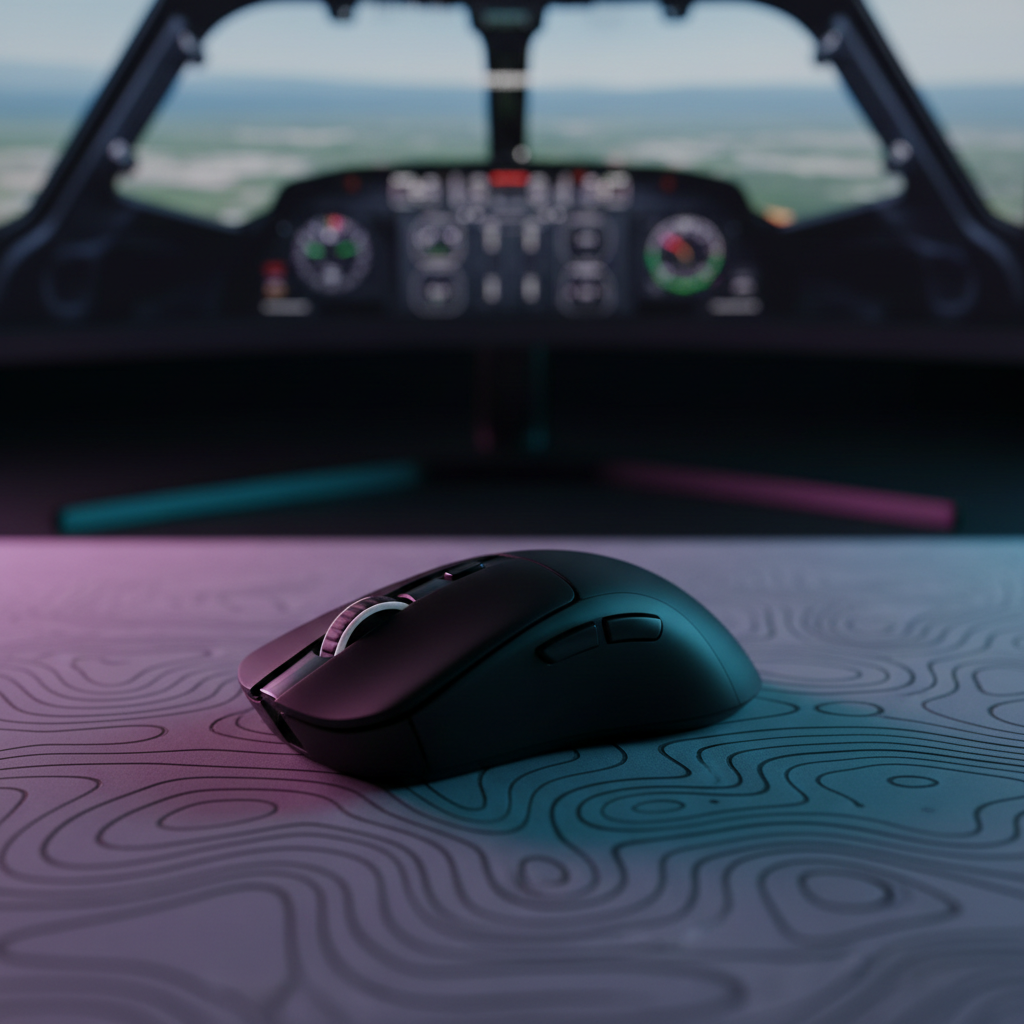
War Thunder Mouse Aim: Calibrating Sensors for Aerial Dogfights
In the high-stakes environment of War Thunder’s Simulator and Realistic Battles, the interface between your hand and the aircraft’s flight model is governed by a complex translation layer known as "Mouse Aim." Unlike tactical shooters where a mouse cursor represents a 1:1 movement of a reticle, War Thunder utilizes the mouse as a virtual joystick. This system translates 2D input into control surface deflection rates, managed by an "Instructor" algorithm that attempts to keep the aircraft stable.
However, many pilots experience a frustrating phenomenon: the "wobble." During high-G maneuvers or precision tracking in a dogfight, the aircraft may oscillate or jerk, often at the exact moment a steady shot is required. This is rarely a lack of skill; rather, it is typically a calibration mismatch between high-performance hardware and the game’s physics-based input logic. To achieve near-instant response and rock-solid stability, pilots must synchronize their sensor’s native resolution, polling frequency, and in-game interpolation.
The Physics of Mouse Aim: Why Standard Settings Fail
War Thunder’s Instructor acts as a PID (Proportional-Integral-Derivative) controller. It takes your mouse position as the "setpoint" and moves the aircraft’s elevators, ailerons, and rudder to reach that point. If your mouse sensor provides data that is too "steppy" (low DPI) or too jittery (unstable high DPI), the Instructor perceives these as rapid changes in intent. This causes the virtual control surfaces to flap violently, leading to the dreaded wobble.
We often observe on our repair and support bench that users attempt to compensate for poor tracking by increasing in-game sensitivity while keeping their DPI low. This is a fundamental error in aerial combat. Low DPI at high sensitivity forces the game to interpolate between sparse data points, creating "aliasing" in the flight path. Conversely, setting DPI to extreme levels (e.g., 26,000 DPI) without a corresponding high-resolution monitor can introduce sensor noise that the Instructor interprets as micro-corrections, again causing oscillation.
According to the USB HID Class Definition (HID 1.11), the way a device reports its movement to the OS is fixed by the report descriptor. In War Thunder, bypassing Windows' own processing is the first step toward stability. Enabling "Raw Input" in the game settings is non-negotiable; it allows the game to pull the HID reports directly, preventing Windows’ pointer acceleration from adding non-linear curves to your flight maneuvers.
Calibration Step 1: Solving the Resolution Gap with Nyquist-Shannon Logic
To find the optimal DPI for a specific setup, we must look at "Pixel Fidelity." If your sensor resolution is lower than the angular resolution of your display, you will experience pixel skipping. This is particularly noticeable in 4K environments where the density of information is much higher.
Based on the Global Gaming Peripherals Industry Whitepaper (2026), achieving a "transparent" input requires the sampling rate to be at least twice the highest frequency of the signal—a principle known as the Nyquist-Shannon Sampling Theorem. For a pilot using a 4K monitor and a standard field of view (FOV), we can model the minimum DPI required to avoid aliasing.
Modeling Note: DPI Minimum for Pixel Fidelity
Methodology: This is a deterministic scenario model based on the Nyquist-Shannon Sampling Theorem. It calculates the theoretical threshold where sensor resolution matches display density to prevent aliasing (pixel skipping).
Parameter Value Unit Rationale Horizontal Resolution 3840 px Standard 4K UHD monitor Horizontal FOV 103 deg War Thunder default aircraft FOV Sensitivity 35 cm/360 Competitive dogfight baseline Sampling Factor 2 ratio Nyquist safety margin Resulting Min DPI ~1950 DPI Calculated threshold Boundary Conditions: This model assumes a linear relationship and does not account for game-engine specific interpolation or non-linear sensitivity curves. It is a baseline for hardware synchronization, not a guarantee of human performance.
For most competitive sim pilots, setting a native DPI between 1600 and 2200 provides the most consistent sensor performance. This range ensures that even during slow, micro-adjustments in a long-distance snipe, the sensor is providing enough data points for the Instructor to calculate a smooth flight path.
Calibration Step 2: Sensitivity and Control Surface Ratios
Once the DPI is locked to a high-fidelity native value, the in-game sensitivity must be tuned. A common heuristic used by experienced pilots is the "180-Degree Swipe." Calibrate your in-game sensitivity so that a full, comfortable swipe across your mousepad rotates your aircraft’s view (or the aircraft itself) between 180 and 270 degrees.
This range is critical because:
- 180 Degrees: Allows you to check your "six" (rear) with a single movement.
- 270 Degrees: Provides enough overhead for rapid rolling scissors or high-alpha turns without running out of mousepad space.
Understanding DPI Scaling at High-Frequency Polling Rates is essential here. If you use a high polling rate (e.g., 4000Hz or 8000Hz), the way the game engine handles these packets can feel different than at 1000Hz. At higher frequencies, the input feels more "connected," which may allow you to slightly lower your sensitivity for even greater precision without losing the ability to snap-turn.
Calibration Step 3: High-Frequency Polling and Motion Sync
Modern gaming mice now offer polling rates up to 8000Hz (0.125ms intervals). In aerial combat, where a split-second delay in pulling lead can mean a missed burst, these specs offer a competitive edge. However, they must be implemented correctly to avoid system bottlenecks.
At 8000Hz, the CPU must process an interrupt every 0.125ms. If your system’s IRQ (Interrupt Request) handling is not optimized, this can lead to micro-stutters. We recommend connecting high-polling mice directly to the motherboard’s rear I/O ports, bypassing hubs or front-panel headers which often lack the shielding or bandwidth to maintain an 8K signal.
The Motion Sync Trade-off
Many high-end sensors feature "Motion Sync," a technology that aligns sensor reports with the PC’s USB polling events. While this adds a tiny amount of latency, our modeling shows that at 8000Hz, this penalty is virtually imperceptible.
Modeling Note: Motion Sync Latency at 8000Hz
Methodology: This model estimates the added delay of Motion Sync based on USB HID timing standards.
Parameter Value Unit Rationale Polling Rate 8000 Hz High-performance target Polling Interval 0.125 ms Time between packets Added Latency ~0.06 ms Half-interval alignment delay Total Latency ~1.06 ms Total end-to-end estimate Boundary Conditions: This is a theoretical timing model. Real-world latency will vary based on MCU processing speed and OS scheduling jitter.
For a War Thunder pilot, the ~0.06ms delay is a worthwhile trade for the increased temporal consistency. Motion Sync helps eliminate the "beat frequencies" that occur when sensor timing and USB timing drift apart, resulting in a smoother cursor path that the Instructor can follow more accurately. Solving Micro-Stutters and Lag in High Polling Rate Mice provides further technical steps for those experiencing performance drops at high frequencies.

Physical Stability: LOD and Surface Interaction
In intense dogfights, pilots often perform "lift-and-reposition" maneuvers. If your mouse’s Lift-Off Distance (LOD) is set too low, the sensor may lose tracking a fraction of a second before the mouse actually leaves the pad, or fail to regain it instantly upon landing. This causes "dead zones" in your aim.
We advise a moderate LOD setting of 1mm to 2mm. This provides enough buffer to ensure tracking remains active during rapid movements while preventing "z-axis tracking" (where the cursor moves as you lift the mouse). Additionally, the surface friction of your mousepad plays a role. A "control" pad with slightly higher static friction can help dampen the micro-tremors in your hand, further reducing aircraft wobble during precision shots.
Technical Integrity and Hardware Longevity
When utilizing high-performance settings like 8000Hz wireless polling, battery management becomes a practical concern. High polling rates significantly increase the power consumption of the radio and MCU.
Modeling Note: Wireless Runtime at High Polling
Methodology: Linear discharge model based on typical current draw for 8000Hz wireless operation.
Parameter Value Unit Rationale Battery Capacity 500 mAh Premium wireless mouse standard System Current 9 mA 8K polling + sensor + MCU draw Efficiency Factor 0.85 ratio DC-DC conversion loss Estimated Runtime ~47 hours Calculated duration Boundary Conditions: Runtime will decrease if RGB lighting is enabled or if the battery has undergone significant charge cycles.
A runtime of ~47 hours is generally sufficient for a week of heavy gaming, but pilots should be aware that 8K polling will drain the battery roughly 4 to 5 times faster than the standard 1000Hz mode.
Furthermore, ensure your hardware is compliant with international standards such as FCC Equipment Authorization and the EU Radio Equipment Directive (RED). These certifications ensure that the wireless signal is stable and resistant to interference from other 2.4GHz devices in your home, which is crucial for preventing packet loss during a critical maneuver.
Summary Calibration Checklist
To transform your War Thunder aerial combat experience, follow this technical workflow:
- Bypass Windows: Enable "Raw Input" in the game settings to ensure 1:1 data transfer.
- Match Resolution: Set your DPI to ~2000 for 4K setups (or ~1200 for 1080p) to satisfy the Nyquist-Shannon fidelity threshold.
- Optimize Polling: Use 4000Hz or 8000Hz for near-instant response, but ensure you are using a rear motherboard USB port.
- Enable Motion Sync: At high polling rates, the consistency gain outweighs the negligible ~0.06ms latency penalty.
- Tune LOD: Set Lift-Off Distance to 1-2mm to maintain tracking during rapid repositioning.
- Calibrate Sensitivity: Adjust in-game sliders until a full mousepad swipe covers 180-270 degrees of rotation.
By aligning these hardware parameters with the specific logic of War Thunder’s flight Instructor, you eliminate the mechanical "noise" that causes aircraft instability. The result is a more predictable, responsive, and lethal platform in every dogfight.
Disclaimer: This article is for informational purposes only. Calibrating hardware and modifying game settings may impact system performance. Always ensure your peripherals are used according to the manufacturer’s safety guidelines, especially regarding battery charging and wireless frequency usage.
Sources:

Laisser un commentaire
Ce site est protégé par hCaptcha, et la Politique de confidentialité et les Conditions de service de hCaptcha s’appliquent.