






Mouse Click Speed Test
Test your finger speed and reaction time. Designed for gamers who demand precision.
Click Here to Start
Smash your mouse buttons
How to use the CPS Test?
Step 1: Select Time Mode
Click the buttons above to choose your challenge duration (1s burst, 5s standard, 10s endurance, etc.).
Different durations test different muscle burst and stamina.
Step 2: Start Clicking
Move your cursor into the dashed rectangular area in the center. Take a deep breath. The timer starts
immediately upon your first click.
Step 3: Check Your Rank
When the countdown ends, the system automatically stops recording and displays your results. You will see your
Clicks Per Second (CPS), total clicks, and your gaming rank.
Pro Clicking Tips
Jitter Clicking
Uses rapid vibration of arm muscles to generate extremely fast click speeds. Requires practice to aim steadily. Common in Minecraft PvP.
Butterfly Clicking
Uses index and middle fingers to click alternately on the left mouse button. If your mouse supports Double Click, you can easily reach 15-20 CPS.
Drag Clicking
Uses friction between your finger and the mouse button surface to generate multiple micro-clicks while dragging. Usually requires specific mouse textures (like matte) to work.
Frequently Asked Questions
Collection en vedette

Articles de blog
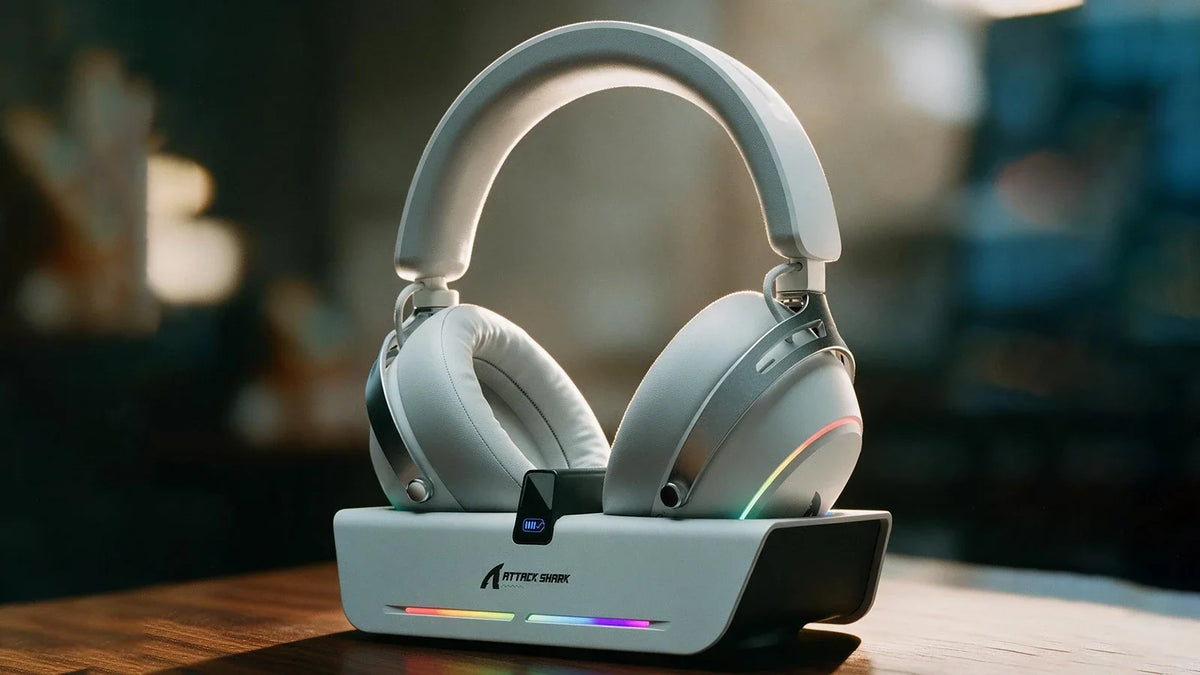
Casque gaming sans fil X60 : station de recharge et égaliseur personnalisable
Rechargez sur une station magnétique qui fait aussi office de hub USB, puis réglez l’inclinaison des écouteurs, les profils d’égalisation enregistrés et le micro-perche détachable pour jouer sur PC...
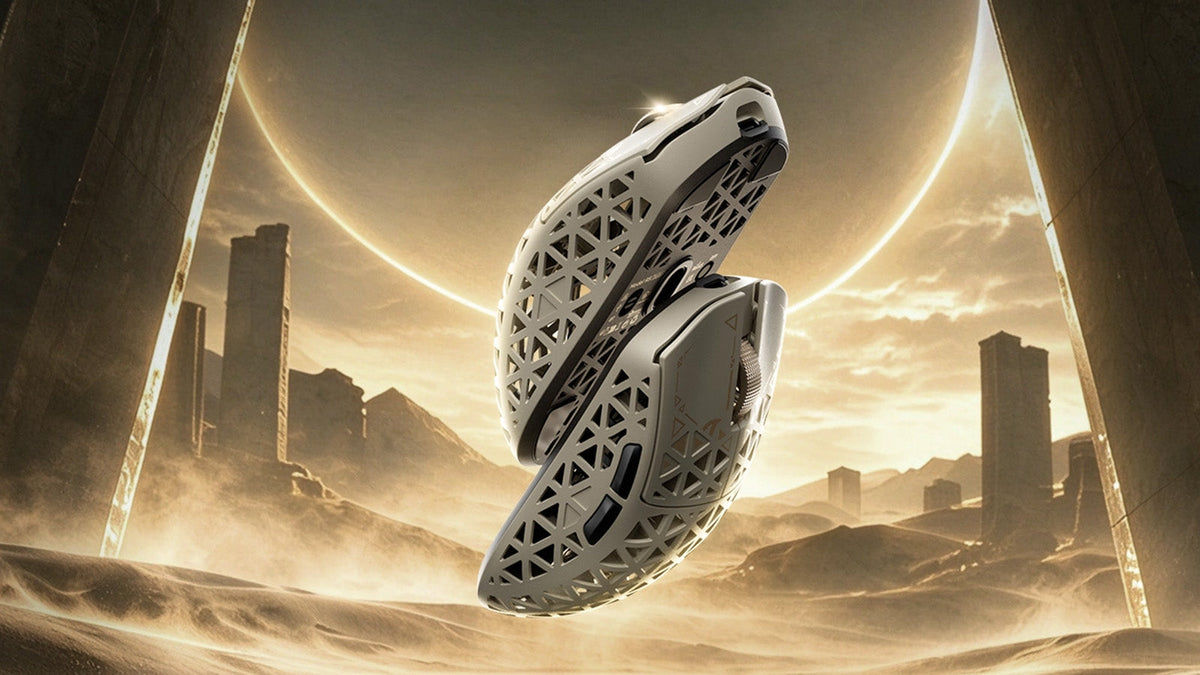
Comment choisir une souris gaming pour mieux maîtriser les FPS
Vérifications de la forme de prise en main et du poids, réglage de la sensibilité en cm/360, préréglages LOD et comparaisons des taux d’interrogation, ainsi que caractéristiques du R5 TURBO et déta...
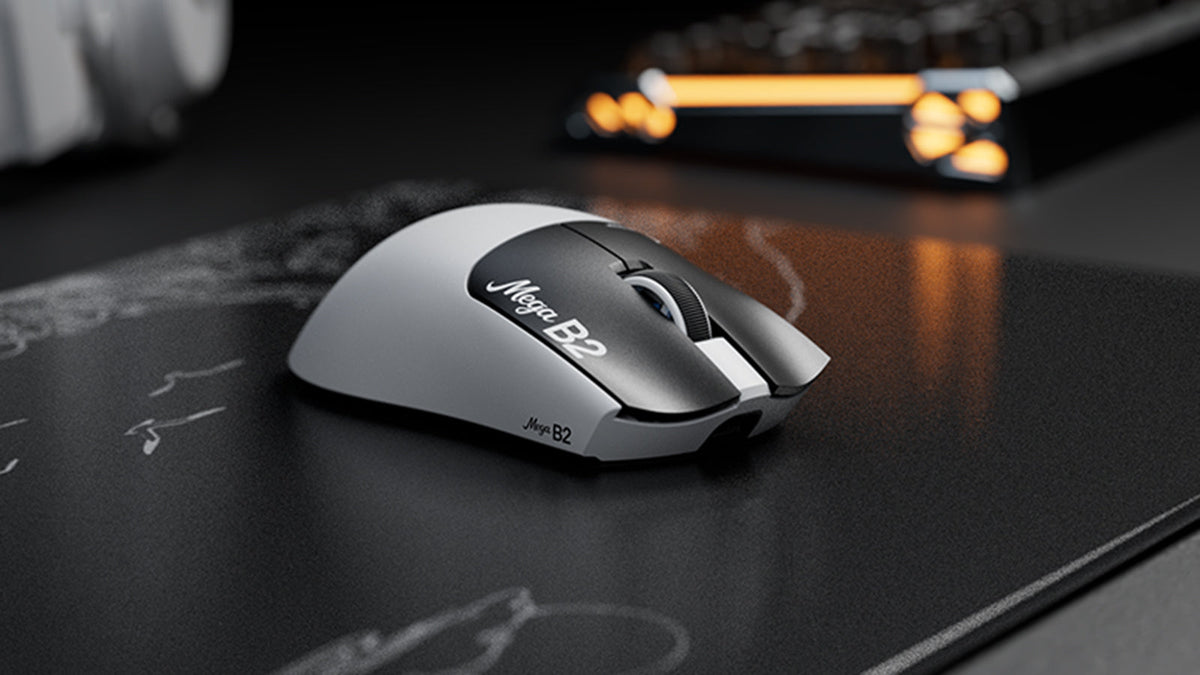
Rapid Trigger réinitialise un bouton de souris après une course ascendante minimale, tandis que la détection magnétique TMR permet un point d'activation réglable sans contacts fixes.