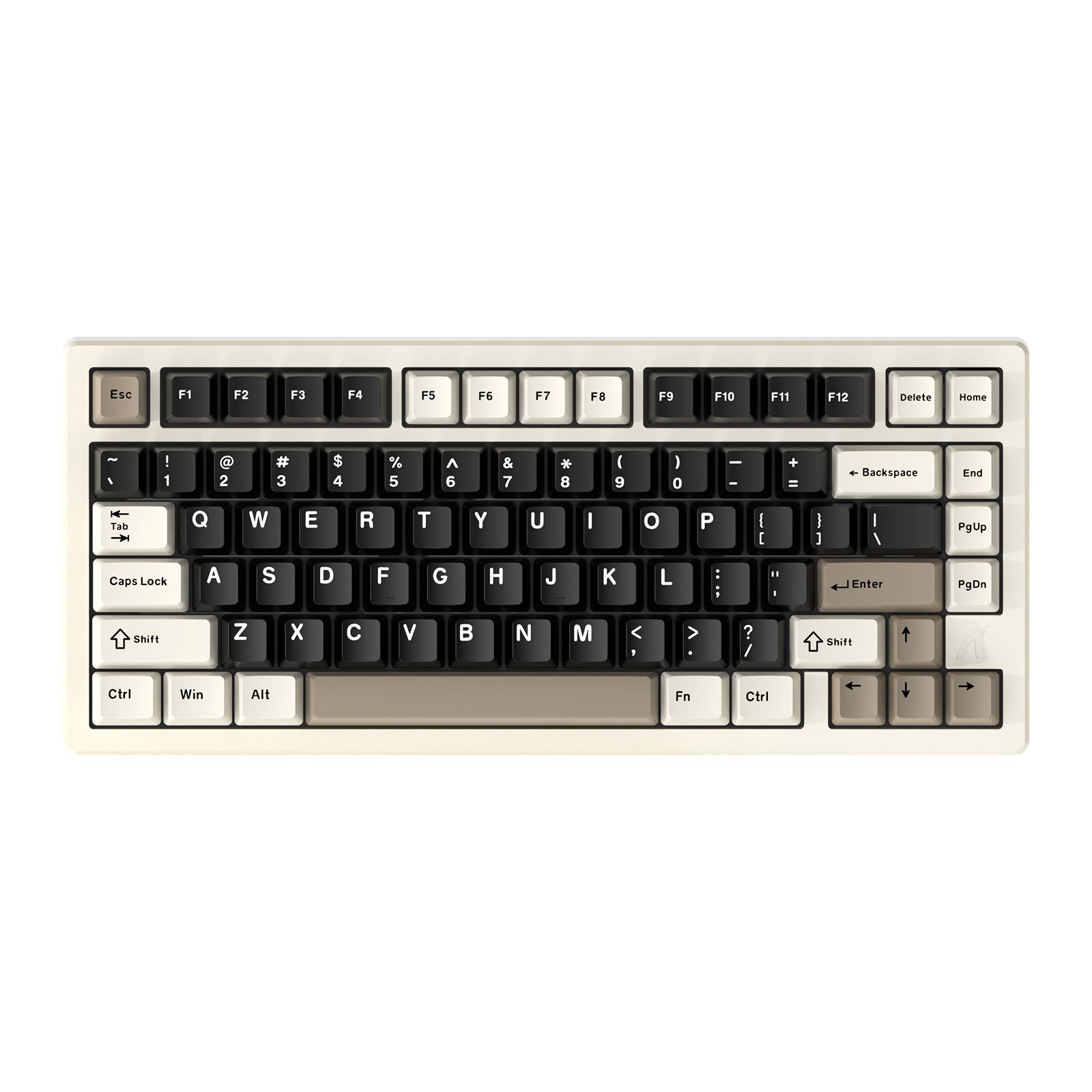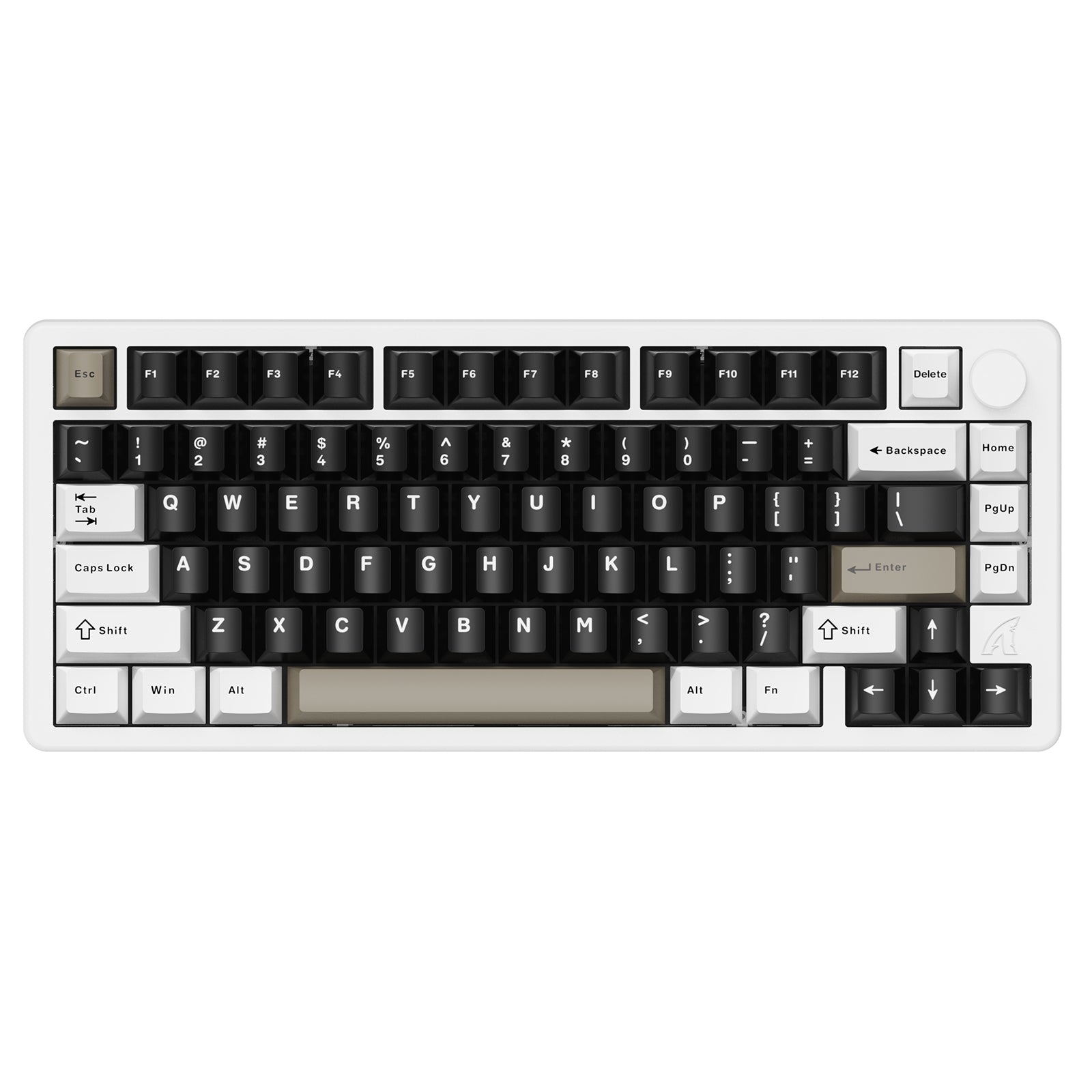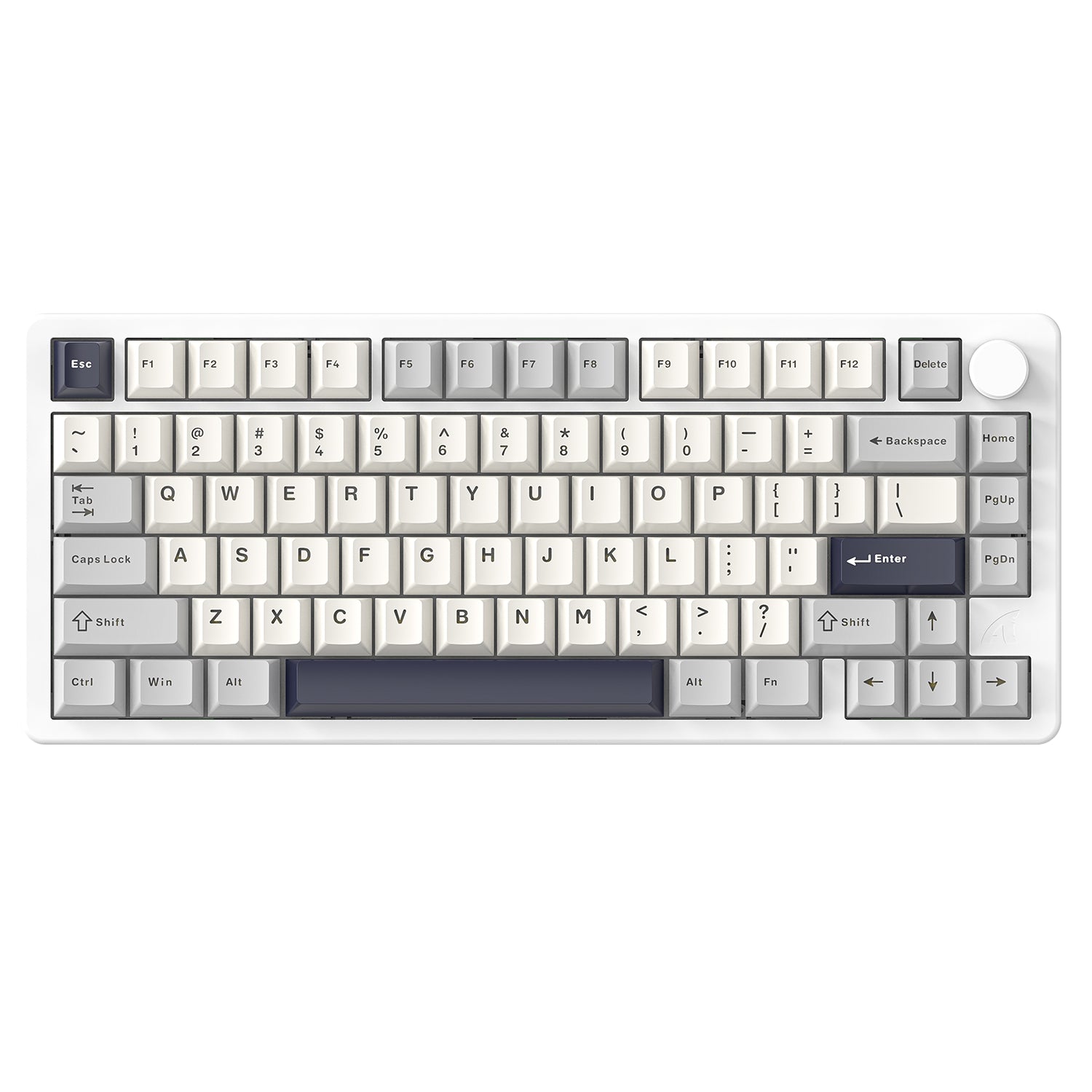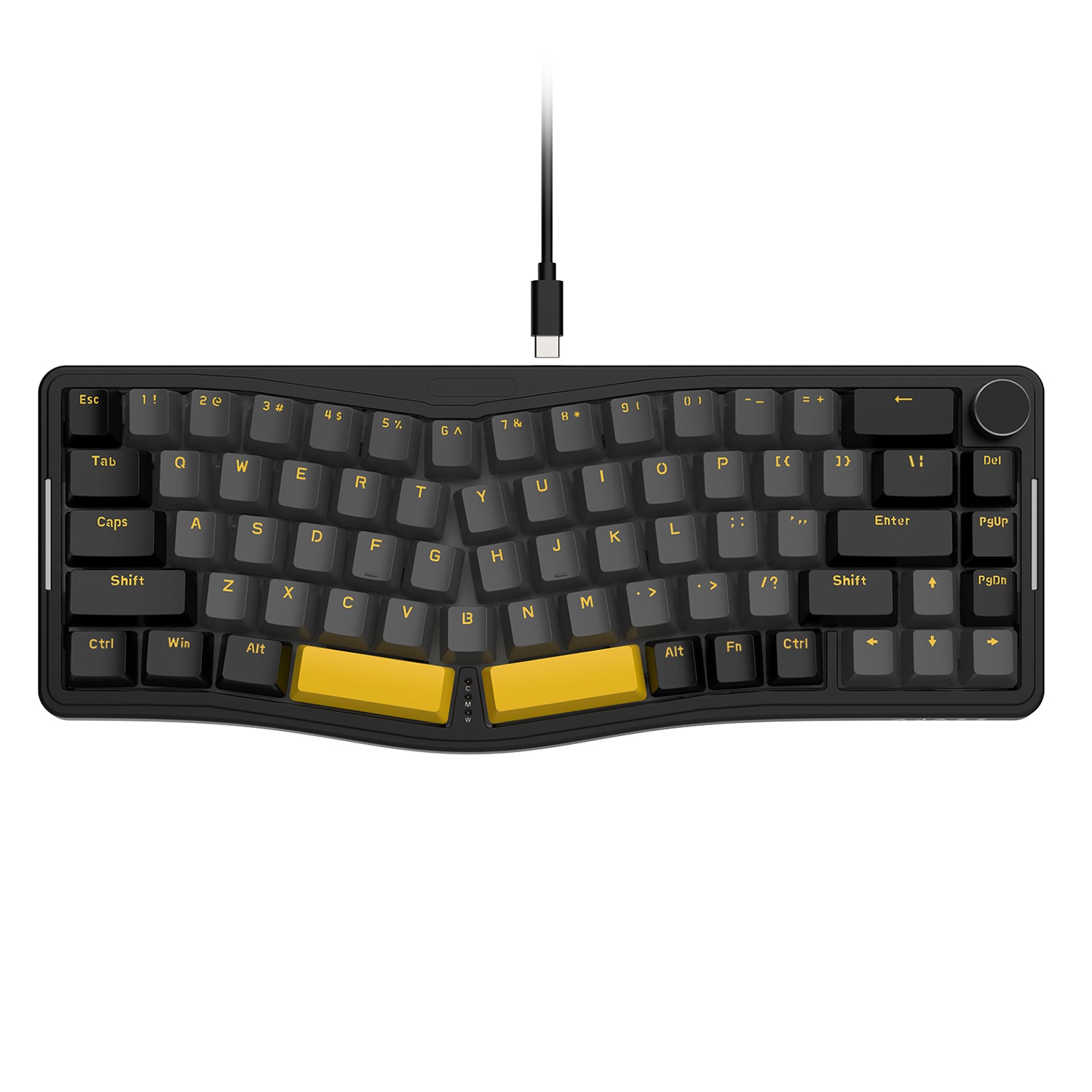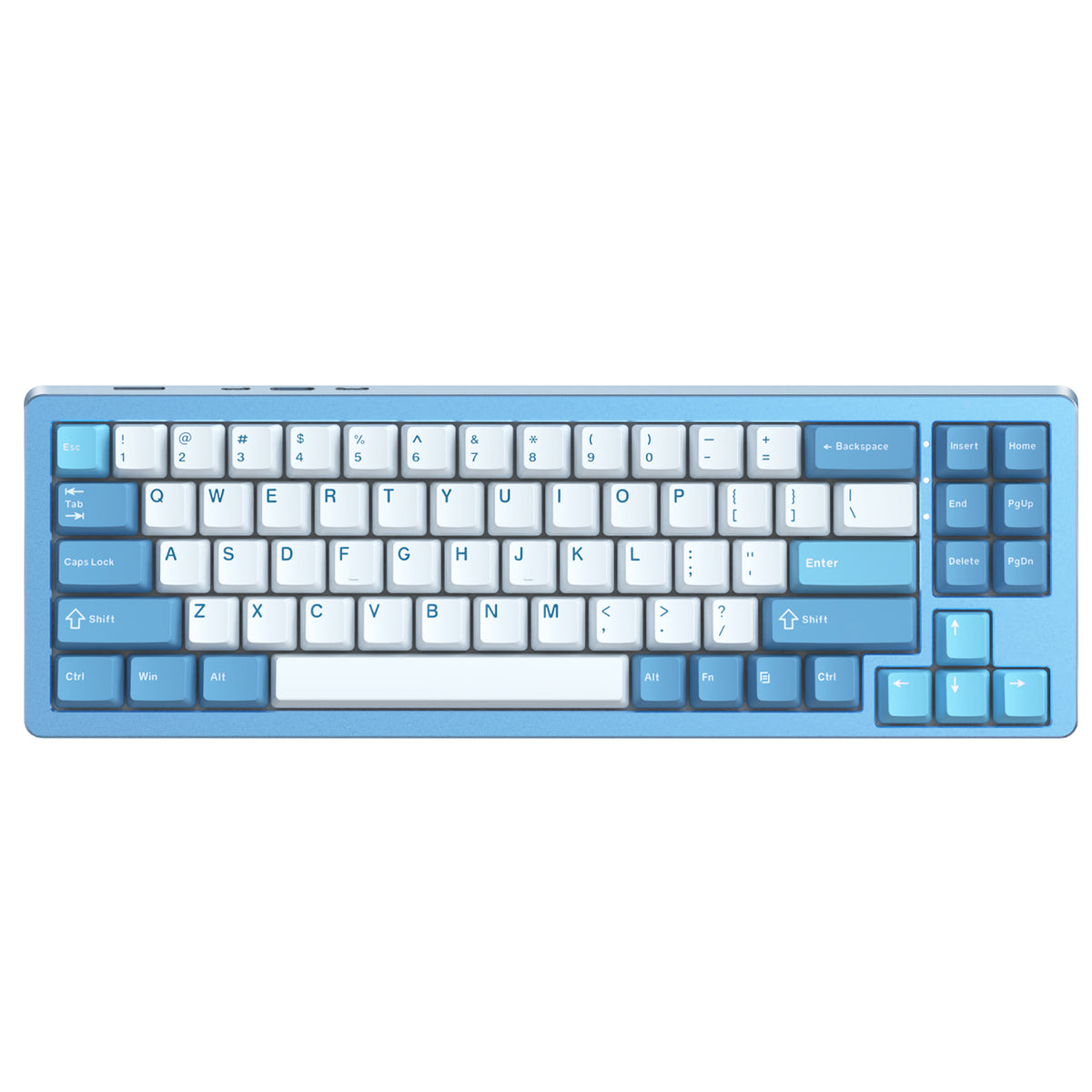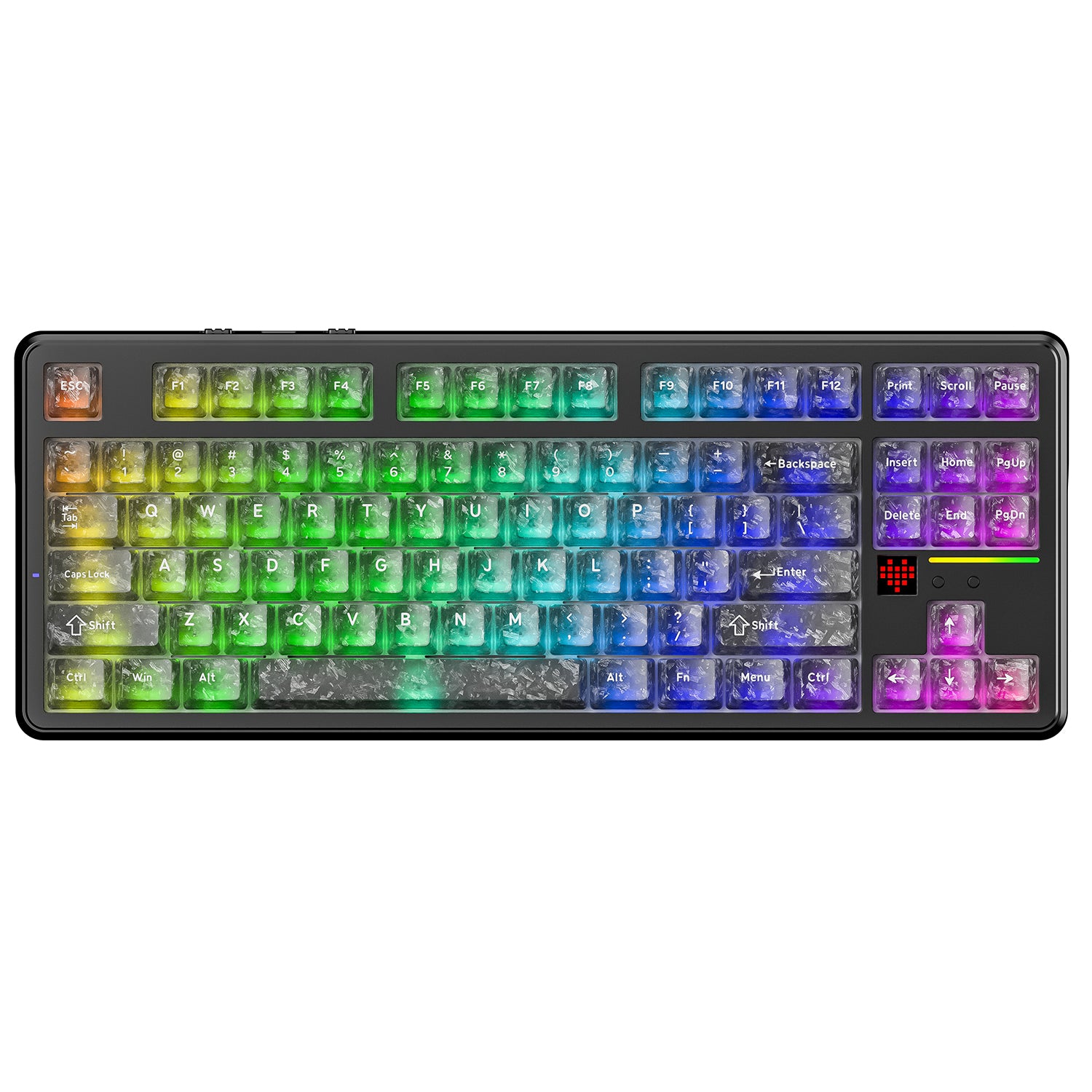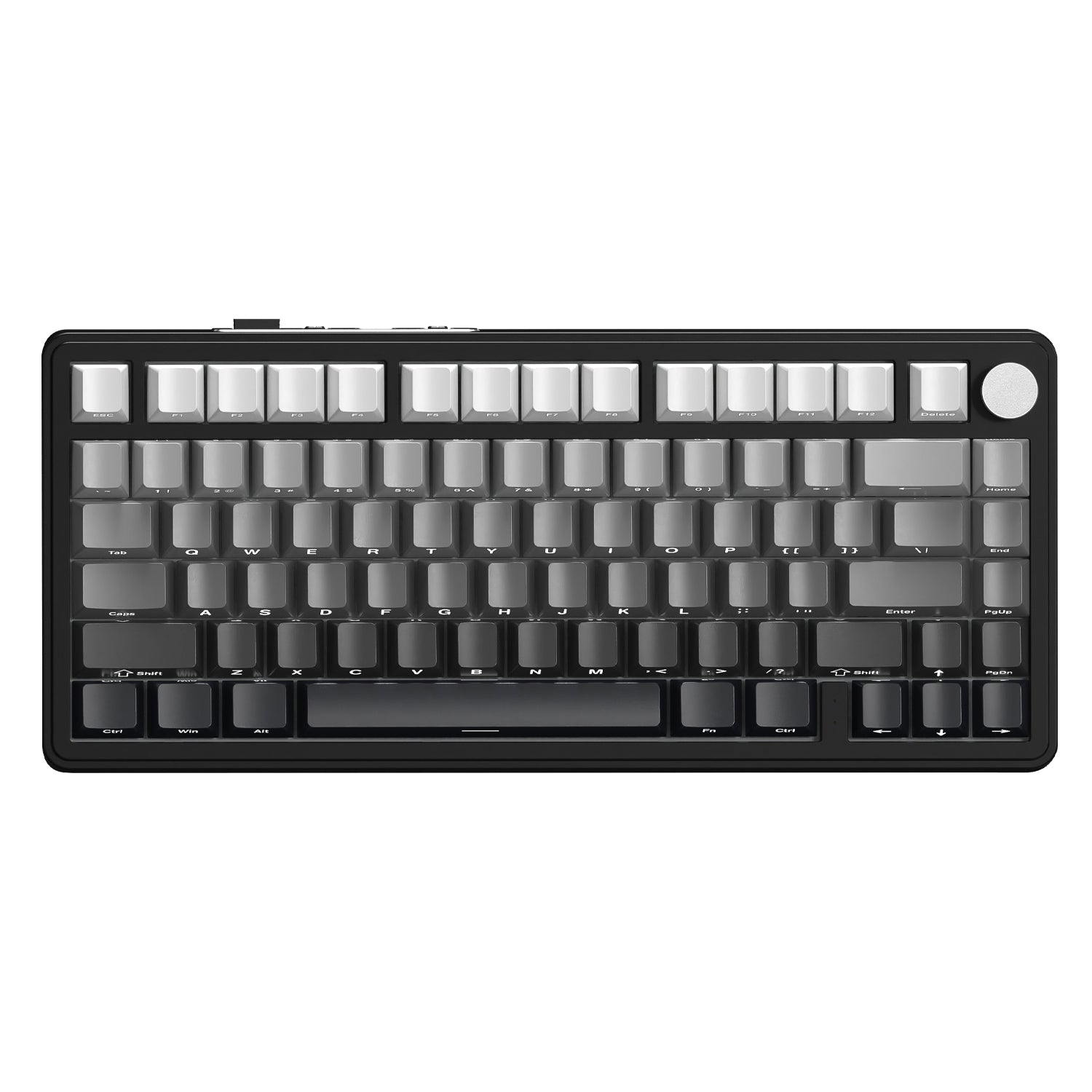
Claviers à commutateurs linéaires

Filtres

Trier par
Prix
à
Type de produit
Marque
Connection type
Filtres
Trier par:
Prix
à
Type de produit
Marque
Connection type

22 produits

Up to 10%
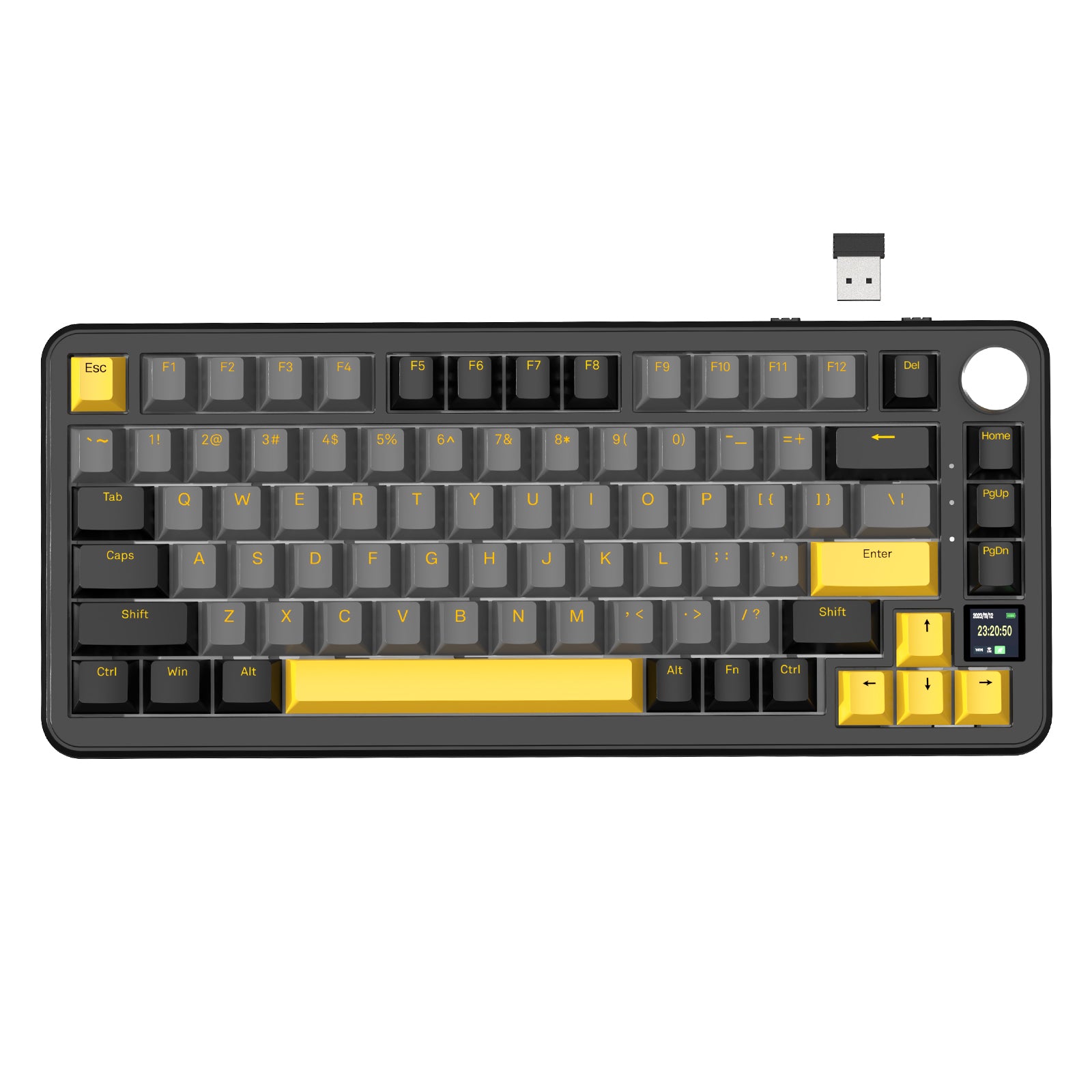
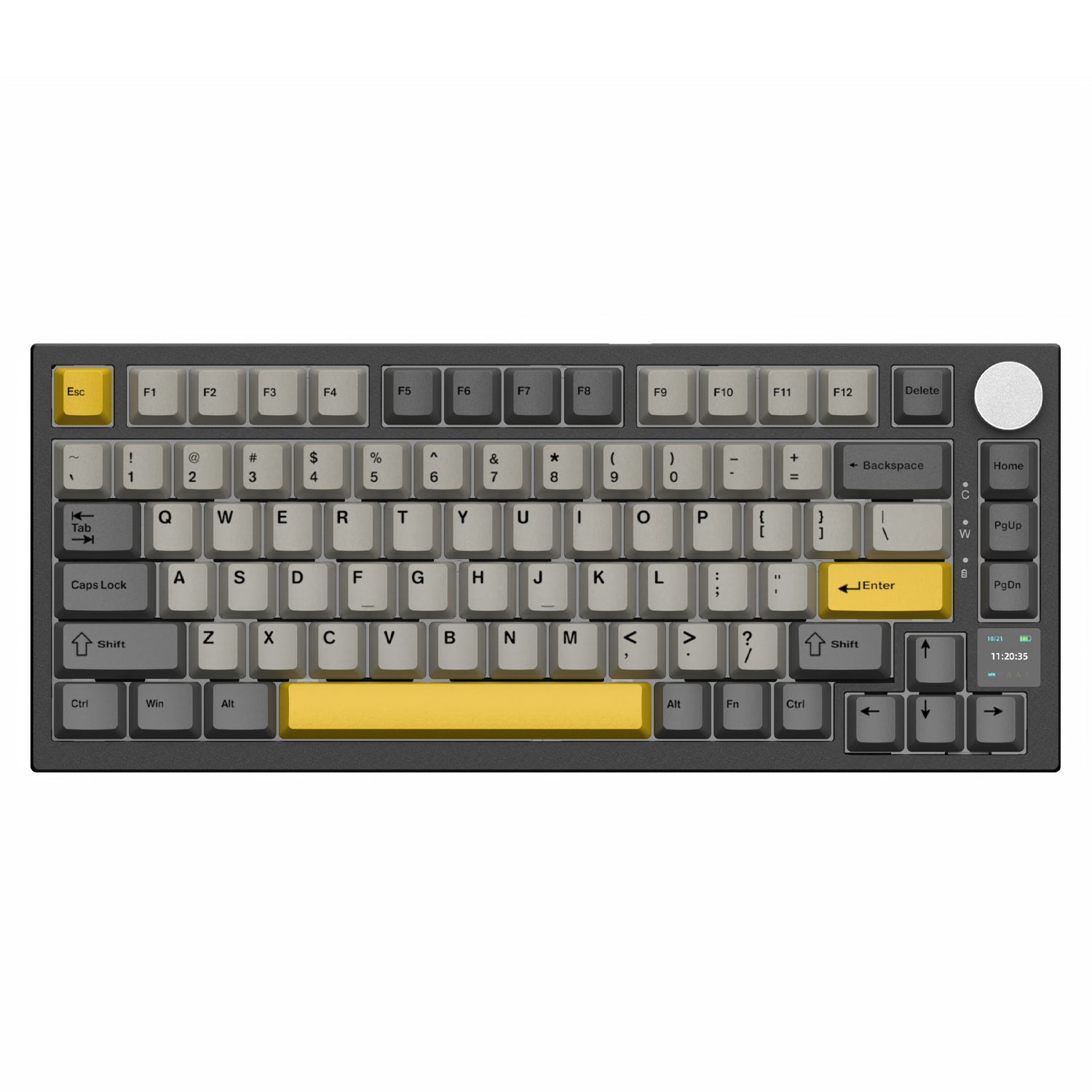
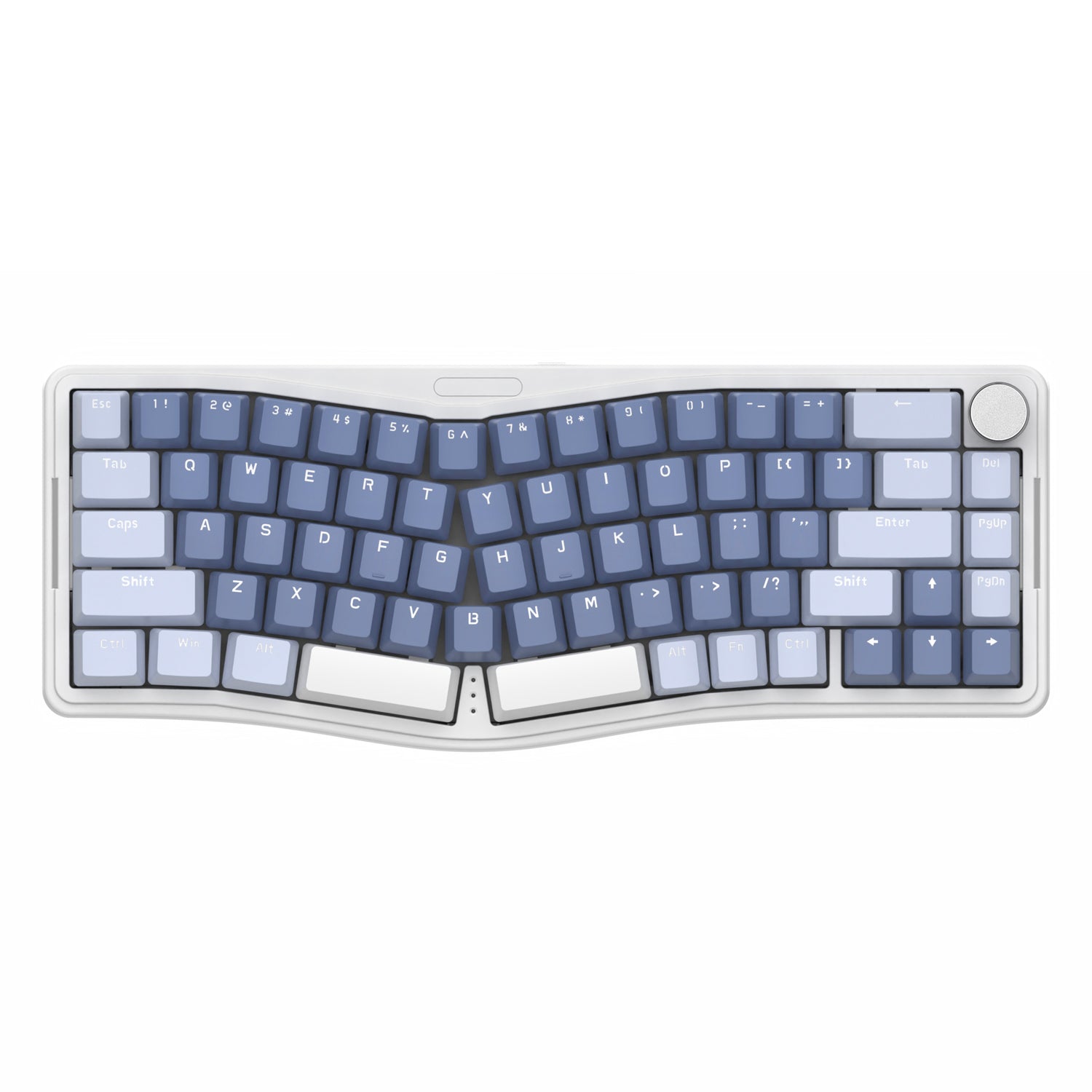
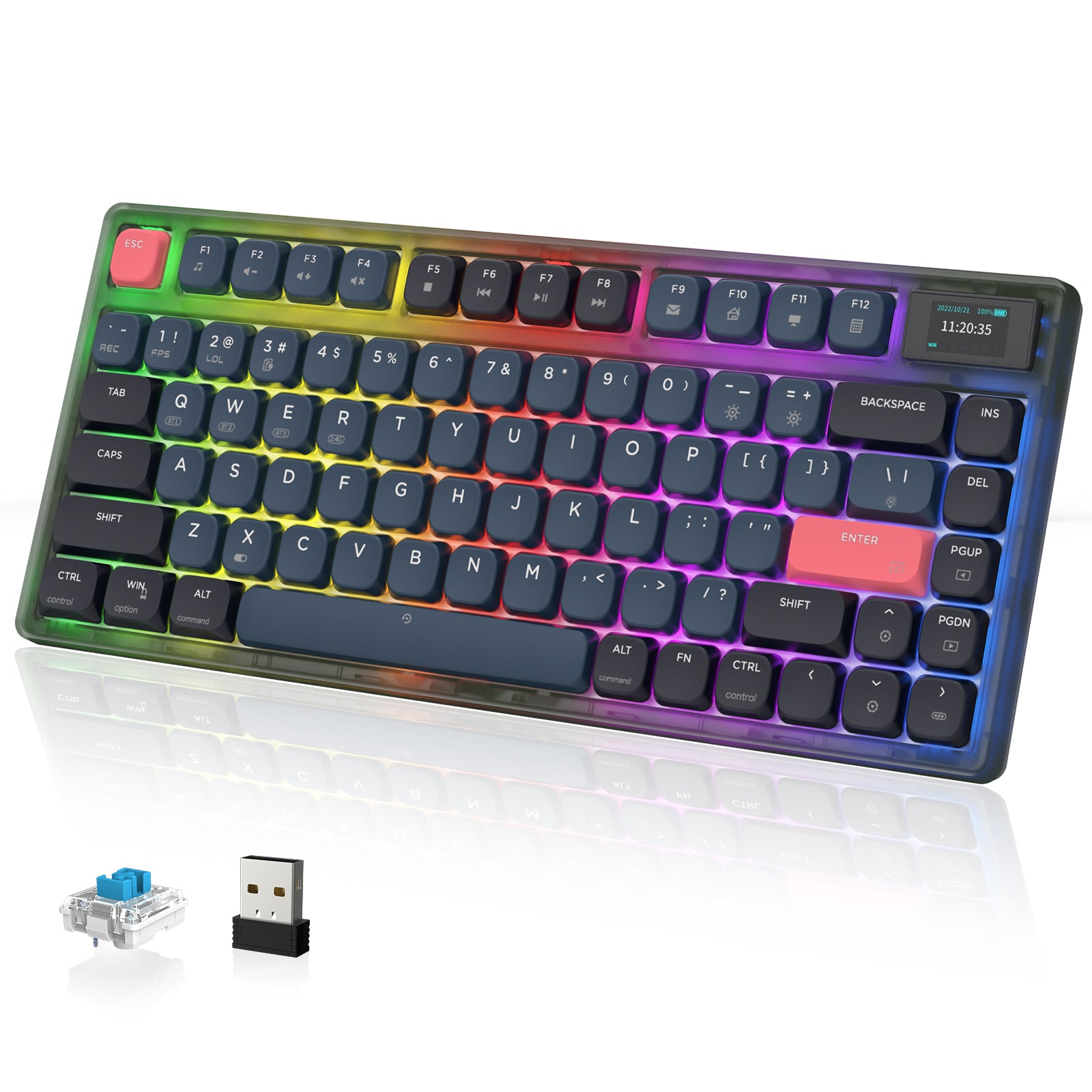
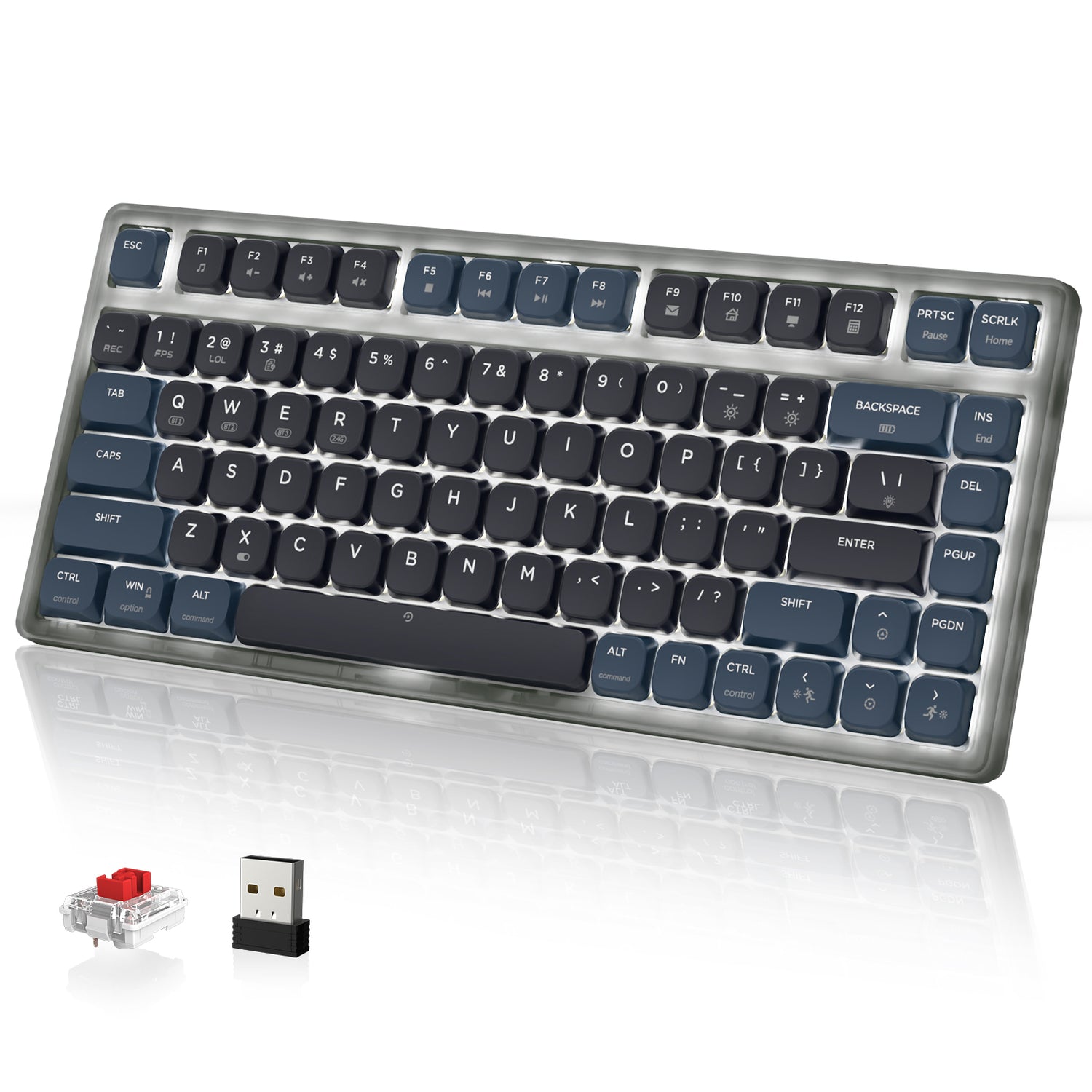
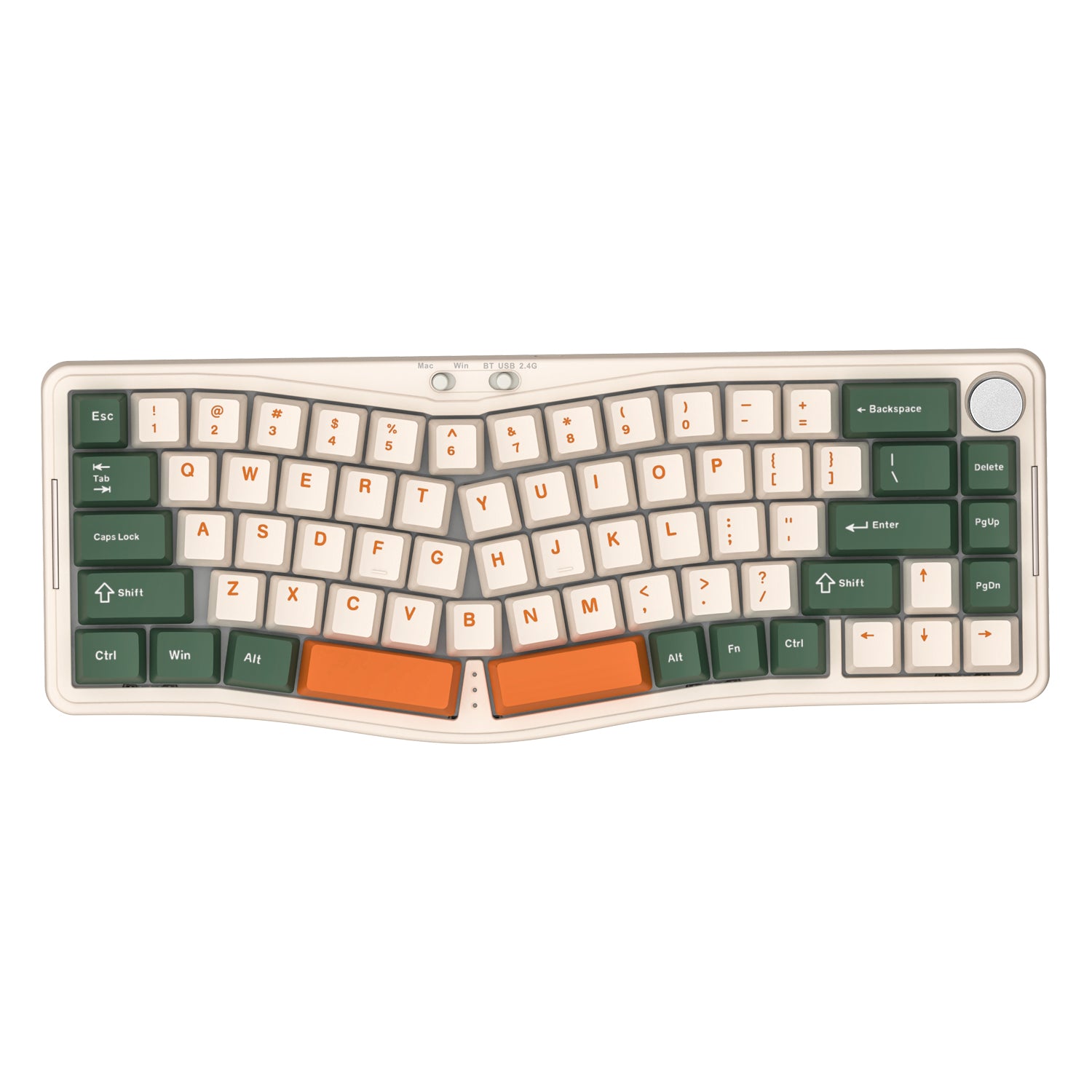
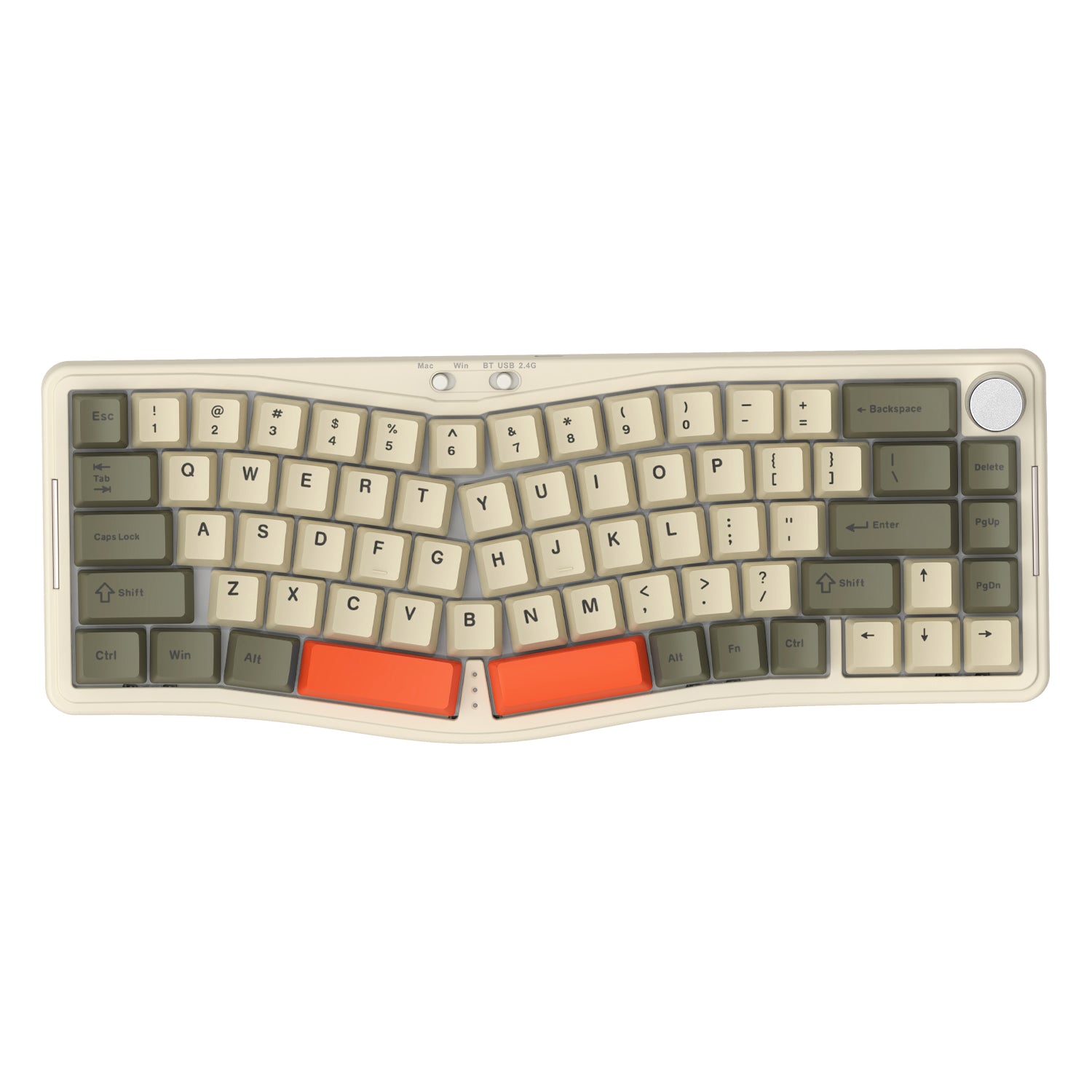
Clavier mécanique sans fil ATTACK SHARK X85
Prix de venteA partir de $53.99 Prix normal$59.99
+4
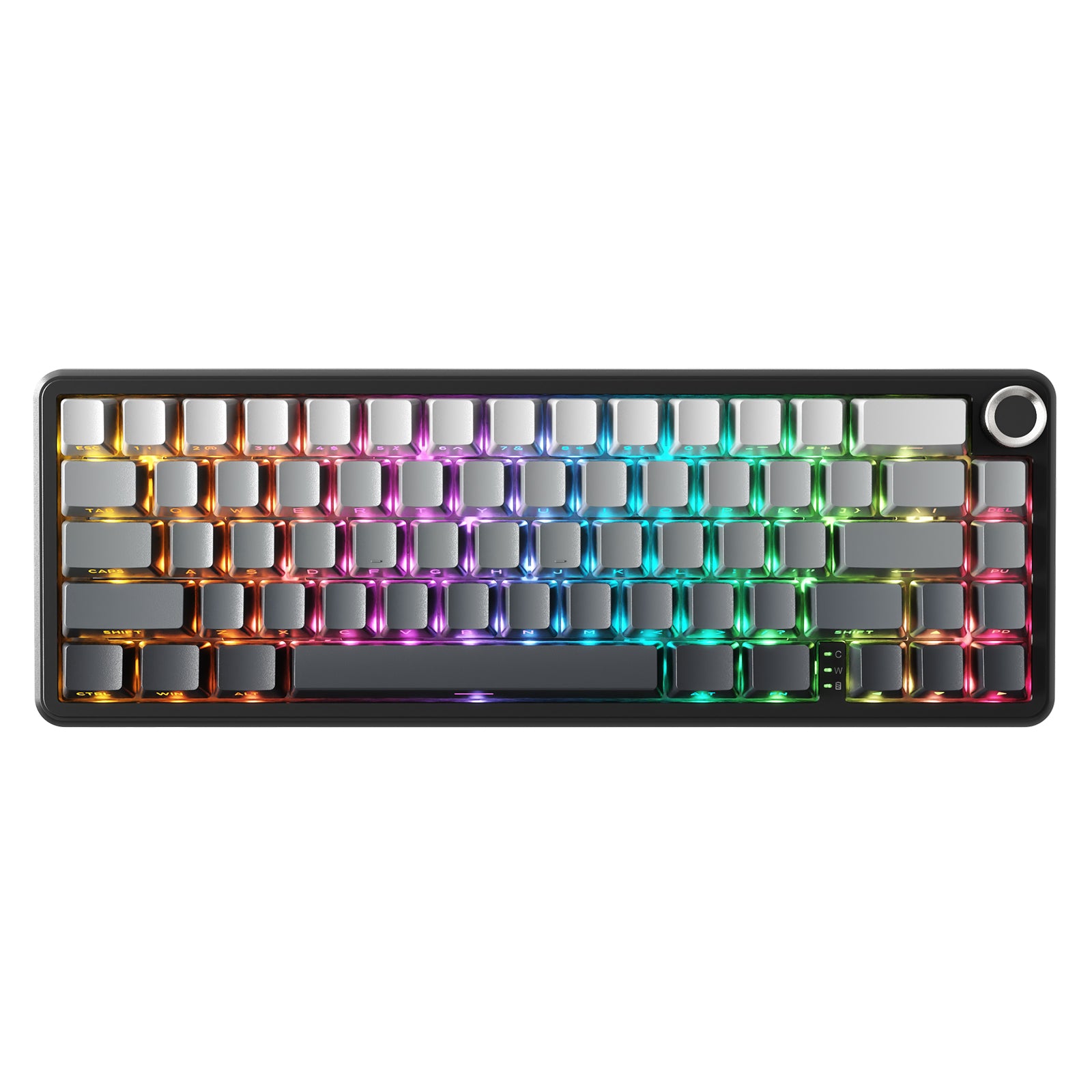
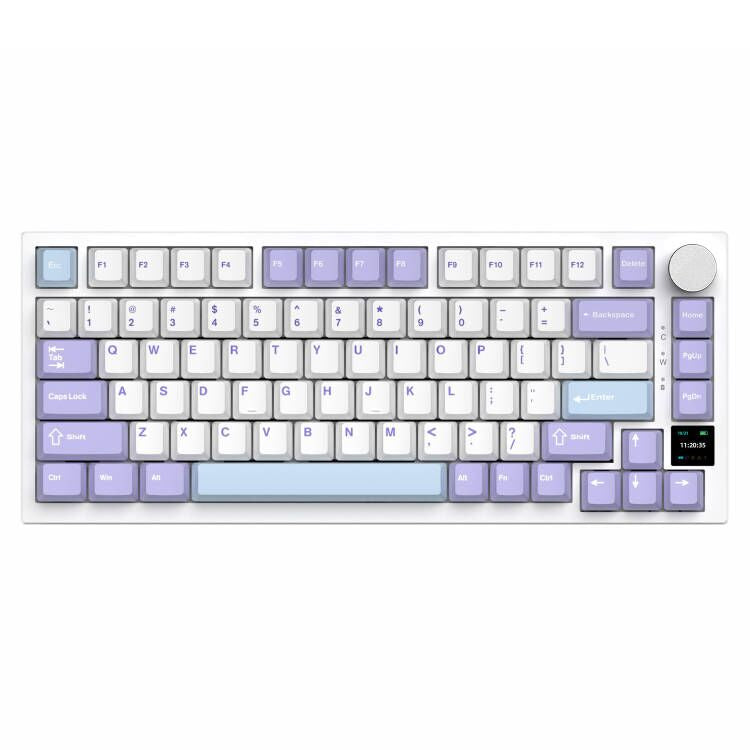
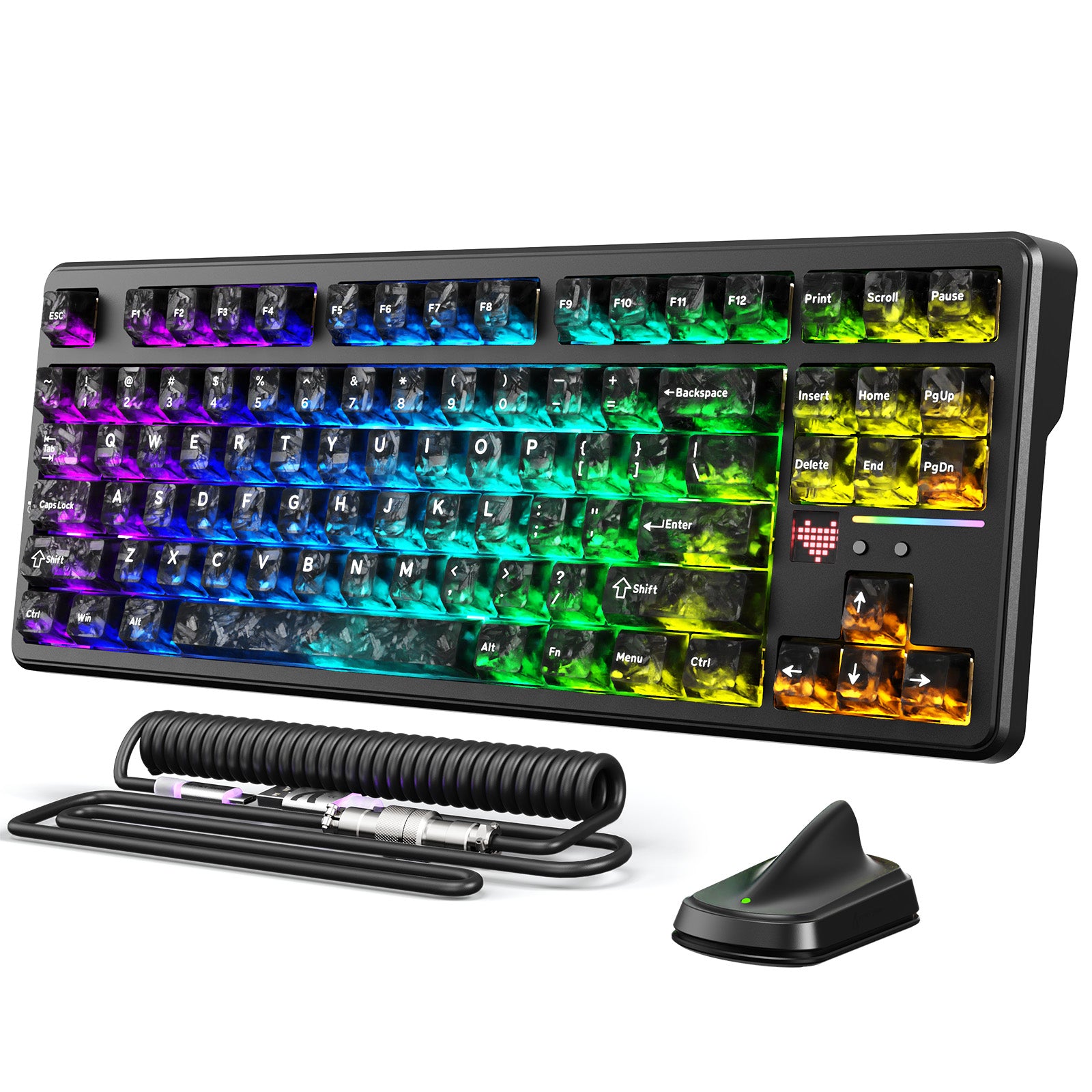
Clavier mécanique filaire ATTACK SHARK x AJAZZ AK820
Prix de venteA partir de $39.99
+2
Save 10%
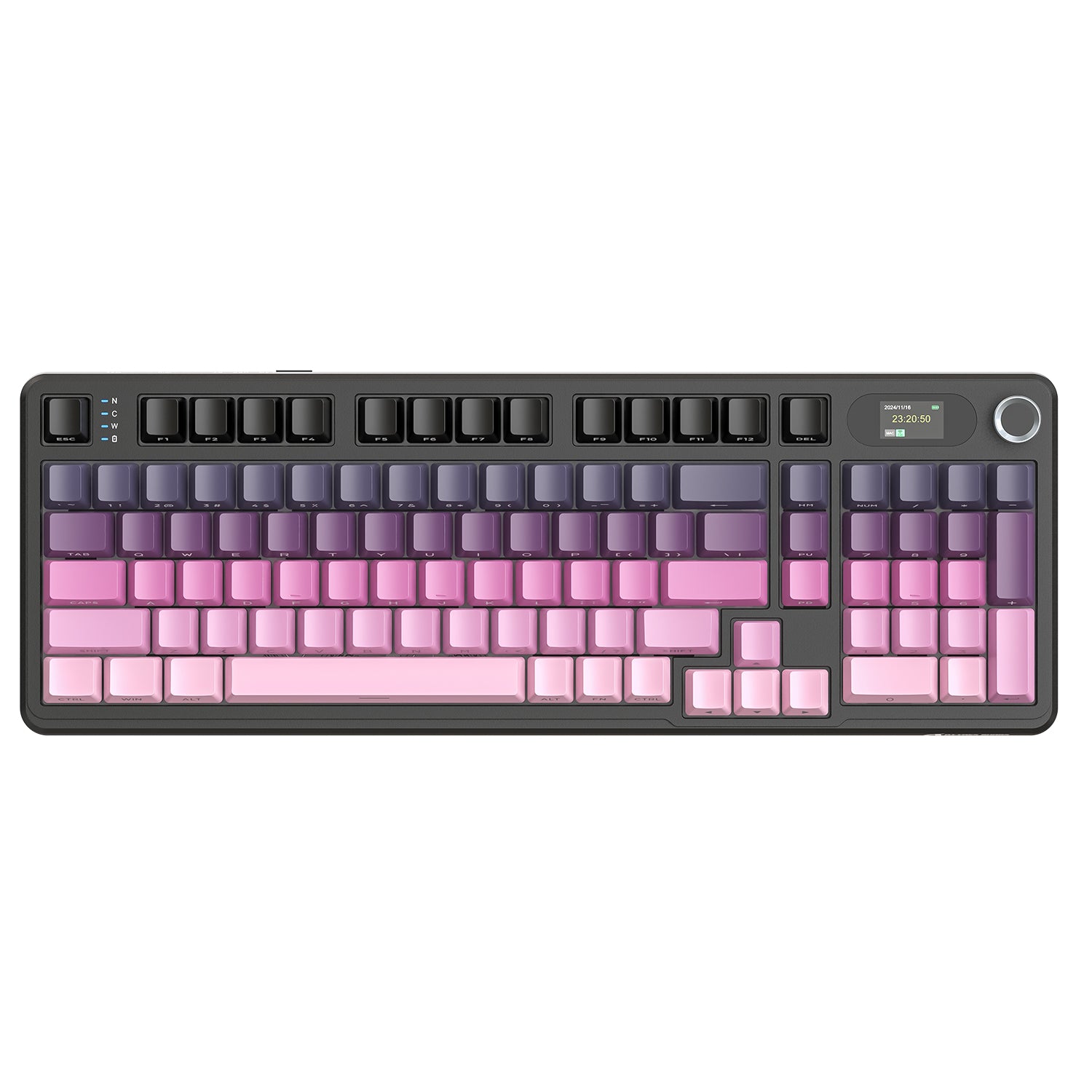
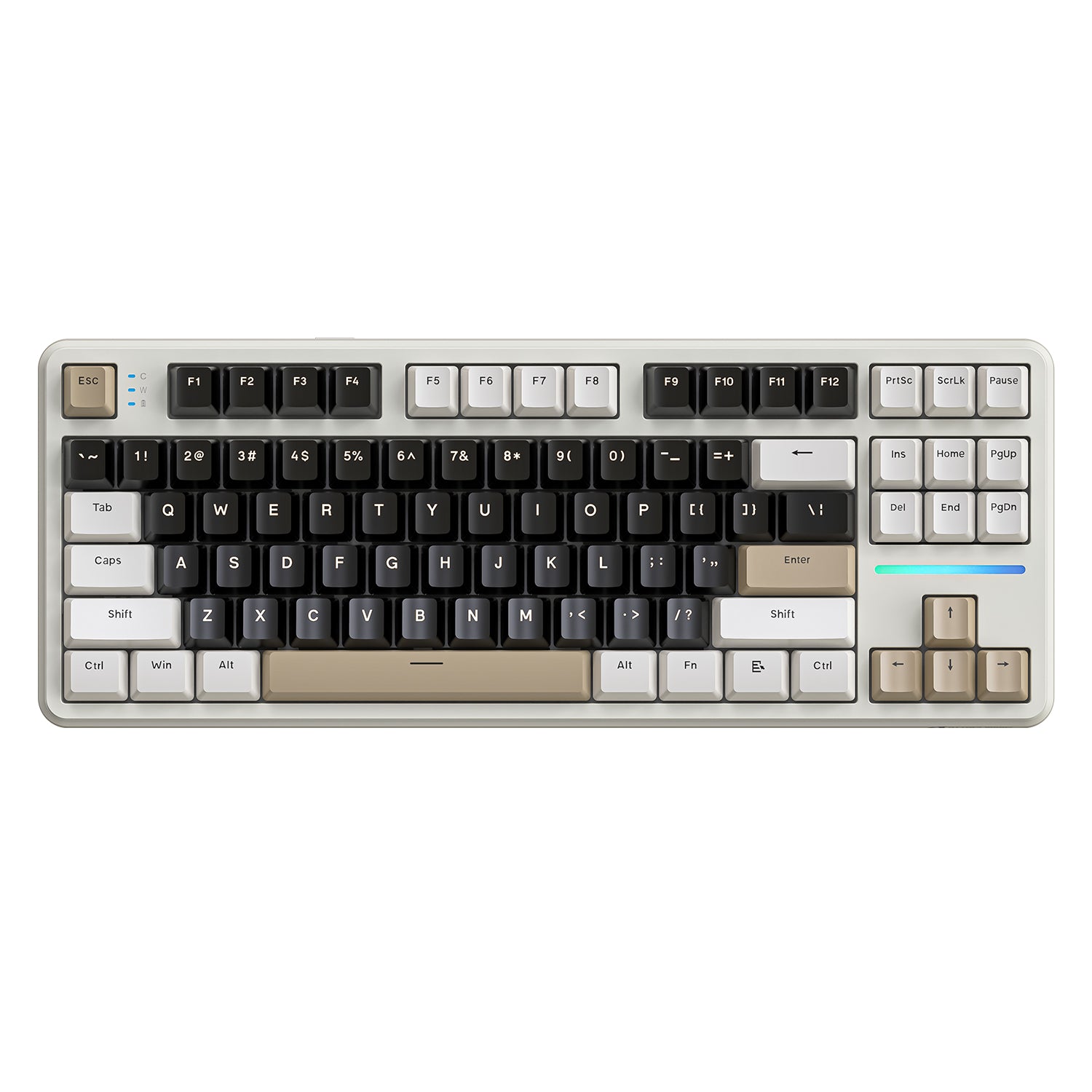
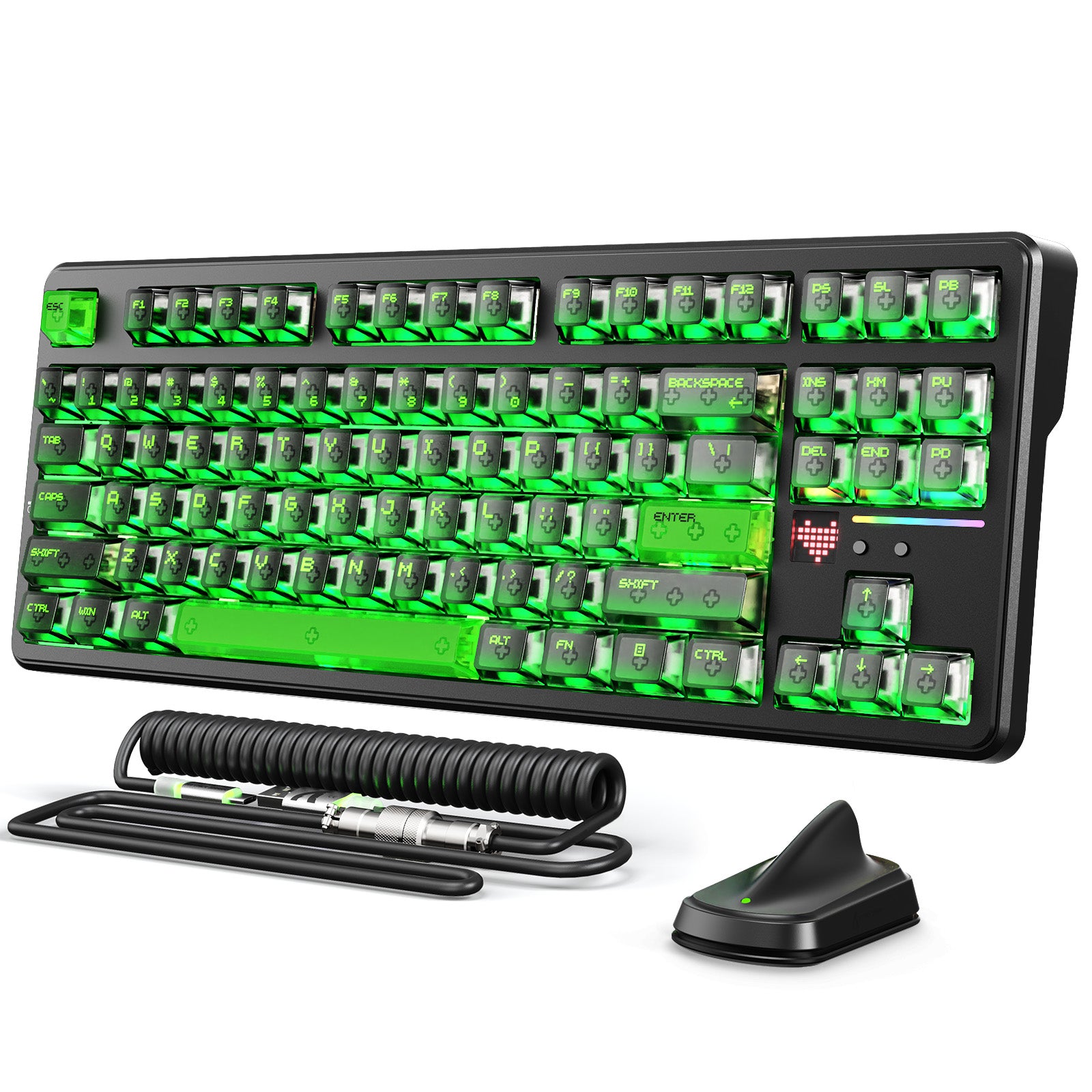
Clavier mécanique sans fil ATTACK SHARK K86
Prix de vente$57.59 Prix normal$63.99
Up to 5%
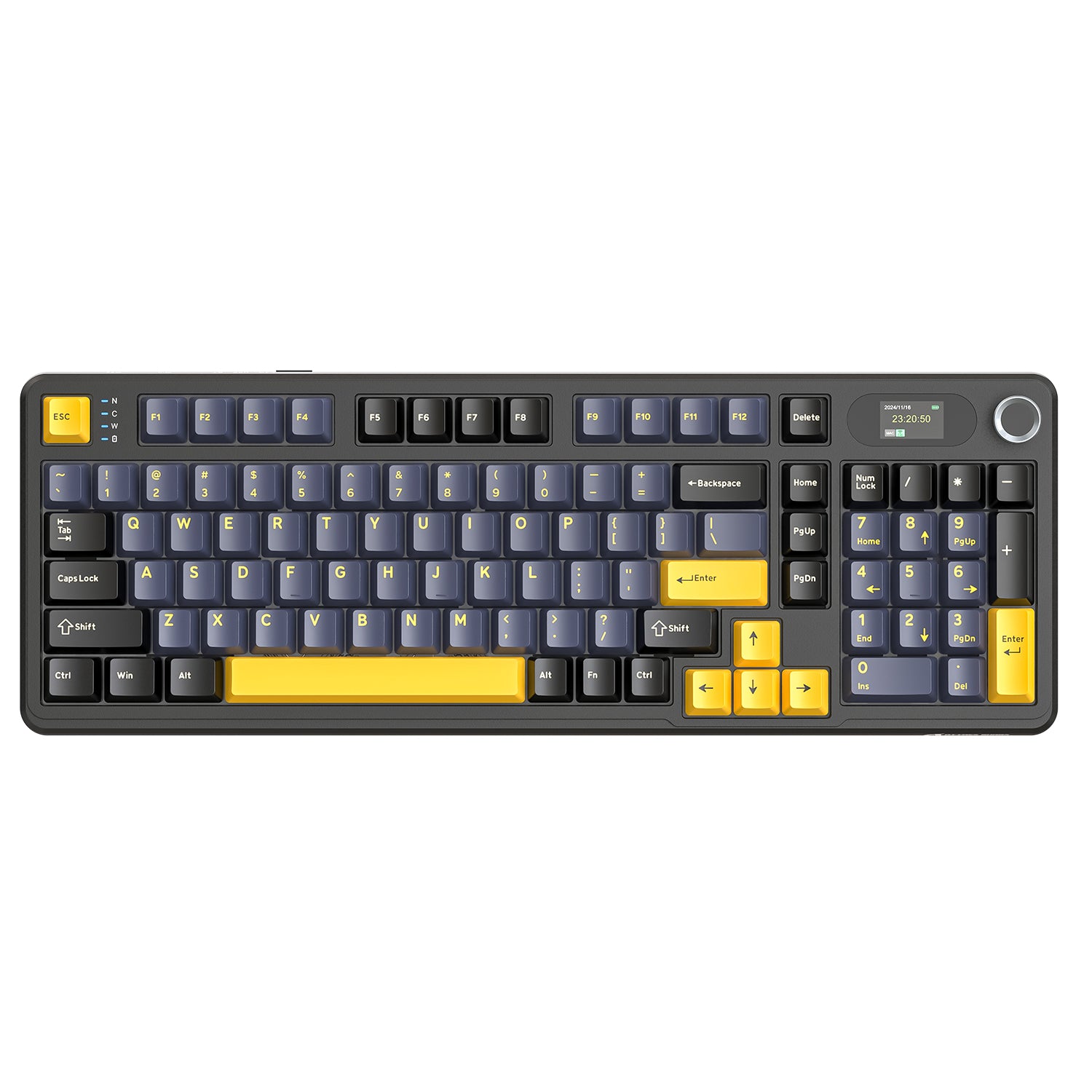
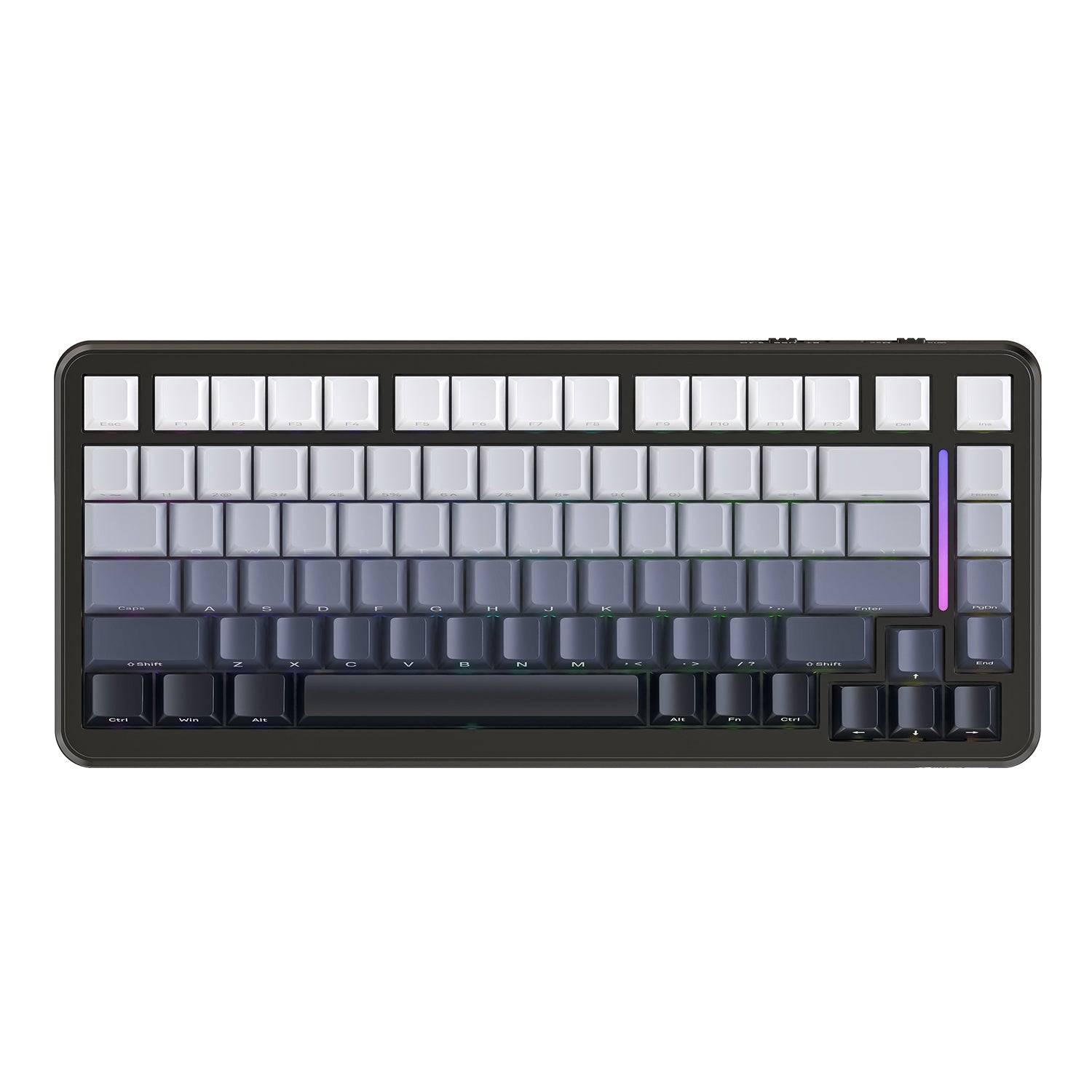
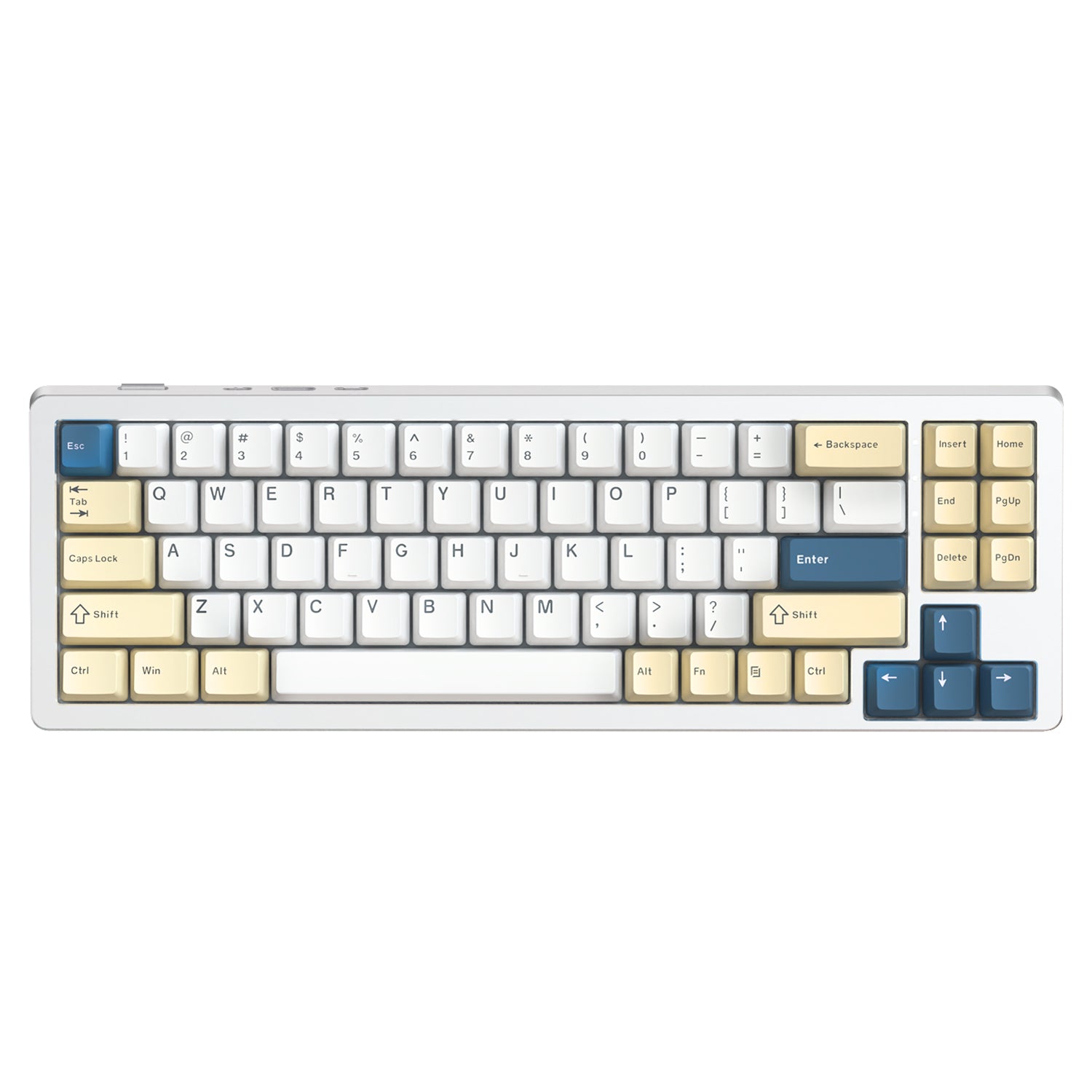
Clavier mécanique à joint tri-mode ATTACK SHARK X85PRO
Prix de venteA partir de $56.99 Prix normal$59.99
+6
Save 10%
Up to 10%
Clavier mécanique sans fil ATTACK SHARK K86PRO
Prix de venteA partir de $62.99 Prix normal$69.99
+3
Up to 10%
Clavier de jeu ATTACK SHARK X98PRO et câble USB C spiralé C01
Prix de venteA partir de $58.49 Prix normal$64.99
Save 10%
Clavier mécanique sans fil ATTACK SHARK X66 avec câble spiralé 8K
Prix de vente$62.99 Prix normal$69.99
Save 10%
Up to 10%
Clavier mécanique à joint tri-mode ATTACK SHARK X87
Prix de venteA partir de $50.39 Prix normal$55.99
+3
Up to 10%
Clavier mécanique à joint tri-mode ATTACK SHARK M86
Prix de venteA partir de $52.99 Prix normal$56.99
Save 10%
Clavier entièrement en aluminium ATTACK SHARK X75
Prix de vente$89.99 Prix normal$99.99
Up to 10%
Clavier mécanique sans fil ATTACK SHARK M87
Prix de venteA partir de $53.99 Prix normal$59.99
+1
Save 10%
Clavier mécanique sans fil pleine taille ATTACK SHARK X98
Prix de vente$53.99 Prix normal$59.99
Save 7%
Clavier mécanique transparent ATTACK SHARK K75 Pro
Prix de vente$55.99 Prix normal$59.99
Save 10%
Clavier entièrement en aluminium ATTACK SHARK X86
Prix de vente$85.49 Prix normal$94.99
Clavier mécanique ATTACK SHARK x AJAZZ AK832
Prix de venteA partir de $42.99
+2
Save 10%
Clavier mécanique transparent ATTACK SHARK K75
Prix de vente$53.99 Prix normal$59.99
Save 10%

FAQ

Q1: What is a linear switch keyboard?

A linear switch keyboard features switches that move straight up and down without any tactile bump or clicking noise. This provides a "buttery smooth" keystroke, making them the preferred choice for gamers who need rapid response times and users who prefer a quiet typing experience.

Q2: Why are linear switches considered best for gaming?

Gamers, especially in FPS titles (like Valorant, CS:GO, and Apex), prefer linear switches because the lack of physical resistance allows for faster key presses and easier "double-tapping." The smooth travel ensures that your reaction time isn't hindered by a tactile bump.

Q3: Linear vs. Tactile switches: Which should I choose?

Choose Linear (Red/Silver/Black) if you want a smooth, consistent feel that is quiet and fast. Choose Tactile (Brown) if you want a physical "bump" to feel exactly when a key is registered. Linear is generally better for pure gaming; Tactile is a hybrid for typing and gaming.

Q4: Are linear switches quiet?

Yes, linear switches are typically the quietest mechanical switch option. Because they don't have a "click" mechanism (like Blue switches), the only sound comes from the key bottoming out. They are excellent for office environments, dorm rooms, or late-night gaming sessions.

Q5: What color are linear switches usually?

The industry standard color for linear switches is Red. However, you will also see Silver (Speed switches), Black (Heavier spring), and Yellow (often smoother/lubed). Always look for the word "Linear" in the specs.

Q6: Are Attack Shark linear keyboards hot-swappable?

Yes. Most of our keyboards feature hot-swappable PCBs. This allows you to pull out the stock linear switches and replace them with any other 3-pin or 5-pin mechanical switches to customize your sound and feel without soldering.

Q7: Do I need to lube linear switches?

Many Attack Shark keyboards come with pre-lubed switches from the factory, offering a smooth feel right out of the box. However, enthusiasts often manually lube linear switches to achieve that deep, premium "thocky" sound popularized by the custom keyboard community.

Q8: Are linear switches good for typing?

Yes. While they are marketed for gaming, many people love typing on linear switches because they are light and smooth. This reduces finger fatigue during long typing sessions. It may take a day to get used to the lack of a tactile bump, but the fluidity is unmatched.

Q9: What is the actuation force of these switches?

Most standard linear switches (like Reds) have an actuation force of around 45g. This is considered a "light" switch, meaning you don't need to press hard to register a key, which helps reduce strain on your fingers.

Q10: Can I change the keycaps on this keyboard?

Absolutely. Our linear switches use the standard cross-stem (MX style), which means they are compatible with 99% of the custom keycap sets available on the market.

Q11: Does this keyboard work with Mac and Windows?

Yes. Attack Shark keyboards are fully compatible with both Windows and macOS. You can easily switch between system modes using a key combination or a physical toggle switch on the device.

Q12: What is the difference between Red and Silver switches?

Both are linear. Red is the standard linear switch. Silver (often called "Speed Silver") has a shorter actuation point, meaning the key registers sooner. Silver is designed specifically for competitive gaming where every millisecond counts.

Q13: Will I make more typos with linear switches?

Because linear switches are light and smooth, some beginners might accidentally press keys when resting their fingers. However, most users adapt within a few days and find that their typing speed actually increases due to the frictionless travel.