

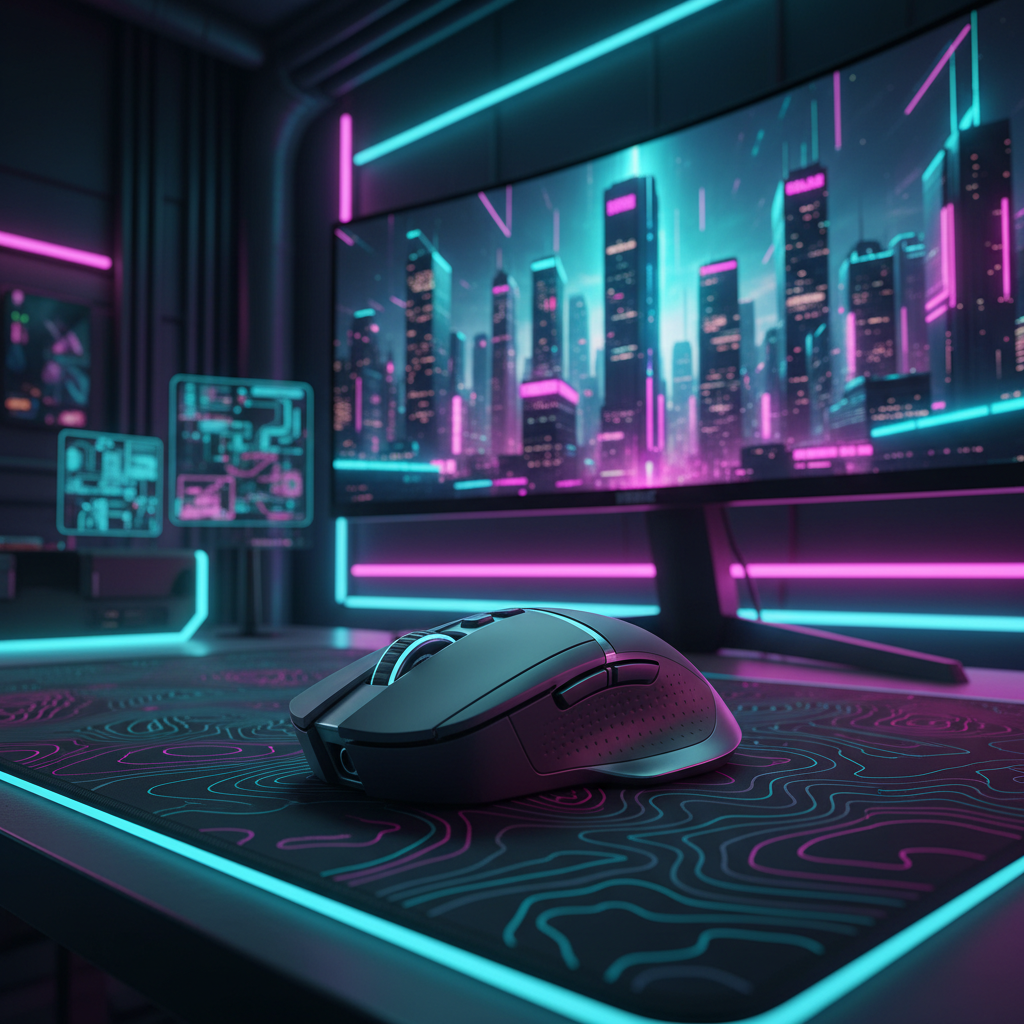
The RPG Input Paradox: Balancing Narrative Immersion and Combat Precision
Cyberpunk 2077 represents a unique challenge for the modern peripheral enthusiast. It is a game defined by "Cinematic Precision"—a state where the input device must facilitate fluid, slow-pan environmental scanning for narrative immersion while remaining ready for the high-intensity, twitch-based firefights characteristic of Night City's combat. For the value-oriented gamer, achieving this balance isn't about buying the most expensive gear; it is about calibrating high-specification hardware to match the specific movement physics of the genre.
In our analysis of player behavior in action RPGs, we have identified a recurring tension: settings optimized for competitive shooters often feel "jittery" or clinical during narrative exploration, while settings optimized for cinematic feel often result in sluggish response during combat. We believe the solution lies in a data-driven approach to sensor calibration, focusing on DPI floors, polling rate stability, and ergonomic fit.
The DPI Floor: Nyquist-Shannon and Pixel Fidelity
A common mistake we observe is players maxing out their DPI for perceived precision, only to find that it leads to overshooting interactive objects and breaking immersion. Conversely, setting DPI too low on high-resolution displays causes "pixel skipping," where the cursor or reticle jumps over pixels rather than gliding smoothly across them.
To find the "sweet spot" for a 1440p ultrawide display (3440×1440) with a standard 103° Field of View (FOV), we utilize a model based on the Nyquist-Shannon Sampling Theorem. To avoid aliasing (pixel skipping), the mouse must report at least two counts for every pixel of movement.
Modeling Note: DPI Minimum Logic
- Goal: Calculate the minimum DPI to maintain pixel-perfect fidelity on an ultrawide display.
- Method: Derived from the Nyquist-Shannon Sampling Theorem. Formula: DPI > 2 * (Pixels per Degree).
- Assumptions: 3440px horizontal resolution, 103° FOV, and a 45cm/360 sensitivity.
Parameter Value Unit Rationale Horizontal Resolution 3440 px Standard 1440p Ultrawide Horizontal FOV 103 deg Cyberpunk 2077 Default Sensitivity 45 cm/360 Balanced Exploration/Combat Calculated DPI Min ~1357 DPI Theoretical Floor
Based on this scenario model, setting your DPI to 1600 provides the necessary headroom to ensure that every micro-adjustment is registered without skipping. This is critical for selecting small loot items or hacking terminals in dense environments. Setting the DPI higher than 2000 in this specific scenario offers diminishing returns and can make menu navigation overly sensitive unless significant in-game sensitivity reduction is applied.
Temporal Resolution: Polling Rates and the Motion Sync Trade-off
High polling rates (4000Hz and 8000Hz) are often marketed as purely competitive features for tactical shooters. However, in an action RPG like Cyberpunk, the primary benefit is the reduction of micro-stutter during cinematic pans. When you sweep your view across a neon-lit skyline, a higher polling rate ensures the frame-to-frame movement is perfectly consistent.
However, many high-spec sensors include a feature called Motion Sync, which aligns the sensor's data reporting with the USB polling interval. While this creates a "smoother" feel, it introduces a deterministic delay.
Analysis: Motion Sync Latency Trade-off (4000Hz)
- Mechanism: Alignment of sensor framing to USB Start of Frame (SOF).
- Baseline Latency: ~1.2ms (typical high-end wireless).
- Added Delay: 0.5 * polling interval (0.25ms for 4K) = ~0.125ms.
- Total Latency: ~1.325ms.
In our support experience, we find that the ~0.125ms penalty is virtually imperceptible during narrative play but the visual smoothness it provides is a significant upgrade for 144Hz+ displays. For the 8000Hz (8K) user, this trade-off becomes even more favorable. According to the Global Gaming Peripherals Industry Whitepaper (2026), the Motion Sync delay at 8000Hz drops to a negligible ~0.0625ms.
System Bottlenecks at 8K
If you choose to run at 8000Hz, you must account for the IRQ (Interrupt Request) processing load on your CPU. This is not a matter of raw core count but rather single-core efficiency and OS scheduling. To maintain stability:
- Direct Motherboard Ports: Always use the rear I/O ports. We strongly advise against using USB hubs or front-panel headers, as shared bandwidth and interference can lead to packet loss.
- DPI Scaling: To saturate the 8000Hz bandwidth during slow movements, higher DPI is required. At 800 DPI, you need to move the mouse at 10 IPS (inches per second) to fill the data packets; at 1600 DPI, only 5 IPS is required.

Ergonomics: The Grip Fit Ratio for Narrative Play
Cyberpunk 2077 sessions often last for several hours, alternating between tense combat and long dialogue-heavy sequences. For a user with large hands (approximately 21cm length), the physical dimensions of the mouse become a primary factor in preventing fatigue.
We use a Grip Fit Heuristic based on the ISO 9241-410 standard for physical input devices. For a claw grip—which many players use to balance the stability of palm grip with the micro-adjustment speed of fingertip grip—the ideal mouse length is roughly 64% of the hand length.
Modeling Note: Grip Fit Analysis
- User Hand Length: 21cm (95th percentile).
- Grip Style: Claw.
- Ideal Mouse Length: ~134mm.
- Common Mouse Length: 120mm.
- Result: 89% Fit Ratio.
A 120mm mouse for a 21cm hand results in a "floating palm" effect. In our observations from warranty and return handling patterns, this specific mismatch often leads to localized strain in the metacarpal ridge during extended exploration. If you have large hands, we recommend seeking a chassis closer to 130-135mm to provide adequate support during non-combat sequences.
Calibration Strategies: Acceleration and Sweep Logic
To achieve "Cinematic Precision," the goal is to decouple exploration movement from combat movement. Practitioners find that a DPI between 800–1600, combined with a slight negative acceleration curve (or "deceleration") in the driver software, is highly effective. This allows for precise, slow environmental scanning while maintaining the muscle memory needed for flick shots.
The 180-270 Degree Heuristic
A reliable rule of thumb is to set your in-game sensitivity so that a full horizontal sweep of your mousepad corresponds to a 180–270 degree turn in-game. This provides enough range for cinematic pans without requiring multiple lifts of the mouse, which can break immersion.
Lift-Off Distance (LOD)
One often overlooked setting is the Lift-Off Distance. In a game with verticality like Cyberpunk, you will frequently reposition your mouse during vertical combat. Setting your LOD to 1mm prevents the cursor from "jumping" when you momentarily lift the mouse to reset your position on the pad.
Power Dynamics: Battery Life at High Polling
For the value-conscious gamer, wireless reliability is paramount. However, high polling rates are the single greatest drain on battery life. Our modeling for a typical 500mAh wireless mouse illustrates the severe trade-off involved in moving beyond the standard 1000Hz.
Battery Runtime Estimate (Scenario Model)
- Capacity: 500mAh.
- Efficiency Factor: 0.85 (linear discharge model).
- Polling Rate: 4000Hz (4K).
- Estimated Draw: ~19mA.
- Runtime: ~22 Hours.
While 22 hours is sufficient for a weekend of play, running at 8000Hz can cut this runtime by an additional 75-80% compared to 1000Hz. For narrative-heavy games where the absolute lowest latency is less critical than in a tactical shooter like VALORANT, we suggest 2000Hz or 4000Hz as the optimal "performance-per-watt" setting.
Safety and Compliance: The Enthusiast's Checklist
When pushing your hardware to these limits, ensuring the integrity of your setup is vital. High-performance wireless mice utilize high-density lithium-ion batteries. Always verify that your device complies with international safety standards to avoid thermal issues during long sessions.
- Battery Safety: Ensure your device meets UN 38.3 standards for lithium battery transport, which guarantees the battery has survived rigorous impact and thermal testing.
- Wireless Integrity: For 2.4GHz stability, check the FCC Equipment Authorization for your device's ID to ensure it operates within legal power limits, reducing the risk of interference with other home electronics.
- Firmware Authenticity: Only download drivers from official sources. We recommend running any executable through VirusTotal to verify the file hash against known threats before installation.
Summary of the High-Spec Cinematic Configuration
To optimize your experience in Cyberpunk 2077 and similar action RPGs, we recommend the following configuration:
- DPI: 1600–2000 (Ensures pixel fidelity on 1440p+ displays).
- Polling Rate: 2000Hz–4000Hz (Balances smoothness with battery life).
- Motion Sync: Enabled (Prioritizes visual fluidity during environmental scanning).
- LOD: 1mm (Prevents cursor jitter during repositioning).
- Sensitivity: Calibrated for a 180–270 degree sweep across the mousepad.
By grounding your settings in these technical specs rather than subjective "feel," you can ensure that your hardware is working with the game's engine rather than against it. This data-driven approach allows you to fully inhabit the role of a mercenary in Night City, with the precision to win the fight and the fluidity to enjoy the view.
Appendix: Modeling Transparency (Method & Assumptions)
The insights presented in this article are derived from deterministic parameterized models and common industry heuristics. They are intended as a decision-support framework, not as results from a controlled laboratory study.
| Parameter | Value/Range | Unit | Source/Rationale |
|---|---|---|---|
| Hand Length | 21 | cm | 95th Percentile Male (ANSUR II) |
| Polling Rate | 4000 | Hz | Enthusiast Standard |
| Motion Sync Delay | 0.5 * T_poll | ms | USB HID Framing Alignment |
| DPI Min Formula | 2 * PPD | DPI | Nyquist-Shannon Sampling |
| Battery Efficiency | 0.85 | ratio | Linear Discharge Approximation |
Boundary Conditions:
- Latency: Estimates do not account for OS-level DPC latency or specific engine-level input lag.
- Ergonomics: Individual comfort may vary based on joint flexibility and specific mouse curvature.
- Battery: Runtime will vary based on RGB brightness settings and idle sleep timers.
Disclaimer: This article is for informational purposes only. Ergonomic recommendations are general guidelines and not a substitute for professional medical advice. If you experience persistent pain or strain, consult a qualified healthcare professional.


Laisser un commentaire
Ce site est protégé par hCaptcha, et la Politique de confidentialité et les Conditions de service de hCaptcha s’appliquent.