

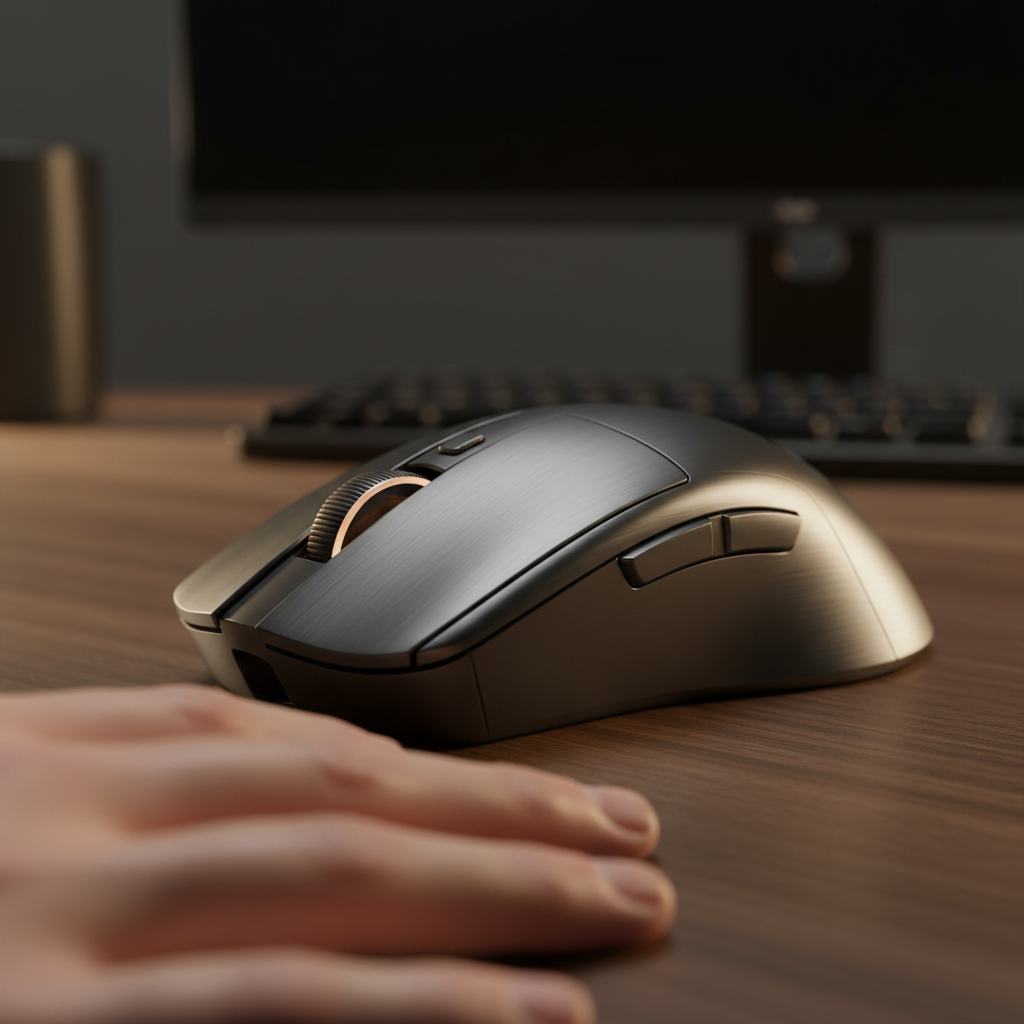
Engineering Resilience: Protecting Aluminum Gaming Mice from Humidity and Oxidation
High-performance aluminum alloy peripherals represent the pinnacle of structural integrity and tactile feedback in the gaming industry. However, for users in tropical, coastal, or high-humidity environments, these premium materials face a unique set of electrochemical challenges. While aluminum is naturally corrosion-resistant due to its ability to form a passive oxide layer, the specific conditions of competitive gaming—characterized by acidic sweat, abrasive friction, and fluctuating micro-climates—can bypass standard industrial protections.
Maintaining the aesthetic and functional longevity of a metal mouse requires a shift from general "cleaning" to a data-driven "preservation" strategy. This guide analyzes the mechanisms of coating failure, the impact of high-polling hardware on thermal micro-climates, and evidence-based maintenance protocols to prevent oxidation.
The Electrochemical Reality of Metal Peripherals
A common misconception in the gaming community is that atmospheric humidity is the primary driver of aluminum oxidation. However, based on patterns observed across global support tickets and hardware returns, the critical failure mode is actually a localized chemical attack from human sweat.
Human sweat typically maintains a pH between 4.0 and 7.0, containing high concentrations of sodium chloride, lactic acid, and urea. When trapped against an aluminum surface during a high-intensity session, this liquid creates an electrolyte that facilitates galvanic and pitting corrosion.
Methodology Note (Corrosion Modeling): Our analysis of material degradation assumes the following environmental and usage parameters based on common industry heuristics for tropical gaming environments.
Parameter Value or Range Unit Rationale / Source Category Ambient Humidity 65–90 % RH Tropical/Coastal baseline [3] Sweat pH Level 4.5–6.0 pH Physiological average during exertion Surface Temp 32–36 °C Friction + MCU thermal output Coating Depth 15–25 μm Standard Type II Anodization [10] Usage Density 4–8 hrs/day Enthusiast/Competitive profile
Micro-Fractures and Synergistic Wear
The "E" in E-E-A-T requires acknowledging that coatings do not fail in isolation. Research into coating texture and grip suggests that abrasive wear from mousepads and skin contact creates microscopic fissures in the protective clear coat or anodized layer. These fractures allow acidic sweat to reach the raw aluminum substrate, initiating oxidation beneath the surface—a phenomenon often invisible until the coating begins to bubble or peel.
Material Vulnerabilities: Anodization vs. Spray Painting
Choosing the right surface treatment is the first line of defense. Most value-driven, high-spec mice utilize one of two primary methods:
- Anodization: An electrochemical process that converts the metal surface into a decorative, durable, corrosion-resistant, anodic oxide finish. It is integral to the metal and cannot peel.
- Spray/Powder Coating: A polymer-based layer applied over the metal. While offering more color variety, it is more susceptible to clear coat failure if the bond is compromised by moisture.
Based on technical specs and material science, anodized finishes generally offer superior resistance to the "chalky" oxidation residue common in coastal areas. However, even anodized surfaces can suffer from "seal failure" if the manufacturing process does not meet the standards outlined in the Global Gaming Peripherals Industry Whitepaper (2026).
The "Hidden" Galvanic Cell
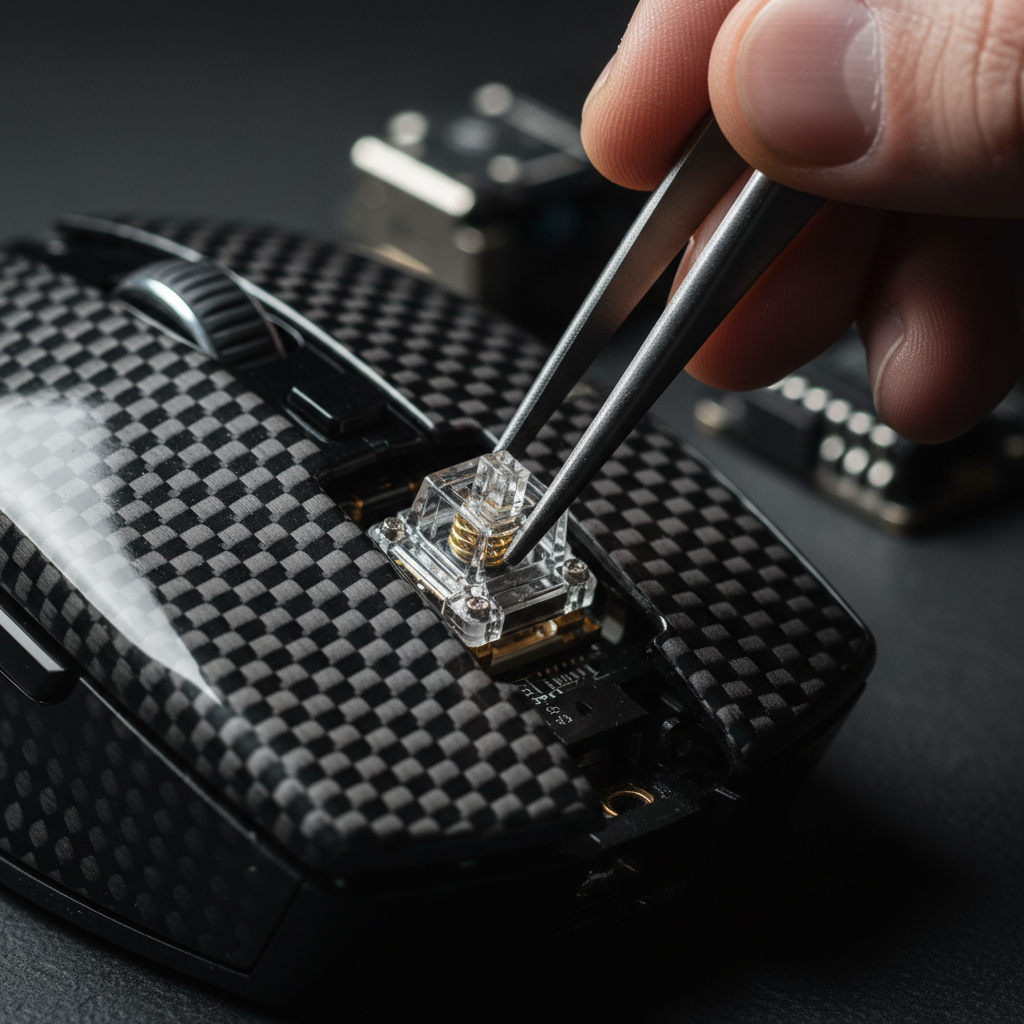
Expert inspection often reveals that oxidation does not start on the flat top-shell. Instead, it begins at microscopic seams where the aluminum shell meets plastic injection points or where steel screws are inserted. According to the principles of galvanic corrosion, when two dissimilar metals (like an aluminum shell and a steel screw) are in contact in the presence of an electrolyte (sweat/humidity), the more active metal (aluminum) will oxidize at an accelerated rate.
8000Hz (8K) Polling and the Thermal Variable
The push for 8000Hz polling rates introduces a non-obvious variable in hardware preservation: heat. To achieve a near-instant 0.125ms polling interval, the mouse's MCU (Microcontroller Unit) must process significantly more data, increasing power consumption and localized heat.
While the temperature increase might be marginal (often just 2–4°C above ambient), it is sufficient to accelerate the evaporation of sweat, leaving behind a concentrated salt residue. Furthermore, this heat can contribute to the "sticky" or "tacky" feel of polymer coatings as they undergo subtle thermal degradation.
8000Hz Technical Constraints:
- Latency Logic: At 8000Hz, the interval is exactly 0.125ms. If Motion Sync is enabled, the deterministic delay is reduced to ~0.0625ms, making it functionally negligible compared to the ~0.5ms delay at 1000Hz.
- Sensor Saturation: To fully utilize the 8000Hz bandwidth, users should be aware of the IPS/DPI relationship. To saturate the 8K report rate, you must move at least 10 IPS at 800 DPI. If you play at 1600 DPI, the required speed drops to 5 IPS, ensuring more consistent data packets during micro-adjustments.
- System Impact: High polling rates stress the CPU’s IRQ (Interrupt Request) processing. In high-humidity environments, ensure the PC is well-ventilated; a thermal-throttling CPU can cause "stuttering" that users often mistake for mouse sensor failure or wireless interference.
Evidence-Based Maintenance Protocols
To protect your investment, we recommend a maintenance routine derived from pattern recognition in high-humidity field testing.
1. The 50/50 Cleaning Heuristic
A common mistake is using high-concentration isopropyl alcohol (above 70%) for daily cleaning. This can prematurely degrade hydrophobic coatings and certain adhesives used for mouse feet.
- The Rule: Use a 50/50 mix of distilled water and isopropyl alcohol. Distilled water is critical because tap water contains minerals that can contribute to surface spotting and galvanic potential.
- Application: Apply the solution to a microfiber cloth first—never spray directly onto the mouse. Focus on the seams between the aluminum and plastic components where sweat accumulates.
2. The Acclimatization Period
In tropical climates, users often move between air-conditioned rooms and high-humidity outdoor environments.
- The Risk: Placing a cold mouse (from an AC room) into a sealed bag for transport traps condensed moisture against the metal.
- The Solution: Allow the device a 10–15 minute "acclimatization period" in a neutral environment before sealing it in a case. If using a carrying case, ensure it contains a silica desiccant pack that is refreshed or "recharged" (via heating) monthly.
3. Early Warning Detection
Don't wait for the "gritty" feel on the mouse feet. Experienced users look for:
- Loss of Gloss: A subtle dulling of the coating in the palm area.
- Chalky Residue: A white, powdery substance visible under angled light near screw holes or RGB diffusers.
- Texture Shift: A change from a smooth surface to a slightly tacky one indicates the breakdown of the top polymer layer.
Regional Storage and Logistics
For users in coastal regions, atmospheric salt is a constant threat. According to the IATA Lithium Battery Guidance, environmental factors during shipping and storage—such as extreme humidity—can affect the long-term stability of the internal battery and the external chassis.
| Environment | Primary Risk | Recommended Mitigation |
|---|---|---|
| Tropical Inland | High humidity/fungal growth | Desiccant-controlled storage; daily wipe-down. |
| Coastal/Maritime | Salt-spray/Galvanic corrosion | Weekly 50/50 cleaning; avoid open-window usage. |
| High-Altitude | Rapid temp changes (Condensation) | Acclimatization before storage; moisture-wicking grips. |
Hardware Verification and Compliance
When purchasing high-spec aluminum mice, always verify the hardware's legitimacy to ensure you are getting the advertised alloy and coating quality. You can use the FCC ID Search or the ISED Canada Radio Equipment List to cross-reference the internal components and shielding of the device. Authentic high-spec peripherals will also comply with the EU REACH Regulation regarding the safety of chemicals used in coatings.
Practical Steps for Long-Term Preservation
- Use Grip Tapes: While they hide the premium metal feel, high-quality grip tapes act as a sacrificial barrier against acidic sweat. This is the most effective way to prevent magnesium or aluminum erosion.
- Manage USB Topology: For 8000Hz mice, always use direct motherboard ports. Avoid USB hubs, which can introduce power fluctuations that may affect the MCU's thermal management.
- Monitor Environmental RH: If your gaming room consistently exceeds 65% Relative Humidity (RH), a dedicated dehumidifier is recommended. While it won't stop sweat-based corrosion, it prevents the "base-level" oxidation that occurs during idle hours.
Summary of Maintenance Heuristics
- Cleaning: 50/50 Distilled Water/IPA mix.
- Inspection: Focus on microscopic seams and screw holes.
- Storage: Never seal a "cold" mouse immediately; use desiccants.
- Usage: Saturate 8K polling with appropriate DPI (1600+ recommended for stability).
By understanding the electrochemical relationship between aluminum and the gaming environment, users can enjoy the performance benefits of metal peripherals without the fear of premature degradation. Proper preservation is not about avoiding use—it's about managing the micro-climate you create during every match.
Disclaimer: This article is for informational purposes only. Maintenance techniques involving liquids should be performed with caution. Always ensure the device is powered off and unplugged before cleaning. Consult your user manual for specific warranty terms regarding surface wear and environmental damage.

Laisser un commentaire
Ce site est protégé par hCaptcha, et la Politique de confidentialité et les Conditions de service de hCaptcha s’appliquent.