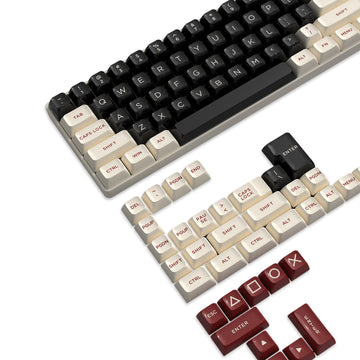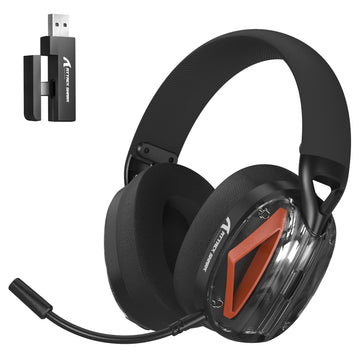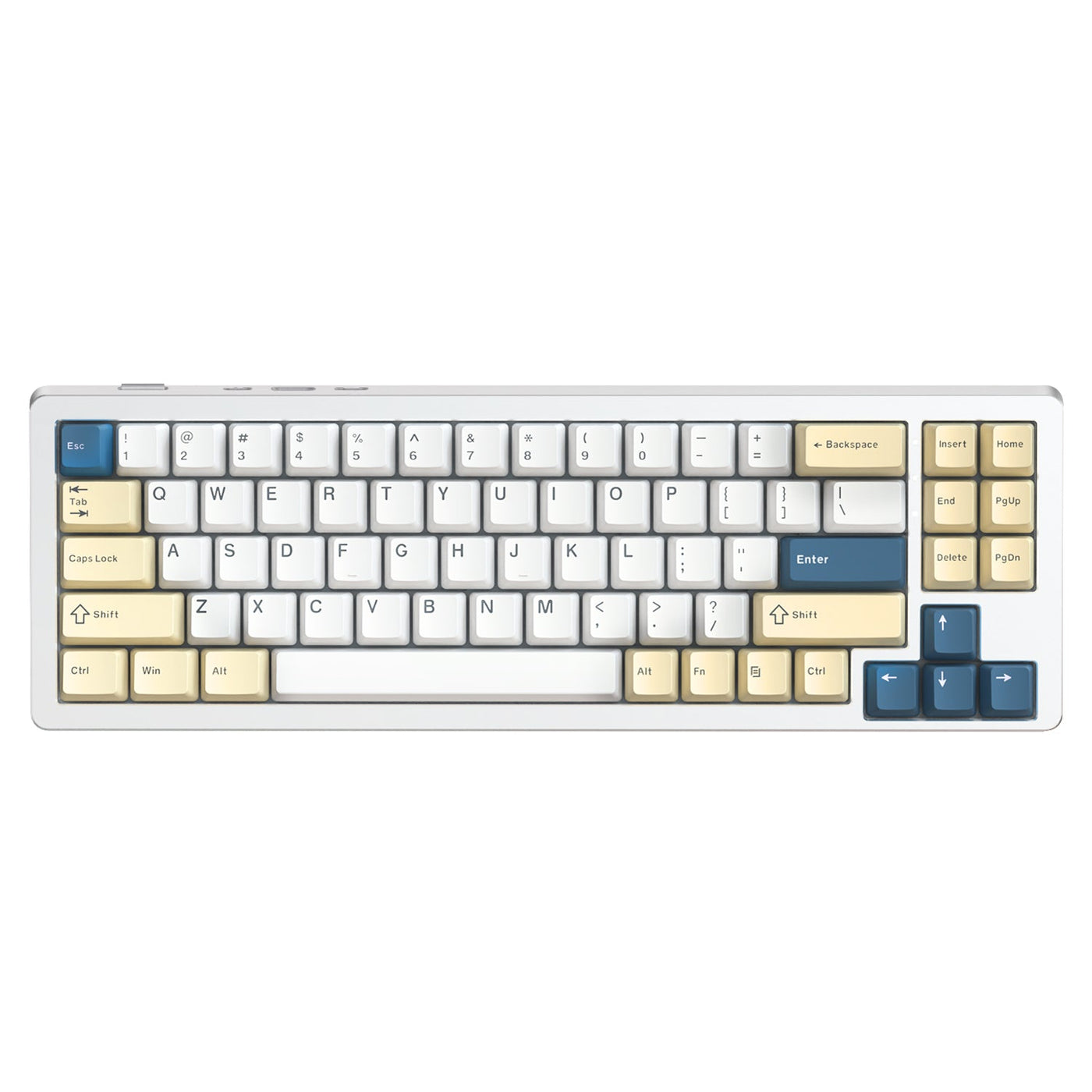
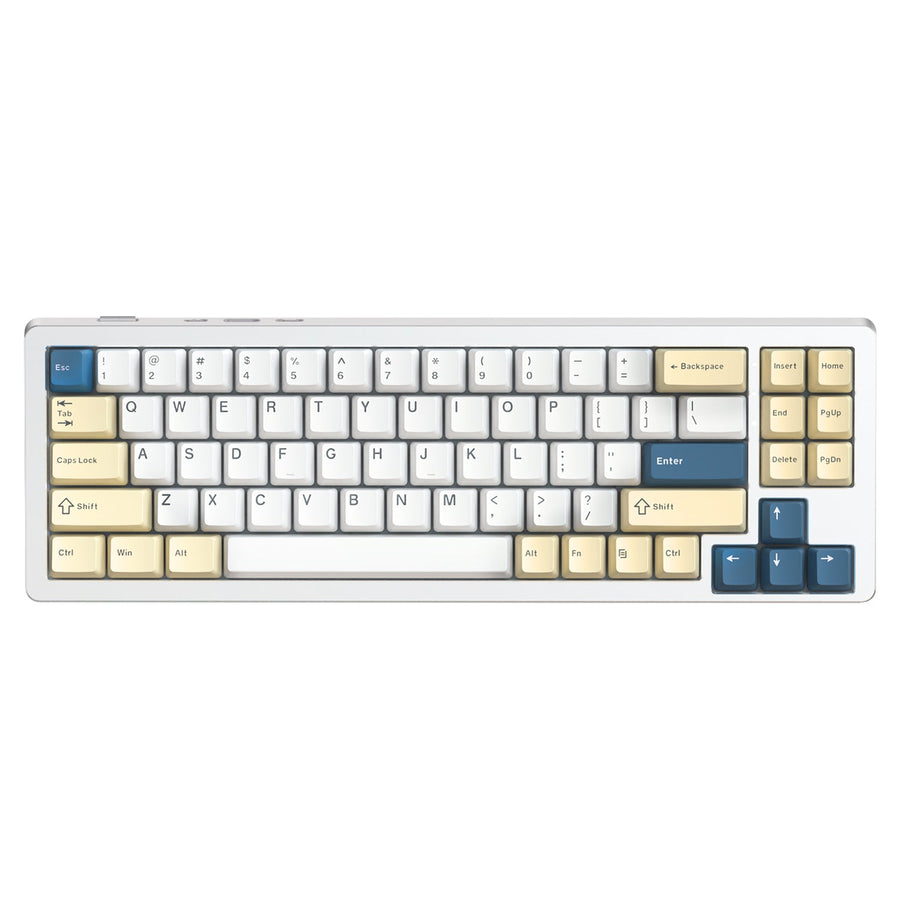
Le Bluetooth, la fréquence 2,4 GHz et le mode filaire USB répondent à des priorités de batterie différentes, il n’existe donc pas d’autonomie unique applicable à tous les claviers de jeu sans fil. Le Bluetooth est idéal pour une utilisation flexible sur plusieurs appareils, le 2,4 GHz est généralement le choix pratique pour une utilisation sans fil axée sur le jeu, et le mode filaire élimine la gestion de la batterie lorsque le clavier le prend en charge. Comparez chaque modèle en fonction du mode de connexion, du profil RGB, des réglages de performance, du comportement en veille et de l’emploi du temps quotidien que vous prévoyez réellement d’utiliser.

Quel mode sans fil correspond à vos priorités de batterie ?
Choisissez le mode de connexion qui correspond à votre routine, puis comparez les conditions de batterie documentées du modèle dans ce mode. Ne supposez pas que le Bluetooth ou le 2,4 GHz sera toujours plus efficace.
| Mode | Choisissez-le quand | Compromis de batterie à vérifier |
|---|---|---|
| Bluetooth | Vous alternez entre un ordinateur et d’autres appareils compatibles, ou votre configuration travail-loisir bénéficie de flexibilité. | Comparez l’autonomie Bluetooth du modèle, le comportement de reconnexion après la veille et les conditions d’éclairage. |
| 2,4 GHz | L’utilisation sans fil axée sur le jeu est prioritaire et le clavier prend en charge le récepteur inclus que vous souhaitez utiliser. | Faites correspondre l’autonomie annoncée du clavier de jeu sans fil 2,4 GHz au profil RGB, aux réglages de performance et aux hypothèses d’utilisation active. |
| USB filaire | Les sessions ininterrompues et l’évitement de la gestion de la charge comptent plus qu’un bureau sans câble. | Confirmez que le modèle prend en charge le fonctionnement filaire et le comportement de charge requis par votre configuration. |
Un résultat spécifique à un modèle montre pourquoi ces conditions sont importantes. Une revue indépendante a enregistré environ 35 à 40 heures en mode 2,4 GHz avec le rétroéclairage éteint sur un clavier spécifique, avec une autonomie moindre lorsque le RGB était activé. Ce résultat décrit le comportement de batterie 2,4 GHz d’un clavier testé, pas une référence pour toute une catégorie.

Pour un parcours d’achat plus large, comparez les claviers tri-mode après avoir décidé si la flexibilité, l’utilisation sans fil axée sur le jeu ou une solution filaire de secours correspond le mieux à votre bureau. Une étiquette tri-mode indique les options de connexion, pas la durée de vie de la batterie dans votre configuration préférée.
Qu’est-ce qui fait qu’un clavier de jeu sans fil se décharge plus vite ?
Le même clavier peut offrir des résultats d’autonomie différents selon que vous modifiez l’éclairage, le temps d’utilisation active, les réglages de performance ou le comportement en veille. La comparaison utile est le même modèle dans des conditions identiques, pas une pénalité universelle pour une fonctionnalité donnée.
Le RGB augmente la consommation d’énergie, et la luminosité, l’animation ainsi que le nombre de zones éclairées influent sur le résultat. Une revue indépendante du Lofree Hyzen a rapporté environ une semaine d’utilisation mixte dans la configuration observée, tandis que la revue indiquait que la bande RGB de base réduisait ce résultat à environ deux à trois jours. Cette observation spécifique au produit montre comment le RGB a modifié l’autonomie dans cette revue, pas ce qu’il faut attendre d’un autre clavier.
Les réglages de performance ou de fréquence d’interrogation peuvent aussi modifier la consommation sur les modèles qui offrent ces contrôles. Aucun seuil universel de fréquence d’interrogation ou pénalité de batterie n’est établi ici, donc comparez le réglage utilisé pour une revendication d’autonomie avec celui que vous prévoyez d’utiliser en jeu.
Le jeu actif maintient le clavier éveillé et peut produire un résultat différent d’une journée mixte avec de longues périodes d’inactivité. Le comportement en veille modifie cet équilibre. Un réglage de veille plus agressif peut réduire la consommation en veille, tandis que le comportement de réveil ou de reconnexion peut être moins pratique sur certains modèles. Le timing varie selon le clavier, considérez donc le comportement de veille et de réveil comme des détails spécifiques au modèle plutôt que d’appliquer les conclusions issues des souris sans fil.
La charge est un choix de routine, pas un substitut à une preuve d’autonomie comparable. Décidez si vous êtes à l’aise de brancher entre les sessions, de garder un câble USB à portée de main ou de passer en mode filaire lorsque la batterie est faible. Pour un contexte supplémentaire sur les habitudes liées aux appareils rechargeables, consultez nos conseils d’entretien de la batterie, mais ne vous fiez pas aux conseils axés sur les souris comme preuve d’autonomie pour clavier.
Comment vérifier si l’autonomie d’un clavier vous convient ?
Utilisez une journée représentative et quatre vérifications documentées. Cela évite qu’un chiffre élevé de capacité de batterie ou un titre annonçant l’éclairage éteint remplace l’autonomie que vous vivrez réellement.
- Enregistrez les conditions d’autonomie. Notez le mode de connexion, l’état du RGB, le profil de luminosité ou d’animation, le réglage de performance ou de fréquence d’interrogation, les hypothèses d’utilisation active, les hypothèses de veille et la méthode de test derrière chaque revendication d’autonomie. Les tests indépendants sont les plus utiles lorsque les résultats des claviers sont comparés dans des conditions équivalentes.
- Faites correspondre ces conditions à une journée typique. Notez combien de temps vous jouez, combien de temps vous tapez ou travaillez, la fréquence d’inactivité du clavier, les appareils utilisés et si le RGB reste allumé. Comparez un emploi du temps axé sur le jeu avec une revendication en mode jeu, tandis qu’un emploi du temps mixte nécessite un résultat incluant les périodes d’inactivité et de travail.
- Vérifiez les contrôles et la solution filaire de secours. Recherchez la prise en charge documentée du Bluetooth et du 2,4 GHz, les contrôles RGB, les réglages de performance ou de fréquence d’interrogation, le timing de veille, le comportement de réveil, l’indication de batterie, le fonctionnement USB filaire et le comportement de charge. Par exemple, le clavier sans fil M71 liste la connectivité 2,4G, Bluetooth 5.0 et USB-C filaire, une batterie rechargeable de 4 600 mAh et un RGB avec éclairage latéral. Le clavier sans fil X98 liste les mêmes trois types de connexion, une batterie Li de 4 000 mAh et un rétroéclairage RGB 16,8 millions de couleurs. Ces capacités décrivent les spécifications des produits, pas leur autonomie.
- Appliquez la décision de charge. Choisissez le modèle lorsque son mode et ses réglages documentés ressemblent à votre journée représentative et que sa routine de charge ou filaire est acceptable. Si la page produit omet une condition qui affecte matériellement votre usage, considérez la comparaison d’autonomie comme incomplète plutôt que de supposer que le chiffre annoncé sera valable.
Notre collection de claviers mécaniques de jeu est une voie de comparaison utile une fois ces éléments en main. La règle pratique est simple : sélectionnez le modèle dont le mode de connexion documenté, la configuration d’éclairage et les hypothèses d’utilisation quotidienne correspondent aux vôtres, puis gardez une solution filaire de secours disponible si les interruptions de charge sont inacceptables.
Que faut-il savoir sur l’autonomie des claviers de jeu sans fil ?
Ces réponses couvrent les décisions courantes d’autonomie sans transformer le résultat d’un modèle en promesse pour tous les claviers.
Combien de temps dure la batterie d’un clavier de jeu sans fil ?
Il n’y a pas de réponse universelle. La durée de vie d’un clavier de jeu sans fil dépend de sa batterie, du mode de connexion, du profil RGB, des réglages de performance, du comportement en veille et de l’équilibre entre utilisation active et inactivité. Comparez les conditions du fabricant avec une journée représentative avant de considérer une estimation d’autonomie comme utile.
Le Bluetooth est-il plus efficace que le 2,4 GHz pour un clavier de jeu ?
Pas universellement. Le Bluetooth peut convenir à une utilisation moins exigeante ou multi-appareils sur certains modèles, tandis que le 2,4 GHz peut mieux correspondre à une routine axée sur le jeu. Les résultats documentés du même clavier peuvent varier selon le mode et les réglages, donc comparez les résultats Bluetooth et 2,4 GHz dans les mêmes conditions d’éclairage et de performance.
Le RGB vide-t-il la batterie d’un clavier de jeu sans fil ?
Oui, le RGB augmente la consommation d’énergie, mais l’ampleur de l’effet dépend de la luminosité, de l’animation, des zones d’éclairage et de la mise en œuvre du clavier. Pour juger de l’impact du RGB sur la batterie d’un clavier sans fil, faites correspondre la revendication d’autonomie au profil que vous laisserez réellement activé.
Quand faut-il utiliser une connexion filaire avec un clavier de jeu sans fil ?
Utilisez le mode filaire lorsque les sessions ininterrompues ou l’évitement de la gestion de la charge comptent plus que la commodité sans câble, à condition que le clavier documente le comportement USB filaire dont vous avez besoin. C’est une solution de secours pratique, pas une preuve que tous les claviers sans fil se chargent ou fonctionnent de la même façon lorsqu’ils sont connectés.