La physique de la traînée du bras : pourquoi la friction de la peau perturbe la performance en FPS
Pour les joueurs FPS à faible sensibilité — souvent appelés « arm aimers » — l'interaction entre l'avant-bras et le tapis de souris est aussi critique que le capteur de la souris lui-même. Alors que les « wrist aimers » à haute DPI s'appuient sur de petits mouvements localisés, les arm aimers utilisent de larges mouvements amples nécessitant que tout l'avant-bras glisse sur une large surface. Lorsque ce glissement est interrompu par la friction peau-tapis, un phénomène appelé « arm drag » se produit.
La traînée du bras n'est pas simplement une nuisance ; c'est une incohérence biomécanique. Dans des environnements compétitifs à enjeux élevés, comme ceux analysés dans le Livre blanc mondial sur l'industrie des périphériques de jeu (2026), toute variation de résistance peut entraîner un dépassement ou un sous-ciblage. Cet article déconstruit les mécanismes de friction du bras, évalue les technologies de surface et fournit un cadre technique pour maintenir une sensation de bras « flottant ».
Comprendre la mécanique : friction statique vs friction cinétique
Pour résoudre le problème de la traînée du bras, il faut d'abord comprendre la tribologie — la science des surfaces en interaction en mouvement relatif — du bras humain sur une surface de jeu. La sagesse conventionnelle se tourne souvent vers la dynamique des fluides ou les revêtements hydrophobes, mais comme indiqué dans la recherche en biomécanique humaine, l'interaction du bras humain avec un tapis est un problème de contact à basse vitesse et forte force normale.
- Friction statique (adhérence) : C'est la force nécessaire pour commencer un mouvement. Une adhérence élevée provoque une sensation de « saccade » lors de micro-ajustements à partir d'un arrêt.
- Friction cinétique : C'est la résistance ressentie pendant un glissement continu.
- Conformité de la peau : Contrairement aux pieds durs en PTFE d'une souris, la peau humaine est douce et souple. Sous pression, la peau se déforme dans le tissage d'un tapis en tissu, augmentant considérablement la surface de contact et, par conséquent, le coefficient de friction.
Note de modélisation (Modèle de scénario) : Cette analyse suppose une posture standard de « visée au bras » où environ 30-40 % du poids de l'avant-bras est réparti sur la surface du tapis.
Paramètre Valeur/Plage Unité Justification Force normale 2.5 - 5.0 Newtons Poids estimé de l'avant-bras sur le bureau Type de surface Tissu / Hybride / Verre Catégorie Variables standard de jeu Humidité 40% - 75% HR Plage environnementale courante Vitesse de déplacement 0.5 - 2.5 m/s Vitesses typiques de flick en FPS Zone de contact 80 - 120 $cm^2$ Contact moyen avant-bras-tapis Conditions limites : les résultats peuvent varier en fonction du niveau d'hydratation de la peau, de la densité du tissage du tapis et de la présence de revêtements spécialisés.
Choix de la surface : fibre, hybride ou verre ?
Le choix de la surface détermine le profil de friction de base. Pour les joueurs qui privilégient la parité des spécifications brutes, comprendre les compromis entre matériaux est essentiel.
Fibre ultra-haute densité (tissu)
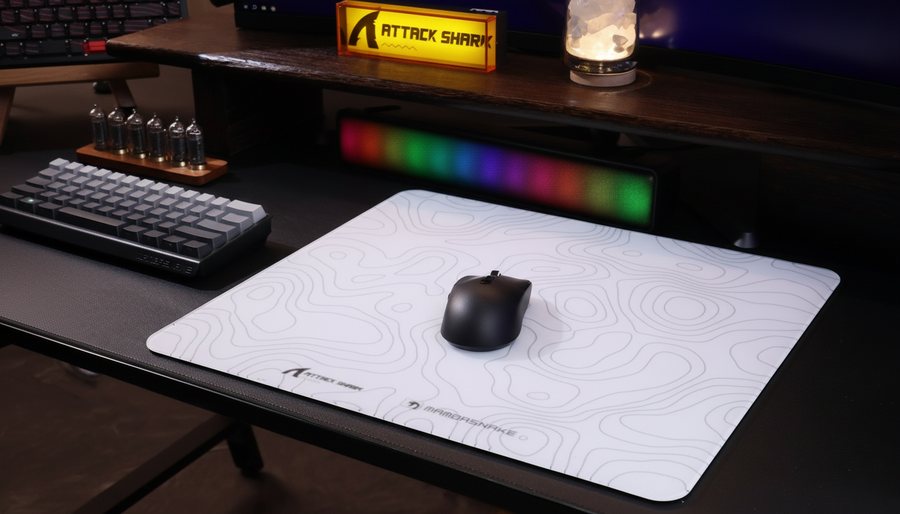
Les tapis traditionnels en tissu, comme le ATTACK SHARK CM02 eSport Gaming Mousepad, utilisent des fibres ultra-haute densité pour offrir un équilibre entre glisse et pouvoir d'arrêt. Ils sont préférés pour les jeux de tir tactiques (comme CS2 ou Valorant) où le "pouvoir d'arrêt" — la capacité à arrêter la souris précisément — est primordial. Cependant, le tissu est le plus sensible à l'humidité et aux huiles de la peau, ce qui peut entraîner des zones "boueuses" avec le temps.
Surfaces hybrides
Les tapis hybrides tentent de fusionner la rapidité d'une surface dure avec le confort du tissu. Bien qu'ils offrent un avantage compétitif dans les jeux de tir à mouvement intense (comme Apex Legends ou Overwatch), ils introduisent un compromis important en termes de durabilité. Selon les benchmarks de calibration de surface, les revêtements spécialisés des tapis hybrides s'usent souvent dans les zones à forte friction en 4 à 6 mois d'utilisation intensive, créant des "zones lentes" incohérentes qui perturbent la mémoire musculaire.
Verre trempé
Pour ceux qui recherchent la friction cinétique la plus faible possible, le verre trempé est la norme moderne. Le ATTACK SHARK CM05 Tempered Glass Gaming Mousepad utilise une surface nano-micro-gravée pour offrir une expérience quasi sans friction.
Compromis techniques des surfaces en verre :
- Consistance : Le verre est imperméable à l'humidité, ce qui signifie que la glisse reste identique en été comme en hiver.
- Dureté : Comme indiqué dans l'analyse technique de Wallhack, l'augmentation de la dureté de la surface peut provoquer une gêne au niveau des points de pression si l'utilisateur exerce une force excessive vers le bas.
- Sensibilité : Les tapis en verre sont très sensibles à la poussière ou aux huiles de la peau. Un seul grain de sable peut se sentir à travers les pieds de la souris, nécessitant une routine de nettoyage rigoureuse.

Gestion des facteurs environnementaux : humidité et transpiration
L'humidité ambiante est le principal ennemi d'un glissement constant. Même une légère augmentation de la transpiration peut modifier considérablement le coefficient de friction d'un tapis en tissu ou hybride.
L'heuristique de la "fécule de maïs"
Les joueurs expérimentés appliquent souvent une légère couche de fécule de maïs pure sur leurs avant-bras avant une session. Cela agit comme un lubrifiant sec, absorbant l'humidité sans laisser de résidu collant qui pourrait encrasser le tissage du tapis. C'est un "conseil de pro" courant dans les discussions communautaires sur des plateformes comme r/MouseReview de Reddit.
Nettoyage en profondeur vs nettoyage de surface
Une erreur courante est de se fier uniquement aux lingettes de surface. Celles-ci laissent souvent un film chimique qui attire en réalité plus de poussière et d'huiles. Pour les tapis en tissu, un nettoyage en profondeur hebdomadaire est recommandé :
- Plongez le tapis dans de l'eau tiède.
- Ajoutez une seule goutte de savon à vaisselle doux.
- Frottez doucement avec un chiffon en microfibre doux.
- Laissez sécher complètement à l'air (évitez la lumière directe du soleil pour prévenir la dégradation de la base en caoutchouc).
Le rôle des manches de compression
Si les contrôles environnementaux sont insuffisants, une manche de jeu est la solution mécanique la plus efficace contre le glissement du bras. Cependant, le choix du matériau est crucial.
- Mélange optimal : Recherchez un mélange fin et respirant de nylon et spandex. Cela offre un coefficient de friction constant quel que soit le niveau de transpiration.
- Construction des coutures : Assurez-vous que la manche possède des coutures plates et verrouillées. Les coutures traditionnelles en relief peuvent provoquer des irritations lors de grands balayages à haute vitesse, entraînant une irritation de la peau et un suivi incohérent.
- Le piège de la "tension" : Évitez les manches trop serrées. Une compression excessive peut restreindre la circulation sanguine et augmenter la chaleur localisée, ce qui provoque contre-productivement plus de transpiration.
Intégration système : taux de sondage et synergie des capteurs
Résoudre le problème du glissement du bras n'est qu'une partie de l'équation de performance. Pour tirer pleinement parti d'un bras "flottant", le matériel de la souris doit être capable de traduire ce mouvement fluide dans l'espace numérique sans créer de goulot d'étranglement.
Le facteur 8000Hz (8K)
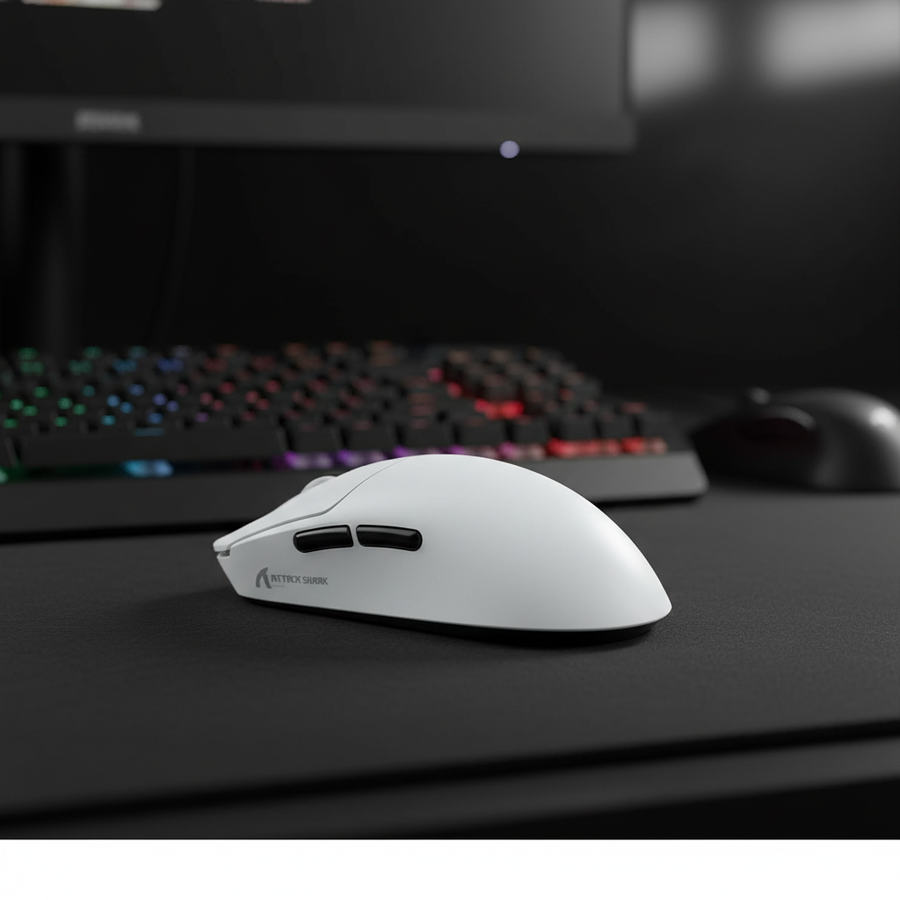
Les souris modernes haute performance, telles que la ATTACK SHARK X8PRO Ultra-Light Wireless Gaming Mouse, supportent des taux de polling allant jusqu'à 8000Hz. Alors que 1000Hz offre un intervalle de rapport de 1,0 ms, 8000Hz le réduit à 0,125 ms.
Contraintes techniques du polling 8K :
- Charge CPU : Traiter 8 000 paquets par seconde sollicite la gestion des requêtes d'interruption (IRQ) du CPU. Les utilisateurs doivent s'assurer de disposer d'un processeur moderne à haute fréquence pour éviter les pertes d'images.
- Topologie USB : Les appareils à haute fréquence d'interrogation doivent être connectés directement aux ports I/O arrière de la carte mère. Évitez les concentrateurs USB ou les connecteurs en façade, car la bande passante partagée et le blindage insuffisant peuvent entraîner des pertes de paquets et des micro-saccades.
- Saturation DPI : Pour vraiment saturer un signal à 8000Hz lors de micro-ajustements, un DPI plus élevé est souvent nécessaire. Alors que 800 DPI nécessite une vitesse de déplacement d'environ 10 IPS pour saturer la bande passante, 1600 DPI réduit cette exigence à seulement 5 IPS, assurant un flux de données plus fluide lors du suivi lent.
Mesure de la latence
Pour vérifier les performances de votre configuration, des outils comme le NVIDIA Reflex Analyzer ou la méthodologie de latence de RTINGS peuvent être utilisés pour mesurer le délai « mouvement-à-photon ». Réduire la traînée du bras garantit que votre entrée physique est aussi rapide que la capacité de traitement de votre matériel.
Conformité réglementaire et sécurité
Lors du choix de périphériques haute performance, en particulier les modèles sans fil avec des batteries lithium à haute capacité, la sécurité et la conformité sont incontournables.
- Normes sans fil : Assurez-vous que votre appareil est certifié par la FCC (USA) ou ISED (Canada). Ces certifications garantissent que le signal sans fil 2,4 GHz fonctionne dans les limites légales et n'interfère pas avec les autres appareils électroniques domestiques.
- Sécurité des batteries : Les batteries lithium-ion des souris de jeu doivent respecter les normes ONU 38.3 pour un transport et une utilisation sûrs. Utilisez toujours le câble fourni par le fabricant, comme le ATTACK SHARK C04-C COILED CABLE, pour garantir une régulation correcte de la tension pendant la charge.
- Sécurité des matériaux : Les coussinets et souris de haute qualité doivent être conformes aux réglementations EU RoHS et REACH, garantissant qu'ils sont exempts de substances nocives comme le plomb ou les phtalates pouvant provoquer des irritations cutanées lors de longues sessions.
Liste de contrôle résumée pour optimiser la glisse du bras
| Objectif | Étape réalisable | Résultat attendu |
|---|---|---|
| Réduire la stiction | Passez à un tapis en verre (par exemple, CM05) ou appliquez de la fécule de maïs. | Démarrage instantané du mouvement ; meilleurs micro-ajustements. |
| Assurer la cohérence | Utilisez une manche de compression en nylon-spandex. | La glisse reste identique quelle que soit l'humidité/la transpiration. |
| Améliorer le suivi | Nettoyez en profondeur les coussinets en tissu chaque semaine avec un savon doux. | Restaure les niveaux de friction d'origine "sortis de la boîte". |
| Maximiser la technologie | Connectez 8K souris au port arrière I/O ; utilisez 1600+ DPI. | Trajectoire du curseur plus fluide ; latence système réduite. |
Maintenir une glisse constante est un problème d'intégration système. Cela nécessite une synergie entre la surface physique, la gestion de l'environnement et le matériel de haute spécification. En tenant compte de la réalité biomécanique de la traînée du bras, les joueurs peuvent éliminer les barrières physiques à leur performance, permettant une expérience de visée "flottante" et sans effort requise pour un jeu compétitif de haut niveau.
Avertissement : Cet article est à titre informatif uniquement. Les recommandations ergonomiques fournies sont basées sur des heuristiques générales de l'industrie et peuvent ne pas convenir aux personnes souffrant de troubles musculo-squelettiques ou cutanés préexistants. Consultez un professionnel qualifié si vous ressentez une douleur ou une irritation persistante pendant le jeu.