La réalité de 0,125 ms : pourquoi le changement de prise est le secret de la maîtrise de Fortnite
Si vous avez déjà eu l'impression que votre construction est "parfaite" mais que votre visée est instable—ou inversement—vous n'êtes pas seul. Dans le jeu de haut niveau sur Fortnite, nous ne jouons pas à un seul jeu ; nous oscillons constamment entre deux. Un instant, vous êtes en "état de flow" en visant avec le bras pour établir le contrôle des pièces avec des mouvements larges et amples. Le suivant, vous êtes forcé dans un micro-ajustement serré centré sur le poignet pour réussir un tir à 200 pompes à travers une édition de fenêtre.
Cette transition est ce que nous appelons le Changement de Prise. La plupart des joueurs pensent pouvoir simplement forcer leur main à s'adapter, mais la réalité est que votre matériel vous freine souvent. Si votre souris a une courbe ergonomique agressive ou une bosse massive, elle "verrouille" votre main dans une seule position. D'après notre expérience avec les tickets de support et les retours de la communauté, la cause numéro 1 de l'inconstance en plein combat n'est pas un "mauvais visée"—c'est la friction mécanique causée par une forme qui ne permet pas des transitions rapides de prise.
Aujourd'hui, nous plongeons dans la biomécanique des formes polyvalentes, les calculs derrière le polling 8K, et comment choisir un appareil qui suit le rythme du jeu mécanique le plus exigeant du marché.

La biomécanique de la "Safe Shape"
Dans le monde des périphériques compétitifs, la "Safe Shape" n'est pas un terme marketing ; c’est une nécessité biomécanique pour maîtriser plusieurs genres. Selon le Livre blanc de l'industrie mondiale des périphériques de jeu (2026), l'industrie s'éloigne des "verrous" ergonomiques hyper-spécialisés au profit de designs symétriques ou légèrement ergonomiques qui facilitent les mouvements dynamiques de la main.
L'heuristique du "Test des Articulations"
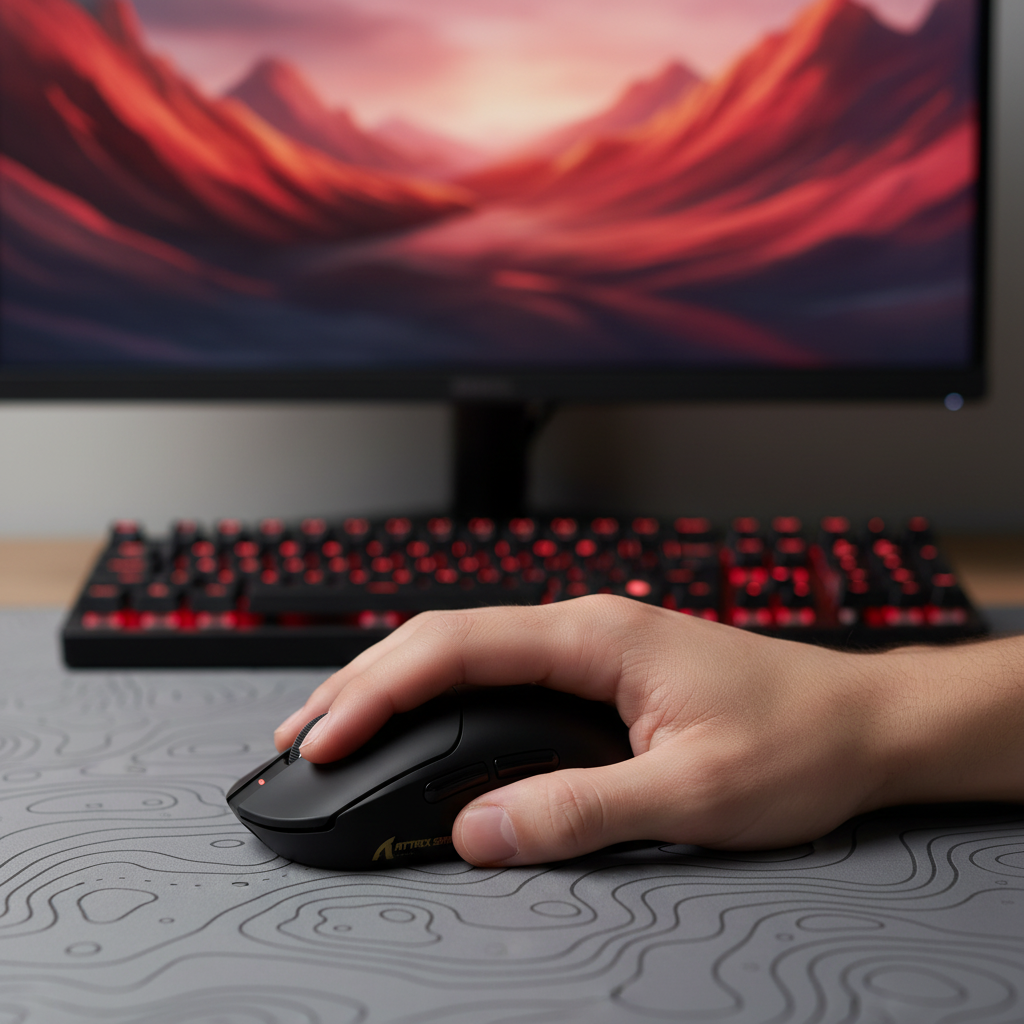
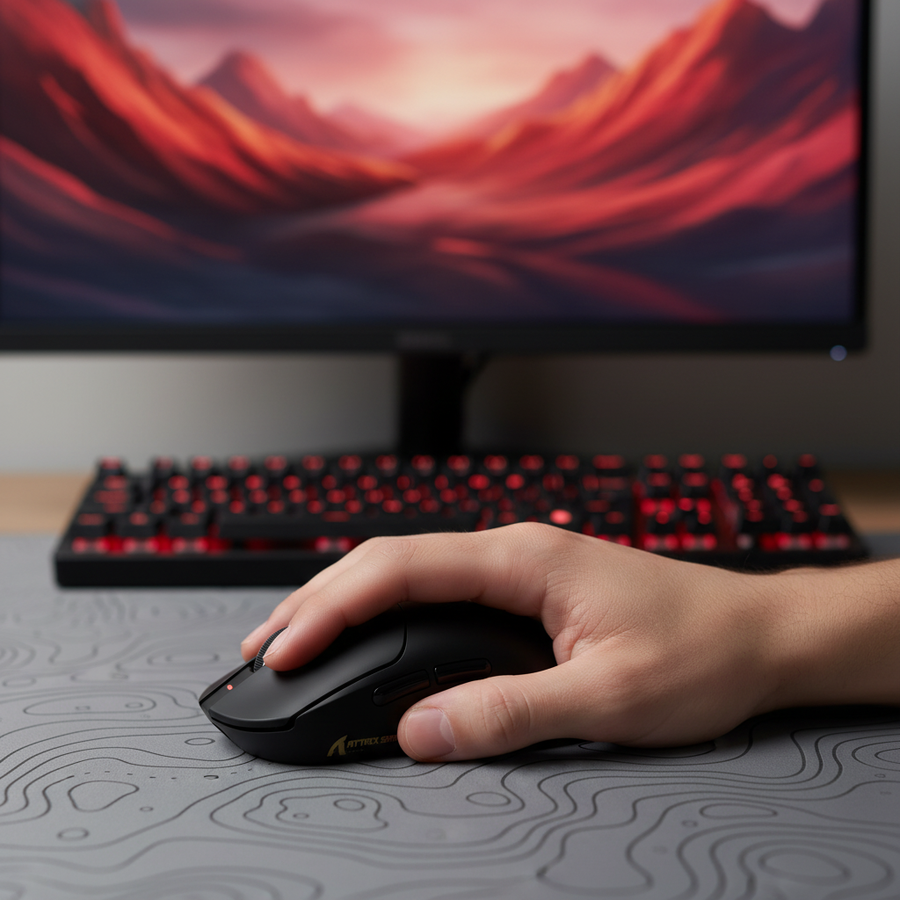
Comment savoir si votre souris est trop restrictive ? Essayez le Test des Articulations. En tenant votre souris dans votre prise de visée habituelle, essayez de taper rapidement avec votre index et votre majeur sur les boutons M1/M2. Si vous ressentez une "traction" ou une tension dans votre paume ou à l'arrière de votre main, la bosse est probablement trop haute ou positionnée trop en avant.
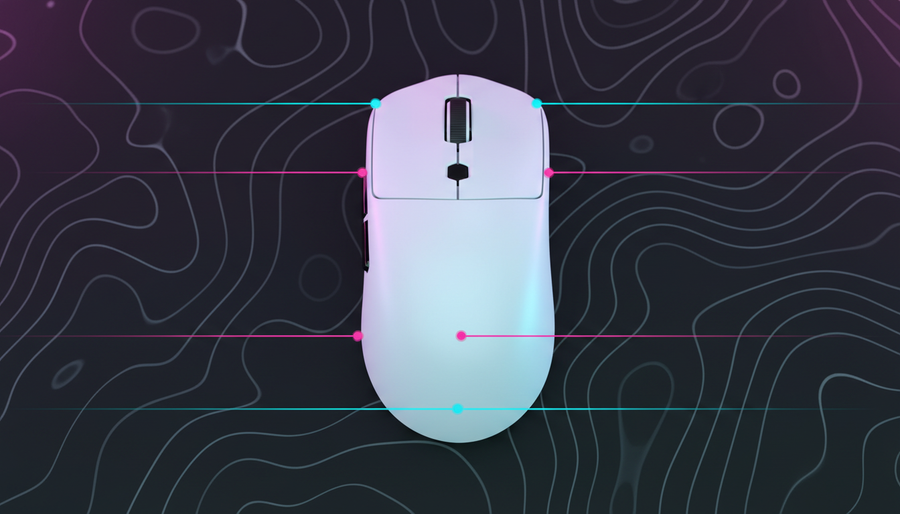
Une forme polyvalente—comme celle que l'on trouve sur la ATTACK SHARK X8 Series Tri-mode Lightweight Wireless Gaming Mouse—présente une bosse modérée située au centre ou légèrement vers l'arrière. Cela permet à votre paume de toucher la souris pour plus de stabilité lors de la construction (hybride Paume/Griffe) tout en laissant vos doigts se recourber facilement en une prise au bout des doigts pure pour une édition précise sans avoir besoin de soulever complètement la souris.
Résumé logique : Cette heuristique suppose qu'une bosse plus discrète et centrée réduit la "tension d'arche" nécessaire pour passer d'une position de paume au repos à une position active du bout des doigts, basée sur des schémas courants issus du support client et de la recherche ergonomique (pas une étude de laboratoire contrôlée).
Sondage à 8000Hz : Précision au-delà de l'œil humain
Nous avons vu beaucoup de débats sur Reddit et YouTube à propos de l'importance réelle du sondage à 8000Hz (8K). Regardons la physique froide et dure.
Les souris de jeu standard sondent à 1000Hz, ce qui signifie que l'ordinateur reçoit une mise à jour toutes les 1,0 ms. À 8000Hz, cet intervalle tombe à 0,125 ms (1/8000 = 0,000125 secondes). Pour un joueur de Fortnite, il ne s'agit pas seulement de "ressentir plus de fluidité" ; c'est une réduction de la latence de synchronisation du mouvement.
Dans les capteurs modernes comme le PixArt 3950 trouvé dans la ATTACK SHARK X8 Ultra 8KHz Wireless Gaming Mouse With C06 Ultra Cable, Motion Sync aligne les données du capteur avec la sonde USB. À 1000Hz, cela ajoute un délai déterministe d'environ 0,5 ms. Cependant, à 8000Hz, ce délai est réduit à ~0,0625 ms. Il est mathématiquement négligeable, offrant une sensation "brute" que les souris 1K ne peuvent tout simplement pas reproduire.
La règle de saturation IPS/DPI
Pour réellement voir le bénéfice du 8K, vous devez saturer la bande passante. Nous voyons souvent des joueurs utiliser 8K à 400 DPI et se demander pourquoi cela semble identique à 1K.
- La formule : Paquets par seconde = Vitesse de déplacement (IPS) × DPI.
- La réalité : Pour atteindre 8000 paquets par seconde, vous devez vous déplacer à 10 IPS à 800 DPI. Cependant, si vous augmentez votre DPI à 1600, vous n'avez besoin de vous déplacer qu'à 5 IPS pour saturer ce signal 8K.
Pour les micro-ajustements et les modifications, des réglages DPI plus élevés (1600+) sont en fait meilleurs pour la stabilité 8K car ils garantissent que les intervalles de 0,125 ms sont remplis de données même lors de mouvements lents.
Note de modélisation (modélisation de scénario) : Notre analyse de la latence 8K suppose une connexion directe à la carte mère et un CPU haute performance.
Paramètre Valeur ou plage Unité Justification Intervalle de sondage 0.125 ms Fréquence (8000Hz) Délai de synchronisation du mouvement ~0.0625 ms Heuristique de demi-intervalle IPS minimum (800 DPI) 10 IPS Saturation de la bande passante IPS minimum (1600 DPI) 5 IPS Saturation de la bande passante Augmentation de l'utilisation du CPU ~75-80 % Charge de traitement IRQ Conditions limites : Ces estimations peuvent ne pas s'appliquer si vous utilisez un hub USB ou si le système d'exploitation n'est pas optimisé pour les appareils à haute interruption.

Répartition du poids : masse vs momentum
Il y a une idée reçue selon laquelle "plus léger est toujours mieux". Bien que nous soyons d'accord que moins de 70 g est l'idéal pour Fortnite, la répartition du poids est la variable cachée qui gâche votre visée.
Si une souris est lourde à l'avant, elle crée un "effet pendule" lors des tirs rapides. Lorsque vous arrêtez votre mouvement, l'avant de la souris veut continuer, forçant votre poignet à surcorriger. Cela se remarque particulièrement avec les prises bout des doigts où vous avez moins de contact paume pour stabiliser le châssis.
La ATTACK SHARK G3 Tri-mode Wireless Gaming Mouse pèse seulement 59 g, mais surtout, elle utilise une disposition interne équilibrée. En centrant la batterie de 500 mAh, le centre de gravité reste directement sous le capteur. Cela garantit que lorsque vous effectuez un flick pour modifier une rampe, la souris s'arrête exactement là où votre mémoire musculaire l'attend.
Le conflit multi-genres : jeu vidéo vs productivité
Soyons honnêtes : la plupart d'entre nous ne jouent pas à Fortnite 24h/24. Vous utilisez probablement la même souris pour l'école, le travail ou d'autres jeux comme les MOBA. C'est là que la "Safe Shape" montre vraiment son avantage.
Une souris "ergo" agressive peut être agréable pour une session de navigation de 20 minutes en prise paume, mais elle devient un handicap dès que vous devez utiliser la prise "griffe" pour un match compétitif. À l'inverse, une souris minuscule et ultra-plate en prise bout des doigts est un cauchemar pour une session de 4 heures sur un tableur.
La matrice "Safe Shape" suggère que pour une configuration à un seul appareil, vous devriez rechercher :
- Ratio largeur-longueur : Visez une largeur représentant environ 60 % de la longueur. Cela offre une surface suffisante pour une prise paume stable tout en restant assez étroit pour des micro-ajustements au doigt.
- Revêtement : Recherchez quelque chose comme le revêtement "Nano Ice-feel" présent sur le X8 Ultra. Il offre une bonne prise en main lorsque vos mains sont moites en plein combat de construction, sans donner une sensation de "collant" lors d'une utilisation classique.
- Connectivité : Le mode tri (2.4G, Bluetooth, filaire) est indispensable pour les utilisateurs soucieux de la valeur. Utilisez le mode 2.4G 8K pour Fortnite, et passez en Bluetooth pour votre ordinateur portable afin d'économiser la batterie.
Goulots d'étranglement système & sécurité : les pièges à éviter
Avant d'acheter une bête 8K, vous devez vérifier votre système. Le polling à 8000Hz n'est pas une mise à niveau « gratuite » ; il impose une charge massive au traitement des IRQ (Interrupt Request) de votre CPU.
- Topologie USB : Vous devez brancher votre récepteur 8K sur un port direct de la carte mère (généralement à l'arrière I/O). Évitez les connecteurs du panneau avant ou les concentrateurs USB. La bande passante partagée et le mauvais blindage des câbles peuvent provoquer des pertes de paquets, ce qui donne une sensation de « saccades » même si votre FPS est élevé.
- Autonomie de la batterie : Fonctionner à 8K déchargera votre batterie environ 4 fois plus vite qu'à 1000Hz. Si vous êtes un joueur marathonien, envisagez la souris de jeu sans fil ATTACK SHARK G3PRO Tri-mode avec station de charge. La station magnétique facilite le maintien de la charge de votre souris entre les sessions.
Une note sur la sécurité et la conformité
Lors de l'achat de matériel sans fil haute performance, surtout auprès de marques émergentes, vérifiez toujours les marquages réglementaires. Selon la base de données d'autorisation des équipements FCC, les appareils sans fil réputés doivent passer des tests rigoureux d'exposition aux RF et de sécurité des batteries. Nous avons vu des clones « sans nom » sur les places de marché qui n'ont pas ces certifications, ce qui présente un risque de gonflement de la batterie ou d'interférences avec d'autres appareils sans fil. Recherchez toujours les marquages FCC ID ou IC (Canada) pour garantir que la batterie lithium-ion interne et les circuits de charge respectent les normes internationales de sécurité comme la IEC 62368-1.

Optimiser vos réglages pour la transition
Même avec la souris parfaite, vos réglages peuvent créer une « taxe ergonomique ». De nombreux joueurs de Fortnite utilisent un multiplicateur de sensibilité de construction très élevé (2,0x+). Bien que cela rende la construction rapide, cela vous force à utiliser les mêmes muscles du poignet pour des mouvements violents et à grande échelle que pour une micro-visée délicate.
Notre recommandation :
- Réduisez votre sensibilité de base : Utilisez un DPI/sensibilité plus faible pour une meilleure stabilité de visée.
- Utilisez un multiplicateur de construction/édition modéré : Au lieu de 2,5x, essayez entre 1,5x et 1,8x. Cela vous oblige à utiliser votre bras pour construire (protégeant votre poignet) tout en rendant la transition vers la visée moins brutale.
- Choix du tapis de souris : Un tapis « équilibré » — avec un soupçon de texture pour le pouvoir d'arrêt mais assez de glisse pour la vitesse — est essentiel. Consultez notre guide sur la texture et la glisse des tapis de bureau pour en savoir plus sur l'impact des surfaces sur votre visée.
Recommandations de configuration : Trouver votre ajustement parfait
| Modèle | Idéal pour | Spécification clé | Style de prise |
|---|---|---|---|
| X8 Ultra | Professionnels compétitifs | Polling 8K / PAW3950 | Griffe / Pointe des doigts |
| Série X8 | Le polyvalent | 42 000 DPI / 500mAh | Paume / Griffe |
| G3PRO | Chercheurs de commodité | Station de charge RGB | Griffe / Hybride |
| G3 | Performance économique | 59g / 25 000 DPI | Pointe des doigts / Petites mains |
Pour la plupart des joueurs, le X8 Ultra est la référence actuelle. Il combine la vitesse brute d'un polling à 8K avec une forme qui ne vous « verrouille » pas. Si vous venez d'une souris plus lourde et plus restrictive, la transition peut prendre quelques jours d'entraînement au visée, mais le plafond pour votre contrôle des pièces et votre vitesse d'édition sera nettement plus élevé.
Astuce finale de pro : le test « zéro câble »
Si vous avez du mal avec la verticalité dans Fortnite (comme regarder droit vers le haut pour placer un cône), vérifiez votre câble ou la ligne de vue de votre récepteur sans fil. Même un léger interférence sans fil ou une traînée de câble peut perturber la sensation « flottante » nécessaire pour construire rapidement. Gardez votre récepteur à moins de 30 cm de votre tapis de souris et assurez-vous que votre bureau est dégagé de grands objets métalliques pouvant réfléchir le signal 2,4 GHz.
Fortnite est un jeu de millimètres et de millisecondes. Ne laissez pas une forme « sûre » freiner votre potentiel « cracké ».
Avertissement : Les conseils ergonomiques fournis dans cet article sont à titre informatif uniquement et ne constituent pas un avis médical professionnel. Si vous ressentez une douleur persistante ou un engourdissement au poignet ou à la main, veuillez consulter un kinésithérapeute qualifié ou un professionnel de santé. Cet article contient des estimations basées sur la modélisation de scénarios et des heuristiques courantes de l'industrie ; les résultats individuels peuvent varier en fonction de la configuration du système et de la physiologie personnelle.