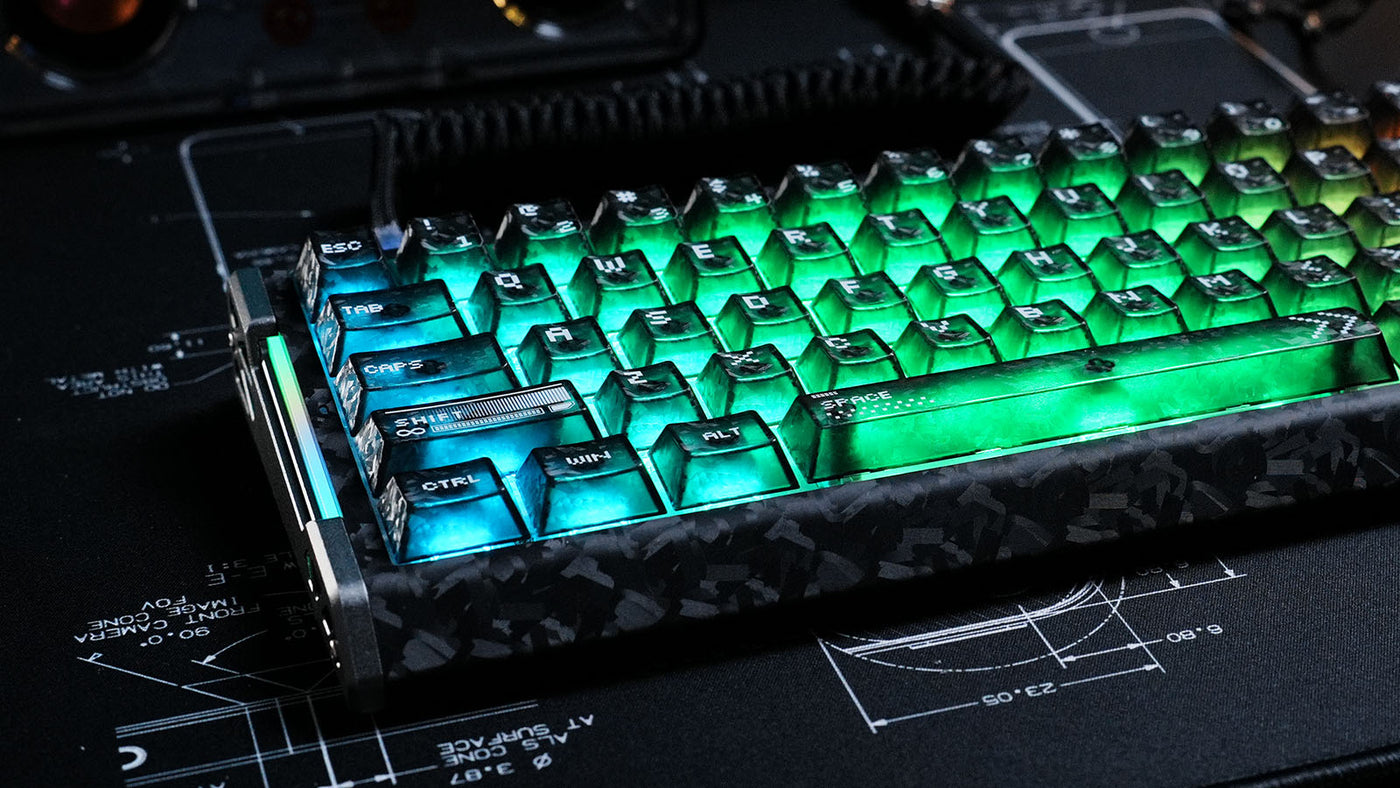
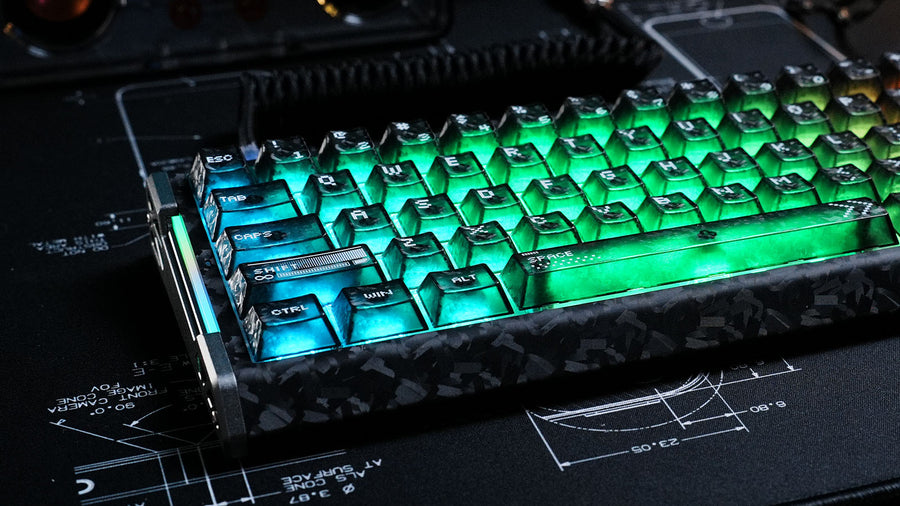
Los periféricos inalámbricos han revolucionado las configuraciones de escritorio, ofreciendo una estética limpia y sin cables. Sin embargo, muchos usuarios enfrentan un compromiso frustrante: efectos de iluminación impresionantes frente a la duración de la batería. A todos nos encanta el brillo vibrante de un teclado inalámbrico para juegos, pero el miedo a que el dispositivo se apague en medio de una partida es real.
¿Realmente encender esas olas de arcoíris consume la batería tan rápido? Esta guía explora el impacto de la iluminación RGB en la duración de la batería, la ciencia detrás del consumo de energía y cómo optimizar tus ajustes sin sacrificar el estilo.
¿Cuánta energía consume el RGB?
La respuesta corta es: mucha. En un teclado mecánico inalámbrico, los LEDs suelen ser el mayor consumidor de energía, consumiendo significativamente más que la transmisión por Bluetooth o radio de 2.4GHz.
Cada interruptor de tecla individual tiene su propio diodo LED. Si tienes un teclado de tamaño completo con 104 teclas, eso son 104 pequeñas luces consumiendo corriente simultáneamente. Cuando se configura al brillo máximo y muestra animaciones complejas (como un efecto de onda reactiva), el consumo de energía se dispara.
Sin RGB, un teclado de alta calidad podría durar meses con una sola carga. Con RGB al 100% de brillo, esa misma batería podría agotarse en menos de 24 horas. La diferencia no es solo marginal; es exponencial. Entender esta dinámica de energía es el primer paso para gestionar la autonomía de tu dispositivo.
¿El modo de iluminación afecta el consumo de batería?
El tipo de patrón que elijas en tu software RGB del teclado juega un papel crucial en la rapidez con que se agota la batería.
Iluminación estática vs. dinámica
La iluminación estática (un color sólido) es más eficiente que la dinámica (ondas en movimiento o efectos de respiración). Los efectos dinámicos requieren que el procesador interno del teclado (MCU) calcule constantemente los cambios de color y envíe nuevas instrucciones a los LEDs. Este poder de procesamiento añade al consumo total de energía.
Escritura reactiva
Los modos reactivos, donde las teclas solo se iluminan al presionarlas, son excelentes para ahorrar energía. Dado que la mayoría de los LEDs están apagados la mayor parte del tiempo, el consumo promedio es significativamente menor que con una "Ola Arcoíris" constante. Si quieres el factor visual sin el drenaje constante, cambiar a un perfil reactivo es un compromiso inteligente.
Cómo los niveles de brillo impactan la duración
El brillo es la variable más crítica. La relación entre brillo y consumo de energía es lineal. Usar tu teclado inalámbrico con retroiluminación al 50% de brillo puede duplicar la duración de la batería en comparación con el 100% de brillo.
Muchos usuarios mantienen el brillo al máximo innecesariamente. En una habitación con poca luz, un brillo de 30-40% suele ser suficiente para visibilidad y estética. Si tienes un teclado mecánico blanco, tienes una ventaja. La placa blanca refleja mejor la luz que una negra, haciendo que el RGB parezca más brillante y vibrante incluso con configuraciones de menor potencia. Reducir la intensidad es la forma más fácil de extender tu tiempo de juego entre cargas.
Eficiencia del protocolo inalámbrico: Bluetooth vs. 2.4GHz
Tu método de conexión también influye en la duración de la batería, aunque menos directamente que los LEDs mismos.
Bluetooth Low Energy (BLE)
Bluetooth está diseñado para ser eficiente. "Duerme" agresivamente para ahorrar energía. Usar Bluetooth sin RGB ofrece la máxima duración posible de la batería, a veces durando semanas.
2.4GHz inalámbrico
La conexión por dongle de 2.4GHz ofrece menor latencia, esencial para un teclado inalámbrico para juegos, pero consume más energía que Bluetooth. Cuando combinas el alto consumo de energía de la transmisión 2.4GHz con iluminación RGB completa, creas el "peor escenario" para tu batería. Si solo estás escribiendo o trabajando, cambiar al modo Bluetooth puede ayudar a mitigar el consumo causado por la iluminación.
Capacidad de la batería (mAh)
Al comprar un teclado, revisa las especificaciones de la batería. La capacidad se mide en miliamperios-hora (mAh).
Un teclado con una batería de 4000mAh manejará mejor el RGB que uno con una batería de 1000mAh. Sin embargo, los fabricantes suelen anunciar la duración de la batería basándose en el uso con "luces apagadas". Podrías ver una afirmación de "hasta 200 horas", pero en letra pequeña dice "con la retroiluminación apagada". Con la retroiluminación encendida, eso podría bajar a 10-20 horas. Siempre revisa reseñas con pruebas de batería con "RGB encendido" para tener una expectativa realista del rendimiento diario.
Cómo optimizar los ajustes en el software RGB del teclado
La mayoría de los teclados premium vienen con software dedicado que permite una gestión detallada de la energía. Usar este software RGB del teclado es esencial para equilibrar estética y función.
El ajuste más importante es el "temporizador de suspensión" o "tiempo de inactividad". Configura tu teclado para que apague los LEDs después de 1 o 2 minutos de inactividad. No hay razón para que tu escritorio brille cuando estás ausente tomando un café. Este ajuste simple evita que la batería se agote mientras el teclado está inactivo.
El software avanzado te permite iluminar solo zonas específicas. Para juegos, podrías necesitar solo las teclas WASD y la fila numérica iluminadas. Apagar el resto de las teclas reduce la carga de energía en un 60-80% mientras sigues teniendo las señales visuales necesarias para jugar.
¿Es la retroiluminación blanca más eficiente que el RGB?
Existe la idea errónea de que configurar tus LEDs en blanco ahorra energía. En realidad, con LEDs RGB, el "blanco" se crea encendiendo simultáneamente los canales Rojo, Verde y Azul a máxima intensidad.
Esto significa que un fondo blanco estático en un teclado inalámbrico con retroiluminación es en realidad uno de los colores que más energía consume. Consume aproximadamente tres veces la corriente de una luz estática roja, verde o azul pura. Si quieres ahorrar batería pero mantener la luz encendida, elige un color primario único como el Rojo (que típicamente tiene el voltaje directo más bajo) en lugar del Blanco.
Conclusión: Encontrar el punto ideal entre RGB y duración de batería
La iluminación RGB es indudablemente la mayor consumidora de batería en cualquier periférico inalámbrico. Puede convertir una duración de batería de meses en una tarea diaria de carga. Sin embargo, no tienes que vivir en la oscuridad. Bajando el brillo, usando efectos reactivos y configurando temporizadores de suspensión agresivos en tu software, puedes disfrutar del estilo de tu teclado mecánico inalámbrico sin ansiedad constante. Se trata de encontrar el "punto ideal" donde tu configuración se vea genial, pero tu cable permanezca en el cajón donde debe estar.
Preguntas frecuentes
¿Apagar completamente el RGB realmente hace una gran diferencia?
Sí. Para la mayoría de los teclados inalámbricos, apagar la iluminación puede aumentar la duración de la batería de 5 a 10 veces. Transforma el dispositivo de algo que cargas semanalmente a algo que cargas mensualmente.
¿Qué efecto RGB consume más batería?
Los efectos de espectro completo y movimiento rápido como "Ola Arcoíris" o "Espiral" al 100% de brillo y velocidad son los que más consumen. Mantienen todos los LEDs activos y obligan al procesador a trabajar constantemente.
¿Puedo reemplazar la batería de mi teclado inalámbrico si se degrada?
Depende del modelo. La mayoría de los teclados para juegos usan baterías internas de ion de litio propietarias que no son reemplazables por el usuario sin desmontar el dispositivo. Sin embargo, algunos teclados personalizados o de oficina usan pilas AA estándar, que se pueden cambiar al instante.
¿Los teclados mecánicos blancos hacen que el RGB se vea mejor con bajo brillo?
Sí. La placa blanca refleja la luz, distribuyéndola de manera más uniforme. Esto te permite usar los LEDs a un nivel de brillo más bajo mientras percibes el mismo nivel de brillo que un teclado negro con un ajuste más alto, ahorrando batería.
¿Por qué mi teclado parpadea en rojo incluso cuando está conectado?
Esto generalmente indica el estado de carga. Sin embargo, si parpadea cuando está inalámbrico, es una advertencia de batería baja. Si lo ignoras, el teclado probablemente desactivará la iluminación RGB automáticamente para preservar el último porcentaje de energía para la entrada de datos.