


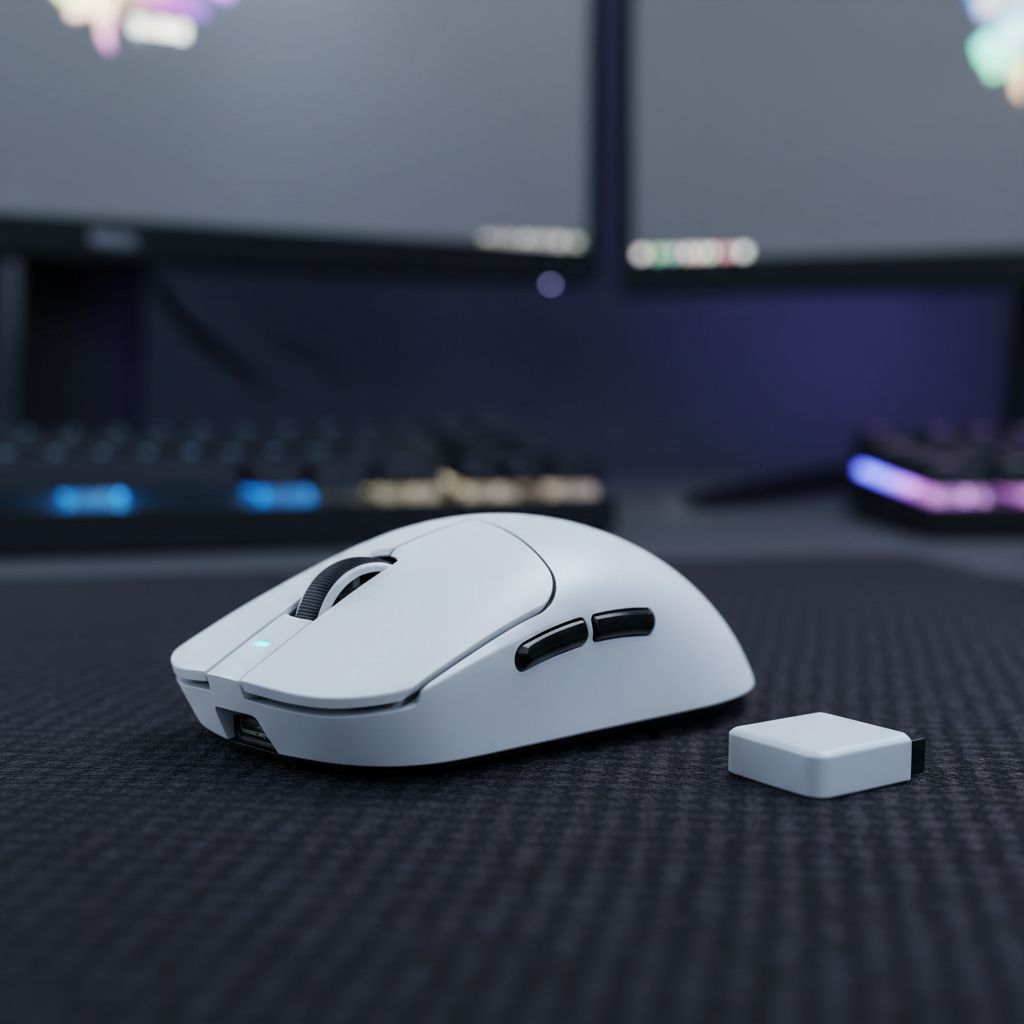
The transition from standard 1000Hz polling to 8000Hz (8K) represents a paradigm shift in input fidelity. For the competitive gamer, an 8K polling rate offers a near-instant 0.125ms reporting interval, effectively eliminating the micro-delays inherent in traditional peripherals. However, this leap in technical specifications often outpaces the readiness of standard PC environments. When a high-spec mouse is introduced to a system not optimized for high-frequency interrupt requests (IRQs), the result is often "micro-stutter"—a phenomenon where the cursor appears to skip or "jitter" despite the high-performance hardware.
To effectively troubleshoot these issues, one must distinguish between sensor-level malfunctions and system-level reporting inconsistencies. This guide provides a technical framework for diagnosing and resolving 8K polling jitter, grounded in the physical laws of signal transmission and system resource management.
The Physics of 8K Polling: Why Systems Struggle
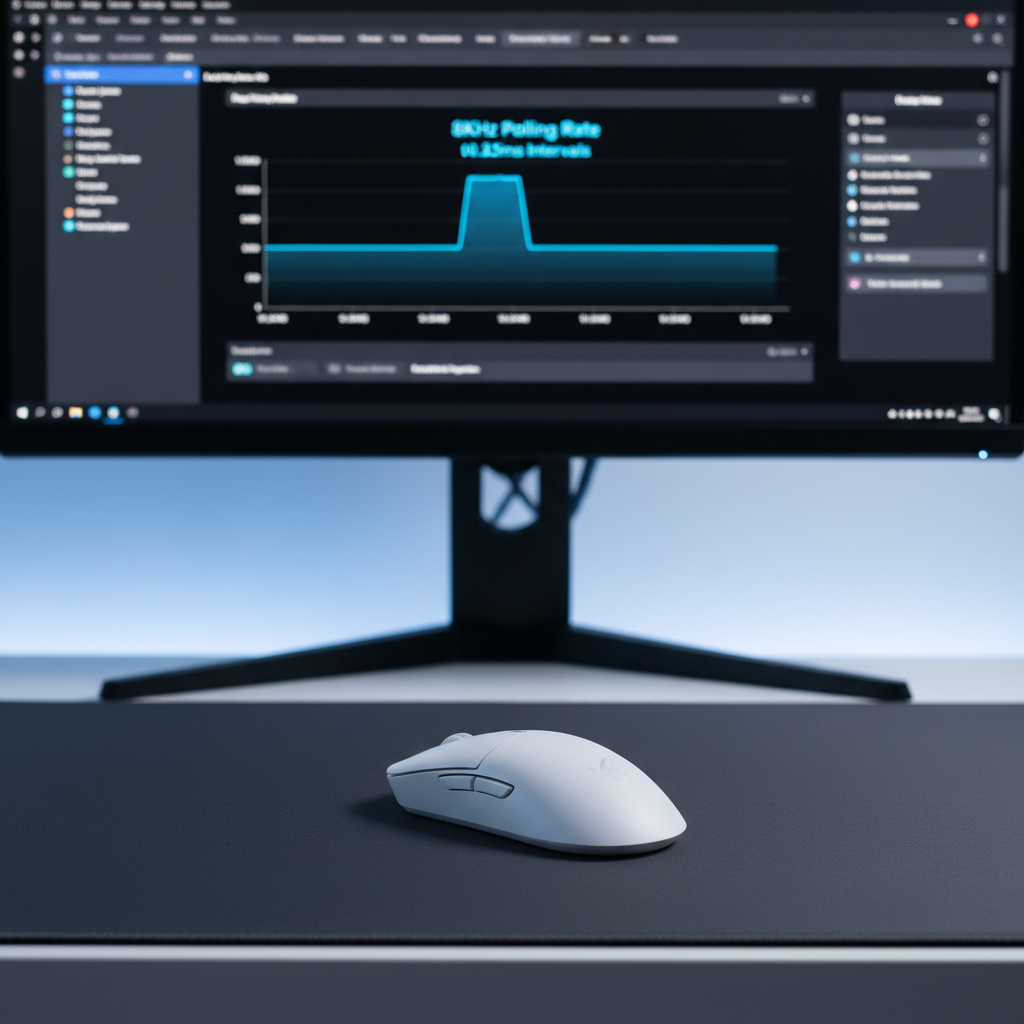
At 1000Hz, a mouse sends data to the PC every 1.0ms. At 8000Hz, this interval shrinks to a near-instant 0.125ms. While this reduces input lag, it increases the CPU's interrupt workload by eightfold. According to the USB HID Class Definition (HID 1.11), the host controller must poll the device at the specified bInterval. For 8K devices, this requires the OS and the CPU to handle 8,000 packets every second per device.
The bottleneck in most modern systems is not raw clock speed but IRQ processing efficiency. When the CPU is under heavy load—particularly in CPU-bound titles—the operating system may delay the processing of these mouse packets to prioritize other threads. This delay manifests as jitter: the mouse continues to report at 8K, but the system "bunches" these reports, leading to irregular cursor movement.
The Motion Sync Trade-off
Motion Sync is a common firmware feature designed to align sensor data with the USB poll. In traditional 1000Hz environments, Motion Sync adds approximately 0.5ms of latency. However, at 8K, the math changes significantly. The deterministic delay added by Motion Sync is typically half the polling interval. At 8000Hz, this penalty is reduced to approximately 0.0625ms—a value so small it is virtually imperceptible, yet critical for maintaining the signal consistency required for high-refresh-rate displays.
Performance Comparison: Polling Intervals and Latency
| Polling Rate | Interval (ms) | Motion Sync Penalty (ms) | CPU Load (Relative) |
|---|---|---|---|
| 1000Hz | 1.0ms | ~0.5ms | 1x |
| 4000Hz | 0.25ms | ~0.125ms | 4x |
| 8000Hz | 0.125ms | ~0.0625ms | 8x |
Note: Relative CPU load refers to the frequency of interrupt requests, which can vary based on OS scheduling and background processes.
Identifying System-Level Bottlenecks
A common mistake in troubleshooting micro-stutter is attributing the issue to the mouse sensor when the culprit is actually the USB topology. High-performance peripherals require a dedicated, high-bandwidth path to the CPU.
USB Root Hub Power Management
Windows and many BIOS versions include power-saving features for USB root hubs. These features can introduce "sleep" states or latency spikes as the hub manages power across multiple ports. For 8K stability, users must disable "USB selective suspend" in Windows Power Options and ensure that the USB controller is not sharing bandwidth with other high-throughput devices like 4K webcams or external NVMe drives.
Motherboard Port Selection
Not all USB ports are created equal. Front-panel headers and integrated hubs on the motherboard often introduce signal noise and packet loss due to poor shielding or shared controllers. High-spec devices should always be connected to the rear I/O ports directly linked to the CPU's PCIe lanes. Using a dedicated PCIe-to-USB card is often a common approach for users on older platforms to isolate the 8K polling stream from the rest of the system's HID traffic.
Signal Integrity and RF Interference in Wireless 8K
Wireless 8K implementations face the additional challenge of maintaining signal consistency across the 2.4GHz spectrum. According to the Global Gaming Peripherals Industry Whitepaper (2026), achieving stable high-frequency polling requires meticulous radio frequency (RF) management to avoid packet collisions.
In real-world testing, wireless 8K signals are highly susceptible to interference from Wi-Fi routers and other Bluetooth devices. A common observation is that placing the wireless receiver too close to the PC case—which acts as a source of EMI (Electromagnetic Interference)—can cause massive latency spikes.
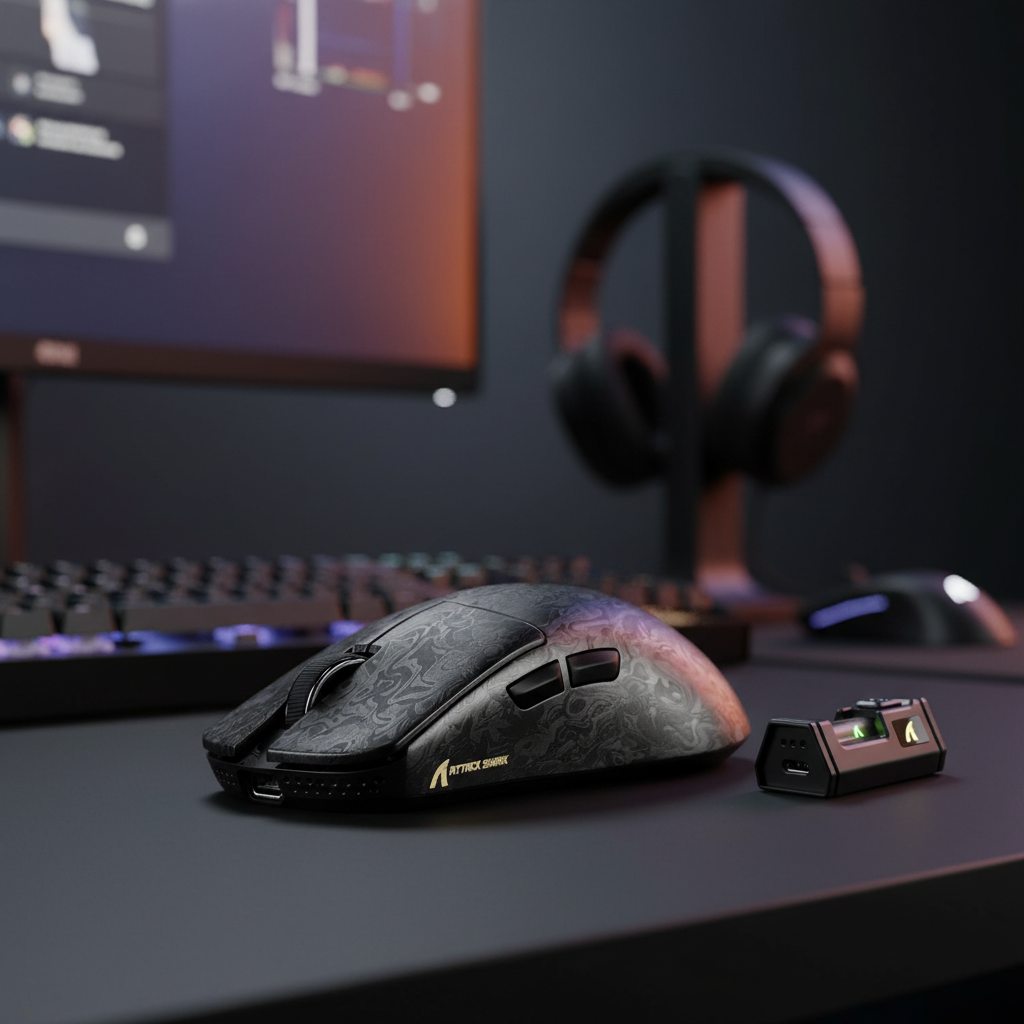
Pro-Tip: Use the short extension cable provided with most high-end receivers. Position the receiver within 12 inches of the mouse pad, away from the PC chassis and wireless routers. This ensures the strongest possible signal-to-noise ratio, which is essential when the radio must transmit data every 0.125ms.

Sensor Saturation: The DPI and IPS Relationship
A frequent source of "perceived" stutter is the failure to saturate the 8K polling bandwidth. The mouse only sends as much data as the sensor generates. If a user moves the mouse slowly at a low DPI, there isn't enough movement data to fill 8,000 packets per second.
The formula for data point generation is: Packets per second = Movement Speed (IPS) × DPI.
- At 800 DPI: A user must move the mouse at least 10 IPS to saturate the 8K bandwidth.
- At 1600 DPI: Only 5 IPS is required to maintain a full 8K report rate.
For users who experience micro-stutter during slow, precise aiming (micro-adjustments), raising the DPI to 1600 or 3200 while lowering the in-game sensitivity is an effective method to trade Windows-level gain for sensor-level precision. This ensures the MCU has enough data to populate the high-frequency polling stream, preventing the "empty" polls that can feel like stutter.
Diagnostic Framework: Self-Diagnosing Jitter
Before concluding that a hardware RMA (Return Merchandise Authorization) is necessary, technical users should utilize software diagnostics to isolate the root cause.
-
LatencyMon: This tool is critical for monitoring system DPC (Deferred Procedure Call) and ISR (Interrupt Service Routine) latency. If LatencyMon shows spikes in
dxgkrnl.sysornvlddmkm.sys, the stutter is likely a GPU driver or OS scheduling issue, not the mouse. - Web-Based Polling Tests: Tools like TestUFO Mouse Rate provide a visual representation of polling stability. However, be aware that many browsers cannot accurately track 8K polling due to their own internal refresh limits.
- MCU Buffer Management: In some cases, micro-stutter is caused by the MCU (Microcontroller Unit) struggling with buffer management under heavy load. If the stutter persists across different USB ports and systems, it may indicate that the firmware requires an update to better handle the 8K data stream.
The Cost of Performance: Battery and CPU
Chasing the 8K specification involves significant trade-offs that value-oriented gamers must consider. Our theoretical models, based on standard industry components, highlight the impact on battery life and system resources.
Battery Runtime Analysis (Wireless 8K)
Based on a standard 500mAh battery and a high-performance radio drawing approximately 12mA at 8KHz, the estimated runtime is significantly reduced compared to 1000Hz.
| Polling Rate | Estimated Current Draw | Estimated Runtime (500mAh) |
|---|---|---|
| 1000Hz | ~4mA | ~100 Hours |
| 4000Hz | ~8mA | ~50 Hours |
| 8000Hz | 12mA | ~33.3 Hours |
Estimates assume 80% discharge efficiency and continuous movement. Real-world usage with power-saving "sleep" modes will extend these figures.
The 33.3-hour runtime means a competitive gamer may need to charge their device every two to three days. This logistical friction is the price of the 0.125ms reporting advantage.
Optimization Checklist for Stable 8K
To ensure a jitter-free experience, follow this technical integration checklist:
- Isolate the USB Controller: Connect the 8K receiver to a dedicated USB 3.0+ port on the rear I/O. Avoid hubs and front-panel ports.
- Disable Power Saving: In Device Manager, find the "USB Root Hub" used by the mouse and uncheck "Allow the computer to turn off this device to save power."
- Optimize Windows Power Plan: Set the system to "High Performance" or "Ultimate Performance" to minimize CPU core parking and frequency scaling.
- Update Firmware and Drivers: Regularly check the official driver download pages for the latest MCU and receiver firmware updates, as these often contain critical buffer management fixes.
- Manage RF Congestion: Keep the receiver on an extension cable, ideally within 30cm of the mouse, and away from 2.4GHz Wi-Fi antennas.
- Monitor System Latency: Use LatencyMon during a gaming session to identify if background processes or drivers are interrupting the 8K data stream.
Stable 8K performance is rarely a "plug-and-play" experience. It requires a holistic approach to system tuning, from the physical USB connection to the OS-level interrupt handling. By understanding the underlying mechanisms of IRQ processing and RF signal integrity, gamers can successfully distinguish between a faulty sensor and a poorly optimized environment, ensuring they receive the full competitive benefit of high-frequency polling.
Disclaimer: This article is for informational purposes only. Troubleshooting steps involving BIOS settings or system power plans should be performed with caution. Always refer to your motherboard and peripheral manufacturer's official documentation before making significant hardware or software changes.

Dejar un comentario
Este sitio está protegido por hCaptcha y se aplican la Política de privacidad de hCaptcha y los Términos del servicio.