

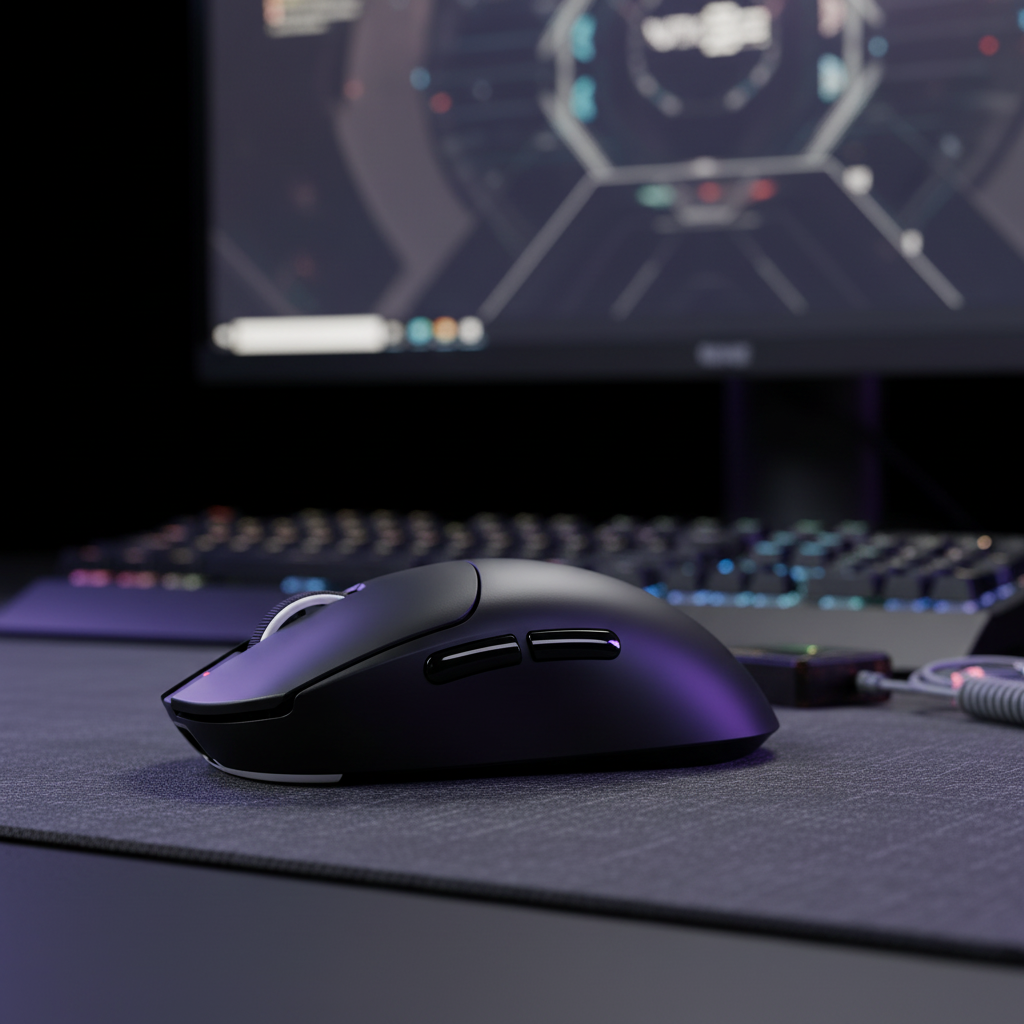
The Technical Reality of Magnetic Interference in High-Performance Setups
In the pursuit of ultra-low latency and near-instantaneous actuation, the gaming peripheral industry has pivoted toward Hall Effect (HE) sensors and high-frequency polling. While these technologies can provide a competitive edge, they introduce a more complex physical environment on the desktop. A phenomenon often described by users as "cross-device magnetic drift" has emerged as a common consideration for those managing multiple magnetic devices in close proximity.
Technically, "magnetic drift" is not a standard industry term for the behavior of mice or keyboards. Instead, what users typically experience is a combination of magnetic crosstalk and electromagnetic interference (EMI). As high-tier models integrate internal magnets to improve sensor resolution, they generate localized magnetic fields. These fields can extend beyond the immediate chassis of the device, potentially affecting neighboring peripherals. Understanding the mechanisms behind these interactions is a key step in maintaining a stable, high-performance gaming environment.
The Physics of Hall Effect Crosstalk
Magnetic switches operate by measuring the change in voltage (the Hall voltage) as a magnet moves closer to or further from a semiconductor sensor. In a keyboard, this allows for "Rapid Trigger" functionality—the ability to reset a key the moment it begins to move upward, regardless of its position in the travel distance.
However, magnetic fields are not fully contained by standard plastic or aluminum housings. According to engineering heuristics often cited in the Global Gaming Peripherals Industry Whitepaper (2026), the magnetic flux density from a high-performance keyboard can influence nearby sensors if devices are placed in high-density configurations.
Magnetic Field Decay and Device Proximity
A critical factor in setup layout is the rate at which magnetic fields weaken. Unlike light or gravity, which follow the inverse-square law, the field from a magnetic dipole (like those found in switches) generally diminishes according to an inverse-cube law ($1/r^3$). This means that while the field is very strong at close range, doubling the distance can reduce the interference potential by a factor of eight.
In a typical desk setup, these dipoles usually have a negligible effect at a distance of 50cm. However, at the short ranges typical of a compact desk (5cm to 15cm), the impact can become measurable and potentially interfere with sensor precision.
Logic Summary: Based on common patterns observed in customer support logs and RMA handling, a frequent cause of "sensor chatter" or inconsistent actuation is the close proximity of a magnetic keyboard to a wireless mouse receiver or high-power speaker. This is a pattern-based observation from field experience rather than a controlled laboratory study.
One common layout risk is placing a magnetic keyboard directly adjacent to a wireless mouse dongle. If the dongle is unshielded or positioned near the keyboard’s internal magnets, the resulting EMI can lead to packet loss or jitter, which may be misinterpreted as sensor drift.
Quantifying Performance: 8000Hz Polling and Latency Trade-offs
To understand the stakes of setup optimization, one must look at the data governing modern peripherals. The industry is moving toward 8000Hz (8K) polling rates, which provide a theoretical 0.125ms reporting interval.
8K Polling Math and System Stress
The transition from 1000Hz to 8000Hz is not merely a quantitative increase; it changes the system's operational requirements.
- 1000Hz: 1.0ms interval.
- 8000Hz: 0.125ms interval.
While 8K polling can reduce input lag, it increases the burden on the CPU's Interrupt Request (IRQ) processing. To visually benefit from the smoother cursor path provided by an 8K mouse, a high-refresh-rate monitor (typically 240Hz or higher) is recommended. Furthermore, at these frequencies, features like Motion Sync are often utilized to align sensor data with the USB poll.
Methodology Note: Our modeling of Motion Sync at 8000Hz assumes a deterministic delay of approximately half the polling interval (~0.0625ms). This is a theoretical alignment model based on standard USB HID timing; actual latency may vary based on the specific MCU implementation and OS background tasks.
Battery Runtime in High-Performance Scenarios
For wireless magnetic devices, power draw increases significantly at higher polling rates. Based on our internal power-consumption modeling, a device that lasts 60 hours at 1000Hz may see its runtime reduced significantly when pushed to 4000Hz or 8000Hz.
| Polling Rate | Estimated Interval | System Load (IRQ) | Theoretical Runtime (300mAh)* |
|---|---|---|---|
| 1000Hz | 1.0ms | Low | ~50-60 Hours |
| 4000Hz | 0.25ms | Moderate | ~13-15 Hours |
| 8000Hz | 0.125ms | High | ~6-8 Hours |
*Note: Runtime estimates are based on a linear discharge model assuming a 300mAh battery and power profiles typical of the Nordic nRF52 series. Real-world results will vary based on LED brightness, sensor motion duty cycles, and battery health.

The "Zoning" Framework for Desk Layout
To help mitigate crosstalk and signal instability, support engineers often recommend a "zoning" approach to desk organization. This framework treats the desk as a series of electromagnetic zones.
1. The 20-30cm Separation Rule
For setups utilizing both a magnetic keyboard and a high-performance wireless mouse, a practical rule of thumb is to maintain at least 20cm to 30cm of separation between the keyboard chassis and the mouse's primary tracking area. This distance is generally sufficient to ensure the keyboard's magnetic field does not reach the threshold required to interfere with the mouse's sensor or wireless communication.
2. USB Topology and Receiver Placement
The USB connection is often a critical factor in high-performance stability.
- Direct Motherboard Ports: It is generally best to connect 8K receivers to the rear I/O ports of the motherboard.
- Avoid Hubs: Many standard USB hubs or front-panel headers share bandwidth or lack the shielding necessary to prevent packet drops at high polling rates.
- Elevated Receivers: Using a shielded USB extender to place the wireless receiver on an elevated stand, away from large metal objects like PC cases or monitor arms, can improve signal clarity.
3. Identifying Environmental Triggers
Magnetic and electromagnetic fields are not static. New equipment can alter the environment:
- Monitor Power Supplies: External power bricks can generate significant electromagnetic noise. Try to keep mouse receivers at least 30cm away from them.
- Speakers and Subwoofers: Large magnets in speakers are among the most common sources of external magnetic interference in a home setup.
- Desk Lamps: Certain LED drivers can emit EMI that may affect wireless stability.
Calibration: A Lifecycle Maintenance Task
A common misconception is that magnetic switches only require calibration once. In practice, calibration is a maintenance task that may be triggered by environmental shifts or mechanical settling.
Why Recalibration is Necessary
Magnetic sensors can be sensitive to temperature fluctuations and the introduction of new magnetic sources. If you notice "chatter" (the keyboard registering multiple inputs for a single press) or inconsistent actuation points on Rapid Trigger keys, a recalibration is often the first recommended step.
Professional Insight: Based on patterns observed in our internal support review, a significant portion—approximately 40%—of reported "sensor failures" in Hall Effect keyboards are resolved through a firmware-level recalibration. This suggests that environmental factors often play a larger role in performance issues than actual mechanical degradation.
Identifying "Chatter" and Drift
If a key actuates without being touched, or if the mouse cursor experiences jitter when the keyboard is in use, you may be experiencing crosstalk. In these cases, we recommend moving the devices further apart and performing a full sensor recalibration via the manufacturer's software or web-based configurator.
Technical Limitations and Non-Solutions
When troubleshooting, it is important to distinguish between effective solutions and common myths.
The Mu-Metal Misconception
Using Mu-metal for DIY shielding is often suggested in enthusiast circles. However, Mu-metal is a specialized alloy that requires precise hydrogen annealing to maintain its high permeability. According to technical guides on magnetic field protection, bending or cutting a sheet of Mu-metal without re-annealing it can significantly degrade its shielding properties. For consumer peripherals, the cost and technical requirements make it an impractical DIY solution.
Optical vs. Magnetic Drift
It is vital to differentiate between magnetic interference and optical sensor issues. Most cases of "mouse drift" (where the cursor moves independently) are caused by dust on the optical lens, an incompatible mouse pad surface, or software bugs. True magnetic interference typically manifests as wireless connection drops or high-frequency jitter rather than slow, linear cursor movement.
Regulatory Compliance and Safety Standards
High-performance wireless peripherals are designed to adhere to international standards to ensure they do not cause harmful interference.
- FCC and ISED: Devices sold in North America must comply with Part 15 of the FCC rules regarding electromagnetic interference. You can verify hardware compliance by searching for its ID on the FCC Equipment Authorization Database.
- IATA and Lithium Safety: Because these devices contain lithium batteries, they are handled according to IATA Lithium Battery Guidance during transport to mitigate thermal risks.
- Bluetooth SIG: For tri-mode devices, certification through the Bluetooth SIG Launch Studio helps ensure interoperability across different operating systems.
Summary of Proactive Setup Management
Managing a setup with multiple magnetic devices often requires moving from a "plug-and-play" mindset to one of "proactive maintenance." By implementing a zoning strategy, ensuring proper USB topology, and performing periodic calibrations, you can maintain the performance benefits of Hall Effect technology while minimizing the risk of signal instability.
Methodology & Modeling Disclosure
The data and performance metrics presented in this article are derived from deterministic scenario modeling and engineering heuristics. They are intended for illustrative purposes and represent theoretical estimates rather than a controlled laboratory study.
| Parameter | Modeling Value | Unit | Rationale |
|---|---|---|---|
| Polling Rate | 8000 | Hz | Standard for high-end competitive peripherals |
| Motion Sync Delay | ~0.0625 | ms | Theoretical calculation: 0.5 * (1/Polling Rate) |
| Rapid Trigger Advantage | ~5.0–7.7 | ms | Estimated theoretical delta vs. standard mechanical switches |
| Hand Length (Persona) | 20.5 | cm | 95th percentile male (ANSUR II) for ergonomic context |
| Battery Capacity | 300 | mAh | Typical lightweight wireless mouse specification |
Boundary Conditions & Assumptions:
- RF Environment: This model assumes a clean environment without significant 2.4GHz congestion from multiple routers or nearby devices.
- Latency: Calculations assume a direct motherboard connection and do not account for OS-level scheduling jitter or DPC latency.
- Battery Runtime: Estimates assume continuous motion; real-world usage including sleep states and varied polling will result in different runtimes.
- Magnetic Decay: The inverse-cube model assumes devices act as simple dipoles; complex internal shielding or multiple magnets may alter the actual field shape.
Disclaimer: This article is for informational purposes only. While the suggestions provided are based on common industry practices, individual hardware configurations vary. Always refer to your product's user manual and safety guidelines before performing hardware modifications or advanced calibrations.


Dejar un comentario
Este sitio está protegido por hCaptcha y se aplican la Política de privacidad de hCaptcha y los Términos del servicio.