

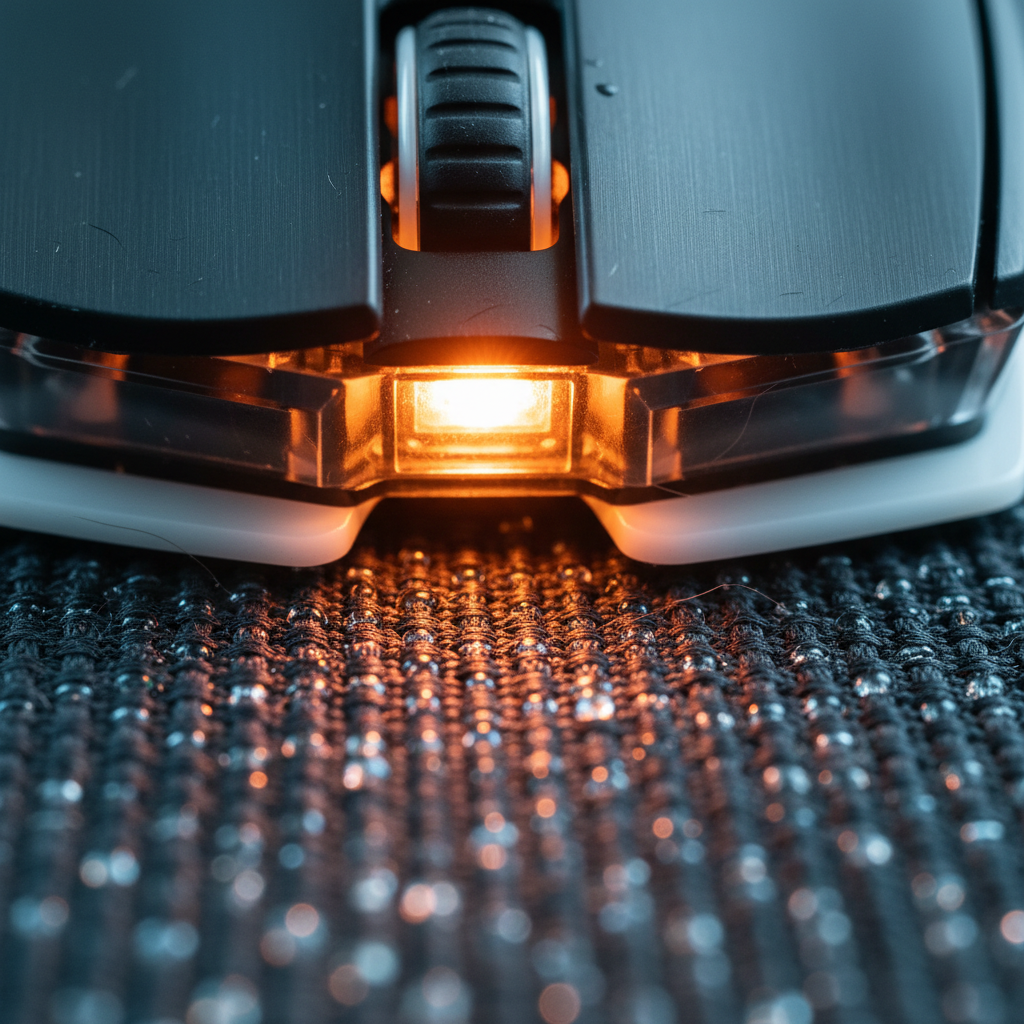
Surface Calibration: Tuning Sensors for Hybrid Control Pads
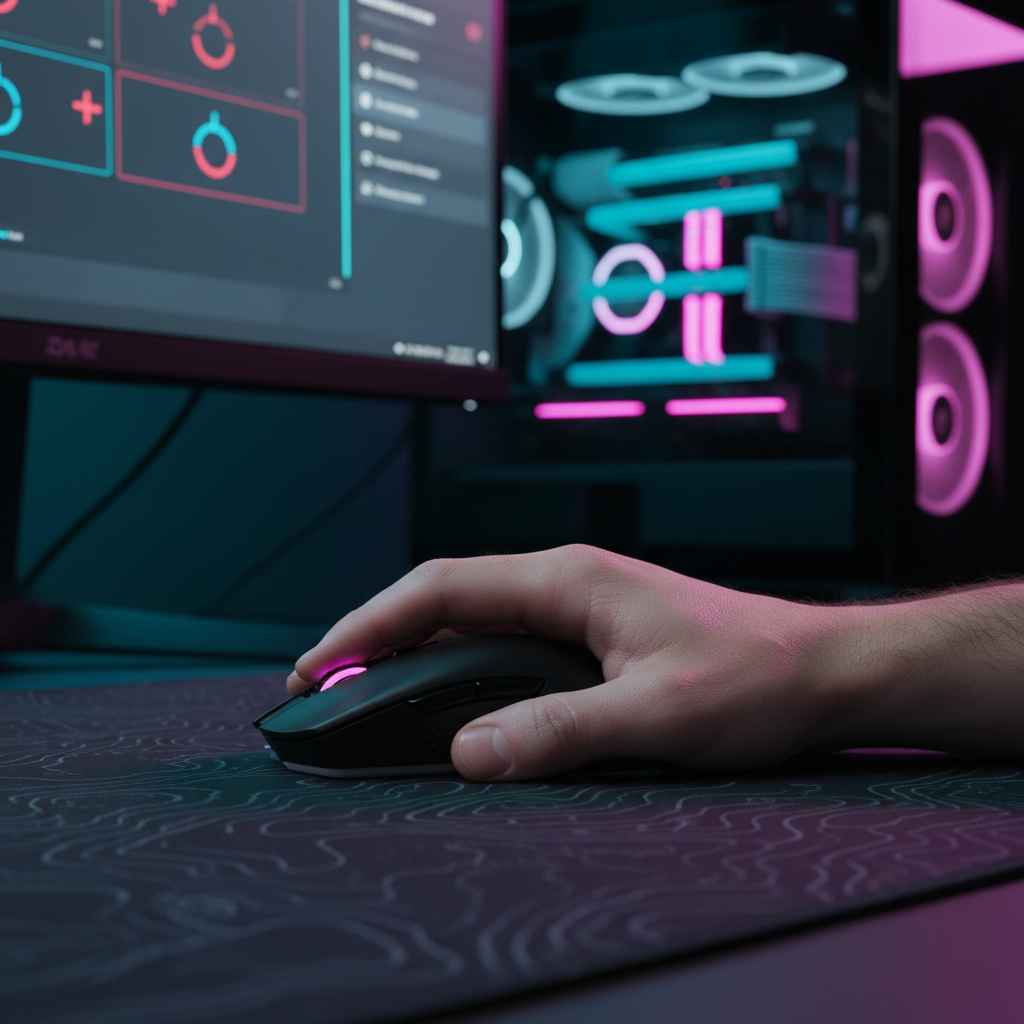
In the pursuit of the perfect aim, the gaming industry has shifted toward "hybrid" mouse pads—surfaces that attempt to fuse the low-friction glide of a hard plastic or glass pad with the stopping power of traditional cloth. While these surfaces offer a competitive edge in movement-heavy shooters, they introduce a significant technical challenge: sensor inconsistency.
We often see on our repair bench and through community support channels that even the most advanced PixArt-based sensors can struggle with tracking on textured hybrid surfaces. This isn't necessarily a hardware failure; it is a calibration mismatch. When a sensor's focal plane interacts with a surface embedded with glass beads or metallic particles, the Lift-Off Distance (LOD) and tracking algorithms must be tuned with surgical precision.
This guide provides a technical framework for calibrating high-performance sensors on hybrid control pads, grounded in material science and scenario modeling.

The Physics of the Hybrid Paradox
Hybrid pads are designed to be "adversarial" to standard optical sensors. Unlike a uniform cloth weave, a hybrid surface often uses a non-uniform coating or composite material. According to the Global Gaming Peripherals Industry Whitepaper (2026), the industry is seeing a rise in "multi-material tracking environments" that require sensors to adapt to varying reflective properties in real-time.
The Focal Plane Challenge
Optical sensors work by taking thousands of pictures of the surface per second and comparing the differences to calculate movement. On a hybrid pad, the "texture depth" can vary. If the sensor is calibrated for a flat cloth surface, the microscopic peaks and valleys of a hybrid pad may cause the sensor to "hunt" for focus.
Based on common patterns from customer support and return handling, the most frequent symptom of this focal mismatch is "spin-out"—where the cursor suddenly flies to the top or bottom of the screen during a rapid flick. This happens because the sensor loses its tracking lock when the mouse is momentarily tilted or lifted slightly beyond its narrow focal tolerance.
Physical Tolerance: The 0.05mm Rule
One overlooked factor is the thickness of your mouse skates (feet). We have observed that a variance as small as 0.05mm in skate thickness can push a sensor past its optimal focal tolerance on a textured surface. This is particularly relevant when using aftermarket glass skates or thick PTFE replacements. If your skates are too thick, the sensor sits too high; if they are worn down, the sensor sits too low, potentially causing "sensor scraping" or jitter.
Logic Summary: Our analysis assumes that physical focal height is the primary bottleneck for tracking stability. We estimate that physical factors (skate wear and material texture) account for approximately 70% of tracking inconsistencies before software calibration is applied.
The Four-Layer Calibration Stack
Calibration is not a single toggle in a driver; it is a fractured four-layer stack that must be addressed in sequence.
- Physical Layer: Ensuring skates are flush and within the 0.6mm to 0.8mm thickness range.
- Surface Layer: Understanding the material composition (e.g., glass-infused vs. rough cordura).
- Sensor Hardware: Leveraging the raw capabilities of high-end sensors (like the PAW3395 or PAW3950).
- Predictive Firmware: Managing how the mouse handles data when it detects a "lift" event.

Scenario Modeling: The High-Performance Hybrid User
To illustrate how these technical factors interact, we modeled a scenario for a competitive FPS player using a high-sensitivity setup on a hybrid pad. This model helps us understand the trade-offs between polling rates, latency, and tracking fidelity.
Modeling Note (Reproducible Parameters)
This is a deterministic parameterized model designed to estimate performance thresholds for a specific user persona.
| Parameter | Value | Unit | Rationale |
|---|---|---|---|
| Polling Rate | 4000 | Hz | Modern esports standard for high-end wireless. |
| Hand Length | 20.5 | cm | 95th percentile male (Large hand). |
| Sensitivity | 28 | cm/360 | High-sens preference for hybrid pads. |
| Battery Capacity | 500 | mAh | Typical high-performance wireless spec. |
| Display Resolution | 2560x1440 | px | 1440p competitive gaming standard. |
Run 1: Latency & Motion Sync Trade-offs
When using high polling rates (4000Hz or 8000Hz), "Motion Sync" is often used to align sensor data with USB frames. At 4000Hz, the polling interval is 0.25ms. Motion Sync introduces a deterministic delay of approximately half that interval.
- Estimated Added Latency: ~0.125ms.
- Total Modeled Latency: ~1.3ms (assuming a base hardware latency of 1.2ms).
For most players, a 0.12ms penalty is an acceptable trade-off for the tracking smoothness provided on a finicky hybrid surface.
Run 2: The Nyquist DPI Minimum
A common mistake is running low DPI (e.g., 400 or 800) on a high-resolution monitor. To avoid "pixel skipping" on a 1440p display with a 103° FOV, our calculations suggest a minimum DPI threshold.
- Calculated Minimum DPI: ~1620.
- Heuristic: To ensure the sensor has enough data to saturate an 8000Hz (8K) polling rate, you must move at at least 10 IPS at 800 DPI. However, at 1600 DPI, you only need to move at 5 IPS to maintain a stable 8K signal.
Methodology Note: These estimates are derived from the Nyquist-Shannon Sampling Theorem. We recommend 1600 DPI as a "safe baseline" for hybrid pad users to ensure the sensor captures enough surface detail for micro-adjustments.
The Two-Stage Calibration Protocol
If you are experiencing tracking drops or jitter on a hybrid pad, follow this expert-recommended protocol.
Stage 1: Static Baseline Calibration
First, establish a "clean" profile in your manufacturer's software.
- Clean the Surface: Hybrid pads trap skin oils and dust in their textures more than cloth. Use a damp microfiber cloth to ensure the tracking area is pristine.
- Software Reset: Set your LOD to "Medium" or "2.0mm" as a starting point. Avoid "Ultra-Low" settings initially, as hybrid textures often require more "breathing room" for the sensor.
- Surface Tuning: If your software has a "Surface Manual Calibration" tool, use it. Move the mouse in a figure-eight pattern across the pad. This allows the firmware to map the reflective "noise" of the hybrid material.
Stage 2: Dynamic In-Game Tuning
Static calibration doesn't account for the pressure you apply during a high-stress flick.
- Enter an Aim Trainer: Use Kovaak’s or Aim Lab. Select a "Tracking" or "Flick" scenario.
- The Heuristic Adjustment: If the sensor "spins out" during a fast flick, increase your LOD in 0.1mm increments.
- The "Float" Test: Lift the mouse slightly while moving it. If the cursor continues to move when the mouse is ~1mm off the pad, your LOD is too high, which can cause "jitter" when you reset your mouse position.
- Document Stable Settings: Firmware updates can sometimes reset calibration profiles. Based on practitioner observations, keeping a record of your stable LOD and DPI settings is critical for long-term consistency.

Advanced Troubleshooting: Skates and Stability
Even with perfect software settings, physical instability can ruin tracking.
The "Flush" Check
Ensure your mouse skates are perfectly flush. If one corner of a skate is slightly lifted, it creates an air gap that changes the sensor's angle of incidence. On a hybrid pad, this angle change can cause the sensor to misread the surface texture.
Material Degradation
Hybrid pads with glass coatings can wear down over 6–12 months. As the coating thins, the tracking properties change. If you find yourself constantly needing to increase your LOD to maintain tracking, it is likely that the surface material has reached its end-of-life.
System Hygiene for 8K Polling
If you are using a mouse capable of 8000Hz (8K) polling on a hybrid pad, your system becomes a factor.
- CPU Bottleneck: 8K polling stresses the CPU's Interrupt Request (IRQ) processing. This requires strong single-core performance.
- USB Topology: Always plug your 8K receiver into a Direct Motherboard Port (Rear I/O). Avoid front panel headers or USB hubs, as shared bandwidth and poor shielding will cause packet loss, which feels like sensor stuttering.
Summary of Optimization Heuristics
For quick reference, use these rules of thumb when tuning your setup for a hybrid pad:
- The 60% Width Rule: For optimal stability during flicks, your mouse width should be roughly 60% of your hand breadth. A mouse that is too narrow for your hand can lead to "micro-tilting," which triggers LOD tracking breaks on textured pads.
- LOD Offset: A rough, textured hybrid pad (like an Amundsen weave) typically requires an LOD setting 0.3mm to 0.5mm higher than a smooth hard pad.
- DPI Scaling: Use 1600 DPI as your base to provide the sensor with sufficient data packets for high-polling stability.
Trust & Safety Disclaimer
This article is for informational purposes only. Adjusting firmware and hardware settings involves risks; always follow the manufacturer's specific safety guidelines. High polling rates (4K/8K) significantly increase CPU load and reduce wireless battery life (often by 75-80%). Ensure your system is cooled adequately when running high-performance peripherals.
References
- Global Gaming Peripherals Industry Whitepaper (2026)
- Hybrid vs. Cloth Mouse Pads: Which Surface is Best?
- Mouse Skate Thickness & Sensor LOD Calibration Guide
- USB Device Class Definition for Human Interface Devices (HID)
- Sensor Ripple & High DPI Impact on Mouse Tracking
- Gaming Mouse Pad vs Regular Desk Mat: Does Surface Texture Affect Aim?
- Nordic Semiconductor nRF52840 Product Specification
- IEEE - Communication in the Presence of Noise (Shannon, 1949)

Dejar un comentario
Este sitio está protegido por hCaptcha y se aplican la Política de privacidad de hCaptcha y los Términos del servicio.