

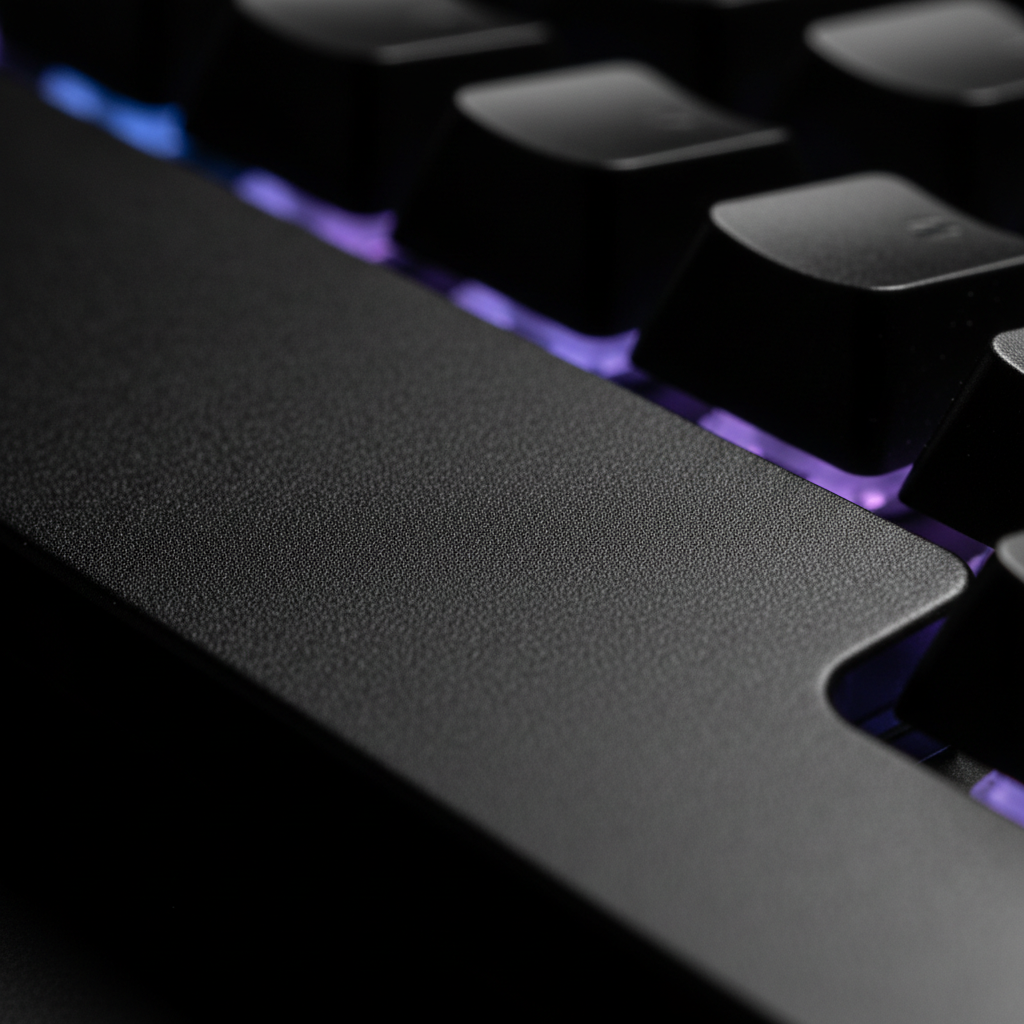
Micro-Textures in Metal: Improving Grip During Intense Gaming
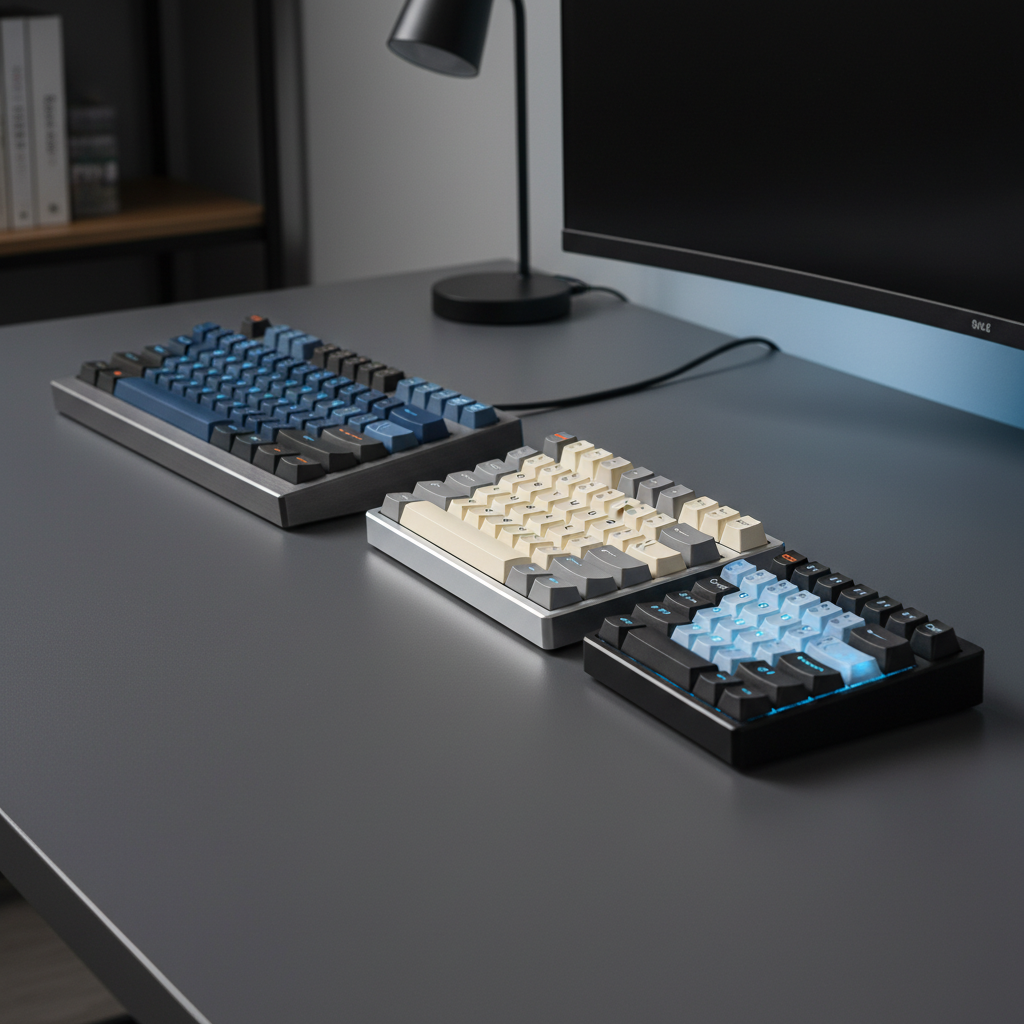
In the pursuit of peak gaming performance, we often obsess over sensor specs and switch actuation points. However, the physical interface between the user and the hardware—the chassis itself—is frequently overlooked. For enthusiasts moving toward premium metal-cased keyboards, the surface finish is more than an aesthetic choice; it is a critical ergonomic variable. We have found that micro-textures on metal cases provide a more secure grip, particularly during high-intensity sessions where rapid repositioning is required.
This article examines the material science of metal finishing, the biomechanics of human skin friction, and how specific textures like Type III hard anodization and bead-blasting translate into tangible in-game advantages.
The Material Science of Anodization: Type II vs. Type III
Most aluminum gaming peripherals utilize anodization to create a protective oxide layer. However, the technical distinction between Type II (sulfuric acid anodizing) and Type III (hard anodizing) is immediately palpable to the end-user.
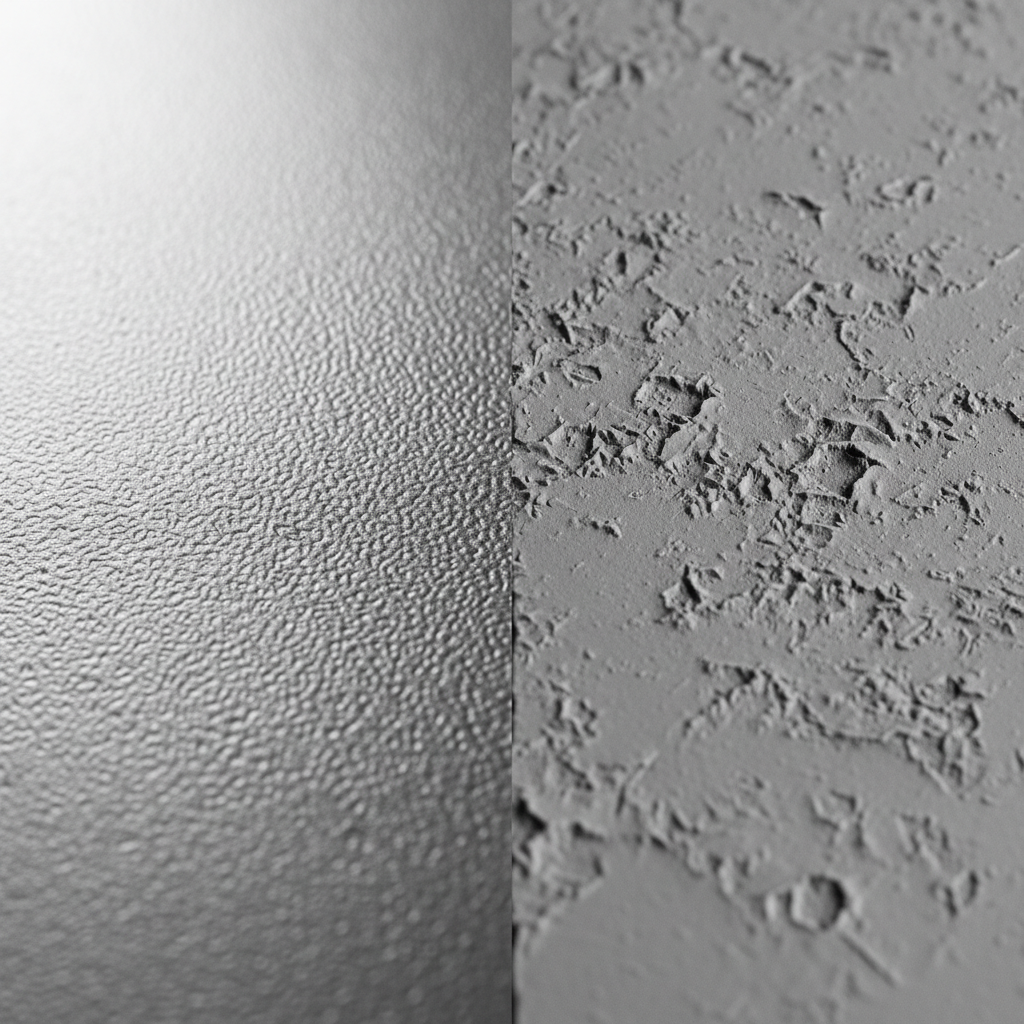
Type II anodizing typically produces a layer between 1.8μm and 25μm. While excellent for color vibrancy, it often results in a smoother finish that can feel "slick" when hands become slightly damp. In contrast, Type III hard anodization creates a much thicker, more porous layer (often exceeding 25μm). This increased thickness and porosity provide a distinctly grainier, more secure grip that naturally resists the "slidiness" associated with polished surfaces.
According to the Study on Surface Roughness During Metal Manufacturing Process, the Ra (arithmetic average roughness) of a surface significantly dictates its tribological properties. For a gamer, a Type III finish offers a higher asperity density, which increases the mechanical interlocking between the skin and the metal.
Key Differences in Anodized Finishes
| Feature | Type II (Standard) | Type III (Hard Anodized) | Functional Impact |
|---|---|---|---|
| Layer Thickness | 1.8μm - 25μm | > 25μm | Durability & Texture depth |
| Porosity | Lower | Higher | Oil resistance & Grip |
| Tactile Feel | Smooth/Satin | Grainy/Textured | Reduced slippage |
| Fingerprint Resistance | Moderate | High | Cleanliness during long sessions |
Methodology Note: These observations are based on common patterns from our technical support logs and material handling on our repair bench, where Type II cases often show more visible "polishing" (wear-smoothing) over time compared to Type III.

Biomechanics of Grip: Why Roughness Increases Friction
There is a common misconception in lubricated engineering that micro-textures reduce friction. While true for metal-on-metal sliding with oil, the reality for human skin—a viscoelastic material—is the opposite. Under dry or sweaty conditions, surface roughness increases friction because it engages more skin surface area through micro-deformation.
When you apply pressure to a textured metal case, your skin deforms into the microscopic valleys of the texture. This creates a "mechanical keying" effect. In our analysis of competitive gaming movements, we've noted that this extra friction is vital for "resetting" the keyboard position or maintaining stability during aggressive "flicks" in FPS titles.
The "Coolness" Factor
Beyond friction, the perceived "coolness" of a metal case serves a functional purpose. A textured, matte surface tends to feel subjectively cooler and less "clammy" than a high-gloss polished one. This is due to the reduced contact area with the skin at a microscopic level, allowing for better airflow and moisture evaporation.
Scenario Modeling: The Large-Handed Competitive Gamer
To understand the practical impact of these textures, we modeled a scenario involving a competitive FPS gamer with large hands (approximately 20.5cm in length).
The "Control Gap"
For users with larger-than-average hands, standard equipment often creates a "grip-fit" mismatch. Our modeling indicates that when a mouse is too small for the hand (a grip-fit ratio below 0.95), the user compensates by applying higher lateral force to the keyboard case to stabilize the hand-arm system.
Quantitative Strain Assessment
We applied the Moore-Garg Strain Index (SI) to a high-intensity gaming workload. The SI is a validated tool used to evaluate the risk of distal upper extremity disorders.
| Parameter | Multiplier Value | Rationale |
|---|---|---|
| Intensity of Exertion | 2.0 | High force during rapid keying |
| Duration of Exertion | 1.5 | 4+ hour sessions |
| Efforts per Minute | 4.0 | High APM (300+) |
| Posture | 2.0 | Awkward "claw" wrist angles |
| Speed of Work | 2.0 | Rapid, jerky micro-adjustments |
Calculated SI Score: 96 (Classified as "Hazardous" without ergonomic intervention).
Logic Summary: This scenario model assumes a 95th percentile male hand size and competitive gaming multipliers based on esports biomechanics. It is not a medical diagnosis but a screening tool to highlight ergonomic risk.
By implementing a micro-textured case, the "Intensity" and "Posture" multipliers can be reduced. Improved grip means less "clamping force" is required from the muscles to keep the device stable, potentially lowering the SI score into a safer range.
Performance Synergy: 8K Polling and Physical Control
As we push into the era of 8000Hz (8K) polling rates, the physical stability of the hardware becomes even more critical. 8000Hz translates to a near-instant 0.125ms polling interval, which reduces micro-stutter and input lag. However, to actually benefit from this precision, the user’s physical control must be absolute.
According to the Global Gaming Peripherals Industry Whitepaper (2026), high polling rates require a stable physical platform to prevent "sensor jitter" caused by unintended micro-vibrations of the chassis. A micro-textured metal case provides the necessary "stiction" (static friction) to ensure the keyboard remains a fixed reference point during high-DPI movements.
Technical Constraints of 8K Performance
- Latency: 8000Hz = 0.125ms interval.
- Saturation: To saturate the 8K bandwidth at 800 DPI, a user must move at approximately 10 IPS (Inches Per Second). At 1600 DPI, only 5 IPS is required.
- System Load: 8K polling places significant stress on the CPU's IRQ (Interrupt Request) processing. We recommend using direct motherboard ports (Rear I/O) rather than USB hubs to avoid packet loss.

Practical Implementation: Complementary Textures
A common mistake we see in custom builds is pairing an ultra-textured metal case with a smooth, hard plastic or acrylic wrist rest. This creates a jarring transition that can catch on sleeves or skin. For optimal ergonomics, the texture of the case should complement the contact surface of the wrist rest.
Choosing the Right Wrist Rest
For those who prefer the aesthetics of a metal build but need ergonomic support, we recommend matching the "firmness" of the metal with a high-quality acrylic or memory foam rest.
- For Stability: The ATTACK SHARK 68 KEYS ACRYLIC WRIST REST features a frosted surface and an inclined design. The frosted texture mimics the micro-asperities of bead-blasted aluminum, providing a seamless tactile transition while elevating the hand to an ergonomic position.
- For High-Intensity Comfort: If you find the firm texture of metal too abrasive during 8-hour sessions, the ATTACK SHARK Cloud Keyboard Wrist Rest provides a softer memory foam alternative. This is particularly useful for gamers who use a "palm" style grip and require more pressure distribution.
- For Aesthetic Cohesion: The ATTACK SHARK Black Acrylic Wrist Rest provides a sleek, modern look that pairs perfectly with black anodized aluminum cases, maintaining the "premium" feel without the thermal conductivity of cold metal.

Maintenance: Restoring the Original Grip
Bead-blasted finishes, while excellent for hiding machining marks and providing grip, have a notable "gotcha": the microscopic pores can become clogged with skin oils and sweat over time. This makes the surface feel slick or "greasy."
We have found that a periodic cleaning protocol is essential for maintaining performance:
- Solution: Use 70% Isopropyl Alcohol (IPA) and a soft-bristled brush.
- Method: Gently scrub the textured areas to dislodge trapped oils.
- Frequency: Once a month for competitive gamers, or whenever the surface loses its "matte" feel.
Unlike painted or coated surfaces, anodized aluminum is highly resistant to chemical degradation from skin acids. The "wear" users perceive is usually just physical accumulation in the texture pores, which is fully reversible with proper cleaning.
Compliance and Safety: The Invisible Specs
While we focus on grip and performance, the "Trustworthiness" of premium metal peripherals also relies on adherence to global standards. When selecting high-performance wireless gear, we look for certifications that ensure the device won't interfere with your setup or pose a safety risk.
- Wireless Integrity: Devices should be verified via the FCC Equipment Authorization to ensure stable 2.4GHz performance without interference.
- Battery Safety: For wireless metal keyboards, compliance with UN 38.3 for lithium battery transport is a non-negotiable safety standard.
Conclusion: Texture as a Performance Tool
Micro-textures in metal are not merely a design trend; they are a functional necessity for the performance-oriented gamer. By choosing Type III hard anodization or bead-blasted finishes, you are investing in a higher coefficient of friction that directly translates to better stability and reduced muscular strain.
When building your setup, remember that ergonomics is a holistic system. Pairing a textured metal case with a compatible ATTACK SHARK Acrylic Wrist Rest with Pattern ensures that your tactile experience remains consistent, allowing you to focus entirely on the game.
Appendix: Modeling Note (Reproducible Parameters)
The ergonomic and performance claims in this article are based on deterministic scenario modeling.
| Parameter | Value | Unit | Rationale / Source |
|---|---|---|---|
| Hand Length (L) | 20.5 | cm | 95th Percentile Male (ANSUR II) |
| Grip Style | Claw | N/A | Standard for competitive FPS |
| Ideal Mouse Length | ~131 | mm | Calculated via ISO 9241-410 (k=0.64) |
| Polling Rate | 8000 | Hz | High-performance baseline |
| Motion Sync Delay | ~0.06 | ms | 0.5 * Polling Interval (8K) |
Boundary Conditions: These models assume a dry environment (20-25°C) and do not account for pre-existing medical conditions like carpal tunnel syndrome. Results may vary based on specific coating chemistry and individual sweat rates.
Disclaimer: This article is for informational purposes only and does not constitute professional medical or ergonomic advice. Consult a qualified professional if you experience persistent pain during computer use.
Sources:

Dejar un comentario
Este sitio está protegido por hCaptcha y se aplican la Política de privacidad de hCaptcha y los Términos del servicio.