Solución rápida: Lista de verificación para calibración manual
Si tu teclado de efecto Hall (HE) se siente inconsistente o el "Disparador Rápido" no se reinicia como se espera, sigue este protocolo general antes de asumir una falla de hardware.
- Paso 1: Calentamiento térmico. Deja el teclado conectado durante 30 minutos para alcanzar el equilibrio térmico.
- Paso 2: Aísla el USB. Conéctalo directamente al puerto I/O trasero de la placa base. Desconecta dispositivos de alto consumo (discos duros externos, alfombrillas RGB) del mismo concentrador.
- Paso 3: Recorrido completo. En el modo de calibración manual de tu controlador, presiona cada tecla hasta el fondo físico y suéltala completamente.
- Paso 4: La prueba de toque. Toca suavemente las teclas para verificar que la activación ocurra dentro de un rango consistente (variación de ±0.02mm).
Árbol de decisiones: ¿Cuándo calibrar?
- ¿Puntos de activación que se desplazan? $\rightarrow$ Realiza una calibración manual.
- ¿Entradas "fantasma" o teclas atascadas "activadas"? $\rightarrow$ Revisa si hay interferencia magnética, luego realiza una calibración manual.
- ¿Sensación inconsistente tras un cambio de temperatura ambiente? $\rightarrow$ Realiza una calibración manual.
- ¿Falla persistente después de más de 3 intentos? $\rightarrow$ Contacta al soporte del fabricante.
La arquitectura de la detección magnética y la necesidad de calibración
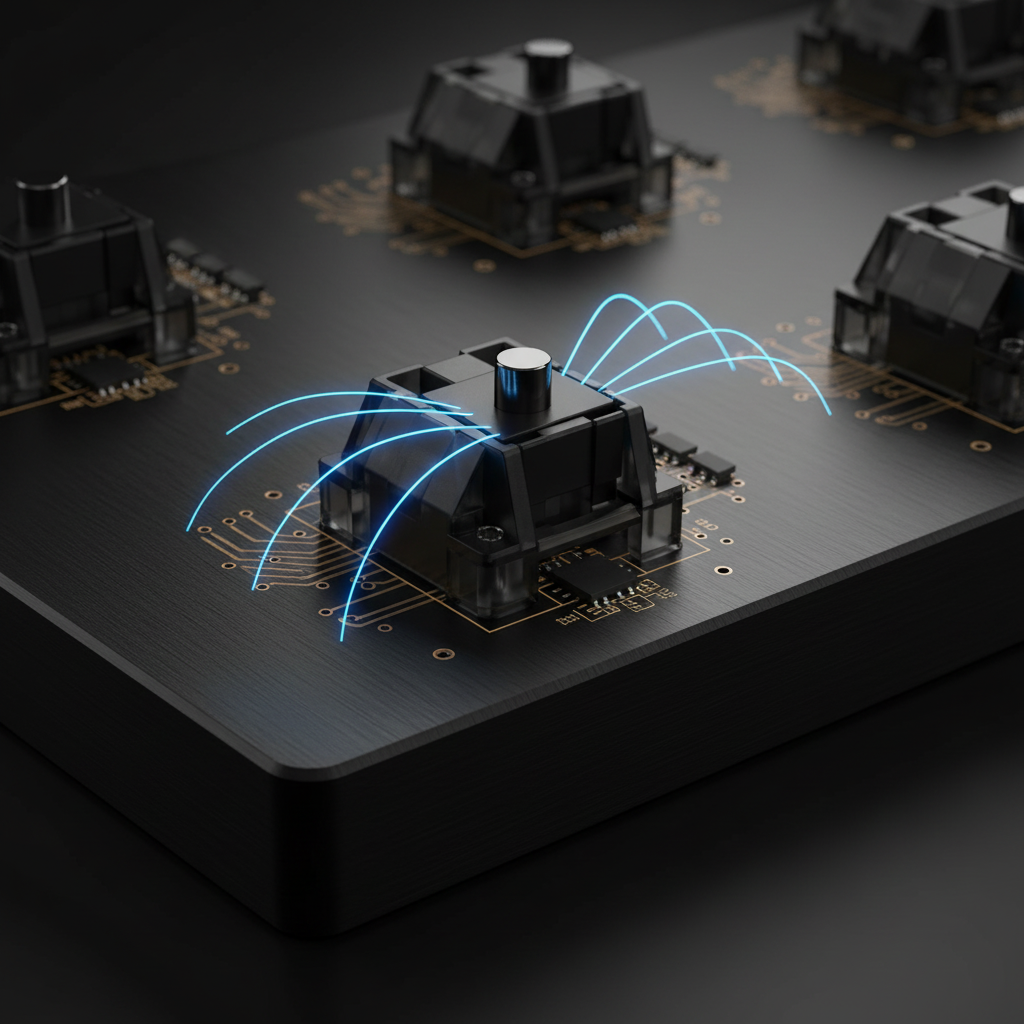
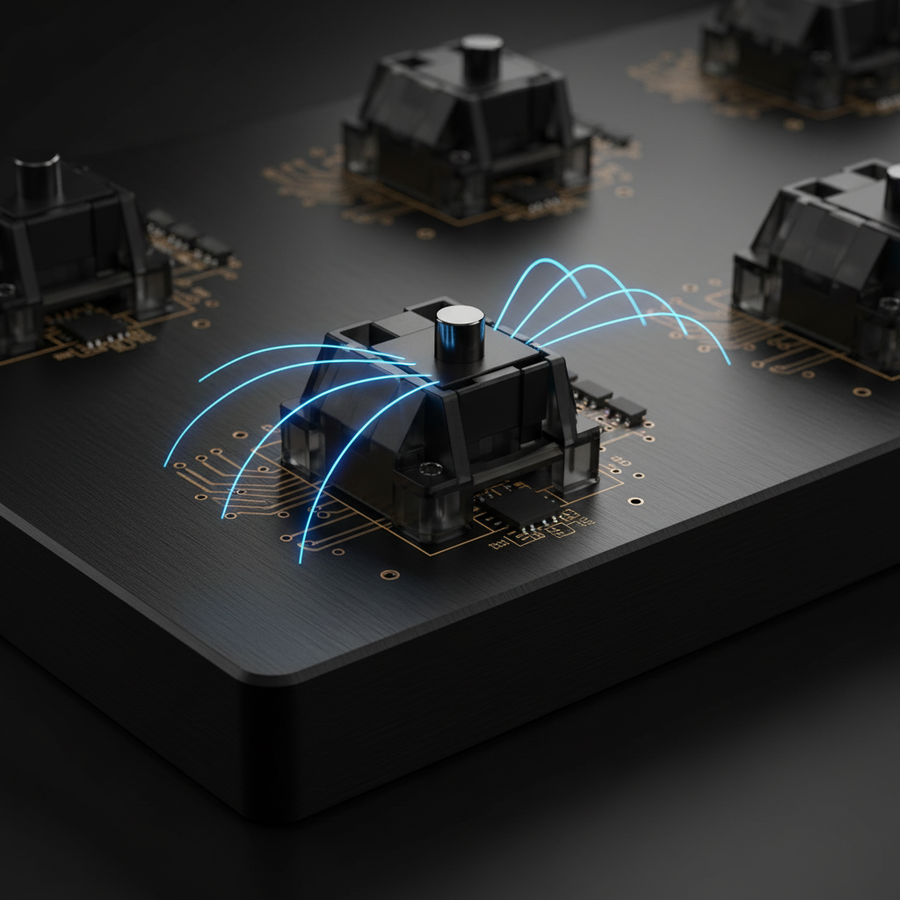
La transición de los interruptores mecánicos tradicionales a sensores magnéticos de efecto Hall (HE) representa un cambio fundamental en la ingeniería de periféricos para juegos. A diferencia de los interruptores mecánicos que dependen del contacto metálico físico—un proceso sujeto a oxidación, desgaste y retardos por rebote—los sensores magnéticos miden cambios en la densidad del flujo magnético a medida que un imán se acerca a un sensor en la PCB.
Sin embargo, los sensores magnéticos son inherentemente analógicos. Según Allegro MicroSystems, el voltaje Hall es sensible a las fluctuaciones de temperatura y a la interferencia electromagnética externa (EMI). Los teclados modernos emplean algoritmos de auto-calibración para establecer un "punto nulo". Aunque son efectivos para la deriva rutinaria, condiciones operativas específicas—como el juego competitivo de alta frecuencia—pueden hacer que estos algoritmos fallen, requiriendo una anulación manual para restaurar la precisión de activación 1:1.
El Efecto "Caza": Por qué Falla la Auto-Calibración
Los algoritmos de auto-calibración típicamente monitorean el estado de reposo del sensor para ajustar el punto cero definido por software. Sin embargo, basado en patrones observados en nuestro soporte técnico y datos de devoluciones de hardware, pulsaciones rápidas y repetidas al límite del rango del sensor pueden desencadenar la "caza."
En este escenario, el algoritmo interno de compensación intenta encontrar el punto nulo correcto pero se sobrepasa debido a la alta frecuencia de entrada. Esto causa que el punto de referencia del sensor se desplace dinámicamente. En lugar de un reinicio estable de Gatillo Rápido de 0.1mm, el usuario puede experimentar variaciones de ±0.05mm o más. Esta variación es particularmente perjudicial en entornos competitivos de FPS donde el movimiento lateral depende de precisión a micro-milímetros.
Factores externos como EMI de dispositivos electrónicos cercanos también pueden introducir ruido que la auto-calibración interpreta incorrectamente como flujo magnético. Esto resulta en una "falsa sensación de seguridad," donde el software indica éxito mientras el hardware ajusta parámetros a datos ruidosos.

Modelado de Rendimiento: La Ventaja del Gatillo Rápido
Para cuantificar los riesgos, modelamos la diferencia de rendimiento entre un sistema HE calibrado y un interruptor mecánico estándar.
Nota Técnica: Metodología de Modelado Los valores a continuación se derivan de un modelo cinemático determinista ($t = d/v$) asumiendo un entorno de juego de alto rendimiento. Estos representan máximos teóricos más que un estudio longitudinal controlado en laboratorio.
| Parámetro | Valor | Unidad | Justificación |
|---|---|---|---|
| Distancia de Reinicio Mecánico | 0.5 | mm | Especificación estándar estilo Cherry MX |
| Reinicio Rápido de Gatillo HE | 0.1 | mm | Configuración HE de alto rendimiento |
| Velocidad de Levantamiento del Dedo | 150 | mm/s | Promedio modelado de jugador competitivo |
| Antirrebote Mecánico | 5 | ms | Retraso común de firmware para interruptores de hoja |
| Resultado del Modelo | ~7.7 | ms | Ventaja Total de Latencia (HE vs Mecánico) |
Resumen Lógico: Si la calibración se desvía incluso 0.05mm debido a la "caza" del algoritmo, esta ventaja de ~7.7ms puede erosionarse significativamente, o resultar en entradas "fantasma" donde la tecla no se reinicia.
El Protocolo de Anulación Manual: Estableciendo la Verdad Fundamental
[!CAUTION] Operación de alto riesgo: La calibración manual implica ajustes a nivel de firmware. Siempre prioriza el software oficial del fabricante y las guías de soporte. Una calibración incorrecta o flasheos forzados del firmware pueden causar inestabilidad temporal del dispositivo. Si tienes dudas, contacta con el soporte autorizado antes de continuar.
1. Alcanzar el equilibrio térmico
Los sensores magnéticos son susceptibles a la deriva térmica. Según nuestras pruebas de banco de ingeniería, un dispositivo debe alcanzar el equilibrio térmico para garantizar una precisión de nivel profesional.
- Requisito: Mantén el teclado encendido durante 30 minutos en el entorno objetivo antes de comenzar la calibración. Esto evita que el "punto nulo" se desplace a medida que la PCB se calienta.
2. Topología USB y aislamiento de ruido
El ruido de bucle de tierra puede introducir errores a nivel de microvoltios. En línea con nuestro Whitepaper global de la industria de periféricos para juegos (2026), recomendamos:
- Conexión directa: Usa los puertos I/O traseros de la placa base.
- Aislamiento: Desconecta dispositivos USB de alto consumo (por ejemplo, discos externos) durante la calibración para minimizar interferencias en el riel de 5V.
3. La ejecución de la calibración
Activa la calibración manual a través de tu firmware o controlador. Durante este proceso, cada tecla debe presionarse hasta el fondo físico y soltarse completamente. Esto permite que el sensor mapee los valores absolutos máximos y mínimos del flujo magnético, creando una curva de linealización personalizada que tiene en cuenta las tolerancias de fabricación.
Optimización a nivel de sistema: sondeo a 8000Hz
A una frecuencia de sondeo de 8000Hz (8K), el intervalo de sondeo USB es de solo 0.125ms. La precisión es vital aquí; si un sensor está mal calibrado, el "jitter" en la lectura magnética puede superar el intervalo de sondeo, causando paquetes redundantes o conflictivos.
Nota de modelado: Latencia de sincronización de movimiento a 8000Hz Basado en la conversión estándar de frecuencia a tiempo ($1/Hz$).
| Parámetro | Valor | Unidad | Justificación |
|---|---|---|---|
| Frecuencia de sondeo | 8000 | Hz | Estándar de esports de alta gama |
| Latencia base de extremo a extremo | 0.8 | ms | Línea base de alto rendimiento |
| Retraso de sincronización de movimiento | ~0.06 | ms | 0.5 * Intervalo de sondeo (heurístico) |
| Latencia total | ~0.86 | ms | Umbral perceptual |
Validación: Cómo medir la precisión en casa
No necesitas un osciloscopio para verificar tu calibración. Usa los siguientes métodos para asegurarte de que tu hardware funciona según las especificaciones:
-
La "prueba de toque": Usando una herramienta no metálica (como un lápiz plástico), toque ligeramente cada tecla. Observe el punto de activación en su software.
- Referencia: La activación debe ser consistente dentro de ±0.02mm (según lo reportado por el controlador).
- Fallo: Una variación >0.05mm sugiere interferencia magnética local o un problema de montaje del hardware.
- Registro de sondeo de software: Use una herramienta como Keyboard Inspector para verificar "ruido" o intervalos inconsistentes. Un sensor HE bien calibrado debería mostrar un agrupamiento limpio y estrecho de intervalos sin señales "apagadas" inesperadas.
Si una tecla falla consistentemente la prueba de toque, puede indicar un sensor degradado. Como se señala en la investigación sobre IoT de alta confiabilidad, "ajustar" parámetros de software a un sensor no lineal y degradado puede crear una falsa sensación de seguridad mientras el hardware sigue siendo poco fiable bajo estrés.
Mantenimiento estratégico para la longevidad
En una configuración robusta, la auto-calibración y las anulaciones manuales son complementarias. La auto-calibración maneja la deriva ambiental diaria, mientras que una anulación manual programada (cada 3 meses) proporciona un reanclaje de "referencia absoluta".
Este enfoque de doble capa ayuda a mantener la latencia interna teórica de 0.08ms y la resolución de 0.005mm (especificación a nivel de sensor) durante la vida útil del dispositivo. Para el jugador técnico, esta es la diferencia entre una herramienta que "simplemente funciona" y una optimizada para precisión de nivel profesional.
Aviso legal: Este artículo es solo para fines informativos. La calibración implica ajustes a nivel de firmware; siga las directrices del fabricante para evitar anular las garantías. Las métricas de rendimiento se basan en modelado teórico; los resultados reales varían según la configuración del sistema.
Fuentes y referencias
- Allegro MicroSystems - Principios del sensor de efecto Hall
- Documento técnico de la industria global de periféricos para juegos (2026) — Investigación interna de marca/Documento técnico.
- Definición de clase USB HID
- Calibración segura en IoT de alta confiabilidad - Academia.edu
- Especificación Nordic Semiconductor nRF52840