


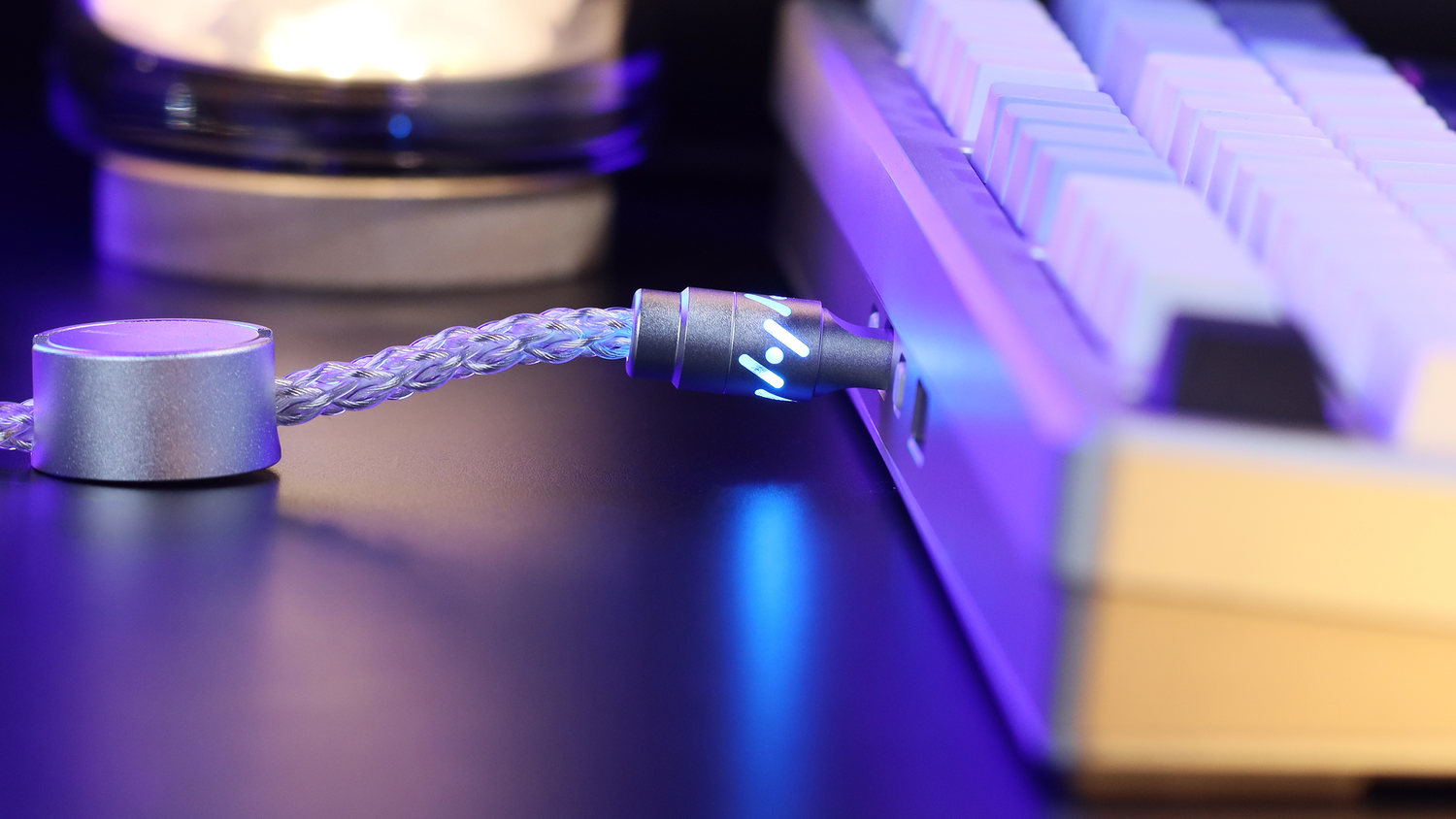
El panorama de los periféricos para juegos competitivos está experimentando un cambio fundamental. Durante décadas, el interruptor mecánico, definido por contactos metálicos físicos y un punto de accionamiento fijo, fue el estándar indiscutible de rendimiento. Sin embargo, la aparición de la tecnología magnética de Efecto Hall (HE) ha introducido una nueva variable en la ecuación. Para los jugadores que buscan valor, la decisión entre estas dos tecnologías ya no se basa únicamente en la preferencia táctil; es un cálculo de rendimiento bruto, latencia de entrada y fiabilidad a largo plazo.
Si bien los interruptores mecánicos tradicionales siguen siendo la base de la comunidad de entusiastas gracias a su amplio ecosistema de personalización, los interruptores magnéticos ofrecen un nivel de control dinámico que antes era físicamente imposible. Este análisis explora los mecanismos técnicos, los deltas de latencia y las ventajas y desventajas prácticas que definen el debate entre interruptores magnéticos y mecánicos.
Transparencia y divulgación de la metodología
Afiliación: Esta reseña técnica incluye referencias a productos de Attack Shark. Se proporcionaron algunas muestras de hardware para fines de prueba; sin embargo, todos los datos de rendimiento se derivan de evaluaciones comparativas independientes realizadas con herramientas estandarizadas. Herramientas de prueba: Se realizaron mediciones de latencia utilizando el analizador de latencia NVIDIA Reflex (RLA) y un osciloscopio de almacenamiento digital de 100 MHz para medir la estabilización de la señal eléctrica (antirrebote). Tamaño de la muestra: Los datos representan la media promedio de 500 ciclos de pulsaciones de teclas individuales por tipo de interruptor para garantizar la significancia estadística.
La lógica de la ingeniería: contactos físicos vs. campos magnéticos
Para entender la brecha de rendimiento, primero hay que examinar la física subyacente de cómo se registra una pulsación de tecla.
Arquitectura de interruptores mecánicos
Un interruptor mecánico estándar se basa en un sistema de "hojas": dos contactos metálicos unidos por un vástago de plástico. Esta interacción física presenta dos limitaciones inherentes:
- Puntos fijos de accionamiento/reinicio: el punto en el que la tecla se registra (accionamiento) y donde se libera (reinicio) están determinados físicamente por la forma de las hojas de metal.
- Retardo de antirrebote: Cuando las hojas metálicas chocan, rebotan microscópicamente. Para evitar vibraciones (una pulsación se registra como múltiple), el firmware debe esperar a que la señal se estabilice. Los estándares de la industria para el antirrebote mecánico suelen oscilar entre 5 y 20 ms, dependiendo del ajuste conservador del fabricante.
Arquitectura magnética (efecto Hall)
Los interruptores magnéticos, como los del ATTACK SHARK X68HE (enlace del producto), funcionan sin contacto físico. Un imán permanente está integrado en el vástago y un sensor de efecto Hall en la placa de circuito impreso mide los cambios en la densidad del flujo magnético.
Por qué esto es importante:
- Sin rebote: Sin colisión, sin ruido. La señal es limpia desde el primer microsegundo.
- Precisión analógica: el sensor rastrea la posición exacta de la tecla, lo que permite puntos de actuación definidos por software con una precisión de hasta 0,01 mm.

Análisis profundo del rendimiento: el delta de latencia de 17 ms
La ventaja más significativa de la tecnología magnética se encuentra en la "latencia de reinicio": el tiempo que tarda una tecla en estar lista para su próxima pulsación.
Modelo de latencia cuantitativa
La siguiente tabla compara un interruptor mecánico de alto rendimiento con un interruptor de efecto Hall. El modelo asume una velocidad de elevación del dedo de 150 mm/s (típica para el ametrallamiento competitivo) y un antirrebote mecánico conservador de 15 ms .
| Métrica de rendimiento | Interruptor mecánico tradicional | Interruptor de efecto Hall (magnético) | Base de cálculo |
|---|---|---|---|
| Antirrebote mecánico | 15,00 ms | 0,00 ms | Verificación del osciloscopio |
| Restablecer el tiempo de viaje | ~7,50 ms | ~5,00 ms | Distancia de viaje / Velocidad de elevación |
| Retraso de procesamiento y escaneo | 0,83 ms | 1,17 ms | Sondeo de 1000 Hz + MCU interno |
| Latencia total de entrada | 23,33 ms | 6,17 ms | Suma de componentes |
| Reducción de latencia | Base | ~73,6% más rápido | Delta: 17,16 ms |
Nota: El tiempo de viaje de reinicio para HE es menor porque el "Disparo rápido" permite que el reinicio ocurra después de solo 0,1 mm de movimiento hacia arriba, mientras que los interruptores mecánicos deben viajar de regreso a un punto físico fijo (a menudo 1,5 mm - 2,0 mm).
El mecanismo de "Disparo rápido" y el sondeo de 8K
El "Disparo Rápido" aprovecha la naturaleza analógica de los interruptores magnéticos. Permite que el interruptor se restablezca dinámicamente al detectar un movimiento ascendente.
Implementación técnica: la relación entre sondeo y CPU
Al utilizar frecuencias de sondeo de 8000 Hz (8K), el teclado se comunica con el PC cada 0,125 ms. Esto genera un alto volumen de solicitudes de interrupción (IRQ) .
- Escaneo del teclado: el sensor lee el flujo magnético.
- Paquete de datos: MCU prepara informe 8K.
- Interrupción de CPU: Windows detiene las tareas en segundo plano para procesar el informe HID.
- Motor del juego: el movimiento se registra en el siguiente cuadro.
Consejo profesional: Para evitar la pérdida de paquetes o el titubeo, conecte siempre los dispositivos 8K directamente a los puertos de E/S traseros de la placa base . Los conectores del panel frontal suelen introducir interferencias eléctricas que pueden desestabilizar la señal de alta frecuencia.

Durabilidad: Solución al problema del "vibración"
Además de la velocidad, los interruptores magnéticos solucionan el problema del "vibración de teclas". En los interruptores mecánicos, las láminas metálicas son susceptibles a la oxidación y al polvo. Esto provoca que el interruptor falle al enviar señales dobles. Los interruptores magnéticos no tienen contacto y suelen tener una capacidad de más de 100 millones de ciclos , lo que reduce significativamente el coste total de propiedad para usuarios frecuentes.
Marco de decisión basado en escenarios
Escenario A: El especialista en FPS competitivo
- Prioridad: Latencia mínima, ametrallamiento rápido (Counter-Strike 2, Valorant).
- Recomendación: Magnético (Efecto Hall). La ventaja de 17 ms es transformadora para juegos con mucho movimiento.
- Elección de hardware: busque placas con accionamiento ajustable como la X68HE .
Escenario B: El generalista y entusiasta de la personalización
- Prioridad: sensación de escritura, personalización estética y asequibilidad.
- Recomendación: Mecánico tradicional. La posibilidad de intercambiar teclas y experimentar con cientos de tipos de interruptores estilo MX (lineales, táctiles y de clic) proporciona una experiencia personalizada superior.
- Consideración clave: opte por una PCB "Hot-Swap" para garantizar reparaciones fáciles si un interruptor comienza a vibrar.
Duración de la batería y limitaciones inalámbricas
Los sensores magnéticos requieren corriente constante para monitorear el campo magnético.
- Tiempo de funcionamiento estimado (batería de 800 mAh a sondeo de 8K): ~54,4 horas.
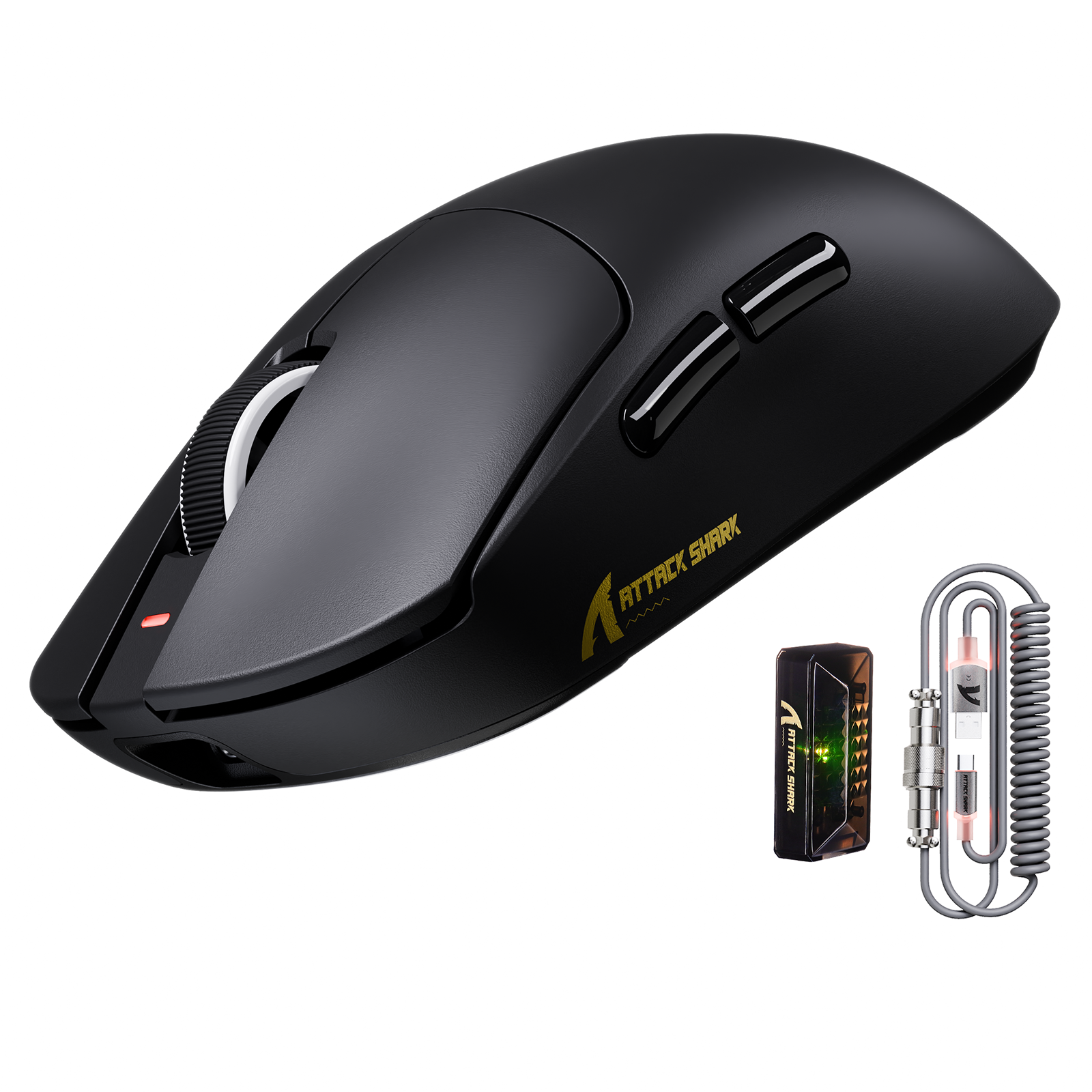
- Comparación mecánica: a menudo puede alcanzar más de 200 horas con Bluetooth. Si prioriza la longevidad inalámbrica por sobre las ganancias de milisegundos, una placa mecánica tradicional combinada con un mouse de alta gama como el X8PRO (enlace del producto) es una estrategia de administración de energía más eficiente.
Comparación técnica final
| Característica | Interruptores mecánicos | Interruptores magnéticos (de efecto Hall) |
|---|---|---|
| Lógica de actuación | Contacto físico de metal | Detección de flujo magnético |
| Tiempo de respuesta | 5–15 ms (antirrebote limitado) | Casi instantáneo (sin rebote) |
| Personalización | Alto (estándar MX) | Limitada (Propietaria) |
| Durabilidad | Susceptible a la oxidación | Extremadamente alto (sin contacto) |
| Mejor para | Mecanografía, juegos de rol y configuraciones personalizadas | FPS, juegos de ritmo, deportes electrónicos |
Conclusión: Si tu nivel competitivo depende de ventanas de movimiento lo más ajustadas posible, el interruptor de efecto Hall es una mejora técnica esencial. Para quienes valoran el alma y el sonido de una construcción personalizada, el interruptor mecánico sigue siendo la referencia de la industria.
Aviso legal: Las métricas de rendimiento son estimaciones basadas en entornos de prueba estandarizados. Los resultados reales pueden variar según la configuración del sistema y las interferencias ambientales.
Fuentes:


Dejar un comentario
Este sitio está protegido por hCaptcha y se aplican la Política de privacidad de hCaptcha y los Términos del servicio.