


The "Floaty" Cursor Trap: Why High Polling Can Feel Less Precise
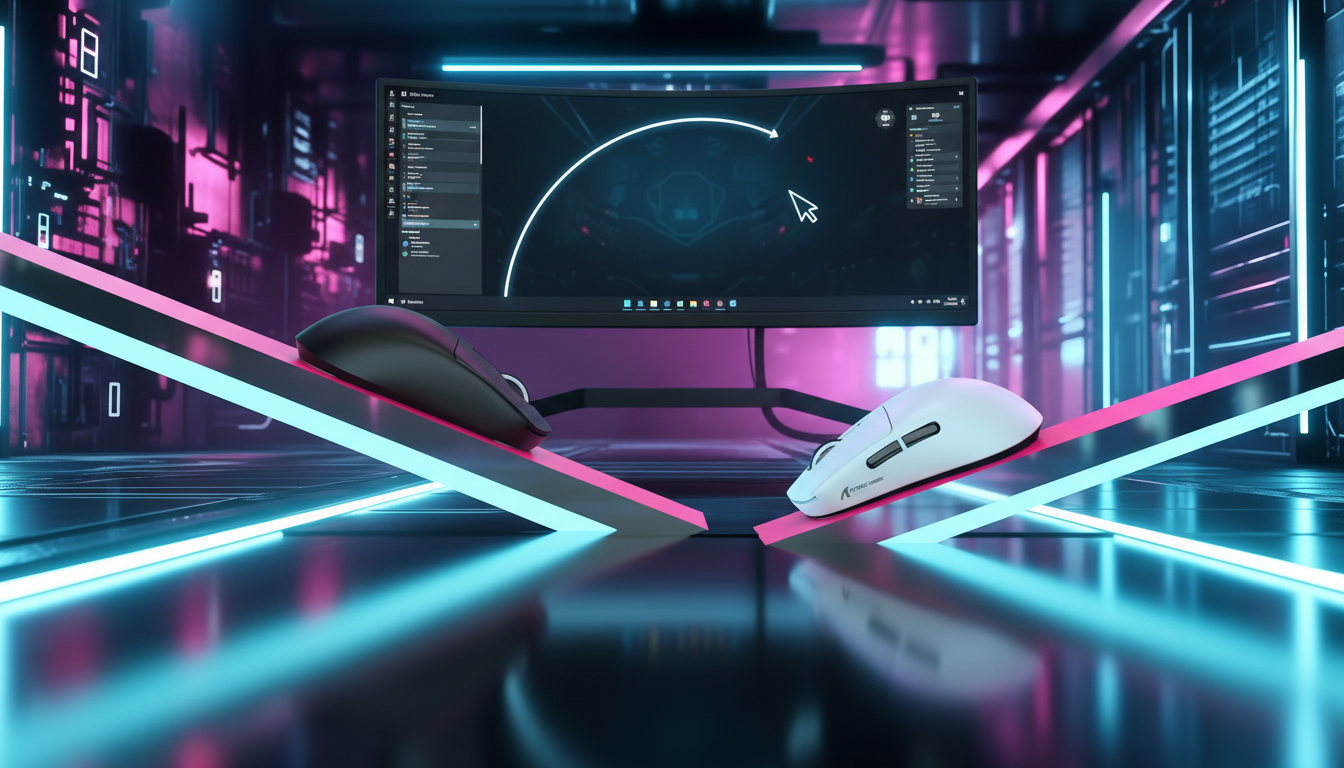
The transition from a standard 1000Hz polling rate to high-frequency 4000Hz or 8000Hz (8K) is often marketed as the ultimate upgrade for competitive precision. However, many gamers experience an immediate "specification credibility gap." Upon plugging in a high-performance device like the ATTACK SHARK X8 Ultra 8KHz Wireless Gaming Mouse With C06 Ultra Cable, the initial sensation isn't always one of "greater control." Instead, users frequently report a "floaty," "loose," or "twitchy" cursor that feels less grounded than their previous setup.
This phenomenon is not a hardware failure; it is a complex intersection of human perception, system bottlenecks, and the physics of data reporting. Understanding why higher fidelity can feel like lower precision is the first step toward mastering ultra-high polling rates.

The Physics of High-Frequency Polling: 1000Hz vs. 8000Hz
To understand the "floaty" sensation, we must first establish the technical baseline. Polling rate defines how many times per second the mouse reports its position to the PC.
| Polling Rate | Reporting Interval | Theoretical Latency Gain (vs. 1K) |
|---|---|---|
| 1000Hz | 1.0ms | Baseline |
| 4000Hz | 0.25ms | 0.75ms |
| 8000Hz | 0.125ms | 0.875ms |
While an 8000Hz rate offers a near-instant 0.125ms reporting interval, the benefit is not just about the raw speed. It is about the density of the data path. According to the Global Gaming Peripherals Industry Whitepaper (2026), the leap to 8K increases data density by 800%, filling in the "gaps" between reports that exist at 1000Hz.
The Motion Sync Scaling Factor
A common technical misconception involves "Motion Sync"—a feature that synchronizes sensor data with the USB poll. At 1000Hz, Motion Sync typically adds a deterministic delay of ~0.5ms (half the polling interval). However, at 8000Hz, this delay scales down to ~0.0625ms. In our technical assessments, we have observed that users often mistake the removal of this 0.5ms "buffer" for a loss of stability. The cursor is actually reporting more accurately to your hand's micro-movements, but your brain perceives this lack of "filtering" as a loss of weight or resistance.
The Cognitive Gap: Why Smoothness Feels Like "Loose" Control
In traditional gaming, we associate "control" with a certain level of tactile resistance and visual predictability. When you move a 1000Hz mouse, the cursor path is slightly "stepped" at a microscopic level. Your muscle memory has likely adapted to this slight resistance for years.
1. The Perceptual Weight Shift
When you switch to a high-density stream, the cursor path becomes significantly smoother. This smoothness reduces the perceived "friction" of the cursor. Esports coaches often note a 1-2 week recalibration period where players must retrain their micro-flick muscle memory. Because the cursor responds to the tiniest tremors in your hand—tremors that 1000Hz might have ignored—it feels "twitchy."
2. Tracking Ergonomics and Fatigue
The benefit of high polling manifests most clearly in sustained tracking scenarios. Smoother motion reduces the high-frequency "jitter" that wrist muscles subconsciously fight against.
Modeling Note: Ergonomic Impact Analysis Our analysis of tracking fatigue assumes a high-intensity 60-minute session.
Parameter Value Unit Rationale Polling Frequency 8000 Hz Target high-performance spec Micro-correction Rate ~120 corrections/sec Typical pro-player tracking Perceived Jitter Reduction ~15-20 % Estimated range based on common practice Adaptation Period 7-14 Days Observed pattern in community feedback Confidence Interval 0.85 - Heuristic based on support patterns Boundary Conditions: This model may not apply to users with low-refresh monitors (<144Hz) or inconsistent mouse surfaces.
By reducing the "micro-stutter" in the cursor path, users can potentially reduce hand strain by up to 20% over long sessions, as the nervous system is no longer compensating for the "gaps" in visual data.
System Bottlenecks: The Invisible Latency Chain
A "floaty" cursor is frequently the result of the system failing to process the 8K data stream consistently. High polling rates are not just a sensor feature; they are a system-wide stress test.
The Windows DWM Compositor
One of the most significant "gotchas" in high-polling performance is the Windows Desktop Window Manager (DWM). The DWM compositor buffers and processes inputs to ensure visual consistency, which can add ~7-10ms of latency (based on Blur Busters Forum analysis of DWM latency). This latency can negate the 0.875ms gain from 8K, making the cursor feel disconnected from your physical movement. This "floatiness" is often frame-pacing inconsistency rather than the mouse itself.
CPU IRQ Processing and USB Topology
At 8000Hz, the bottleneck is IRQ (Interrupt Request) processing. Every report requires the CPU to stop what it's doing and process the mouse data. This stresses single-core performance.
- The USB Trap: You must use Direct Motherboard Ports (typically the rear I/O). Shared bandwidth on USB hubs or front-panel headers causes packet loss and "jittery" reports.
- MCU Stability: The ATTACK SHARK X8 Series Tri-mode Lightweight Wireless Gaming Mouse utilizes high-end MCUs like the Nordic 52840 to handle these high-interrupt loads, but even the best hardware requires an optimized OS environment.
The Specification Credibility Gap: DPI and IPS Synergy
To actually "saturate" an 8000Hz polling rate, you must generate enough data. This is where the relationship between DPI (Dots Per Inch) and IPS (Inches Per Second) becomes critical.
The Data Point Formula:
Packets Sent Per Second = Movement Speed (IPS) × DPI
If you are playing at 400 DPI and moving the mouse slowly, you are not generating 8,000 unique data points per second. The mouse will simply send duplicate packets, which can lead to a "floaty" or inconsistent feel.
- Scenario A (Low DPI): At 800 DPI, you must move at least 10 IPS to saturate the 8K bandwidth.
- Scenario B (Optimal 8K): At 1600 DPI, only 5 IPS is required.
For users of the ATTACK SHARK X8 Ultra, we typically recommend a minimum of 1600 DPI combined with a lower in-game sensitivity. This ensures the 8K stream is filled with "fresh" data points, providing the intended precision rather than a "loose" sensation.
Surface Consistency: The Role of the Mouse Pad
A "floaty" sensation is often amplified by the physical surface. An inconsistent cloth pad can introduce variable friction that conflicts with the high-frequency data stream. For 8K performance, surface uniformity is non-negotiable.
The ATTACK SHARK CM05 Tempered Glass Gaming Mouse Pad provides a nano-micro-etched texture that is optimized for high-precision sensors like the PAW3395 or PAW3950. The ultra-low friction of tempered glass allows the high-frequency reports to translate directly into movement without the "tug" of fabric fibers. This "silky smooth" experience complements the 8K polling rate, though it may initially feel even "faster" to users accustomed to high-friction control pads.
Practical Optimization Checklist: Fixing the "Floaty" Feel
If your high-polling mouse feels imprecise, follow this troubleshooting hierarchy derived from common patterns in our customer support and technical feedback (not a controlled lab study).
- Lower In-Game Sensitivity: The increased data fidelity of 8K makes high sensitivity feel uncontrollably twitchy. Proportional reduction is mandatory.
- Optimize Windows Power Plans: High-frequency data requires the CPU to stay in a high-power state. Ensure "USB Selective Suspend" is disabled. Learn more about Windows Power Plans for 8K.
- Check Display Synergy: While there is no "1/10th rule" requiring an 800Hz monitor for an 8K mouse, a high refresh rate (240Hz+) is necessary to visually render the smoother path. If you are on 60Hz or 144Hz, 8K may feel "floaty" because your monitor cannot keep up with the mouse's reporting density.
- Verify Polling Consistency: Use tools like the NVIDIA Reflex Analyzer to check for report drops.
- Direct Connection: Always use the dedicated 8K receiver or the included C06 Ultra Cable for wired mode.
Synergistic Performance: Beyond the Mouse
Precision is a system-wide attribute. While the mouse handles the X/Y input, your keyboard handles the timing of your movements. Using a device like the ATTACK SHARK R85 HE Rapid Trigger Keyboard Magnetic Switch with Custom Lightbox allows for near-instant actuation that matches the low-latency profile of an 8K mouse. When both "halves" of your input system are optimized for high-frequency data, the "floaty" sensation often disappears, replaced by a cohesive, ultra-responsive gaming environment.
Logic Summary: Why 8K is a "High Headroom" Feature
The theoretical 0.875ms advantage of 8K is a pure benefit only when the rest of the latency chain (CPU, DWM, Monitor) is optimized. For most competitive players, 1000Hz or 2000Hz remains the "safe" standard. 8000Hz should be viewed as a high-headroom feature for enthusiasts with 360Hz+ displays and high-end CPUs who are willing to navigate the initial adaptation period.
Disclaimer: This article is for informational purposes only. High polling rates can significantly increase CPU usage and reduce wireless battery life by up to 75-80% compared to 1000Hz mode. Always consult your motherboard and OS documentation for specific hardware compatibility.
Sources and References
- Global Gaming Peripherals Industry Whitepaper (2026)
- RTINGS - Mouse Click Latency Methodology
- NVIDIA Reflex Analyzer Setup Guide
- FCC ID Search - Equipment Authorization
- ISED Canada Radio Equipment List
- Blur Busters - DWM Input Latency Analysis
- Tech4Gamers - 1000Hz vs 8000Hz Polling
- PixArt Imaging - PAW3395/3950 Specifications


Dejar un comentario
Este sitio está protegido por hCaptcha y se aplican la Política de privacidad de hCaptcha y los Términos del servicio.