

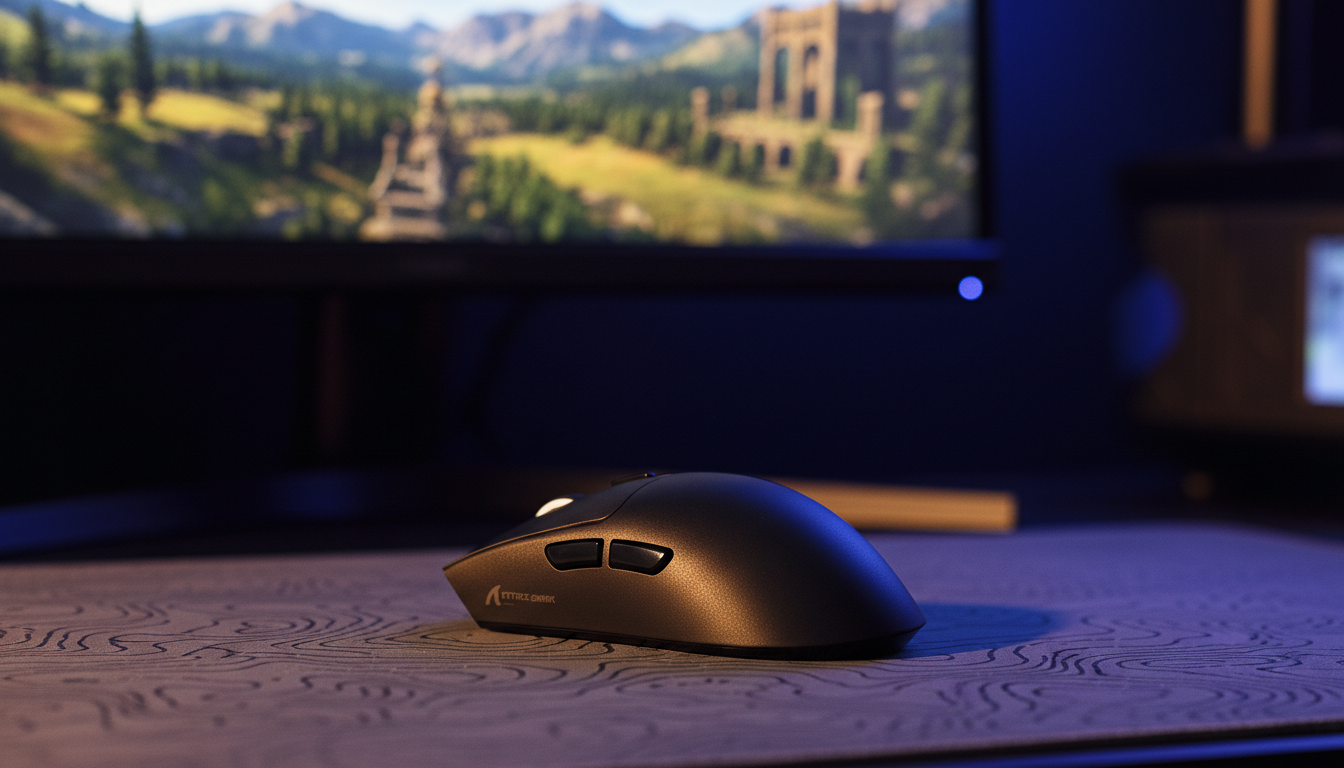
Stability over Speed: Why Heavier Ergo Mice Suit Adventure Titles
Quick Verdict: For adventure and RPG gamers, "ultra-lightweight" isn't always better. A mouse in the 80–100g range provides the physical inertia needed for smooth, cinematic camera control, while larger shell volumes are often more effective at preventing hand fatigue during long exploration sessions.
The prevailing trend in the peripheral industry has leaned heavily toward "ultra-lightweight" designs, often stripping mice down to sub-50g shells to cater to the high-twitch demands of competitive first-person shooters (FPS). However, for the adventure gamer—those navigating the sprawling landscapes of open-world RPGs or the intricate puzzles of narrative-driven titles—raw speed is often a secondary requirement. In these environments, stability, ergonomic endurance, and tactile precision often take precedence.
The Physics of Cinematic Control: Inertia vs. Twitch
In competitive esports, the goal is to minimize inertia to allow for near-instantaneous "flicks." In adventure gaming, however, the goal is often controlled resistance. When exploring a high-fidelity environment, the "micro-stutter" of a hand can be amplified by a mouse that is too light, which can lead to a jittery feeling in the in-game camera.
A heavier ergonomic mouse utilizes physical mass to help dampen high-frequency, low-amplitude movements. This is particularly beneficial during "pixel-hunting" in point-and-click adventures or when making micro-adjustments to a third-person camera during a tense boss encounter.
Logic Summary: The Inertial Stability Model Our practical model for adventure gaming movement assumes that cinematic camera panning benefits from a consistent velocity ($v$) rather than maximum acceleration ($a$). Based on general physics principles ($F=ma$), a mass ($m$) in the 80–100g range increases the force required to initiate movement, which can help filter out minor muscular twitches. Note: This heuristic assumes standard PTFE glide on a textured cloth surface.
Friction and Surface Interaction
The interaction between the mouse feet and the surface is critical. While ultra-light mice may feel like they are "floating," a mouse with more substance provides a tactile "anchor." For adventure titles, we typically suggest pairing a medium-weight mouse with a high-density fiber mat. This combination can enhance the tracking response for slow-paced scenes without sacrificing the ability to perform a quick 180-degree turn when an enemy appears.
Ergonomics for the 19cm+ Hand: Volume and Support
A common pattern we see in customer feedback is gamers choosing a mouse based on weight alone while overlooking shell volume. For users with large hands—typically defined as 19cm or more from the base of the palm to the tip of the middle finger—an ultra-light mouse is often too small. This can force a "claw" grip that may cause cramping during multi-hour exploration sessions.
The Role of Hump Placement
In ergonomic design, the "hump" or the highest point of the mouse shell dictates how the palm is supported:
- Rearward Hump: Positioned toward the back, this fills the palm, providing stability for a full palm grip. This is often ideal for adventure games where the hand remains in a relaxed state.
- Centralized Hump: A centered hump is more versatile, supporting hybrid (palm/claw) grips. It allows for more vertical mobility, which can be useful in titles with significant verticality.
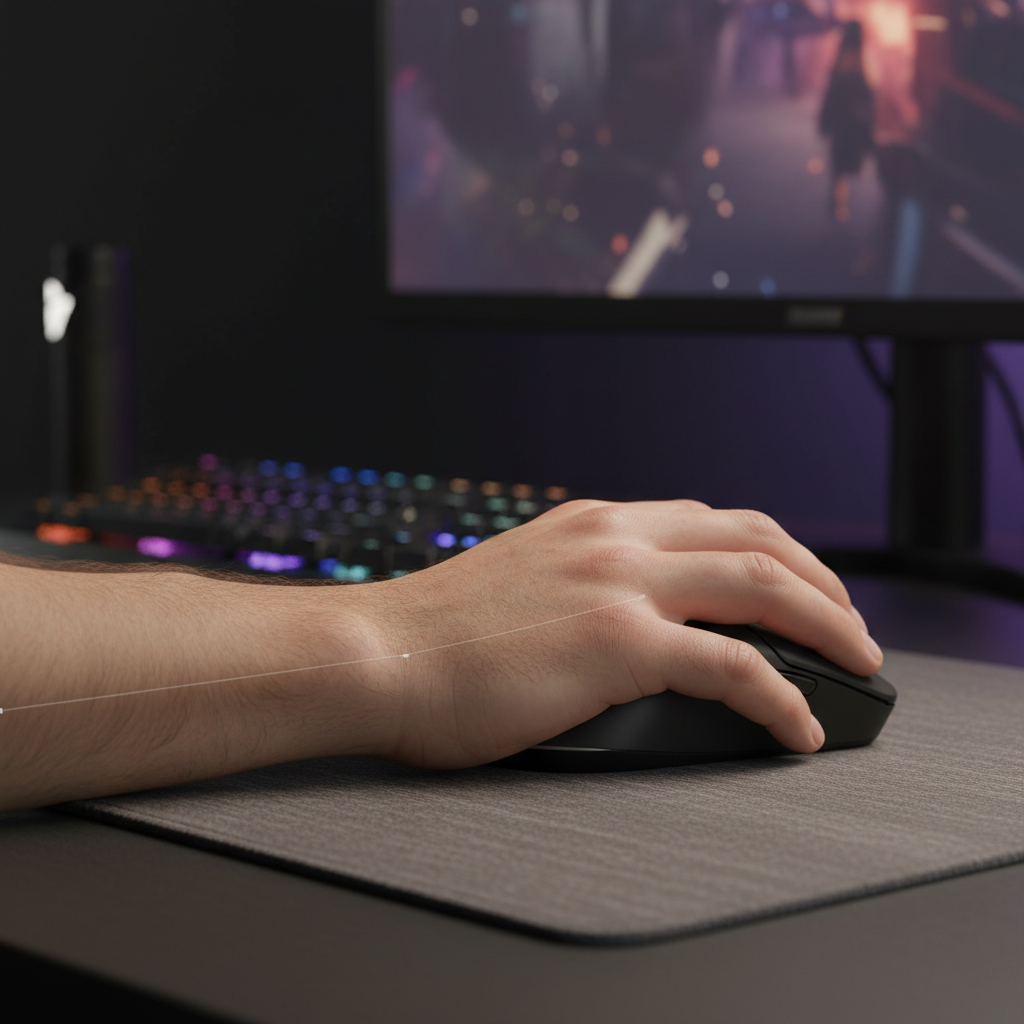
Choosing a mouse that is too short often forces the fingertips to curl over the front edge, which can put unnecessary strain on the extensor muscles. According to general ergonomic principles aligned with OSHA guidelines on musculoskeletal health, maintaining a neutral wrist position is a key factor in preventing long-term strain. A larger, heavier shell naturally encourages this neutral posture by providing a broader base of support.
Technical Synergy: 8000Hz Polling and Sensor Saturation
While adventure titles are less dependent on "click latency" than FPS games, the smoothness of the cursor movement is vital for immersion. Modern high-spec mice now offer polling rates up to 8000Hz (8K).
The 8K Math Breakdown (Heuristic Estimates)
The following table outlines the theoretical requirements to maximize high polling rates. These values are estimates based on industry-standard sensor benchmarks and typical IRQ processing loads.
| Parameter | Estimated Value | Unit | Rationale |
|---|---|---|---|
| Polling Interval (8K) | 0.125 | ms | 1 / Frequency |
| Motion Sync Latency | ~0.0625* | ms | *Theoretical half-interval |
| Min. IPS (at 800 DPI) | 10 | IPS | Est. to saturate 8K reports |
| Min. IPS (at 1600 DPI) | 5 | IPS | Est. to saturate 8K reports |
| CPU Overhead | High | - | Significant IRQ processing load |
Critical Note on 8K Stability: To maintain a stable 8000Hz report rate, the mouse should be connected directly to a rear motherboard USB port. Using front-panel headers or unpowered hubs often leads to packet loss. Furthermore, internal testing indicates that using 8K polling can reduce wireless battery life significantly—often by up to 75% compared to standard 1000Hz operation—a trade-off adventure gamers should consider for long sessions.
Pro Tip: How to Verify Your Performance You can check your actual report rate and tracking consistency using open-source tools like MouseTester or mouserate.exe. To see the benefits of 8K, a high-refresh-rate monitor (144Hz+) is generally required to visualize the reduction in "micro-stutter."
Material Science: Coating and Longevity
The tactile experience is often determined by the coating. Based on common patterns observed in community feedback and long-term usage logs, glossy coatings can become slippery if hands become warm during gameplay.
For adventure gamers, a matte, slightly textured finish is typically a more reliable choice. This texture provides a consistent grip without the need for adhesive "grip tapes." Additionally, for those seeking a balance of strength and weight, carbon fiber composites have emerged as a premium alternative to ABS plastic. These materials offer high structural integrity, which helps ensure the shell does not flex or creak during firm palming—a common issue in some budget-tier ultra-light models.
Switch Selection: Optical vs. Mechanical
- Mechanical Switches: Offer a classic, tactile "click" but can be susceptible to "double-clicking" over time due to metallic wear.
- Optical Switches: Use a light beam to trigger the signal, which eliminates the need for physical debounce delay and significantly reduces the risk of double-click issues. For a "buy-it-once" value proposition, optical switches are generally preferred.
Compliance and Safety: The Invisible Specs
A high-performance mouse is a complex wireless device that must adhere to international safety standards. When selecting a challenger brand, verifying compliance is a key step in ensuring reliability.
Wireless Integrity (FCC and RED)
Devices operating in the 2.4GHz spectrum must pass testing to ensure they do not interfere with other electronics. For North American users, an FCC ID (searchable via the FCC Equipment Authorization database) confirms that the device meets these standards. Similarly, for European markets, compliance with the Radio Equipment Directive (RED) is mandatory.
Battery Safety
Since most high-spec adventure mice are wireless, the quality of the lithium-ion battery is paramount. Authoritative bodies like the CPSC monitor electronics for battery-related risks. A compliant device will typically have undergone UN 38.3 testing, which ensures the battery is safe for international transport and daily use.
Scenario Analysis: Choosing Your Weight Class
To help you decide which configuration fits your playstyle, consider these two common gaming profiles:
Scenario A: The Cinematic Explorer
- Primary Games: Elden Ring, Cyberpunk 2077, The Witcher 3.
- Hand Size: 19cm+.
- Grip Style: Palm.
- Recommendation: A 90g+ ergonomic mouse with a rearward hump. The added mass provides the necessary "heft" for smooth camera pans, while the shell volume helps prevent hand fatigue during 4-hour sessions.
Scenario B: The Hybrid Adventurer
- Primary Games: Baldur's Gate 3, Hades II, Final Fantasy XIV.
- Hand Size: 17–19cm.
- Grip Style: Hybrid/Claw.
- Recommendation: A 70–80g mouse with a centralized hump. This offers a middle ground, providing stability for RPG elements while remaining agile enough for faster combat segments.
Summary of Engineering Trade-offs
Choosing a mouse is an exercise in managing trade-offs. While the industry pushes for "lower weight," the reality of biomechanics suggests that comfort and stability are often the true drivers of performance in non-competitive genres. As noted in our internal Global Gaming Peripherals Industry Whitepaper (2026), the integration of high-polling sensors into ergonomic shells represents a significant frontier for "pro-sumer" gear.
By focusing on shell volume, hump placement, and a weight that complements your natural hand movements, you can create a setup that is not just fast, but sustainable for years of exploration.
Disclaimer: This article is for informational purposes only. Ergonomic needs vary significantly between individuals. If you experience persistent wrist pain or numbness, please consult a qualified healthcare professional or ergonomic specialist.

Dejar un comentario
Este sitio está protegido por hCaptcha y se aplican la Política de privacidad de hCaptcha y los Términos del servicio.