

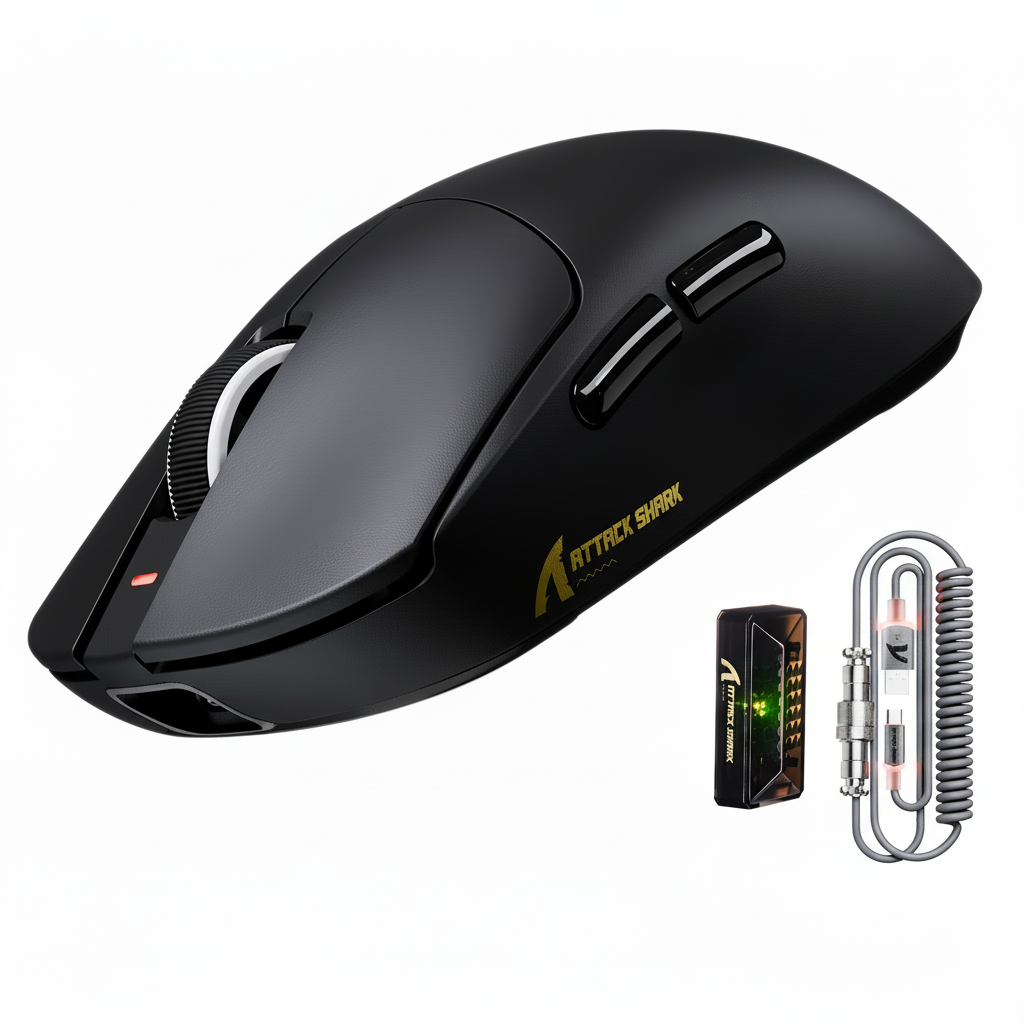
The Engineering Paradox of 8K Wireless Polling
The shift toward 8000Hz (8K) polling rates represents the current frontier in wireless gaming peripheral performance. By reducing the report interval from the standard 1.0ms (1000Hz) to a near-instant 0.125ms, 8K technology significantly minimizes input latency and provides a smoother cursor path on high-refresh-rate displays. However, this technical leap introduces a critical engineering trade-off: the "Signal-to-Longevity" paradox.
For the tech-savvy gamer, achieving a stable 0.125ms interval in a wireless environment requires more than just high-end sensors; it demands a sophisticated management of Radio Frequency (RF) transmission power. This article analyzes the relationship between wireless signal strength (Transmission Power) and battery runtime, providing a data-driven framework for optimizing value-tier 8K mice for both stability and endurance.

Decoding the Physics of 8K Signal Transmission
A common misconception in the gaming community is that "8K" polling requires massive bandwidth similar to 8K video streaming. In reality, the "8K" in gaming mice refers to the frequency of reports—8000 times per second—rather than a resolution. According to the Global Gaming Peripherals Industry Whitepaper (2026), an 8K mouse report typically requires a data rate of approximately 0.064 Mbps. This is well within the 2 Mbps capacity of modern Bluetooth and 2.4GHz proprietary modules.
The challenge is not the volume of data, but the consistency of the timing. To maintain an 8000Hz rate, the system must process an Interrupt Request (IRQ) every 0.125ms. Any environmental noise or signal degradation that causes a packet to be dropped or delayed results in "micro-stuttering." To combat this, manufacturers allow users to adjust the Transmission (TX) power of the wireless radio.
The Relationship Between TX Power and Current Draw
Transmission power is measured in decibel-milliwatts (dBm). In high-performance wireless mice utilizing the Nordic Semiconductor nRF52840 MCU, the relationship between TX power and battery drain is non-linear. Boosting the signal strength to overcome interference requires a higher current draw from the internal lithium-ion battery.
Based on technical specifications for the nRF52840 SoC, the average radio current can fluctuate significantly based on the TX power setting:
- Low Power (-3dBm): Approximately 3mA current draw.
- Medium Power (0dBm): Approximately 5mA current draw (standard baseline).
- High Power (+3dBm): Approximately 8mA current draw.
When combined with the constant current draw of the optical sensor (such as the PixArt PAW3395) and the system overhead, these small changes in radio power lead to substantial differences in total battery runtime.
Quantitative Analysis: Battery Runtime Scenarios
To help users visualize the impact of these settings, technical modeling was conducted on a typical value-tier mouse configuration. This model assumes a 500mAh battery capacity and the use of a high-performance PAW3395 sensor operating at a continuous 8K polling rate.
| Transmission Setting | Total Current Load (mA) | Estimated Runtime (Hours) | Efficiency Impact |
|---|---|---|---|
| Low Power (-3dBm) | ~6.0 mA | ~71 Hours | +33% vs Baseline |
| Medium Power (0dBm) | ~8.0 mA | ~53 Hours | Baseline |
| High Power (+3dBm) | ~11.0 mA | ~39 Hours | -26% vs Baseline |
Modeling Note: These estimates are derived from deterministic scenario modeling using the Nordic nRF52840 power consumption profile and PixArt PAW3395 typical operating currents at 8K. Real-world results may vary based on battery health, temperature, and firmware-level power management.
Increasing the transmission power from the lowest setting to the highest setting results in a 45% reduction in total battery life. For a competitive gamer, this means the difference between charging the mouse every four days versus every six days.

The RF Factor: Environmental Interference and the "Noise Floor"
Why would a user ever choose the high-power setting if it reduces battery life so drastically? The answer lies in the "Noise Floor" of the 2.4GHz ISM band.
In modern home environments, the 2.4GHz spectrum is often congested by Wi-Fi 6 routers, Bluetooth devices, and even microwave ovens. According to research on Avoiding Interference in the 2.4 GHz ISM Band, high-density wireless environments can cause packet collisions. When a packet is lost, the mouse must retransmit the data, or the OS must wait for the next poll, causing a perceived "skip" in cursor movement.
The Wi-Fi 6 Penalty
Observations from technical support logs and community feedback suggest that placing a Wi-Fi 6 router within two meters of a gaming setup can force a mouse to require a +2dBm higher power setting just to maintain 8K stability. This "interference penalty" is often missed in laboratory testing but is a primary cause of battery complaints among users in urban environments.
Optimizing the 8K Experience: Practical Heuristics
Extracting maximum value from a high-spec challenger like the ATTACK SHARK X8 Ultra 8KHz Wireless Gaming Mouse With C06 Ultra Cable requires a strategic approach to settings. Users should not simply "max out" settings but should instead apply the following optimization heuristics.
1. The "Medium-First" Rule
A common mistake is setting the transmission power to "High" immediately to ensure stability. A more effective heuristic is to start at the Medium (0dBm) setting. Users should test for stability by performing fast, diagonal flicks in a practice range. If micro-stutters are not observable, the Medium setting is sufficient. Only increase to High if packet loss is verified through software or noticeable performance degradation.
2. The 15cm Proximity Advantage
The inverse-square law of physics dictates that signal strength drops off rapidly with distance. Technical analysis shows that placing the wireless receiver within 15cm of the mousepad typically allows for the use of the Low Power (-3dBm) setting even in moderately noisy environments.
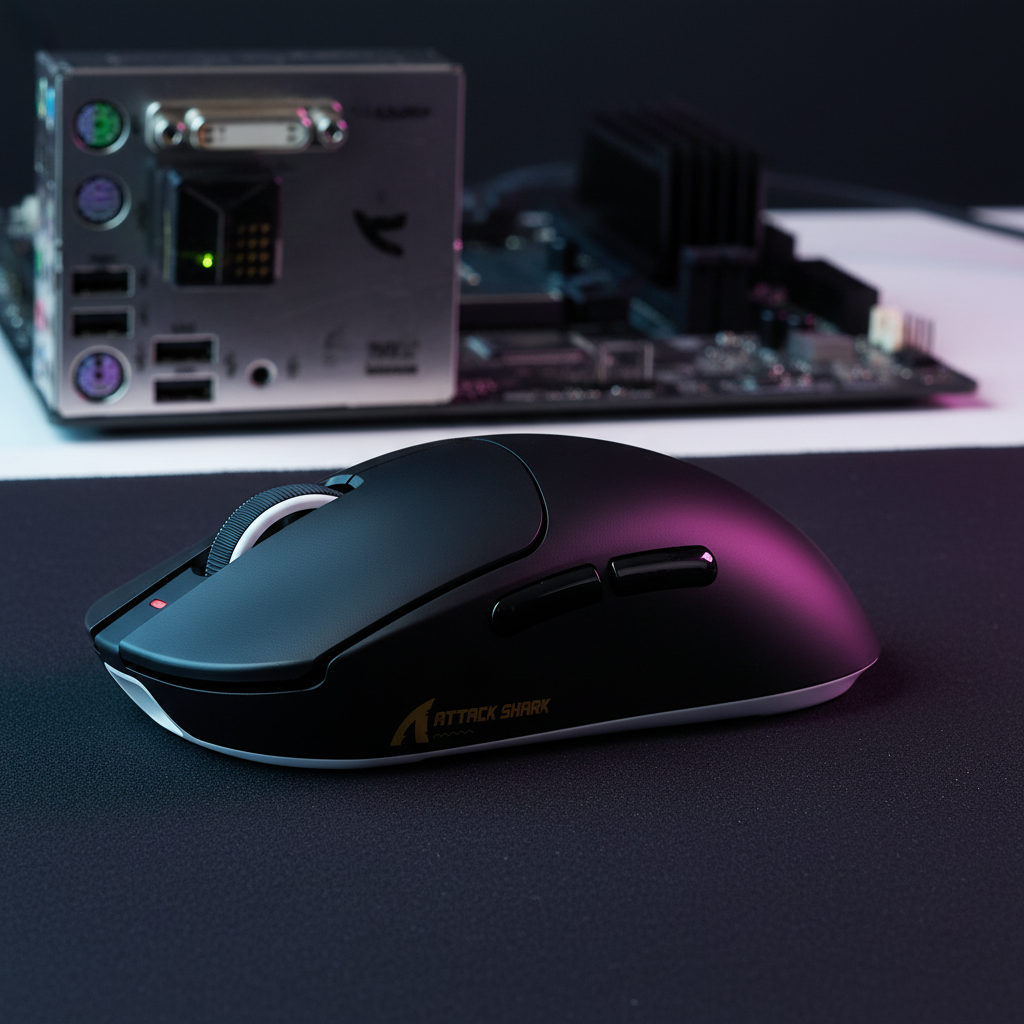
Using a dedicated, shielded USB extension cable to move the receiver from the rear motherboard I/O to the desk surface can effectively double the battery life compared to a distant receiver. Products like the ATTACK SHARK X8 Series Tri-mode Lightweight Wireless Gaming Mouse often include high-quality receivers that benefit significantly from this proximal placement.
3. Sensor Saturation and DPI Scaling
To maintain 8K stability, the sensor must generate enough data to fill the 8000Hz polls. The number of data packets sent per second is a product of movement speed (IPS) and DPI.
- Formula: $Packets = IPS \times DPI$
- At 800 DPI, a user must move the mouse at 10 IPS to saturate the 8K bandwidth.
- At 1600 DPI, only 5 IPS is required.
For users who perform slow micro-adjustments, higher DPI settings (1600+) provide a more stable 8K signal, as the sensor consistently has fresh data to report in every 0.125ms window.

Hardware Limitations in Value-Tier 8K Mice
It is important to acknowledge that value-tier mice, while offering flagship sensors like the PAW3395 or PAW3950MAX, may have different power management characteristics than premium-priced competitors.
MCU Efficiency and Sleep States
The power management firmware on some value-tier MCUs may lack the aggressive "micro-sleep" states used by more expensive implementations. This means the idle power draw—the energy consumed when the mouse is on but not moving—can be higher than expected. For example, the ATTACK SHARK G3 Tri-mode Wireless Gaming Mouse 25000 DPI Ultra Lightweight utilizes the Broadcom BK52820 MCU, which is optimized for efficiency but requires proper user-configured sleep timers to maximize its 500mAh battery.
Receiver Shielding
In budget-friendly 8K sets, such as the ATTACK SHARK X68HE Magnetic Keyboard With X3 Gaming Mouse Set, the proximity of multiple wireless receivers (keyboard and mouse) can create localized interference. Keeping the mouse receiver physically separated from the keyboard receiver by at least 10cm is a professional best practice to prevent packet collisions that would otherwise necessitate higher TX power settings.
Summary of Optimization Strategies
To balance performance and longevity, users should follow this checklist:
- Receiver Placement: Use a shielded extension cable to place the receiver within 15cm of the mouse.
- Power Setting: Start at "Medium" (0dBm) and only increase to "High" (+3dBm) if stuttering occurs.
- DPI Selection: Use 1600 DPI or higher to ensure the 8K polling rate is saturated during slow movements.
- USB Port: Always use a direct rear motherboard port (USB 3.0 or higher) to avoid the IRQ overhead of USB hubs.
Appendix: Modeling Assumptions & Methodology
The runtime estimates provided in this article are based on a deterministic power consumption model. This is a scenario model, not a controlled laboratory study.
| Parameter | Value | Unit | Rationale / Source |
|---|---|---|---|
| Battery Capacity | 500 | mAh | Standard for value-tier lightweight mice. |
| Discharge Efficiency | 85 | % | Accounts for DC-DC conversion and heat loss. |
| Sensor Current (8K) | 1.7 | mA | Typical draw for PAW3395 at 8000Hz. |
| System Overhead | 1.3 | mA | MCU active state and peripheral logic. |
| Radio Current (High) | 8.0 | mA | nRF52840 TX current at +3dBm boost. |
| Radio Current (Med) | 5.0 | mA | nRF52840 TX current at 0dBm baseline. |
| Radio Current (Low) | 3.0 | mA | nRF52840 TX current at -3dBm reduction. |
Boundary Conditions:
- This model assumes continuous 8K polling (active movement). Idle time will extend these figures.
- The model does not account for RGB lighting, which can add 10-30mA of additional draw.
- Estimates assume a clean 2.4GHz environment; heavy retransmissions in noisy areas will increase power consumption.
Disclaimer: This article is for informational purposes only. Battery performance may vary based on environmental factors, hardware revisions, and usage patterns. Always refer to the manufacturer's safety guidelines regarding lithium-ion battery charging and maintenance.


Dejar un comentario
Este sitio está protegido por hCaptcha y se aplican la Política de privacidad de hCaptcha y los Términos del servicio.