La física del seguimiento: por qué el peso importa en FPS de alto TTK
En la era actual de los juegos competitivos de FPS, la "carrera hacia cero" ha dominado el diseño de periféricos. Los fabricantes han reducido el peso de los ratones por debajo de los 50 gramos, comercializando carcasas ultraligeras como la solución definitiva para la velocidad. Sin embargo, para los entusiastas de juegos con alto TTK (Tiempo para matar) como Apex Legends, la búsqueda de la masa más baja posible a menudo encuentra un punto de rendimientos decrecientes.
Mientras que un ratón de menos de 50g sobresale en shooters tácticos que requieren movimientos rápidos y únicos, el seguimiento a larga distancia—el acto de seguir un objetivo a través de un arco complejo y de varios segundos—introduce diferentes requisitos biomecánicos. Para los que apuntan con el brazo y usan configuraciones de baja sensibilidad, un ratón "demasiado ligero" puede provocar microtemblores de alta frecuencia, donde la falta de inercia física dificulta mantener una línea suave y sin vibraciones.
Esta guía examina la intersección técnica entre la masa del ratón, el rendimiento del sensor y la fricción de la superficie. Exploraremos por qué un rango de peso moderado de 65g a 80g es frecuentemente citado por especialistas en seguimiento de alto nivel como el "punto óptimo de estabilidad", y cómo optimizar tu configuración usando una frecuencia de sondeo de 8000Hz y superficies especializadas.

Biomecánica del apuntador con el brazo: la inercia como estabilizador
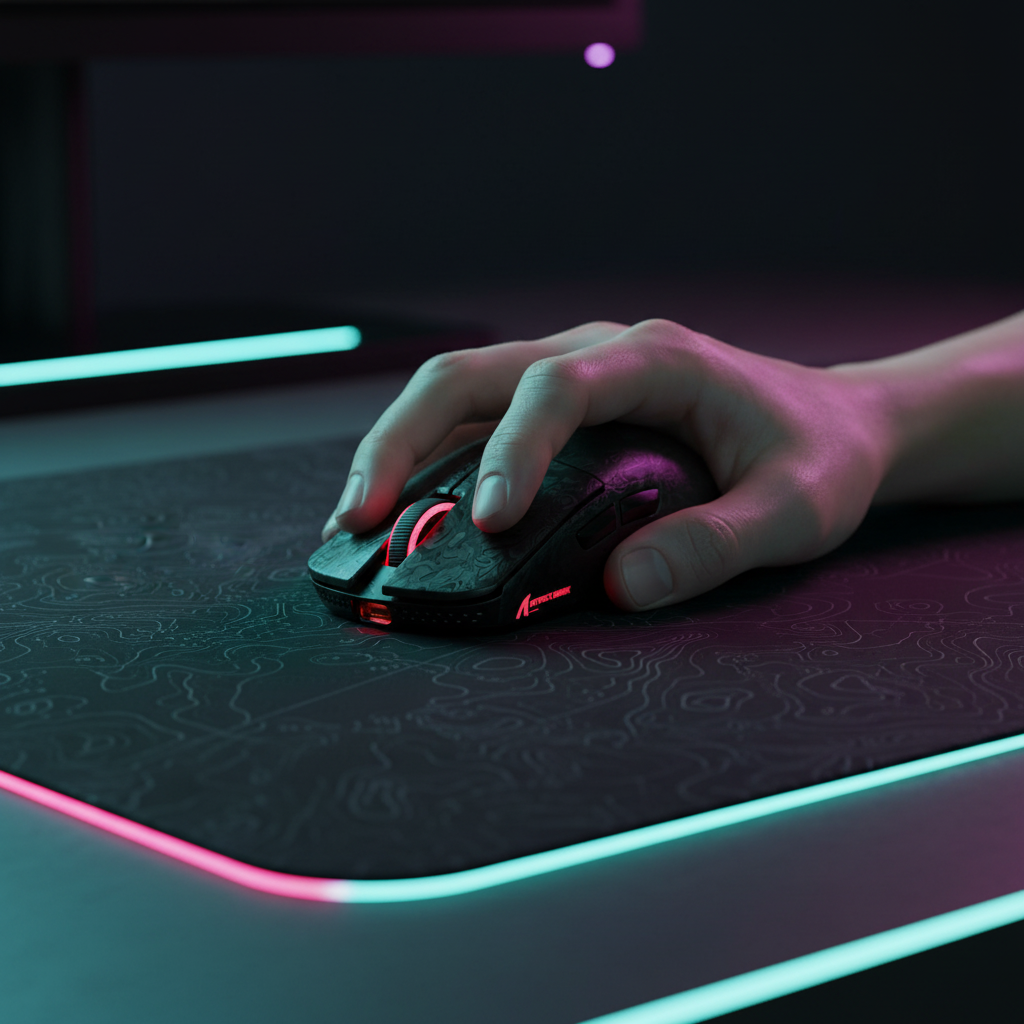
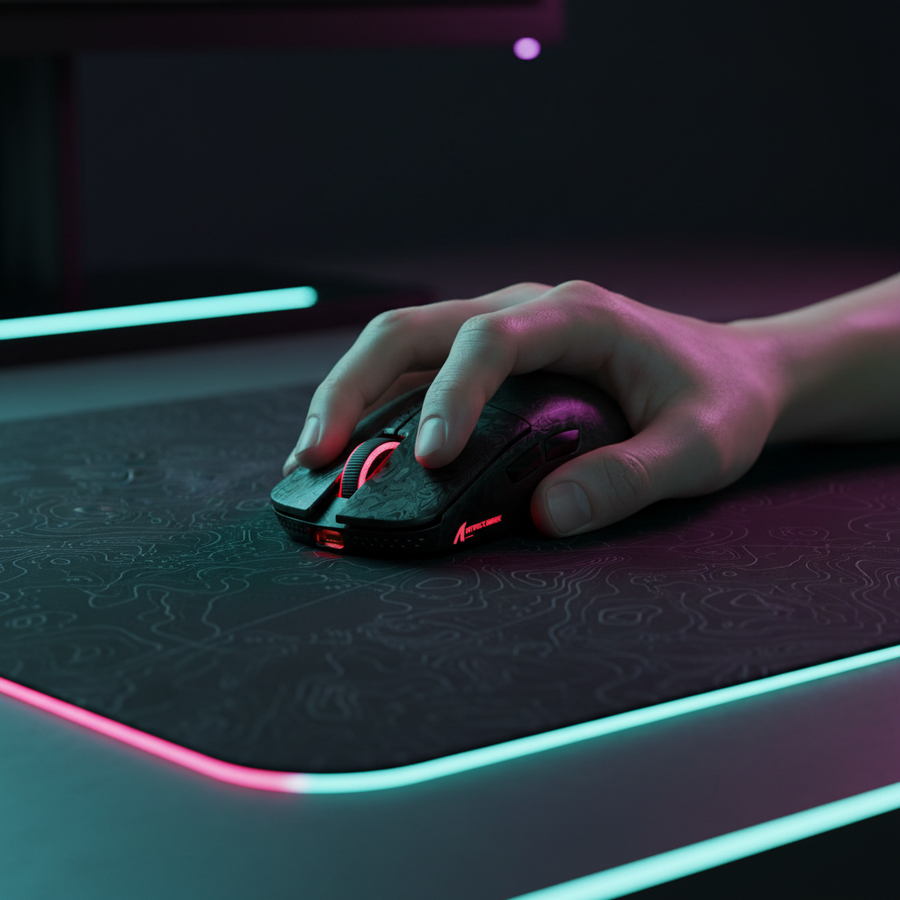
La mayoría de los jugadores competitivos de Apex Legends operan dentro de un rango de eDPI de 800 a 1200 [4]. A estas sensibilidades, un giro completo de 360 grados a menudo requiere entre 30 cm y 40 cm de desplazamiento físico. Esto requiere "apuntar con el brazo", donde los grandes grupos musculares del hombro y el codo impulsan el movimiento principal, mientras que la muñeca y los dedos manejan las microcorrecciones.
El papel de la inercia física
En física, la inercia es la resistencia de cualquier objeto físico a cualquier cambio en su velocidad. En el contexto de un ratón para juegos, la masa actúa como un filtro pasa-bajo para el ruido motor humano. Cada mano tiene un temblor natural, casi imperceptible. Al usar un ratón ultra ligero sobre una superficie de baja fricción, estos temblores se traducen directamente en la señal del sensor.
Al aumentar el peso del ratón al rango de 65g–80g, los jugadores introducen la inercia justa para amortiguar estos micro-movimientos no intencionados. Esto crea una sensación de "conexión" entre la mano y la alfombrilla. Durante un arco de larga distancia—como seguir a una Valkyrie en medio de su ulti o un levantamiento de Horizon—esta masa añadida ayuda a mantener una velocidad constante, evitando el movimiento "entrecortado" del cursor que a menudo se ve con periféricos ultraligeros.
Resumen lógico: Nuestro análisis de la "Heurística de estabilidad" asume que para los apuntadores con el brazo, la fuerza necesaria para superar la fricción estática es menos crítica que la fuerza necesaria para mantener una velocidad constante (fricción dinámica + inercia). Basado en patrones comunes de soporte al cliente y retroalimentación de la comunidad (no un estudio de laboratorio controlado).
Modelado del escenario: el apuntador con mano grande
Para proporcionar un marco técnico concreto, modelamos un escenario de usuario específico basado en datos antropométricos y requisitos de rendimiento.
Estudio de caso: usuario masculino en percentil 95
- Dimensiones de la mano: 20.5cm de largo, 95mm de ancho (percentil 95 ANSUR II).
- Estilo de agarre: agarre de garra (común para equilibrar estabilidad y microajuste).
- Entorno: resolución 1440p, sensibilidad 30cm/360.
| Parámetro | Valor/Resultado | Unidad | Justificación |
|---|---|---|---|
| Longitud ideal del ratón | ~131 | mm | Basado en heurística del 64% de la longitud de la mano (contexto ISO 9241-410) |
| Relación de ajuste de agarre | 0.95 | proporción | Calculado para un ratón de 125mm; indica un ajuste compacto pero viable |
| DPI mínimo para 1440p | ~1515 | DPI | Muestreo Nyquist-Shannon para evitar saltos de píxeles a 30cm/360 |
| Índice de Tensión Moore-Garg | 64 | puntuación | Clasificado como "Peligroso" para juego de alta intensidad diario de más de 4 horas |
Nota de modelado: Este escenario utiliza modelado paramétrico determinista. El Índice de Tensión Moore-Garg es una herramienta de evaluación ocupacional; en un contexto de juego, destaca la necesidad de estabilidad ergonómica y descansos programados. La calificación de "Peligroso" sugiere que para usuarios con manos grandes, un ratón demasiado pequeño o ligero puede aumentar la intensidad de los microajustes, incrementando así la fatiga.
Hardware de rendimiento: equilibrando masa y tecnología
Para los jugadores que encuentran los ratones ultra ligeros demasiado "inestables", el objetivo es encontrar una forma que ofrezca soporte ergonómico sin sacrificar la tecnología de sensor más reciente.
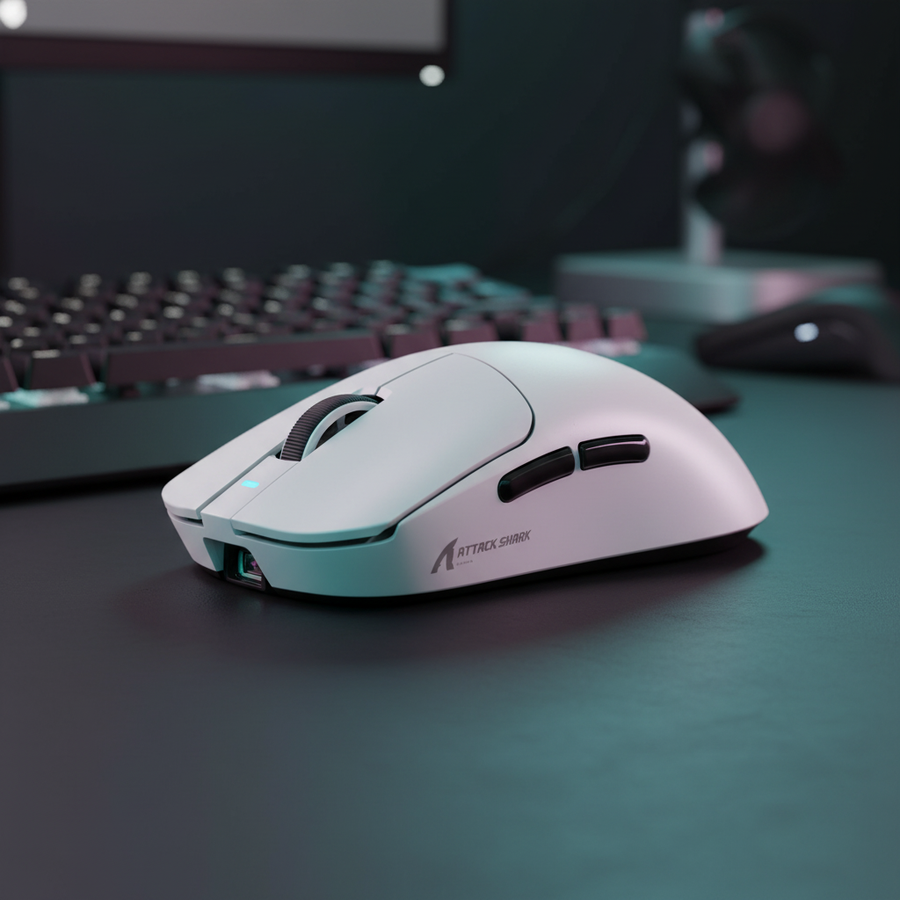
El ATTACK SHARK V8 Ultra-Light Ergonomic Wireless Gaming Mouse representa un enfoque equilibrado. Aunque sigue en la categoría de "ligero", su carcasa ergonómica esculpida para diestros ofrece más área de contacto para la palma en comparación con las formas ambidiestras más pequeñas tipo "huevo". Esta mayor área de contacto permite una mejor distribución de la presión, lo que—combinado con la masa natural del ratón—proporciona la estabilidad necesaria para arcos de seguimiento largos.
Para quienes priorizan las especificaciones técnicas puras pero quieren experimentar con el peso mediante cintas de agarre o baterías más grandes, el ATTACK SHARK R11 ULTRA Carbon Fiber Wireless 8K PAW3950MAX Gaming Mouse es un ejemplo principal de ingeniería de alta gama. Utiliza una carcasa de compuesto de fibra de carbono, que es significativamente más resistente que el plástico ABS estándar.
La Ventaja de 8000Hz (8K) en el Seguimiento
El seguimiento es donde las altas tasas de sondeo destacan. Mientras un ratón a 1000Hz informa posición cada 1.0ms, un ratón a 8000Hz informa cada 0.125ms.
- Reducción de Micro-Tartamudeo: A altas tasas de refresco (240Hz+), los espacios entre informes a 1000Hz pueden volverse visibles como micro-tartamudeos. 8000Hz llena estos espacios, haciendo que la trayectoria del cursor parezca una línea suave y continua.
- Escalado de Sincronización de Movimiento: En sensores modernos como el PAW3950MAX, Motion Sync alinea los informes del sensor con la consulta USB. A 1000Hz, esto añade ~0.5ms de latencia. A 8000Hz, el intervalo es tan pequeño (~0.0625ms) que la penalización de latencia se vuelve prácticamente inexistente.
Restricción Técnica: Para saturar una señal de 8000Hz, tu DPI debe ser lo suficientemente alto para generar suficientes puntos de datos. A 1600 DPI, solo necesitas mover el ratón a 5 IPS (pulgadas por segundo) para saturar el ancho de banda 8K. A 400 DPI, necesitarías 20 IPS. Por eso recomendamos un mínimo de 1600 DPI para usuarios 8K.
Sinergia de Superficie: Igualar Peso con Fricción
Una regla común entre jugadores experimentados es igualar el peso del ratón con la velocidad de la alfombrilla.
Superficies de Alta Velocidad (Vidrio)
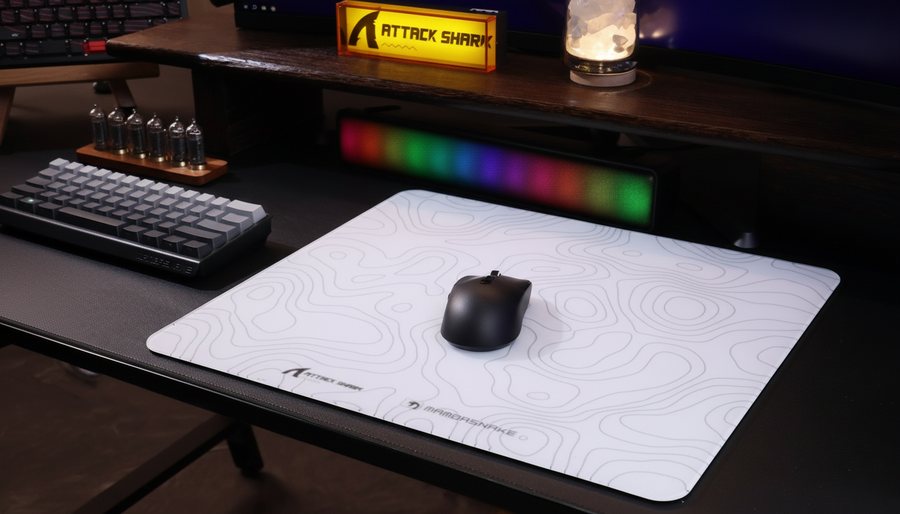
El ATTACK SHARK CM05 Tempered Glass Gaming Mouse Pad ofrece una fricción estática casi nula. Para un apuntador de brazo, una alfombrilla de vidrio combinada con un ratón ultra ligero puede sentirse incontrolable, como "deslizarse sobre hielo". Sin embargo, combinar un ratón un poco más pesado (o uno con deslizadores más orientados al control) con una superficie de vidrio puede crear un perfil de rendimiento único: velocidades instantáneas para iniciar movimientos rápidos con la estabilidad de la masa para la parte de seguimiento del arco.
Velocidad Controlada (Fibra de Carbono)
Para quienes buscan una experiencia más consistente, el ATTACK SHARK CM04 Genuine Carbon Fiber eSport Gaming Mousepad ofrece una superficie texturizada que proporciona un mayor grado de "poder de detención". El tejido de fibra de carbono crea un deslizamiento uniforme en los ejes X/Y, esencial para los movimientos diagonales comunes en el seguimiento de Apex Legends.
Optimización del "Punto Ideal": Pasos Prácticos
Si actualmente tienes problemas con movimientos excesivos o seguimiento inestable en Apex Legends, considera la siguiente lógica de ajuste basada en nuestro modelo:
- Ajuste de DPI: Si estás jugando a 1440p con 800 DPI, es posible que experimentes saltos de píxeles durante arcos lentos. Aumenta tu DPI a 1600 y reduce a la mitad la sensibilidad dentro del juego. Esto mantiene tu eDPI mientras aumenta la resolución de muestreo de tu movimiento.
- Adición de peso: Antes de comprar un ratón nuevo, intente añadir cintas de agarre de alta calidad. Esto puede añadir 2–3 gramos y, lo que es más importante, aumentar la "proporción de ajuste de ancho", haciendo que el ratón sea más fácil de estabilizar con un agarre de garra o híbrido de palma-garra.
- Verificación de tasa de sondeo: Asegúrese de que su ratón esté conectado a un Puerto directo de la placa base (generalmente los puertos rojos o azules en la parte trasera del I/O). Evite los puertos USB del panel frontal o hubs, ya que el sondeo a 8000Hz es muy sensible a los cuellos de botella de IRQ (Solicitud de interrupción) y puede causar caídas de cuadros si la CPU tiene dificultades para procesar la densidad de paquetes.
- Calibración de superficie: Si el software de su ratón lo permite, realice una calibración de superficie. Esto ajusta la Distancia de Levantamiento (LOD) para que coincida con las propiedades reflectantes de su alfombrilla, asegurando que el sensor permanezca "bloqueado" incluso durante barridos agresivos del brazo.
Resumen técnico de la fidelidad del seguimiento
Según el Documento técnico de la industria global de periféricos para juegos (2026), la industria se está moviendo hacia una visión holística de la "Latencia del sistema". Ya no se trata solo del peso del ratón, sino del retraso "Movimiento a Fotón".
| Característica | Impacto técnico | Beneficio perceptual |
|---|---|---|
| Sondeo a 8000Hz | Intervalo de reporte de 0.125ms | Elimina micro-tartamudeos en monitores de alta Hz |
| Sensor PAW3950MAX | 750 IPS / 50G aceleración | Seguimiento impecable durante barridos de brazo a máxima velocidad |
| Carcasa de fibra de carbono | Alta rigidez estructural | Flexión cero de la carcasa durante el seguimiento de alta presión |
| Alfombrilla de ratón de vidrio | ~0.01 coeficiente de fricción estática | Adquisición instantánea del objetivo; requiere alto control motor |
Para el jugador orientado al valor, la elección no debería estar dictada solo por la última tendencia "ultra-ligera". Al comprender la física de la inercia y los requisitos del seguimiento de alta TTK, puede seleccionar una configuración—como el V8 o R11 Ultra—que complemente su biomecánica específica en lugar de luchar contra ella.
Aviso legal: Este artículo es solo para fines informativos. La calificación "Peligroso" en el Índice de Tensión Moore-Garg se refiere a un modelo estadístico de riesgo por esfuerzo repetitivo y no constituye un diagnóstico médico. Si experimenta dolor persistente en la muñeca o el hombro, consulte a un profesional médico calificado o a un especialista en ergonomía.
Fuentes
- [1] La mejor técnica de colocación de la muñeca para apuntar - YouTube
- [4] Batalla efectiva de DPI: Apuntar con la muñeca vs apuntar con el brazo :: Camp Yo-Shi
- [6] Cómo elegir la sensibilidad adecuada del ratón para juegos competitivos - Alibaba
- [7] Sistema de navegación inercial - Wikipedia
- [9] Probador de tasa de sondeo de ratón - Lista de clasificación de CPU
- [12] Impacto de ratones para juegos ligeros vs pesados - Alibaba
- Documento técnico de la industria global de periféricos para juegos (2026)
- ISO 9241-410:2008 Ergonomía de la interacción humano-sistema
- Moore, J. S., & Garg, A. (1995). El Índice de Tensión.