Manejo de la Fatiga del Meñique: Remapeo Ergonómico de Shift para Jugadores de MMO
El dedo meñique izquierdo es a menudo el héroe desconocido—y la primera víctima—de la configuración MMO de alto rendimiento. En títulos que requieren rotaciones complejas de habilidades y uso constante de modificadores, el lado cubital de la muñeca (el lado correspondiente al meñique) soporta una carga estática desproporcionada. Esto no es solo cuestión de "acostumbrarse al esfuerzo". Es un cuello de botella biomecánico que, si no se aborda, conduce a lesiones por esfuerzo repetitivo (LER) que pueden dejar fuera de juego a un jugador durante meses.
Para los jugadores orientados al valor, la solución no es solo comprar equipo más caro; se trata de aplicar lógica técnica a la configuración de hardware y software. Al reevaluar cómo usamos las teclas Shift y Ctrl, y aprovechar tecnologías emergentes como los interruptores magnéticos de efecto Hall (HE), podemos reducir significativamente la tensión física sin sacrificar el tiempo de reacción en el juego.
La Biomecánica del "Problema del Meñique"
La mano humana no está diseñada para el alcance lateral necesario para mantener la tecla Shift izquierda estándar mientras se ciclan las teclas numéricas (1-6) durante horas. El meñique (dedo V) es el más débil de los dedos, pero en las configuraciones estándar de MMO, tiene el mayor "tiempo de mantenimiento" de cualquier dedo. Esto crea un tipo específico de tensión conocida como desviación cubital—donde la muñeca se dobla hacia el meñique—combinada con extensión de la muñeca.
Para cuantificar esto, aplicamos el Índice de Tensión Moore-Garg (SI), una herramienta validada de análisis laboral usada para evaluar el riesgo de trastornos en las extremidades superiores distales. En nuestro modelo para un jugador de MMO con alta APM, la puntuación SI base alcanzó un nivel peligroso de 96. Esta alta puntuación se debe a la intensidad del esfuerzo (mantener la tecla) y la postura incómoda requerida para el alcance.
Resumen Lógico: Nuestro análisis de un perfil de jugador de MMO (4-6 horas diarias, 40-60 APM) asume multiplicadores de esfuerzo altos para las teclas modificadoras basados en patrones comunes de la comunidad y heurísticas ergonómicas.
| Métrica | Base (Estándar) | Remapeado (Ergonómico) | Mejora |
|---|---|---|---|
| Puntuación Moore-Garg SI | 96 (Peligroso) | 24 (Peligroso pero Reducido) | Reducción del 75% |
| Multiplicador de Postura | 2.0 (Incómodo) | 1.0 (Neutral) | Reducción del 50% |
| Multiplicador de Intensidad | 2.0 (Moderado/Alto) | 1.0 (Ligero) | Reducción del 50% |
Aunque una puntuación de 24 todavía se considera peligrosa debido a la duración y frecuencia del juego, la reducción del 75% demuestra que el remapeo es el ajuste de software más impactante que un jugador puede implementar.

Remapeo estratégico de software: La revolución del Shift con el pulgar
La forma más efectiva de salvar al meñique es descargar su tarea más pesada: el modificador Shift. El pulgar es el dedo más fuerte y, en una disposición estándar WASD, a menudo está subutilizado, descansando principalmente sobre la barra espaciadora.
1. Mapeo de función dual de la barra espaciadora
Usando software como QMK, ZMK o suites propietarias, puedes configurar la barra espaciadora para que funcione como una tecla de "Toque para espacio, Mantener para Shift". Esto permite que el pulgar maneje la carga estática de mantener un modificador. Debido a que el pulgar se mueve en un plano de movimiento más natural (oponiéndose a los dedos), elimina la desviación cubital causada por el alcance del meñique.
2. Bloq Mayús como Ctrl
La tecla Bloq Mayús es posiblemente el espacio más desaprovechado en un teclado moderno. Al remapear 'Ctrl' a 'Bloq Mayús'—una técnica popular en la comunidad profesional de programación y respaldada por las Tablas de Uso USB HID (v1.5)—acercas el modificador a la fila de inicio. Esto reduce el "rizo del meñique" necesario para alcanzar la tradicional tecla Ctrl en la esquina inferior izquierda.
3. Descarga de botones del ratón
Para jugadores con manos más grandes, descargar modificadores al ratón es una estrategia viable. En nuestro modelo de un personaje masculino P95 (longitud de mano ~21.5 cm), un ratón para juegos estándar de 120 mm proporciona una Relación de Ajuste de Agarre de 0.87. Aunque esto indica que el ratón es aproximadamente un 13% más corto que los 138 mm ideales para un agarre de palma completa, sigue siendo muy efectivo para un agarre tipo garra.
Según la Metodología de Latencia de Clics de Ratón de RTINGS, los botones laterales suelen tener una latencia ligeramente mayor que los clics principales debido a la selección del interruptor. Sin embargo, para una tecla modificadora donde el "mantener" es más importante que el "toque instantáneo", esta compensación es insignificante en comparación con la ganancia ergonómica.
Intervenciones de hardware: Efecto Hall y Rapid Trigger
Más allá del remapeo, el hardware en sí puede mitigar la fatiga. La aparición de interruptores magnéticos de efecto Hall (HE) ha introducido la tecnología "Rapid Trigger", que cambia fundamentalmente la cinemática de una pulsación de tecla.
En un interruptor mecánico tradicional, hay un "punto de reinicio" fijo. Debes levantar la tecla más allá de un umbral físico (histéresis) antes de poder presionarla de nuevo. Esto requiere un levantamiento significativo del dedo, contribuyendo a la fatiga acumulativa tras miles de pulsaciones. Sin embargo, los interruptores Hall Effect usan sensores magnéticos para rastrear la posición exacta de la tecla.
La ventaja en latencia y esfuerzo
Calculamos la reducción teórica de latencia usando un modelo cinemático (t = d/v). Comparando un interruptor mecánico estándar con una distancia de reinicio de 0.5mm con un interruptor HE con un reinicio Rapid Trigger de 0.1mm:
- Latencia total mecánica: ~15ms (incluyendo 5ms de rebote).
- Latencia total del efecto Hall: ~6ms (reinicio casi instantáneo de 0.1mm).
- El resultado: Una ventaja de ~9ms por ciclo de pulsación.
Más importante para la ergonomía, la reducción del 60% en la distancia de reinicio significa que el dedo tiene que viajar menos. En una sesión de 4 horas, esto representa una reducción masiva en el trabajo físico (Fuerza x Distancia) realizado por los músculos extensores extrínsecos del antebrazo.
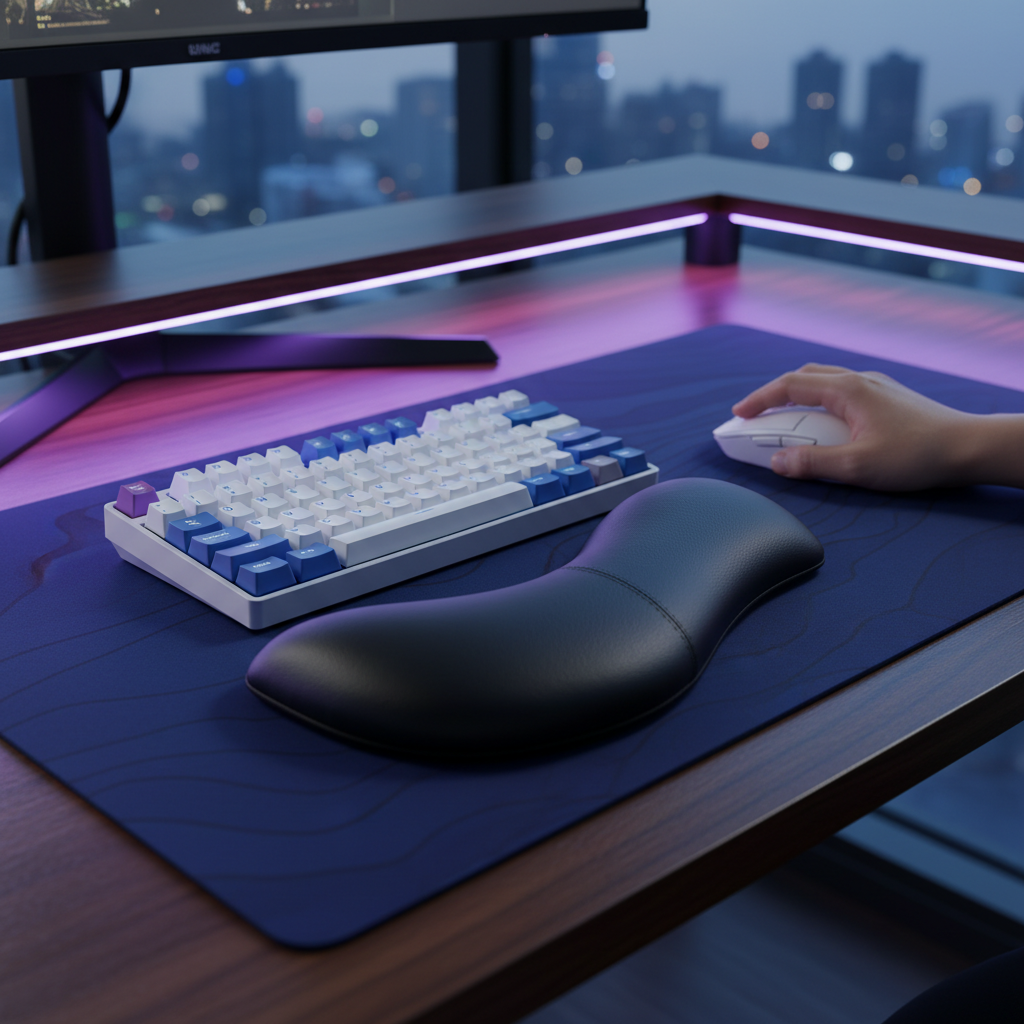
Para quienes buscan optimizar su configuración, el Reposamuñecas de aleación de aluminio ATTACK SHARK con estuche de almacenamiento con compartimentos proporciona la elevación necesaria para mantener la muñeca en un plano neutral. Según la investigación sobre la Influencia de la inclinación del teclado de computadora y la altura del soporte para muñeca, una altura de soporte de aproximadamente 15mm—combinada con una ligera inclinación del teclado—es efectiva para reducir la presión del túnel carpiano.
La restricción de "mano grande" y el ajuste del agarre
Una de las "brechas de credibilidad de especificación" más comunes involucra el tamaño del ratón. Muchos ratones "profesionales" están diseñados para un promedio de mano mediana, lo que puede causar calambres en usuarios con manos más grandes.
Nota de modelado (ajuste del agarre):
- Entrada: Longitud de la mano 21.5cm, ancho de la mano 100mm.
- Longitud ideal del ratón: 137.6mm (basado en la regla del 60% derivada de ISO 9241-410).
- Ratón real: 120mm.
- Condición de frontera: Este modelo asume un agarre con garra. Para un agarre de palma, el ratón de 120mm sería significativamente pequeño, probablemente aumentando la tensión en la palma.
Si tu ratón es pequeño, usar un cable de alta calidad como el ATTACK SHARK C06 Coiled Cable For Mouse puede reducir el "arrastre del cable", que de otro modo obliga al meñique y al dedo anular a ejercer más fuerza lateral para estabilizar la carcasa del ratón.
Optimización táctil: Keycaps y activación
El perfil de tus keycaps también determina el "alcance" requerido por tu meñique. Los perfiles estándar OEM o Cherry son funcionales, pero los perfiles esculpidos como ASA o SA ofrecen una "cavidad" más profunda para que el dedo descanse. Esta mejor centración reduce el microdeslizamiento del dedo fuera de la tecla durante una incursión de alta tensión.
Además, el Libro blanco de la industria global de periféricos para juegos (2026) enfatiza que "la consistencia en la fuerza de activación es un factor clave para la comodidad a largo plazo." Un switch que requiere 60g de fuerza puede sentirse "táctil", pero para una rotación MMO que carga mucho el dedo meñique, generalmente se prefiere un switch lineal más ligero de 35g-45g o un switch HE ajustable para manejar la carga acumulativa.
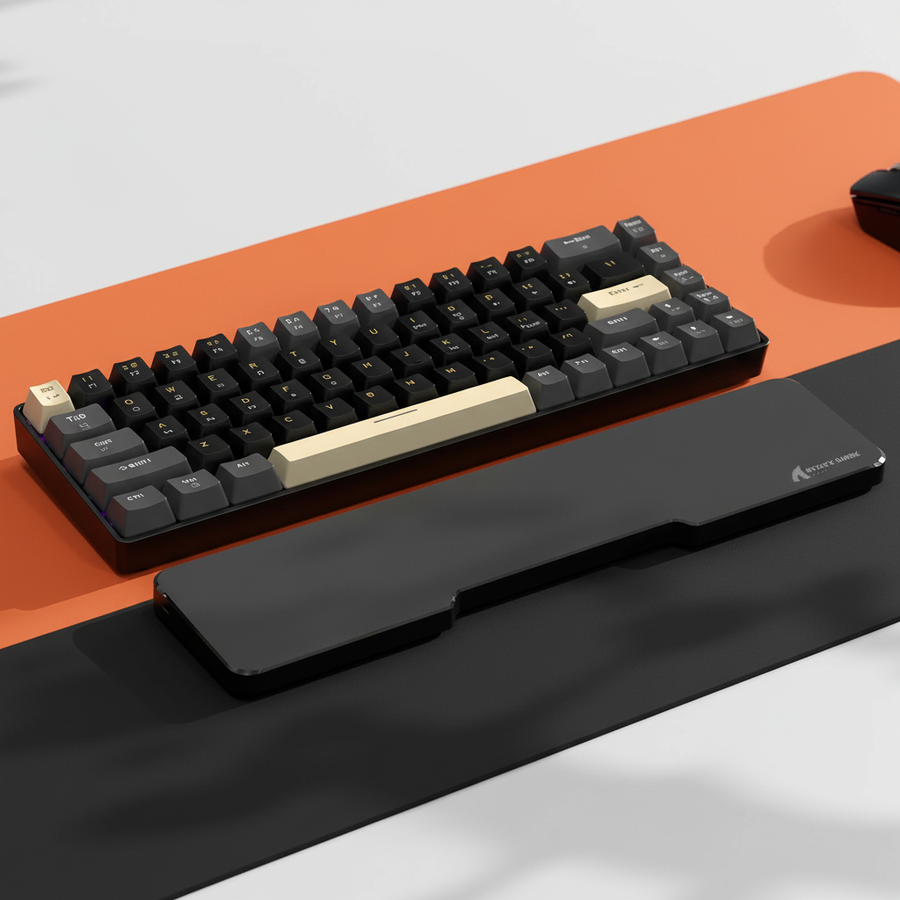
Para usuarios de TKL (Tenkeyless), el ATTACK SHARK 87 KEYS ACRYLIC WRIST REST o el ATTACK SHARK ACRYLIC WRIST REST ofrecen una superficie inclinada y esmerilada que se alinea con el método de tecleo "Float", una técnica donde las muñecas se apoyan durante las pausas pero se mantienen ligeramente elevadas durante el movimiento activo para evitar la tensión por "anclaje".
Recuperación y mitigaciones durante la sesión
Ninguna reasignación puede reemplazar la necesidad fisiológica de recuperación. Sin embargo, los jugadores de MMO a menudo enfrentan sesiones ininterrumpidas de 30 a 60 minutos (incursiones/mazmorras) donde "tomar un descanso" no es una opción.
En estos escenarios, los expertos recomiendan dos "microajustes" específicos:
- Deslizamientos de tendones: Durante breves momentos de descanso (por ejemplo, en vuelos o escenas cinemáticas), realiza una serie de estiramientos de los dedos: haz un puño, luego un gancho, y después una mano plana.
- La inclinación de 15 grados: Girar ligeramente tu teclado en sentido horario (para usuarios diestros del ratón) puede alinear las teclas de forma más natural con el ángulo de tu brazo izquierdo, reduciendo la necesidad de que el meñique "se estire" hacia afuera. Esto se explica en detalle en nuestra guía sobre La inclinación del teclado.
Resumen de estrategias ergonómicas
| Estrategia | Mecanismo | Impacto estimado |
|---|---|---|
| Barra espaciadora Shift | Descarga la carga estática al pulgar | Alto (Reduce la desviación cubital) |
| Bloq Mayús Ctrl | Reduce el alcance/extensión del meñique | Moderado (Mejora el acceso a la fila base) |
| Disparo rápido HE | Reduce la elevación del dedo/trabajo realizado | Moderado (Reduce la fatiga acumulativa) |
| Soporte para la muñeca | Mantiene el plano neutral de la muñeca | Alto (Reduce la presión en el túnel carpiano) |
Método y supuestos (Transparencia)
Los datos presentados en este artículo se derivan de un modelado determinista de escenarios basado en los siguientes parámetros:
| Parámetro | Valor | Unidad | Justificación |
|---|---|---|---|
| Longitud de la mano | 21.5 | cm | Antropometría masculina P95 |
| APM | 40–60 | acciones/min | Intensidad típica de combate en MMO |
| Duración de la sesión | 4–6 | horas | Base para jugadores de alto rendimiento |
| Estilo de agarre | Garra | No aplica | Preferencia competitiva común |
| Distancia de reinicio (HE) | 0.1 | mm | Estándar de la industria para disparo rápido |
Condiciones de límite: Estos hallazgos son específicos para la persona modelada. Los usuarios con manos más pequeñas (menos de 17cm) o aquellos que usan un agarre "Fingertip" pueden experimentar perfiles de tensión diferentes y pueden encontrar más difícil alcanzar los botones laterales del ratón. El Índice de Tensión Moore-Garg es una herramienta de evaluación y no debe usarse para diagnóstico médico.
Perspectiva final
Gestionar la fatiga del meñique es un desafío de múltiples capas que requiere tanto precisión en el hardware como inteligencia en el software. Al reasignar la tecla Shift al pulgar y utilizar el reinicio casi instantáneo de 0.1mm de los interruptores Hall Effect, no solo juegas más rápido, sino que juegas por más tiempo. El objetivo es eliminar las posturas "incómodas" que conducen a lesiones por esfuerzo repetitivo (RSI), permitiendo que tu equipo trabaje con tu anatomía en lugar de contra ella.
Aviso legal: Este artículo es solo para fines informativos y no constituye asesoramiento médico profesional. Si experimenta dolor persistente, entumecimiento u hormigueo en las manos o muñecas, consulte a un profesional de la salud o fisioterapeuta calificado.
Fuentes
- Moore, J. S., & Garg, A. (1995). El Índice de Tensión
- ISO 9241-410: Ergonomía de la interacción humano-sistema
- RTINGS - Metodología de latencia de clic del ratón
- Centro Canadiense para la Salud y Seguridad Ocupacional (CCOHS) - Ergonomía
- Documento técnico de la industria global de periféricos para juegos (2026)