







ATTACK SHARK x AJAZZ 9,2-Zoll IPS LCD Monitor
- Share:
-

-

-

-


Technical Specifications

-
Kristallklare Darstellung
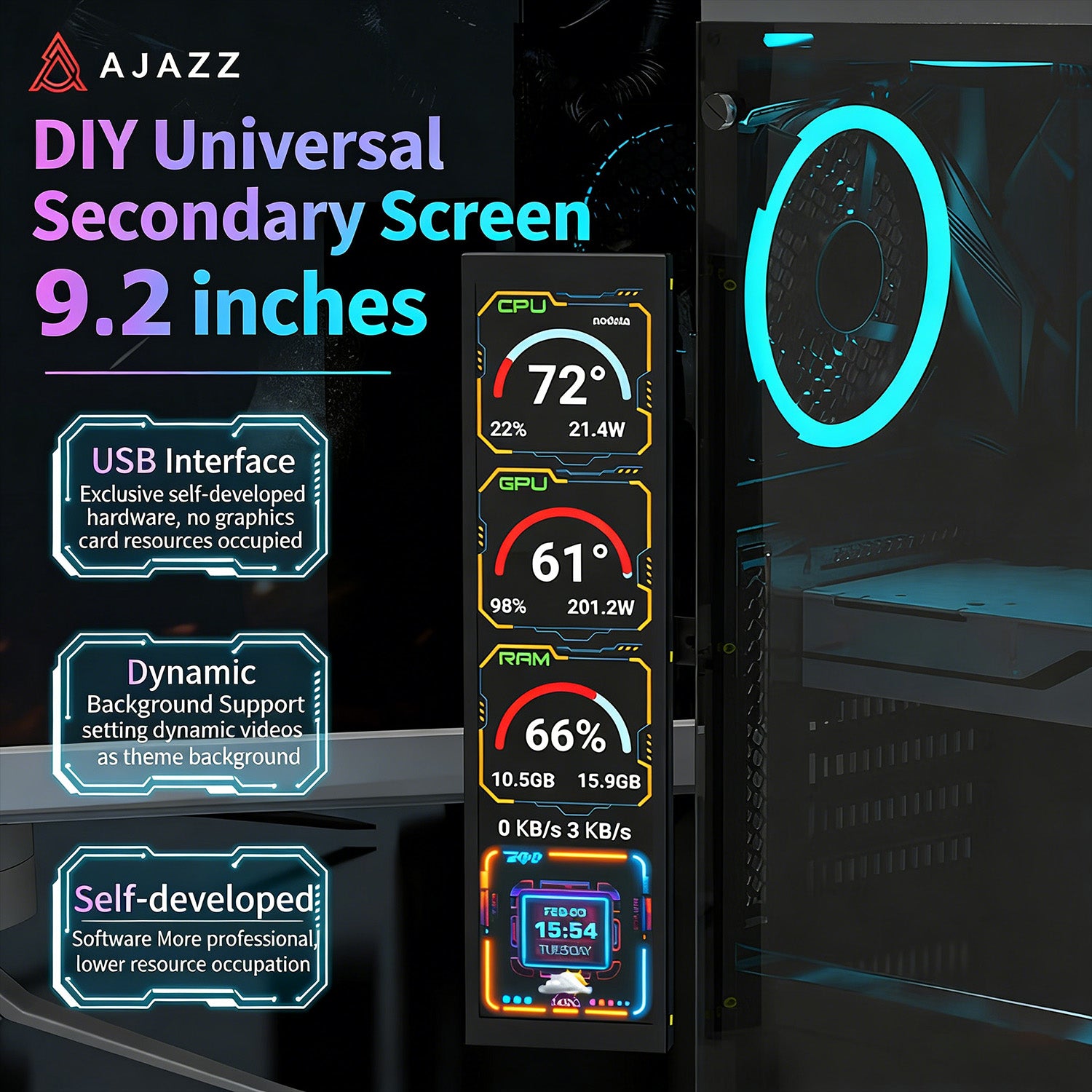
- Erleben Sie beeindruckende Details mit dem 9,2-Zoll-True-Color-LCD-Bildschirm von A.JAZZ. Mit einer hohen Helligkeit von 500 cd/m² und einer scharfen HD-Auflösung von 1920x464 liefert dieser Monitor lebendige Bilder. Die fortschrittliche IPS-Technologie sorgt dank des weiten Betrachtungswinkels von 178 Grad für konsistente und genaue Farben aus jedem Blickwinkel.
-
Hochwertiges Vollmetall-Design
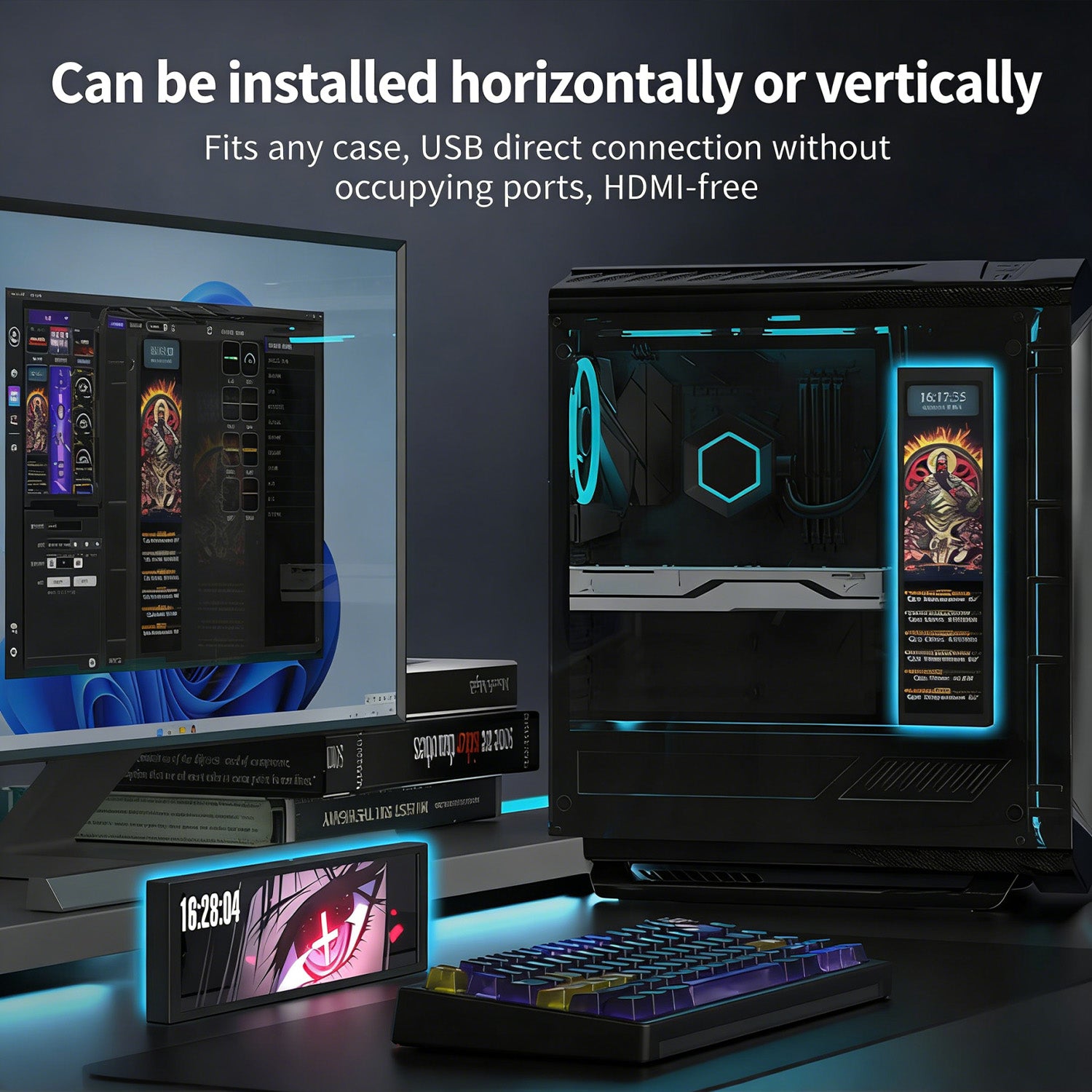
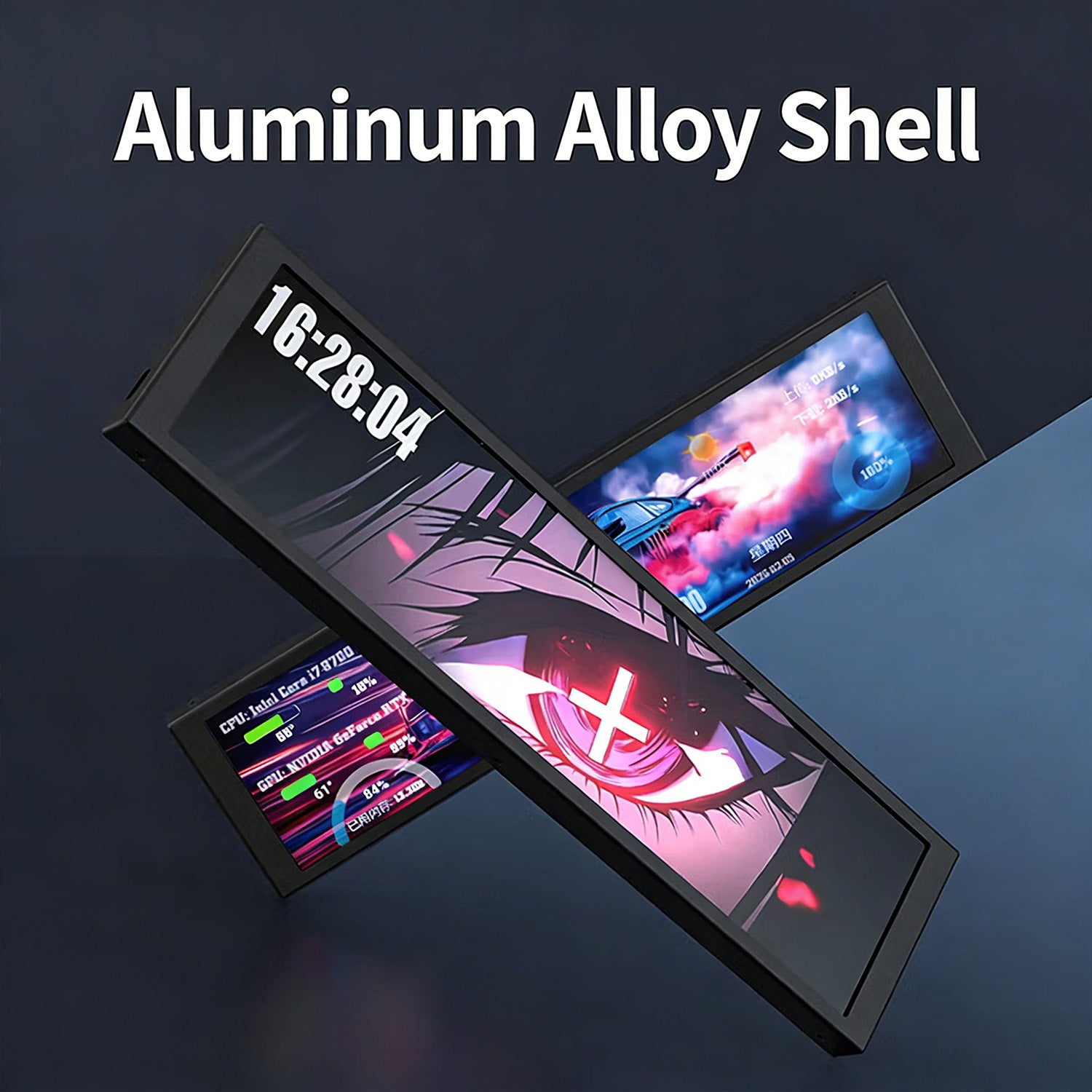
- Für Langlebigkeit und Stil gefertigt, verfügt dieser Monitor über ein Gehäuse aus Vollaluminiumlegierung. Es vermittelt ein hochwertiges Gefühl und sorgt gleichzeitig für robusten Schutz. Der mitgelieferte vielseitige Ständer ermöglicht es Ihnen, ihn auf Ihrem Schreibtisch zu platzieren, im PC-Gehäuse zu montieren oder überall dort, wo Ihr Setup es erfordert, und fügt sich nahtlos in Ihre Umgebung ein.
-
Einfache USB-Konnektivität
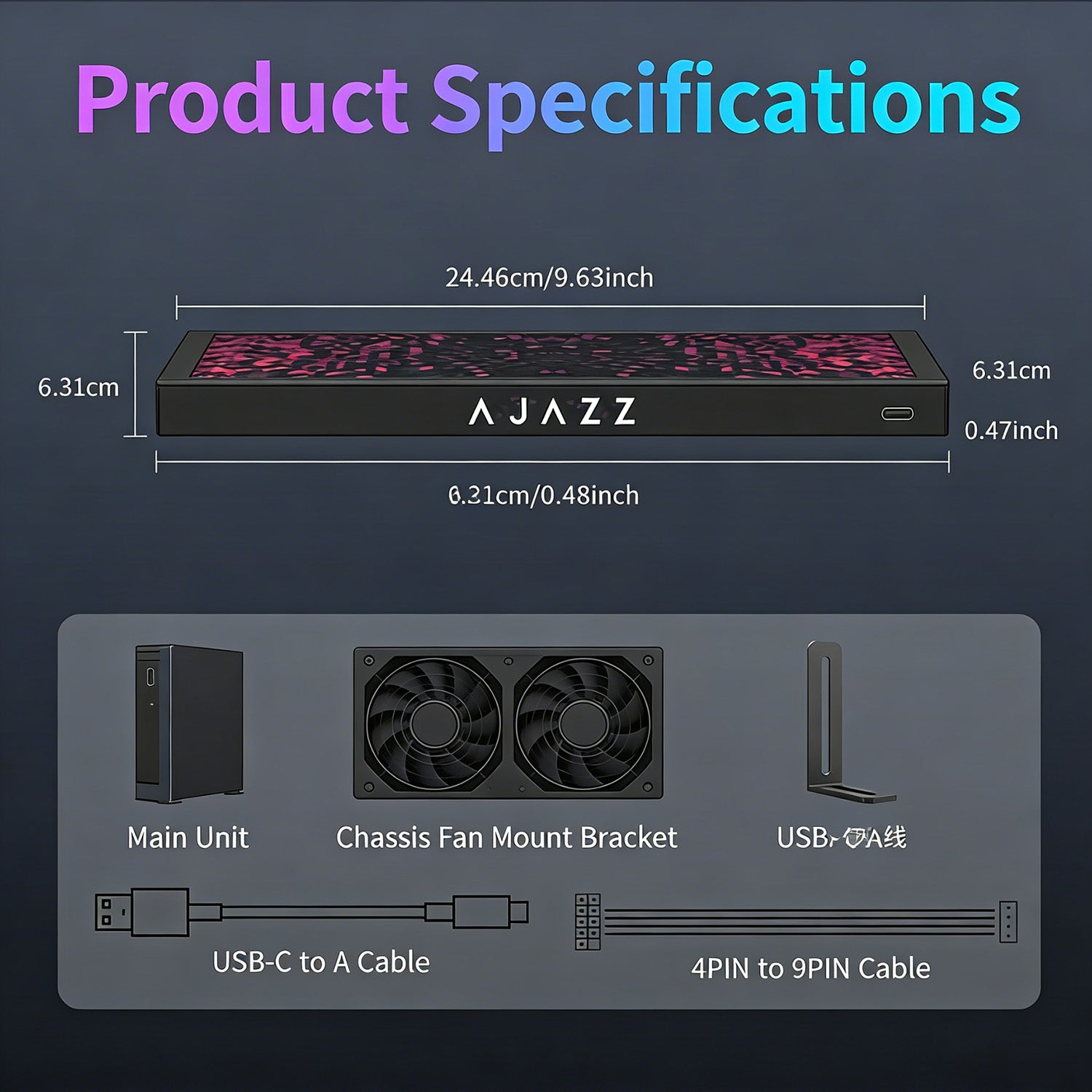
- Genießen Sie eine mühelose Einrichtung mit reiner USB-Konnektivität. Stromversorgung und Datenübertragung erfolgen über ein einziges USB-Kabel oder eine interne 4-Pin-zu-9-Pin-Verbindung, ein HDMI-Anschluss ist nicht erforderlich. Dieses Plug-and-Play-Design passt an jedes System, ohne zusätzliche Anschlüsse zu belegen, was die Installation schnell und das Kabelmanagement sauber macht.
-
Keine GPU-Ressourcennutzung
- Im Gegensatz zu herkömmlichen Displays nutzt unser Monitor exklusive Hardware-Technologie, um unabhängig von Ihrer Grafikkarte zu arbeiten. Das bedeutet, Sie erhalten ein sekundäres Bildschirm-Erlebnis, ohne die GPU-Leistung zu beeinträchtigen, sodass Ihr Gaming oder kreative Arbeit mit maximalen Bildraten läuft.
-
Intelligente Software-Suite
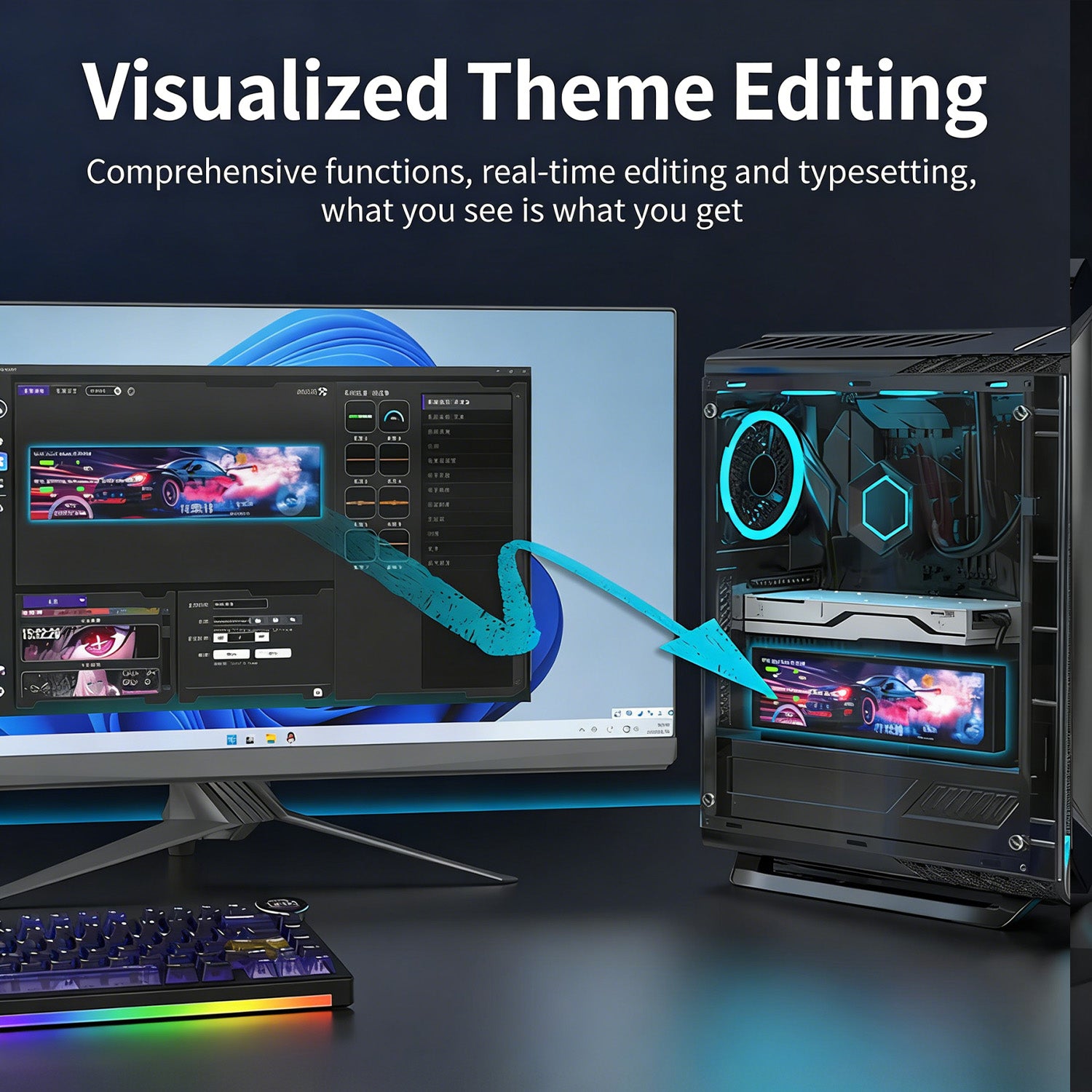
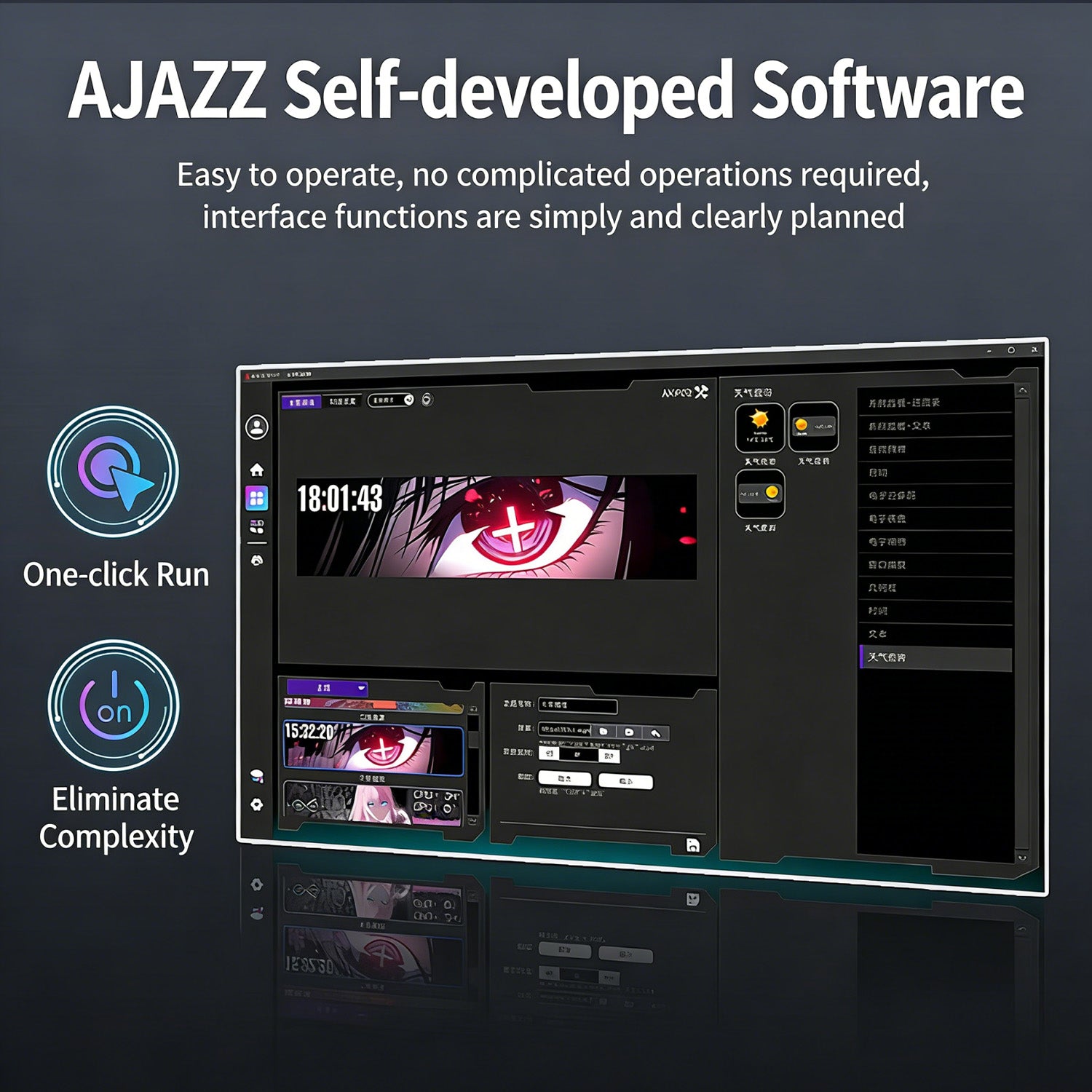
- Übernehmen Sie die volle Kontrolle mit unserer proprietären Software, die für Einfachheit und Leistung entwickelt wurde. Mit Ein-Klick-Bedienung ermöglicht die intuitive Oberfläche eine „Was du siehst, ist was du bekommst“-Bearbeitung. Passen Sie Ihr Layout sofort an, legen Sie dynamische Videos als Hintergrund fest und personalisieren Sie Themen und Hintergrundbilder ohne komplizierte Schritte.
-
Umfassende Systemüberwachung
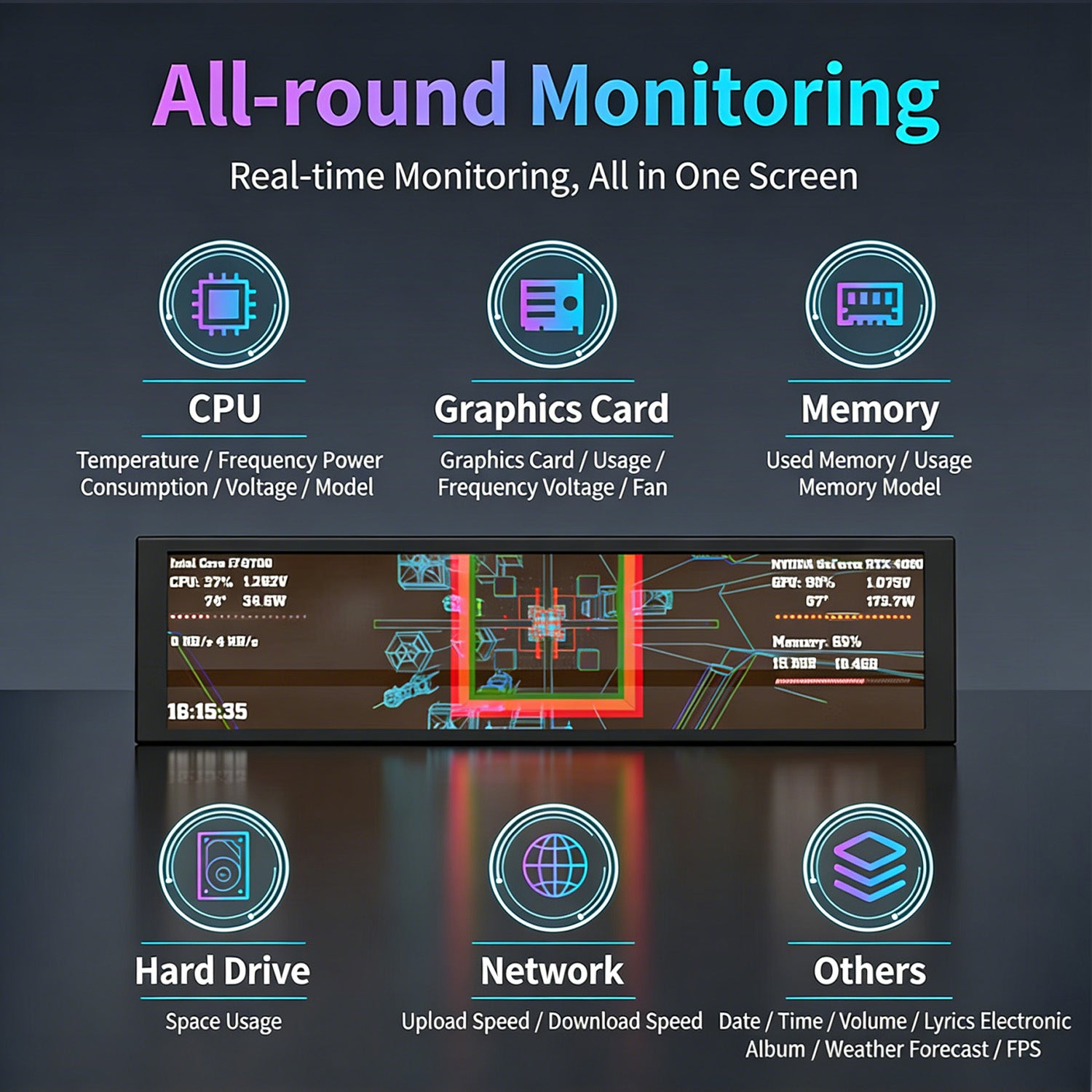
- Verwandeln Sie Ihr Setup in ein Kommandozentrum. Die DIY-Zonenfunktion ermöglicht es Ihnen, den Bildschirm zu unterteilen, um Echtzeit-PC-Statistiken anzuzeigen. Überwachen Sie Ihre CPU-Frequenz, Temperatur, Stromverbrauch, Spannung, GPU-Status, Festplattenaktivität, Netzwerkgeschwindigkeit und sogar das Wetter oder Datum – so behalten Sie Ihr System auf einen Blick umfassend im Überblick.
Ist ein sehr cooles und sehr leicht ein zurichtendes Accessoir für den PC.

Habe es als gebraucht-akzeptabel gekauft.Alles war etwas schäbig war, war die Verpackung.Das Display ist echt super !Etwas fummelig den Treiber zu bekommen aber wenn man es einmal raus hat läuft es echt super

Molto bello fatto bene unico neo difficile da installare il programmino proprietario per il resto qualità prezzo ottima


This doesn't use a regular hdmi or displayport over usb-c, instead it needs it's own drivers from the a-jazz website. Ignore the tiny link provided in the manual it doesn't work on their website, instead search for 989834 or "AJAZZ_AKP02 Series_ Wired mode_WIN side screen driver" on their site and you'll be offered a .rar file to download. This contains the installer that will download the correct drivers for your system and the AJAZZ CRAFT software.Once you've got it installed the CRAFT software allows you to sign up to the key123.vip website. I know it's sounding very dubious by the second, but trust the process as this is part of how they provide Stream Dock customisation as well as the Smart Screen premade templates. This is access, if not slow due to the sped of the website, access to 1000s of pre-made, mostly seemingly anime, templates for the screen.Alternatively you can use the Craft to set and design your own allowing you to customise pretty much everything you want from your system, from CPU info, network bandwidth and even selecting a single window of an application to be displayed, such as VLC if you wanted to run some cool custom videos on it. And these are all overlays on the screen that you can send to back, bring to front, and resize as needed.In the box you get a manual, a L bracket that you can use to mount the display in side your case, or outside if that's your thing and two USB cables. The first is USB type A to a right angled USB-C and this is used if you want to use the display vis it's side USB-C port.The second is probably what most people are going to use if setting it up inside their PC, and that's a internal USB2.0 motherboard header to their custom pinout on the back of the display. Not sure why they've gone with a custom cable pinout for the back of the display, but the cable is thin enough you shouldn't have too much worry about routing the cable to keep it neat.A nice display that goes up and over what most people have as RGB case lighting and because it's not using a HDMI or display port, you won't fall into that issue we see with games or apps launching on the display inside or on the front of their PC case.Overall, a nice looking display that should be easily mounted and installed for most people, at most it's just a USB-C connection and installing software.


Ottimo modding un programma un po da capire ma una volta preso la mano e facile da usare un difetto ho anche la Dock con i tasti della stessa ditta ma usano due programmi diversi
Software nicht optimal, aber brauchbar.Display geht in Ordnung, hatte andere die von der Qualität schlechter waren.
Cette article est plutôt bien mais tout est en anglais ces bien dommage
Schnelle Lieferung, gute Qualität. Habe allerdings eine eigene Software verwendet für den Betrieb, kann daher zur firmeneigenen Betriebssoftware nix sagen :)
Really a nice little screen. Ideal for small status monitoring, server stats, weather, energy, you name it. Running it from Linux (WSL2) with ported driver from github.
The screen is beautiful and sharp. Setup and usage are very simple via the manufacturer's app. It features many beautiful images. It's working perfectly for me right now. A solid 10/10.
I bought this monitor for its single-USB connection, expecting minimal performance impact as advertised.The Good:The hardware works as expected, screen quality is solid, and the configuration software is simple and user-friendly.The Bad:The software required to drive the screen is surprisingly unoptimized and resource-heavy. For standard daily tasks, this might not matter. However, on a dedicated machine running heavy AI workloads where every bit of compute counts, the background software footprint completely defeats the purpose of choosing a USB display over a traditional GPU connection.Verdict:3/5 stars. Good hardware and easy setup, but poorly optimized software makes it unsuitable for performance-critical systems.
Bonne qualité
Leider sorgt das Gerät regelmäßig für Abstürze. Treiber sind leider auch sehr schlecht zu finden. Einrichtung war nicht einfach da man erstmal warten muss bis die Herstellerseite sehr hängt. Zur Zeit garnicht nutzbar wenn man spielt weil alle 20 Minuten der Treiber abstürzt. Sollte es sich ändern gibs auch eine bessere Bewertung.
Funktioniert mit Simhub, muss man aber extra App für 2€ kaufen.
Hammer Display es tut genau das was es tun musst Leider war die Software etwas schwierig zu finden da auf der Seite von denen keine software zur verfügung steht und erst nach std suchen Ich die software gefunden habe , das andere problem das es nicht sofort geklappt hat mit den verbinden und auf einmal gings dan doch
Der kleine Bildschirm ist qualitativ hochwertig. Gute Auflösung, guter Rahmen, alle Kabel dabei.Aber die Amazon KI die zu dem Produkt Auskunft geben soll lügt! Ich habe nach Produkteigenschaften gefragt: Kann man diesen Bildschirm auch wie einen normalen (halt sehr kleinen) Windows Monitor nutzen? Antwort: Ja, na klar. Unbedingt. Funktioniert tadellos. Einfach anstecken und er funktioniert wie ein Windows Monitor. (Sinngemäß, aber trotzdem eindeutig wiedergegeben.)Rufus 1 Stern.!NEIN, man kann diesen Monitor nur für bestimmte Anzeigen konfigurieren, aber nicht als Windows Monitor nutzen.So, und wenn das jetzt klar gestellt ist. Die Software, mit der man den Bildschirm konfiguriert ist wirklich gut gemacht. Und wenn man nicht einen 2. Windows-Monitor wollte, sondern nur schicke Status Anzeigen gestalten wollte, ist das Produkt auf jeden Fall 5 Sterne wert. So gut, dass ich ihn auch nicht zurück senden werde, obwohl ich eigentlich meine Google Tasks und Termine auf dem kleinen Monitor anzeigen wollte.Claude (Faible 5) meinte, er kriegt eine Lösung für die Google Tasks und Termine hin.
Dommage pas de traduction en français sur la notice, alors il faut savoir de ne brancher qu'un seul câble fournit sur l'écran pour que cela fonctionne. Autrement, très sympa et rapide à mettre en place.
The media could not be loaded.
This is actually a pretty cool add on, Is it something needed prob not. But it makes your set up look that much better.
Alors si vous espérez avoir un deuxième écran, non. Celui‑ci n’affichera que des informations sur l’état de votre PC (température, date, heure, etc.).Pour ce qui est de la qualité, rien à dire, l’écran est très beau, les couleurs sont présentes et bien lumineuses. Il est possible de l’accrocher avec une fixation en métal et on a droit à deux types d’alimentation : la première via l’USB et la seconde via un connecteur d’alimentation à brancher à la carte mère.Pour une configuration avec un écran à l’intérieur, il fait très bien son travail.Pour ce qui est de l’installation, il faudra nécessairement passer par un logiciel tiers, SAUF QUE... j’ai eu du mal :1°) Le lien censé renvoyer vers le logiciel ne fonctionne pas. J’ai dû taper le modèle sur Google pour arriver sur une page de recherche du site, puis retaper le modèle pour trouver le logiciel. D’ailleurs, depuis le site, impossible de trouver quoi que ce soit, il faut obligatoirement passer par un moteur de recherche.2°) Bien qu’il existe un manuel traduit en français, le logiciel et le site du constructeur sont uniquement en chinois (je pense) ou en anglais. Rien d’autre. Pour autant, j’ai quand même réussi à me débrouiller.Sur ce point, c’est dommage, mais une fois ce problème passé, l’écran fonctionne très bien.
Useless without their sketchy software, which I regret installing to test the device
Terrible downloaded the software and it installed Chinese crypto mining exe and a bunch more things also deleted a bunch of registry keys for applications and it took revo and everything apps too to get rid of it and it was deleting a bunch of registry entrys so 0 stars really do not buy
Decent price but doesn’t support any Linux functionality or drivers. It’s all windows or Mac based. But it works fine on those platforms. Going to have to create a bespoke tool to use it for what I was intending. But if you’re looking for a decent resolution and functionality for windows or Mac it’s a good budget choice.
Der A.JAZZ 9,2 Zoll Monitor ist vor allem für Leute interessant, die ihren PC optisch etwas aufwerten oder Systemdaten direkt im Blick haben wollen. Ich nutze ihn als kleinen Zusatzbildschirm für Temperaturen, Auslastung und allgemeine PC-Infos. Dafür passt das breite Format wirklich gut, weil man schön mehrere Werte nebeneinander anzeigen kann.Die Verarbeitung gefällt mir überraschend gut. Das Metallgehäuse wirkt deutlich hochwertiger als bei vielen günstigen kleinen Displays und macht auf dem Schreibtisch oder im PC-Gehäuse schon was her. Das Bild ist für die Größe scharf genug, Farben und Blickwinkel sind ordentlich. Natürlich ist es kein Monitor zum Arbeiten oder Zocken, sondern eher ein kleines Info-Display.Praktisch ist, dass der Monitor über USB läuft und keinen extra HDMI-Anschluss braucht. Das macht den Anschluss einfacher und spart einen Grafik-Ausgang. Die Einrichtung hängt aber schon etwas von der Software ab. Wer gerne am PC bastelt, bekommt das gut hin, aber komplett plug and play wie ein normaler Monitor ist es nicht unbedingt.Die Helligkeit reicht für innen gut aus. Direkt bei sehr heller Umgebung oder wenn Licht ungünstig drauf fällt, könnte es aber etwas mehr sein. Auch die Software wirkt okay, aber nicht ganz so rund und selbsterklärend wie bei bekannten Markenprodukten. Da muss man sich ein bisschen reinfuchsen.Insgesamt ein schönes kleines Display für PC-Modding, Monitoring oder einen sauberen Setup-Look. Nicht unbedingt notwendig, aber wenn man sowas sucht, macht es echt Spaß. Einen Stern ziehe ich wegen der Software und der etwas speziellen Einrichtung ab.
This was brilliant.i was anit sure about it because it was cheaper than slot of the others but when I set it up it was really good. Well worth the money
Need to register on the AJAZZ website to download other themes, loads on the website, or you can make your own.Had to use the usb lead, as the one to the motherboard didn't do anything, could be the lead or me using a motherboard extension socket adapter, but it works with the usb fine.Picture quality is good and clear, well made as well.Brackets supplied are sort of ok, but where I wanted to mount the screen in my case, I made my own bracket as the ones supplied weren't long enough.
On installing for the first time windows 11pro would not recognise plugged in usb device however, went to web page (manufacturer) and was able to resolve the problem now working fine.
Good value for money not touch screen but nice addition to set up