






Mouse Click Speed Test
Test your finger speed and reaction time. Designed for gamers who demand precision.
Click Here to Start
Smash your mouse buttons
How to use the CPS Test?
Step 1: Select Time Mode
Click the buttons above to choose your challenge duration (1s burst, 5s standard, 10s endurance, etc.).
Different durations test different muscle burst and stamina.
Step 2: Start Clicking
Move your cursor into the dashed rectangular area in the center. Take a deep breath. The timer starts
immediately upon your first click.
Step 3: Check Your Rank
When the countdown ends, the system automatically stops recording and displays your results. You will see your
Clicks Per Second (CPS), total clicks, and your gaming rank.
Pro Clicking Tips
Jitter Clicking
Uses rapid vibration of arm muscles to generate extremely fast click speeds. Requires practice to aim steadily. Common in Minecraft PvP.
Butterfly Clicking
Uses index and middle fingers to click alternately on the left mouse button. If your mouse supports Double Click, you can easily reach 15-20 CPS.
Drag Clicking
Uses friction between your finger and the mouse button surface to generate multiple micro-clicks while dragging. Usually requires specific mouse textures (like matte) to work.
Frequently Asked Questions
Ausgewählte Kollektion
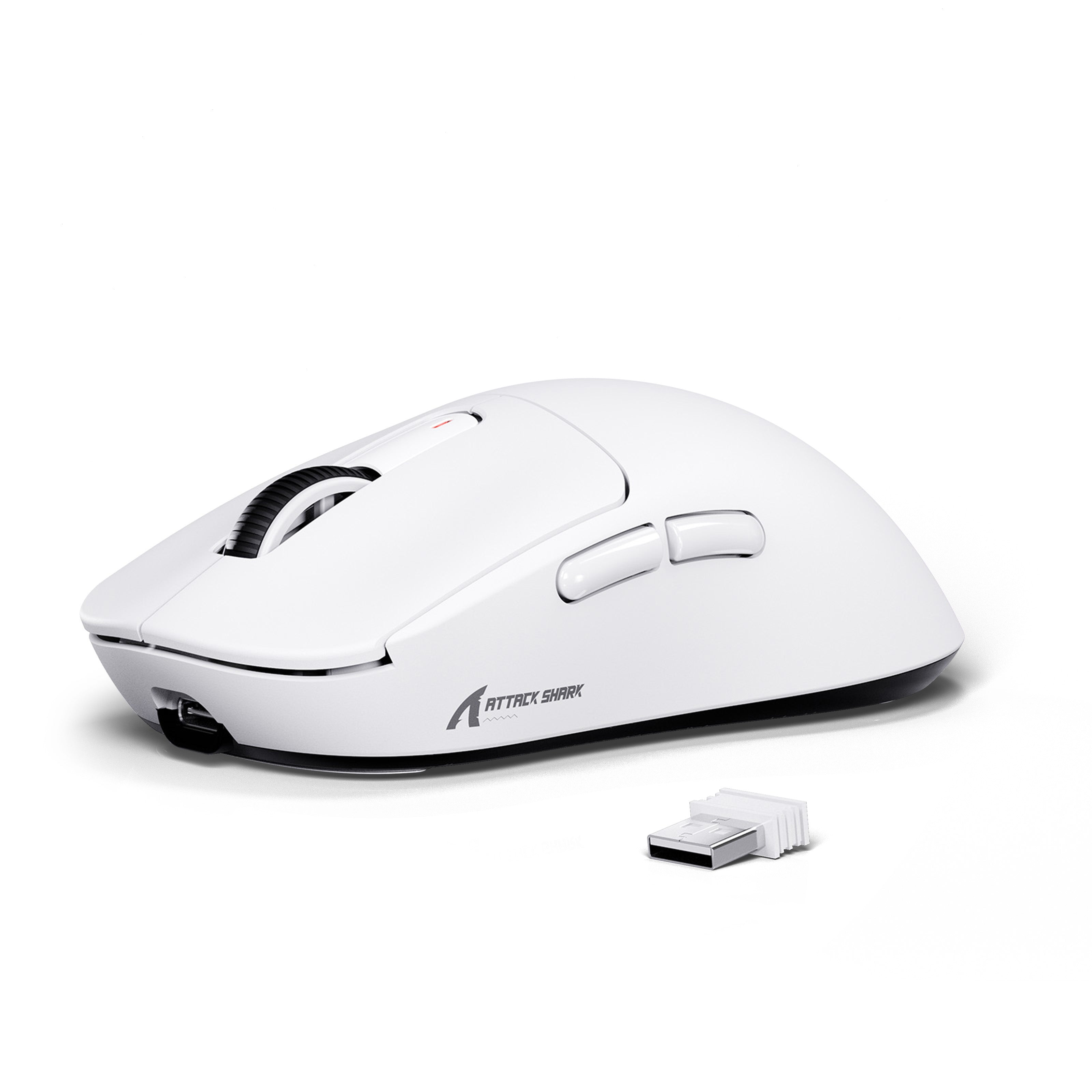
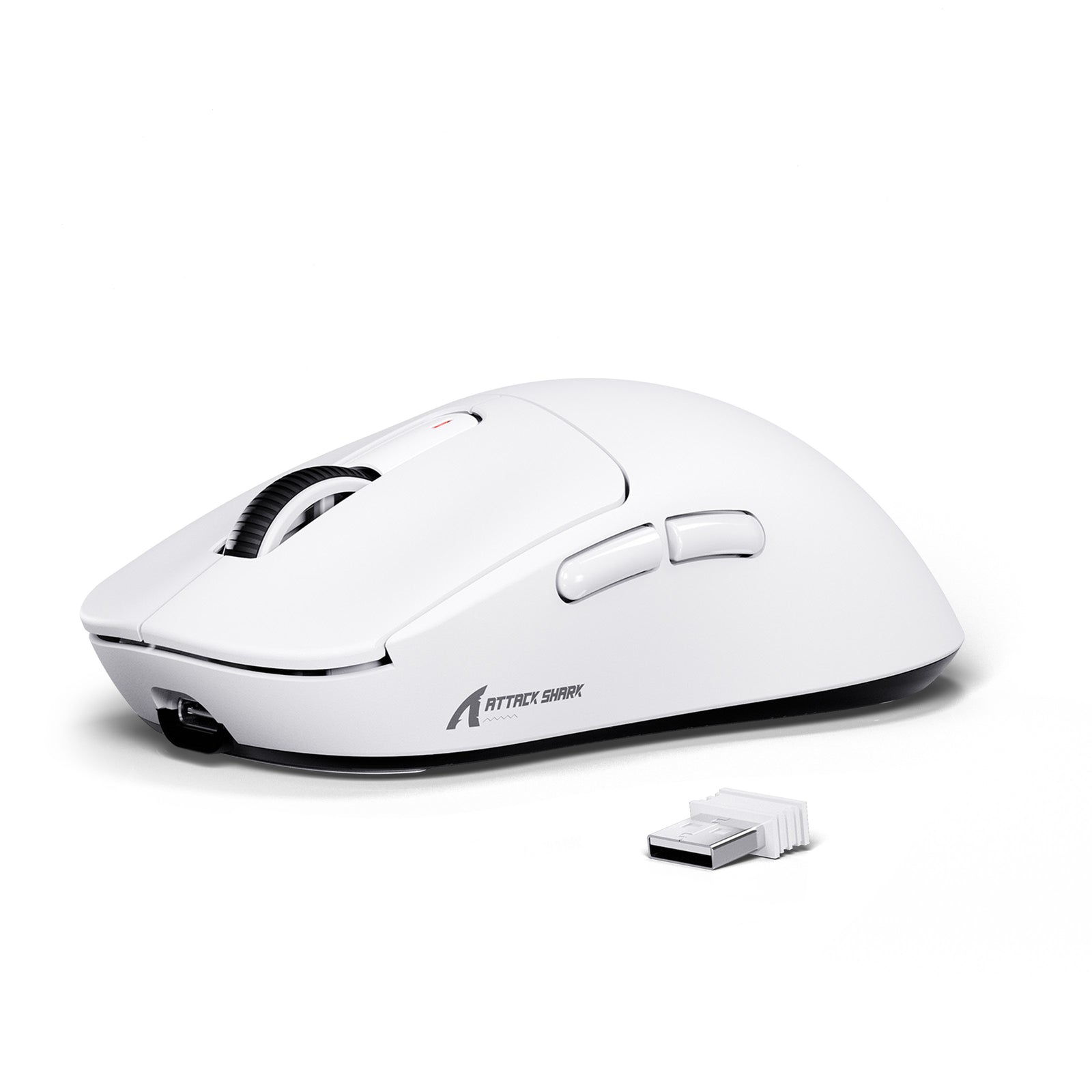
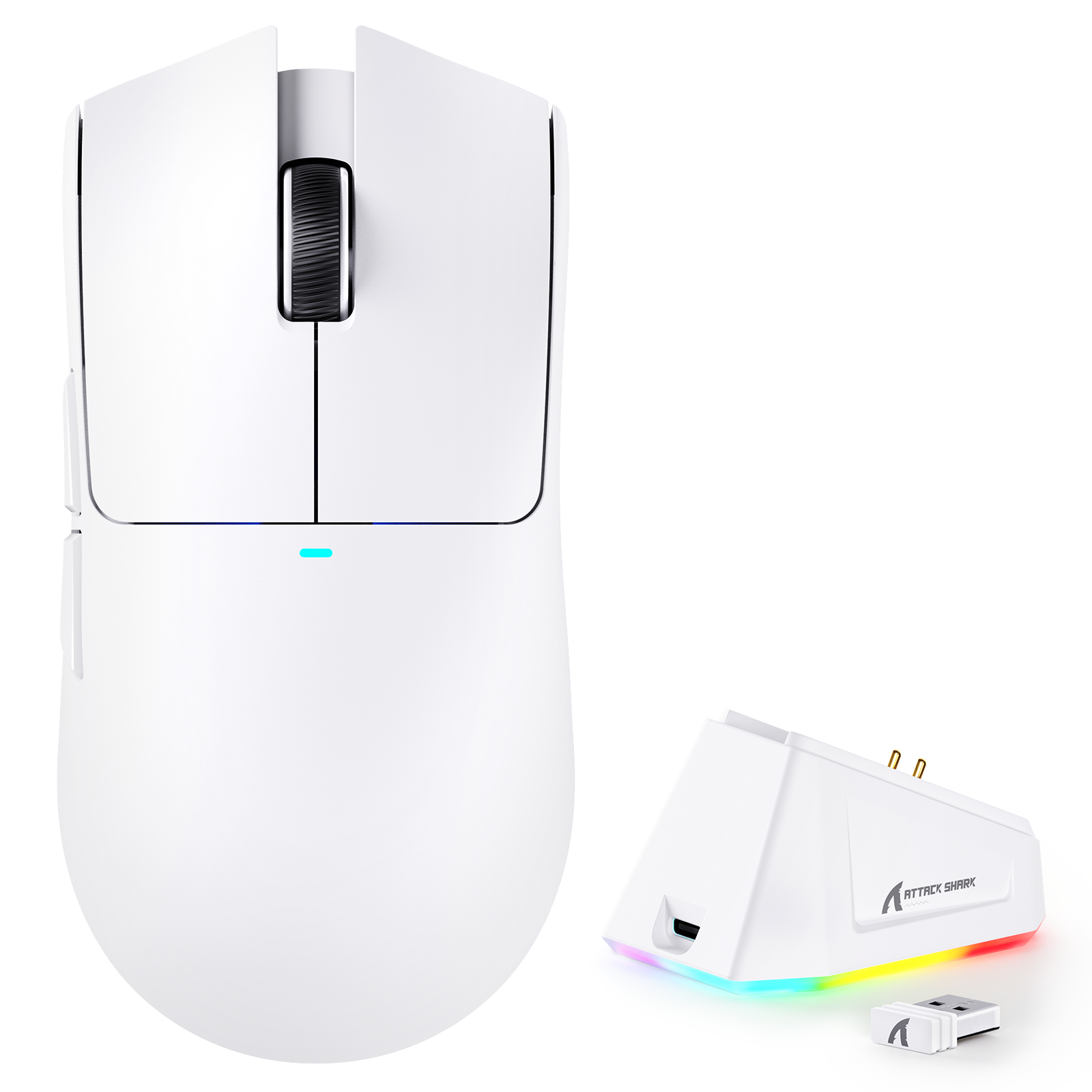

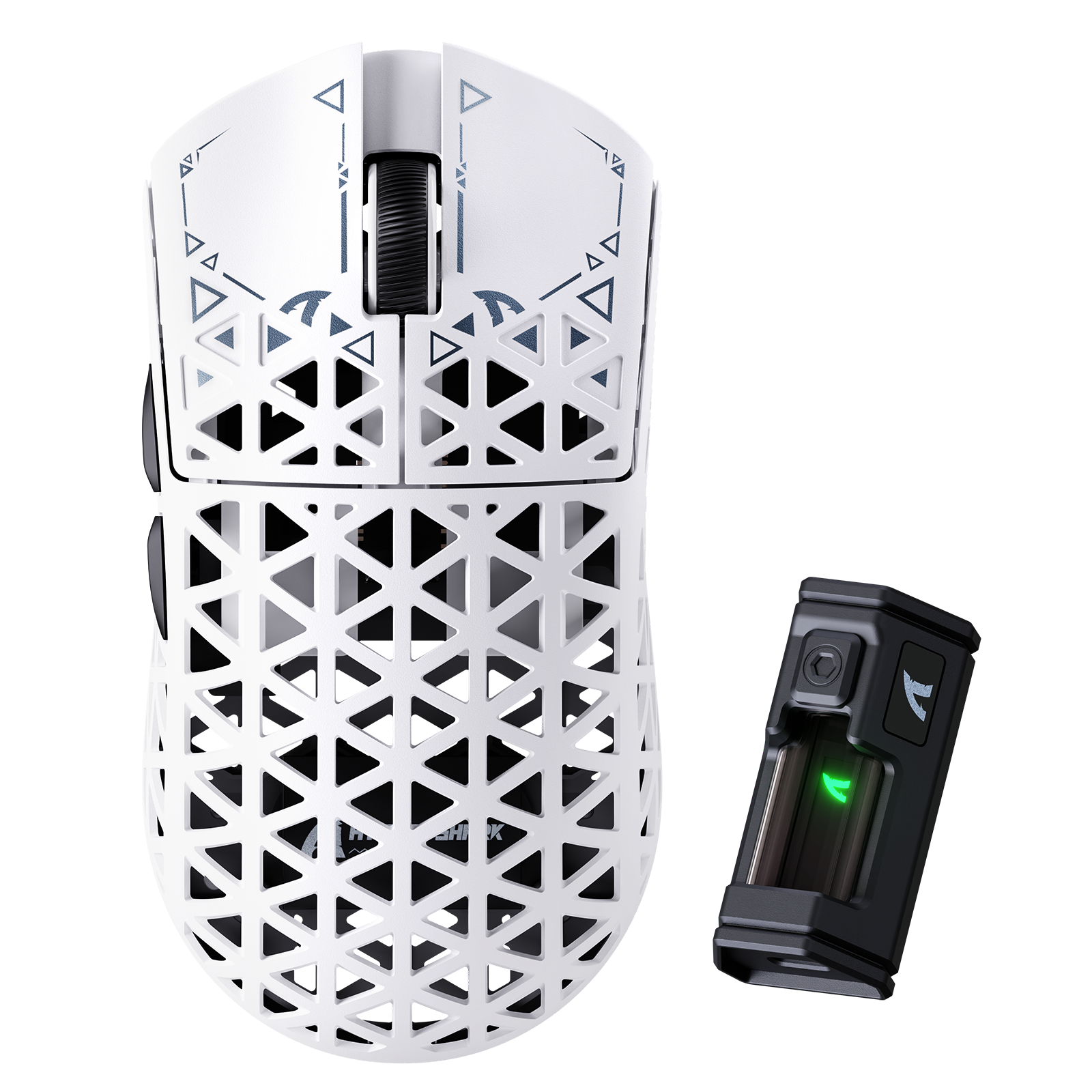
Blogbeiträge
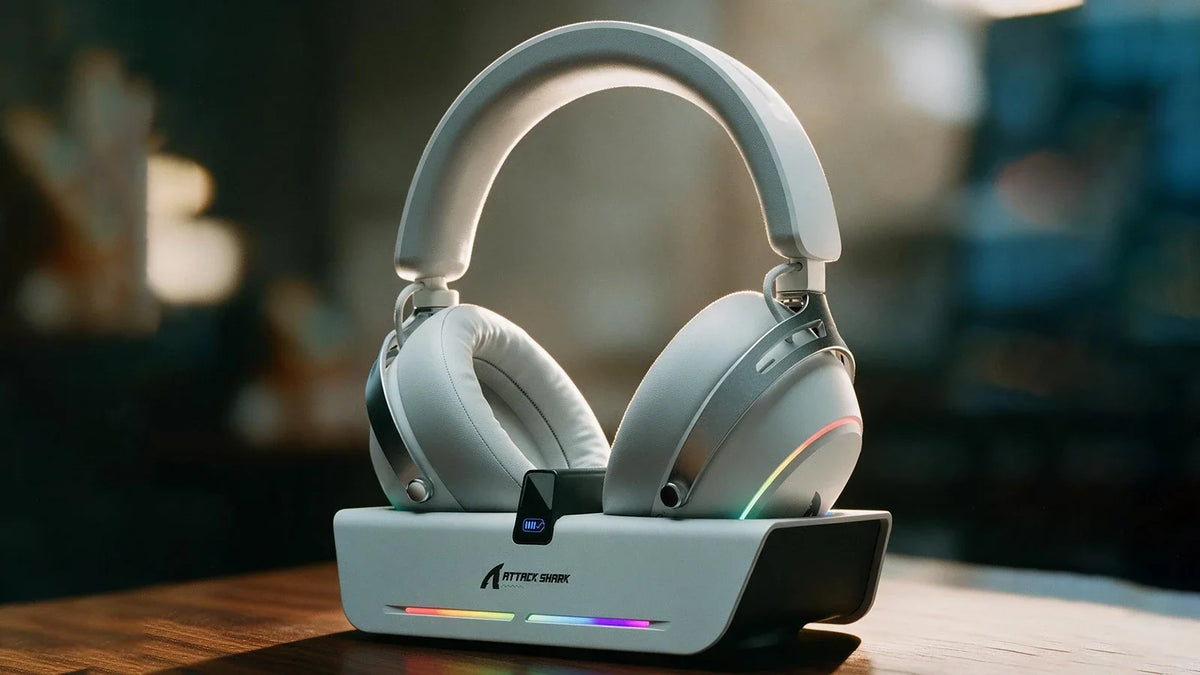
Kabelloses X60-Gaming-Headset: Aufladen an der Dockingstation und anpassbarer EQ
Lade das Headset auf einer magnetischen Dockingstation auf, die zugleich als USB-Hub dient. Passe anschließend die Neigung der Ohrmuscheln und gespeicherte EQ-Profile an und nutze das abnehmbare Bü...
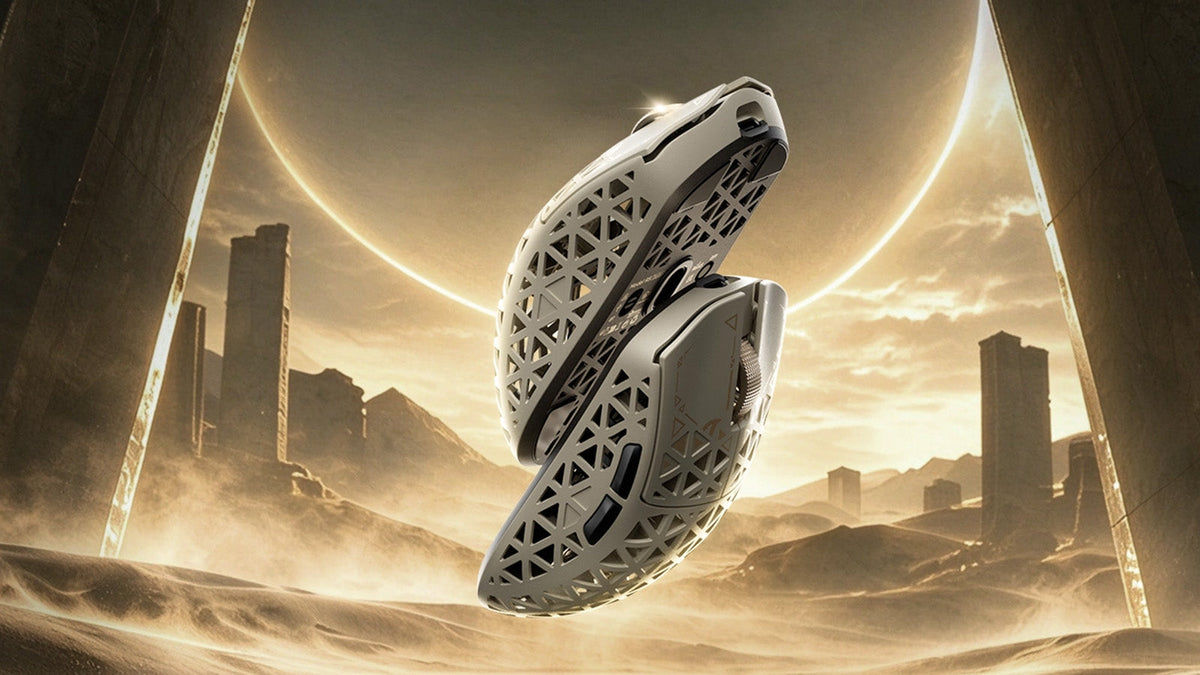
So wählen Sie eine Gaming-Maus für eine bessere FPS-Steuerung aus
Griffform- und Gewichtschecks, cm/360-Empfindlichkeitsanpassung, LOD-Voreinstellungen und Polling-Rate-Vergleiche sowie R5-TURBO-Spezifikationen und Details zur Vorbestellung.
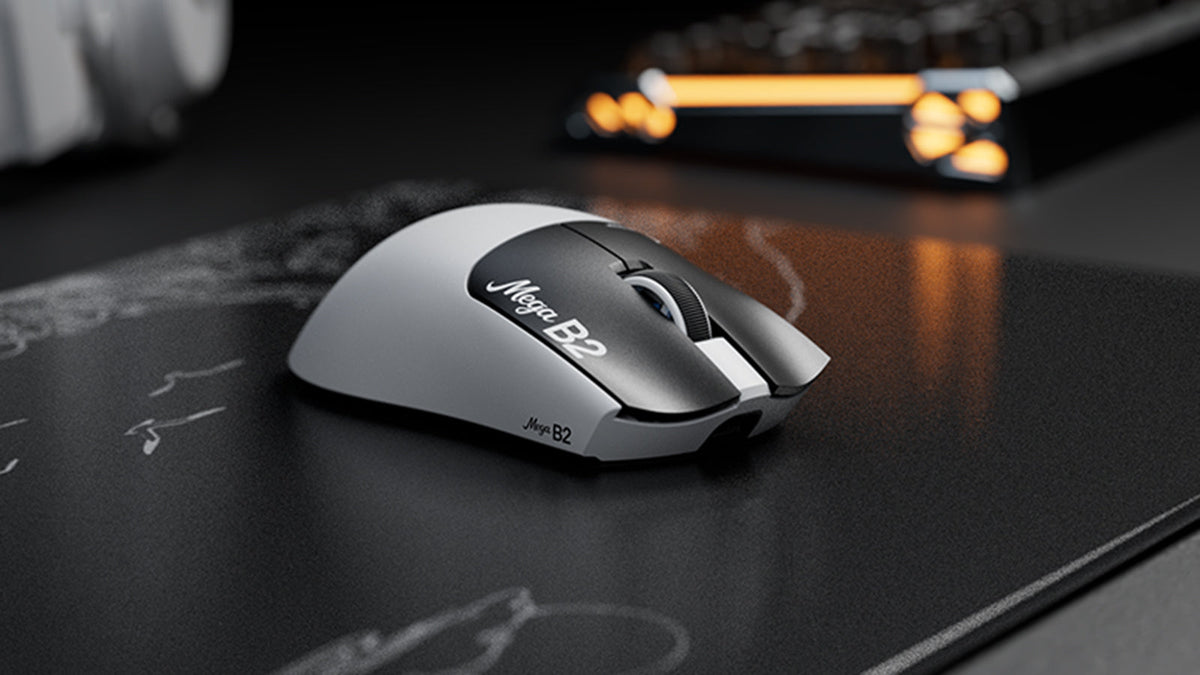
Was ist eine Maus mit Rapid Trigger? Wie die magnetische TMR-Erkennung Mausklicks verändert
Rapid Trigger setzt eine Maustaste nach minimalem Aufwärtsweg zurück, während die magnetische TMR-Erfassung eine einstellbare Auslösung ohne feste Kontakte ermöglicht.