






Attack Shark
The test will run for 10 seconds.
* Ensure you press keys quickly. Holding a key down does not trigger polling detection.
How to Use
Click START TEST to initialize the 10-second timer and polling detector.
Immediately begin pressing two keys (e.g., A and S) as rapidly and alternatingly as possible.
Maintain the rhythm until the timer hits zero. Do not hold keys down, as this stops polling events.
Understanding the Results
- Max Rate: The highest report frequency detected. 1000Hz = 1ms delay.
- Stability: Indicates how consistent the data transmission is. "Good" is ideal for gaming.
- 125Hz vs 1000Hz: Standard office keyboards are locked at 125Hz. Gaming keyboards range from 1000Hz to 8000Hz.
- Browser Limits: Some browsers may cap rates. If you see consistent ~1000Hz, your device is performing well.
Frequently Asked Questions
Keyboard polling rate results are estimates
This web tool can only estimate polling rate from browser keyboard events. Browser limits, system scheduling, page focus, keyboard firmware, and input repeat behavior may affect the displayed result.
Use the result as a reference only.
Ausgewählte Kollektion


Blogbeiträge
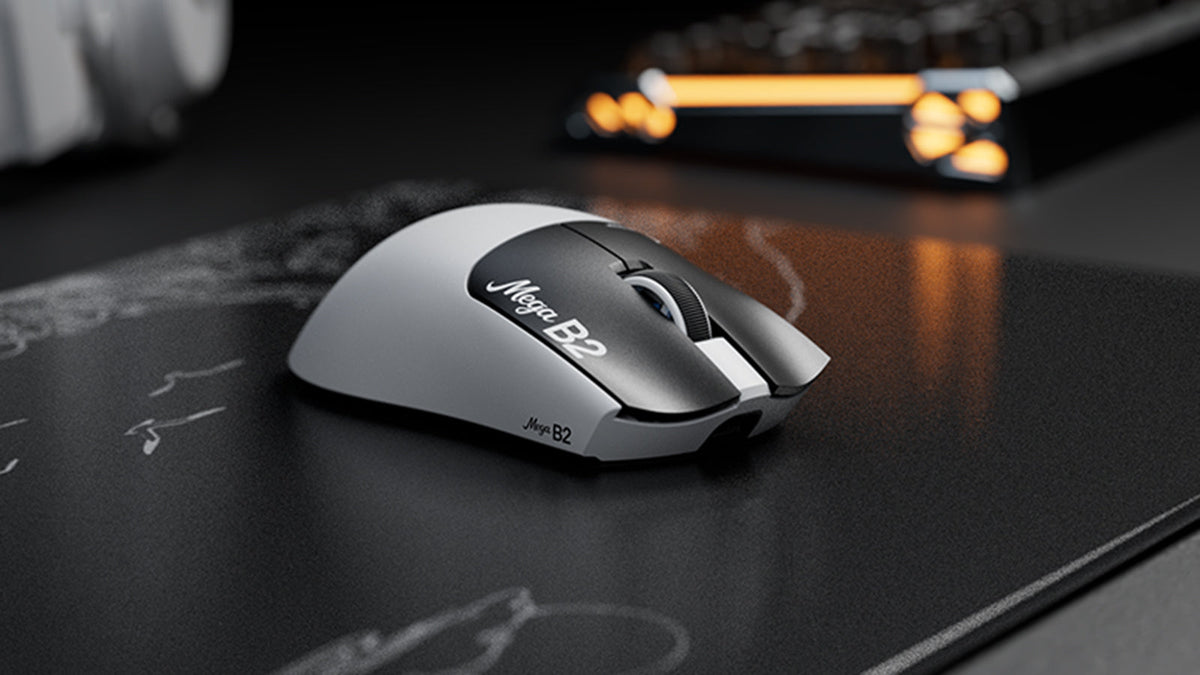
Was ist eine Maus mit Rapid Trigger? Wie die magnetische TMR-Erkennung Mausklicks verändert
Rapid Trigger setzt eine Maustaste nach minimalem Aufwärtsweg zurück, während die magnetische TMR-Erfassung eine einstellbare Auslösung ohne feste Kontakte ermöglicht.

ATTACK SHARK gibt strategische Partnerschaft mit dem League-of-Legends-Team Cloud9 Kia bekannt
Erfahre, warum diese Partnerschaft zwischen Cloud9 und League of Legends für Esports-Fans, Ausrüstung auf Profiniveau und barrierearme Gaming-Peripheriegeräte wichtig ist.

Triff ATTACK SHARK auf der TOKYO TASTATUR EXPO 2026
ATTACK SHARK kommt am 23. September 2026 zum Tokyo Ryutsu Center, um an Stand B21-B23 Hall-Effect-Tastaturen und Gaming-Mäuse praktisch zu testen.