Die Biomechanik der Höckerplatzierung: Drehpunkte und Präzision
In taktischen Shootern wie CS2 und Valorant entscheidet der Unterschied zwischen einem erfolgreichen Kopfschuss und einem verfehlten Flick oft über die Stabilität Ihres Ankerpunkts. Während Sensorspezifikationen wie DPI und IPS die Marketingdiskussionen dominieren, bestimmt die physische Geometrie der Maus – insbesondere das Höckerprofil – wie Ihre Hand mit den Sensordaten interagiert. Die Höhe und die Längsposition des Höckers bestimmen den verfügbaren Bewegungsbereich und den primären Drehpunkt für das Zielen.
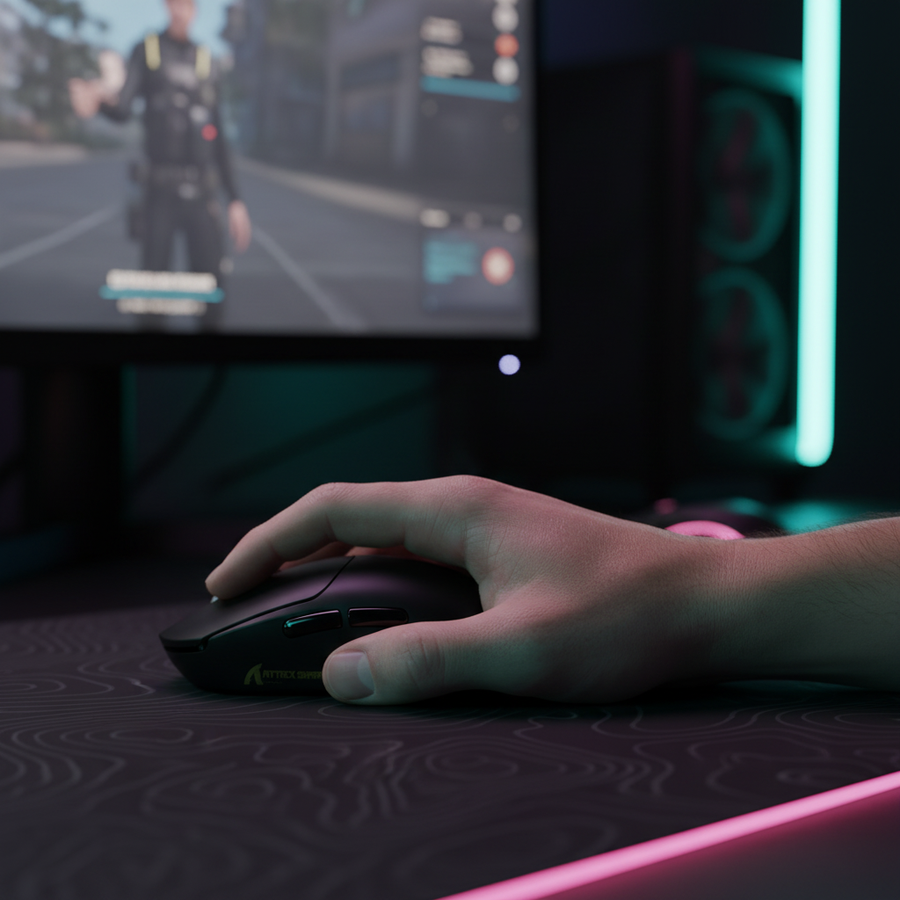
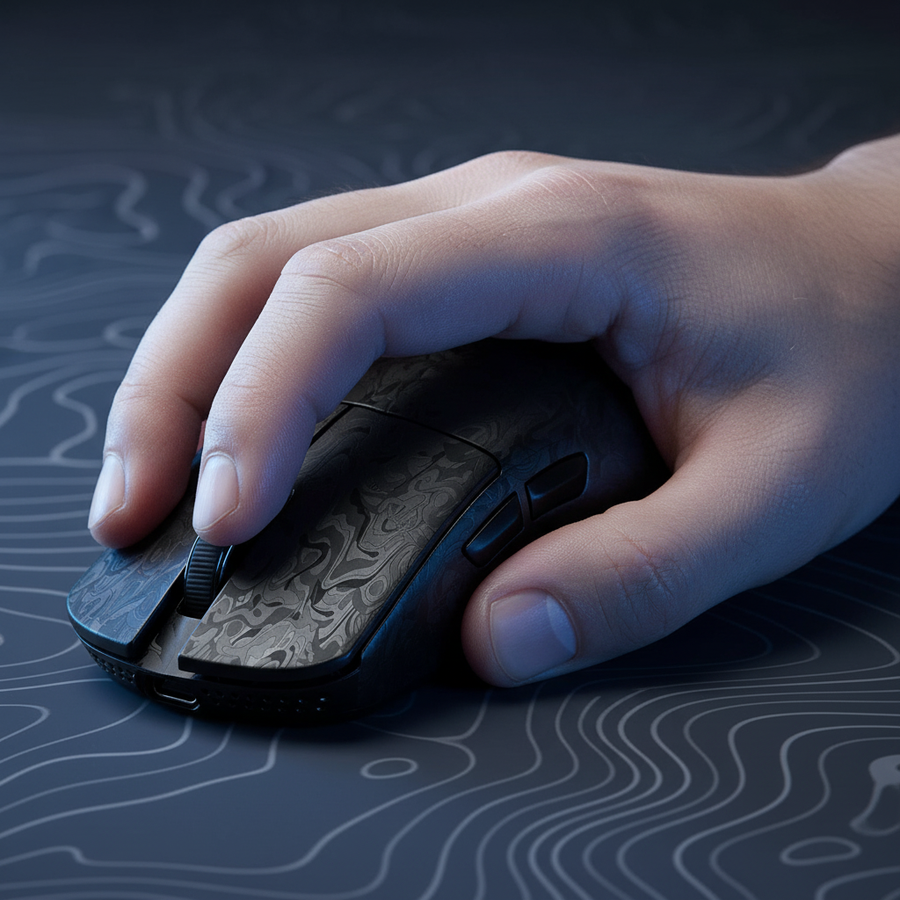
Ein nach hinten versetzter Höcker, bei dem der höchste Punkt zum hinteren Teil des Gehäuses zeigt, hat typischerweise vollen Kontakt mit der Mitte oder Basis der Handfläche. In unseren Beobachtungen von Wettkampfspielmustern schafft diese Konfiguration einen primären Drehpunkt am Handgelenk. Dies ist sehr effektiv für stabile, weite horizontale Flicks, da der Handflächkontakt die Maus in die Struktur der Hand „verankert“ und seitliches Wackeln reduziert. Diese Stabilität kann jedoch vertikale Mikroanpassungen einschränken. Diese Bewegungen beruhen auf Fingerbeugung (Ziehen der Maus in die Handfläche), was physisch behindert wird, wenn der Höcker bereits diesen Hohlraum ausfüllt.
Umgekehrt ermöglicht ein zentral platzierter Höcker mehr Platz zwischen Handfläche und Gehäuse. Obwohl sich dies bei schnellen Bewegungen weniger „verankert“ anfühlen mag, erleichtert es die vertikale Präzision, die für Rückstoßkontrolle und das Verfolgen von Zielen auf unterschiedlichen Höhen erforderlich ist. Laut dem Global Gaming Peripherals Industry Whitepaper (2026) ist ergonomische Stabilität eine Gleichung mit mehreren Variablen, die Handgröße, Griffstil und Oberflächenreibung umfasst.
Logik-Zusammenfassung: Unsere Analyse der Stabilität geht davon aus, dass ein erhöhter Kontakt mit der Handfläche (höhere/hintere Höcker) die reibungsbasierte Stabilität auf Kosten der vertikalen Beweglichkeit erhöht, basierend auf biomechanischen Mustern, die bei hochrangigem taktischem Schießen beobachtet wurden (keine klinische Laborstudie).
Die Grip-Fit-Heuristik: Berechnung Ihres idealen Profils
Die Wahl eines Höckerprofils ist nicht rein subjektiv; sie kann durch anthropometrische Heuristiken geleitet werden. Ein häufiger Fehler, den wir im Community-Feedback sehen, ist, dass Nutzer eine Maus wählen, die für ihre Handgröße zu kurz ist, wodurch der Höcker in der Mitte der Handfläche sitzt, anstatt eine stabile Verankerung an der Basis der Handfläche zu bieten. Diese Fehlanpassung führt oft zu „schwebenden“ Klicks und reduzierter Kontrolle bei intensiven Mikroanpassungen.
Für Krallengriff-Spieler ist eine verlässliche Faustregel – oder Heuristik – die 60%-Regel. Diese besagt, dass die ideale Mauslänge etwa 60% bis 64% der gesamten Handlänge (gemessen von der Handballenbasis bis zur Spitze des Mittelfingers) betragen sollte. Wenn die Mauslänge diesem Verhältnis entspricht, füllt der Buckel die Handinnenfläche natürlicher aus, wenn die Finger gewölbt sind, und bietet einen konstanten Ankerpunkt, ohne die Knöchel in eine Position zu zwingen, die die Sehnen belastet.
Modellierung des Krallengriffes bei großen Händen
Um zu zeigen, wie diese Maße die Leistung beeinflussen, haben wir ein Szenario für einen wettbewerbsorientierten Spieler mit großen Händen modelliert.
| Parameter | Wert | Einheit | Begründung |
|---|---|---|---|
| Handlänge | 20.5 | cm | ~95. Perzentil männliche Hand |
| Handbreite | 100 | mm | Standardverhältnis für große Hände |
| Griffstil | Krallen | Nicht anwendbar | Standard für hochpräzise taktische Shooter |
| Ideale Mauslänge | ~131 | mm | Berechnet über 64% Griffkoeffizient |
| Modell-Mauslänge | 125 | mm | Üblicher Standard für „große“ Mäuse |
| Passverhältnis | 0.95 | Verhältnis | Zeigt an, dass die Maus etwas kurz ist |
Modellhinweis: Dies ist ein deterministisches, parametriertes Szenariomodell, keine kontrollierte Laborstudie. Die Reproduzierbarkeit basiert auf den ergonomischen ISO 9241-410 Standards und der ANSUR II anthropometrischen Datenbank. Dieses Modell gilt möglicherweise nicht für Nutzer mit außergewöhnlichen Finger-zu-Handflächen-Verhältnissen oder solche, die extreme Fingerspitzen-Griffe verwenden.
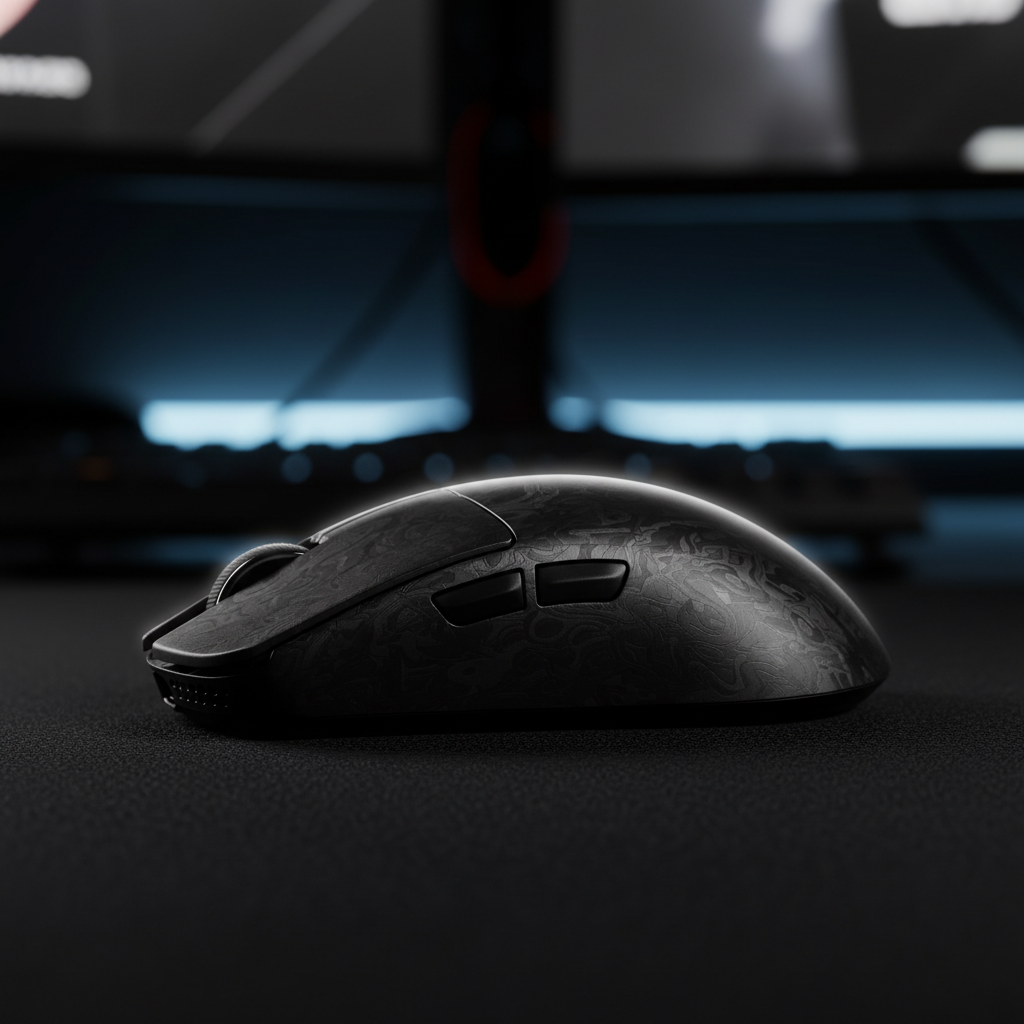
Für einen Spieler mit 20,5 cm großen Händen, der eine 125 mm Maus verwendet, deutet das Passverhältnis von 0,95 darauf hin, dass die Maus etwas „zu klein“ ist. In diesem speziellen Fall wird ein hinten betonter Buckel zur Pflicht statt zur Präferenz. Eine Maus mit mittigem Buckel dieser Länge würde eine Lücke an der Handballenbasis lassen, was den Benutzer zwingt, die Seiten zu stark zu greifen, um Stabilität zu gewährleisten, was die Muskelermüdung erhöht. Eine Maus wie die ATTACK SHARK R11 ULTRA Carbon Fiber Wireless 8K PAW3950MAX Gaming Mouse bietet die strukturelle Integrität und das leichte Profil (49g), die nötig sind, um die Ermüdung eines aggressiven Krallengriffes auszugleichen.

Leistungssynergie: Oberflächen und Polling-Stabilität
Die wahrgenommene Stabilität eines Buckelprofils wird stark von der Oberfläche beeinflusst, auf der es gleitet. Ein „Control“-Pad mit einer strukturierten Stoffoberfläche, wie das ATTACK SHARK CM02 eSport Gaming Mousepad, kann einen niedrigeren Buckel sicherer wirken lassen, da die Oberfläche selbst die Bremskraft liefert.
Im Gegensatz dazu haben „Speed“-Oberflächen wie das ATTACK SHARK CM05 Gehärtetes Glas Gaming-Mauspad extrem niedrige Reibung (Mohs-Härte >9H). Auf diesen Oberflächen kann sich die Maus bei präzisen Stopps „rutschig“ anfühlen. Um dem entgegenzuwirken, bevorzugen Spieler oft einen ausgeprägteren, nach hinten versetzten Buckel. Dadurch kann der Spieler mit der Handfläche leichten Druck nach unten ausüben, um „einzugraben“ und die Maus sofort zu stoppen – eine Technik, die Profis häufig nutzen, um den Mangel an Oberflächenreibung auszugleichen.
Technische Basis: 8000Hz und Sensorsättigung
Stabilität ist nicht nur physisch; sie betrifft auch die Konsistenz des Datenstroms. Bei der Verwendung von Hochleistungsmäusen mit einer Abtastrate von 8000Hz (8K) verschieben sich die technischen Anforderungen an die Stabilität.
- Latenzrechnung: Bei 8000Hz beträgt das Abtastintervall nahezu sofortige 0,125 ms.
- Motion Sync: Während Motion Sync oft mit einer Verzögerung von 0,5 ms bei 1000Hz angegeben wird, reduziert sich diese Verzögerung bei 8000Hz auf etwa 0,0625 ms, was für den Wettkampf praktisch vernachlässigbar ist.
- Sättigungsanforderungen: Um die 8000Hz Bandbreite vollständig auszunutzen, muss der Sensor genügend Datenpunkte erzeugen. Dies hängt von der Bewegungsgeschwindigkeit und dem DPI ab. Bei 800 DPI muss die Maus mindestens 10 IPS (Zoll pro Sekunde) bewegt werden, um die Abtastung zu sättigen. Durch Erhöhung auf 1600 DPI sinkt die Anforderung auf 5 IPS, was selbst bei langsamen, präzisen Mikroanpassungen 8K-Stabilität gewährleistet.
Nutzer sollten wissen, dass eine Abtastrate von 8000Hz eine erhebliche Belastung für die IRQ (Interrupt Request) Verarbeitung der CPU darstellt. Wir empfehlen, Mäuse mit hoher Abtastrate direkt an die hinteren I/O-Ports des Motherboards anzuschließen, um Paketverluste zu vermeiden, die bei USB-Hubs oder Front-Panel-Anschlüssen auftreten können. Für diejenigen, die ultimative Verbindungsstabilität suchen, kann die Verwendung eines hochwertigen ATTACK SHARK C06 Spiralkabels für die Maus im kabelgebundenen Modus eine ungehinderte Datenübertragung und schnelles Laden gewährleisten.
Ergo-Technisches Risikomanagement
Aggressive Griffstile in hochintensiven taktischen Shootern bergen inhärente ergonomische Risiken. In unserem Szenariomodell für Spieler mit großen Händen berechneten wir einen Moore-Garg Belastungsindex (SI) von 11,4.
Methodenhinweis: Der Moore-Garg Strain Index ist ein Screening-Werkzeug zur Analyse des Risikos distaler Störungen der oberen Extremitäten. Ein Wert über 5,0 wird in industriellen Umgebungen allgemein als Gefährlich eingestuft. Unser Gaming-Modell (SI 11,4) spiegelt die hohe Intensität, schnelle Aktionen (~30 Aktionen/Minute) und anhaltende Haltungsabweichungen wider, die in Wettkampfsessions üblich sind.
Ein gut positionierter Buckel kann dieses Risiko mindern. Durch die Bereitstellung eines stabilen Ankers, der das Handgelenk neutraler ausrichtet, kann ein optimiertes Buckelprofil den "Haltungsfaktor" in der SI-Berechnung reduzieren. Dies könnte den Gesamtbelastungswert von gefährlichen auf ein besser handhabbares Niveau senken. Dennoch kann keine Mausform die Notwendigkeit regelmäßiger Pausen und ergonomischer Gewohnheiten ersetzen.
Implementierungs-Checkliste für taktische Stabilität
- Messen und kategorisieren: Bestimmen Sie, ob Ihre Hand in die Kategorie Klein (<17cm), Mittel (17-19cm) oder Groß (>19cm) fällt.
- 60%-Regel anwenden: Multiplizieren Sie Ihre Handlänge mit 0,64, um Ihre Zielmauslänge für den Klauegriff zu bestimmen.
- Drehpunkt identifizieren: Wenn Sie mit dem Handgelenk zielen, priorisieren Sie einen hinteren Buckel. Wenn Sie mit Fingern/Arm zielen, kann ein mittiger Buckel bessere Vertikalität bieten.
- Pad anpassen: Verwenden Sie einen ausgeprägten Buckel für Geschwindigkeitspads (Glas/Hybrid) und einen neutralen/niedrigen Buckel für Kontrollpads (Stoff).
- Sensor optimieren: Wenn Sie 8000Hz Polling verwenden, stellen Sie Ihre DPI auf mindestens 1600 ein, um eine Sensorsättigung bei Mikroanpassungen sicherzustellen.
Zusammenfassung der Buckelprofil-Eigenschaften
| Merkmal | Hinten platzierter Buckel | Mittig platzierter Buckel |
|---|---|---|
| Primärer Drehpunkt | Handgelenk | Handfläche/Finger |
| Am besten geeignet für | Horizontale Flick-Stabilität | Vertikale Mikroanpassungen |
| Griff-Synergie | Aggressive Klaue / Entspannte Handfläche | Entspannte Klaue / Fingerspitze |
| Oberflächenanpassung | Geschwindigkeit / Glas-Pads | Kontrolle / Stoff-Pads |
| Stabilitätsstufe | Hoch (Locked-in) | Mäßig (Mobil) |
Haftungsausschluss: Dieser Artikel dient nur zu Informationszwecken und stellt keine professionelle medizinische oder ergonomische Beratung dar. Der erwähnte "Strain Index" ist ein Modellierungswerkzeug und keine medizinische Diagnose. Wenn Sie beim Spielen anhaltende Schmerzen oder Beschwerden verspüren, konsultieren Sie einen qualifizierten Arzt oder Physiotherapeuten.
Quellen
- Global Gaming Peripherals Industry Whitepaper (2026)
- ISO 9241-410:2008 Ergonomie der Mensch-System-Interaktion -- Teil 410: Gestaltungsgrundlagen für physische Eingabegeräte
- Moore, J. S., & Garg, A. (1995). Der Strain Index: Eine vorgeschlagene Methode zur Analyse von Arbeitsplätzen hinsichtlich des Risikos distaler Störungen der oberen Extremitäten
- Nyquist-Shannon-Abtasttheorem (Historischer Kontext für DPI)
- ANSUR II Anthropometrische Datenbank