Kurze Zusammenfassung: Meistere den „Übergangspunkt“
Um die Rückstoßkontrolle in CS2 zu verbessern, konzentriere dich auf den Übergang beim 10. Schuss, bei dem die AK-47 von vertikaler zu horizontaler Bewegung wechselt.
- Die Technik: Beginne mit festem Fingerdruck (Patronen 1-10) und wechsle zu einem entspannten, handflächenverankerten „Wisch“ (Patronen 11-30).
- Die Hardware: Verwende eine Maus zwischen 50g–80g und stelle sicher, dass deine DPI hoch genug ist (typischerweise 1600+), wenn du 8K-Polling nutzt, um Datenlücken bei langsamen Mikroanpassungen zu vermeiden.
- Das Ziel: Physische Belastung reduzieren und „Sampling-Spielraum“ für pixelgenaue Korrekturen erhöhen.
Die Biomechanik des Rückstoßes: Wie die Fingerplatzierung die CS2-Genauigkeit beeinflusst
Im hochklassigen Counter-Strike 2 (CS2) Spiel entscheidet oft ein paar Millimeter Fingeranpassung zwischen einem erfolgreichen Spray-Transfer und einem verfehlten Kill. Während viele Spieler sich darauf konzentrieren, die visuelle „S-Kurve“ der AK-47 auswendig zu lernen, betonen erfahrene Spieler, dass Rückstoßkontrolle weniger auf auswendig gelerntem Wissen beruht, sondern mehr auf der Entwicklung eines taktilen „Gefühls“ für die Übergangspunkte zwischen vertikalem Herunterziehen und horizontaler Kompensation.
Rückstoßmanagement erfordert ein spezifisches Gleichgewicht von Fingerdruck und -platzierung. Basierend auf häufig beobachteten Mustern in Community-Leistungsanalysen und Rückstoßtrainingsprotokollen tritt ein häufiger Fehlerpunkt bei der Spraykontrolle um den 10. Schuss auf. Dies ist der Moment, in dem der Rückstoß der AK-47 typischerweise von einem vorhersehbaren Aufwärtsanstieg zu einem komplexen horizontalen Wisch übergeht. Wenn dein Griff zu starr ist, kann es schwierig sein, die notwendigen Mikroanpassungen vorzunehmen, um auf dem Ziel zu bleiben.
Die „Fest zu Locker“ Technik: Den 10. Schuss meistern
Eine praktische Faustregel zur Verbesserung der Rückstoßkontrolle ist ein zweistufiges Einsetzen der Hand.
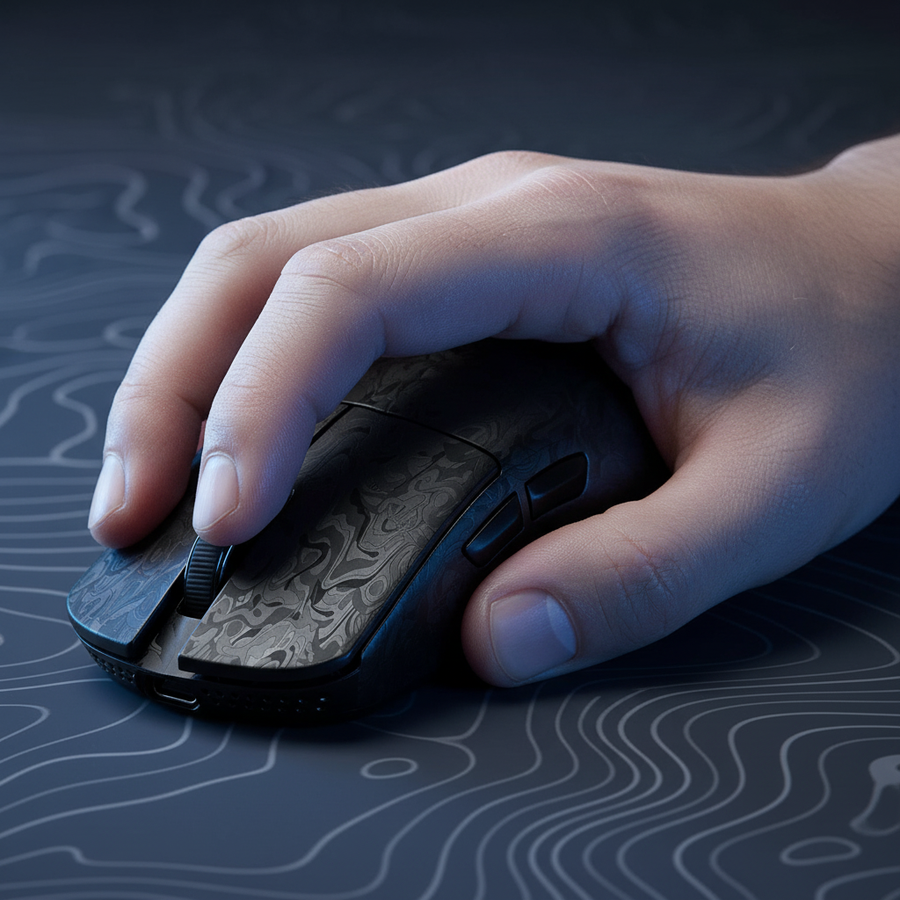
- Phase 1 (Patronen 1-10): Beginne den Spray mit einem festen, entschlossenen Zug nach unten. Diese Bewegung wird oft hauptsächlich von den Fingerspitzen ausgeführt. Indem du Druck auf die Vorderseite einer reaktionsschnellen Maus wie der ATTACK SHARK G3 Tri-mode Wireless Gaming Mouse 25000 DPI Ultra Lightweight ausübst, erzeugst du die Reibung, die nötig ist, um den anfänglichen vertikalen Rückstoß auszugleichen.
- Phase 2 (Patronen 11-30): Hier haben viele Spieler Schwierigkeiten. Wenn sich das Muster horizontal verschiebt, solltest du versuchen, den Fingerdruck subtil zu lockern und die Seite der Hand (die ulnare Kante) für einen horizontalen Wisch einzusetzen.
Eine häufige Beobachtung ist, dass das konstante, starke Herunterdrücken während des gesamten 30-Schuss-Magazins zu Überkorrekturen führen kann, wenn sich das Muster ändert. Durch die Verlagerung des „Drehpunkts“ von den Fingerspitzen zur Handballenbasis (typisch für einen Krallen- oder Hybridgriff) kannst du die Stabilität gewinnen, die für späte horizontale Anpassungen erforderlich ist.

Griffstile und Handgrößen-Kompatibilität: Ein praktisches Modell
Die Effektivität deiner Fingerplatzierung wird oft davon beeinflusst, wie gut deine Hand in das Mausgehäuse passt. Für Spieler mit größeren Händen (etwa 20cm bis 21cm Länge) kann die Verwendung einer zu kleinen Maus zu „Krallenkrämpfen“ führen, bei denen die Finger zu stark gekrümmt werden. Diese Spannung kann die Beweglichkeit der Fingerknöchel verringern und den horizontalen Übergang bei der 10. Kugel erschweren.
Um diese Beziehung zu verstehen, haben wir ein herstellergeführtes ergonomisches Modell auf ein hochintensives Trainingsszenario angewandt.
Modellhinweis: Griffpassform und Belastungsanalyse
Analyse-Methodik: Dieses Szenario verwendet ein deterministisches parametrisiertes Modell zur Schätzung der ergonomischen Passform. Dies sind illustrative Szenariomodelle basierend auf internen Markenheuristiken, keine kontrollierten klinischen Laborstudien.
Parameter Wert Einheit Begründung Handlänge ~20,5 cm Repräsentativ für Spieler mit größeren Händen Mauslänge 120 mm Standardmaße einer Performance-Maus Intensitätsmultiplikator 2 Verhältnis Hoher Fingerdruck erforderlich für Rückstoß Anstrengungen pro Minute 4 Anzahl Typisches Trainingsrhythmus auf Rückstoß-Karten Trainingsdauer 4+ Stunden Standard-Wettkampfregime
Berechnete Heuristik: Basierend auf der Moore-Garg-Belastungsindex-Formel ($SI = \text{Intensität der Anstrengung} \times \text{Dauer} \times \text{Anstrengungen/Min} \times \text{Haltung} \times \text{Geschwindigkeit}$) ergibt eine 120mm-Maus für eine 20,5cm-Hand eine geschätzte Punktzahl von ~48. In allgemeinen ergonomischen Bewertungen wird eine Punktzahl über 5 oft als heuristische Schwelle verwendet, die auf ein höheres Ermüdungsrisiko hinweist.
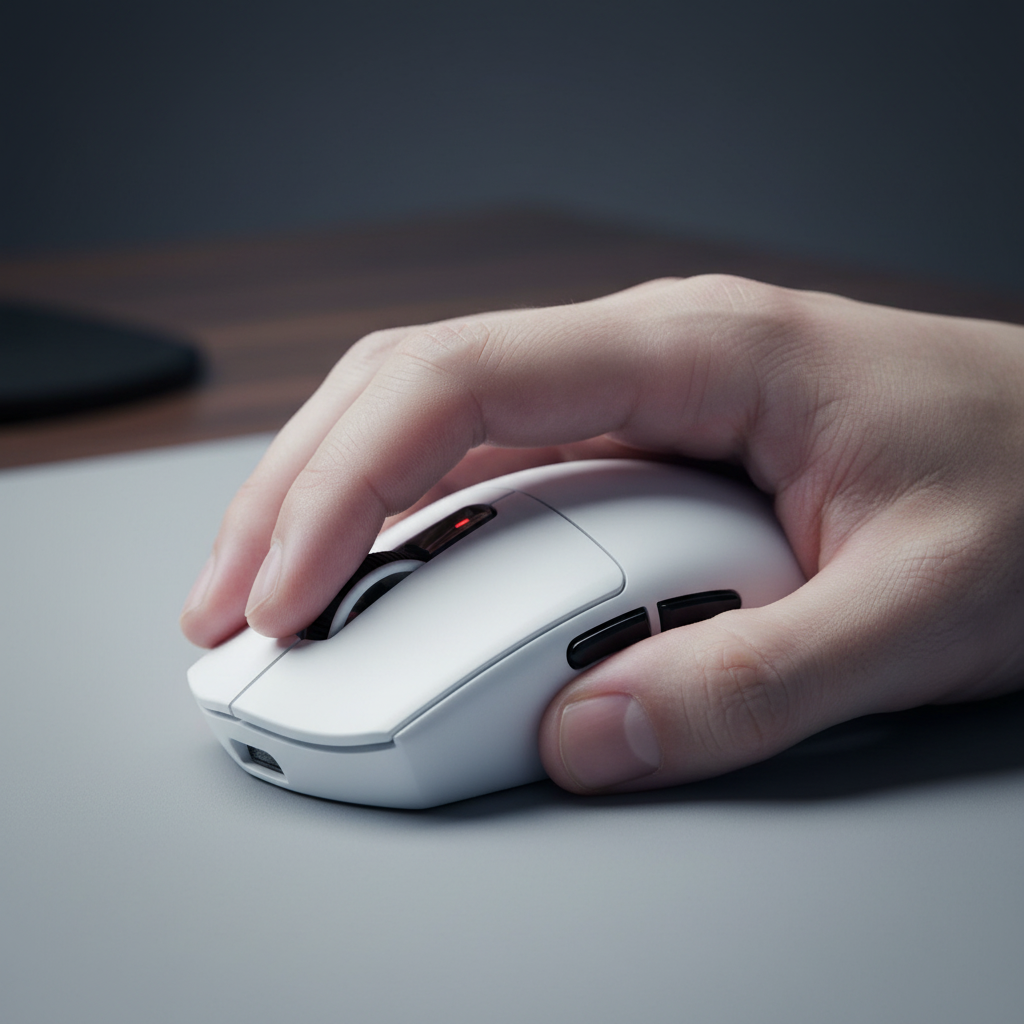
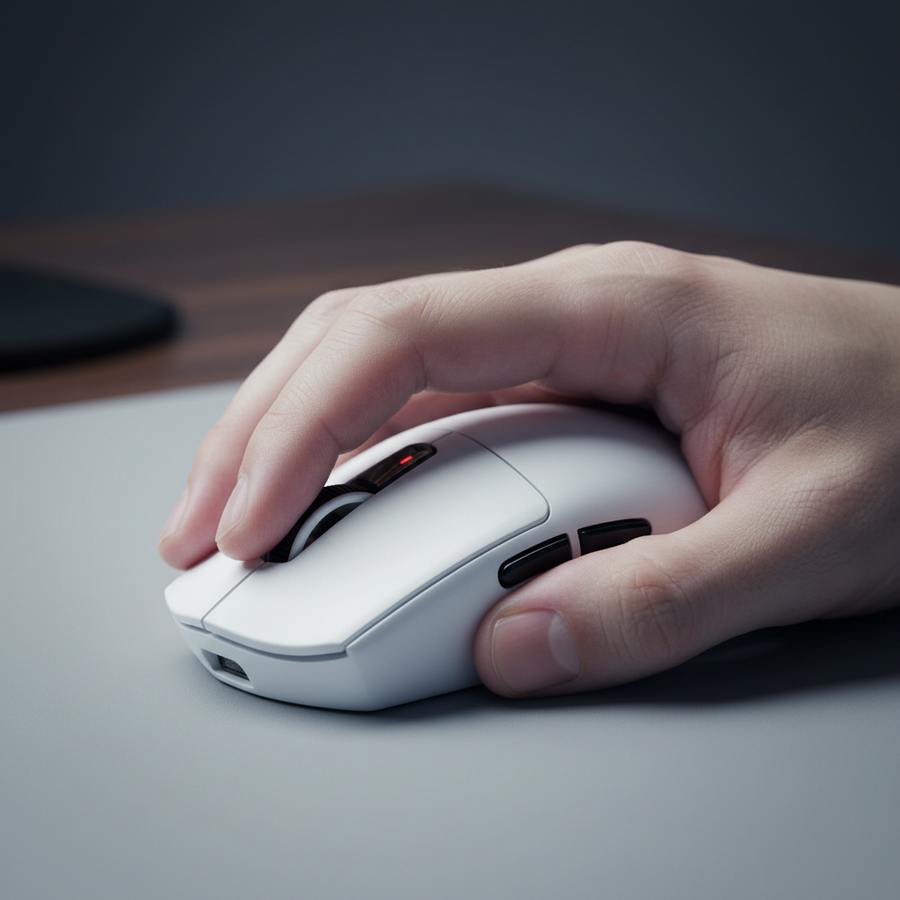
Für diese Spieler kann ein leichtes, aber ergonomisch geformtes Gehäuse wie die ATTACK SHARK V8 Ultra-Light Ergonomic Wireless Gaming Mouse eine bessere Unterstützung für die Handfläche bieten und möglicherweise die Belastung der stabilisierenden Muskeln während der horizontalen Phase des Sprays verringern.
Hardware-Synergie: Gewicht, Gleitfähigkeit und Sensorpräzision
Die physikalischen Eigenschaften deiner Ausrüstung sollten deine Grifftechnik ergänzen. Wenn eine Maus zu schwer ist, kann die Trägheit den schnellen horizontalen Mikroanpassungen entgegenwirken, die für die letzten 15 Kugeln eines Sprays erforderlich sind.
1. Der Bereich von 50-80g
Das ideale Mausgewicht für CS2-Rückstoßkontrolle wird von der Community häufig zwischen 50g und 80g angegeben. Mäuse unter 50g, wie die ATTACK SHARK R11 ULTRA Carbon Fiber Wireless 8K PAW3950MAX Gaming Mouse (49g), bieten hohe Agilität, erfordern jedoch erhebliche motorische Kontrolle, um „Überflicks“ zu vermeiden. Im Gegensatz dazu können Mäuse über 80g bei langen Matches zu Ermüdung der kleineren Handmuskeln beitragen.
2. Oberflächenreibung und Bremskraft
Die Beschaffenheit Ihrer Mausfüße und des Pads ist entscheidend. Reine PTFE-Füße auf einem Hybridpad wie dem ATTACK SHARK CM02 eSport Gaming Mousepad bieten einen ausgewogenen Reibungskoeffizienten. Dies sorgt für die nötige „Bremskraft“, um den horizontalen Wisch präzise zu stoppen. Im Gegensatz dazu können Glasgleiter auf harten Oberflächen manchmal zu rutschig wirken, was dazu führen kann, dass die Hand bei subtilen Druckänderungen abrutscht.
3. Die Mathematik der Präzision (8000Hz und DPI)
Um eine hochpräzise Spray-Kontrolle zu erreichen, muss der Sensor genügend „Abtastspielraum“ bieten. Laut dem markenführenden Global Gaming Peripherals Industry Whitepaper (2026) können hohe Abtastraten Mikostottern reduzieren, erfordern jedoch spezifische Konfigurationen, um effektiv zu sein.
Bei Verwendung einer 8000Hz (8K) Abtastrate beträgt das Intervall zwischen den Berichten 0,125ms. Um sicherzustellen, dass die Maus genügend Daten sendet, um diese Berichtsfester während der langsamen Bewegung eines Rückstoß-Ziehens zu „füllen“, sind Ihre DPI-Einstellungen entscheidend.
-
Logik/Berechnung: Um einen konsistenten 8000Hz-Berichtsstrom bei einer langsamen Bewegungsgeschwindigkeit von 5 IPS (Inches Per Second) aufrechtzuerhalten, benötigen Sie eine Auflösung, die hoch genug ist, um 8.000 Zählungen pro Zoll Bewegung pro Sekunde zu erzeugen.
- Berechnung: $8000 \text{ Berichte/Sekunde} \div 5 \text{ Zoll/Sekunde} = 1600 \text{ DPI}$.
- Ergebnis: Wenn Sie 400 oder 800 DPI bei einem langsamen horizontalen Wisch mit 8K-Abtastrate verwenden, können „Paketlücken“ auftreten, bei denen der Sensor nicht genügend Positionsdaten hat, um jedes 0,125ms-Fenster zu nutzen.
Optimierung Ihres Setups für langfristige Wettbewerbsfähigkeit
Leistungsstarkes Gaming ist eine körperliche Aktivität, die Hände und Handgelenke belasten kann. Wie unsere Modellierung zeigt, können aggressive Haltungen, die für präzises Zielen erforderlich sind, mit der Zeit zu Ermüdung führen.
Batterie- und Abtastratenverwaltung
Wenn Sie sich für 8K-Abtastrate entscheiden, um einen Wettbewerbsvorteil zu erzielen, sollten Sie die Kompromisse kennen. Die erhöhte Prozessorauslastung ist erheblich, und der Stromverbrauch des Radios kann die kabellose Laufzeit deutlich reduzieren (oft um ~75 % im Vergleich zum 1000Hz-Modus).
Basierend auf Stromverbrauchsmodellen für den Nordic nRF52840 MCU hält eine 300mAh Batterie bei 4K-Abtastrate typischerweise etwa 13 Stunden; bei 8K ist dieses Intervall sogar noch kürzer. Um eine konstante Leistung zu gewährleisten, empfehlen wir eine disziplinierte Ladefrequenz zwischen den Übungseinheiten.
Regulatorische und Sicherheitskonformität
Beim Kauf von kabelloser Ausrüstung solltest du sicherstellen, dass sie internationalen Standards für Signalstabilität entspricht. Geräte, die unter FCC Equipment Authorization und der EU-Funkanlagenrichtlinie (RED) zugelassen sind, wurden auf elektromagnetische Verträglichkeit getestet. Dies hilft sicherzustellen, dass deine 2,4-GHz-Verbindung auch in Umgebungen mit hohem Funkverkehr stabil bleibt und das Risiko von „Stottern“ während eines Spray-Transfers verringert wird.
Praktische Checkliste für CS2 Spray-Meisterschaft
Um deine aktuelle Technik zu bewerten, überprüfe diese professionellen Maßstäbe:
- Beobachte die Spannung an den Fingerspitzen: Vermeide es, die Maus zu „würgen“. Versuche, während der ersten 10 Schüsse festen Druck zu halten und entspanne dich dann bewusst für den horizontalen Wisch.
- Kontrolliere die Drehpunkte: Stelle sicher, dass deine Handfläche genug Kontakt mit der Maus hat (Claw- oder Palm-Claw-Hybrid), um als stabiler Anker für horizontale Bewegungen zu dienen.
- Überprüfe DPI/Polling: Wenn du einen Monitor mit hoher Bildwiederholrate (240Hz+) verwendest, solltest du 1600 DPI mit hohen Pollingraten nutzen, um die Cursor-Glätte bei Mikro-Korrekturen zu maximieren.
- Erhalte dein Gleiten: Reinige regelmäßig dein ATTACK SHARK CM02 eSport Gaming Mousepad und überprüfe den Verschleiß deiner PTFE-Gleiter. Ungleichmäßige Reibung ist eine häufige Ursache für „ruckelige“ Spraymuster.
Durch die Kombination von Hardware-Optimierung mit dem Verständnis des biomechanischen „Übergangspunkts“ können Sie auf eine konsistentere Leistung über die gesamten 30 Schuss im Spray hinarbeiten.
Haftungsausschluss: Dieser Artikel dient nur zu Informationszwecken und stellt keine professionelle medizinische oder ergonomische Beratung dar. Wenn Sie anhaltende Schmerzen, Kribbeln oder Taubheitsgefühle in Ihrer Hand oder Ihrem Handgelenk verspüren, konsultieren Sie bitte einen qualifizierten Gesundheitsfachmann.
Quellen & Referenzen
- Globales Whitepaper zur Gaming-Peripherie-Industrie (2026) (Herstellergeführte Quelle)
- FCC OET Wissensdatenbank (KDB)
- EU-Funkanlagenrichtlinie (RED) 2014/53/EU
- Moore, J. S., & Garg, A. (1995). Der Belastungsindex
- USB HID-Klassendefinition (HID 1.11)
- Nordic Semiconductor nRF52840 Produktspezifikation
- RTINGS - Methode zur Messung der Mausklick-Latenz
- ISO 9241-410: Ergonomie der Mensch-System-Interaktion
- Nyquist, H. (1928). Bestimmte Themen der Telegraphenübertragungstheorie