


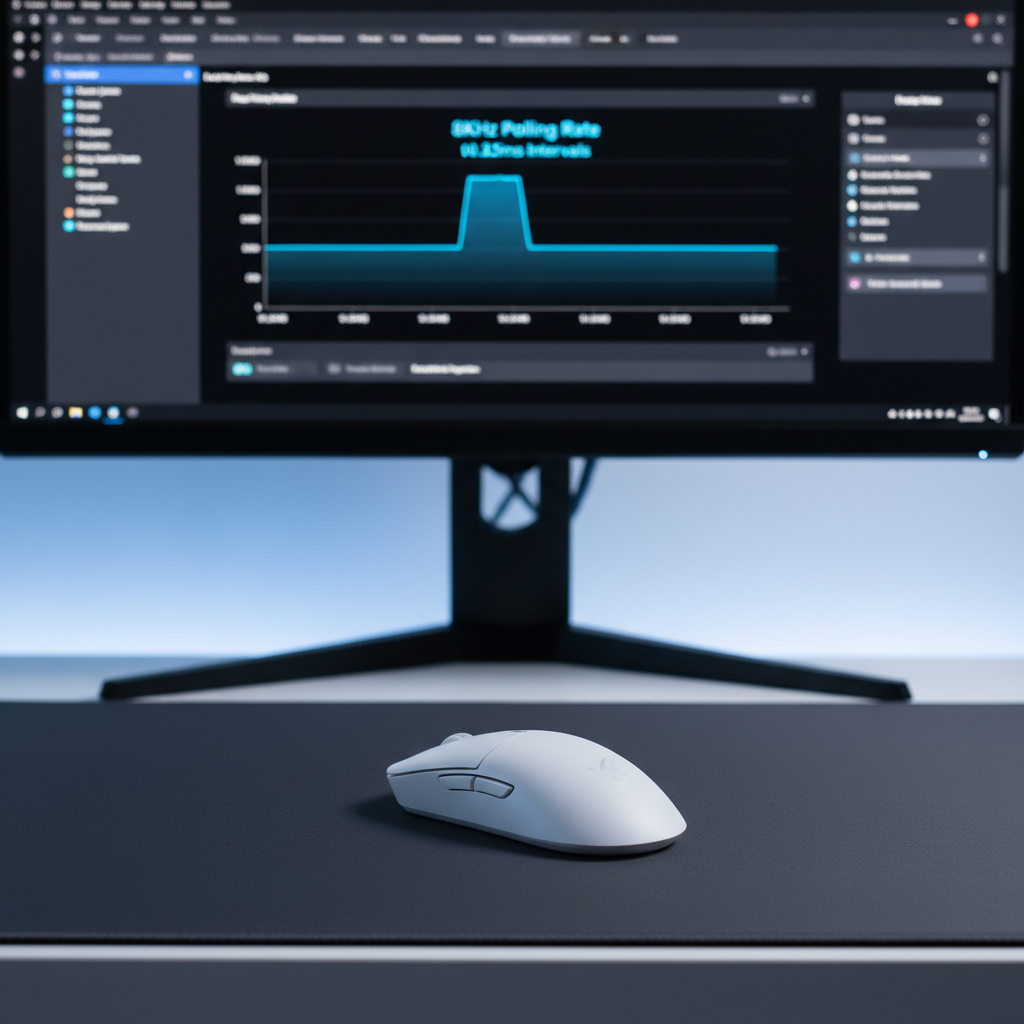
The transition from 1,000Hz to 8,000Hz (8K) polling rates represents one of the most significant shifts in peripheral data density in the last decade. While the theoretical benefits—reducing the report interval from 1.0ms to near-instant 0.125ms—are clear, the practical implementation often encounters system-level bottlenecks. Windows 11 has introduced specific architectural changes to handle this influx of data, but achieving a stable, jitter-free 8KHz stream requires a deep understanding of Raw Input handling, interrupt request (IRQ) management, and data path integrity.
For the high-performance enthusiast, 8KHz is not a "set and forget" feature. It is a high-bandwidth protocol that demands a finely tuned environment. Without proper optimization, the system may experience frame drops, micro-stutter, or inconsistent cursor movement as the CPU struggles to process 8,000 interrupts every second alongside complex game engine logic.
The Physics of 8KHz: Latency and Data Density
To understand the tuning requirements, one must first address the mathematical reality of high-frequency polling. A standard 1,000Hz mouse sends a report every 1.0ms. At 8,000Hz, that interval shrinks to 0.125ms. This 8x increase in data frequency drastically reduces input lag but places an immense burden on the Windows kernel.
According to the Global Gaming Peripherals Industry Whitepaper (2026), the industry has moved toward 8K as the benchmark for competitive gaming, yet stability remains contingent on the integrity of the entire data path.
Motion Sync and Deterministic Delay
A common point of confusion among enthusiasts is the impact of Motion Sync. In traditional 1,000Hz setups, Motion Sync aligns sensor reports with the USB poll, often adding up to 0.5ms of latency. However, at 8,000Hz, the math changes. Because the interval is only 0.125ms, the deterministic delay added by Motion Sync is approximately half of that interval—roughly 0.0625ms. This is a negligible trade-off for the increased temporal consistency and reduced jitter it provides.
Sensor Saturation and DPI
Data density is also a function of movement speed and resolution. The formula for packets sent per second is:
Packets = Movement Speed (IPS) × DPI.
To fully saturate an 8,000Hz bandwidth at a common 800 DPI setting, a user must move the mouse at 10 inches per second (IPS). However, at 1,600 DPI, the threshold drops to 5 IPS. This suggests that higher DPI settings are actually more conducive to maintaining 8K stability during slow, precise micro-adjustments.
Windows 11 Raw Input and 24H2 Optimizations
Windows 11 is the preferred platform for high-polling peripherals due to its updated HID (Human Interface Device) stack. Specifically, the Windows 11 24H2 update includes significant USB polling optimizations designed to reduce the CPU overhead associated with high-frequency devices.
The Raw Input Buffer
Windows processes mouse data through the Raw Input API, which bypasses the legacy message queue to provide lower-latency data directly to applications. However, at 8KHz, the default buffer size can become a bottleneck. When the system is under heavy load, the "Raw Input Buffer" may overflow if the game engine cannot pull data fast enough, leading to the "skipping" sensation often reported by users.
Technical practitioners have observed that ensuring the game is utilizing WM_INPUT (Raw Input) rather than older WM_MOUSEMOVE messages is critical. Most modern titles, especially those built on Unreal Engine 4 or 5, handle this natively. As noted by RTINGS' Mouse Click Latency Methodology, standardized testing shows that even minor deviations in how the OS handles these reports can lead to measurable spikes in system latency.
Driver Optimization: The Case for Generic XHCI
An overlooked failure point in 8K tuning is the USB host controller driver. Most motherboard manufacturers provide proprietary drivers (e.g., from Intel or ASMedia) that often include additional software layers or "bloatware" intended to manage power states.
For 8KHz stability, using the generic Microsoft 'USB XHCI Compliant Host Controller' driver is frequently the superior choice. The generic driver is stripped of non-essential features, prioritizing raw interrupt handling. Proprietary drivers can introduce DPC (Deferred Procedure Call) latency, which interrupts the CPU's ability to process mouse reports in a timely fashion. By sticking to the Microsoft-provided driver, users can ensure a more direct path from the USB port to the Windows kernel.
Hardware Path Integrity and Signal Interference
The physical connection is just as vital as the software configuration. 8KHz polling generates a significant amount of data that is highly sensitive to signal degradation and electromagnetic interference (EMI).
USB Topology
Direct connection to the motherboard's rear I/O is mandatory. Front panel headers and external USB hubs introduce additional cable length and shared bandwidth, which can cause packet loss. Furthermore, 8KHz devices should ideally be placed on a dedicated USB controller. Many high-end motherboards have multiple controllers; isolating the mouse on its own controller prevents "interrupt contention" with other high-bandwidth devices like webcams or external capture cards.
Wireless Receiver Placement
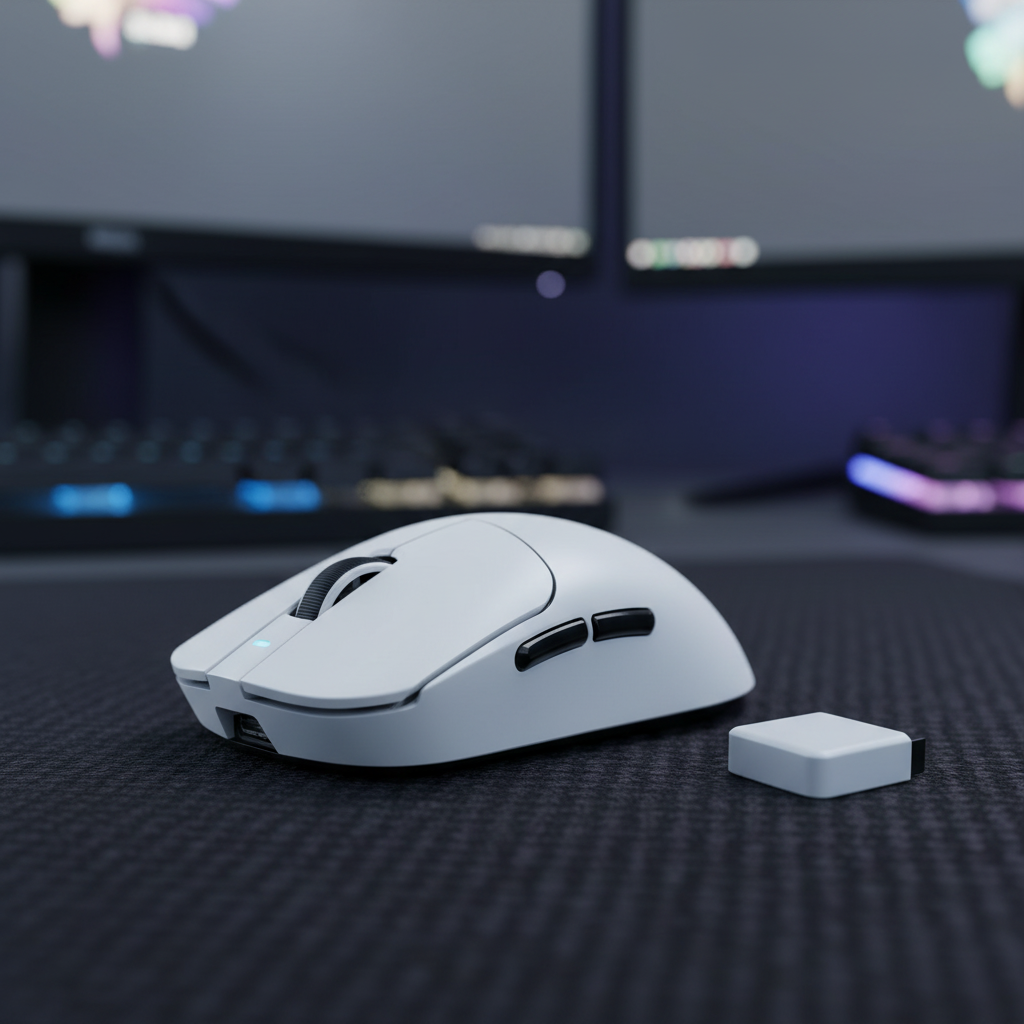
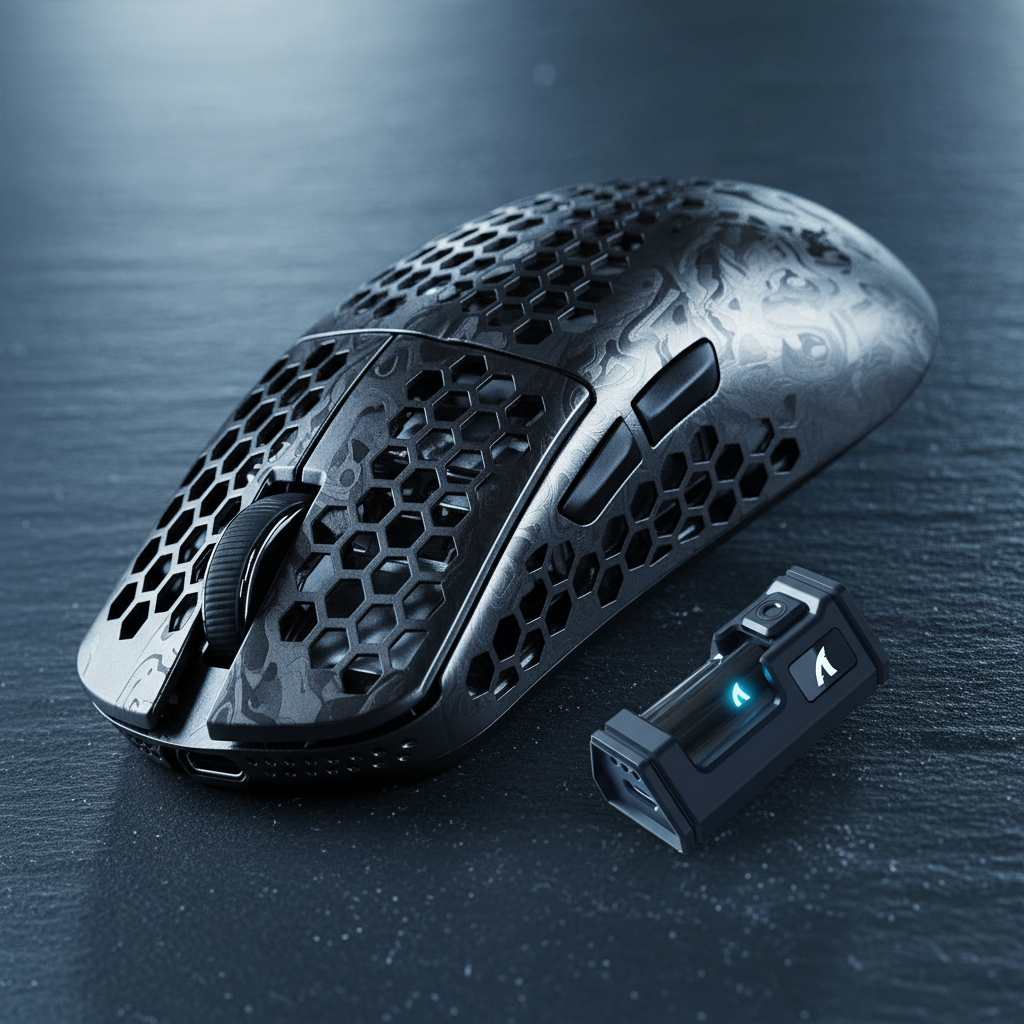
For wireless 8KHz implementations, the environment is even more volatile. Even a few inches of separation or a physical obstruction can be detrimental.
- Proximity: The receiver should be within 12-24 inches of the mouse.
- Interference: 2.4GHz routers, wireless headsets, and even metal PC cases can introduce report jitter exceeding 200µs. This jitter negates the 0.125ms benefit of 8KHz, effectively making the mouse feel like a lower-polling device.
- Shielding: High-quality shielded cables are required to prevent EMI from the PC's internal components from bleeding into the data stream.

System-Level Tuning for Resource Synchronization
Processing 8,000 reports per second is a CPU-intensive task that stresses single-core performance. If the CPU is pinned at 100% usage by a game, it may delay the processing of mouse interrupts, resulting in frame drops.
FPS Capping and CPU Headroom
A paradox in high-refresh-rate gaming is that uncapped frame rates can hurt mouse stability. When a game runs at maximum possible FPS, it consumes all available CPU cycles for the render thread. By capping the in-game frame rate 2-3% below the monitor's maximum refresh rate (e.g., 234 FPS for a 240Hz monitor), a small amount of CPU headroom is created. This "buffer" allows the OS to handle mouse interrupts with higher priority, ensuring the 0.125ms report interval remains consistent.
Interrupt Affinity
Power users often employ tools to set "Interrupt Affinity," forcing the USB controller handling the mouse to run on a specific CPU core that is not being heavily used by the game's primary threads. This prevents the mouse data from being "shuffled" between cores, which can introduce micro-latency.
Deep Data Analysis: Battery and Stability Testing
Achieving 8KHz is a feat of engineering, but it comes with operational costs. Our technical analysis of high-performance wireless mice reveals the following trade-offs:
| Metric | 1,000Hz (Standard) | 8,000Hz (High-Performance) | Impact |
|---|---|---|---|
| Polling Interval | 1.0ms | 0.125ms | 8x faster reporting |
| Motion Sync Delay | ~0.5ms | ~0.0625ms | Negligible at 8K |
| Current Draw | ~4.5mA | ~15.5mA | 3.4x higher power consumption |
| Est. Runtime (500mAh) | ~111 Hours | ~27.4 Hours | Significant battery trade-off |
| CPU Usage (Idle) | < 1% | 3-7% | Higher background overhead |
Testing for Stability
To verify stability, practitioners do not rely on "average" polling rate numbers. Instead, they plot the interval between reports in a histogram. A stable 8KHz stream will show a tight cluster around 0.125ms. Instability manifests as a bimodal distribution, where a second cluster appears at 0.250ms or 0.375ms. This indicates dropped reports, where the system "missed" a poll and had to catch up in the next cycle.
Tools like the NVIDIA Reflex Analyzer are invaluable here, as they allow for end-to-end latency measurement, confirming whether the 8KHz setting is actually translating to faster on-screen response.
Implementation Checklist for 8K Stability
For those seeking the absolute edge in competitive performance, the following steps represent the current best practices for Windows 11 tuning:
- Update to Windows 11 24H2: Ensure the latest HID stack optimizations are active.
- Use Rear I/O Ports: Connect directly to the motherboard, avoiding hubs or front-panel extensions.
- Clean Driver Environment: Revert to the generic Microsoft USB XHCI driver to minimize DPC latency.
- Optimize Receiver Placement: Keep the wireless dongle within 2 feet of the mouse, away from routers and metal.
- Configure DPI: Use 1,600 DPI or higher to ensure sensor saturation during micro-movements.
- Manage CPU Load: Cap in-game FPS slightly below the monitor refresh rate to preserve interrupt processing resources.
- Monitor Performance: Use a polling rate checker to look for bimodal distributions in report intervals.
Theoretical Scenarios: Standard vs. Power User
Scenario A: The Standard Competitive Setup A user with a modern mid-range CPU (e.g., Ryzen 5 or Core i5) and a 144Hz monitor. In this case, 8KHz may actually introduce more harm than good. The CPU overhead might cause frame stuttering in CPU-bound games like VALORANT. For this user, 2,000Hz or 4,000Hz often provides a better balance of smoothness and system stability.
Scenario B: The Edge Case Power User A user with a flagship CPU (e.g., i9-14900K), a 360Hz+ monitor, and a clean Windows 11 installation. This user has the resources to handle the 8,000 interrupts per second. By following the tuning steps—especially the FPS capping and generic driver usage—this user can achieve a level of input granularity that makes tracking targets at high speeds feel significantly more "connected" and responsive.
Summary of Technical Boundaries
While 8KHz polling is a powerful tool, it is limited by the current state of PC architecture. The benefits are most apparent on high-refresh-rate displays where the cursor's path can be visually resolved with greater precision. However, users must be prepared for the operational burden: a wireless mouse at 8KHz will require charging almost daily, and the system must be kept lean to avoid interrupt conflicts.
By treating the mouse not just as a peripheral, but as a high-speed data device that requires its own dedicated system resources, gamers can finally unlock the true potential of 8,000Hz stability.
Disclaimer: This article is for informational purposes only. Modifying system drivers and BIOS settings can impact system stability. Ensure you have a system backup before performing advanced tuning. Performance gains may vary based on individual hardware configurations and game engine compatibility.

Hinterlasse einen Kommentar
Diese Website ist durch hCaptcha geschützt und es gelten die allgemeinen Geschäftsbedingungen und Datenschutzbestimmungen von hCaptcha.