


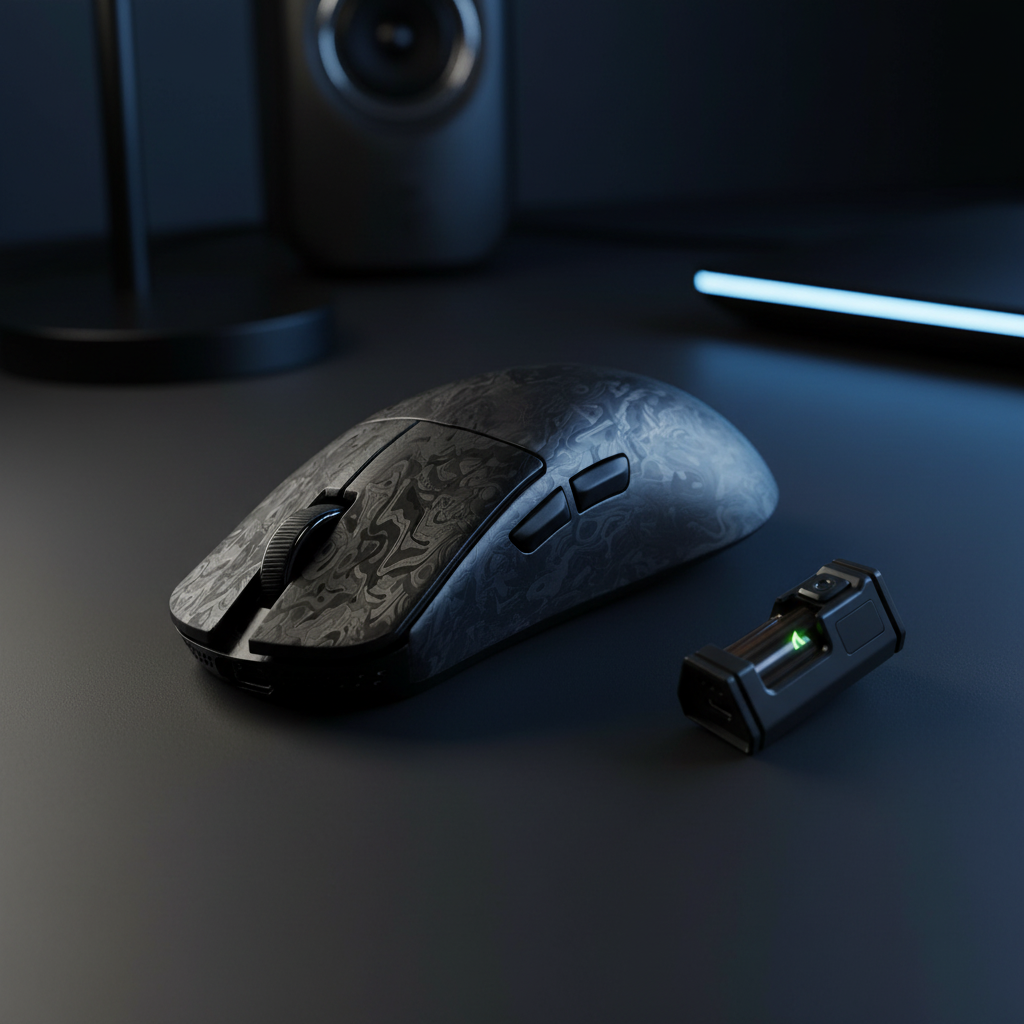
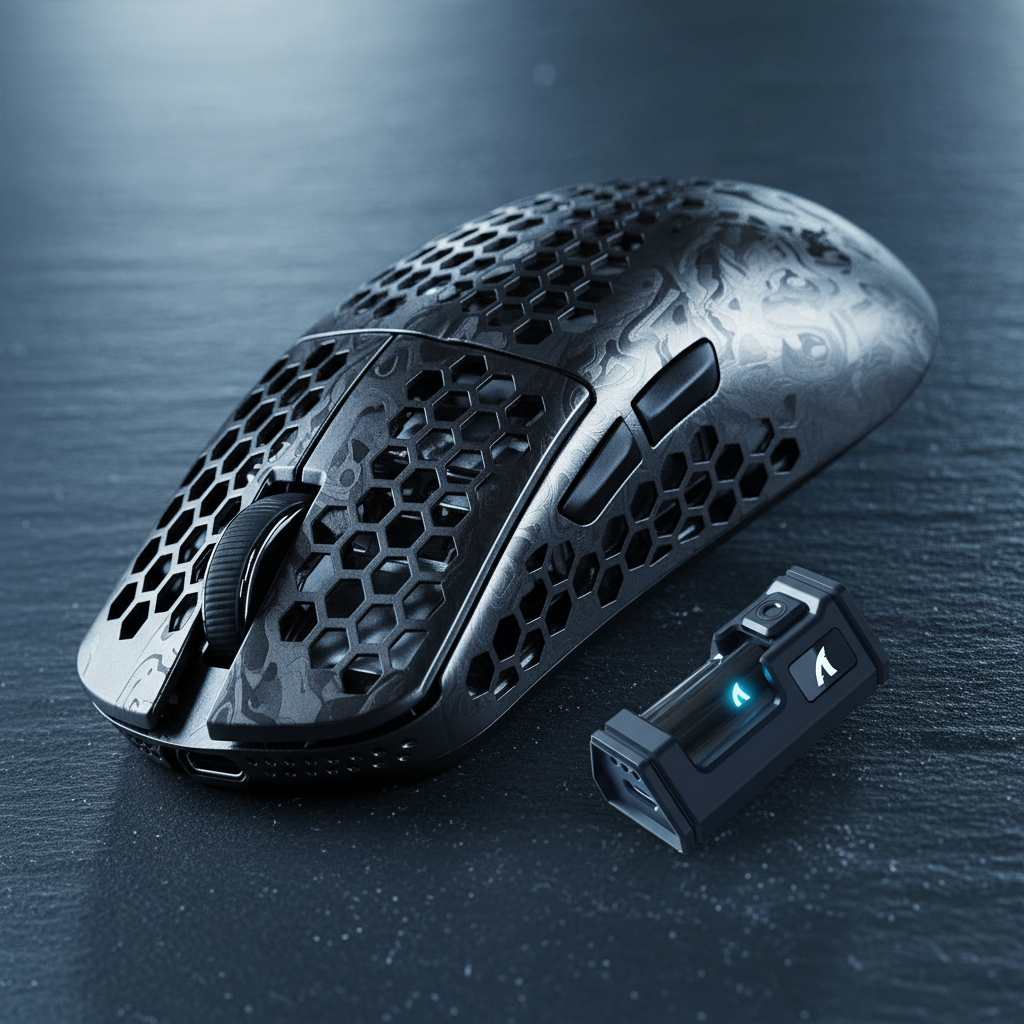
The evolution of competitive gaming peripherals has reached a critical inflection point. For years, the industry relied on the "honeycomb" aesthetic—perforated shells that sacrificed structural integrity and dust resistance for the sake of the scale. However, a new era of engineering has emerged, one that leverages advanced material science and aerospace-grade structural analysis to achieve sub-50g weights without a single hole in the chassis.
For the technical enthusiast, this shift represents more than just a visual preference. It is a transition from simple subtraction to complex material optimization. Achieving a solid shell that remains rigid under the intense grip of a professional FPS player requires a deep understanding of engineering trade-offs, from the isotropic properties of carbon fiber to the finite element analysis (FEA) of internal support ribbing.
The Material Science of Ultralight Chassis
The quest for the "perfect" strength-to-weight ratio has led manufacturers away from standard ABS plastics toward exotic composites and alloys. According to the Pacific Northwest National Laboratory (PNNL), the weight reduction potential of advanced materials like magnesium alloys and polymer composites can reach up to 50 percent compared to traditional materials. In the context of gaming mice, this is the difference between a 70g "light" mouse and a 49g "ultralight" powerhouse.
Carbon Fiber: The Aerospace Standard
Carbon fiber reinforced polymers (CFRP) have transitioned from high-performance aircraft to the palms of gamers. Research published in the Journal of Emerging Technologies and Innovative Research (JETIR) notes that composite materials now make up 30-40 percent of modern aircraft frames due to their non-corrosive nature and extreme tensile strength.
In mouse engineering, "forged carbon" is often preferred over traditional weaves. Forged carbon uses chopped fibers mixed with resin and compressed at high pressure, allowing for complex 3D shapes that a standard weave cannot achieve. This results in a shell that is incredibly stiff, preventing the "creaking" often found in budget ultralight models.
Magnesium Alloy: The Metallic Edge
Magnesium offers the lowest density of all structural metals. While it provides a premium, "cold-to-the-touch" feel and exceptional rigidity, it presents significant manufacturing hurdles. Die-casting magnesium into walls as thin as 0.6mm requires precise thermal management to prevent brittle fractures. The trade-off is a chassis that feels like a solid block of metal while weighing less than a standard AA battery.
| Material | Density (g/cm³) | Tensile Strength (MPa) | Common Wall Thickness |
|---|---|---|---|
| Standard ABS | 1.04 - 1.06 | 40 - 50 | 1.2mm - 1.5mm |
| Glass-Filled Nylon | 1.15 - 1.35 | 80 - 120 | 0.8mm - 1.0mm |
| Magnesium Alloy | 1.74 - 1.81 | 200 - 300 | 0.6mm - 0.8mm |
| Forged Carbon Fiber | 1.50 - 1.60 | 500 - 700 | 0.5mm - 0.7mm |
Note: Values represent typical ranges for high-performance gaming peripherals.
Engineering Rigidity: Beyond the Surface
A common pitfall in "spec-chasing" is focusing solely on the shell material while ignoring internal geometry. Technical users often scrutinize the "Specification Credibility Gap"—where a mouse claims a low weight but flexes under palm pressure. To solve this, engineers utilize Finite Element Analysis (FEA) to simulate stress points.
Internal ribbing is the unsung hero of the solid ultralight. By placing triangular or hexagonal support structures at the side walls and the main button plungers, designers can maintain a solid feel even with extremely thin outer walls. If a shell deflects by even 0.5mm during a flick shot, it can cause sensor misalignment or "pre-travel" in the switches, directly impacting competitive performance.

Furthermore, the integration of surface coatings is a delicate balance. A matte nano-coating adds a layer of grip but also adds a few milligrams of weight. In high-end designs, the coating must be chemically compatible with the composite base to ensure it doesn't peel under the corrosive effects of sweat over long-term use.
The Performance Ceiling: 8000Hz and Sensor Saturation
Weight is only half the battle; the "brain" of the mouse must keep pace. Modern flagships often utilize the PAW3950MAX sensor, capable of 42,000 DPI and 750 IPS. However, the real technical frontier is the 8000Hz (8K) polling rate.
The Math of 8K Latency
To understand 8K, one must look at the raw temporal intervals. A standard 1000Hz mouse reports data every 1.0ms. An 8000Hz mouse reports every near-instant 0.125ms.
Critically, features like Motion Sync behave differently at these speeds. While Motion Sync at 1000Hz might add a ~0.5ms delay to align data packets, at 8000Hz, this delay drops to ~0.0625ms. This renders the latency penalty of Motion Sync virtually non-existent for the competitive edge.
System Requirements and Bottlenecks
Technical users must be aware that 8K polling is not a "free" upgrade. The bottleneck is rarely the mouse itself, but the PC's IRQ (Interrupt Request) processing. Every packet sent by the mouse requires the CPU to pause its current task and process the movement data. At 8000Hz, this can consume significant single-core CPU resources.
To maintain stability, users should:
- Use Direct Motherboard Ports: Avoid USB hubs or front-panel headers, which introduce packet loss and jitter.
- Monitor Refresh Synergy: While there is no "1/10th rule," a 240Hz+ or 360Hz+ monitor is necessary to visually perceive the smoother cursor path provided by 8K.
- DPI Saturation: To fully saturate the 8K bandwidth, movement speed and DPI must be aligned. At 800 DPI, a user needs to move the mouse at 10 IPS to fill the data packets. At 1600 DPI, only 5 IPS is required, making higher DPI settings more stable for micro-adjustments.
Deep Experiment: The Ergonomic Scalability Gap
While achieving a 49g solid shell is a feat of engineering, it often forces a "one-size-fits-most" footprint. We analyzed the ergonomic fit for a user in the 99th percentile—specifically, a gamer with Extra-Large hands (21.5cm length) using a fingertip grip.
Our Grip Fit Calculator revealed a significant dimensional mismatch when applying standard ultralight dimensions (typically 120mm x 60mm) to this user persona.
| Metric | Ideal (XL Hand) | Standard Ultralight | Fit Ratio |
|---|---|---|---|
| Length | 129mm | 120mm | 0.93 (7% Short) |
| Grip Width | 63mm | 60mm | 0.95 (5% Narrow) |
The Meaning of the Numbers: For a value-driven enthusiast, this 7% deficit in length isn't just a comfort issue; it's a performance bottleneck. A mouse that is too short forces the hand into a cramped posture, increasing fine motor strain. This confirms that for users with larger hands, the current trend of shrinking mouse sizes to hit lower weight targets can lead to a performance ceiling. The "Specification Credibility Gap" here is that a 49g weight is meaningless if the physical fit causes micro-stutter in the user's aim due to hand fatigue.
Compliance, Safety, and Trustworthiness
When dealing with high-performance wireless gear, battery safety and regulatory compliance are paramount. Any device utilizing high-capacity lithium batteries must adhere to strict transport and safety standards.
Battery Integrity
According to the United Nations Manual of Tests and Criteria (Section 38.3), lithium batteries must pass a series of rigorous tests—including altitude simulation, thermal testing, and vibration—to be certified for global transport. For the gamer, this ensures that the 200-hour battery in their ultralight mouse won't fail under the thermal stress of a long gaming session or during shipping.
Regulatory Standards
Authoritative bodies like the FCC (USA) and ISED (Canada) mandate strict RF exposure and electromagnetic interference (EMI) testing. A mouse operating at 8000Hz generates significantly more "noise" than a standard office mouse. Technical buyers should look for a valid FCC ID to ensure the device won't interfere with other wireless peripherals in a high-density environment.
Summary of Engineering Principles
As outlined in the Global Gaming Peripherals Industry Whitepaper (2026), the future of gaming gear lies in the "Total System Performance" rather than isolated specs. A solid ultralight shell is only effective if it is paired with a high-bandwidth MCU (like the Nordic 52840), a top-tier sensor, and a chassis that doesn't flex under pressure.
Key Takeaways for the Informed Buyer:
- Material Matters: Carbon fiber and magnesium offer superior rigidity-to-weight ratios compared to glass-filled nylon, but at a higher cost.
- Structural Integrity: Look for evidence of internal ribbing or FEA testing to avoid shell flex.
- Polling Dynamics: 8K polling requires a high-end CPU and direct USB connection; ensure your system can handle the IRQ load.
- Ergonomic Fit: Don't sacrifice hand health for weight. If you have XL hands, a 120mm mouse may be too small regardless of how light it is.
The shift "Beyond Honeycombs" is a testament to how far gaming engineering has come. By moving the focus from what we can take away to what advanced materials we can add, the industry is finally delivering mice that are as durable as they are light.
Disclaimer: This article is for informational purposes only. Ergonomic needs vary by individual; users with pre-existing wrist or hand conditions should consult a qualified physiotherapist before switching to a new mouse grip or weight class. Performance gains from high polling rates are dependent on system configuration and individual perception.

Hinterlasse einen Kommentar
Diese Website ist durch hCaptcha geschützt und es gelten die allgemeinen Geschäftsbedingungen und Datenschutzbestimmungen von hCaptcha.