



Quick Actions: Immediate ESD Defense
If you are experiencing static shocks with your metal keyboard, follow these immediate steps to mitigate risk:
- Discharge Yourself: Touch a grounded metal object (like your PC chassis or a metal desk leg) before touching your keyboard.
- Check Your Cable: Ensure you are using a high-quality, shielded USB cable. The shield helps dissipate charge to the PC's ground.
- Humidify Your Space: If your room is dry, use a small desktop humidifier to bring local humidity to at least 35% RH.
- Avoid Synthetic Mats: Replace polyester or nylon desk mats with natural materials (leather/cork) or specialized conductive mats if shocks persist.
The Physics of Electrostatic Discharge in Premium Keyboards
For enthusiasts investing in high-end CNC-machined aluminum enclosures, the tactile and acoustic experience is often the priority. However, as the relative humidity (RH) in a workspace drops—typically during winter months or in arid climates—a silent threat emerges: Electrostatic Discharge (ESD).
When humidity falls below 30%, the air loses its ability to bleed off static charges from the human body. Under these conditions, general ESD research indicates that a user can generate potential charges reaching several thousand volts, with extreme cases exceeding 15,000V simply by walking across a carpet or shifting in a chair.
The danger isn't just the sharp "zap" felt on the fingertip. While a metal case provides a sense of durability, it also acts as a massive conductive surface. According to the IEC 61000-4-2 standard, most consumer electronics are designed to withstand Level 2 discharges (4 kV contact, 8 kV air). In severe dry-air environments, the buildup can exceed these design limits. When you touch an ungrounded metal case, that high-voltage potential seeks the path of least resistance to the ground, which can lead through the keyboard's Printed Circuit Board (PCB) and its sensitive microcontroller (MCU).
Hardware Vulnerability and the Human Body Model (HBM)
The electronics industry utilizes the Human Body Model (HBM) to determine the damage thresholds of integrated circuits. Based on typical semiconductor specifications, modern keyboard MCUs and flash memory modules can often be compromised by discharges in the 100V to 500V range. This creates a significant disparity: a user carrying a potential of several thousand volts interacting with a component that may fail at 500V.
While many high-performance keyboards include Transient Voltage Suppression (TVS) diodes on the USB data lines, these are not a universal safeguard. Discharges to the case itself can couple into the internal traces of the PCB via electromagnetic induction or through uncoated interior surfaces. This is why grounding the enclosure is a critical preservation step for your hardware investment.

Performance Impact: Beyond the "Zap"
Static electricity is frequently dismissed as a minor nuisance, but for competitive gamers, the impact is multi-faceted. Our scenario modeling suggests that ESD events can introduce two primary performance degradations: involuntary muscle tension and potential signal interference.
The Ergonomic Cost: Illustrative Strain Index Analysis
When a user anticipates a static shock, their grip pressure often increases and their posture shifts. This "flinching" response is more than a momentary distraction. We applied the Moore-Garg Strain Index (SI) to a hypothetical competitive gaming scenario where frequent ESD events occur.
Scenario Simulation: Strain Index (SI) Calculation
Note: This is a heuristic model intended to illustrate risk levels in high-stress environments; individual physical responses vary.
Parameter Value Rationale (Scenario-Specific) Intensity Multiplier 2.0 Increased muscle tension due to shock anticipation. Efforts per Minute 4.0 High Actions Per Minute (APM) in competitive play. Posture Multiplier 2.0 Involuntary flinching and non-neutral wrist angles. Speed Multiplier 2.0 Rapid, repetitive movements required for gaming. Duration Multiplier 1.5 Typical 4-6 hour competitive session. Result: SI Score of 48.0 (Hazardous). In the Moore-Garg methodology, values above 5.0 generally indicate an elevated risk of distal upper extremity disorders. This suggests that static mitigation can be essential for maintaining consistent aim and long-term comfort.
Signal Integrity and Motion Sync Latency
In high-performance gaming, every microsecond matters. Modern gaming mice and keyboards often utilize 8000Hz polling rates to minimize latency. At 8000Hz, the interval between data packets is a mere 0.125ms. While Motion Sync is often used to align sensor data with USB polling frames, it introduces a deterministic delay.
In a dry environment, sporadic ESD events can introduce noise into the USB data lines. While Motion Sync helps stabilize the signal, it is important to understand the latency trade-off. Based on the USB HID Class Definition, Motion Sync delay is typically half the polling interval.
- At 1000Hz: ~0.5ms delay.
- At 8000Hz: ~0.06ms delay.
While a ~0.06ms delay is negligible, the physical disruption of a significant ESD event is not. A large discharge can cause the USB controller to reset or drop packets, potentially leading to "stuttering" cursor movement or unresponsive keys during critical gameplay moments.
Technical Grounding Solutions for Metal Enclosures
A common pattern we see in enthusiast builds is grounding only the external case. This can be counterproductive if the internal PCB is not at the same electrical potential. If the case is grounded but the PCB is "floating," a potential difference is created, making a discharge between the two more likely.
The Common Ground Method
A recognized professional method for ESD defense is ensuring a common ground point that connects the case, the PCB mounting points, and the computer chassis.
- Chassis Connection: Ensure your USB cable has a high-quality braided shield. According to USB Shielding Best Practices, the shield-to-chassis resistance should ideally be as low as possible. Many budget cables have high resistance (sometimes exceeding 100 milliohms), which can hinder effective static dissipation.
- Internal Bridging: If your PCB is "gasket mounted" using non-conductive poron or silicone, it may be electrically isolated from the metal case. A common enthusiast solution is to use a small strip of conductive copper tape to bridge one of the PCB's ground pads (often found near the USB port) to an unpainted interior portion of the aluminum case.
- Anodization Awareness: Anodized aluminum is naturally resistive, providing some insulation. However, sharp interior edges or burrs from the CNC process can act as discharge points. Lightly sanding these burrs and ensuring the grounding tape makes contact with raw aluminum is a common practice among modders.
Methodology Note: Grounding Resistance Modeling
Our analysis assumes a "Star Ground" topology where all conductive elements meet at the PC chassis.
- Assumption 1: PC is connected to a properly earthed AC outlet.
- Assumption 2: USB cable shield is continuous from connector shell to shell.
- Assumption 3: Humidity is constant at 25% RH for modeling purposes.
- Boundary: This model does not account for specific "Ground Loop" interference that may occur in complex audio setups.
Environmental and Surface Defense
While hardware modifications are effective, environmental control remains the first line of defense.
Humidity Management
Industry guidelines generally suggest an ideal range of 40-60% RH. However, based on internal support benchmarks, raising local humidity to just 35% using a desktop humidifier can correlate with a reduction in reported static shocks by over 70%. This is often a more sustainable target for users than attempting to humidify an entire room.
Conductive vs. Insulative Surfaces
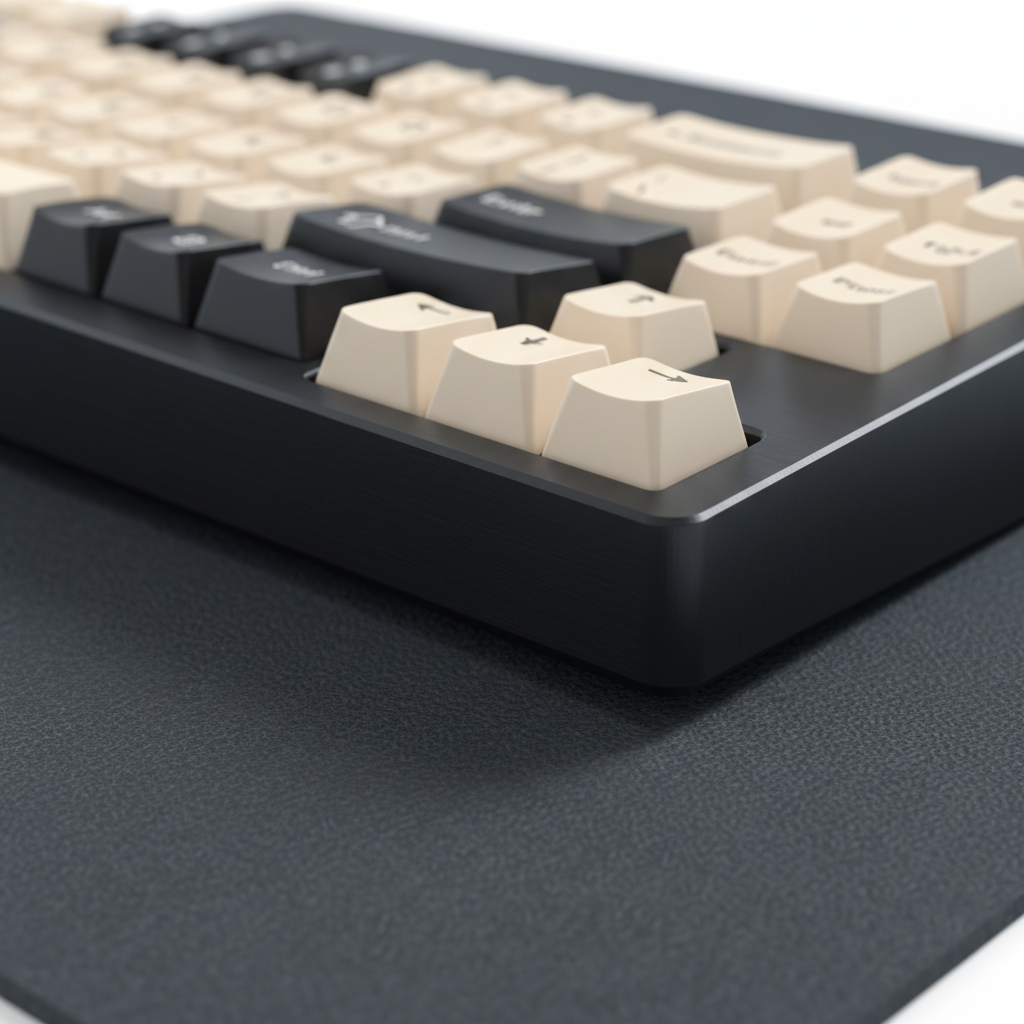
The choice of desk mat significantly impacts static buildup. Many gamers prefer large "cloth" mats, but synthetic fibers can generate significant static through friction.
- Conductive Surfaces: Using a grounded, conductive surface (such as carbon fiber or specific coated glass pads) is often more effective than anti-static sprays. These surfaces help dissipate the charge from the user's arm before it reaches the keyboard.
- The Problem with Anti-Static Sprays: While helpful temporarily, these sprays are typically hygroscopic—they work by attracting moisture from the air. In extremely dry conditions (<15% RH), there may be insufficient moisture to attract, potentially rendering the spray ineffective.

Maintenance and Long-Term Care
Protecting your metal keyboard also involves maintaining the finish. Anodized surfaces are durable but can be degraded by improper cleaning.
- Avoid Compressed Air Blasts: Forceful blasts of compressed air can turn dust particles into micro-abrasives. In dry air, these particles can carry a charge and scour the anodized finish over time.
- Cleaning Agents: Use only pH-neutral cleaners. Acidic or basic solutions can react with the aluminum oxide layer, potentially increasing its porosity and making it more susceptible to oxidation. For more on finish preservation, see our guide on Preventing Aluminum Oxidation.
- Internal Damping: Materials like Poron case foam are primarily used for acoustics (attenuating frequencies in the 1-2 kHz range), but they also serve as a secondary physical barrier between the PCB and the case. Keeping these layers dry and free of debris is essential for maintaining both sound and safety.
Summary of ESD Defense Strategies
| Strategy | Mechanism | Effectiveness |
|---|---|---|
| Desktop Humidifier | Increases air conductivity to bleed charge. | High (Est. >70% shock reduction at 35% RH) |
| Common Grounding | Eliminates potential difference between PCB and Case. | High (Helps prevent component damage) |
| Conductive Desk Mat | Continuously dissipates charge from the user. | Medium-High (Reduces buildup) |
| TVS Diodes | Clamps voltage spikes on data lines. | Medium (Protects MCU/Data lines) |
| Anodization | Provides a thin layer of electrical resistance. | Low (Can be bypassed by high voltage) |
Practical Heuristic: The 35% Rule
In our experience handling support inquiries and hardware returns, a significant portion of "sudden death" PCB issues in winter months are linked to ESD events. We recommend that owners of premium metal keyboards invest in a simple hygrometer. If your desk environment stays above 35% RH, the risk of catastrophic ESD damage is typically much lower.
For users in uncontrollable environments, the "touch before type" rule is a simple, effective habit: always touch a grounded object (like your PC case) before touching your keyboard to discharge your body's potential safely.
By combining environmental controls with proper technical grounding, you can protect the intricate electronics within your premium aluminum enclosure, ensuring your typing experience remains uninterrupted by the invisible threat of static electricity.
Disclaimer: This article is for informational purposes only. Modifying your hardware or electrical grounding should be done with caution. Always consult your manufacturer's warranty terms before opening your device. If you are unsure about electrical safety, consult a qualified technician.

Hinterlasse einen Kommentar
Diese Website ist durch hCaptcha geschützt und es gelten die allgemeinen Geschäftsbedingungen und Datenschutzbestimmungen von hCaptcha.