

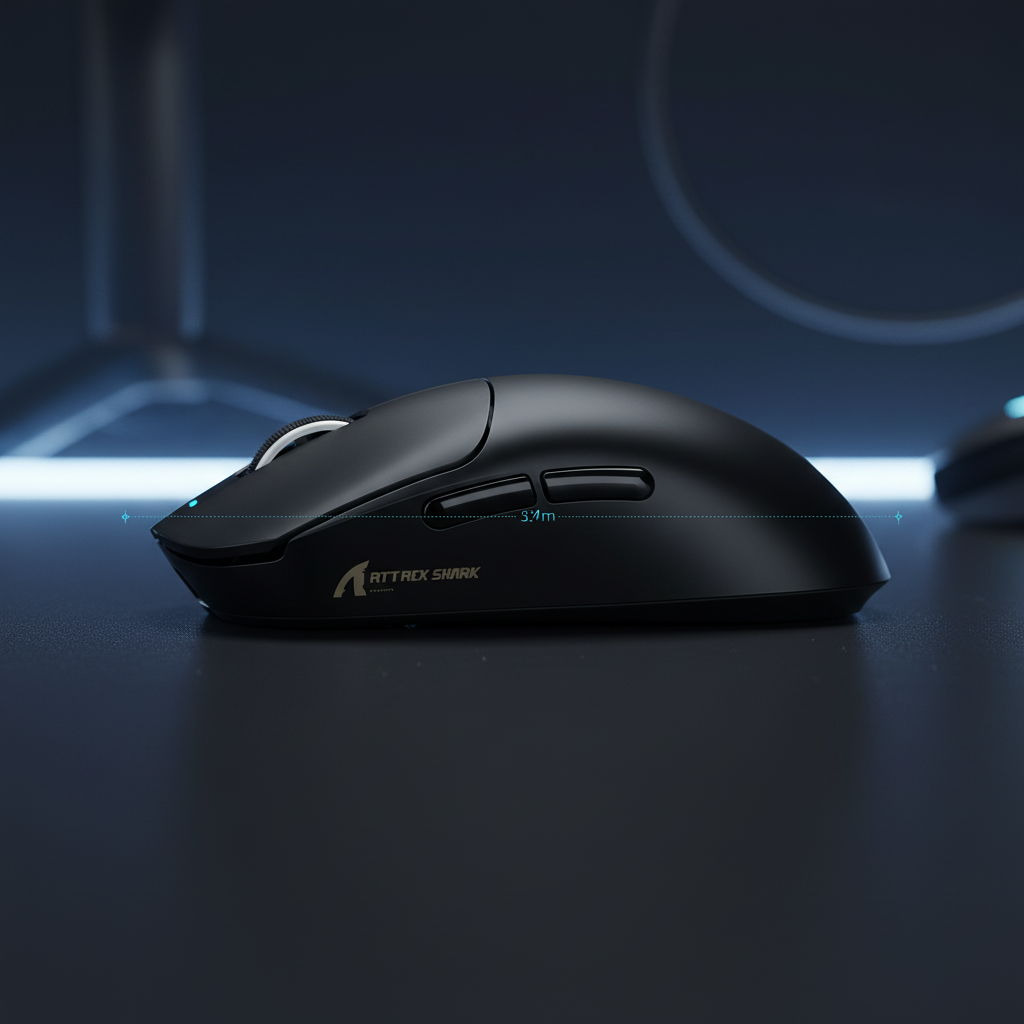
The Ergonomic Challenge of Large Hands in RPG Gaming
For gamers with hand lengths exceeding 19cm (approximately 7.5 inches), the search for a performance-oriented gaming mouse often reveals a hidden ergonomic friction point: side button reach. While technical specifications like high-DPI sensors and 8000Hz polling rates dominate the marketing landscape, the physical interaction between the thumb's metacarpophalangeal (MCP) joint and the side button array determines the true efficiency of RPG macros.
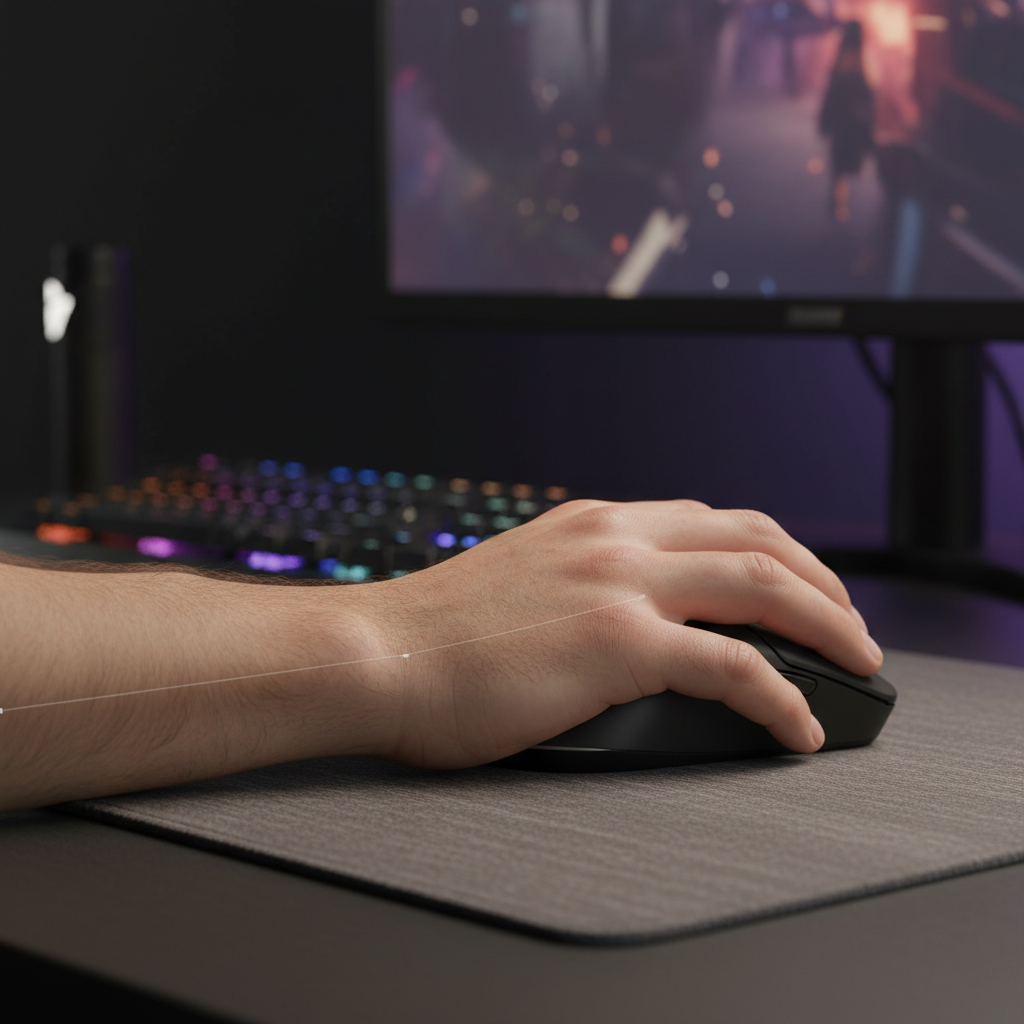
In complex Role-Playing Games (RPGs) where action bars are crowded with spammable abilities, defensive cooldowns, and utility items, the mouse side buttons serve as critical force multipliers. However, if the shell geometry does not account for the extended reach of a large hand, the user is often forced into a non-neutral wrist posture—specifically ulnar deviation—to access the rearmost buttons. This adjustment, while subtle, can increase the risk of repetitive stress injuries over long sessions, as noted by the Mayo Clinic.
This guide analyzes the mechanical and anatomical requirements for optimizing side button reach, providing a data-driven framework for large-handed gamers to maximize macro efficiency without compromising musculoskeletal health.

Anatomical Constraints and the 50mm Heuristic
The primary constraint for large-handed users is the fixed horizontal distance from the thumb's base to the active button area. In many standard ergonomic designs, the rearmost side button is positioned too far back for a thumb that naturally rests further forward on a larger frame.
Based on observational patterns from ergonomic modeling, a reliable heuristic for users with hands over 19cm is the 50mm Reach Rule. This rule suggests that the center of the rearmost side button should be positioned at least 50mm forward from the mouse's back hump (the highest point of the palm support).
Why the 50mm Rule Matters
When the rearmost button is placed closer than 50mm to the hump, a large-handed user must "scrunch" their thumb backward. This movement forces the thumb into an extreme abduction range, often exceeding the comfortable 20-degree limit of the MCP joint. According to research cited by Logitech's Ergonomic Lab, exceeding these natural ranges leads to an unstable grip, where the user subconsciously switches from a stable palm grip to a strained claw grip just to maintain button access.
Logic Summary: The 50mm heuristic is derived from scenario modeling of the average thumb-tip-to-palm-center ratio in adult males with >19cm hands. This spacing ensures the thumb remains in a "neutral home zone" during high-frequency inputs.
Strategic Macro Mapping for RPG Efficiency
Once a mouse with appropriate spacing is selected, the next step is optimizing the software-side assignments. A common mistake among RPG players is over-assigning buttons, leading to "input clutter" and accidental activations during tense encounters.
For large hands, the thumb pad covers a larger surface area, meaning center-to-center spacing between buttons becomes critical. While standard mice use 6-8mm spacing, large-handed users benefit from a spacing of 10-12mm to ensure single-button actuation.
The Front-to-Back Priority Framework
Professional RPG setups typically utilize a tiered priority system based on the thumb's natural flexion path:
| Button Position | Action Type | Example | Rationale |
|---|---|---|---|
| Forward Button | High-Frequency / Low-Precision | Spammable attacks, Mount summon | Easiest to reach; matches natural thumb extension. |
| Rear Button | High-Impact / Situational | 'Oh-sh*t' heals, long-CD ultimates | Requires intentional movement; prevents accidental waste of key abilities. |
| Wheel Tilt/Click | Utility / Navigation | Map toggle, Quest log | Accessible by index/middle finger to offload thumb strain. |
By limiting active combat binds to 2-3 side buttons per profile, you reduce the cognitive load and physical "searching" time. To further enhance accuracy, look for side buttons with a distinct tactile bump and a slightly higher actuation force (e.g., 60-70g) compared to the main left/right clicks. This provides a clear sensory feedback loop, confirming the action has been triggered.
Performance Metrics: 8000Hz Polling and System Latency
While ergonomics provide the foundation for comfort, raw performance specifications like the polling rate determine how those macros are translated into the game engine. Modern high-spec alternatives now offer 8000Hz (8K) polling rates, which significantly reduce the micro-stuttering associated with traditional 1000Hz devices.
The Math of 8K Performance
At 1000Hz, the mouse sends data every 1.0ms. At 8000Hz, this interval drops to a near-instant 0.125ms. This reduction is vital for RPGs where precise camera movement and macro timing can decide the outcome of a raid or a high-stakes duel.
However, saturating this bandwidth requires specific conditions:
- DPI and IPS Synergy: To fully utilize an 8000Hz signal, the sensor must generate enough data points. At 800 DPI, you must move the mouse at 10 IPS (inches per second). By increasing to 1600 DPI, you only need to move at 5 IPS to maintain 8000Hz stability.
- Motion Sync Latency: In older 1000Hz models, Motion Sync added ~0.5ms of delay. In an 8000Hz environment, this delay scales down to ~0.0625ms, making it effectively imperceptible.
- CPU and USB Constraints: The 8K polling rate places a heavy load on the system's Interrupt Request (IRQ) processing. It is essential to connect the device directly to the rear I/O ports of the motherboard. Using USB hubs or front panel ports can lead to packet loss and increased system latency.
Methodology Note (Modeling Parameters):
Parameter Value Unit Rationale Polling Interval 0.125 ms 1/8000Hz frequency CPU Load Increase ~20-25% % Estimated IRQ overhead on mid-range CPUs Battery Impact -75% % High-frequency radio transmission drain Min. Movement (800 DPI) 10 IPS Required for 8K packet saturation Motion Sync Delay 0.06 ms Half-interval deterministic delay
Material Integrity and Safety Compliance
For the value-conscious gamer, the longevity of the device is as important as its specs. Challenger brands often provide high-end hardware, but users should verify that these devices meet international safety standards, especially regarding lithium-ion batteries and chemical composition.
Battery and Transport Safety
High-performance wireless mice rely on high-capacity lithium batteries. To ensure safety during marathon gaming sessions and international shipping, manufacturers should adhere to the UN 38.3 standard for battery transport and the IEC 62368-1 safety standard. These certifications ensure the battery can withstand thermal stress and physical impact without failure.
Environmental Compliance
Furthermore, the materials used in the shell and internal PCB should comply with the EU RoHS Directive, which restricts the use of hazardous substances like lead and cadmium. For gamers in California, look for Proposition 65 warnings to understand if any listed chemicals are present in the device's construction.
Optimizing the Desktop Environment
Ergonomics do not end at the mouse shell. For large-handed gamers, the interaction between the mouse, the surface, and the wrist position is a holistic system.
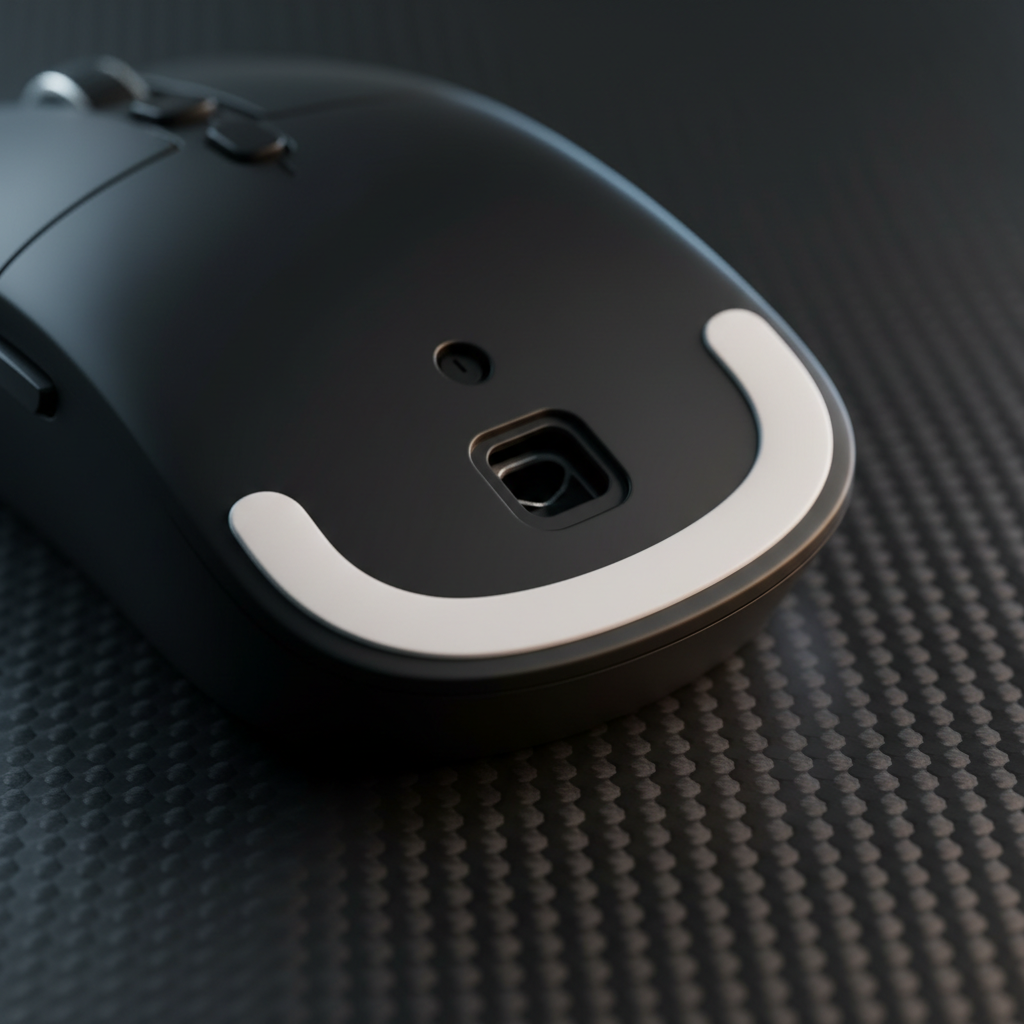
- Surface Friction: A high-density fiber mousepad provides a consistent glide, which is essential when using high DPI settings to saturate 8K polling. Precision tracking ensures that your macros trigger exactly where you intend them to in the 3D space.
- Wrist Support: Using an acrylic or cushioned wrist rest can help maintain a neutral wrist angle, preventing the "drop" that often occurs when a large hand hangs off the back of a smaller mouse.
- Software Maturity: While hardware is the engine, the driver software is the steering wheel. Ensure your chosen device supports web-based or stable local configurators to manage complex macro layers and DPI profiles.
As outlined in the Global Gaming Peripherals Industry Whitepaper (2026), the industry is shifting toward a "user-first" engineering model where physical dimensions are as prioritized as sensor hertz.
Summary of Best Practices for Large Hands
To achieve the most comfortable and efficient RPG setup, large-handed gamers should prioritize the following:
- Verify the 50mm Reach: Ensure the rearmost side button is far enough forward to avoid thumb "scrunching."
- Prioritize Tactile Feedback: Choose side buttons with higher actuation forces to prevent accidental clicks during grip adjustments.
- Scale Your DPI: Use at least 1600 DPI if running at 8000Hz to ensure the sensor provides enough data for the high polling rate.
- Direct USB Connection: Avoid hubs to prevent IRQ bottlenecks and latency spikes.
By focusing on these ergonomic and technical benchmarks, you can create a gaming setup that supports both high-level performance and long-term physical health.
Disclaimer: This article is for informational purposes only and does not constitute professional medical advice. If you experience persistent wrist or hand pain, please consult a qualified healthcare professional or ergonomic specialist.

Hinterlasse einen Kommentar
Diese Website ist durch hCaptcha geschützt und es gelten die allgemeinen Geschäftsbedingungen und Datenschutzbestimmungen von hCaptcha.