

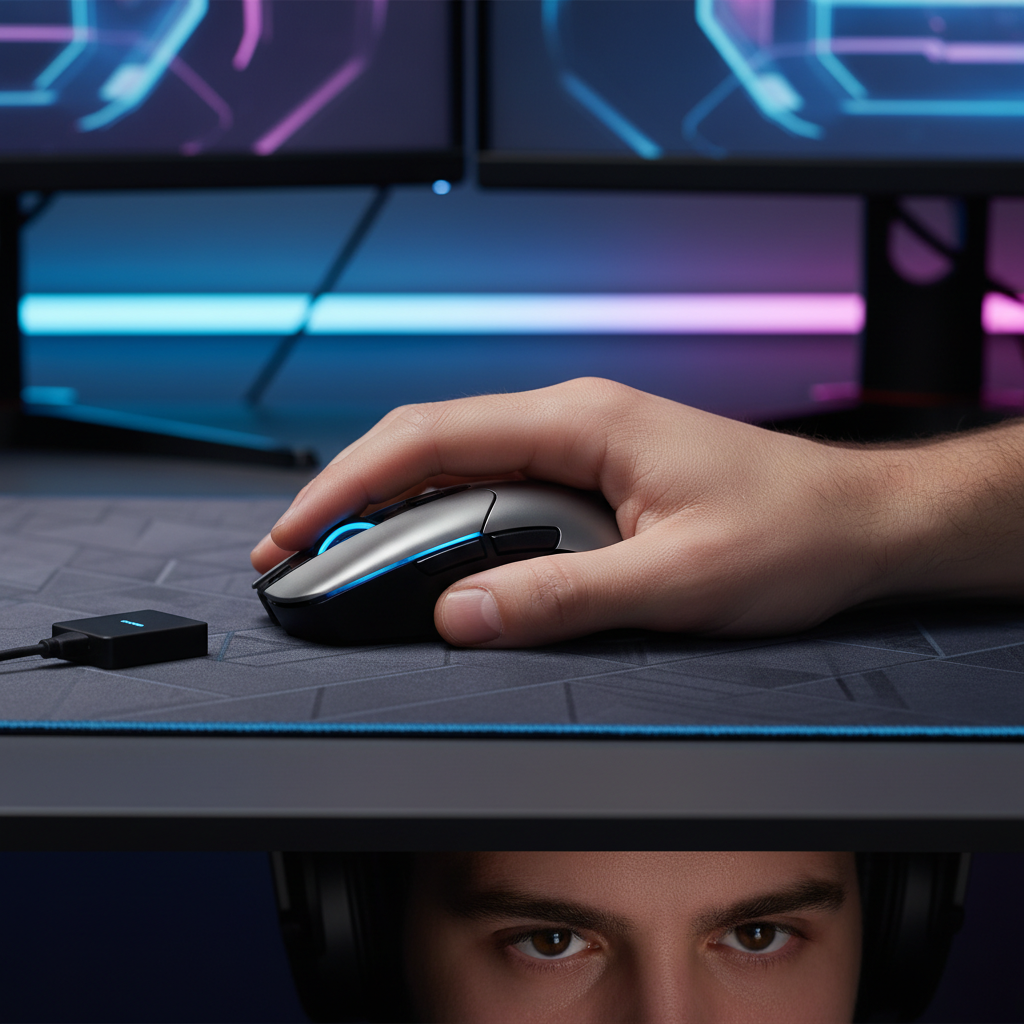
The Engineering of Elite Response: Decoding the 8K Polling Shift
Quick Verdict: Is 8K Worth It? For competitive players using 240Hz or 540Hz monitors, upgrading to 8000Hz (8K) polling provides a measurable edge in tracking smoothness and input consistency. While it requires a modern CPU (Intel 12th Gen / Ryzen 5000 or newer) and higher DPI settings (1600+), the reduction in micro-stutter makes it the new gold standard for professional esports.
The transition from 1000Hz to 8000Hz (8K) polling marks a significant paradigm shift in human-interface device (HID) engineering. For over a decade, the 1000Hz standard—sending data to the PC every 1.0ms—was considered the pinnacle of gaming performance. However, as monitor refresh rates have climbed to 360Hz and 540Hz, the limitations of 1000Hz polling have become visible as micro-stutter and input quantization jitter.
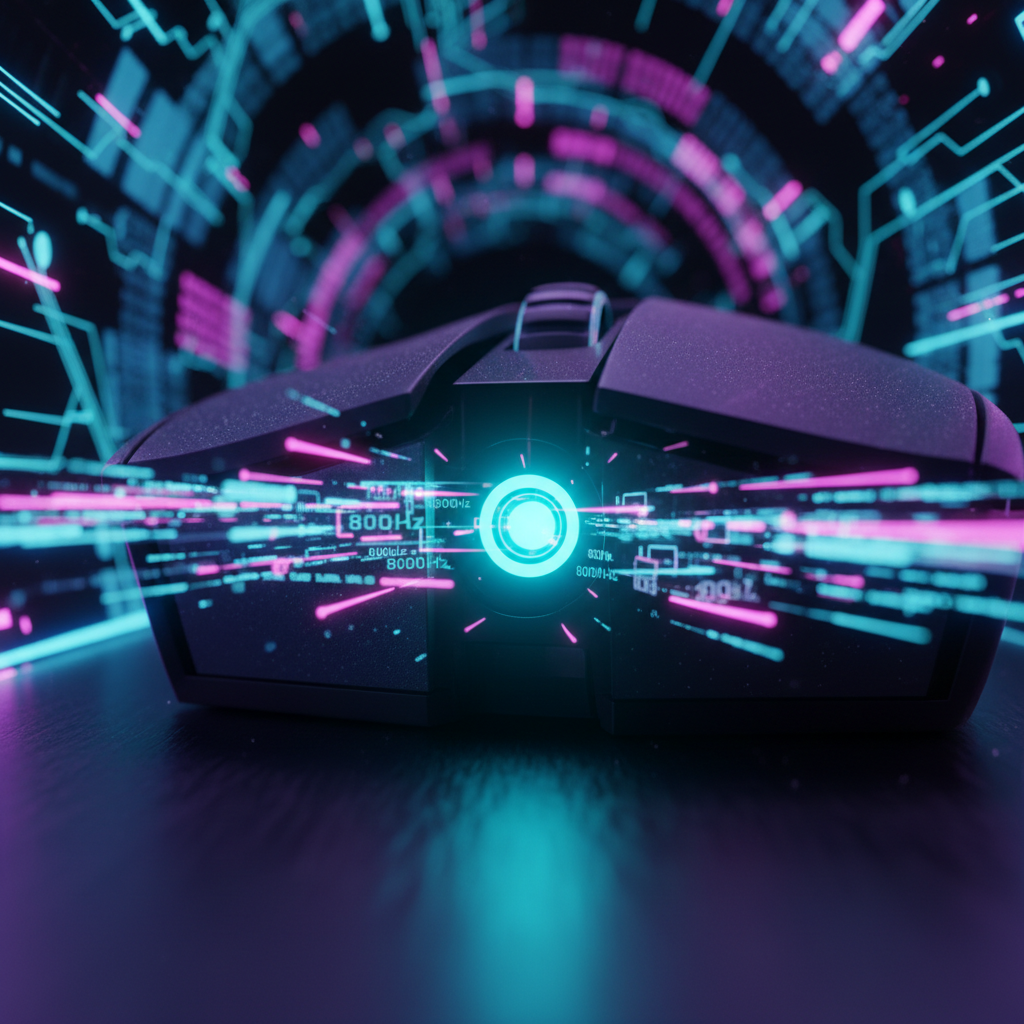
At its core, 8K polling reduces the delay between a physical movement and the computer receiving that data from 1.0ms to near-instant 0.125ms. This eightfold increase in data density ensures that the PC has the most current information available for every frame rendered by the GPU. According to the Global Gaming Peripherals Industry Whitepaper (2026), this reduction in "input-to-photon" latency is a critical factor in maintaining tracking consistency in high-stakes environments.
The Mathematics of Latency: 1000Hz vs. 8000Hz
To understand why professional players are making the switch, one must examine the raw timing intervals. In a standard 1000Hz setup, the mouse reports its position every 1000 microseconds. If a monitor is refreshing at 360Hz (every 2.77ms), the mouse data and the monitor's refresh cycle are often out of sync, leading to "stale" data being used for the current frame.
| Polling Rate | Reporting Interval | Data Points per 10ms | Motion Sync Latency (Heuristic) |
|---|---|---|---|
| 1000Hz | 1.0ms | 10 | ~0.5ms |
| 4000Hz | 0.25ms | 40 | ~0.125ms |
| 8000Hz | 0.125ms | 80 | ~0.0625ms |
Modeling Note: Motion Sync latency is modeled using the heuristic of $0.5 \times Polling Interval$. This represents the statistical mean delay introduced when aligning sensor captures with the USB Start of Frame (SOF). While the theoretical maximum delay is $1.0 \times Interval$, high-performance MCUs typically achieve this 0.5x average through predictive alignment.

System Requirements: The "Hardware Tax" of 8K Performance
A common misconception is that 8K polling is a "plug-and-play" upgrade. In reality, the high frequency of interrupt requests (IRQs) places a measurable load on the CPU. Based on internal technical support observations and community benchmarks, using 8K polling can increase CPU usage by approximately 2–5% during intense movement.
USB Topology and Bandwidth Management
The most frequent error in 8K implementation is overlooking USB controller bandwidth.
- Native Connection: To achieve a stable 8K signal, the receiver must be connected to a native USB 3.0+ port directly on the motherboard’s rear I/O.
- Avoid USB Hubs: Shared bandwidth and poor shielding in external hubs or front-panel headers can cause packet loss and jitter.
- IRQ Conflicts: High-speed polling stresses the system's interrupt processing. Background processes like aggressive RGB control software can spike interrupt latency, causing noticeable stutter.
The Role of High Refresh Rate Monitors
The perceptual benefit of 8K polling is closely tied to the display. While 8K reduces input latency on any monitor, the visual smoothness of the cursor path is most apparent on displays running at 240Hz or higher. On a 60Hz monitor, the screen cannot update fast enough to display the granularity of the 8K data points.
Real-World Performance: Precision Over Speed
For the professional gamer, the advantage of 8K is less about "feeling faster" and more about "feeling more predictable."
Smoothing Micro-Adjustments
When making micro-adjustments, 8K polling provides a denser stream of data. This prevents the "staircase" effect where the cursor appears to skip pixels during fast movements. By delivering 80 data points every 10ms, the mouse ensures that every subtle change in velocity is captured.
Practitioner Rule of Thumb: The advantage of 8K is most pronounced during long swipes where the granularity of data allows for smoother micro-adjustments, contributing to refined muscle memory.

The Motion Sync Trade-off
Many high-performance mice feature "Motion Sync," which aligns sensor reports with USB polling intervals. At 1000Hz, Motion Sync adds a delay of ~0.5ms. However, at 8000Hz, this delay drops to ~0.0625ms. This minuscule latency penalty is an easy trade-off for the massive gain in tracking consistency.
Scenario Modeling: The Professional Esports Setup
To quantify the impact, we modeled a high-performance scenario based on standard industry heuristics.
Method & Assumptions
- Model Type: Deterministic parameterized model for latency and battery runtime.
- Scenario: 1440p monitor, 103° FOV, and 40cm/360 sensitivity.
- Boundary Conditions: Assumes ideal USB environment; excludes extreme temperature variance.
| Parameter | Value | Unit | Rationale |
|---|---|---|---|
| Hand Length | 20.5 | cm | 95th percentile male hand size |
| Grip Style | Claw | N/A | High-precision competitive grip |
| Polling Rate | 8000 | Hz | Peak performance specification |
| Battery Capacity | 500 | mAh | High-capacity wireless cell |
| Target Resolution | 2560x1440 | px | Competitive standard resolution |
Analysis Insights
- DPI Minimum for Pixel Skipping: At 1440p resolution and 40cm/360 sensitivity, the mathematical minimum to avoid pixel skipping is ~1150 DPI. Using 1600 or 3200 DPI provides the necessary sampling headroom to fully saturate the 8K bandwidth during slow movements.
-
Battery Runtime Calculation: Operating at 8K increases radio current draw to ~11mA.
- Theoretical Math: $500mAh / 11mA = 45.45\ hours$.
- Real-World Estimate: ~38 hours.
- Why the gap? This account for MCU processing overhead (~1.5mA), wireless standby cycles, and peak radio bursts. This is roughly 75% less than the ~150-hour runtime typical of 1000Hz (~3mA draw), requiring a disciplined charging cadence.
- Ergonomic Fit: For a 20.5cm hand using a claw grip, the ideal mouse length is approximately 131mm. Standard 120mm mice may cause palm support deficiency, leading to finger tension.
Strategic Adoption: Why Pros Are (and Aren't) Switching
Despite the technical superiority of 8K, adoption among the top 100 professional players remains strategic. According to RTINGS - Mouse Click Latency, click latency involves more than just polling—it includes switch debounce and MCU processing.
The "Strategic Gap"
- Stability: In tournament environments with high RF interference, some pros prefer 1000Hz for its lower sensitivity to signal noise.
- Muscle Memory: Players with 10,000+ hours on 1000Hz may find 8K "hyper-responsive," requiring a period of re-adaptation.
However, the trend is moving toward 8K as the new baseline. As NVIDIA Reflex Analyzer tools become prevalent, players can measure their specific system latency and confirm the benefits.
Practical Implementation: Optimizing Your 8K Setup
1. Sensor Saturation (DPI Settings)
To fully utilize 8000Hz, the sensor must generate enough data.
- Formula: $Packets\ Sent = Movement\ Speed\ (IPS) \times DPI$.
- Recommendation: Use 1600 DPI or higher to maintain 8K stability during slow micro-adjustments.
2. Battery and Power Management
- Check Firmware: Ensure your mouse is updated via the Official Download Page.
- Charging Cadence: Charge every 2–3 days to avoid mid-game depletion.
- Wired Mode: For critical matches, use wired mode to eliminate potential wireless interference.
3. Software Optimization
- Windows 11 Raw Input: Ensure "Enhance Pointer Precision" is OFF.
- Hz Checker: Periodically verify your polling rate using an Online Hz Checker.

Trust and Safety: Compliance and Logistics
When purchasing high-performance wireless hardware, verify regulatory compliance:
- Certification: Look for FCC ID and ISED Canada markings for wireless safety.
- Transport Safety: Lithium batteries must adhere to UN 38.3 and IATA PI 966/967 guidelines for air travel.
- Recall Monitoring: Check the EU Safety Gate or CPSC Recalls for safety alerts.
Disclaimer: Optimal 8K performance depends on individual system configurations (CPU, USB controller, and monitor). Consult your user manual and follow local regulations regarding electronic waste.
Modeling Note: Quantitative insights are derived from a deterministic scenario model. Results are estimates and may vary by ±20% based on MCU efficiency and wireless congestion.
Sources and References
- Global Gaming Peripherals Industry Whitepaper (2026)
- RTINGS - Mouse Click Latency Methodology
- NVIDIA Reflex Latency Analyzer Guide
- USB HID Class Definition (HID 1.11)
- Nordic Semiconductor nRF52840 Power Models

Hinterlasse einen Kommentar
Diese Website ist durch hCaptcha geschützt und es gelten die allgemeinen Geschäftsbedingungen und Datenschutzbestimmungen von hCaptcha.