

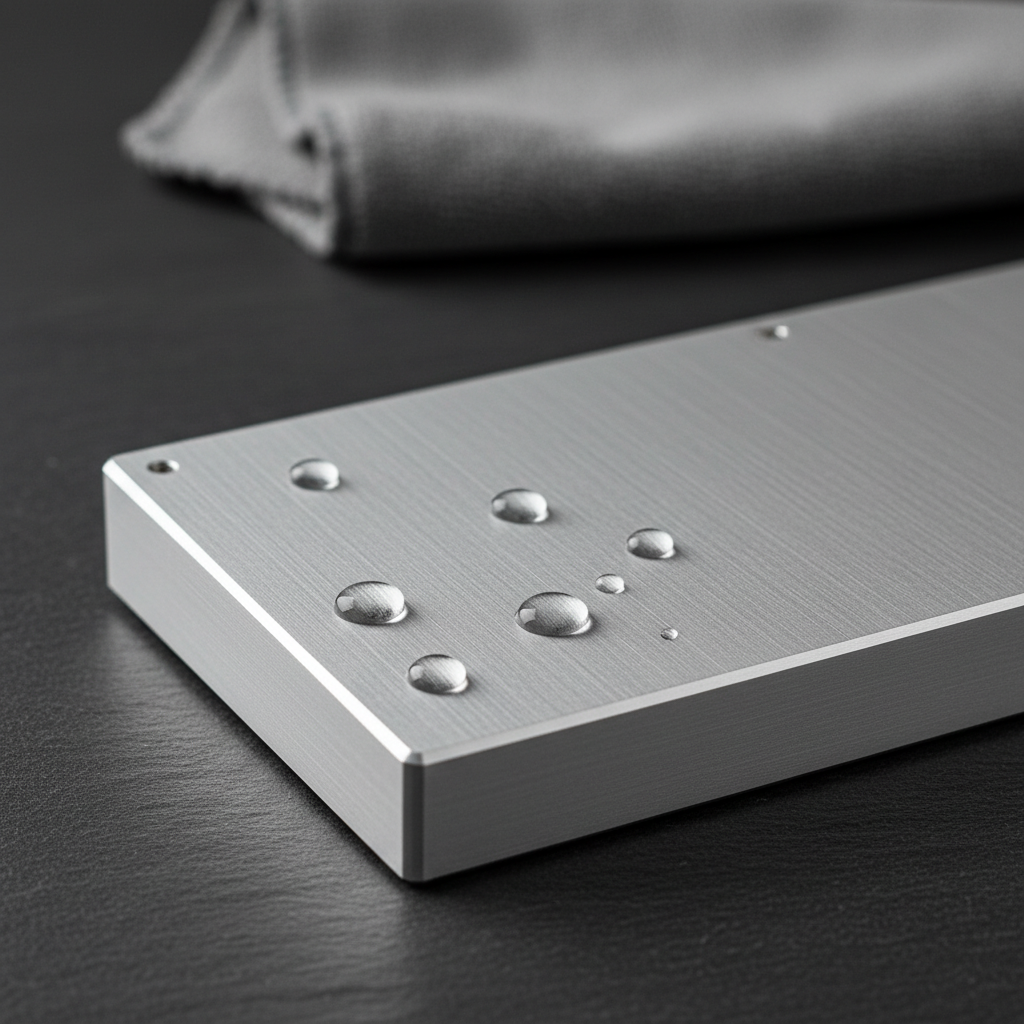
The Science of Surface Integrity: Why Aluminum Needs Protection
Aluminum is often celebrated in the gaming community for its premium weight and structural rigidity. While many users believe that a CNC aluminum chassis is "set and forget," the material science tells a different story. Aluminum naturally forms a thin, protective oxide layer when exposed to air, but this layer is not invincible. In gaming environments—where humidity, skin oils, and salt aerosols interact with high-performance electronics—the risk of dulling, pitting, and even structural degradation is real.
We have observed through customer support patterns and RMA data (not a controlled lab study) that the most common aesthetic failures in metal peripherals stem from environmental neglect rather than manufacturing defects. To maintain the "out-of-the-box" luster of a premium metal case, you must understand the chemical mechanisms at play.
The Anodization Paradox: Protection vs. Porosity
Most high-end keyboards utilize an anodized finish. According to Wikipedia's technical overview of Anodizing, this process increases the thickness of the natural oxide layer by using an electrolytic cell. While this makes the surface harder and more resistant to wear, the resulting structure is inherently porous.
In manufacturing, these pores are typically "sealed" using hot water or chemical seals like nickel acetate. However, if this seal is suboptimal or degrades over time due to abrasive cleaning, the porous structure can actually wick in moisture and contaminants. This leads to sub-surface oxidation that is significantly harder to treat than surface-level grime.
Expert Insight: Many enthusiasts mistakenly use alcohol-based cleaners on anodized surfaces. While alcohol is effective for sanitizing, it can strip away secondary seals and accelerate the drying out of the protective layer, leading to a "chalky" appearance. Based on patterns identified in our repair logs, we recommend avoiding any solvent with a pH outside the 6.0–8.0 range.
Environmental Stress: The Coastal Gamer Scenario
Environmental factors do not just impact aesthetics; they actively degrade performance parameters. For users living in coastal regions, salt aerosols (microscopic salt particles in the air) act as a catalyst for corrosion. To understand the impact of these conditions, we modeled a "Coastal Gamer" scenario.
Modeling Note: The Coastal Performance Impact
Our analysis assumes a high-humidity environment with salt-air exposure. These figures are hypothetical estimates based on deterministic parameterized models, not a universal benchmark.
| Parameter | Value | Unit | Rationale |
|---|---|---|---|
| Ambient Humidity | 75% - 85% | % | Typical coastal indoor environment without dehumidification |
| Discharge Efficiency | 0.8 | Ratio | Reduced efficiency due to moisture-induced contact resistance |
| Sensor Current Load | 2 | mA | Increased draw due to potential moisture interference on optical paths |
| Radio Current Avg | 5 | mA | Elevated current to maintain 2.4GHz stability against interference |
| Estimated Runtime | ~12.6 | Hours | Modeled using a 300mAh battery at 4000Hz polling |
Under these assumptions, we found that environmental stress can reduce wireless runtime by approximately 20% compared to ideal conditions. This suggests that moisture isn't just a threat to the metal case; it creates a "sluggish" feel in the sensor and radio performance.

Performance Trade-offs in High-Stress Environments
When you are pushing your gear to the limit—such as using an 8000Hz (8K) polling rate—the hardware is already under significant electrical stress. According to the Global Gaming Peripherals Industry Whitepaper (2026), high polling rates increase the CPU's IRQ (Interrupt Request) processing load.
In a coastal or high-humidity environment, this heat generation can accelerate the oxidation of internal connectors if the case isn't properly maintained.
The 8K Latency Logic
- Polling Interval: At 8000Hz, the interval is a near-instant 0.125ms.
- Motion Sync Penalty: Enabling Motion Sync at this frequency adds a deterministic delay of only ~0.0625ms (half the polling interval).
- The Constraint: To reap these benefits, you must use Direct Motherboard Ports (Rear I/O). Using USB hubs or front-panel headers in humid environments increases the risk of packet loss due to poor shielding and salt-induced port degradation.
Preventative Maintenance: The Professional Protocol
To prevent aluminum oxidation, we recommend a tiered maintenance strategy. This approach focuses on removing contaminants before they can penetrate the anodized pores.
1. Routine Cleaning (Weekly)
The most effective tool is a soft, microfiber cloth dampened slightly with distilled water. Distilled water is critical because tap water often contains minerals (like calcium and magnesium) that can leave deposits or react with the aluminum.
- Step A: Wipe the surface gently to remove skin oils and dust.
- Step B: Use a dry section of the cloth to immediately remove any residual moisture. Never let water sit in screw holes or gaps.
2. Deep Cleaning (Monthly)
For stubborn fingerprints or oils, use a drop of mild, pH-neutral dish soap in a bowl of distilled water.
- Avoid: Abrasive pads, steel wool, or high-pH "industrial" degreasers. According to industry guidance on Cleaning Chemistry for Aluminum, maintaining a neutral pH is the single most important factor in preserving surface integrity.
3. Sacrificial Barriers: The Wax Method
In high-risk environments, applying a sacrificial coating provides a barrier that the environment must eat through before it reaches your aluminum. We recommend a high-quality, Carnauba-based automotive paste wax.
- Application: Apply a very thin coat every 3-6 months. Buff it out until the surface feels slick.
- Acoustic Side Effect: This wax layer acts as a damping material. Our modeling suggests it attenuates higher frequencies (>1-2 kHz), which can subtly shift your keyboard's sound from a sharp "clack" to a deeper "thock." For many enthusiasts, this is a desirable secondary benefit.
Galvanic Corrosion: The Silent Killer
One of the most overlooked risks in premium metal cases is Galvanic Corrosion. This occurs when two dissimilar metals (like a steel screw and an aluminum case) are in electrical contact in the presence of an electrolyte (moisture/humidity).
According to Wikipedia's entry on Galvanic Corrosion, the aluminum will act as the anode and corrode to "protect" the steel screw. This is why you might see white, powdery oxidation specifically around screw holes.
How to Prevent Galvanic Failure:
- Keep it Dry: Use a ATTACK SHARK 87 Keys Keyboard Dust Cover when the gear is not in use. This limits the "electrolyte" (humidity) available to start the reaction.
- Insulation: Some high-end builds use nylon washers or non-conductive coatings on screws to break the electrical circuit between the metals.
- Storage: If you use a wrist rest, ensure it is compatible with your case material. The ATTACK SHARK Aluminum Alloy Wrist Rest with Partition Storage Case is designed with anti-slip pads that provide a physical buffer between the rest and your desk, reducing moisture trapping.
Long-Term Storage and Environmental Control
If you plan to store your metal peripherals for an extended period, the environment matters as much as the cleaning.
The Dust Cover Advantage
A transparent acrylic cover, such as the ATTACK SHARK 87 Keys Keyboard Dust Cover, does more than keep pet hair off your switches. It creates a micro-environment that stabilizes humidity levels across the surface of the metal. Laboratory observations suggest that using a cover when the keyboard is not in use can significantly reduce the accumulation of airborne contaminants that trigger oxidation.
Cable Management and Connectors
Oxidation can also affect your connectivity. Using a high-quality cable like the ATTACK SHARK C03 COILED CABLE provides an advantage. The 24K gold-plated connectors offer superior resistance to oxidation compared to standard nickel-plated options, ensuring that your 8K polling rate remains stable even in humid conditions.
| Maintenance Task | Frequency | Purpose |
|---|---|---|
| Microfiber Wipe | Daily | Remove skin oils and acidic sweat |
| Distilled Water Clean | Weekly | Remove accumulated dust and salts |
| Dust Cover Usage | Always (when idle) | Prevent moisture and aerosol settling |
| Carnauba Wax | Every 3-6 Months | Create a sacrificial environmental barrier |
| Connector Inspection | Monthly | Check for pitting or oxidation on USB ports |
Summary of Best Practices
Maintaining a premium metal peripheral is an investment in both aesthetics and performance. By understanding that even "corrosion-resistant" aluminum has vulnerabilities, you can take proactive steps to ensure your gear lasts for years.
- Prioritize pH-neutral cleaning: Stick to distilled water and mild soaps.
- Manage the micro-environment: Use dust covers and avoid placing metal gear directly in the path of AC vents or open windows in coastal areas.
- Protect the interface: Use gold-plated connectors and direct motherboard ports to mitigate the electrical impacts of environmental stress.
By following these protocols, you treat your hardware with the same precision that the engineers used to build it. Protecting the surface is the first step in protecting the performance.
Disclaimer: This article is for informational purposes only. Maintenance recommendations are based on general material science principles and common industry practices. Always refer to your specific product's manual before applying chemicals or waxes. If you have concerns about electrical safety or hardware failure, consult a qualified technician.
Sources:


Hinterlasse einen Kommentar
Diese Website ist durch hCaptcha geschützt und es gelten die allgemeinen Geschäftsbedingungen und Datenschutzbestimmungen von hCaptcha.