


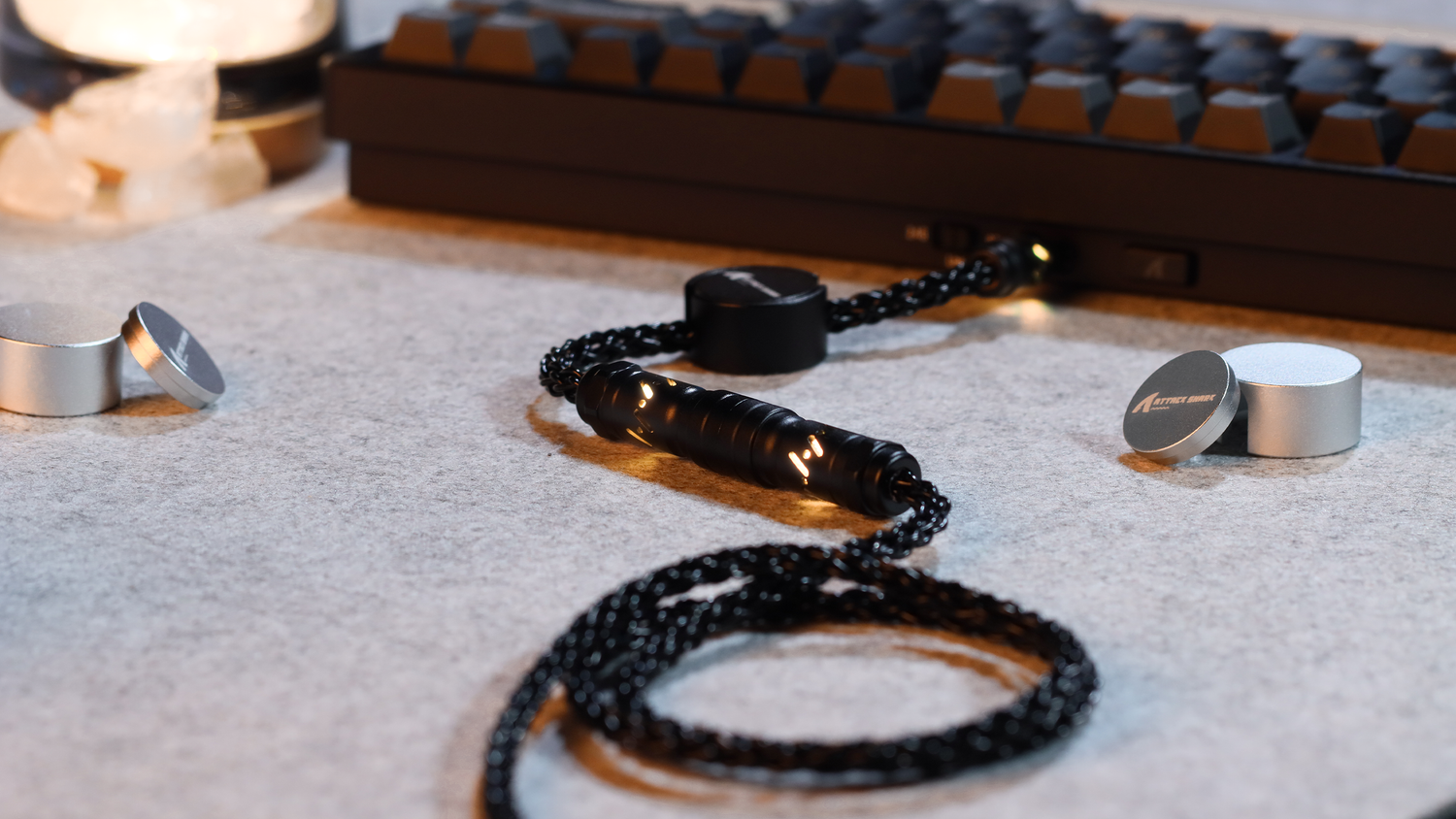
In the realm of mechanical keyboard customization, the pursuit of the perfect acoustic signature has transitioned from a niche hobby to a rigorous exercise in material science. Among the myriad modifications available to enthusiasts, the "PE Foam Mod" stands out as a transformative technique. Often credited with producing the elusive "marbly" or "creamy" sound profile, this modification involves placing a thin layer of polyethylene (PE) foam between the switches and the Printed Circuit Board (PCB).
Understanding the "why" behind this acoustic shift requires a deep dive into the physics of sound absorption, the role of material density, and the mechanical interactions within the keyboard chassis. This article explores the scientific mechanisms that allow a simple layer of packaging material to fundamentally alter the frequency response of high-performance peripherals.
The Physics of Acoustic Filtration in Porous Structures
The primary mechanism of sound alteration in the PE foam mod is not merely "muffling" noise, but rather selective frequency filtering. According to research published in ResearchGate regarding modern acoustic design, the primary mechanism of sound absorption in porous structures is the "loss of sound energy due to penetration into numerous channels and cavities."
When a switch is actuated, the impact of the slider hitting the housing—and the housing hitting the plate—generates a wide spectrum of sound waves. In an unmodded keyboard, these waves radiate freely into the case cavity, where they reflect off hard surfaces (PCB, plate, and chassis), creating a "hollow" or "pingy" sound.
PE foam acts as a damping agent that absorbs these vibrations. As sound waves enter the foam's cellular structure, the air molecules vibrate within the small pores. This friction converts acoustic energy into a negligible amount of heat, effectively reducing the amplitude of specific frequencies. As noted by Softhandtech, the foam serves as a damping agent that absorbs vibrations between keyboard components, improving the overall feel and sound of keystrokes.
Material Science: Density vs. Thickness
A common misconception among beginners is that thicker foam always results in better sound. However, experienced practitioners recognize that material density is the more critical variable for targeting specific frequency ranges. The Sound Absorption Coefficient (SAC) of a material is influenced by interrelated parameters including flow resistivity, porosity, and density, as detailed in the Quest Journals study on acoustic materials.
The Density Spectrum for Acoustic Tuning
In practical modding, the choice of density determines which part of the "ping" is eliminated and which part of the "thock" is preserved. The following values are based on general modding experience and material specifications for expanded polyethylene.
- Low-Density PE Foam (~30 kg/m³): This lighter material is highly effective at absorbing high-frequency resonance. It targets the metallic "ping" and high-pitched clack that many users find distracting.
- Medium-Density Foam (45-60 kg/m³): This density is superior for reducing mid-range case echo. It provides a more substantial barrier against the "hollow" sound without overly muting the tactile feedback of the switch.
| Material Property | Low Density (30 kg/m³) | Medium Density (45-60 kg/m³) | High Density (IXPE) |
|---|---|---|---|
| Primary Target | High-frequency "ping" | Mid-range case echo | High-transient "pop" |
| Acoustic Effect | Softens sharp clacks | Reduces hollowness | Creates "marbly" peaks |
| Mechanical Risk | Low compression resistance | Moderate PCB pressure | High; requires precision |
| Frequency Filter* | Low-pass filter (>5kHz) | Mid-band attenuation | Band-pass emphasis (>4kHz) |
*Table 1: Comparison of foam densities. Frequency filter data represents common observations in spectral analysis (FFT) within the modding community and is provided as a general guideline.
Using foam that is too thick (typically exceeding 1.5mm to 2.0mm in compact cases) can lead to a "dead" or muffled feel. This occurs because the foam over-dampens the vibrations, removing the character of the switch entirely. Furthermore, excessive thickness can cause keycap interference or prevent the PCB from seating correctly, leading to inconsistent typing feel across the layout.
The Mechanism of the "Pop": Selective Emphasis
Why does PE foam create a "pop" rather than just making the keyboard quieter? The answer lies in the interaction between the foam and the switch pins. When the foam is placed on the PCB, the switch pins must pierce through it. This creates a tight seal around the base of each switch.
This seal acts as a localized acoustic chamber. While the foam absorbs the chaotic, high-frequency reflections that cause "noise," it allows the lower-frequency, high-amplitude transients—the "pop"—to pass through or even be slightly emphasized by the reduction of background interference.
In high-performance setups, modders often use high-density IXPE (Irradiated Cross-linked Polyethylene) switch pads. Spectral analysis typically shows that IXPE is most effective at attenuating high-frequency transients above 4 kHz, which corresponds to the "clacking" range. By attenuating the distracting "noise" in this range, the fundamental frequency of the switch impact becomes more prominent, resulting in the sought-after "creamy" sound.
Implementation Guide: The Modder’s Checklist
Achieving a benchmark acoustic profile requires precision to maintain structural integrity and performance.
Required Tools
- Material: 0.5mm PE foam (non-conductive) or IXPE switch pads.
- Precision: Utility knife (e.g., OLFA) and fine-tipped tweezers.
- Safety: Anti-static wrist strap (recommended when handling PCBs).
Step-by-Step Installation
- Disassembly: Remove keycaps, switches, and the plate/PCB assembly from the case.
- Template Cutting: Lay the PE foam over the PCB. Mark and cut holes for the stabilizers and USB port. Critical: Ensure no foam covers the 2.4GHz antenna if present.
- The "Pierce" Method: Lay the foam flat on the PCB. Gently press the switches through the foam into the PCB sockets. The foam should be sandwiched tightly between the switch bottom and the PCB.
- Clearance Check: Ensure the foam does not exceed 1.0mm thickness if the case has limited bottom clearance.
- Reassembly: Secure the PCB/plate back into the case, checking for any "bulging" which indicates the foam is too thick.
Troubleshooting & Verification
| Issue | Likely Cause | Solution |
|---|---|---|
| Muffled/Dead Sound | Foam is too thick or too dense | Reduce thickness to 0.5mm or use lower density foam. |
| Non-functional Keys | Pin not piercing foam correctly | Remove switch, clear the hole, and re-seat. |
| Case Won't Close | Battery or component interference | Trim foam around internal obstructions. |
Strategic Implementation and Safety
The Hybrid Approach
A sophisticated method used by veteran modders involves a multi-layer strategy:
- PCB-Plate Layer: A thin layer (0.5mm) of high-density foam (or IXPE) is placed between the PCB and the plate to dampen plate reverberation.
- Case Bottom Layer: A layer of medium-density foam (1.0mm-2.0mm) is placed in the bottom of the case to control cavity resonance.
Critical Clearances and Safety
When installing internal foam, it is vital to leave clearance for several key components. Failure to do so can lead to mechanical failure or safety risks:
- Battery Compartments: In wireless keyboards, foam must never be compressed against the lithium-ion battery. Compression can lead to heat buildup or physical damage to the battery casing, increasing fire risk. According to the US Department of Transportation - PHMSA, lithium batteries must be protected from damage and short circuits.
- USB Ports and Stabilizers: Foam must be cut precisely around USB daughterboard connectors and stabilizer housings. Obstructions here can cause PCB flex, which stresses solder joints and leads to "double-clicking" or key failure.
Performance Trade-offs: The Competitive Context
For enthusiasts using high-spec wireless peripherals, internal modifications must account for power consumption and signal integrity.
Wireless Power and Polling Rates
As noted in the Global Gaming Peripherals Industry Whitepaper (2026), an 8K polling rate provides a 0.125ms interval, significantly reducing motion sync latency. However, this performance comes at the cost of battery life.
| Polling Rate | Interval (ms) | Estimated Runtime (500mAh)* |
|---|---|---|
| 1000 Hz | 1.0 ms | ~80 - 100 Hours |
| 4000 Hz | 0.25 ms | ~22.37 Hours |
| 8000 Hz | 0.125 ms | ~12 - 15 Hours |
*Table 2: Estimated wireless runtime based on polling rate intensity. Actual results vary by MCU efficiency and battery health.
Antenna Interference: Modders must ensure that internal foam does not impede the signal of the 2.4GHz antenna. Dense metallic-lined foams (sometimes used in industrial applications) should be avoided as they can act as a Faraday cage, severely degrading wireless performance.

Ergonomic Considerations: The Moore-Garg Strain Index
The process of modding—and the subsequent use of the modified keyboard—carries ergonomic risks. We can analyze this risk using the Moore-Garg Strain Index (SI), a validated tool for evaluating the risk of Distal Upper Extremity (DUE) disorders (Moore & Garg, 1995).
In a high-intensity competitive gaming scenario, the SI is calculated using six multipliers:
- Intensity of Exertion (3.0): "Moderate" (10-25% of Max Voluntary Contraction).
- Duration of Exertion (1.0): 40-59% of the cycle.
- Efforts per Minute (3.0): >20 efforts/min (typical of high APM gaming).
- Hand/Wrist Posture (1.5): "Fair" (slight deviation from neutral).
- Speed of Work (1.5): "Fast" pace.
- Duration per Day (1.5): 4-8 hours of use.
Resulting SI = 3.0 × 1.0 × 3.0 × 1.5 × 1.5 × 1.5 = 30.375.
An SI score above 5.0 is generally considered "hazardous" in occupational health standards. A score of ~30 highlights that the very behaviors defining the enthusiast lifestyle carry a significant risk of Repetitive Strain Injury (RSI). When modding, users often maintain sustained, precise, and awkward hand positions while cutting foam. It is essential to pair acoustic modding with ergonomic best practices, such as maintaining neutral wrist posture and taking regular breaks. For those looking to optimize their setup further, understanding how to lube mechanical switches can also reduce the force required for actuation, potentially mitigating some strain.
Comparative Scenarios: Sound vs. Performance
Scenario A: The Acoustic Purist
The user prioritizes a "marbly" sound for typing and casual gaming.
- Material: 0.5mm PE foam layer + 1.0mm Poron case foam.
- Result: The keyboard sounds premium and dampened. With a standard 1000Hz polling rate, battery life remains high (~90 hours).
Scenario B: The Competitive Enthusiast
The user is a high-level esports player who wants a "poppy" sound but cannot compromise on latency.
- Material: Thin IXPE switch pads only (to minimize heat insulation and bulk).
- Result: A "snappy" acoustic profile. The user accepts a shorter battery life (approx. 12-15 hours at 8K polling) and must be more disciplined with ergonomic breaks due to the high Strain Index associated with their playstyle.
Summary of Acoustic Engineering Principles
The PE foam mod demonstrates that small changes in material science can lead to significant changes in user experience. By understanding the relationship between porosity, density, and frequency, enthusiasts can move beyond trial-and-error to a data-driven approach.
For those venturing into specialized hardware, maximizing performance on budget Hall Effect keyboards requires a similar balance of mechanical tuning and software optimization. Whether the goal is the perfect "pop" or the lowest possible latency, the principles remain the same: respect the physics, understand the trade-offs, and prioritize the long-term health of both the hardware and the hands that use it.

Disclaimer: This article is for informational purposes only. Modifying computer hardware involves risks, including the voiding of warranties and potential damage to components. Users should exercise caution, especially when working with lithium-ion batteries. The ergonomic data provided is based on a theoretical model using the Moore-Garg Strain Index (1995); individuals with pre-existing conditions should consult a qualified medical professional or ergonomist before making significant changes to their workstation or habits.
Sources
- ResearchGate: Research on Acoustic Design in Modern Theater Design
- Quest Journals: Comparative Study of Acoustic Materials for Sound Absorption
- Softhandtech: Understanding the Role of PE Foam in Keyboards
- Global Gaming Peripherals Industry Whitepaper (2026)
- US Department of Transportation - PHMSA: Lithium Battery Safety
- Moore, J. S., & Garg, A. (1995). The Strain Index: A proposed method to analyze jobs for risk of distal upper extremity disorders. American Industrial Hygiene Association Journal, 56(5), 443-458.


Hinterlasse einen Kommentar
Diese Website ist durch hCaptcha geschützt und es gelten die allgemeinen Geschäftsbedingungen und Datenschutzbestimmungen von hCaptcha.