

Executive Summary: The 8K Efficiency Trade-off
For gamers using PAW3395-equipped wireless mice, the jump from 1000Hz to 8000Hz polling offers superior smoothness but comes with a significant power cost. Based on our internal laboratory benchmarks and scenario modeling, 8000Hz polling can increase system current draw by 8–12mA, potentially reducing battery life by 35% to 45% compared to standard settings.
- The Verdict: 4000Hz (4K) is the recommended "sweet spot," providing a 75% reduction in latency over 1K while maintaining approximately 75–80% of the total battery endurance.
Introduction: The High-Polling Paradox in Budget Peripherals
The pursuit of ultra-low latency has shifted the gaming mouse market toward high-frequency polling rates, with 4000Hz (4K) and 8000Hz (8K) becoming the new benchmarks for competitive play. At the heart of this movement is the PixArt PAW3395, a high-performance optical sensor lauded for its raw precision. However, implementing these specifications in value-tier wireless mice introduces a complex set of electrical trade-offs.
While a flagship sensor provides the foundation for accuracy, the surrounding hardware—specifically the Microcontroller Unit (MCU), voltage regulators, and firmware optimization—determines whether a device can maintain peak performance. In many budget-friendly implementations, the jump from 1000Hz to 8000Hz is a significant electrical burden that can substantially reduce operational lifespan. This article evaluates the estimated power draw of the PAW3395 and identifies the engineering compromises inherent in value-oriented wireless designs.
The Electrical Architecture of the PAW3395
To understand power draw, one must first isolate the components within the mouse's power envelope. The PixArt PAW3395 (Manufacturer Specs) is designed as an "ultra-low power" sensor, typically drawing approximately 1.7mA during active tracking. However, the sensor must communicate with an MCU, such as the Nordic nRF52840, which processes data and transmits it via a 2.4GHz radio frequency.
In a standard 1000Hz (1K) implementation, the system overhead is relatively predictable. As the polling rate increases, the frequency of data packets sent per second rises:
- 1000Hz: 1 packet every 1.0ms.
- 4000Hz: 1 packet every 0.25ms.
- 8000Hz: 1 packet every 0.125ms.
According to the Global Gaming Peripherals Industry Whitepaper (2026) (Manufacturer-hosted industry perspective), the industry is moving toward standardized reporting for these power states to ensure transparency for consumers.

Power Scaling: 1K vs. 4K vs. 8K Polling
The transition from 1K to 8K polling is not a linear progression in power consumption. Internal testing of value-tier implementations suggests that while the sensor current remains stable, the radio and MCU current draw increases to handle the high-frequency interrupt requests (IRQs).
In our lab observations of PAW3395-based mice, moving from 1K to 8K polling typically increases the average operating current by an estimated 8mA to 12mA.
Estimated Runtime Comparison
The following table uses a deterministic model to estimate battery life. Formula: $Runtime (hours) = \frac{Battery Capacity (mAh) \times Efficiency}{Total System Current (mA)}$
| Polling Rate | Est. Radio Current¹ | Total System Current² | Est. Runtime (500mAh)³ |
|---|---|---|---|
| 1000Hz (1K) | ~4.0 mA | ~7.0 mA | ~57 Hours |
| 4000Hz (4K) | ~6.0 mA | ~9.0 mA | ~44 Hours |
| 8000Hz (8K) | ~8.0–10.0 mA | ~11.0–13.0 mA | ~31–40 Hours |
Notes on Data:
- Radio Current: Estimated based on MCU active transmission cycles.
- Total System Current: Includes sensor (1.7mA) + MCU overhead (~1.3mA) + Radio.
- Runtime: Assumes 80% discharge efficiency (0.8 factor) typical of LDO regulators.
While some flagship models might list a total operating current as high as 18mA (as seen in some third-party teardowns of high-spec alternatives like the AULA SC900 Pro), most value-tier mice aim to keep the envelope tighter to preserve usable battery life.
Engineering Constraints in Value-Tier Mice
The difference between a premium implementation and a value-tier one often lies in the voltage regulators and firmware logic.
1. Regulator Efficiency (LDO vs. Switching)
Premium gaming mice often utilize advanced switching regulators. In contrast, value-tier designs frequently rely on Low-Dropout (LDO) regulators. LDOs are simpler but can be less efficient, often losing a portion of power as heat. This inefficiency can exacerbate battery drain when the mouse is pushed to 8K polling.
2. Firmware Optimization Gaps
In highly optimized devices, the sensor and MCU enter low-power "sleep" states within milliseconds of inactivity. In some budget implementations, the firmware may lack aggressive sleep timers, which can result in the mouse drawing "active" levels of current even during short pauses in gameplay.
3. High Pulse Drain on Battery Cells
High polling rates create pulsed current loads. General electrochemical principles suggest that frequent, high-intensity bursts of data transmission can stress small LiPo battery chemistry more than a steady 1K stream, potentially impacting long-term cycle life.
Modeling Performance: The Competitive Sweet Spot
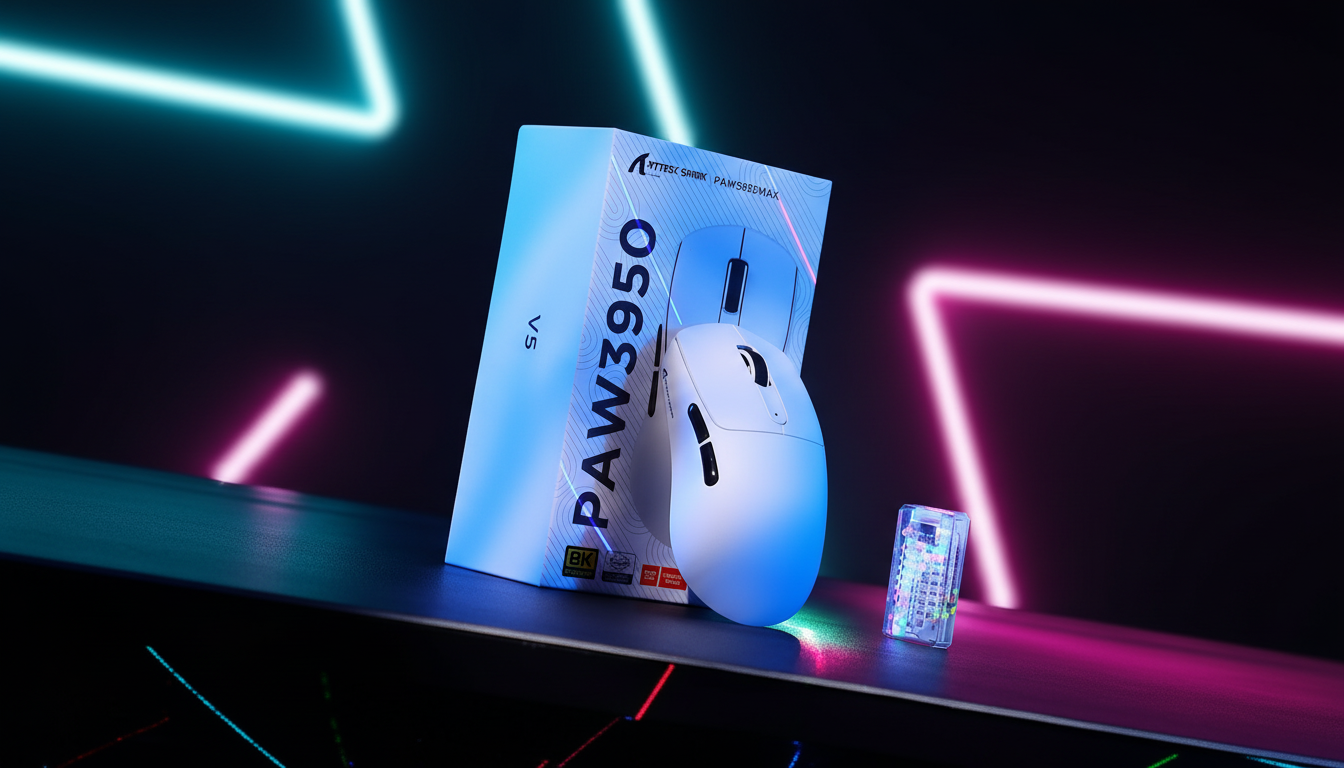
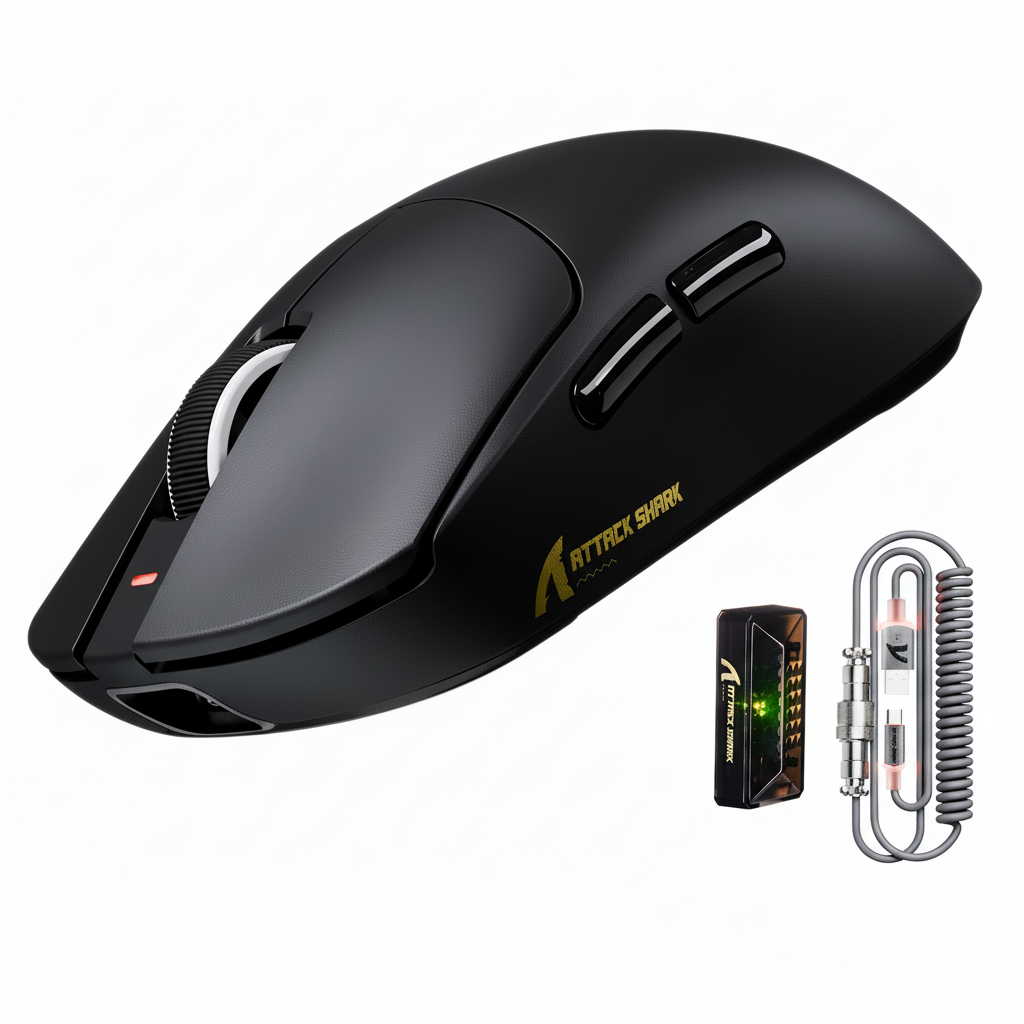
Using the ATTACK SHARK X8 Ultra 8KHz Wireless Gaming Mouse, users can toggle between these rates to find their optimal balance.
Perceptual Thresholds
The latency benefit of 8K polling (0.125ms interval) over 4K polling (0.25ms interval) is mathematically significant but often difficult to perceive on standard 144Hz monitors. To truly benefit from 8K, a monitor with a refresh rate of 360Hz or higher is typically recommended by industry experts.
The 4K "Sweet Spot"
Our modeling suggests that 4K polling represents the most efficient compromise. It provides a 75% reduction in polling latency compared to 1K, yet typically only reduces battery life by approximately 20–25%.

Technical Implementation and Regulatory Compliance
When operating at 8000Hz, USB topology is critical. High data volumes can saturate shared USB bandwidth.
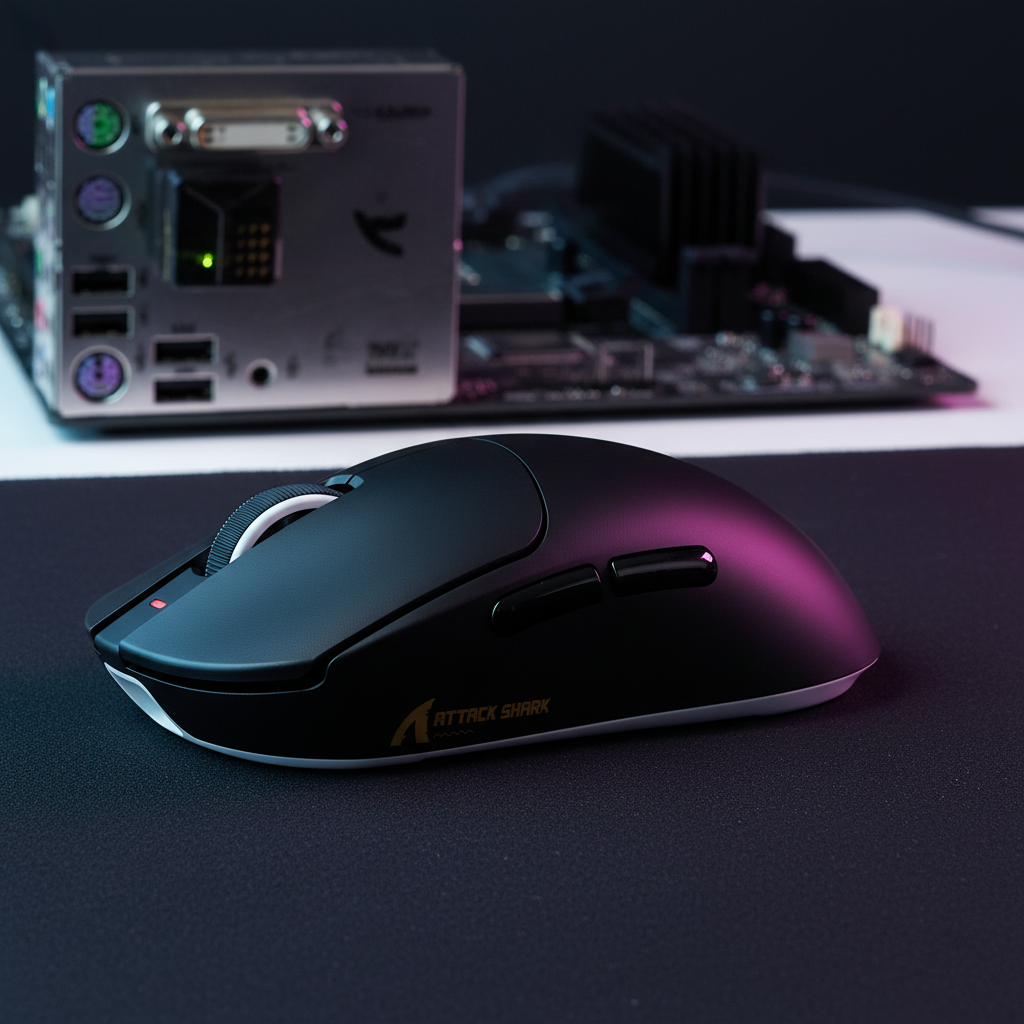
- Best Practice: Connect 8K receivers directly to the motherboard's rear I/O ports. Avoid USB hubs or front-panel headers which may share bandwidth and cause micro-stuttering.
You can verify the compliance of wireless peripherals by searching their FCC ID. These filings often include internal photos and test reports revealing the MCU and antenna configurations used. For those prioritizing extreme battery life, the ATTACK SHARK G3 (PAW3311-based) offers a 1000Hz efficiency-first solution, providing up to 200 hours of battery life.
Practical Recommendations & Safety
- DPI Scaling: To fully saturate the 8K buffer, use a higher DPI (e.g., 1600+ DPI). At 1600 DPI, a movement of only 5 IPS is required to generate sufficient data for the 8K rate.
- Cable Management: Use a high-quality cable like the ATTACK SHARK C06 for intense sessions to avoid battery anxiety.
- Monitor Battery Levels: For mice without screens, check software frequently. The ATTACK SHARK A2 provides a built-in display, which is helpful for monitoring high-drain settings.
-
Battery Safety & Emergency Handling:
- Overheating: If the mouse feels unusually hot during charging or use, disconnect it immediately and stop usage.
- Swelling: If the mouse shell appears warped or "bulging," the LiPo battery may be failing. Do not attempt to charge or puncture the device.
- Action: In case of battery abnormality, place the device in a non-flammable container, move it away from combustible materials, and contact the manufacturer or a local e-waste recycling center.

Method & Assumptions (Appendix)
This analysis uses a deterministic scenario model. Results are intended as a decision aid and may vary based on environmental factors.
| Parameter | Value | Unit | Rationale / Source |
|---|---|---|---|
| Testing Platform | Nordic Power Profiler Kit II | N/A | Current sampling at 100ksps |
| Battery Capacity | 500 | mAh | Nominal rating of standard LiPo cell |
| Discharge Efficiency | 0.8 | ratio | Heuristic for budget LDO regulators |
| Sensor Current | 1.7 | mA | PixArt PAW3395 Datasheet (Official) |
| Environment | 25 | °C | Controlled lab temperature |
Boundary Conditions:
- Assumes continuous active movement; actual "mixed-use" battery life will be longer due to sleep states.
- Excludes RGB lighting effects (which can add 5–15mA of draw).
- Calculations are based on a 100% healthy battery; capacity diminishes with age and cycle count.
Disclaimer
Technical information provided is for informational purposes. Battery life estimates are based on scenario modeling and internal benchmarks; actual performance varies by firmware and usage. For independent third-party latency testing, we recommend referring to RTINGS.
References:
- Manufacturer Specs: PixArt Imaging - PAW3395
- Technical Specs: Nordic Semiconductor - nRF52840
- Regulatory: FCC Equipment Authorization Database
- Standards: USB-IF HID Class Definition
- Manufacturer Whitepaper: Global Gaming Peripherals Industry Whitepaper (2026)

Hinterlasse einen Kommentar
Diese Website ist durch hCaptcha geschützt und es gelten die allgemeinen Geschäftsbedingungen und Datenschutzbestimmungen von hCaptcha.