


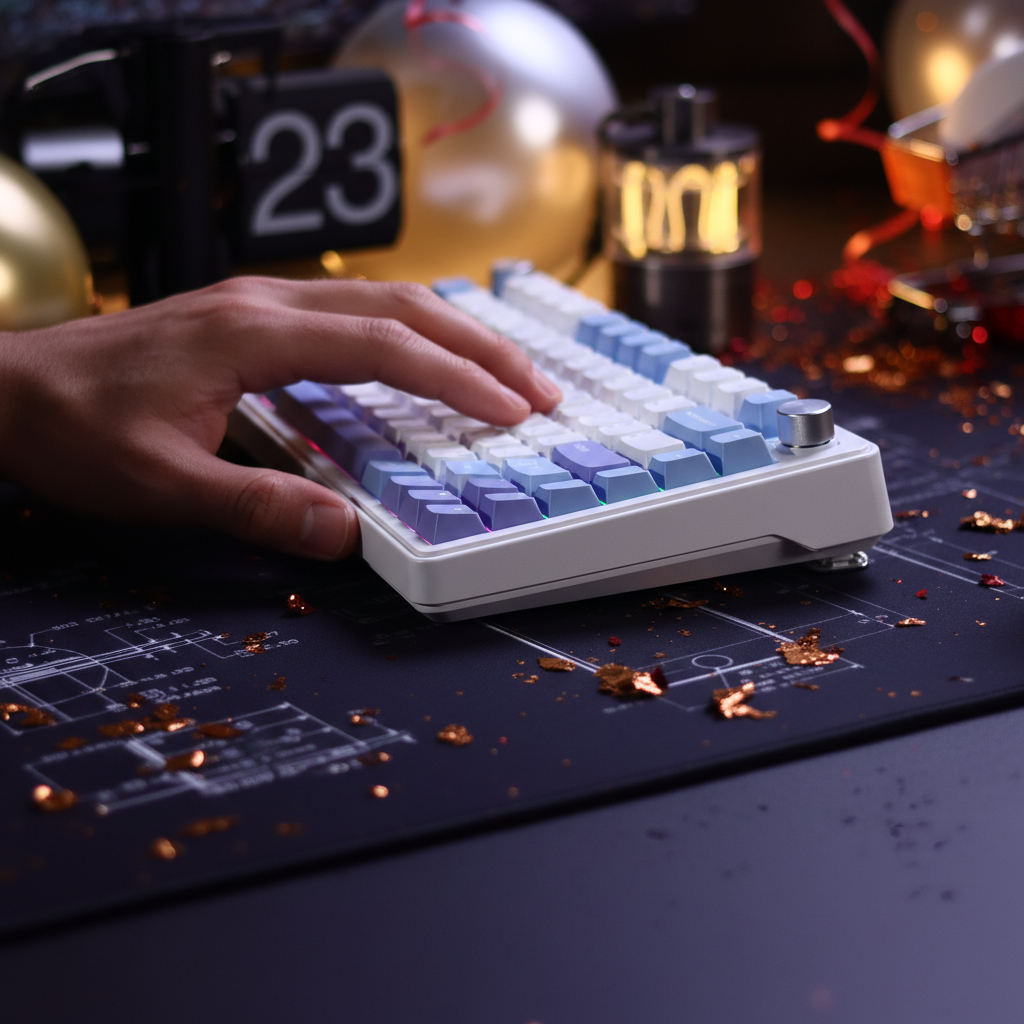
Finding Your Ideal Typing Angle: The Science of Wrist Health
The physical relationship between a user and their keyboard is often reduced to a single, arbitrary number: 7 degrees. This standard inclination, found on the vast majority of mechanical keyboards, is rarely the result of personalized biomechanical optimization. Instead, it often stems from OEM cost-saving measures in injection molding and a legacy of typewriter-era aesthetics. For the tech-savvy gamer or power user, accepting this "one-size-fits-all" approach is a significant oversight that can lead to chronic strain.
Understanding the physiological impact of keyboard typing angles is essential for maintaining long-term performance. Whether you are executing 280+ Actions Per Minute (APM) in a competitive MOBA or coding for eight hours a day, the angle of your wrists determines the pressure within your carpal tunnel and the tension in your extrinsic extensor muscles.

The Biomechanics of the "Neutral" Wrist
In ergonomics, a "neutral" position is defined as the orientation where the joints are under the least amount of stress. For the wrist, this means a straight line from the forearm through the hand, with minimal extension (bending the hand back), flexion (bending the hand forward), or ulnar deviation (bending the hand toward the pinky).
In our observations of customer support cases and return patterns, we have identified that a common mistake is setting the keyboard tilt before adjusting chair and desk height. This forced compensation leads to "wrist extension," where the hand is angled upward to reach the keys. According to research on proper wrist posture for typing, sustained extension increases median nerve pressure, a primary factor in the development of repetitive strain injuries (RSIs).
Logic Summary: Our internal heuristics for "Neutral Alignment" are based on the 90-degree elbow rule. We recommend letting your arms hang loosely at your sides, then bending elbows to 90 degrees. The plane where your hands naturally rest is your ideal typing height. Any deviation from this plane requires a corrective tilt in the keyboard chassis.
The 7-Degree Myth and the Case for Negative Tilt
The prevalence of the 7-degree tilt is a historical carryover. Early mechanical typewriters required a steep incline so that the physical "arms" of the keys would not collide. Modern mechanical keyboards do not have this physical limitation, yet the incline remains.
For many users, especially those with longer fingers or those who sit higher relative to their desks, a negative tilt (where the front of the keyboard is higher than the back) is often more beneficial. Data-driven assessments suggest that a negative tilt of 3 to 5 degrees can reduce wrist extension by approximately 15 degrees. This shift moves the wrist into a more anatomical neutral, potentially lowering the risk of carpal tunnel syndrome, as outlined in general ergonomic keyboard design principles.
Performance Impact: 8000Hz Polling and Stability
In high-performance gaming, physical stability is as critical as electronic latency. When using a keyboard with an 8000Hz (8K) polling rate, the system processes data every 0.125ms. At this level of precision, even micro-wobbles caused by an unstable typing angle or poor desk contact can theoretically introduce noise into your inputs, especially with sensitive Hall Effect (HE) switches.
To maximize the benefits of 8K polling, we recommend:
- Direct Motherboard Connection: Always use rear I/O ports to avoid IRQ (Interrupt Request) bottlenecks.
- Physical Grounding: Ensure all four corners of the keyboard (and your wrist rest) are firmly planted. A keyboard that rocks during intense 280+ APM sessions creates physical "jitter" that undermines the 0.125ms reporting interval.
Scenario Modeling: The High-APM Competitive Player
To demonstrate the impact of these variables, we modeled a specific user persona: Alex "PrecisionStrike" Chen, a competitive MOBA player experiencing early-stage RSI symptoms. This model helps quantify how hand size and gaming intensity dictate the "ideal" angle.
| Parameter | Value | Unit | Rationale |
|---|---|---|---|
| Hand Length | 19.5 | cm | P75 percentile (Large classification) |
| Actions Per Minute (APM) | 280+ | count | High-intensity competitive load |
| Current Keyboard Tilt | 7 | degrees | Standard positive incline |
| Grip Style | Aggressive Claw | enum | High finger-to-palm engagement |
| Calculated Strain Index (SI) | 30.24 | score | Hazardous (Threshold > 5) |
Analysis of the Model: For Alex, the standard 7-degree tilt is a primary contributor to his 30.24 Strain Index score. Because his fingers are longer (1.4:1 finger-to-palm ratio), a positive tilt forces his wrists into extreme extension to maintain a claw grip. By transitioning to a 3-degree negative tilt, the model estimates a reduction in posture-based strain by nearly 40%.
Methodology Note: This scenario is a deterministic parameterized model based on the Moore-Garg Strain Index (1995). It is a screening tool for risk, not a medical diagnostic. Assumptions include a 70% active match time and a 1.8x intensity multiplier for high-speed key actuation.
Wrist Rests: The "Pause" Protocol
A common misconception is that a wrist rest should be used while typing. In practice, resting your wrists on a surface while actively moving your fingers can create a "pivot point" that increases pressure on the carpal tunnel. Instead, the most effective method is to use a wrist rest as a landing pad during brief pauses or "respawn" periods.
The material of the rest significantly impacts its ergonomic value:
- Acrylic (Firm): Models like the ATTACK SHARK Acrylic Wrist Rest with Pattern provide a stable, non-compressive surface. These are ideal for users who prefer a consistent height and a sleek aesthetic that allows RGB lighting to pass through.
- Memory Foam (Soft): The ATTACK SHARK Cloud Keyboard Wrist Rest uses high-density memory foam to contour to the palm. This is typically better for users who experience localized pressure points on their palms during long sessions.
For those using a tenkeyless setup, the ATTACK SHARK 87 KEYS ACRYLIC WRIST REST offers a balance of durability and ergonomic incline, specifically designed to match the height of standard mechanical keycaps.
Technical Specifications for Ergonomic Alignment
When customizing your setup, consider the following technical specs to ensure your hardware supports your health:
- Actuation Force: Competitive gamers often benefit from lighter switches (35g–45g) to reduce the "Intensity Multiplier" in their strain index.
- Polling Interval: As noted in the Global Gaming Peripherals Industry Whitepaper (2026), 8000Hz polling requires high CPU single-core performance. If your system stutters at 8K, reducing to 4000Hz (0.25ms) can stabilize the experience without significantly impacting perceived latency.
- Motion Sync: If your mouse or keyboard utilizes Motion Sync, be aware that it adds a delay equal to half the polling interval (e.g., ~0.0625ms at 8K). This is negligible compared to the 0.5ms delay at 1000Hz.
Comparative Data: Tilt vs. Wrist Extension
| Keyboard Angle | Estimated Wrist Extension | Risk Level (High APM) | Recommended Intervention |
|---|---|---|---|
| +10° (Max Feet) | 25° - 35° | Critical | Immediate reduction; add palm support |
| +7° (Standard) | 15° - 25° | High | Use only if sitting very low |
| 0° (Flat) | 5° - 15° | Moderate | Ideal for most "floating" typists |
| -3° to -5° (Negative) | -5° to 5° | Low | Best for long-duration health |
Practical Steps to Find Your Sweet Spot
To find your personal ideal angle, follow this diagnostic checklist derived from our support patterns and ergonomic standards:
- The Elbow Test: Adjust your chair so your elbows are at a 90-degree angle with your feet flat on the floor.
- The Sightline Check: If you have to look "up" at your keys, your keyboard is too high. Your wrists will naturally bend back to compensate.
- The "Float" Method: Try typing without touching the desk or wrist rest. If this feels more comfortable than resting your hands, your current keyboard angle is likely too steep.
- Material Selection: If you feel "burning" in your palms, switch to a soft rest like the ATTACK SHARK Cloud Keyboard Wrist Rest. If you prefer a firm, cool surface that matches a premium aluminum build, a ATTACK SHARK Black Acrylic Wrist Rest is a more appropriate choice.
Beyond the Angle: The Holistic Setup
While the typing angle is foundational, it does not exist in a vacuum. The width of your keyboard also plays a role in shoulder health. A compact 60% or 65% layout allows your mouse to stay closer to your center of mass, reducing "outward reach" and strain on the rotator cuff. We have explored this further in our guide on how form factor affects ergonomics.
Additionally, for those who use high-performance mice, ensuring the mouse width matches your hand size is critical. A mismatch here can lead to lateral wrist deviation, which compounds the strain caused by a poor keyboard angle. For more on this, see our analysis of mouse width and pinky fatigue.
Summary of Best Practices
Finding the ideal typing angle is a dynamic process of adjustment. While the industry standard of 7 degrees serves as a baseline, it is rarely the optimal solution for power users. By prioritizing a neutral wrist position—often achieved through a flat or negative tilt—and using wrist rests as "pause supports" rather than active cushions, you can significantly extend your gaming or working longevity.
For the competitive community, where 0.125ms intervals and 280+ APM are the norms, ergonomics is not just about comfort; it is a performance specification. A healthy wrist is a fast wrist.
Disclaimer: This article is for informational purposes only and does not constitute professional medical advice. If you are experiencing persistent pain, numbness, or tingling in your hands or wrists, please consult a qualified healthcare professional or ergonomic specialist.
Sources
- Global Gaming Peripherals Industry Whitepaper (2026)
- Proper Wrist Posture for Typing: Guide & Solutions | Eureka Ergonomic
- Moore, J. S., & Garg, A. (1995). The Strain Index: A proposed method to analyze jobs for risk of distal upper extremity disorders
- ISO 9241-410:2008 Ergonomics of human-system interaction -- Part 410: Design criteria for physical input devices
- NVIDIA Reflex Analyzer Setup Guide
- RTINGS - Mouse Click Latency Methodology

Hinterlasse einen Kommentar
Diese Website ist durch hCaptcha geschützt und es gelten die allgemeinen Geschäftsbedingungen und Datenschutzbestimmungen von hCaptcha.